
Four Seasons Japanese Panorama
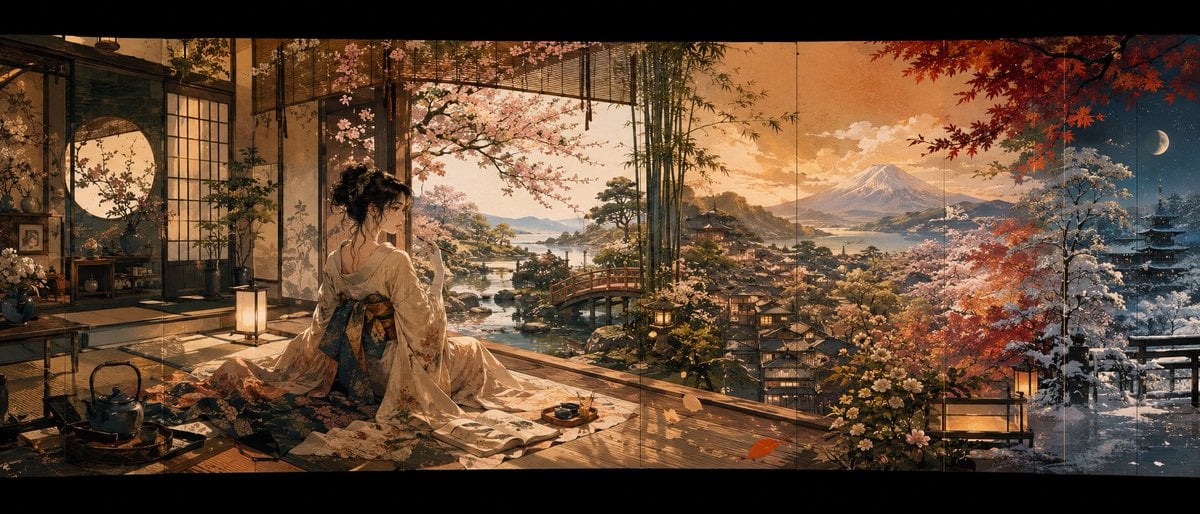
A cinematic ultra-wide Japanese fantasy landscape showing a kimono-clad woman viewing four blended seasons from a traditional room.
- Prompt included
- Model and format preset
- Free template
The prompt behind this image
Copy the exact prompt behind Four Seasons Japanese Panorama, or open it in the studio and make it yours.
Create an ultra-wide cinematic Japanese fantasy panorama in the style of a richly detailed hand-painted anime background and historical ukiyo-e-inspired digital illustration. The scene is viewed from inside a traditional tatami room with open shoji doors, looking out over a sweeping valley toward {argument name="mountain landmark" default="Mount Fuji"}. In the foreground, place {argument name="main subject" default="a young woman in an ornate cream kimono with a dark floral obi"} seated on the wooden veranda, seen mostly from behind and slightly in profile, with elegant pinned-up black hair and a deliberately square pixelated/blurred face area. She sits among flowing kimono fabric, a tea tray, a small cup, a kettle, lanterns, tatami mats, low furniture, bamboo blinds, and flowering branches. The composition should read like a continuous painted folding screen or triptych with subtle vertical panel seams and black letterbox bars above and below. Show exactly 4 seasonal zones blended seamlessly from left to right: 1) spring interior garden with pale cherry blossoms around the open room, 2) warm summer/golden sunset landscape with water, islands, pines, a red arched bridge, and village rooftops, 3) autumn area with red maple leaves and orange dusk light, 4) winter night area with snow-covered trees, a pagoda, deep blue sky, and a crescent moon. Include exactly 3 major architectural/landscape focal points outside: the red bridge near the center-left, the distant mountain centered in the horizon, and the dark pagoda on the far right. Include exactly 2 visible tea-related foreground items: a black kettle on the left and a small tea tray with cup near the woman. Use warm lantern glow, atmospheric mist, sparkling reflections on water, intricate floral details, and dramatic depth. Color palette: amber sunset, muted gold, cherry pink, maple red, snowy blue, and deep indigo. Make the image highly detailed, painterly, romantic, serene, nostalgic, and panoramic, with no text, no watermark, and no modern objects.
How to use Four Seasons Japanese Panorama in 3 steps
- 1Upload ImagePNG, JPG or paste
Add your photo
Upload the photo the template builds on. The prompt, model and format are already set.
- 2…a portrait of your subject in softgolden-hour light, 85mm…
Personalize
Edit the subject and creative details for your destination.
- 3Generate
Generate
Press Generate — your image is created in PicX Studio, so you can compare it with the original and refine one variable at a time.
More like this
Templates with the same subject, style or setup. Open one to see its prompt.
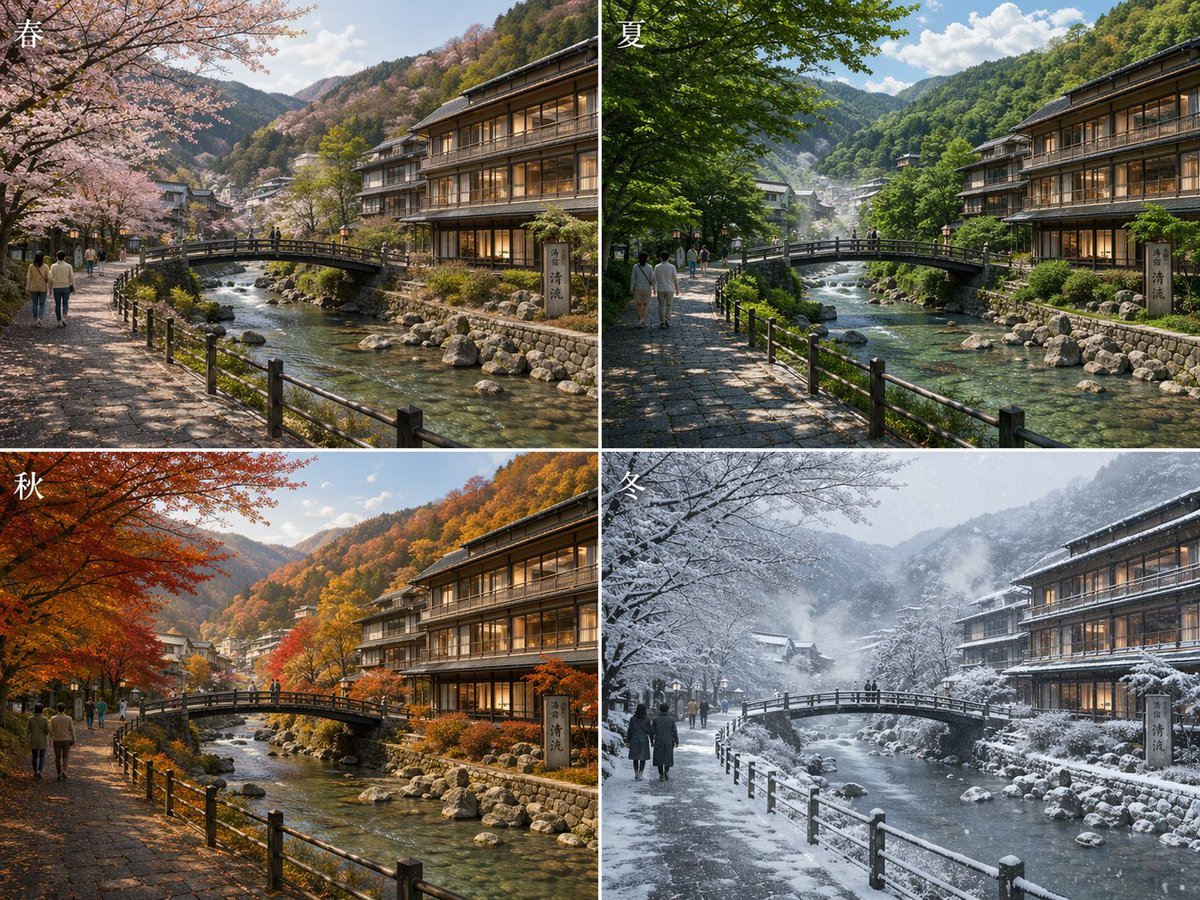
Japanese Onsen Town in Four Seasons
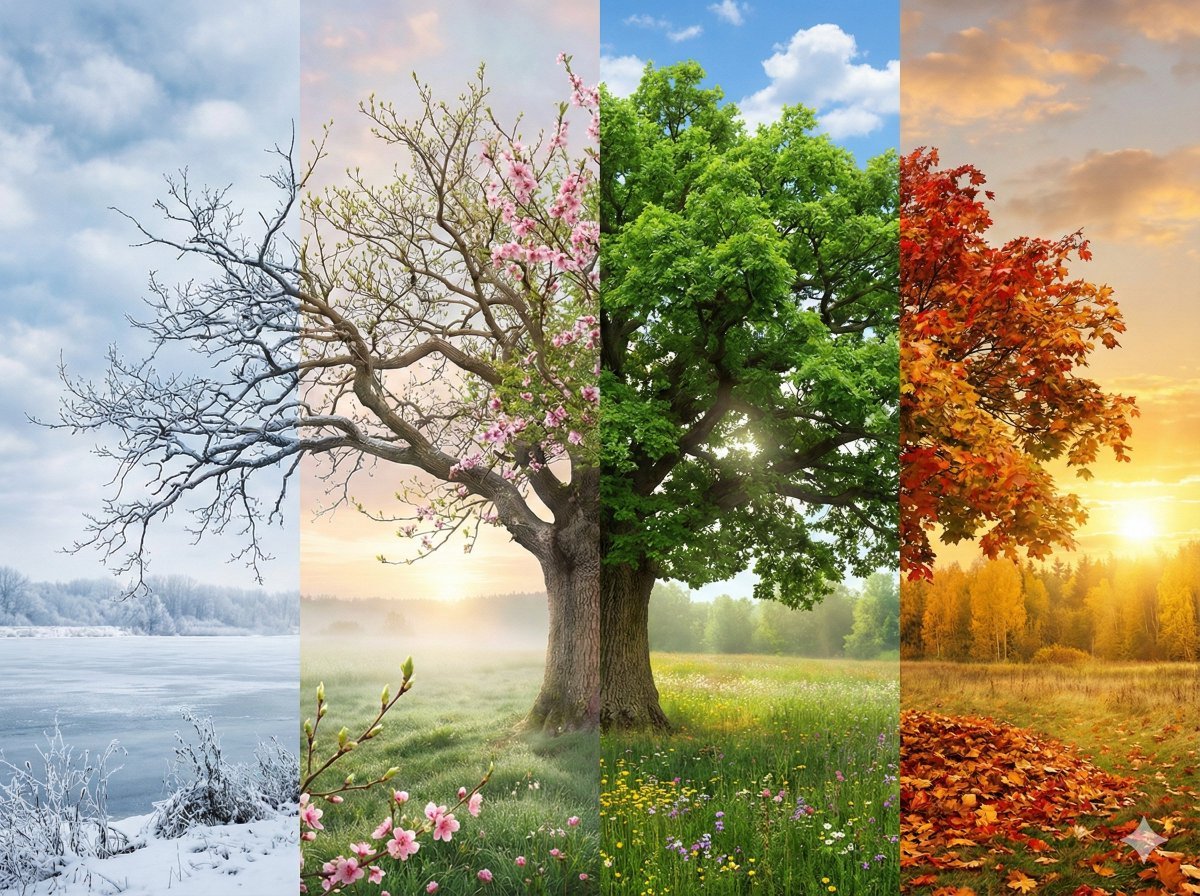
Four Seasons Continuous Panorama
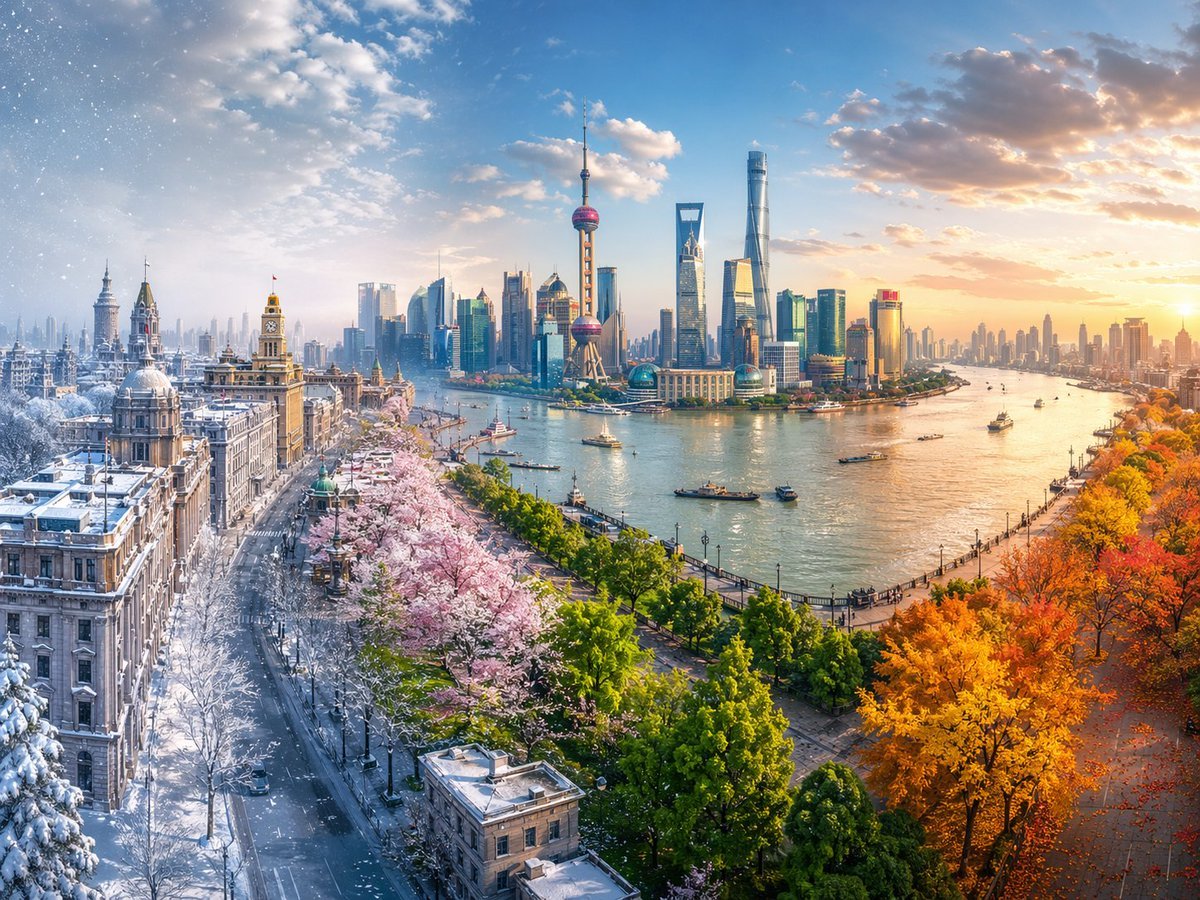
Seamless Four Seasons Panorama of Shanghai Bund
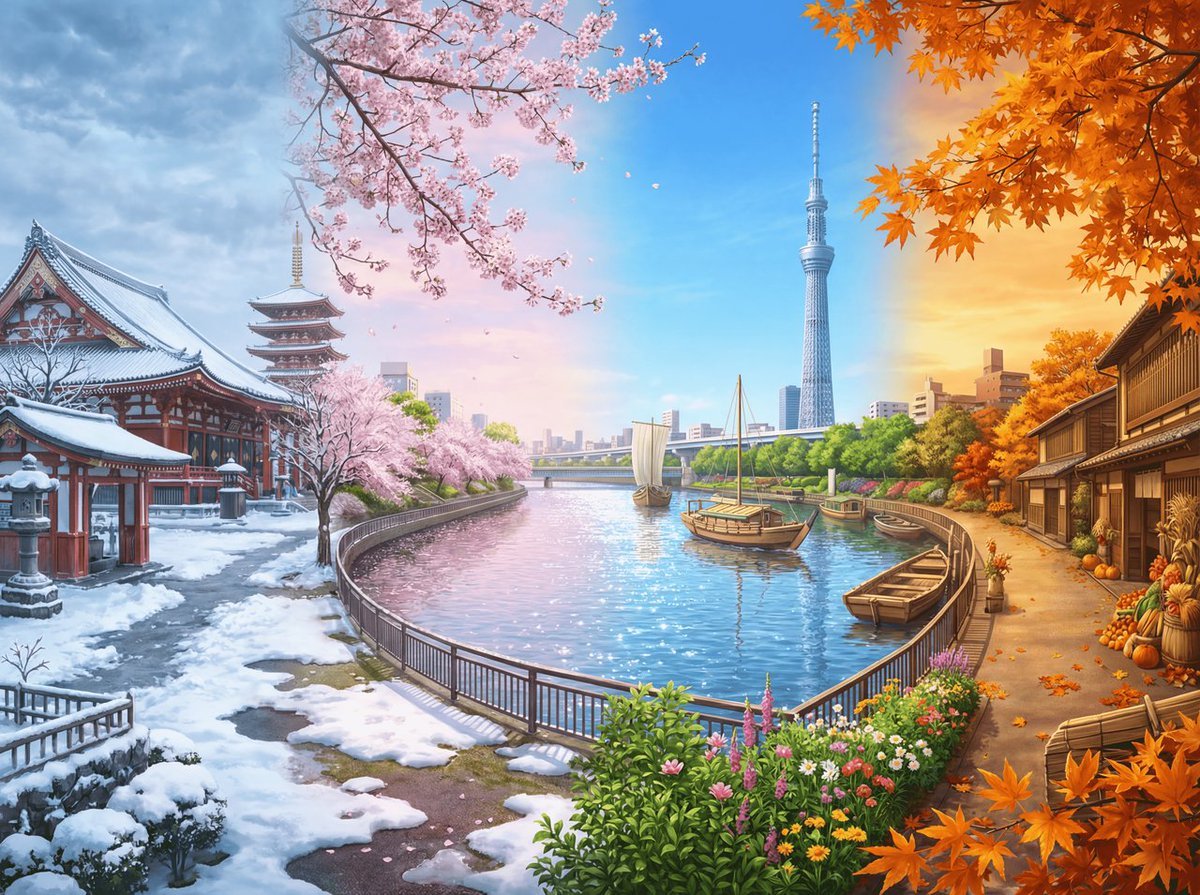
Four Seasons Panorama of Asakusa and Skytree

Minecraft Japanese Research Lab Exploration
Four Seasons Eye Macro Art
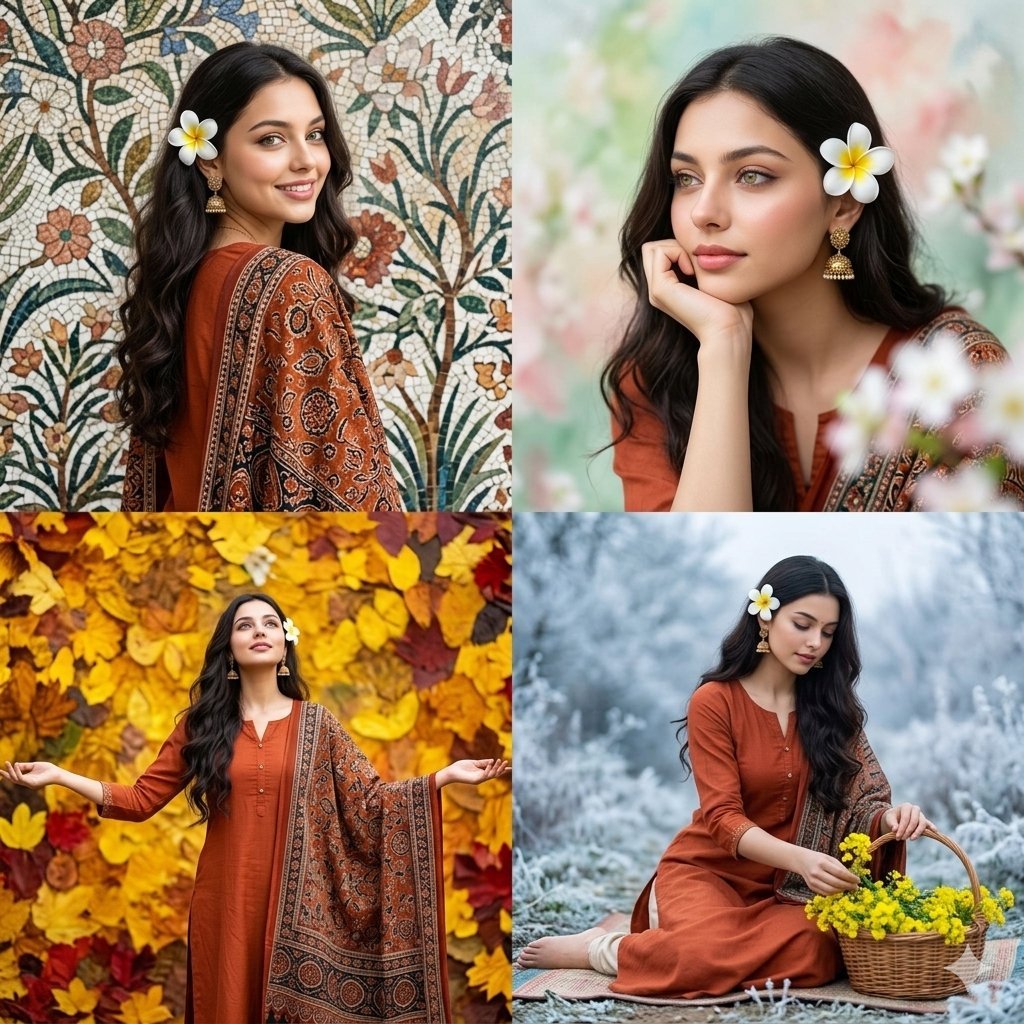
Four Seasons Portrait Collage

Japanese Architectural Concrete Studio Fashion Campaign

Japanese Minimalist Concrete Studio Fashion Editorial

Blue Backdrop Luxury Fashion Portrait Campaign
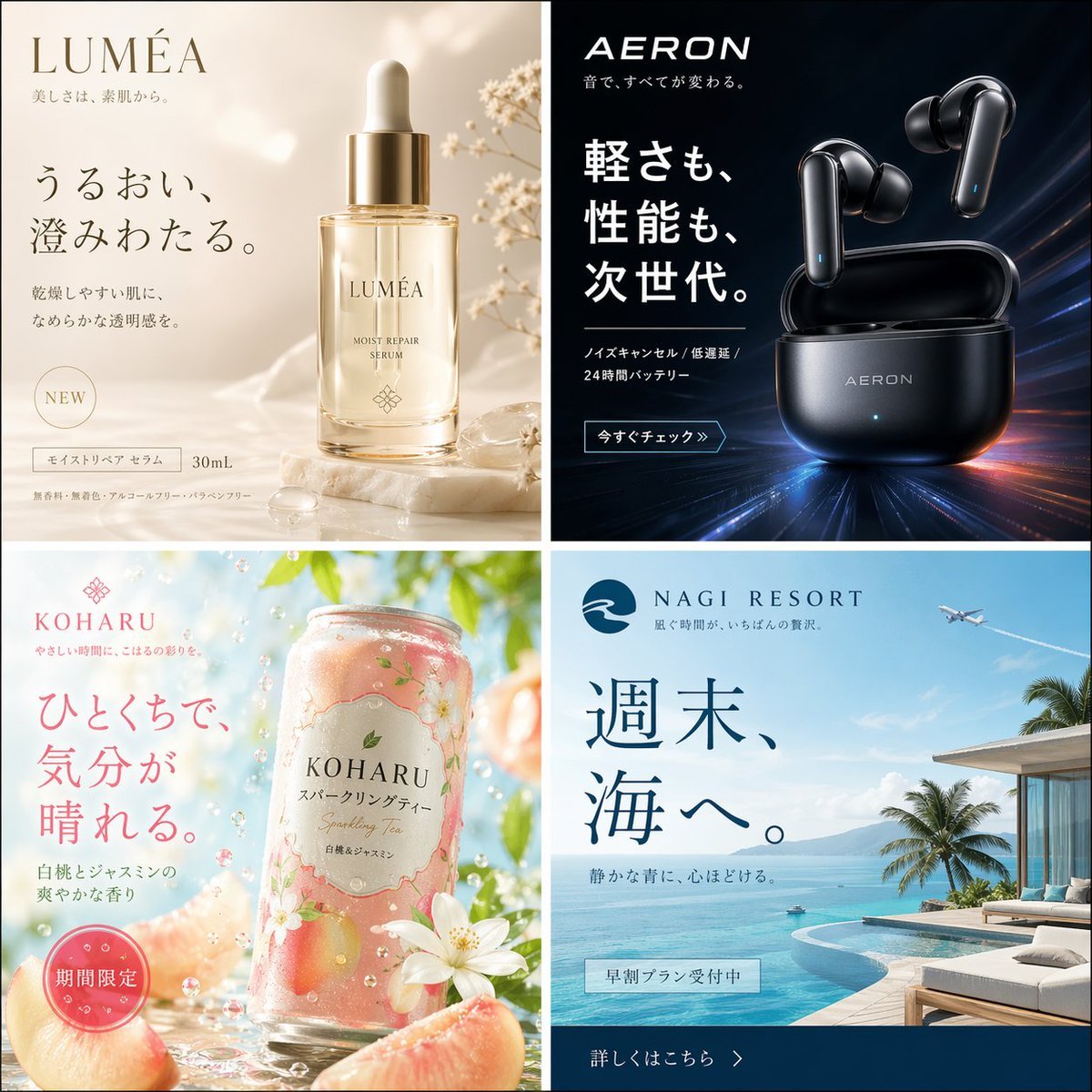
Four Japanese Ad Visuals Collage
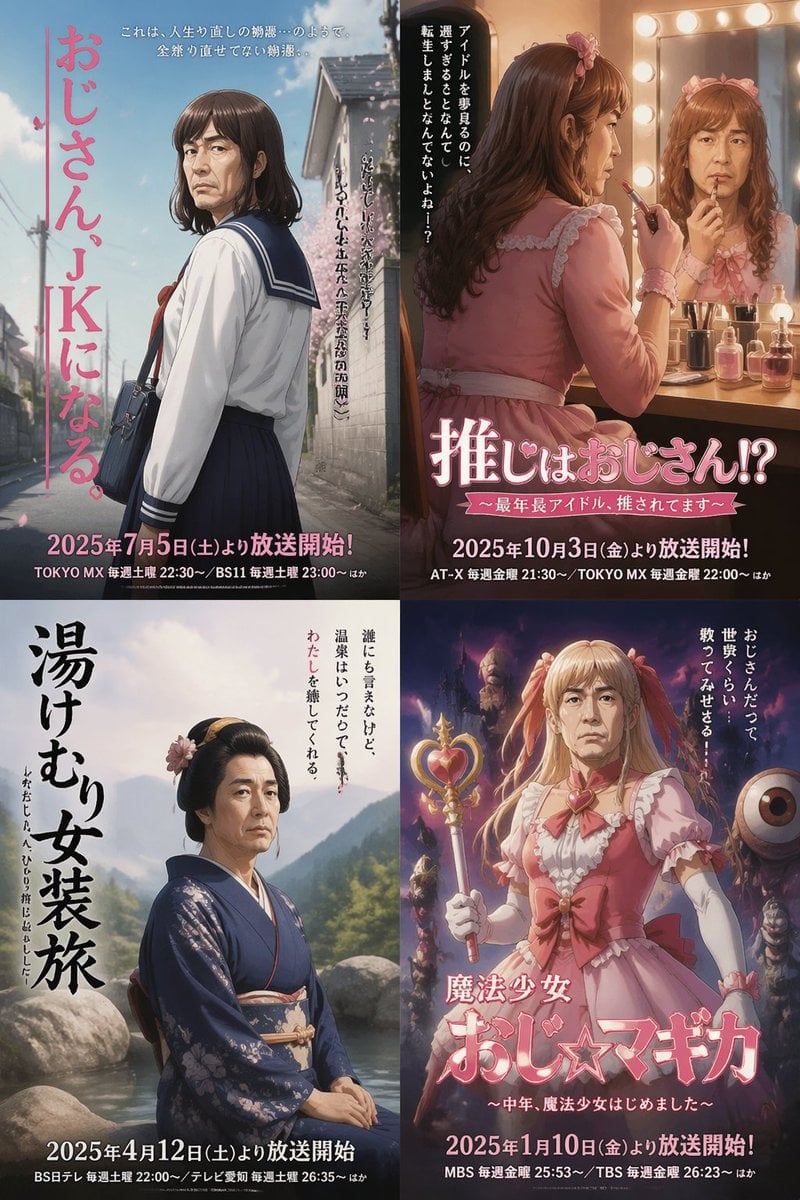
Four Japanese Ojisan Parody Posters
Make it yours
Four Seasons Japanese Panorama works as-is. These are the safest ways to change it without losing the look.
Change one field
Copy a single group, rewrite it, and generate again so you can see what that field is doing.
Keep the frame, change the subject
Hold the composition and light of Four Seasons Japanese Panorama, then swap wardrobe, props or the person for a new take.
| If the result… | Why | Fix |
|---|---|---|
| The result drifts from the preview | Too many fields changed at once. | Reuse Four Seasons Japanese Panorama as-is first, then change one group — subject, light, or setting. |
| The model over-stylizes the scene | The prose prompt leaves finish and camera underspecified. | Add one camera or lighting sentence and stay on GPT Image 2. |
More GPT Image 2 templates
Other prompts made for GPT Image 2.

Realistic Portrait of Woman and Deer

The Vista Modular Condo Poster

AI Model Routing Comparison Infographic

2.5D Anime Art Board

Isometric Productivity Desk Scene

New York Double Exposure Poster

Four-Panel AI Landscape Comparison

Japanese Tatami Lifestyle Magazine Cover

NESCAFÉ Coffee Map Poster

Brutalist Cogito Chinese Typography Poster
More image prompts
Fresh picks from across the catalog.
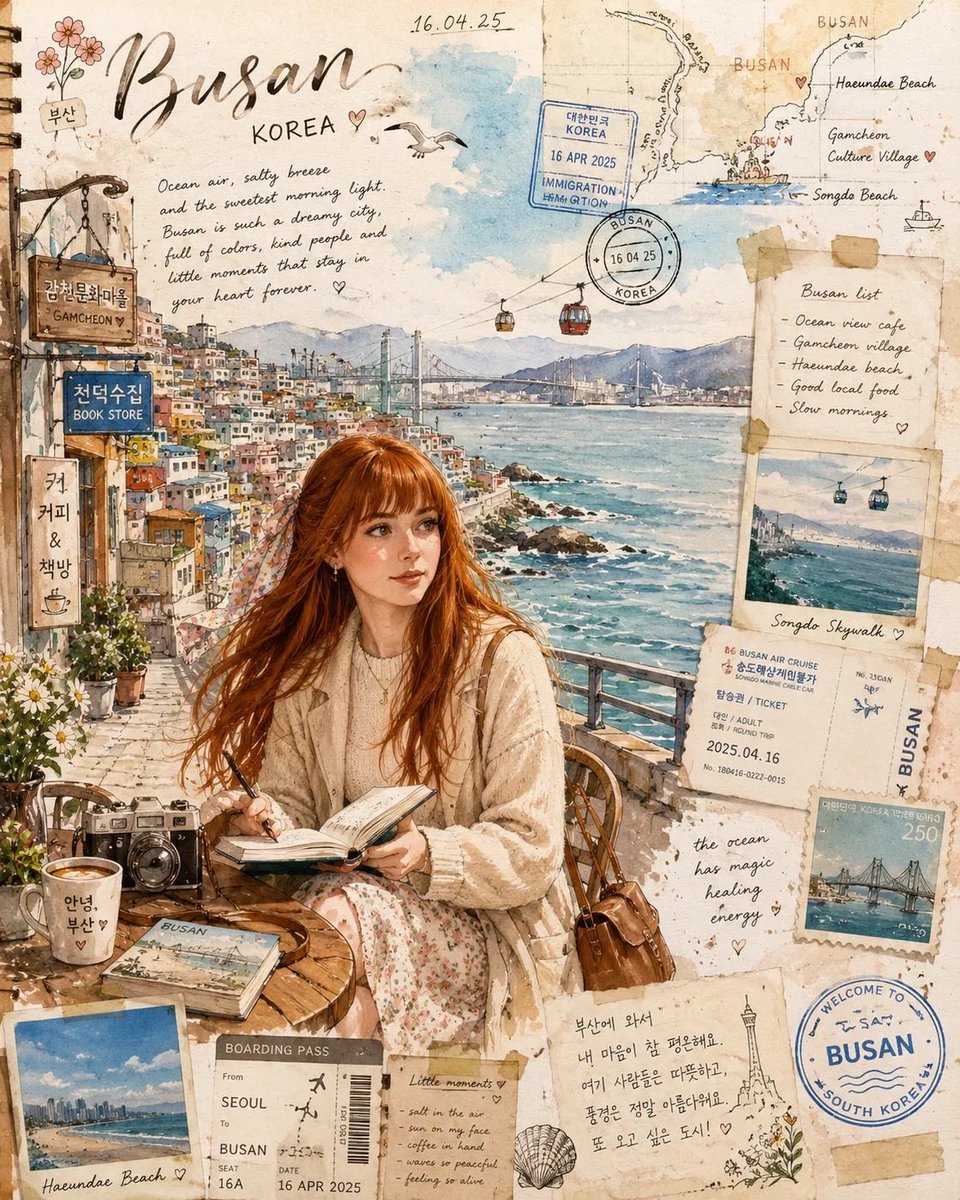
Busan Travel Journal Illustration
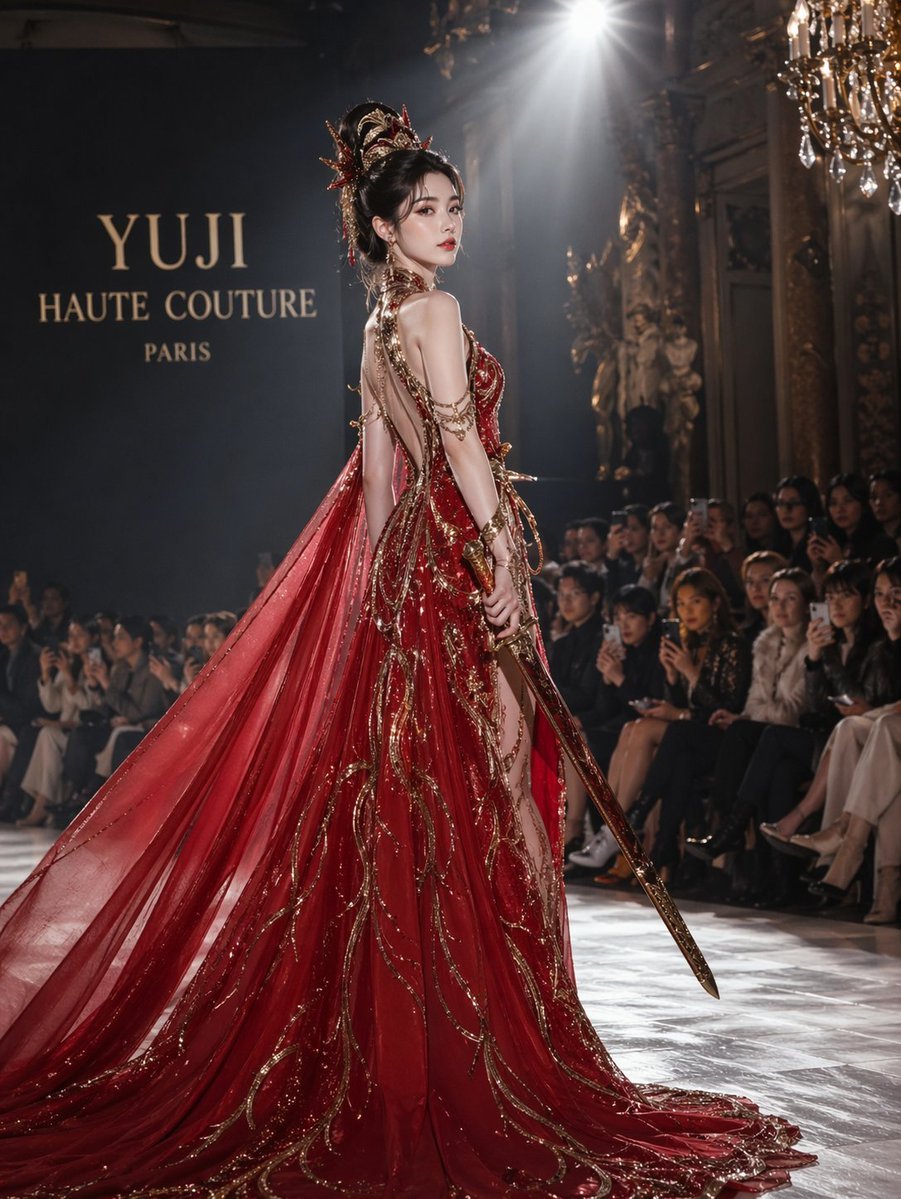
High fashion dress show prompt
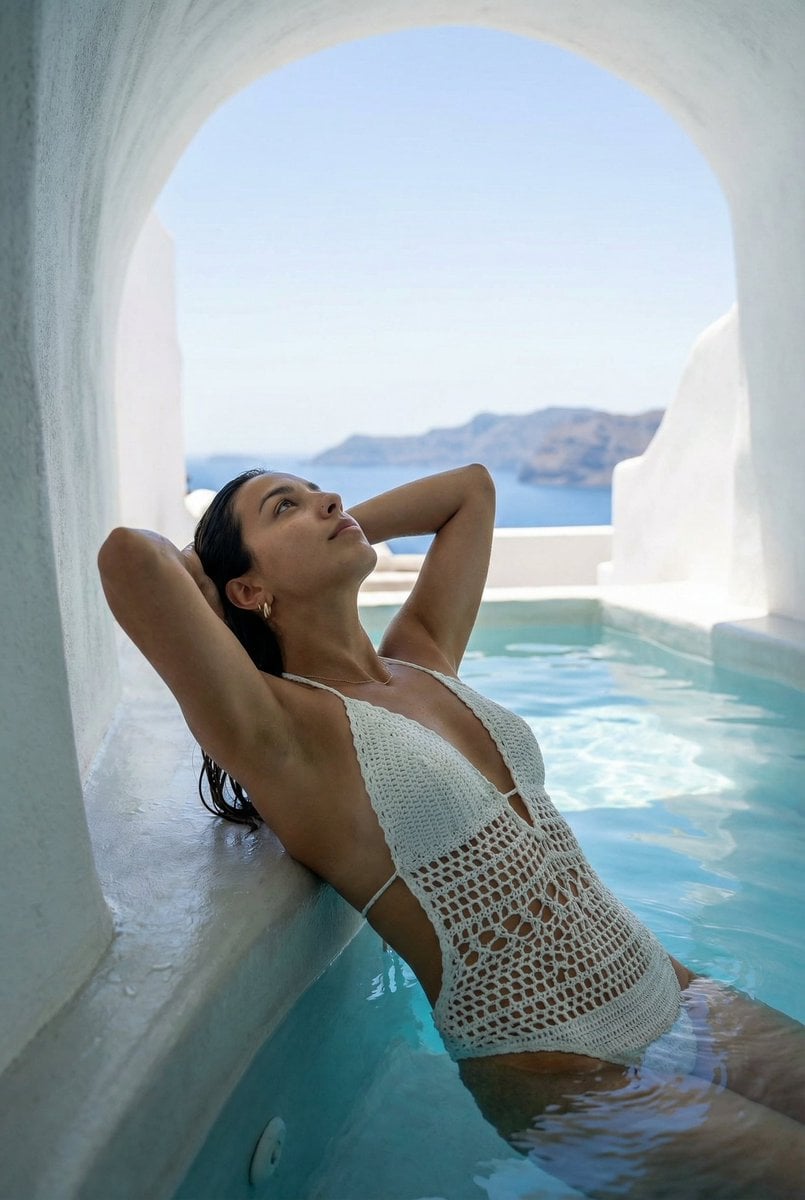
Santorini Monokini Pose Replication Prompt

Premium Product Hero Shot Template
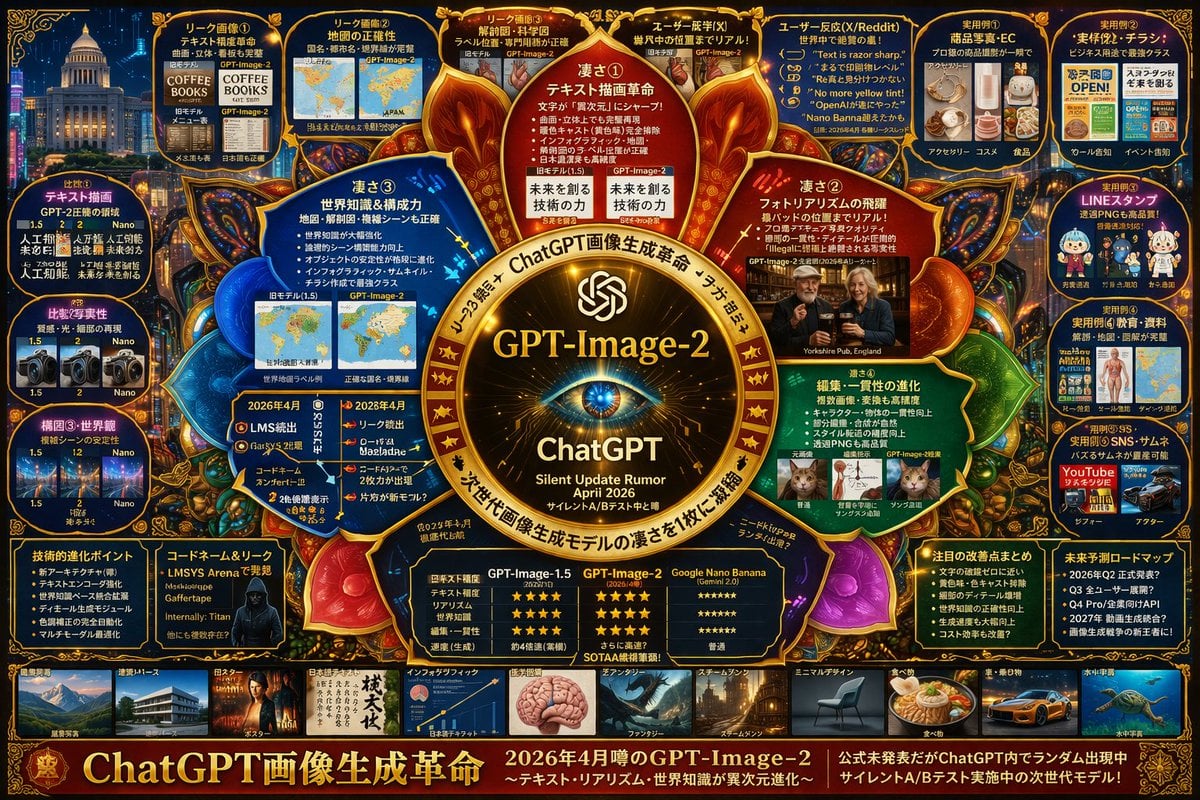
Futuristic AI Model Infographic Poster
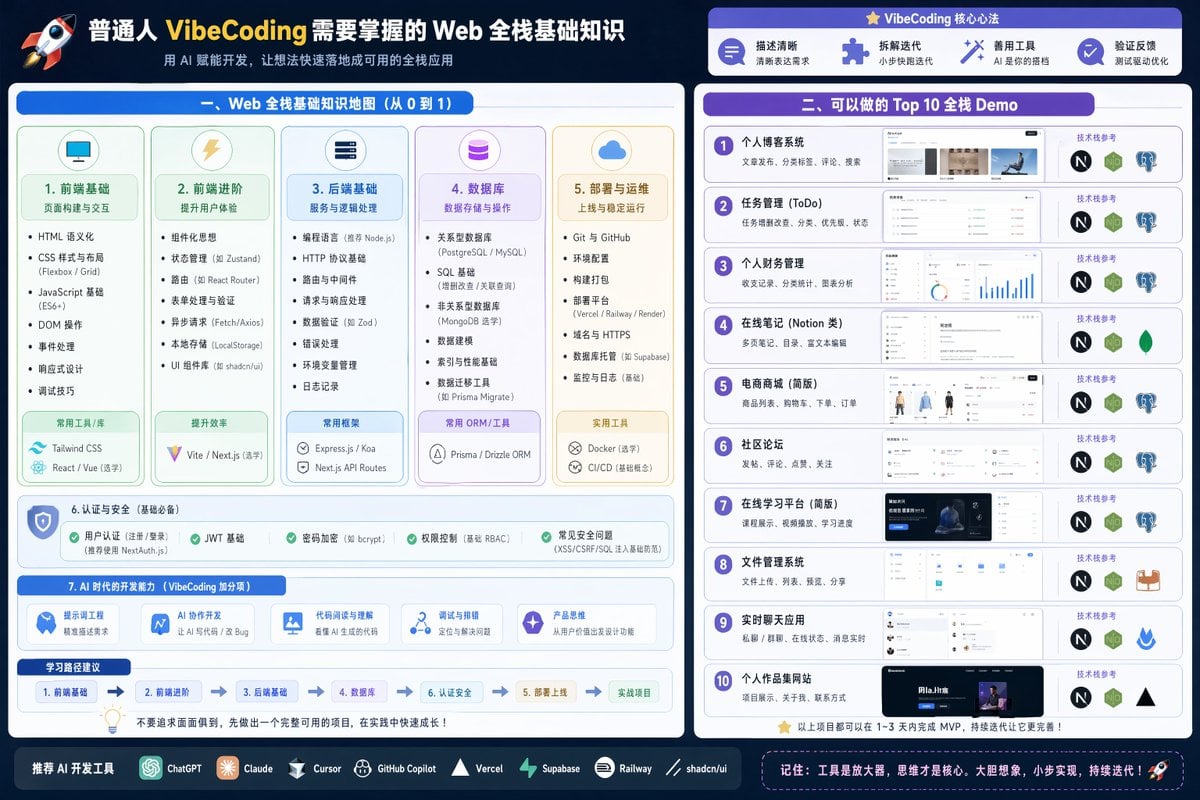
Full Stack Knowledge Visualization
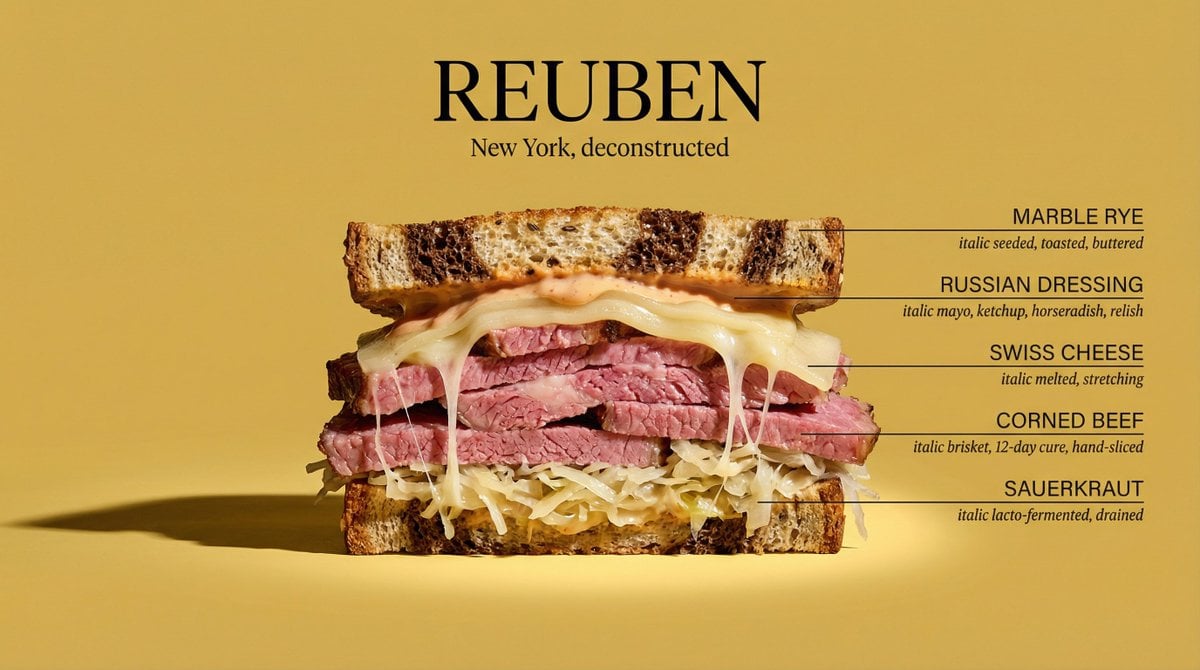
Architectural Food Photography Cross-Section Prompt
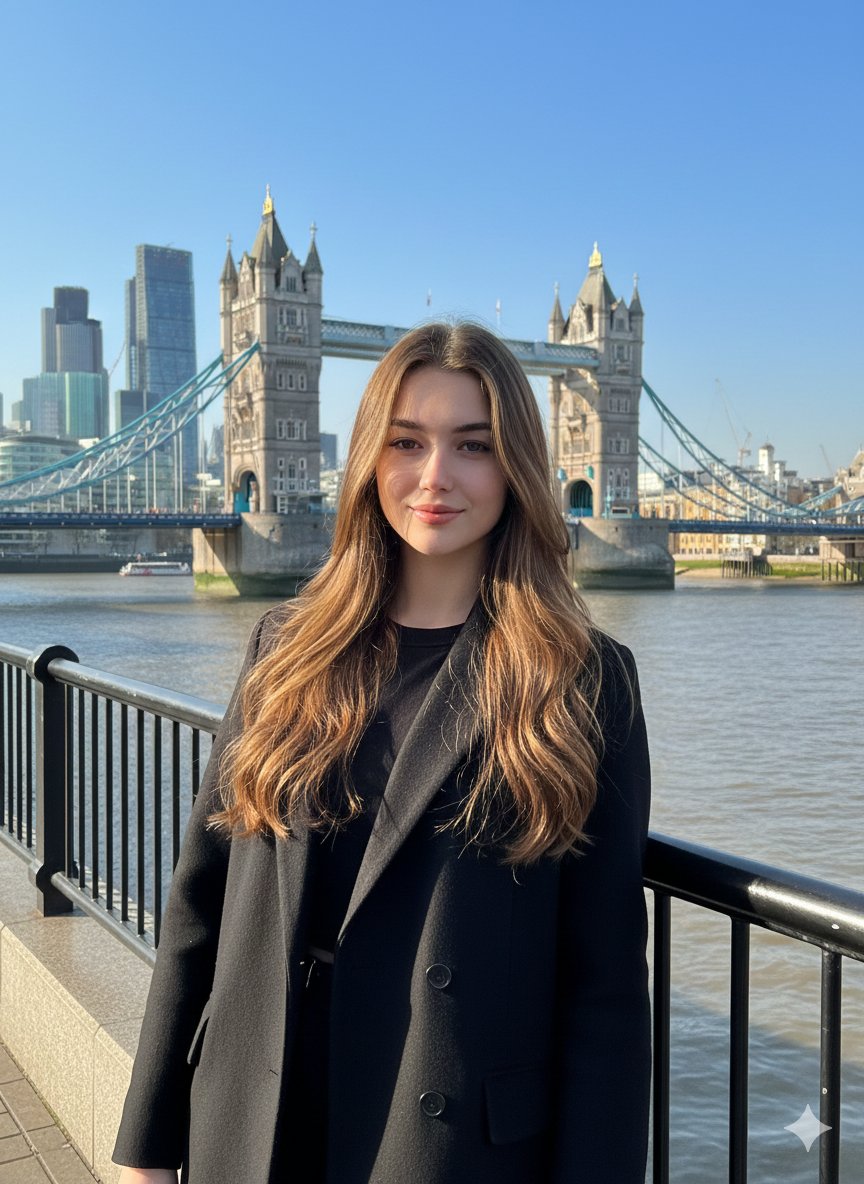
Photorealistic Travel Portrait with Identity Lock
Hyper-realistic iPhone Photo Prompt (Gemini Nano Banana)
Candid Warm Indoor Portrait
Browse template categories
Four Seasons Japanese Panorama questions
How do I use the Four Seasons Japanese Panorama template?
Add your photo if the template asks for one, edit the prompt if you like — the template's model and format are already selected — and press Generate. Your version opens in PicX Studio.
Can I customize the Four Seasons Japanese Panorama template?
Yes. You can change the subject, setting, lighting, mood, format, and available model controls before creating your image.
Is the Four Seasons Japanese Panorama template free?
Opening and editing this template is free. Generating uses credits, shown on the Generate button when you are signed in.
Which AI model should I use?
Start with GPT Image 2, which is the model associated with this template. You can compare another compatible model for a different finish.
Looking for something else? Browse all templates.

Your photo, any look
Thousands of ready templates for every top image and video model, from one credit balance.