
Japanese Onsen Town in Four Seasons
This prompt generates a photorealistic 2x2 seasonal comparison collage of the same Japanese riverside hot spring town, useful for travel visuals, atmosphere studies, or layout and text-rendering demos.
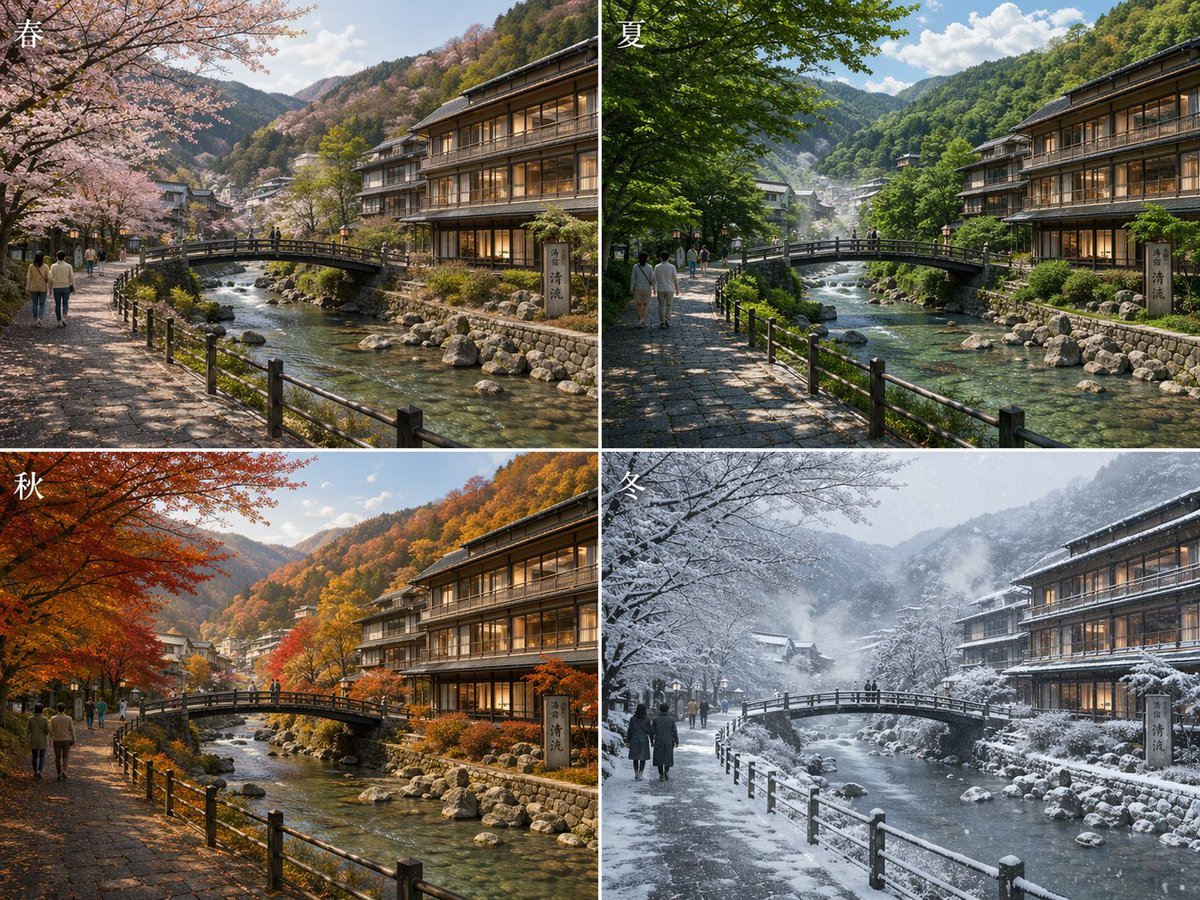
- Prompt included
- Model and format preset
- Free template
The prompt behind this image
Copy the exact prompt behind Japanese Onsen Town in Four Seasons, or open it in the studio and make it yours.
- Type
- seasonal comparison landscape collage
- Subject
- the same Japanese mountain hot spring town street and river shown in four seasons
- Setting › Location
- traditional Japanese riverside onsen town
- Setting › Features
- clear shallow river with visible rocks, small arched pedestrian bridge over the river, stone-paved riverside walkway with black wooden railings, multi-story wooden ryokan or inn on the right with warm interior lighting, forested mountains in the background, village buildings receding into the valley
- Layout › Format
- 2x2 grid collage
- Layout › Sections › 0 › Title
- 春
- Layout › Sections › 0 › Position
- top-left
- Layout › Sections › 0 › Count
- 1
- Layout › Sections › 0 › Labels
- spring
- Layout › Sections › 1 › Title
- 夏
- Layout › Sections › 1 › Position
- top-right
- Layout › Sections › 1 › Count
- 1
- Layout › Sections › 1 › Labels
- summer
- Layout › Sections › 2 › Title
- 秋
- Layout › Sections › 2 › Position
- bottom-left
- Layout › Sections › 2 › Count
- 1
- Layout › Sections › 2 › Labels
- autumn
- Layout › Sections › 3 › Title
- 冬
- Layout › Sections › 3 › Position
- bottom-right
- Layout › Sections › 3 › Count
- 1
- Layout › Sections › 3 › Labels
- winter
- Layout › Consistency
- identical camera angle and composition in all 4 panels
- Seasonal Variants › Count
- 4
- Seasonal Variants › Items › 0 › Season
- 春
Raw JSON
{"type":"seasonal comparison landscape collage","subject":"the same Japanese mountain hot spring town street and river shown in four seasons","setting":{"location":"traditional Japanese riverside onsen town","features":["clear shallow river with visible rocks","small arched pedestrian bridge over the river","stone-paved riverside walkway with black wooden railings","multi-story wooden ryokan or inn on the right with warm interior lighting","forested mountains in the background","village buildings receding into the valley"]},"layout":{"format":"2x2 grid collage","sections":[{"title":"春","position":"top-left","count":1,"labels":["spring"]},{"title":"夏","position":"top-right","count":1,"labels":["summer"]},{"title":"秋","position":"bottom-left","count":1,"labels":["autumn"]},{"title":"冬","position":"bottom-right","count":1,"labels":["winter"]}],"consistency":"identical camera angle and composition in all 4 panels"},"seasonal_variants":{"count":4,"items":[{"season":"春","trees":"pale pink cherry blossoms in full bloom arching over the left side","ground":"dry stone path with dappled spring light","atmosphere":"fresh, soft, mild daylight"},{"season":"夏","trees":"dense vivid green foliage creating cool shade","ground":"sunlit and shaded stone path","atmosphere":"bright clear summer day with lush vegetation"},{"season":"秋","trees":"brilliant red, orange, and golden maple leaves","ground":"warm amber light on the path","atmosphere":"crisp autumn colors across the mountainside"},{"season":"冬","trees":"bare branches and heavy snow covering trees, bridge, rooftops, and railings","ground":"snowy riverside path","atmosphere":"overcast snowy day with falling snow and cold mist"}]},"human_elements":{"count":4,"description":"small groups of pedestrians walking along the left riverside path in each panel, scaled naturally and secondary to the scenery"},"signage":{"count":1,"description":"vertical stone sign near the inn on the right riverbank with Japanese kanji"},"style":{"look":"highly detailed photorealistic travel photography","lighting":"natural seasonal lighting, cinematic, realistic reflections in water","composition":"wide scenic view, leading lines from the walkway and bridge, balanced architecture and nature","quality":"ultra-detailed, crisp textures, realistic water, foliage, wood, stone, and snow"},"prompt":"Create a photorealistic 2x2 comparison image of {argument name=\"location\" default=\"a traditional Japanese mountain hot spring town\"} shown in four seasons from the exact same viewpoint. The scene features a clear rocky river flowing through the center, a small arched pedestrian bridge, a stone-paved riverside walkway with black railings on the left, and a large wooden ryokan on the right with warmly lit windows. Add forested mountains and scattered town buildings in the distance. Top-left panel labeled 春 shows spring with blooming cherry blossoms; top-right panel labeled 夏 shows lush green summer foliage; bottom-left panel labeled 秋 shows vivid red and orange autumn leaves; bottom-right panel labeled 冬 shows snowy winter trees, bridge, rooftops, and falling snow. Include a few pedestrians on the left path in each panel. Add the season kanji in white at the upper-left corner of each panel. Emphasize realistic seasonal changes while keeping architecture, framing, and perspective identical across all four panels."}How to use Japanese Onsen Town in Four Seasons in 3 steps
- 1Upload ImagePNG, JPG or paste
Add your photo
Upload the photo the template builds on. The prompt, model and format are already set.
- 2…a portrait of your subject in softgolden-hour light, 85mm…
Personalize
Edit the subject and creative details for your destination.
- 3Generate
Generate
Press Generate — your image is created in PicX Studio, so you can compare it with the original and refine one variable at a time.
More like this
Templates with the same subject, style or setup. Open one to see its prompt.
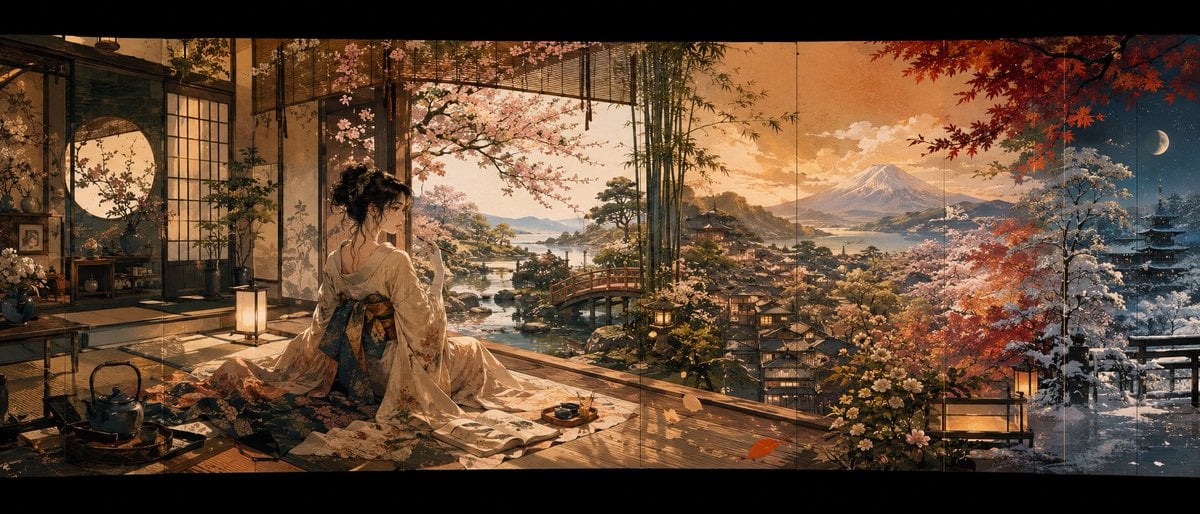
Four Seasons Japanese Panorama

Minecraft Japanese Research Lab Exploration
Four Seasons Eye Macro Art
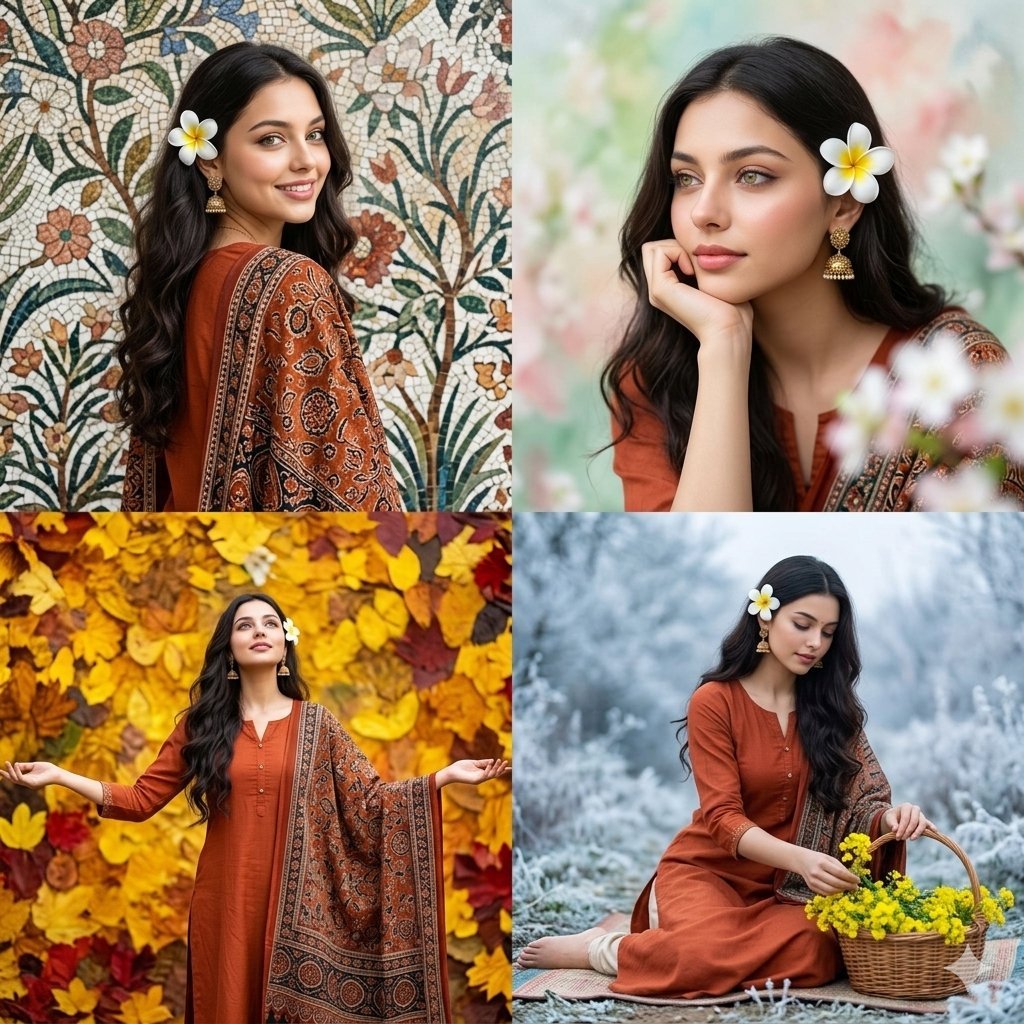
Four Seasons Portrait Collage

Japanese Architectural Concrete Studio Fashion Campaign

Japanese Minimalist Concrete Studio Fashion Editorial

Blue Backdrop Luxury Fashion Portrait Campaign
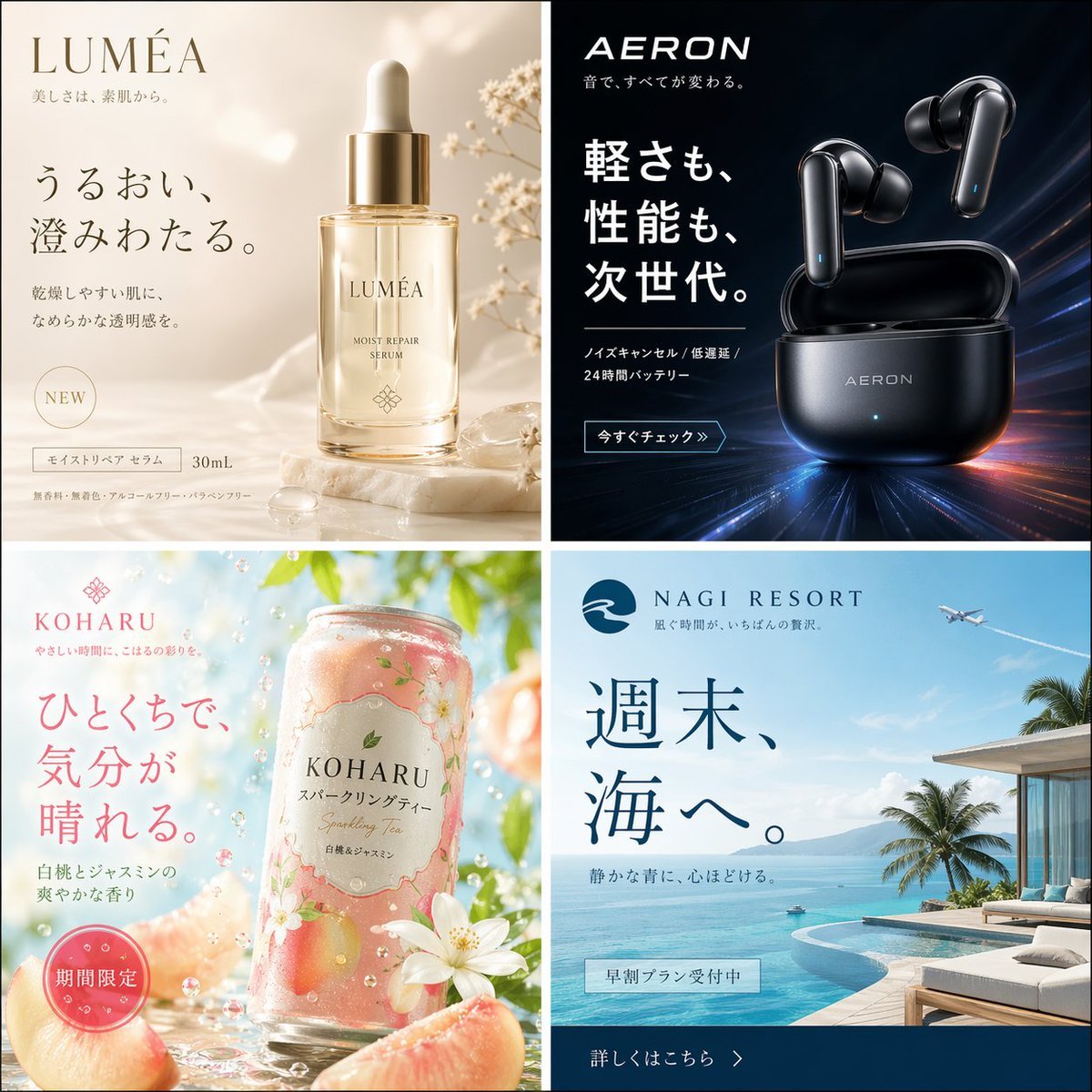
Four Japanese Ad Visuals Collage
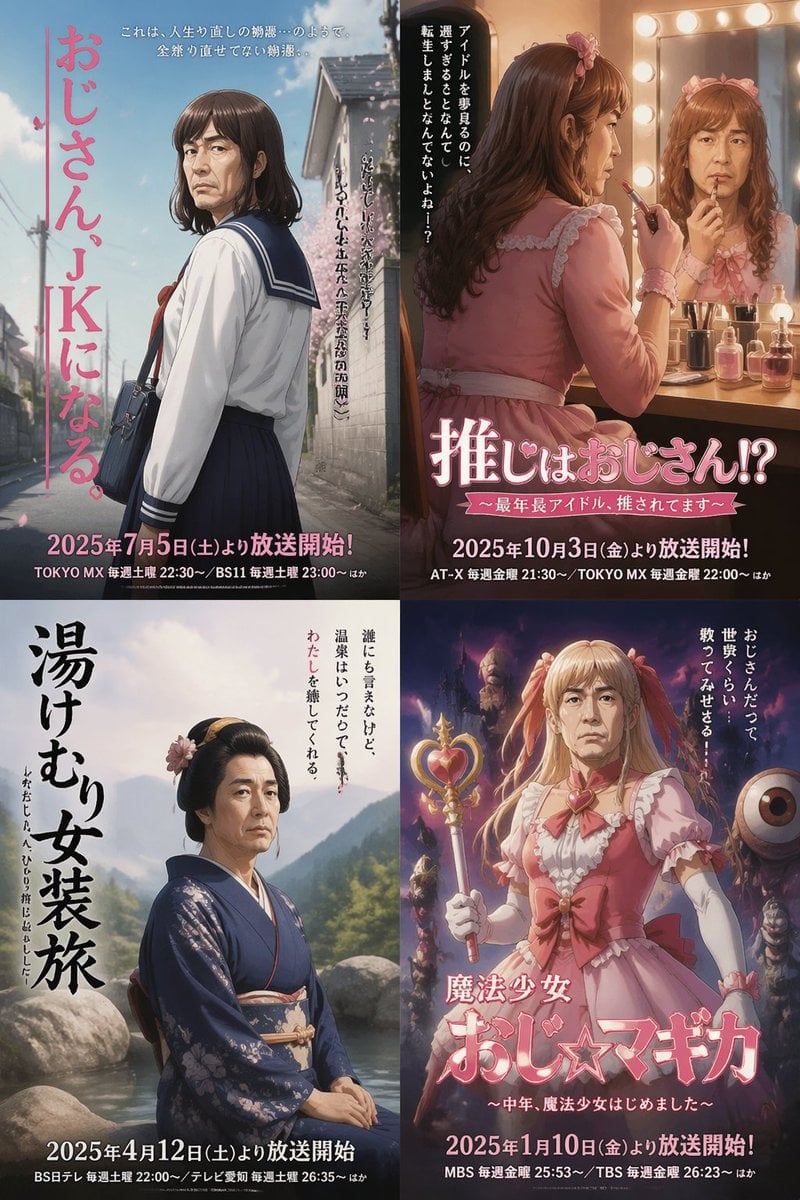
Four Japanese Ojisan Parody Posters

Retro Japanese Onsen Photography
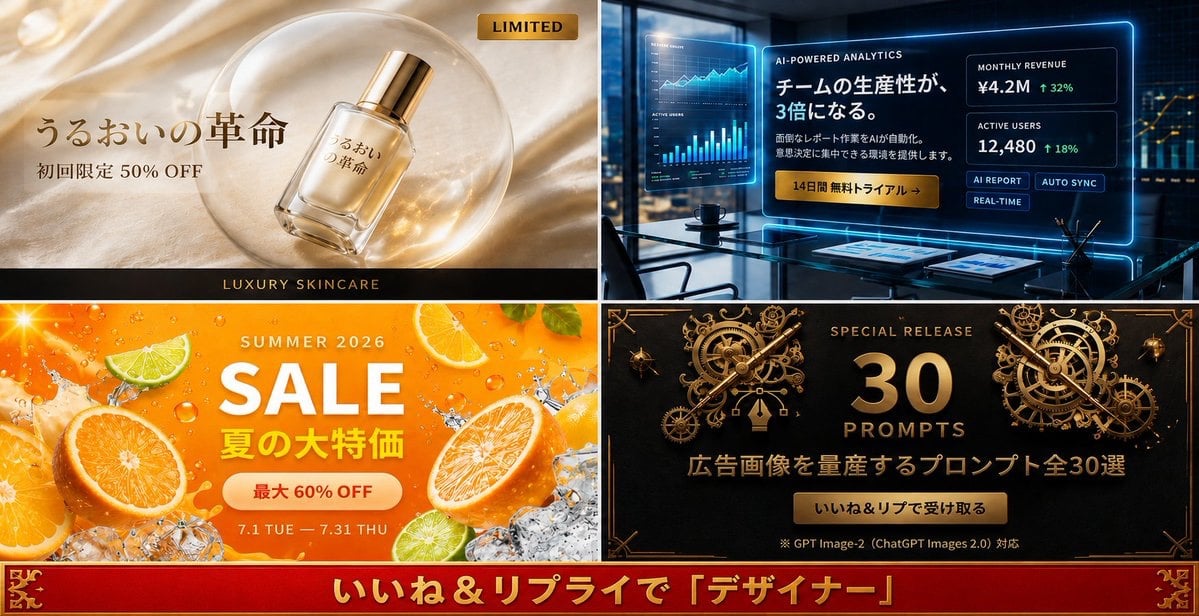
Four-Panel Japanese Ad Prompt Giveaway
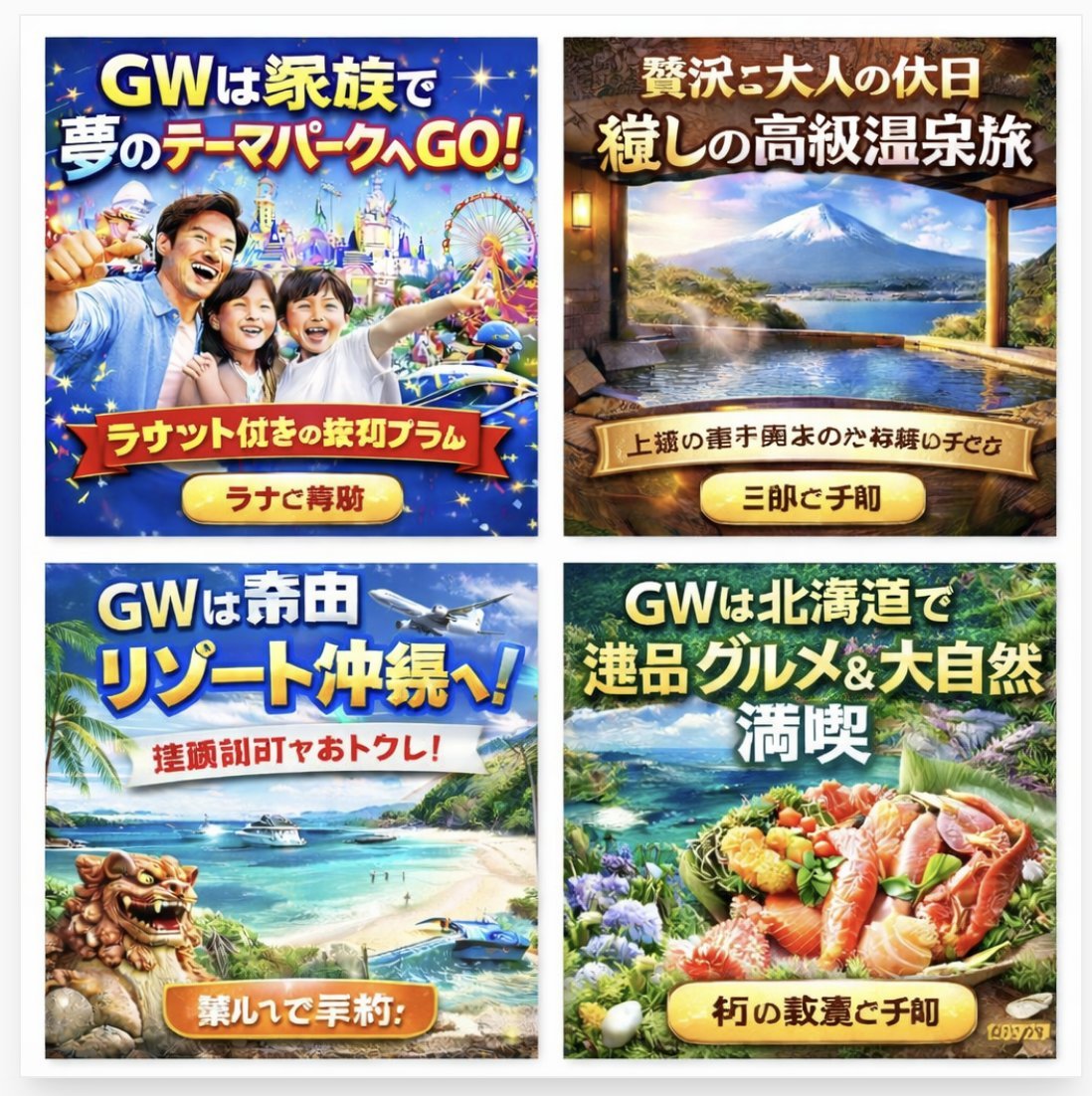
Four Japanese Travel Ad Panels
Make it yours
Japanese Onsen Town in Four Seasons works as-is. These are the safest ways to change it without losing the look.
Swap the setting
Keep the rest of the prompt and replace the location block. The current setting is “traditional Japanese riverside onsen town”.
Swap the light
One lighting change is enough to compare takes. Current light: “natural seasonal lighting, cinematic, realistic reflections in water”.
Change one field
Copy a single group, rewrite it, and generate again so you can see what that field is doing.
| If the result… | Why | Fix |
|---|---|---|
| The result drifts from the preview | Too many fields changed at once. | Reuse Japanese Onsen Town in Four Seasons as-is first, then change one group — subject, light, or setting. |
| GPT Image 2 ignores part of the JSON | Some models flatten or skip nested keys. | Keep the same values and paste them as a short paragraph instead. |
More GPT Image 2 templates
Other prompts made for GPT Image 2.

Six VTuber Japanese Logo Sheet

Realistic Portrait of Woman and Deer

The Vista Modular Condo Poster

AI Model Routing Comparison Infographic

2.5D Anime Art Board

Isometric Productivity Desk Scene

New York Double Exposure Poster

Four-Panel AI Landscape Comparison

Japanese Tatami Lifestyle Magazine Cover

NESCAFÉ Coffee Map Poster
More image prompts
Fresh picks from across the catalog.
Editorial Winter Poster Collage with Strict Face Preservation

Gpt2 Profile Avatar Luxury Studio Outfit Transformation
Super Robot Wars Style Witch Rejecting Friday

Skeletal Product Design Prompt

Caution Tape Fashion — Industrial Editorial
Mountain Stream Portrait
Anime Girl Windows 11 Desktop Wallpaper
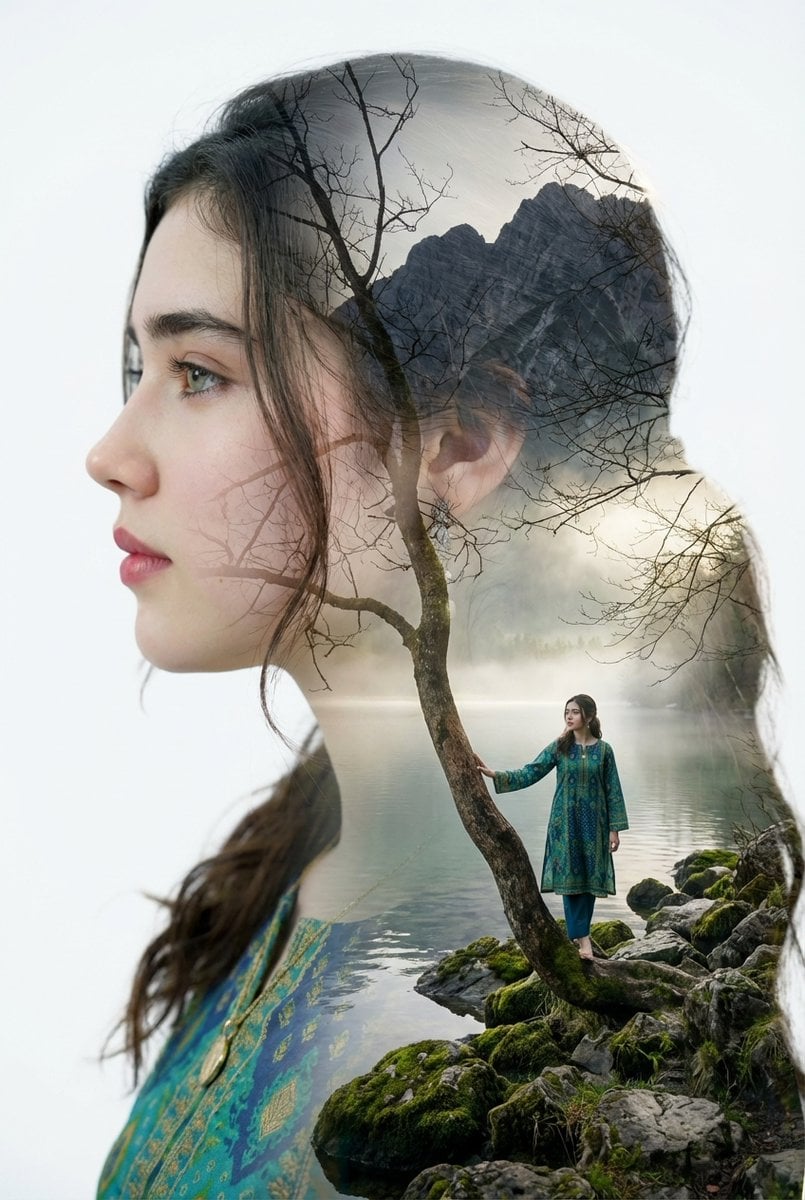
Double Exposure Portrait with Tree Branches and Landscape

Cinematic Winter Portrait of Childlike Wonder Prompt

Elevate Your Cocktail Visuals with This
Browse template categories
Japanese Onsen Town in Four Seasons questions
How do I use the Japanese Onsen Town in Four Seasons template?
Add your photo if the template asks for one, edit the prompt if you like — the template's model and format are already selected — and press Generate. Your version opens in PicX Studio.
Can I customize the Japanese Onsen Town in Four Seasons template?
Yes. You can change the subject, setting, lighting, mood, format, and available model controls before creating your image.
Is the Japanese Onsen Town in Four Seasons template free?
Opening and editing this template is free. Generating uses credits, shown on the Generate button when you are signed in.
Which AI model should I use?
Start with GPT Image 2, which is the model associated with this template. You can compare another compatible model for a different finish.
Looking for something else? Browse all templates.

Your photo, any look
Thousands of ready templates for every top image and video model, from one credit balance.