
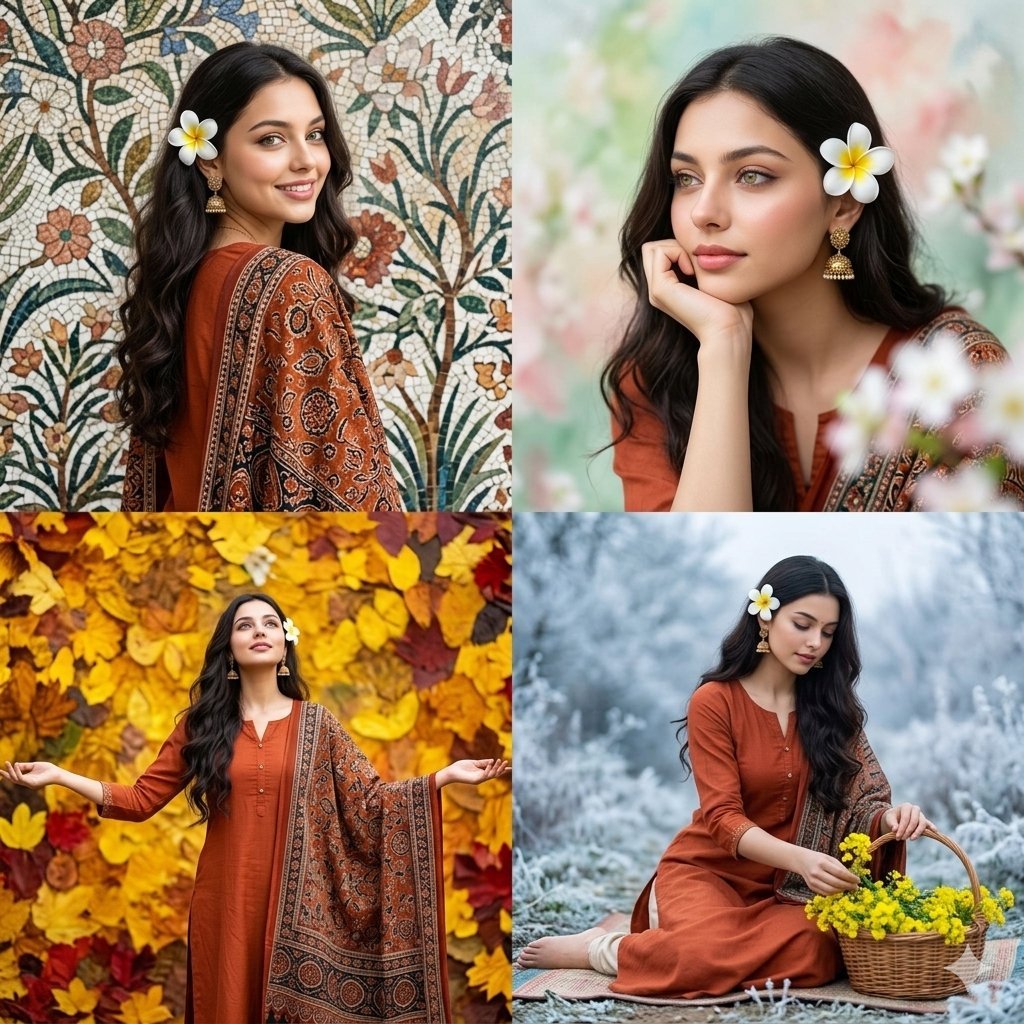
Four Seasons Portrait Collage
A 2x2 grid collage depicting a single subject across four different seasonal themes with color-graded abstract backgrounds.
- Prompt included
- Model and format preset
- Free template
The prompt behind this image
Copy the exact prompt behind Four Seasons Portrait Collage, or open it in the studio and make it yours.
A four-panel photo collage arranged in a 2x2 grid, featuring a single {argument name="subject description" default="South Asian woman with long, dark, wavy hair, wearing a rust-orange kurta and a detailed patterned Ajrakh-style shawl"}, adorned with a white plumeria flower and gold jhumka earrings. Each of the four panels depicts the woman with a different pose and an abstract, color-graded background texture representing a different season.The top-left panel shows her in a three-quarter turn, looking over her left shoulder with a smile, against a highly detailed, mosaic-like floral and botanical pattern background. The top-right panel shows a closer portrait of her looking to the side with her chin on her hand, against a soft, diffused abstract 'Spring' background of pastel greens, blush pinks, and blurred white blooms.The bottom-left panel shows her standing with arms spread wide, looking up, against a vibrant, saturated 'Autumn' background of gold, amber, and deep red leaf textures. The bottom-right panel shows her sitting on a mat on the ground, looking down and placing mustard flowers into a wicker basket, against a cool, muted 'Winter' background of frost-like blues, greys, and soft whites. The grid lines of the collage are clean and distinct, with consistent lighting across all panels.
How to use Four Seasons Portrait Collage in 3 steps
- 1
Open
The prompt is already in the box next to the preview, with the template's model and format selected.
- 2…a portrait of your subject in softgolden-hour light, 85mm…
Personalize
Edit the subject and creative details for your destination.
- 3Generate
Generate
Press Generate — your image is created in PicX Studio, so you can compare it with the original and refine one variable at a time.
More like this
Templates with the same subject, style or setup. Open one to see its prompt.
Four Seasons Anime Girl Collage

Found Photograph: Us, 1970

80s Couple Studio Portrait

80s Bollywood Star

80s Golden Hour Cinema

Me in 1985

1985 Studio Portrait

Hyper-Realistic Minecraft POV Portrait
Four Seasons Eye Macro Art
Indonesian Woman Newspaper Collage Portrait

Royal Sherwani Portrait Collage Prompt

Rooftop Fisheye — Cat-Ear Balaclava at Golden Hour
Make it yours
Four Seasons Portrait Collage works as-is. These are the safest ways to change it without losing the look.
Change one field
Copy a single group, rewrite it, and generate again so you can see what that field is doing.
Keep the frame, change the subject
Hold the composition and light of Four Seasons Portrait Collage, then swap wardrobe, props or the person for a new take.
| If the result… | Why | Fix |
|---|---|---|
| The result drifts from the preview | Too many fields changed at once. | Reuse Four Seasons Portrait Collage as-is first, then change one group — subject, light, or setting. |
| The model over-stylizes the scene | The prose prompt leaves finish and camera underspecified. | Add one camera or lighting sentence and stay on Nano Banana 2. |
More Nano Banana 2 templates
Other prompts made for Nano Banana 2.

Photorealistic Leaf Shaped Like a Dragon

K-Pop Idol Portrait Grid for Rapid Selection

Poetic Rain Forest Portrait During Golden Hour

Urban Street Portrait with Cartoon Inner Self Duo

Candid Nighttime Photo with Cat Prompt

High-Concept 3D Diorama Generation Prompt

Cinematic Futuristic Studio Portrait Template

Skincare Editorial Photography Collage Prompt

Hyper-Realistic Commercial Product Photography (Splash Effect)

Hyper-Realistic Nightclub Portrait Prompt
More image prompts
Fresh picks from across the catalog.
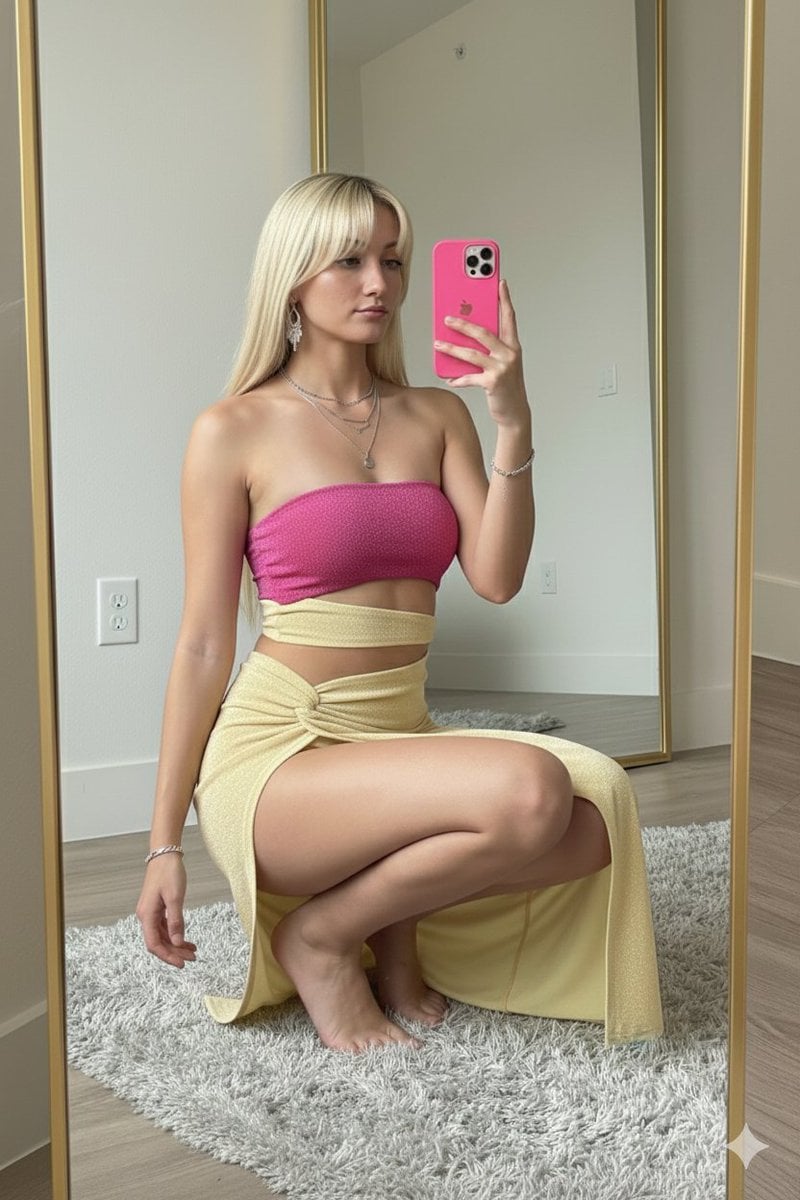
High-Fashion Mirror Selfie in Pink Shimmer Set
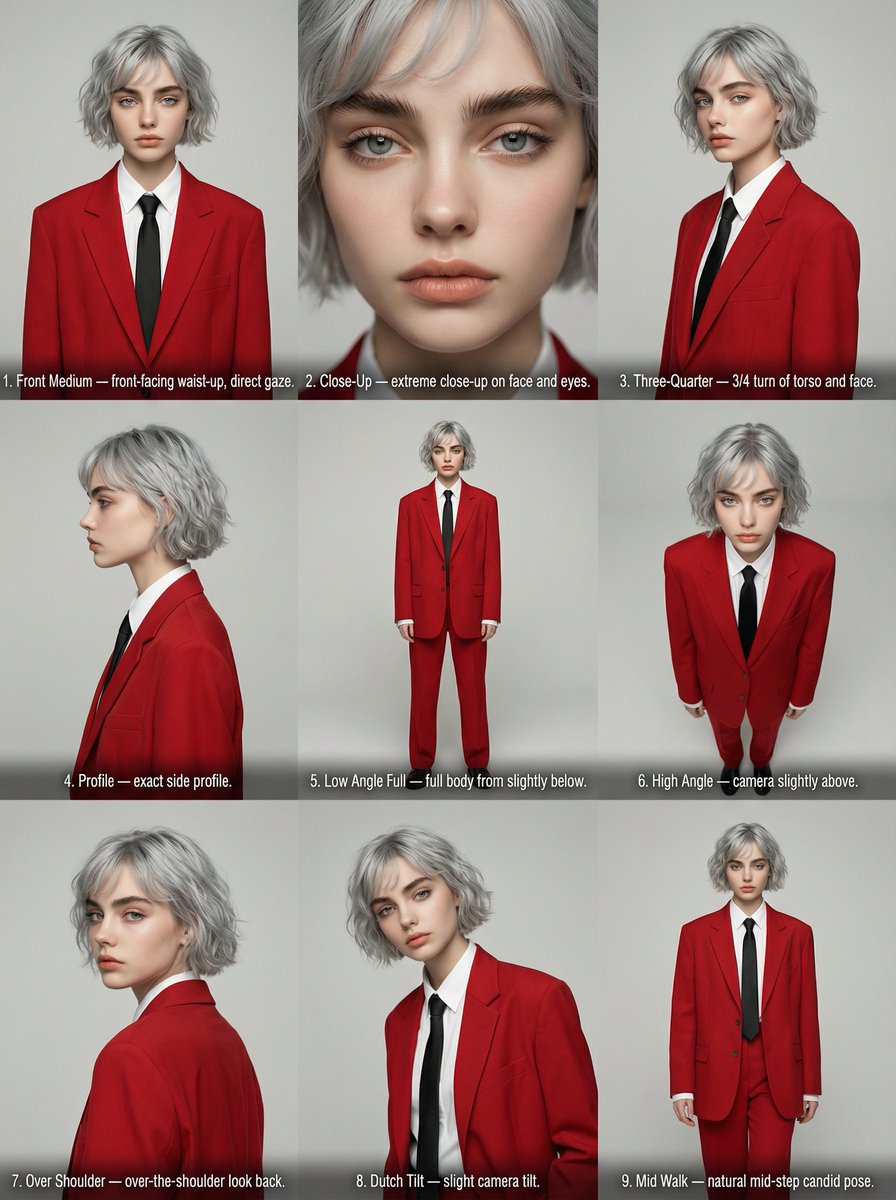
Editorial Angle Reference Sheet Grid

Korean Chibi Sticker Diary

Anime Sci-Fi School Proposal Board
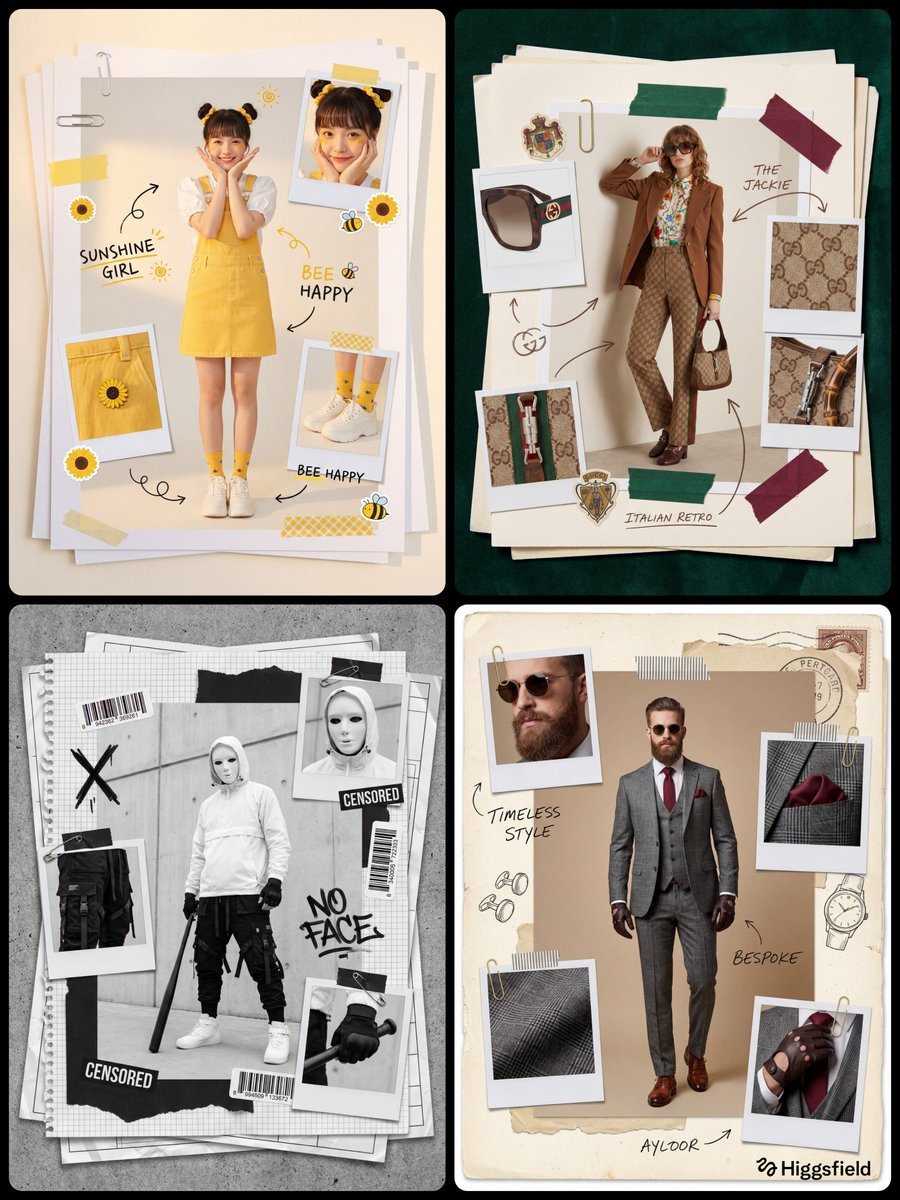
Fashion Scrapbook Page Layout Prompt Template

Aurora Borealis Couple Portrait with Identity Preservation
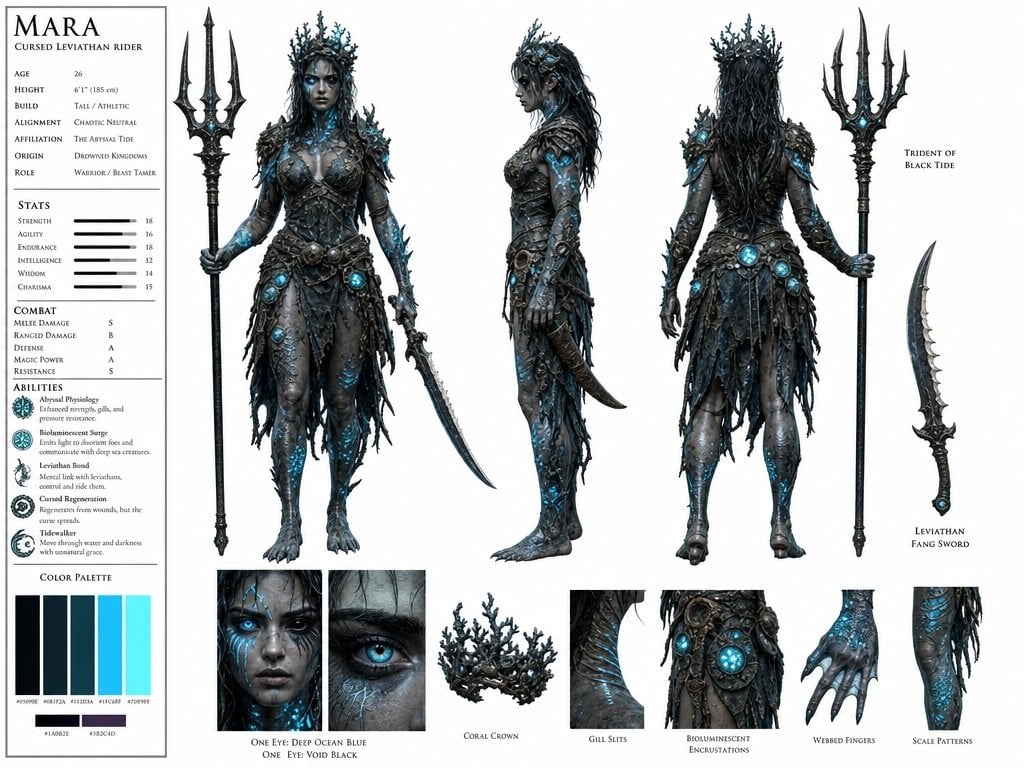
Cursed Sea Leviathan Rider
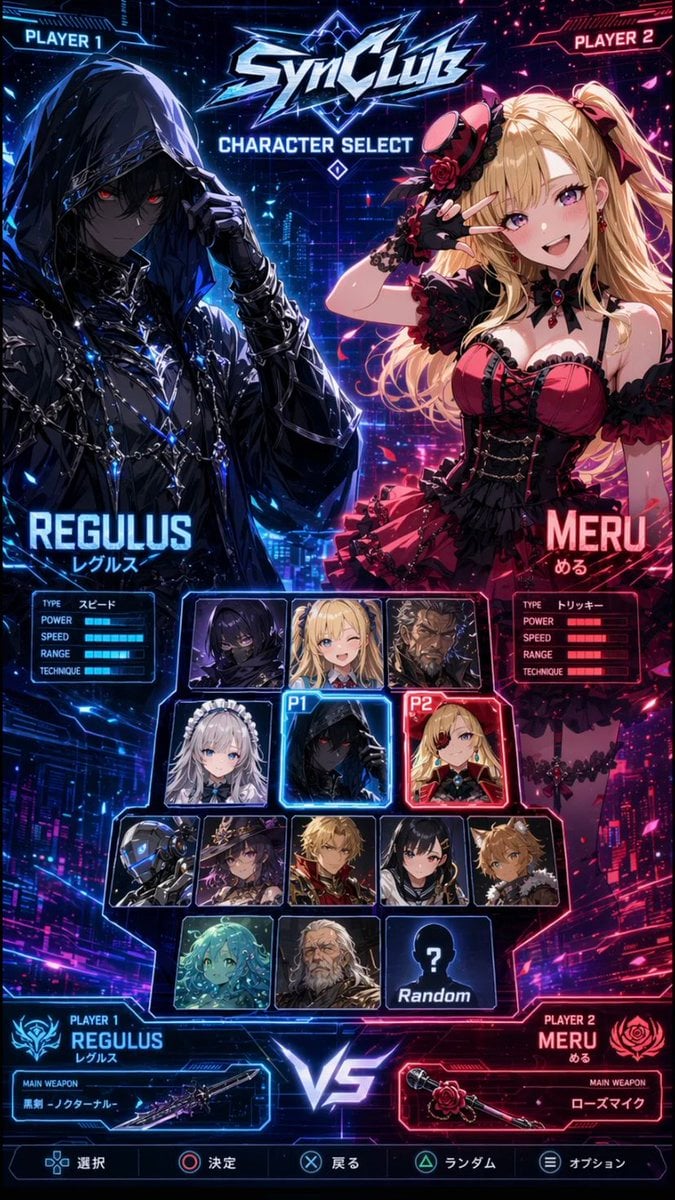
Cyberpunk Anime Character Select Screen
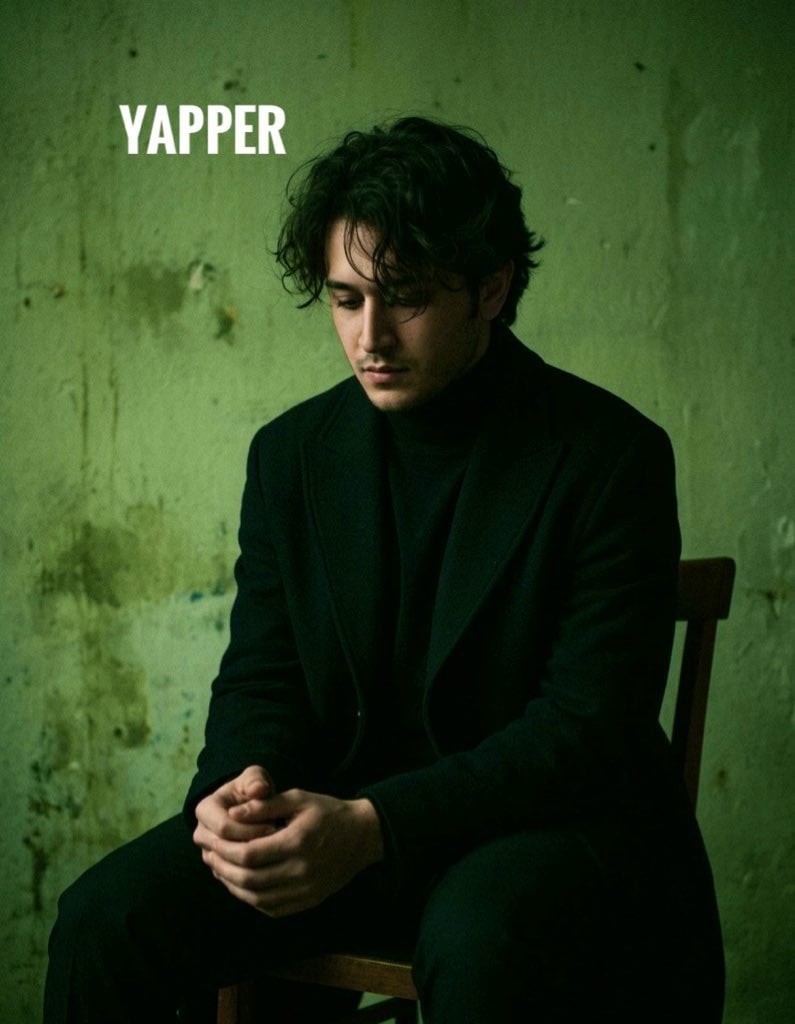
Dark, Moody, Photorealistic Portrait Prompt
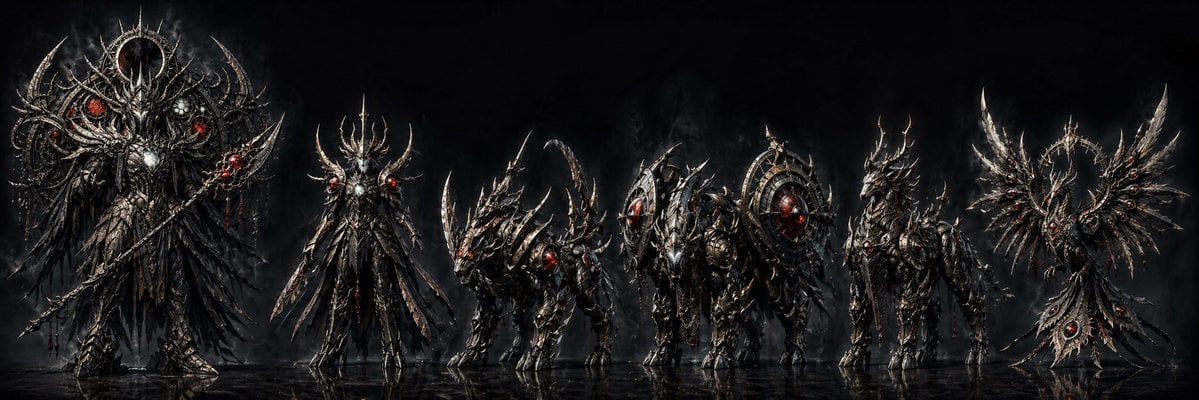
Dark Fantasy Combining Mecha Lineup
Browse template categories
Four Seasons Portrait Collage questions
How do I use the Four Seasons Portrait Collage template?
Add your photo if the template asks for one, edit the prompt if you like — the template's model and format are already selected — and press Generate. Your version opens in PicX Studio.
Can I customize the Four Seasons Portrait Collage template?
Yes. You can change the subject, setting, lighting, mood, format, and available model controls before creating your image.
Is the Four Seasons Portrait Collage template free?
Opening and editing this template is free. Generating uses credits, shown on the Generate button when you are signed in.
Which AI model should I use?
Start with Nano Banana 2, which is the model associated with this template. You can compare another compatible model for a different finish.
Looking for something else? Browse all templates.

Your photo, any look
Thousands of ready templates for every top image and video model, from one credit balance.