
Christmas Beverage Campaign Template
Christmas Beverage Campaign Template is a ready photo look.
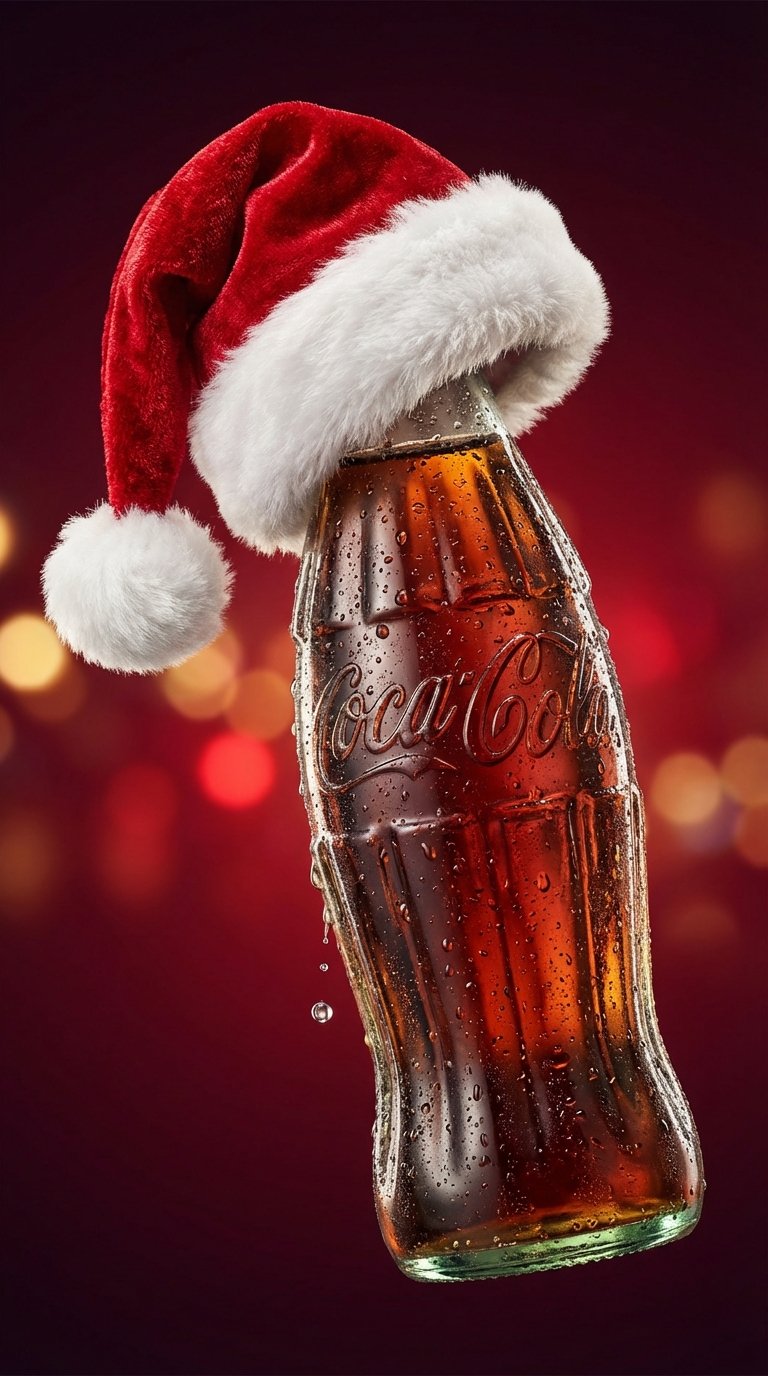
- Prompt included
- Model and format preset
- Premium template
The prompt behind this image
Copy the exact prompt behind Christmas Beverage Campaign Template, or open it in the studio and make it yours.
Festive holiday product photography of a Coca-Cola glass bottle covered in condensation droplets, wearing a fluffy red and white Santa hat. Deep red background with soft studio lighting. Iconic branding clearly visible, holiday marketing aesthetic, cheerful yet premium mood, sharp focus on bottle texture, realistic water droplets, Christmas campaign style, photorealistic, high detail. image ratio is 9:16
How to use Christmas Beverage Campaign Template in 3 steps
- 1
Open
The prompt is already in the box next to the preview, with the template's model and format selected.
- 2…a portrait of your subject in softgolden-hour light, 85mm…
Personalize
Edit the subject and creative details for your destination.
- 3Generate
Generate
Press Generate — your image is created in PicX Studio, so you can compare it with the original and refine one variable at a time.
More like this
Templates with the same subject, style or setup. Open one to see its prompt.
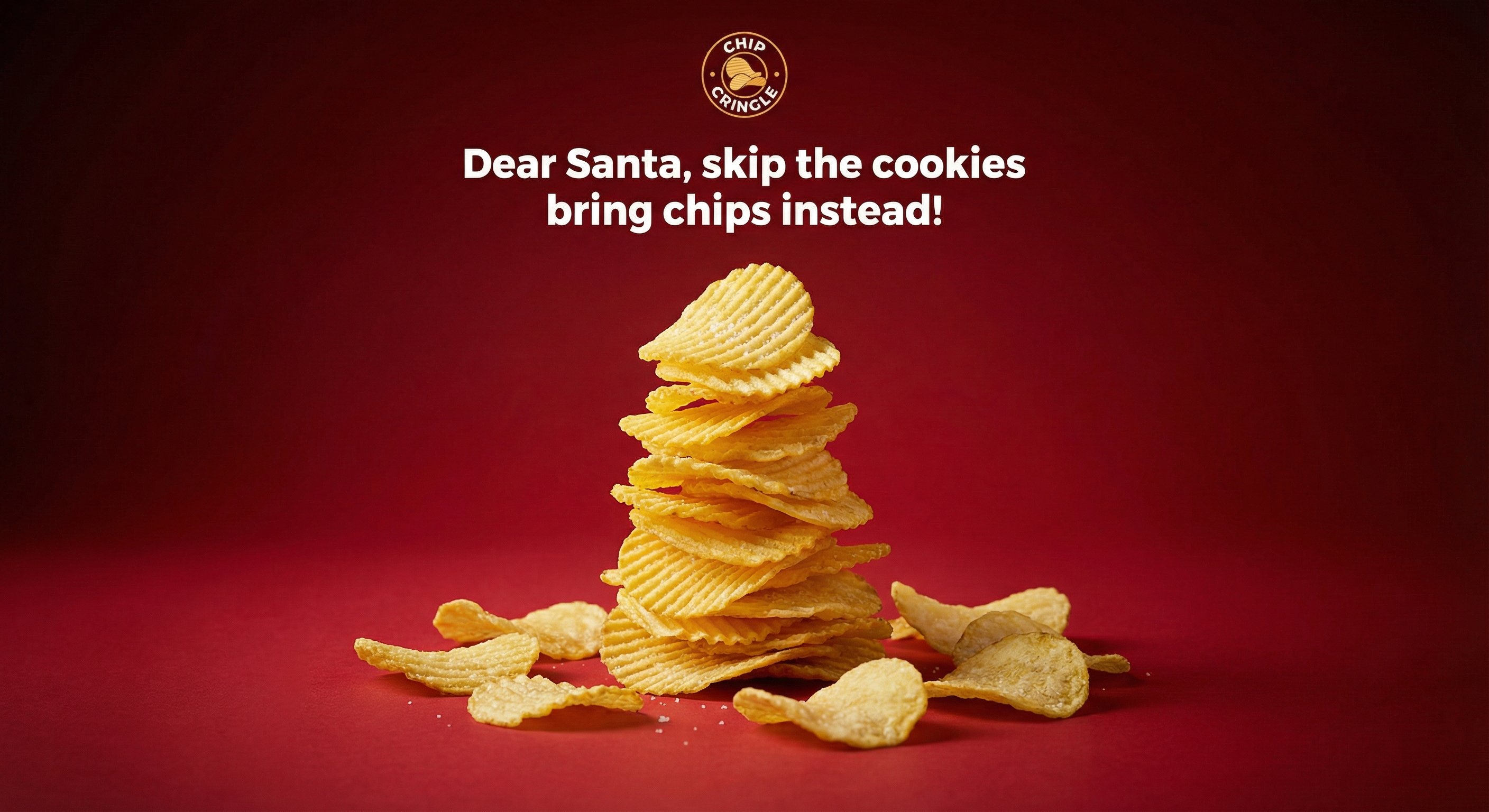
Crispy Chip Christmas Ad Template
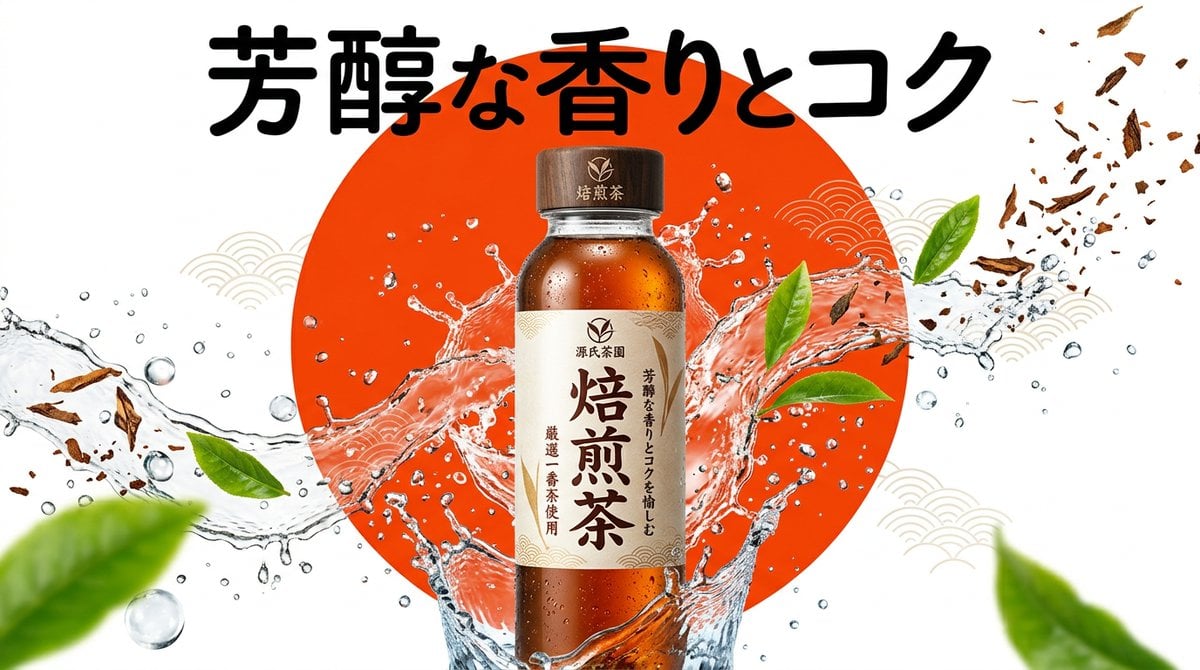
Beverage Campaign Key Visual

Retro Pop-Art K-Fashion Ultraluxury Campaign Poster

Monroe and Ash Mediterranean Luxury Fashion Campaign

Polo Ralph Lauren Luxury American Heritage Fashion Campaign

Retro Mirror Luxury Fashion Campaign Poster

Luxury Fashion Campaign Typography Poster System

Premium Fashion Editorial Campaign Poster System

Korean Streetwear Minimalist Campaign Portrait

Korean Model Floating Magazine Pages Campaign

Blue Backdrop Luxury Fashion Portrait Campaign

Frozen Street Luxe Graffiti Fashion Campaign
Make it yours
Christmas Beverage Campaign Template works as-is. These are the safest ways to change it without losing the look.
Change one field
Copy a single group, rewrite it, and generate again so you can see what that field is doing.
Keep the frame, change the subject
Hold the composition and light of Christmas Beverage Campaign Template, then swap wardrobe, props or the person for a new take.
| If the result… | Why | Fix |
|---|---|---|
| The result drifts from the preview | Too many fields changed at once. | Reuse Christmas Beverage Campaign Template as-is first, then change one group — subject, light, or setting. |
| The model over-stylizes the scene | The prose prompt leaves finish and camera underspecified. | Add one camera or lighting sentence and stay on PicX Studio. |
More image prompts
Fresh picks from across the catalog.
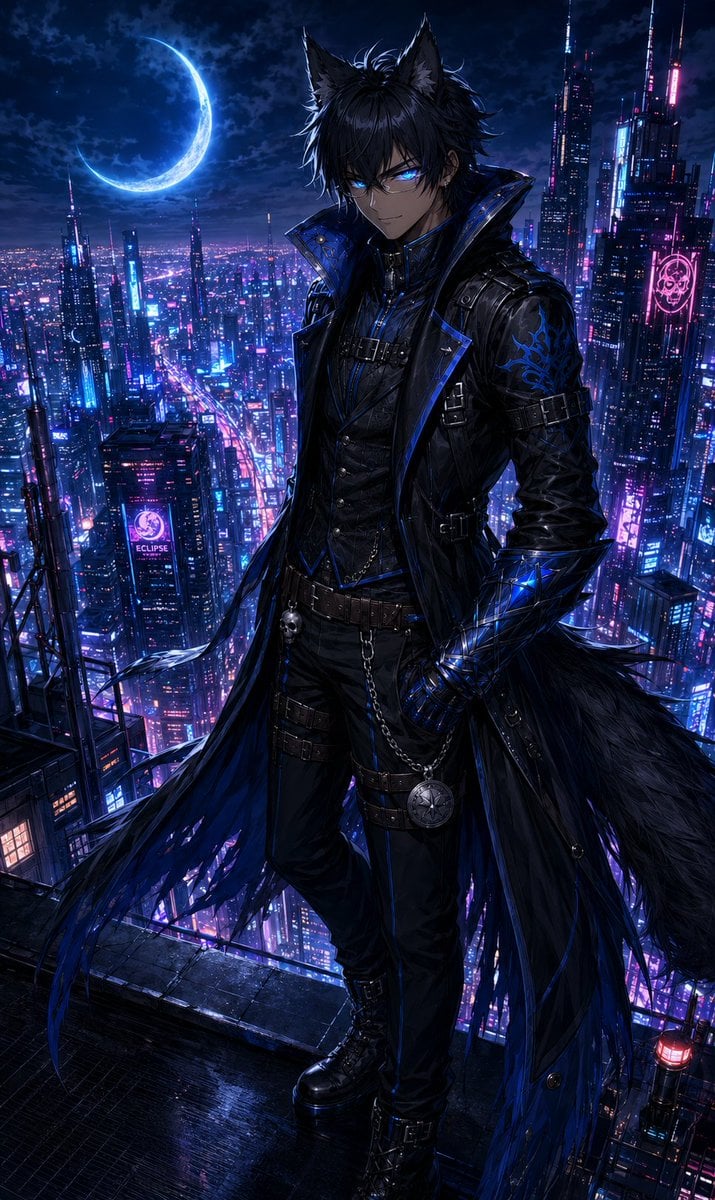
Neon Rooftop Character Portrait
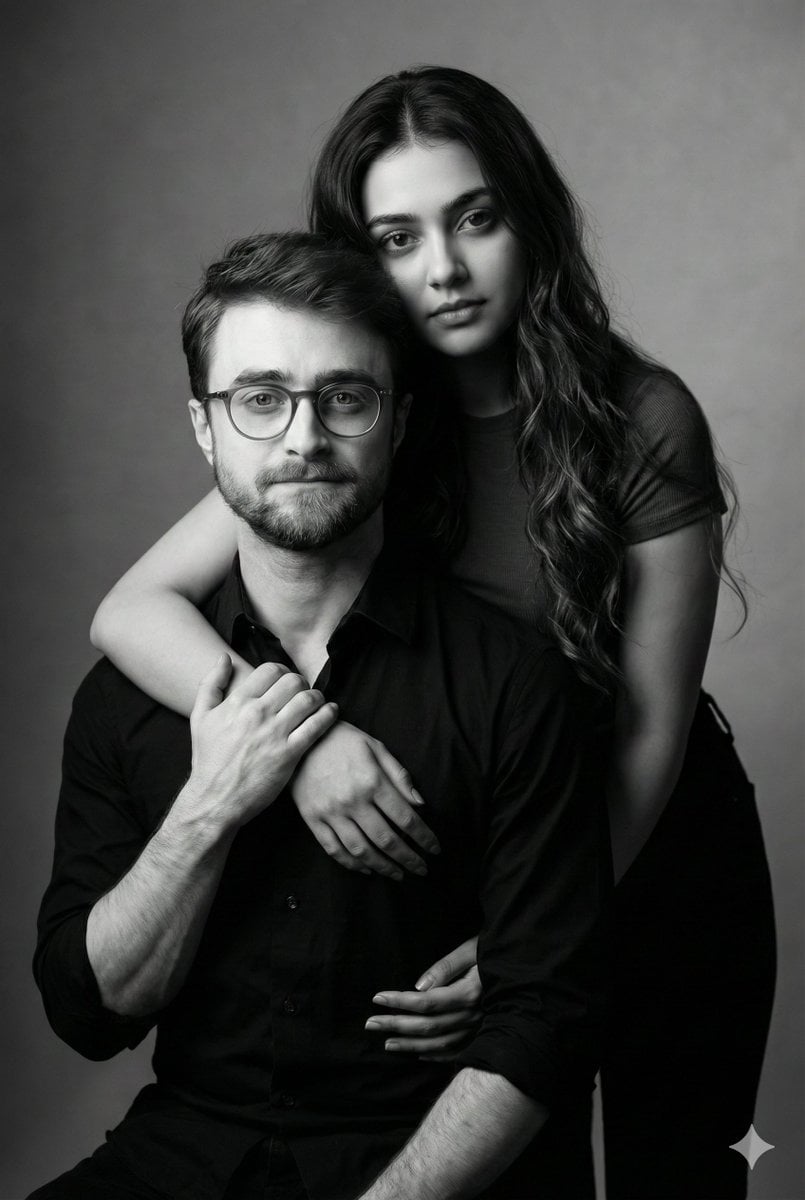
Monochrome Fine Art Couple Portrait

Gpt2 Infographic Edu Visual Biomimetic Skyray Aircraft Poster
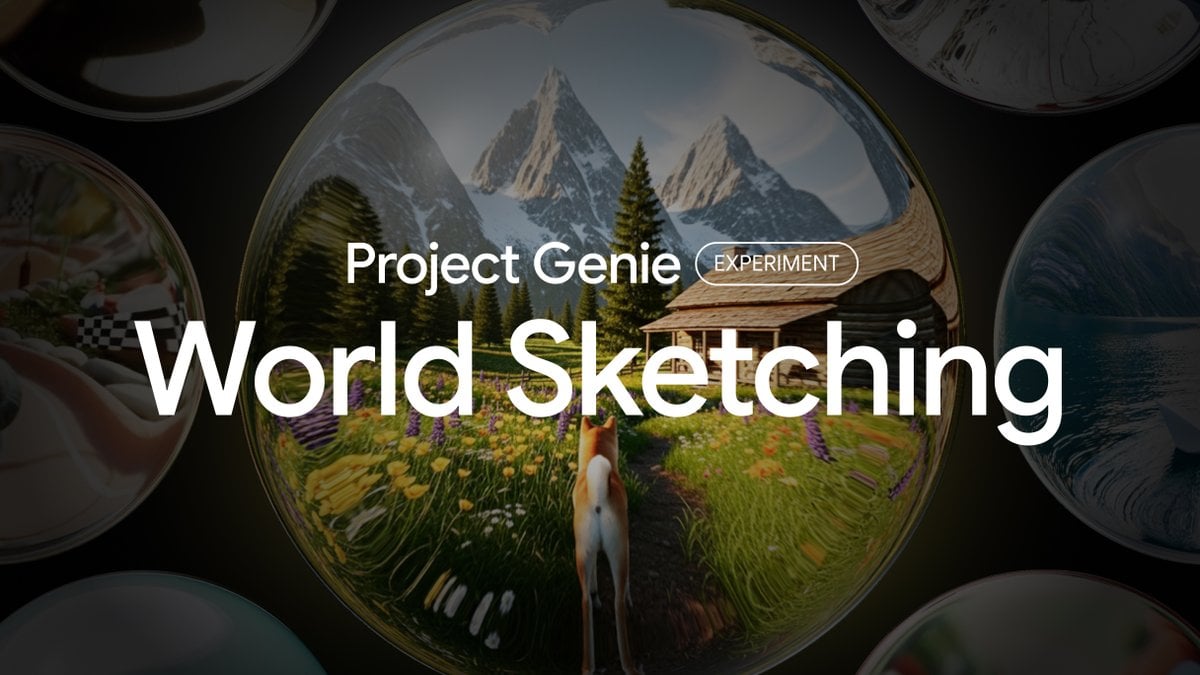
Project Genie World Design Prompt
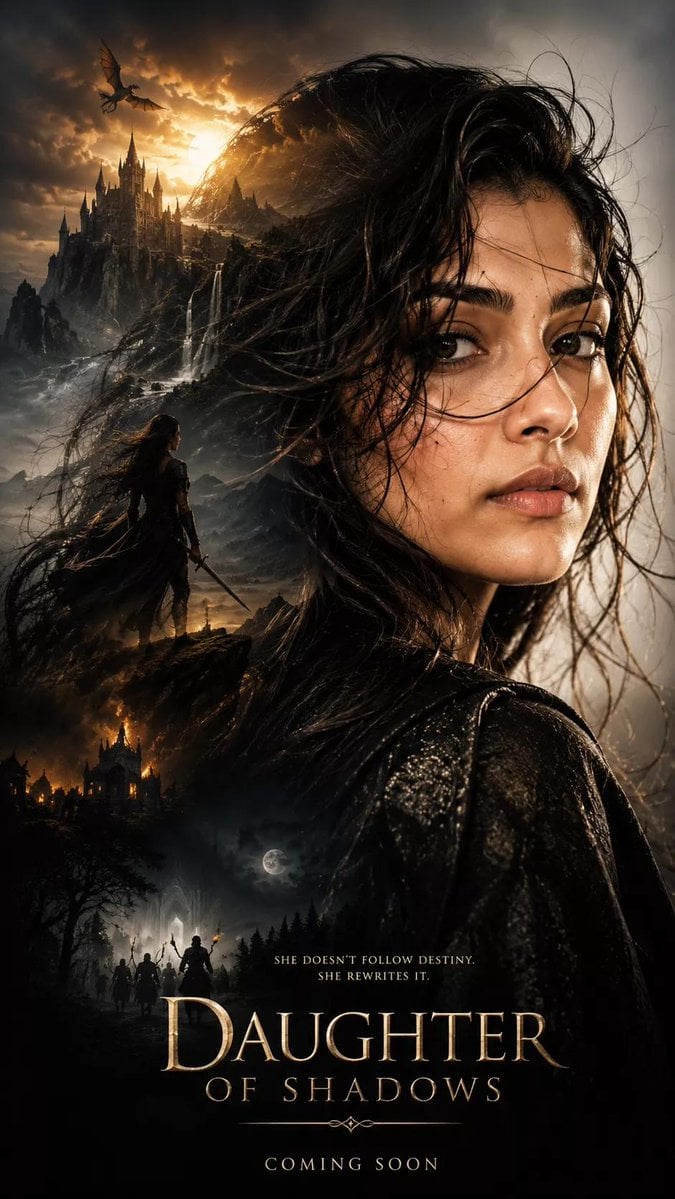
Dark Fantasy Movie Poster
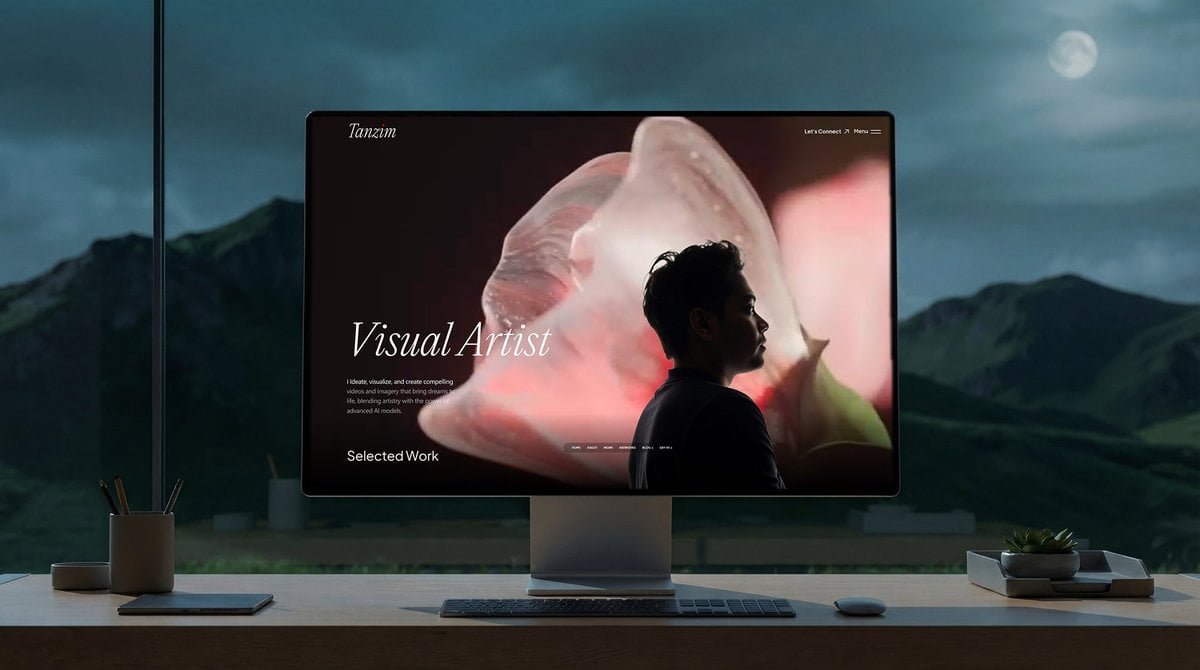
Simple Monitor Shot Prompt
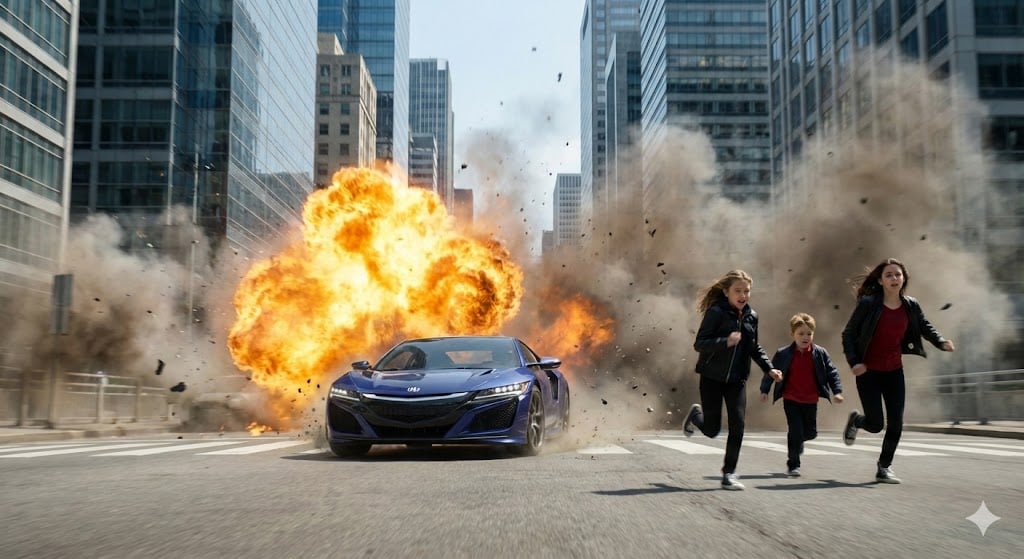
Cinematic Action Scene: Explosion Behind High-Speed Car
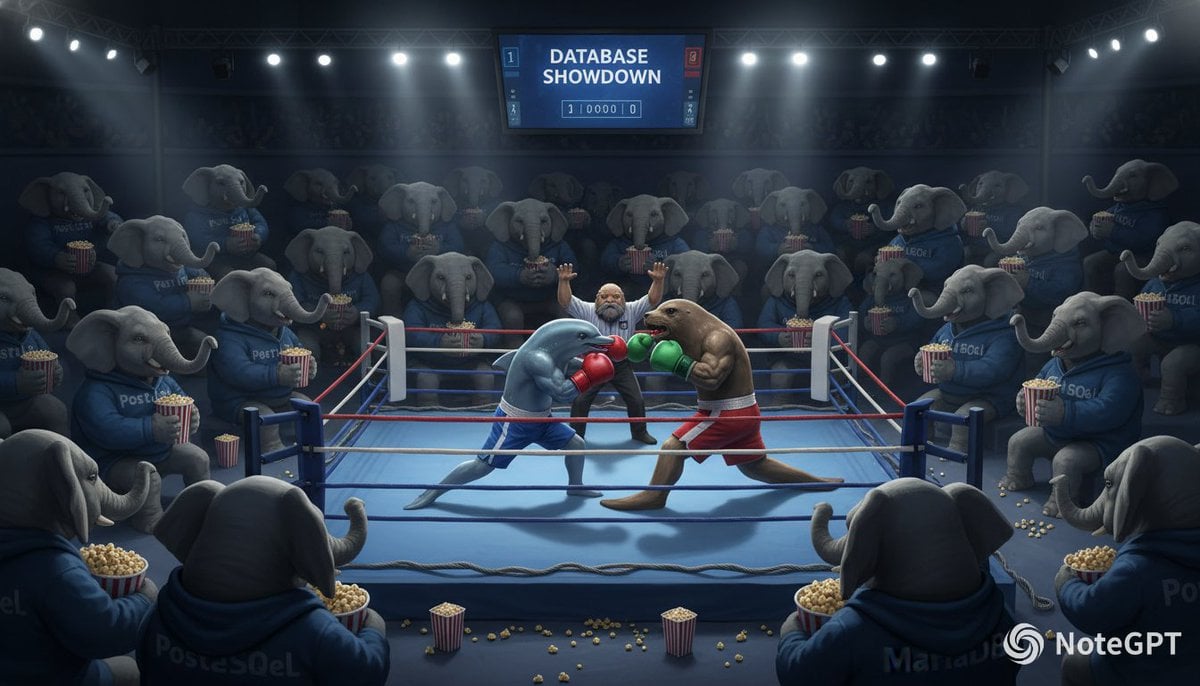
Database Mascot Boxing Match

Vertical Pixel Art Asteroid Field

Nan Goldin Style Morning Café Portrait
Browse template categories
Christmas Beverage Campaign Template questions
How do I use the Christmas Beverage Campaign Template template?
Add your photo if the template asks for one, edit the prompt if you like — the template's model and format are already selected — and press Generate. Your version opens in PicX Studio.
Can I customize the Christmas Beverage Campaign Template template?
Yes. You can change the subject, setting, lighting, mood, format, and available model controls before creating your image.
Is the Christmas Beverage Campaign Template template free?
Opening and editing this template is free. Generating uses credits, shown on the Generate button when you are signed in.
Which AI model should I use?
Choose a compatible model in PicX Studio based on the style, speed, and output controls your project needs.
Looking for something else? Browse all templates.

Your photo, any look
Thousands of ready templates for every top image and video model, from one credit balance.