
Thinking Over
Thinking Over is a ready photo look.
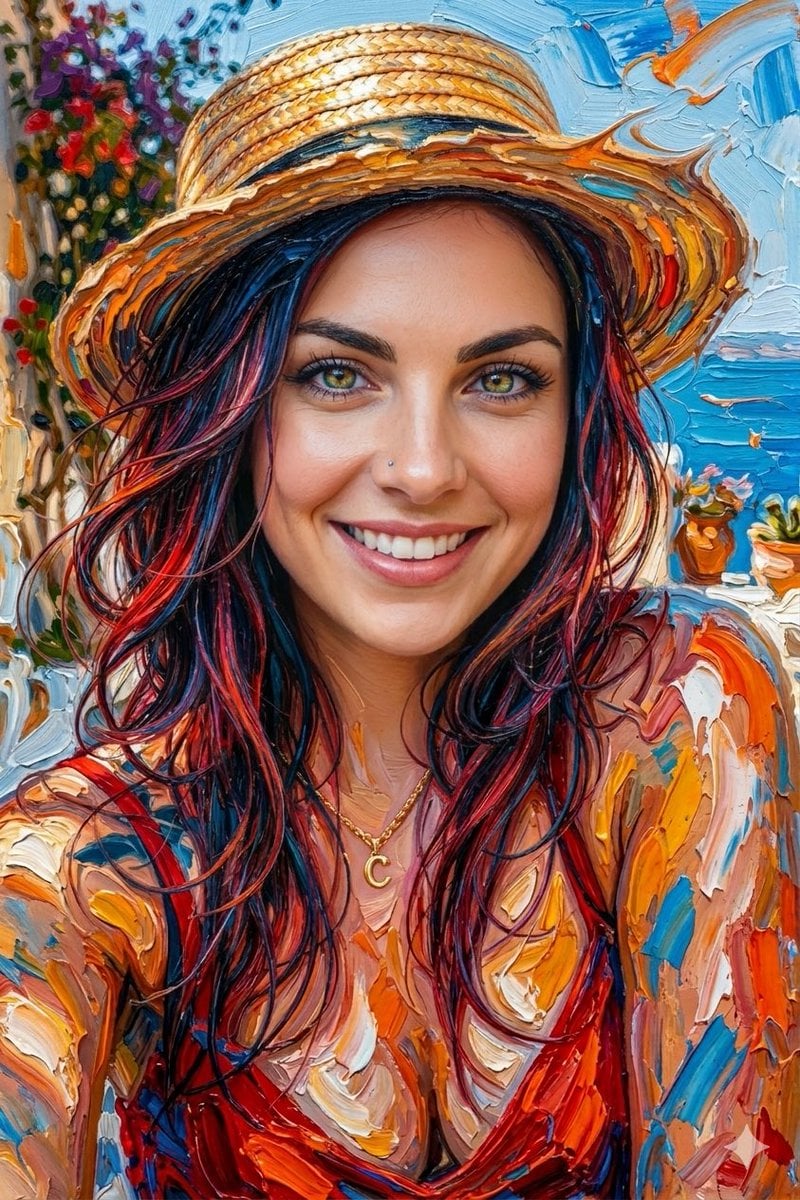
- Prompt included
- Model and format preset
- Premium template
The prompt behind this image
Copy the exact prompt behind Thinking Over, or open it in the studio and make it yours.
A hyper-realistic abstract portrait of the [young woman] in the uploaded photo, created using thick, expressive oil paint strokes. The face is realistic and other body parts blended with vibrant paint textures in shades of [blue, orange, yellow, red, and white]. The paint appears sculpted and layered, with dynamic swirls and flowing brush strokes extending from the [hair and neck], creating a fluid, almost melting effect. 8K resolution, ultra-detailed. --ar [9:16]
How to use Thinking Over in 3 steps
- 1Upload ImagePNG, JPG or paste
Add your photo
Upload the photo the template builds on. The prompt, model and format are already set.
- 2…a portrait of your subject in softgolden-hour light, 85mm…
Personalize
Edit the subject and creative details for your destination.
- 3Generate
Generate
Press Generate — your image is created in PicX Studio, so you can compare it with the original and refine one variable at a time.
More like this
Templates with the same subject, style or setup. Open one to see its prompt.
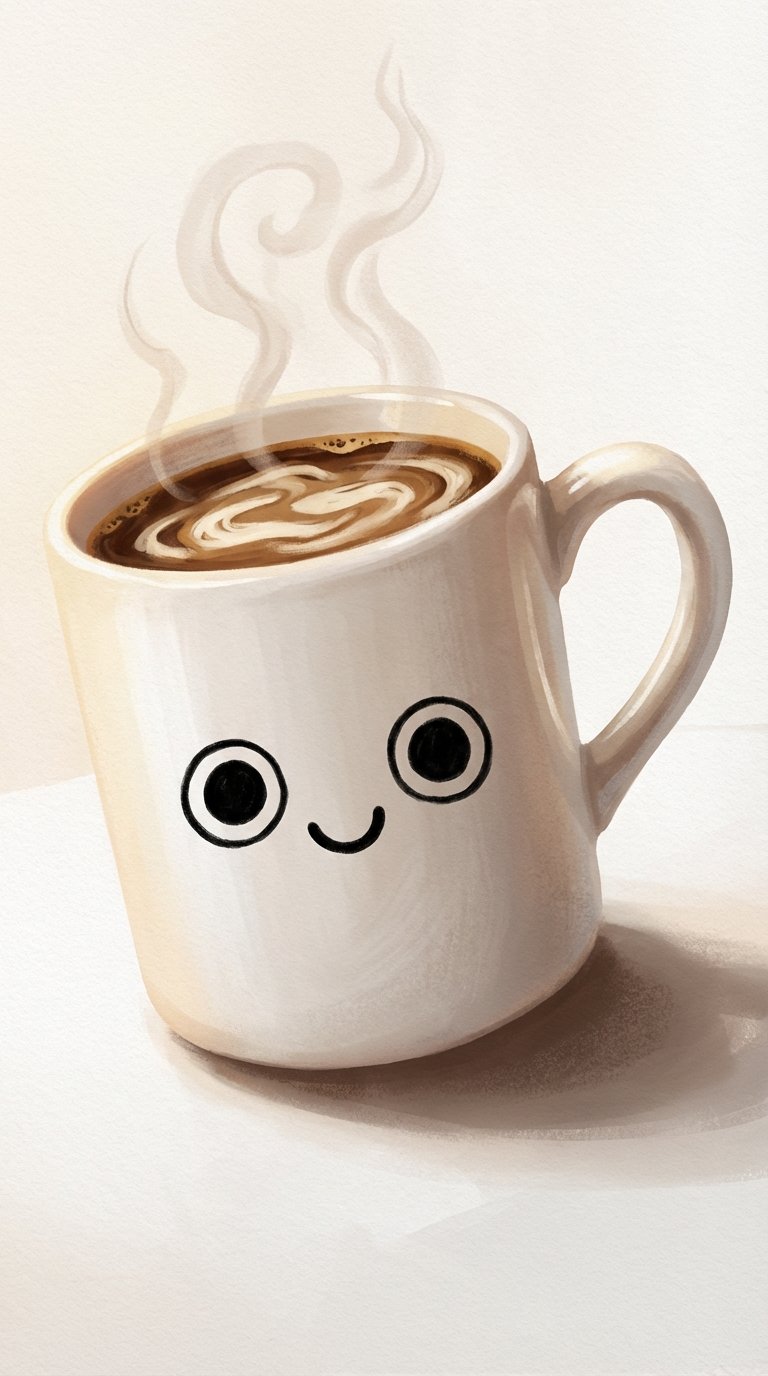
Whimsical Steaming Coffee Mug Art

Nano Banana Pro Pink Office Chibi
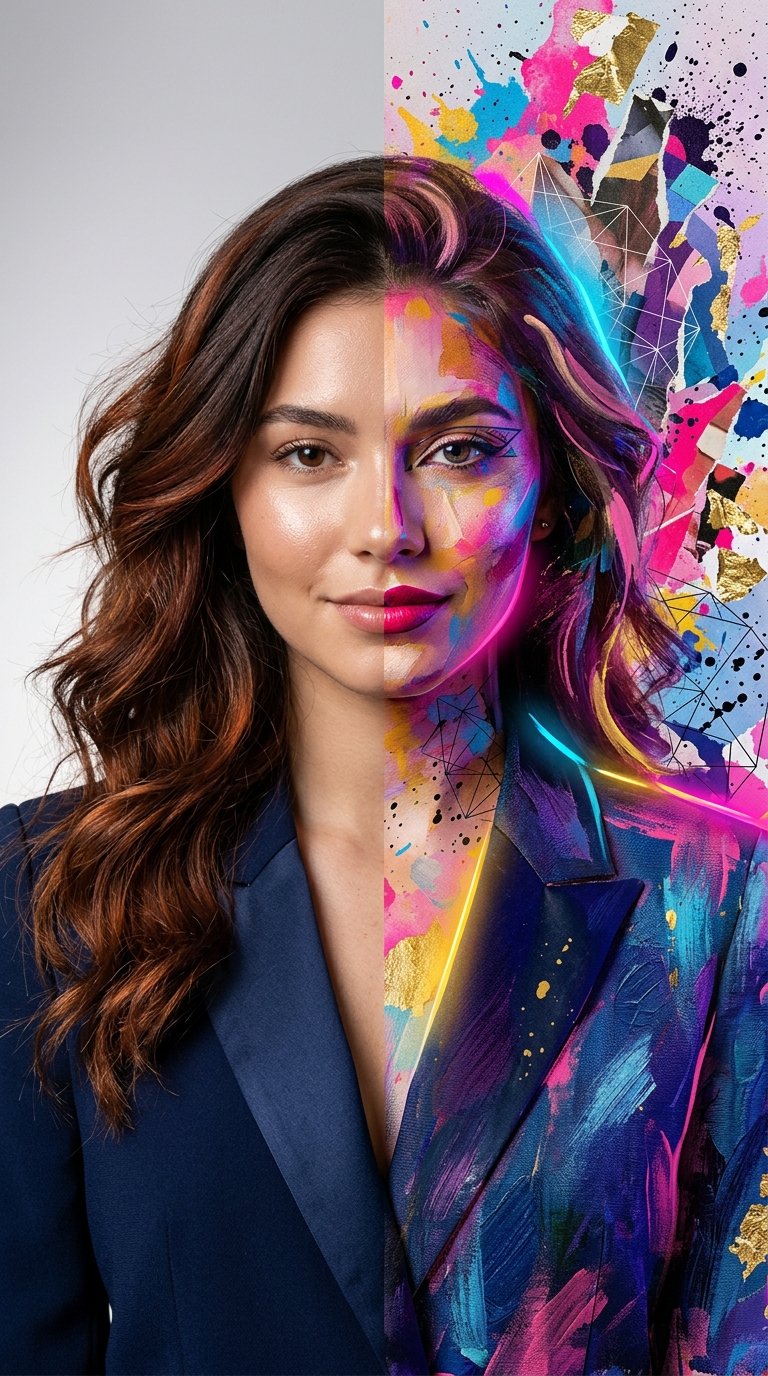
Split Portrait - Mixed Media

Sticker Art Style
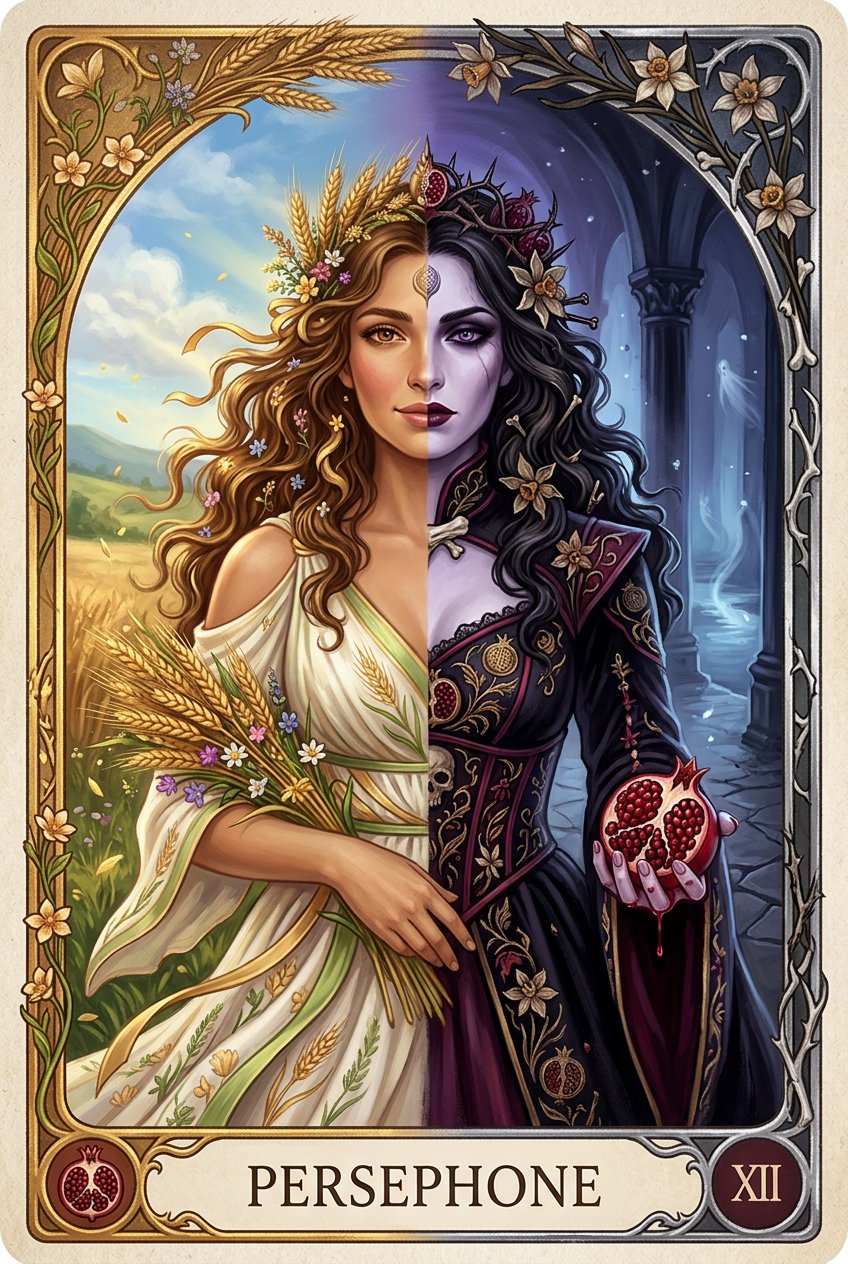
Persephone deity card
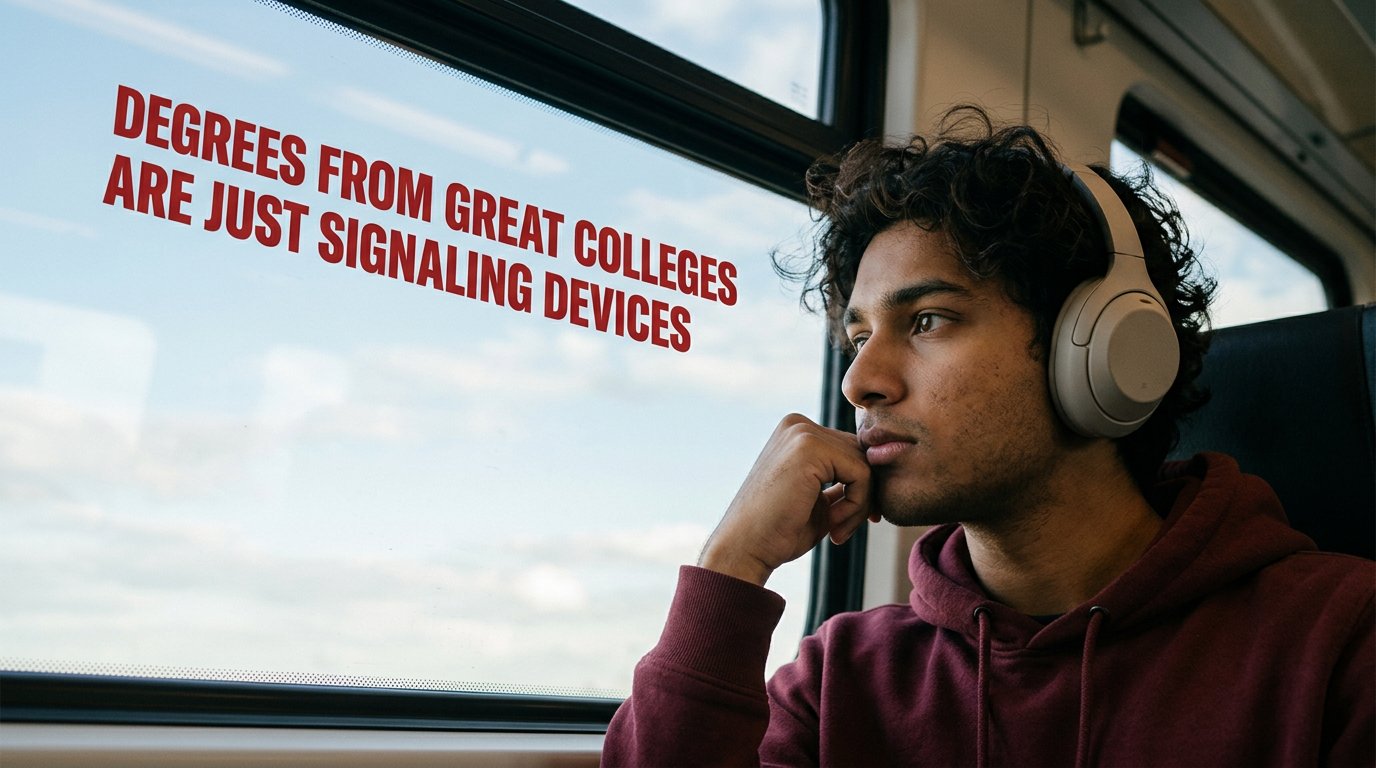
Cinematic Academic Signaling Thumbnail
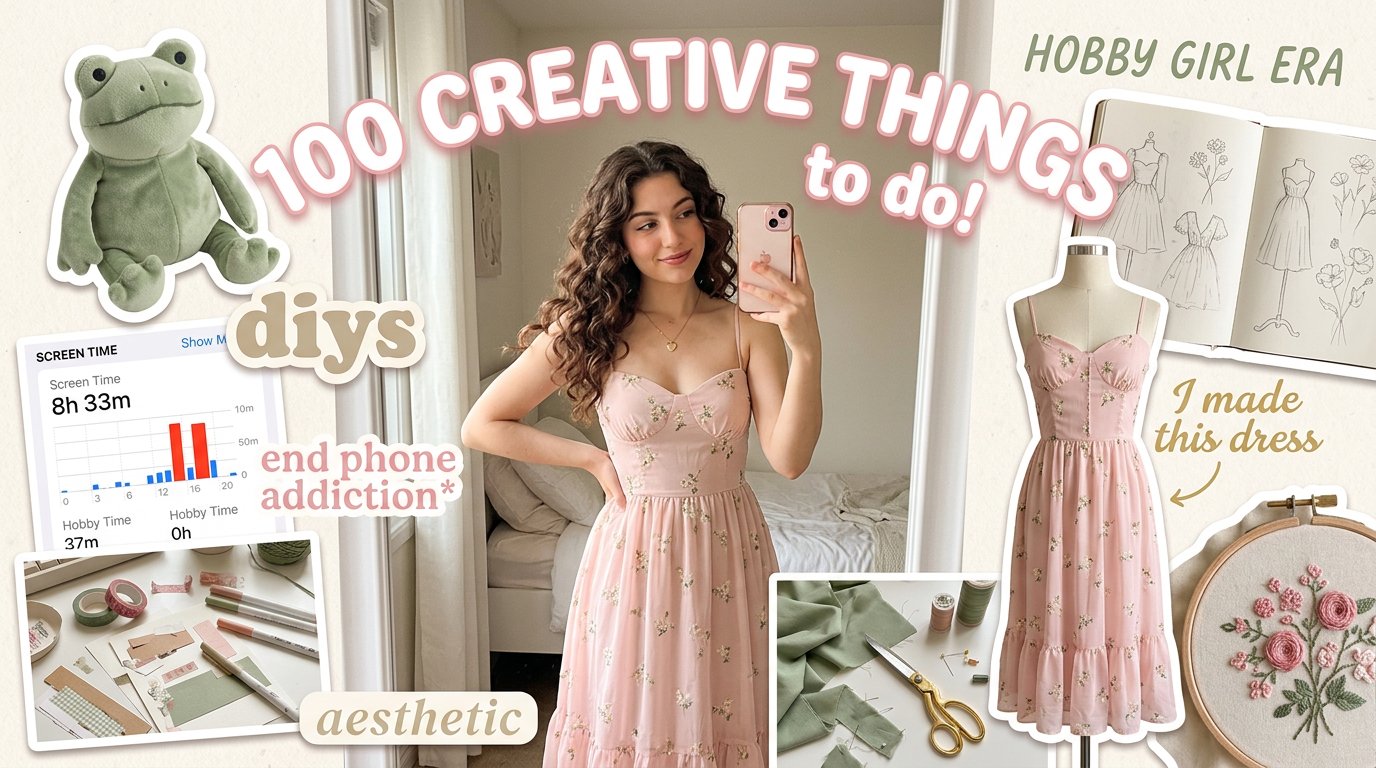
Aesthetic Hobby Girl Collage Youtube Thumbnail
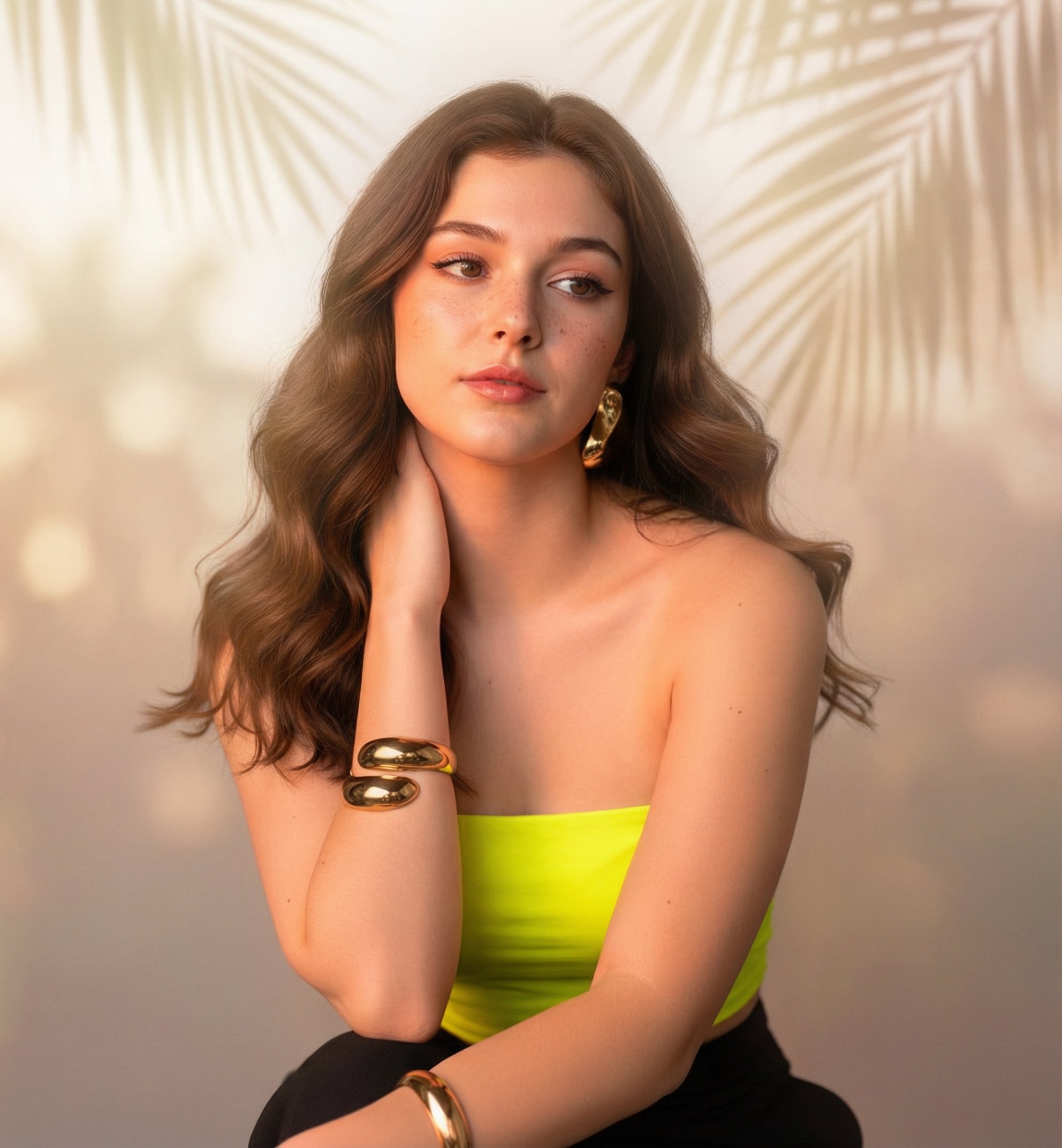
Sunny Day
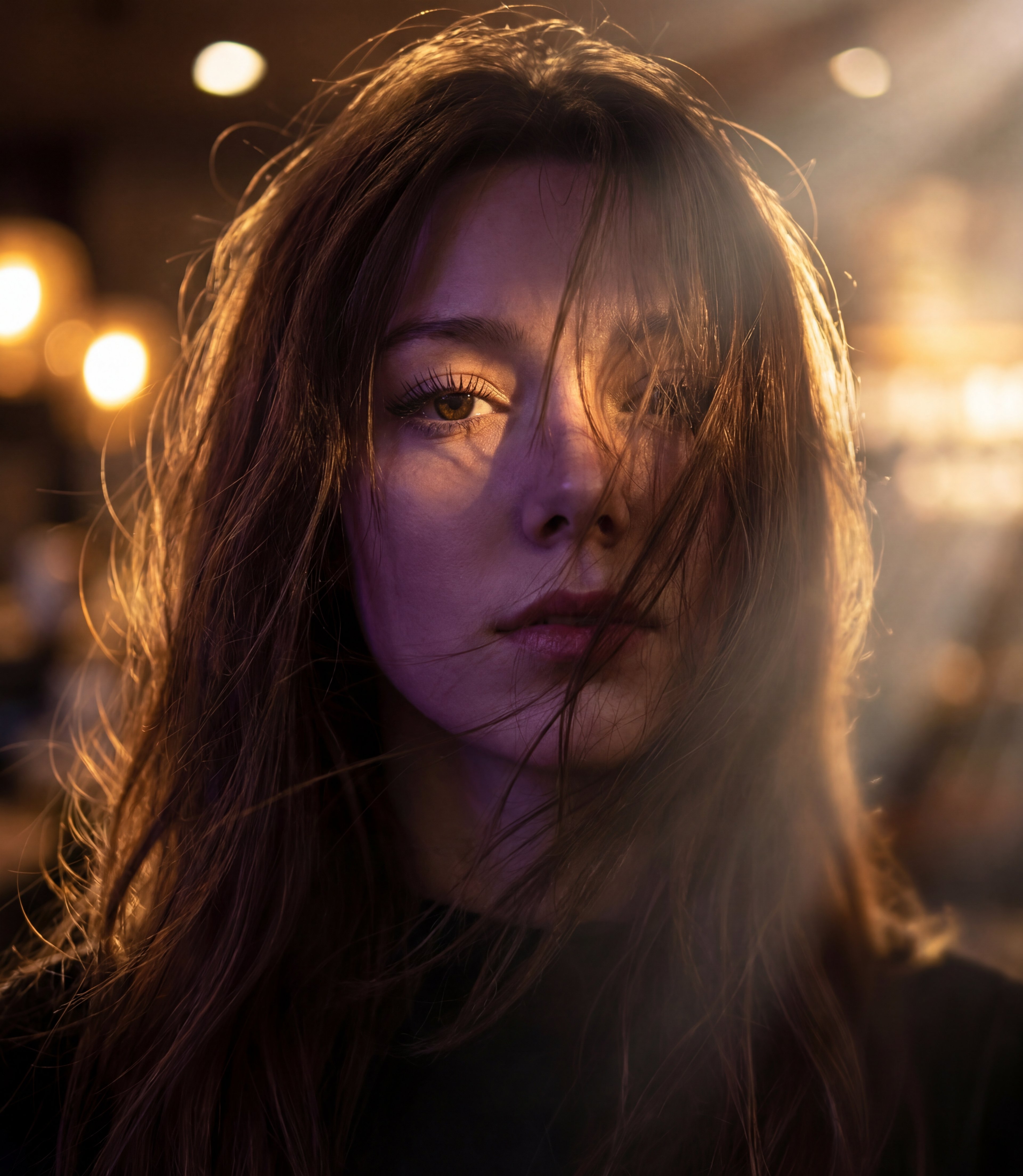
Messy Hair Glow Portrait
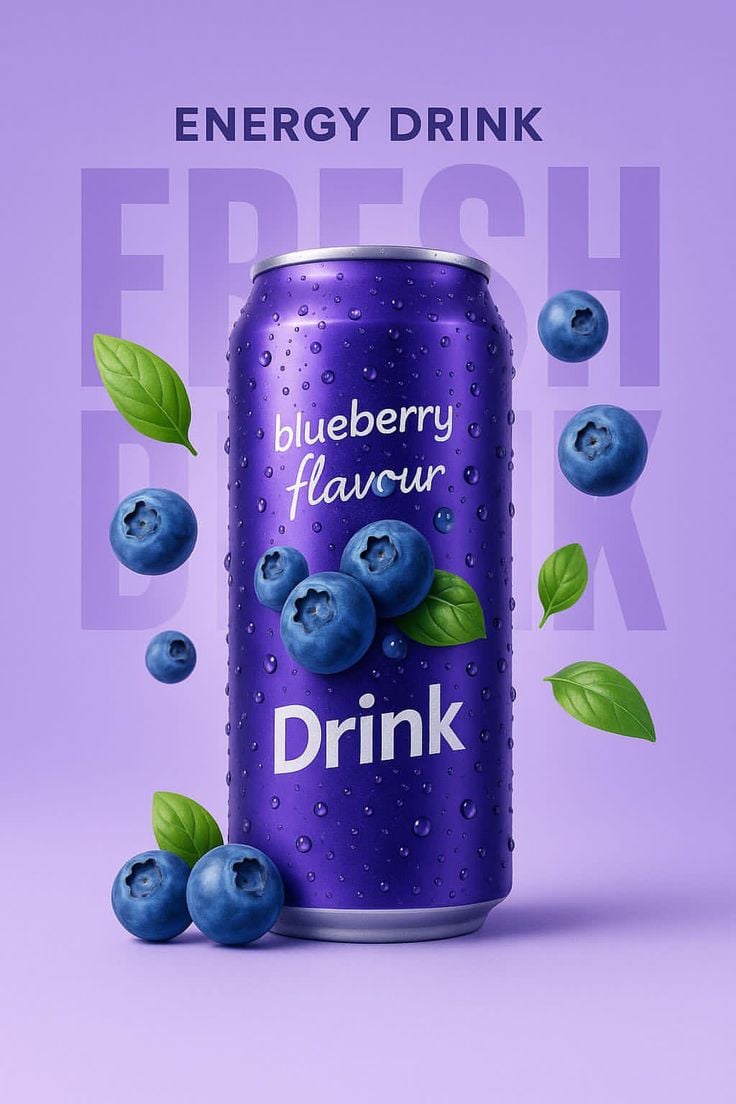
Blueberry Energy Drink Mockup
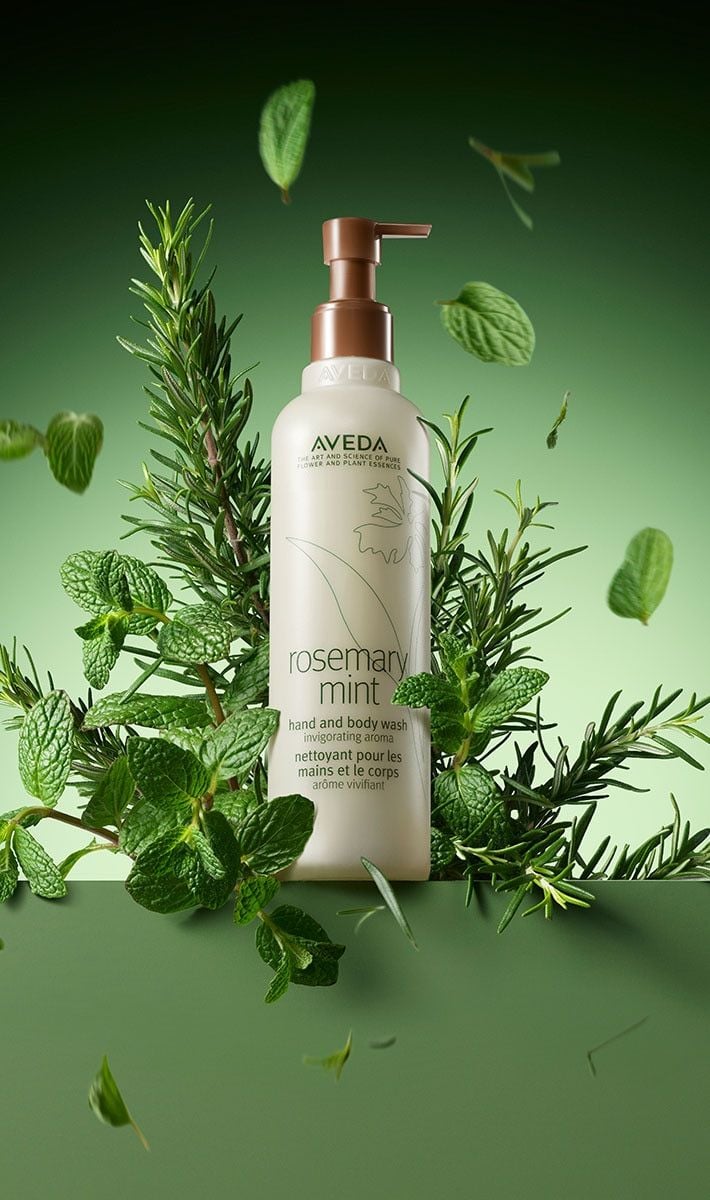
Botanical Rosemary Mint Product Showcase
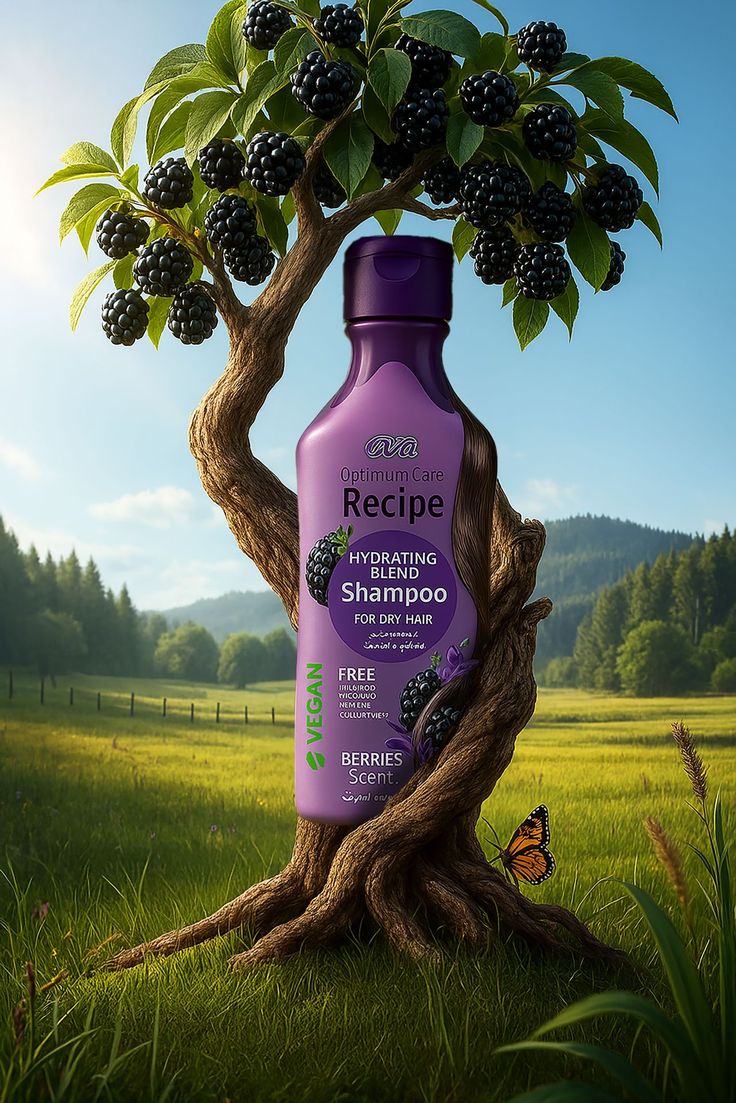
Nature Infused Shampoo Ad Template
Make it yours
Thinking Over works as-is. These are the safest ways to change it without losing the look.
Change one field
Copy a single group, rewrite it, and generate again so you can see what that field is doing.
Keep the frame, change the subject
Hold the composition and light of Thinking Over, then swap wardrobe, props or the person for a new take.
| If the result… | Why | Fix |
|---|---|---|
| The result drifts from the preview | Too many fields changed at once. | Reuse Thinking Over as-is first, then change one group — subject, light, or setting. |
| The model over-stylizes the scene | The prose prompt leaves finish and camera underspecified. | Add one camera or lighting sentence and stay on PicX Studio. |
More image prompts
Fresh picks from across the catalog.
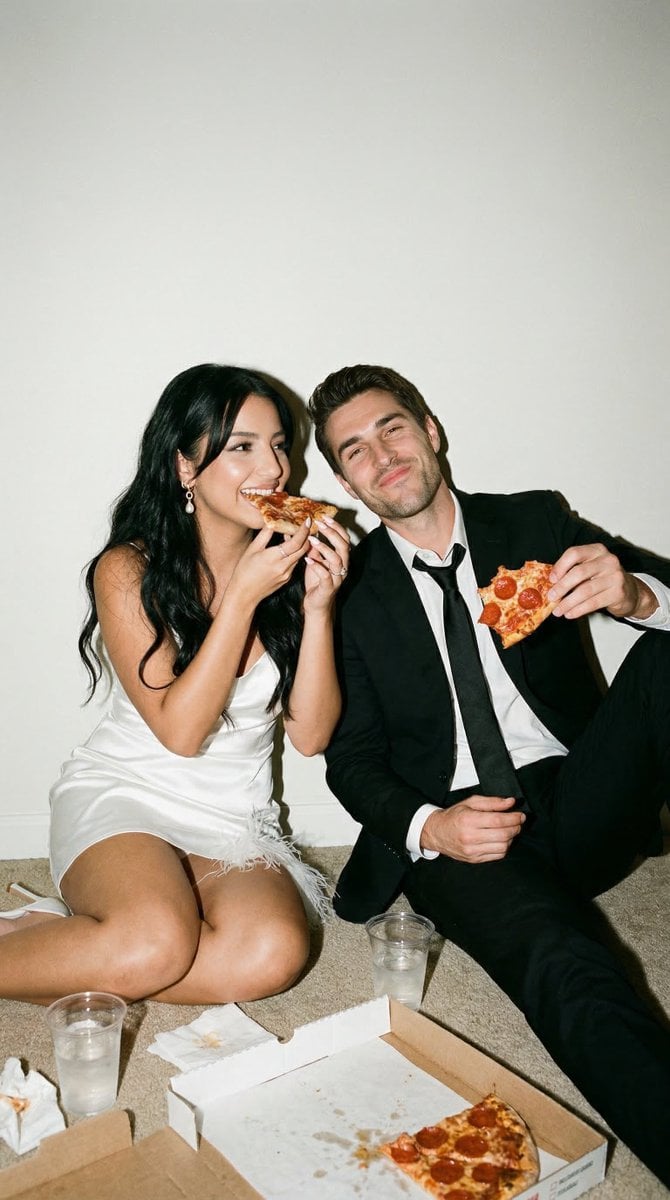
Candid Wedding Afterparty Pizza Flash Editorial Prompt for Nano Banana 2

Japanese AI Palm Reading Certificate
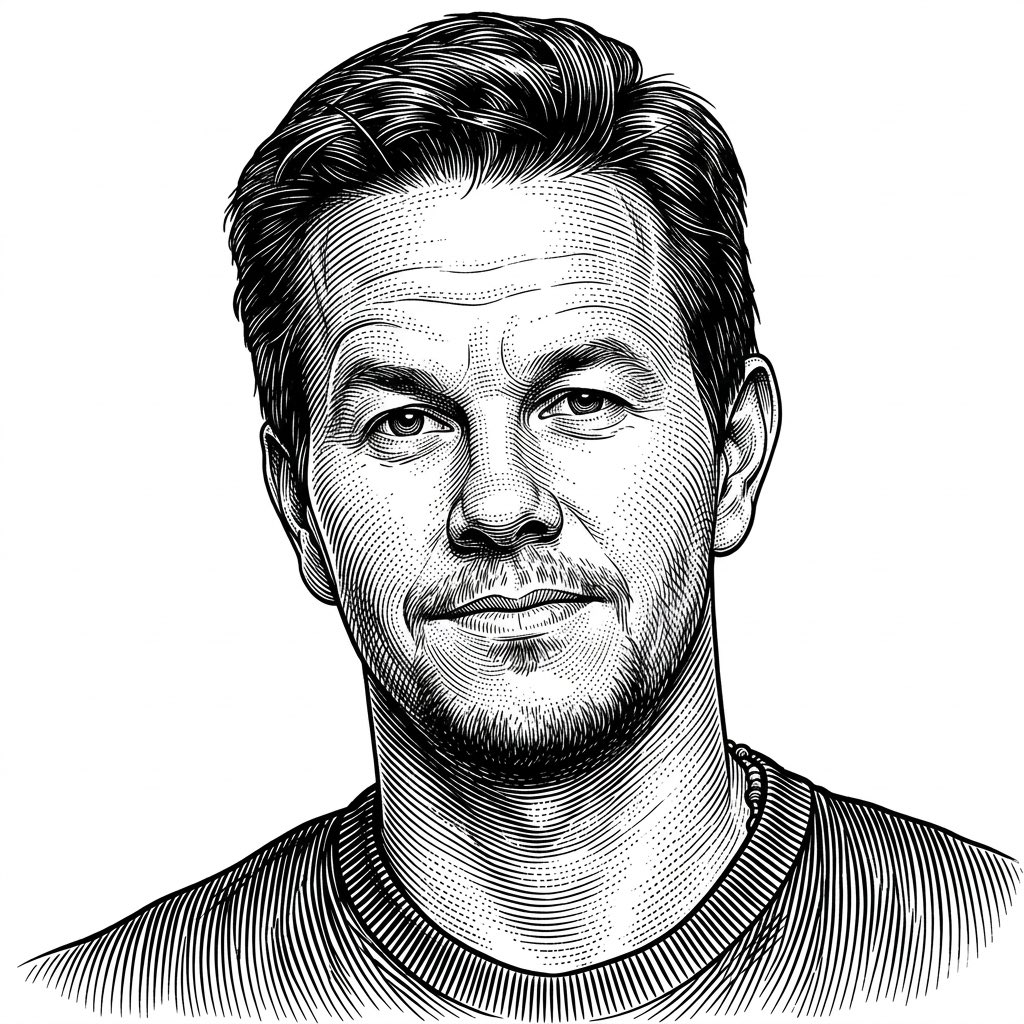
Monochrome Engraving Portrait Style
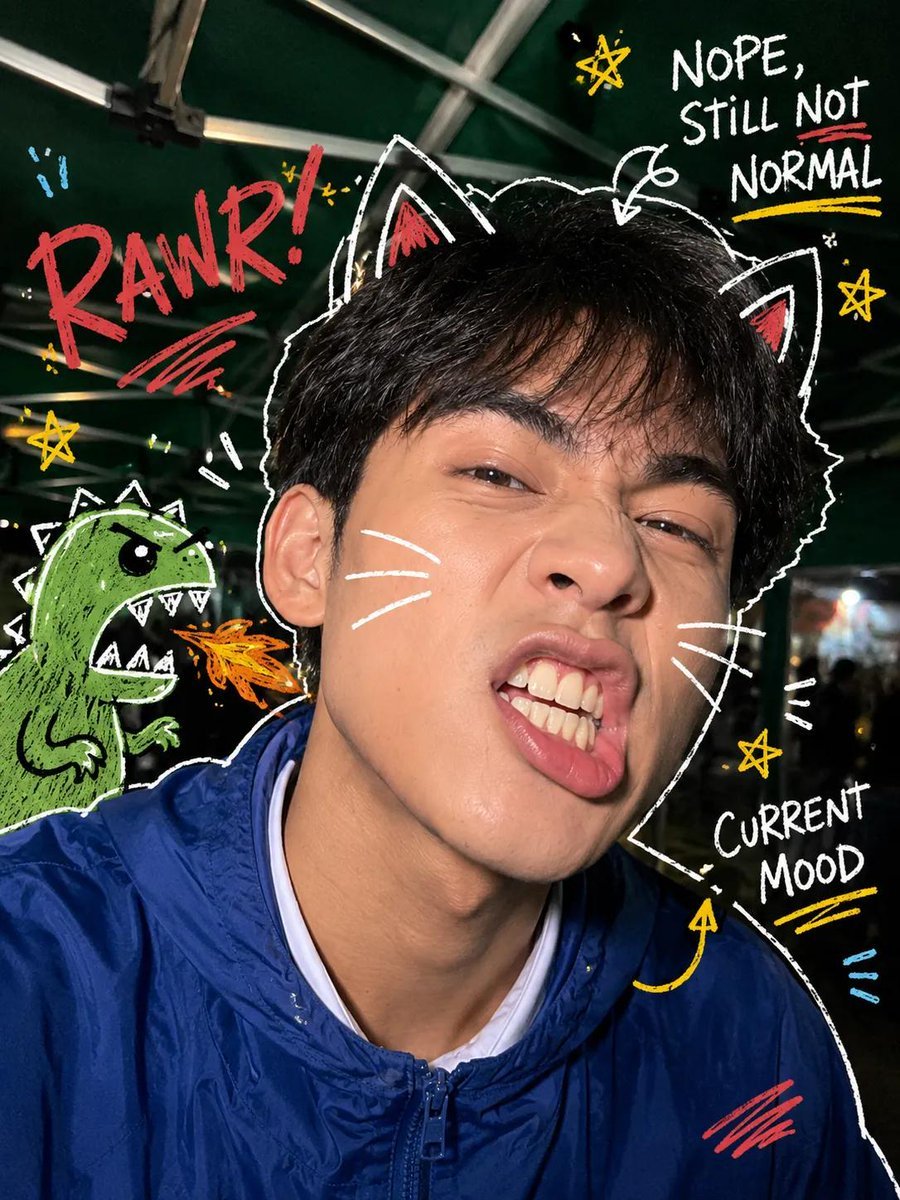
Y2K Nighttime Selfie with Doodles
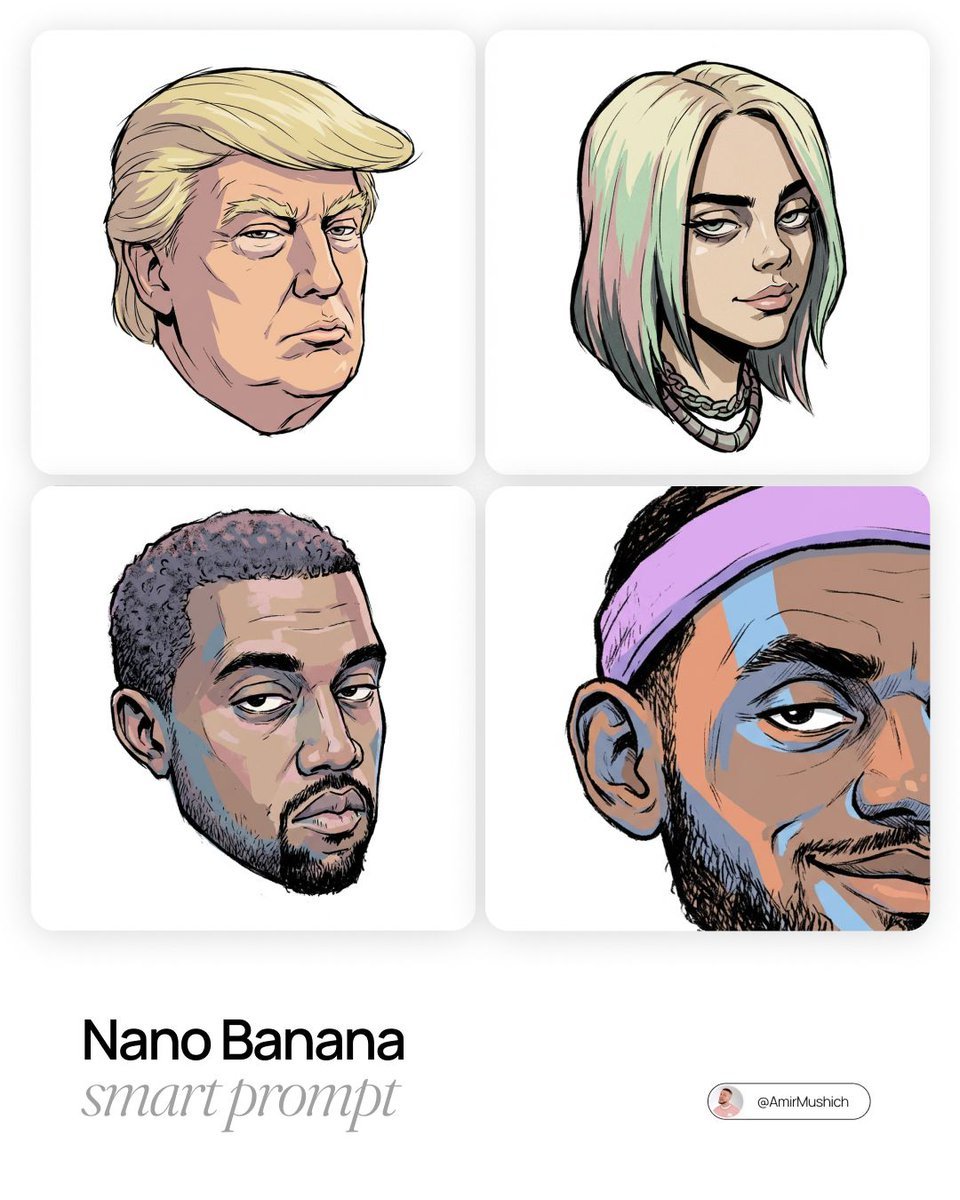
Gorillaz-Styled Illustration Prompt

Merge user with profile picture
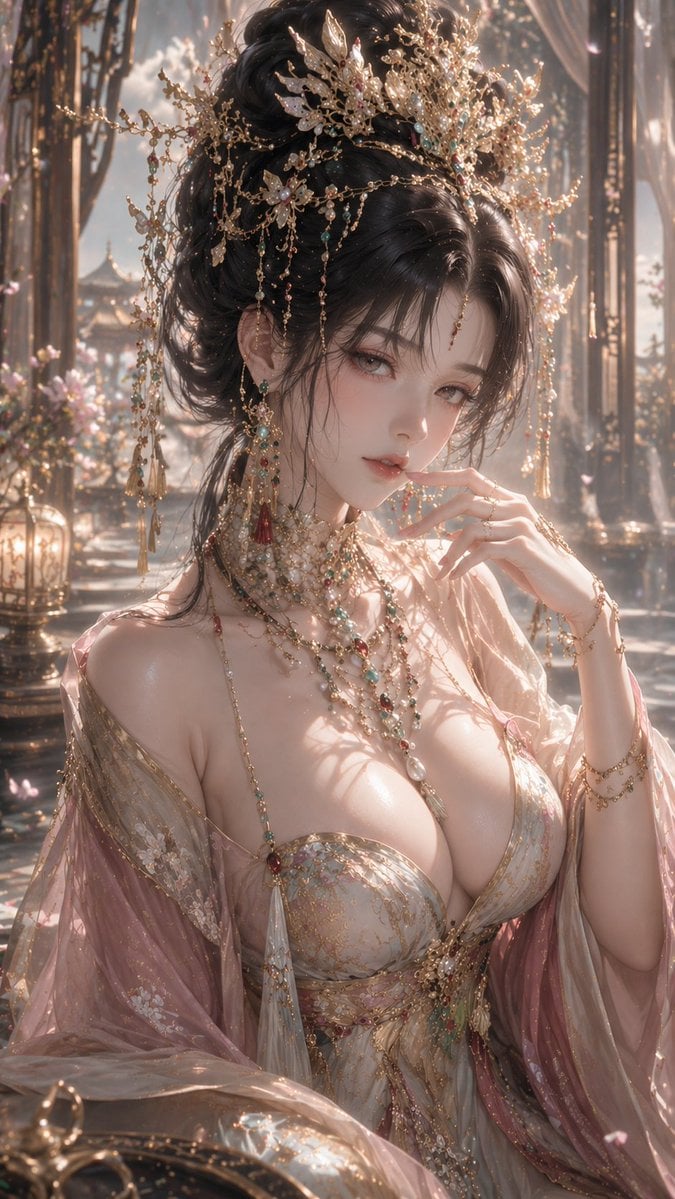
3D CG Oriental Fantasy Goddess Portrait
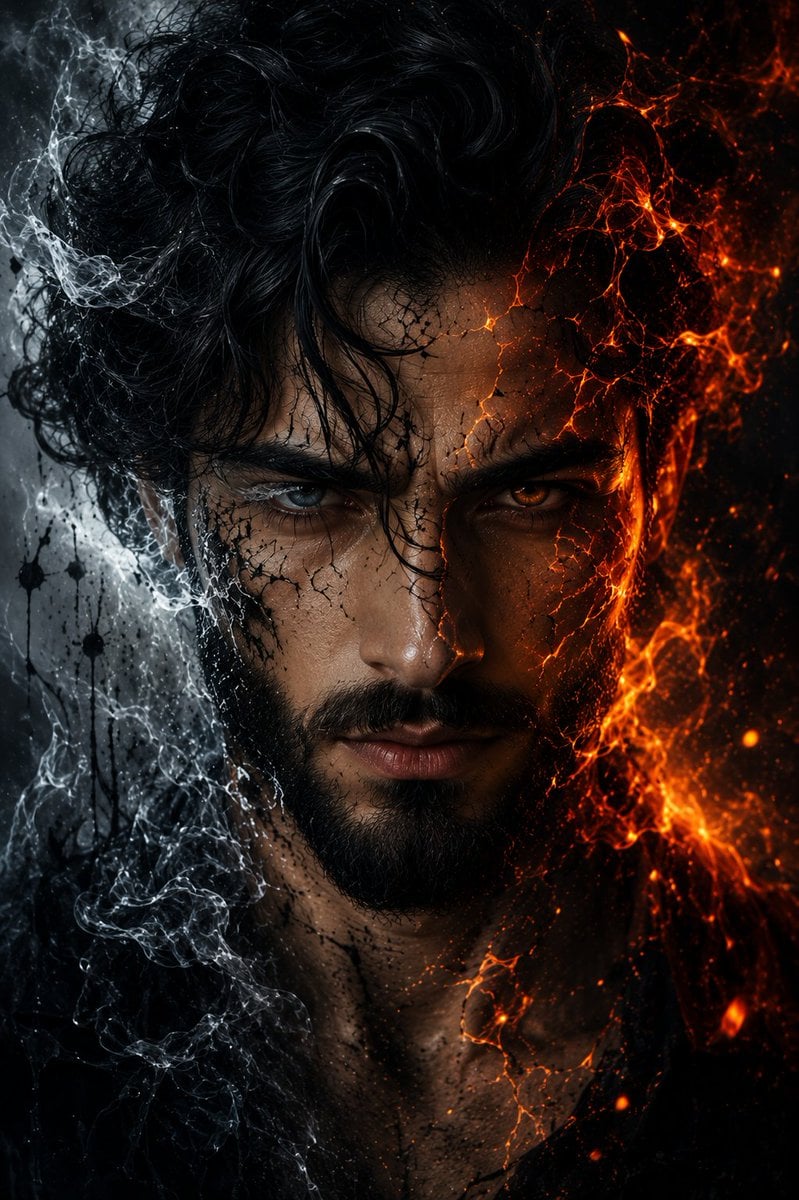
Fire and Ice Elemental Man Portrait
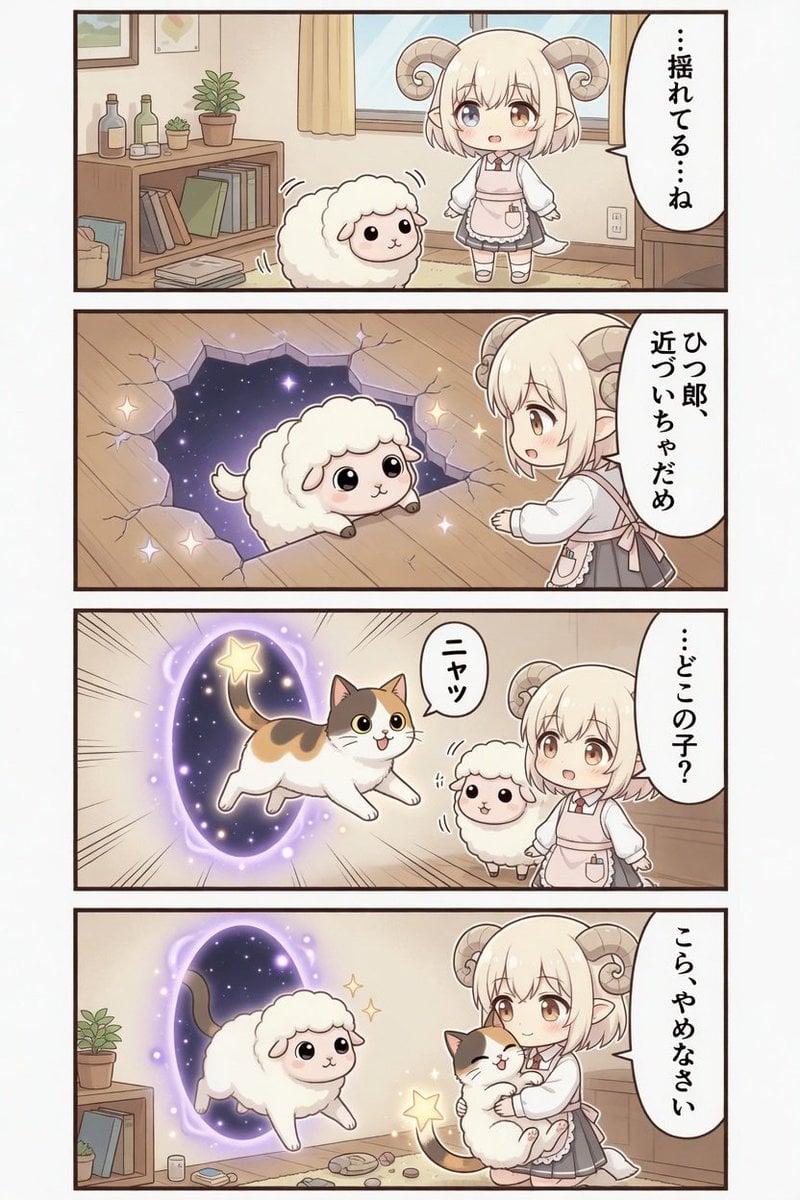
Kawaii Sheep Girl Portal Comic

Authentic Japanese Delivery Flyer
Browse template categories
Thinking Over questions
How do I use the Thinking Over template?
Add your photo if the template asks for one, edit the prompt if you like — the template's model and format are already selected — and press Generate. Your version opens in PicX Studio.
Can I customize the Thinking Over template?
Yes. You can change the subject, setting, lighting, mood, format, and available model controls before creating your image.
Is the Thinking Over template free?
Opening and editing this template is free. Generating uses credits, shown on the Generate button when you are signed in.
Which AI model should I use?
Choose a compatible model in PicX Studio based on the style, speed, and output controls your project needs.
Looking for something else? Browse all templates.

Your photo, any look
Thousands of ready templates for every top image and video model, from one credit balance.