
Vintage Toy Fashion Portrait
Vintage Toy Fashion Portrait is a ready photo look.
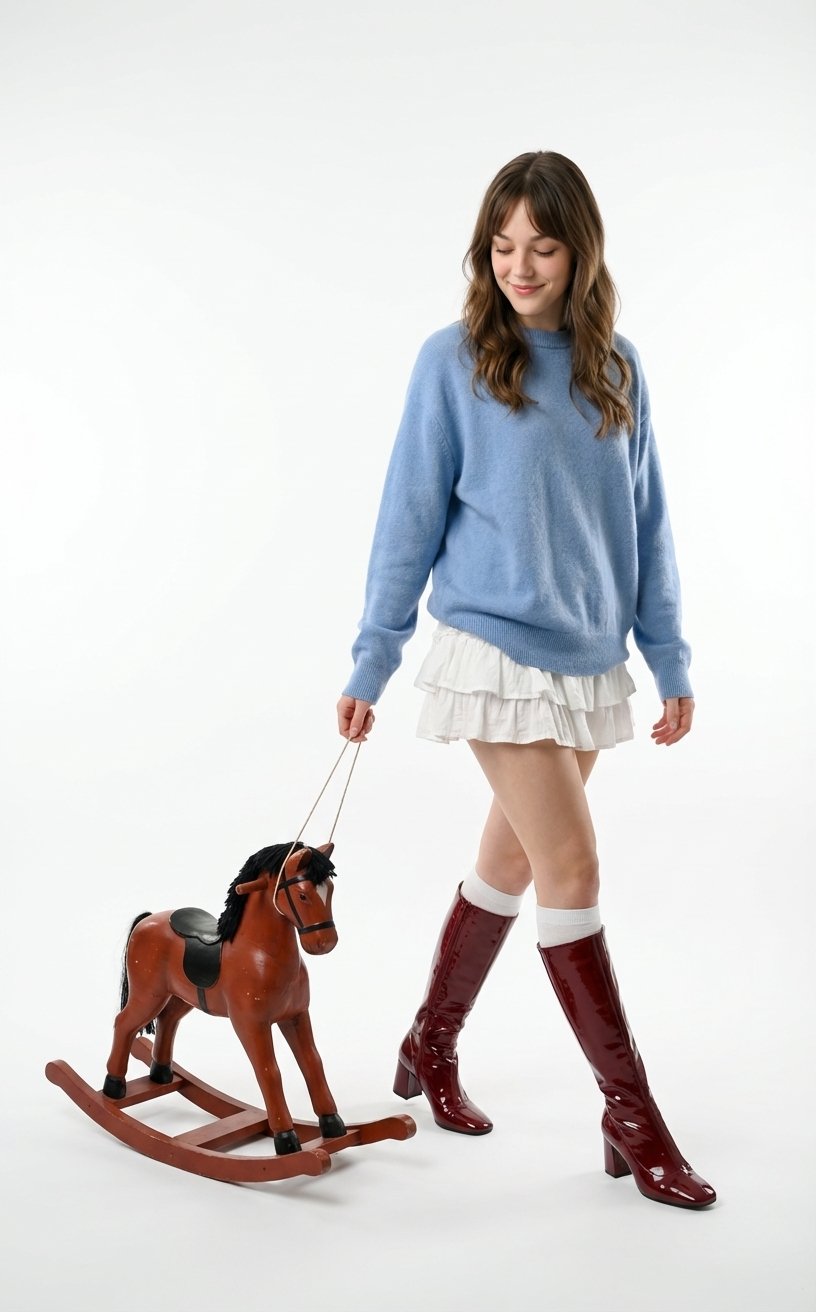
- Prompt included
- Model and format preset
- Free template
The prompt behind this image
Copy the exact prompt behind Vintage Toy Fashion Portrait, or open it in the studio and make it yours.
"type": "image_generation", "prompt": "Full-body portrait of a young beautiful woman with long wavy brown hair, soft natural smile, looking down. She is wearing an oversized blue cashmere sweater tucked into a white ruffled layered mini skirt, white knee-high socks, and glossy dark red patent leather high-heeled knee-high boots. She is walking gracefully while pulling a classic vintage wooden toy rocking horse on wheels with a string in her right hand. The toy horse is red-brown with a black mane and saddle. Plain seamless white studio background with soft, even lighting.", "style": "photorealistic", "camera": "full body, eye-level", "lighting": "soft even studio lighting", "background": "seamless white", "quality": "high detail, clean composition" } edit my image
How to use Vintage Toy Fashion Portrait in 3 steps
- 1
Open
The prompt is already in the box next to the preview, with the template's model and format selected.
- 2…a portrait of your subject in softgolden-hour light, 85mm…
Personalize
Edit the subject and creative details for your destination.
- 3Generate
Generate
Press Generate — your image is created in PicX Studio, so you can compare it with the original and refine one variable at a time.
More like this
Templates with the same subject, style or setup. Open one to see its prompt.

Found Photograph: Us, 1970

80s Couple Studio Portrait

80s College Gate

1988 Mall Style

80s Polka Dot Saree

Nano Banana 2 High Fashion Sports Campai

Couture Fashion Editorial Woman and Drag

Ive Yujin Fashion Portrait in Blue

Nano Banana 2 Editorial Fashion Portrait

Caution Tape Fashion — Industrial Editorial

Festive Couple Holiday Magic Template

Miniature Self Portrait Collage
Make it yours
Vintage Toy Fashion Portrait works as-is. These are the safest ways to change it without losing the look.
Change one field
Copy a single group, rewrite it, and generate again so you can see what that field is doing.
Keep the frame, change the subject
Hold the composition and light of Vintage Toy Fashion Portrait, then swap wardrobe, props or the person for a new take.
| If the result… | Why | Fix |
|---|---|---|
| The result drifts from the preview | Too many fields changed at once. | Reuse Vintage Toy Fashion Portrait as-is first, then change one group — subject, light, or setting. |
| The model over-stylizes the scene | The prose prompt leaves finish and camera underspecified. | Add one camera or lighting sentence and stay on PicX Studio. |
More image prompts
Fresh picks from across the catalog.

Golden Hour Café Portrait
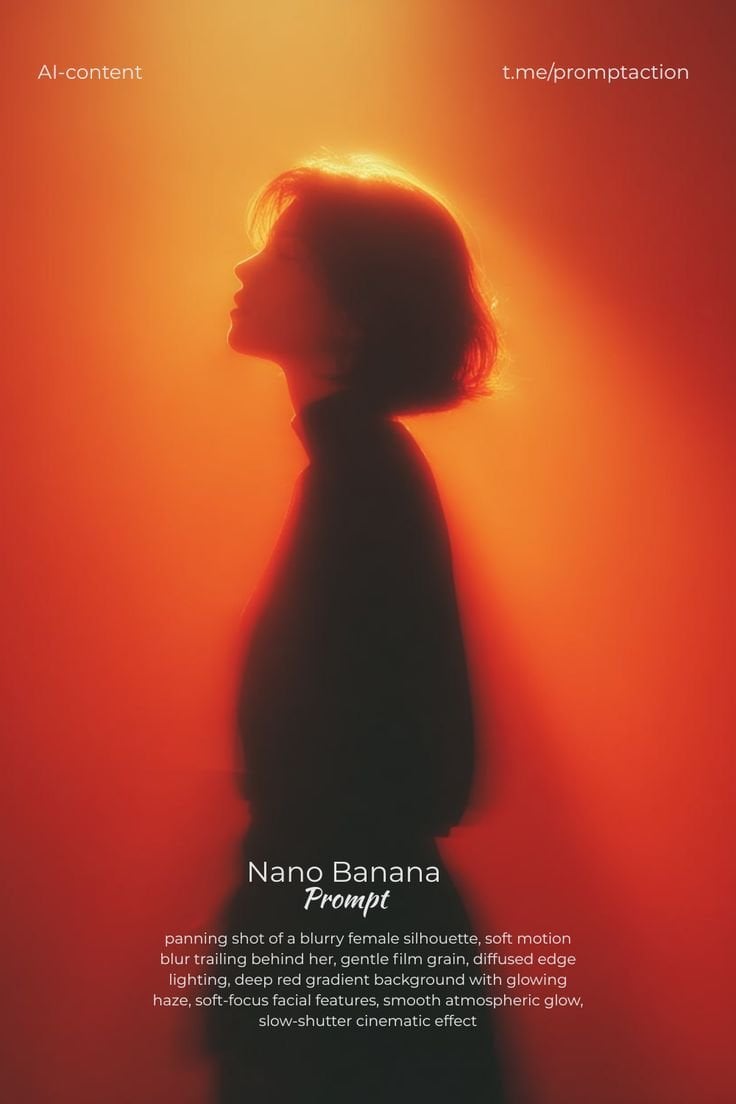
Red Motion Blur Silhouette
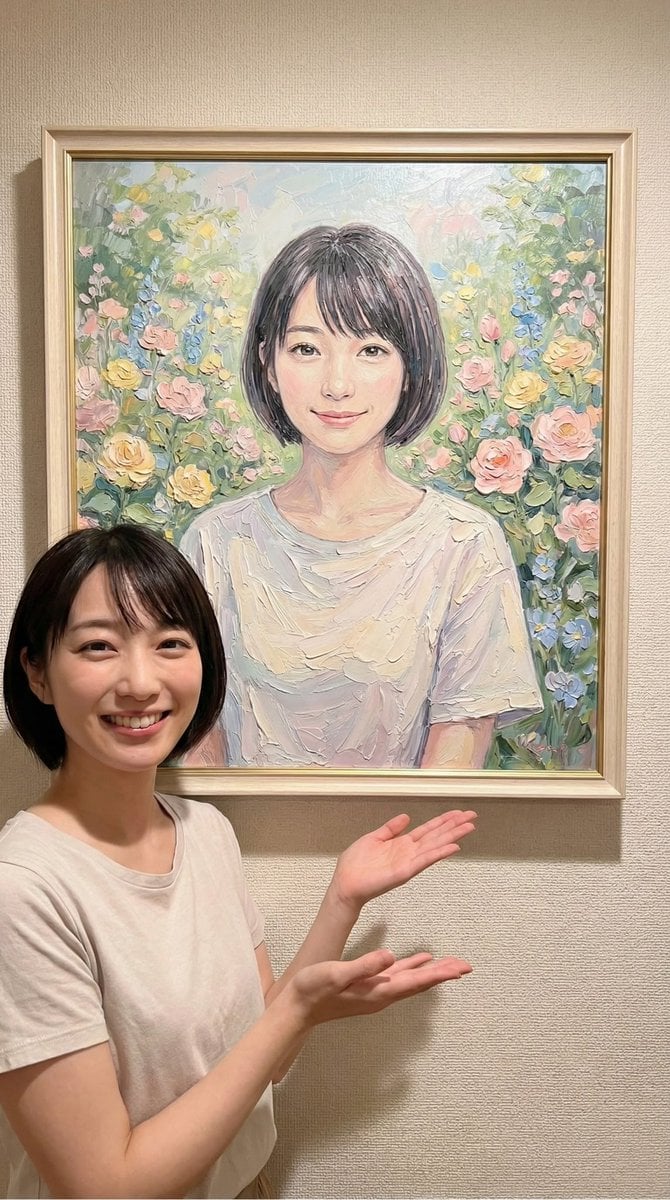
Image-to-Painting Reproduction Prompt
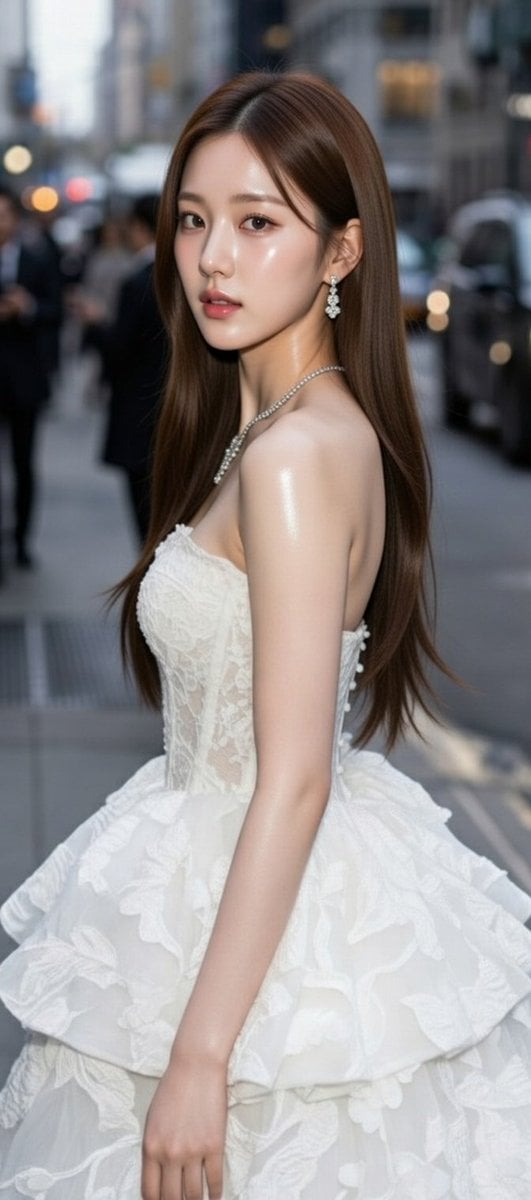
High-Fashion Candid Portrait of Zhao Lusi
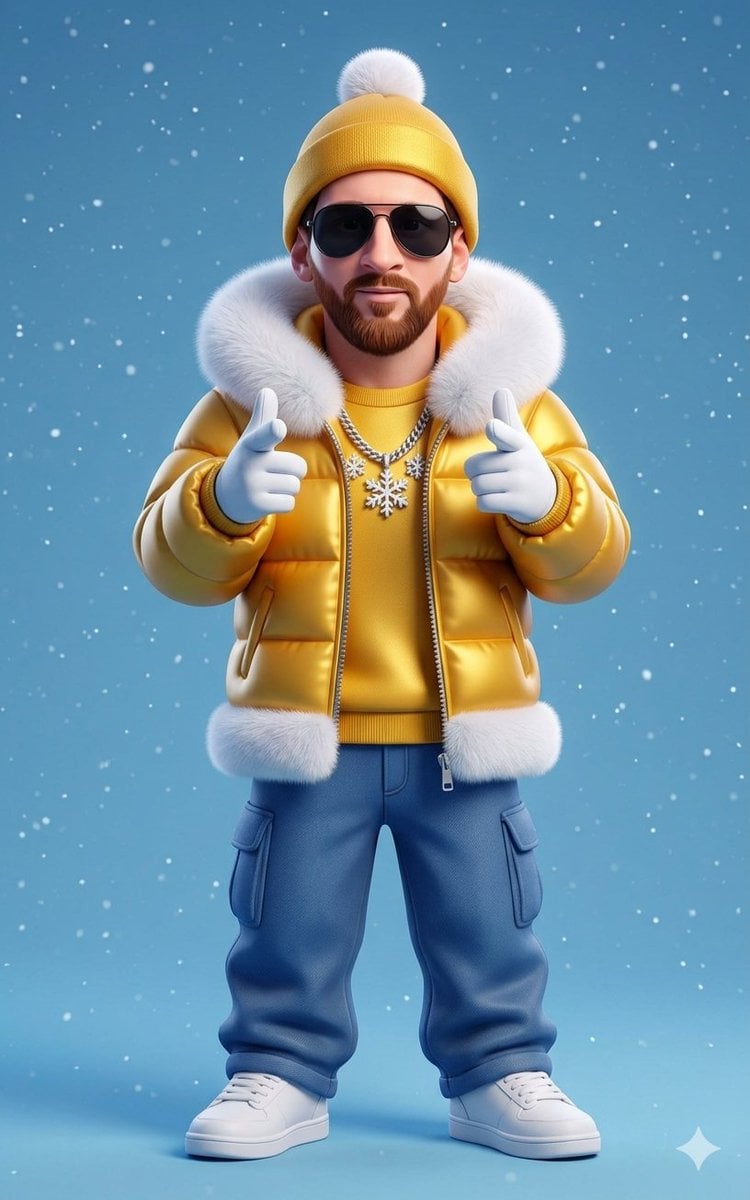
Stylized 3D Cartoon Man in Streetwear
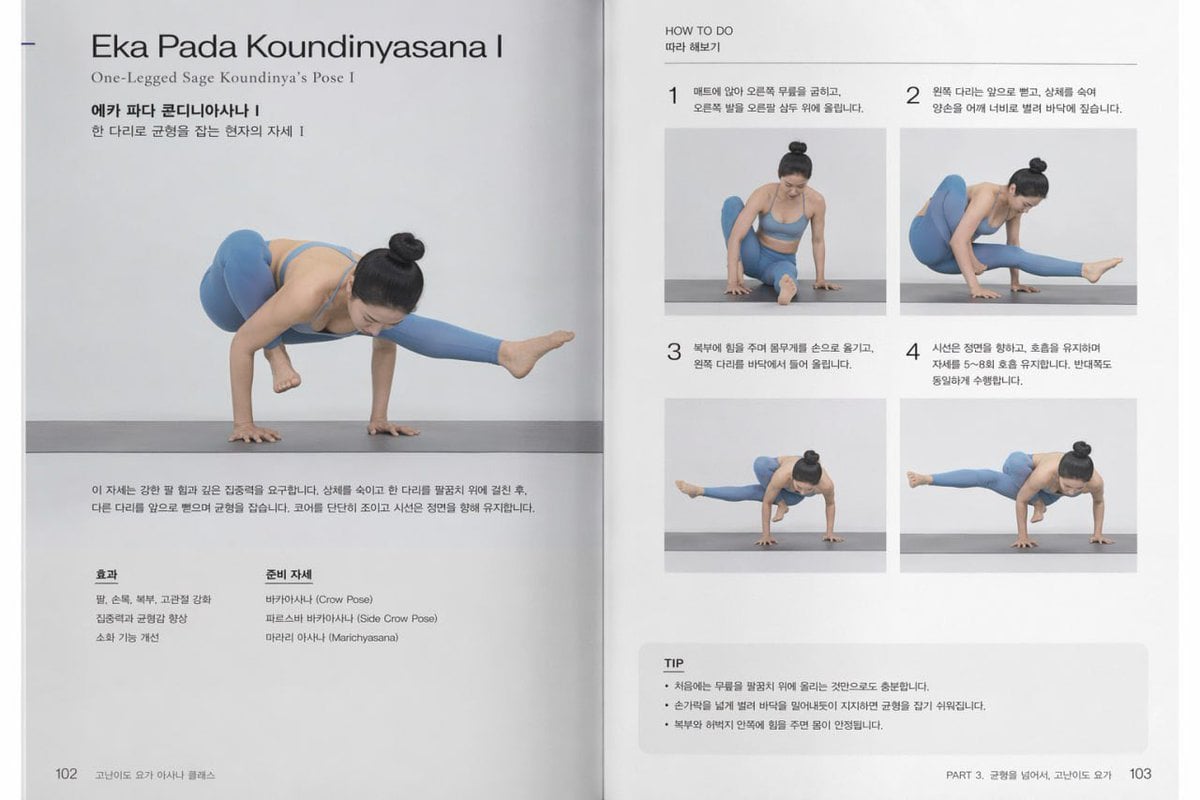
Yoga Book Two-Page Spread
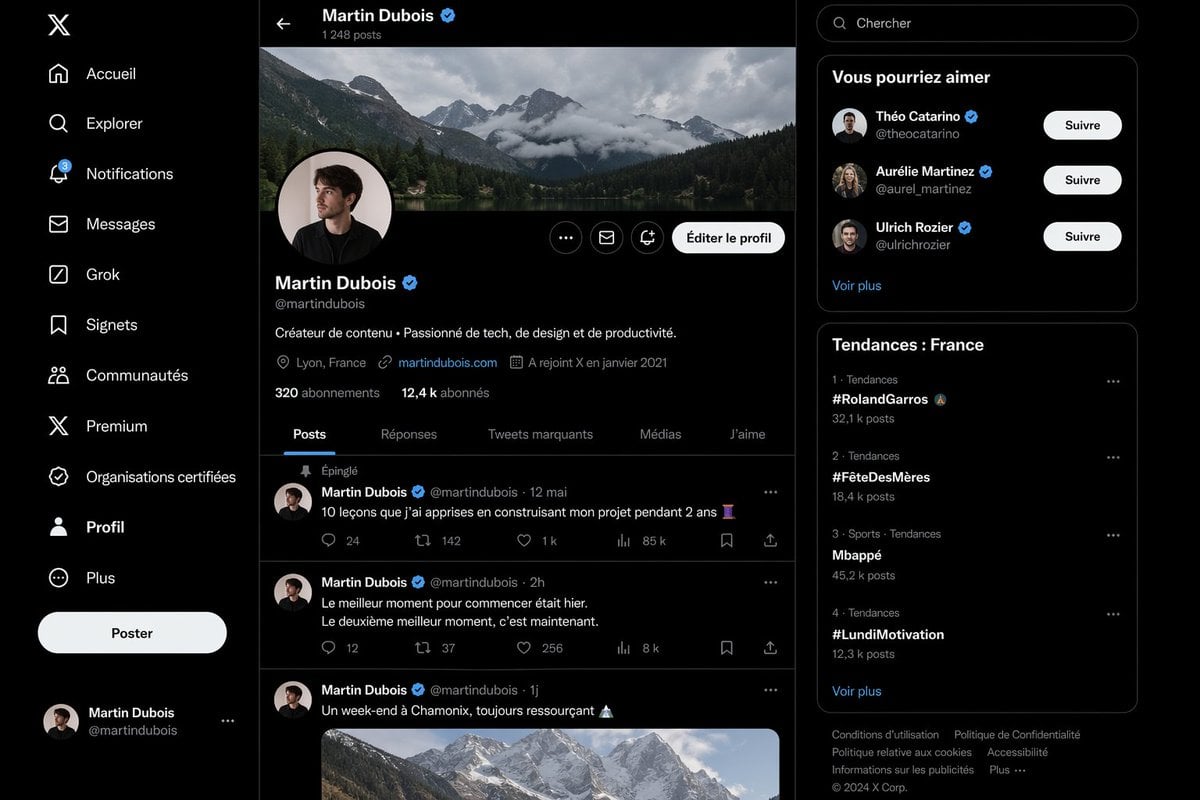
Realistic X Profile Page Mockup

Kona-Monde Okonomiyaki Ladies Poster
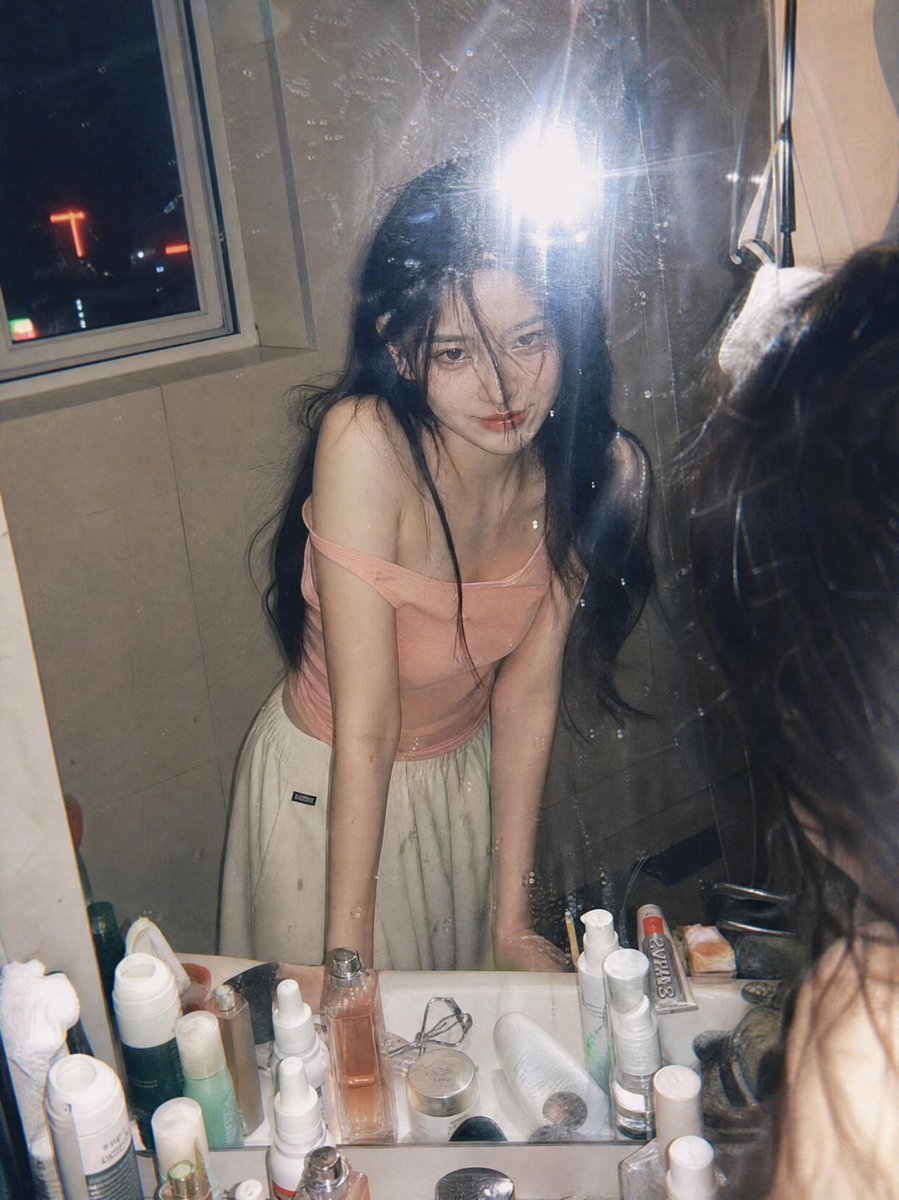
Candid Night Bathroom Portrait
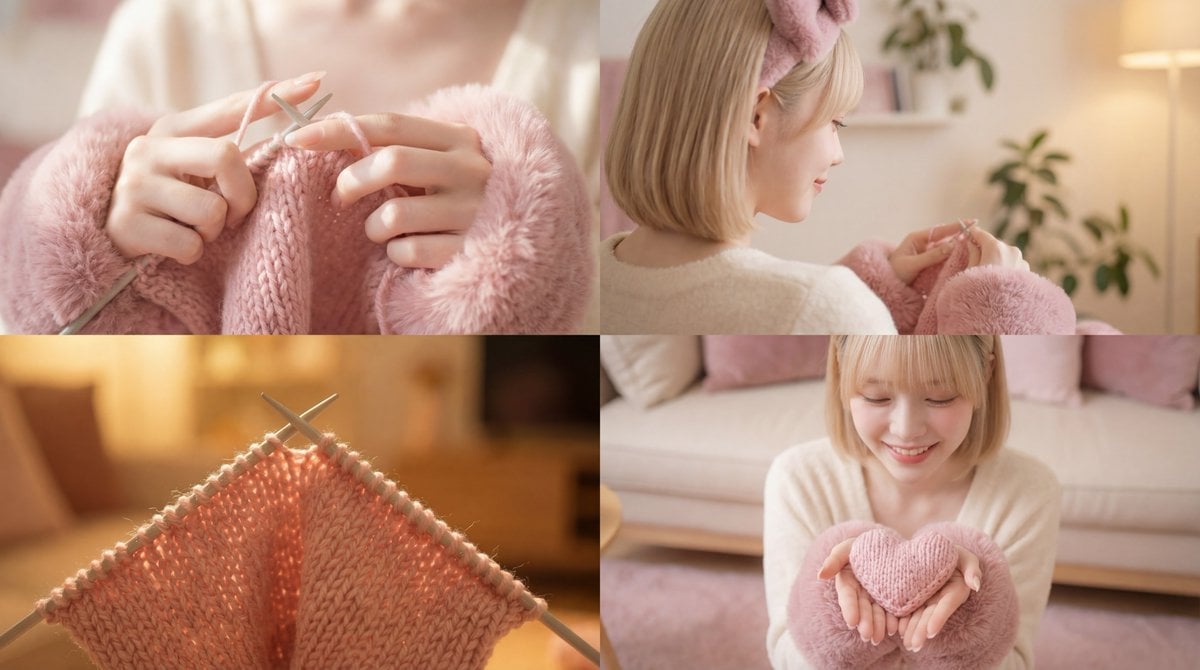
Cinematic Video of a Woman Knitting
Browse template categories
Vintage Toy Fashion Portrait questions
How do I use the Vintage Toy Fashion Portrait template?
Add your photo if the template asks for one, edit the prompt if you like — the template's model and format are already selected — and press Generate. Your version opens in PicX Studio.
Can I customize the Vintage Toy Fashion Portrait template?
Yes. You can change the subject, setting, lighting, mood, format, and available model controls before creating your image.
Is the Vintage Toy Fashion Portrait template free?
Opening and editing this template is free. Generating uses credits, shown on the Generate button when you are signed in.
Which AI model should I use?
Choose a compatible model in PicX Studio based on the style, speed, and output controls your project needs.
Looking for something else? Browse all templates.

Your photo, any look
Thousands of ready templates for every top image and video model, from one credit balance.