
Cinematic Anime Kyudo Archer
A detailed text prompt for generating a dramatic anime-style female kyudo archer aiming in a sunlit Japanese dojo.
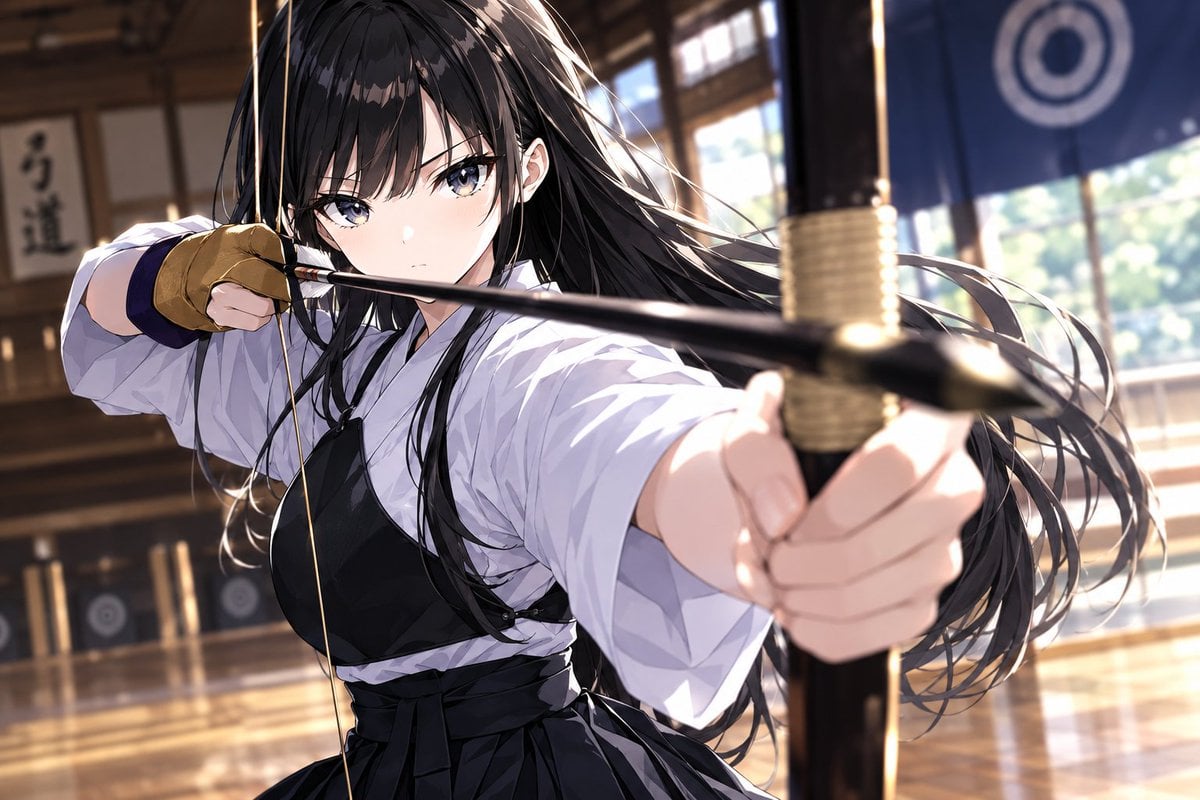
- Prompt included
- Model and format preset
- Free template
The prompt behind this image
Copy the exact prompt behind Cinematic Anime Kyudo Archer, or open it in the studio and make it yours.
Create a dynamic cinematic anime illustration of {argument name="character name" default="a young female kyudo archer"} in a traditional Japanese archery dojo, shown in an intense close-up action pose as she draws a long yumi bow and aims an arrow directly toward the viewer. She has {argument name="hair color" default="long flowing black hair"}, pale skin, sharp focused blue-gray eyes, and a serious determined expression. Her right hand pulls the bowstring near her face while her left arm extends toward the camera, with the bow grip and foreground hand dramatically enlarged and slightly motion-blurred from shallow depth of field. Dress her in a crisp white kyudo gi with wide sleeves, a black hakama, dark chest guard, and tan leather archery glove. The setting is a warm wooden dojo interior with polished reflective floorboards, blurred target boards in the distance, Japanese calligraphy on the wall, sunlit windows, and a dark blue hanging curtain marked with a circular crest. Use strong diagonal composition, flowing hair strands, golden afternoon rim light, realistic fabric folds, glossy highlights, bokeh background, high-detail anime rendering, dramatic perspective, and a tense focused mood. Use {argument name="lighting style" default="warm cinematic sunlight with bright rim highlights"} and {argument name="aspect ratio" default="3:2 landscape"}.
How to use Cinematic Anime Kyudo Archer in 3 steps
- 1Upload ImagePNG, JPG or paste
Add your photo
Upload the photo the template builds on. The prompt, model and format are already set.
- 2…a portrait of your subject in softgolden-hour light, 85mm…
Personalize
Edit the subject and creative details for your destination.
- 3Generate
Generate
Press Generate — your image is created in PicX Studio, so you can compare it with the original and refine one variable at a time.
More like this
Templates with the same subject, style or setup. Open one to see its prompt.











Make it yours
Cinematic Anime Kyudo Archer works as-is. These are the safest ways to change it without losing the look.
Change one field
Copy a single group, rewrite it, and generate again so you can see what that field is doing.
Keep the frame, change the subject
Hold the composition and light of Cinematic Anime Kyudo Archer, then swap wardrobe, props or the person for a new take.
| If the result… | Why | Fix |
|---|---|---|
| The result drifts from the preview | Too many fields changed at once. | Reuse Cinematic Anime Kyudo Archer as-is first, then change one group — subject, light, or setting. |
| The model over-stylizes the scene | The prose prompt leaves finish and camera underspecified. | Add one camera or lighting sentence and stay on GPT Image 2. |
More GPT Image 2 templates
Other prompts made for GPT Image 2.

Six VTuber Japanese Logo Sheet

Realistic Portrait of Woman and Deer

The Vista Modular Condo Poster

AI Model Routing Comparison Infographic

2.5D Anime Art Board

Isometric Productivity Desk Scene

New York Double Exposure Poster

Four-Panel AI Landscape Comparison

Japanese Tatami Lifestyle Magazine Cover

NESCAFÉ Coffee Map Poster
More image prompts
Fresh picks from across the catalog.
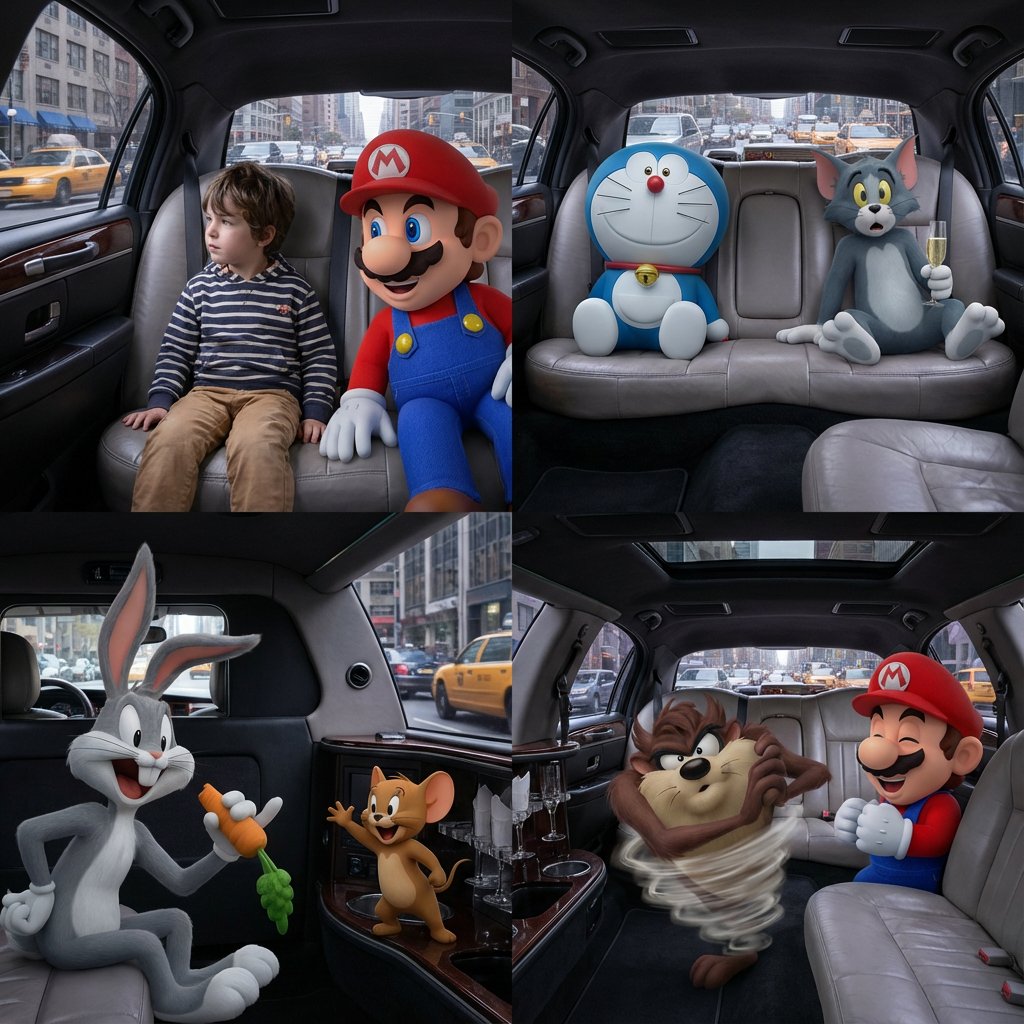
Four-Panel Composition Prompt with Location Context
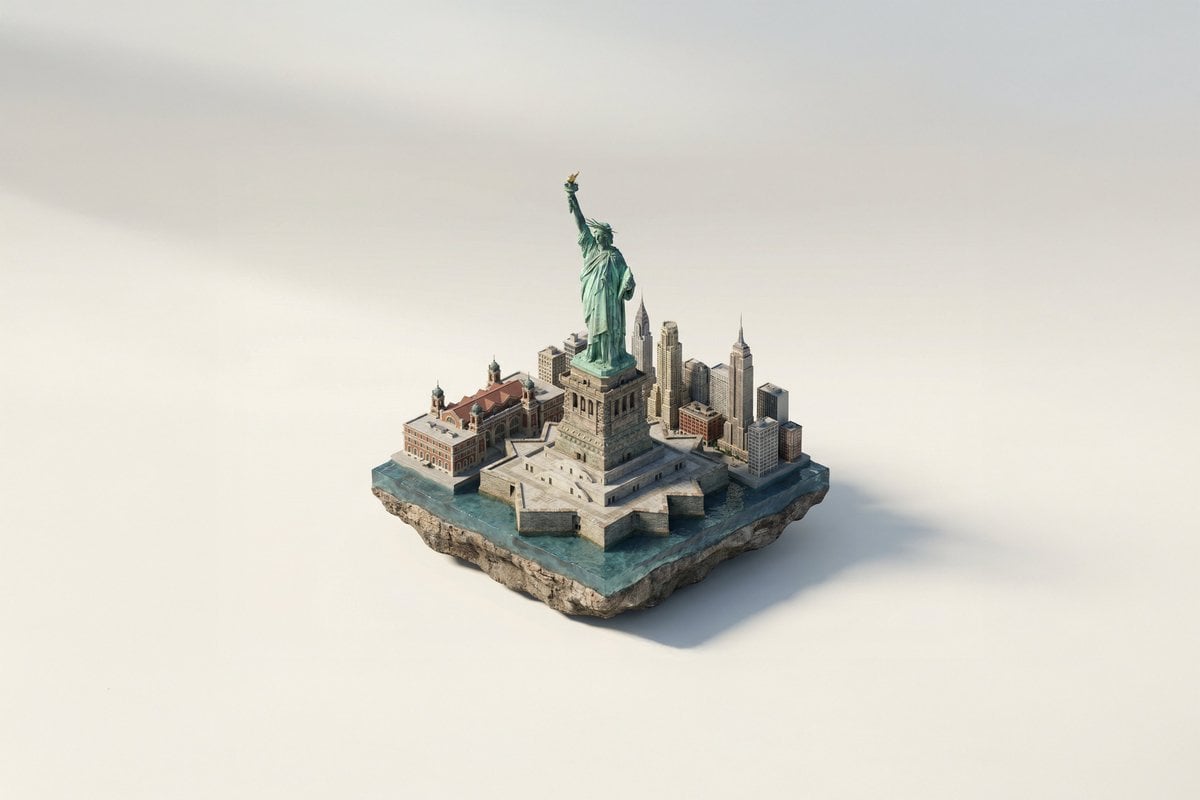
Famous Landmark 3D Miniature
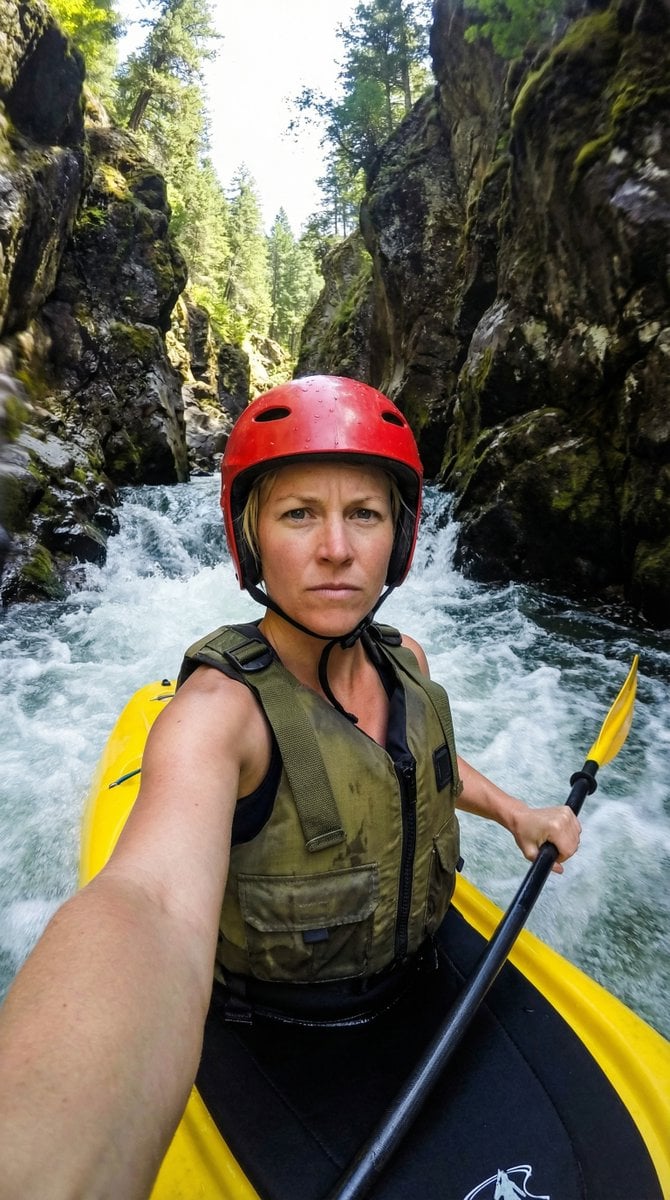
Action Kayaking Selfie Prompt for Google Gemini Nano Banana Pro 2.5
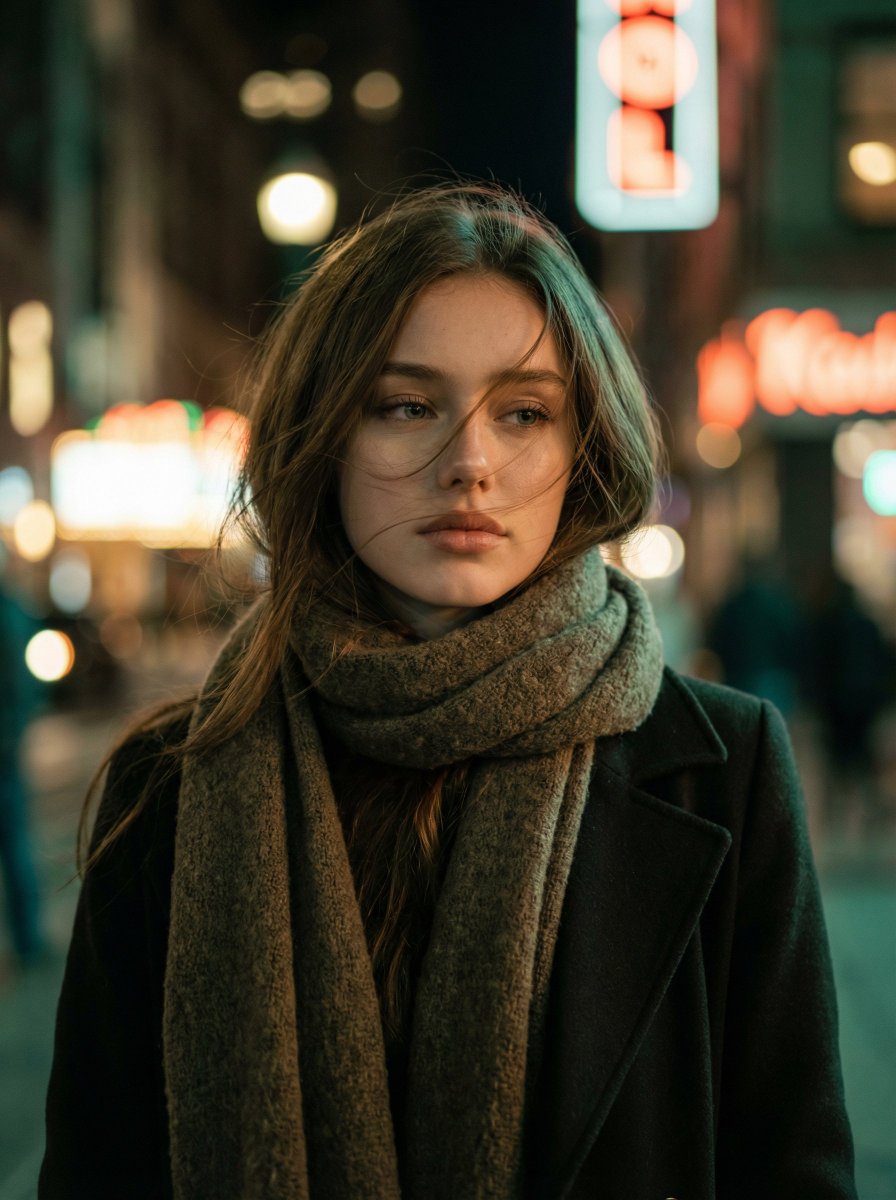
Cinematic Night Portrait of a Young Woman

Medical Infographic Poster Prompt using Bento Grid Layout
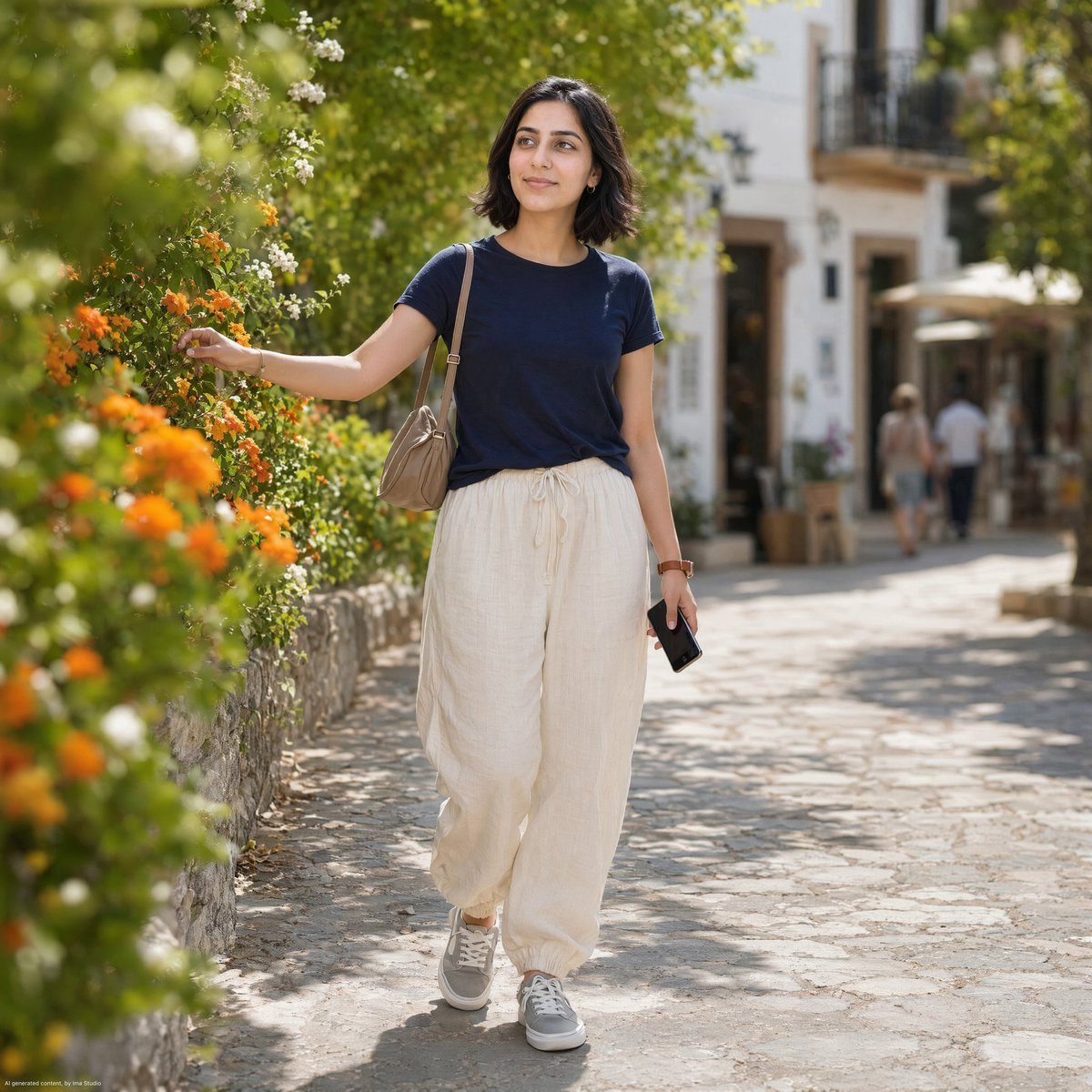
Mediterranean Village Street Portrait
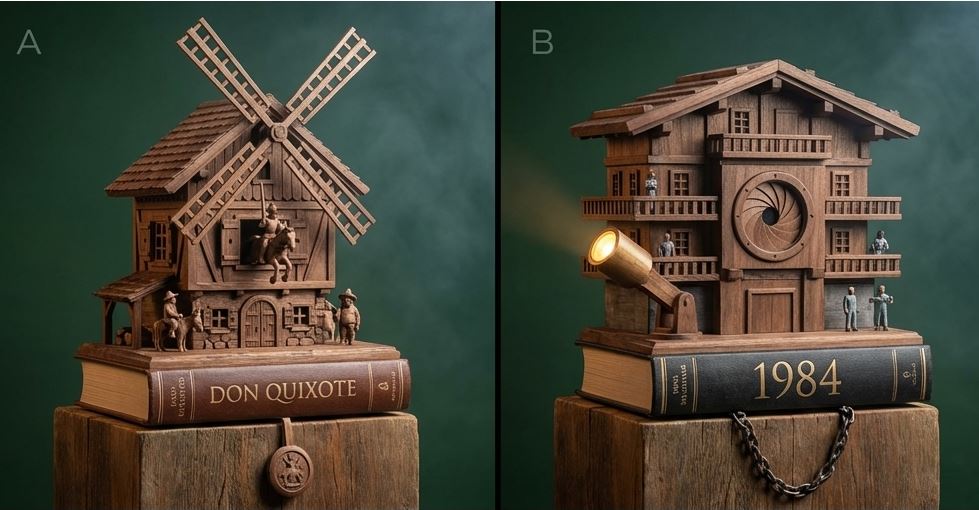
Cuckoo Clock Inspired Literary Mechanism Prompt
Identity-Preserving Storybook Illustration (Group)
Minimal Clay Animal Trio
Man in Glass Cube Above Clouds
Browse template categories
Cinematic Anime Kyudo Archer questions
How do I use the Cinematic Anime Kyudo Archer template?
Add your photo if the template asks for one, edit the prompt if you like — the template's model and format are already selected — and press Generate. Your version opens in PicX Studio.
Can I customize the Cinematic Anime Kyudo Archer template?
Yes. You can change the subject, setting, lighting, mood, format, and available model controls before creating your image.
Is the Cinematic Anime Kyudo Archer template free?
Opening and editing this template is free. Generating uses credits, shown on the Generate button when you are signed in.
Which AI model should I use?
Start with GPT Image 2, which is the model associated with this template. You can compare another compatible model for a different finish.
Looking for something else? Browse all templates.

Your photo, any look
Thousands of ready templates for every top image and video model, from one credit balance.