
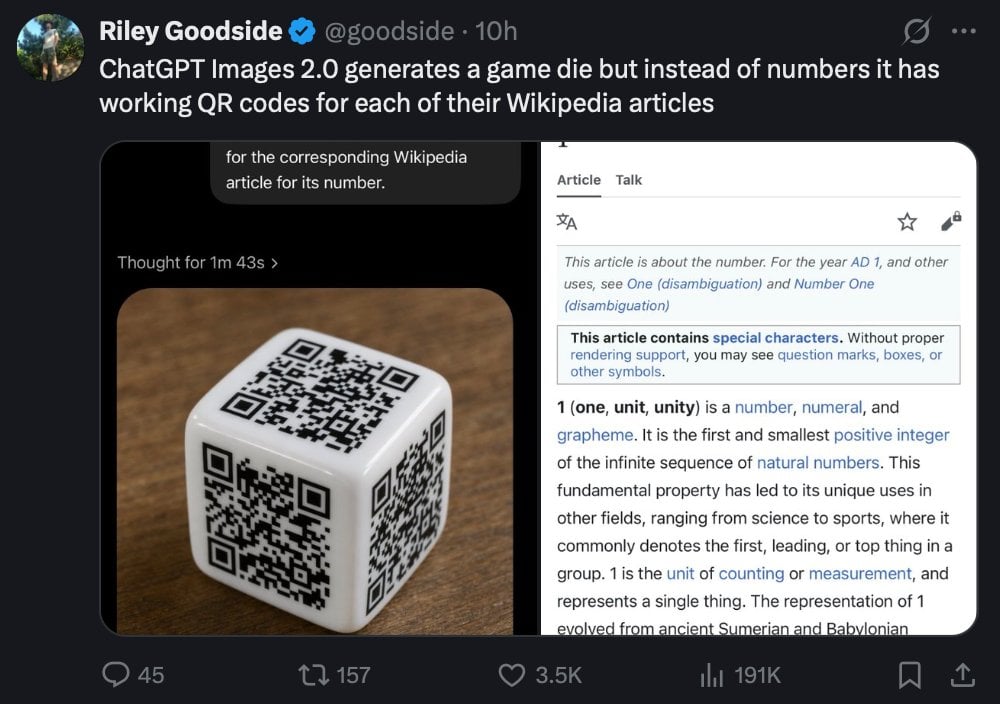
Tweet Screenshot of QR Code Dice Demo
This prompt generates a realistic social media screenshot showing a tweet about an AI-made die with QR codes, useful for recreating tech demo posts and UI-based concept images.
- Prompt included
- Model and format preset
- Free template
The prompt behind this image
Copy the exact prompt behind Tweet Screenshot of QR Code Dice Demo, or open it in the studio and make it yours.
A realistic dark-mode social media screenshot of a tweet viewed on a desktop interface. At the top left is a circular profile photo and the display name Riley Goodside with a blue verification badge, followed by the handle @goodside and the timestamp 10h. The tweet text reads: "ChatGPT Images 2.0 generates a game die but instead of numbers it has working QR codes for each of their Wikipedia articles". Beneath the tweet is a large embedded image with 2 side-by-side panels inside a rounded rectangle. The left panel shows a glossy white six-sided die resting on a warm brown wooden tabletop, photographed at a slight angle, with 3 visible faces, and each visible face contains a different black QR code instead of pips; the lighting is soft and realistic with subtle reflections on the die’s rounded edges. Above the die image is a dark UI header area with a small line of text reading "Thought for 1m 43s" and a cropped speech-bubble-like overlay near the top that says "for the corresponding Wikipedia article for its number." The right panel is a mobile-style Wikipedia page screenshot for the number 1, with a white background and thin gray borders, showing the tabs "Article" and "Talk" at the top, small interface icons, and article text beginning with "This article is about the number. For the year AD 1, and other uses, see One (disambiguation) and Number One (disambiguation)" followed by a boxed notice about special characters and the bold opening line "1 (one, unit, unity) is a number, numeral, and grapheme." The social media interface around the embedded image uses a nearly black background with standard reply, repost, like, analytics, bookmark, and share icons along the bottom, with visible counts of 45 replies, 157 reposts, 3.5K likes, and 191K views. Crisp UI typography, authentic desktop X/Twitter layout, realistic screenshot style, high legibility, subtle compression and screen-capture appearance.
How to use Tweet Screenshot of QR Code Dice Demo in 3 steps
- 1Upload ImagePNG, JPG or paste
Add your photo
Upload the photo the template builds on. The prompt, model and format are already set.
- 2…a portrait of your subject in softgolden-hour light, 85mm…
Personalize
Edit the subject and creative details for your destination.
- 3Generate
Generate
Press Generate — your image is created in PicX Studio, so you can compare it with the original and refine one variable at a time.
More like this
Templates with the same subject, style or setup. Open one to see its prompt.
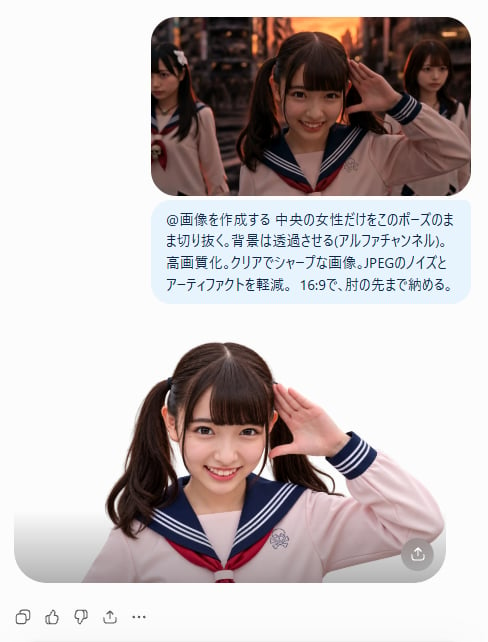
AI Cutout Demo Screenshot

Minecraft Next-Gen Voxel World Screenshot
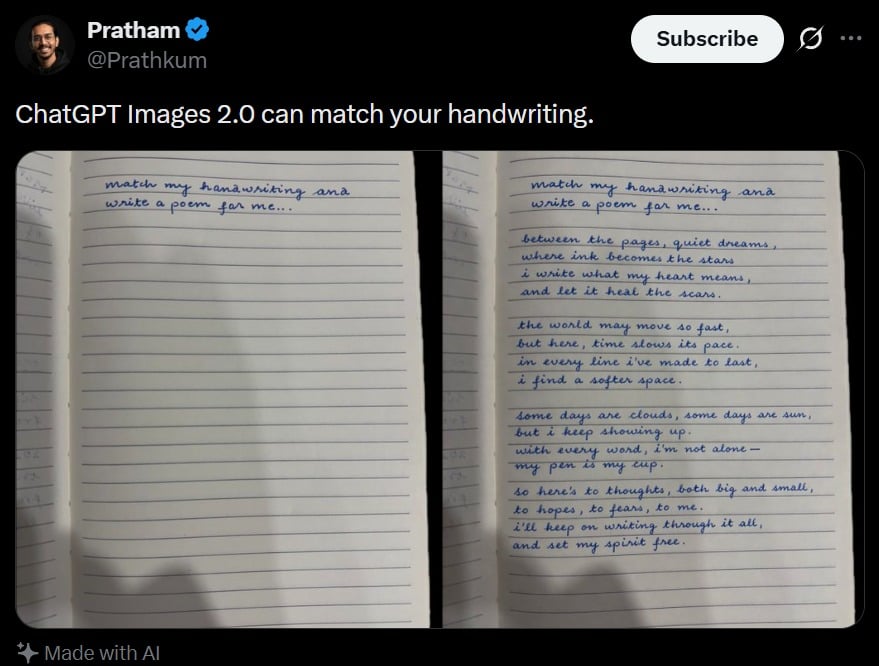
Tweet Screenshot With Handwriting Match
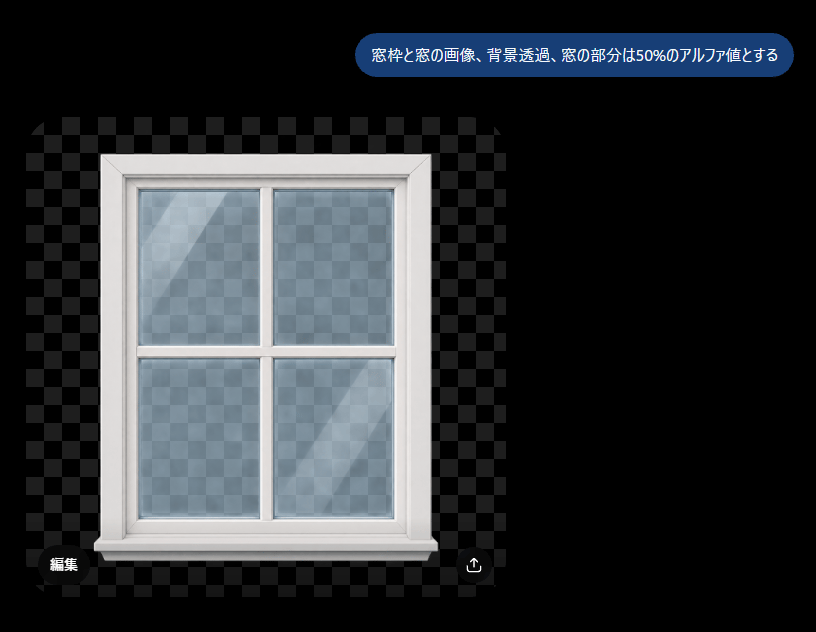
Transparent Window Alpha Demo
Surreal Profile Portrait with Floating Dice
Functional QR Code Generator
Computer Museum Coding Demo
Holographic Code Fox in a Spaceship Cockpit
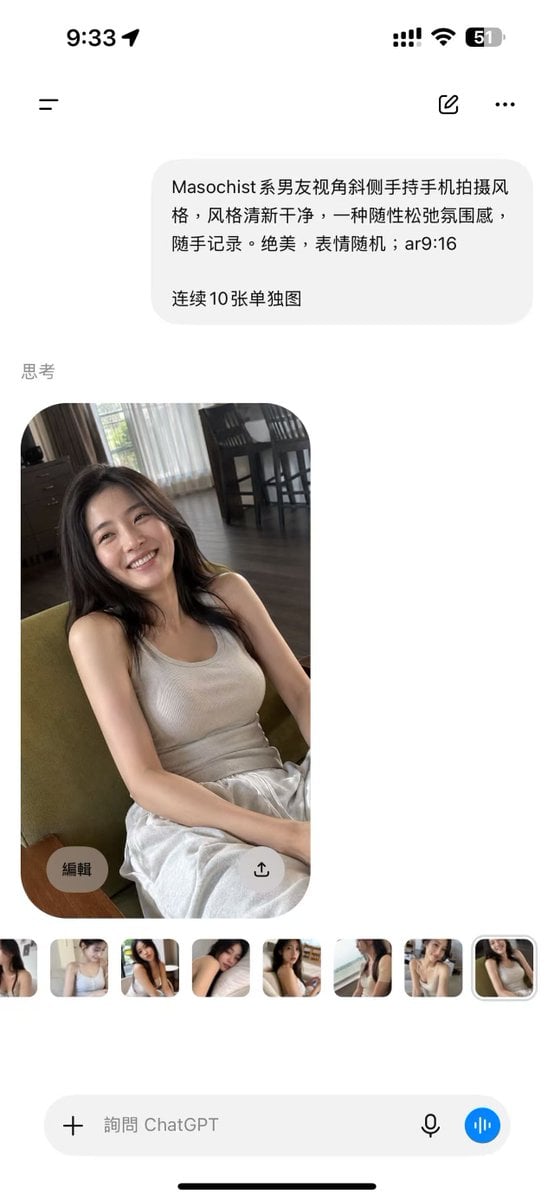
ChatGPT Mobile Photo Carousel Screenshot

ChatGPT Bonus Banner Screenshot
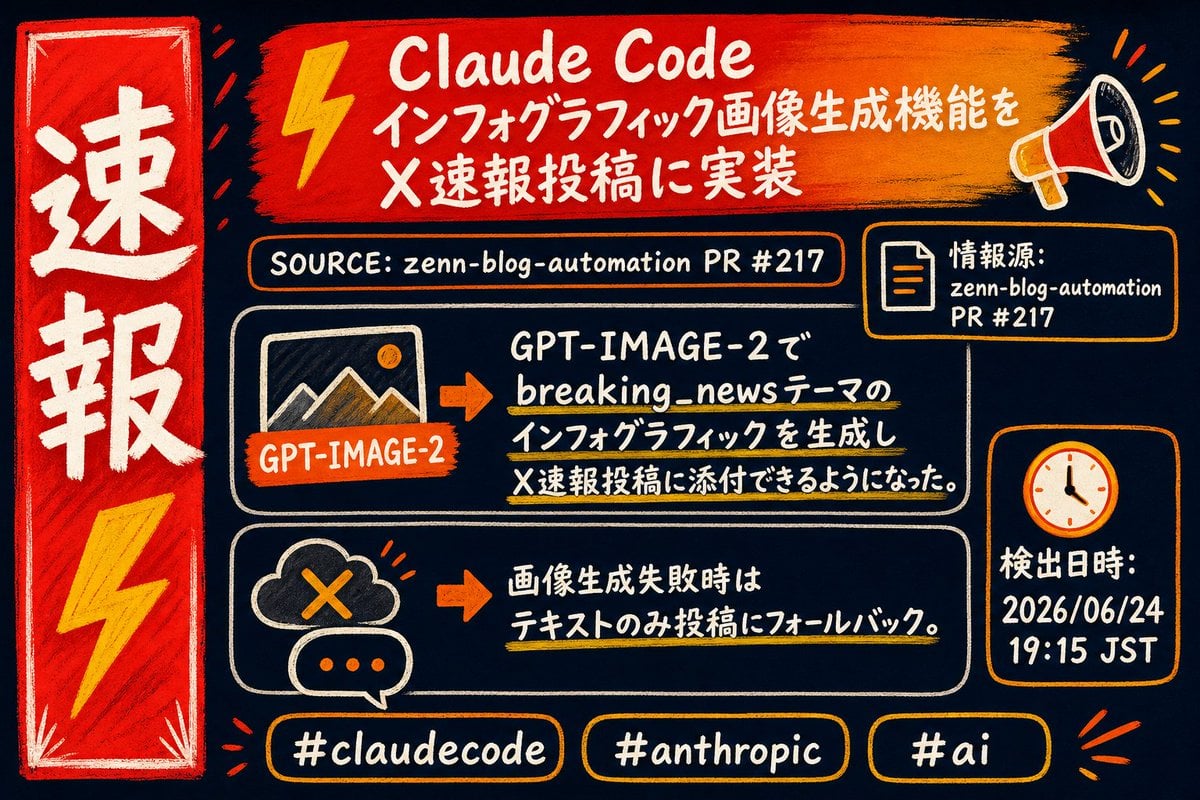
Claude Code Breaking News Infographic

AI Chat Image Generation Screenshot
Make it yours
Tweet Screenshot of QR Code Dice Demo works as-is. These are the safest ways to change it without losing the look.
Change one field
Copy a single group, rewrite it, and generate again so you can see what that field is doing.
Keep the frame, change the subject
Hold the composition and light of Tweet Screenshot of QR Code Dice Demo, then swap wardrobe, props or the person for a new take.
| If the result… | Why | Fix |
|---|---|---|
| The result drifts from the preview | Too many fields changed at once. | Reuse Tweet Screenshot of QR Code Dice Demo as-is first, then change one group — subject, light, or setting. |
| The model over-stylizes the scene | The prose prompt leaves finish and camera underspecified. | Add one camera or lighting sentence and stay on GPT Image 2. |
More GPT Image 2 templates
Other prompts made for GPT Image 2.

Six VTuber Japanese Logo Sheet

Realistic Portrait of Woman and Deer

The Vista Modular Condo Poster

AI Model Routing Comparison Infographic

2.5D Anime Art Board

Isometric Productivity Desk Scene

New York Double Exposure Poster

Four-Panel AI Landscape Comparison

Japanese Tatami Lifestyle Magazine Cover

NESCAFÉ Coffee Map Poster
More image prompts
Fresh picks from across the catalog.
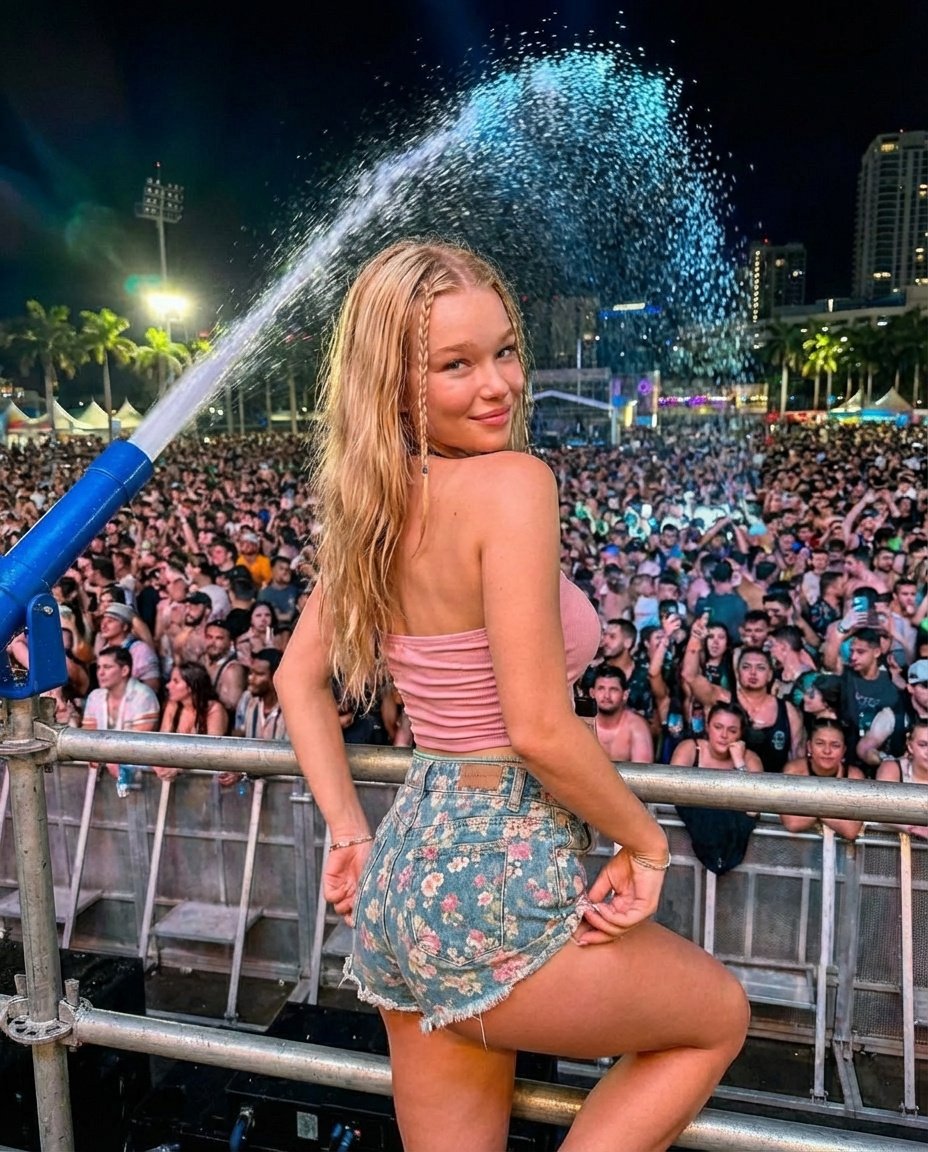
Nighttime Music Festival Photography Prompt
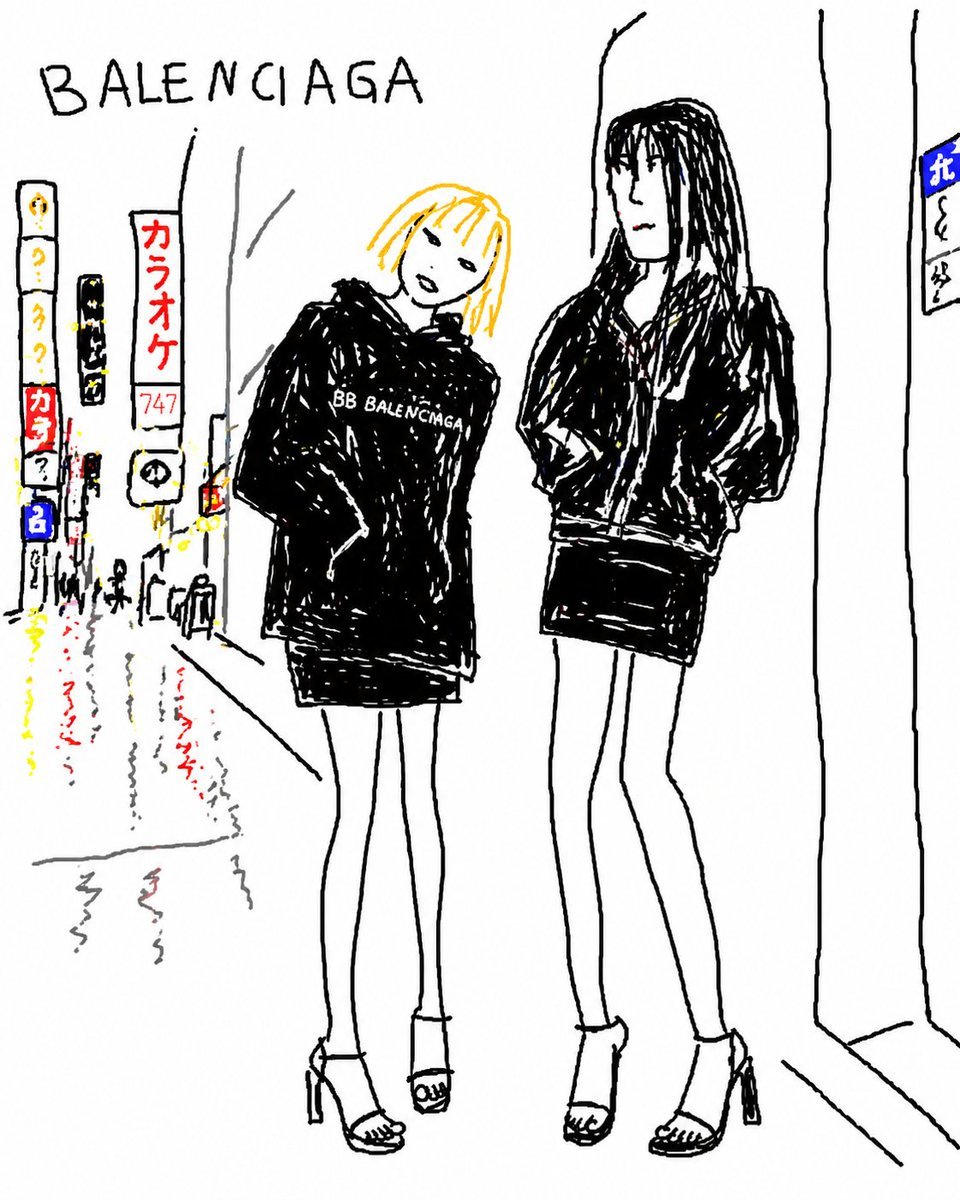
Balenciaga Street Fashion Sketch
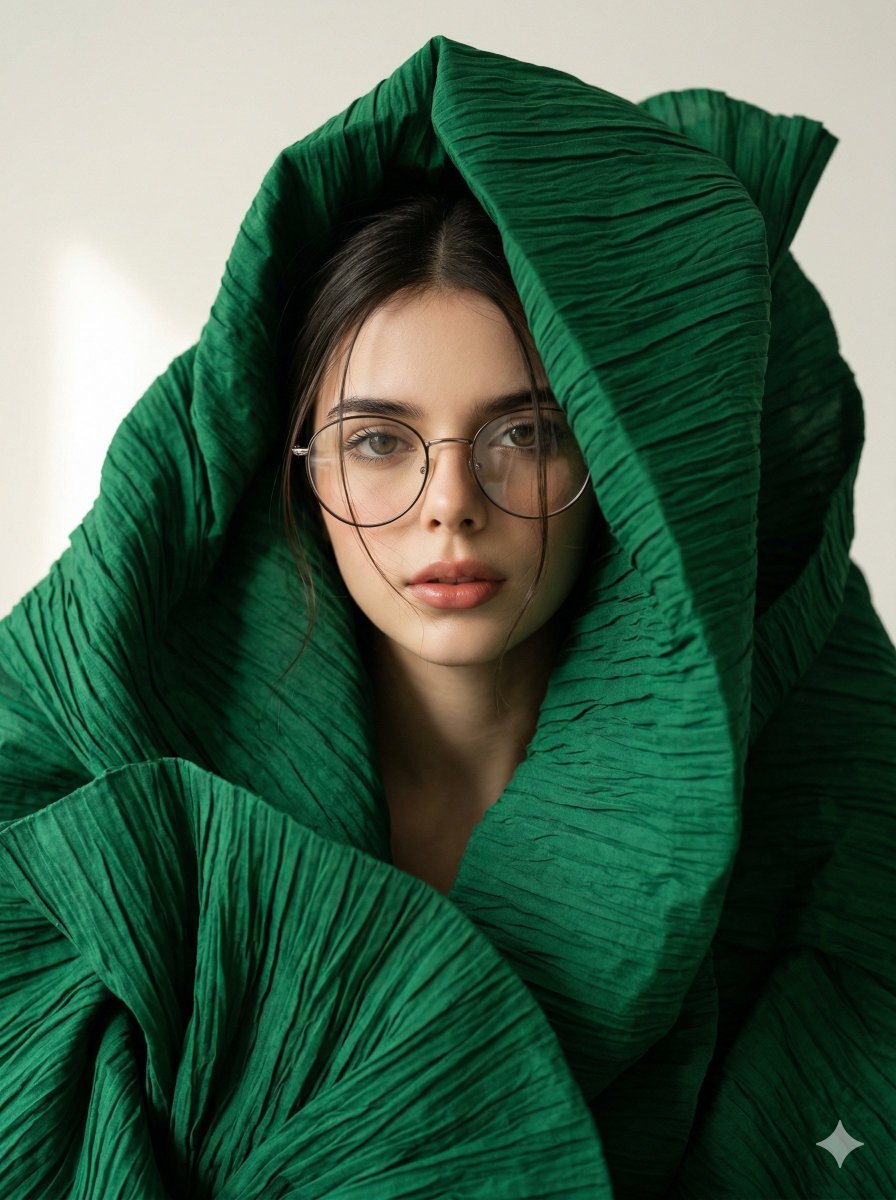
Avant-Garde Sculptural Fabric Portrait
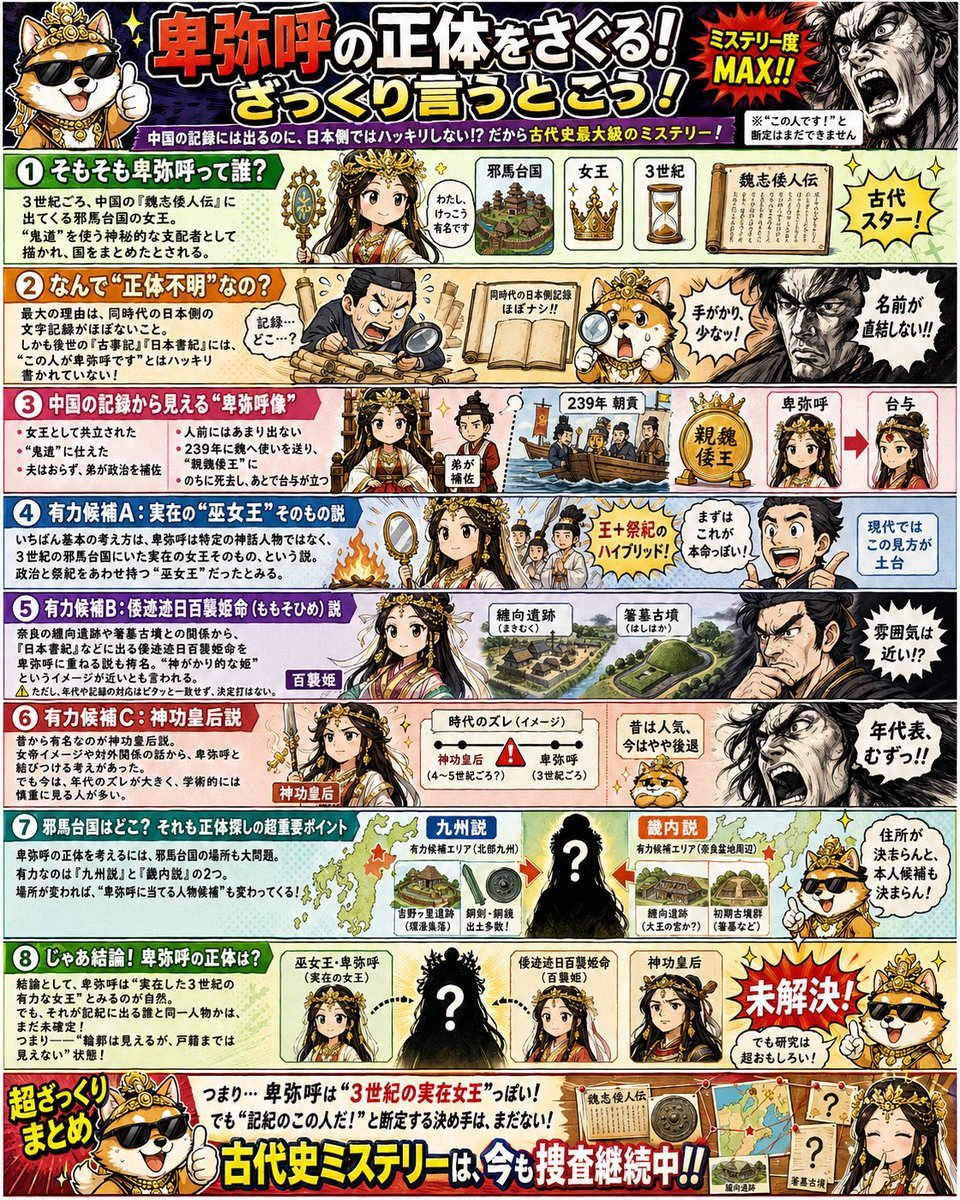
Japanese Himiko History Infographic Poster
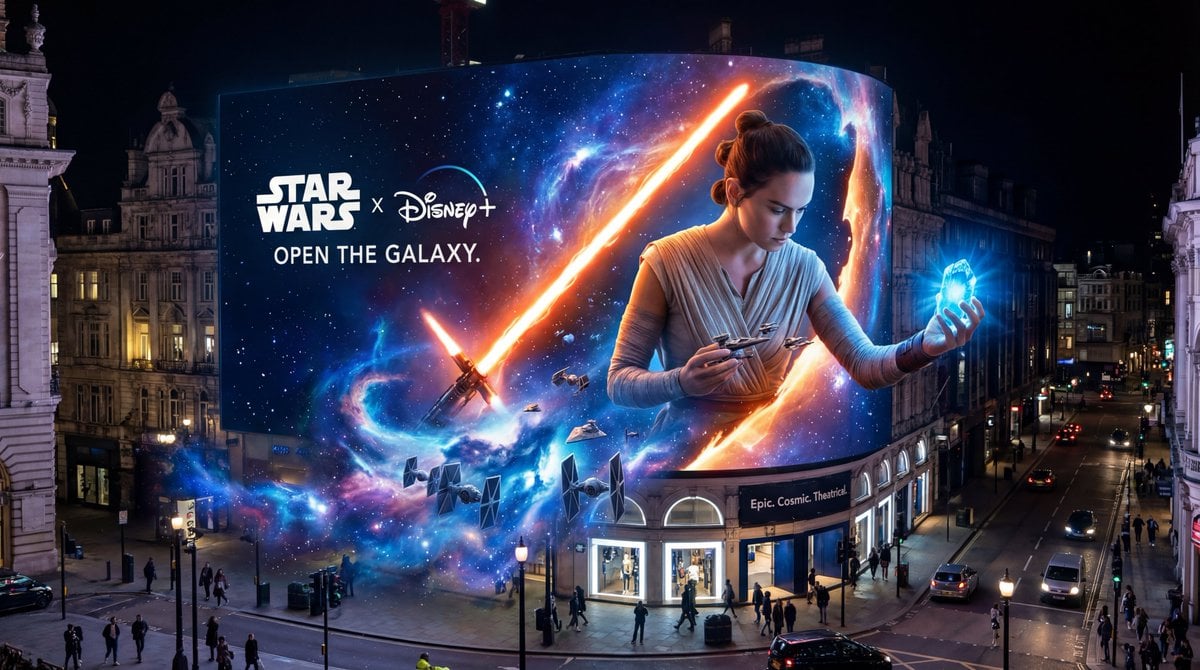
Star Wars 3D Billboard Concept
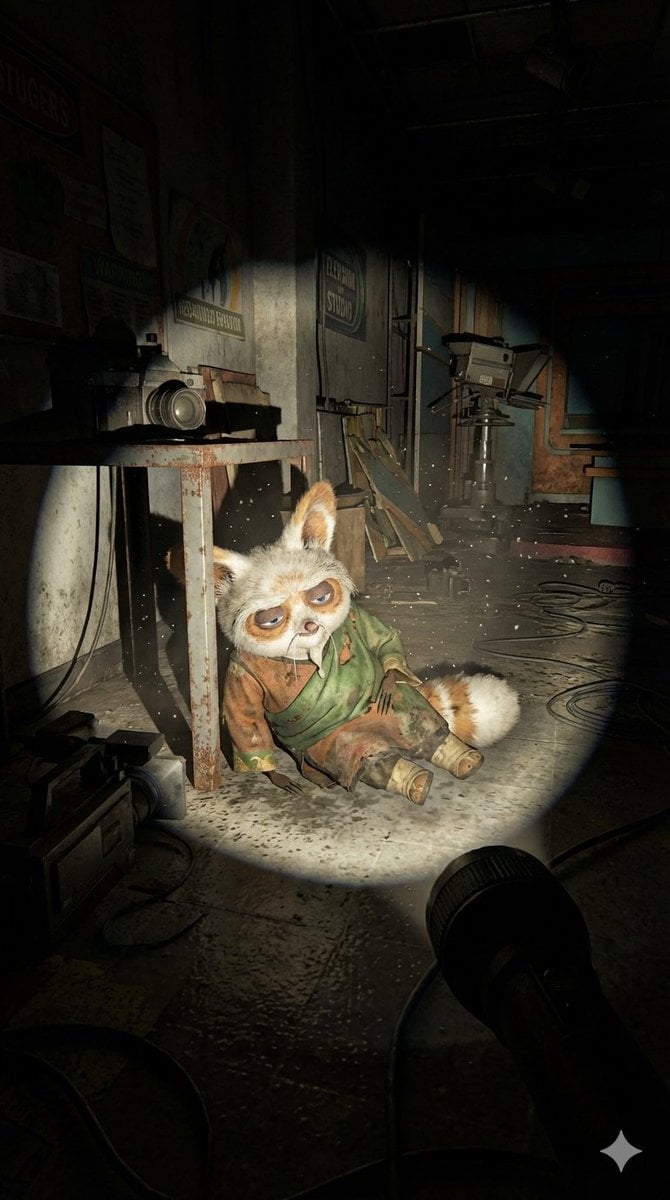
Abandoned Promotional Statue Conversion Prompt
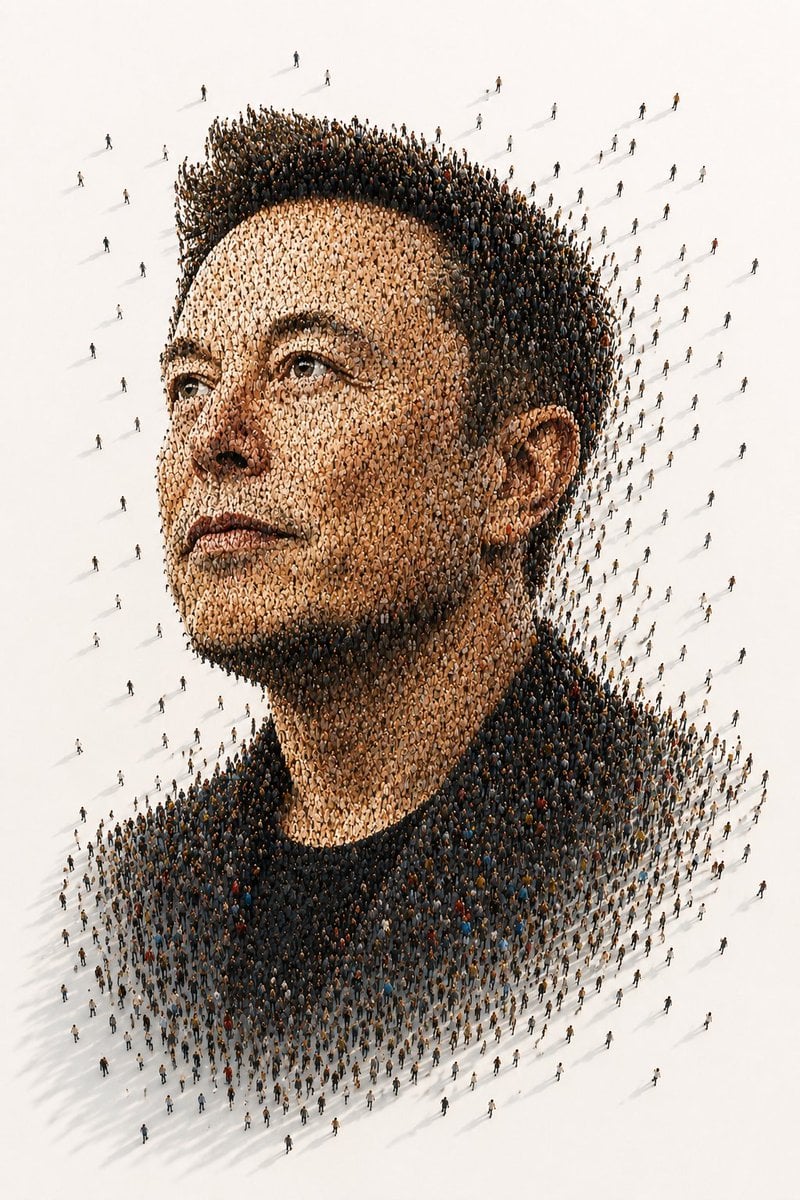
Tiny People Crowd Portrait
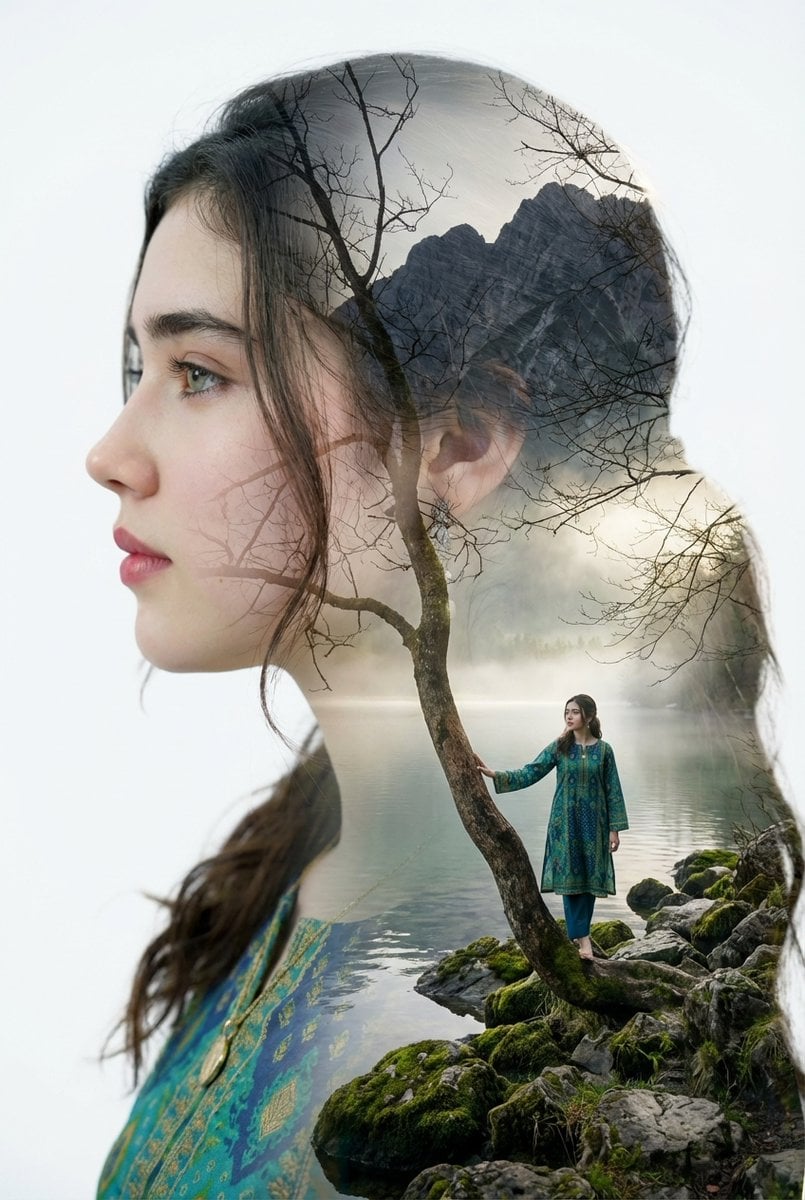
Double Exposure Portrait with Tree Branches and Landscape
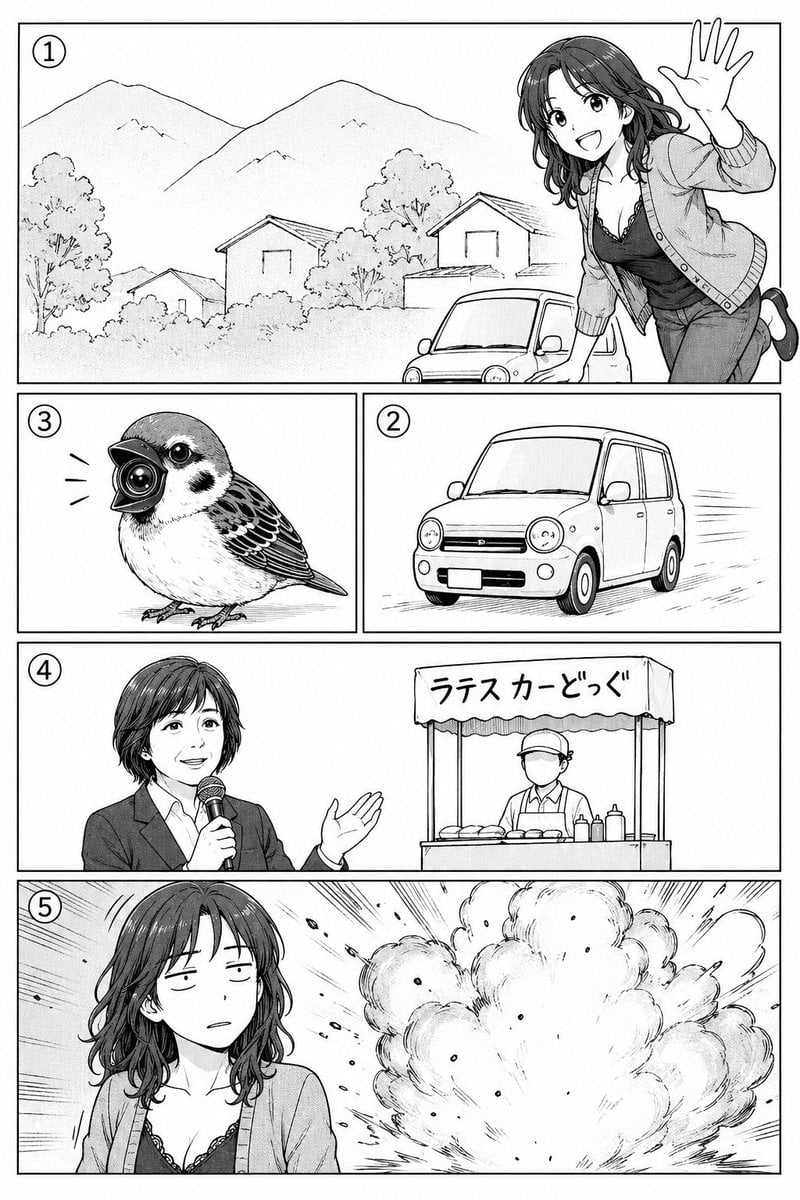
Polished Manga Page From Rough Storyboard
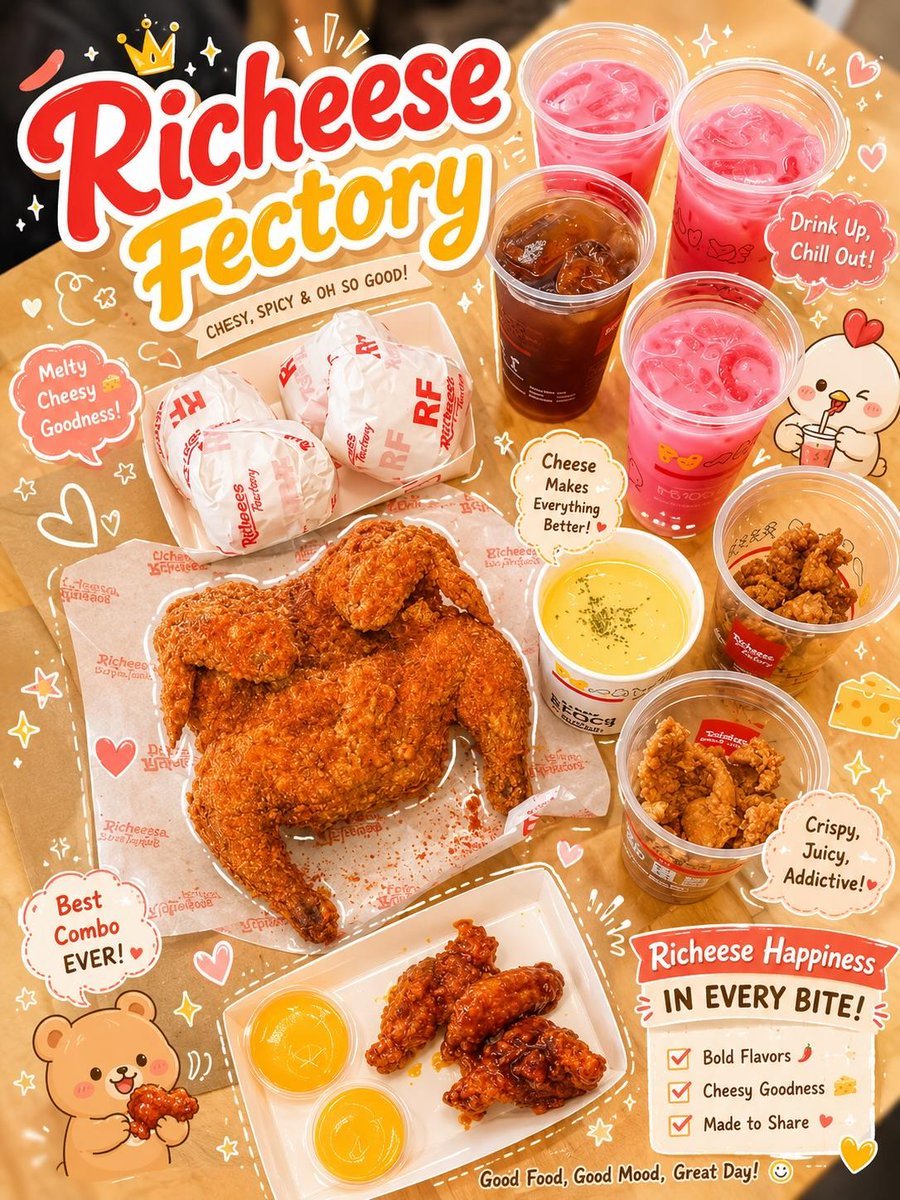
Kawaii Food Advertisement Poster
Browse template categories
Tweet Screenshot of QR Code Dice Demo questions
How do I use the Tweet Screenshot of QR Code Dice Demo template?
Add your photo if the template asks for one, edit the prompt if you like — the template's model and format are already selected — and press Generate. Your version opens in PicX Studio.
Can I customize the Tweet Screenshot of QR Code Dice Demo template?
Yes. You can change the subject, setting, lighting, mood, format, and available model controls before creating your image.
Is the Tweet Screenshot of QR Code Dice Demo template free?
Opening and editing this template is free. Generating uses credits, shown on the Generate button when you are signed in.
Which AI model should I use?
Start with GPT Image 2, which is the model associated with this template. You can compare another compatible model for a different finish.
Looking for something else? Browse all templates.

Your photo, any look
Thousands of ready templates for every top image and video model, from one credit balance.