
TV Variety Show Screen Capture
A prompt for recreating the complex multi-layered aesthetic of Japanese variety show television screens, including specific overlay types like telops and wipes.
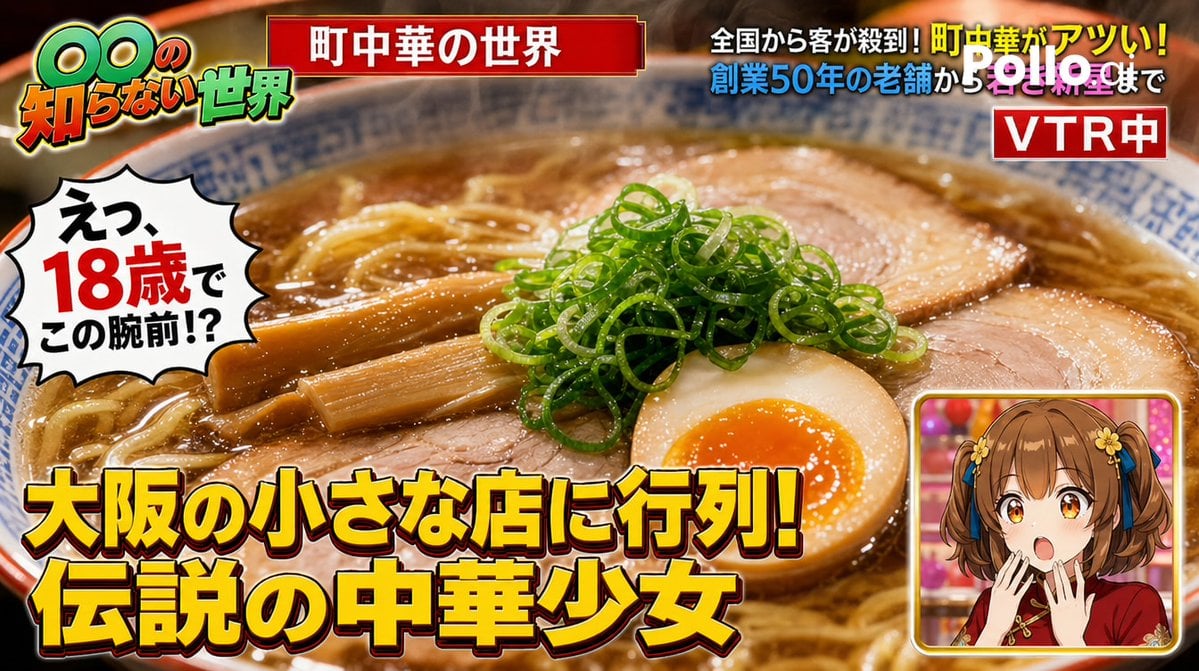
- Prompt included
- Model and format preset
- Free template
The prompt behind this image
Copy the exact prompt behind TV Variety Show Screen Capture, or open it in the studio and make it yours.
A screen capture (16:9) from a Japanese variety/information TV show. A program style like 「○○の知らない世界」 ("The Unknown World of ○○"). Screen layout: Main footage: An extreme close-up of {argument name="dish name" default="soy sauce ramen"} from {argument name="restaurant name" default="Moena Diner"} (steam, chashu pork, green onions, and a soft-boiled egg all beautifully visible). Telop group (the show's signature dense telop style): - Top banner telop (white text on red background): 「{argument name="program title" default="町中華の世界"}」 - Bottom main telop (bold yellow text with a drop shadow): 「大阪の小さな店に行列!伝説の中華少女」 - Bottom-right wipe (small inset window): a silhouette of the MC looking shocked - The show's logo in the top left - A 「VTR中」telop in the top right Additional telop (in the style of a cast member's reaction): 「えっ、18歳でこの腕前!?」(speech-bubble-style telop) Overall, the format should be exactly the same as a real variety-show TV screen capture. The layered, overlapping feel of the telops should look realistic.
How to use TV Variety Show Screen Capture in 3 steps
- 1
Open
The prompt is already in the box next to the preview, with the template's model and format selected.
- 2…a portrait of your subject in softgolden-hour light, 85mm…
Personalize
Edit the subject and creative details for your destination.
- 3Generate
Generate
Press Generate — your image is created in PicX Studio, so you can compare it with the original and refine one variable at a time.
More like this
Templates with the same subject, style or setup. Open one to see its prompt.
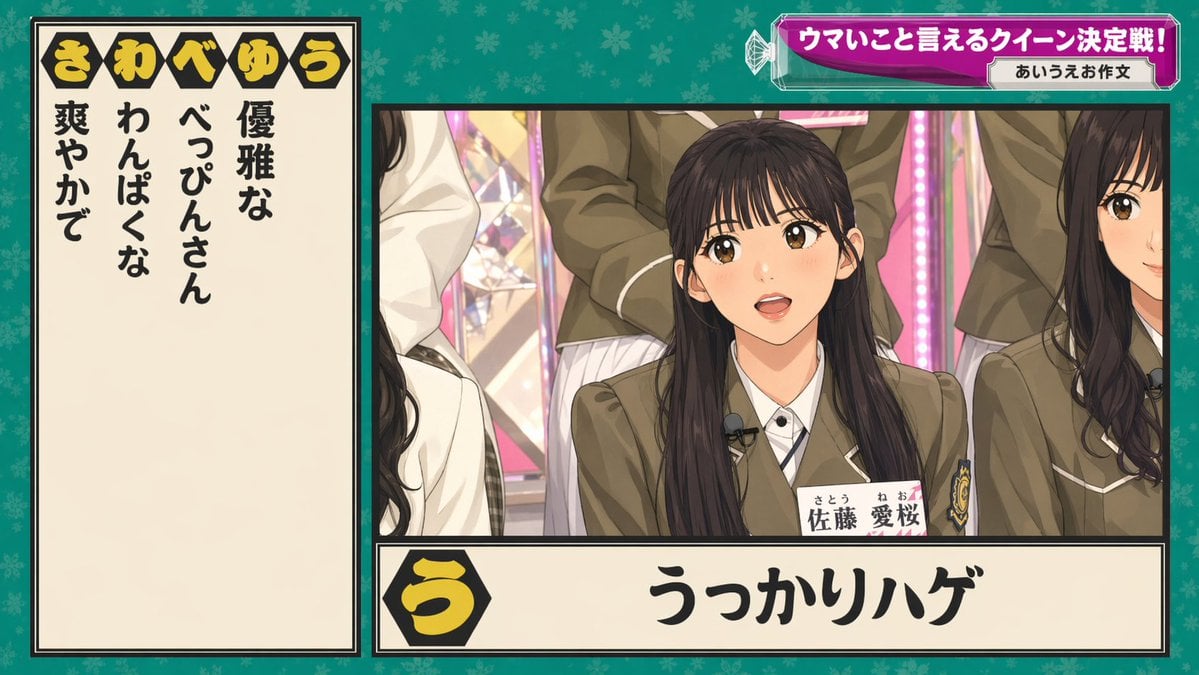
Japanese Variety Show Quiz Screen
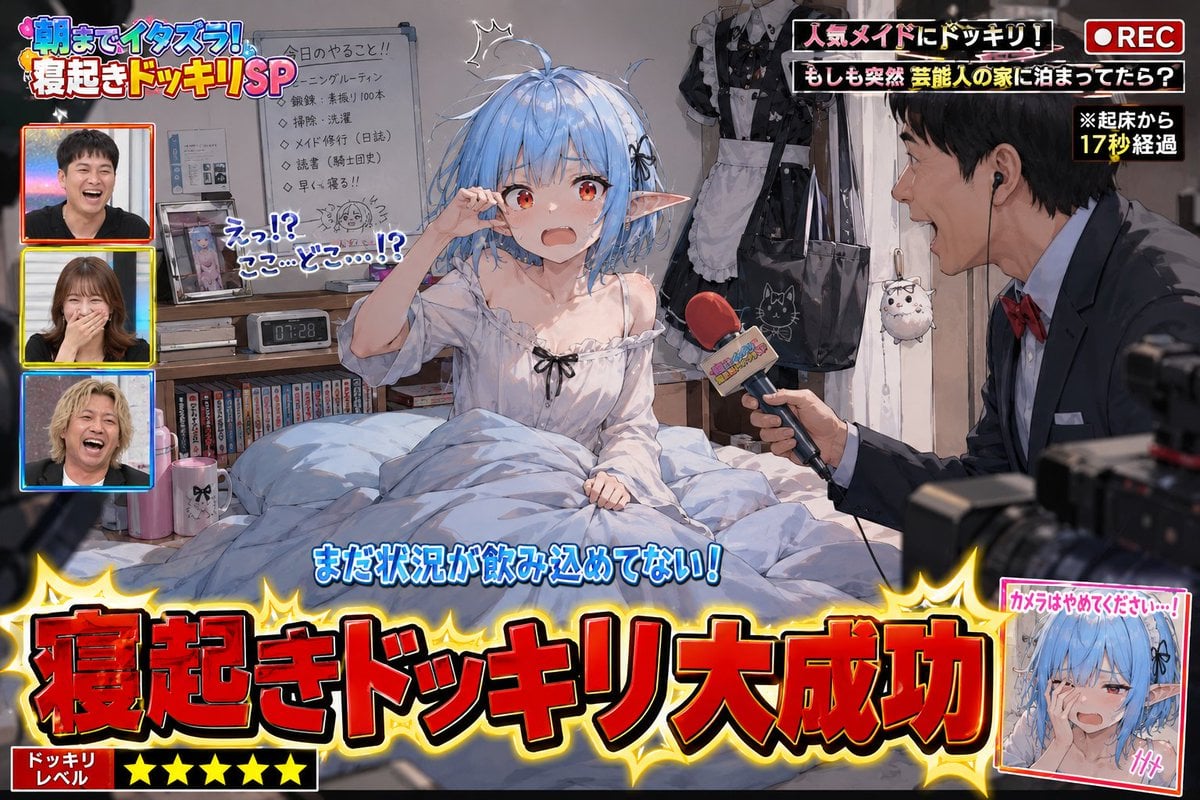
Variety Show Surprise Prank Anime Screenshot
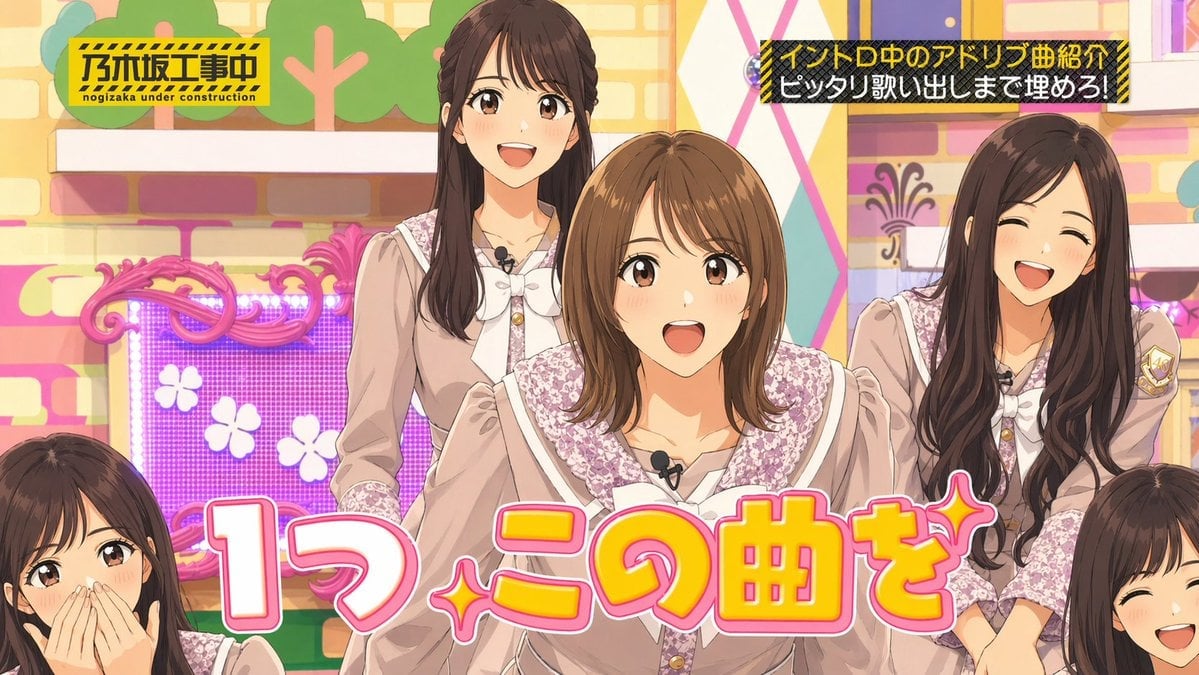
Japanese Idol TV Show Screenshot
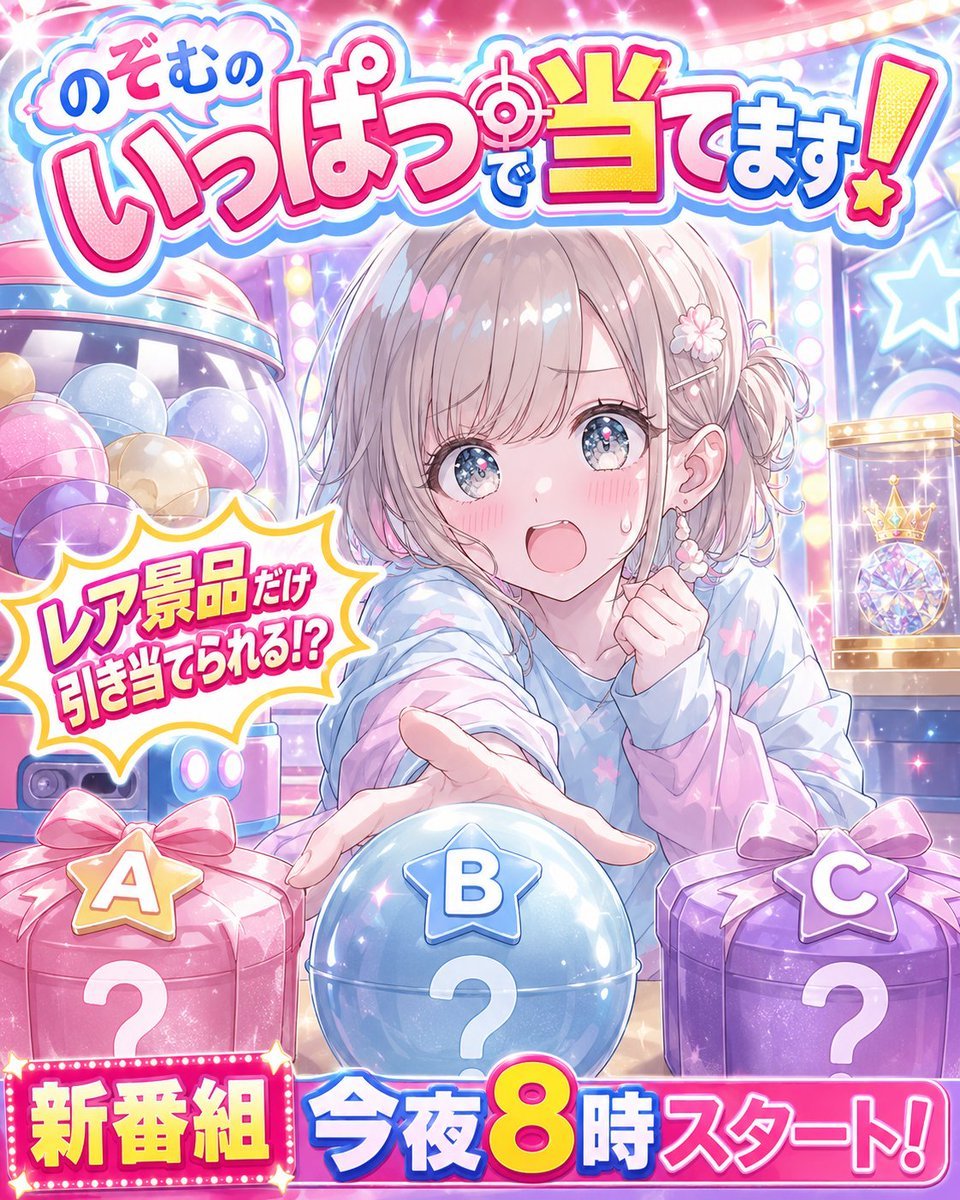
Anime Prize Variety Show Poster
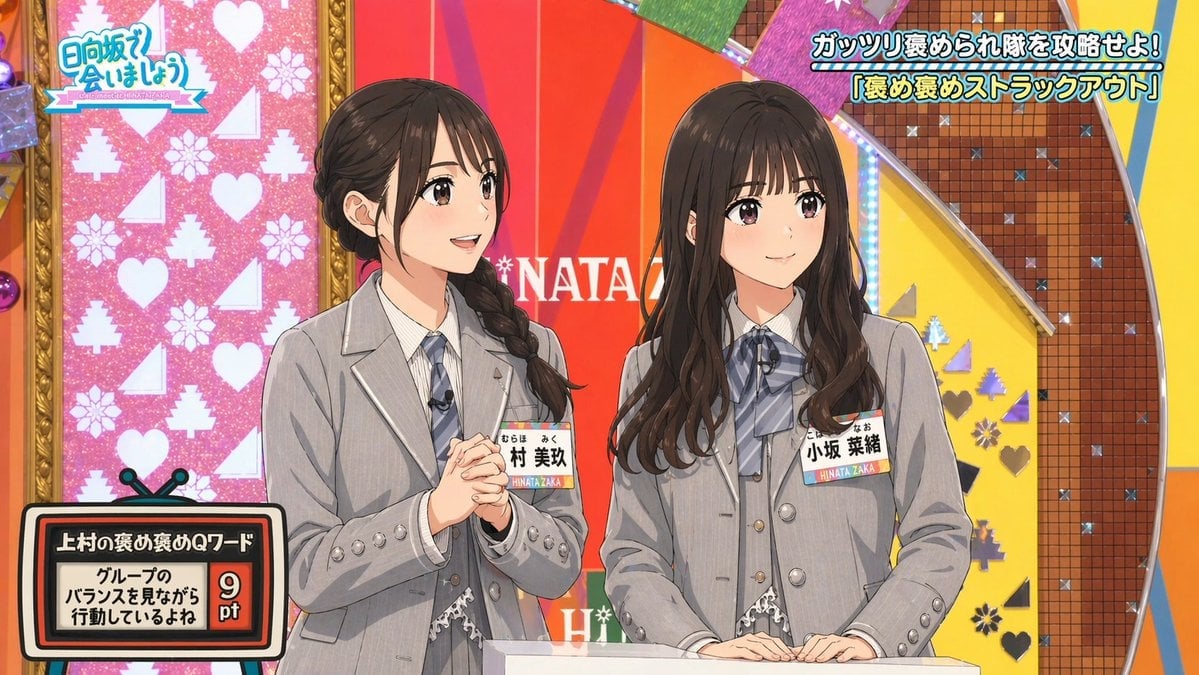
Japanese TV Idol Show Screenshot
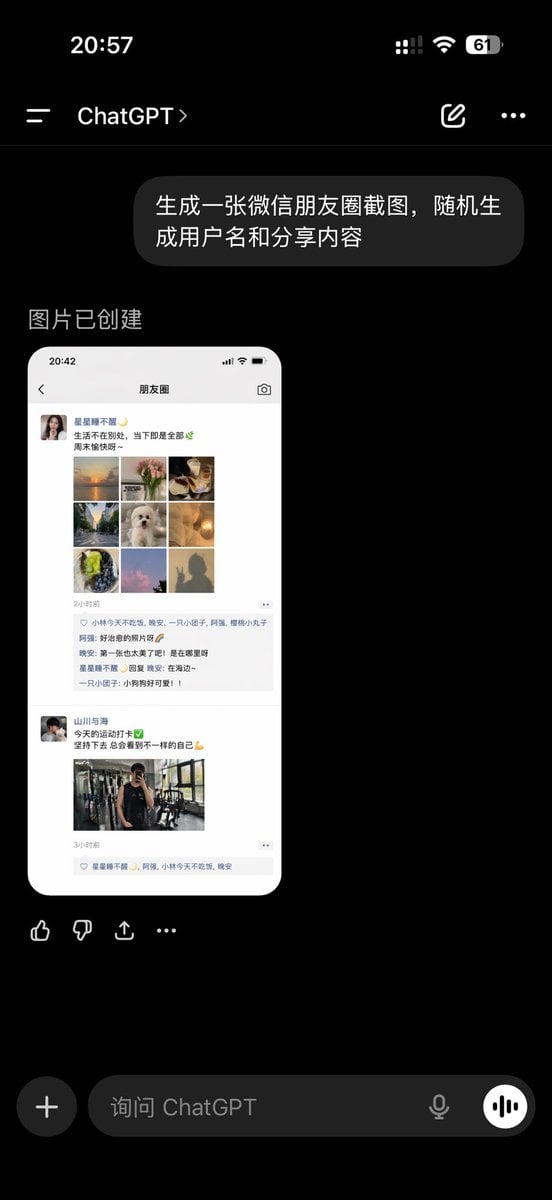
ChatGPT App Showing WeChat Moments Screenshot
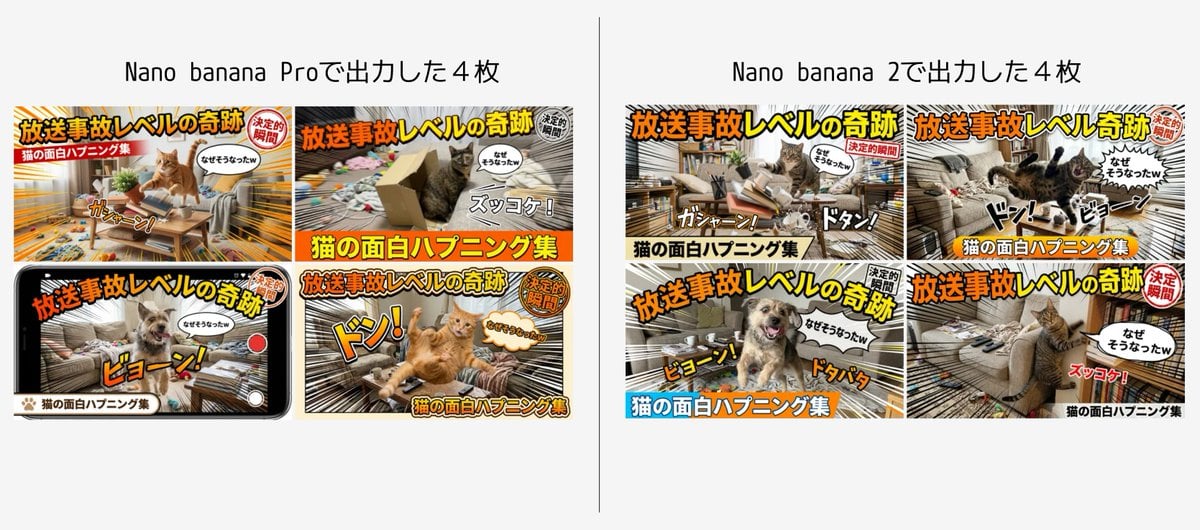
Detailed Japanese Prompt for Variety Show Style Image
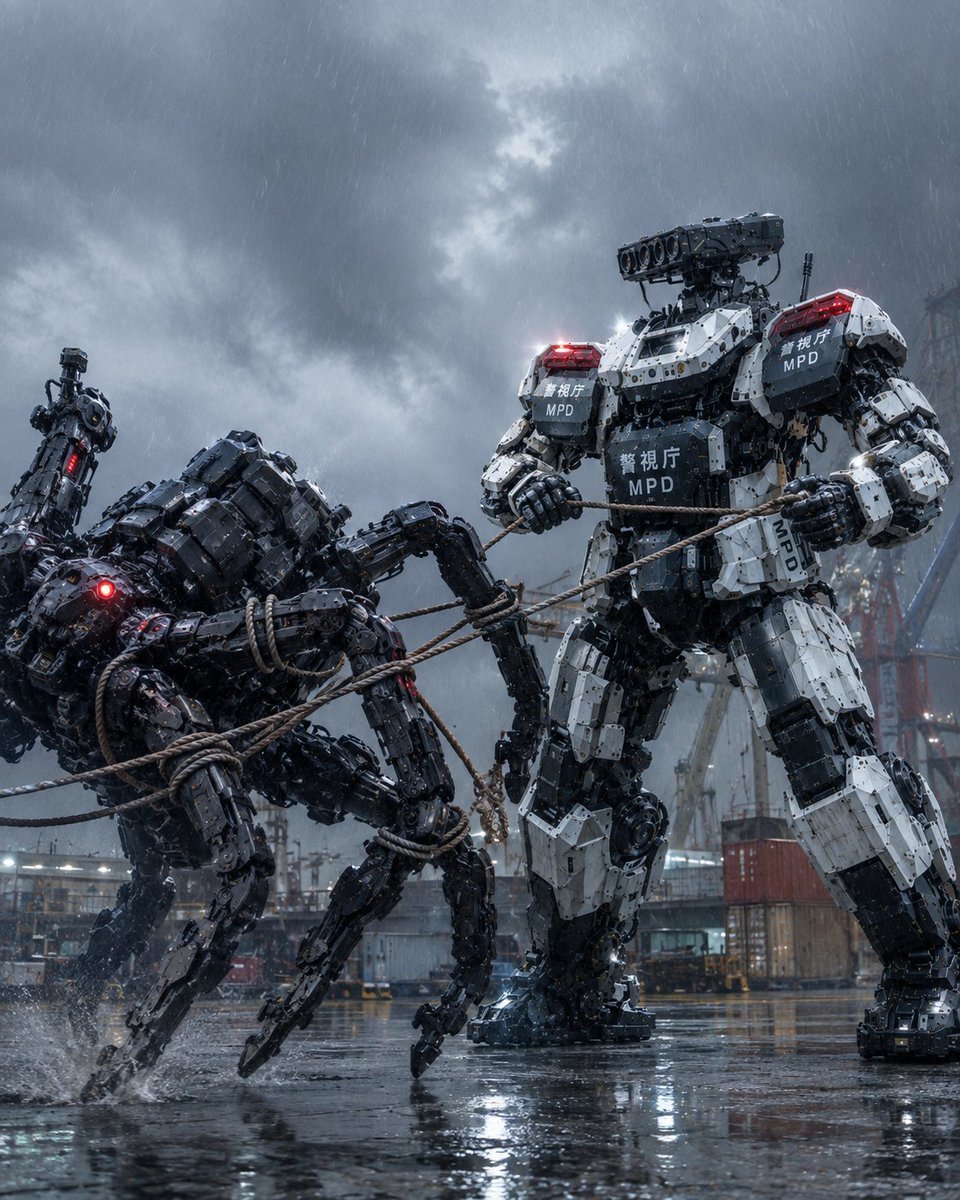
MPD Mech Captures Spider Robot
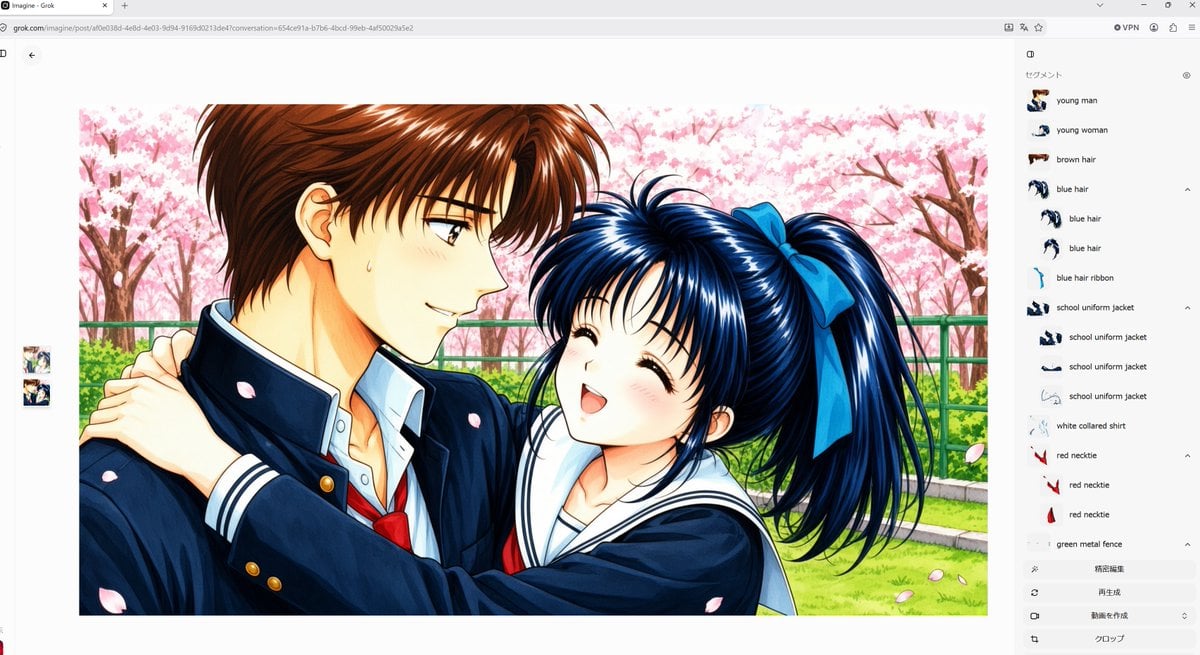
Anime Couple Segmentation UI Screenshot
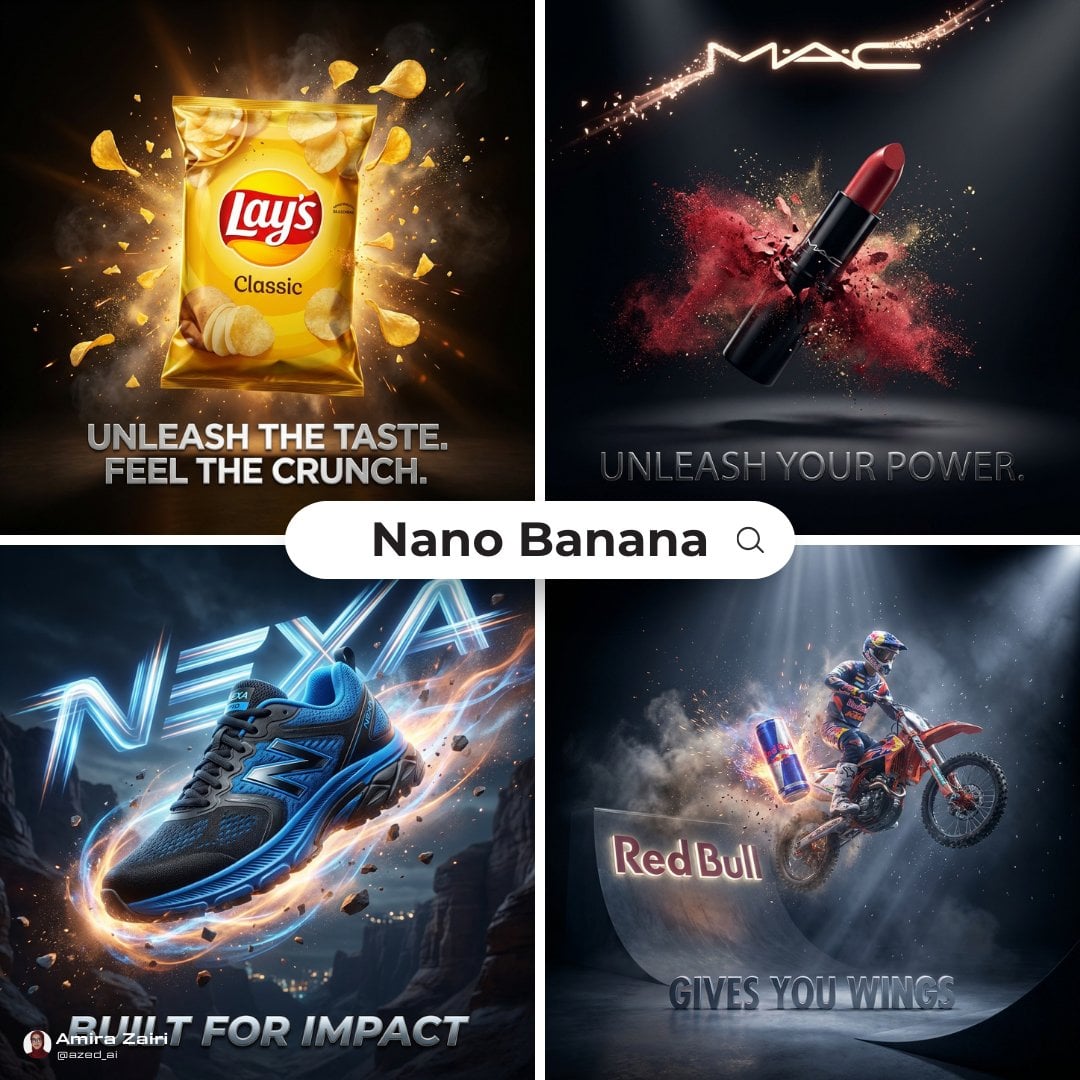
Cinematic 3D action-packed advertisement captured in an intense
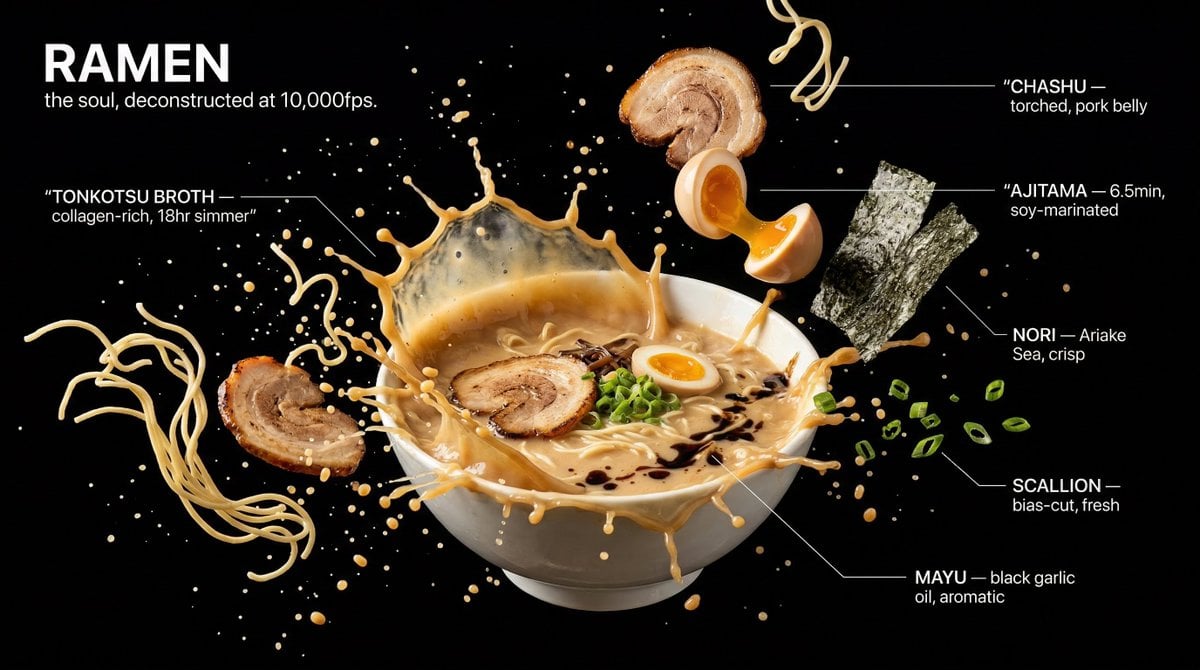
Captured at the exact millisecond of a dramatic liquid explosion
A colossal hand gripping an enormous vintage fountain pen, captured
Make it yours
TV Variety Show Screen Capture works as-is. These are the safest ways to change it without losing the look.
Change one field
Copy a single group, rewrite it, and generate again so you can see what that field is doing.
Keep the frame, change the subject
Hold the composition and light of TV Variety Show Screen Capture, then swap wardrobe, props or the person for a new take.
| If the result… | Why | Fix |
|---|---|---|
| The result drifts from the preview | Too many fields changed at once. | Reuse TV Variety Show Screen Capture as-is first, then change one group — subject, light, or setting. |
| The model over-stylizes the scene | The prose prompt leaves finish and camera underspecified. | Add one camera or lighting sentence and stay on GPT Image 2. |
More GPT Image 2 templates
Other prompts made for GPT Image 2.

Six VTuber Japanese Logo Sheet

Realistic Portrait of Woman and Deer

The Vista Modular Condo Poster

AI Model Routing Comparison Infographic

2.5D Anime Art Board

Isometric Productivity Desk Scene

New York Double Exposure Poster

Four-Panel AI Landscape Comparison

Japanese Tatami Lifestyle Magazine Cover

NESCAFÉ Coffee Map Poster
More image prompts
Fresh picks from across the catalog.
Premium Editorial Branding Poster Template
Citrus Skincare Product Macro Photography Prompt
Retro Street Fashion Portrait
Detailed Texture and Accessory Generation
Hyper-Realistic Surrealist Portrait with Crimson Lighting
Various playful test prompts for Nano Banana
Anime Mirror Lake Sky Background
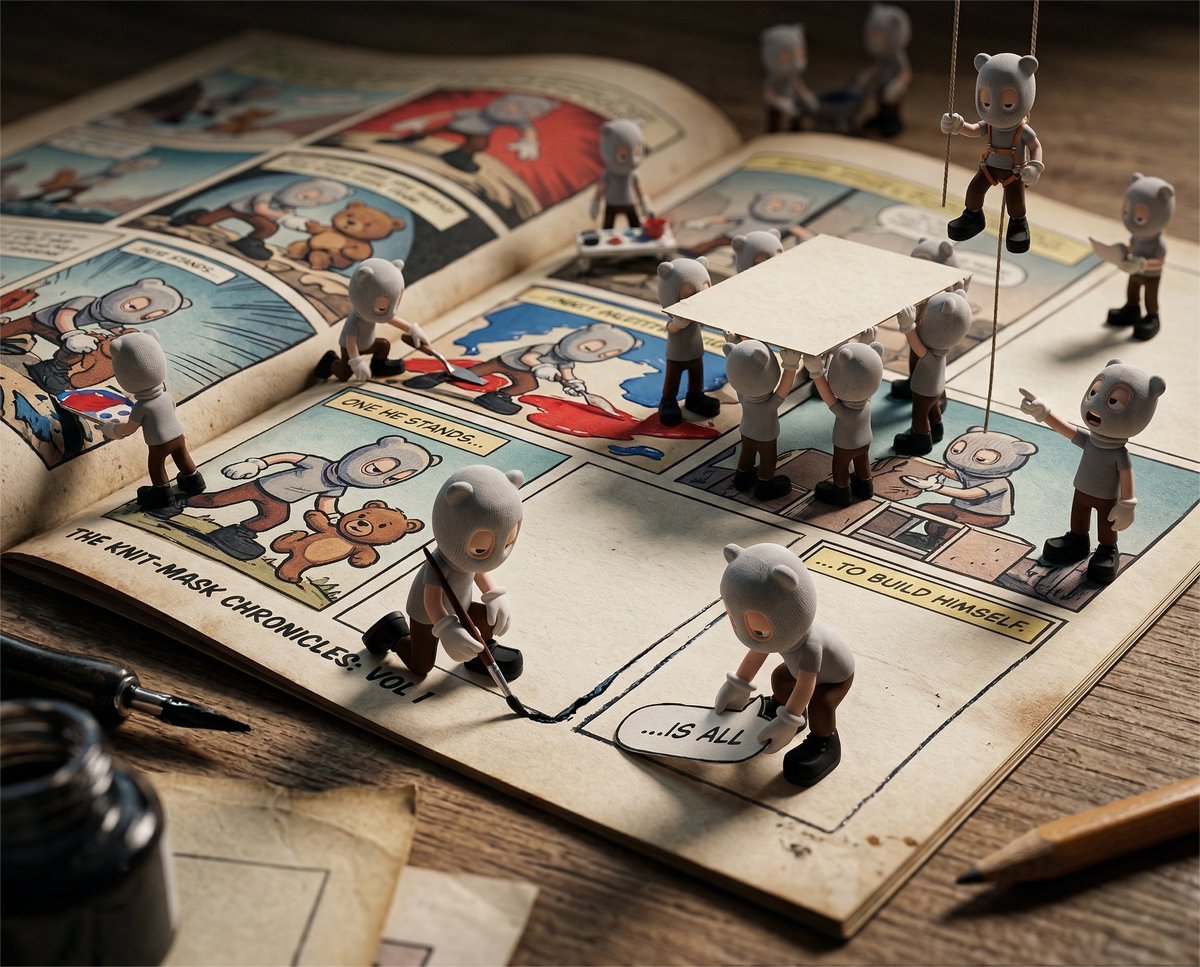
Cinematic Macro Toy-Photography of Mini Beasts

High-angle fairy grunge idol in cluttered closet
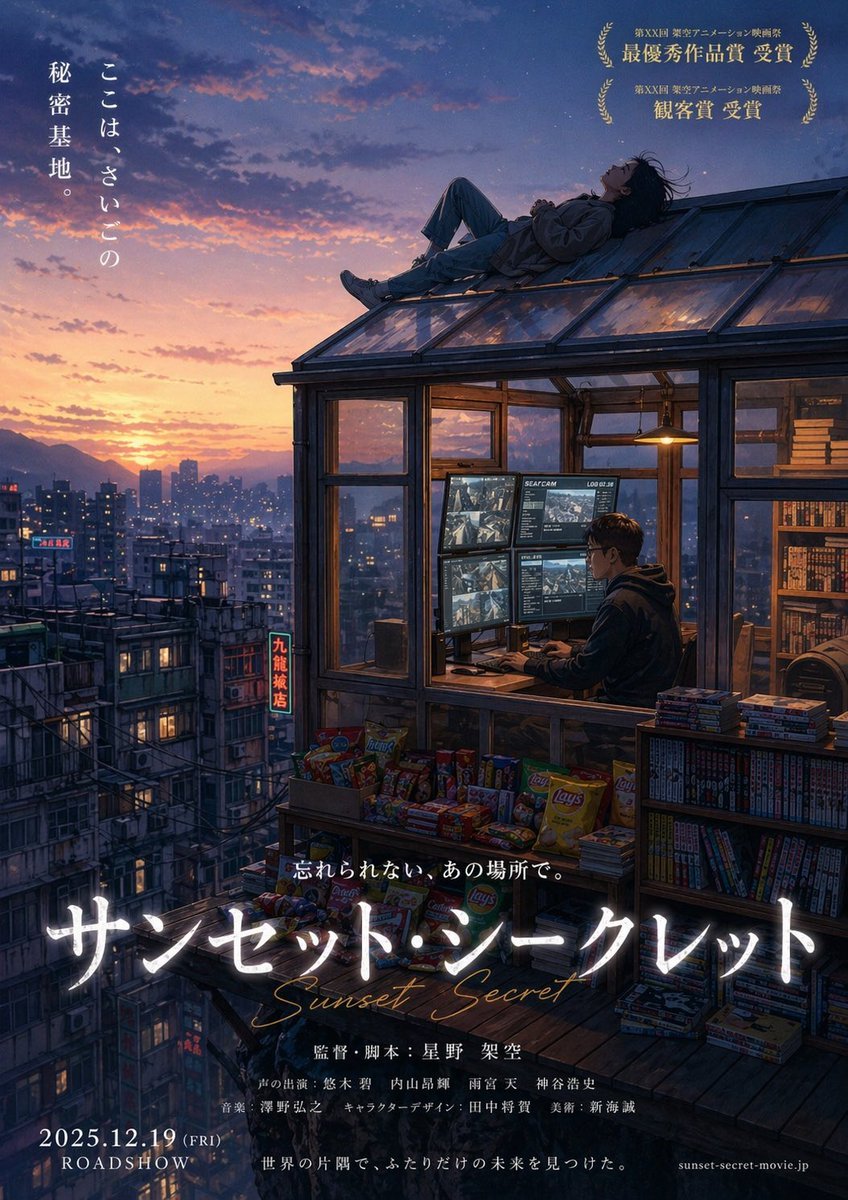
Anime Movie Poster from Reference
Browse template categories
TV Variety Show Screen Capture questions
How do I use the TV Variety Show Screen Capture template?
Add your photo if the template asks for one, edit the prompt if you like — the template's model and format are already selected — and press Generate. Your version opens in PicX Studio.
Can I customize the TV Variety Show Screen Capture template?
Yes. You can change the subject, setting, lighting, mood, format, and available model controls before creating your image.
Is the TV Variety Show Screen Capture template free?
Opening and editing this template is free. Generating uses credits, shown on the Generate button when you are signed in.
Which AI model should I use?
Start with GPT Image 2, which is the model associated with this template. You can compare another compatible model for a different finish.
Looking for something else? Browse all templates.

Your photo, any look
Thousands of ready templates for every top image and video model, from one credit balance.