
Japanese Idol TV Show Screenshot
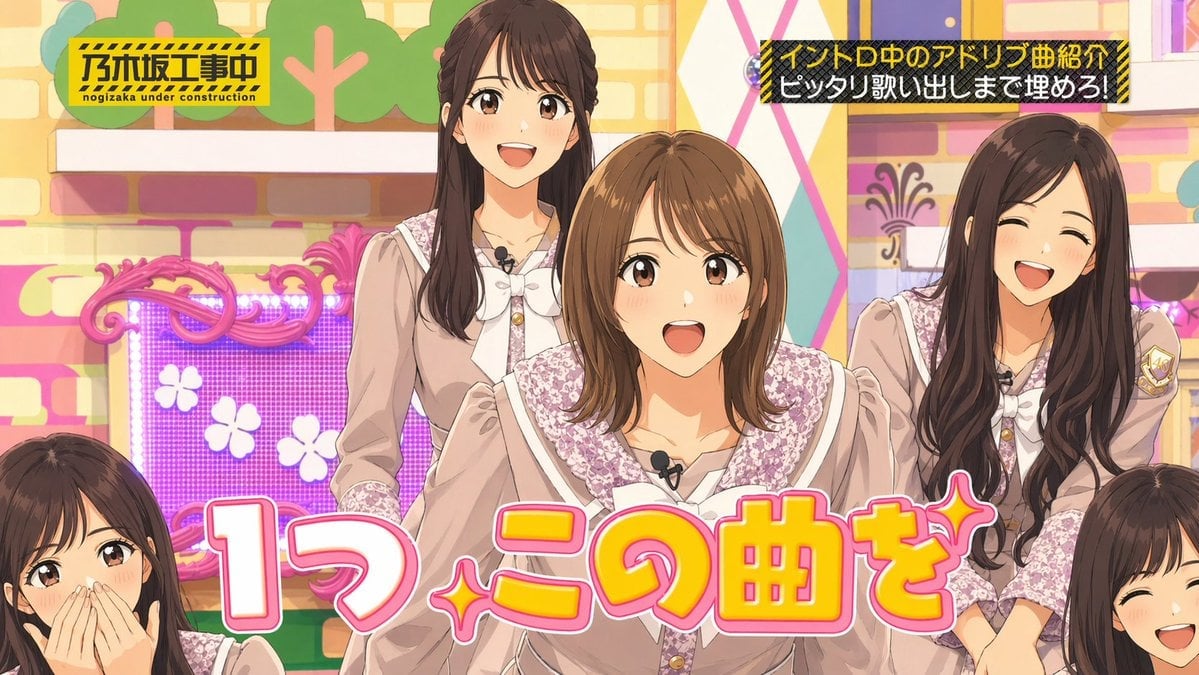
A colorful fake TV-variety-show frame with anonymized idol members and crisp Japanese on-screen captions, useful for testing text rendering and broadcast-style layouts.
- Prompt included
- Model and format preset
- Free template
The prompt behind this image
Copy the exact prompt behind Japanese Idol TV Show Screenshot, or open it in the studio and make it yours.
A brightly lit Japanese TV variety show studio screenshot in a cheerful pastel idol-program style, framed as a medium-wide group shot of {argument name="group size" default="5"} young women standing close together, with the center performer slightly forward and the others partially visible around her. Their faces are intentionally obscured by soft rectangular blur mosaics, as if anonymized for a social media post, but their hairstyles, outfits, body positions, and the set remain clear. They wear coordinated feminine stage uniforms in dusty pink and beige with white ribbon bows at the collar, floral lace trim on the shoulders and chest, puff sleeves, gold buttons, and small black lavalier microphones clipped near the neckline. The center woman has a shoulder-length light brown bob with side-swept bangs; two taller women in the back and right have long dark brown wavy hair; only the tops of two more members are visible at the lower left and lower right corners. The studio background is colorful and busy: a cream-and-pastel brick wall, stylized tree cutouts near the top left, a decorative pink ornate frame around a glowing purple LED panel with white flower icons on the left, and geometric pastel wall panels on the right. Add bold Japanese TV captions with crisp, readable text. In the top left, place a yellow-and-black construction-sign style box with diagonal hazard stripes reading "乃木坂工事中" and smaller roman text "nogizaka under construction". In the top right, place a black rectangle with yellow hazard-stripe border containing two lines of Japanese text: "イントロ中のアドリブ曲紹介" and "ピッタリ歌い出しまで埋めろ!". Across the lower center, add a huge playful headline in thick rounded Japanese lettering reading {argument name="main caption" default="1つ この曲を"}, colored bright yellow with orange shading, a white inner border, thick pink outline, and sparkly star accents integrated into the phrase. The composition should feel like a genuine paused television broadcast, colorful, polished, and highly legible, with a 16:9 aspect ratio and the visual emphasis on the large bottom caption and the center performer.
How to use Japanese Idol TV Show Screenshot in 3 steps
- 1Upload ImagePNG, JPG or paste
Add your photo
Upload the photo the template builds on. The prompt, model and format are already set.
- 2…a portrait of your subject in softgolden-hour light, 85mm…
Personalize
Edit the subject and creative details for your destination.
- 3Generate
Generate
Press Generate — your image is created in PicX Studio, so you can compare it with the original and refine one variable at a time.
More like this
Templates with the same subject, style or setup. Open one to see its prompt.
Japanese TV Idol Show Screenshot

Japanese Film Reflection Idol

Minecraft Next-Gen Voxel World Screenshot

Minecraft Japanese Research Lab Exploration

Japanese Architectural Concrete Studio Fashion Campaign

Japanese Minimalist Concrete Studio Fashion Editorial

Blue Backdrop Luxury Fashion Portrait Campaign
Japanese Variety Show Quiz Screen
Japanese Idol Concert Portrait
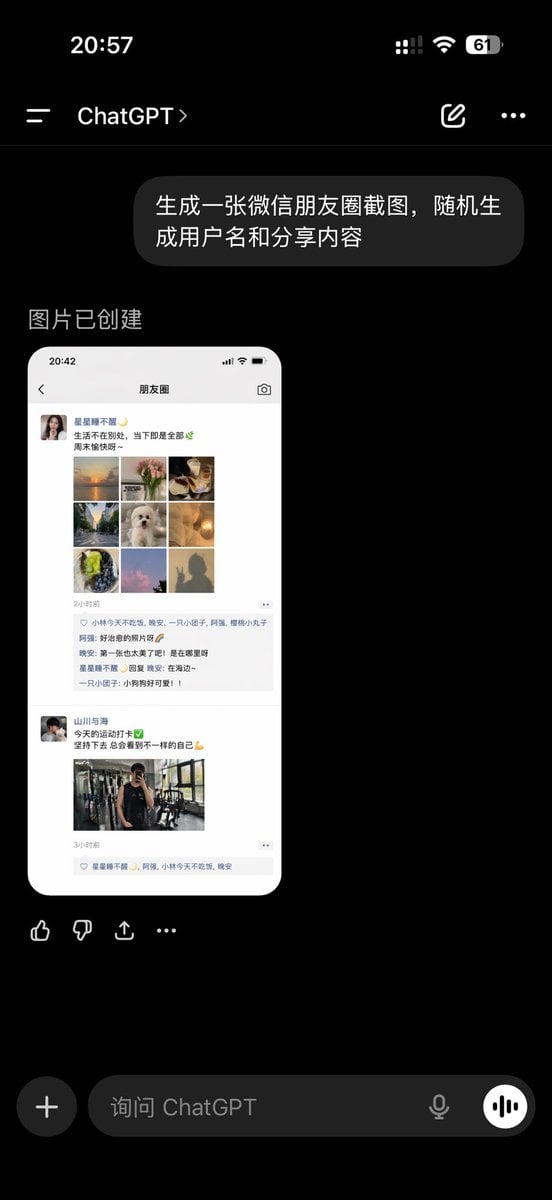
ChatGPT App Showing WeChat Moments Screenshot
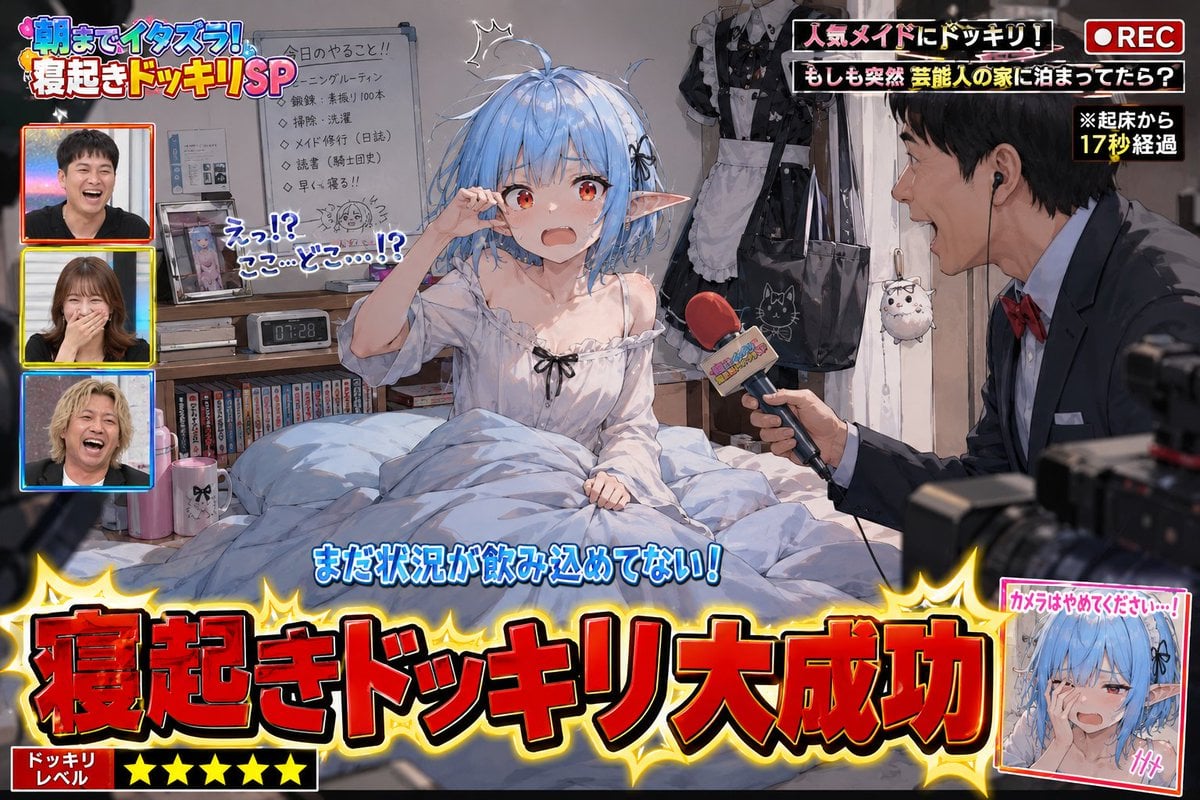
Variety Show Surprise Prank Anime Screenshot
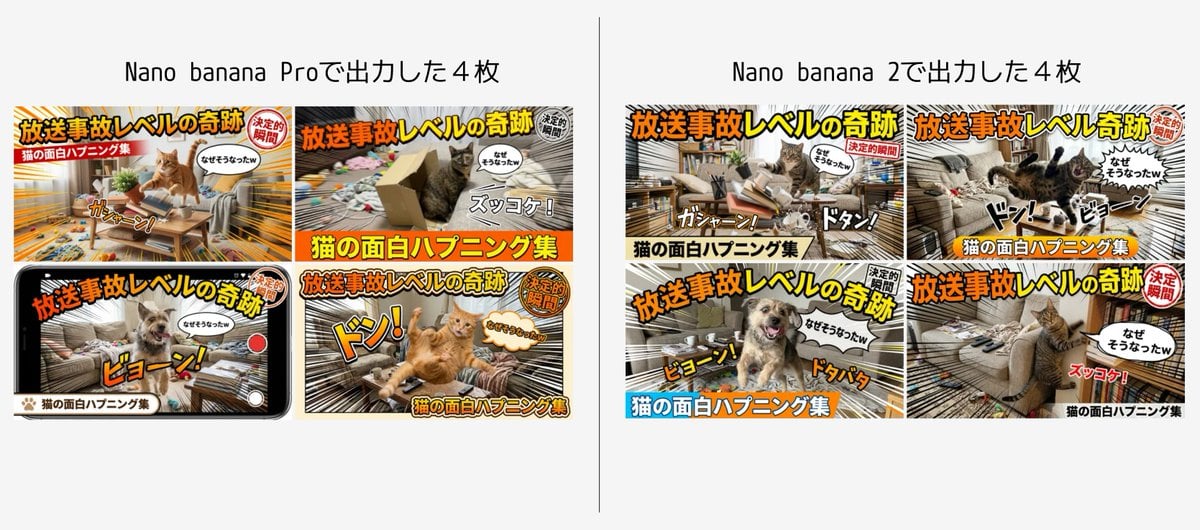
Detailed Japanese Prompt for Variety Show Style Image
Make it yours
Japanese Idol TV Show Screenshot works as-is. These are the safest ways to change it without losing the look.
Change one field
Copy a single group, rewrite it, and generate again so you can see what that field is doing.
Keep the frame, change the subject
Hold the composition and light of Japanese Idol TV Show Screenshot, then swap wardrobe, props or the person for a new take.
| If the result… | Why | Fix |
|---|---|---|
| The result drifts from the preview | Too many fields changed at once. | Reuse Japanese Idol TV Show Screenshot as-is first, then change one group — subject, light, or setting. |
| The model over-stylizes the scene | The prose prompt leaves finish and camera underspecified. | Add one camera or lighting sentence and stay on GPT Image 2. |
More GPT Image 2 templates
Other prompts made for GPT Image 2.

Realistic Portrait of Woman and Deer

The Vista Modular Condo Poster

AI Model Routing Comparison Infographic

2.5D Anime Art Board

Isometric Productivity Desk Scene

New York Double Exposure Poster

Four-Panel AI Landscape Comparison

NESCAFÉ Coffee Map Poster

Brutalist Cogito Chinese Typography Poster

Cinematic Luxury Terrace Portrait
More image prompts
Fresh picks from across the catalog.
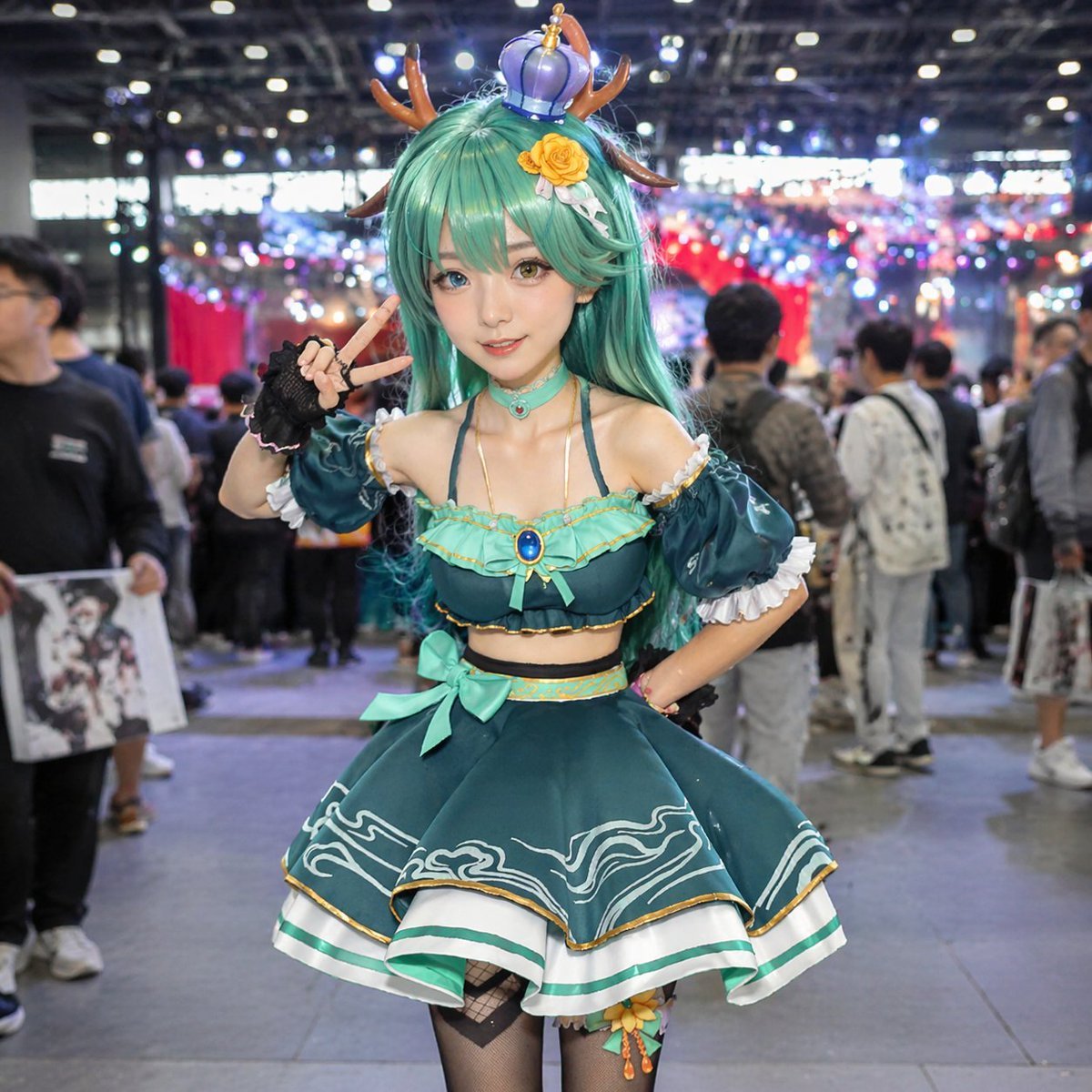
Cosplayer Portrait at Convention
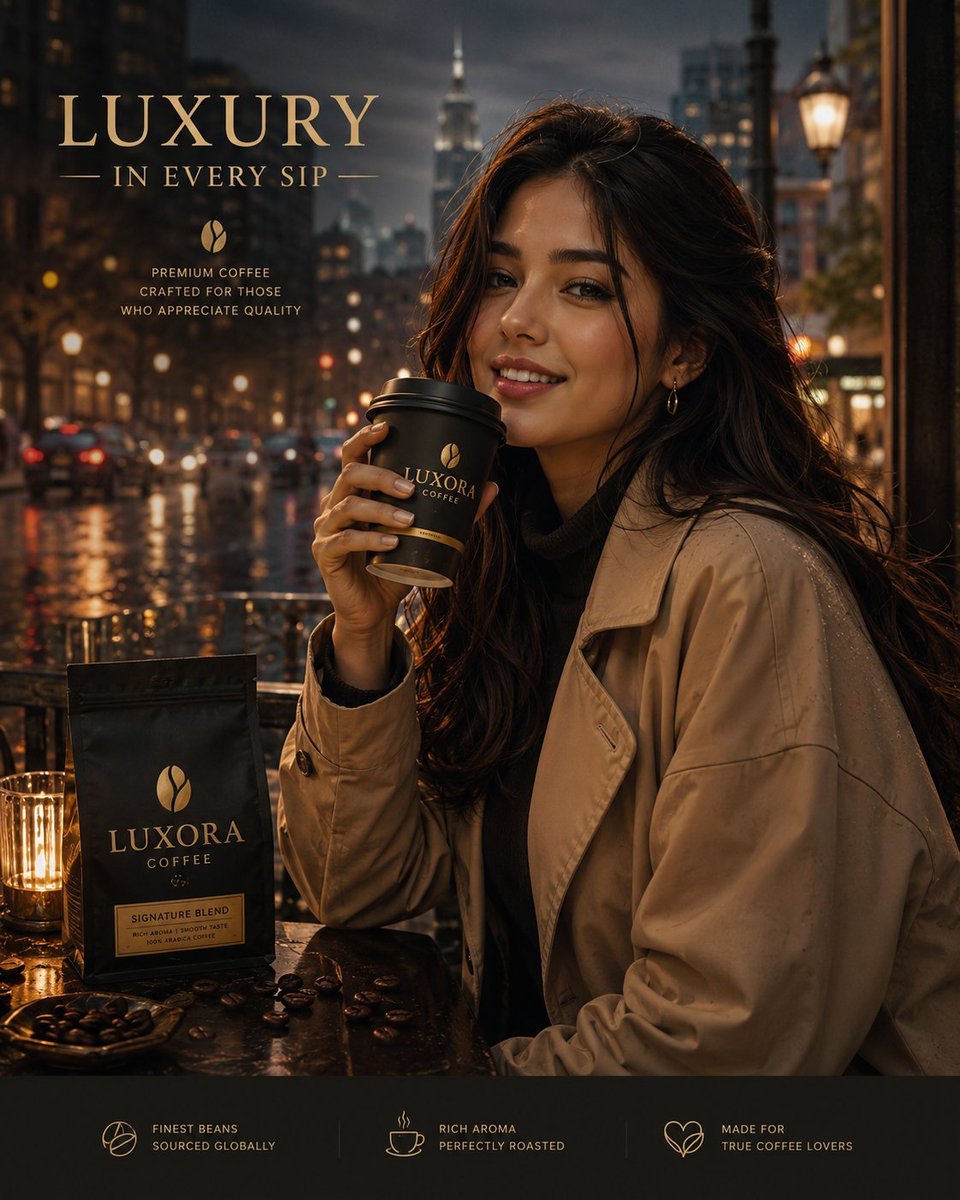
Luxury Coffee Advertisement Portrait
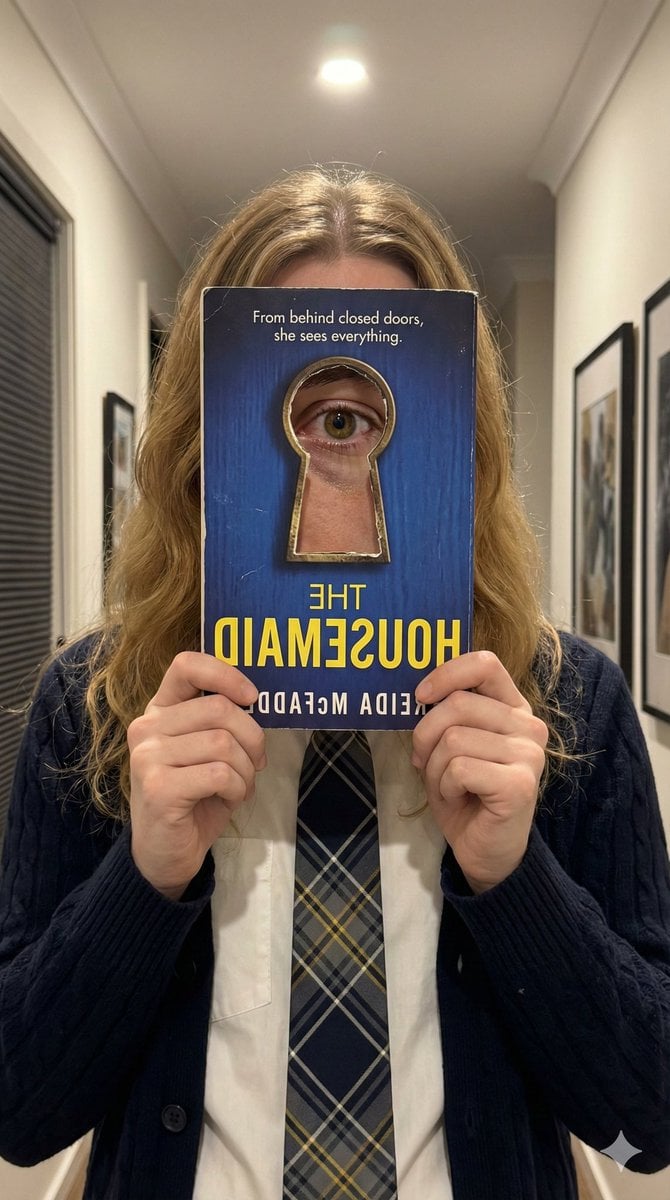
Trompe-l'œil Keyhole Illusion with Living Eye
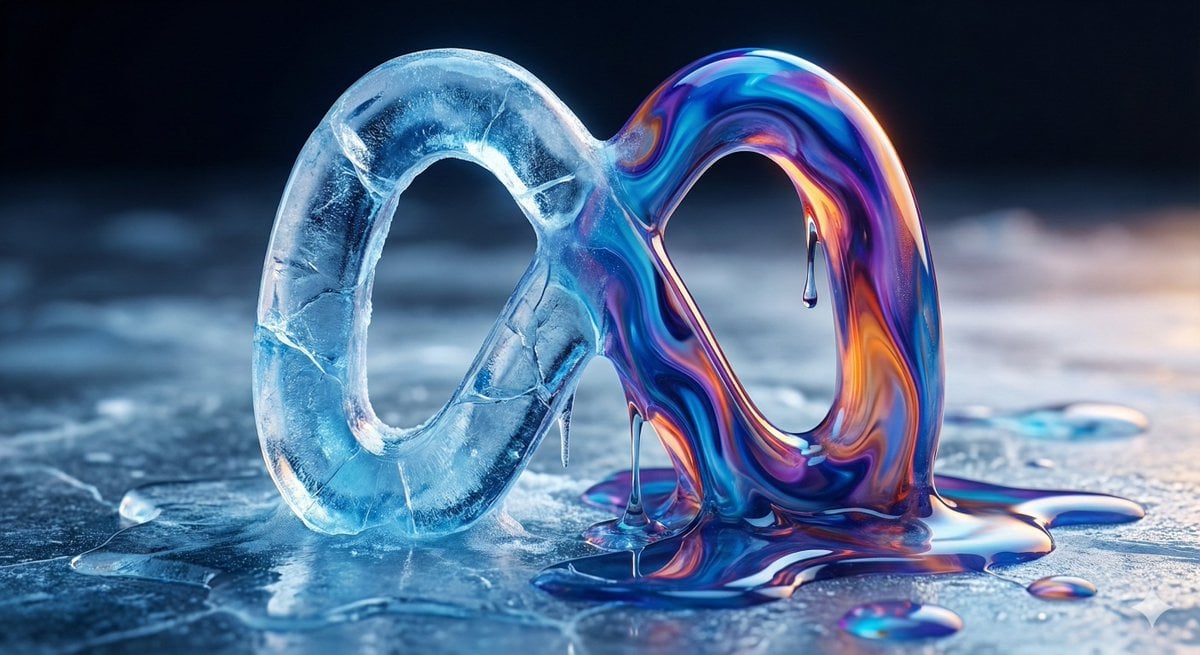
Ice and Liquid Hybrid Logo Design
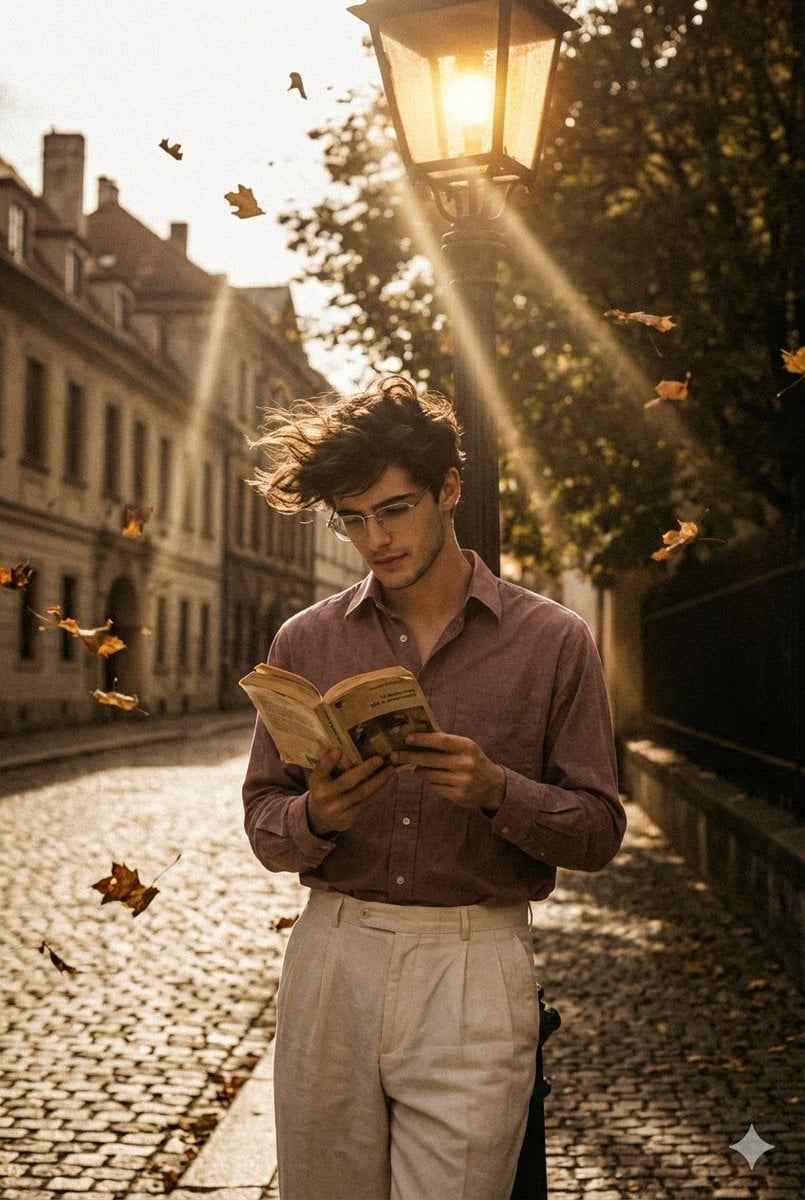
90s Movie Baddie Retro Portrait Prompt
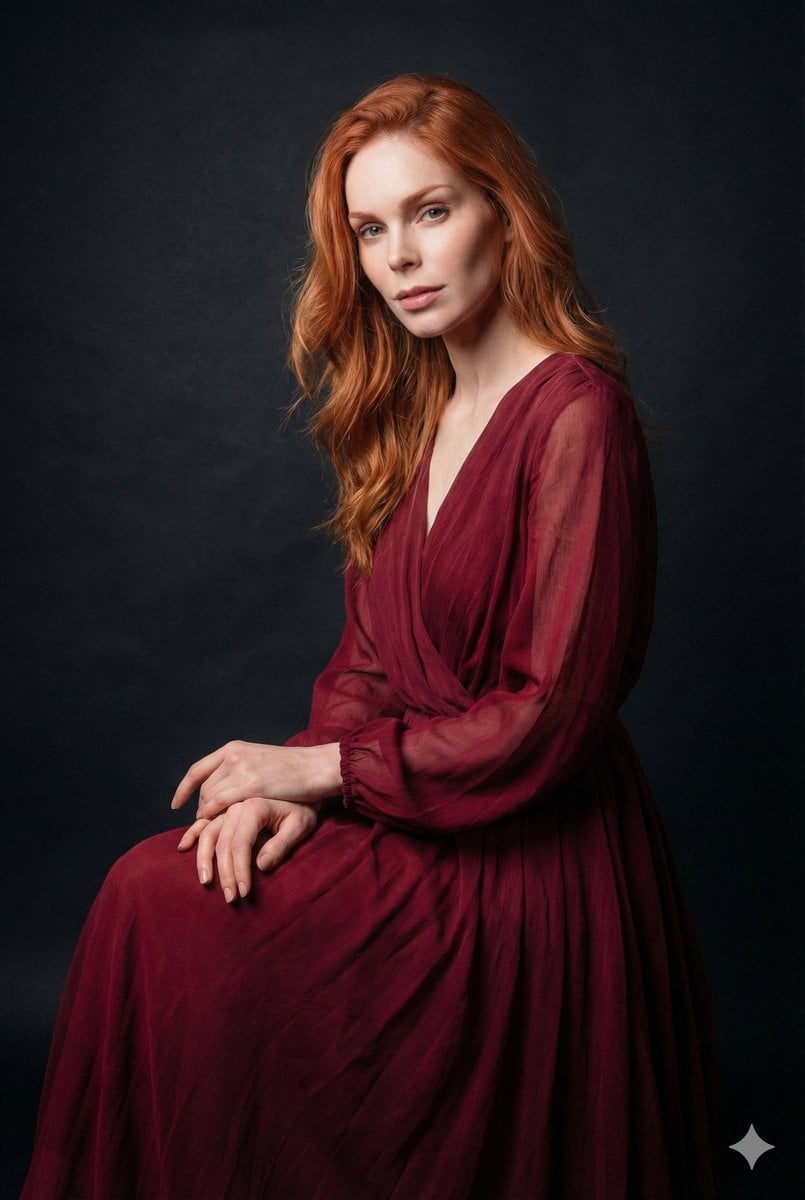
Ethereal Long Exposure Cinematic Portrait Prompt
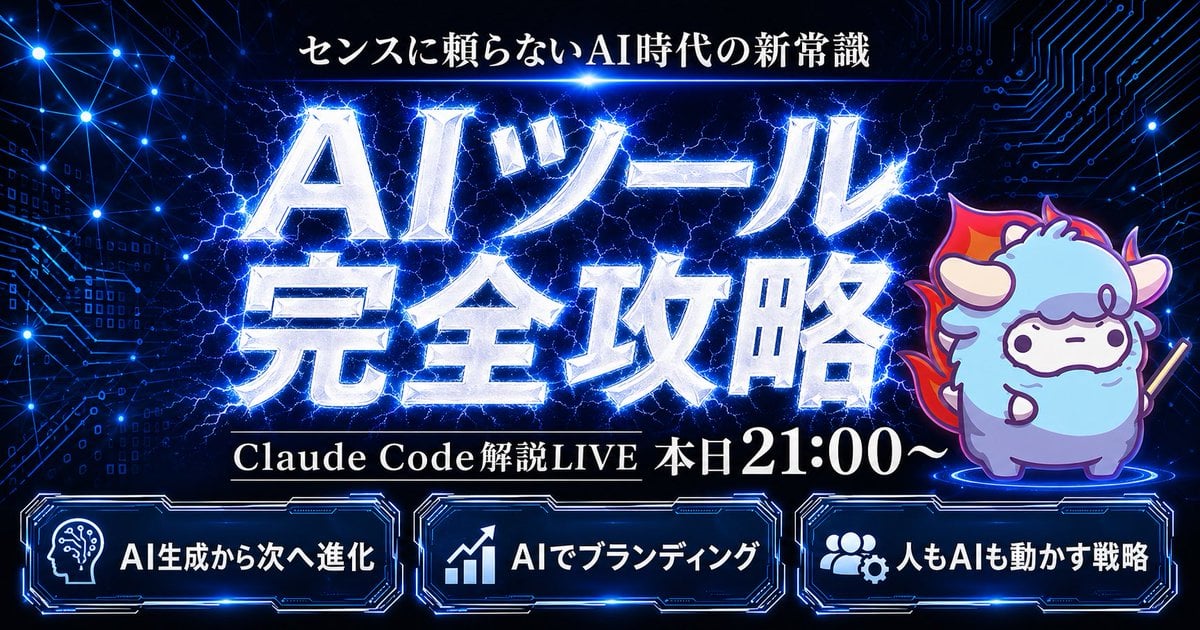
Cyber AI Webinar Thumbnail
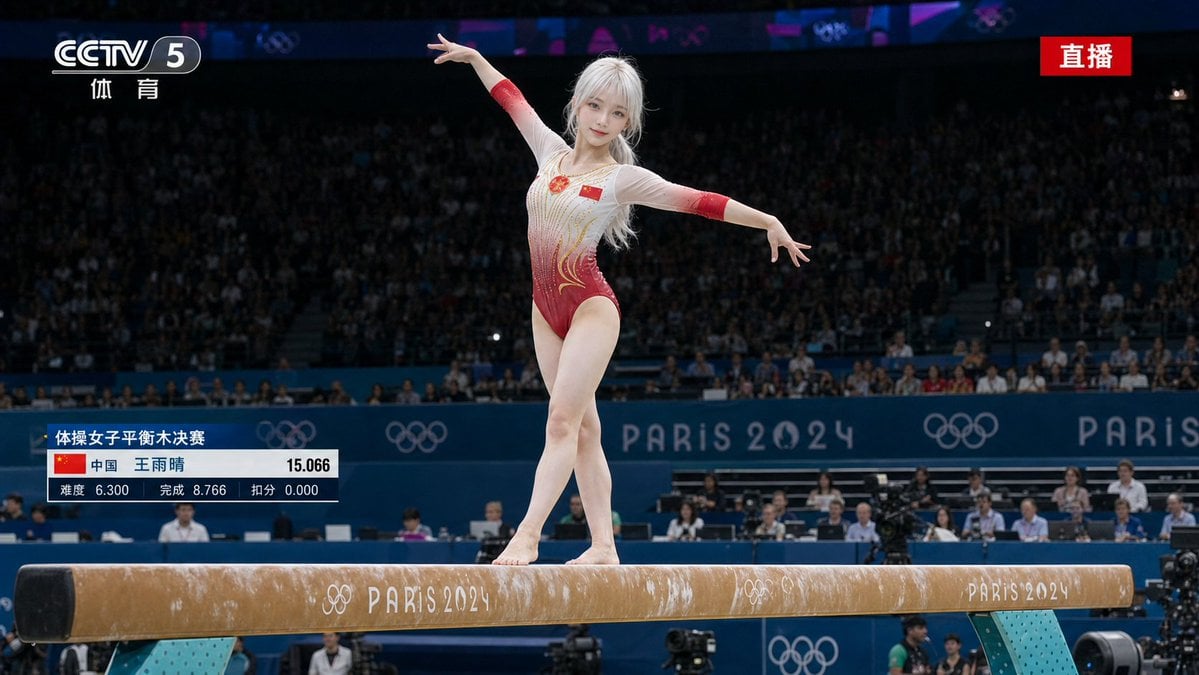
Olympic Gymnast Broadcast
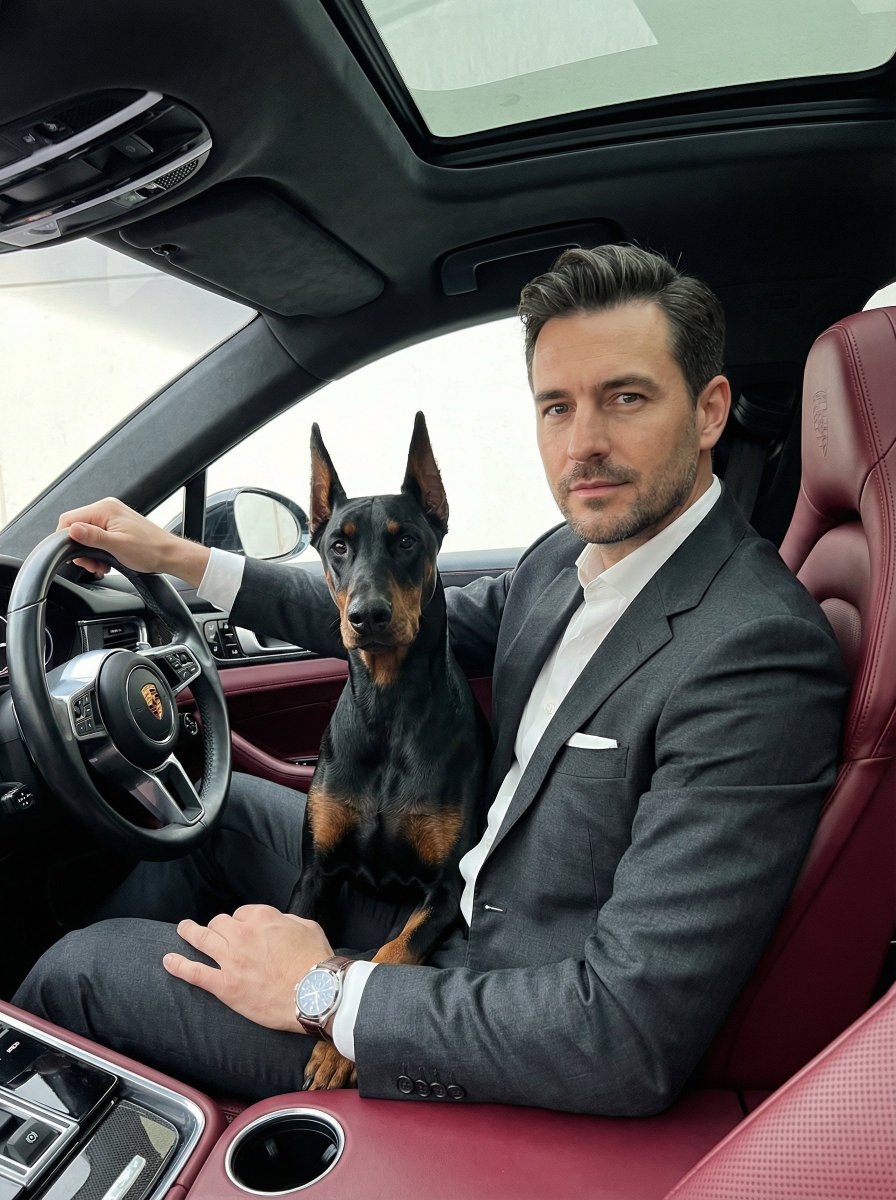
Luxury Car Portrait with Doberman
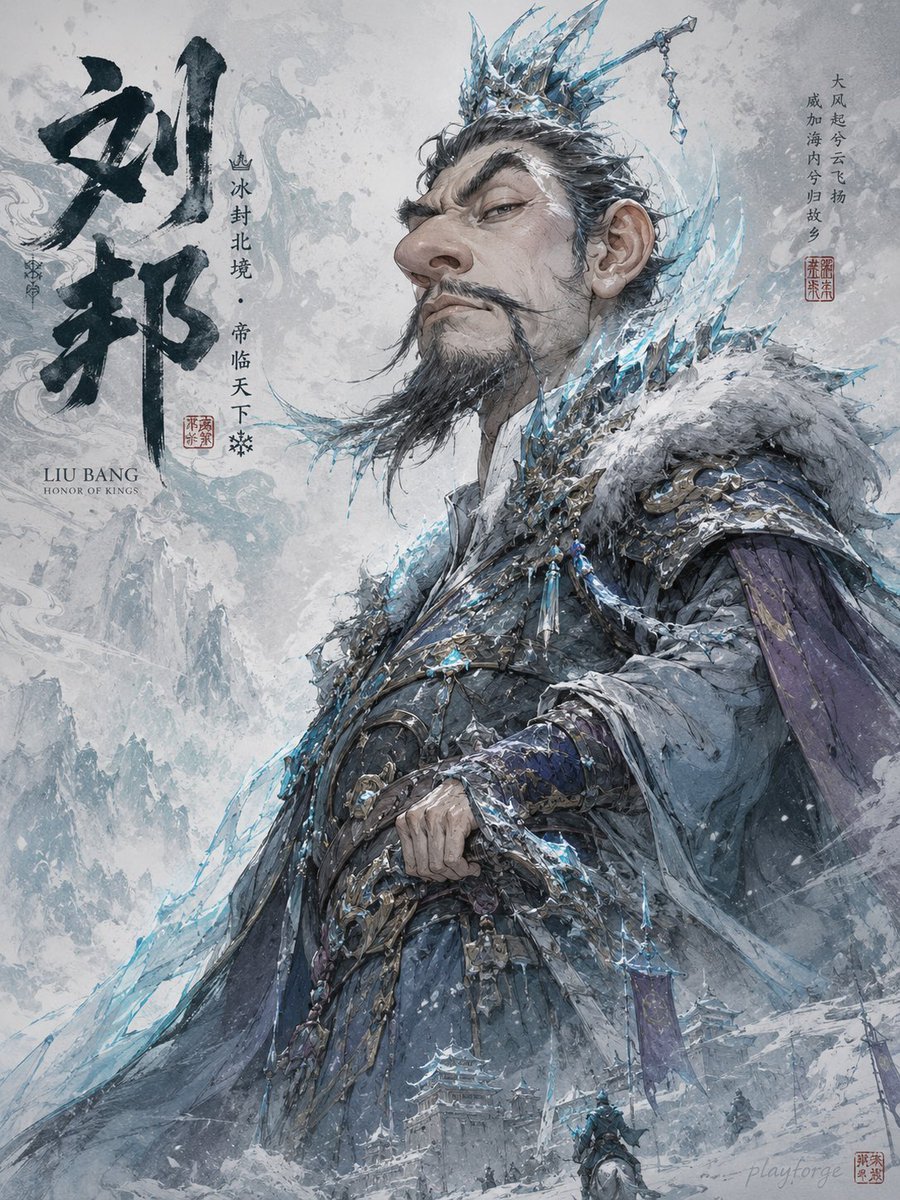
Humorous Game Character Caricature
Browse template categories
Japanese Idol TV Show Screenshot questions
How do I use the Japanese Idol TV Show Screenshot template?
Add your photo if the template asks for one, edit the prompt if you like — the template's model and format are already selected — and press Generate. Your version opens in PicX Studio.
Can I customize the Japanese Idol TV Show Screenshot template?
Yes. You can change the subject, setting, lighting, mood, format, and available model controls before creating your image.
Is the Japanese Idol TV Show Screenshot template free?
Opening and editing this template is free. Generating uses credits, shown on the Generate button when you are signed in.
Which AI model should I use?
Start with GPT Image 2, which is the model associated with this template. You can compare another compatible model for a different finish.
Looking for something else? Browse all templates.

Your photo, any look
Thousands of ready templates for every top image and video model, from one credit balance.