
Misty Forest Tibetan Prayer Flags
A low-angle fashion-inspired shot of a woman in a misty forest adorned with colorful Tibetan prayer flags, featuring an ethereal atmosphere.
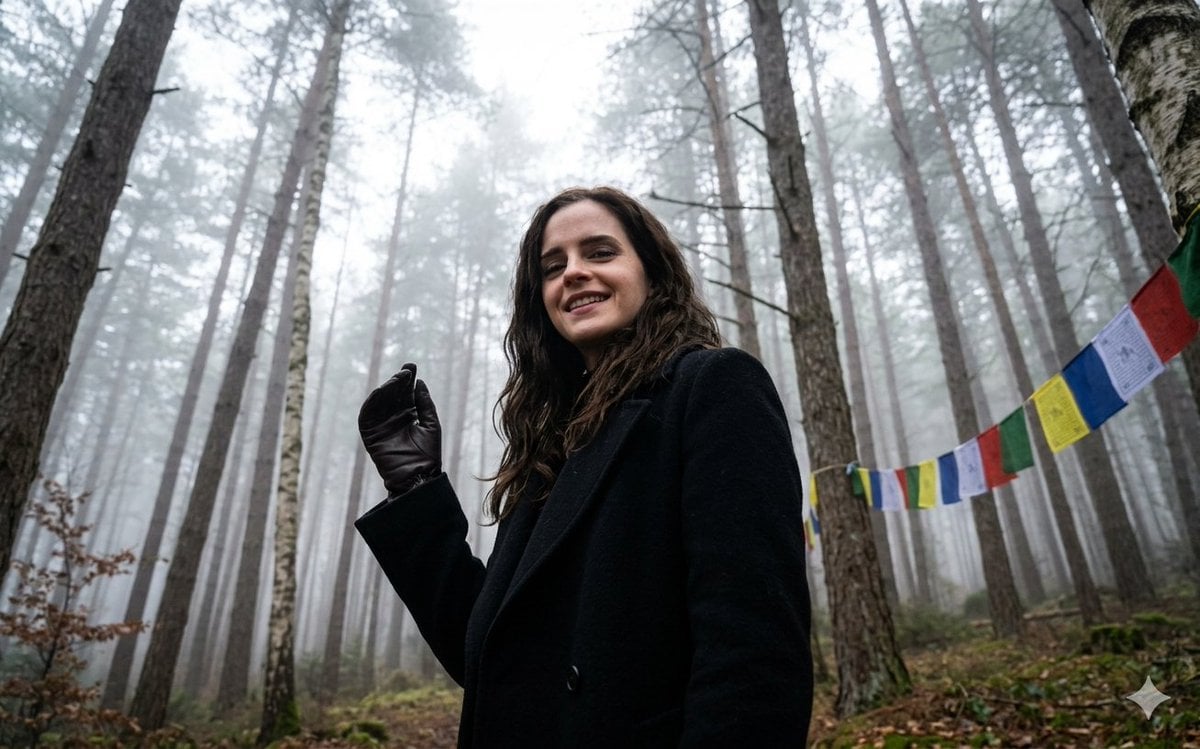
- Prompt included
- Model and format preset
- Free template
The prompt behind this image
Copy the exact prompt behind Misty Forest Tibetan Prayer Flags, or open it in the studio and make it yours.
Create premium luxury fashion posters with oversized layered typography, monochromatic editorial aesthetics, boutique campaign atmospheres, and typography-driven fashion storytelling. Perfect for seasonal drops, winter collections, luxury apparel campaigns, streetwear editorials, and high-end Instagram fashion advertising. Face and body exactly same as uploaded image. Luxury. Editorial. Typography-driven. Fashion-ready. a woman captured from a low-angle perspective, looking down toward the camera with a smile. She is positioned in a dense, misty forest where tall, slender trees stretch upward, their tops disappearing into a thick white fog. Key Visual Elements • Subject: A woman with long, dark wavy hair wearing a black coat and a dark glove on her raised left hand. • Setting: A misty woodland environment with several tall, thin tree trunks. Cultural Details: Colorful Tibetan prayer flags are strung between the trees on the right side of the frame. • Composition: The camera is placed at a very low angle, creating a sense of height and immersion within the forest canopy. • Lighting: Natural, diffused light filtered through the heavy mist, creating a soft and ethereal atmosphere.
How to use Misty Forest Tibetan Prayer Flags in 3 steps
- 1Upload ImagePNG, JPG or paste
Add your photo
Upload the photo the template builds on. The prompt, model and format are already set.
- 2…a portrait of your subject in softgolden-hour light, 85mm…
Personalize
Edit the subject and creative details for your destination.
- 3Generate
Generate
Press Generate — your image is created in PicX Studio, so you can compare it with the original and refine one variable at a time.
More like this
Templates with the same subject, style or setup. Open one to see its prompt.

Layered Paper Cut Forest Diorama
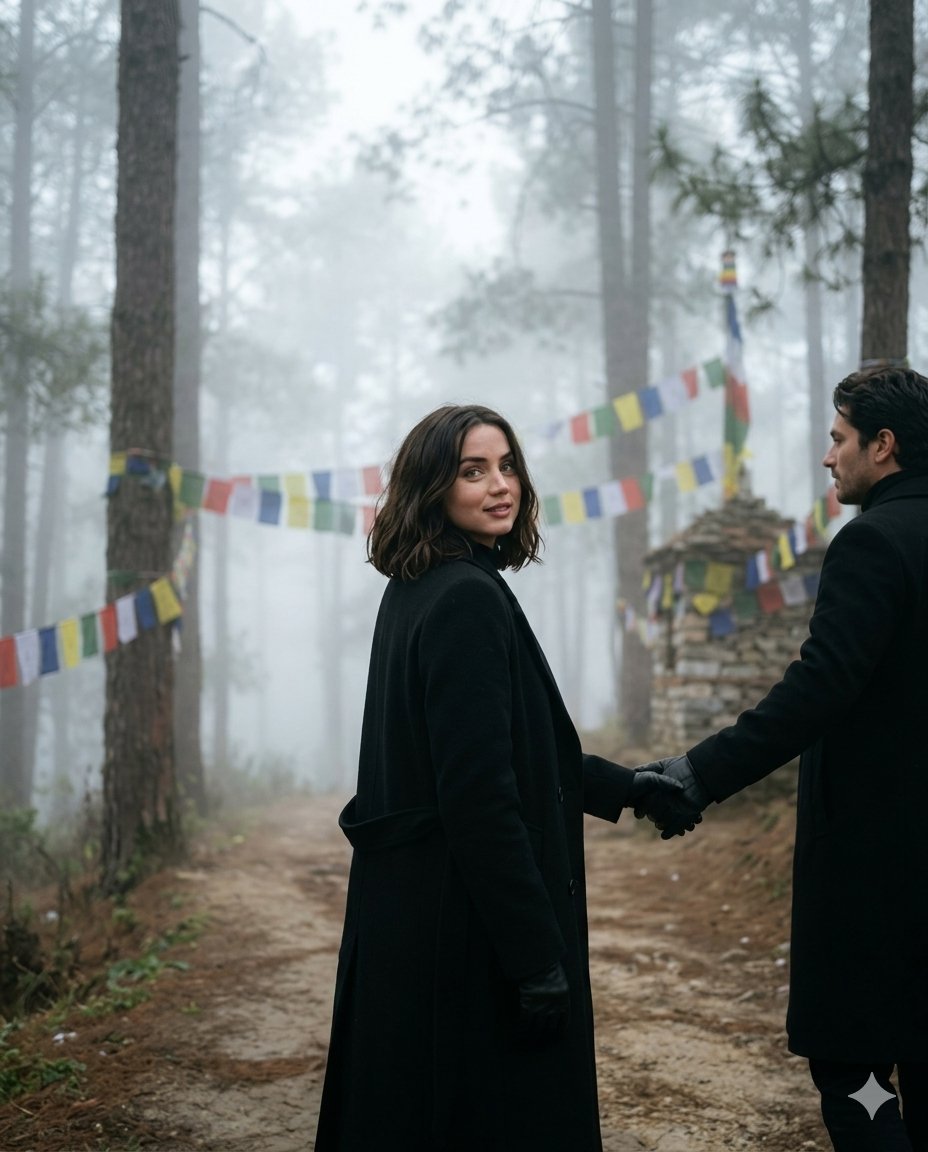
Misty Forest Travel Couple Portrait
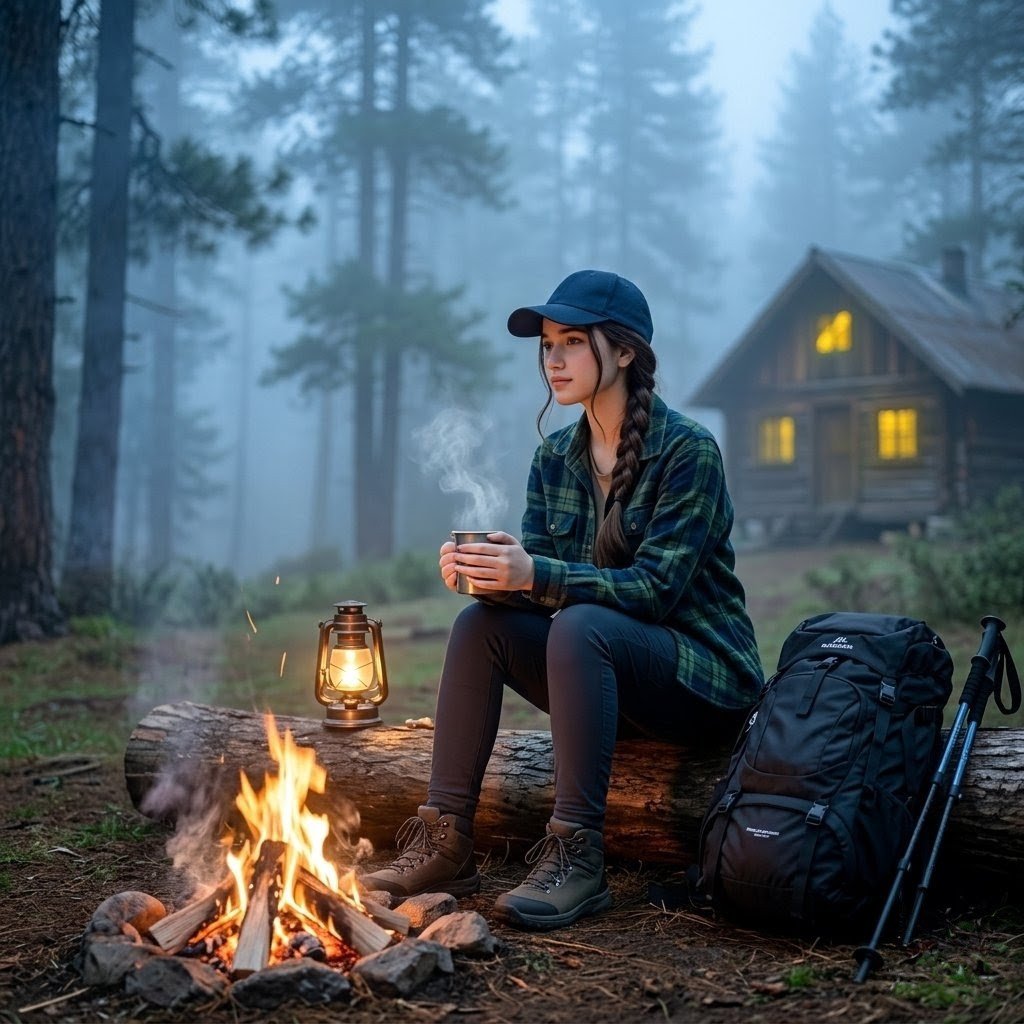
Misty Forest Camping Portrait
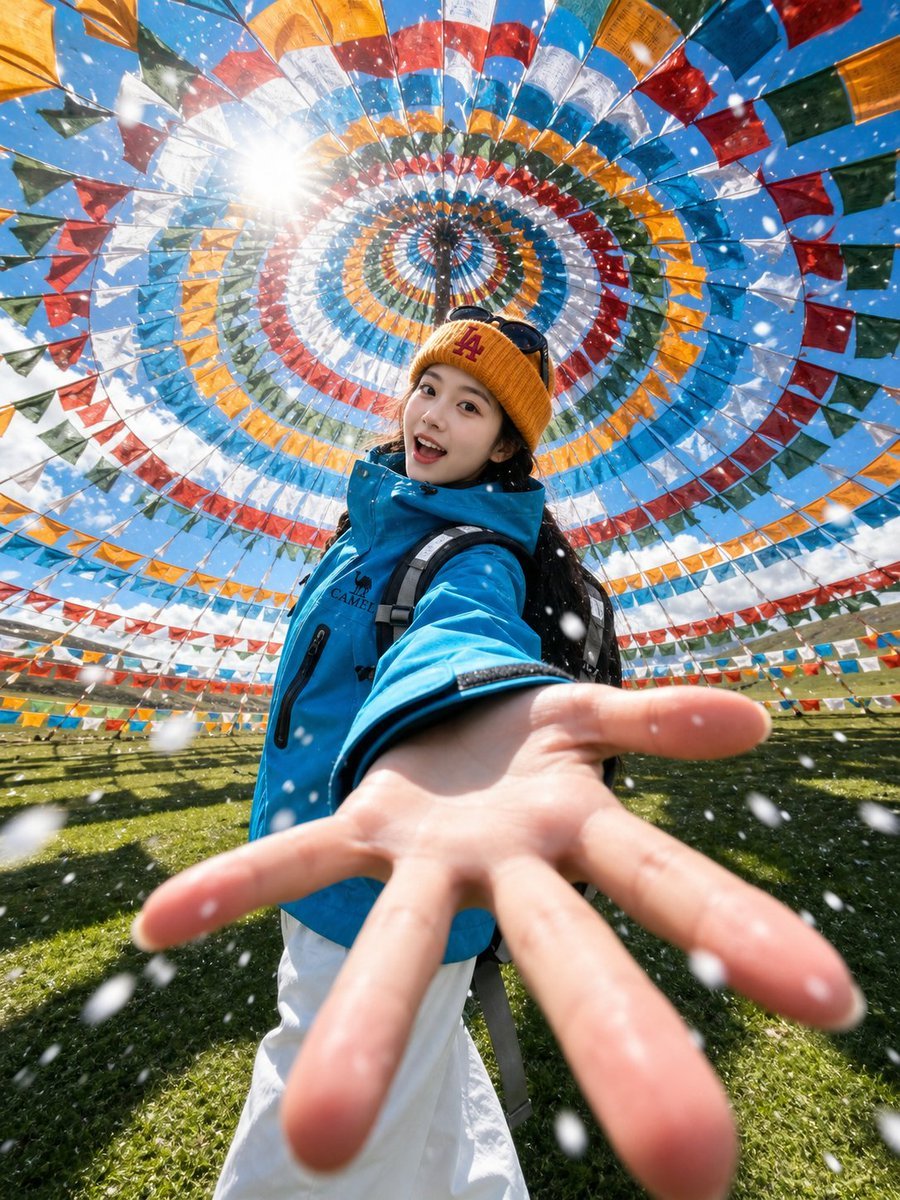
Tibetan Prayer Flag Highland Selfie
Mischievous Forest Faun Girl
Sci-Fi Misty Antenna Terrain

Misty Jiangnan Classical Portrait
Enchanted Forest Grave Spring

Enchanted Hanfu Forest Goddess

Xianxia Woman Over Misty Mountain Realm
Tropical Rainforest Wildlife Ecosystem
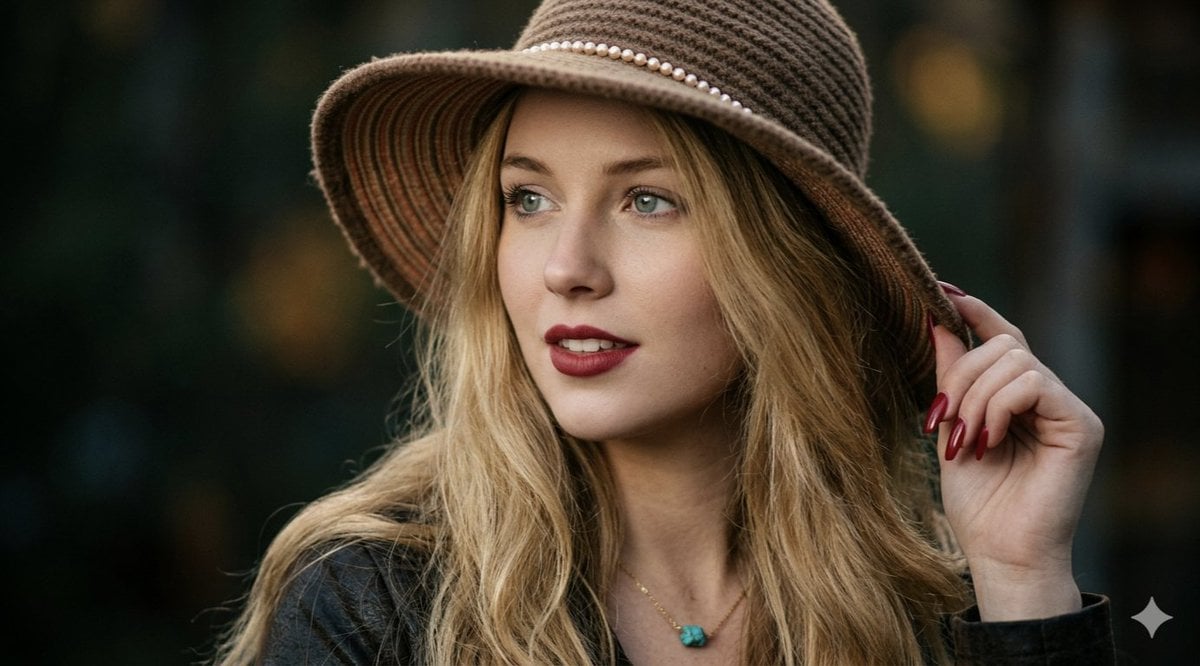
Ethereal Forest Twilight Portrait
Make it yours
Misty Forest Tibetan Prayer Flags works as-is. These are the safest ways to change it without losing the look.
Change one field
Copy a single group, rewrite it, and generate again so you can see what that field is doing.
Keep the frame, change the subject
Hold the composition and light of Misty Forest Tibetan Prayer Flags, then swap wardrobe, props or the person for a new take.
| If the result… | Why | Fix |
|---|---|---|
| The result drifts from the preview | Too many fields changed at once. | Reuse Misty Forest Tibetan Prayer Flags as-is first, then change one group — subject, light, or setting. |
| The model over-stylizes the scene | The prose prompt leaves finish and camera underspecified. | Add one camera or lighting sentence and stay on Nano Banana 2. |
More Nano Banana 2 templates
Other prompts made for Nano Banana 2.

Photorealistic Leaf Shaped Like a Dragon

K-Pop Idol Portrait Grid for Rapid Selection

Poetic Rain Forest Portrait During Golden Hour

Urban Street Portrait with Cartoon Inner Self Duo

Candid Nighttime Photo with Cat Prompt

High-Concept 3D Diorama Generation Prompt

Cinematic Futuristic Studio Portrait Template

Skincare Editorial Photography Collage Prompt

Hyper-Realistic Commercial Product Photography (Splash Effect)

Hyper-Realistic Nightclub Portrait Prompt
More image prompts
Fresh picks from across the catalog.

Rokumeikan Ballroom Portrait

Disposable Camera Party Portrait Prompt
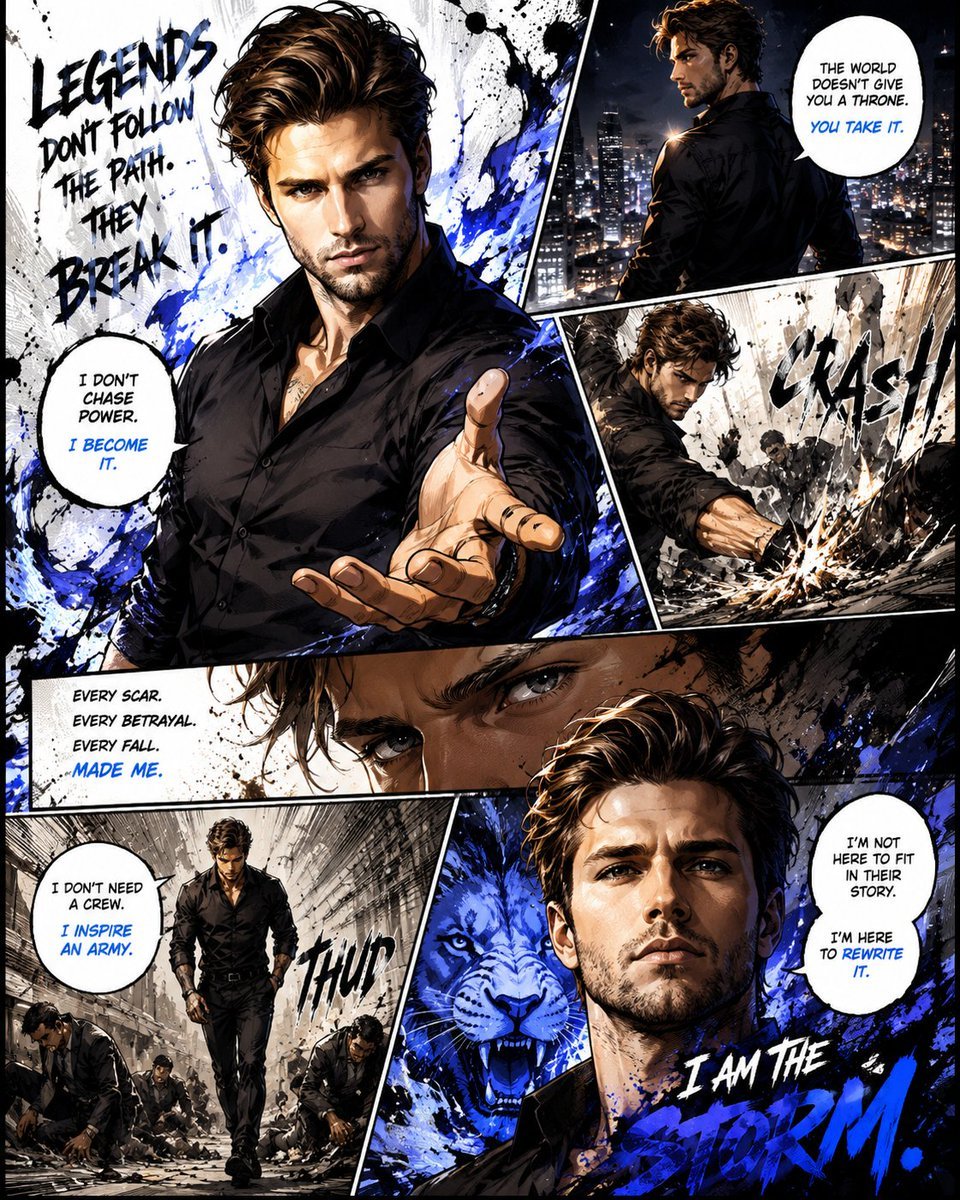
Premium Manga Page Illustration
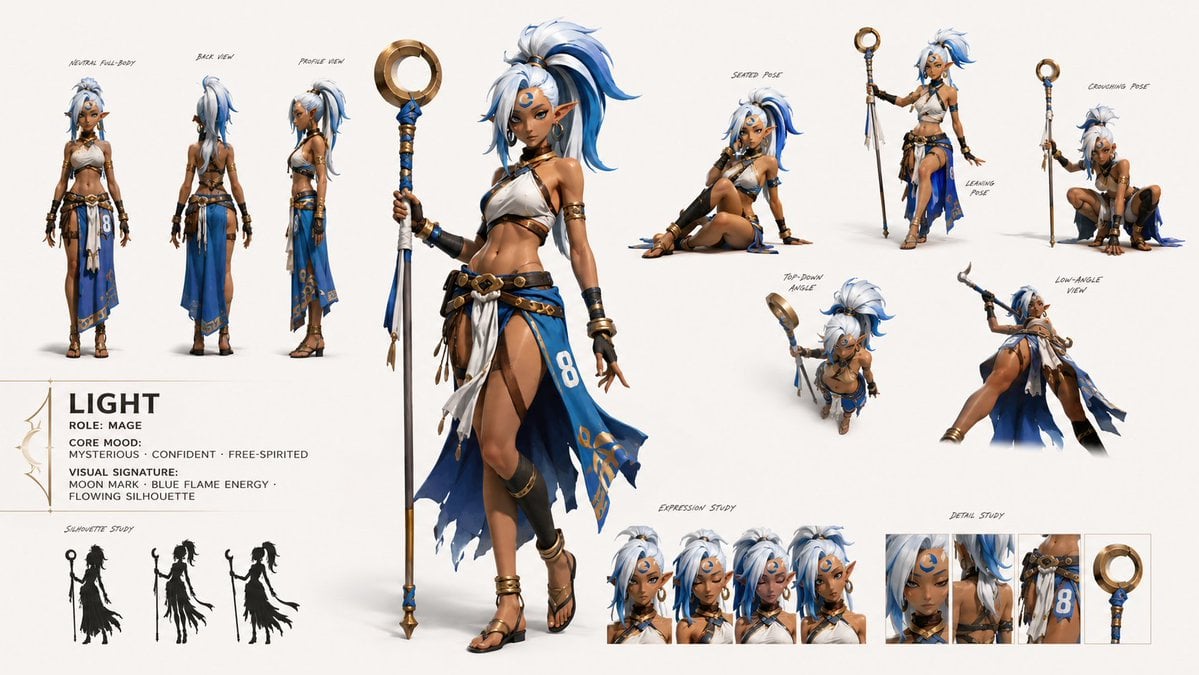
GPT Image 2 Fantasy Forest Ritual Storyboard
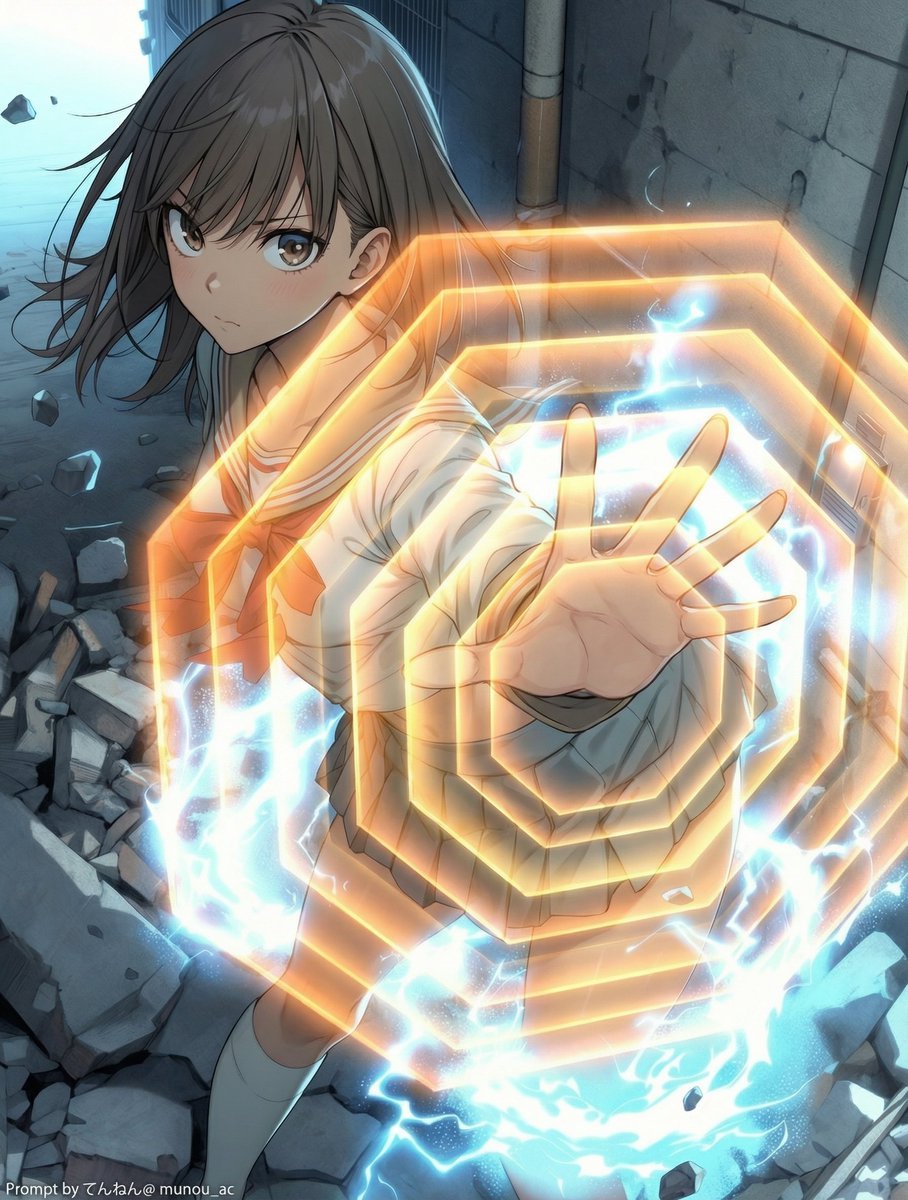
Field Expansion Prompt: Lost Love Girls

Photorealistic Influencer Lifestyle Portrait Prompt (Yellow Loungewear)
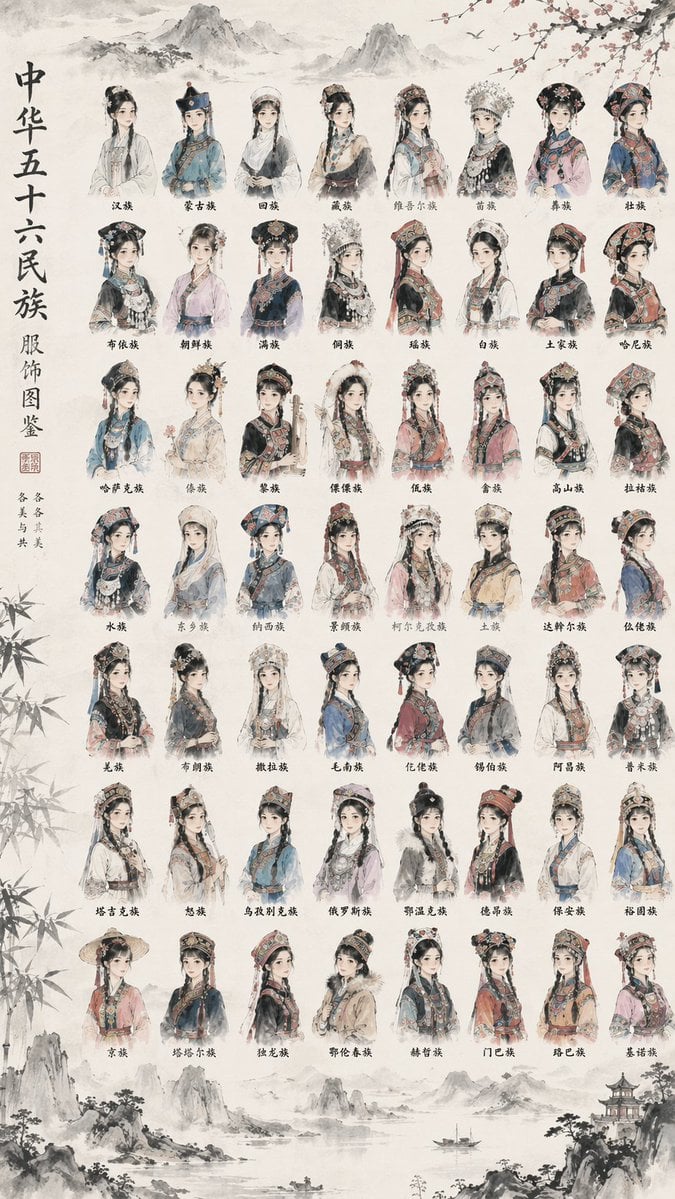
56 Chinese Ethnic Groups Clothing Chart

Google Nano Banana Pro Skincare Product

Nano Banana 2 Generation Examples and Prompts

Grok Video Prompt: High-Speed Jet Boot Action
Browse template categories
Misty Forest Tibetan Prayer Flags questions
How do I use the Misty Forest Tibetan Prayer Flags template?
Add your photo if the template asks for one, edit the prompt if you like — the template's model and format are already selected — and press Generate. Your version opens in PicX Studio.
Can I customize the Misty Forest Tibetan Prayer Flags template?
Yes. You can change the subject, setting, lighting, mood, format, and available model controls before creating your image.
Is the Misty Forest Tibetan Prayer Flags template free?
Opening and editing this template is free. Generating uses credits, shown on the Generate button when you are signed in.
Which AI model should I use?
Start with Nano Banana 2, which is the model associated with this template. You can compare another compatible model for a different finish.
Looking for something else? Browse all templates.

Your photo, any look
Thousands of ready templates for every top image and video model, from one credit balance.