
Anime Boxing Match Poster
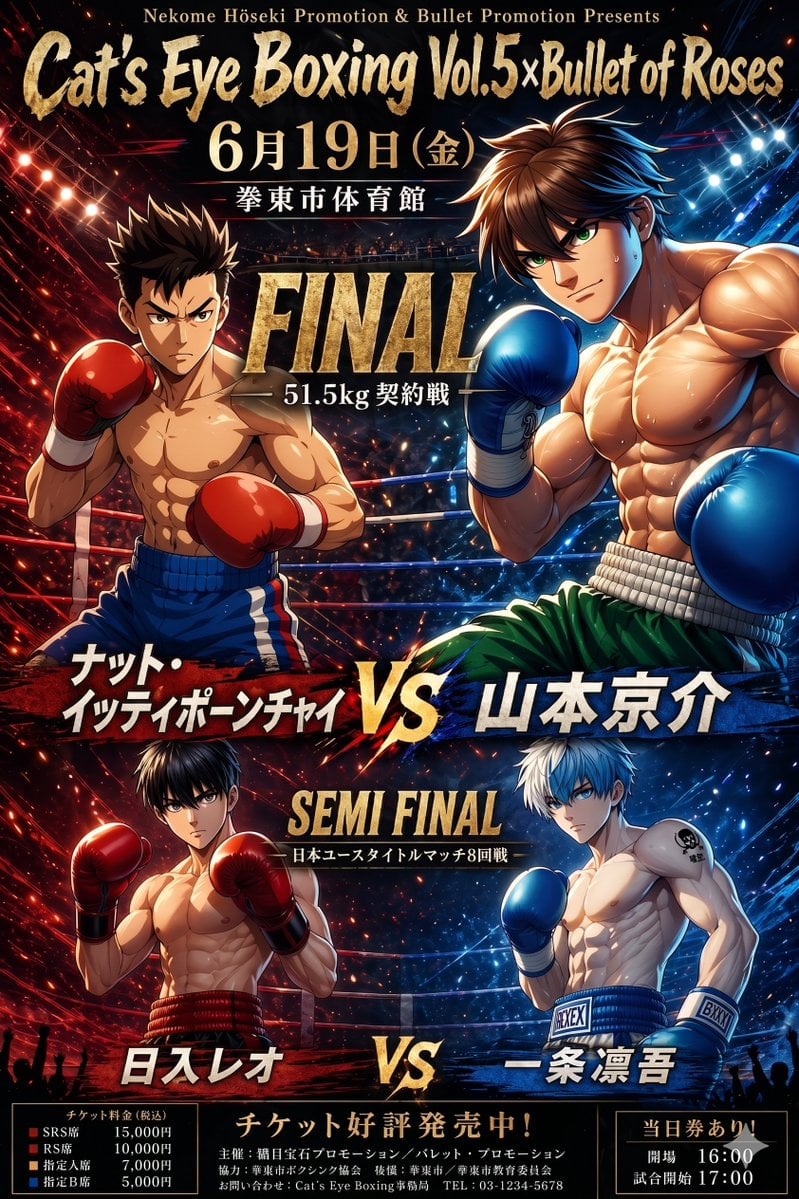
A dramatic Japanese-style anime boxing event poster showing two featured bouts in a split red-versus-blue arena, ideal for fight promotions or fictional sports event art.
- Prompt included
- Model and format preset
- Free template
The prompt behind this image
Copy the exact prompt behind Anime Boxing Match Poster, or open it in the studio and make it yours.
- Type
- anime boxing event poster
- Style
- dramatic Japanese fight poster, glossy high-contrast digital illustration, muscular shonen anime aesthetic, intense arena lighting, sparks and energy streaks, premium metallic typography, promotional key visual
- Event › Header Small
- Nekome Höseki Promotion & Bullet Promotion Presents
- Event › Headline
- Cat's Eye Boxing Vol.5×Bullet of Roses
- Event › Date
- 6月19日(金)
- Event › Venue
- 一拳東市体育館
- Event › Ticket Banner
- チケット好評発売中!
- Event › Footer Notes
- 主催:猫目宝石プロモーション/バレット・プロモーション, 協力:拳東市ボクシング協会 後援:拳東市/拳東市委員会, お問い合わせ:Cat's Eye Boxing事務局 TEL: 03-1234-5678
- Layout › Orientation
- vertical poster
- Layout › Sections › 0 › Title
- FINAL
- Layout › Sections › 0 › Position
- upper center
- Layout › Sections › 0 › Count
- 2
- Layout › Sections › 0 › Subtitle
- 51.5kg 契約戦
- Layout › Sections › 0 › Matchup › Left Name
- ナット・イッティポーンチャイ
- Layout › Sections › 0 › Matchup › Right Name
- 山本京介
- Layout › Sections › 1 › Title
- SEMI FINAL
- Layout › Sections › 1 › Position
- lower middle
- Layout › Sections › 1 › Count
- 2
- Layout › Sections › 1 › Subtitle
- 日本ユースタイトルマッチ8回戦
- Layout › Sections › 1 › Matchup › Left Name
- 日入レオ
- Layout › Sections › 1 › Matchup › Right Name
- 一条凛吾
- Layout › Sections › 2 › Title
- ticket prices
- Layout › Sections › 2 › Position
- bottom left
- Layout › Sections › 2 › Count
- 4
Raw JSON
{"type":"anime boxing event poster","style":"dramatic Japanese fight poster, glossy high-contrast digital illustration, muscular shonen anime aesthetic, intense arena lighting, sparks and energy streaks, premium metallic typography, promotional key visual","event":{"header_small":"Nekome Höseki Promotion & Bullet Promotion Presents","headline":"Cat's Eye Boxing Vol.5×Bullet of Roses","date":"6月19日(金)","venue":"一拳東市体育館","ticket_banner":"チケット好評発売中!","footer_notes":["主催:猫目宝石プロモーション/バレット・プロモーション","協力:拳東市ボクシング協会 後援:拳東市/拳東市委員会","お問い合わせ:Cat's Eye Boxing事務局 TEL: 03-1234-5678"]},"layout":{"orientation":"vertical poster","sections":[{"title":"FINAL","position":"upper center","count":2,"subtitle":"51.5kg 契約戦","matchup":{"left_name":"ナット・イッティポーンチャイ","right_name":"山本京介"}},{"title":"SEMI FINAL","position":"lower middle","count":2,"subtitle":"日本ユースタイトルマッチ8回戦","matchup":{"left_name":"日入レオ","right_name":"一条凛吾"}},{"title":"ticket prices","position":"bottom left","count":4,"labels":["SRS席 15,000円","RS席 10,000円","指定A席 7,000円","指定B席 5,000円"]},{"title":"same-day ticket notice","position":"bottom right","count":2,"labels":["当日券あり","開場 16:00","試合開始 17:00"]}],"center_dividers":2},"fighters":{"count":4,"top_left":{"role":"final left fighter","build":"compact, lean, muscular","skin_tone":"tan","hair":"short dark spiky hair","gloves":"bright red boxing gloves","trunks":"blue boxing trunks with white and red side stripes","pose":"orthodox guard, left glove raised near face, right glove forward, torso angled toward center","side_effects":"surrounded by red light streaks and sparks"},"top_right":{"role":"final right fighter","build":"very tall, heavily muscular, broad chest and arms","skin_tone":"light tan","hair":"medium-length brown hair swept back with loose strands","gloves":"blue boxing gloves","trunks":"green boxing trunks with a thick white waistband","pose":"guard stance leaning inward, both gloves up, dominating foreground","side_effects":"surrounded by blue light streaks and sparks"},"bottom_left":{"role":"semi final left fighter","build":"lean athletic muscular","skin_tone":"light tan","hair":"short dark hair","gloves":"red boxing gloves","trunks":"dark trunks with red waistband","pose":"tight guard stance facing center"},"bottom_right":{"role":"semi final right fighter","build":"lean defined muscular","skin_tone":"pale","hair":"short silver-white hair","gloves":"blue boxing gloves","trunks":"blue trunks with white waistband and visible text patches 'REXEX' and 'BXXN'","pose":"guard stance facing center","details":"small black tattoo-like emblem on left shoulder"}},"background":{"setting":"packed indoor boxing arena","ring":{"visible":true,"ropes_count":3},"crowd":"dark audience silhouettes and distant spectators","lighting":"split red-versus-blue color scheme, fiery red on the left and electric blue on the right, bright lens flares, overhead spotlights, ember particles"},"text_style":{"main_title":"large distressed gold brush lettering","section_titles":"huge metallic gold serif capitals","fighter_names":"bold Japanese lettering on red and blue slashed nameplates","overall":"cinematic, loud, championship-poster typography"}}How to use Anime Boxing Match Poster in 3 steps
- 1Upload ImagePNG, JPG or paste
Add your photo
Upload the photo the template builds on. The prompt, model and format are already set.
- 2…a portrait of your subject in softgolden-hour light, 85mm…
Personalize
Edit the subject and creative details for your destination.
- 3Generate
Generate
Press Generate — your image is created in PicX Studio, so you can compare it with the original and refine one variable at a time.
More like this
Templates with the same subject, style or setup. Open one to see its prompt.

Captain Tsubasa Anime World Cup Poster
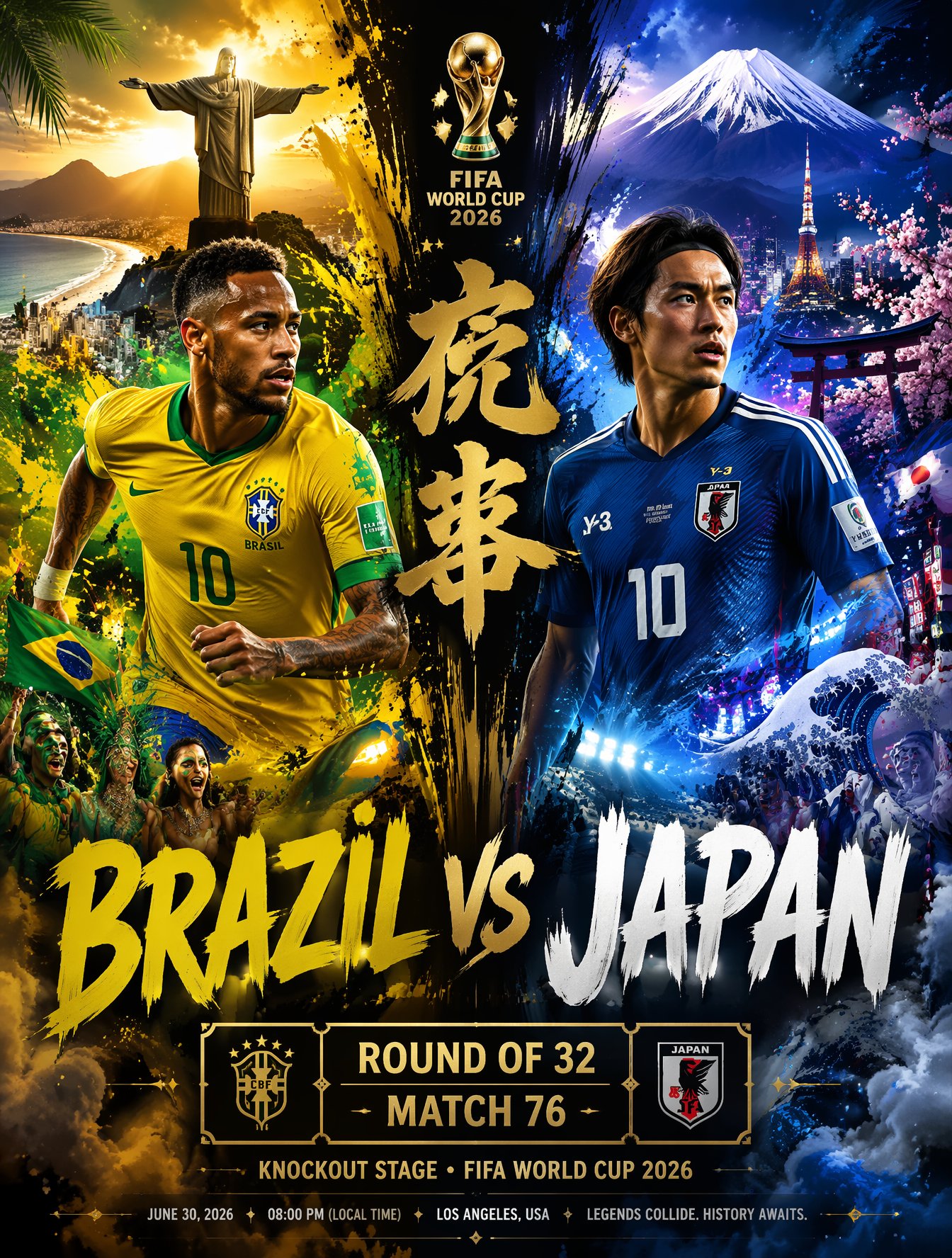
Brazil Versus Japan Knockout Split Rivalry Poster
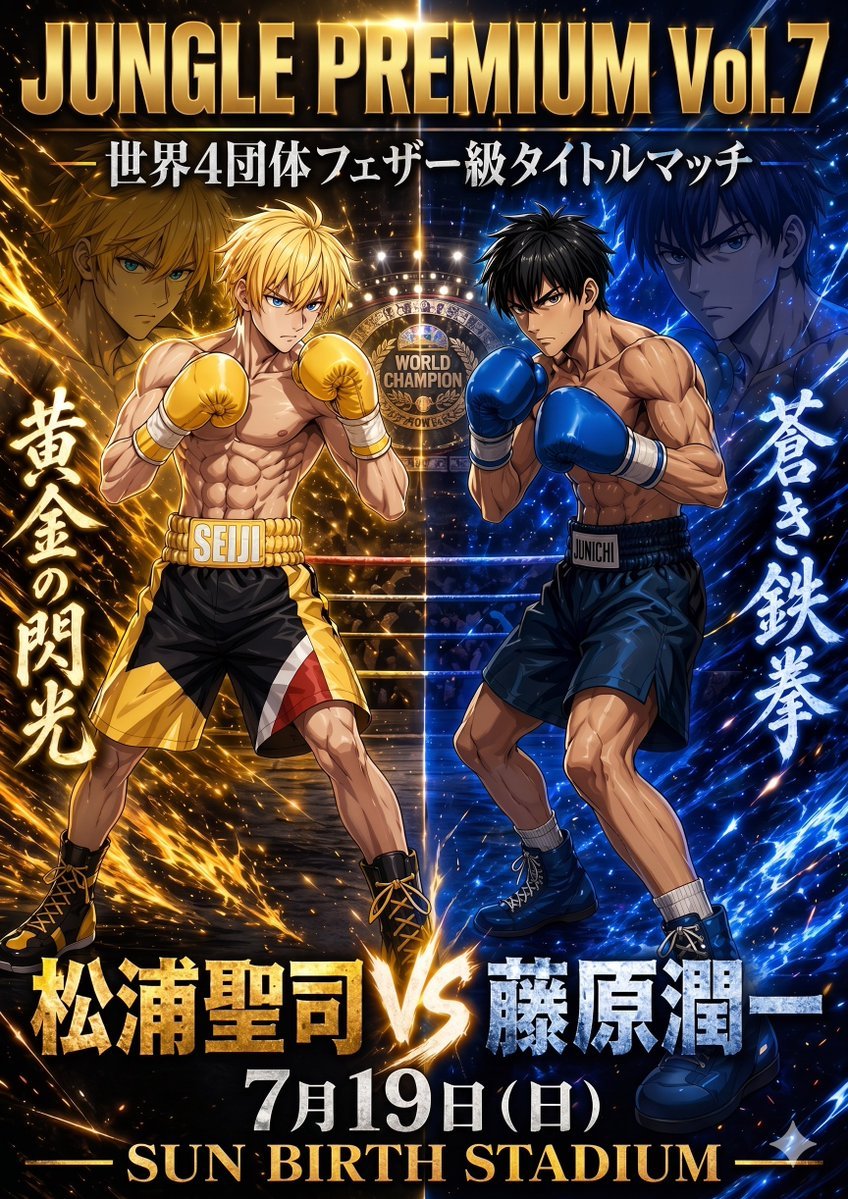
Anime Boxing Title Match Poster

Gpt2 Youtube Thumbnail Anime Music Bootcamp Promo Poster
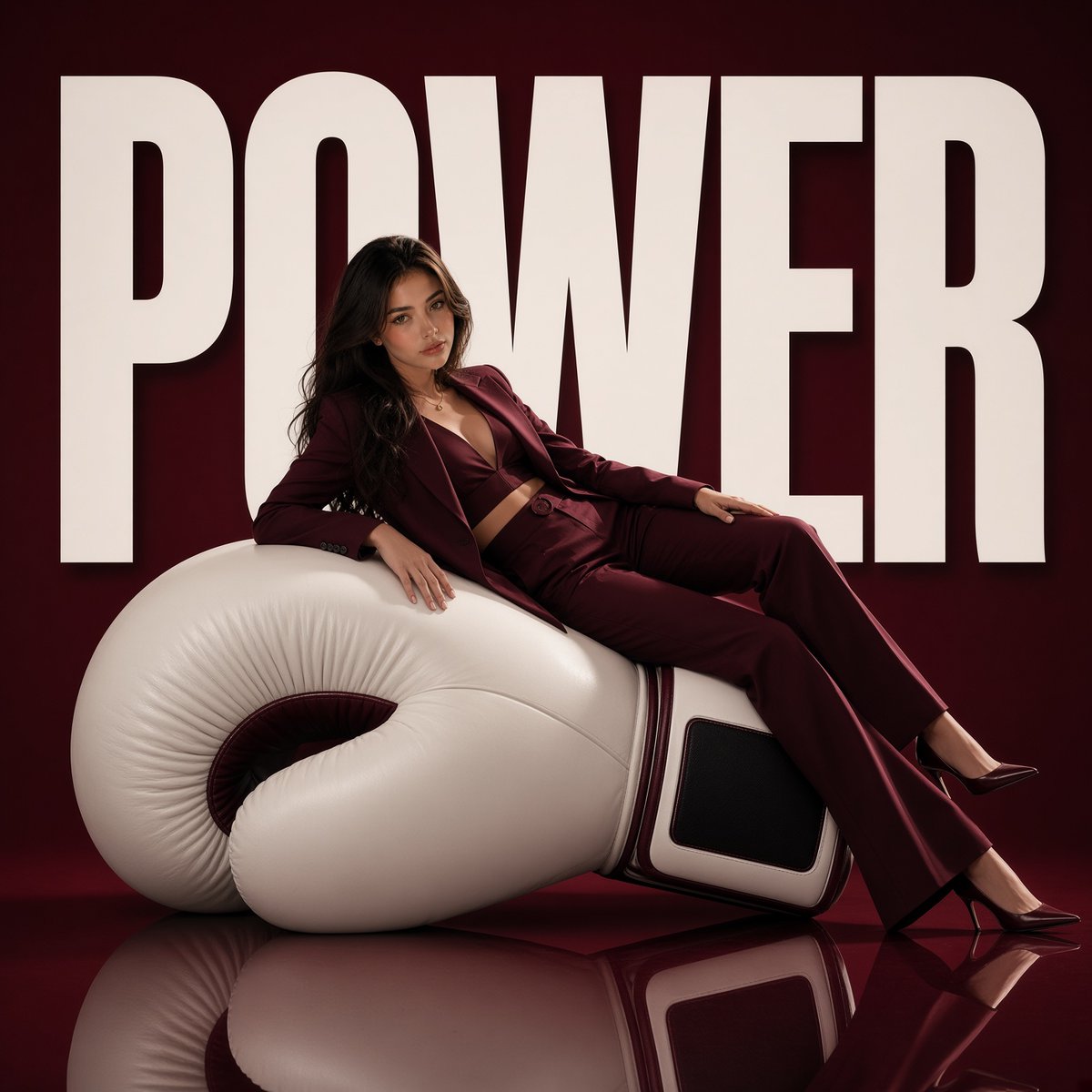
Avant-Garde Boxing Fashion Poster
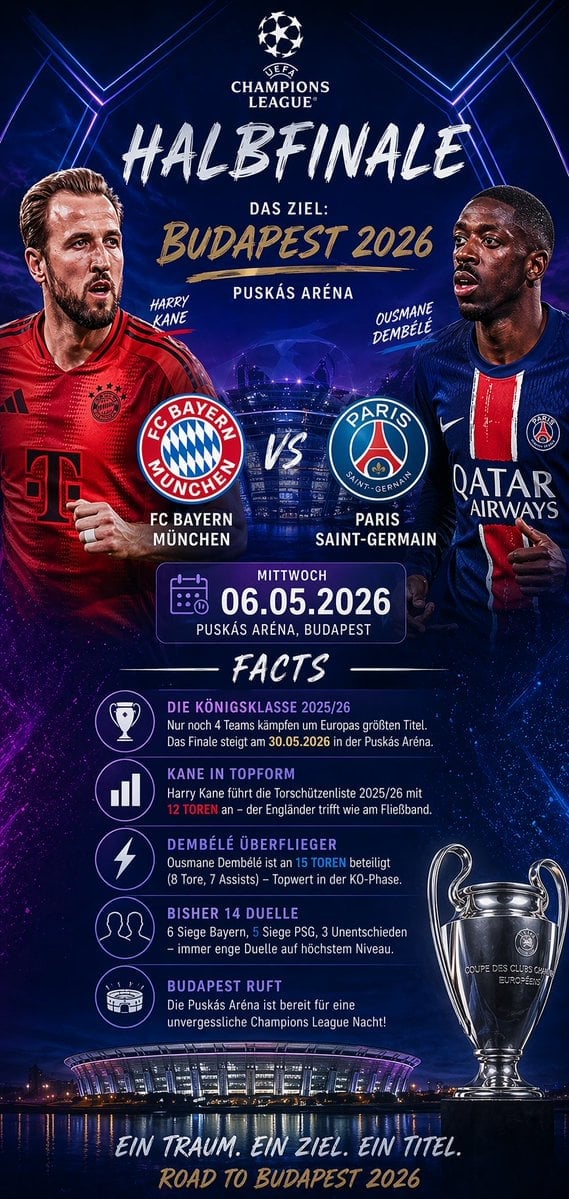
Soccer Match Infographic Poster

Japan Travel Brochure Poster

Nice Day Anime Poster
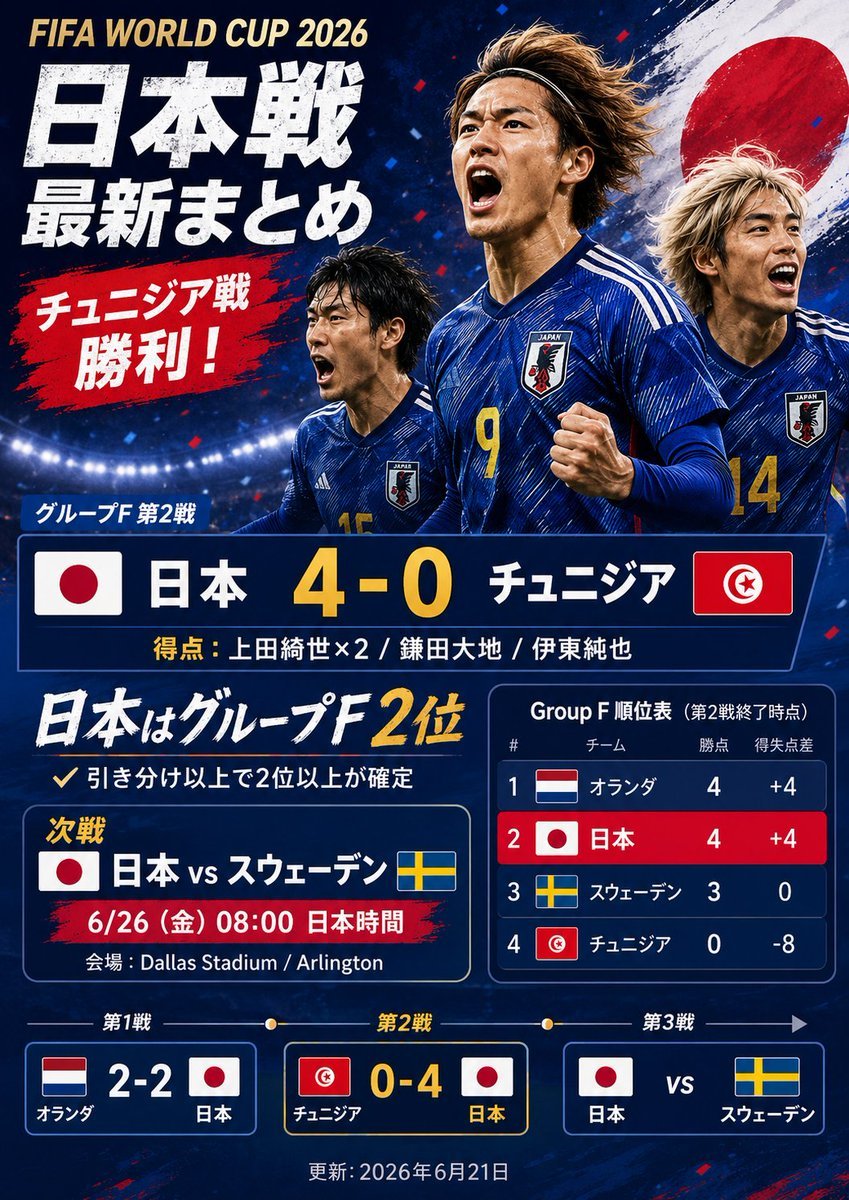
Japanese World Cup Match Summary Poster

Cel 2D Finale Fireworks

Cel 2D Garden Maze

Cel 2D Rooftop Concert
Make it yours
Anime Boxing Match Poster works as-is. These are the safest ways to change it without losing the look.
Swap the setting
Keep the rest of the prompt and replace the location block. The current setting is “packed indoor boxing arena”.
Swap the light
One lighting change is enough to compare takes. Current light: “split red-versus-blue color scheme, fiery red on the left and electric blue on t”.
Change one field
Copy a single group, rewrite it, and generate again so you can see what that field is doing.
| If the result… | Why | Fix |
|---|---|---|
| The result drifts from the preview | Too many fields changed at once. | Reuse Anime Boxing Match Poster as-is first, then change one group — subject, light, or setting. |
| GPT Image 2 ignores part of the JSON | Some models flatten or skip nested keys. | Keep the same values and paste them as a short paragraph instead. |
More GPT Image 2 templates
Other prompts made for GPT Image 2.

Six VTuber Japanese Logo Sheet

Realistic Portrait of Woman and Deer

The Vista Modular Condo Poster

AI Model Routing Comparison Infographic

2.5D Anime Art Board

Isometric Productivity Desk Scene

New York Double Exposure Poster

Four-Panel AI Landscape Comparison

Japanese Tatami Lifestyle Magazine Cover

NESCAFÉ Coffee Map Poster
More image prompts
Fresh picks from across the catalog.
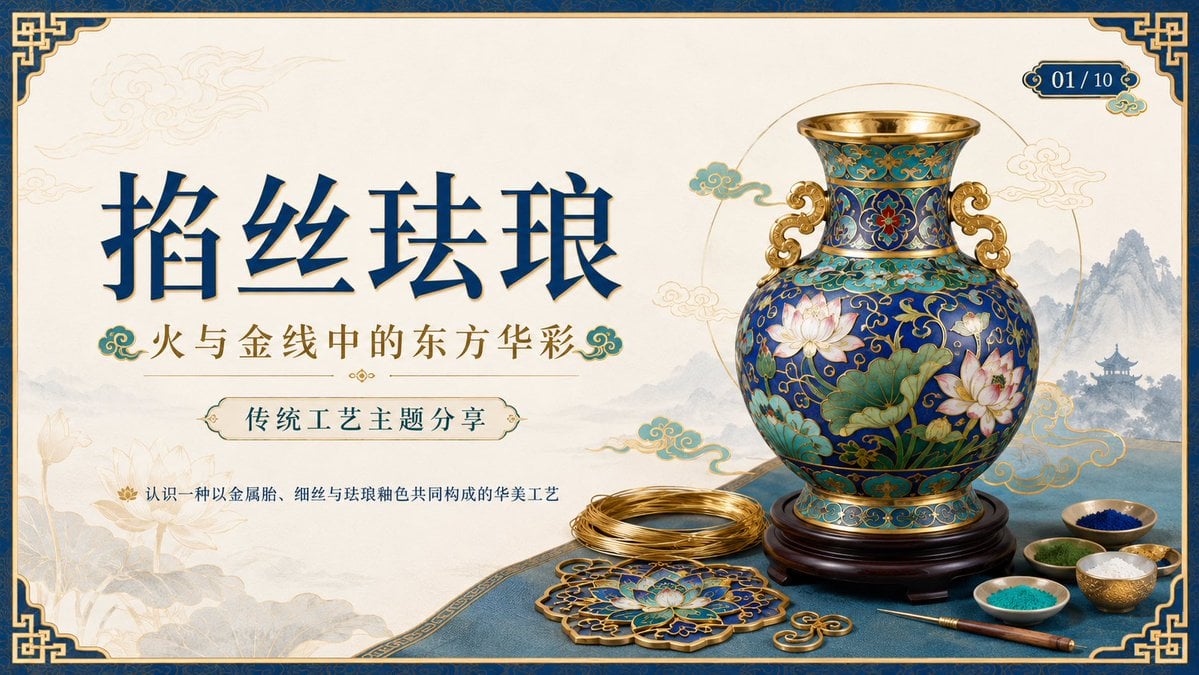
Cloisonné Craft PPT Cover
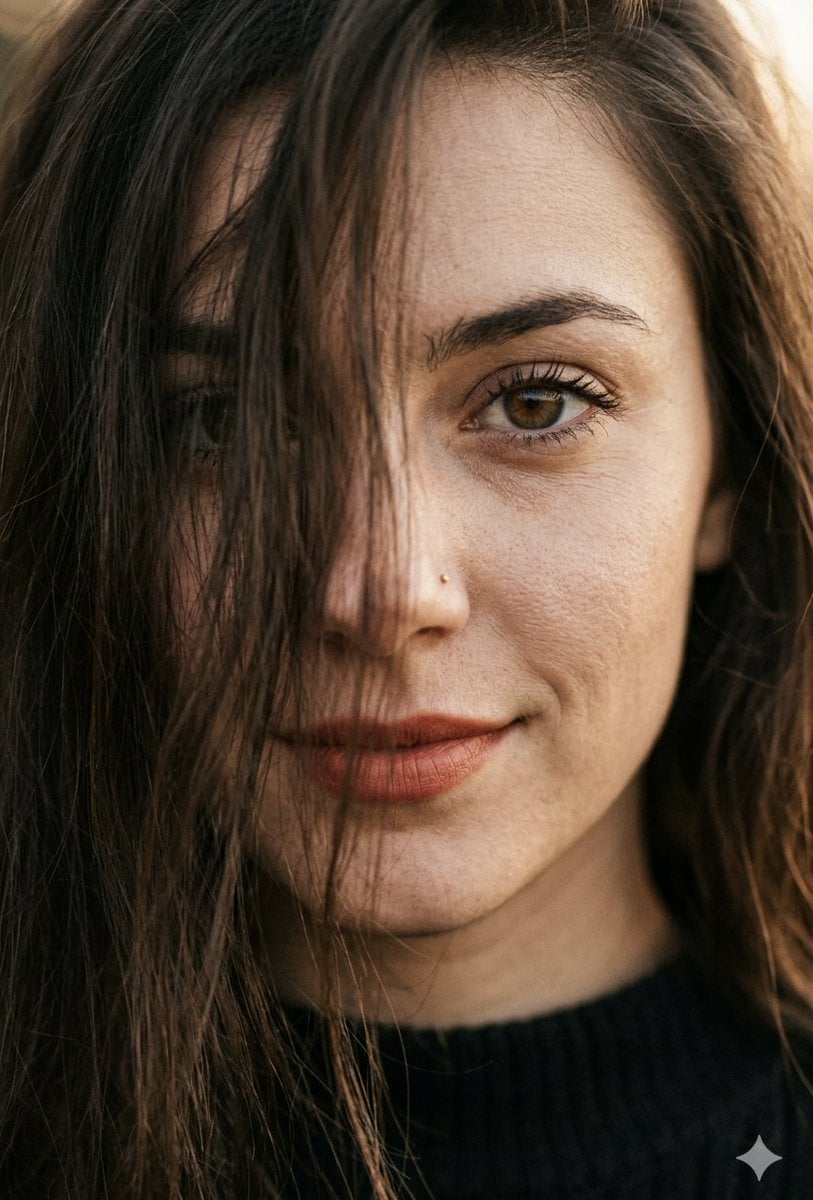
Hyper-Realistic Macro Portrait
Complex Comic Panel Generation: Speech Bubbles and Identity Separation
High-Fashion Sportswear Editorial Jump Shot
JSON Prompt for Hyper-Realistic Commercial Energy Drink Photography
Character Analysis Newspaper Rip-Through Effect
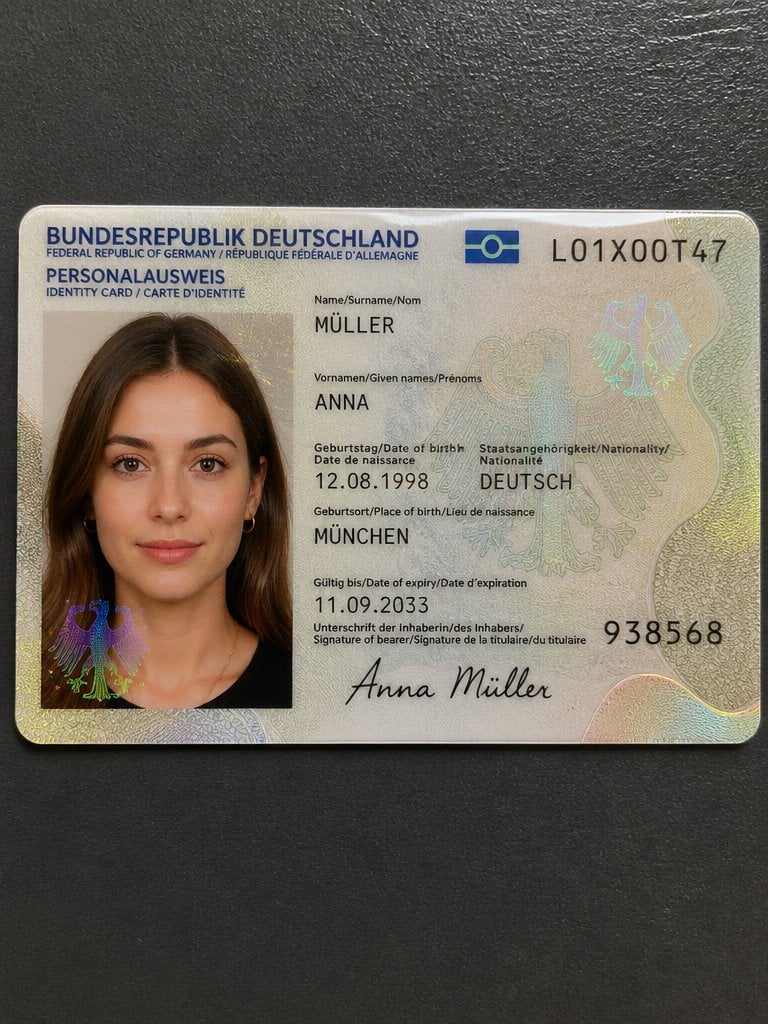
Detailed Identity Card Photography
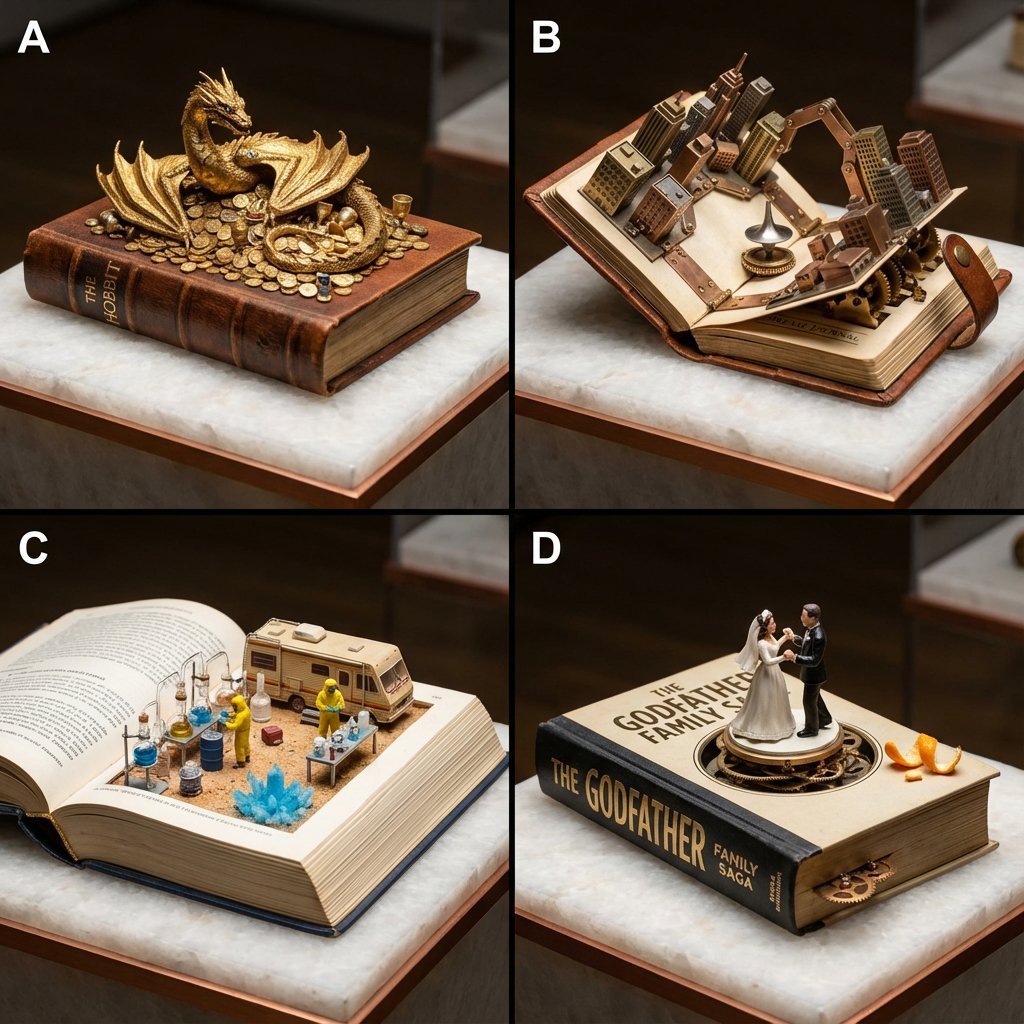
Book-Themed Diorama Grid Prompt
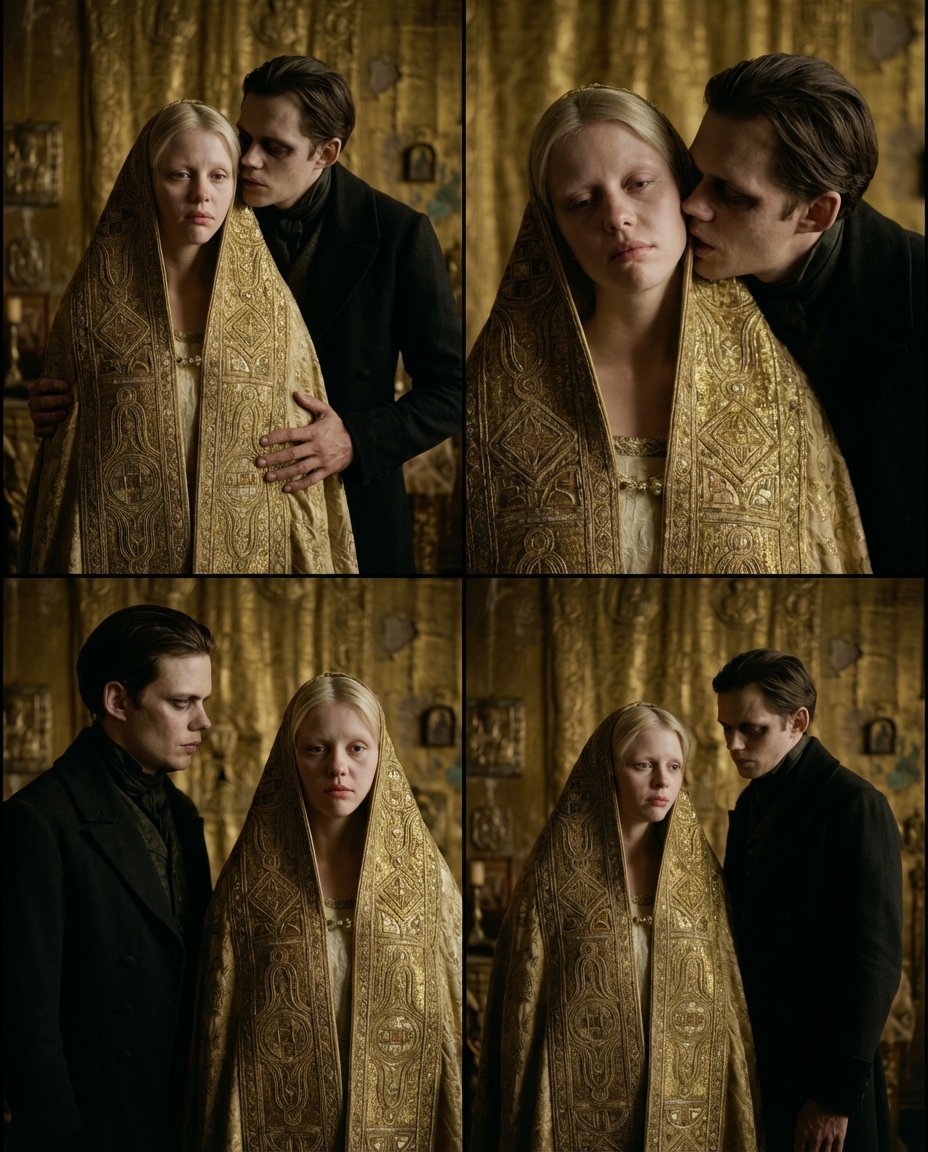
Nosferatu Cinematic 2x2 Grid Prompt
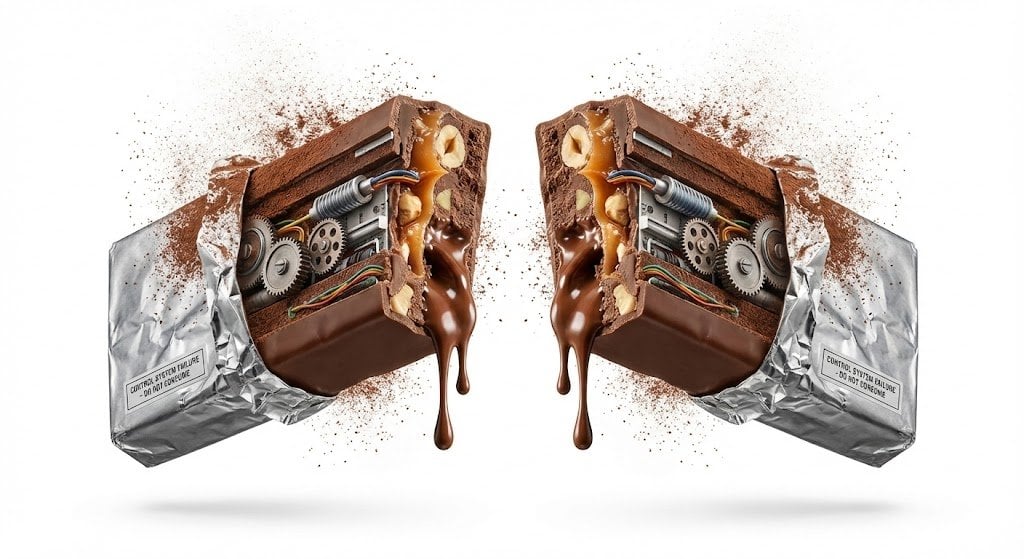
Advertising Visual Prompt: Chocolate Bar Process Display
Browse template categories
Anime Boxing Match Poster questions
How do I use the Anime Boxing Match Poster template?
Add your photo if the template asks for one, edit the prompt if you like — the template's model and format are already selected — and press Generate. Your version opens in PicX Studio.
Can I customize the Anime Boxing Match Poster template?
Yes. You can change the subject, setting, lighting, mood, format, and available model controls before creating your image.
Is the Anime Boxing Match Poster template free?
Opening and editing this template is free. Generating uses credits, shown on the Generate button when you are signed in.
Which AI model should I use?
Start with GPT Image 2, which is the model associated with this template. You can compare another compatible model for a different finish.
Looking for something else? Browse all templates.

Your photo, any look
Thousands of ready templates for every top image and video model, from one credit balance.