
Soccer Match Infographic Poster
Generates a detailed sports matchup poster with player portraits, team logos, and a 5-point facts section.
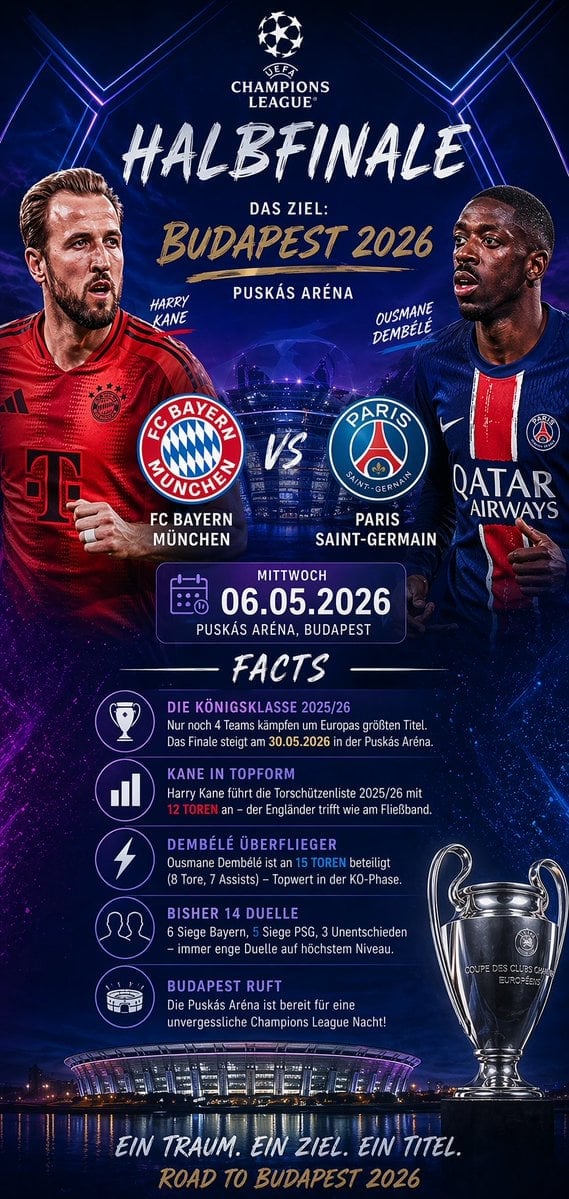
- Prompt included
- Model and format preset
- Free template
The prompt behind this image
Copy the exact prompt behind Soccer Match Infographic Poster, or open it in the studio and make it yours.
- Type
- sports match infographic poster
- Theme
- UEFA Champions League
- Background
- dark blue and purple cosmic sky, glowing blue hexagonal lines, illuminated stadium reflecting on water at bottom
- Header › Logo
- UEFA Champions League
- Header › Title
- {argument name="stage" default="HALBFINALE"}
- Header › Subtitle
- DAS ZIEL: {argument name="location" default="BUDAPEST 2026"}
- Header › Venue
- PUSKÁS ARÉNA
- Matchup › Player Left
- {argument name="team 1 player" default="Harry Kane"} in red FC Bayern kit
- Matchup › Player Right
- {argument name="team 2 player" default="Ousmane Dembélé"} in blue PSG kit
- Matchup › Center Logos
- FC Bayern München and Paris Saint-Germain with VS
- Matchup › Date Box
- calendar icon, MITTWOCH, {argument name="date" default="06.05.2026"}
- Facts Section › Title
- FACTS
- Facts Section › Count
- 5
- Facts Section › Items
- Trophy icon: DIE KÖNIGSKLASSE 2025/26, Bar chart icon: KANE IN TOPFORM, Lightning bolt icon: DEMBÉLÉ ÜBERFLIEGER, Two people icon: BISHER 14 DUELLE, Stadium icon: BUDAPEST RUFT
- Footer › Trophy
- Champions League trophy on right
- Footer › Stadium Image
- Puskás Aréna at night
- Footer › Tagline
- EIN TRAUM. EIN ZIEL. EIN TITEL.
- Footer › Bottom Text
- ROAD TO BUDAPEST 2026
Raw JSON
{
  "type": "sports match infographic poster",
  "theme": "UEFA Champions League",
  "background": "dark blue and purple cosmic sky, glowing blue hexagonal lines, illuminated stadium reflecting on water at bottom",
  "header": {
    "logo": "UEFA Champions League",
    "title": "{argument name=\"stage\" default=\"HALBFINALE\"}",
    "subtitle": "DAS ZIEL: {argument name=\"location\" default=\"BUDAPEST 2026\"}",
    "venue": "PUSKÁS ARÉNA"
  },
  "matchup": {
    "player_left": "{argument name=\"team 1 player\" default=\"Harry Kane\"} in red FC Bayern kit",
    "player_right": "{argument name=\"team 2 player\" default=\"Ousmane Dembélé\"} in blue PSG kit",
    "center_logos": "FC Bayern München and Paris Saint-Germain with VS",
    "date_box": "calendar icon, MITTWOCH, {argument name=\"date\" default=\"06.05.2026\"}"
  },
  "facts_section": {
    "title": "FACTS",
    "count": 5,
    "items": [
      "Trophy icon: DIE KÖNIGSKLASSE 2025/26",
      "Bar chart icon: KANE IN TOPFORM",
      "Lightning bolt icon: DEMBÉLÉ ÜBERFLIEGER",
      "Two people icon: BISHER 14 DUELLE",
      "Stadium icon: BUDAPEST RUFT"
    ]
  },
  "footer": {
    "trophy": "Champions League trophy on right",
    "stadium_image": "Puskás Aréna at night",
    "tagline": "EIN TRAUM. EIN ZIEL. EIN TITEL.",
    "bottom_text": "ROAD TO BUDAPEST 2026"
  }
}How to use Soccer Match Infographic Poster in 3 steps
- 1Upload ImagePNG, JPG or paste
Add your photo
Upload the photo the template builds on. The prompt, model and format are already set.
- 2…a portrait of your subject in softgolden-hour light, 85mm…
Personalize
Edit the subject and creative details for your destination.
- 3Generate
Generate
Press Generate — your image is created in PicX Studio, so you can compare it with the original and refine one variable at a time.
More like this
Templates with the same subject, style or setup. Open one to see its prompt.

Japan Travel Brochure Poster
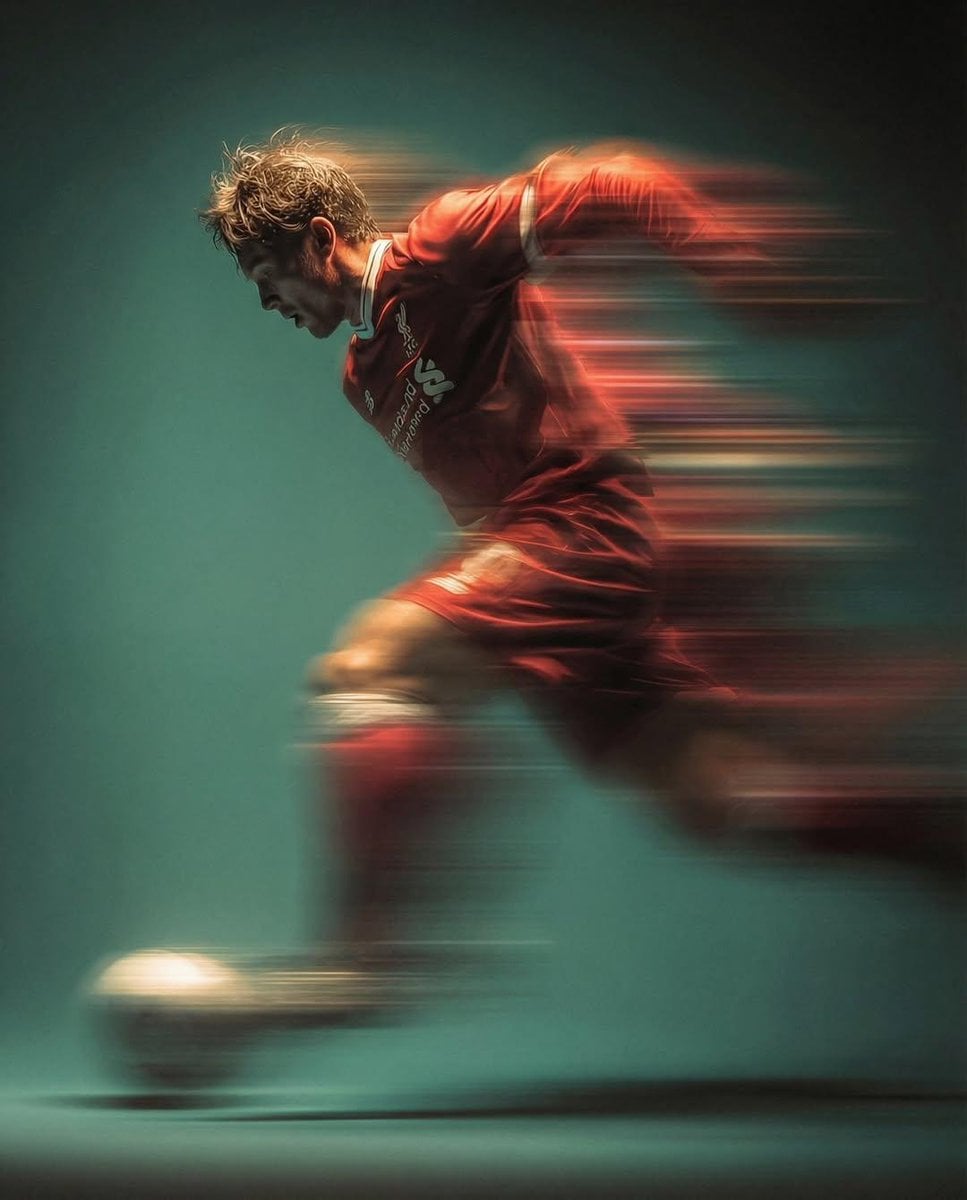
Panning Motion Soccer Kick Poster
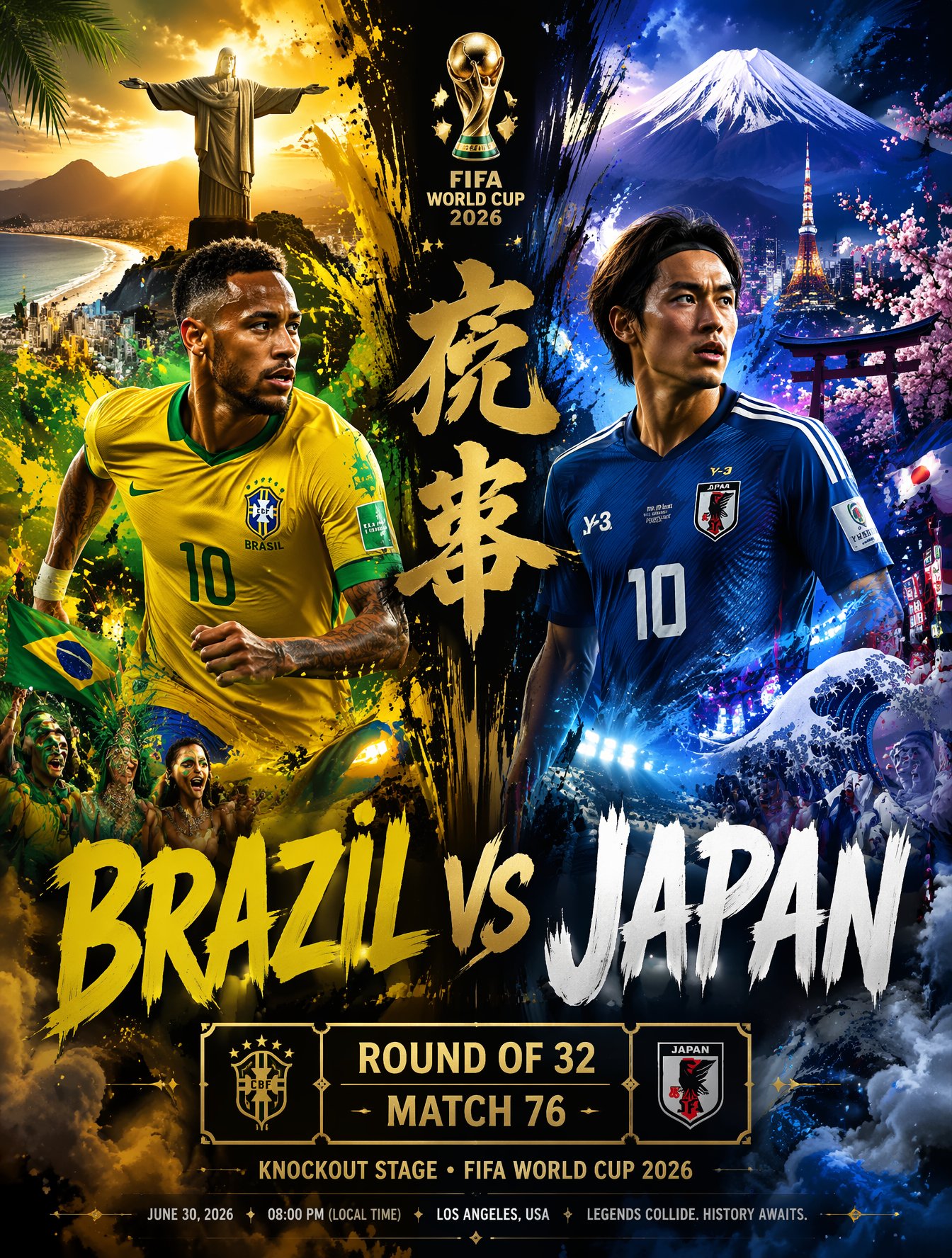
Brazil Versus Japan Knockout Split Rivalry Poster
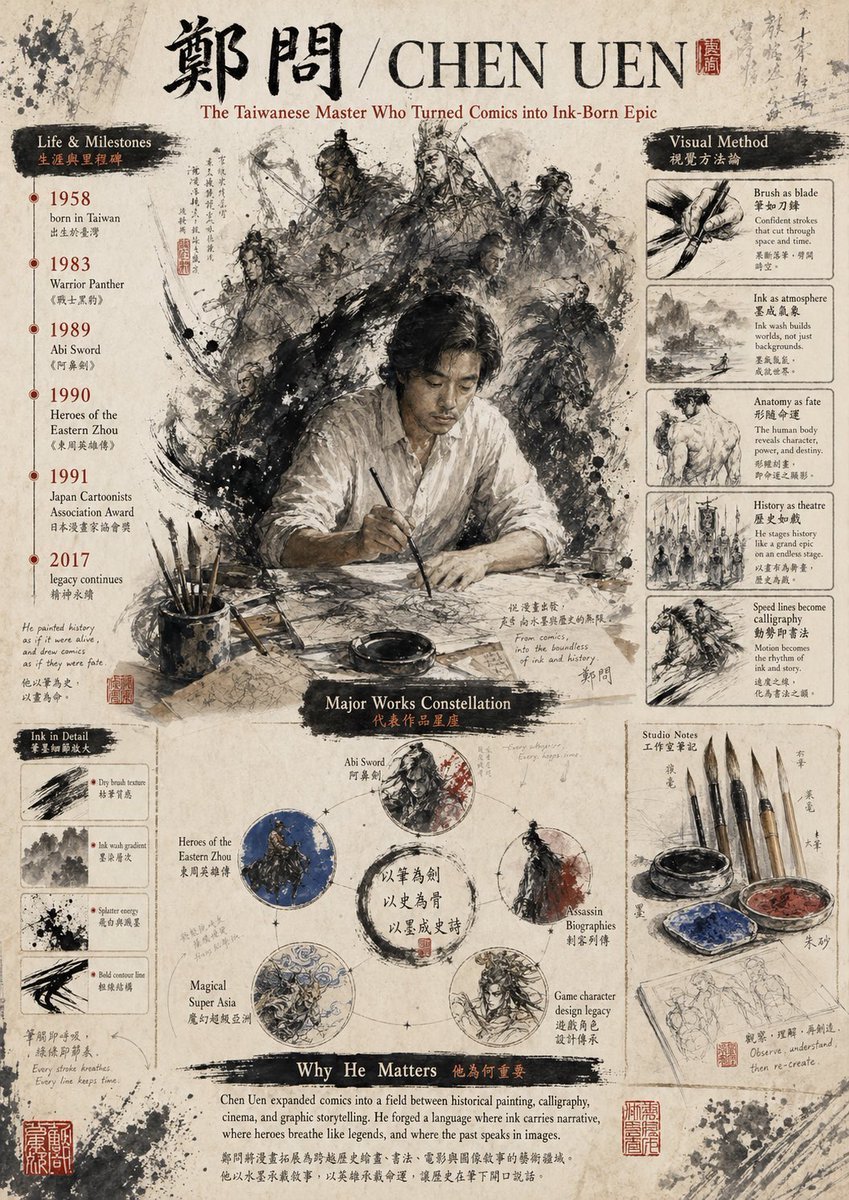
Gpt2 Infographic Edu Visual Ink Wash Tribute Poster for Chen Uen
Gpt2 Infographic Edu Visual Biomimetic Skyray Aircraft Poster

Morocco Soccer Strength Kids Infographic

Cartoon TV Show Poster Pack

Trendy Cafe Drink Promo Poster

Urban Fashion Editorial Collage Streetwear Poster

Premium Fashion Editorial Cover Layout System

Polo Ralph Lauren Luxury American Heritage Fashion Campaign

Monochrome Halftone Editorial Fashion Poster
Make it yours
Soccer Match Infographic Poster works as-is. These are the safest ways to change it without losing the look.
Swap the setting
Keep the rest of the prompt and replace the location block. The current setting is “dark blue and purple cosmic sky, glowing blue hexagonal lines, illuminated stadi”.
Change one field
Copy a single group, rewrite it, and generate again so you can see what that field is doing.
Keep the frame, change the subject
Hold the composition and light of Soccer Match Infographic Poster, then swap wardrobe, props or the person for a new take.
| If the result… | Why | Fix |
|---|---|---|
| The result drifts from the preview | Too many fields changed at once. | Reuse Soccer Match Infographic Poster as-is first, then change one group — subject, light, or setting. |
| GPT Image 2 ignores part of the JSON | Some models flatten or skip nested keys. | Keep the same values and paste them as a short paragraph instead. |
More GPT Image 2 templates
Other prompts made for GPT Image 2.

Six VTuber Japanese Logo Sheet

Realistic Portrait of Woman and Deer

The Vista Modular Condo Poster

AI Model Routing Comparison Infographic

2.5D Anime Art Board

Isometric Productivity Desk Scene

New York Double Exposure Poster

Four-Panel AI Landscape Comparison

Japanese Tatami Lifestyle Magazine Cover

NESCAFÉ Coffee Map Poster
More image prompts
Fresh picks from across the catalog.

Mirror Selfie with Face Preservation Prompt
Social Media App Interface Mockup
Luxury Leather Fashion Ad Poster

Mirror Pose Selfie Aesthetic Prompt

Cinematic Portrait with Geometric Window Light

Beach Day Image Generation

Americana Dive Bar Editorial Scene
Dramatic Cinematic Portrait of a Confident Woman

Gpt2 Social Media Post Anime Campers in a Winter Tent

K-Pop Star Rosé High-Fashion Editorial Prompt
Browse template categories
Soccer Match Infographic Poster questions
How do I use the Soccer Match Infographic Poster template?
Add your photo if the template asks for one, edit the prompt if you like — the template's model and format are already selected — and press Generate. Your version opens in PicX Studio.
Can I customize the Soccer Match Infographic Poster template?
Yes. You can change the subject, setting, lighting, mood, format, and available model controls before creating your image.
Is the Soccer Match Infographic Poster template free?
Opening and editing this template is free. Generating uses credits, shown on the Generate button when you are signed in.
Which AI model should I use?
Start with GPT Image 2, which is the model associated with this template. You can compare another compatible model for a different finish.
Looking for something else? Browse all templates.

Your photo, any look
Thousands of ready templates for every top image and video model, from one credit balance.