
Golden Ratio Photography Composition Poster
A professional educational poster prompt designed to showcase various photography composition techniques like the Golden Spiral and Golden Triangle.
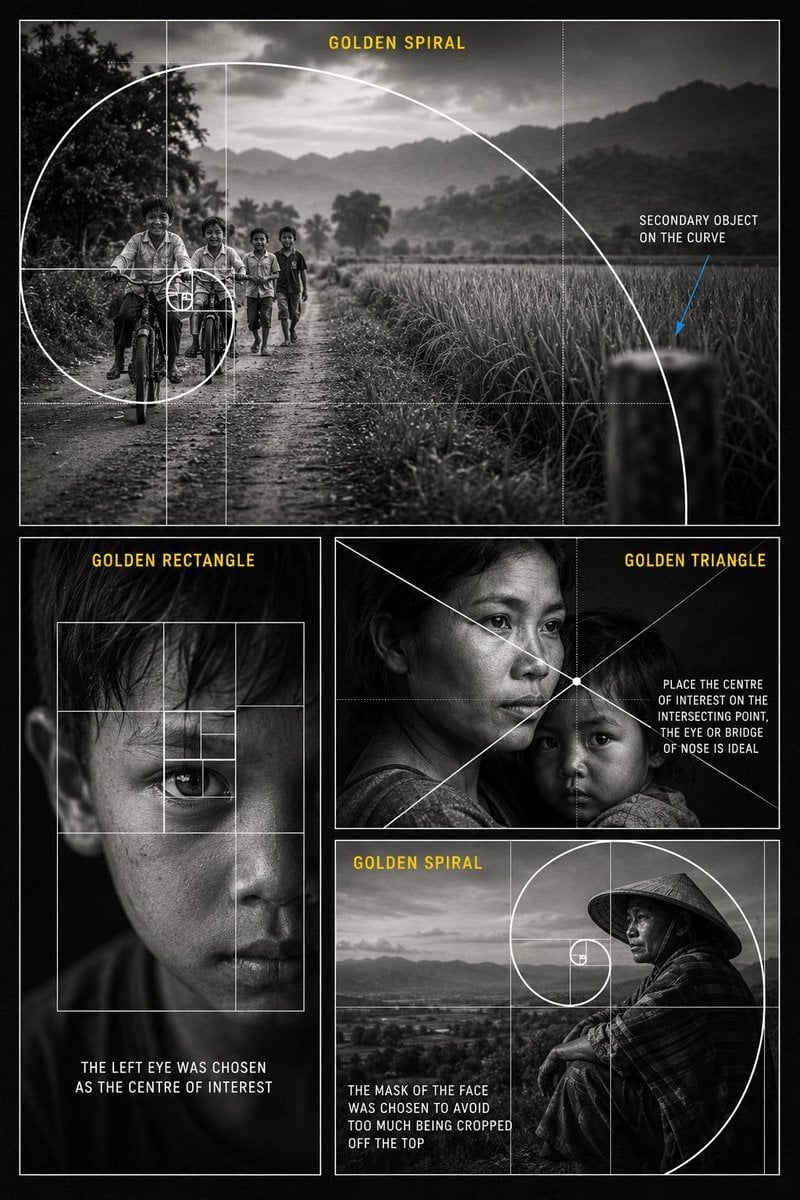
- Prompt included
- Model and format preset
- Premium template
The prompt behind this image
Copy the exact prompt behind Golden Ratio Photography Composition Poster, or open it in the studio and make it yours.
Create a {argument name="style" default="premium black and white educational photography composition poster"} about the {argument name="subject" default="Golden Ratio in visual storytelling"}. Design the poster as a vertical cinematic collage with a dark charcoal background, thin white borders, realistic documentary photography, soft film grain, high contrast monochrome lighting, and clean editorial typography. Use four photo panels. Top large panel: Show children riding bicycles and walking on a rural dirt road, with fields, trees, mountains, and a soft cloudy sky in the background. Place the children toward the left side of the frame. Overlay a large clean white golden spiral and golden ratio grid, with the spiral curling toward the children as the main focal point. Add yellow title text: “GOLDEN SPIRAL”. Add white annotation text on the right: “SECONDARY OBJECT ON THE CURVE”, with a thin blue arrow pointing to a blurred object on the spiral curve. Bottom left panel: Show a close up black and white portrait of a young boy’s face with dramatic lighting and one eye as the main focus. Overlay a white golden rectangle grid with nested rectangles around the eye. Add yellow title text: “GOLDEN RECTANGLE”. Add white caption text: “THE LEFT EYE WAS CHOSEN AS THE CENTRE OF INTEREST”. Bottom right upper panel: Show an emotional black and white portrait of a mother holding a child. Use cinematic documentary lighting. Overlay white diagonal golden triangle composition lines crossing near the mother’s eye or bridge of the nose. Add yellow title text: “GOLDEN TRIANGLE”. Add white annotation text: “PLACE THE CENTRE OF INTEREST ON THE INTERSECTING POINT, THE EYE OR BRIDGE OF NOSE IS IDEAL”. Bottom right lower panel: Show a black and white portrait of a person wearing a traditional conical hat, sitting near a landscape or open valley. Place the face near the golden spiral focal point. Overlay a white golden spiral and golden ratio grid. Add yellow title text: “GOLDEN SPIRAL”. Add white caption text: “THE FACE WAS PLACED INSIDE THE SPIRAL TO AVOID CROPPING TOO MUCH OFF THE TOP”. Overall style: Professional photography masterclass poster, realistic black and white photos, clean white composition overlays, yellow section headings, readable educational text, thin grid lines, elegant layout, no logo, no watermark, high resolution poster design.
How to use Golden Ratio Photography Composition Poster in 3 steps
- 1
Open
The prompt is already in the box next to the preview, with the template's model and format selected.
- 2…a portrait of your subject in softgolden-hour light, 85mm…
Personalize
Edit the subject and creative details for your destination.
- 3Generate
Generate
Press Generate — your image is created in PicX Studio, so you can compare it with the original and refine one variable at a time.
More like this
Templates with the same subject, style or setup. Open one to see its prompt.
An ultra-realistic cinematic cricket poster featuring a young Indian
Flower Petal Sunglasses Couture Portrait
Mountain Valley Lifestyle Portrait

Japan Travel Brochure Poster
青蛇小青写真大片,绿色紧身蛇鳞裙,湿发红唇,妖娆妩媚
A double exposure, long exposure editorial photograph of a man Use image

Portrait of a young woman in her early 20s walking calmly on a beautiful
Artistic portrait of an elegant Asian woman wearing a black silk
A high-quality photo collage featuring the same person with identical
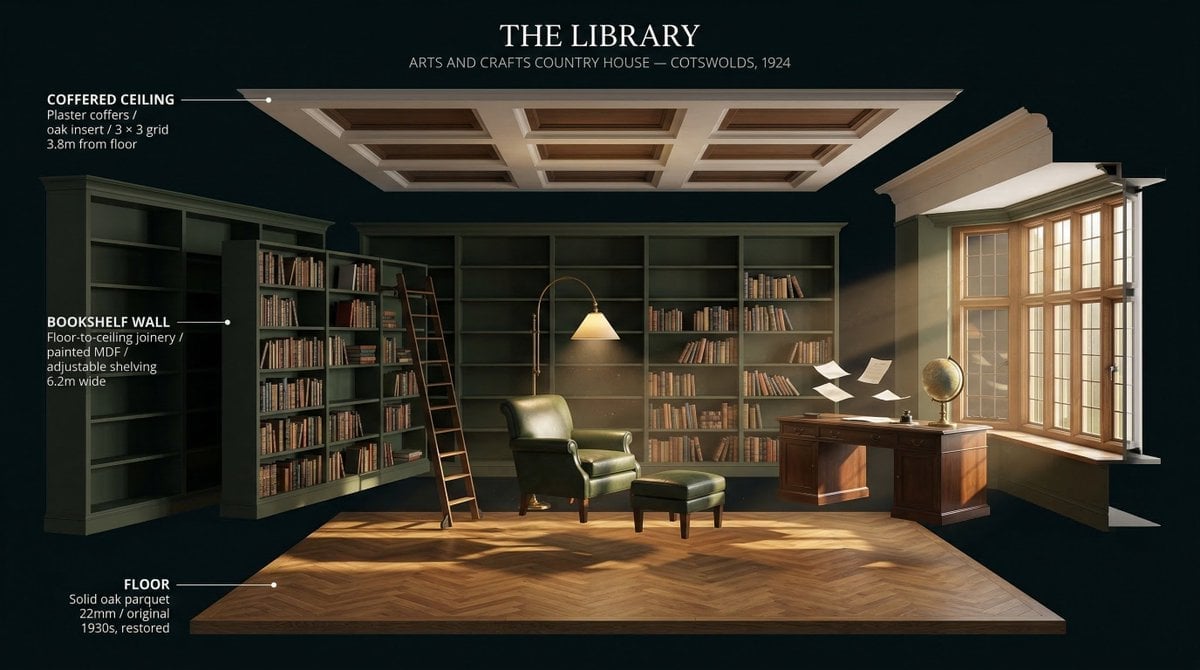
LIGHTING each element still lit by its original source, windows casting
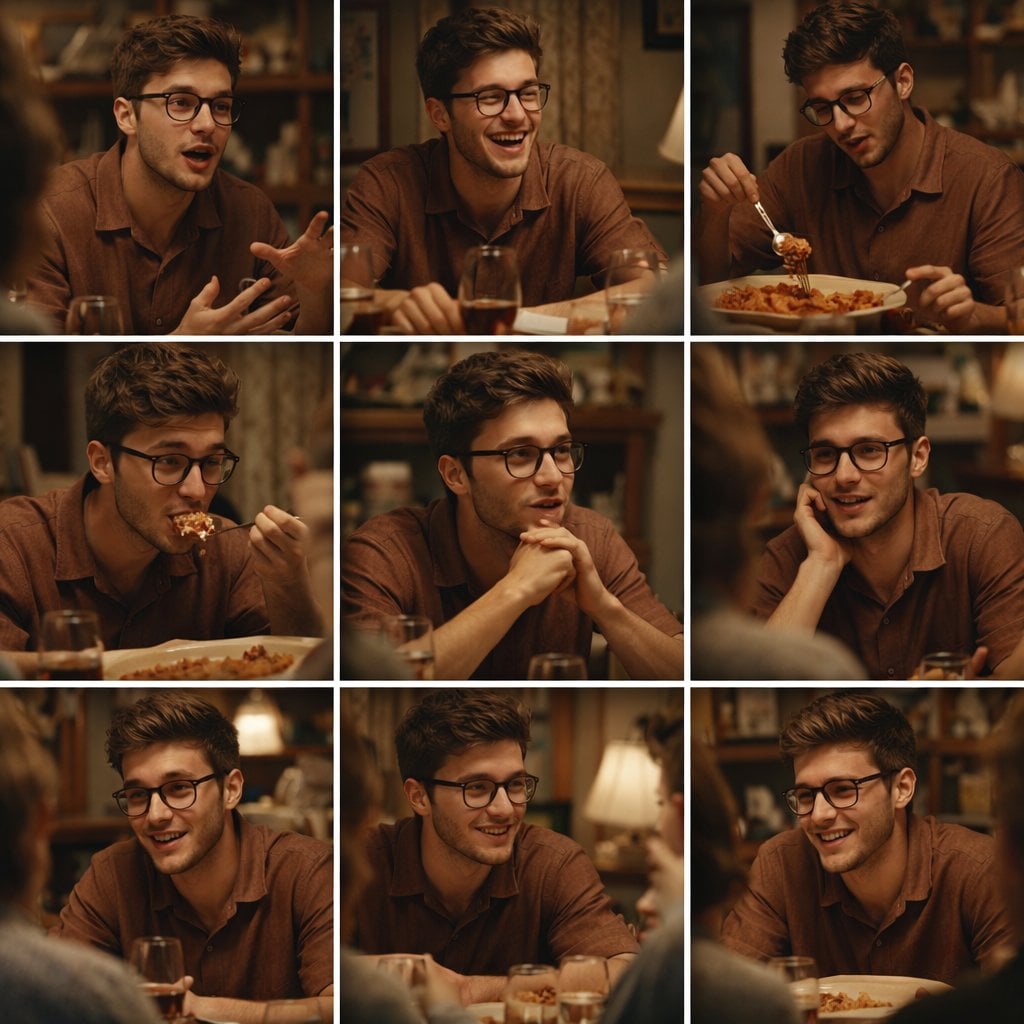
A 3x3 grid storyboard contact sheet comprised of nine candid, cinematic
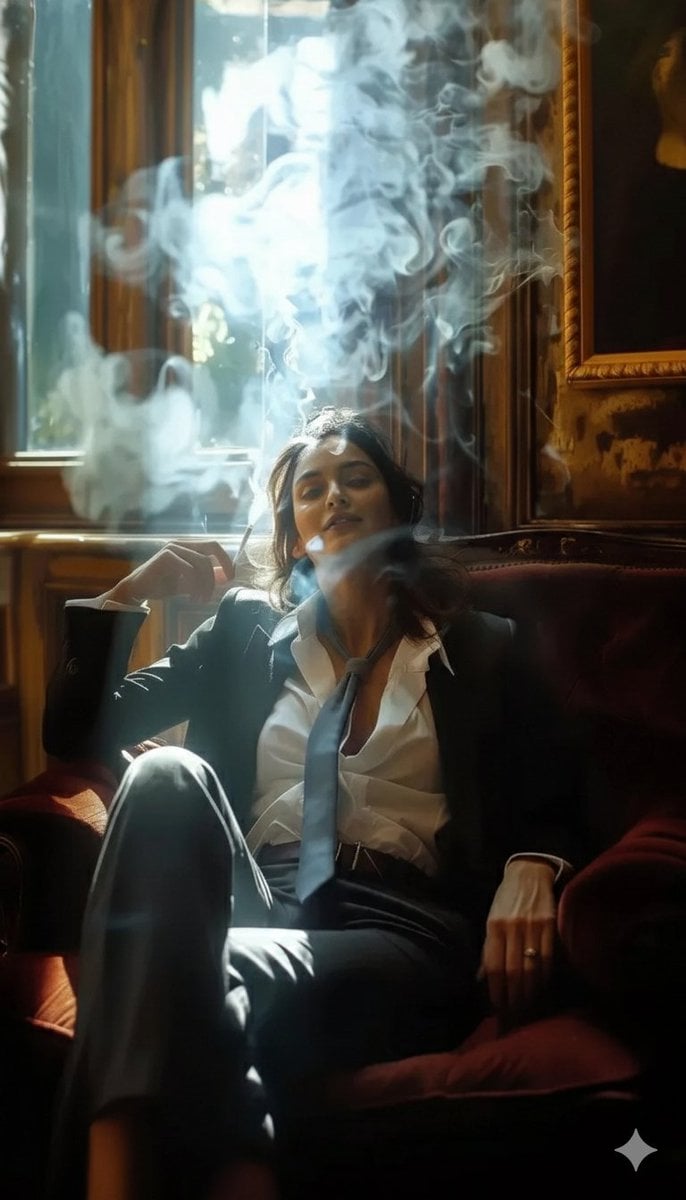
A high-definition cinematic portrait of a sophisticated woman sitting
Make it yours
Golden Ratio Photography Composition Poster works as-is. These are the safest ways to change it without losing the look.
Change one field
Copy a single group, rewrite it, and generate again so you can see what that field is doing.
Keep the frame, change the subject
Hold the composition and light of Golden Ratio Photography Composition Poster, then swap wardrobe, props or the person for a new take.
| If the result… | Why | Fix |
|---|---|---|
| The result drifts from the preview | Too many fields changed at once. | Reuse Golden Ratio Photography Composition Poster as-is first, then change one group — subject, light, or setting. |
| The model over-stylizes the scene | The prose prompt leaves finish and camera underspecified. | Add one camera or lighting sentence and stay on GPT Image 2. |
More GPT Image 2 templates
Other prompts made for GPT Image 2.

Six VTuber Japanese Logo Sheet

Realistic Portrait of Woman and Deer

The Vista Modular Condo Poster

AI Model Routing Comparison Infographic

2.5D Anime Art Board

Isometric Productivity Desk Scene

New York Double Exposure Poster

Four-Panel AI Landscape Comparison

Japanese Tatami Lifestyle Magazine Cover

NESCAFÉ Coffee Map Poster
More image prompts
Fresh picks from across the catalog.
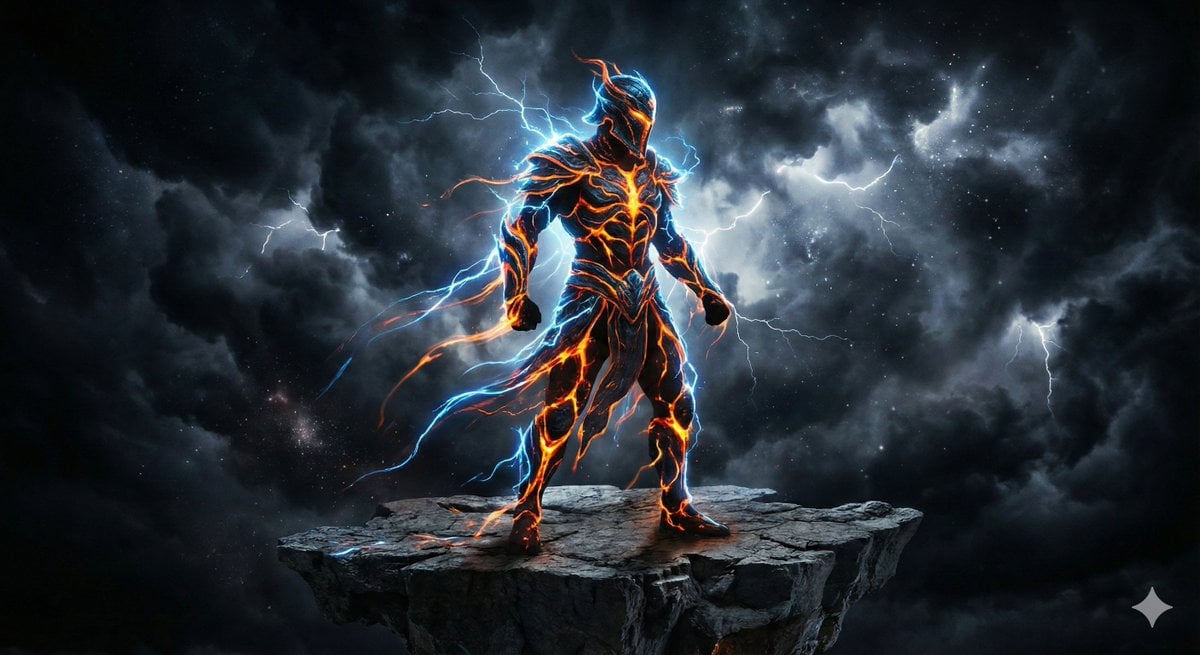
Energy Figure in Motion
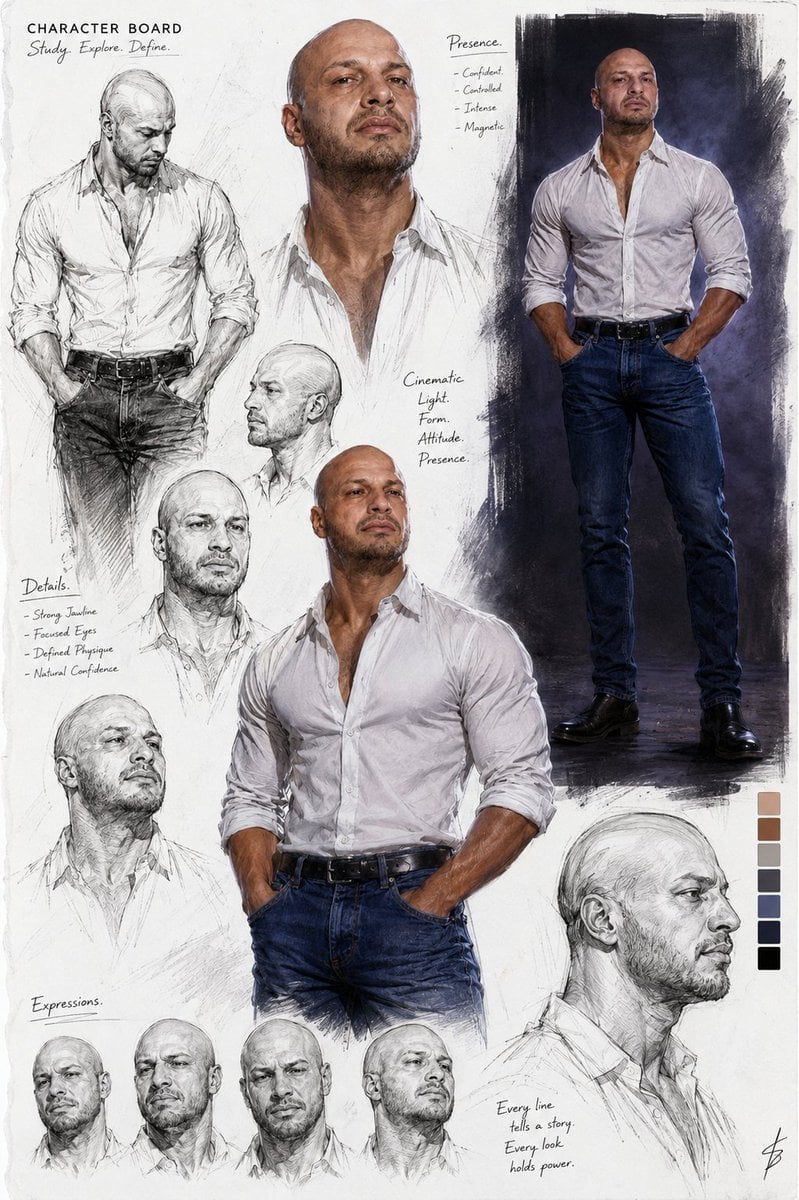
Cinematic Male Character Concept Board
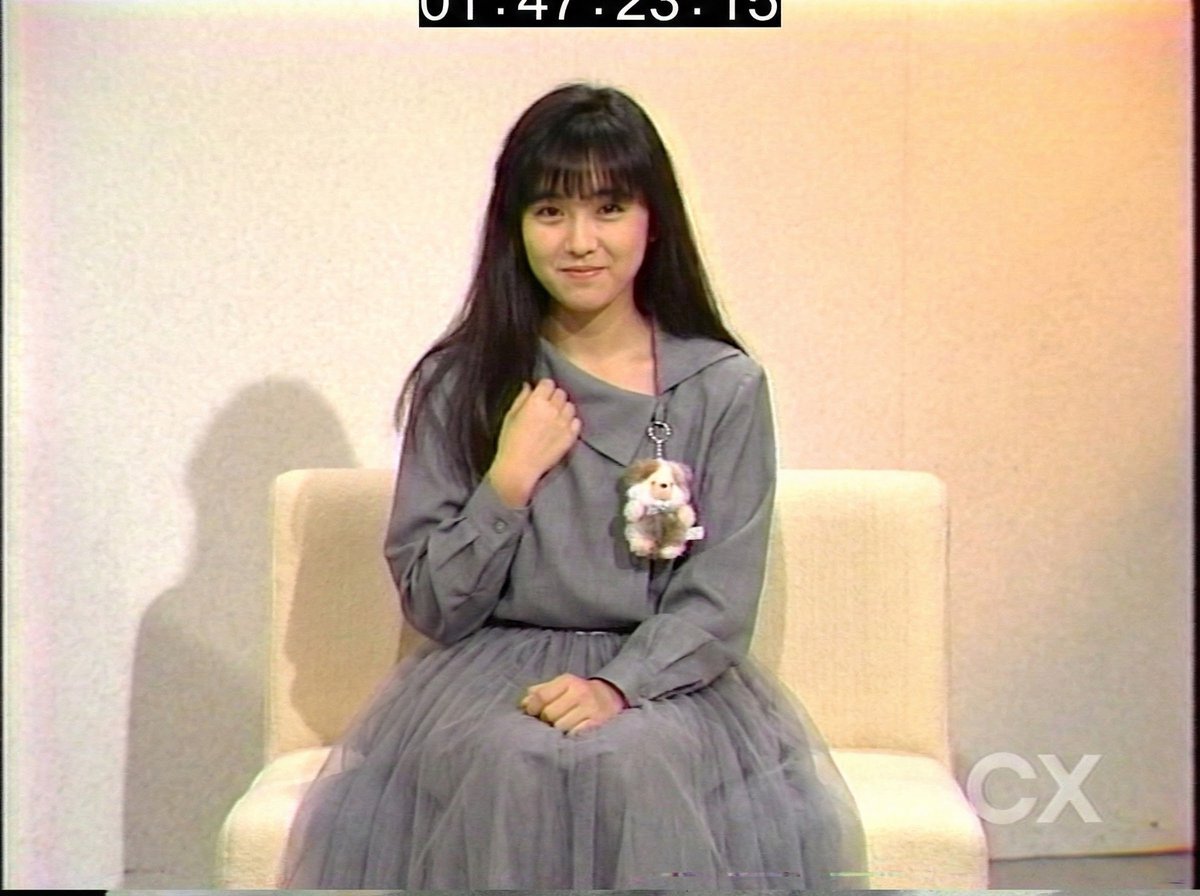
System Prompt for 80s VHS Aesthetic Image Generation (REWIND)
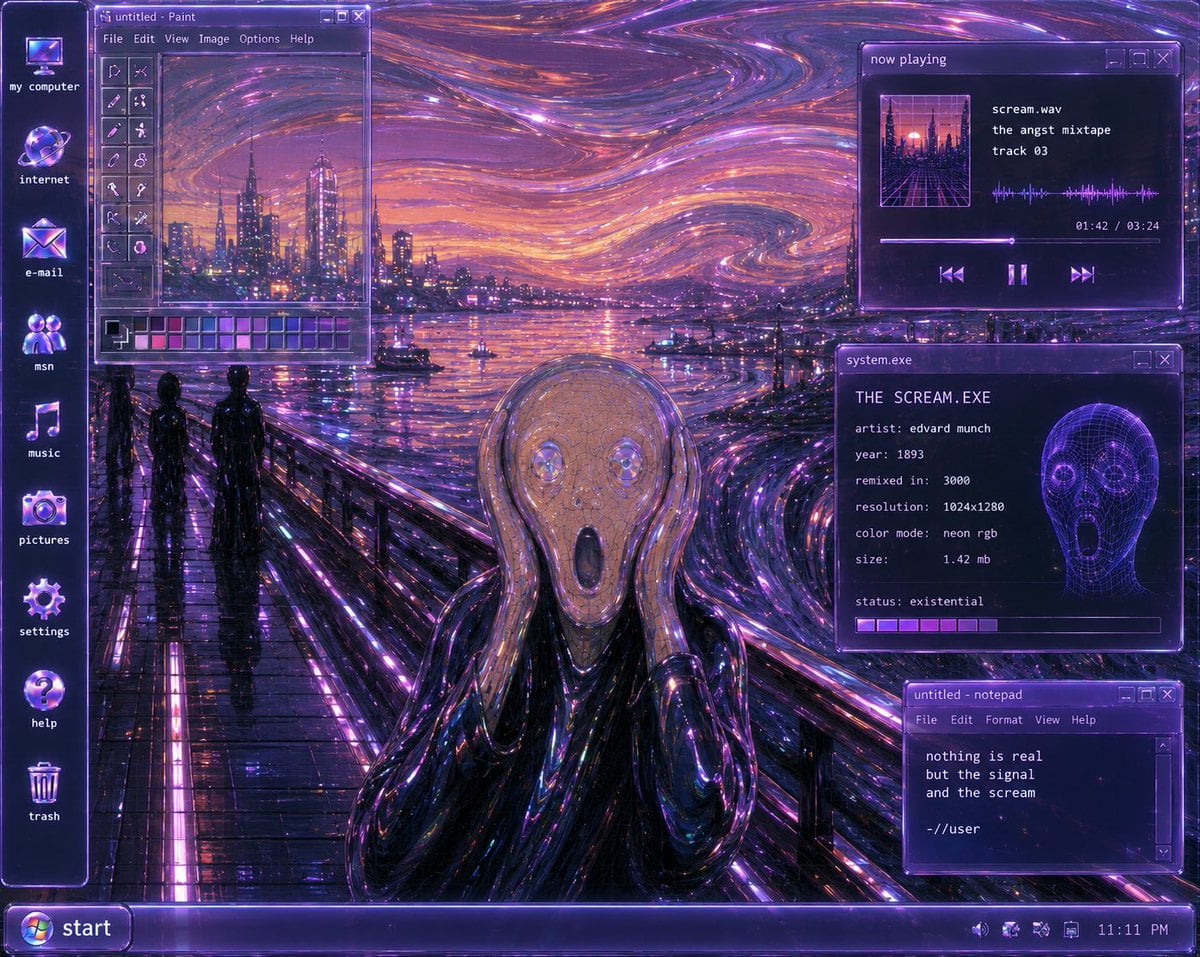
Y2K Futurist Scream Desktop

Pop-style flyer image for a note article

Rainy Tabby Scooter Ride
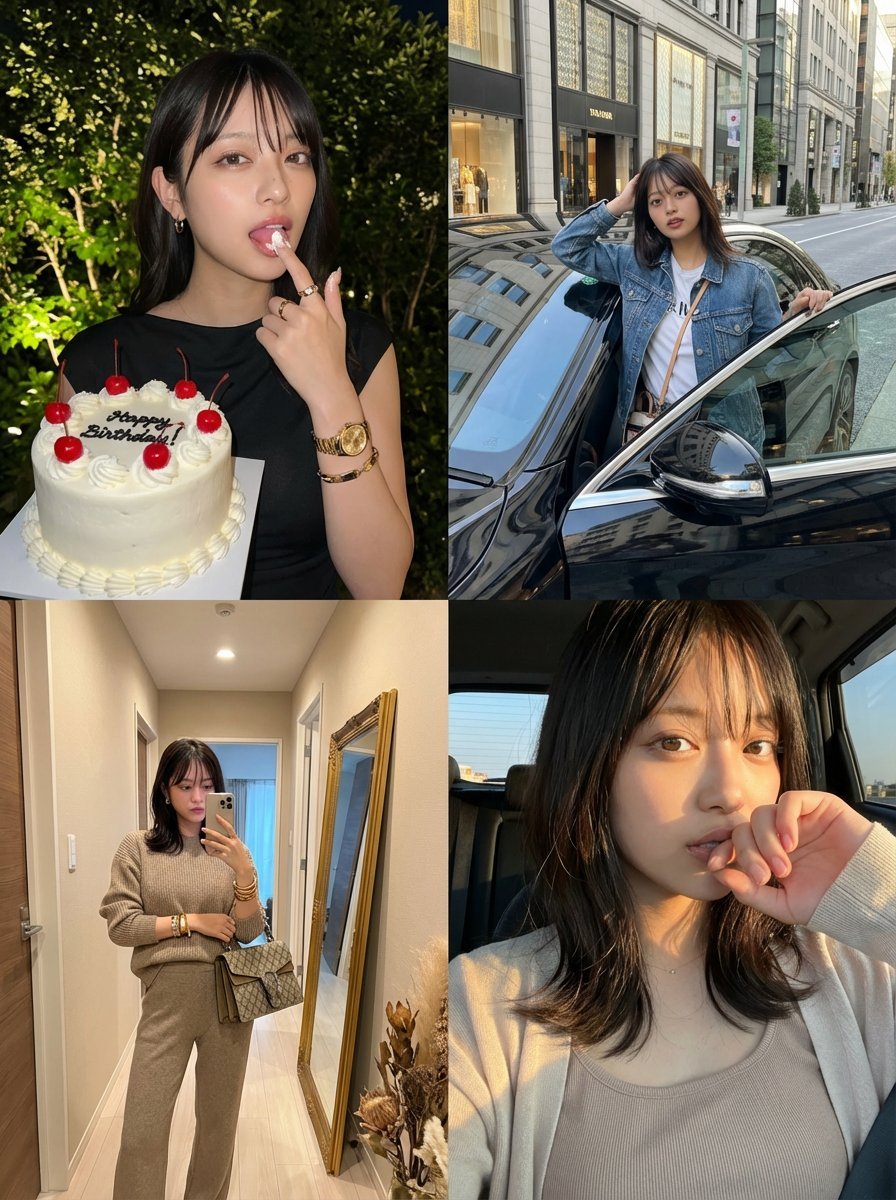
2x2 Grid Identity Lock Photo Collage Prompt
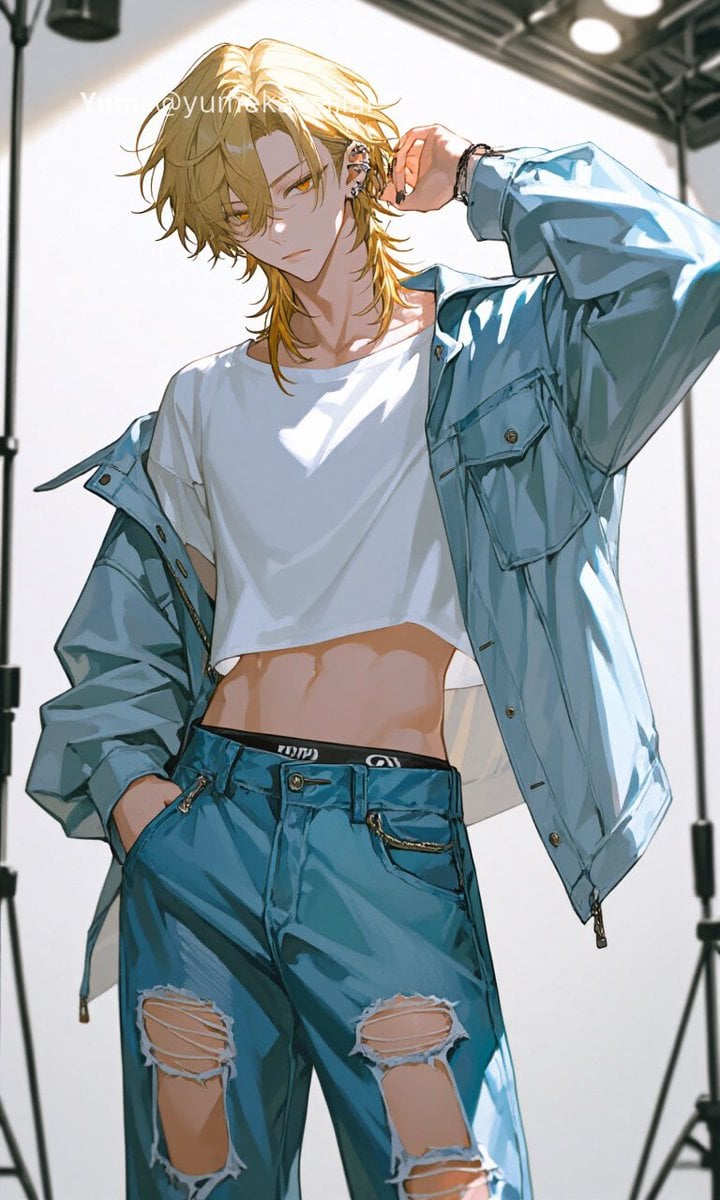
Y2K Anime Streetwear Model
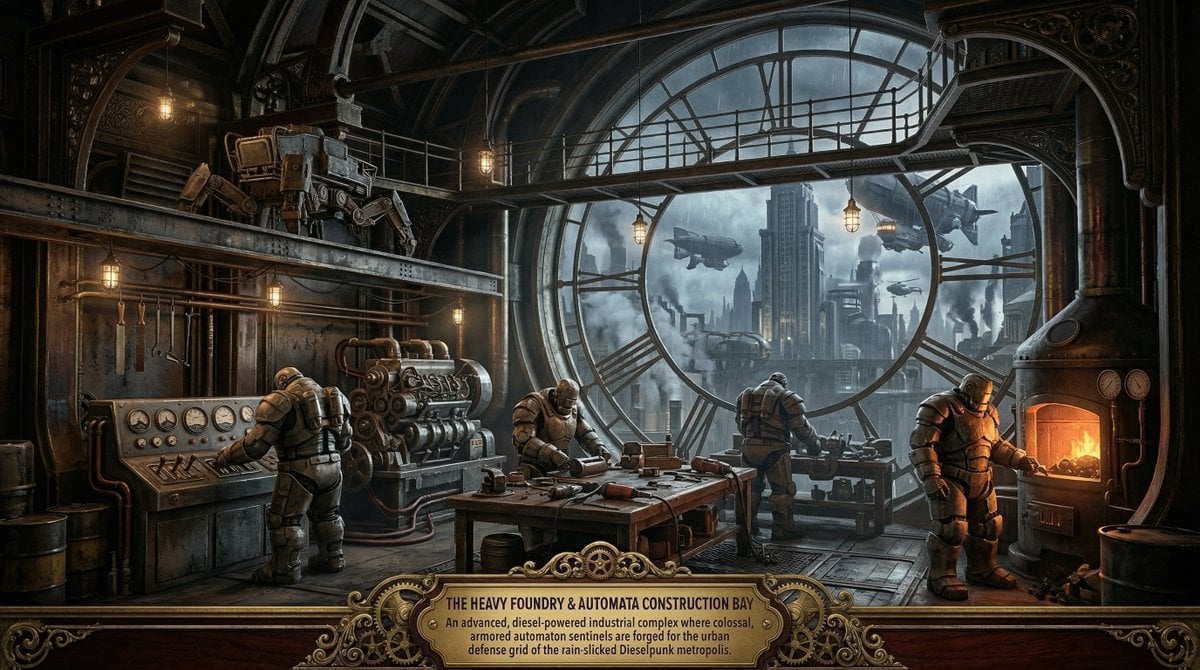
Universal Random Punk Scene Generator for Nano Banana Pro
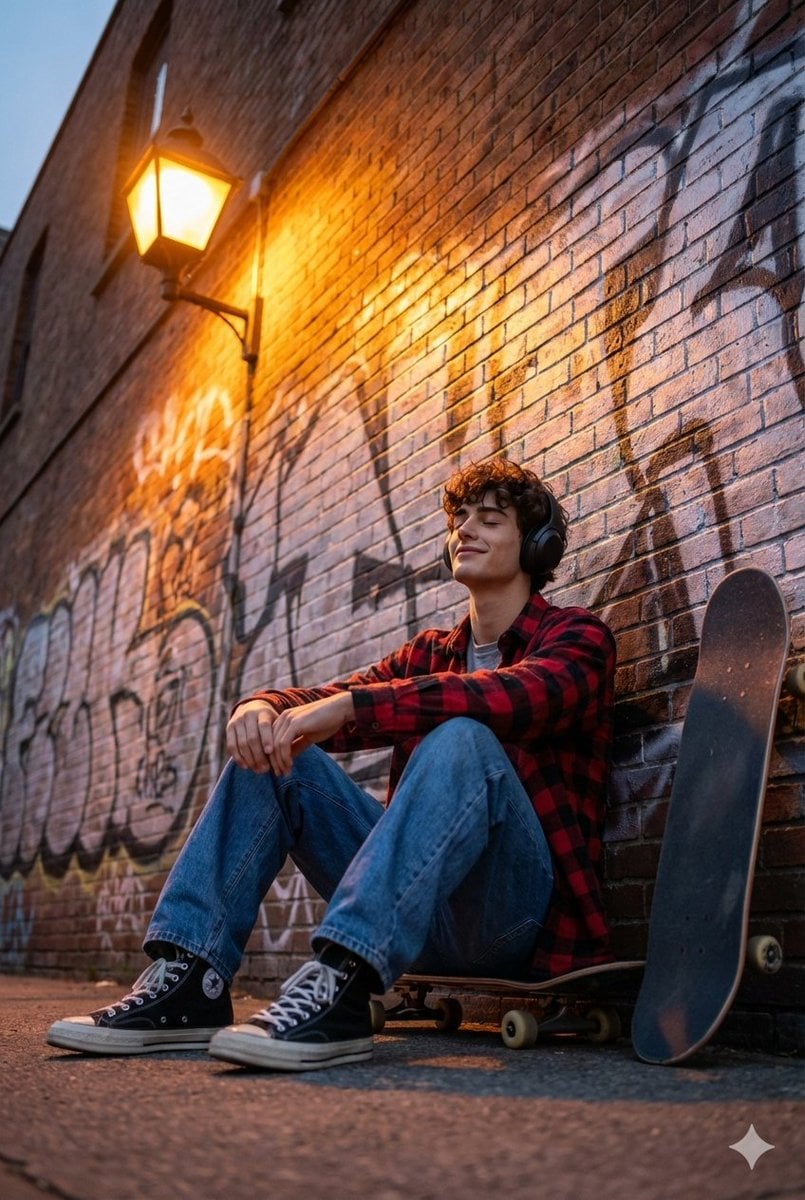
Cinematic Skateboarder Portrait Prompt at Golden Hour
Browse template categories
Golden Ratio Photography Composition Poster questions
How do I use the Golden Ratio Photography Composition Poster template?
Add your photo if the template asks for one, edit the prompt if you like — the template's model and format are already selected — and press Generate. Your version opens in PicX Studio.
Can I customize the Golden Ratio Photography Composition Poster template?
Yes. You can change the subject, setting, lighting, mood, format, and available model controls before creating your image.
Is the Golden Ratio Photography Composition Poster template free?
Opening and editing this template is free. Generating uses credits, shown on the Generate button when you are signed in.
Which AI model should I use?
Start with GPT Image 2, which is the model associated with this template. You can compare another compatible model for a different finish.
Looking for something else? Browse all templates.

Your photo, any look
Thousands of ready templates for every top image and video model, from one credit balance.