
Anime Girl Grok Imagine Promo
A polished anime-style promotional key visual featuring a silver-haired girl presenting glowing Japanese marketing text.
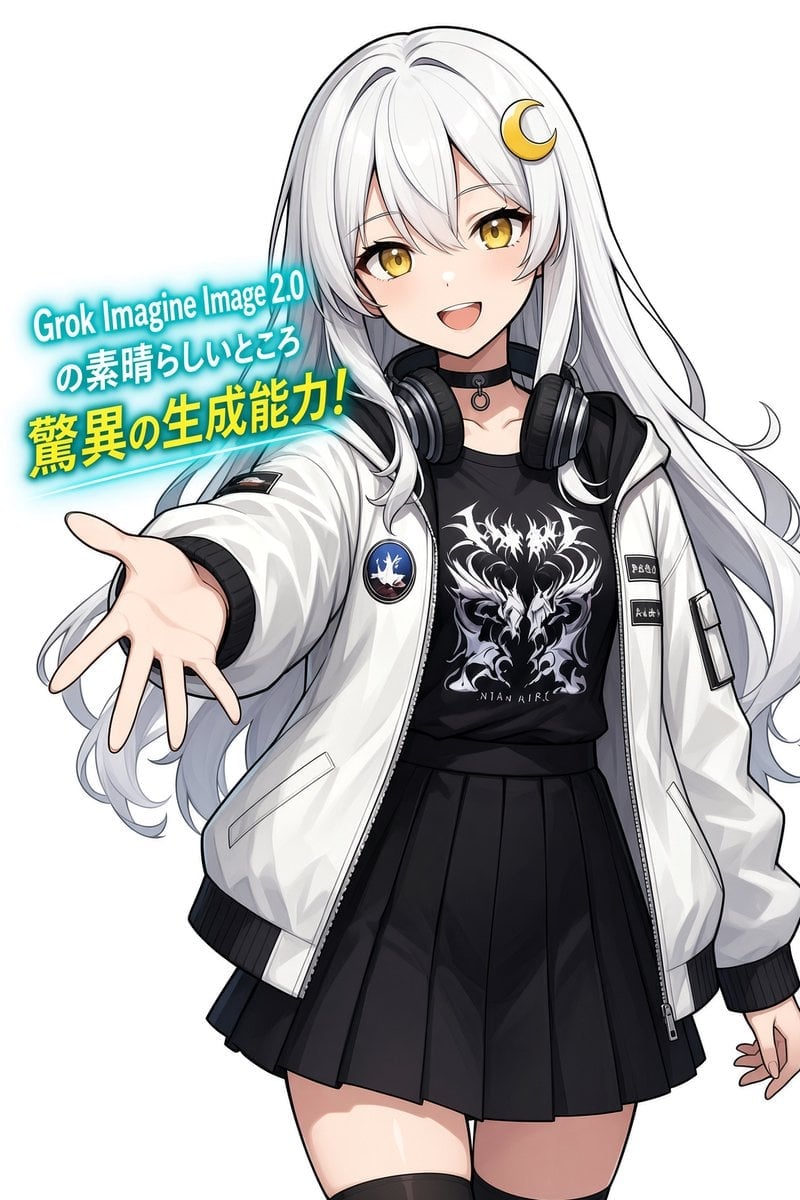
- Prompt included
- Model and format preset
- Free template
The prompt behind this image
Copy the exact prompt behind Anime Girl Grok Imagine Promo, or open it in the studio and make it yours.
Create a clean high-resolution anime promotional illustration on a plain white background, vertical 2:3 canvas. Show one cheerful young anime girl, waist-to-thigh framing, slightly leaning forward toward the viewer with her left arm extended open-palmed in an inviting gesture and her right hand relaxed near her side. She has very long flowing {argument name="hair color" default="silver-white"} hair with soft gray shading, side bangs, large golden eyes, fair skin, a bright open smile, and a small yellow crescent-moon hair clip on the upper right side of her head. Her outfit has exactly 5 main visible pieces: an oversized glossy white bomber jacket with black ribbed cuffs and hem, a black graphic T-shirt with a white ornate dragon/skull-style emblem, a black pleated mini skirt, black over-ear headphones resting around her neck, and a black choker with a small ring charm. Add jacket details including one round blue-and-white patch on the viewer-left chest area, small black label patches on the viewer-right sleeve, zipper seams, pockets, and crisp fabric folds. Place a glowing cyan promotional text block to the left of her head and above her outstretched hand, angled slightly upward, with a bright turquoise neon aura and a thin cyan underline streak. The text block contains exactly 3 lines: line 1 in white/cyan glow, {argument name="headline text" default="Grok Imagine Image 2.0"}; line 2 in white/cyan glow, {argument name="subheadline text" default="の素晴らしいところ"}; line 3 in bold yellow with cyan glow, {argument name="main claim" default="驚異の生成能力!"}. Use polished modern anime key visual style, clean black line art, smooth cel shading, glossy highlights in the hair and jacket, vivid golden eyes, energetic friendly pose, no extra characters, no background objects, no watermark.
How to use Anime Girl Grok Imagine Promo in 3 steps
- 1Upload ImagePNG, JPG or paste
Add your photo
Upload the photo the template builds on. The prompt, model and format are already set.
- 2…a portrait of your subject in softgolden-hour light, 85mm…
Personalize
Edit the subject and creative details for your destination.
- 3Generate
Generate
Press Generate — your image is created in PicX Studio, so you can compare it with the original and refine one variable at a time.
More like this
Templates with the same subject, style or setup. Open one to see its prompt.












Make it yours
Anime Girl Grok Imagine Promo works as-is. These are the safest ways to change it without losing the look.
Change one field
Copy a single group, rewrite it, and generate again so you can see what that field is doing.
Keep the frame, change the subject
Hold the composition and light of Anime Girl Grok Imagine Promo, then swap wardrobe, props or the person for a new take.
| If the result… | Why | Fix |
|---|---|---|
| The result drifts from the preview | Too many fields changed at once. | Reuse Anime Girl Grok Imagine Promo as-is first, then change one group — subject, light, or setting. |
| The model over-stylizes the scene | The prose prompt leaves finish and camera underspecified. | Add one camera or lighting sentence and stay on GPT Image 2. |
More GPT Image 2 templates
Other prompts made for GPT Image 2.

Six VTuber Japanese Logo Sheet

Realistic Portrait of Woman and Deer

The Vista Modular Condo Poster

AI Model Routing Comparison Infographic

2.5D Anime Art Board

Isometric Productivity Desk Scene

New York Double Exposure Poster

Four-Panel AI Landscape Comparison

Japanese Tatami Lifestyle Magazine Cover

NESCAFÉ Coffee Map Poster
More image prompts
Fresh picks from across the catalog.
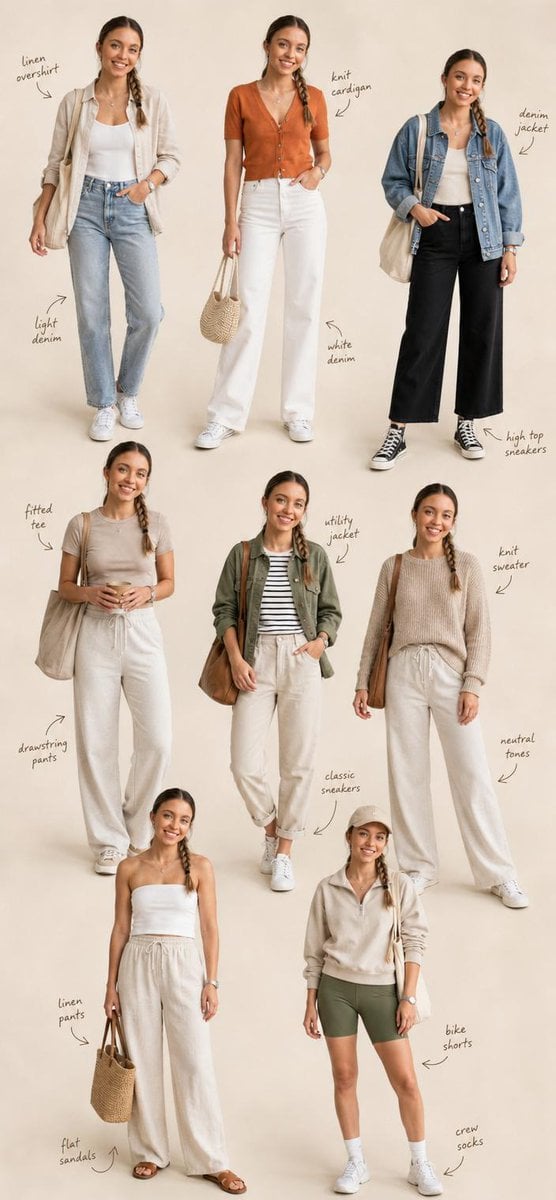
Fashion Editorial Collage Layout
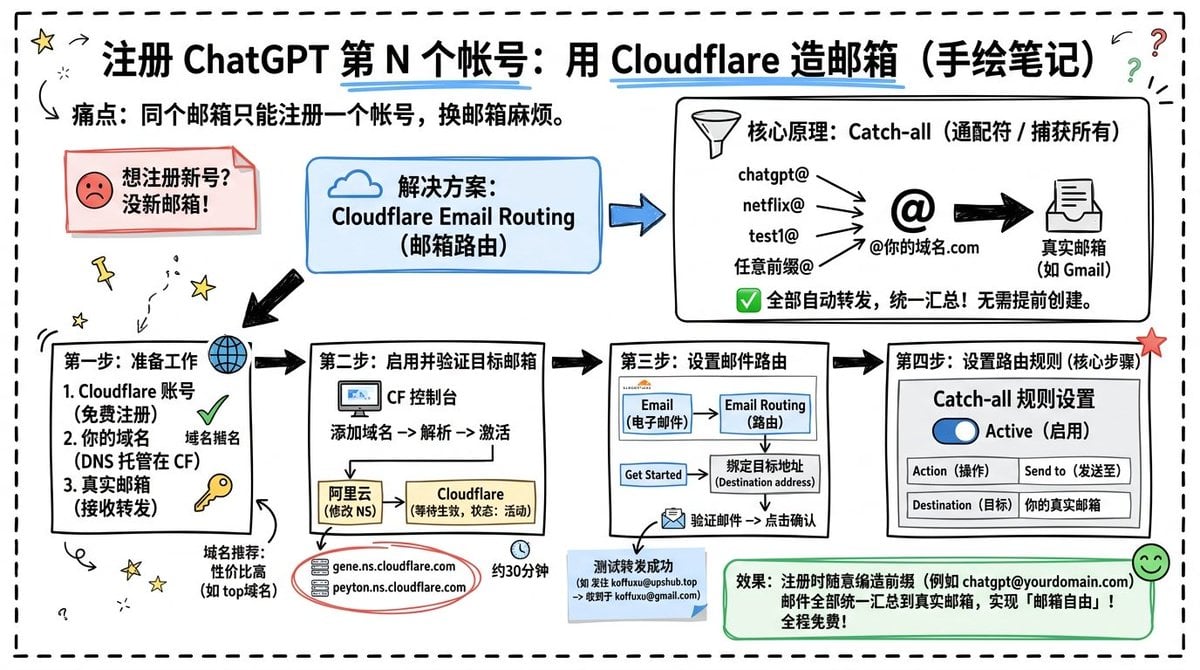
Cloudflare Catch-All Email Routing Infographic
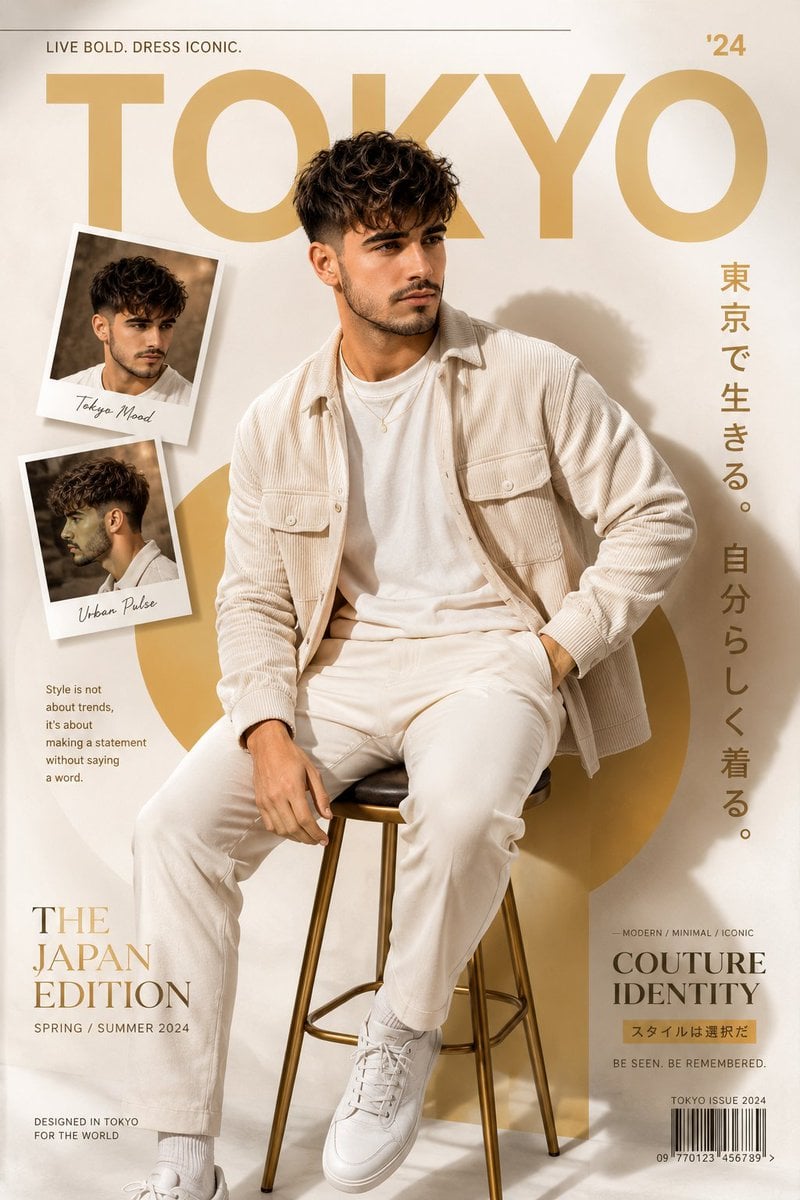
Cinematic Fashion Editorial Poster
Cozy Winter Street Fashion Portrait Prompt
Welcome Home Scenario Prompt
Structured Prompt for Archaeological Dig Scene with 3D Data Overlay
Luxury Fitness Brand Poster
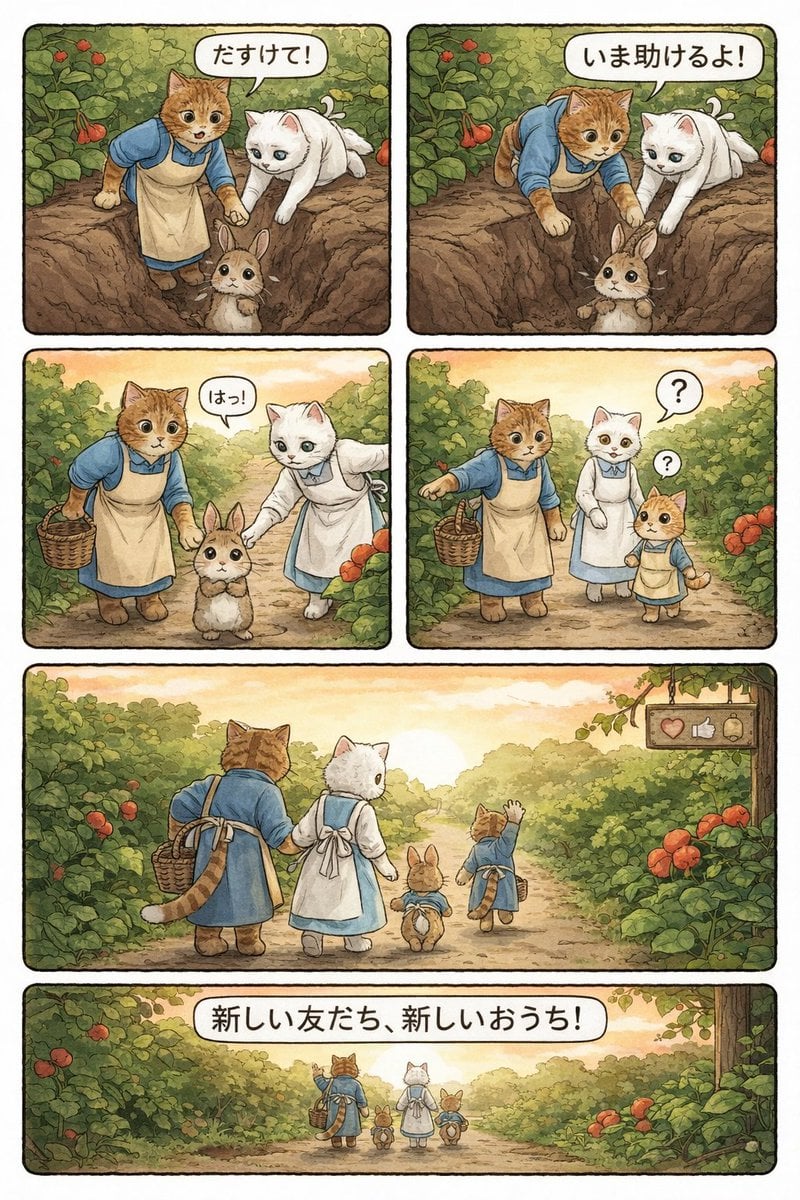
Converting Video to 4-Panel Manga
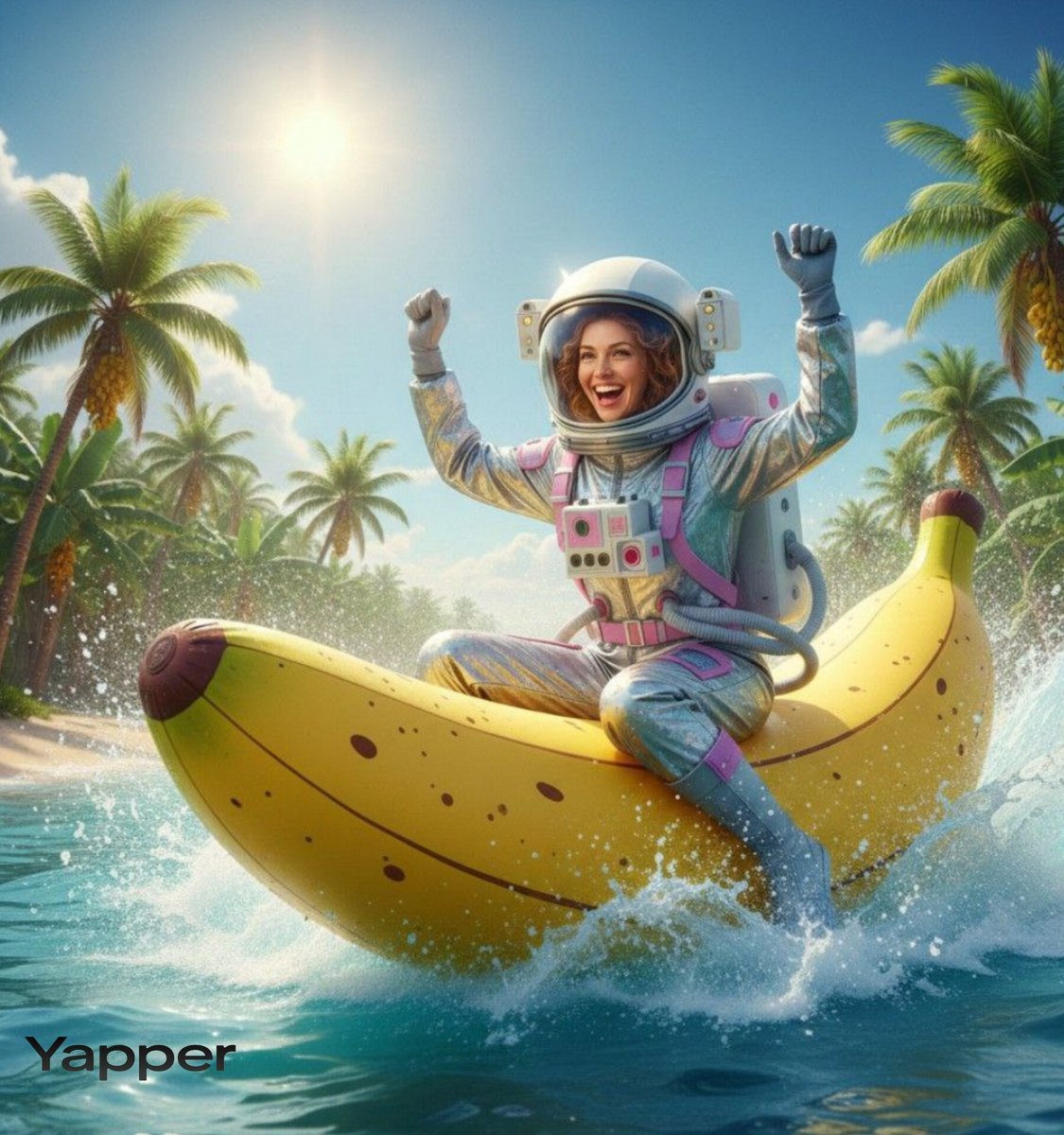
Dynamic Video Prompt: Banana Float Rocket
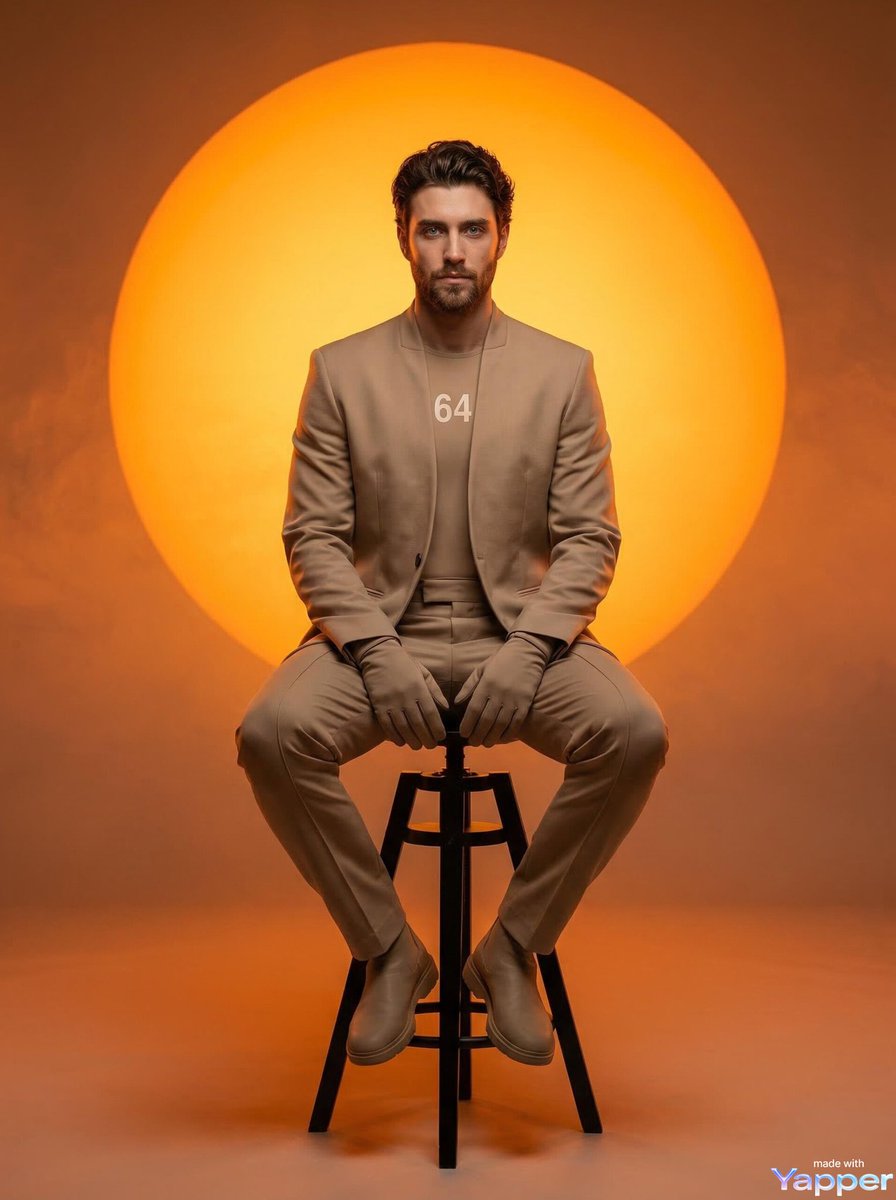
Futuristic Fashion Editorial Prompt for Nano Banana 2
Browse template categories
Anime Girl Grok Imagine Promo questions
How do I use the Anime Girl Grok Imagine Promo template?
Add your photo if the template asks for one, edit the prompt if you like — the template's model and format are already selected — and press Generate. Your version opens in PicX Studio.
Can I customize the Anime Girl Grok Imagine Promo template?
Yes. You can change the subject, setting, lighting, mood, format, and available model controls before creating your image.
Is the Anime Girl Grok Imagine Promo template free?
Opening and editing this template is free. Generating uses credits, shown on the Generate button when you are signed in.
Which AI model should I use?
Start with GPT Image 2, which is the model associated with this template. You can compare another compatible model for a different finish.
Looking for something else? Browse all templates.

Your photo, any look
Thousands of ready templates for every top image and video model, from one credit balance.