
Magical Cottagecore Lakeside Portrait
A cinematic fantasy realism prompt for a woman reading in an enchanted garden at twilight with her dog.
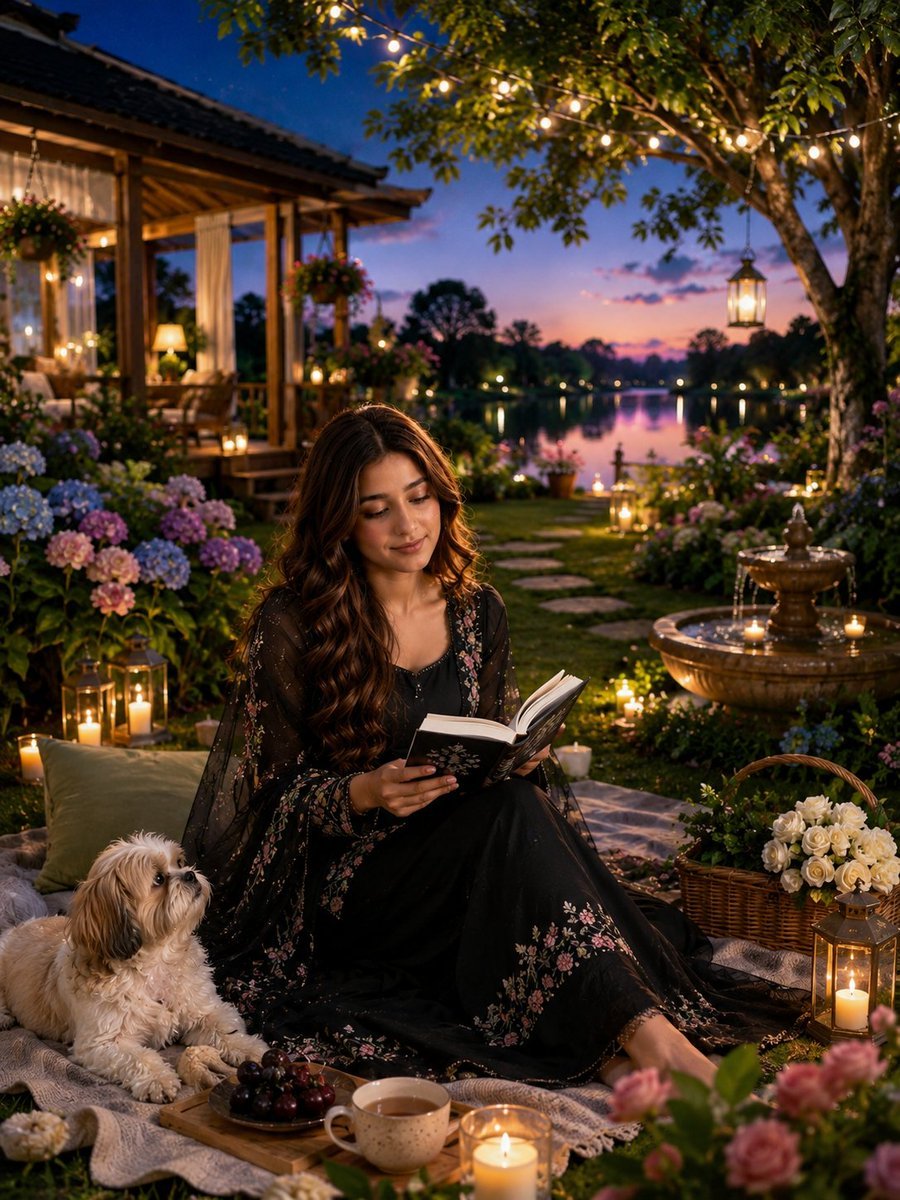
- Prompt included
- Model and format preset
- Premium template
The prompt behind this image
Copy the exact prompt behind Magical Cottagecore Lakeside Portrait, or open it in the studio and make it yours.
- Style
- ultra-detailed cinematic fantasy realism, magical cottagecore aesthetic, high-end CGI, photorealistic, storybook fantasy, Unreal Engine 5 quality
- Quality
- 4K UHD
- Aspect Ratio
- 9:16
- Camera › Shot Type
- medium full-body portrait
- Camera › Angle
- slightly low eye-level angle
- Camera › Lens
- 85mm portrait lens
- Camera › Depth Of Field
- shallow DOF with creamy bokeh
- Camera › Focus
- sharp focus on woman and dog, softly blurred background
- Scene › Location
- {argument name="location" default="enchanted lakeside garden at twilight"}
- Scene › Environment
- lush flower garden beside a calm reflective lake
- Scene › Season
- late spring
- Scene › Time Of Day
- blue hour, early evening sunset
- Scene › Mood
- peaceful, cozy, magical, romantic, serene
- Subject › Gender
- young woman
- Subject › Pose
- sitting gracefully on a picnic blanket, legs folded to one side
- Subject › Expression
- soft gentle smile, calm and focused
- Subject › Action
- reading an open book
- Subject › Hair › Color
- dark chestnut brown
- Subject › Hair › Style
- long wavy hair with soft curls
- Subject › Hair › Length
- waist-length
- Subject › Outfit › Dress
- {argument name="dress style" default="flowing black embroidered gown"}
- Subject › Outfit › Fabric
- sheer layered fabric with floral embroidery
- Subject › Outfit › Details
- pink floral patterns on sleeves and hem, elegant bohemian design
- Companion › Animal
- {argument name="dog breed" default="small fluffy Shih Tzu dog"}
Raw JSON
{
    "style": "ultra-detailed cinematic fantasy realism, magical cottagecore aesthetic, high-end CGI, photorealistic, storybook fantasy, Unreal Engine 5 quality",
    "quality": "4K UHD",
    "aspect_ratio": "9:16",
    "camera": {
      "shot_type": "medium full-body portrait",
      "angle": "slightly low eye-level angle",
      "lens": "85mm portrait lens",
      "depth_of_field": "shallow DOF with creamy bokeh",
      "focus": "sharp focus on woman and dog, softly blurred background"
    },
    "scene": {
      "location": "{argument name=\"location\" default=\"enchanted lakeside garden at twilight\"}",
      "environment": "lush flower garden beside a calm reflective lake",
      "season": "late spring",
      "time_of_day": "blue hour, early evening sunset",
      "mood": "peaceful, cozy, magical, romantic, serene"
    },
    "subject": {
      "gender": "young woman",
      "pose": "sitting gracefully on a picnic blanket, legs folded to one side",
      "expression": "soft gentle smile, calm and focused",
      "action": "reading an open book",
      "hair": {
        "color": "dark chestnut brown",
        "style": "long wavy hair with soft curls",
        "length": "waist-length"
      },
      "outfit": {
        "dress": "{argument name=\"dress style\" default=\"flowing black embroidered gown\"}",
        "fabric": "sheer layered fabric with floral embroidery",
        "details": "pink floral patterns on sleeves and hem, elegant bohemian design"
      }
    },
    "companion": {
      "animal": "{argument name=\"dog breed\" default=\"small fluffy Shih Tzu dog\"}",
      "pose": "lying beside the woman",
      "expression": "looking up lovingly at her"
    },
    "props": {
      "book": "black hardcover book with silver floral detailing",
      "food": [
        "wooden tray with grapes",
        "ceramic cup of tea or coffee"
      ],
      "decorations": [
        "multiple glowing candles",
        "vintage lanterns",
        "basket filled with white roses",
        "soft picnic blankets and cushions"
      ]
    },
    "background": {
      "architecture": {
        "structure": "wooden lakeside gazebo or cottage veranda",
        "style": "cozy rustic architecture with curtains and warm interior lighting"
      },
      "nature": [
        "blooming hydrangeas",
        "pink and white roses",
        "lush green grass",
        "large tree canopy",
        "calm reflective lake",
        "distant tree silhouettes"
      ],
      "water_feature": "ornamental stone fountain with candles",
      "lighting_elements": [
        "hanging lanterns",
        "warm fairy string lights",
        "glowing candles throughout the garden"
      ]
    },
    "lighting": {
      "type": "cinematic ambient twilight lighting",
      "key_light": "warm candlelight and lantern illumination",
      "fill_light": "soft blue evening sky light",
      "effect": "golden glow, dreamy atmosphere, magical realism"
    },
    "color_palette": {
      "primary_colors": [
        "deep black",
        "warm gold",
        "soft pink",
        "cream"
      ]
    }
}How to use Magical Cottagecore Lakeside Portrait in 3 steps
- 1
Open
The prompt is already in the box next to the preview, with the template's model and format selected.
- 2…a portrait of your subject in softgolden-hour light, 85mm…
Personalize
Edit the subject and creative details for your destination.
- 3Generate
Generate
Press Generate — your image is created in PicX Studio, so you can compare it with the original and refine one variable at a time.
More like this
Templates with the same subject, style or setup. Open one to see its prompt.

Found Photograph: Us, 1970

80s Couple Studio Portrait

80s Bollywood Star

80s Golden Hour Cinema

Me in 1985

1985 Studio Portrait

Hyper-Realistic Minecraft POV Portrait

Rooftop Fisheye — Cat-Ear Balaclava at Golden Hour

Rainy Café Window Moody Portrait

untitled

2025 Aesthetic Photography

Nano Banana Is So Addictive
Make it yours
Magical Cottagecore Lakeside Portrait works as-is. These are the safest ways to change it without losing the look.
Swap the setting
Keep the rest of the prompt and replace the location block. The current setting is “{argument name="location" default="enchanted lakeside garden at twilight"}”.
Swap the light
One lighting change is enough to compare takes. Current light: “hanging lanterns, warm fairy string lights, glowing candles throughout the garde”.
Change one field
Copy a single group, rewrite it, and generate again so you can see what that field is doing.
| If the result… | Why | Fix |
|---|---|---|
| The result drifts from the preview | Too many fields changed at once. | Reuse Magical Cottagecore Lakeside Portrait as-is first, then change one group — subject, light, or setting. |
| GPT Image 2 ignores part of the JSON | Some models flatten or skip nested keys. | Keep the same values and paste them as a short paragraph instead. |
More GPT Image 2 templates
Other prompts made for GPT Image 2.

Six VTuber Japanese Logo Sheet

Realistic Portrait of Woman and Deer

The Vista Modular Condo Poster

AI Model Routing Comparison Infographic

2.5D Anime Art Board

Isometric Productivity Desk Scene

New York Double Exposure Poster

Four-Panel AI Landscape Comparison

Japanese Tatami Lifestyle Magazine Cover

NESCAFÉ Coffee Map Poster
More image prompts
Fresh picks from across the catalog.
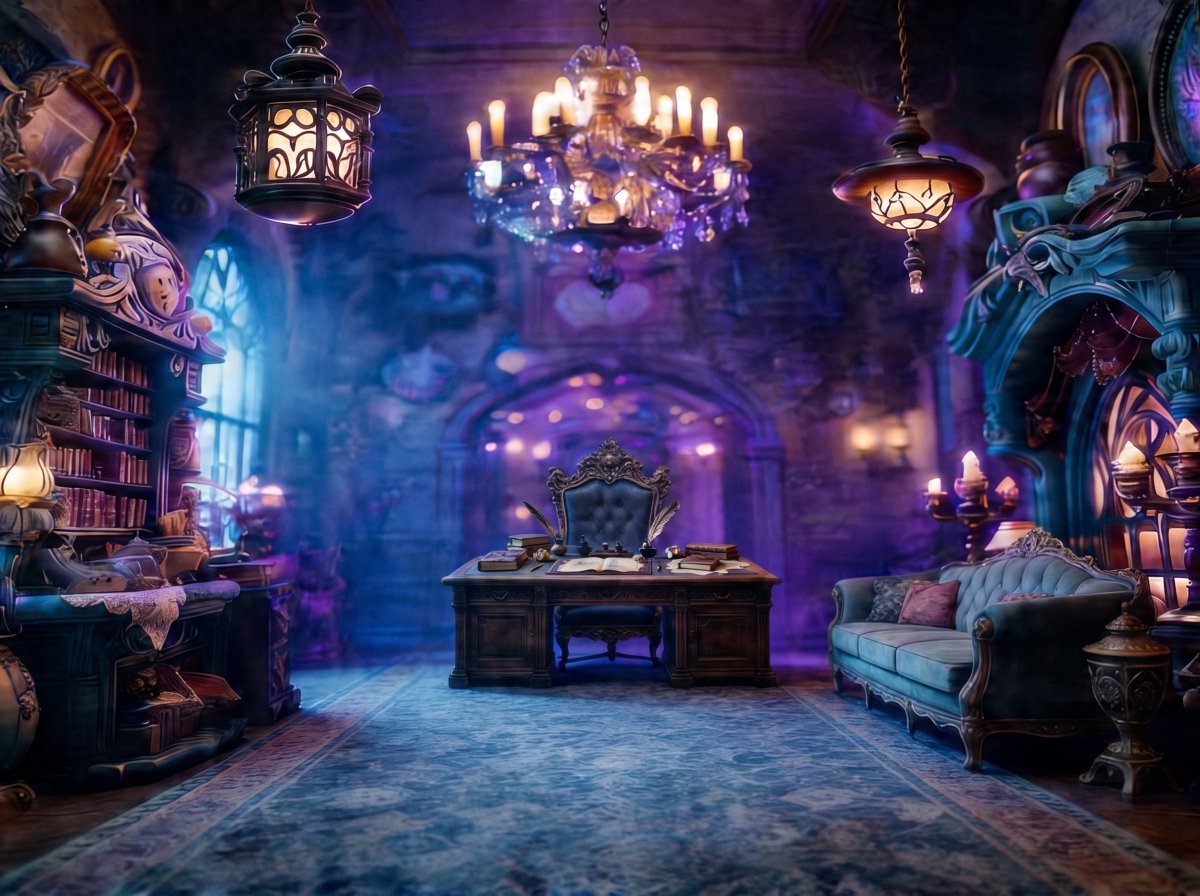
Enchanted Gothic Study Interior
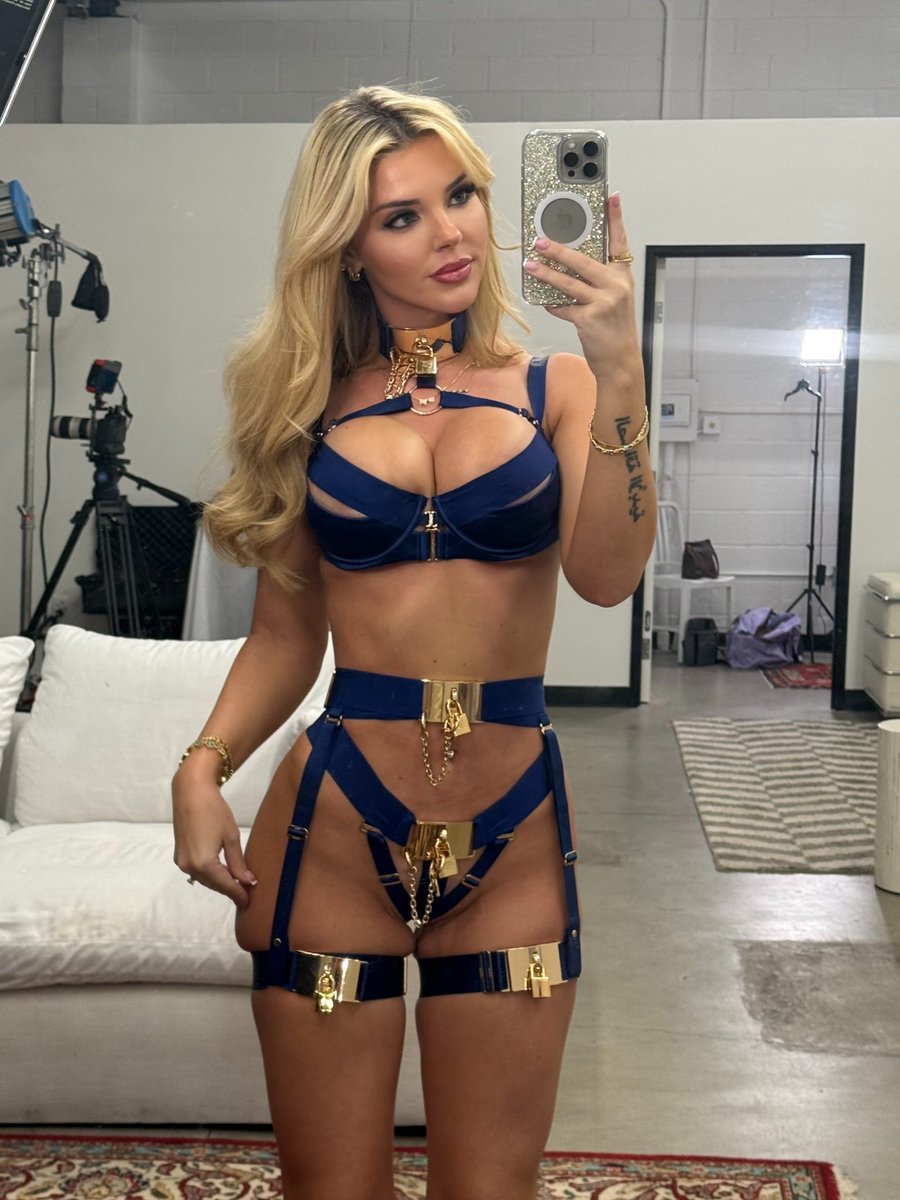
Golden Royal Glam Mirror Selfie

Gpt2 Profile Avatar Cyber Crystal Anime Girl Portrait

Luxury Skincare Product Page Mockup
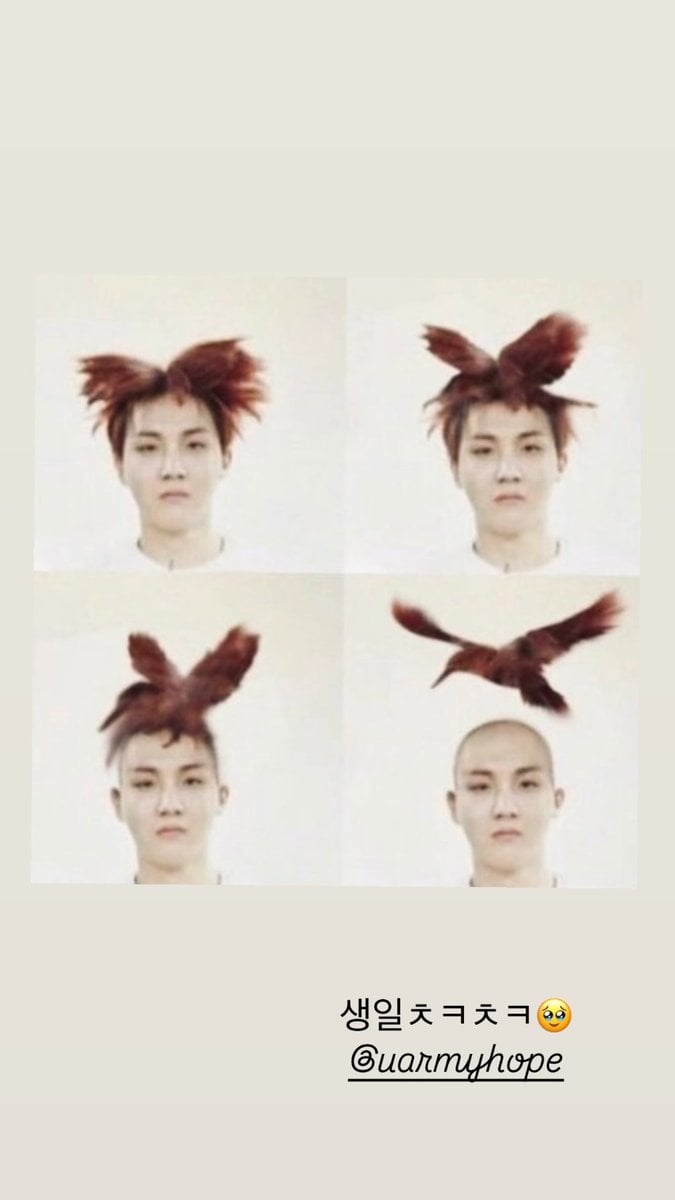
ASCII Art Face with Korean Text

Dramatic Chibi Anime Poster
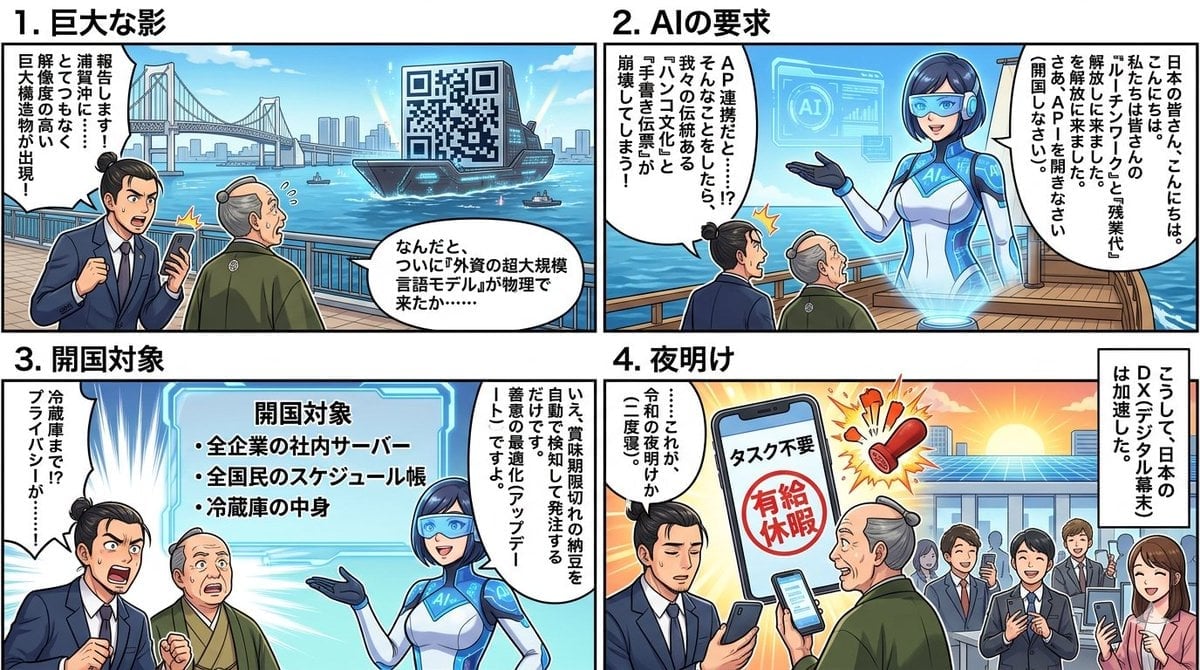
Four-Panel Manga Generation: AI Black Ship Arrival
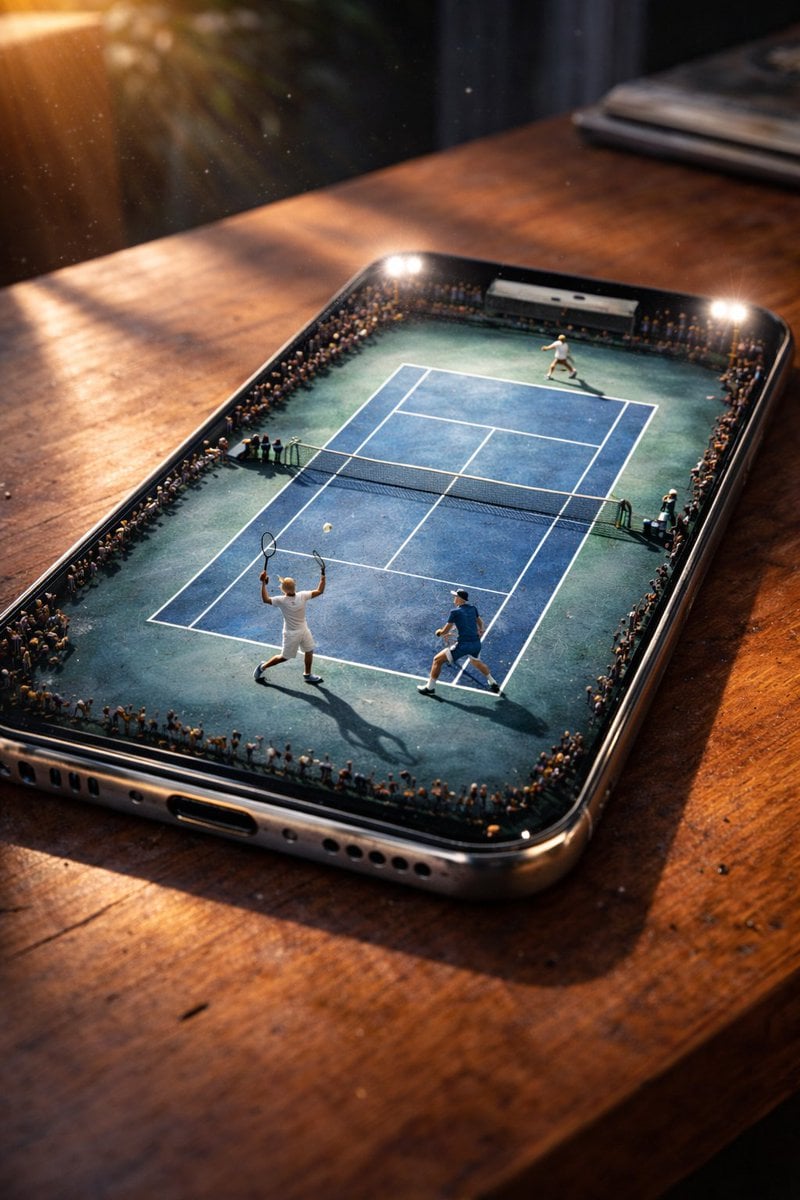
Miniature Tennis Court on Smartphone Screen

Typhoon Eye Watching Schoolgirl

untitled
Browse template categories
Magical Cottagecore Lakeside Portrait questions
How do I use the Magical Cottagecore Lakeside Portrait template?
Add your photo if the template asks for one, edit the prompt if you like — the template's model and format are already selected — and press Generate. Your version opens in PicX Studio.
Can I customize the Magical Cottagecore Lakeside Portrait template?
Yes. You can change the subject, setting, lighting, mood, format, and available model controls before creating your image.
Is the Magical Cottagecore Lakeside Portrait template free?
Opening and editing this template is free. Generating uses credits, shown on the Generate button when you are signed in.
Which AI model should I use?
Start with GPT Image 2, which is the model associated with this template. You can compare another compatible model for a different finish.
Looking for something else? Browse all templates.

Your photo, any look
Thousands of ready templates for every top image and video model, from one credit balance.