
Christmas Santa Hat Bedroom Pose Prompt
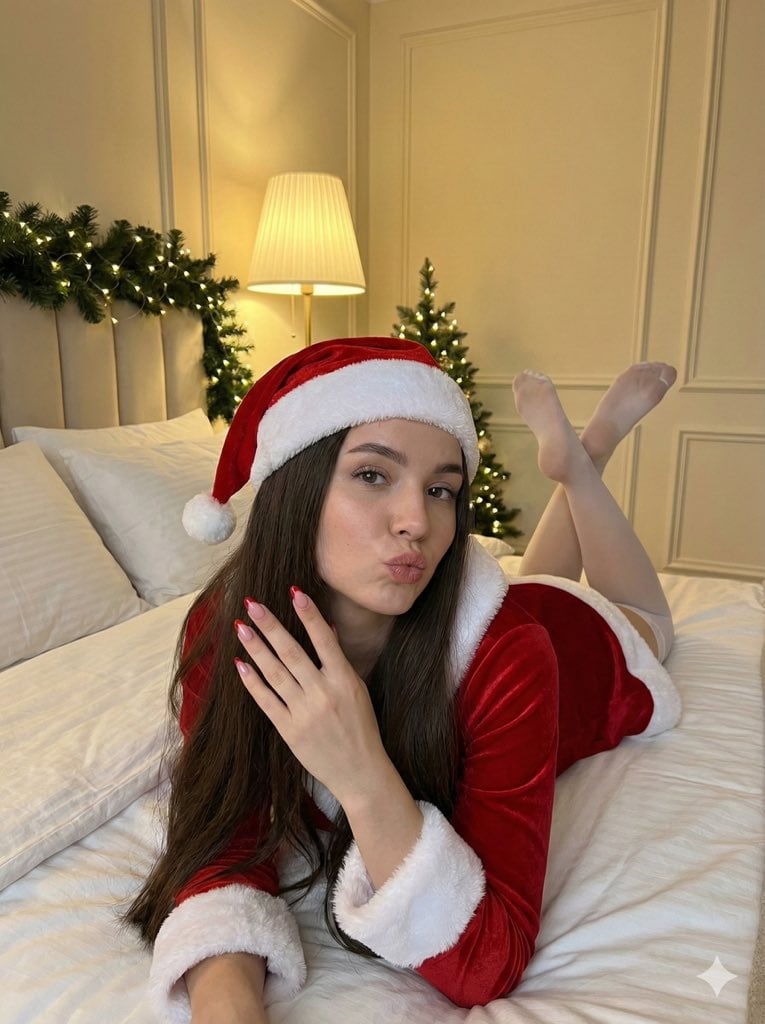
A prompt for generating an image of a young woman posing on a bed in a Santa hat and red velvet outfit, featuring a pouting expression and a festive bedroom background with a small Christmas tree and garland.
- Prompt included
- Model and format preset
- Premium template
The prompt behind this image
Copy the exact prompt behind Christmas Santa Hat Bedroom Pose Prompt, or open it in the studio and make it yours.
- Subject › Description
- Young woman lying on a bed
- Subject › Pose
- Lying on stomach, propped up on elbows, legs raised and crossed at the ankles behind her
- Subject › Expression
- Pouting lips, looking directly at the camera
- Subject › Hair
- Long, dark brown, loose and straight
- Subject › Clothing › Hat
- Red and white Santa hat with white fur trim and pom-pom
- Subject › Clothing › Outfit
- {argument name="outfit type" default="Red velvet long-sleeved dress or top with white fur cuffs"}
- Subject › Clothing › Stockings
- Sheer white thigh-high stockings
- Subject › Hands
- Right hand raised near face, showing manicured nails with red French tips
- Setting › Location
- Bedroom interior
- Setting › Furniture
- Bed with white linens and pillows
- Setting › Background Elements
- Cream-colored walls with decorative molding, Lamp with a pleated shade, Christmas garland with lights attached to wall/headboard, Small Christmas tree with lights in the distance
- Lighting
- Warm, indoor ambient lighting
- Perspective
- High angle, looking down at the subject
- Orientation
- Vertical
Raw JSON
{
  "subject": {
    "description": "Young woman lying on a bed",
    "pose": "Lying on stomach, propped up on elbows, legs raised and crossed at the ankles behind her",
    "expression": "Pouting lips, looking directly at the camera",
    "hair": "Long, dark brown, loose and straight",
    "clothing": {
      "hat": "Red and white Santa hat with white fur trim and pom-pom",
      "outfit": "{argument name=\"outfit type\" default=\"Red velvet long-sleeved dress or top with white fur cuffs\"}",
      "stockings": "Sheer white thigh-high stockings"
    },
    "hands": "Right hand raised near face, showing manicured nails with red French tips"
  },
  "setting": {
    "location": "Bedroom interior",
    "furniture": "Bed with white linens and pillows",
    "background_elements": [
      "Cream-colored walls with decorative molding",
      "Lamp with a pleated shade",
      "Christmas garland with lights attached to wall/headboard",
      "Small Christmas tree with lights in the distance"
    ]
  },
  "lighting": "Warm, indoor ambient lighting",
  "perspective": "High angle, looking down at the subject",
  "orientation": "Vertical"
}How to use Christmas Santa Hat Bedroom Pose Prompt in 3 steps
- 1Upload ImagePNG, JPG or paste
Add your photo
Upload the photo the template builds on. The prompt, model and format are already set.
- 2…a portrait of your subject in softgolden-hour light, 85mm…
Personalize
Edit the subject and creative details for your destination.
- 3Generate
Generate
Press Generate — your image is created in PicX Studio, so you can compare it with the original and refine one variable at a time.
More like this
Templates with the same subject, style or setup. Open one to see its prompt.
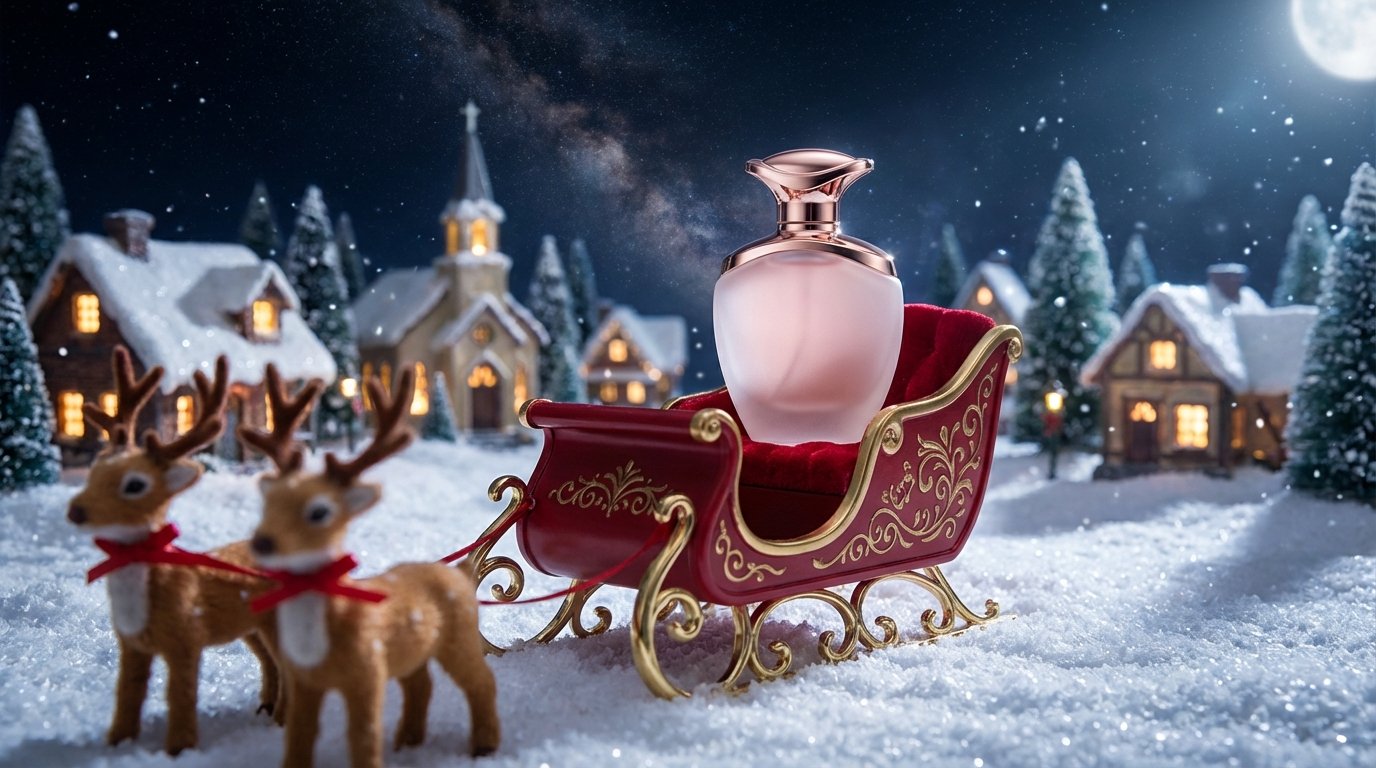
Santa's most fragrant gift!
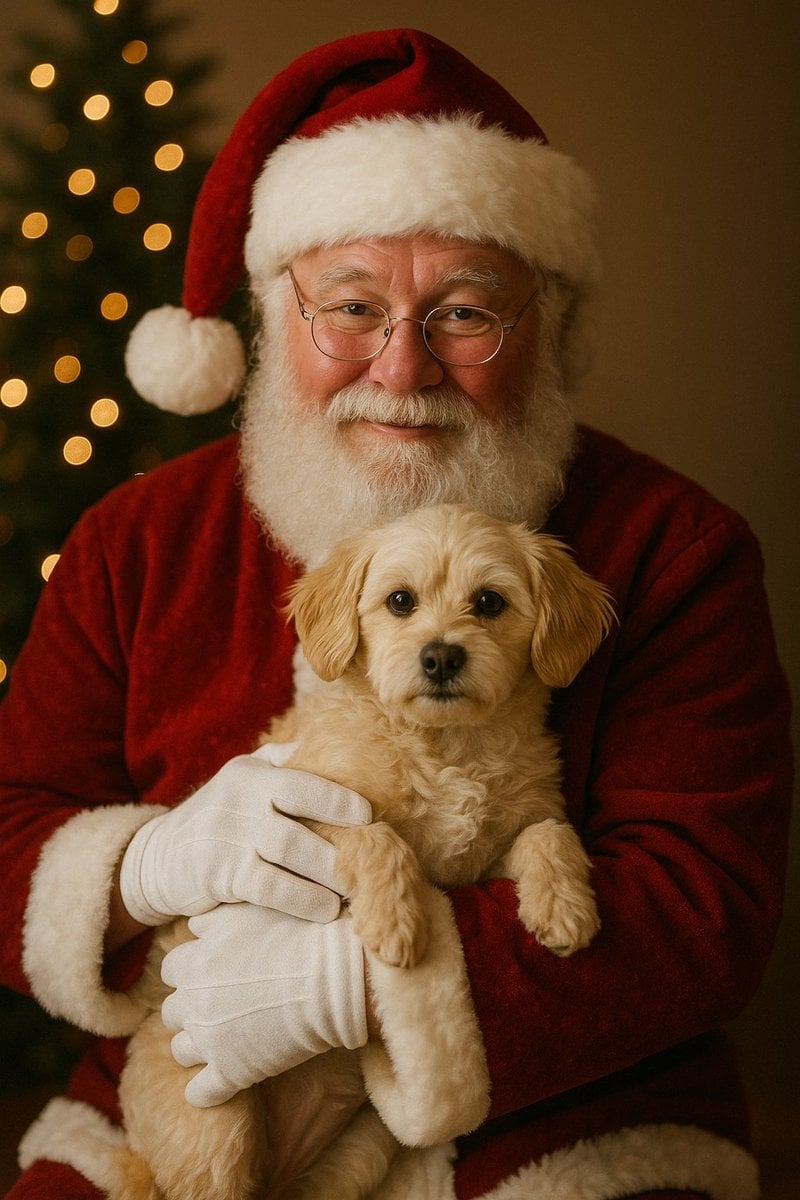
Simple Christmas dog and Santa image prompt

Simple Santa Hat Addition Prompt
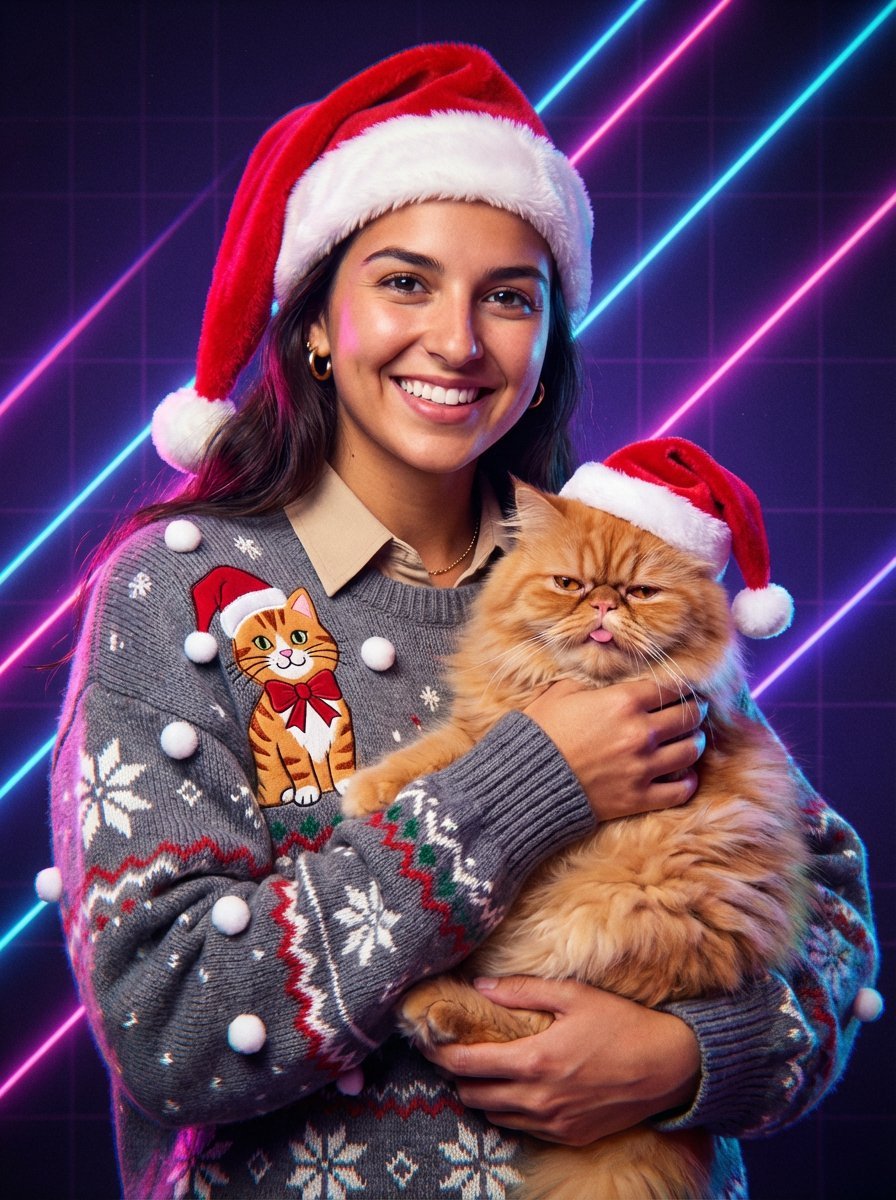
Vintage 80s Laser Portrait of Man with Cat in Santa Hats
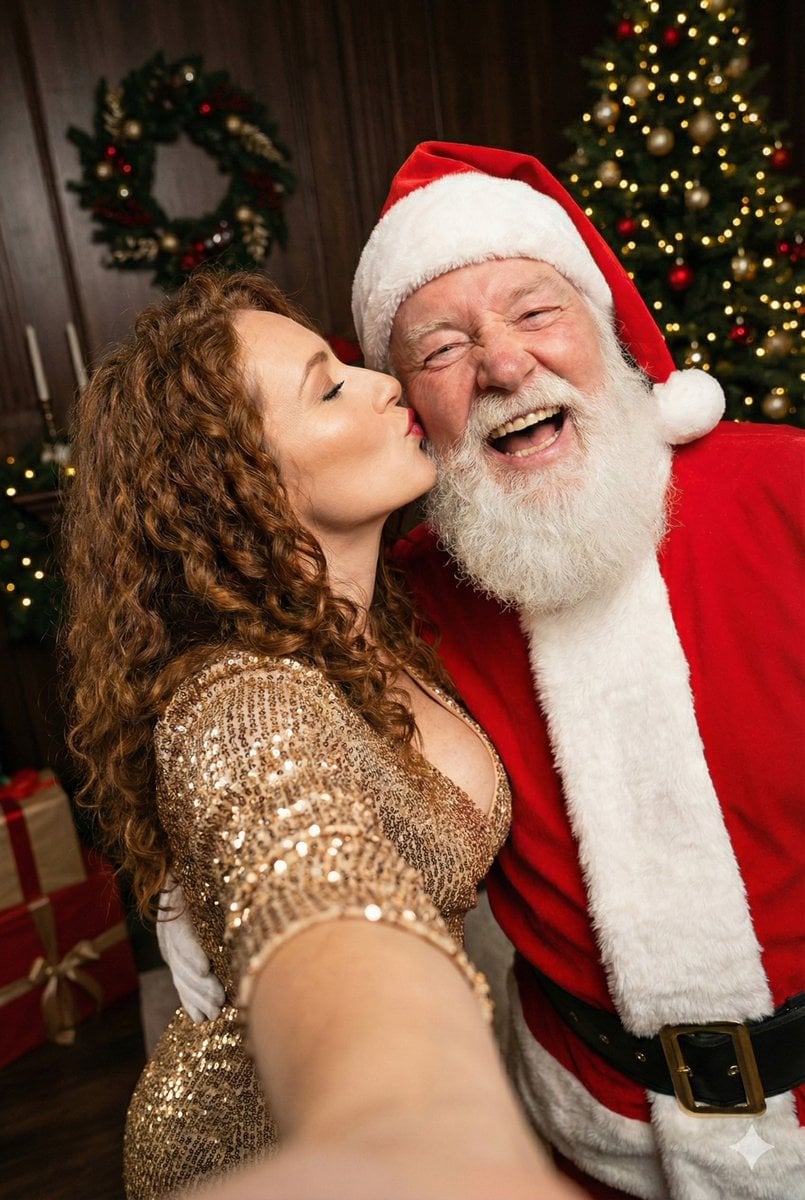
Christmas Selfie with Santa Prompt
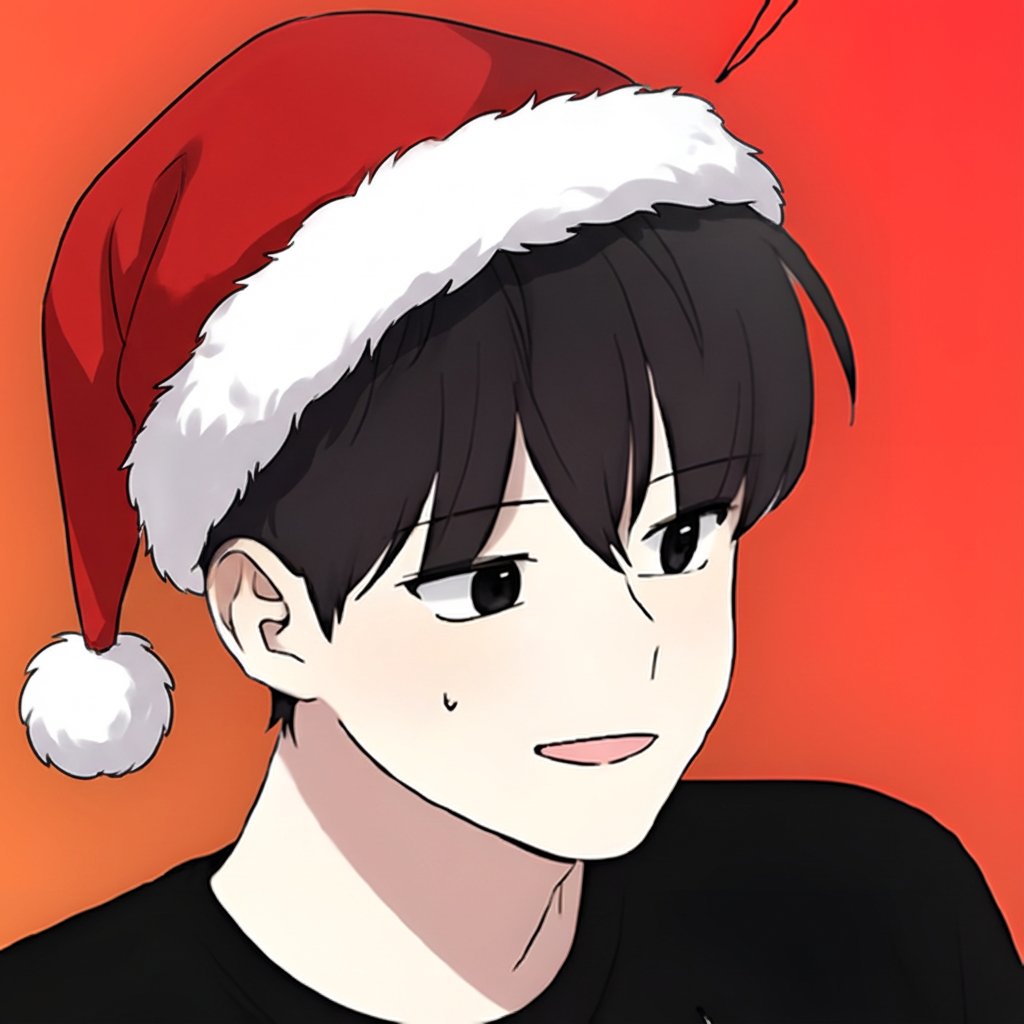
Add Santa Hat to Profile Picture (Image-to-Image)

Christmas Ornament Portrait Glossy Glass Resin Finish with Hand Painted Details Holiday Lighting
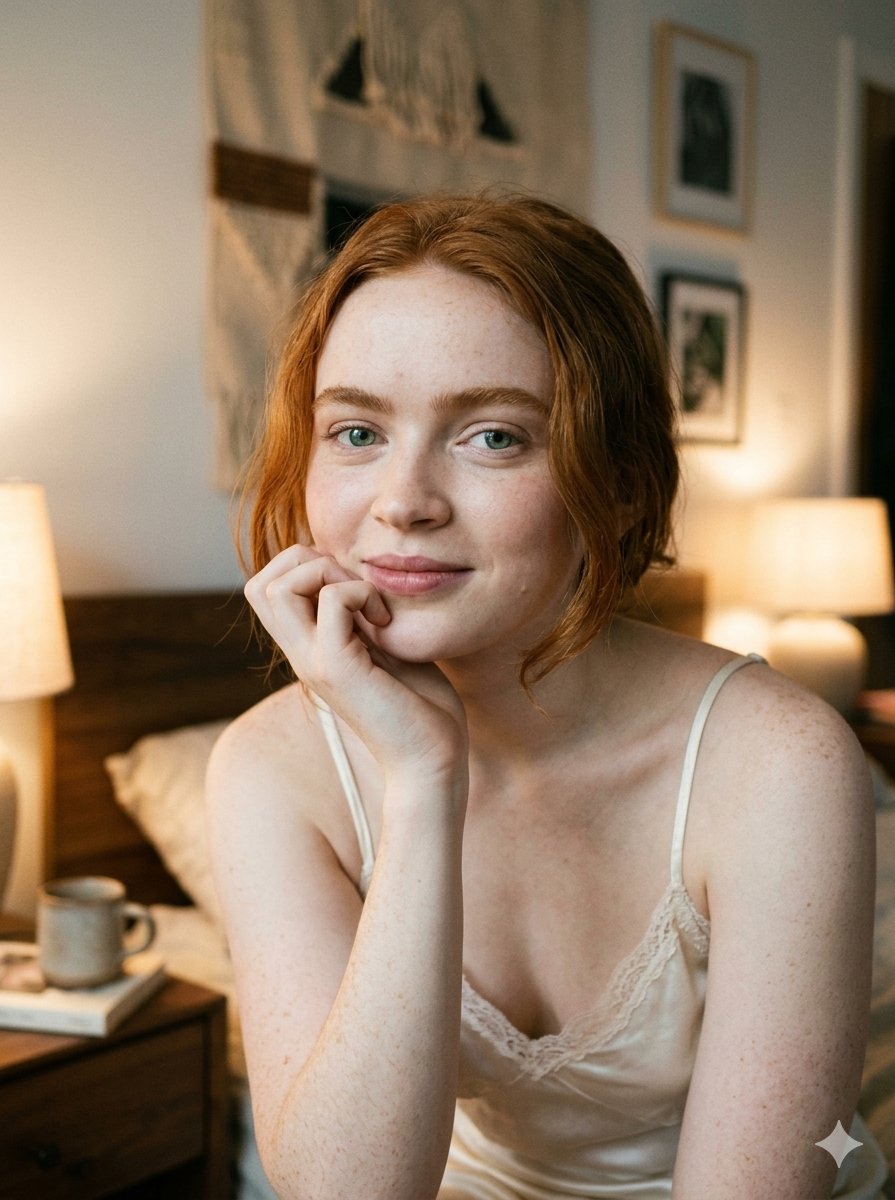
Google Nano Banana 2 — Cozy Bedroom Editorial
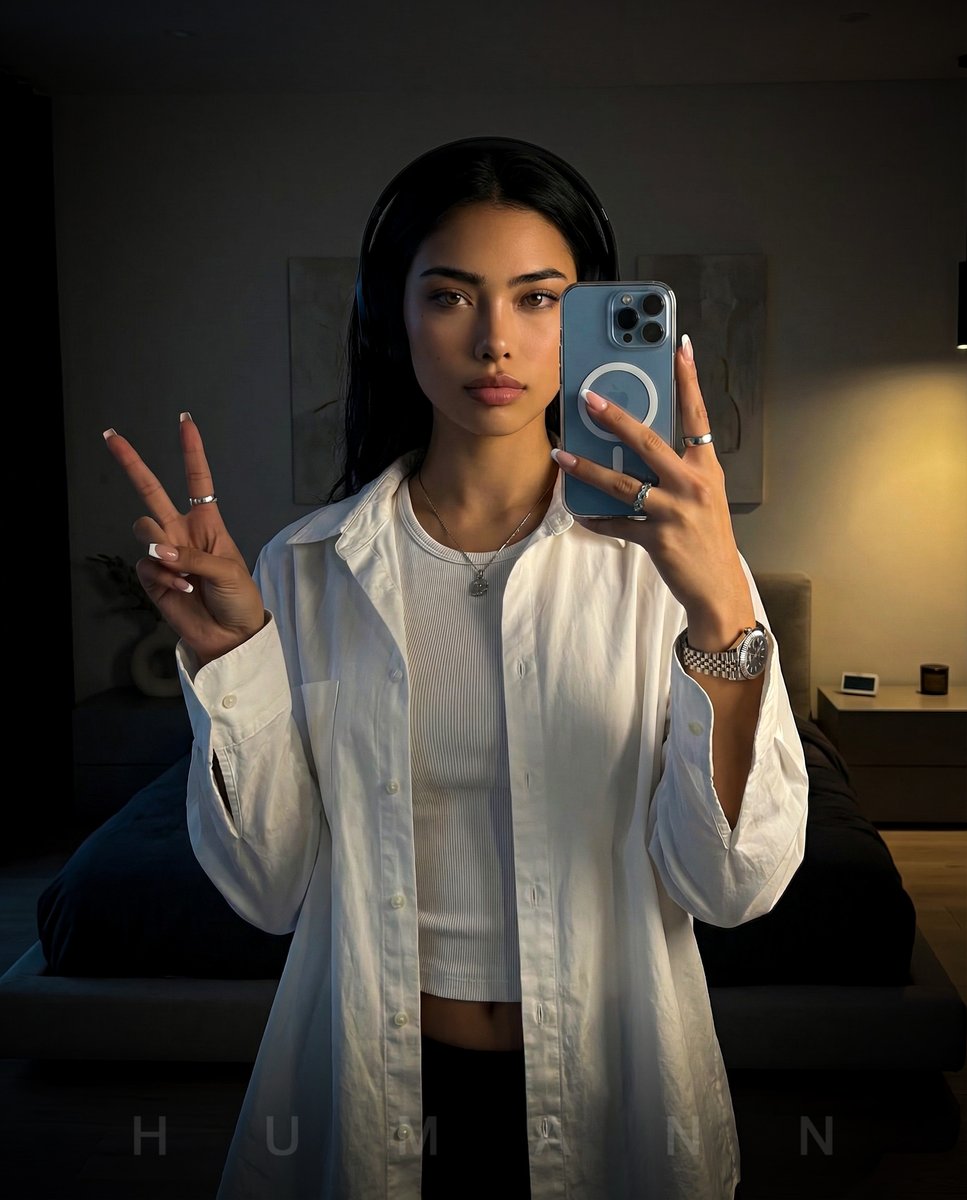
Nano Banana - Peace Sign Bedroom Selfie
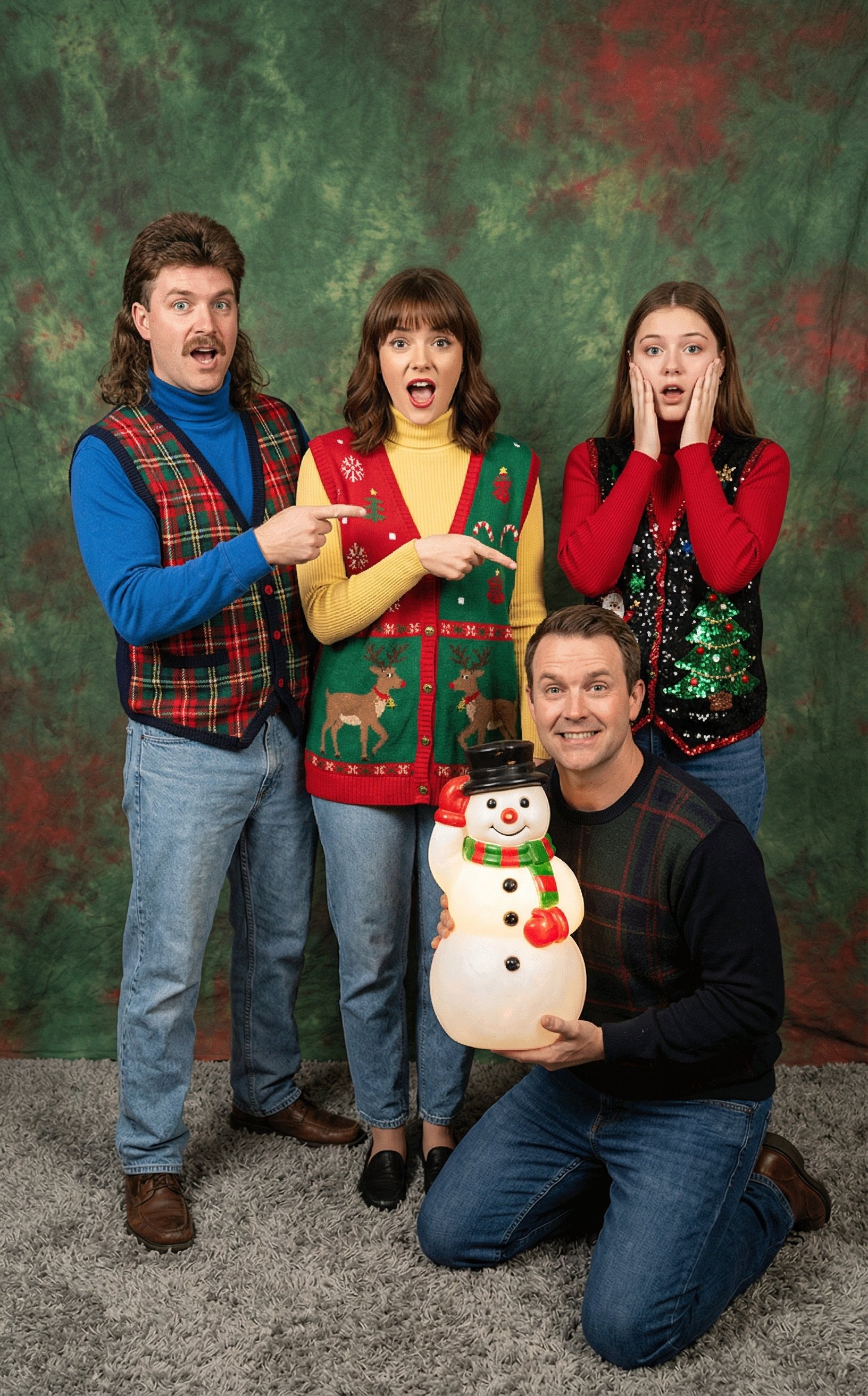
Awkward 90s Christmas Studio Portrait
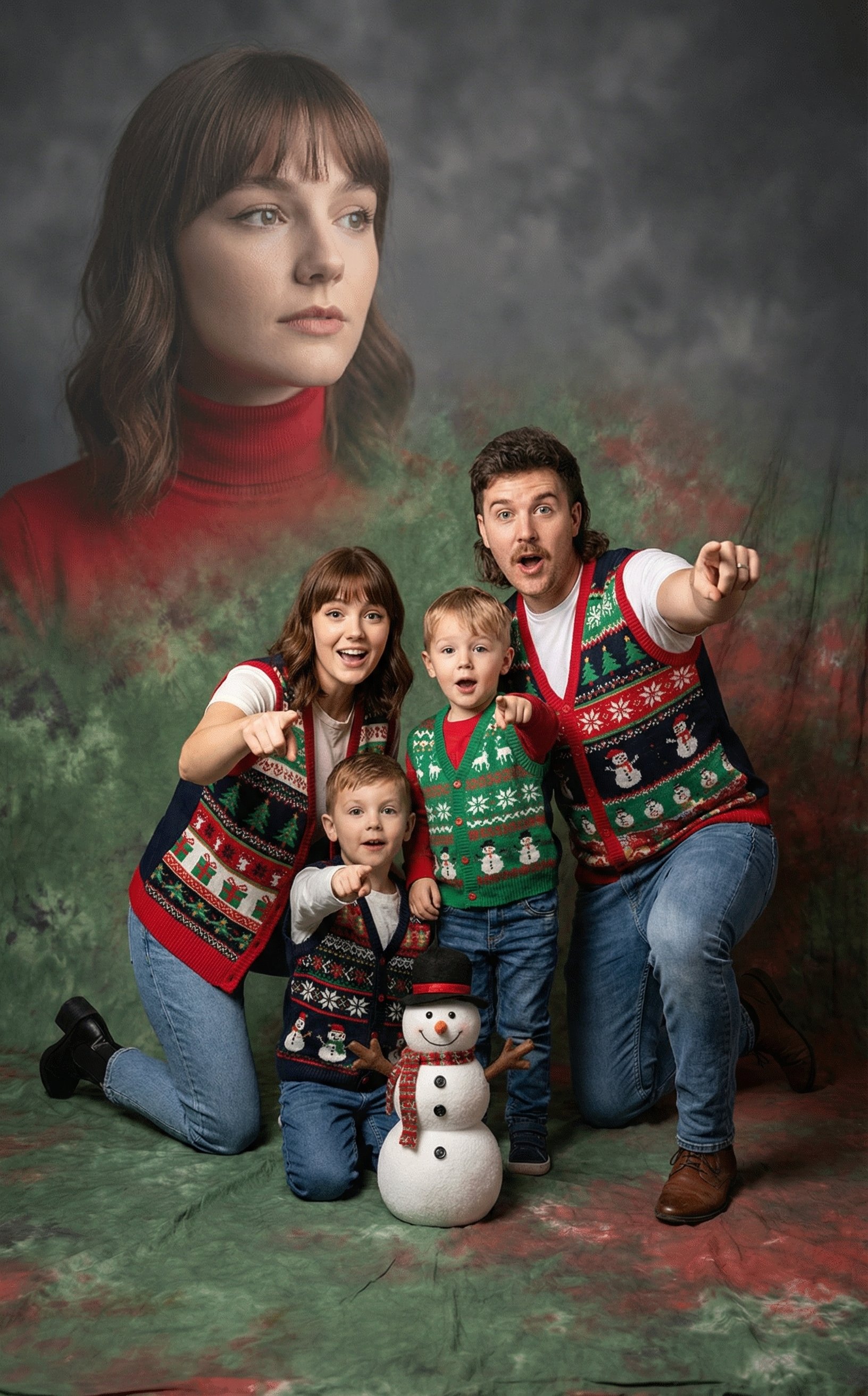
Awkward 90s Holiday Studio Portrait
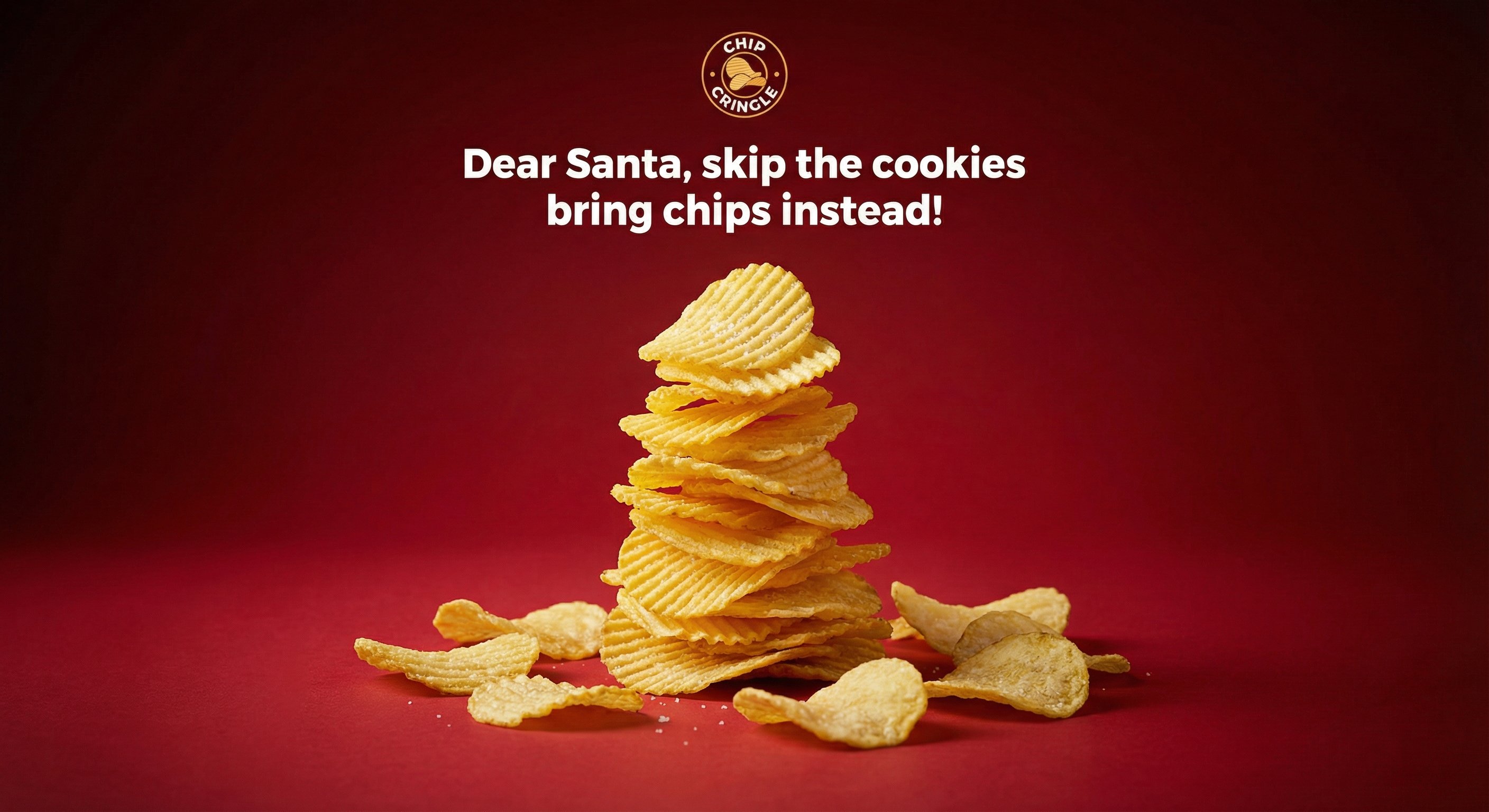
Crispy Chip Christmas Ad Template
Make it yours
Christmas Santa Hat Bedroom Pose Prompt works as-is. These are the safest ways to change it without losing the look.
Swap the setting
Keep the rest of the prompt and replace the location block. The current setting is “Bedroom interior”.
Swap the light
One lighting change is enough to compare takes. Current light: “Warm, indoor ambient lighting”.
Change one field
Copy a single group, rewrite it, and generate again so you can see what that field is doing.
| If the result… | Why | Fix |
|---|---|---|
| The result drifts from the preview | Too many fields changed at once. | Reuse Christmas Santa Hat Bedroom Pose Prompt as-is first, then change one group — subject, light, or setting. |
| Nano Banana 2 ignores part of the JSON | Some models flatten or skip nested keys. | Keep the same values and paste them as a short paragraph instead. |
More Nano Banana 2 templates
Other prompts made for Nano Banana 2.

Photorealistic Leaf Shaped Like a Dragon

K-Pop Idol Portrait Grid for Rapid Selection

Poetic Rain Forest Portrait During Golden Hour

Urban Street Portrait with Cartoon Inner Self Duo

Candid Nighttime Photo with Cat Prompt

High-Concept 3D Diorama Generation Prompt

Cinematic Futuristic Studio Portrait Template

Skincare Editorial Photography Collage Prompt

Hyper-Realistic Commercial Product Photography (Splash Effect)

Hyper-Realistic Nightclub Portrait Prompt
More image prompts
Fresh picks from across the catalog.
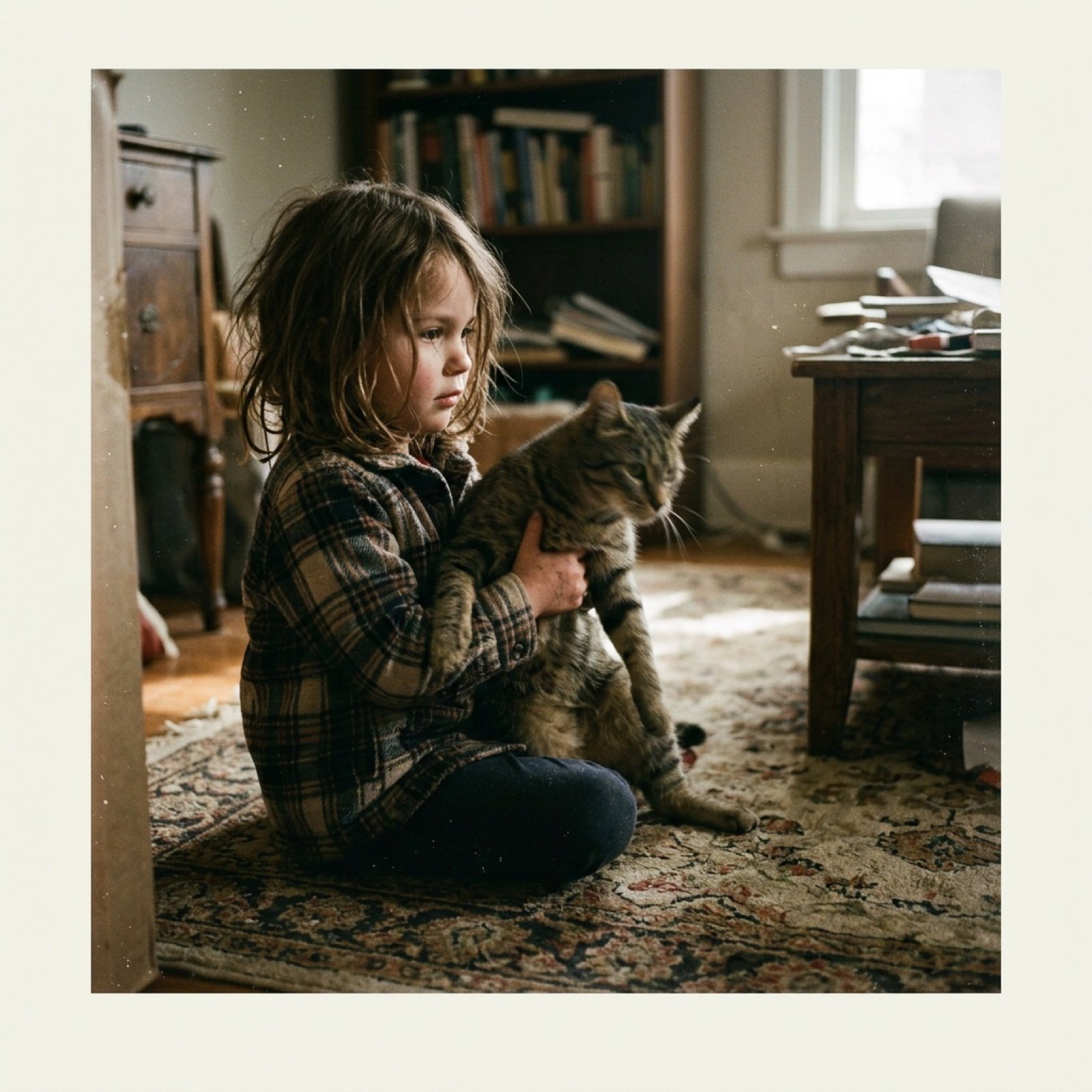
Low-Quality Disposable Camera Aesthetic for Daily Life Photos
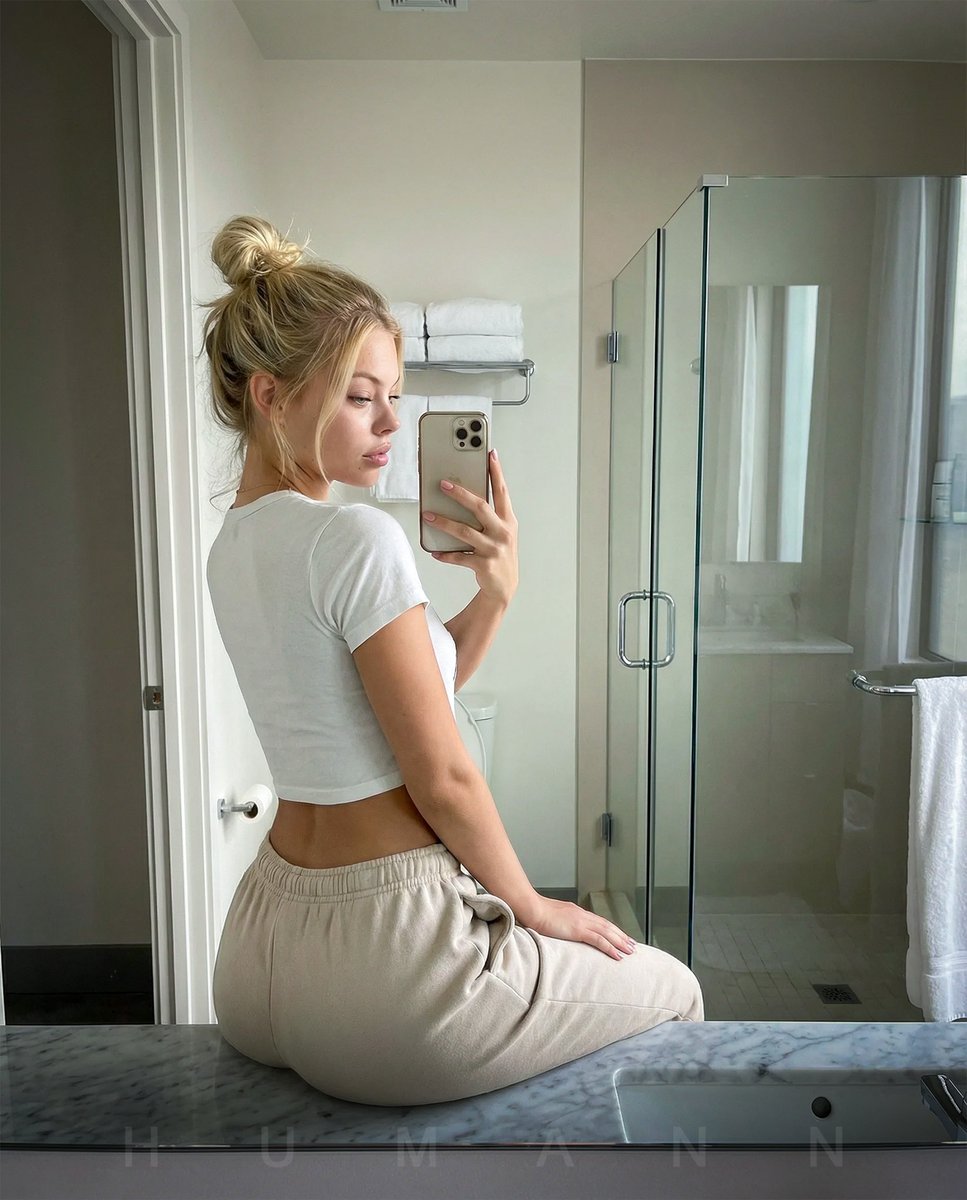
Photorealistic mirror selfie with identity lock
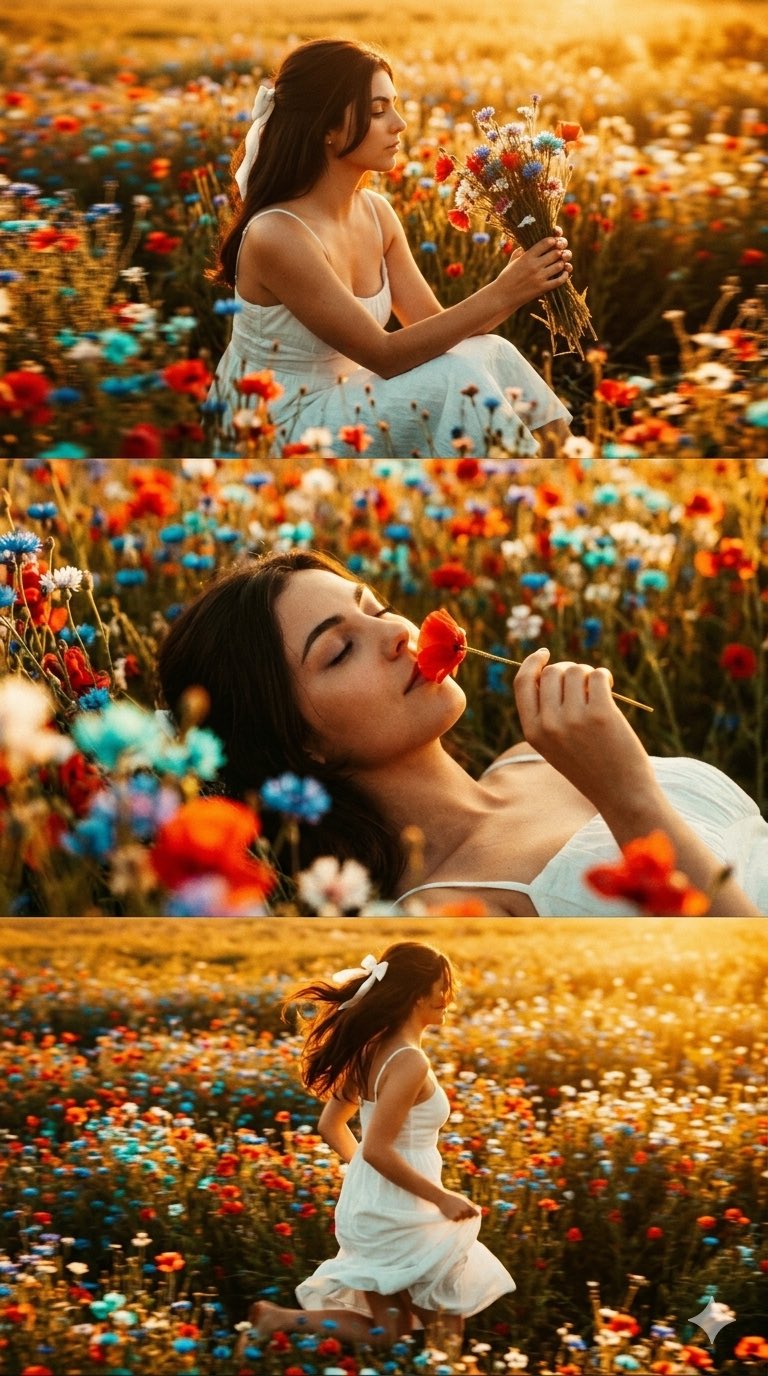
untitled
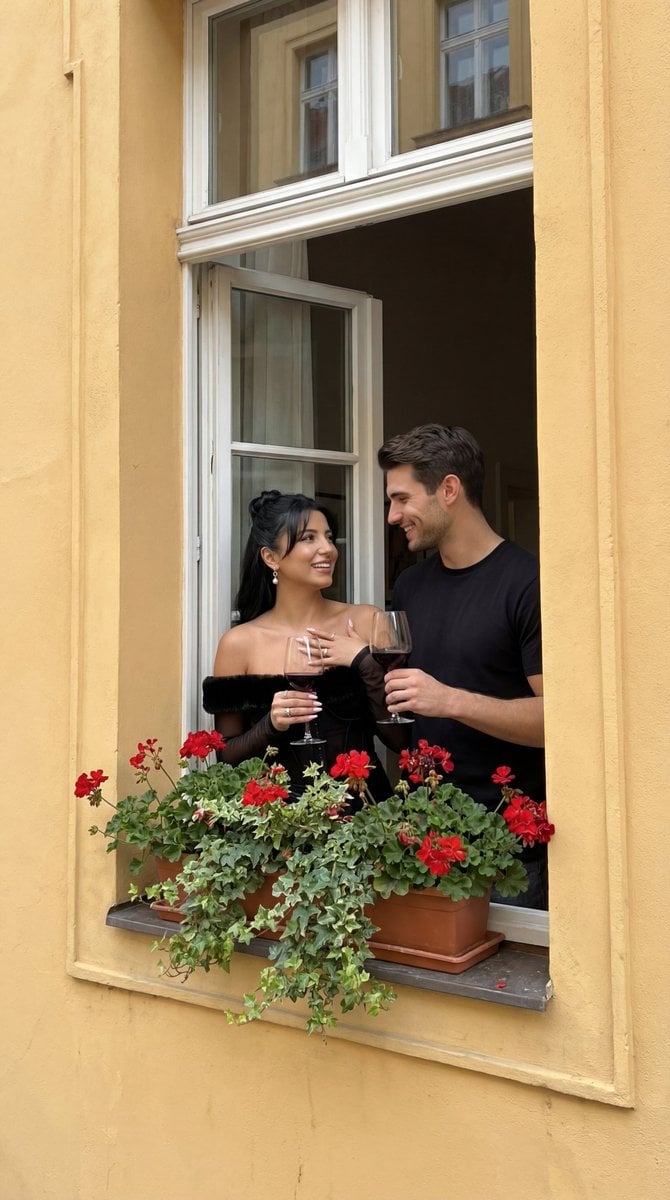
Photorealistic Architectural Edit: Couple in Window
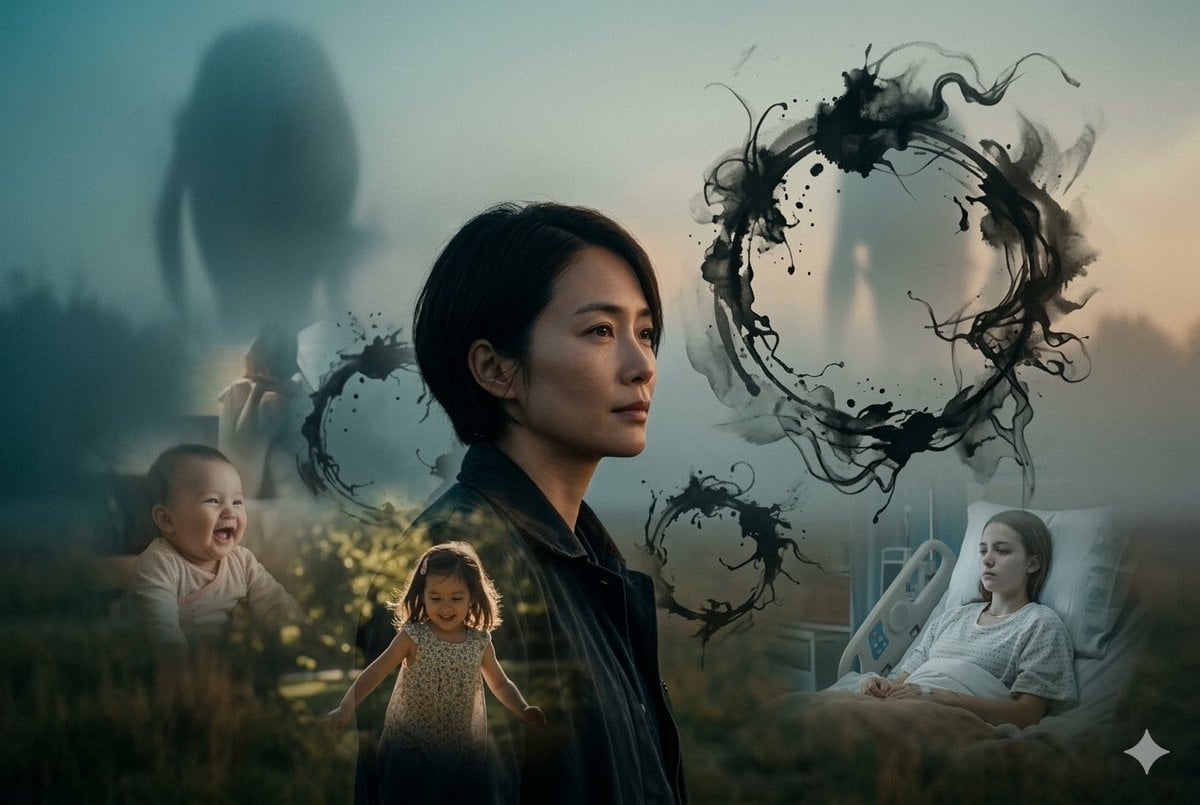
Arrival Movie AI Poster Prompt
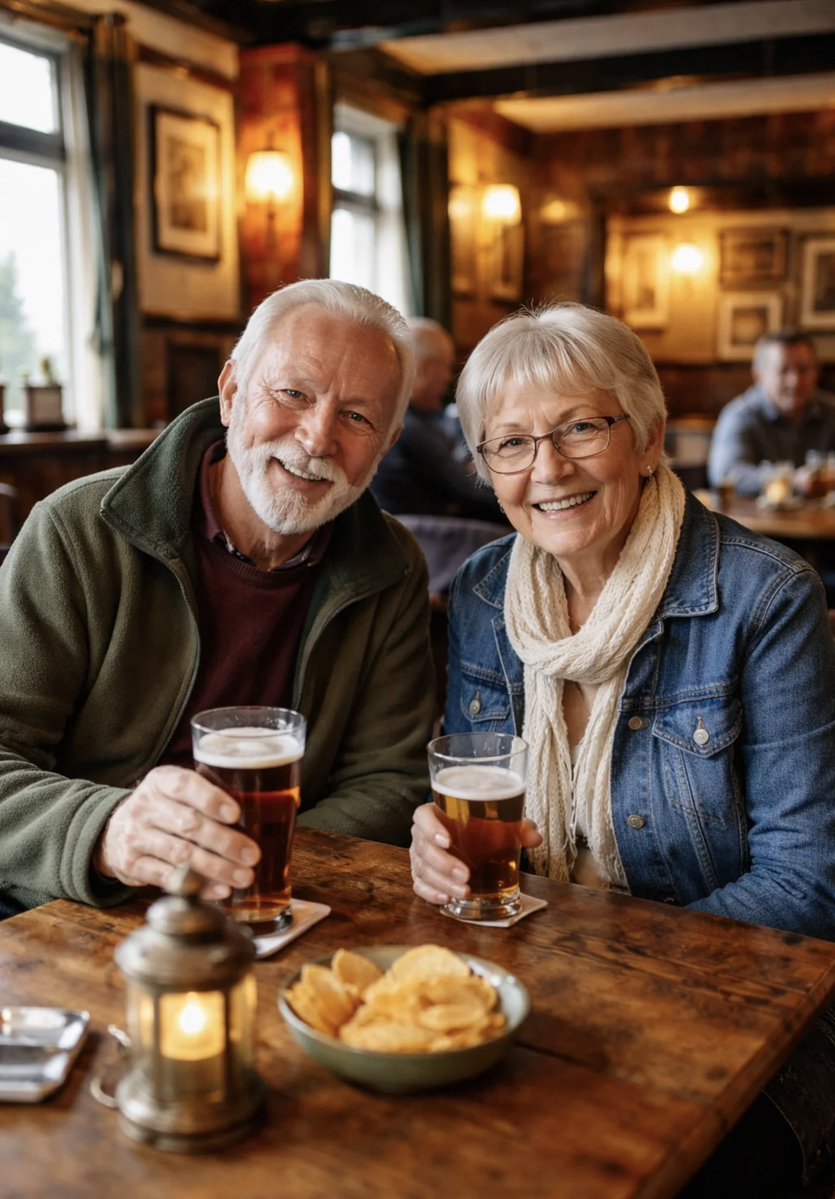
Photorealistic Older Couple in a Pub
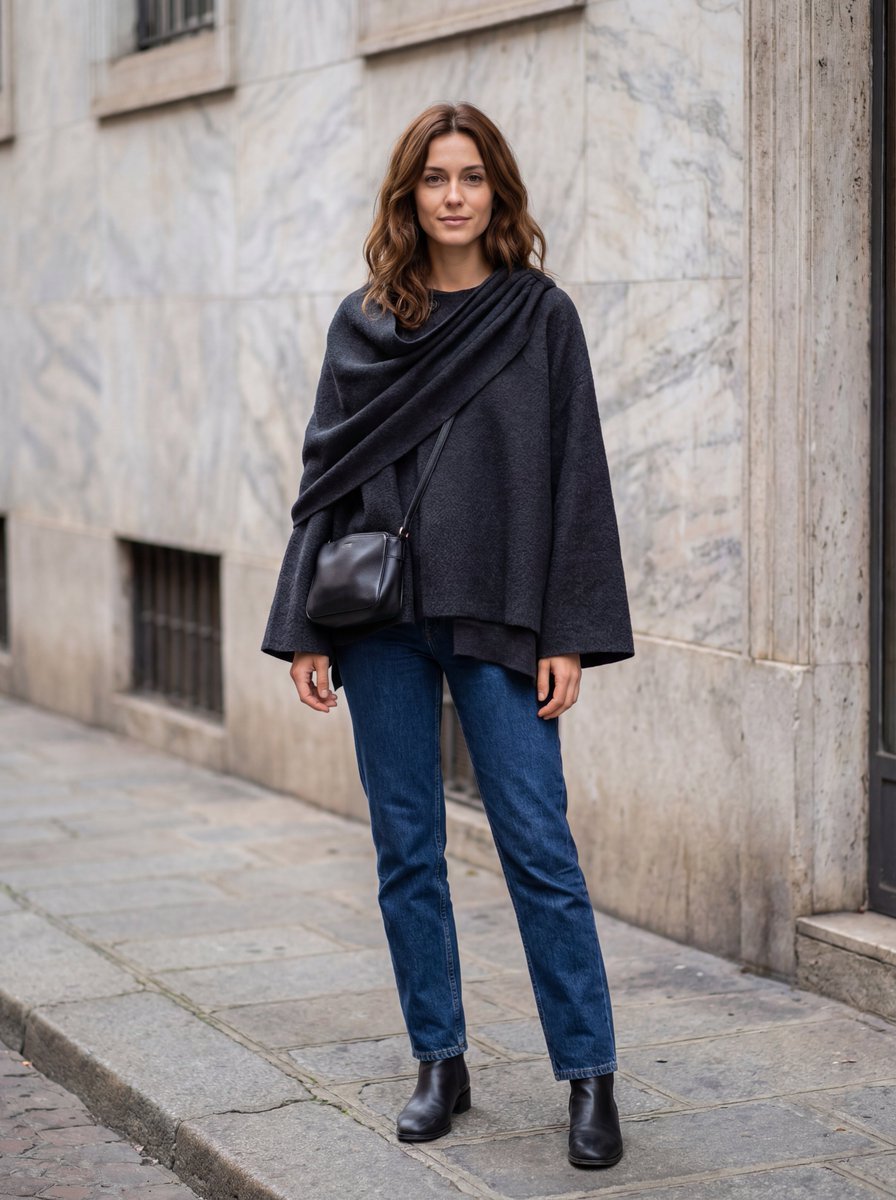
Hyper-Realistic Lifestyle Fashion Photo (Wool Poncho)
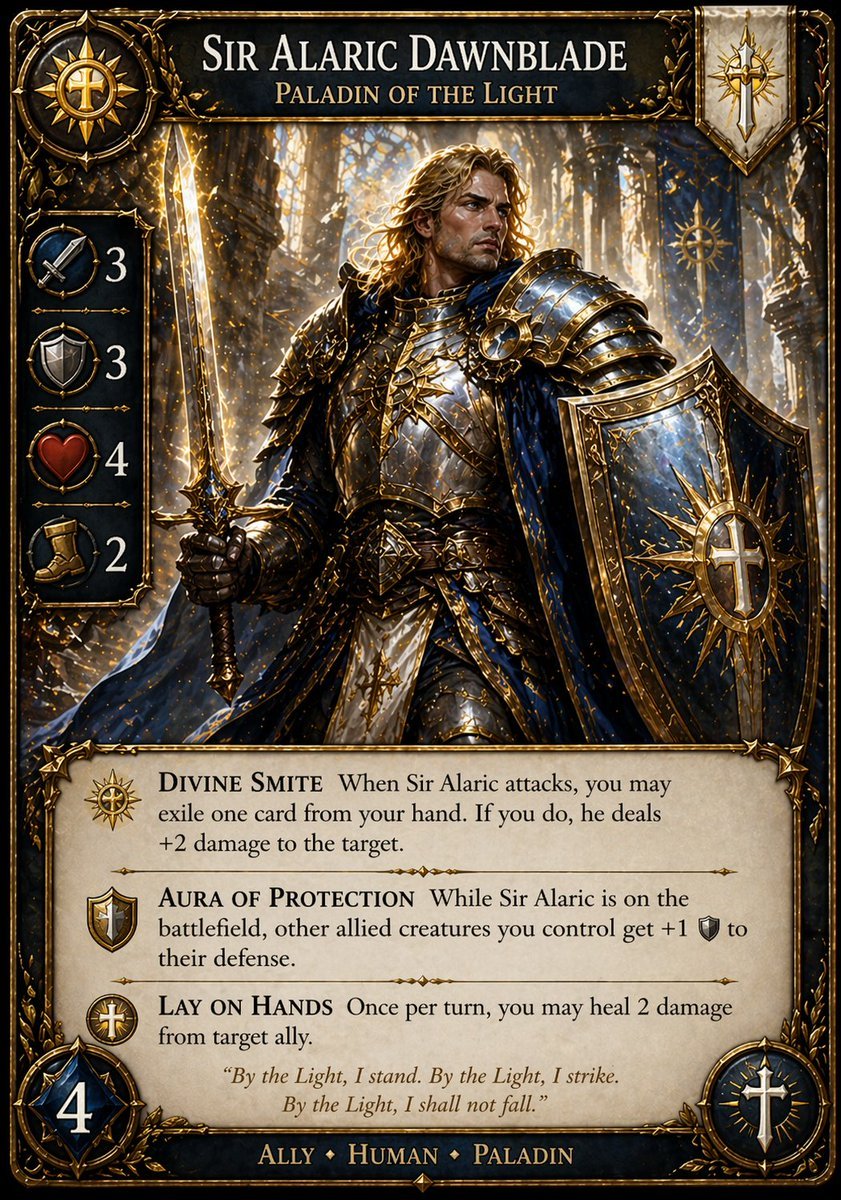
Fantasy Paladin Trading Card
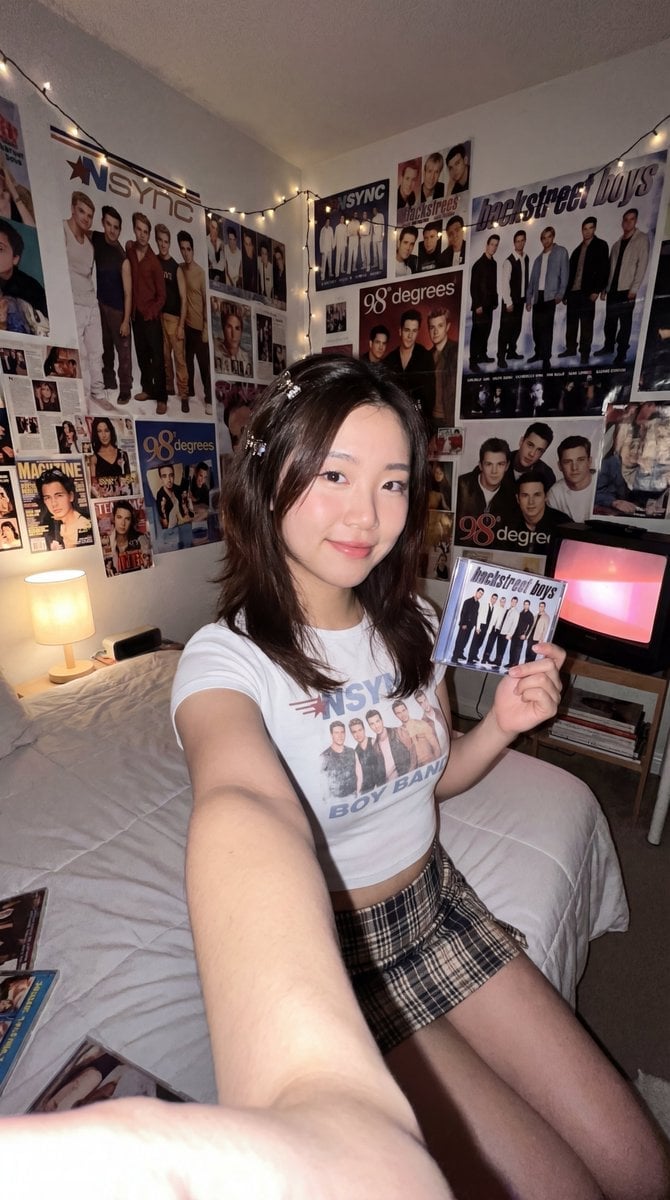
90s Fangirl Selfie Prompt (Korean Subject)
Fisheye Perspective of a Fish and Seagull
Browse template categories
Christmas Santa Hat Bedroom Pose Prompt questions
How do I use the Christmas Santa Hat Bedroom Pose Prompt template?
Add your photo if the template asks for one, edit the prompt if you like — the template's model and format are already selected — and press Generate. Your version opens in PicX Studio.
Can I customize the Christmas Santa Hat Bedroom Pose Prompt template?
Yes. You can change the subject, setting, lighting, mood, format, and available model controls before creating your image.
Is the Christmas Santa Hat Bedroom Pose Prompt template free?
Opening and editing this template is free. Generating uses credits, shown on the Generate button when you are signed in.
Which AI model should I use?
Start with Nano Banana 2, which is the model associated with this template. You can compare another compatible model for a different finish.
Looking for something else? Browse all templates.

Your photo, any look
Thousands of ready templates for every top image and video model, from one credit balance.