
Santa's most fragrant gift!
Santa's most fragrant gift! is a ready photo look.
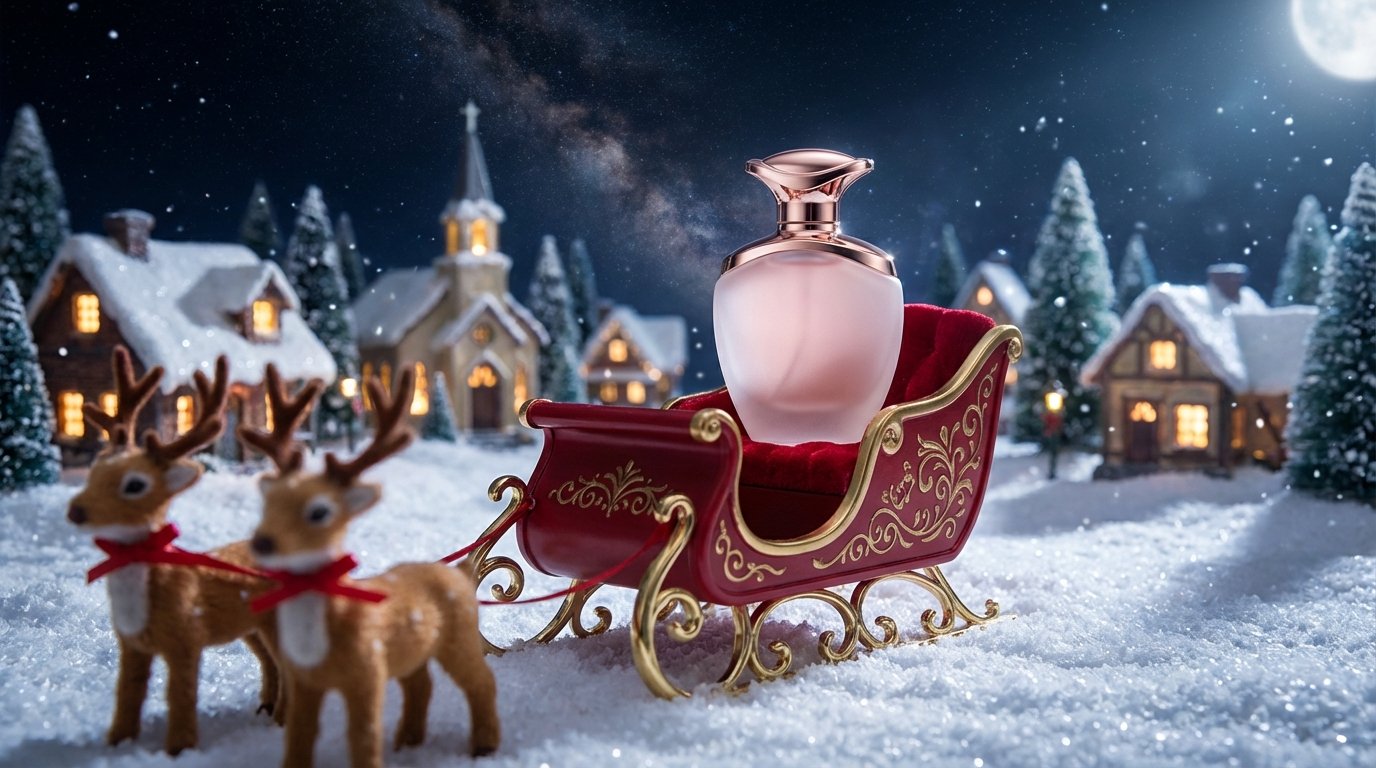
- Prompt included
- Model and format preset
- Free template
The prompt behind this image
Copy the exact prompt behind Santa's most fragrant gift!, or open it in the studio and make it yours.
A product shot of a premium perfume bottle sitting like a jewel on the seat of a ornate toy Santa's sleigh. The sleigh is gleaming red with gold trim details and rests on fresh, pristine snow. The perfume bottle is the centerpiece. Two small, slightly blurred reindeer figures are harnessed in front. The background is a magical, starry night sky above a glowing, distant Christmas village. Low angle shot to make the product look grand and imposing.
How to use Santa's most fragrant gift! in 3 steps
- 1
Open
The prompt is already in the box next to the preview, with the template's model and format selected.
- 2…a portrait of your subject in softgolden-hour light, 85mm…
Personalize
Edit the subject and creative details for your destination.
- 3Generate
Generate
Press Generate — your image is created in PicX Studio, so you can compare it with the original and refine one variable at a time.
More like this
Templates with the same subject, style or setup. Open one to see its prompt.

Christmas Ornament Portrait Glossy Glass Resin Finish with Hand Painted Details Holiday Lighting
Awkward 90s Christmas Studio Portrait
Awkward 90s Holiday Studio Portrait
Crispy Chip Christmas Ad Template
Christmas Beverage Campaign Template
Festive Couple Holiday Magic Template
Vintage Toy Fashion Portrait
Christmas Holiday Editorial Template
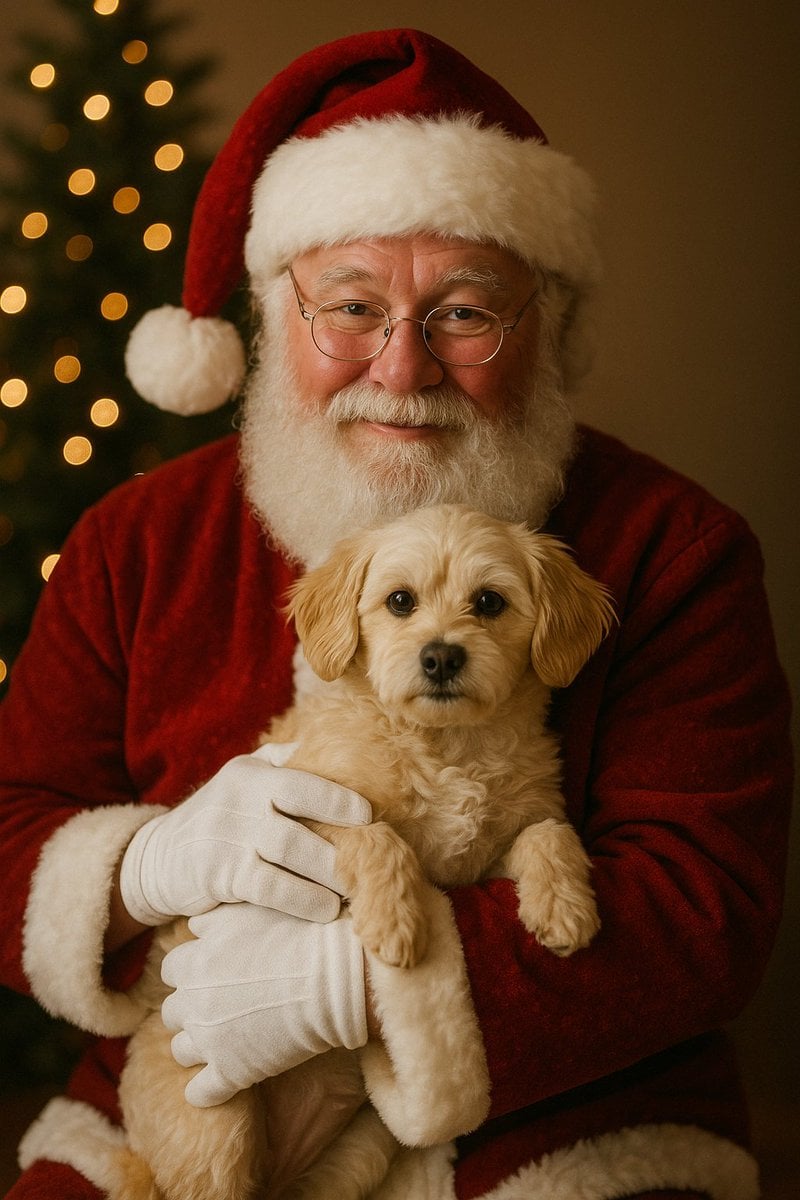
Simple Christmas dog and Santa image prompt
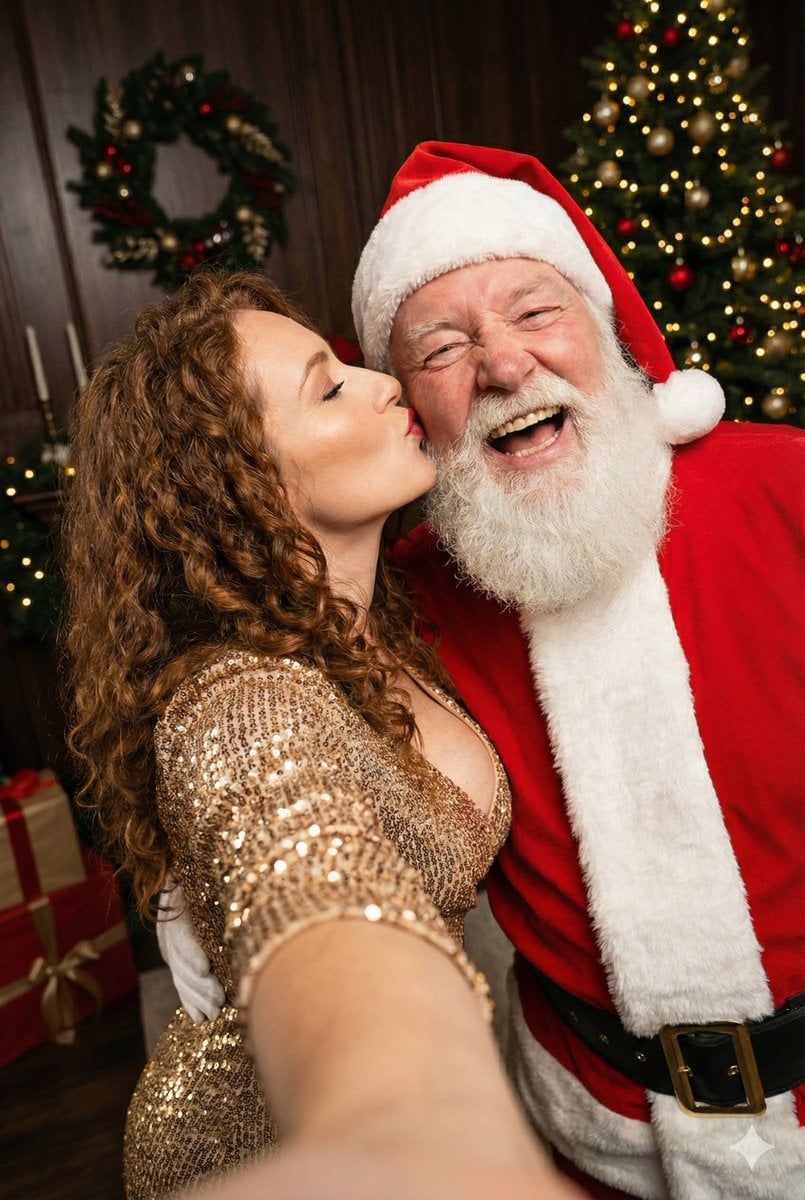
Christmas Selfie with Santa Prompt
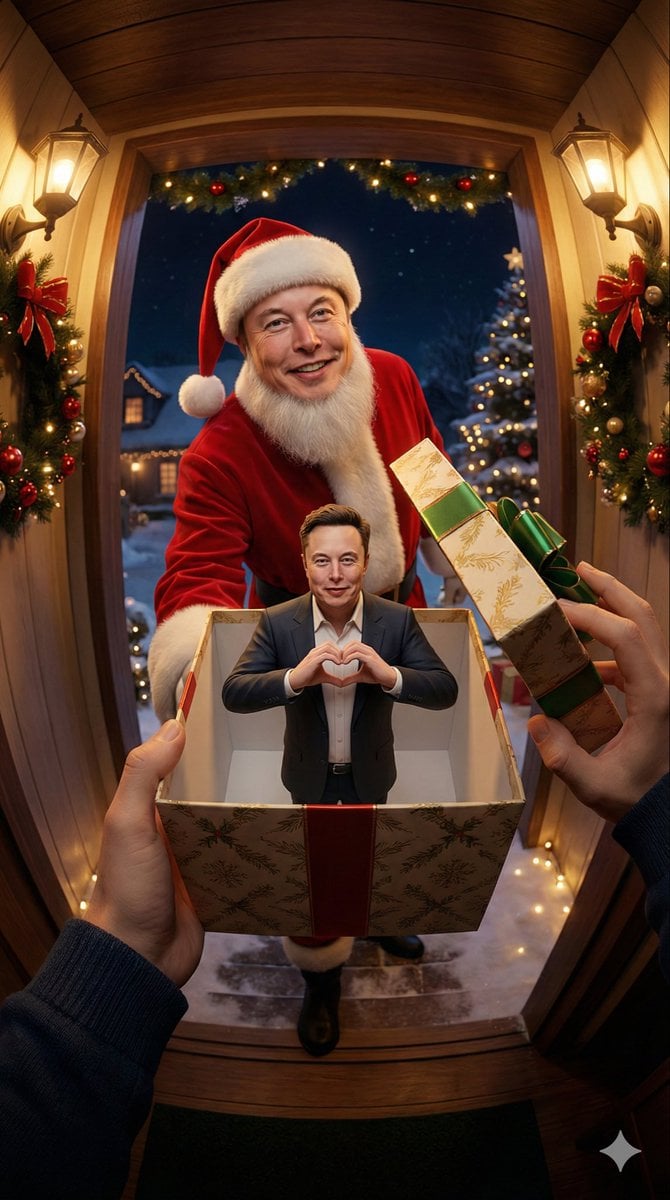
First-Person Perspective Christmas Gift Delivery with Character Model
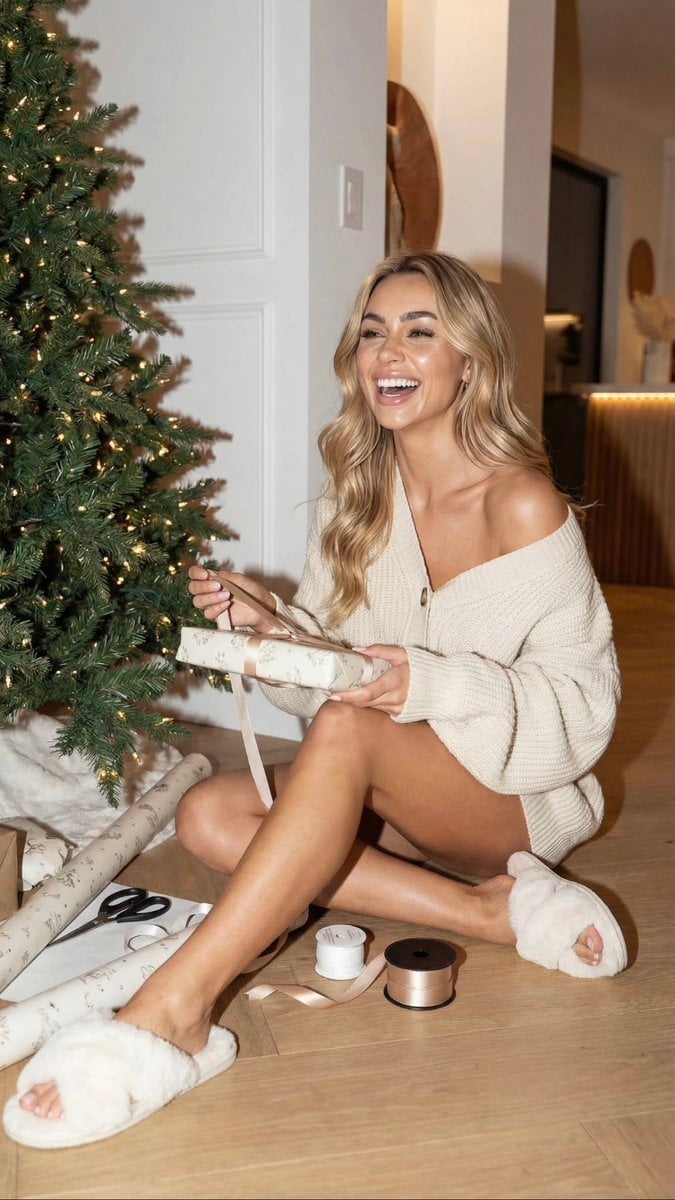
Cozy Christmas Gift Wrapping Flash Photo Prompt
Make it yours
Santa's most fragrant gift! works as-is. These are the safest ways to change it without losing the look.
Change one field
Copy a single group, rewrite it, and generate again so you can see what that field is doing.
Keep the frame, change the subject
Hold the composition and light of Santa's most fragrant gift!, then swap wardrobe, props or the person for a new take.
| If the result… | Why | Fix |
|---|---|---|
| The result drifts from the preview | Too many fields changed at once. | Reuse Santa's most fragrant gift! as-is first, then change one group — subject, light, or setting. |
| The model over-stylizes the scene | The prose prompt leaves finish and camera underspecified. | Add one camera or lighting sentence and stay on PicX Studio. |
More image prompts
Fresh picks from across the catalog.
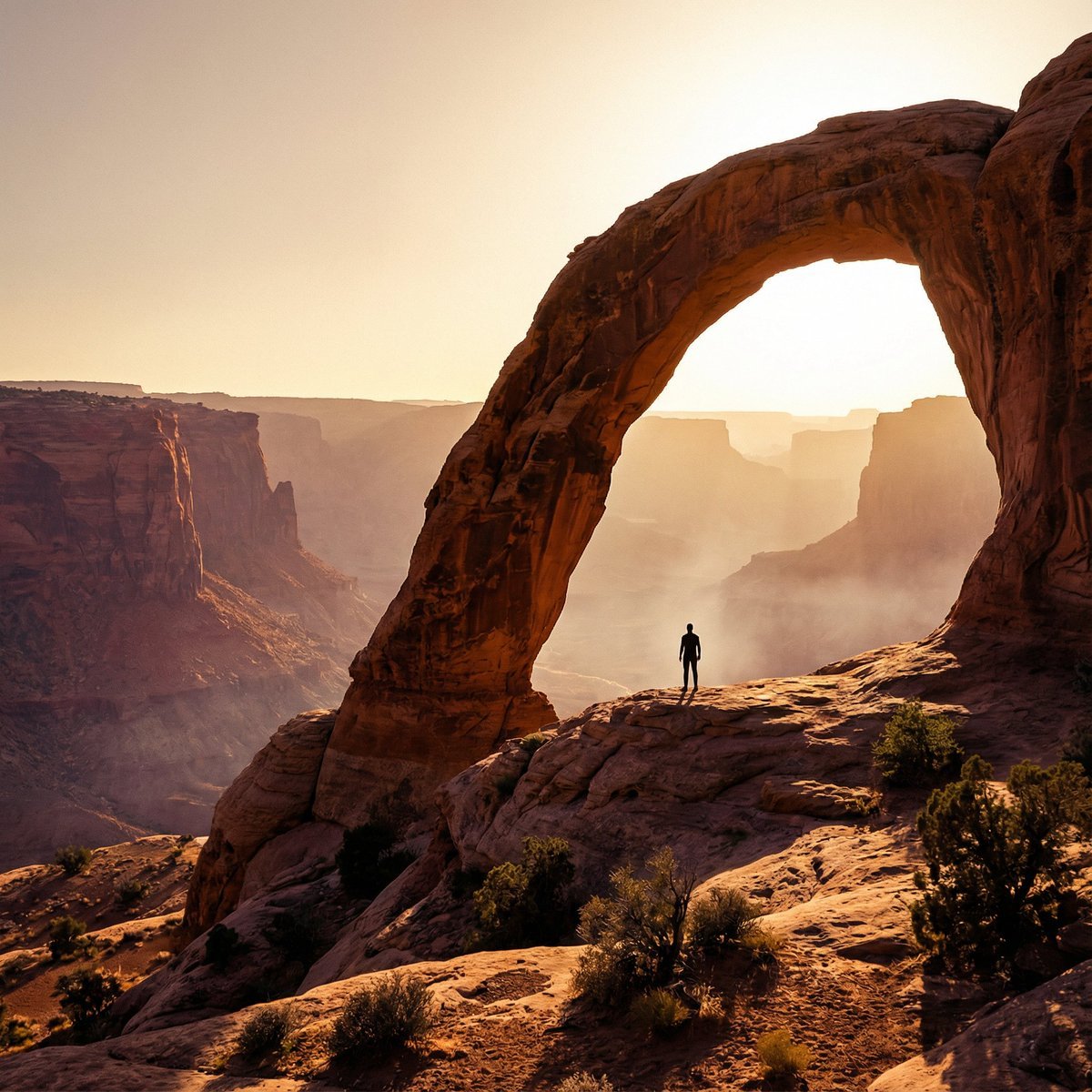
Monumental Desert Canyon Silhouette
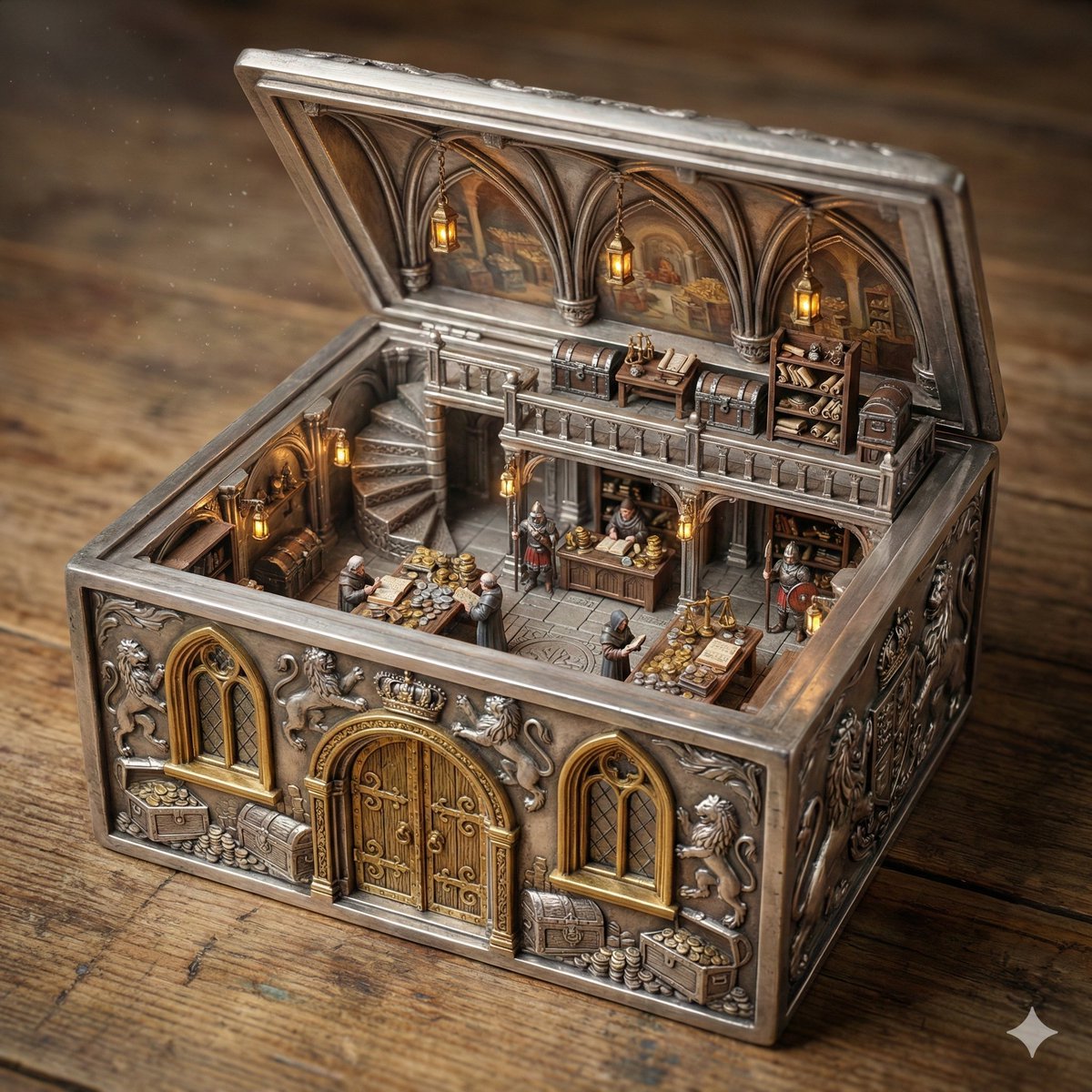
Ornate Box Diorama of a Royal Treasury Counting Room
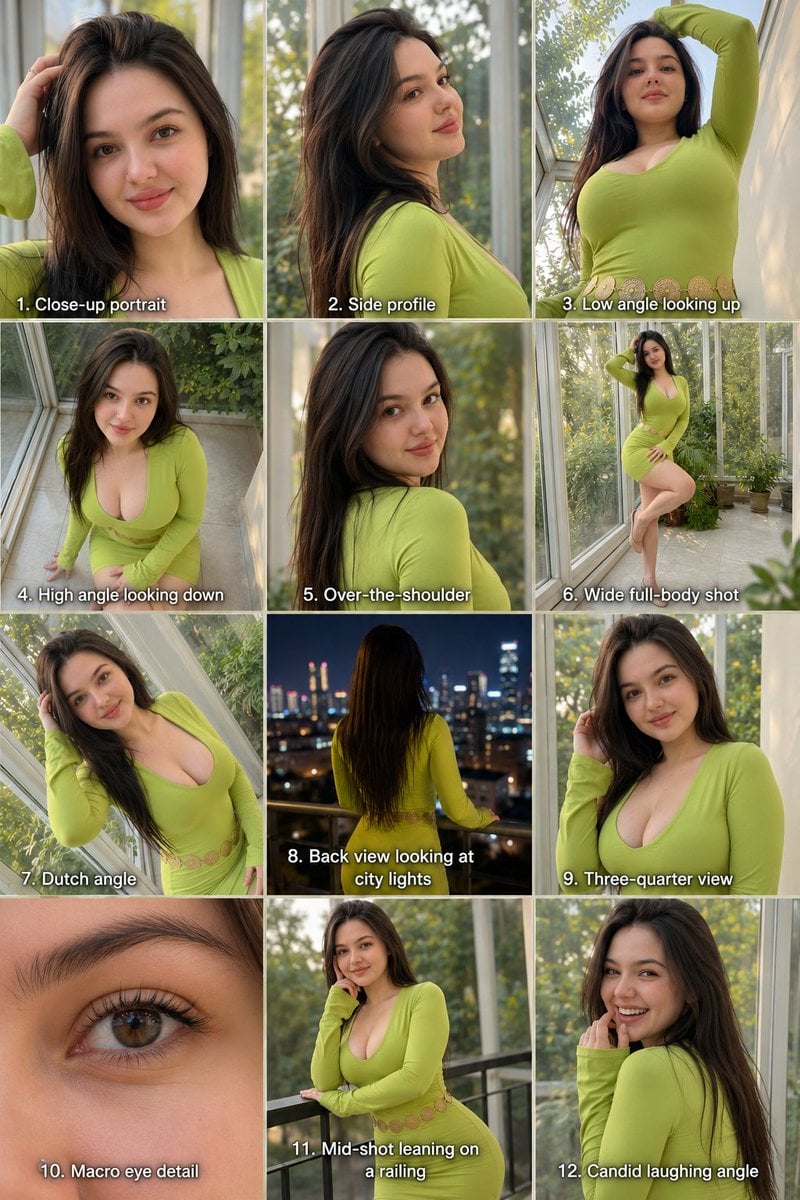
Twelve Angle Multi-View Face Grid
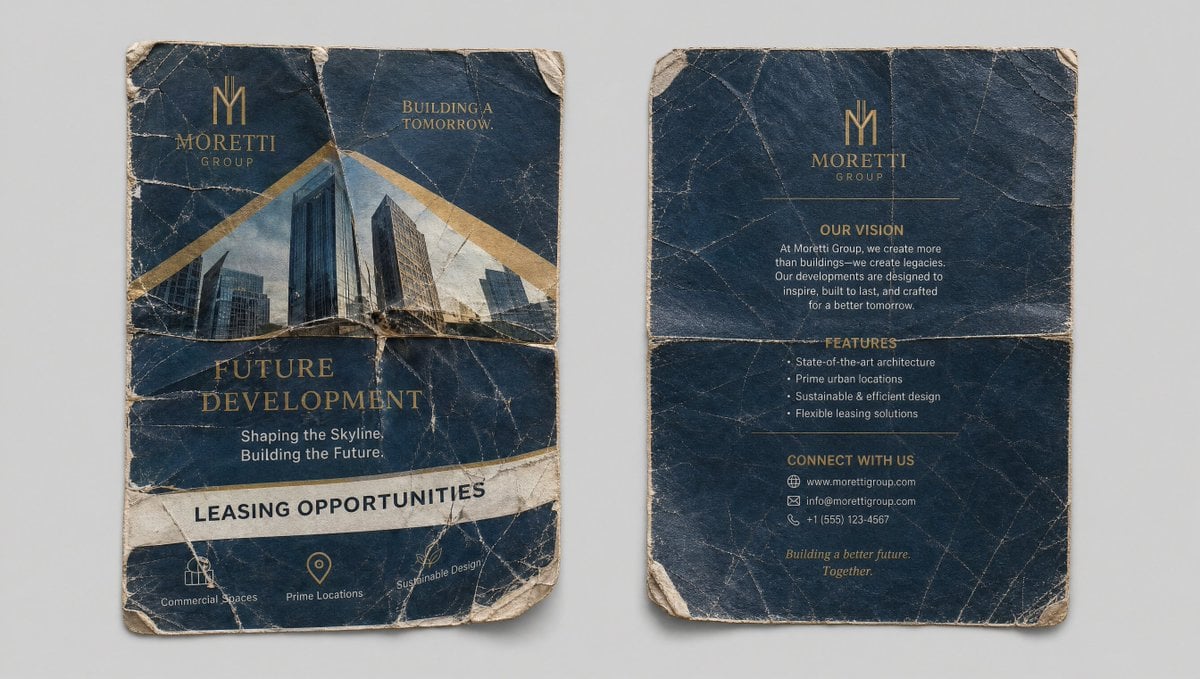
Crumpled Flyer Reference Sheet
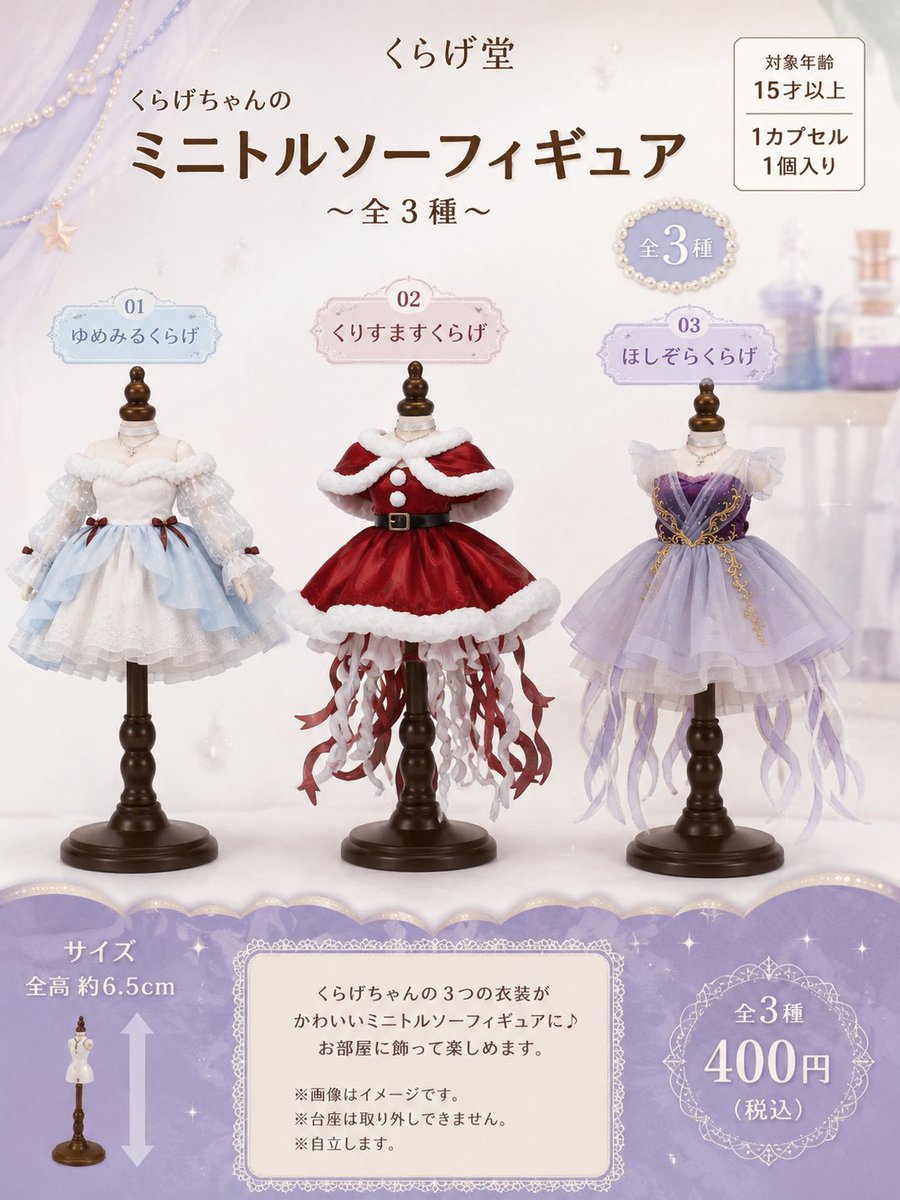
Jellyfish Torso Figure Poster

Museum High Fashion Editorial
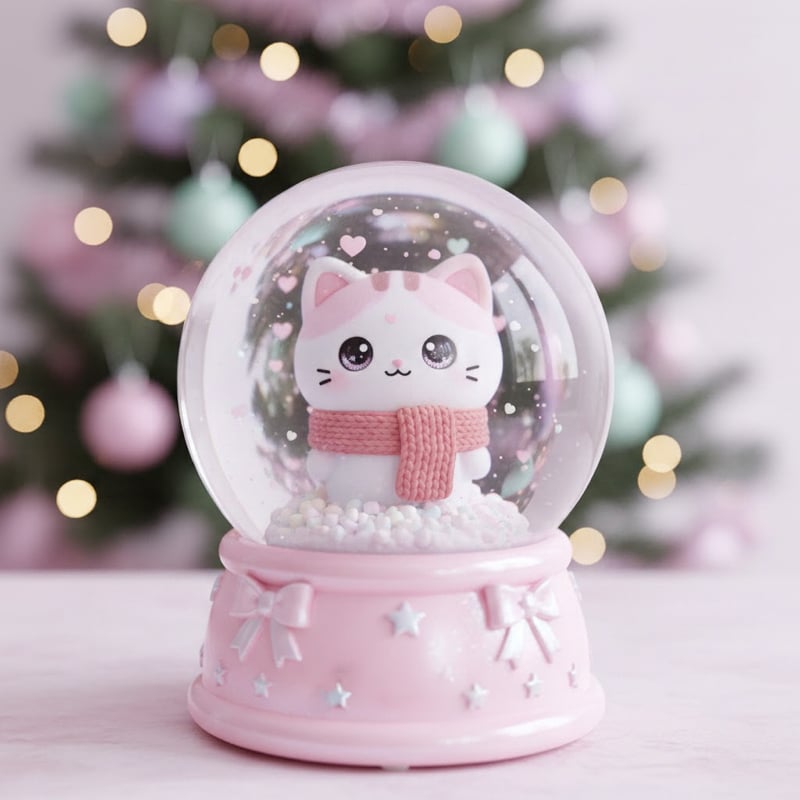
Kawaii Character Snow Globes

The Ultimate Nano Banana Pro Master Prom
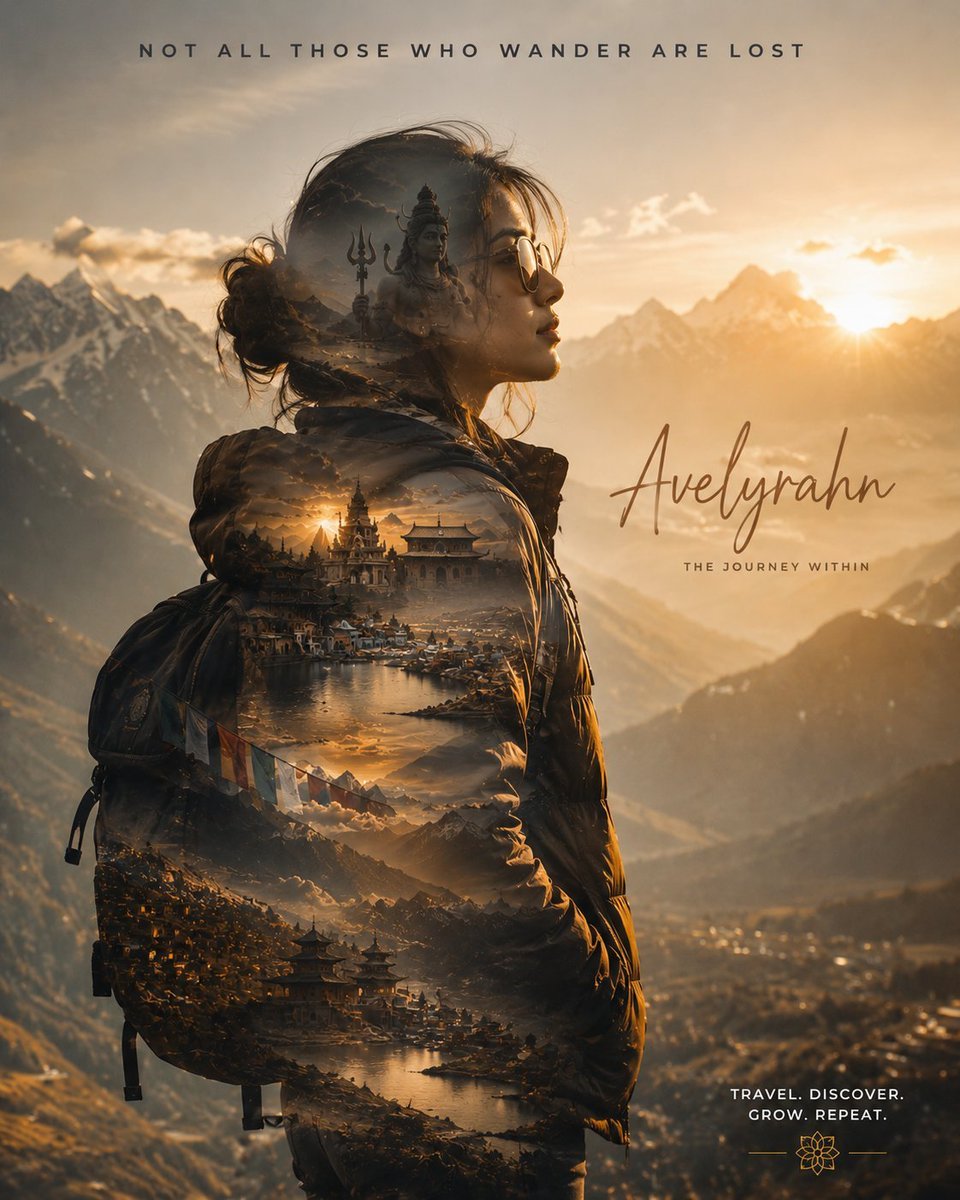
Double Exposure Spiritual Travel Poster
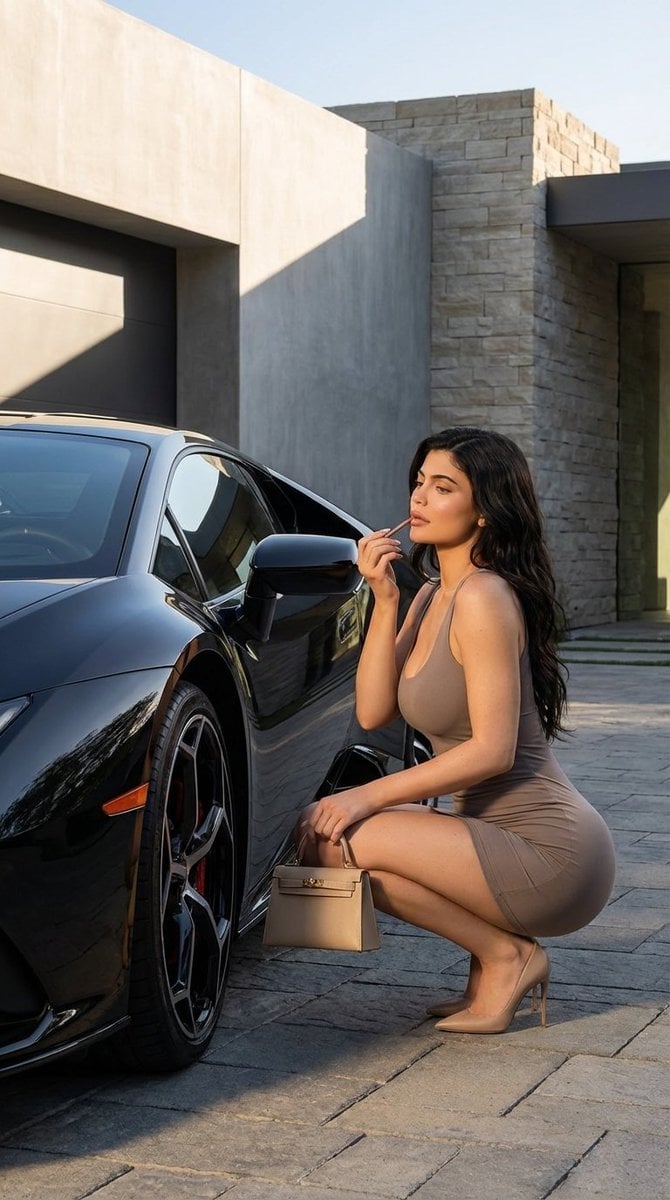
Luxury Photoshoot Prompt with Sports Car and Face Preservation
Browse template categories
Santa's most fragrant gift! questions
How do I use the Santa's most fragrant gift! template?
Add your photo if the template asks for one, edit the prompt if you like — the template's model and format are already selected — and press Generate. Your version opens in PicX Studio.
Can I customize the Santa's most fragrant gift! template?
Yes. You can change the subject, setting, lighting, mood, format, and available model controls before creating your image.
Is the Santa's most fragrant gift! template free?
Opening and editing this template is free. Generating uses credits, shown on the Generate button when you are signed in.
Which AI model should I use?
Choose a compatible model in PicX Studio based on the style, speed, and output controls your project needs.
Looking for something else? Browse all templates.

Your photo, any look
Thousands of ready templates for every top image and video model, from one credit balance.