
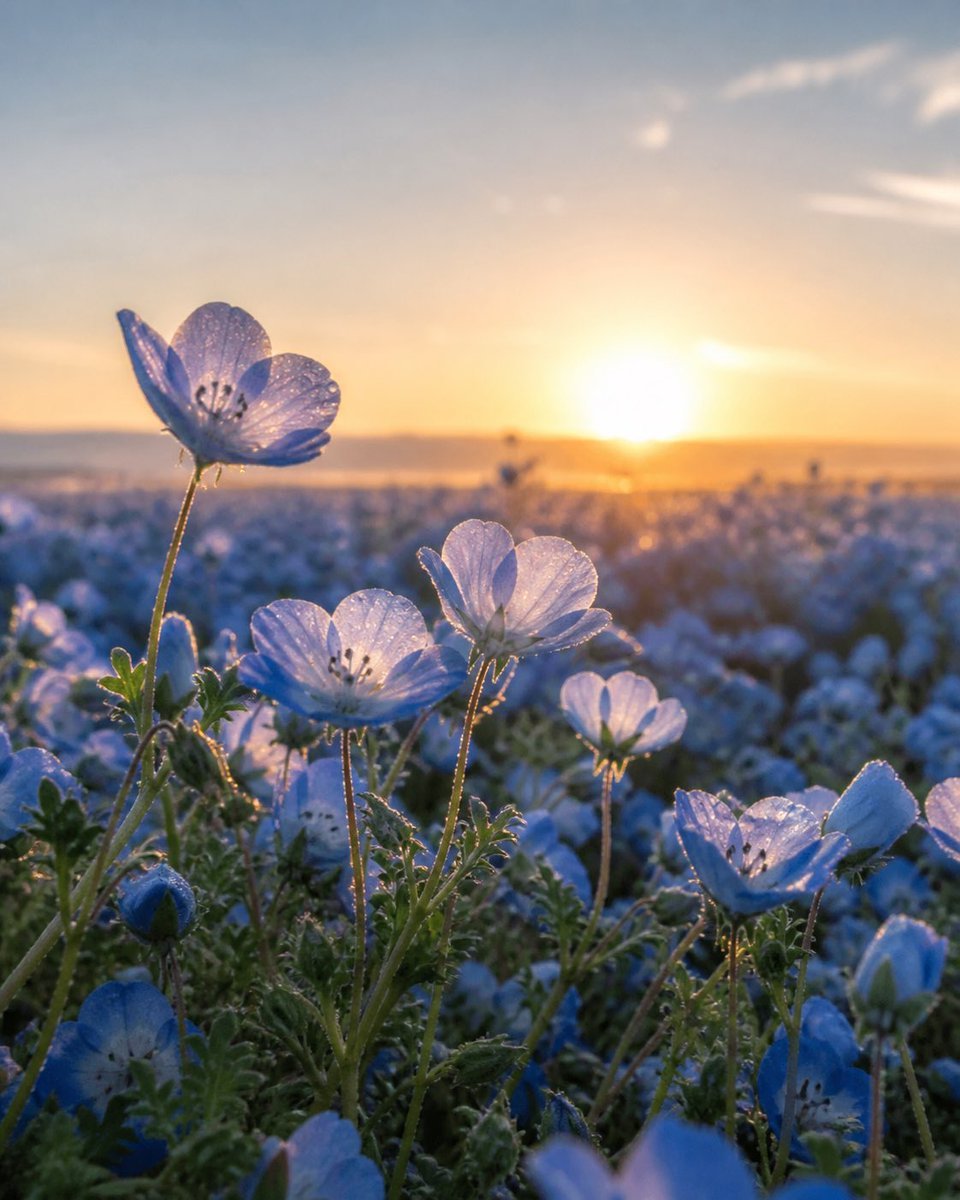
Dewy Nemophila Sunrise Macro
A photorealistic close-up prompt for creating dreamy backlit nemophila flower field imagery at golden-hour sunrise.
- Prompt included
- Model and format preset
- Free template
The prompt behind this image
Copy the exact prompt behind Dewy Nemophila Sunrise Macro, or open it in the studio and make it yours.
Create a vertical close-up photorealistic macro image of a vast {argument name="flower type" default="nemophila baby blue eyes"} field at sunrise. The camera is placed very low among the plants, focusing on exactly 5 prominent open pale-blue flowers in the foreground: 1 tall blossom on the upper left with translucent petals, 1 open blossom near the lower center-left, 1 backlit blossom in the center, 1 smaller glowing blossom mid-right, and 1 larger open blossom on the lower right; include exactly 2 visible closed blue buds near the lower left and lower right. The petals are delicate, semi-transparent, softly veined, and covered with tiny sparkling dew droplets; thin green stems and fuzzy serrated leaves catch golden rim light. The background is a wide sea of blurred blue flowers stretching to a distant horizon, with a warm orange sun sitting low near the center-right, creating strong backlighting, lens glow, and dreamy bokeh. Use a shallow depth of field, cinematic golden-hour lighting, natural colors, gentle haze, and a serene spring atmosphere. Shot as if with a macro lens, intimate foreground detail, soft distant landscape, no people, no buildings, no text. Aspect ratio {argument name="aspect ratio" default="3:4 vertical"}, mood {argument name="mood" default="peaceful and ethereal"}.
How to use Dewy Nemophila Sunrise Macro in 3 steps
- 1Upload ImagePNG, JPG or paste
Add your photo
Upload the photo the template builds on. The prompt, model and format are already set.
- 2…a portrait of your subject in softgolden-hour light, 85mm…
Personalize
Edit the subject and creative details for your destination.
- 3Generate
Generate
Press Generate — your image is created in PicX Studio, so you can compare it with the original and refine one variable at a time.
More like this
Templates with the same subject, style or setup. Open one to see its prompt.
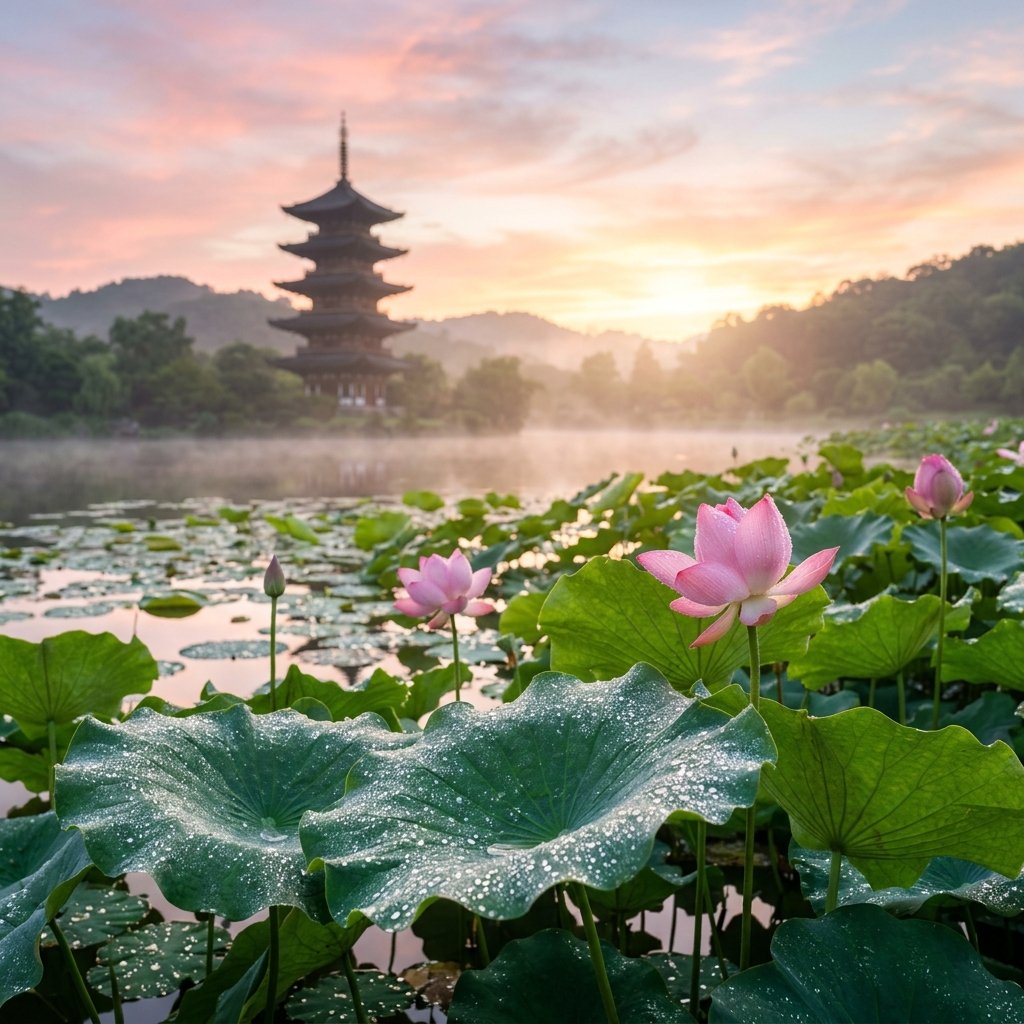
Dewy Lotus Sunrise Landscape
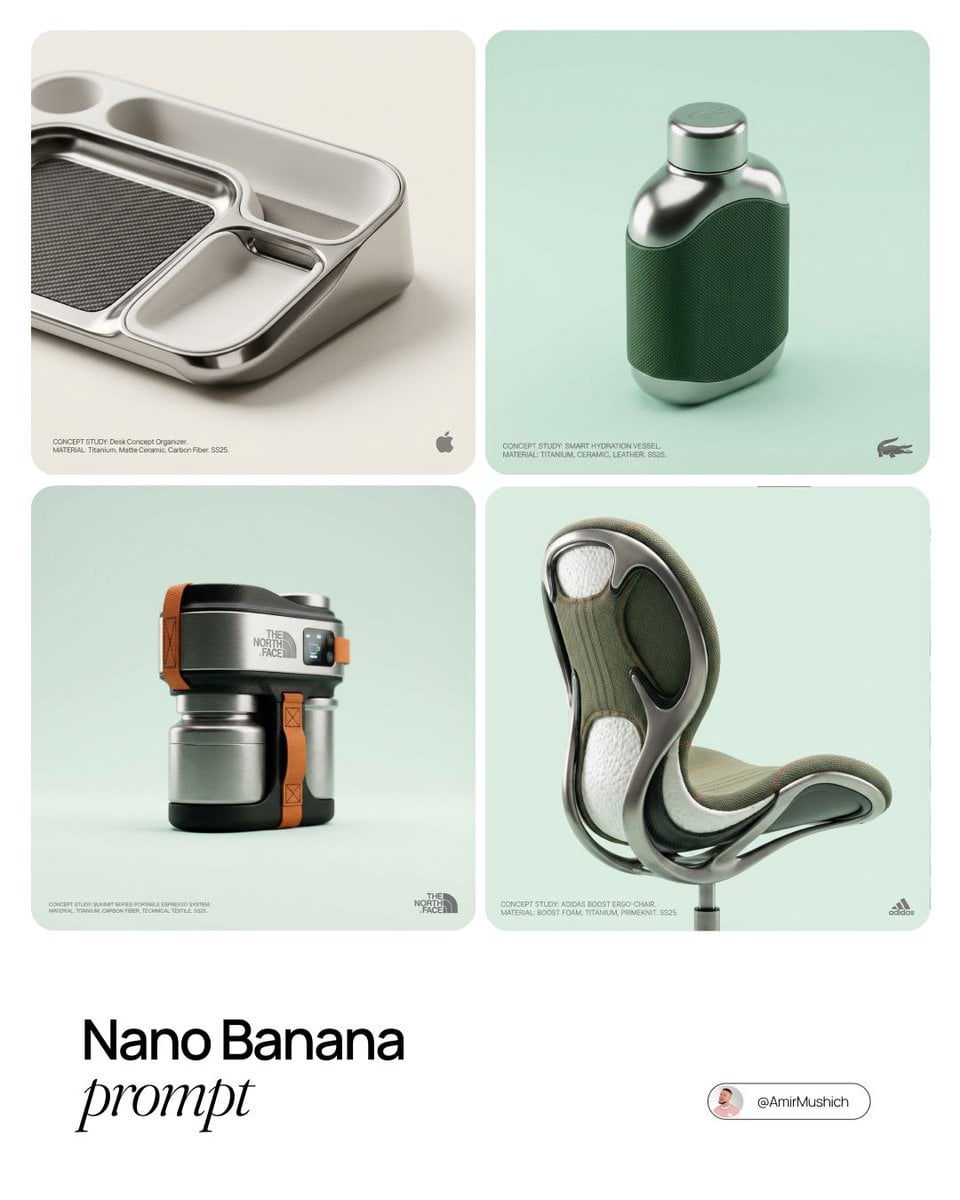
Editorial Concept Study Product Design
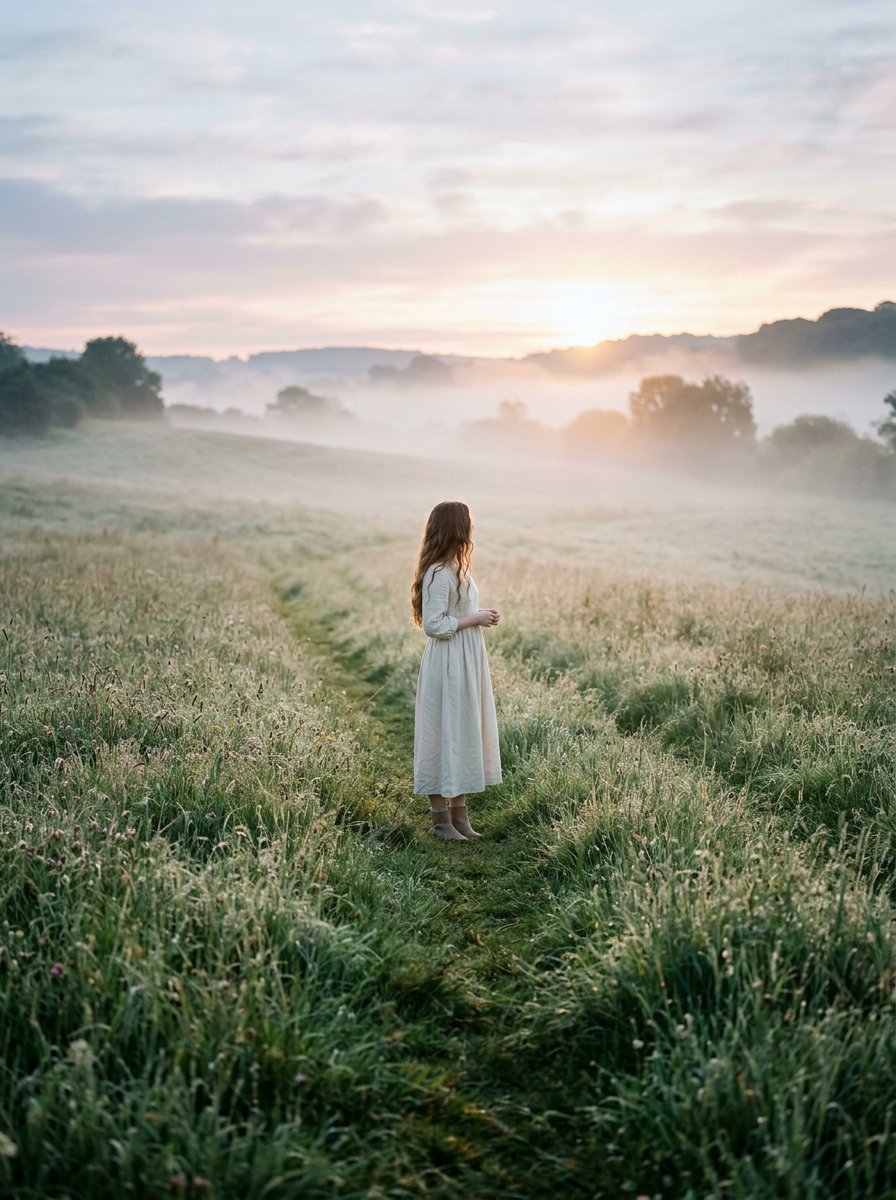
Cinematic Wide Shot of Girl in Dewy Meadow at Sunrise

Firefly Pixar Spill — Nano Banana Pro

Outdoor Cafe Portrait — White Ruched Top Nano Banana

Tropical Hammock Latte — Nano Banana iPhone Style

Coastal Bench Portrait — Navy Floral Sundress
Seedance - Arrow Microscopic Battle
Seedance - Brand Commercial
JSON Seedance - Fairy Macro Flight
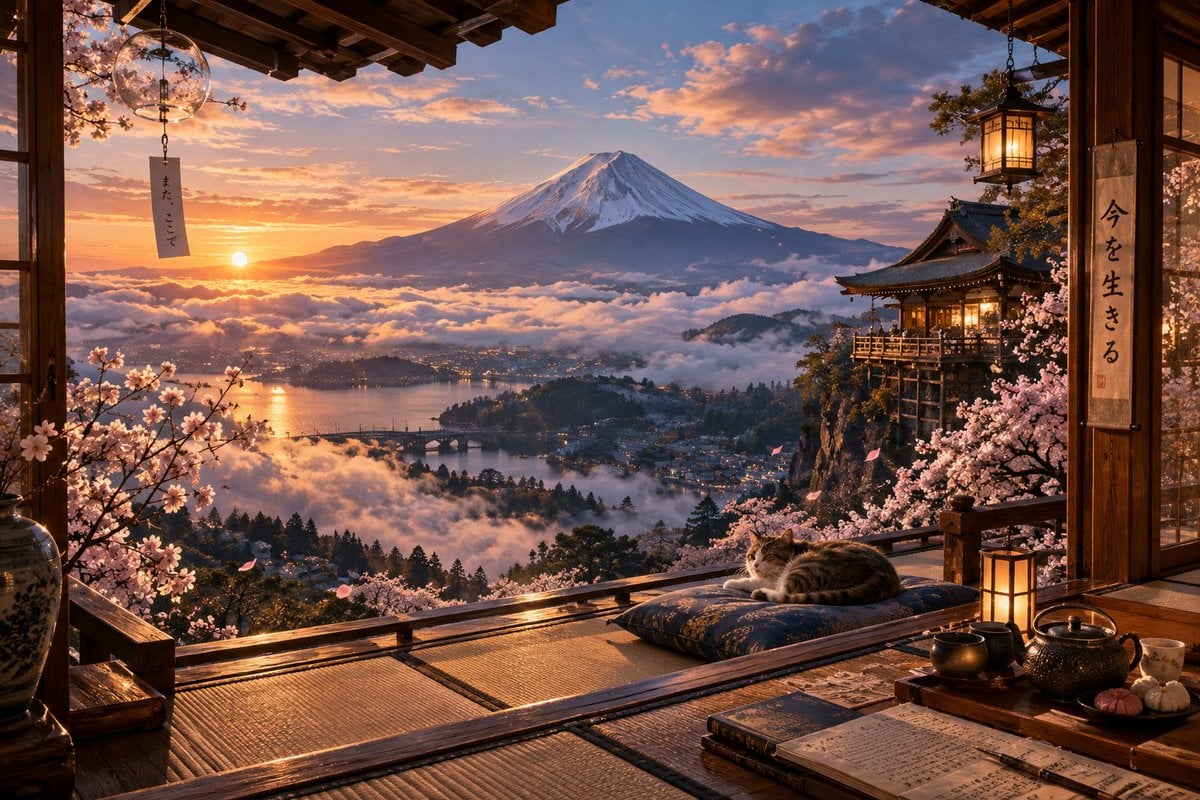
Sunrise Fuji Veranda Scene
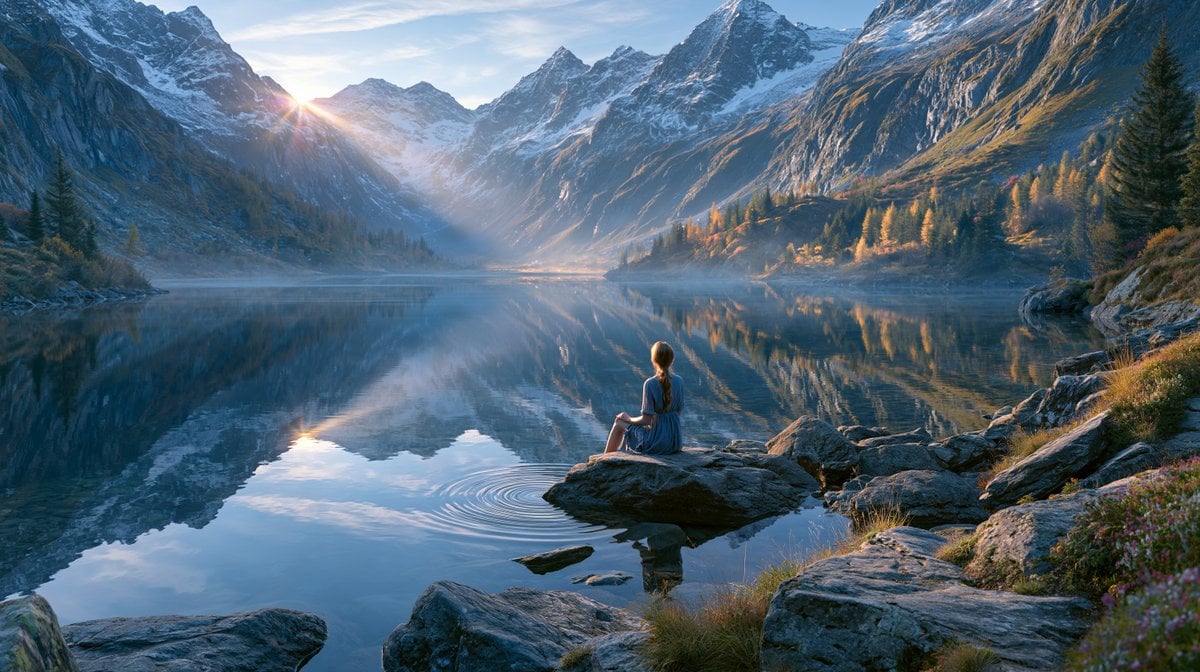
Cinematic Alpine Lake Sunrise
Make it yours
Dewy Nemophila Sunrise Macro works as-is. These are the safest ways to change it without losing the look.
Change one field
Copy a single group, rewrite it, and generate again so you can see what that field is doing.
Keep the frame, change the subject
Hold the composition and light of Dewy Nemophila Sunrise Macro, then swap wardrobe, props or the person for a new take.
| If the result… | Why | Fix |
|---|---|---|
| The result drifts from the preview | Too many fields changed at once. | Reuse Dewy Nemophila Sunrise Macro as-is first, then change one group — subject, light, or setting. |
| The model over-stylizes the scene | The prose prompt leaves finish and camera underspecified. | Add one camera or lighting sentence and stay on GPT Image 2. |
More GPT Image 2 templates
Other prompts made for GPT Image 2.

Six VTuber Japanese Logo Sheet

Realistic Portrait of Woman and Deer

The Vista Modular Condo Poster

AI Model Routing Comparison Infographic

2.5D Anime Art Board

Isometric Productivity Desk Scene

New York Double Exposure Poster

Four-Panel AI Landscape Comparison

Japanese Tatami Lifestyle Magazine Cover

NESCAFÉ Coffee Map Poster
More image prompts
Fresh picks from across the catalog.

Apple Style Coach Branding Poster
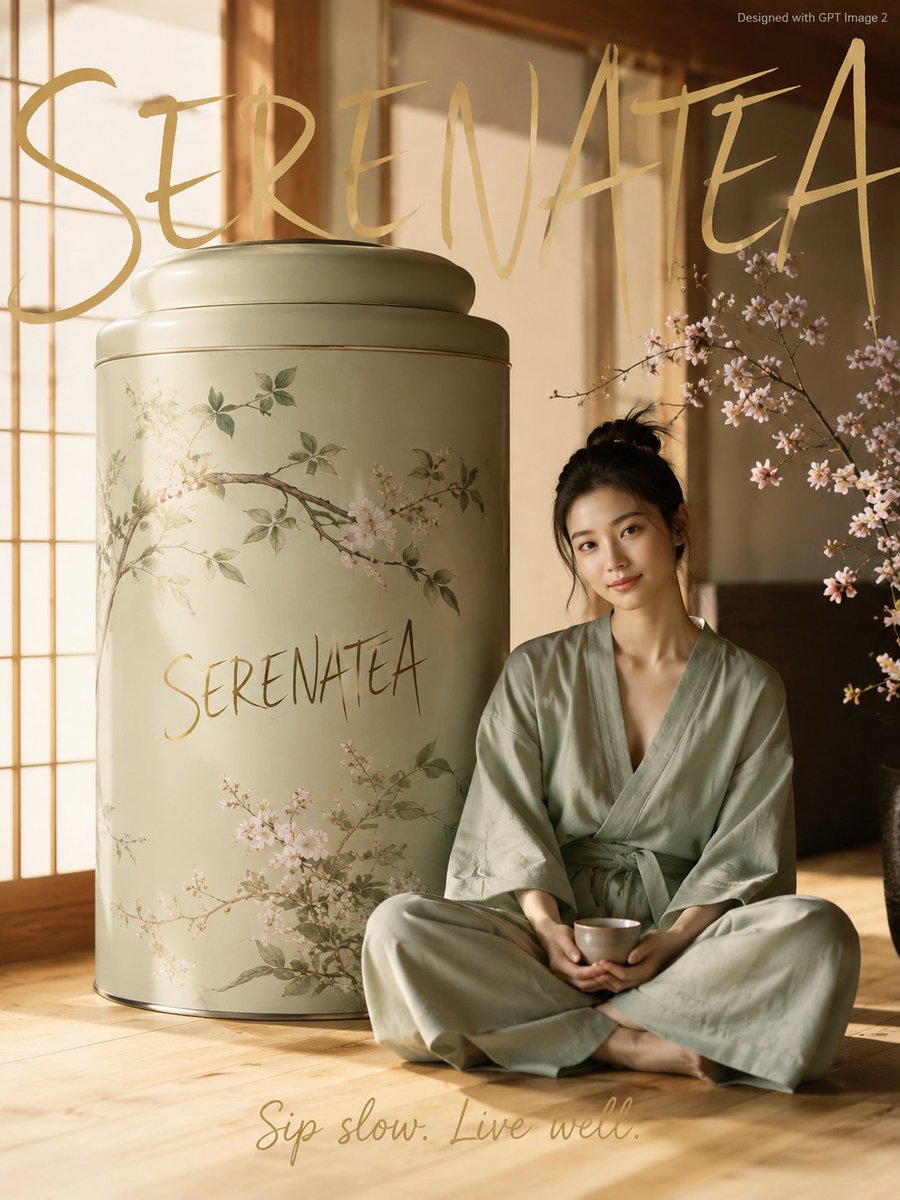
Japanese Minimalist Wellness Poster
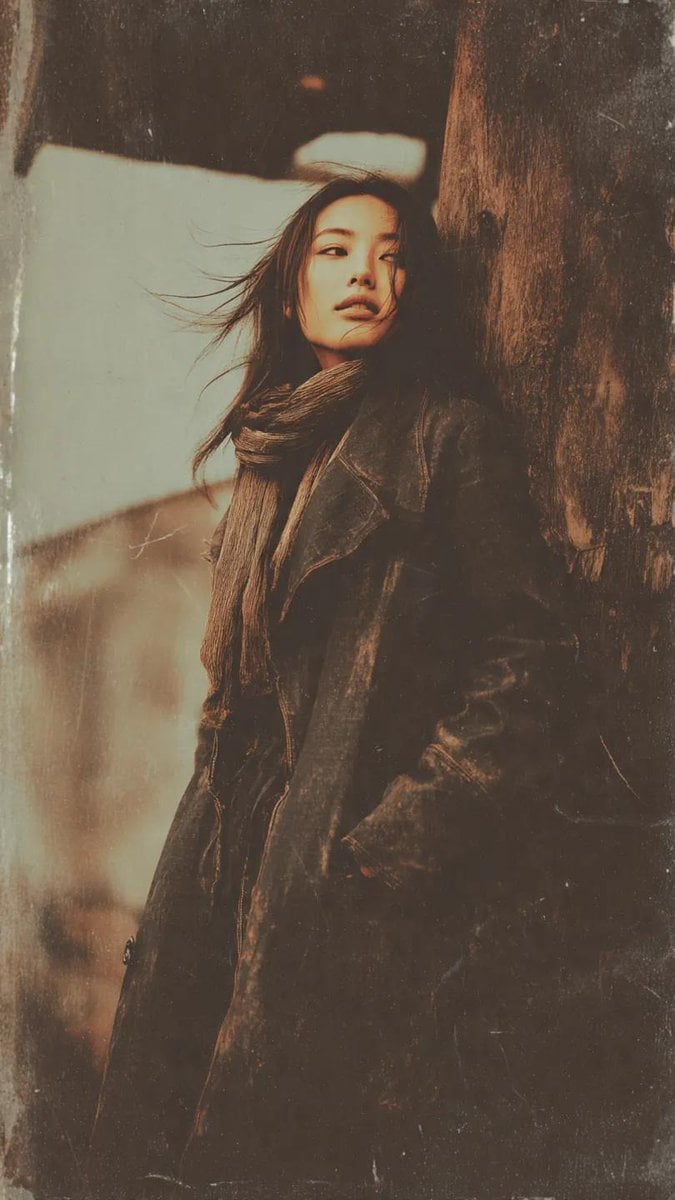
Gritty Grunge Portrait of a Japanese Woman
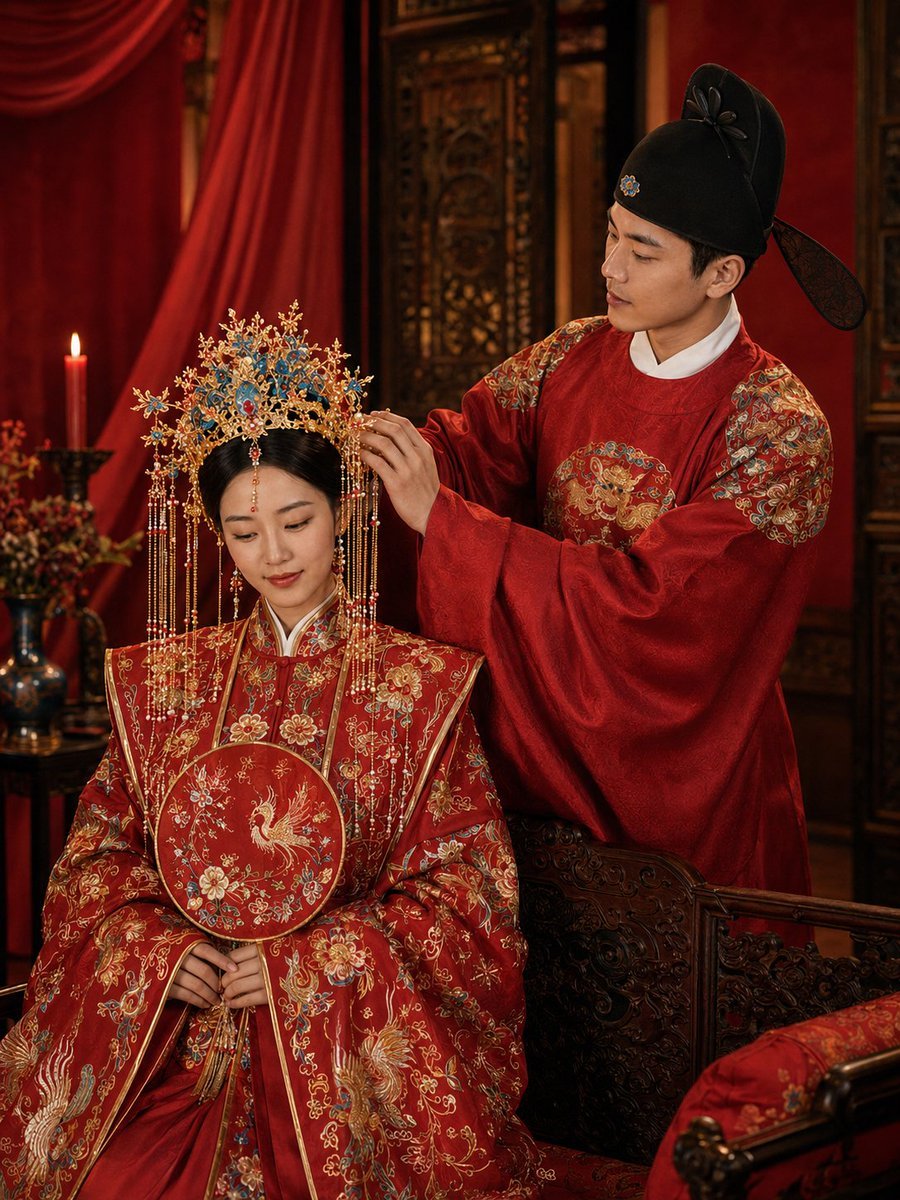
Ming Dynasty Hanfu Wedding Portraits

Aircraft Cutaway Archive Poster

Minimal Pelican Riding Bicycle
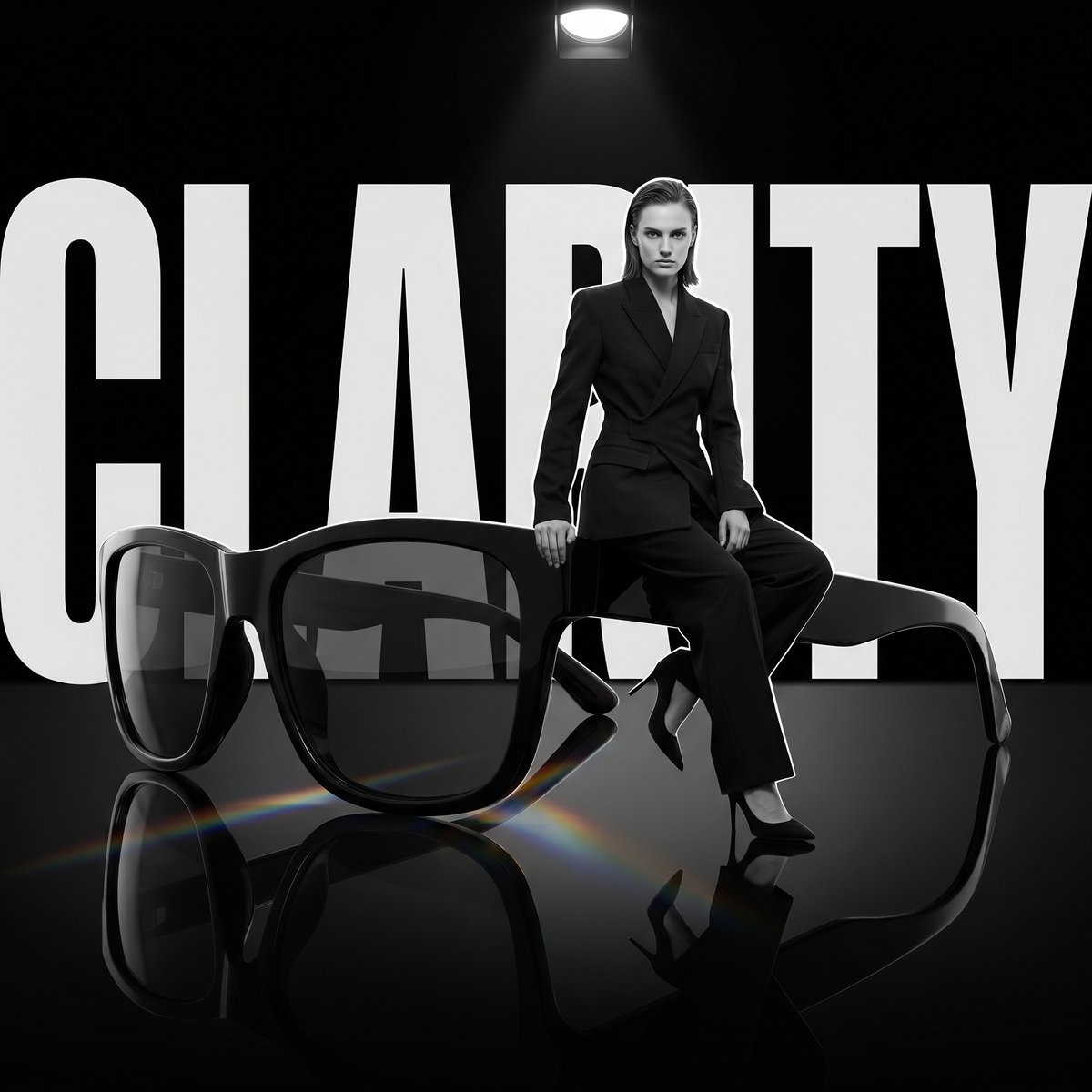
Luxury Dark Editorial Product Shot

Social Media Profile Neon Line Art
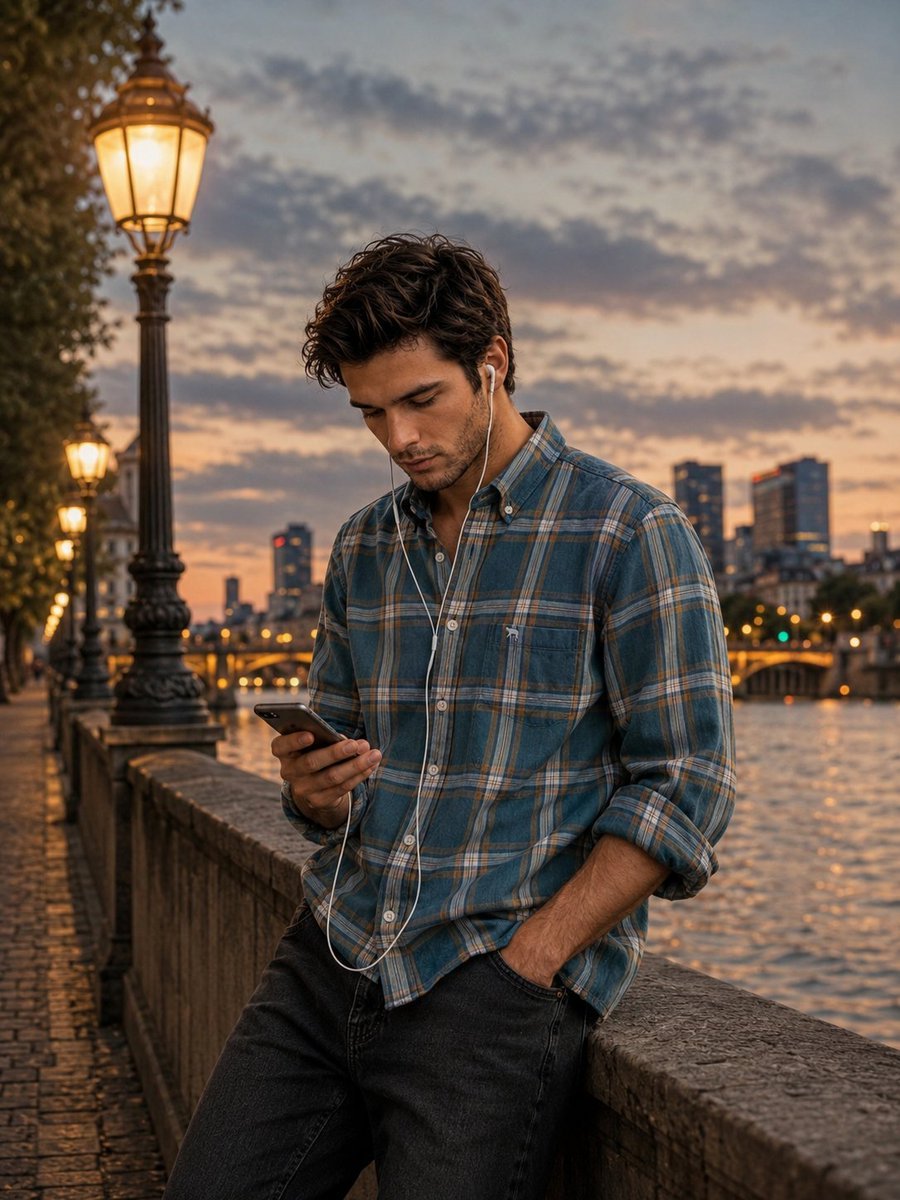
Blue Hour Riverside Portrait
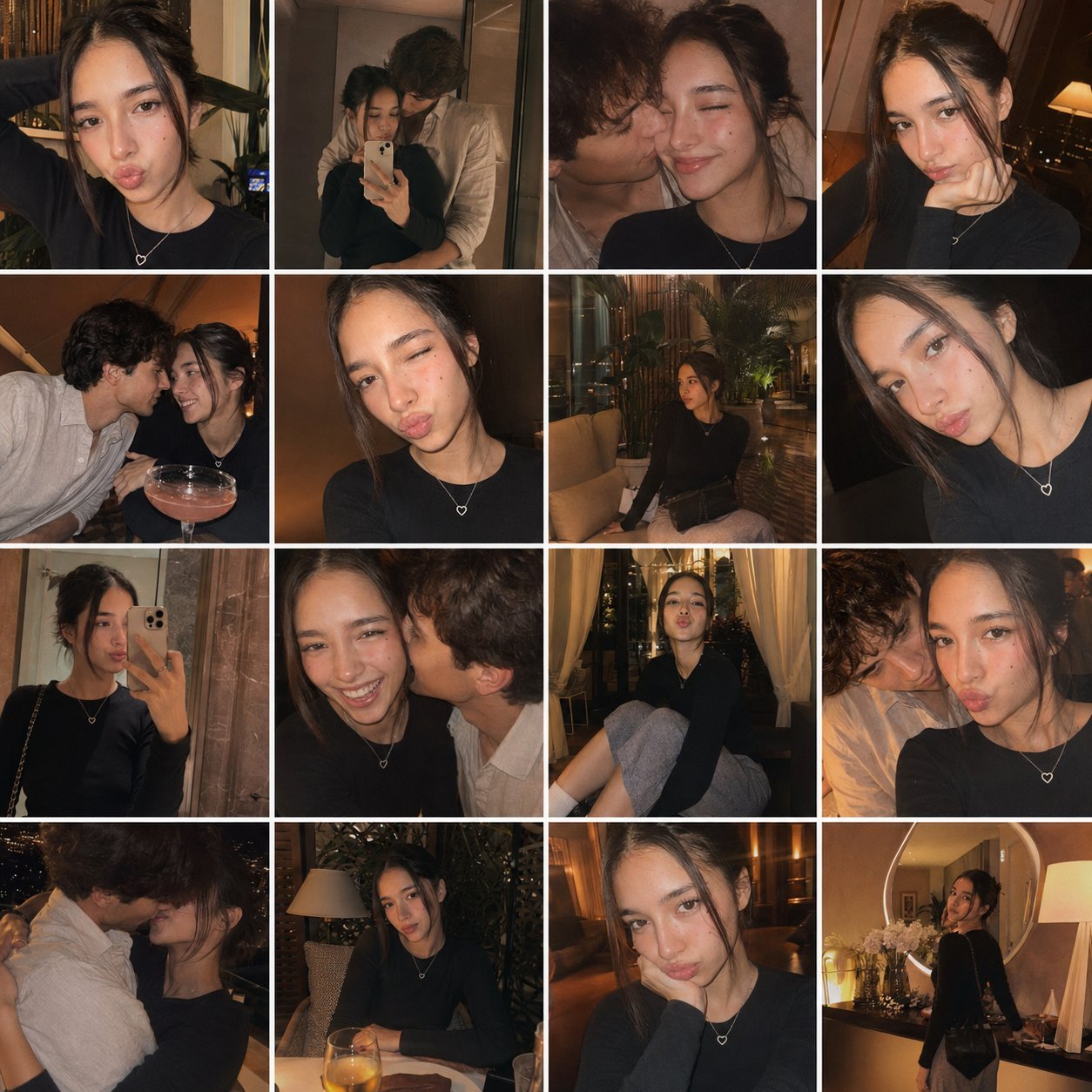
Gpt4o Candid Vacation Memories
Browse template categories
Dewy Nemophila Sunrise Macro questions
How do I use the Dewy Nemophila Sunrise Macro template?
Add your photo if the template asks for one, edit the prompt if you like — the template's model and format are already selected — and press Generate. Your version opens in PicX Studio.
Can I customize the Dewy Nemophila Sunrise Macro template?
Yes. You can change the subject, setting, lighting, mood, format, and available model controls before creating your image.
Is the Dewy Nemophila Sunrise Macro template free?
Opening and editing this template is free. Generating uses credits, shown on the Generate button when you are signed in.
Which AI model should I use?
Start with GPT Image 2, which is the model associated with this template. You can compare another compatible model for a different finish.
Looking for something else? Browse all templates.

Your photo, any look
Thousands of ready templates for every top image and video model, from one credit balance.