
Nano Banana 2 Self Portrait with Vintage
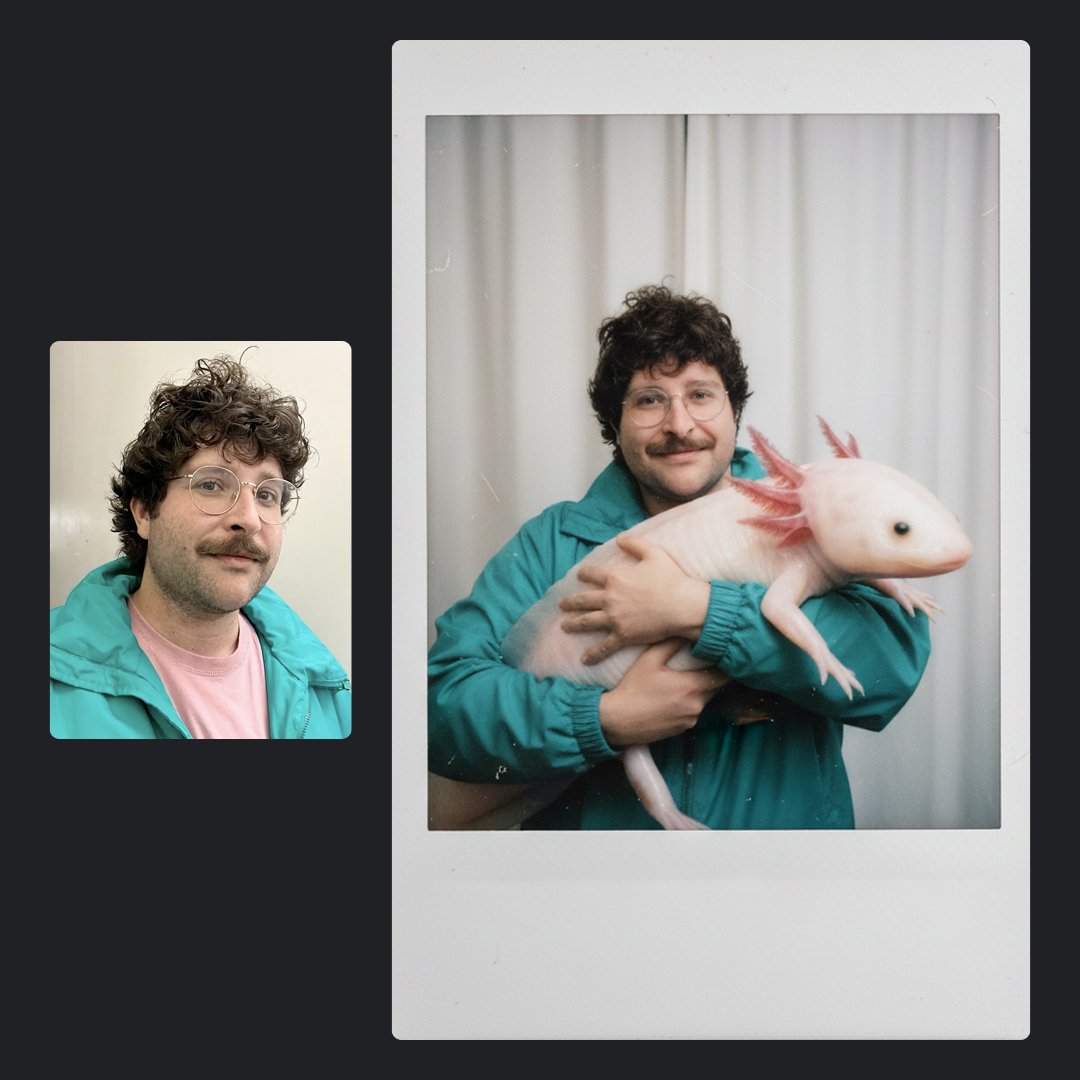
Nano Banana 2 Self Portrait with Vintage is a ready photo look for Nano Banana.
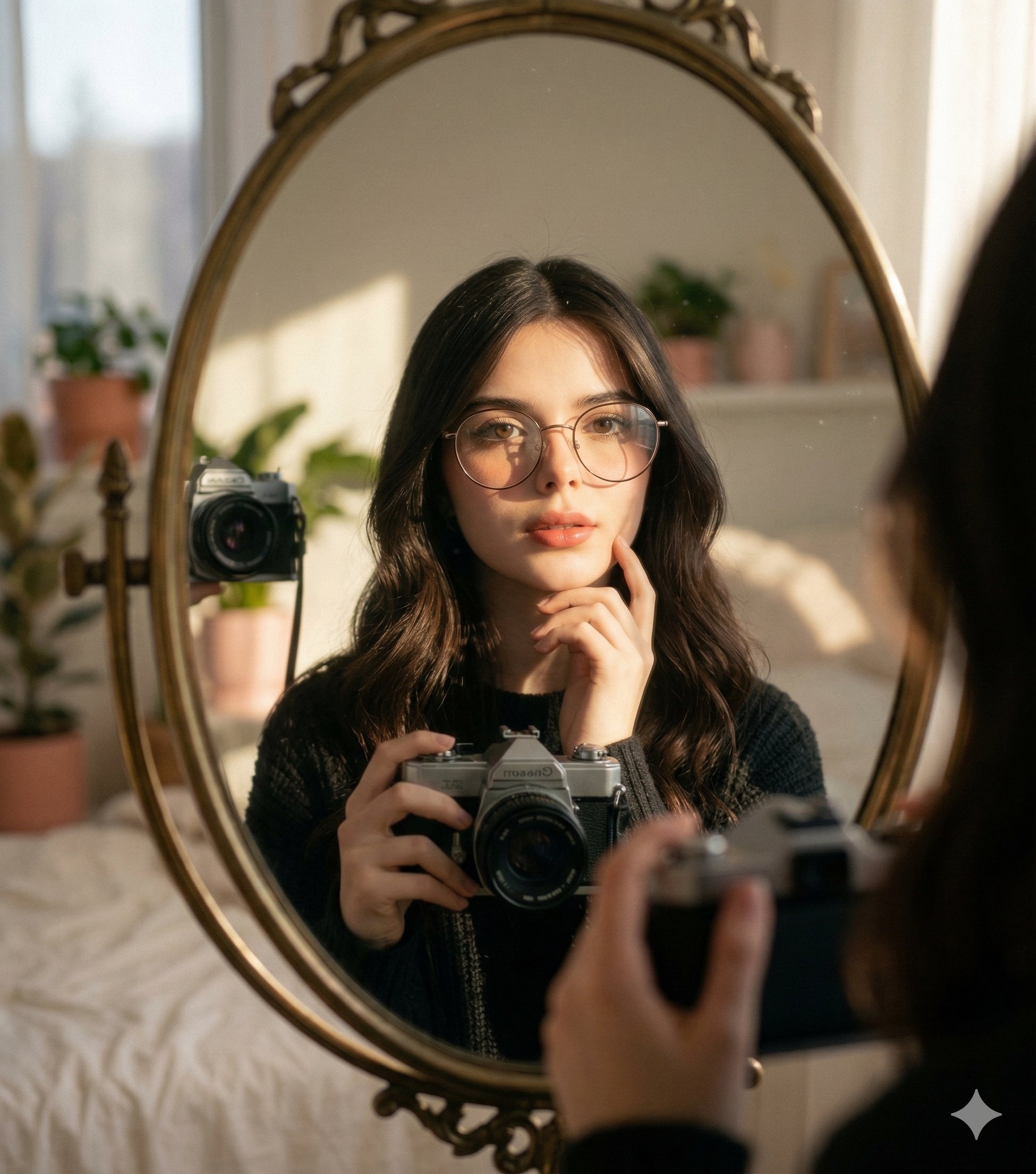
- Prompt included
- Model and format preset
- Premium template
The prompt behind this image
Copy the exact prompt behind Nano Banana 2 Self Portrait with Vintage, or open it in the studio and make it yours.
Maintain the same face and person (use attached photo for accurate face) A self-portrait of a young woman with long, dark, wavy hair looking directly into the camera. She is standing in front of a round or oval mirror, reflected in which is her holding a vintage or analog camera. The scene is captured in natural, dramatic sunlight coming from a nearby window,casting strong shadows across the mirror and illuminating the right side of her face and hair with a warm glow. Her expression is soft and contemplative, with one hand gently touching her chin/cheek. Don't change the face preserve face 100%
How to use Nano Banana 2 Self Portrait with Vintage in 3 steps
- 1Upload ImagePNG, JPG or paste
Add your photo
Upload the photo the template builds on. The prompt, model and format are already set.
- 2…a portrait of your subject in softgolden-hour light, 85mm…
Personalize
Edit the subject and creative details for your destination.
- 3Generate
Generate
Press Generate — your image is created in PicX Studio, so you can compare it with the original and refine one variable at a time.
More like this
Templates with the same subject, style or setup. Open one to see its prompt.

Found Photograph: Us, 1970

80s Couple Studio Portrait

80s Bollywood Star

80s Golden Hour Cinema
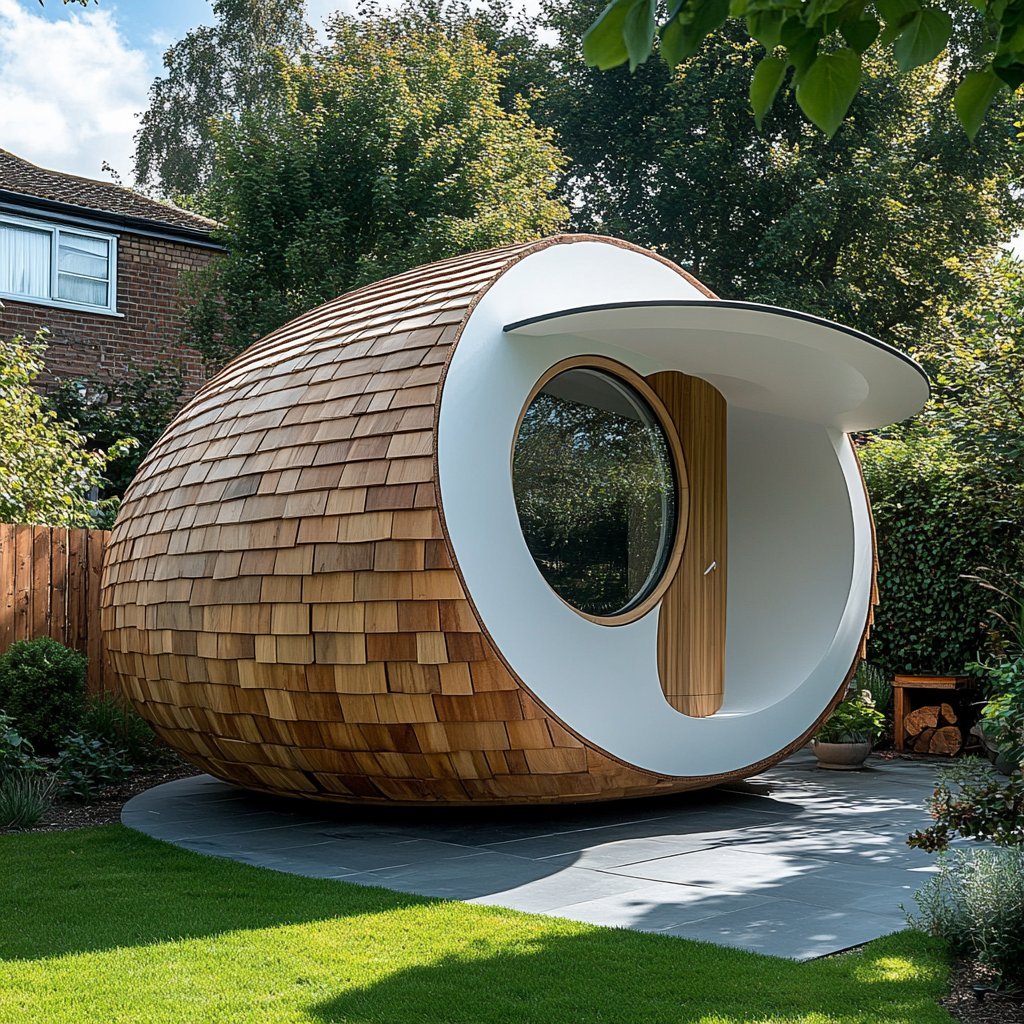
Nano Banana Is So Addictive
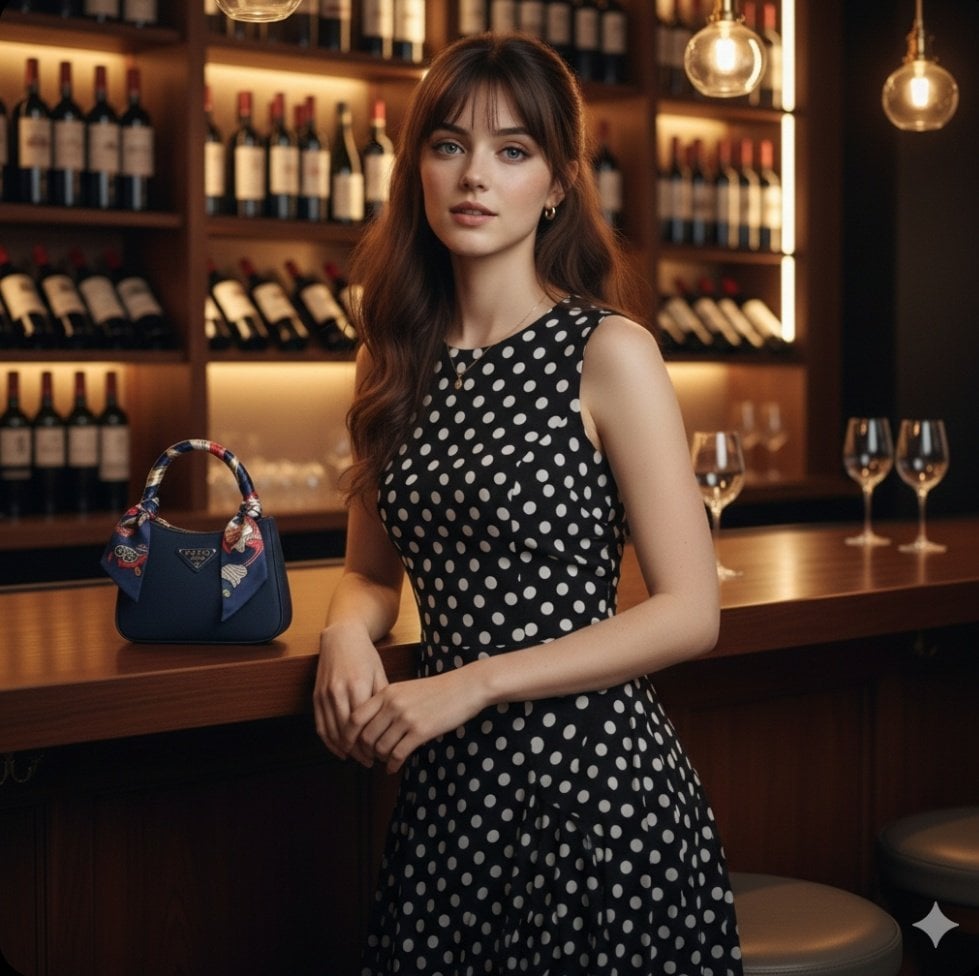
Nano Banana 2 Perspective Experiment
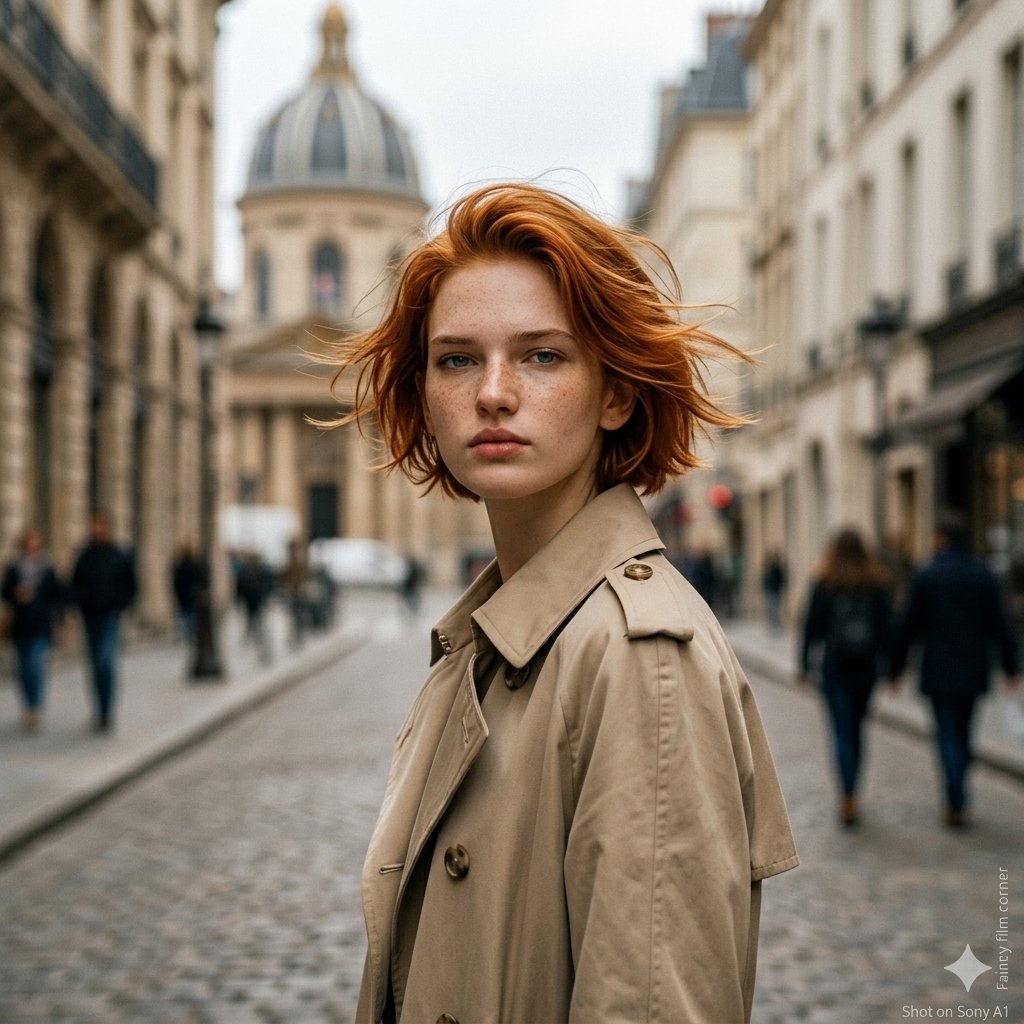
Gemini Nano Banana 2 Isometric 3d City D
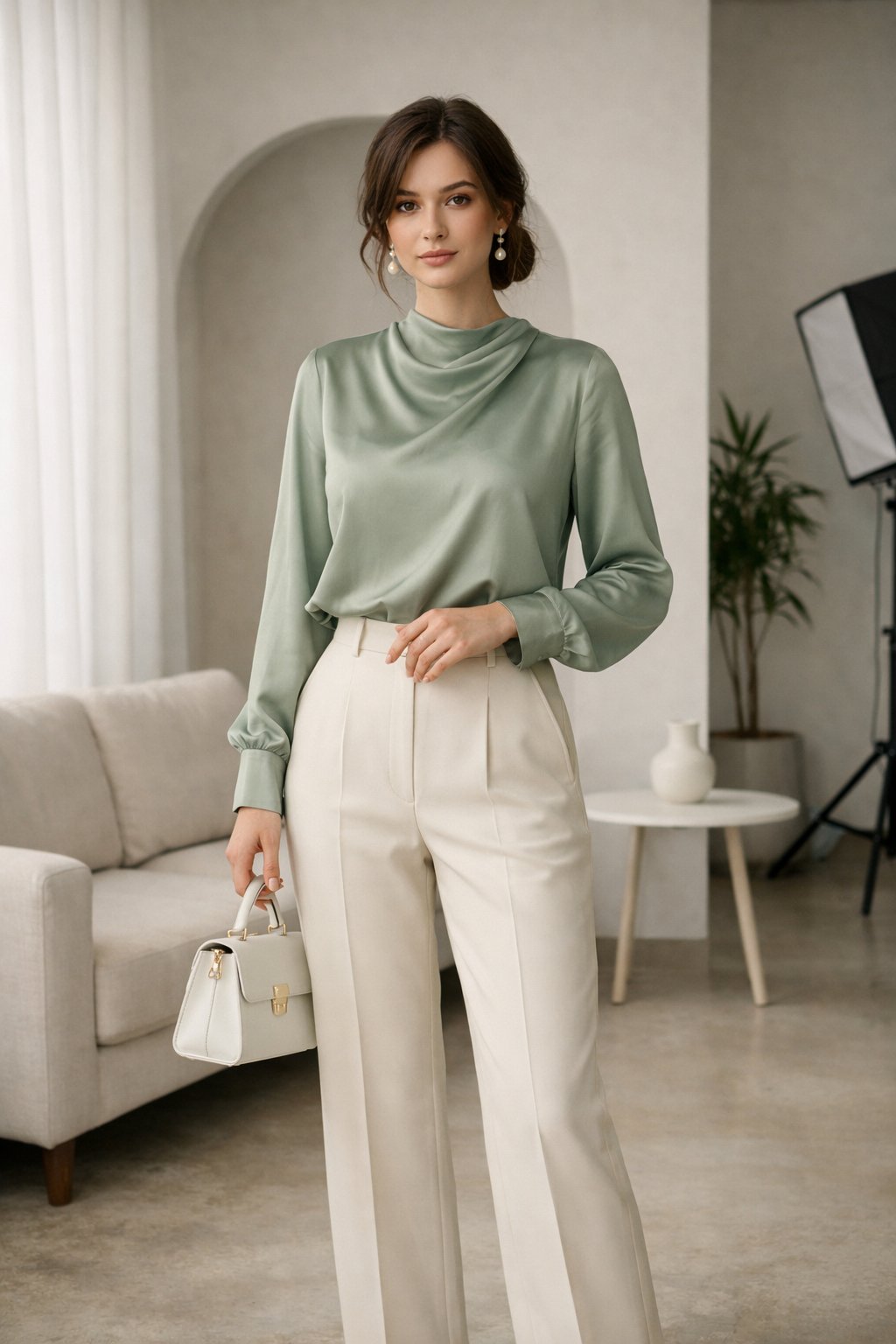
Nano Banana 2
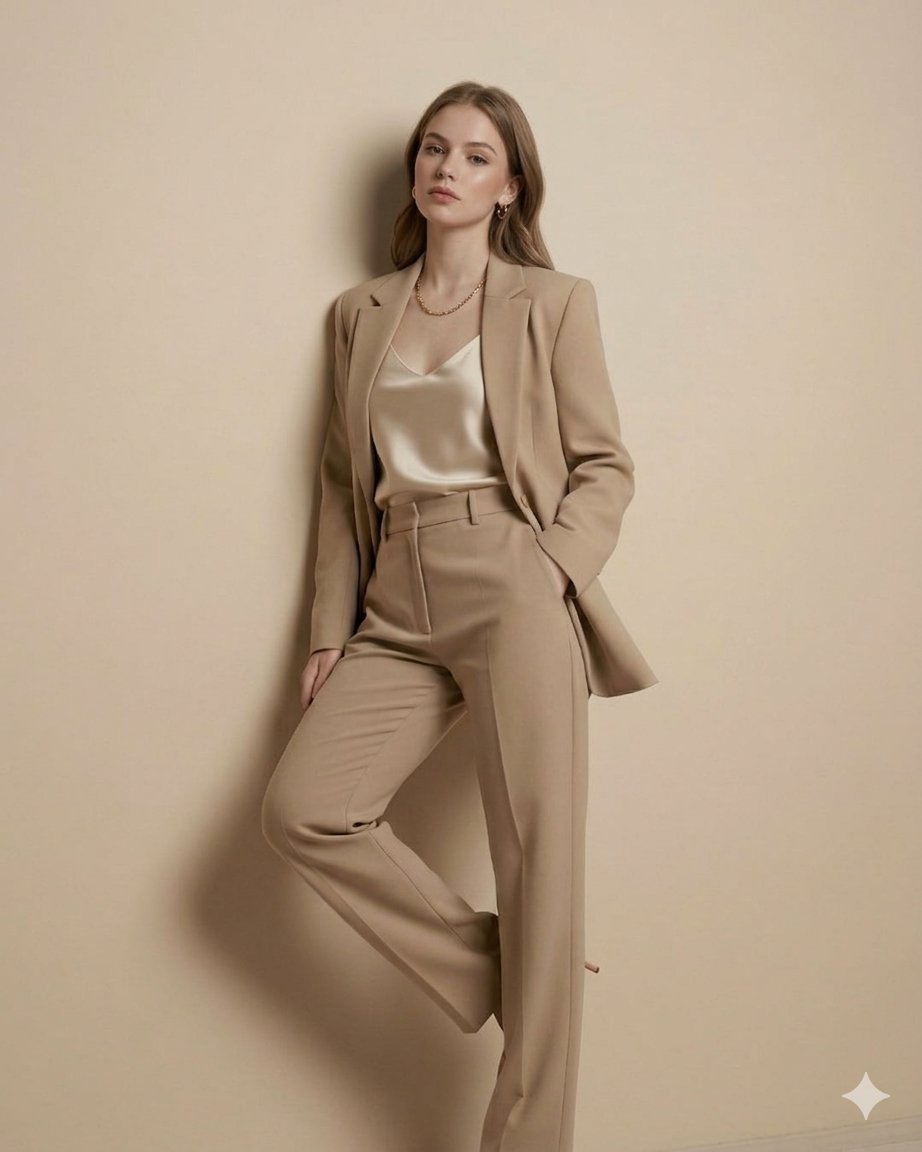
Gemini Nano Banana 2
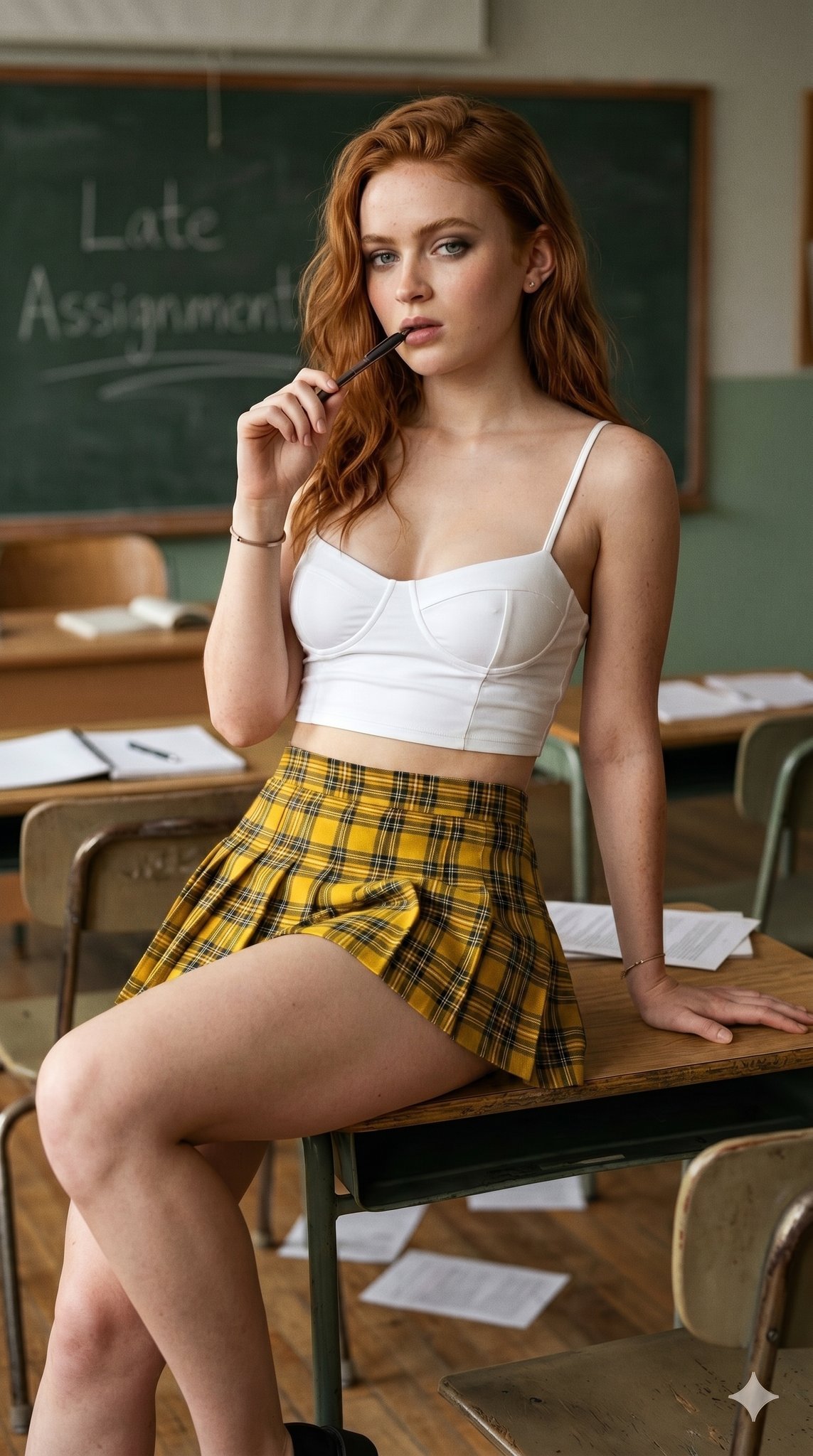
Nano Banana 2 Gourmet Ice Cream Commerci
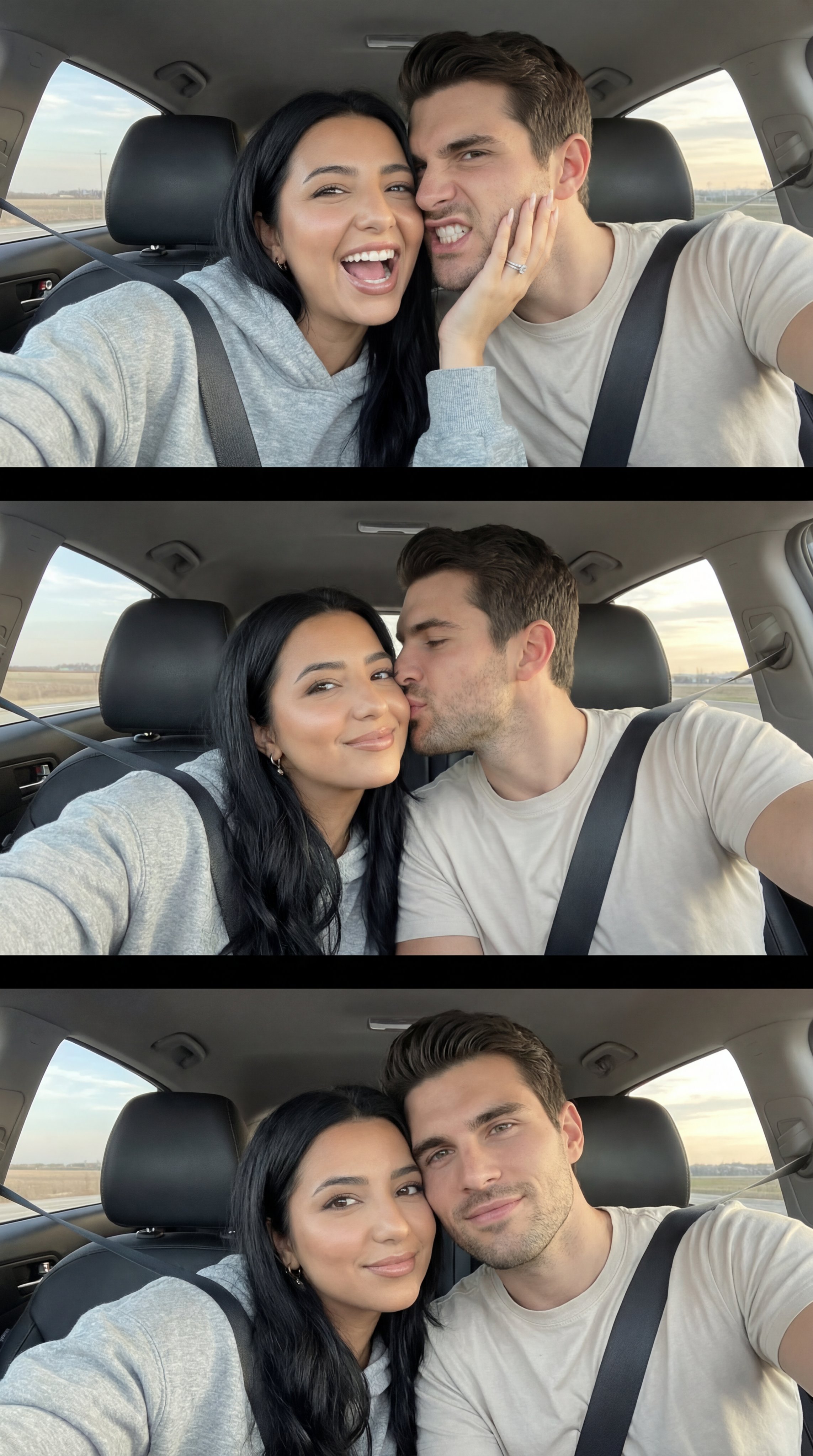
Nano Banana Pro Photoreal Playful Couple

Nano Banana 2 High Fashion Sports Campai
Make it yours
Nano Banana 2 Self Portrait with Vintage works as-is. These are the safest ways to change it without losing the look.
Change one field
Copy a single group, rewrite it, and generate again so you can see what that field is doing.
Keep the frame, change the subject
Hold the composition and light of 6-nano-banana-2-self-portrait-with-vintage, then swap wardrobe, props or the person for a new take.
| If the result… | Why | Fix |
|---|---|---|
| The result drifts from the preview | Too many fields changed at once. | Reuse 6-nano-banana-2-self-portrait-with-vintage as-is first, then change one group — subject, light, or setting. |
| The model over-stylizes the scene | The prose prompt leaves finish and camera underspecified. | Add one camera or lighting sentence and stay on Nano Banana. |
More Nano Banana templates
Other prompts made for Nano Banana.

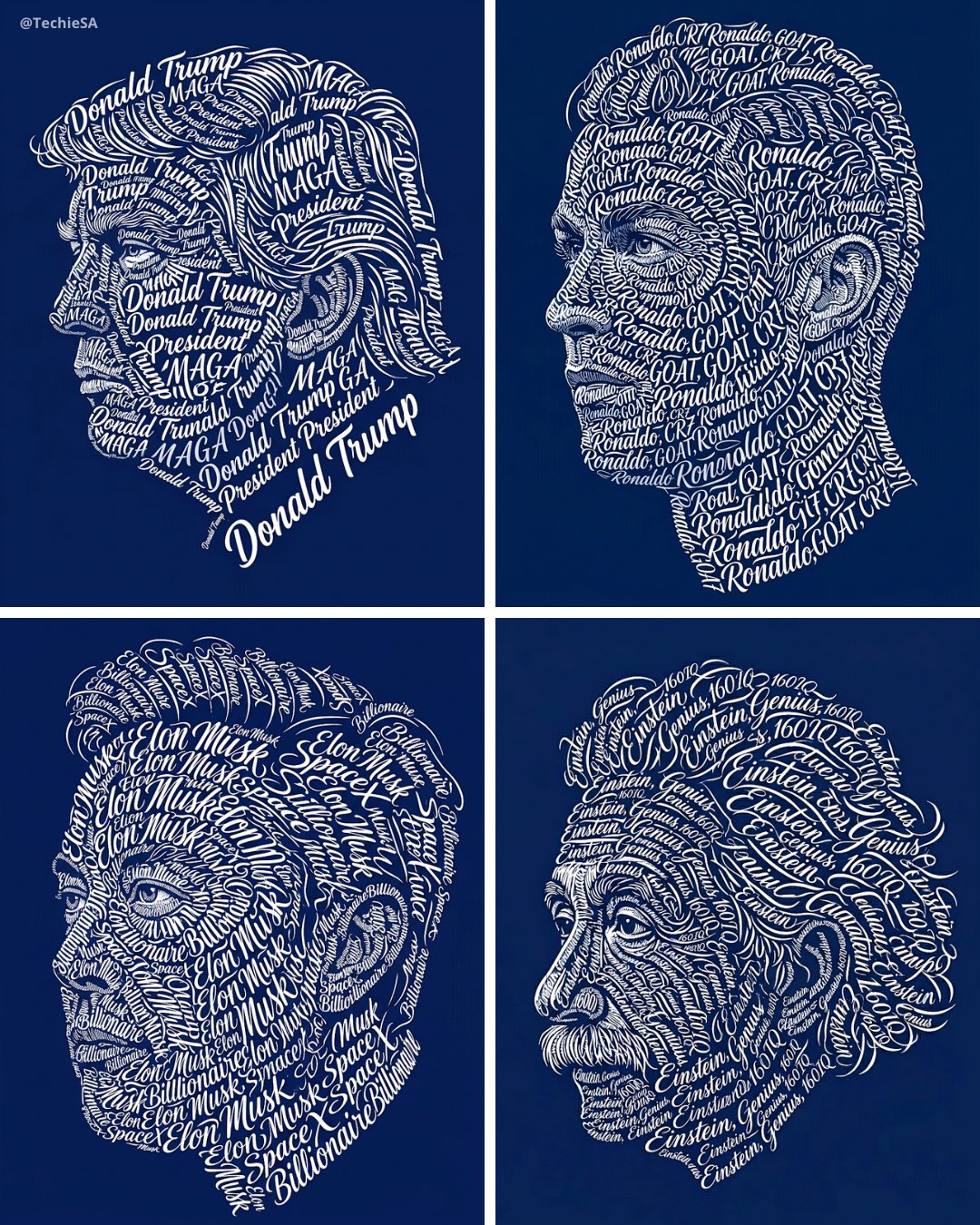
More image prompts
Fresh picks from across the catalog.
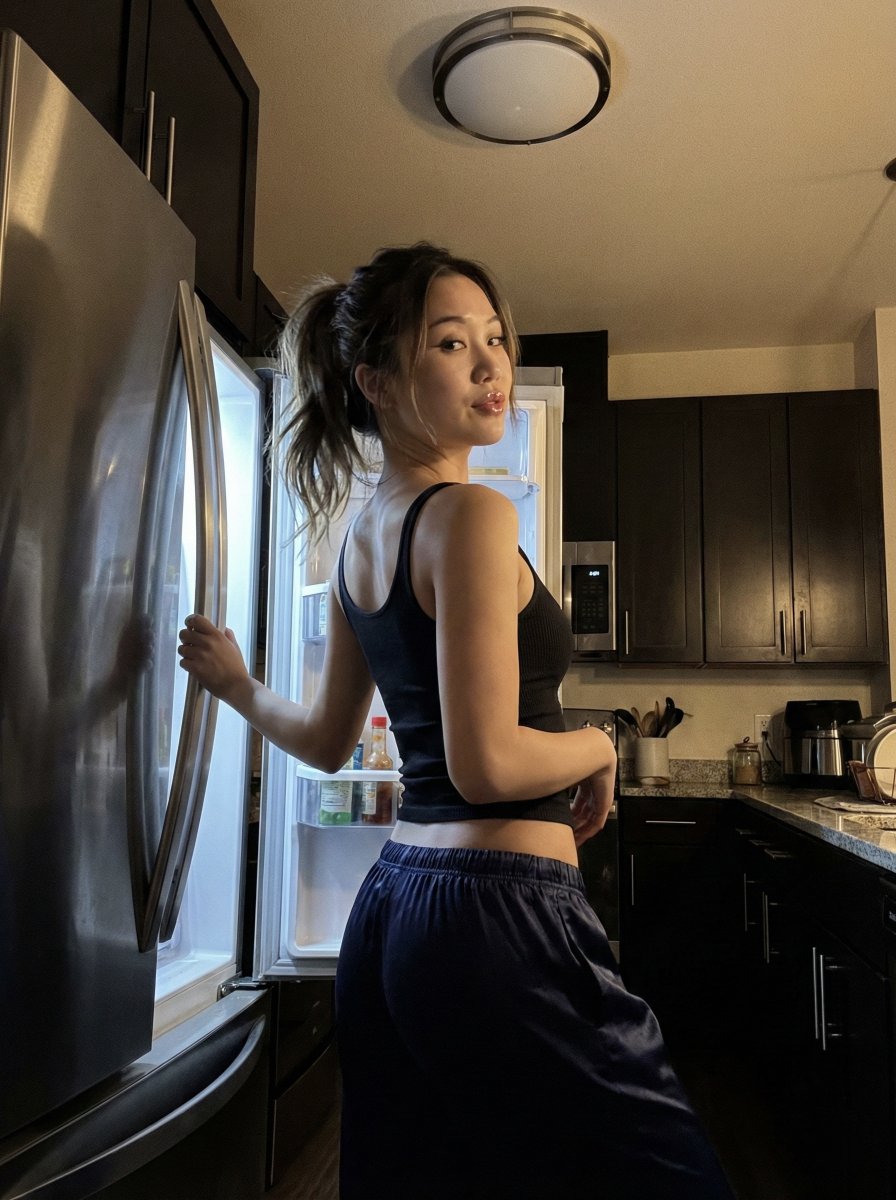
Late Night iPhone Candid in Kitchen
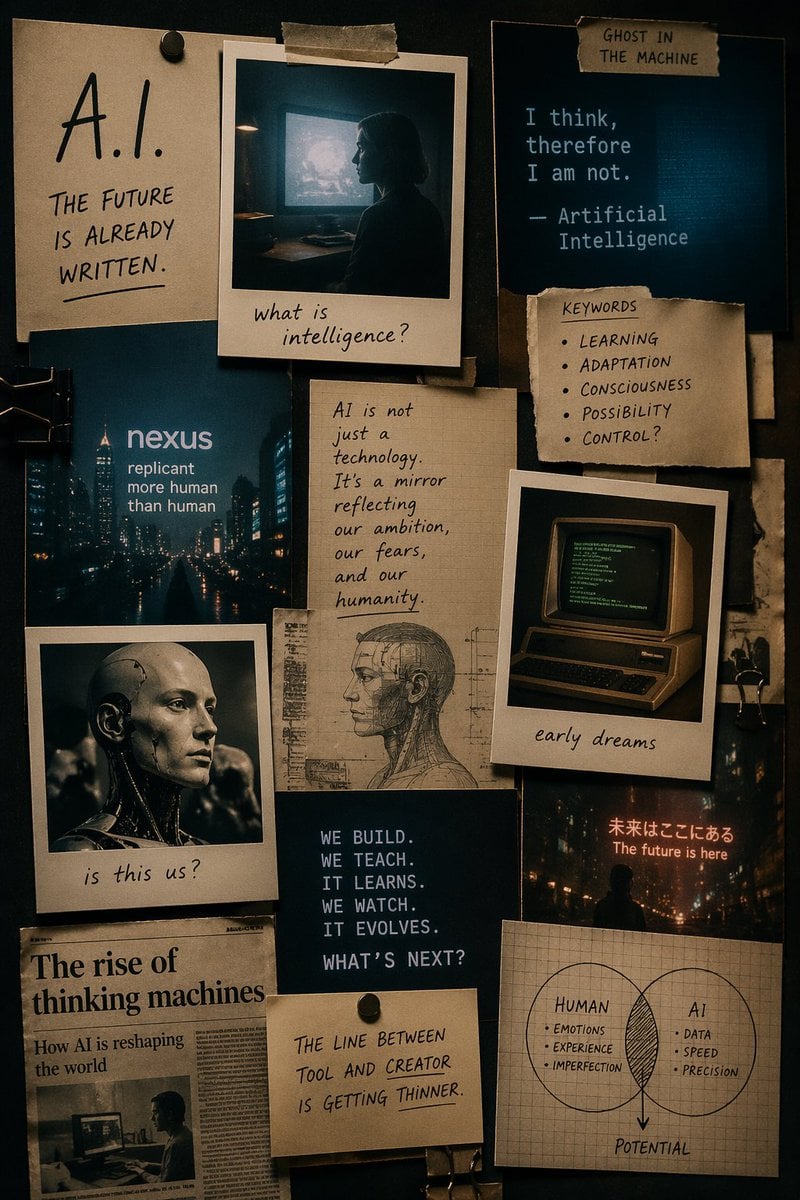
Cinematic AI mood board prompt
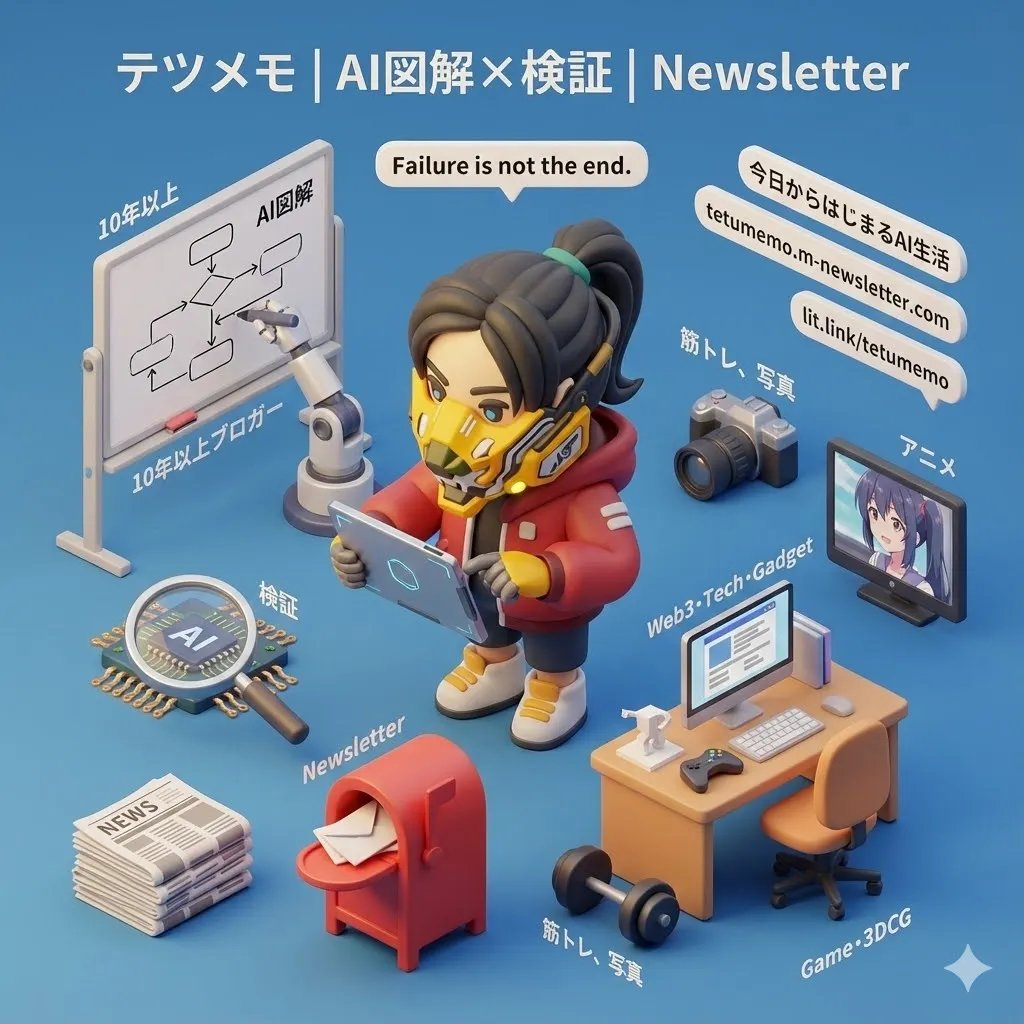
3D Cartoon Miniature Scene from Profile Image
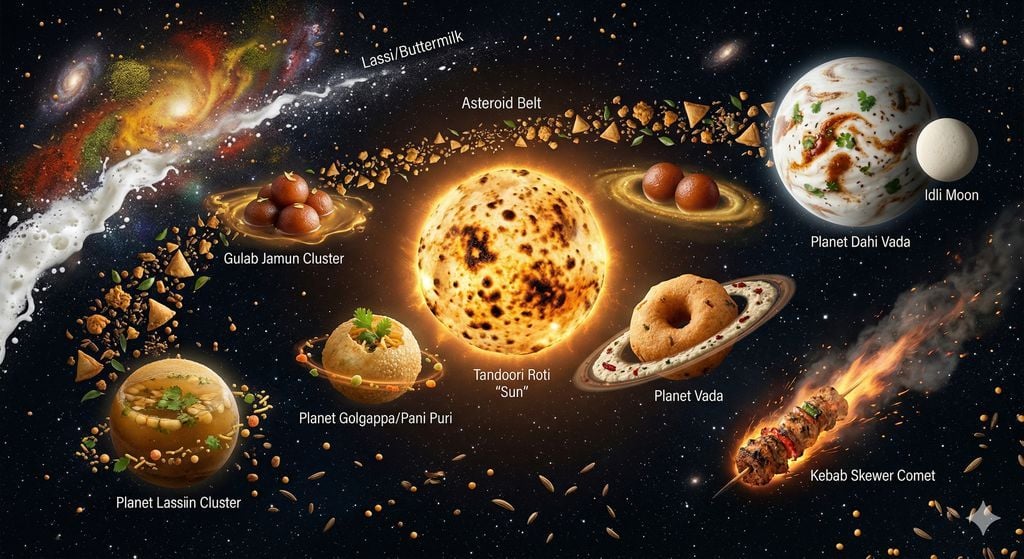
The Food Galaxy: Cosmic Indian Street Food Solar System
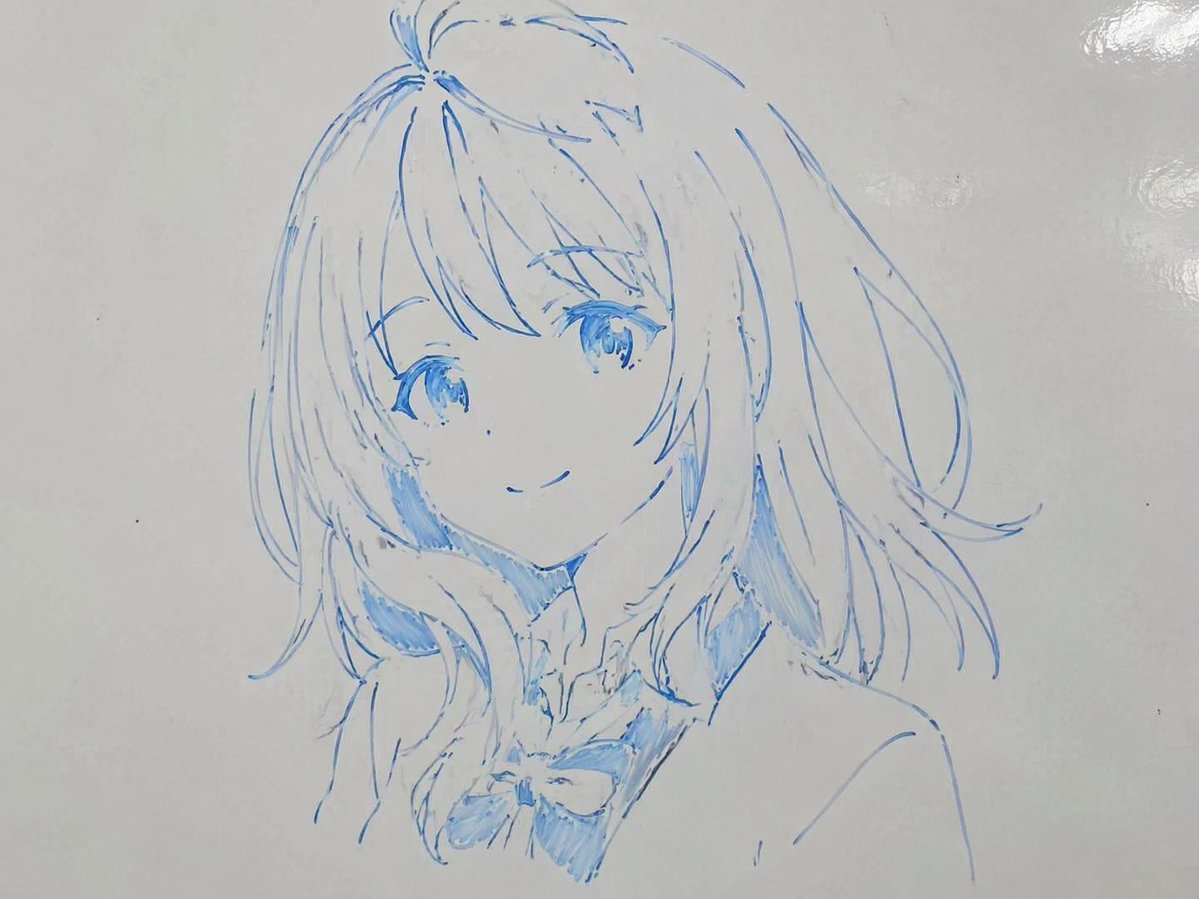
Whiteboard Marker Anime Sketch
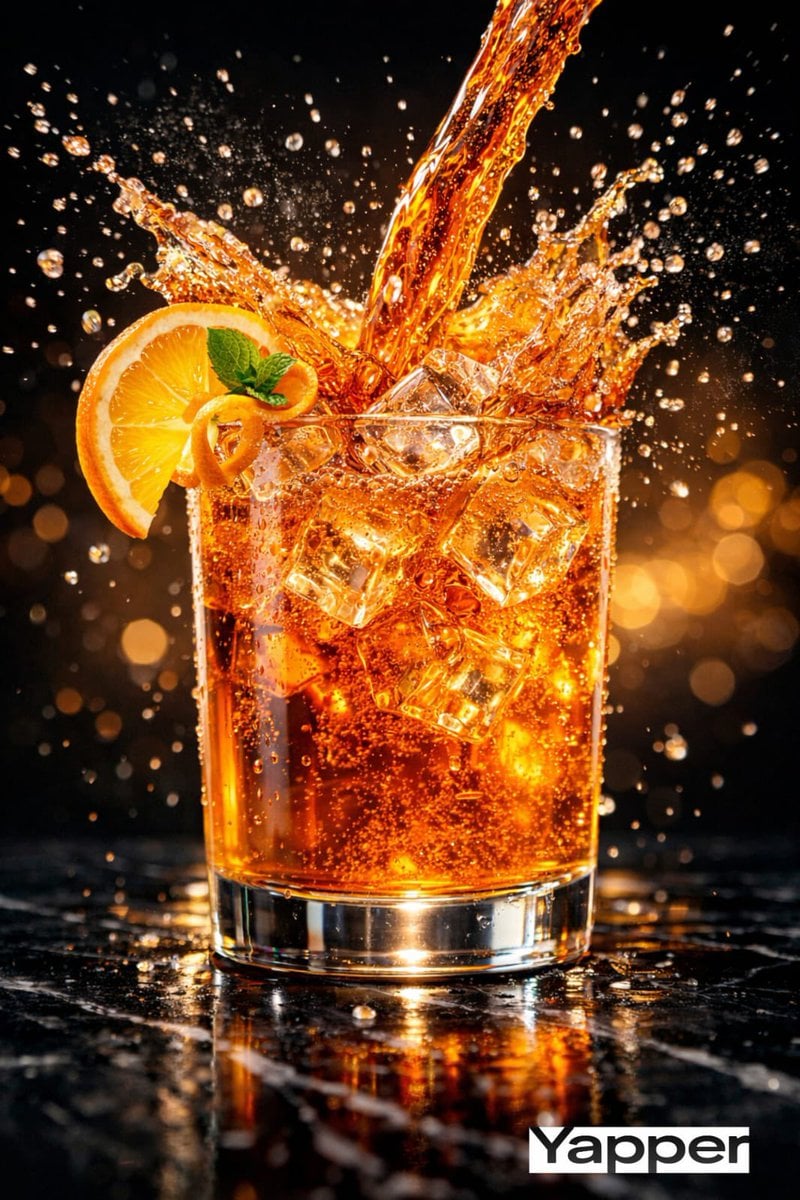
High-Speed Cinematic Luxury Cold Drink Photography Prompt (Cola Splash)
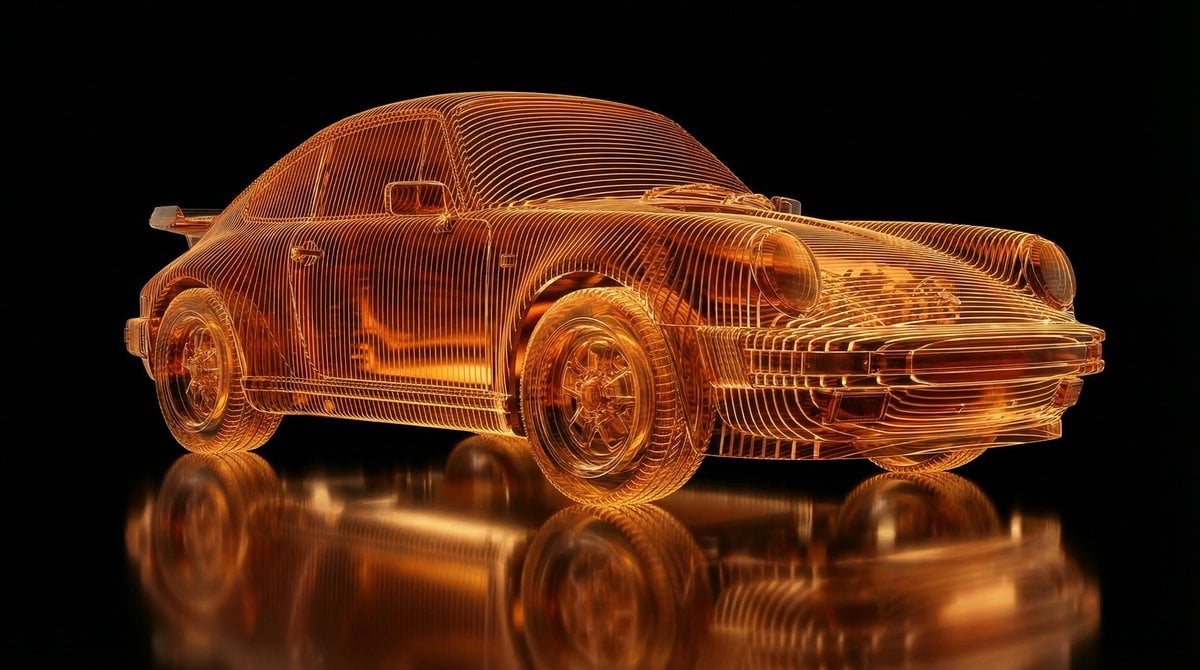
Transparent Layered Glass Supercar Sculpture Prompt
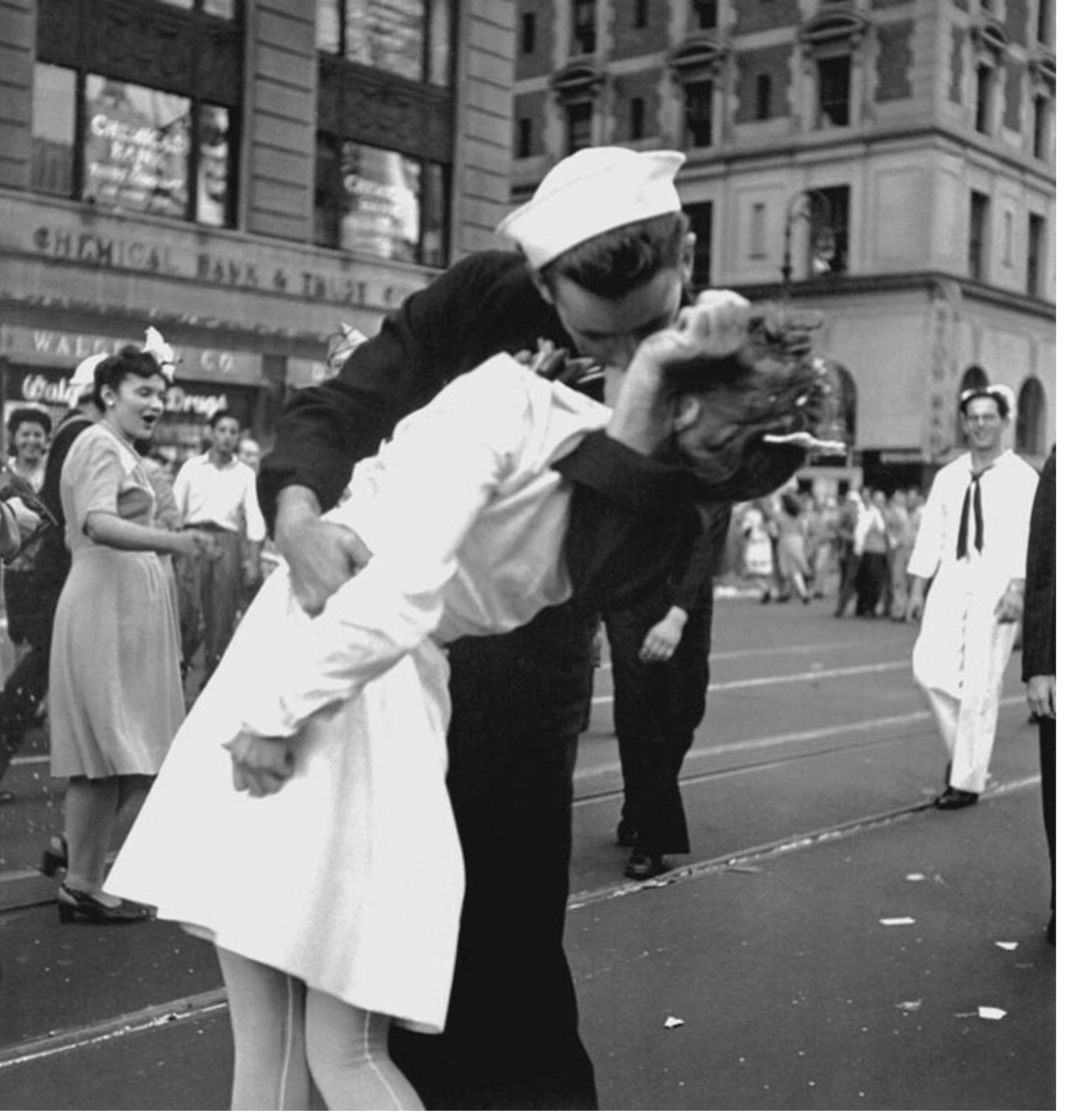
Image Time Travel to 2025 (Reference)
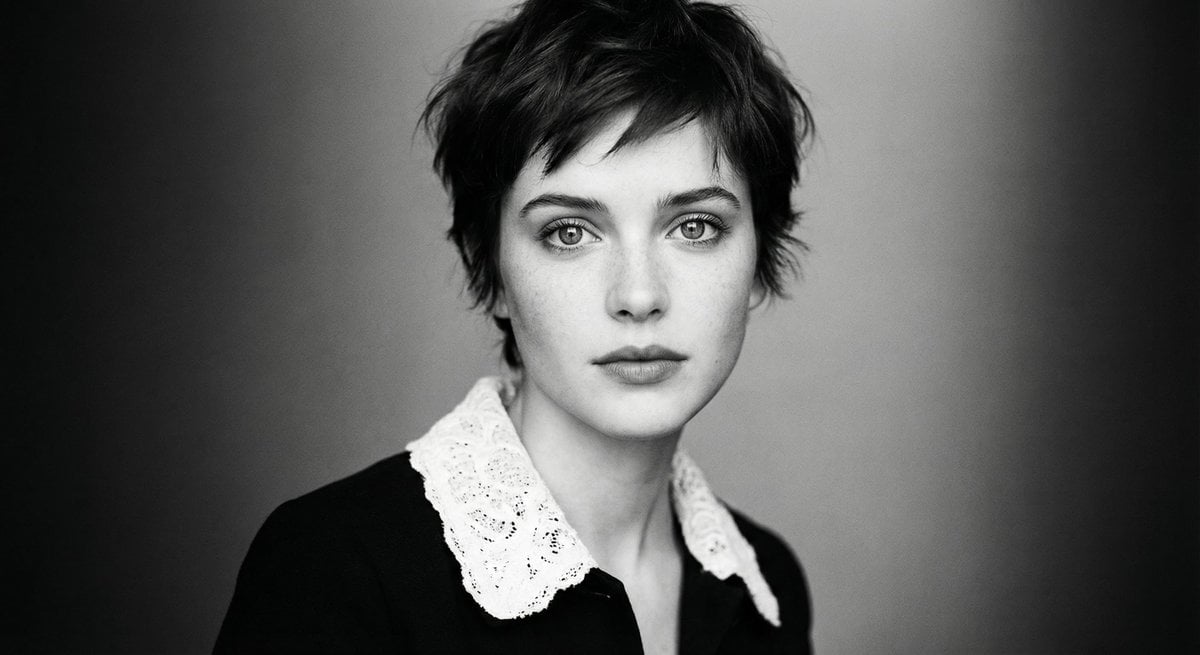
Monochrome cinematic portrait of young woman
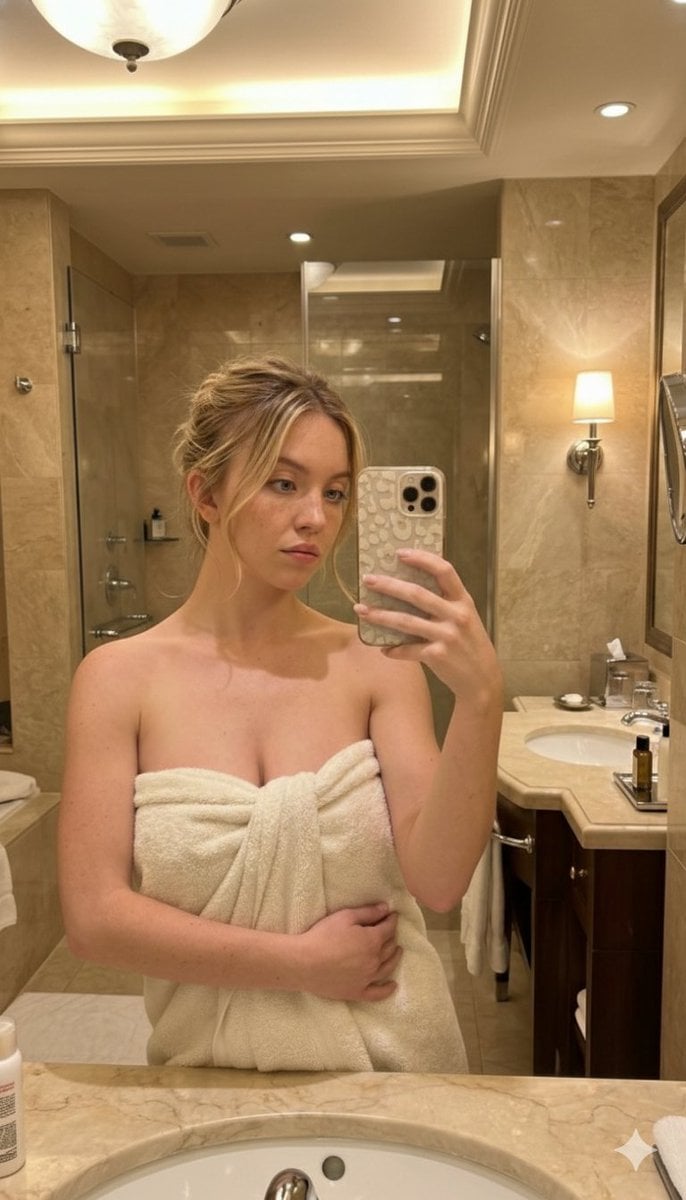
High-Angle Bathroom Mirror Selfie
Browse template categories
Nano Banana 2 Self Portrait with Vintage questions
How do I use the 6-nano-banana-2-self-portrait-with-vintage template?
Add your photo if the template asks for one, edit the prompt if you like — the template's model and format are already selected — and press Generate. Your version opens in PicX Studio.
Can I customize the 6-nano-banana-2-self-portrait-with-vintage template?
Yes. You can change the subject, setting, lighting, mood, format, and available model controls before creating your image.
Is the 6-nano-banana-2-self-portrait-with-vintage template free?
Opening and editing this template is free. Generating uses credits, shown on the Generate button when you are signed in.
Which AI model should I use?
Start with Nano Banana, which is the model associated with this template. You can compare another compatible model for a different finish.
Looking for something else? Browse all templates.

Your photo, any look
Thousands of ready templates for every top image and video model, from one credit balance.