
Luxury Streetwear Instagram Feed Composite
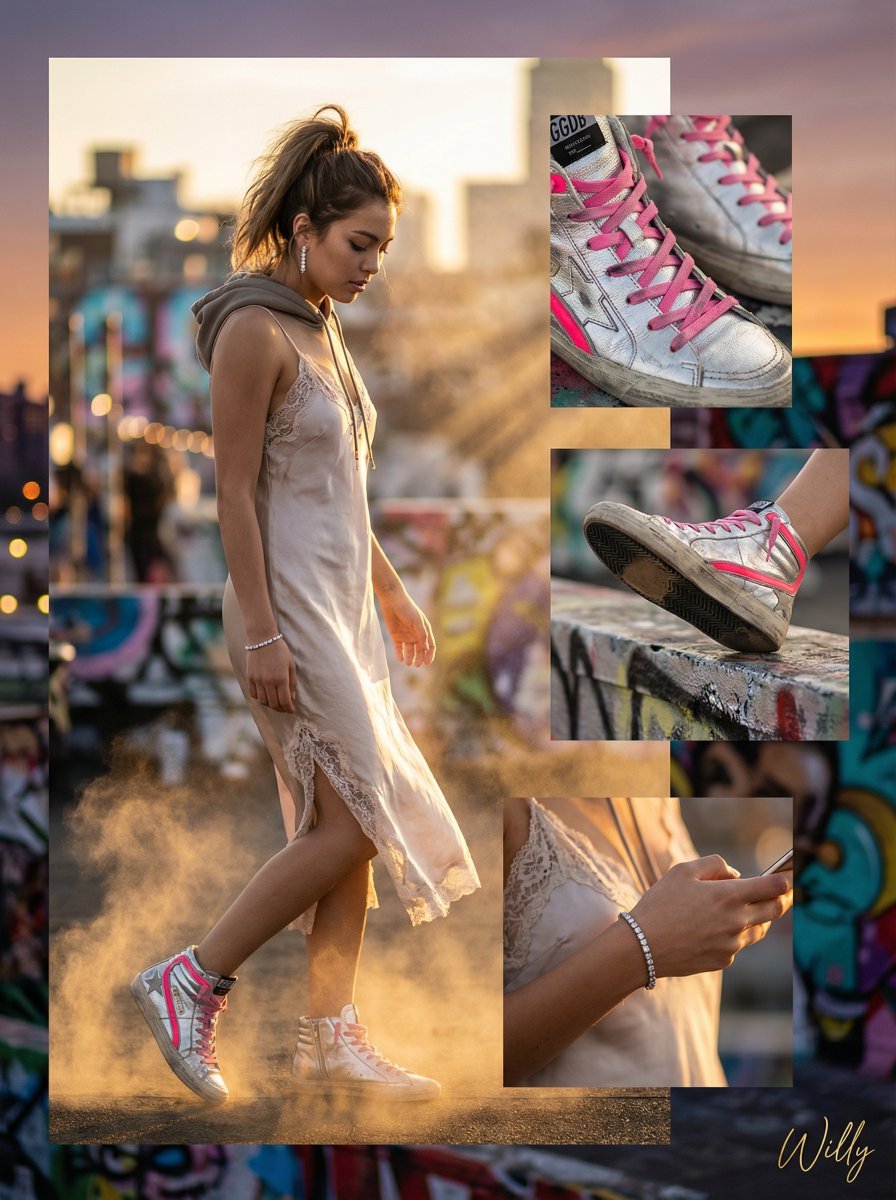
A detailed, structured prompt for creating a high-fashion Instagram feed composite (4:5 ratio) featuring a stunning Eurasian model in a luxury/streetwear fusion outfit (silk slip dress and high-top sneakers).
- Prompt included
- Model and format preset
- Free template
The prompt behind this image
Copy the exact prompt behind Luxury Streetwear Instagram Feed Composite, or open it in the studio and make it yours.
Stunning Eurasian (Chinese/French) model, Instagram feed, 4:5 ratio. LAYOUT: Irregular Grid (main image 60% of space, details filling remaining) + Layered (images overlapping for depth). DIRECTION: Diagonal flow guiding eye from top left to bottom right. BACKGROUND: Urban rooftop at sunset with blurred city lights, graffiti art accents, high-fashion editorial vibe. PRODUCT: Worn shot – model showcasing silver high-top sneakers with pink accents, close-up detail shots of sneaker texture and design layered over main image. DYNAMIC: Gold dust particles swirling around sneakers and model, fabric of dress floating dramatically, light rays catching the gold dust. TONE: Color contrast – cool silver sneakers against warm sunset backdrop, pink accents popping against the urban gray. STYLE: Luxury + Streetwear fusion. Model in {argument name="dress type" default="silk slip dress with lace trim"}, diamond jewelry, and messy high ponytail. Raw urban setting juxtaposed with high-end fashion elements. UI ELEMENTS: None. CAMERA: Hasselblad H6D, 85mm f/1.2, dramatic rim lighting with soft fill, composite shot. Style keywords: streetwear meets luxury, unexpected elegance, golden hour glow, urban fairytale.. A stylish handwritten signature Willy is elegantly and small letters placed at the Bottom Right corner
How to use Luxury Streetwear Instagram Feed Composite in 3 steps
- 1
Open
The prompt is already in the box next to the preview, with the template's model and format selected.
- 2…a portrait of your subject in softgolden-hour light, 85mm…
Personalize
Edit the subject and creative details for your destination.
- 3Generate
Generate
Press Generate — your image is created in PicX Studio, so you can compare it with the original and refine one variable at a time.
More like this
Templates with the same subject, style or setup. Open one to see its prompt.
Instagram Feed Grid
Crystal Panel European Couture Fashion Composite

1988 Mall Style
Cohesive Product Instagram Feed Layout

Sealing Wax Letter Desk

Ballroom Floor Reflections

Vintage Camera Leather Case

Hedge Maze Aerial Dawn

Tuxedo Cuff Adjust

Carriage House Courtyard

Monochrome Jazz Club

Sculpture Garden Geometry
Make it yours
Luxury Streetwear Instagram Feed Composite works as-is. These are the safest ways to change it without losing the look.
Change one field
Copy a single group, rewrite it, and generate again so you can see what that field is doing.
Keep the frame, change the subject
Hold the composition and light of Luxury Streetwear Instagram Feed Composite, then swap wardrobe, props or the person for a new take.
| If the result… | Why | Fix |
|---|---|---|
| The result drifts from the preview | Too many fields changed at once. | Reuse Luxury Streetwear Instagram Feed Composite as-is first, then change one group — subject, light, or setting. |
| The model over-stylizes the scene | The prose prompt leaves finish and camera underspecified. | Add one camera or lighting sentence and stay on Nano Banana 2. |
More Nano Banana 2 templates
Other prompts made for Nano Banana 2.

Photorealistic Leaf Shaped Like a Dragon

K-Pop Idol Portrait Grid for Rapid Selection

Poetic Rain Forest Portrait During Golden Hour

Urban Street Portrait with Cartoon Inner Self Duo

Candid Nighttime Photo with Cat Prompt

High-Concept 3D Diorama Generation Prompt

Cinematic Futuristic Studio Portrait Template

Skincare Editorial Photography Collage Prompt

Hyper-Realistic Commercial Product Photography (Splash Effect)

Hyper-Realistic Nightclub Portrait Prompt
More image prompts
Fresh picks from across the catalog.
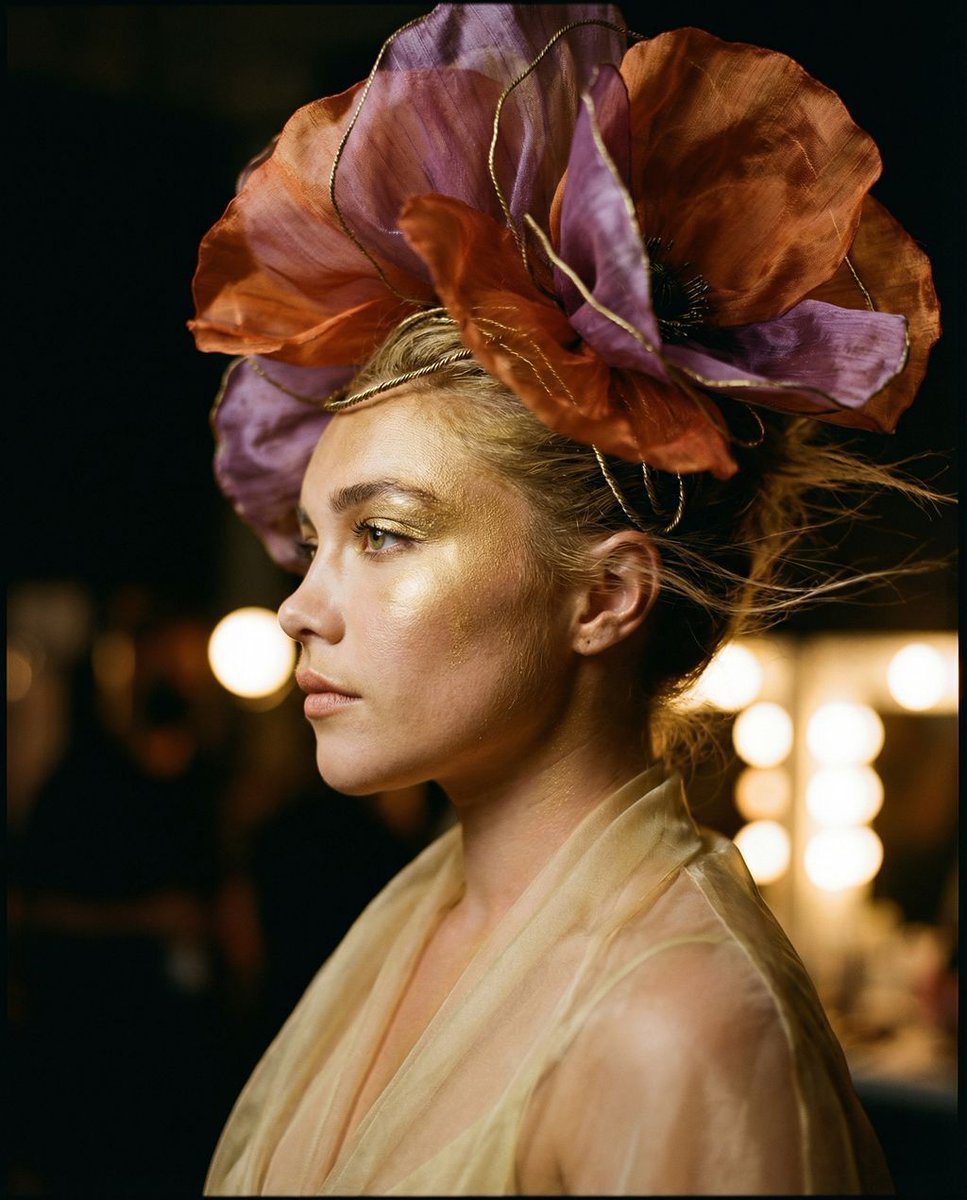
The Gilded Botanical Secret: Avant-Garde Portraiture
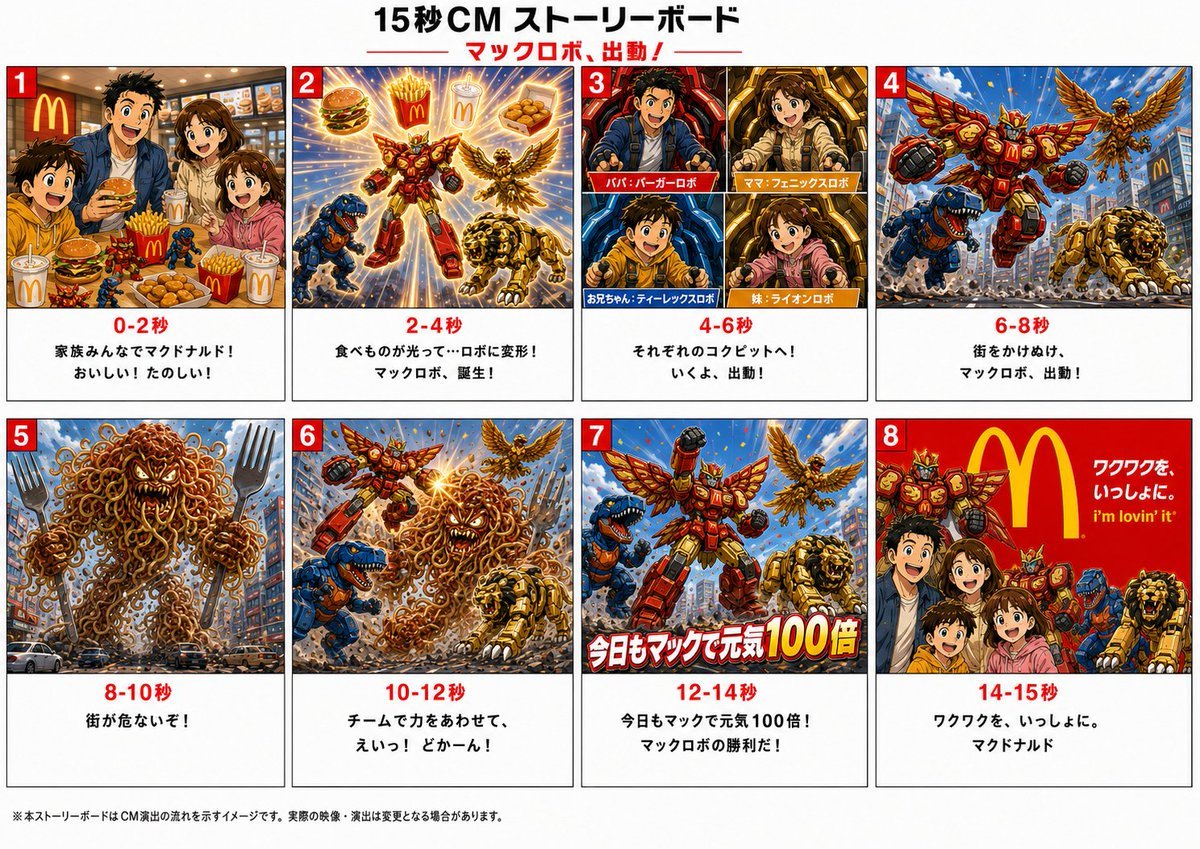
Japanese Mecha Fast Food Storyboard
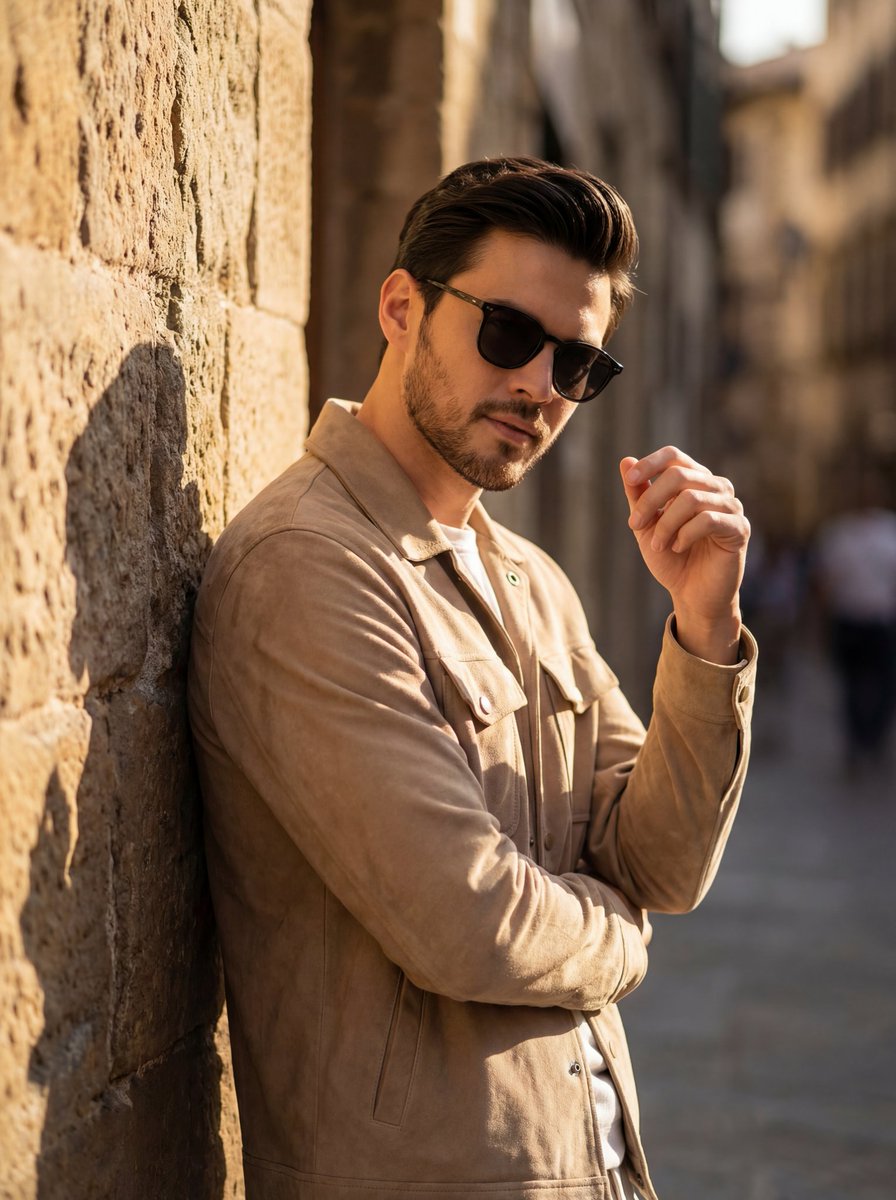
Cinematic Golden Hour Portrait of Stylish Man
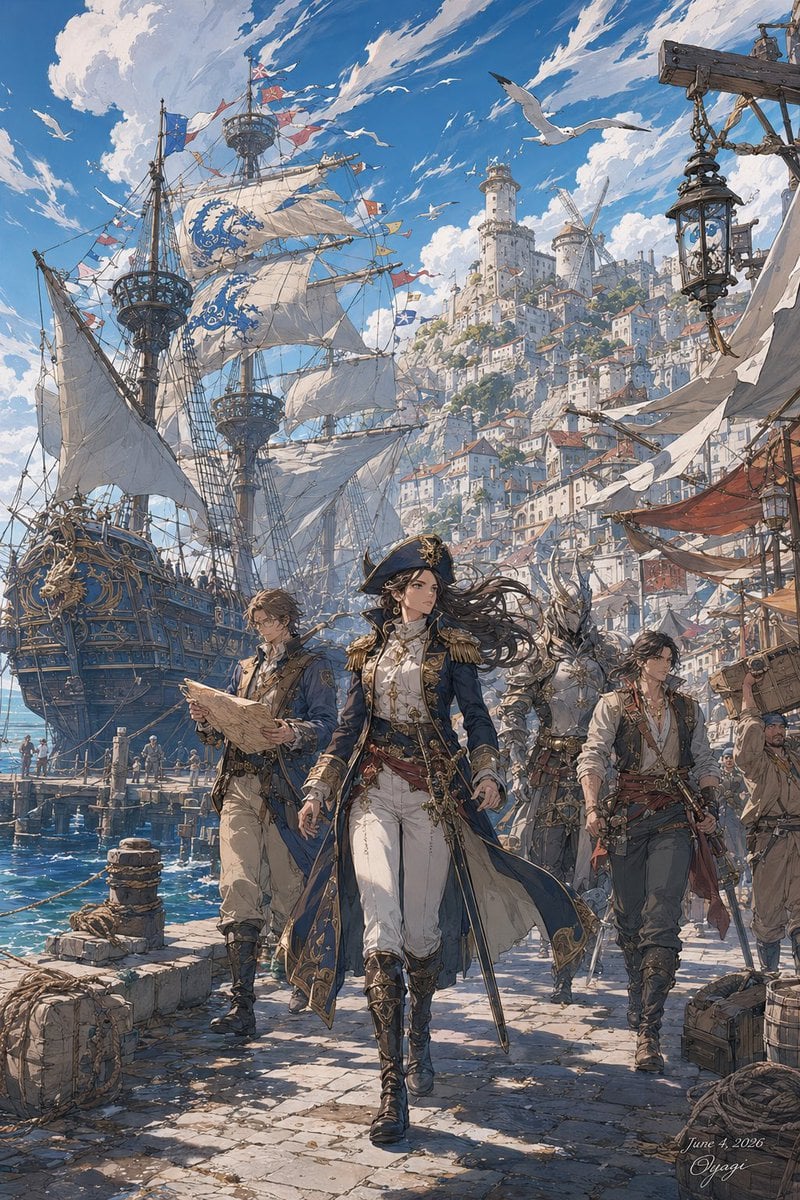
Fantasy Harbor Captain Scene
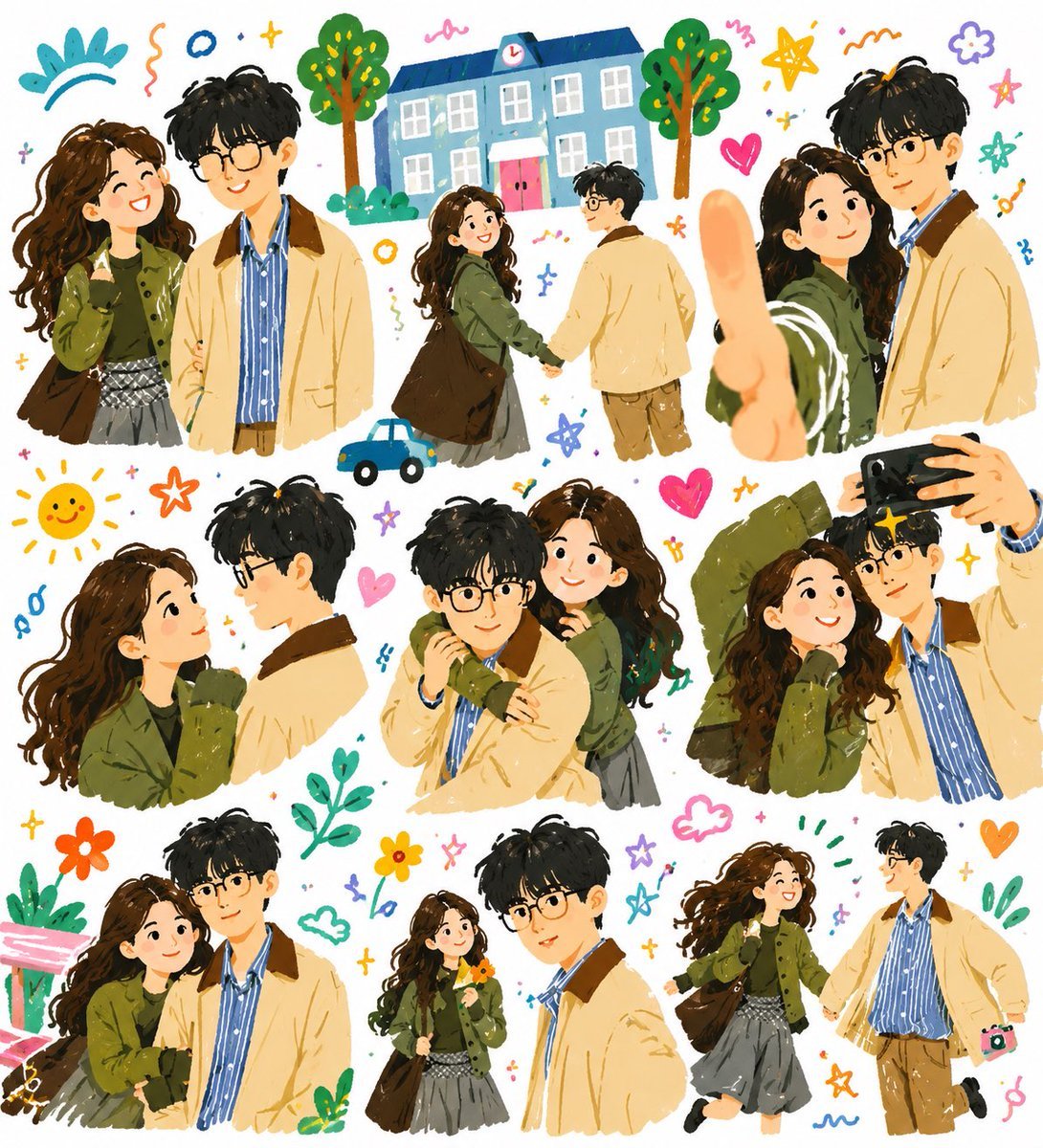
Whimsical Couple Diary Collage
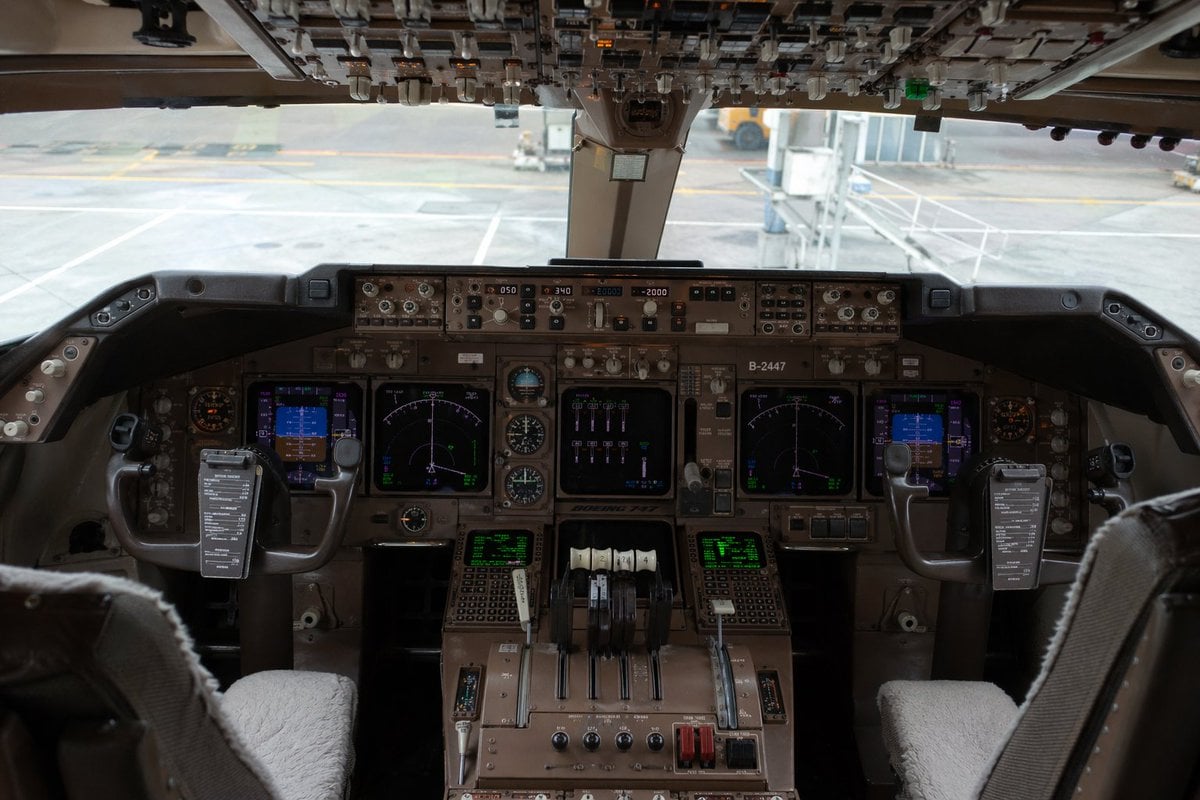
Photorealistic Boeing 747 Cockpit
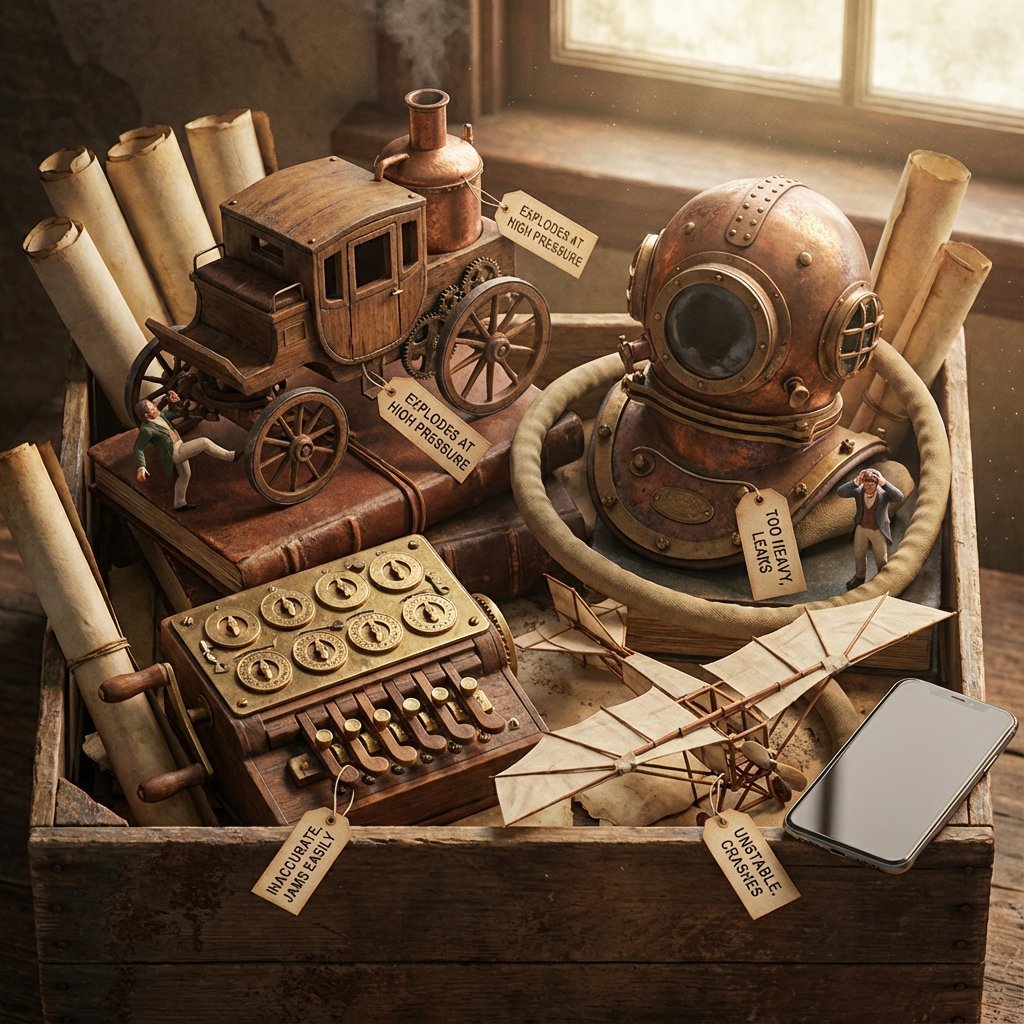
Historical Archivist Prompt for Flawed Inventions
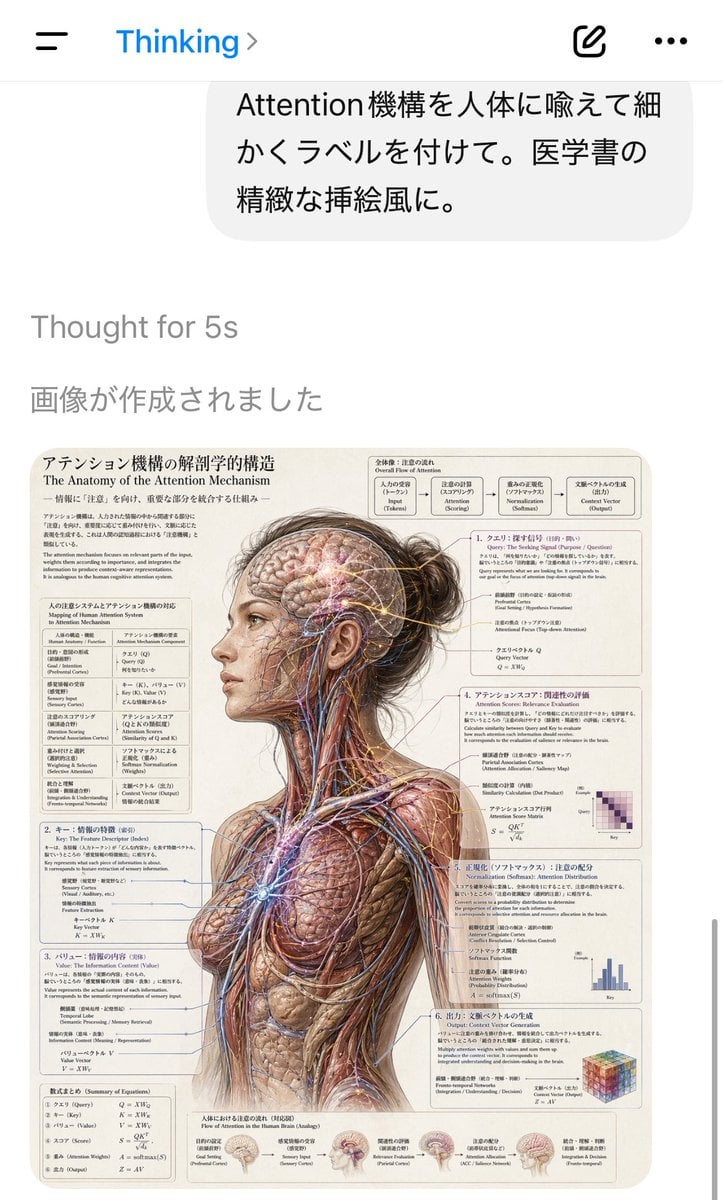
AI Chat Screenshot with Anatomy Poster
Whimsical Hand-Painted Girl with Kitten Illustration
Humanoid Mech Generator for Urban Life
Browse template categories
Luxury Streetwear Instagram Feed Composite questions
How do I use the Luxury Streetwear Instagram Feed Composite template?
Add your photo if the template asks for one, edit the prompt if you like — the template's model and format are already selected — and press Generate. Your version opens in PicX Studio.
Can I customize the Luxury Streetwear Instagram Feed Composite template?
Yes. You can change the subject, setting, lighting, mood, format, and available model controls before creating your image.
Is the Luxury Streetwear Instagram Feed Composite template free?
Opening and editing this template is free. Generating uses credits, shown on the Generate button when you are signed in.
Which AI model should I use?
Start with Nano Banana 2, which is the model associated with this template. You can compare another compatible model for a different finish.
Looking for something else? Browse all templates.

Your photo, any look
Thousands of ready templates for every top image and video model, from one credit balance.