
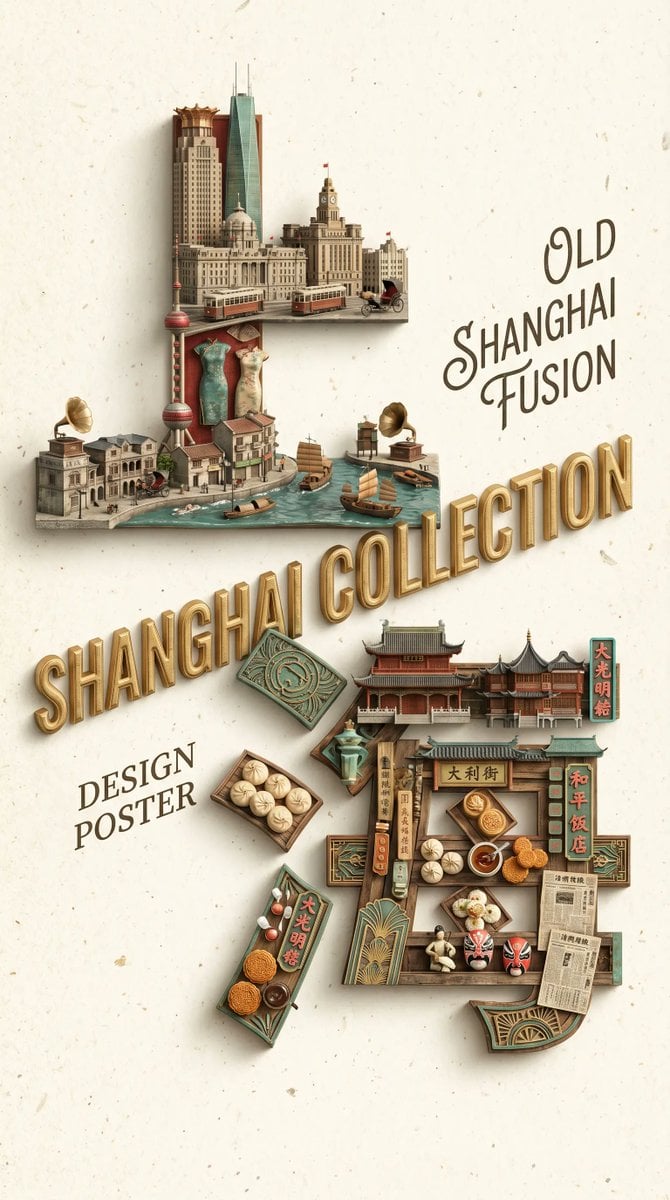
Old Shanghai Fusion Poster
A handcrafted 3D-style cultural poster celebrating Shanghai through miniature architecture, food, signage, and retro typography, ideal for travel, branding, or editorial design.
- Prompt included
- Model and format preset
- Free template
The prompt behind this image
Copy the exact prompt behind Old Shanghai Fusion Poster, or open it in the studio and make it yours.
A vertical cultural travel poster on warm off-white textured paper, designed like a handcrafted 3D shadow-box collage that forms the silhouette of the Chinese character for Shanghai. Use a refined old-meets-new Shanghai theme with miniature architecture, street scenes, props, food, and typography, photographed straight-on with soft studio lighting and delicate drop shadows. The composition should feel elegant, editorial, nostalgic, and premium, with muted cream, brass gold, teal green, brick red, jade, and weathered wood tones. At the upper left, build the top section of the character from 1 modern glass skyscraper, 1 tall historic high-rise with a golden crown, 1 domed neoclassical waterfront building, 1 clock-tower civic building, 2 smaller background towers, 2 red vintage Shanghai trams, and 1 rickshaw. Beneath that, create a canal-town section with 2 tall red Oriental Pearl Tower spheres-and-columns motifs, 2 qipao dresses displayed vertically, 4 old shikumen and lane houses, 1 curved waterfront canal, 4 wooden boats on the water, and 2 gramophones placed at the far left and right edges. Across the center, place a large diagonal metallic-gold embossed title reading {argument name="headline text" default="SHANGHAI COLLECTION"} in bold retro 3D lettering. To the right of the upper composition, add hand-lettered vintage script text reading {argument name="subtitle text" default="OLD SHANGHAI FUSION"}. On the lower left, add serif text reading {argument name="tagline text" default="DESIGN POSTER"}. The lower half should form the rest of the character using traditional Chinese architectural miniatures and market objects: 1 large classical Chinese roofed building complex, 4 vertical neon-style shop signs with Chinese characters, 2 square decorative plaques, 1 small green ceramic ewer, 2 shallow food trays, 1 rectangular tray of 6 soup dumplings, 1 long tray with 3 white tanghulu-like skewered sweets, 2 round mooncakes, and 1 small sauce dish, 1 rectangular display shelf containing 4 steamed buns, 1 bowl of noodles, 2 golden pastries, 1 plate of white flower-shaped sweets, 1 small doll figurine, and 2 painted opera masks, plus 2 hanging newspapers at the lower right. Keep the background spacious and minimal, with the collage and text arranged diagonally for a sophisticated poster layout. Make the whole image look like a meticulously assembled handmade paper-and-wood diorama, combining Art Deco Shanghai glamour, Republican-era nostalgia, Jiangnan water-town charm, and traditional Chinese market culture.
How to use Old Shanghai Fusion Poster in 3 steps
- 1Upload ImagePNG, JPG or paste
Add your photo
Upload the photo the template builds on. The prompt, model and format are already set.
- 2…a portrait of your subject in softgolden-hour light, 85mm…
Personalize
Edit the subject and creative details for your destination.
- 3Generate
Generate
Press Generate — your image is created in PicX Studio, so you can compare it with the original and refine one variable at a time.
More like this
Templates with the same subject, style or setup. Open one to see its prompt.

Japan Travel Brochure Poster

Cartoon TV Show Poster Pack

Trendy Cafe Drink Promo Poster
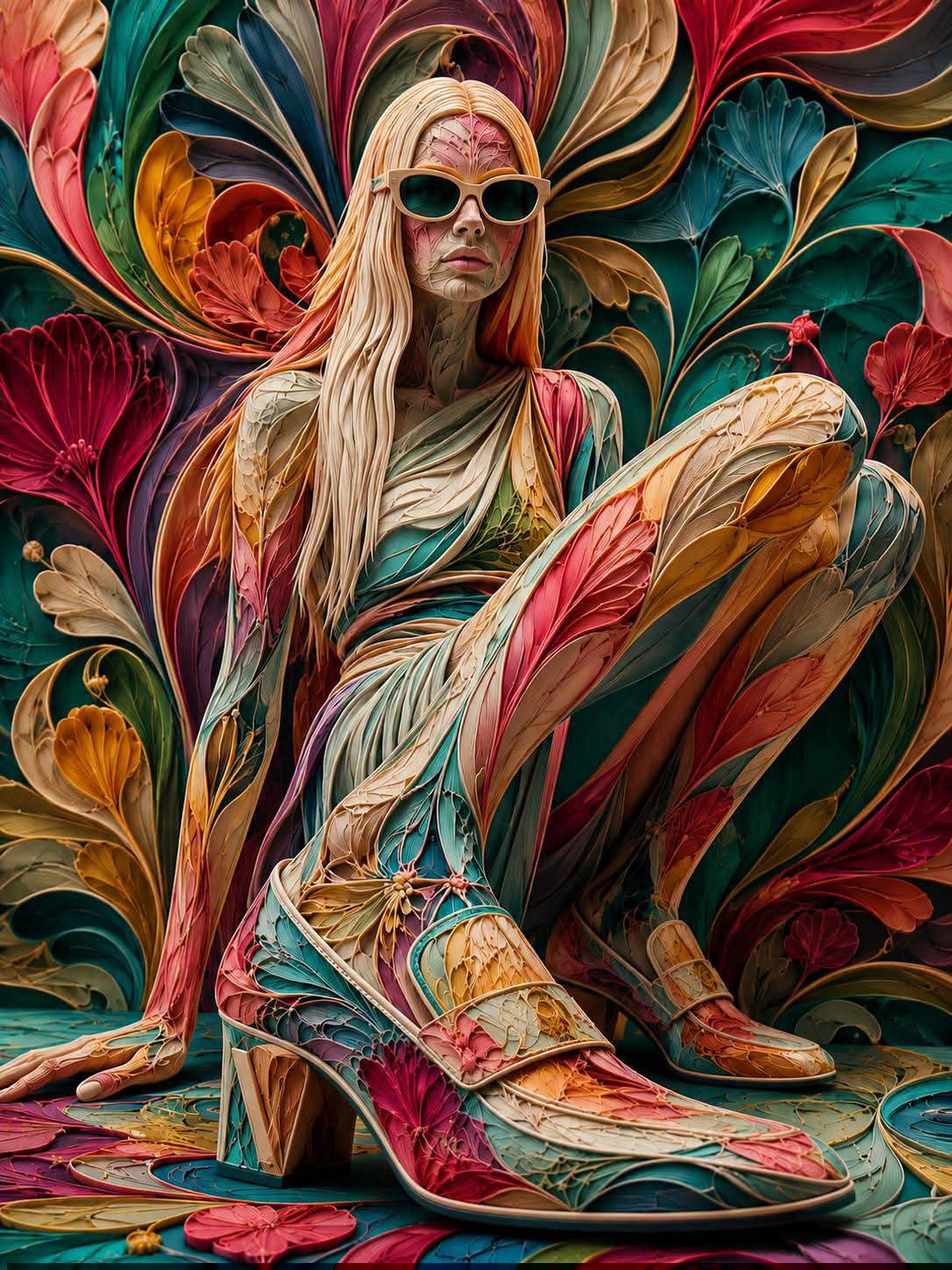
FLORAVERSE BOTANICAL FUSION

Urban Fashion Editorial Collage Streetwear Poster

Premium Fashion Editorial Cover Layout System

Polo Ralph Lauren Luxury American Heritage Fashion Campaign

Monochrome Halftone Editorial Fashion Poster

Retro Mirror Luxury Fashion Campaign Poster
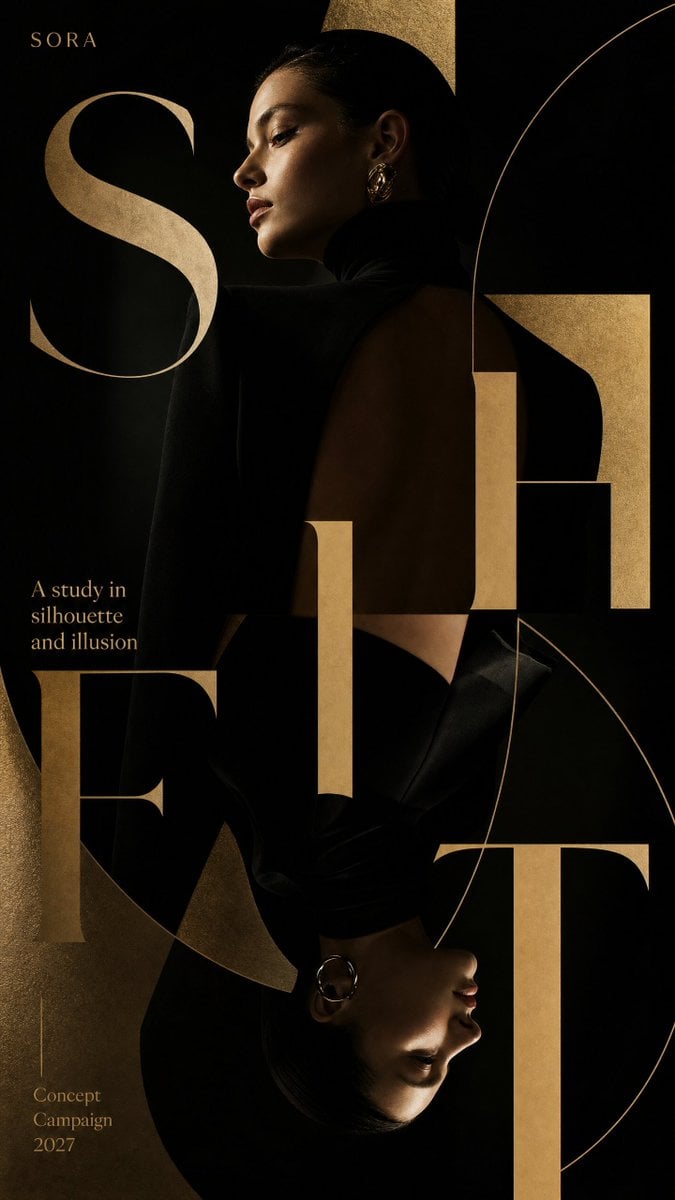
Luxury Fashion Campaign Typography Poster System
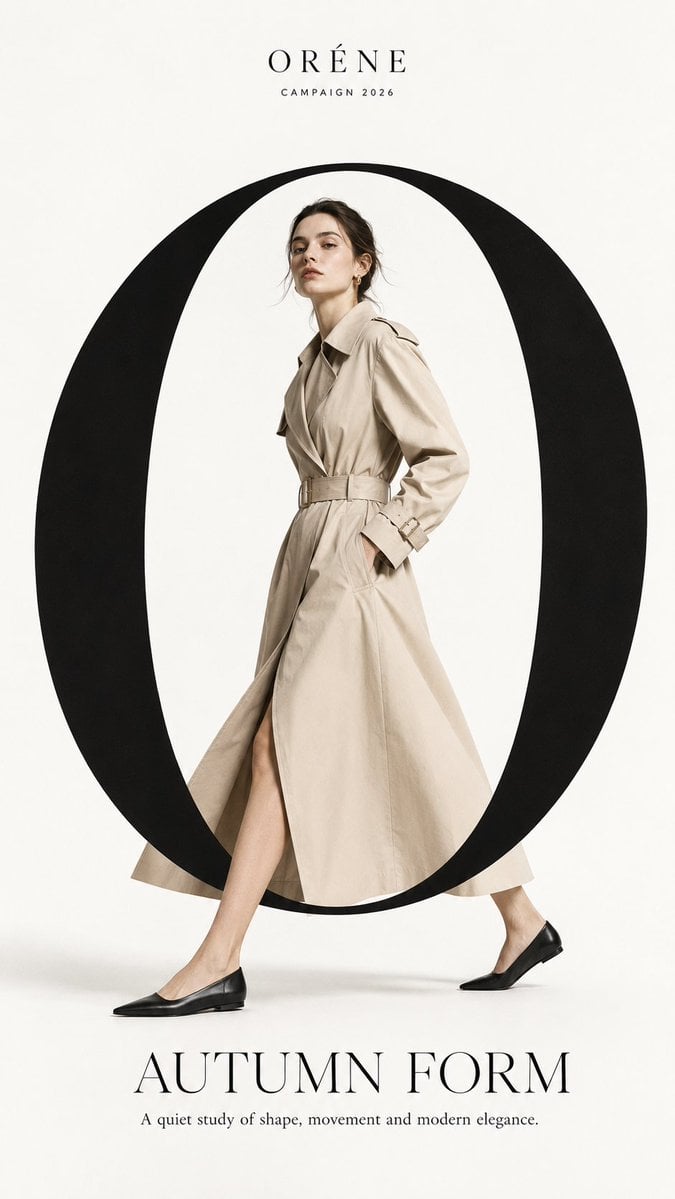
Premium Fashion Editorial Campaign Poster System
Ultra-Stylized High-Fashion Streetwear Poster
Make it yours
Old Shanghai Fusion Poster works as-is. These are the safest ways to change it without losing the look.
Change one field
Copy a single group, rewrite it, and generate again so you can see what that field is doing.
Keep the frame, change the subject
Hold the composition and light of Old Shanghai Fusion Poster, then swap wardrobe, props or the person for a new take.
| If the result… | Why | Fix |
|---|---|---|
| The result drifts from the preview | Too many fields changed at once. | Reuse Old Shanghai Fusion Poster as-is first, then change one group — subject, light, or setting. |
| The model over-stylizes the scene | The prose prompt leaves finish and camera underspecified. | Add one camera or lighting sentence and stay on GPT Image 2. |
More GPT Image 2 templates
Other prompts made for GPT Image 2.

Six VTuber Japanese Logo Sheet

Realistic Portrait of Woman and Deer

The Vista Modular Condo Poster

AI Model Routing Comparison Infographic

2.5D Anime Art Board

Isometric Productivity Desk Scene

New York Double Exposure Poster

Four-Panel AI Landscape Comparison

Japanese Tatami Lifestyle Magazine Cover

NESCAFÉ Coffee Map Poster
More image prompts
Fresh picks from across the catalog.
Character to Chess Piece Transformation
Fantasy Movie Poster Style Conversion
Trash Polka Urban Digital Painting
Hyper-Realistic Caricature of a Bald Man in a Jersey
Ascetic Monk Cleaning Neon Tokyo
Cute Superhero Drink Doodle Photo
Avant-garde Punk Schoolgirl Portrait for Nano Banana Pro
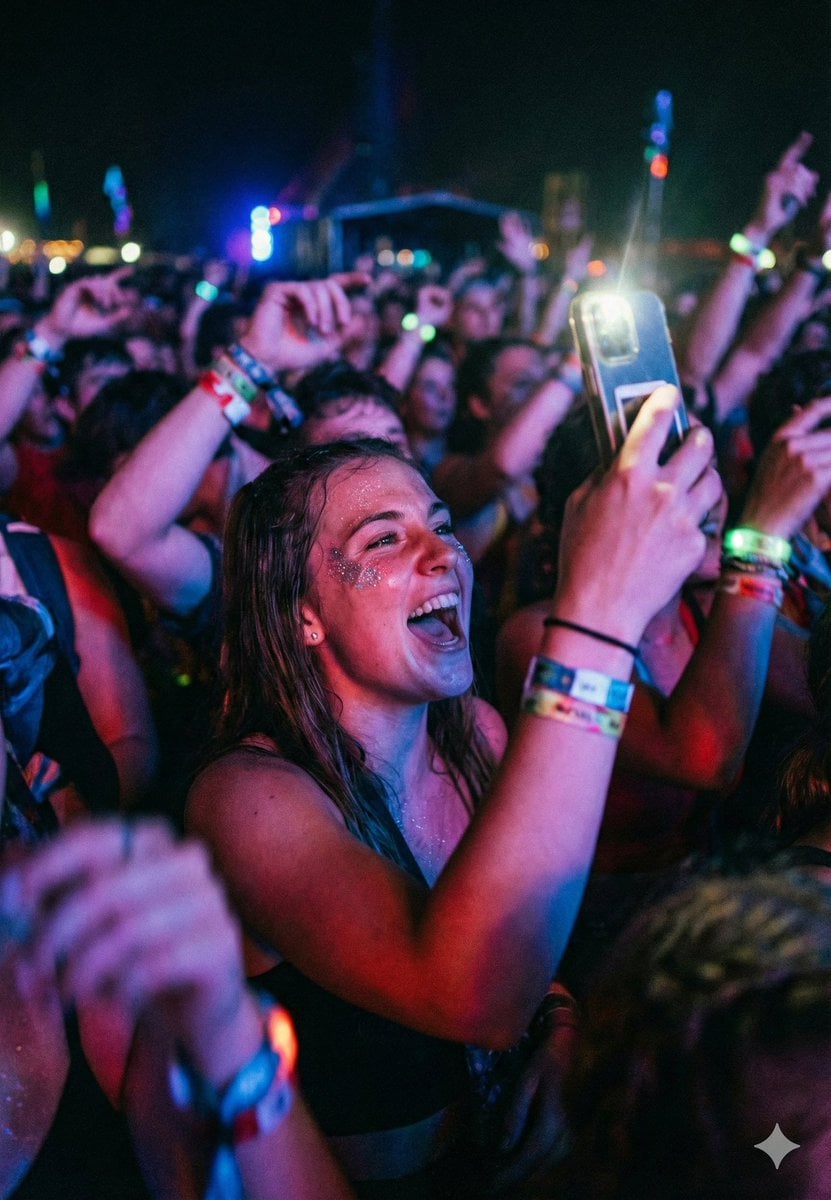
Cinematic Concert Crowd Photo Prompt
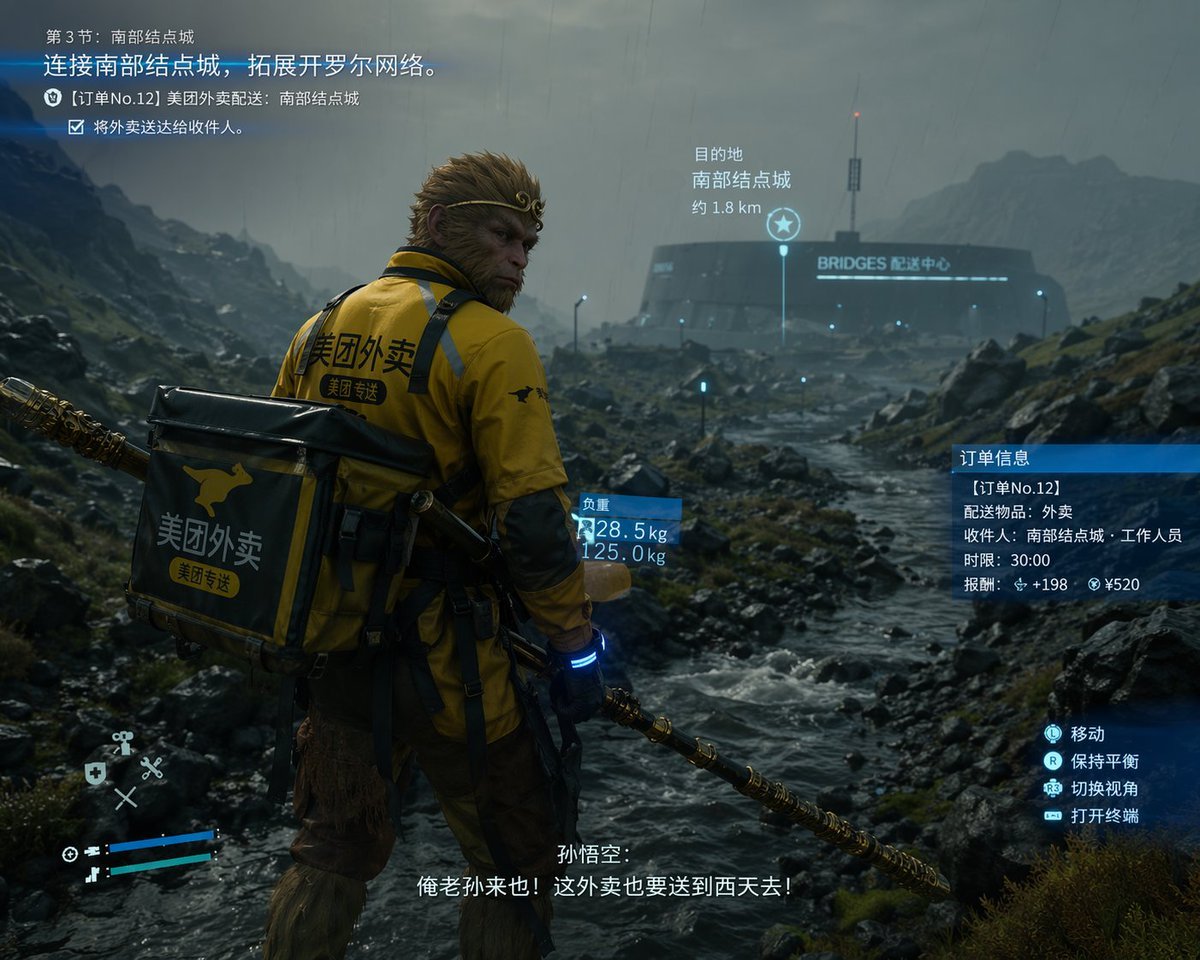
Cinematic Game UI Mockup
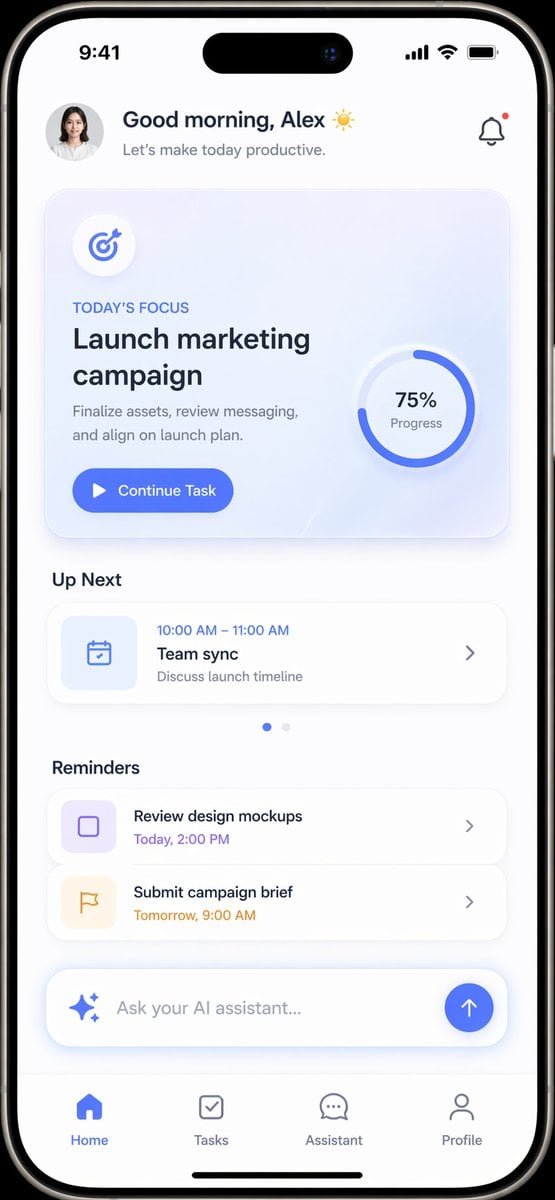
Productivity App UI Mockup
Browse template categories
Old Shanghai Fusion Poster questions
How do I use the Old Shanghai Fusion Poster template?
Add your photo if the template asks for one, edit the prompt if you like — the template's model and format are already selected — and press Generate. Your version opens in PicX Studio.
Can I customize the Old Shanghai Fusion Poster template?
Yes. You can change the subject, setting, lighting, mood, format, and available model controls before creating your image.
Is the Old Shanghai Fusion Poster template free?
Opening and editing this template is free. Generating uses credits, shown on the Generate button when you are signed in.
Which AI model should I use?
Start with GPT Image 2, which is the model associated with this template. You can compare another compatible model for a different finish.
Looking for something else? Browse all templates.

Your photo, any look
Thousands of ready templates for every top image and video model, from one credit balance.