
Kawaii Character 777 Slot Machine
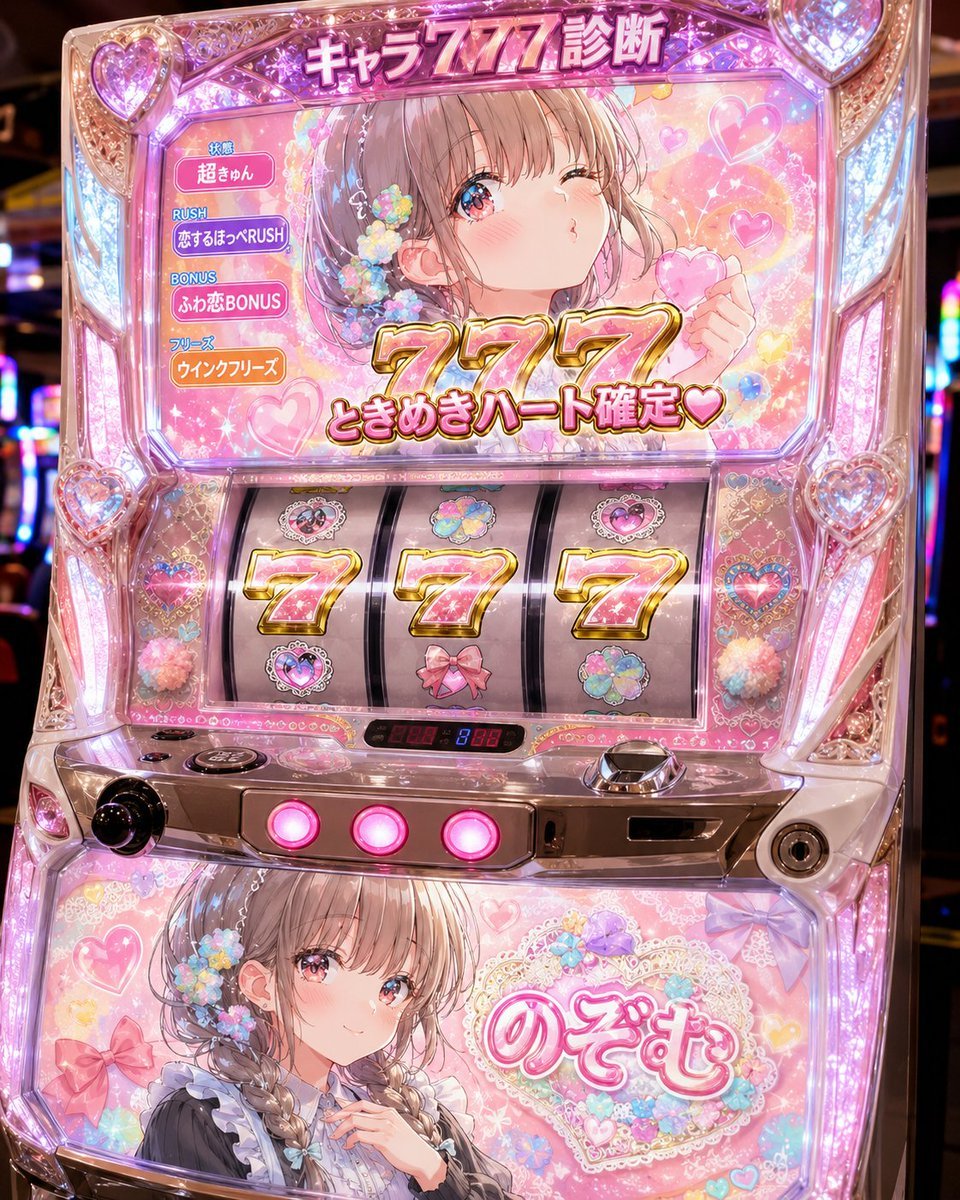
Generates a sparkling anime-themed Japanese pachislot cabinet with personalized 777 diagnosis text and romantic heart decorations.
- Prompt included
- Model and format preset
- Free template
The prompt behind this image
Copy the exact prompt behind Kawaii Character 777 Slot Machine, or open it in the studio and make it yours.
Goal: Create a highly detailed Japanese pachislot machine themed as an official character slot cabinet for {argument name="character name" default="Nozomu"}, photographed front-on in an arcade with blurred neighboring machines and colorful neon lights. Canvas: Square 1:1 image, close-up product-photo composition showing the full upper screen, three slot reels, control panel, and lower character art panel. Use glossy reflections, glass, chrome, acrylic, LEDs, and dense decorative detail. Main cabinet design: A cute romantic pink pachislot cabinet covered in transparent jewel-like plastic, heart-shaped corner ornaments, faceted crystal trim, lace patterns, pastel flowers, bows, holographic stickers, and glowing pink-purple-white LEDs. The machine should feel like a limited-edition anime idol/love-themed slot machine, extremely ornate and sparkling. Top display: Large illuminated Japanese headline at the top reads 「キャラ777診断」. The main LCD shows a soft anime girl with light brown hair, blue-pink sparkling eyes, blush, floral hair accessories, winking and holding a pink heart candy. The screen background is pastel pink with hearts, bokeh, sparkles, lace, and floating flowers. Overlay huge glossy gold-and-pink “777” numbers in the center, with the win message 「ときめきハート確定♥」 beneath it. Left status menu on the LCD: Include exactly 4 stacked rounded labels with Japanese text: 1) 「状態」 / 「超きゅん」, 2) 「RUSH」 / 「恋するほっぺRUSH」, 3) 「BONUS」 / 「ふわ恋BONUS」, 4) 「フリーズ」 / 「ウィンクフリーズ」. Make them look like small pachislot UI badges in pink, purple, and orange. Slot reels: Show exactly 3 vertical reels in the center window, each stopped on a large pink-gold number 7 so the result is exactly 777. Surrounding visible symbols include hearts, flower clusters, a pink bow, and pastel cloud-like flowers. The reels should be glossy and slightly curved like a real slot machine. Controls and lower panel: Below the reels include a chrome control area with exactly 3 round glowing pink stop buttons, a black knob on the left, a coin slot or card slot on the right, and small red/blue digital counters. The lower artwork panel shows the same pastel anime girl in a frilly outfit with braided hair and flowers; place a plain skin-tone square censor block over the center of her face area, while the rest of the panel remains decorated with hearts, bows, lace, and pastel flowers. Include a large ornate heart label on the lower right reading 「のぞむ」. Visual style: Ultra-polished photorealistic pachinko/pachislot cabinet mixed with kawaii anime illustration, high saturation, pink romantic palette, gold beveled typography, glitter, lens bloom, reflective plastic, arcade depth of field, premium toy-like realism. Constraints: Keep all visible Japanese text legible and in the positions described. Use exactly 3 reels and exactly 3 glowing stop buttons. Do not add extra characters, logos, watermarks, or English text. The overall mood is cute, lucky, romantic, and celebratory, like a “777 diagnosis” result screen personalized for {argument name="character name" default="Nozomu"}.
How to use Kawaii Character 777 Slot Machine in 3 steps
- 1Upload ImagePNG, JPG or paste
Add your photo
Upload the photo the template builds on. The prompt, model and format are already set.
- 2…a portrait of your subject in softgolden-hour light, 85mm…
Personalize
Edit the subject and creative details for your destination.
- 3Generate
Generate
Press Generate — your image is created in PicX Studio, so you can compare it with the original and refine one variable at a time.
More like this
Templates with the same subject, style or setup. Open one to see its prompt.

Cute Layered Paper Cut Chibi Girl
AI Slot Machine Anxiety
Overtime Zone Pachislot Machine
Minimal Slot Machine Attribution Ad
Pepsi Vending Machine Ad
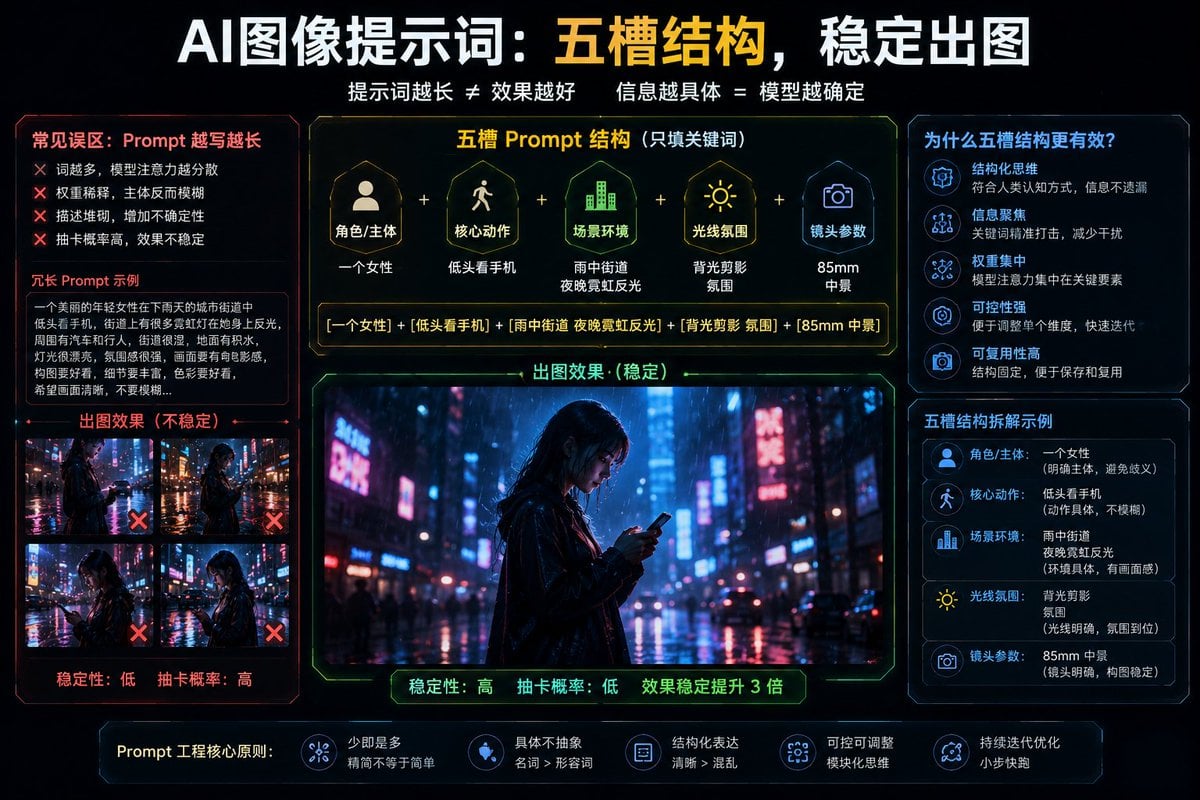
Structured 5-Slot Generation Template
Anime Girl at Claw Machine
Kawaii Brick Moon Chibi Diorama
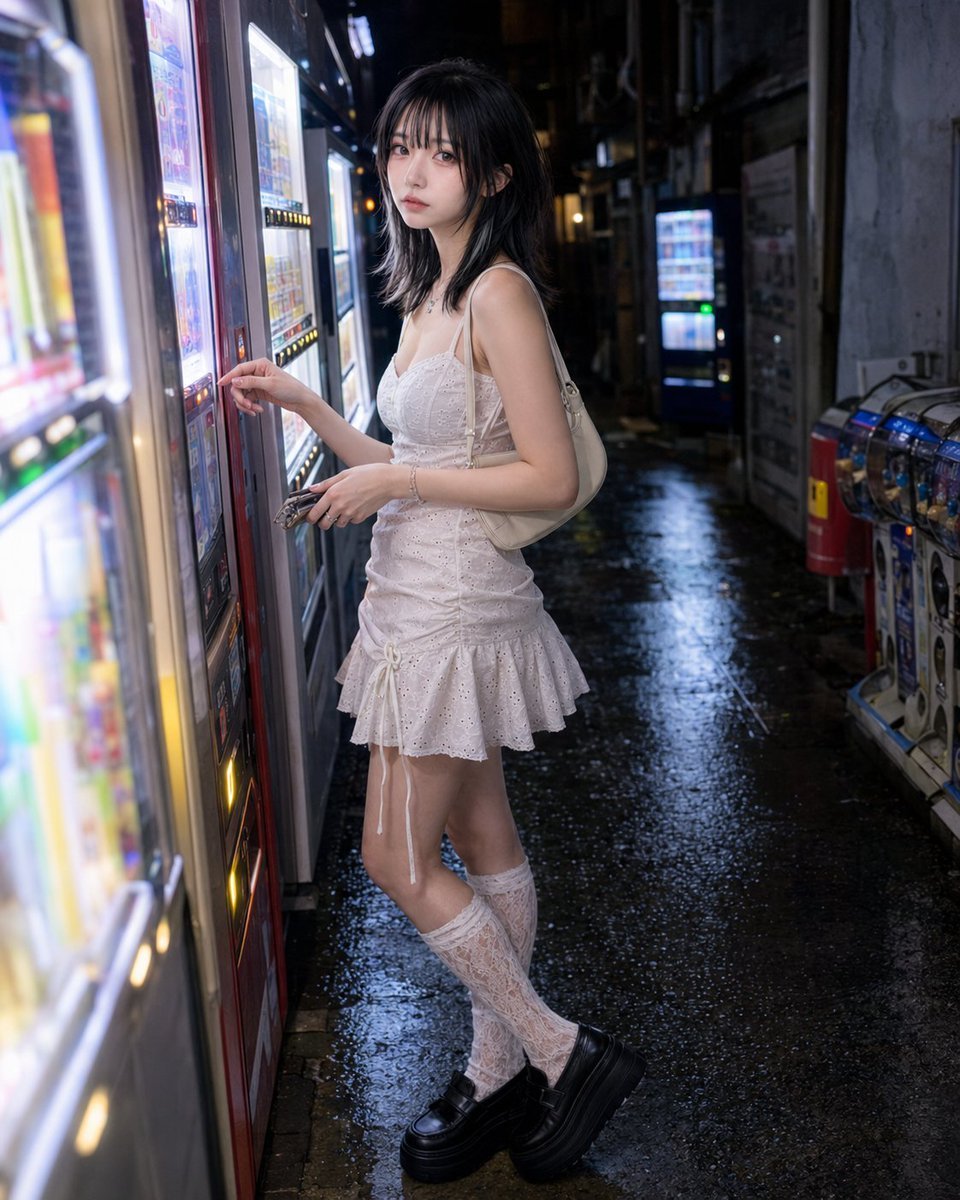
Vending Machine Alley at Night
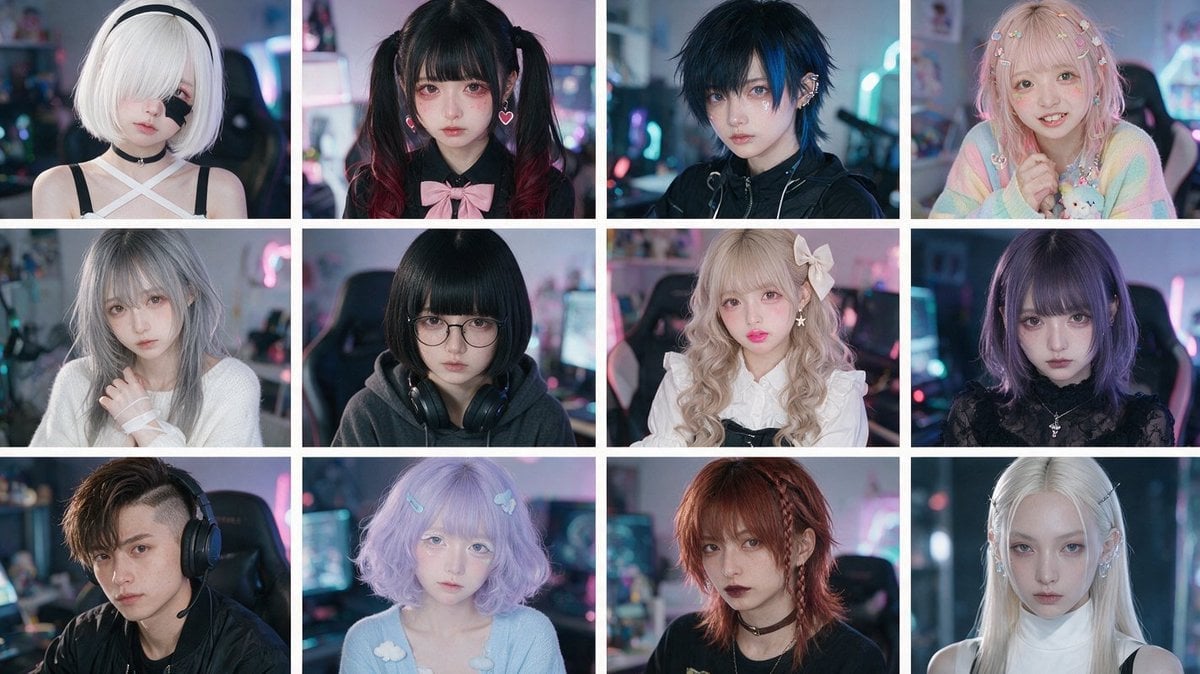
Cyber-Kawaii Influencer Portrait Grid
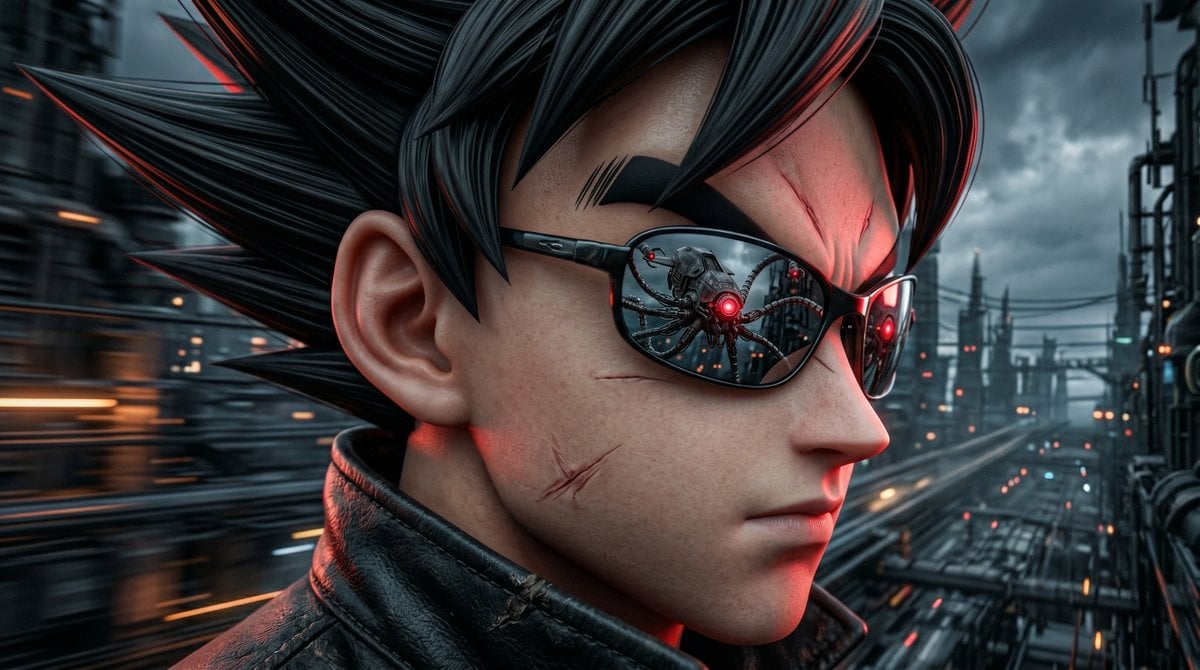
Neo Goku in the Machine City
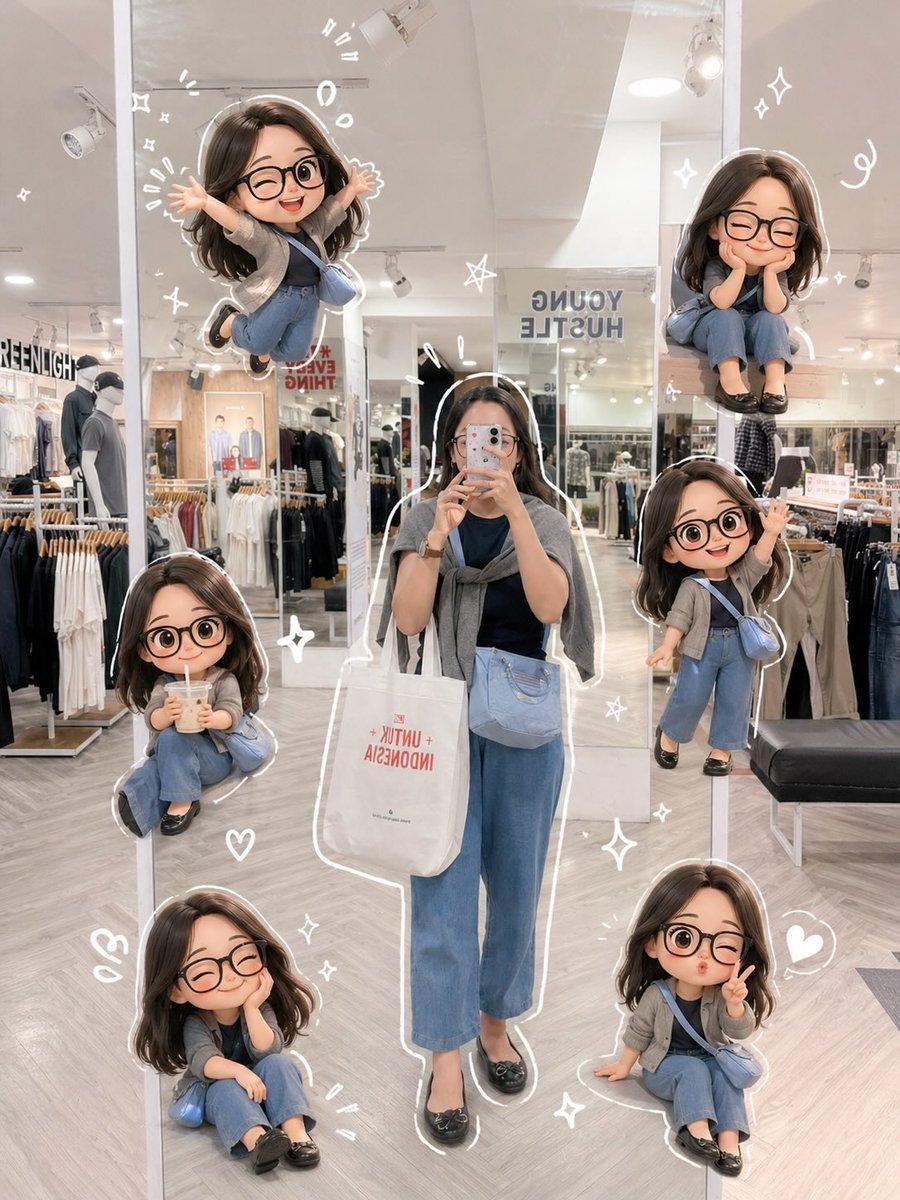
Chibi Mirror Selfie with Kawaii Doodles
Make it yours
Kawaii Character 777 Slot Machine works as-is. These are the safest ways to change it without losing the look.
Change one field
Copy a single group, rewrite it, and generate again so you can see what that field is doing.
Keep the frame, change the subject
Hold the composition and light of Kawaii Character 777 Slot Machine, then swap wardrobe, props or the person for a new take.
| If the result… | Why | Fix |
|---|---|---|
| The result drifts from the preview | Too many fields changed at once. | Reuse Kawaii Character 777 Slot Machine as-is first, then change one group — subject, light, or setting. |
| The model over-stylizes the scene | The prose prompt leaves finish and camera underspecified. | Add one camera or lighting sentence and stay on GPT Image 2. |
More GPT Image 2 templates
Other prompts made for GPT Image 2.

Six VTuber Japanese Logo Sheet

Realistic Portrait of Woman and Deer

The Vista Modular Condo Poster

AI Model Routing Comparison Infographic

2.5D Anime Art Board

Isometric Productivity Desk Scene

New York Double Exposure Poster

Four-Panel AI Landscape Comparison

Japanese Tatami Lifestyle Magazine Cover

NESCAFÉ Coffee Map Poster
More image prompts
Fresh picks from across the catalog.
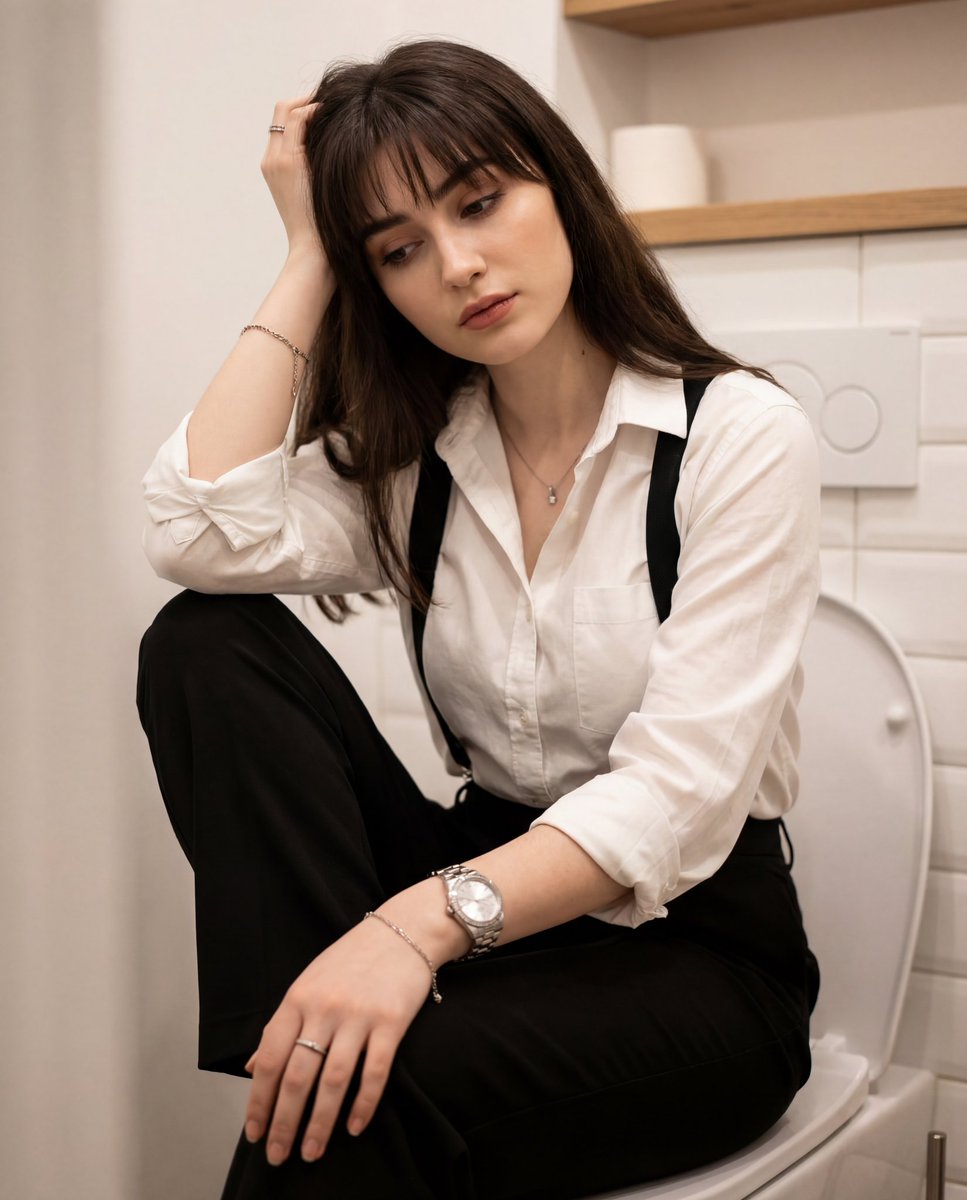
Introspective Portrait in a Bathroom with Identity Lock
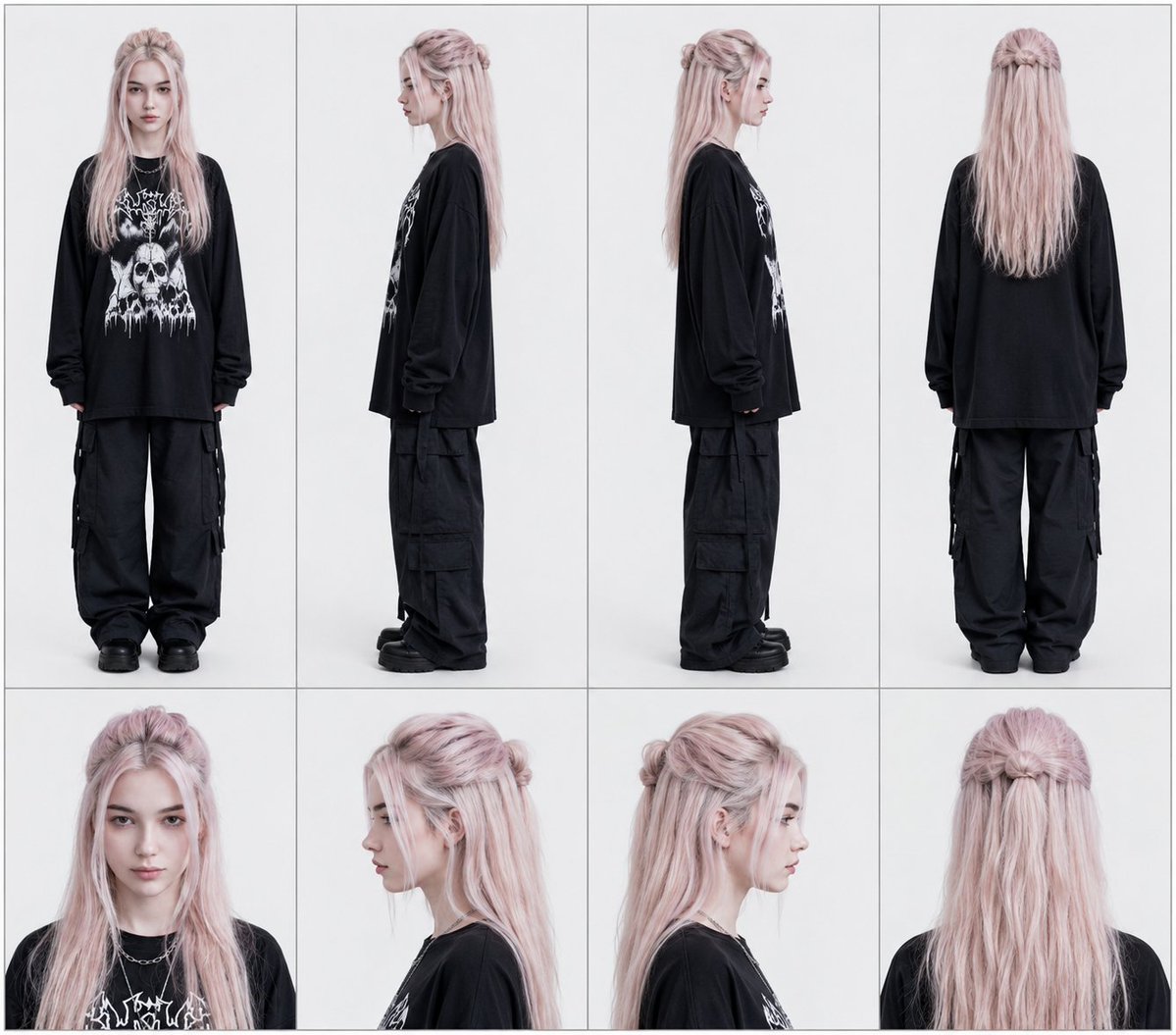
Professional Character Reference Sheet Layout
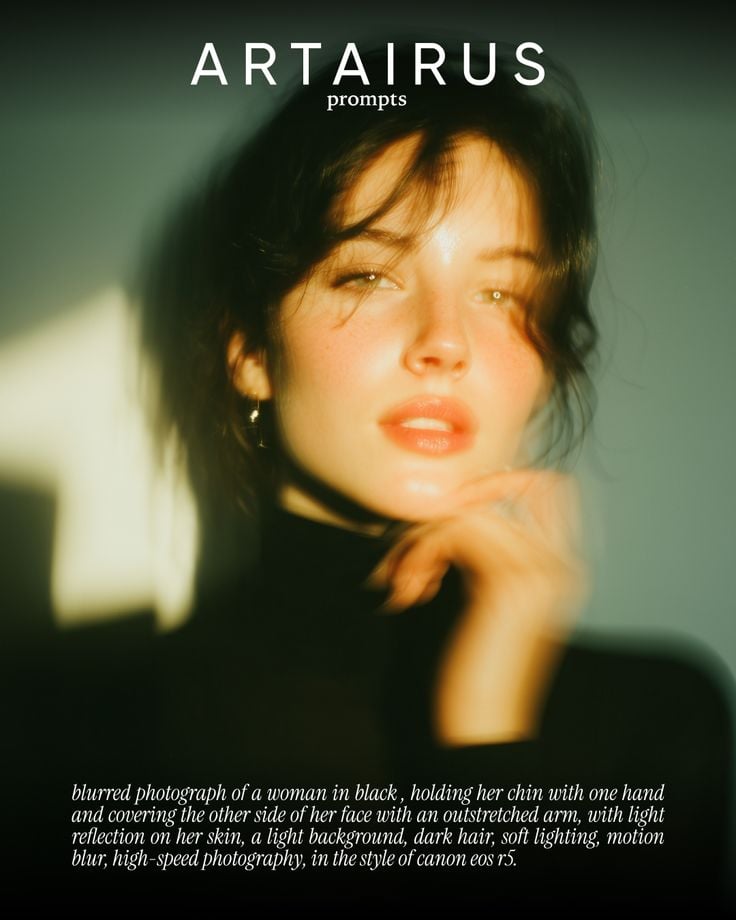
Cinematic Portrait with Soft Golden Light Prompt
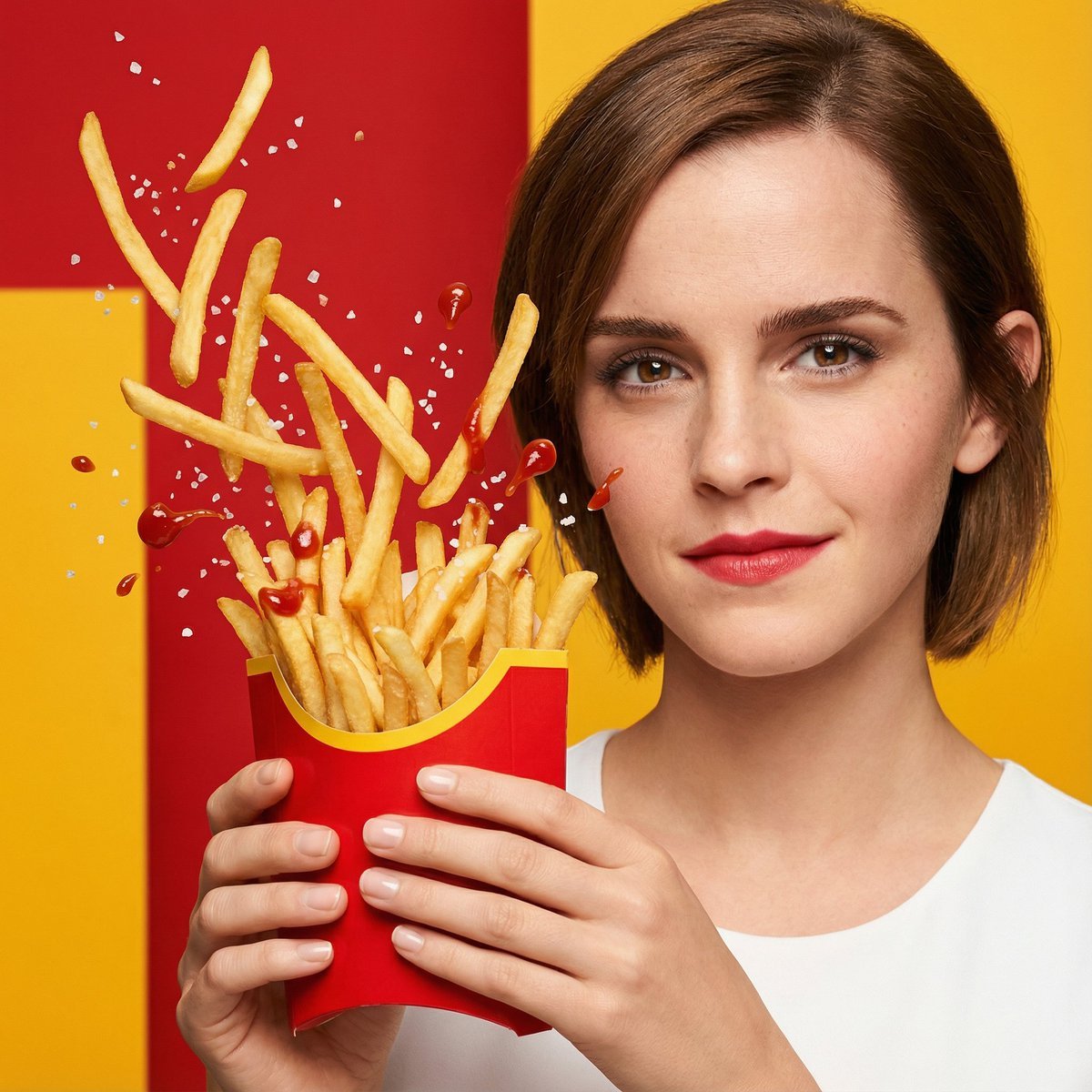
Hyper-Realistic Fast Food Ad Visual

Stylized Baba Yaga Hut
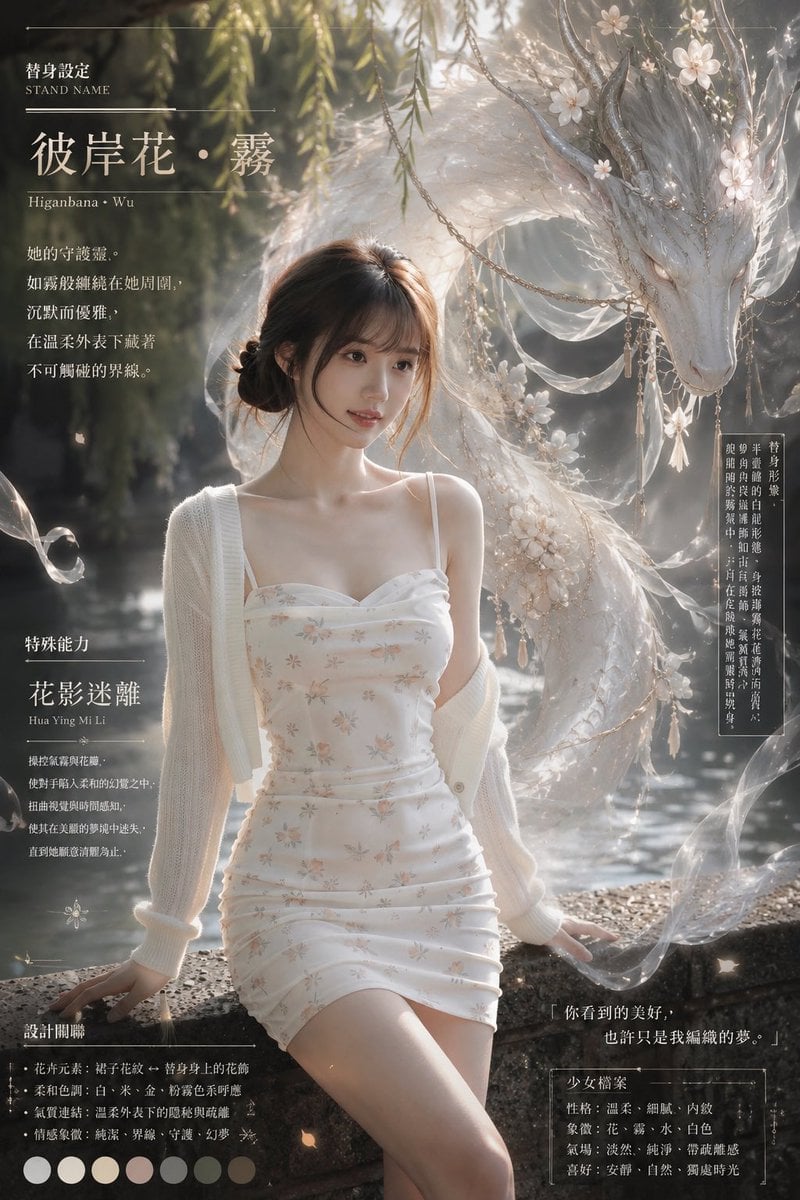
Misty Floral Stand Spirit Poster
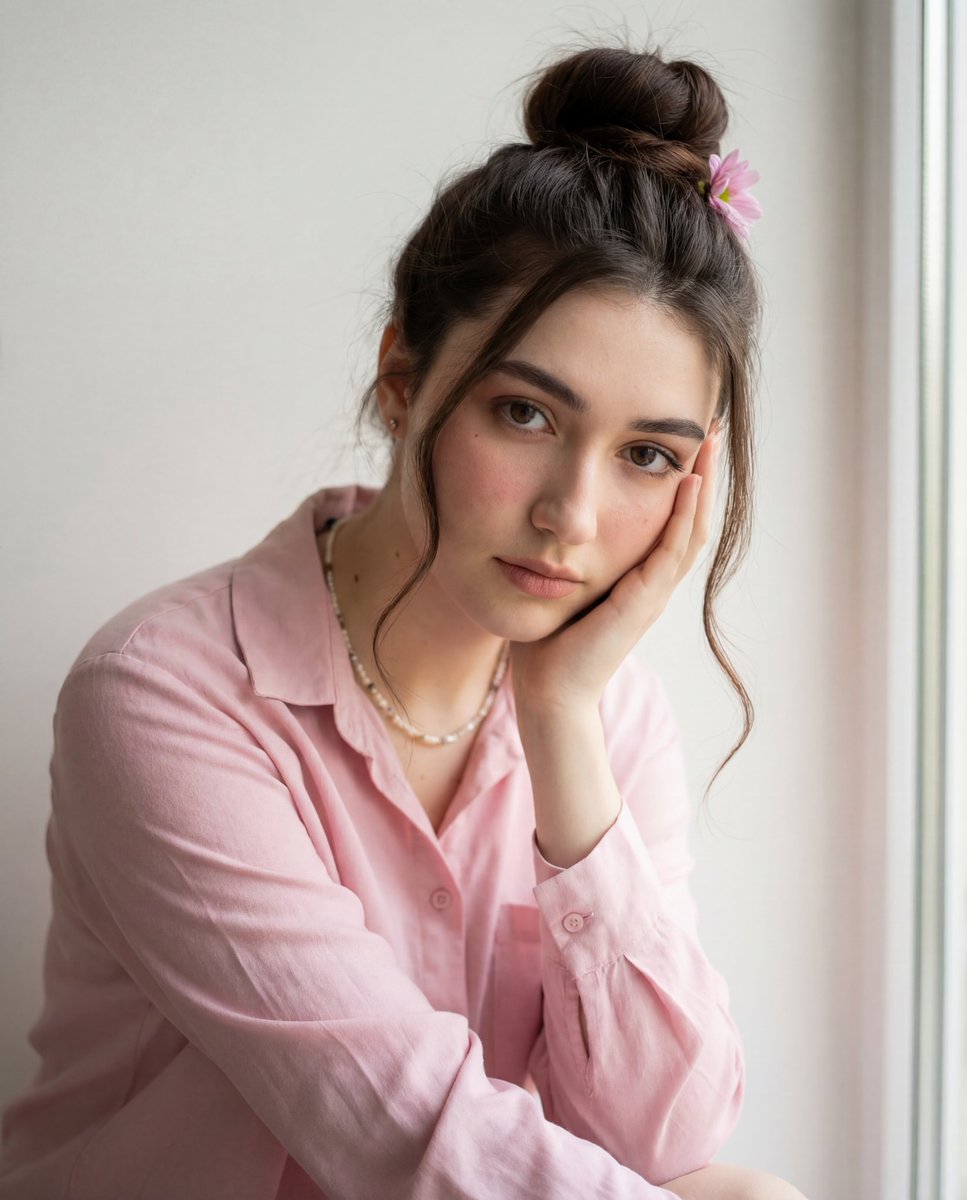
Intimate Photorealistic Portrait with Strict Face Consistency
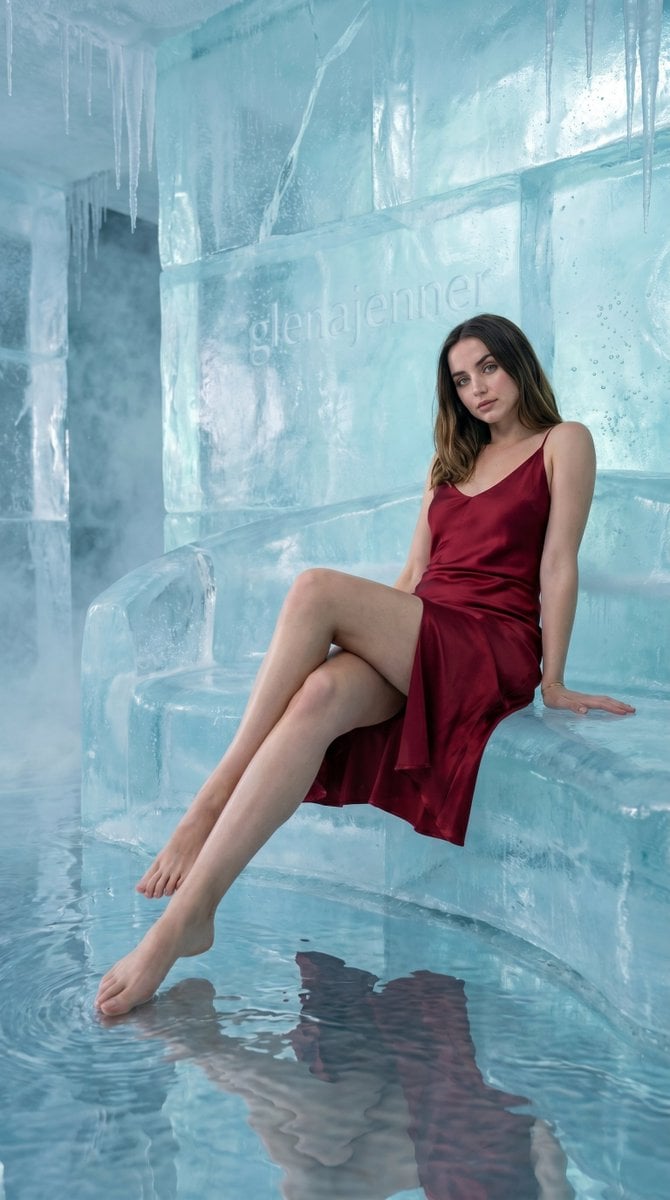
Luxury Ice Couch Portrait
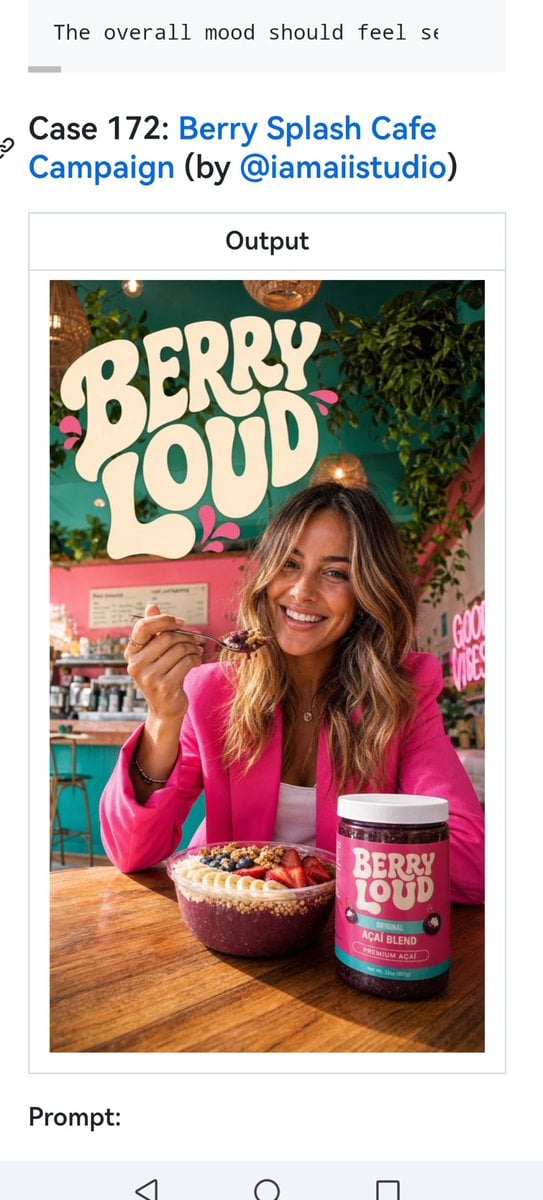
Berry Loud Cafe Campaign Screenshot
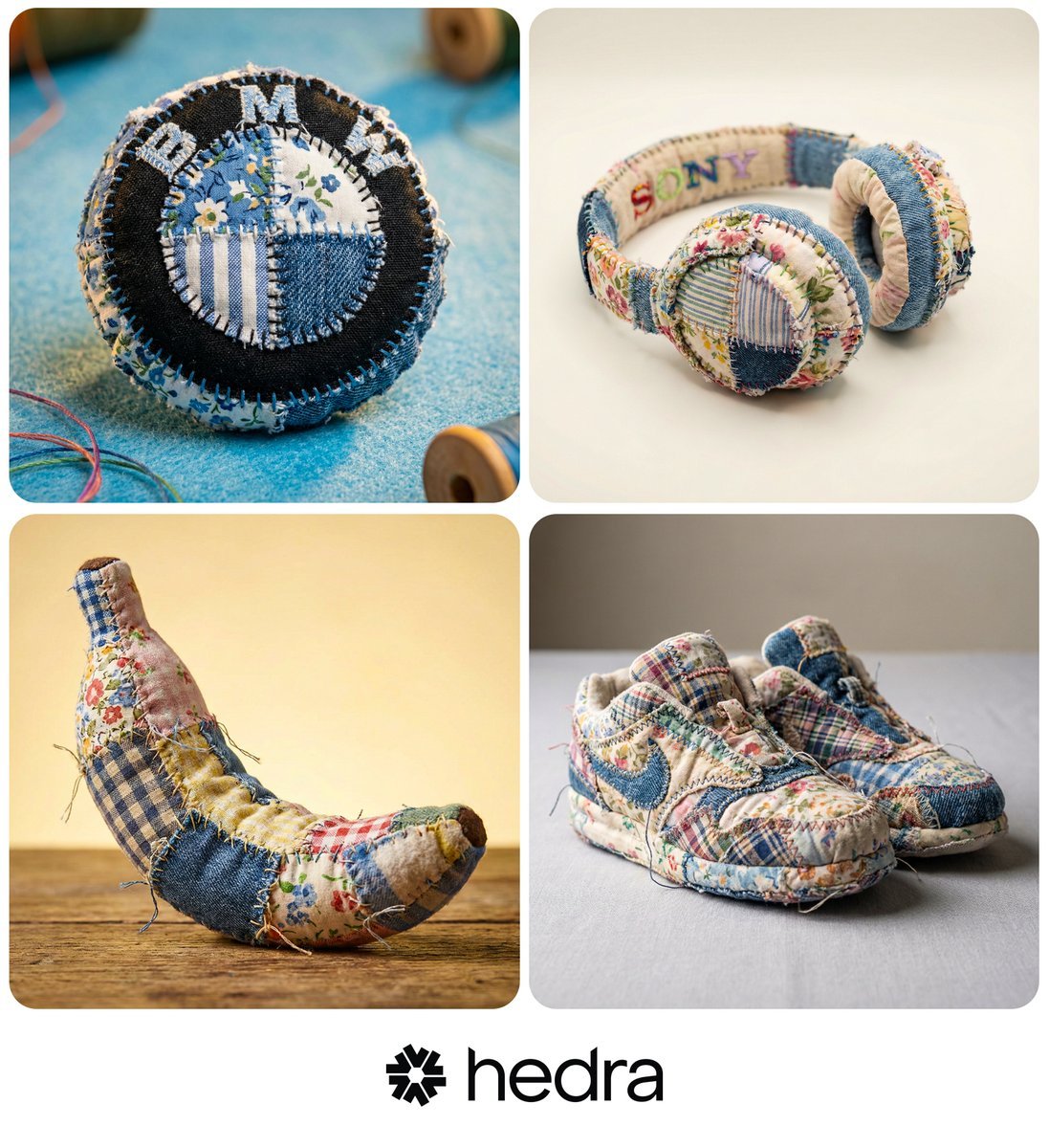
Hyper-realistic Patchwork Amigurumi Product Photo Prompt
Browse template categories
Kawaii Character 777 Slot Machine questions
How do I use the Kawaii Character 777 Slot Machine template?
Add your photo if the template asks for one, edit the prompt if you like — the template's model and format are already selected — and press Generate. Your version opens in PicX Studio.
Can I customize the Kawaii Character 777 Slot Machine template?
Yes. You can change the subject, setting, lighting, mood, format, and available model controls before creating your image.
Is the Kawaii Character 777 Slot Machine template free?
Opening and editing this template is free. Generating uses credits, shown on the Generate button when you are signed in.
Which AI model should I use?
Start with GPT Image 2, which is the model associated with this template. You can compare another compatible model for a different finish.
Looking for something else? Browse all templates.

Your photo, any look
Thousands of ready templates for every top image and video model, from one credit balance.