
Minimal Slot Machine Attribution Ad
This prompt generates a polished static marketing ad with a vintage slot machine metaphor, handwritten annotations, and strong centered typography for analytics or attribution software promotions.
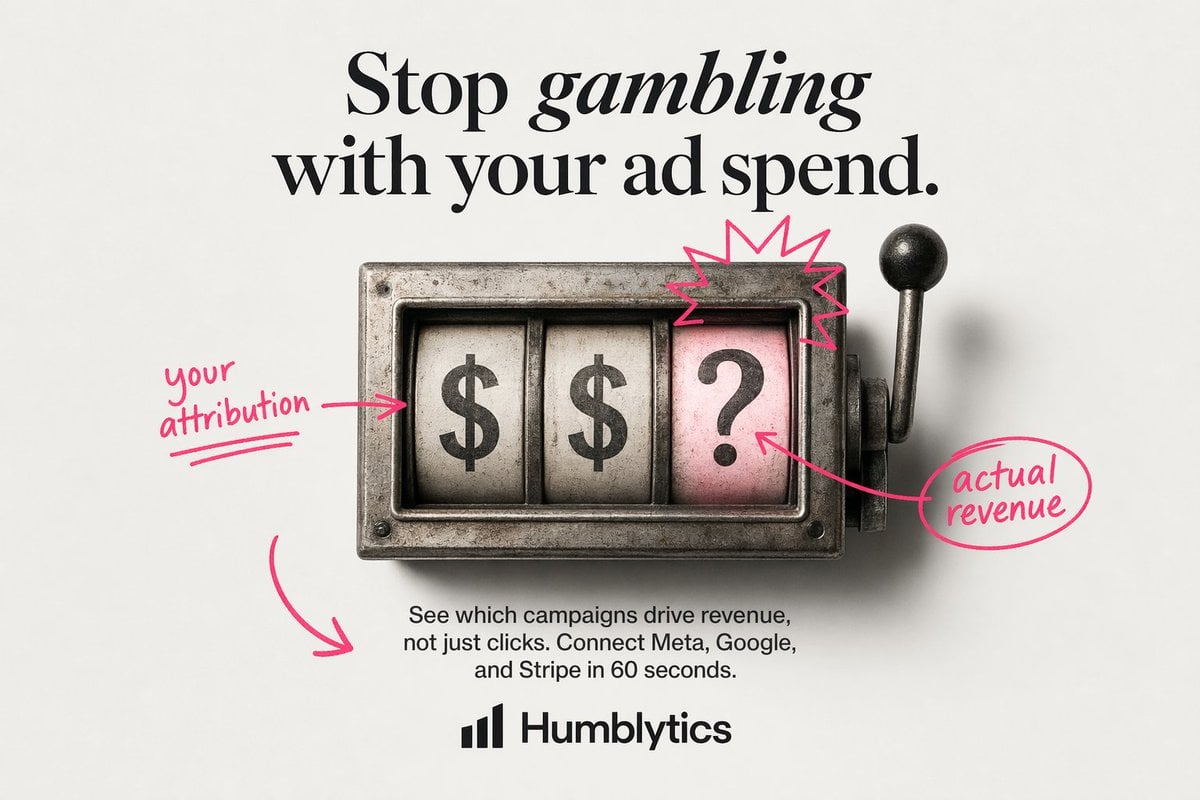
- Prompt included
- Model and format preset
- Free template
The prompt behind this image
Copy the exact prompt behind Minimal Slot Machine Attribution Ad, or open it in the studio and make it yours.
Create a clean minimalist static ad on an off-white light gray studio background with a centered editorial layout. At the top, place a large luxury-fashion-style serif headline in black reading {argument name="headline text" default="Stop gambling with your ad spend."}, with the word "gambling" set in italic serif for emphasis. In the middle, show a vintage metal slot-machine window viewed straight on, slightly weathered and realistic, with 3 vertical reels inside a rectangular steel housing and a lever with a black knob on the right side. The 3 reels must display, from left to right, "$", "$", and "?". Make the rightmost reel background pale pink while the first 2 reels are aged white. Add a hand-drawn neon-pink annotation style over the image: 1 arrow-and-note on the left pointing to the first reel reading {argument name="left annotation" default="your attribution"}, 1 starburst scribble above the pink question-mark reel, 1 arrow from the question-mark reel to a circled note on the right reading {argument name="right annotation" default="actual revenue"}, and 1 large curved arrow in the lower left pointing toward the body copy area. Below the slot machine, center a short sans-serif paragraph in black reading {argument name="body text" default="See which campaigns drive revenue, not just clicks. Connect Meta, Google, and Stripe in 60 seconds."}. At the bottom center, place a simple black analytics-style bar logo icon followed by the bold sans-serif brand name {argument name="brand name" default="Humblytics"}. Use strong text fidelity, polished product-ad composition, soft studio shadows, restrained palette of black, steel gray, off-white, and hot pink, and a modern direct-response ad aesthetic.
How to use Minimal Slot Machine Attribution Ad in 3 steps
- 1Upload ImagePNG, JPG or paste
Add your photo
Upload the photo the template builds on. The prompt, model and format are already set.
- 2…a portrait of your subject in softgolden-hour light, 85mm…
Personalize
Edit the subject and creative details for your destination.
- 3Generate
Generate
Press Generate — your image is created in PicX Studio, so you can compare it with the original and refine one variable at a time.
More like this
Templates with the same subject, style or setup. Open one to see its prompt.

Japanese Architectural Concrete Studio Fashion Campaign

Quiet Luxury Black and White Fashion Editorial Portrait

Premium Editorial Branding Poster Charcoal Green

Premium Vintage Travel Poster Landscape

Japanese Café Sketch Duo Illustration

Delicate Japanese Café Lifestyle Illustration

Soft Shadow Studio Minimalist Product Shot

Minimalist Skincare Product Water Stone Still

Botanical Skincare Minimal Product Advertising

Luxury Sliced Wordmark Player Poster

Legendary Player Fragmented Editorial Poster

Clean Minimalist Player Editorial Poster
Make it yours
Minimal Slot Machine Attribution Ad works as-is. These are the safest ways to change it without losing the look.
Change one field
Copy a single group, rewrite it, and generate again so you can see what that field is doing.
Keep the frame, change the subject
Hold the composition and light of Minimal Slot Machine Attribution Ad, then swap wardrobe, props or the person for a new take.
| If the result… | Why | Fix |
|---|---|---|
| The result drifts from the preview | Too many fields changed at once. | Reuse Minimal Slot Machine Attribution Ad as-is first, then change one group — subject, light, or setting. |
| The model over-stylizes the scene | The prose prompt leaves finish and camera underspecified. | Add one camera or lighting sentence and stay on GPT Image 2. |
More GPT Image 2 templates
Other prompts made for GPT Image 2.

Six VTuber Japanese Logo Sheet

Realistic Portrait of Woman and Deer

The Vista Modular Condo Poster

AI Model Routing Comparison Infographic

2.5D Anime Art Board

Isometric Productivity Desk Scene

New York Double Exposure Poster

Four-Panel AI Landscape Comparison

Japanese Tatami Lifestyle Magazine Cover

NESCAFÉ Coffee Map Poster
More image prompts
Fresh picks from across the catalog.
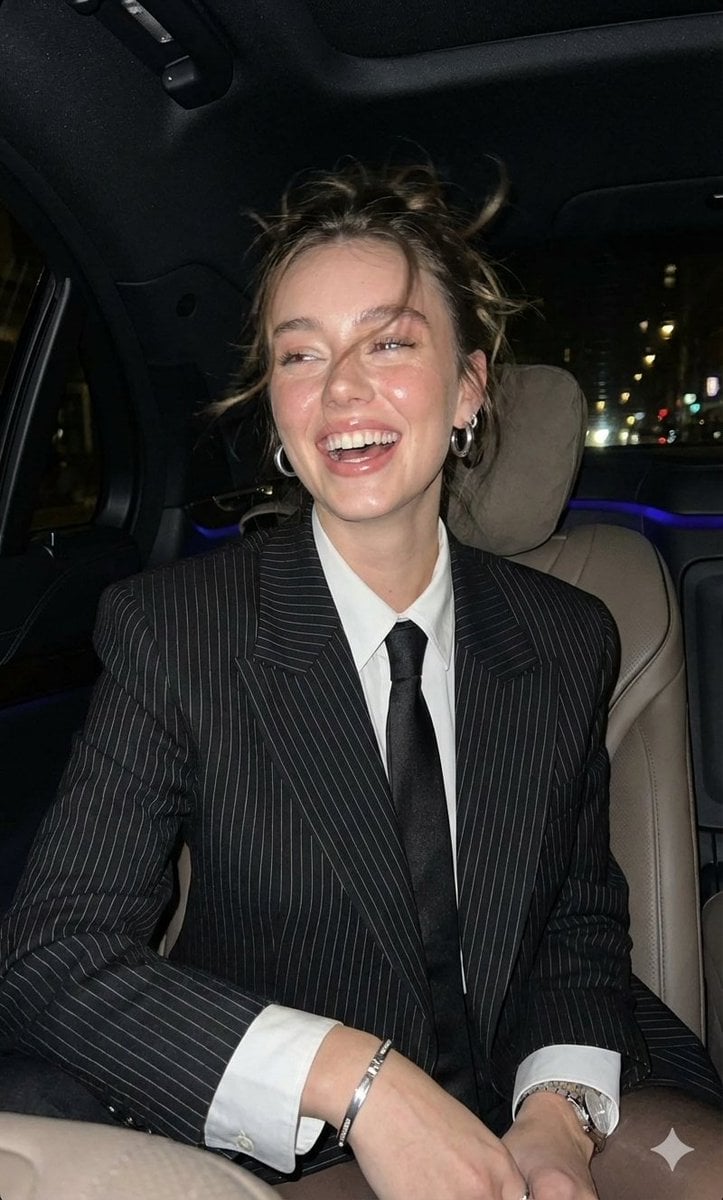
Hyper-Realistic Paparazzi Flash Portrait Prompt
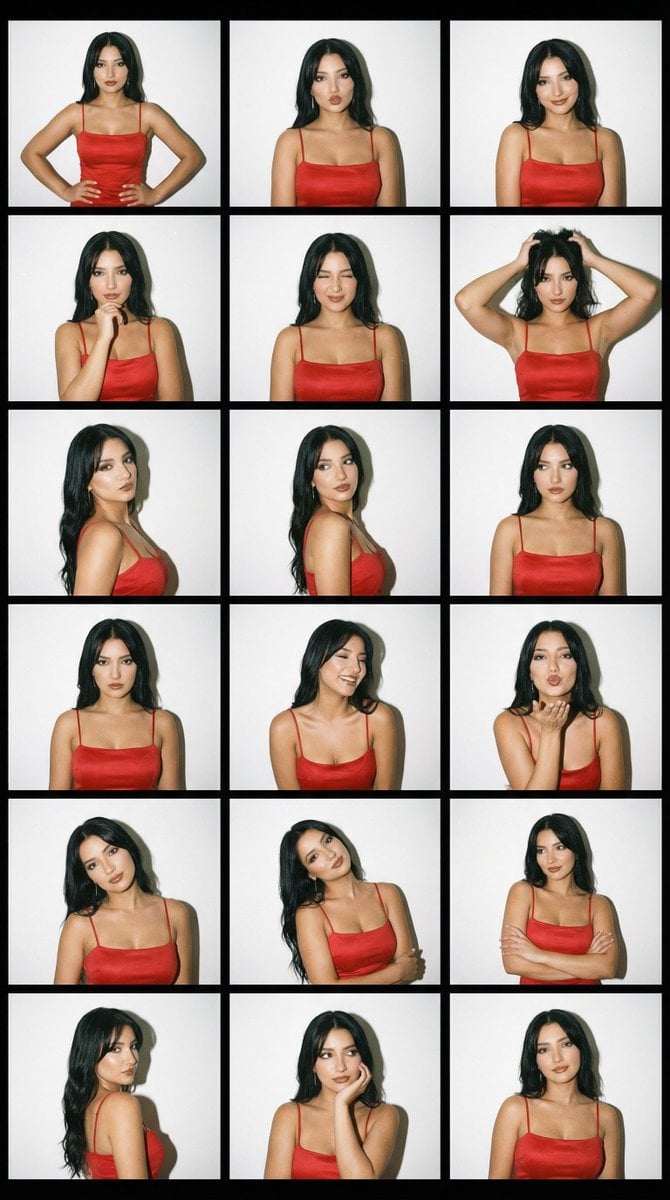
2000s Photobooth Contact Sheet Grid Prompt
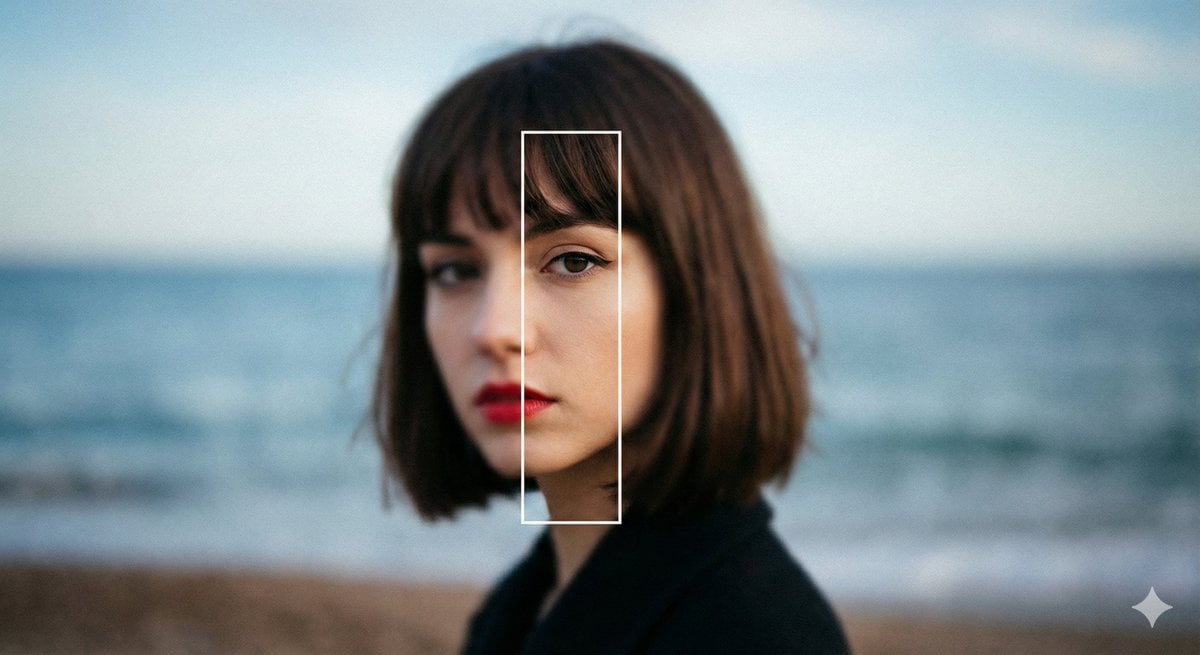
Experimental Editorial Portrait Prompt (Selective Focus)
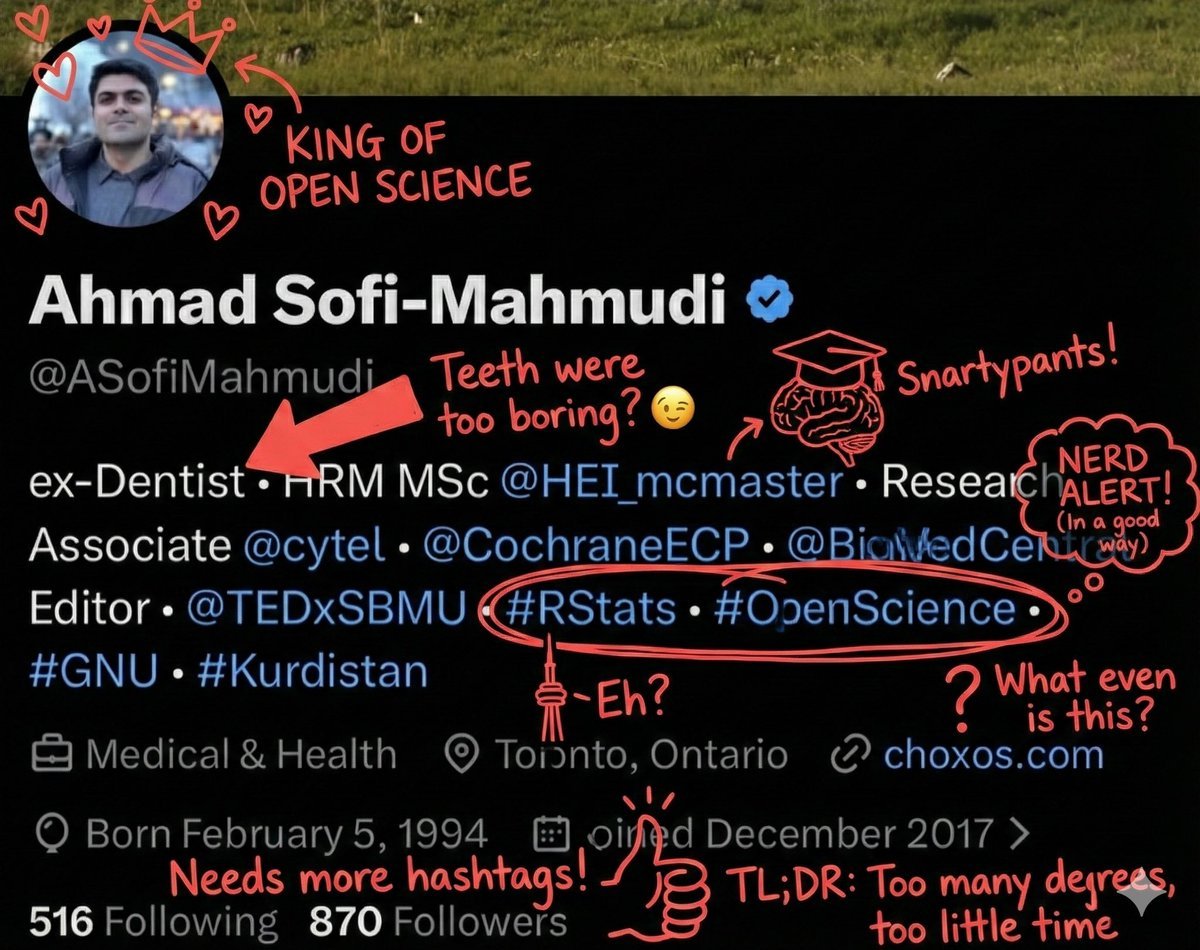
Overlay Image with Funny Comments
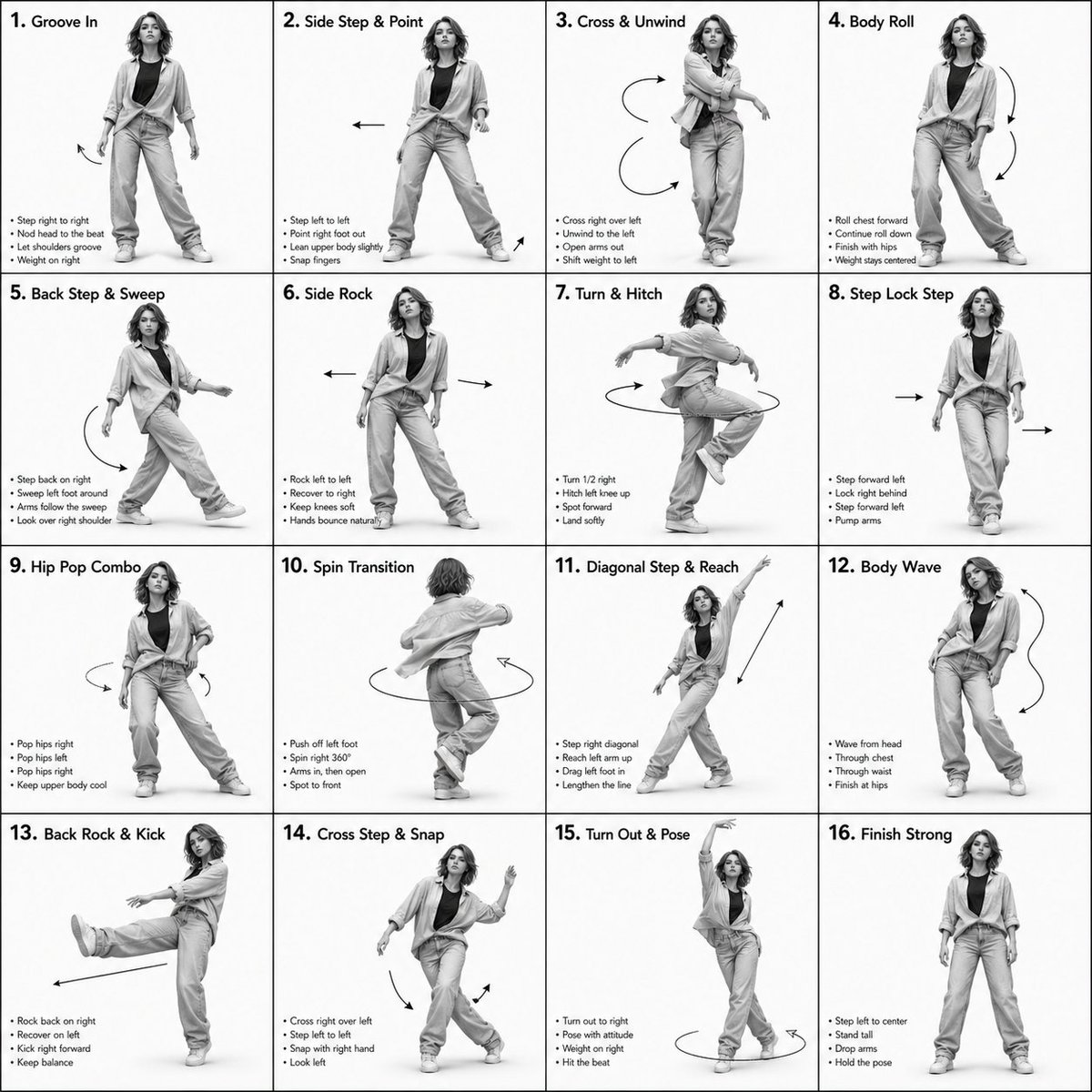
3D Rendered Dance Sequence Guide
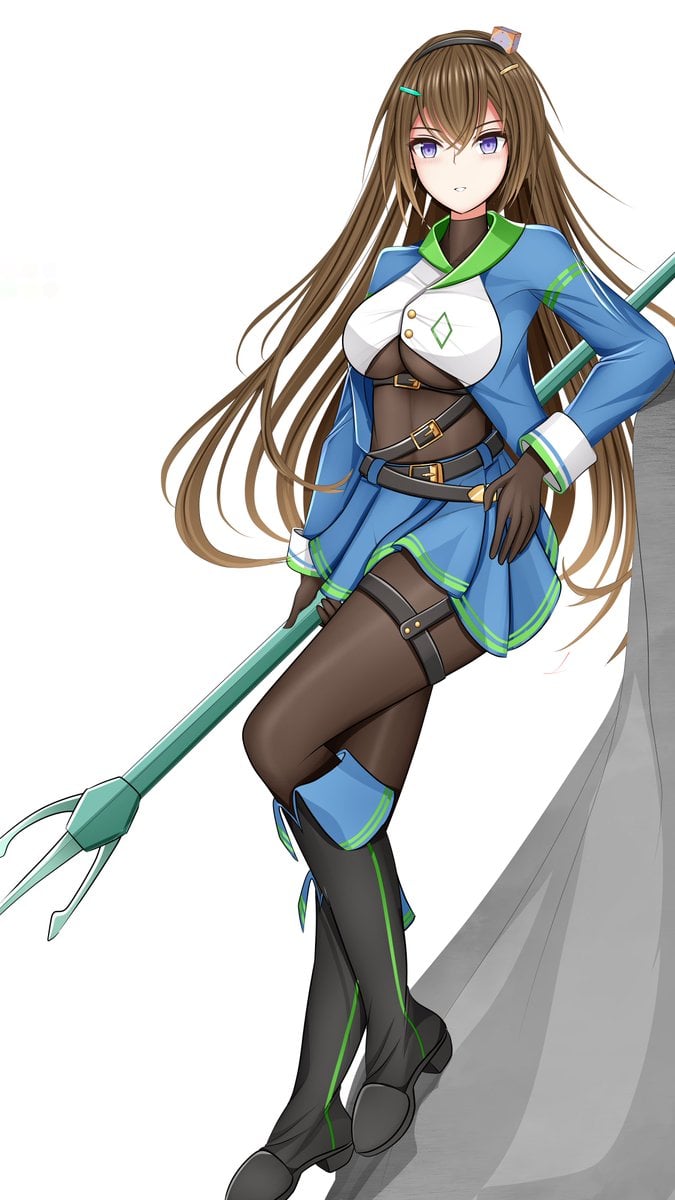
Prompt for Changing Character Pose using Reference Image
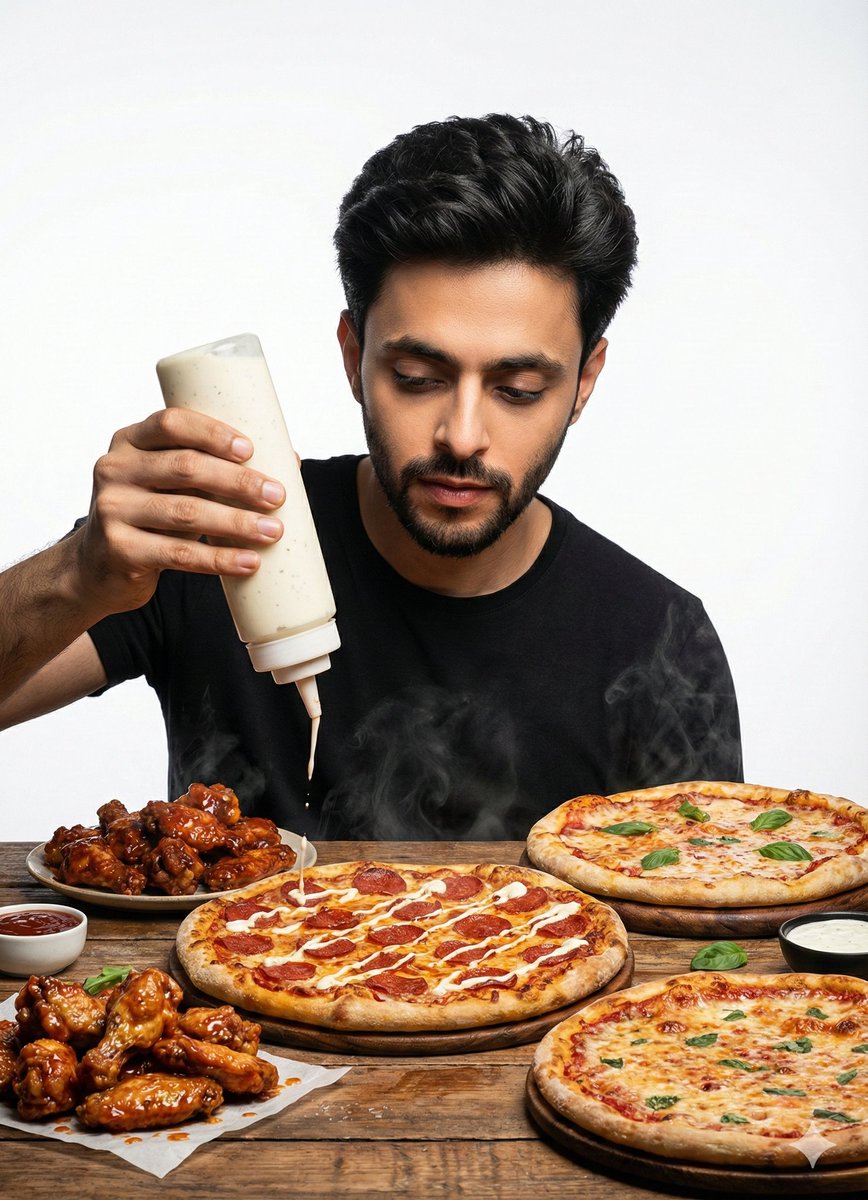
Billboard Food Commercial Flat Lay
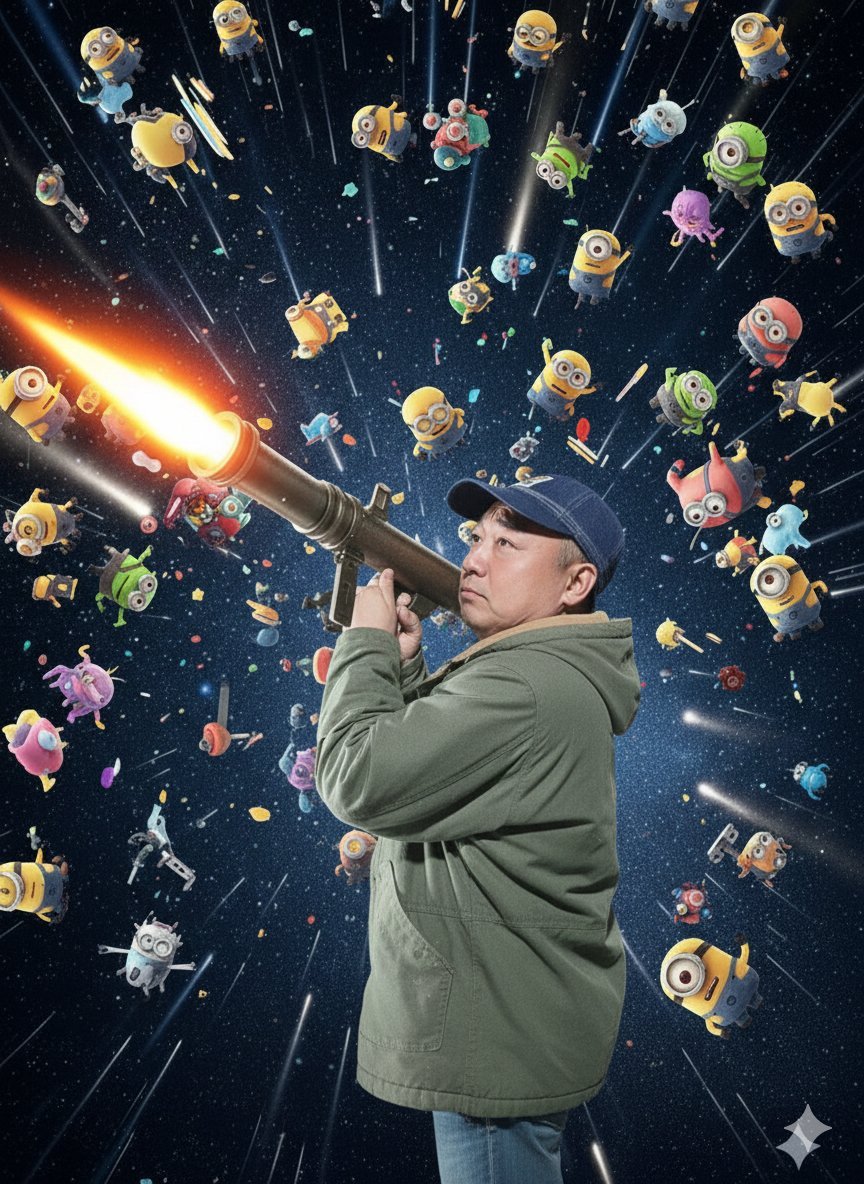
Nano Banana Pro Rocket Launcher Action Prompt
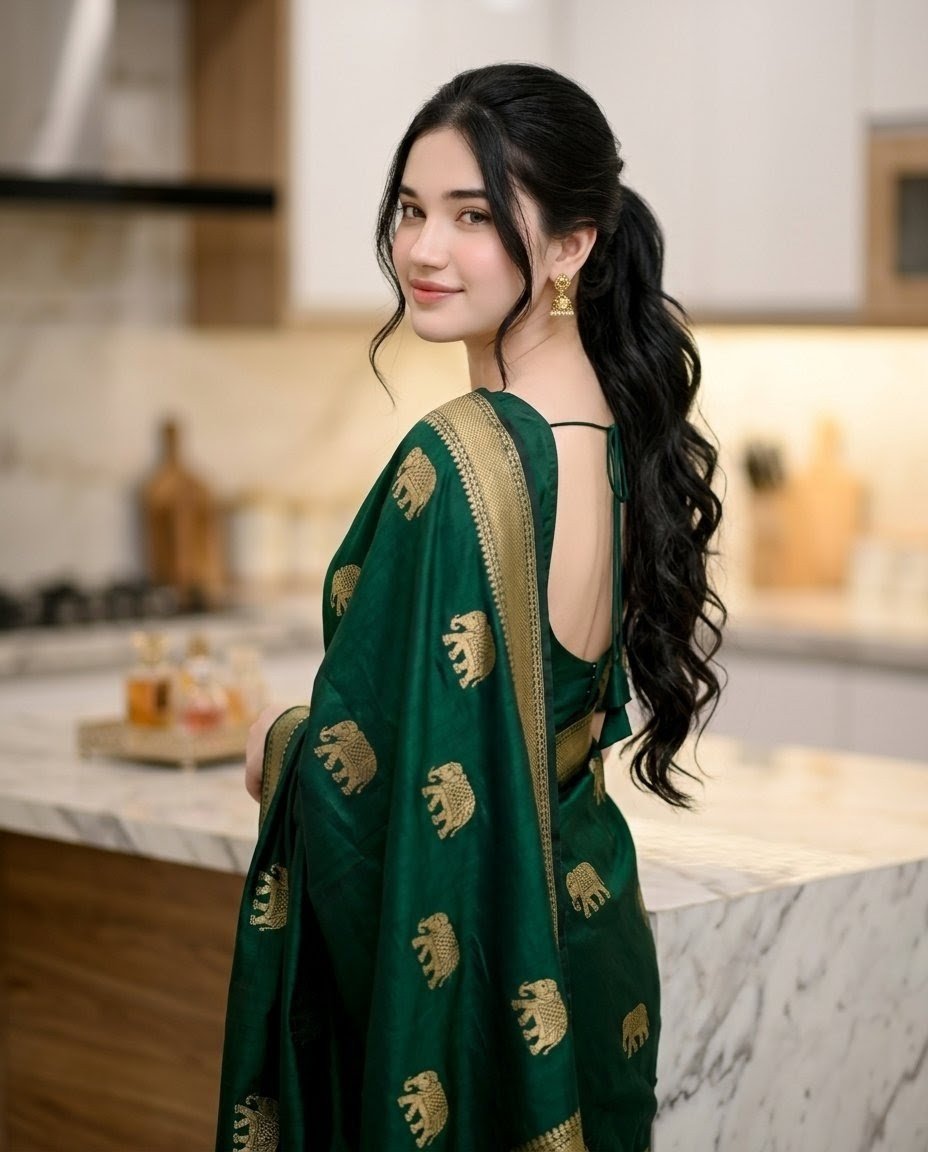
Emerald Sari Kitchen Portrait
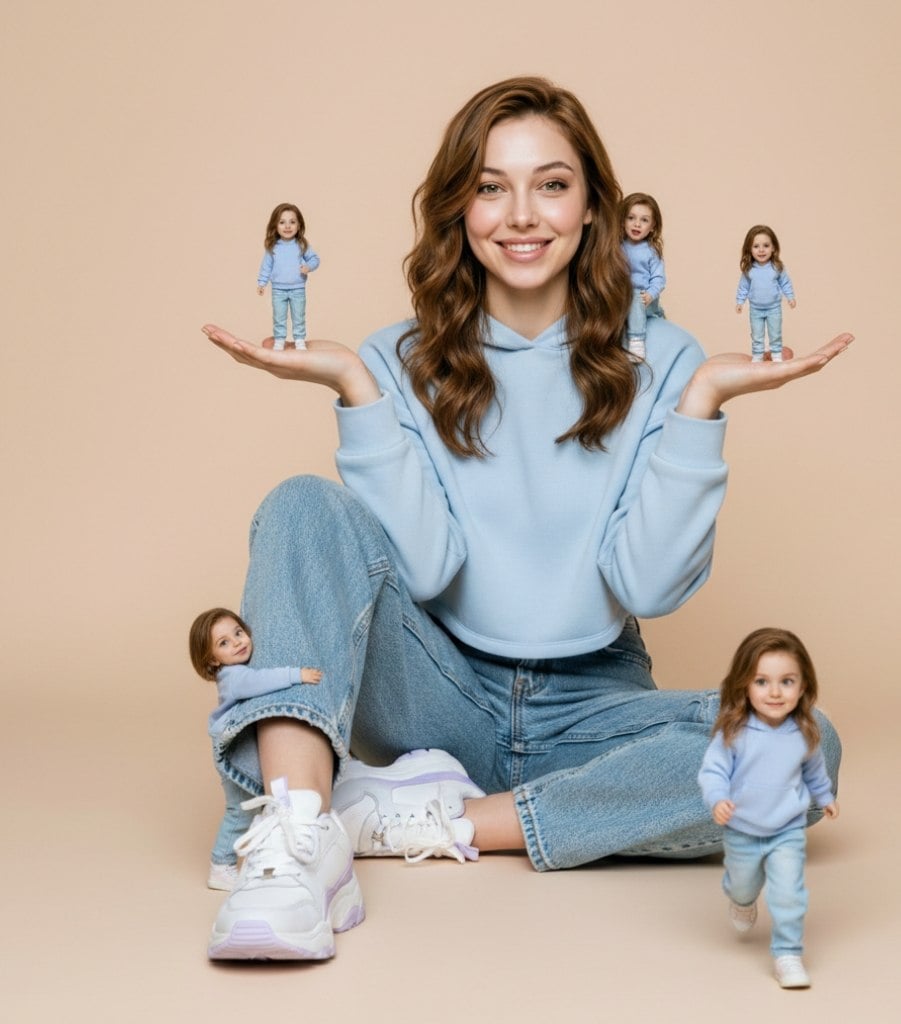
Ultra-Realistic Miniature Clone Studio Portrait
Browse template categories
Minimal Slot Machine Attribution Ad questions
How do I use the Minimal Slot Machine Attribution Ad template?
Add your photo if the template asks for one, edit the prompt if you like — the template's model and format are already selected — and press Generate. Your version opens in PicX Studio.
Can I customize the Minimal Slot Machine Attribution Ad template?
Yes. You can change the subject, setting, lighting, mood, format, and available model controls before creating your image.
Is the Minimal Slot Machine Attribution Ad template free?
Opening and editing this template is free. Generating uses credits, shown on the Generate button when you are signed in.
Which AI model should I use?
Start with GPT Image 2, which is the model associated with this template. You can compare another compatible model for a different finish.
Looking for something else? Browse all templates.

Your photo, any look
Thousands of ready templates for every top image and video model, from one credit balance.