
Fine Art Editorial Portrait Illustration
A sophisticated prompt for generating high-fashion editorial portraits blending realism with abstract geometric sketches and fine art elements.
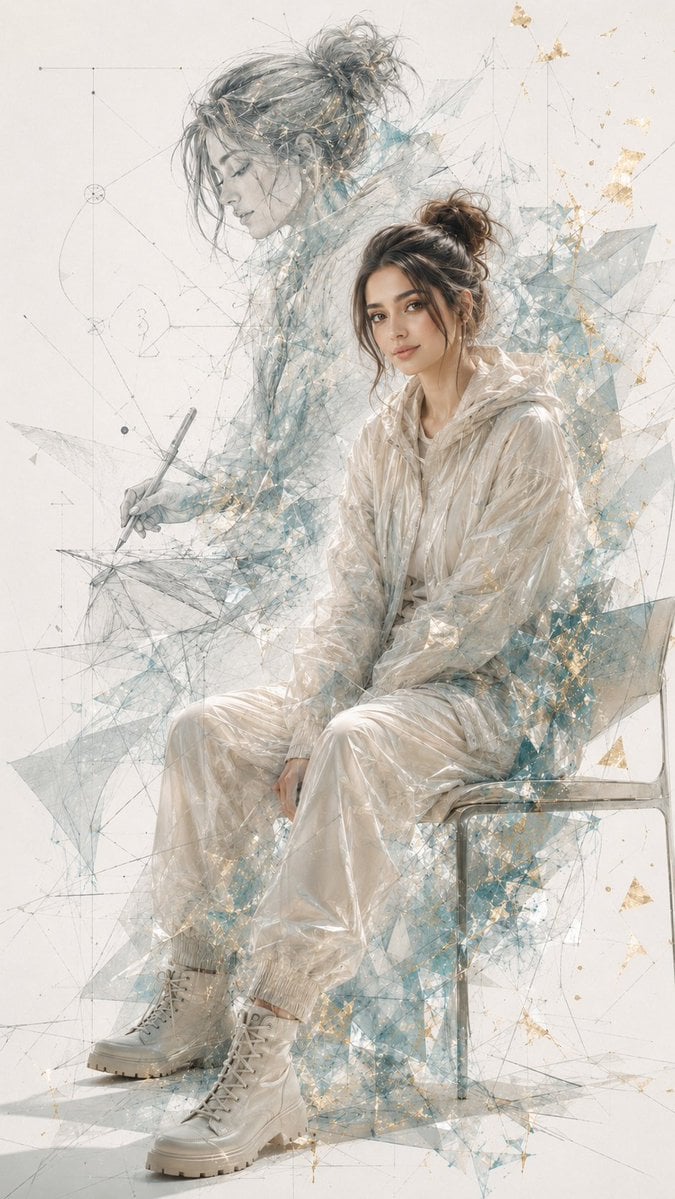
- Prompt included
- Model and format preset
- Free template
The prompt behind this image
Copy the exact prompt behind Fine Art Editorial Portrait Illustration, or open it in the studio and make it yours.
Create an ultra-realistic fine art editorial portrait of the same woman sitting gracefully on a minimalist chair in a peaceful pose with her eyes gently open. She wears a luxurious monochrome {argument name="outfit color" default="ivory-white"} outfit consisting of an oversized hooded jacket, relaxed jogger pants, and elegant white combat boots. Her hair is styled in a soft messy bun with a few delicate strands framing her face naturally. Behind and around her, create a large translucent artistic double-exposure silhouette of the same woman, appearing as if she is sketching or designing with a pencil. Blend the silhouette seamlessly with flowing hand-drawn graphite lines, {argument name="background elements" default="geometric construction sketches, architectural blueprints"}, crystalline glass shards, translucent polygons, floating fragments, and delicate teal-blue abstract shapes. The artwork should feel like imagination becoming reality, where thoughts transform into elegant geometric structures. Add subtle gold accents, ink splashes, fine pencil strokes, transparent glass textures, and floating particles. The background should remain clean matte white with abundant negative space, creating a premium museum-quality contemporary art aesthetic. Soft diffused daylight, high-key lighting, ultra-realistic skin texture, dreamy atmosphere, cinematic depth of field, luxury editorial fashion photography, abstract mixed-media illustration, crystal-inspired composition, masterpiece, award-winning contemporary art, 8K HDR, hyper-detailed, elegant color palette of white, soft teal, pale gray, and subtle gold, vertical {argument name="aspect ratio" default="9:16"}. Negative Prompt: altered face, different hairstyle, different expression, cartoon, anime, CGI, extra limbs, duplicate person, low quality, blurry, oversaturated colors, watermark, text, logo, bad anatomy, deformed hands, cropped body, dark background, unrealistic proportions.
How to use Fine Art Editorial Portrait Illustration in 3 steps
- 1
Open
The prompt is already in the box next to the preview, with the template's model and format selected.
- 2…a portrait of your subject in softgolden-hour light, 85mm…
Personalize
Edit the subject and creative details for your destination.
- 3Generate
Generate
Press Generate — your image is created in PicX Studio, so you can compare it with the original and refine one variable at a time.
More like this
Templates with the same subject, style or setup. Open one to see its prompt.
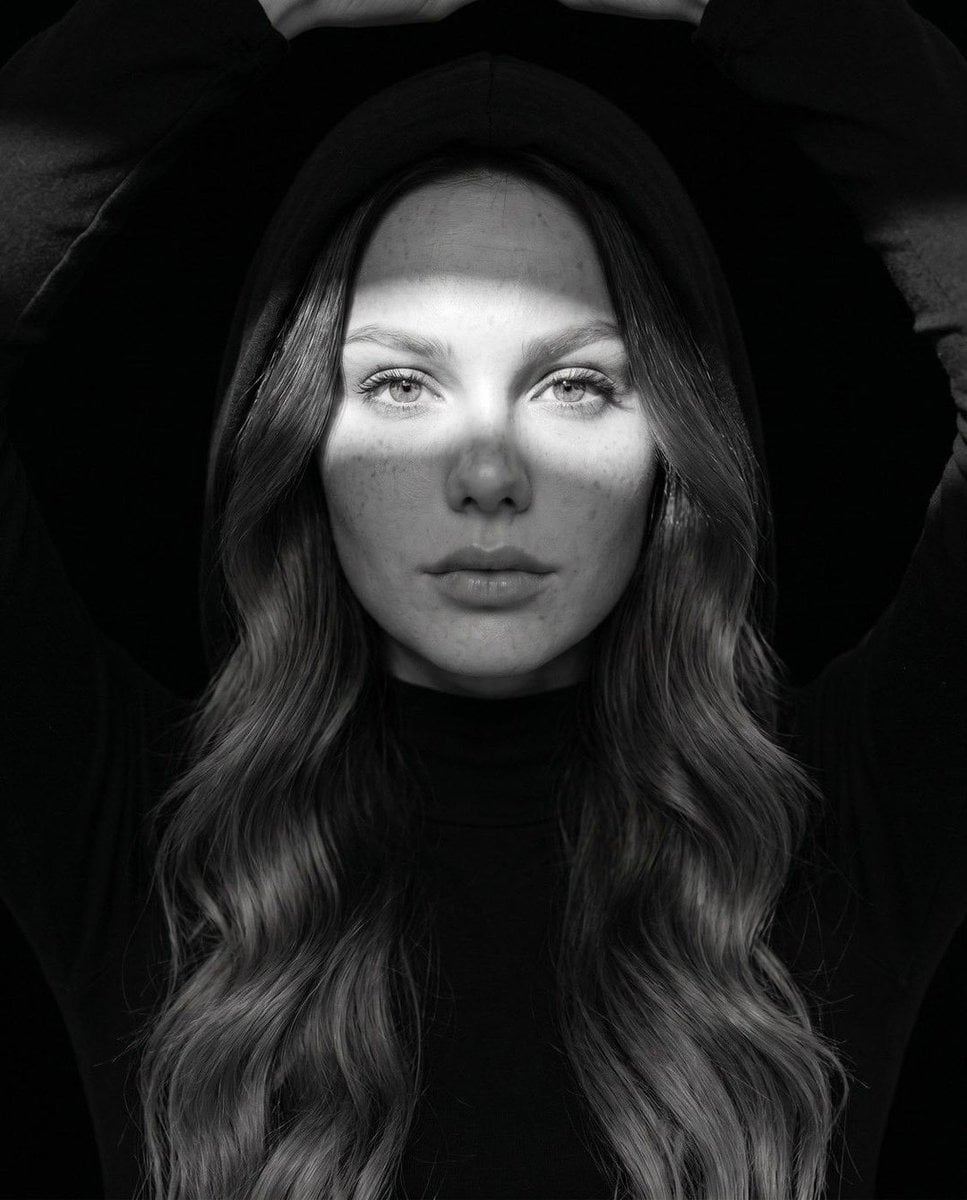
Fine Art Monochrome Fashion Portrait
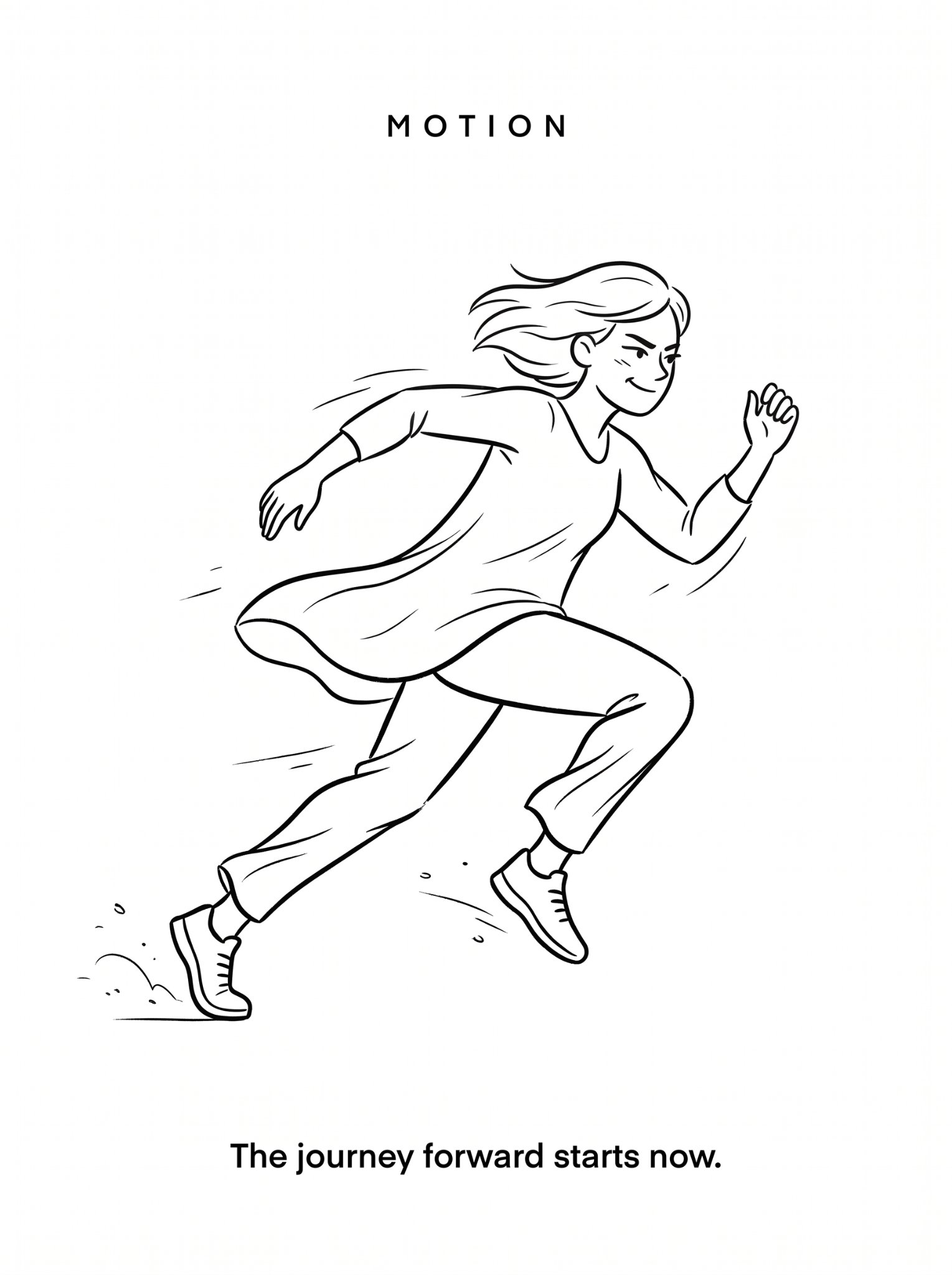
untitled

Caution Tape Fashion — Industrial Editorial
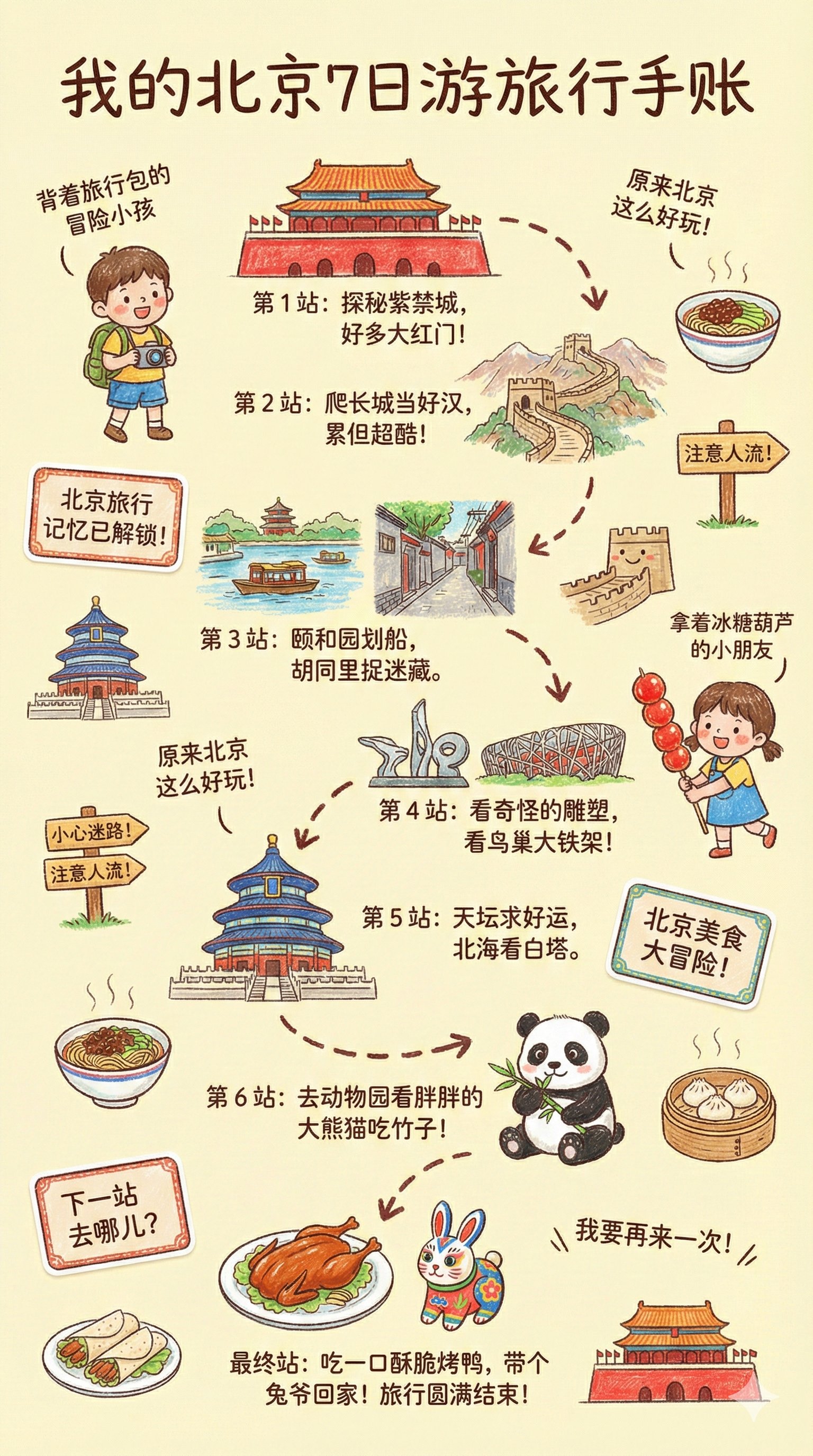
Kids Crayon Travel Journal Illustration

Couture Fashion Editorial Woman and Drag

Nano Banana 2 Editorial Fashion Portrait
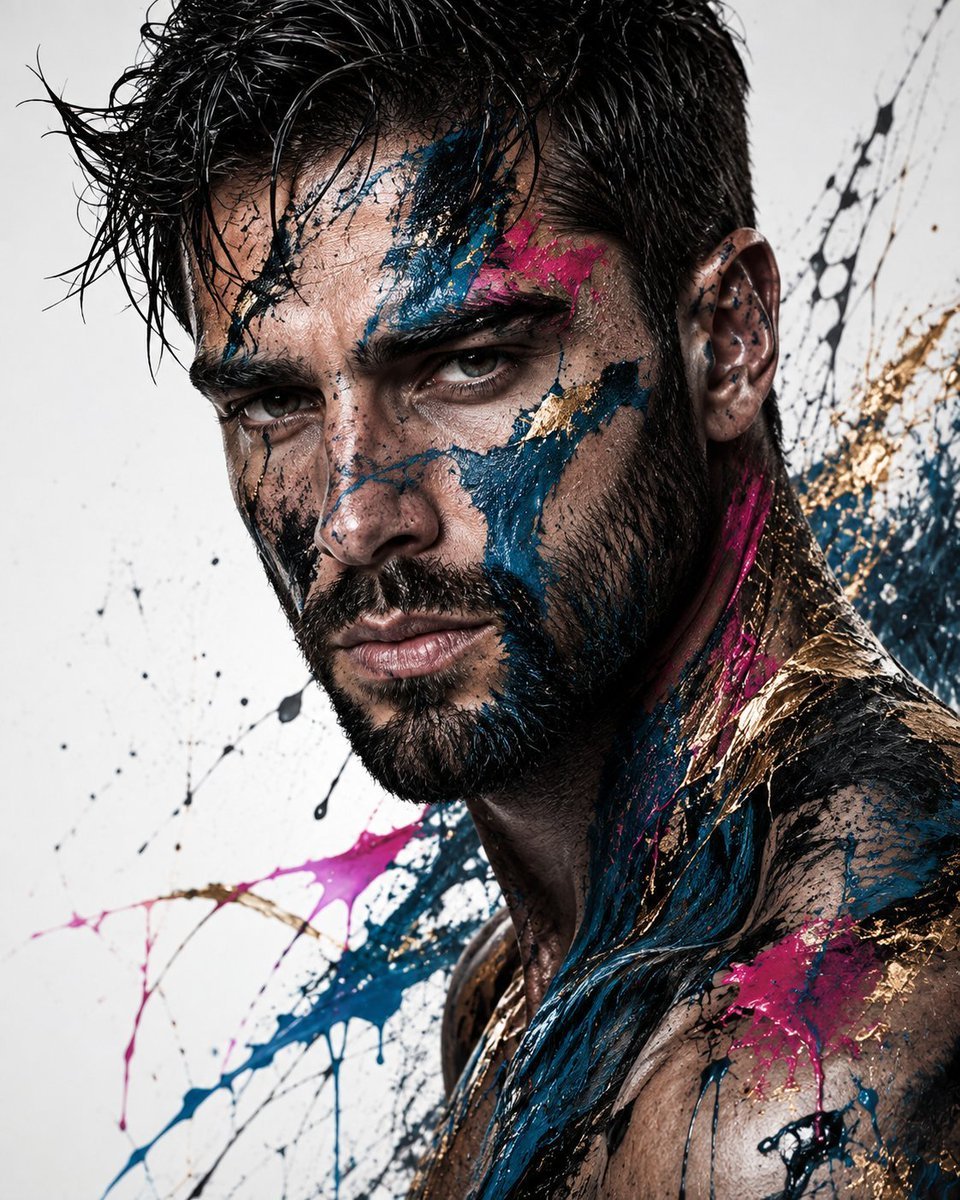
Abstract Fine-Art Editorial Portrait
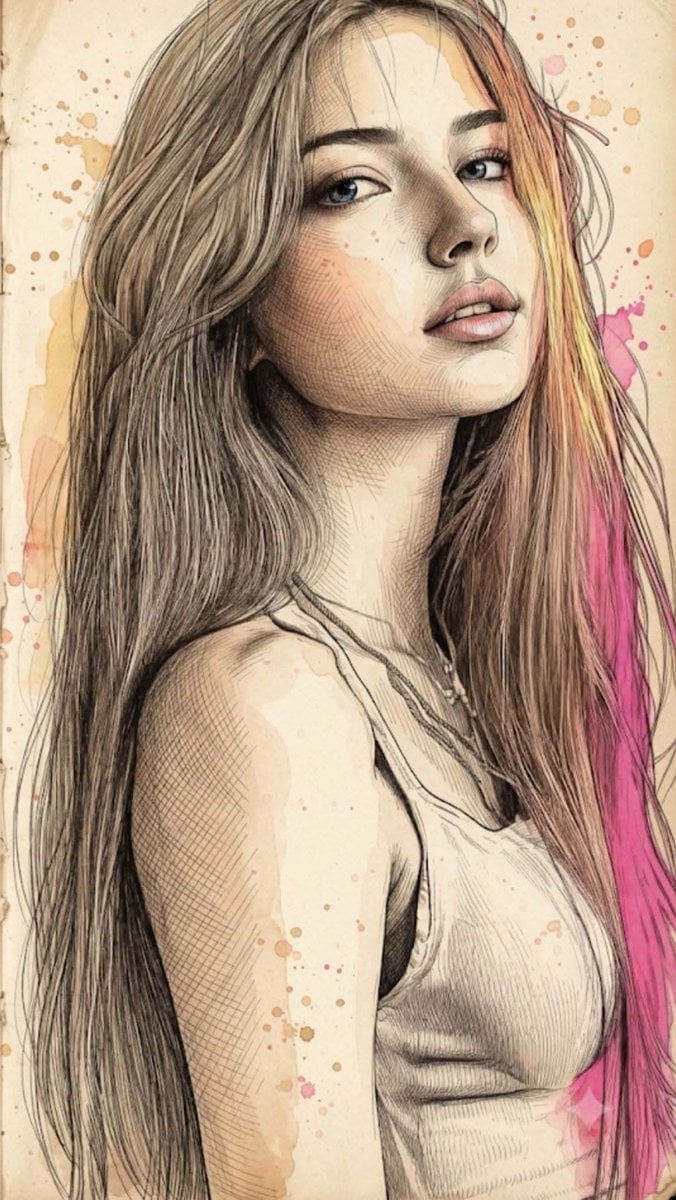
Fine Art Mixed-Media Portrait Illustration
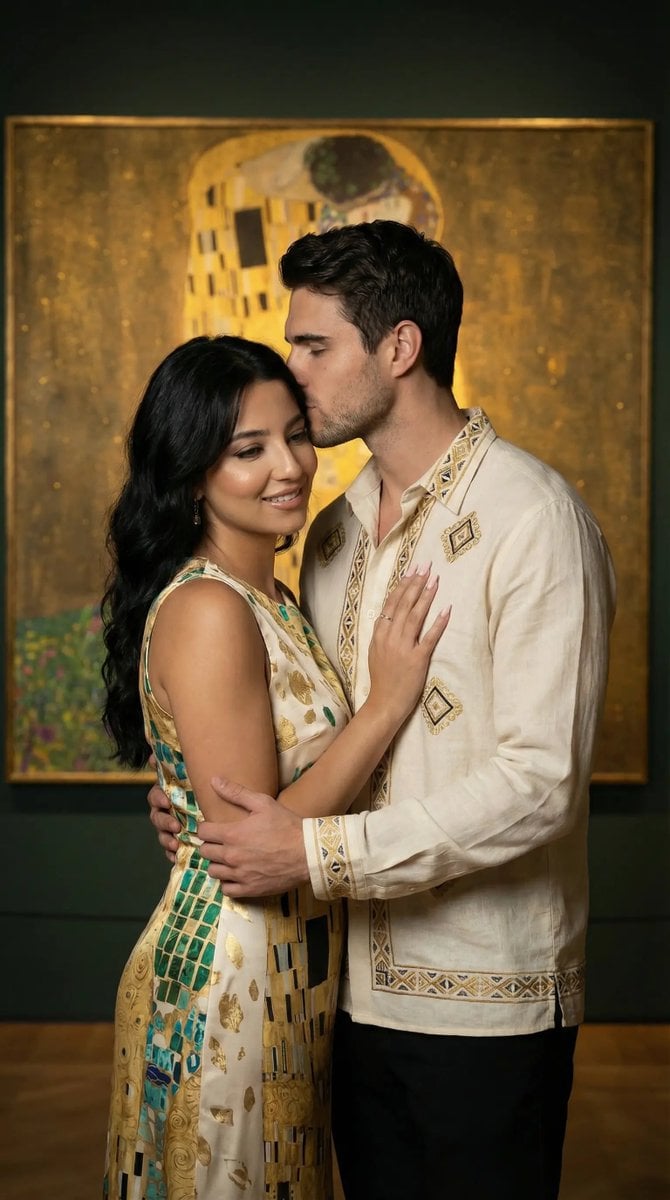
Klimt-Inspired Fine Art Editorial Portrait (JSON)
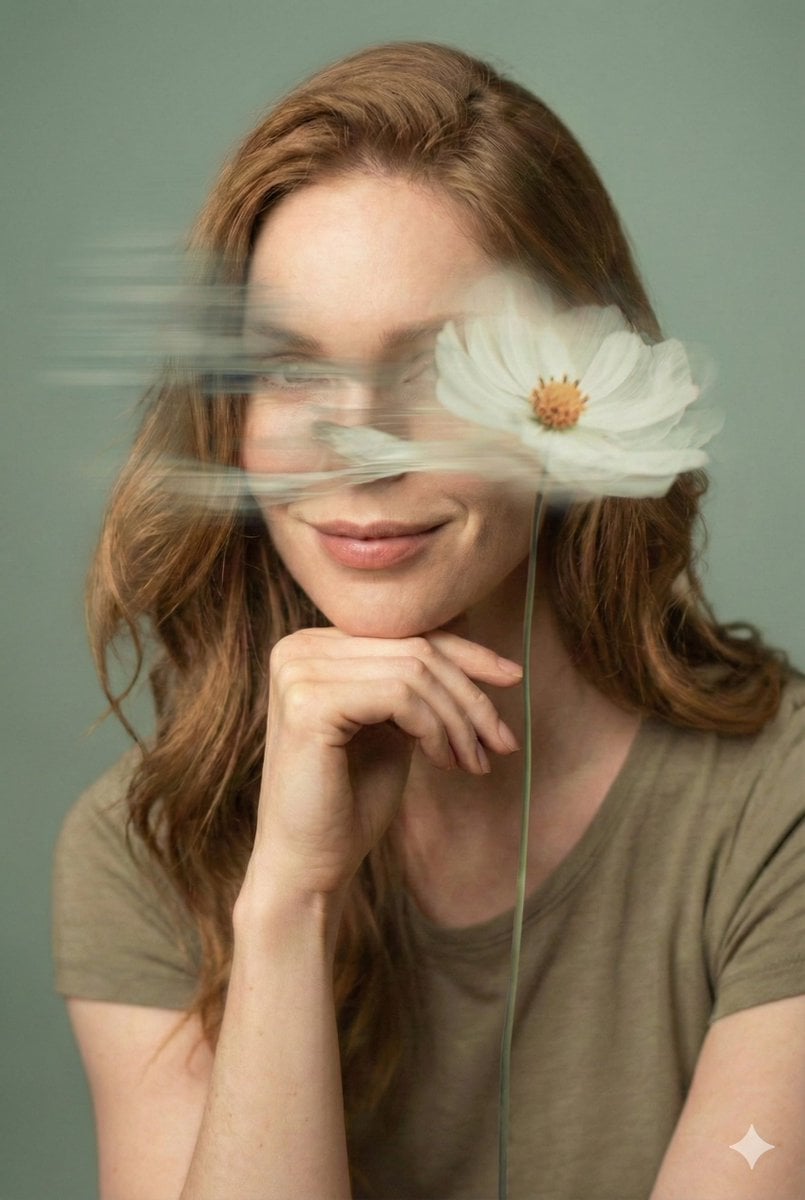
Dreamy Fine-Art Editorial Portrait with Double Exposure

Found Photograph: Us, 1970

80s Couple Studio Portrait
Make it yours
Fine Art Editorial Portrait Illustration works as-is. These are the safest ways to change it without losing the look.
Change one field
Copy a single group, rewrite it, and generate again so you can see what that field is doing.
Keep the frame, change the subject
Hold the composition and light of Fine Art Editorial Portrait Illustration, then swap wardrobe, props or the person for a new take.
| If the result… | Why | Fix |
|---|---|---|
| The result drifts from the preview | Too many fields changed at once. | Reuse Fine Art Editorial Portrait Illustration as-is first, then change one group — subject, light, or setting. |
| The model over-stylizes the scene | The prose prompt leaves finish and camera underspecified. | Add one camera or lighting sentence and stay on GPT Image 2. |
More GPT Image 2 templates
Other prompts made for GPT Image 2.

Six VTuber Japanese Logo Sheet

Realistic Portrait of Woman and Deer

The Vista Modular Condo Poster

AI Model Routing Comparison Infographic

2.5D Anime Art Board

Isometric Productivity Desk Scene

New York Double Exposure Poster

Four-Panel AI Landscape Comparison

Japanese Tatami Lifestyle Magazine Cover

NESCAFÉ Coffee Map Poster
More image prompts
Fresh picks from across the catalog.
Psychic Woman in Underground Lab Cinematic Scene
Moody Dual-Tone Selfie Portrait
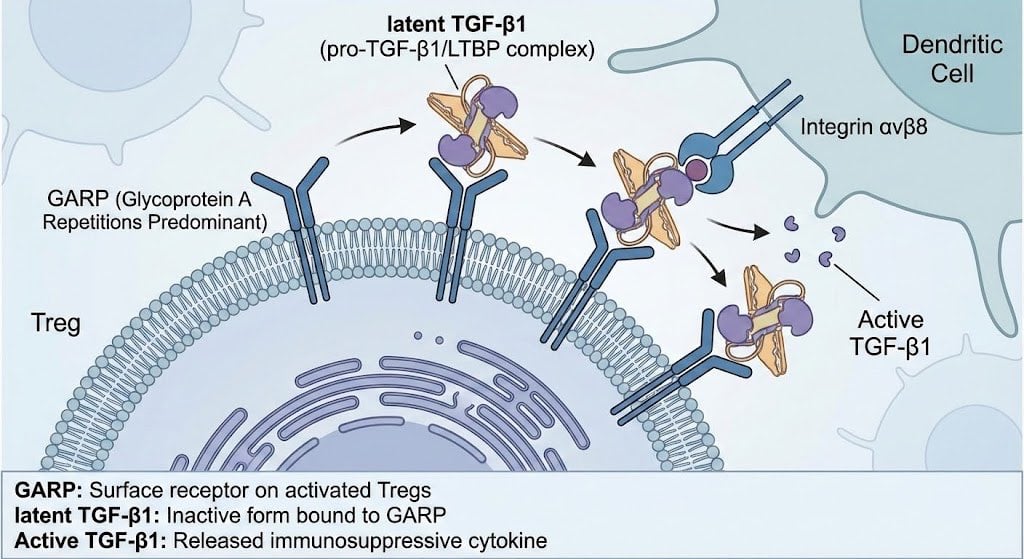
GARP biology for Tregs illustration
Old Money Men's Fashion Portrait
Bauhaus Geometry Minimal Illustration Template
Mirror Selfie in Minimalist Bedroom with Vibrant Clothing
Celestial Fantasy Gown Portrait
Fine Art Low-Key Portrait in Vintage Dress
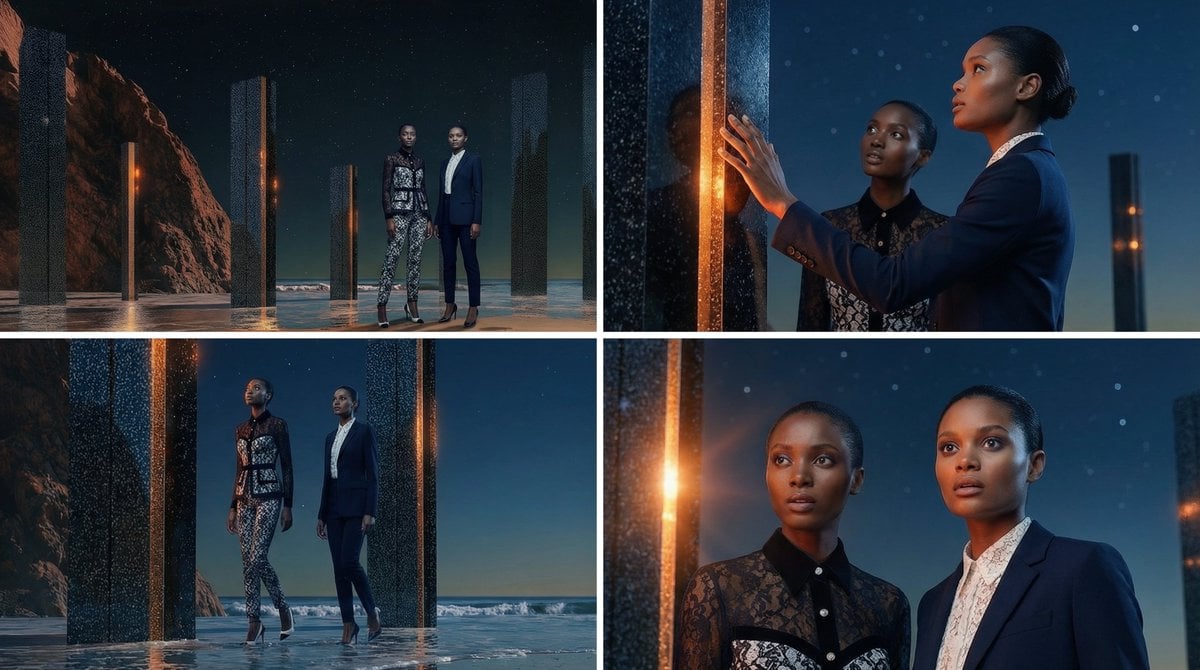
Storyboard Grid Generation Prompt (2x2)
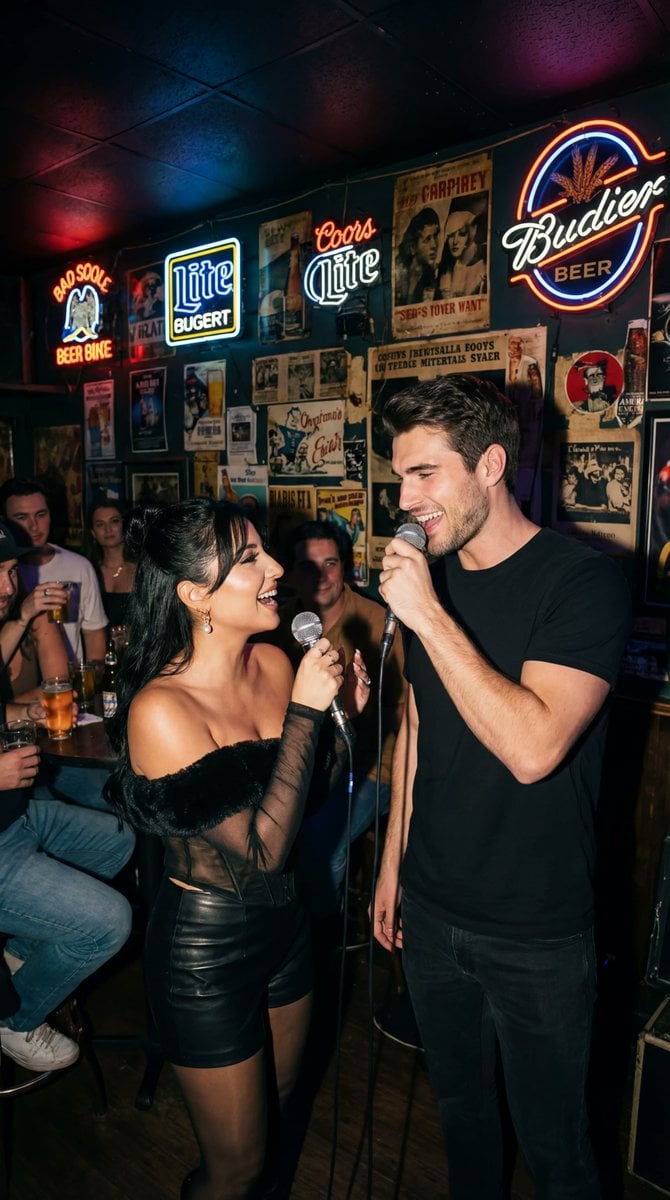
Photorealistic Flash Karaoke Duet Prompt
Browse template categories
Fine Art Editorial Portrait Illustration questions
How do I use the Fine Art Editorial Portrait Illustration template?
Add your photo if the template asks for one, edit the prompt if you like — the template's model and format are already selected — and press Generate. Your version opens in PicX Studio.
Can I customize the Fine Art Editorial Portrait Illustration template?
Yes. You can change the subject, setting, lighting, mood, format, and available model controls before creating your image.
Is the Fine Art Editorial Portrait Illustration template free?
Opening and editing this template is free. Generating uses credits, shown on the Generate button when you are signed in.
Which AI model should I use?
Start with GPT Image 2, which is the model associated with this template. You can compare another compatible model for a different finish.
Looking for something else? Browse all templates.

Your photo, any look
Thousands of ready templates for every top image and video model, from one credit balance.