
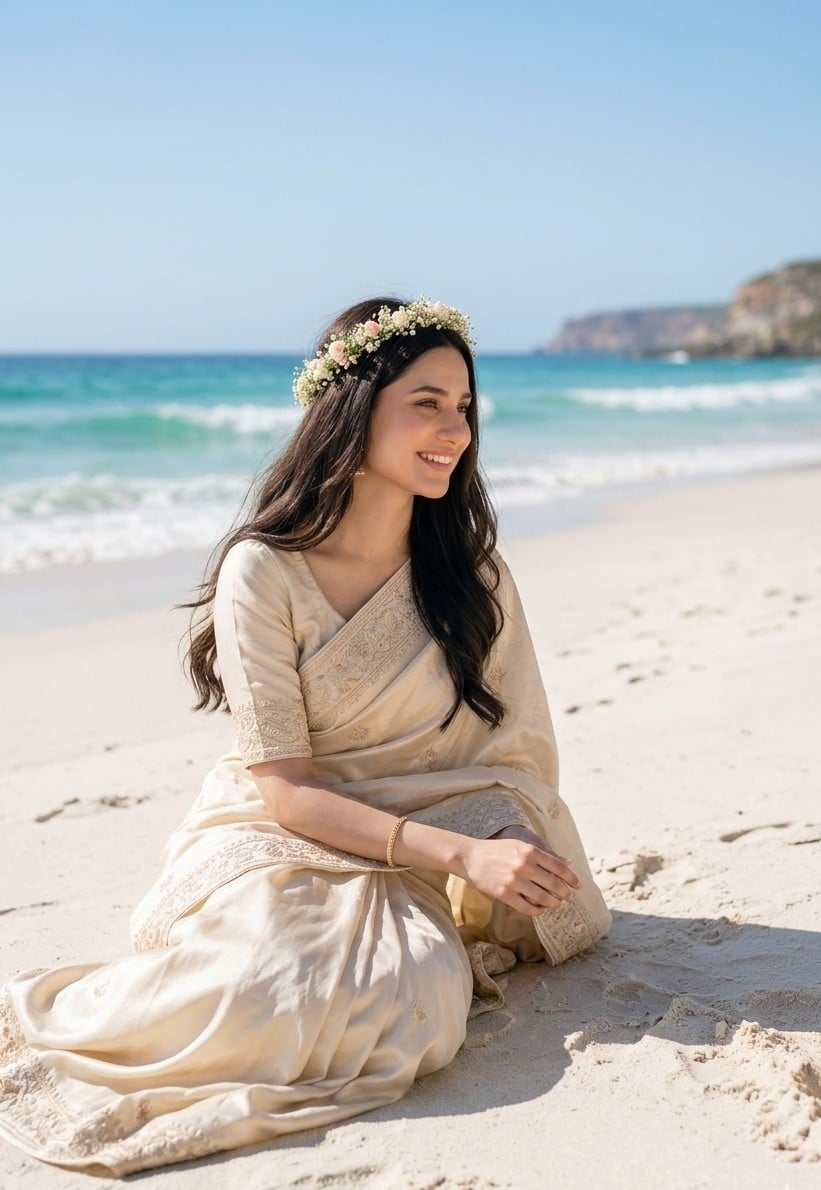
South Asian Bride on Beach
A realistic luxury beach portrait of a South Asian woman in a cream embroidered sari, ideal for romantic bridal or fashion imagery.
- Prompt included
- Model and format preset
- Free template
The prompt behind this image
Copy the exact prompt behind South Asian Bride on Beach, or open it in the studio and make it yours.
Create an ultra-realistic vertical beach portrait of a graceful South Asian woman sitting alone on pale sand beside turquoise ocean waves under bright white midday sunlight. She wears an elegant {argument name="outfit color" default="cream"} traditional sari with premium silk texture, subtle gold embroidery, ornate border detailing, and a matching short-sleeved blouse. She has long flowing {argument name="hair color" default="dark brown"} wavy hair and a delicate floral crown made of small white baby's-breath flowers with soft blush pink accents. Pose her seated in a relaxed side-facing position with the sari draped across her lap, one arm resting across her knees and one hand gently placed near the sand, conveying serene romantic elegance. The background shows a calm tropical shoreline with foamy waves, a blue-green sea, a clear pale blue sky, and distant rocky cliffs softly blurred by shallow depth of field. Use natural skin tones, luxury editorial fashion photography, soft highlights, crisp fabric detail, gentle wind in the hair and sari, realistic shadows on the sand, and a high-end dreamy coastal wedding aesthetic. Compose as a 2:3 vertical frame with the woman centered slightly left, full body visible from head to flowing sari hem, no text, no watermark, no extra people.
How to use South Asian Bride on Beach in 3 steps
- 1Upload ImagePNG, JPG or paste
Add your photo
Upload the photo the template builds on. The prompt, model and format are already set.
- 2…a portrait of your subject in softgolden-hour light, 85mm…
Personalize
Edit the subject and creative details for your destination.
- 3Generate
Generate
Press Generate — your image is created in PicX Studio, so you can compare it with the original and refine one variable at a time.
More like this
Templates with the same subject, style or setup. Open one to see its prompt.
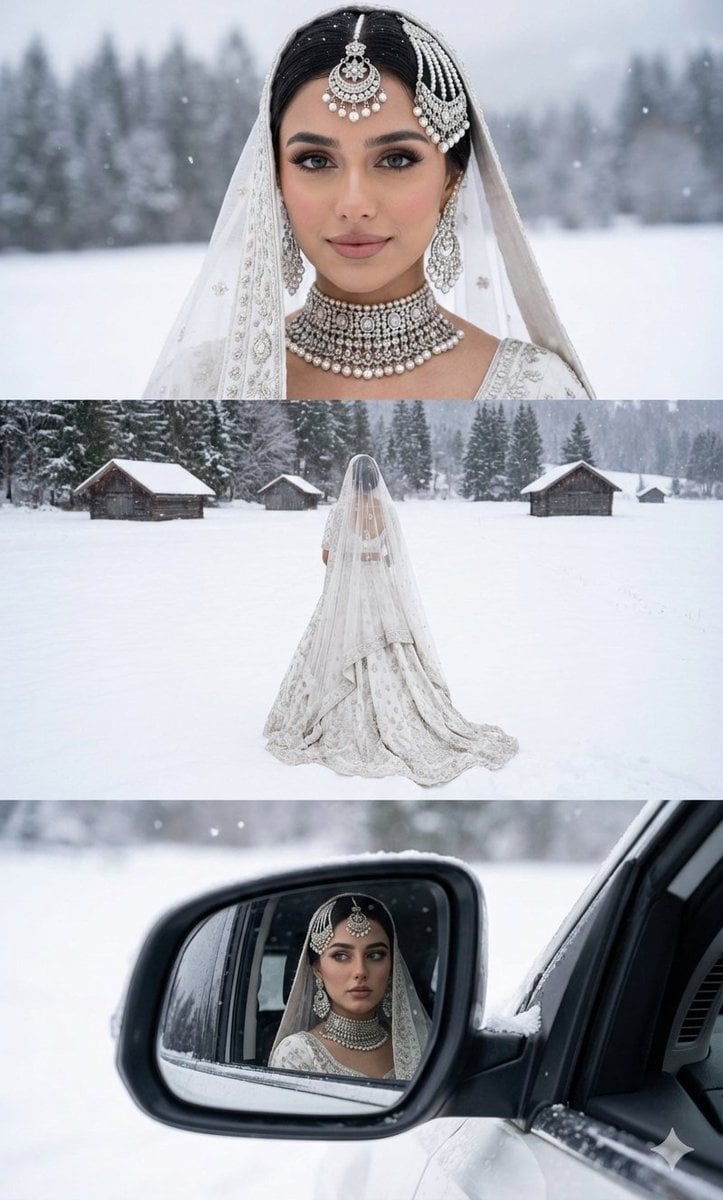
Three-Panel South Asian Bride in Snowy Landscape
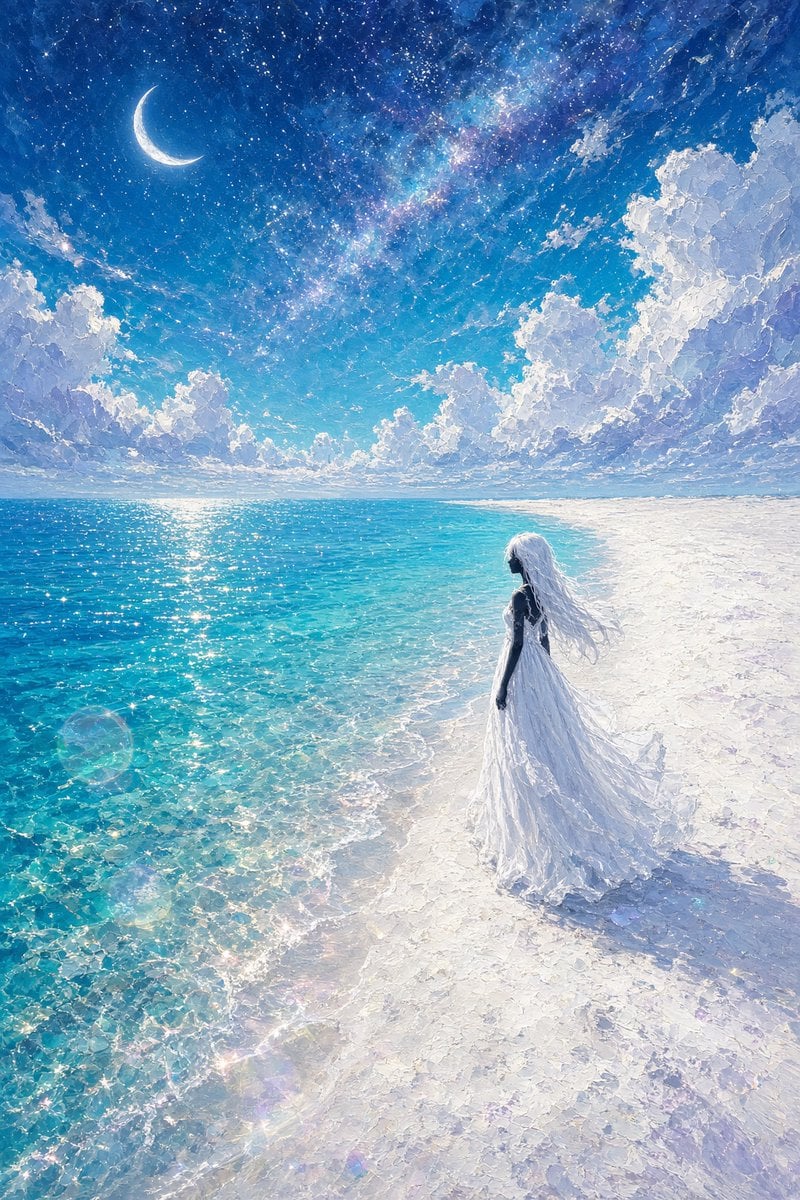
Celestial Bride on Starlit Beach
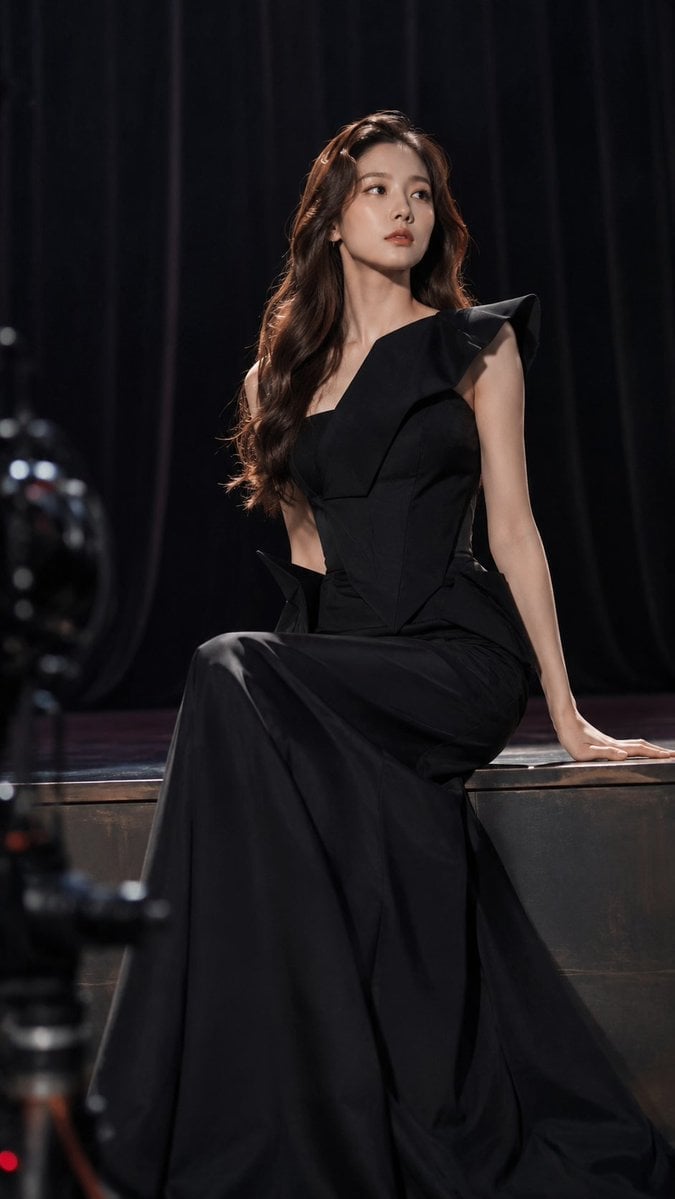
Dark Luxury Stage Fashion Editorial Portrait

Ultra-Stylized High-Fashion Streetwear Poster

Coastal Bench Portrait — Navy Floral Sundress
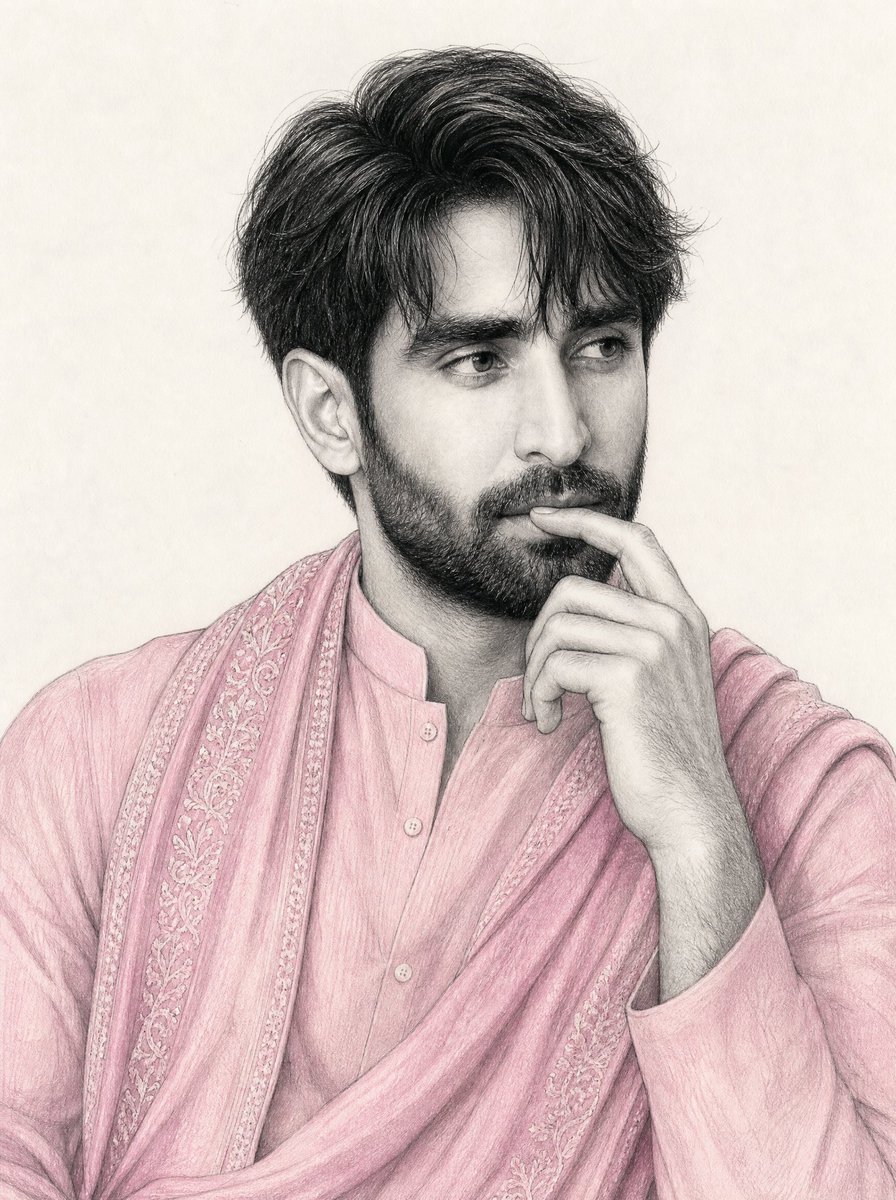
South Asian Man Graphite Drawing
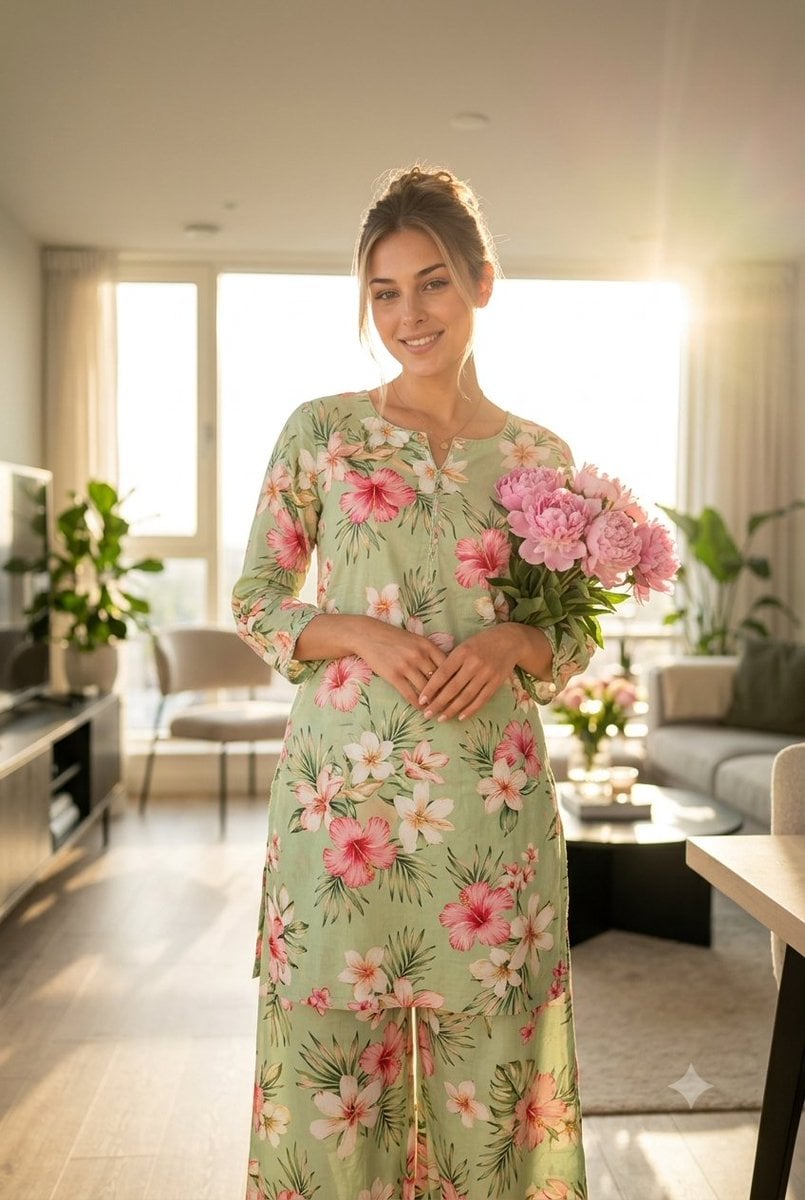
South Asian Woman in Floral Traditional Attire
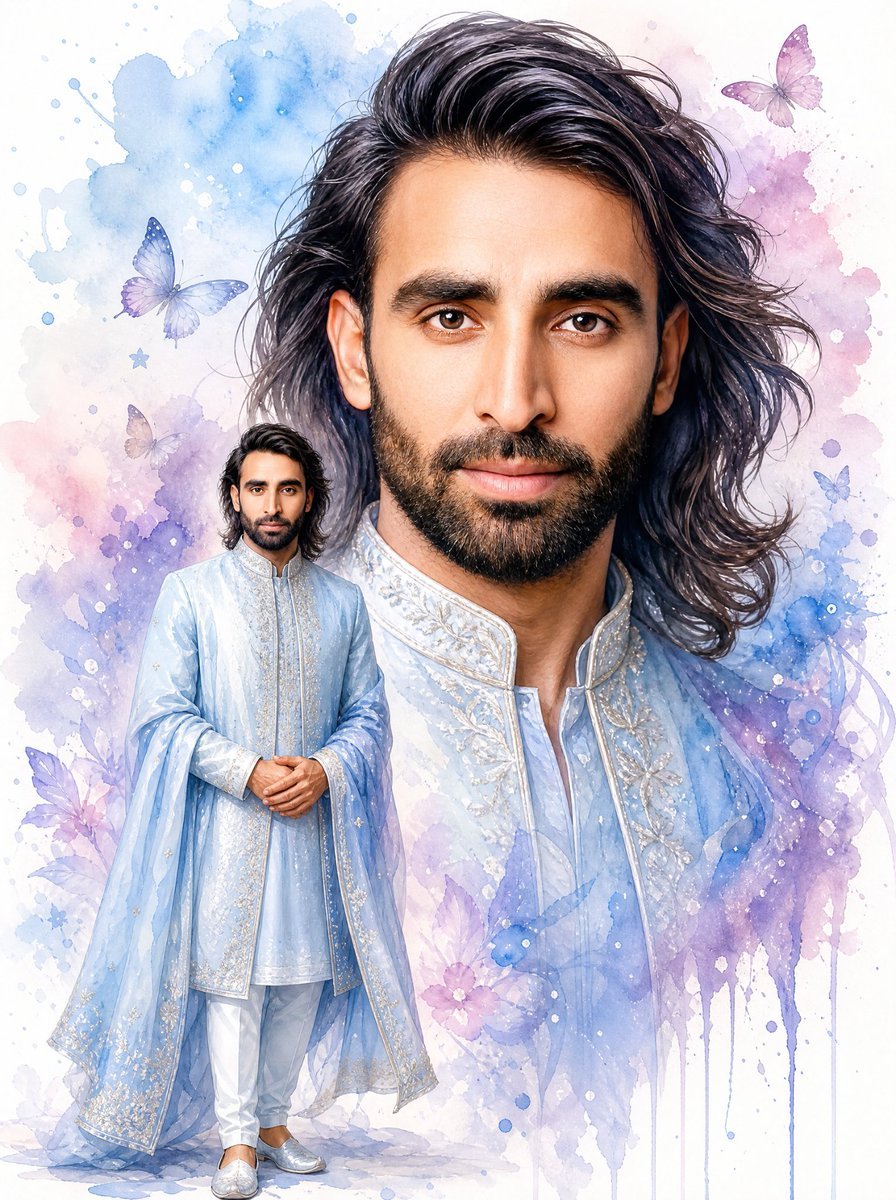
Watercolor South Asian Groom Portrait
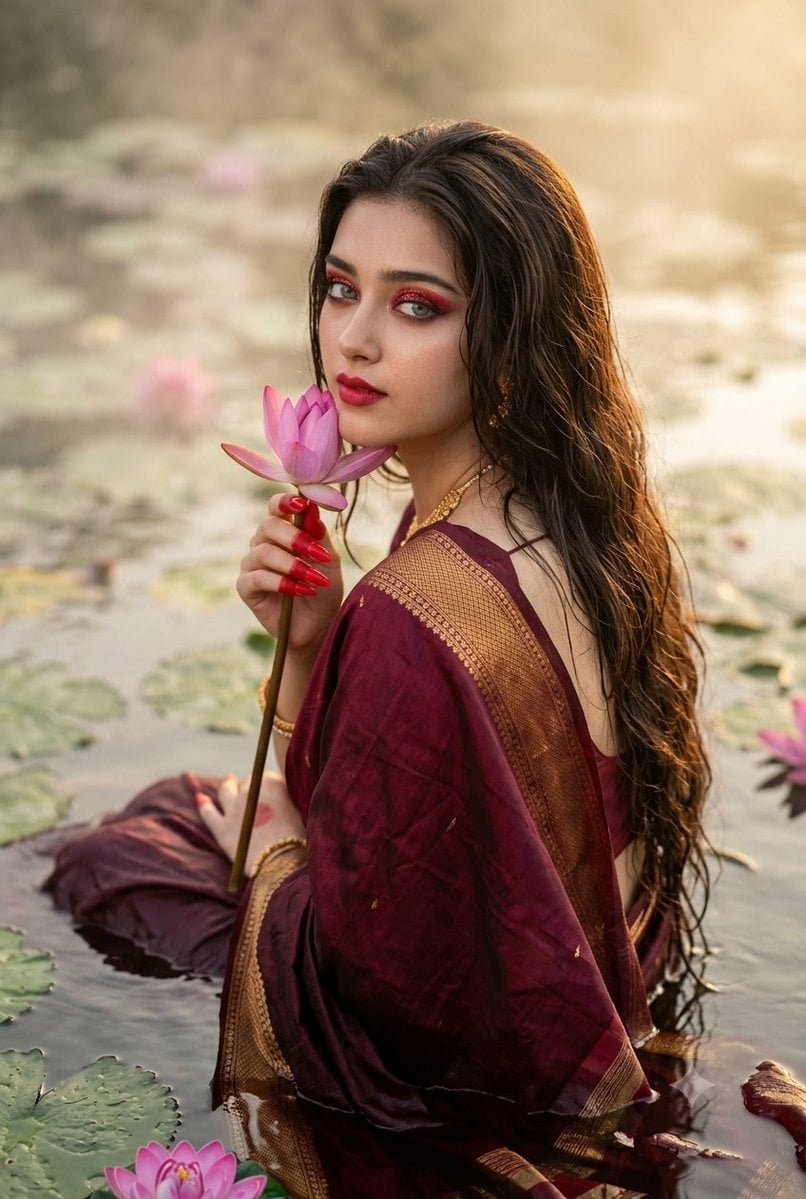
Cinematic South Asian Lotus Portrait
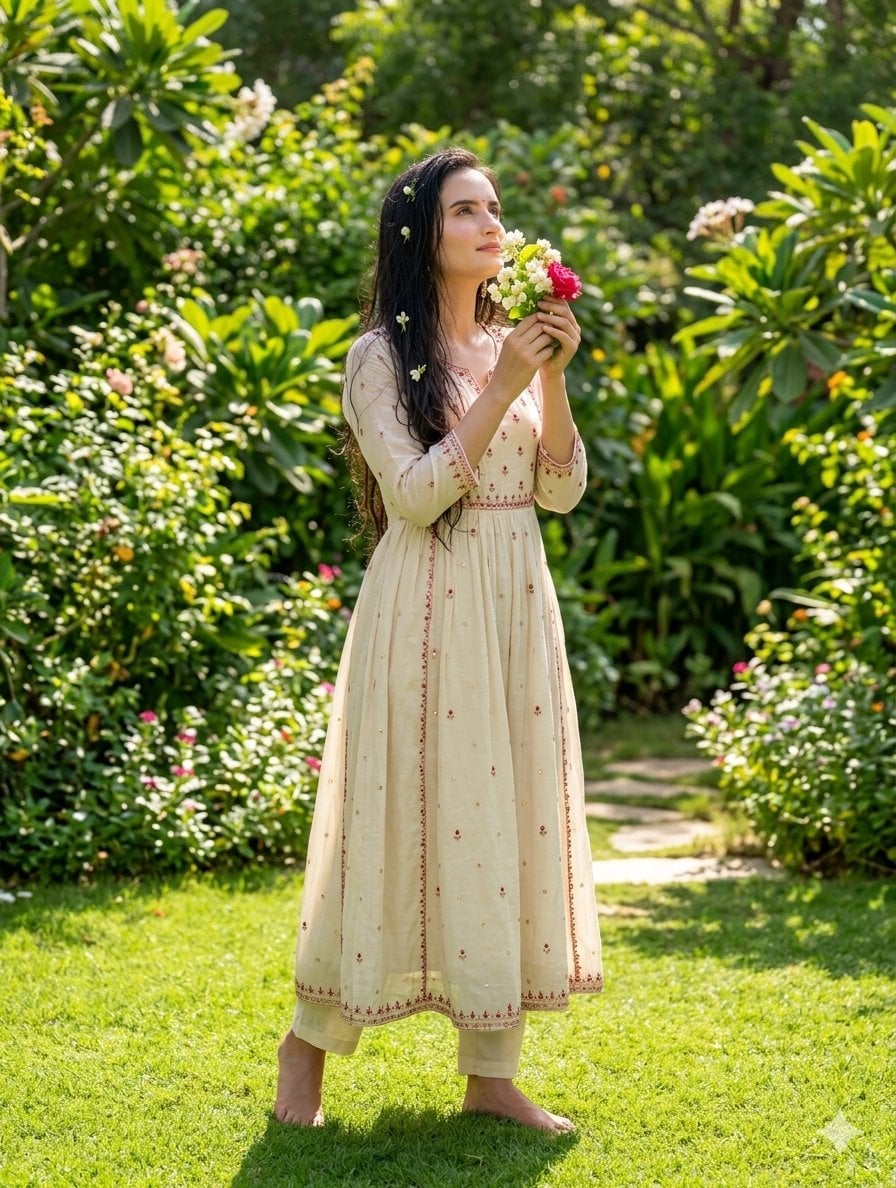
South Asian Woman in Garden Portrait
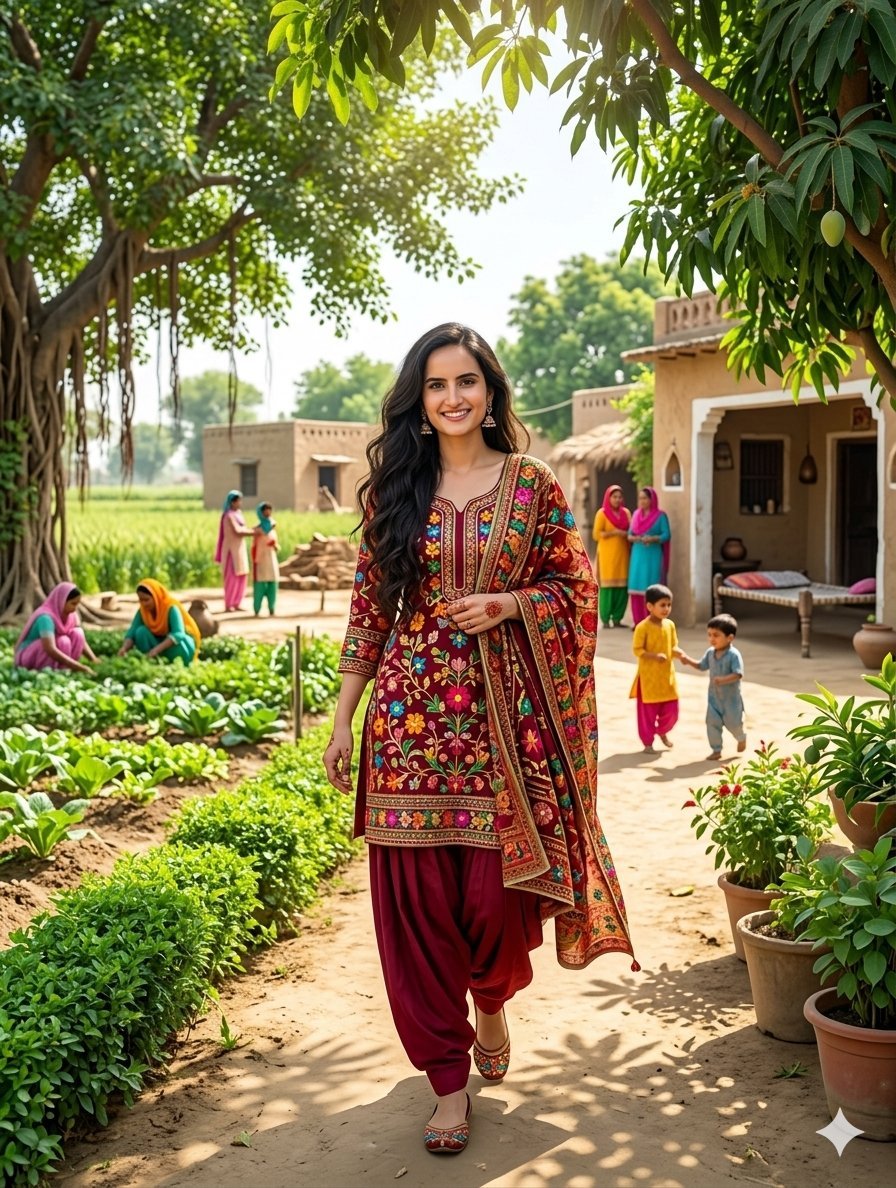
South Asian Woman in Rural Punjab
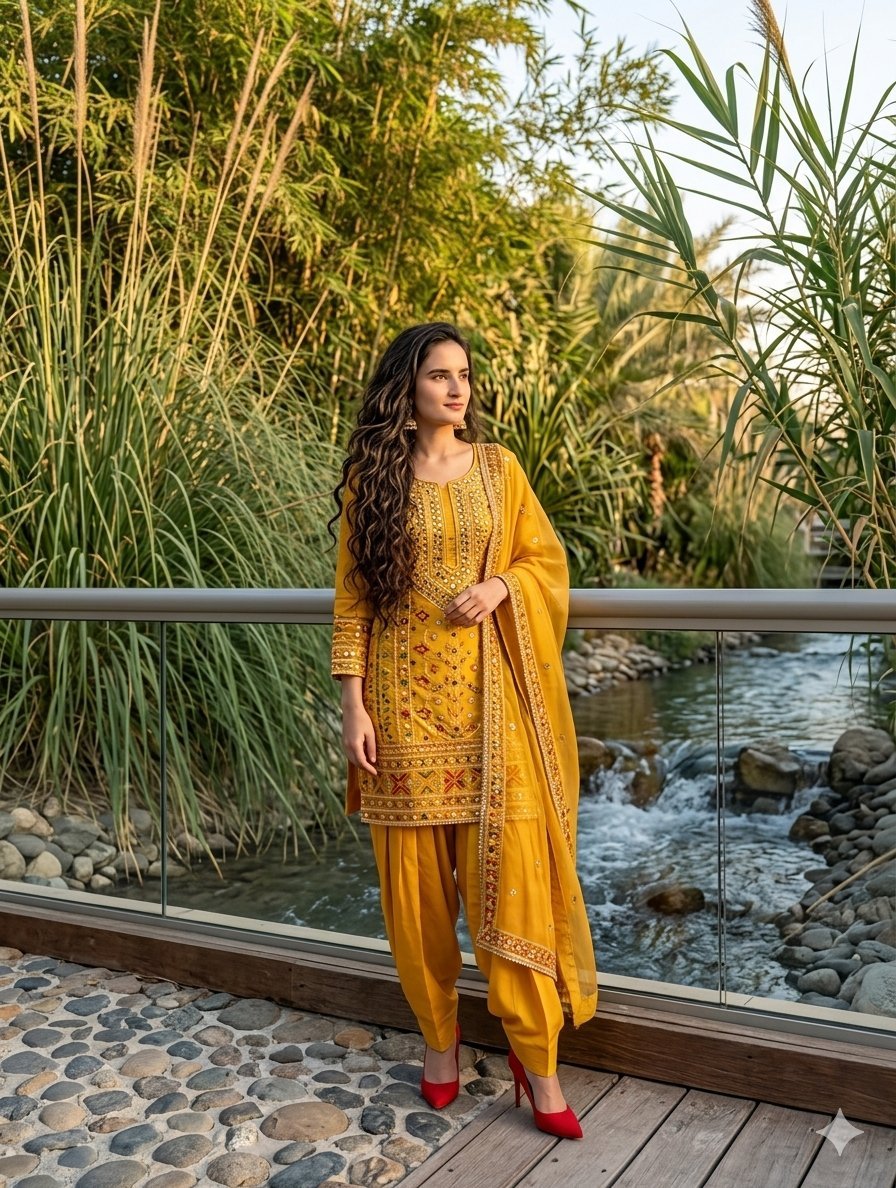
South Asian Woman in Anarkali Dress
Make it yours
South Asian Bride on Beach works as-is. These are the safest ways to change it without losing the look.
Change one field
Copy a single group, rewrite it, and generate again so you can see what that field is doing.
Keep the frame, change the subject
Hold the composition and light of South Asian Bride on Beach, then swap wardrobe, props or the person for a new take.
| If the result… | Why | Fix |
|---|---|---|
| The result drifts from the preview | Too many fields changed at once. | Reuse South Asian Bride on Beach as-is first, then change one group — subject, light, or setting. |
| The model over-stylizes the scene | The prose prompt leaves finish and camera underspecified. | Add one camera or lighting sentence and stay on GPT Image 2. |
More GPT Image 2 templates
Other prompts made for GPT Image 2.

Six VTuber Japanese Logo Sheet

Realistic Portrait of Woman and Deer

The Vista Modular Condo Poster

AI Model Routing Comparison Infographic

2.5D Anime Art Board

Isometric Productivity Desk Scene

New York Double Exposure Poster

Four-Panel AI Landscape Comparison

Japanese Tatami Lifestyle Magazine Cover

NESCAFÉ Coffee Map Poster
More image prompts
Fresh picks from across the catalog.
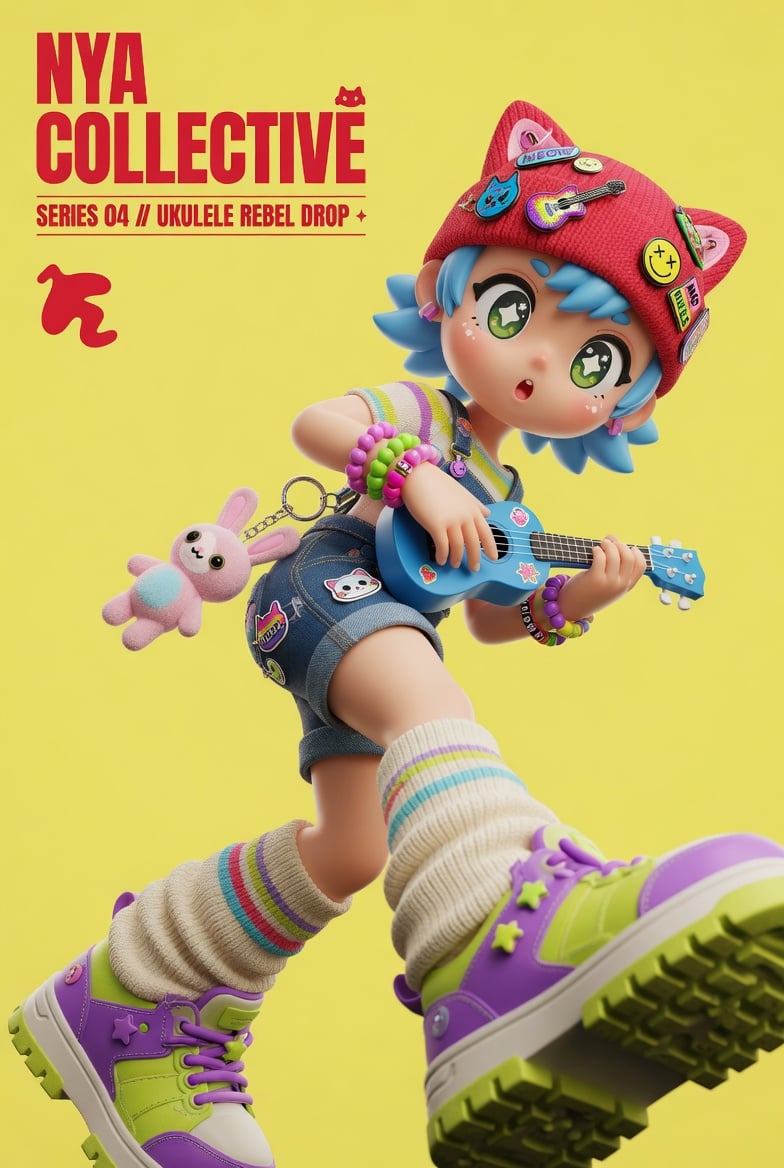
3D Designer Toy Poster
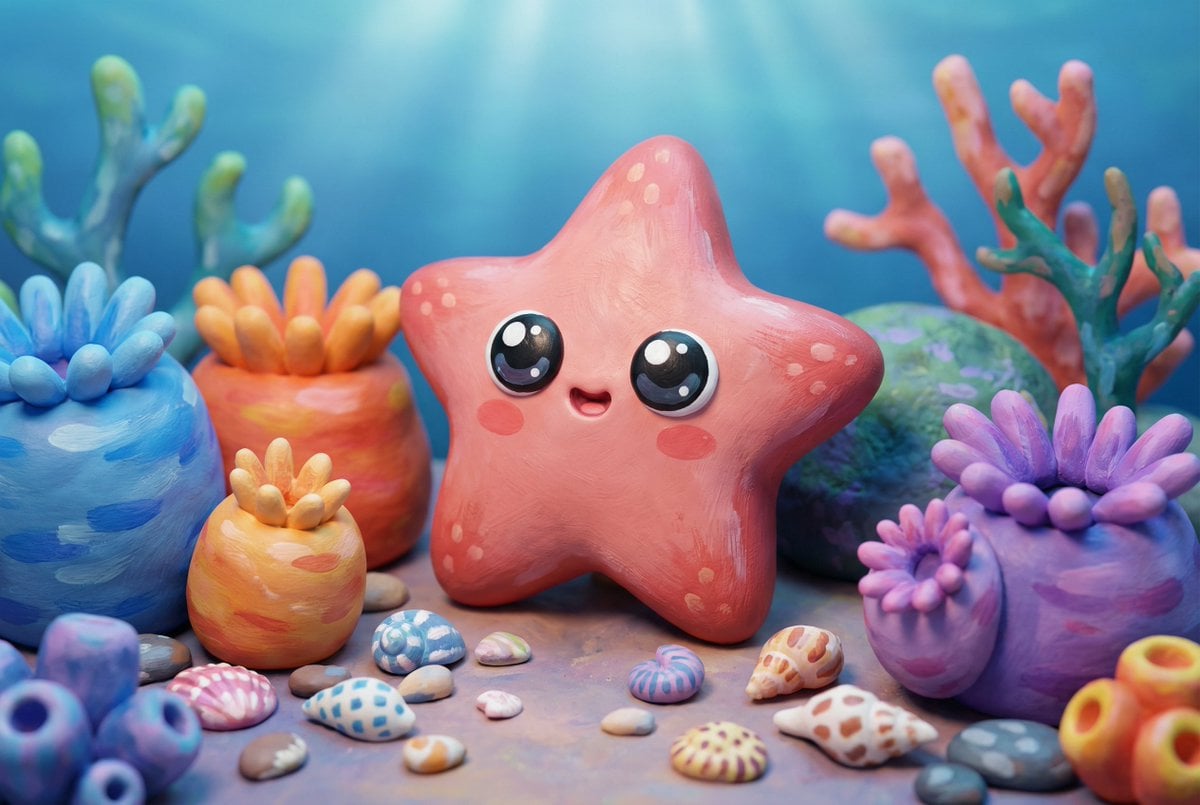
Natural Language Prompt for Kawaii Starfish in Custom Chibi Style
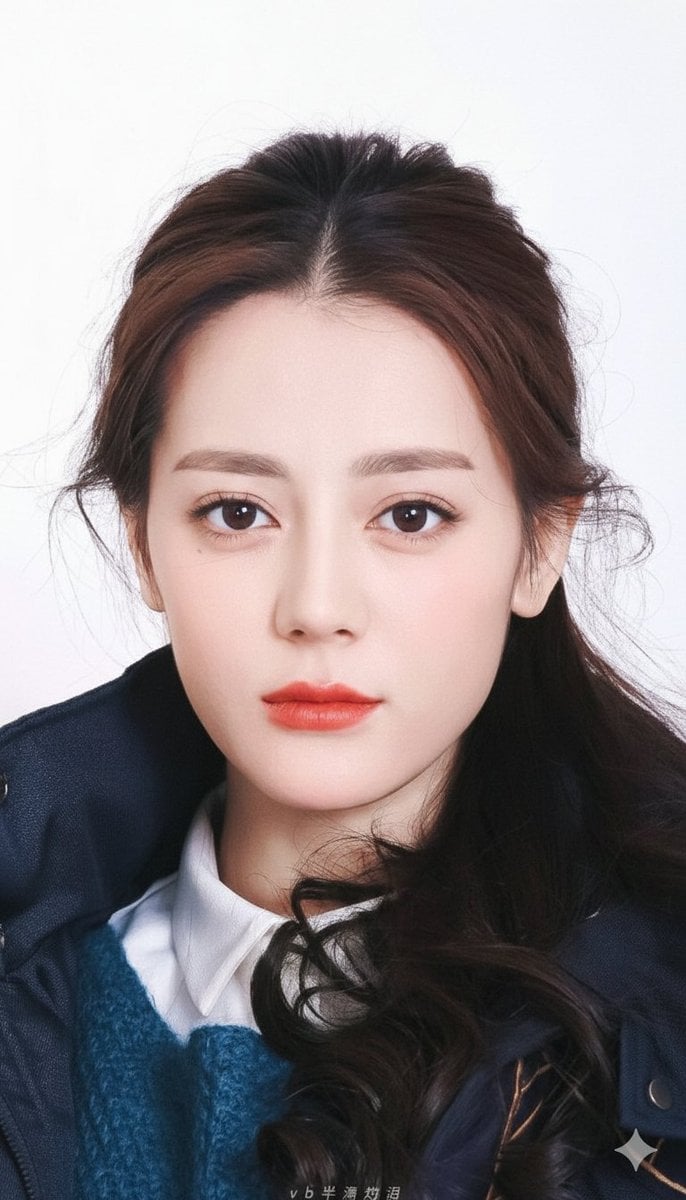
Vogue-Style Beauty Portrait (Dilireba Dilmurat)
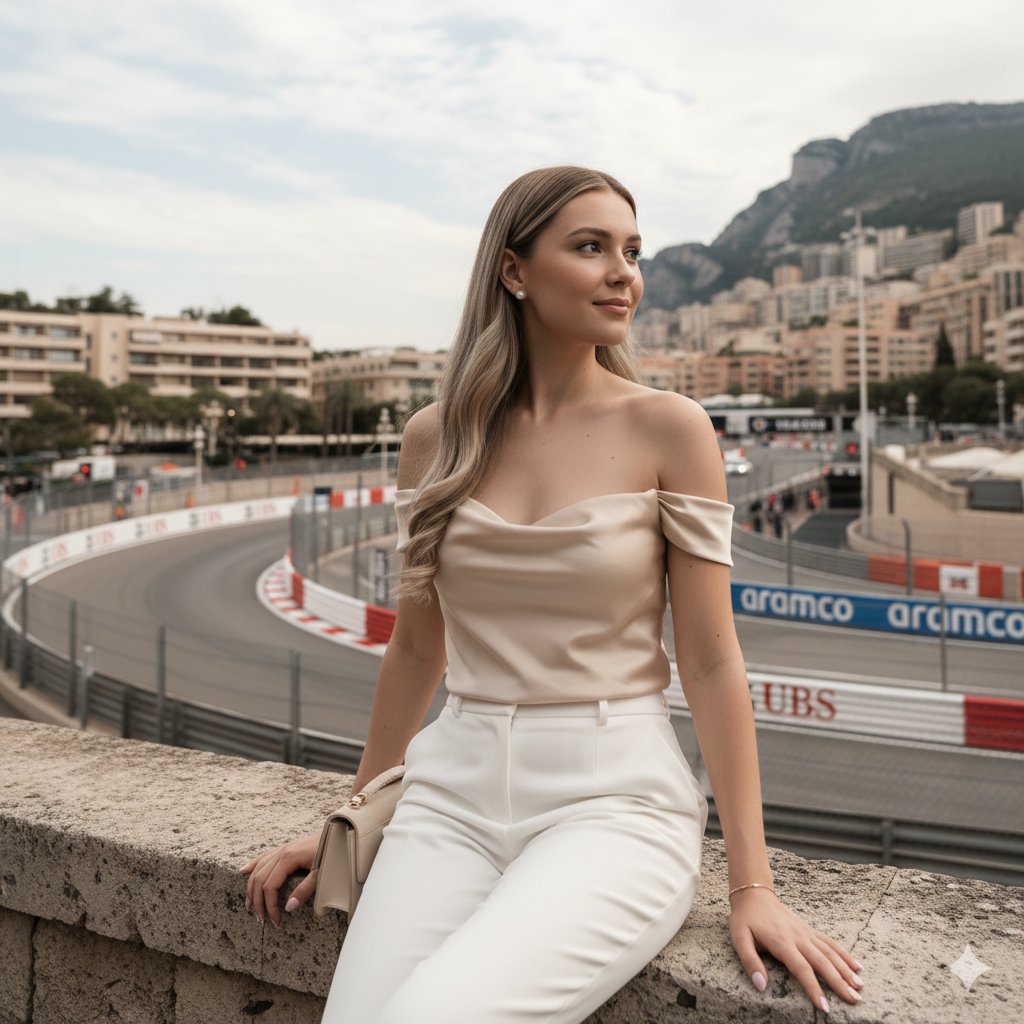
Candid Travel-Lifestyle Photograph: Monaco Terrace

3D Caricature Meme Portrait

Jet Airplane Puppy Creature Sheet
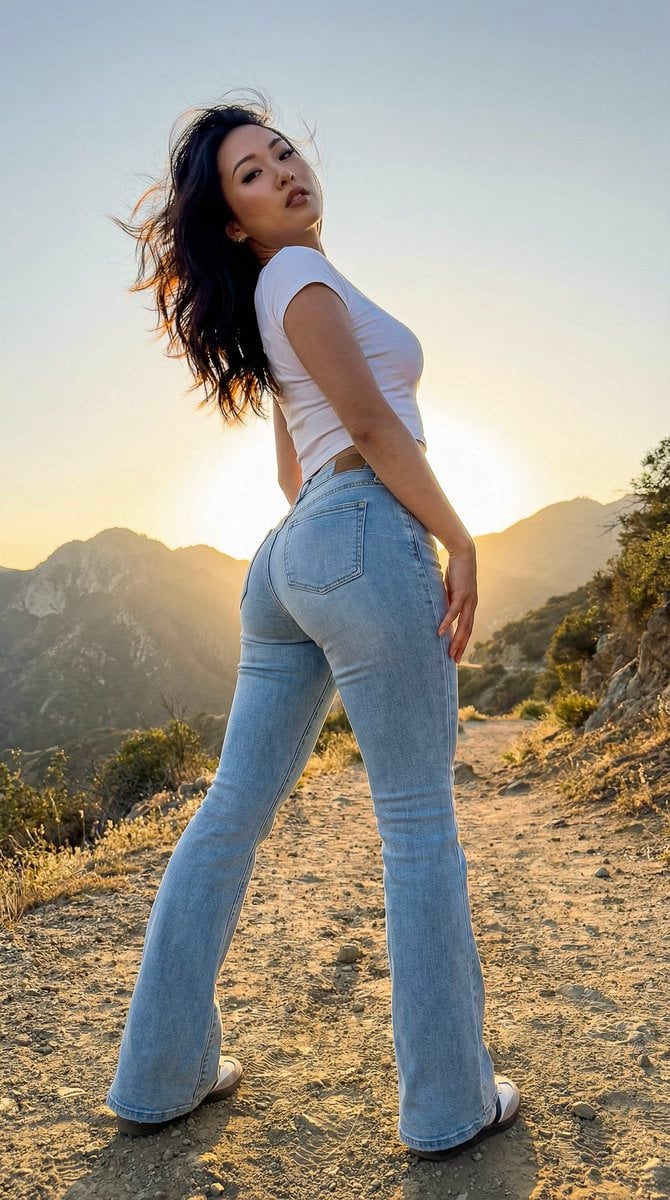
Hyper-Real Influencer Portrait with Extreme Contrapposto
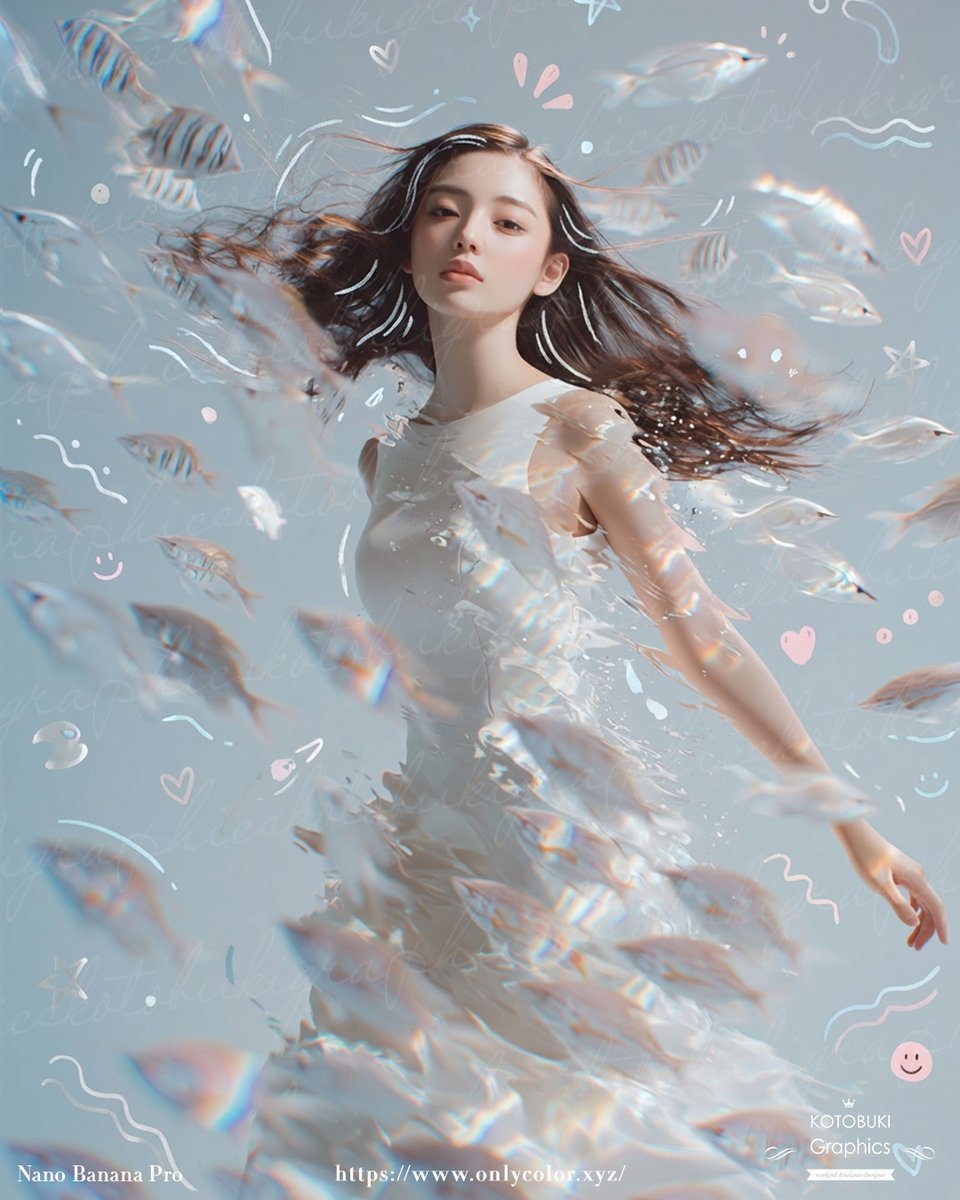
Gpt2 Profile Avatar Dreamy Underwater Woman with Translucent Fish
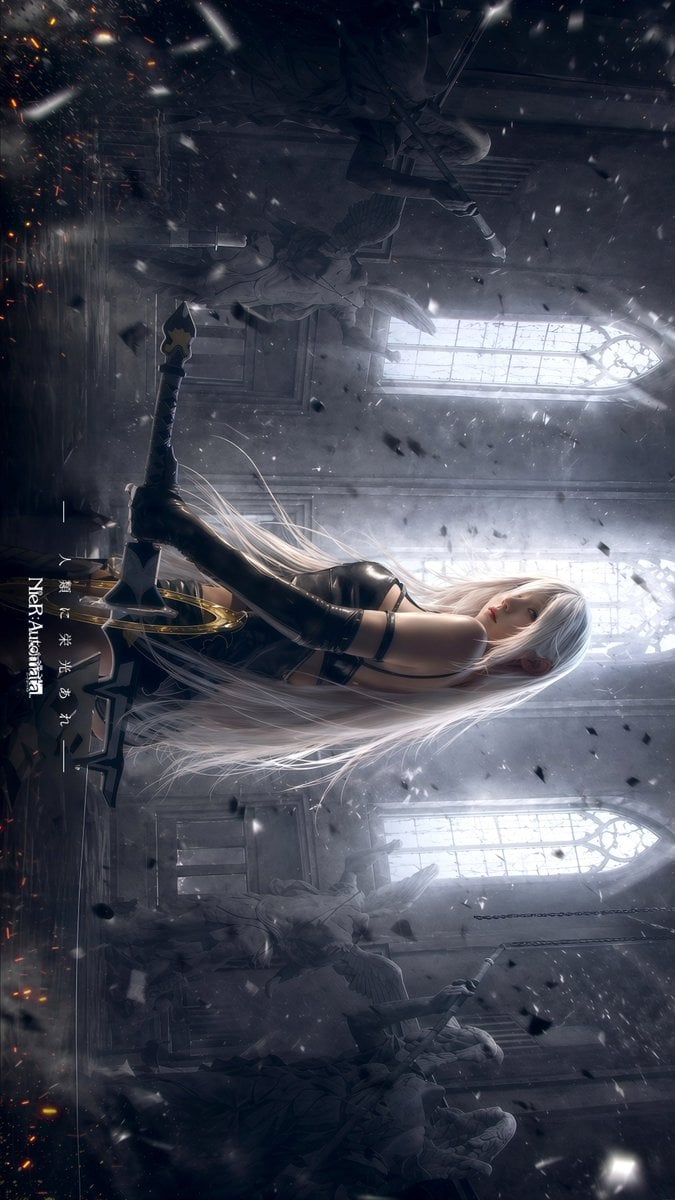
Gpt2 Social Media Post Gothic Android Warrior Cathedral Key Art

Stylized 3D Llama Character in Streetwear
Browse template categories
South Asian Bride on Beach questions
How do I use the South Asian Bride on Beach template?
Add your photo if the template asks for one, edit the prompt if you like — the template's model and format are already selected — and press Generate. Your version opens in PicX Studio.
Can I customize the South Asian Bride on Beach template?
Yes. You can change the subject, setting, lighting, mood, format, and available model controls before creating your image.
Is the South Asian Bride on Beach template free?
Opening and editing this template is free. Generating uses credits, shown on the Generate button when you are signed in.
Which AI model should I use?
Start with GPT Image 2, which is the model associated with this template. You can compare another compatible model for a different finish.
Looking for something else? Browse all templates.

Your photo, any look
Thousands of ready templates for every top image and video model, from one credit balance.