
Celestial Bride on Starlit Beach
Generates a dreamy fantasy illustration of a white-haired woman in a bridal gown standing beside a sparkling turquoise sea under a crescent moon and star-filled sky.
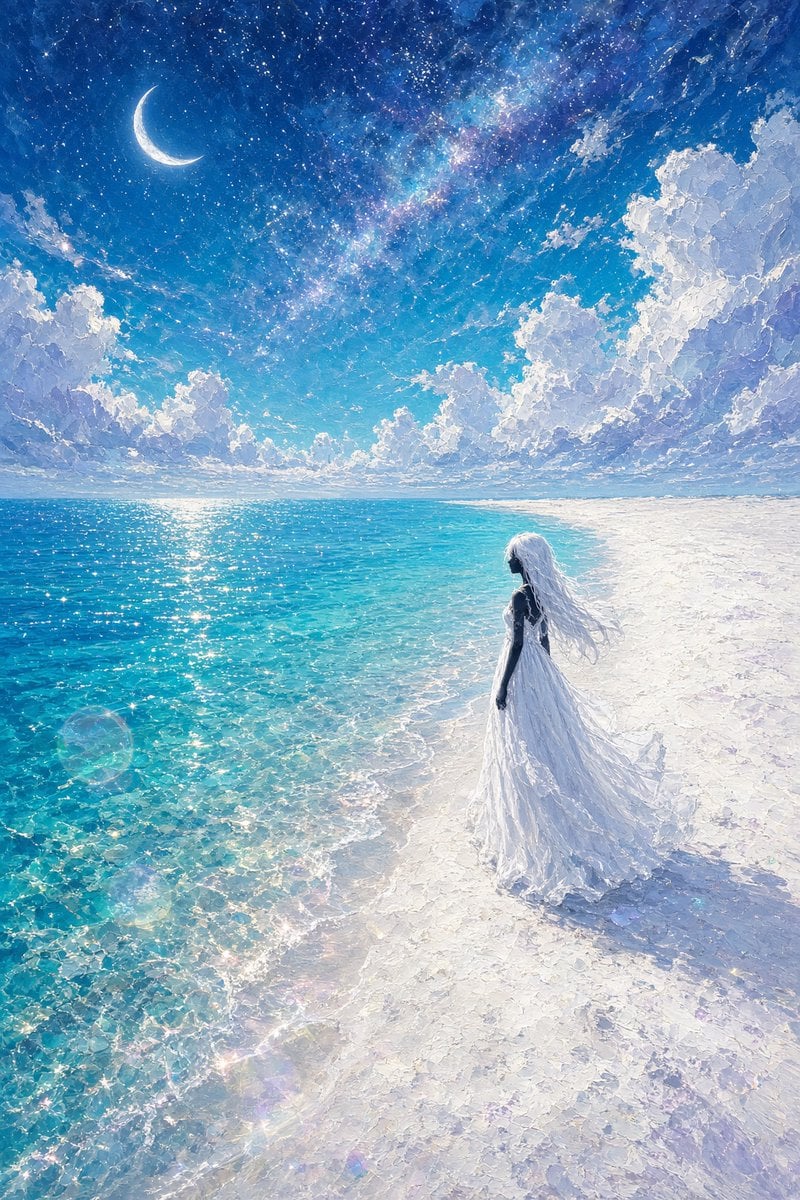
- Prompt included
- Model and format preset
- Free template
The prompt behind this image
Copy the exact prompt behind Celestial Bride on Starlit Beach, or open it in the studio and make it yours.
Create a luminous fantasy seascape illustration in a dreamy anime-inspired painterly style. Use a vertical {argument name="aspect ratio" default="2:3"} canvas showing a vast turquoise ocean on the left and a bright white sandy beach on the right, with the shoreline curving diagonally into the distance. A solitary {argument name="character" default="young woman with very long white hair"} stands near the waterline in the lower-right third, seen mostly from behind in dark silhouette against the glare, wearing a flowing {argument name="dress color and style" default="white bridal gown with a long translucent train"} that trails across the glowing sand and ripples in the sea breeze. Above her, create an enormous celestial sky: deep sapphire at the top fading to cyan near the horizon, filled with countless stars, a soft Milky Way band, and one bright crescent moon in the upper-left. Add towering white cumulus clouds on both sides, textured with thick impasto brushstrokes and cool lavender-blue shadows. The ocean should be crystal clear, sparkling with sunlike reflections and visible shallow-water patterns; include subtle lens flare and rainbow glints near the foreground. Make the scene radiant, ethereal, high detail, wide-angle, serene, romantic, and magical, with no text, no border, and no extra characters. Emphasize the contrast between the starry night sky and the bright daylight-like beach, as if moonlight and starlight are illuminating everything.
How to use Celestial Bride on Starlit Beach in 3 steps
- 1Upload ImagePNG, JPG or paste
Add your photo
Upload the photo the template builds on. The prompt, model and format are already set.
- 2…a portrait of your subject in softgolden-hour light, 85mm…
Personalize
Edit the subject and creative details for your destination.
- 3Generate
Generate
Press Generate — your image is created in PicX Studio, so you can compare it with the original and refine one variable at a time.
More like this
Templates with the same subject, style or setup. Open one to see its prompt.
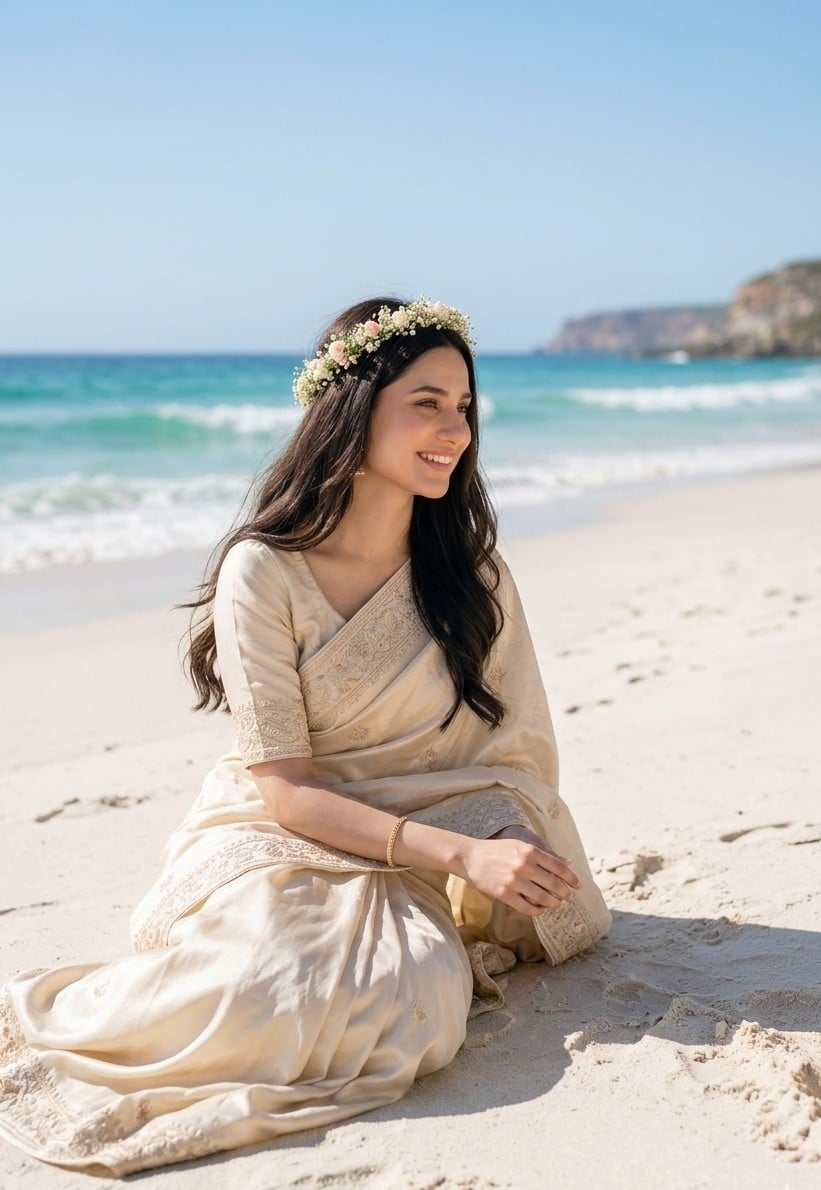
South Asian Bride on Beach

Anime Fantasy Celestial Movie Poster
Anime Fantasy Celestial Movie Poster

Coastal Bench Portrait — Navy Floral Sundress
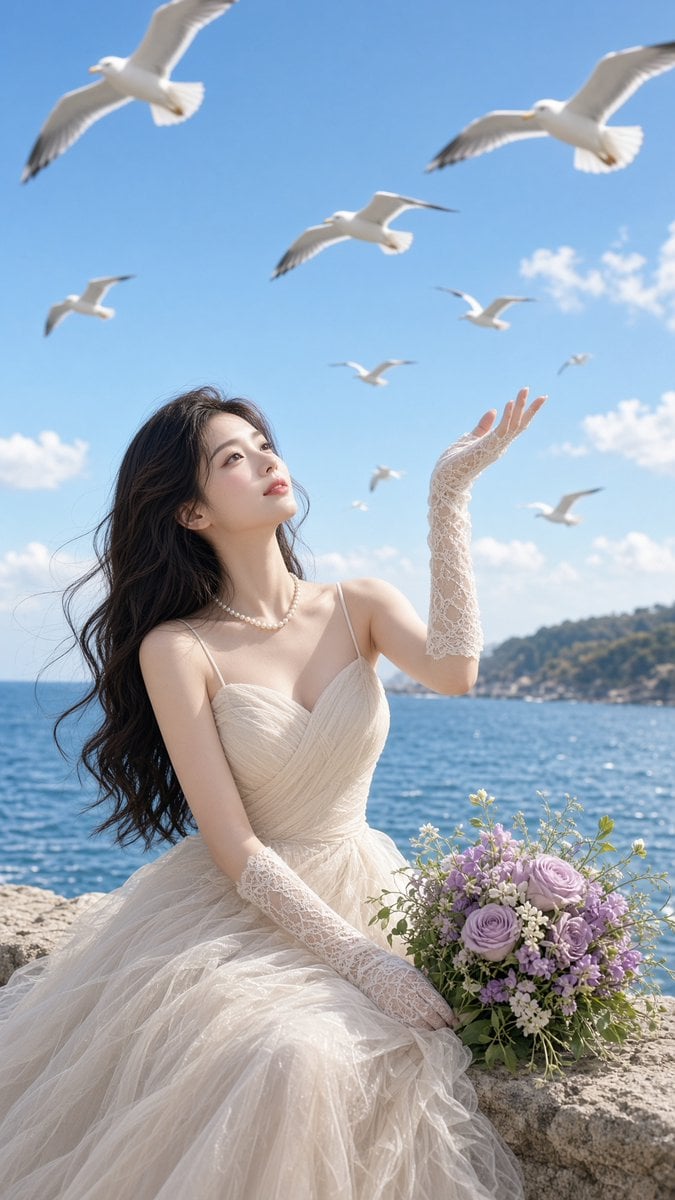
Romantic Seaside Bride With Seagulls
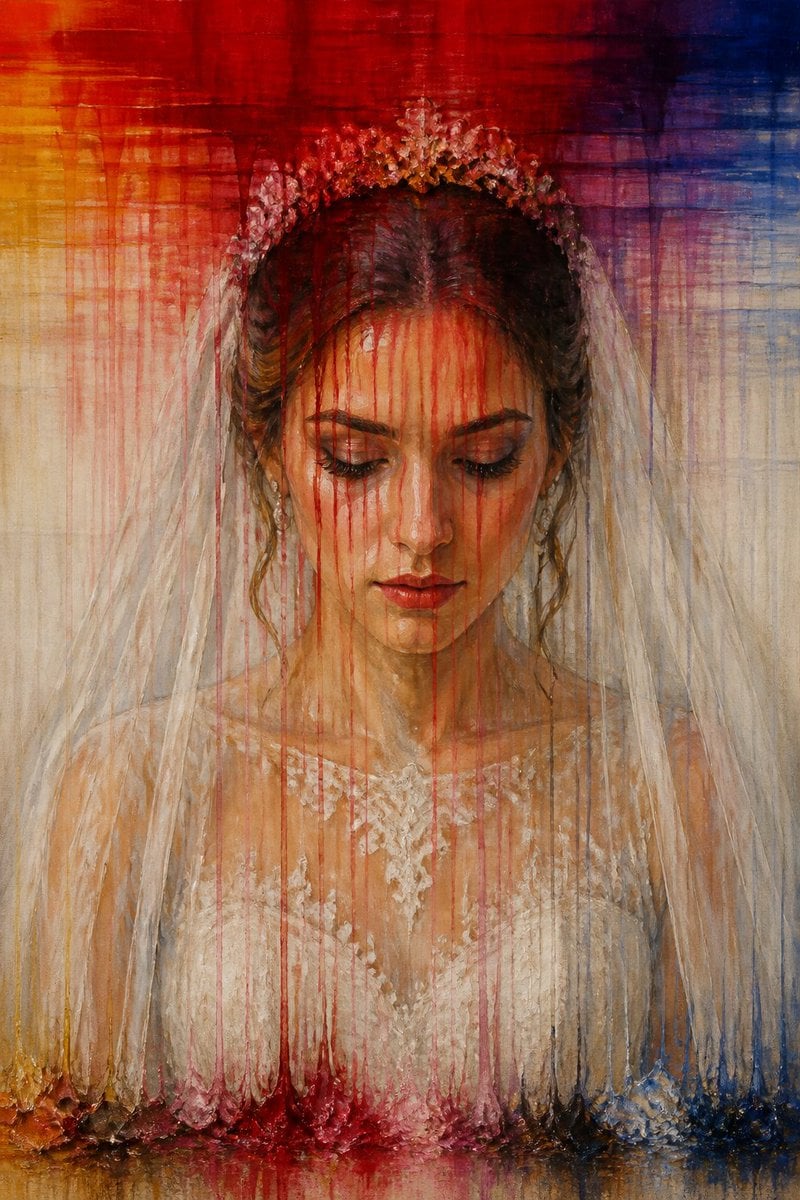
Dissolving Bride Portrait Painting
Night Starlit Camping Portrait
Celestial Inverted Oriental Palace

Celestial Sakura Kimono Maiden
Oriental Fantasy Celestial Realm
Celestial Jade Palace Lake
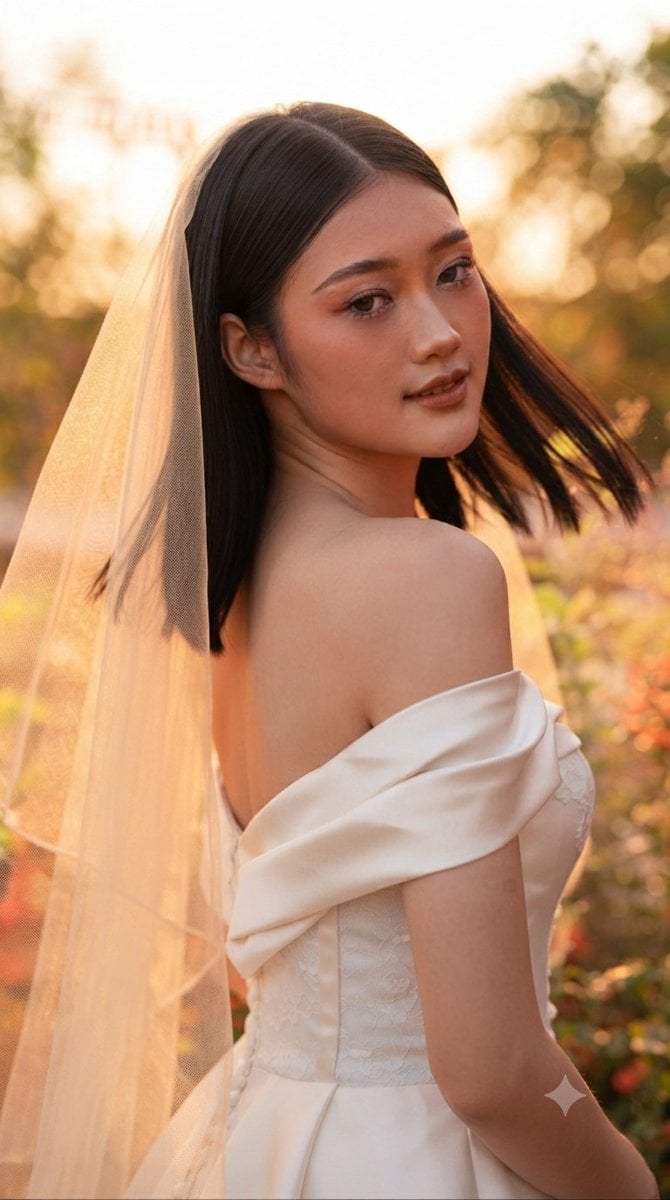
Ethereal Sunset Bride Portrait
Make it yours
Celestial Bride on Starlit Beach works as-is. These are the safest ways to change it without losing the look.
Change one field
Copy a single group, rewrite it, and generate again so you can see what that field is doing.
Keep the frame, change the subject
Hold the composition and light of Celestial Bride on Starlit Beach, then swap wardrobe, props or the person for a new take.
| If the result… | Why | Fix |
|---|---|---|
| The result drifts from the preview | Too many fields changed at once. | Reuse Celestial Bride on Starlit Beach as-is first, then change one group — subject, light, or setting. |
| The model over-stylizes the scene | The prose prompt leaves finish and camera underspecified. | Add one camera or lighting sentence and stay on GPT Image 2. |
More GPT Image 2 templates
Other prompts made for GPT Image 2.

Six VTuber Japanese Logo Sheet

Realistic Portrait of Woman and Deer

The Vista Modular Condo Poster

AI Model Routing Comparison Infographic

2.5D Anime Art Board

Isometric Productivity Desk Scene

New York Double Exposure Poster

Four-Panel AI Landscape Comparison

Japanese Tatami Lifestyle Magazine Cover

NESCAFÉ Coffee Map Poster
More image prompts
Fresh picks from across the catalog.

Batch study card generation prompts (physics, English, poetry)

Line Art Animal Listening to Music
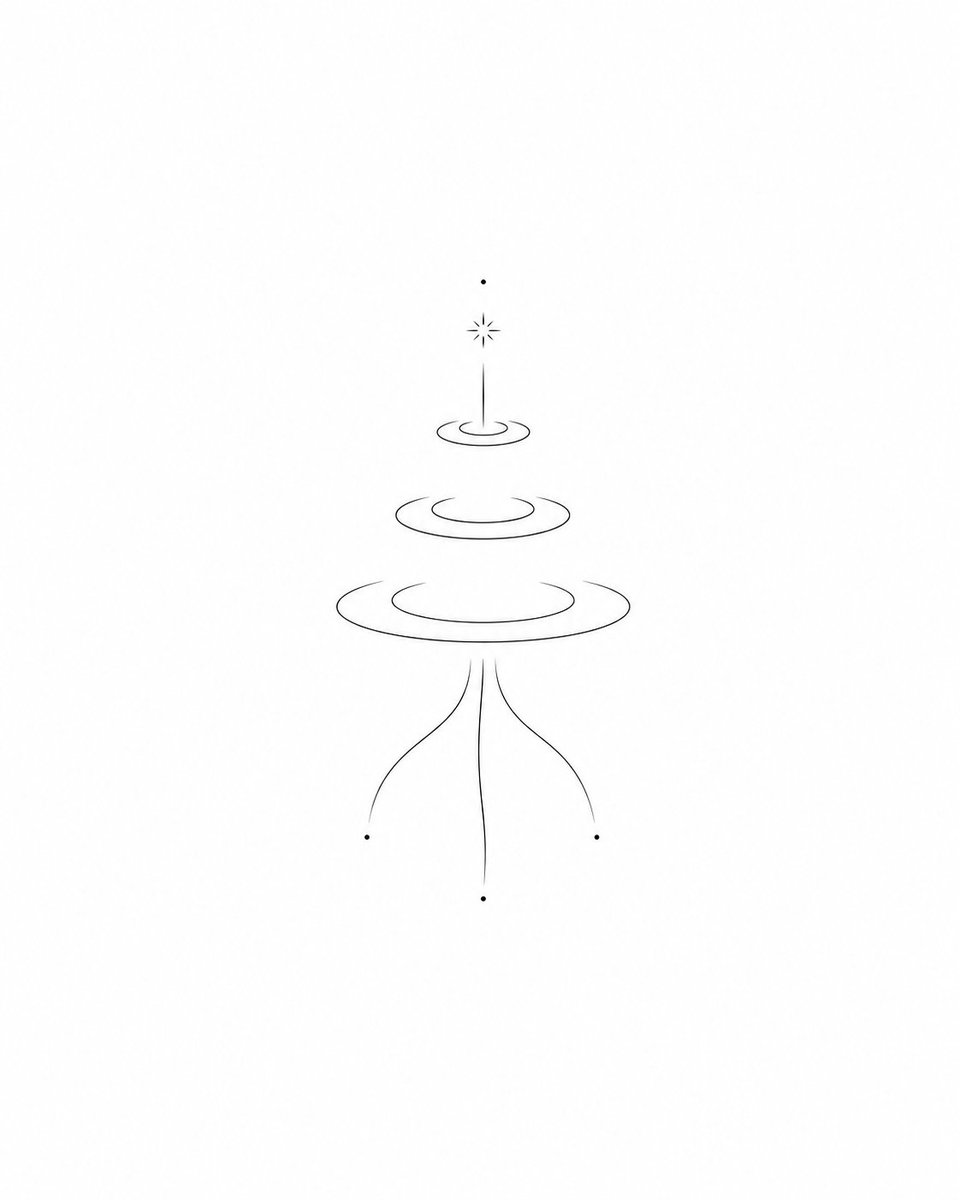
Minimalist Symbolic Tattoo Design
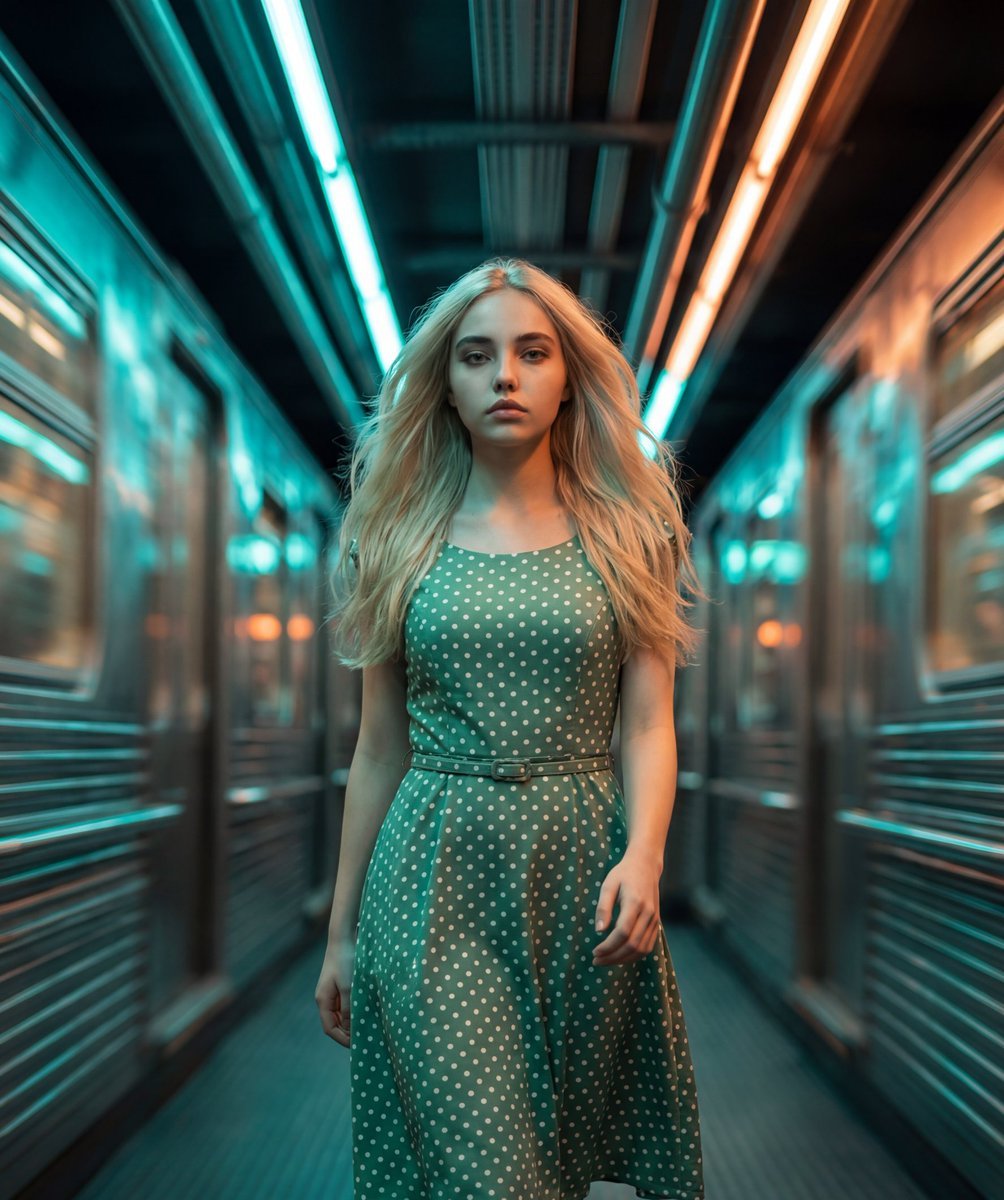
Cinematic Futuristic Tunnel Walk
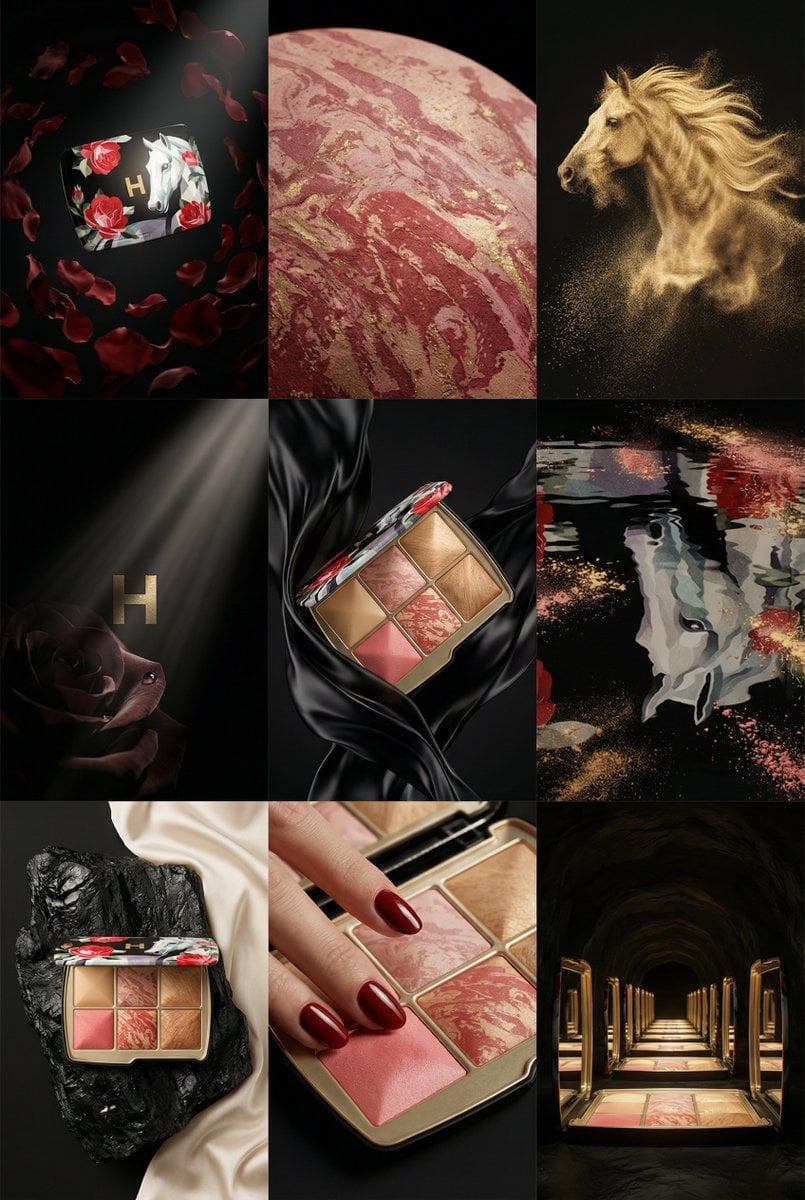
Cell Surrealist Product Photography Grid Prompt (Ukrainian)
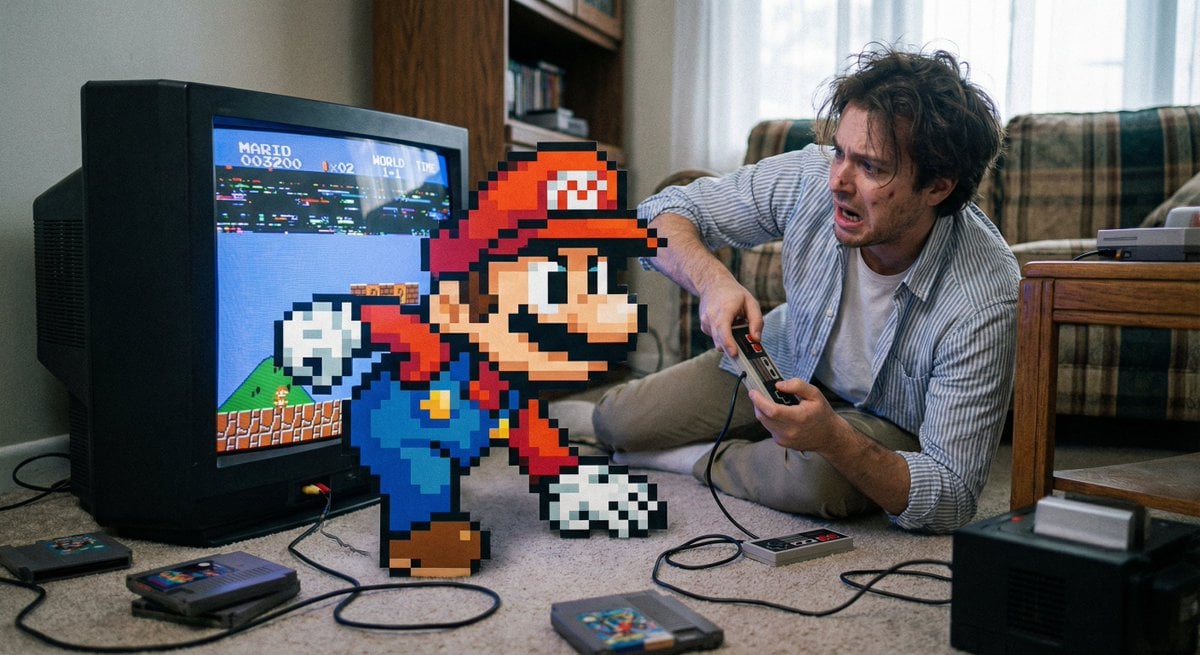
Pixel game character climbing out of TV
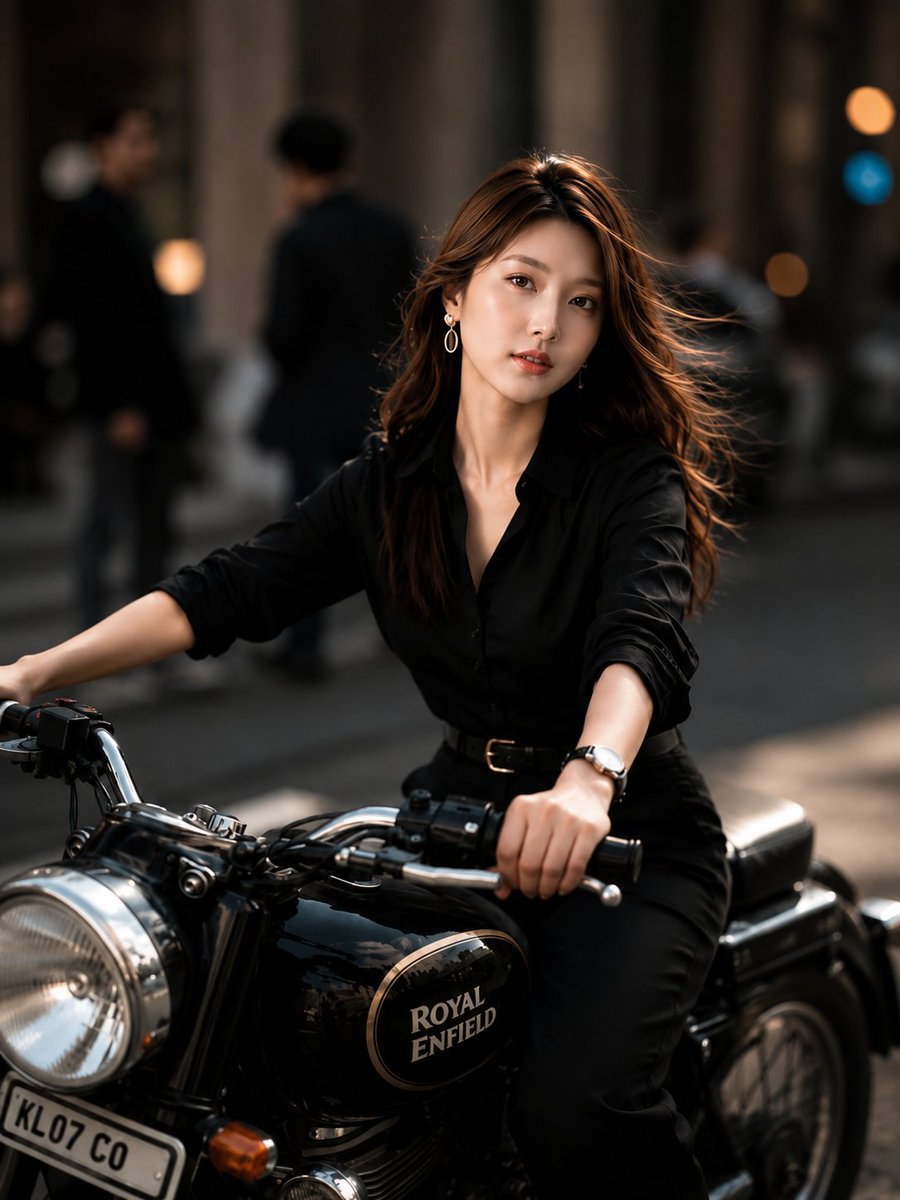
Urban Street Motorcycle Portrait
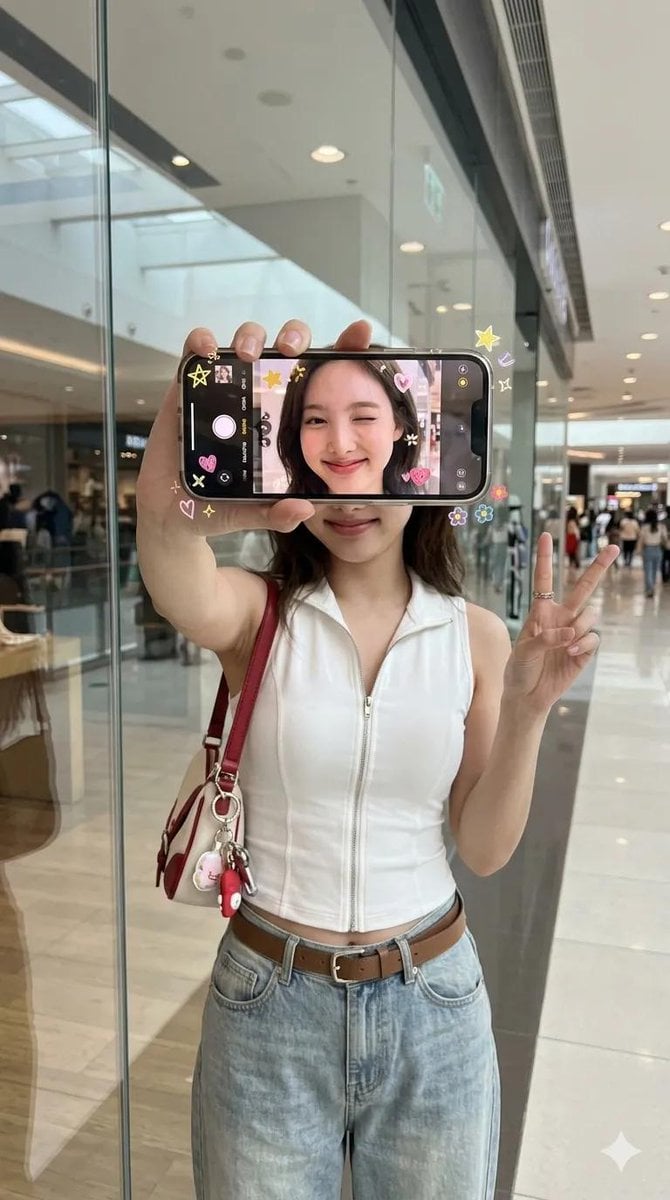
iPhone Screen Reflection Portrait
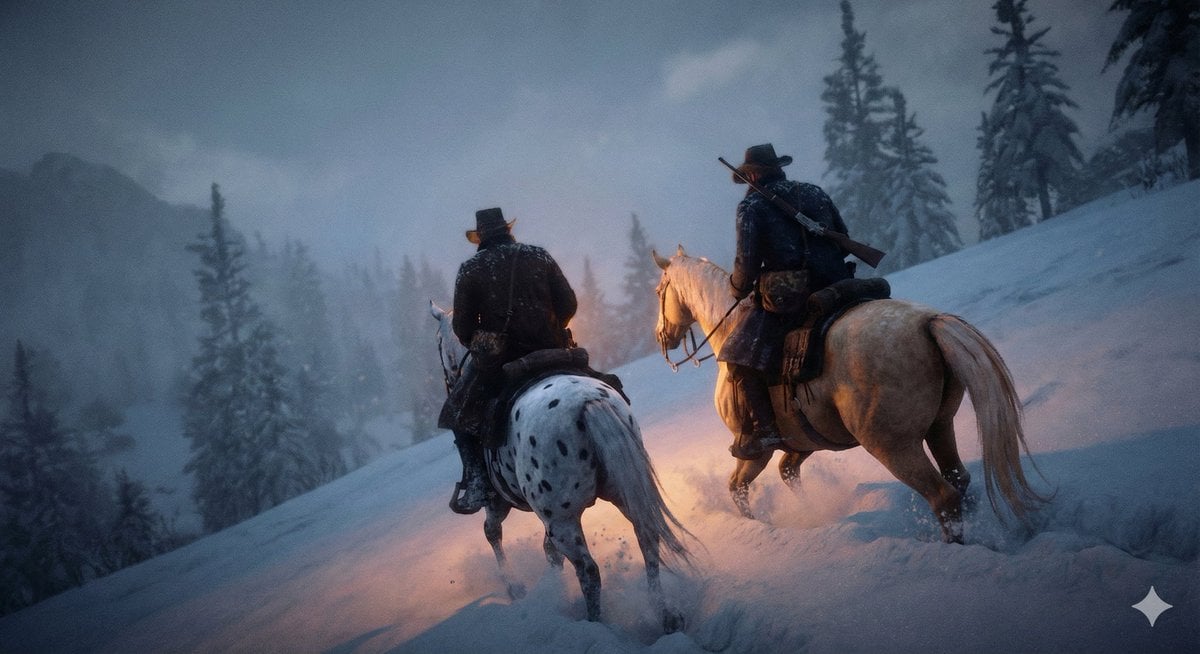
Cinematic Western Scene with Horseback Riders in Snow
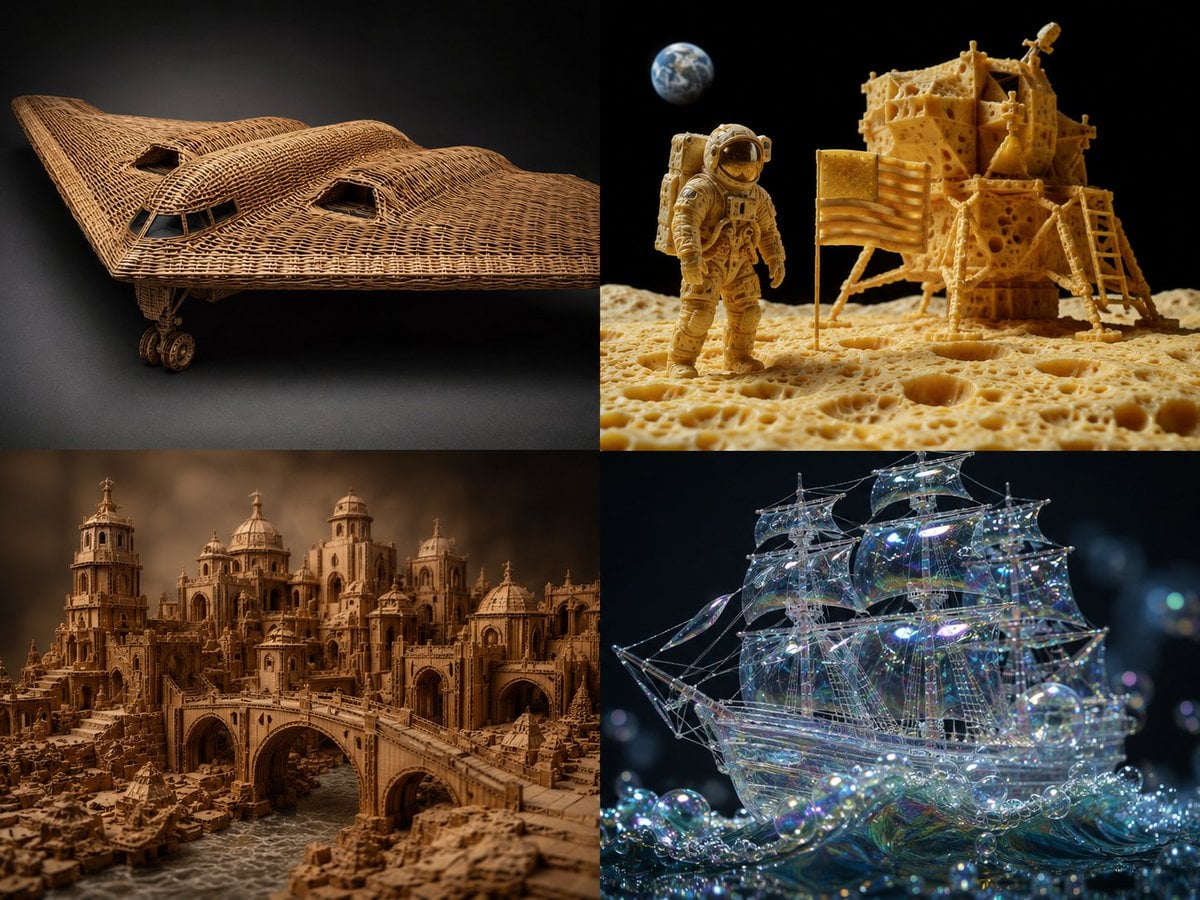
Material Transformation Physics Prompt
Browse template categories
Celestial Bride on Starlit Beach questions
How do I use the Celestial Bride on Starlit Beach template?
Add your photo if the template asks for one, edit the prompt if you like — the template's model and format are already selected — and press Generate. Your version opens in PicX Studio.
Can I customize the Celestial Bride on Starlit Beach template?
Yes. You can change the subject, setting, lighting, mood, format, and available model controls before creating your image.
Is the Celestial Bride on Starlit Beach template free?
Opening and editing this template is free. Generating uses credits, shown on the Generate button when you are signed in.
Which AI model should I use?
Start with GPT Image 2, which is the model associated with this template. You can compare another compatible model for a different finish.
Looking for something else? Browse all templates.

Your photo, any look
Thousands of ready templates for every top image and video model, from one credit balance.