
Romantic Seaside Bride With Seagulls
A vertical editorial-style bridal portrait featuring a dreamy bride by the ocean with a purple bouquet and seagulls overhead.
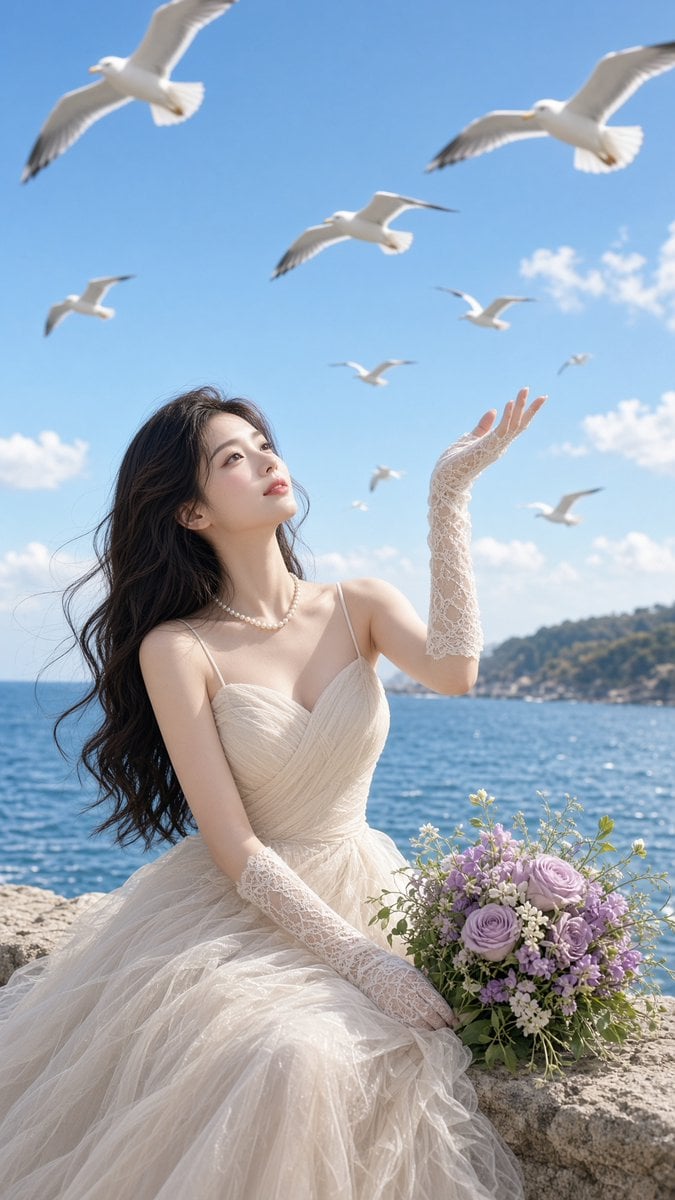
- Prompt included
- Model and format preset
- Free template
The prompt behind this image
Copy the exact prompt behind Romantic Seaside Bride With Seagulls, or open it in the studio and make it yours.
Create a vertical, ultra-realistic romantic bridal fashion photograph on a sunny seaside cliff. A young East Asian bride with long flowing dark wavy hair sits on a pale stone wall beside the ocean, wearing an elegant ivory tulle wedding gown with thin straps, a softly pleated bodice, voluminous layered skirt, a pearl necklace, and long white lace fingerless gloves. She gazes upward with a serene, dreamy expression, raising her right hand toward the sky as if greeting the birds. Place a bouquet of lavender and pale purple roses with small white flowers and greenery on the stone ledge beside her. The background shows sparkling deep-blue sea, a distant green coastal hillside, and a bright clear blue sky with scattered small white clouds. Include exactly 9 white seagulls in flight at different distances and scales: 2 large gulls near the top corners, 1 medium gull near the upper center, 1 small gull at left mid-sky, 1 small gull near right mid-sky, 1 tiny gull far right, 1 tiny gull near center, 1 blurred gull low right above the horizon, and 1 distant gull between the bride and horizon. Use soft natural daylight, gentle wind lifting the hair and dress, shallow depth of field, luminous skin, airy pastel color grading, cinematic high-fashion editorial composition, 9:16 vertical framing, crisp details on the bride and bouquet, slight motion blur on distant birds, no text, no watermark.
How to use Romantic Seaside Bride With Seagulls in 3 steps
- 1Upload ImagePNG, JPG or paste
Add your photo
Upload the photo the template builds on. The prompt, model and format are already set.
- 2…a portrait of your subject in softgolden-hour light, 85mm…
Personalize
Edit the subject and creative details for your destination.
- 3Generate
Generate
Press Generate — your image is created in PicX Studio, so you can compare it with the original and refine one variable at a time.
More like this
Templates with the same subject, style or setup. Open one to see its prompt.
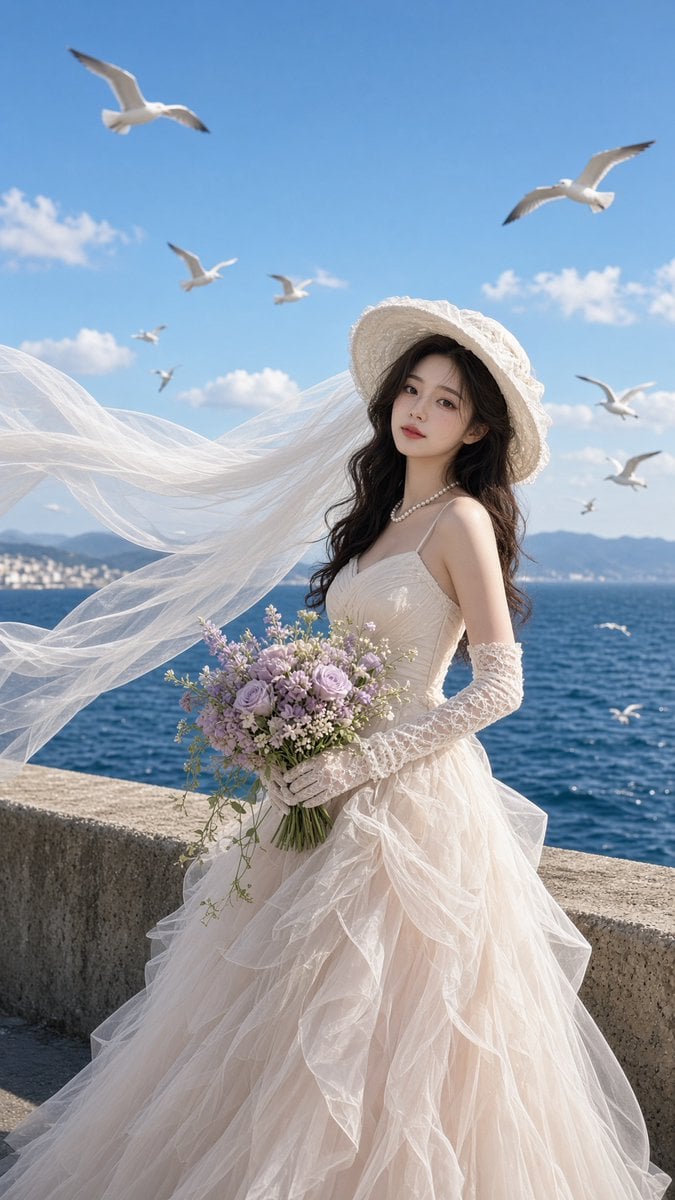
Seaside Bridal Portrait With Seagulls

Nano Banana - Evening Champagne Blue
Nano Banana - Bathtub Eiffel Night
Nano Banana - Paris Fleurs Romantic
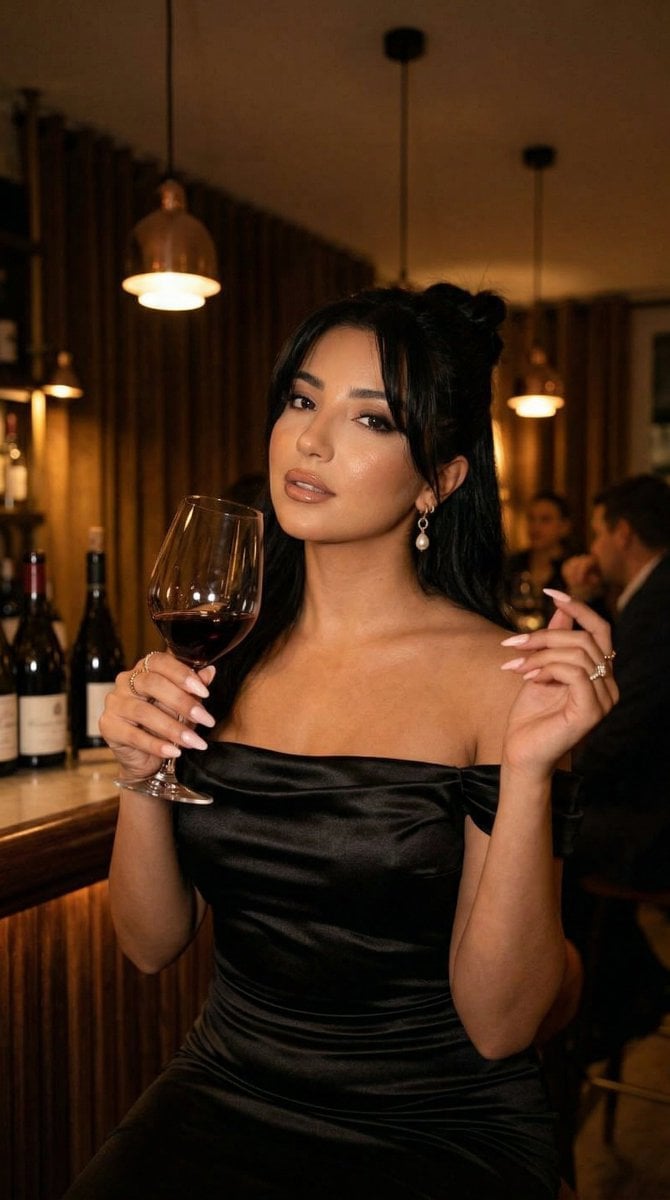
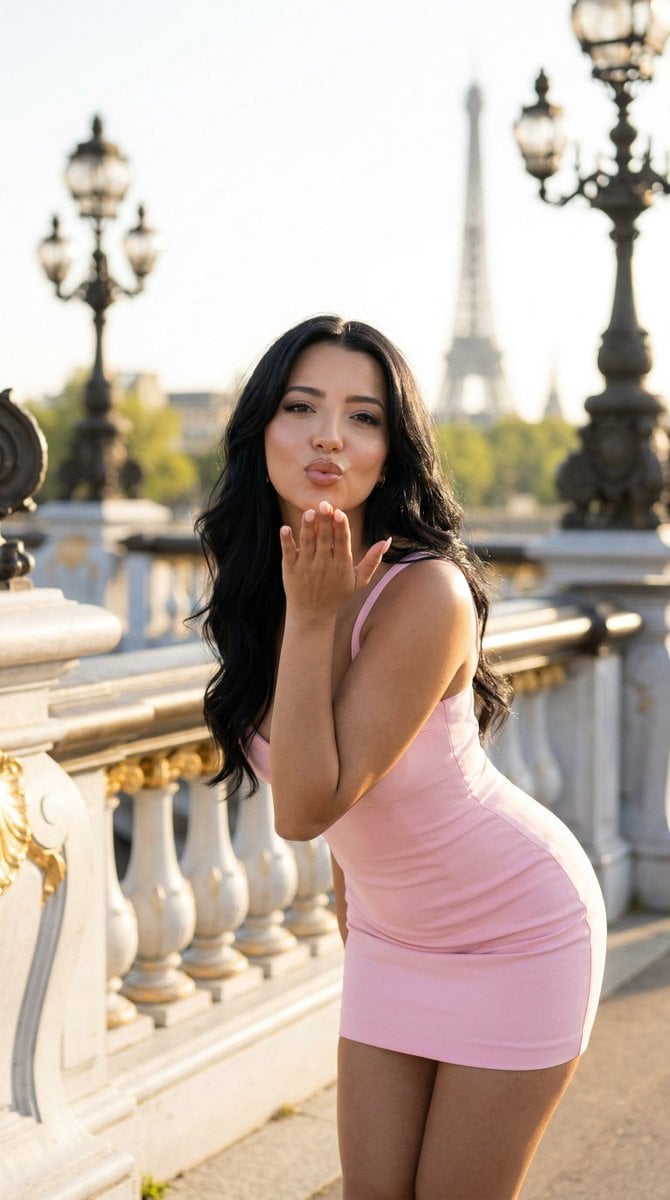
Nano Banana - Pont Alexandre III Kiss
Nano Banana - Rooftop Dinner Night
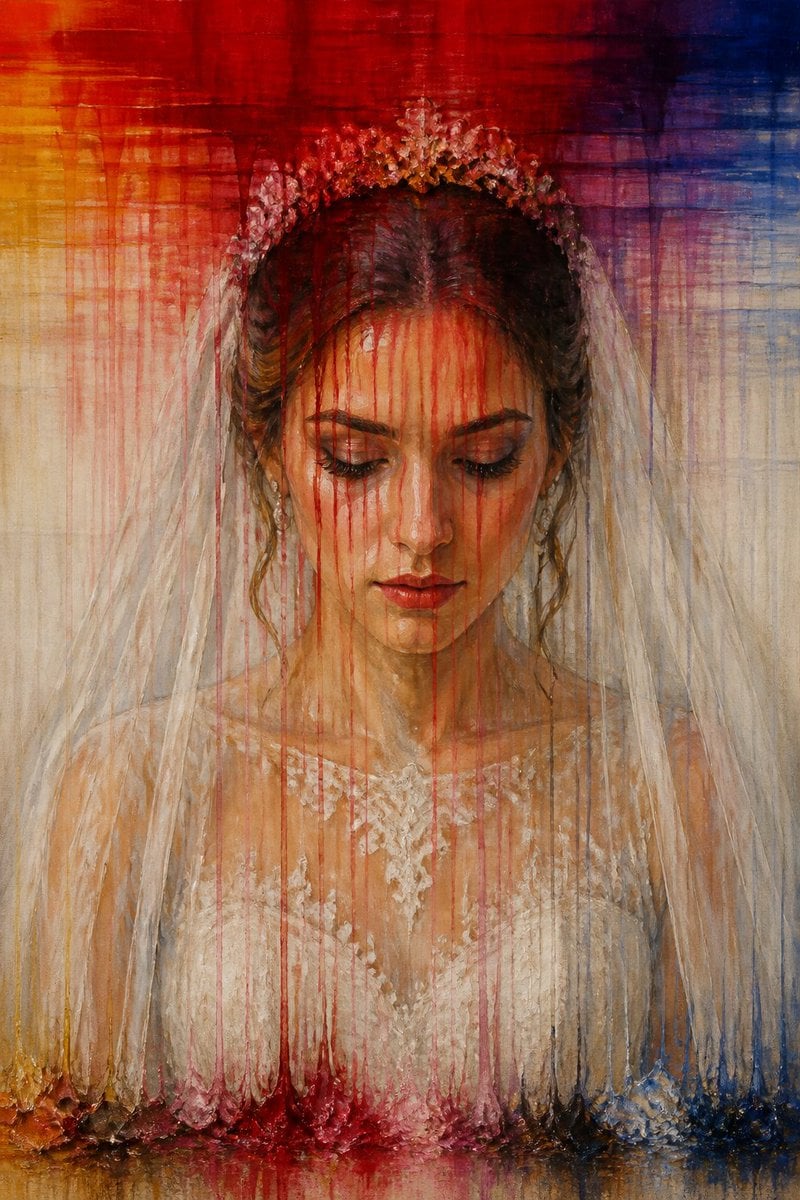
Dissolving Bride Portrait Painting
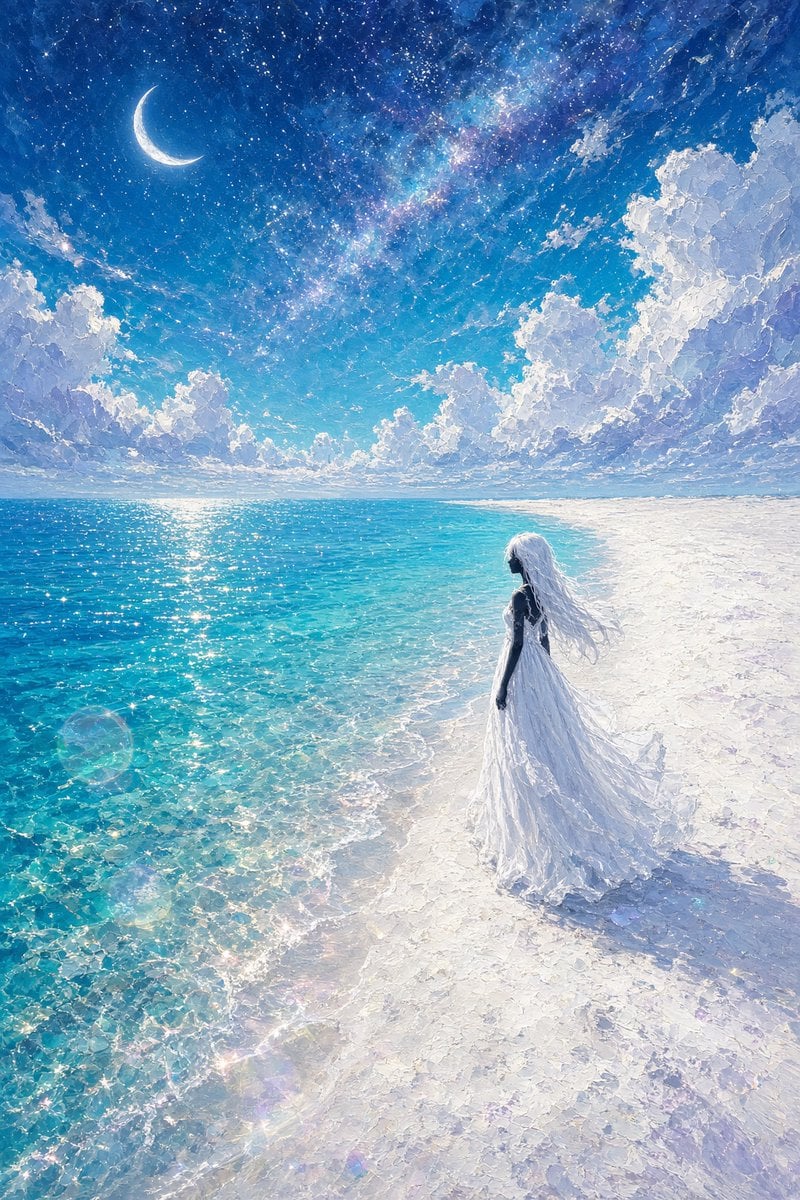
Celestial Bride on Starlit Beach
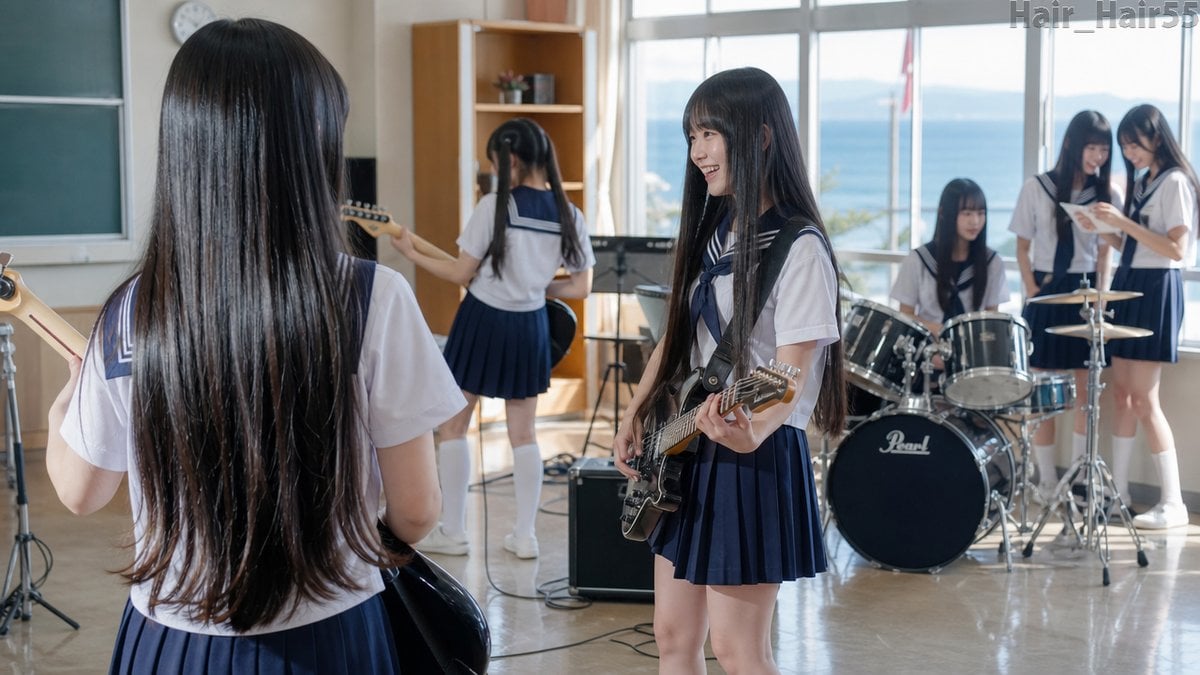
Seaside School Band Rehearsal
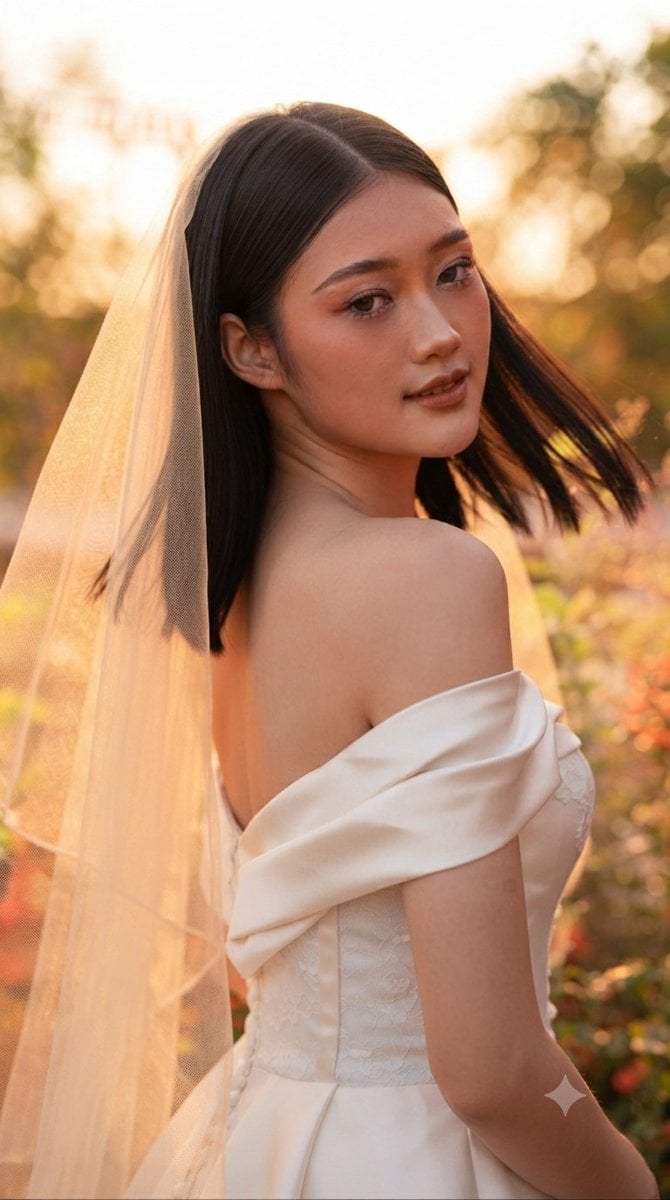
Ethereal Sunset Bride Portrait
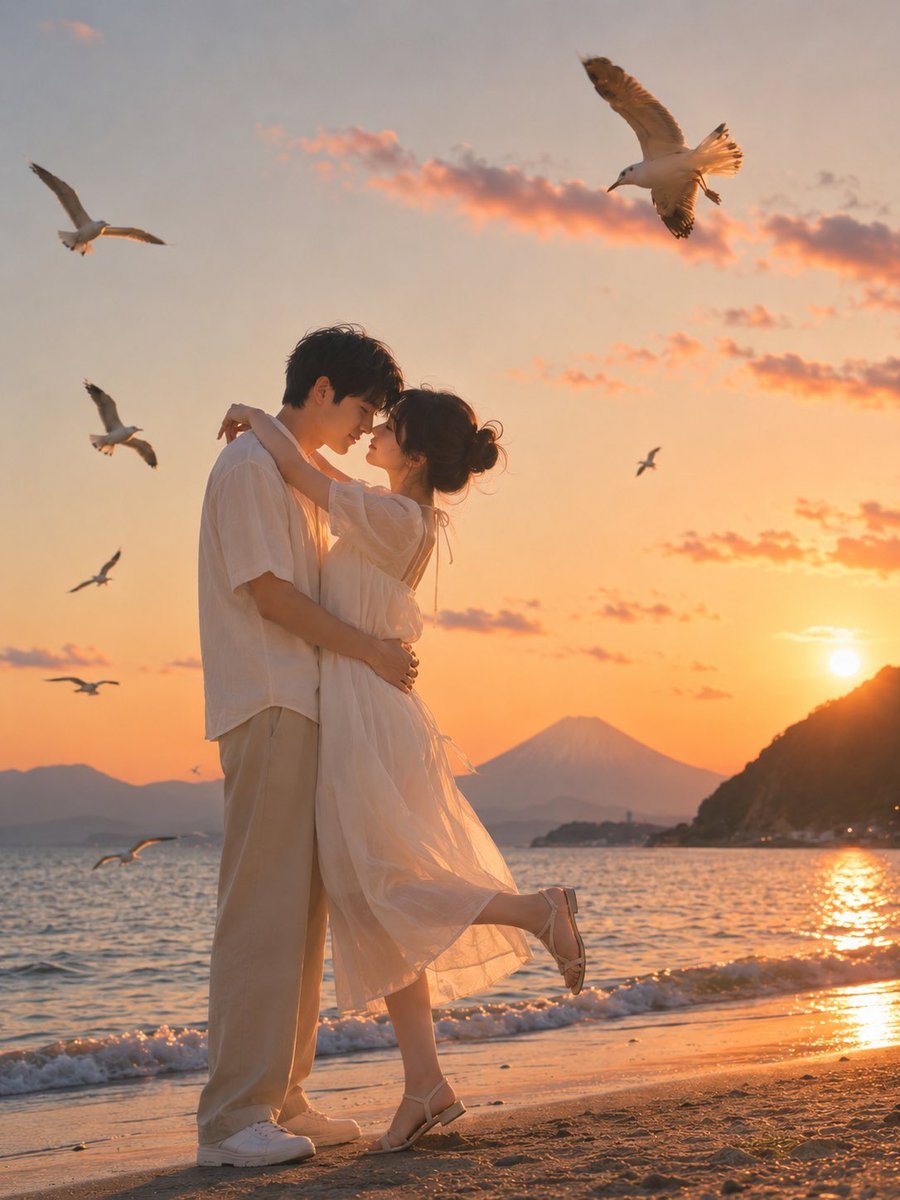
Romantic Zushi Beach Sunset Couple
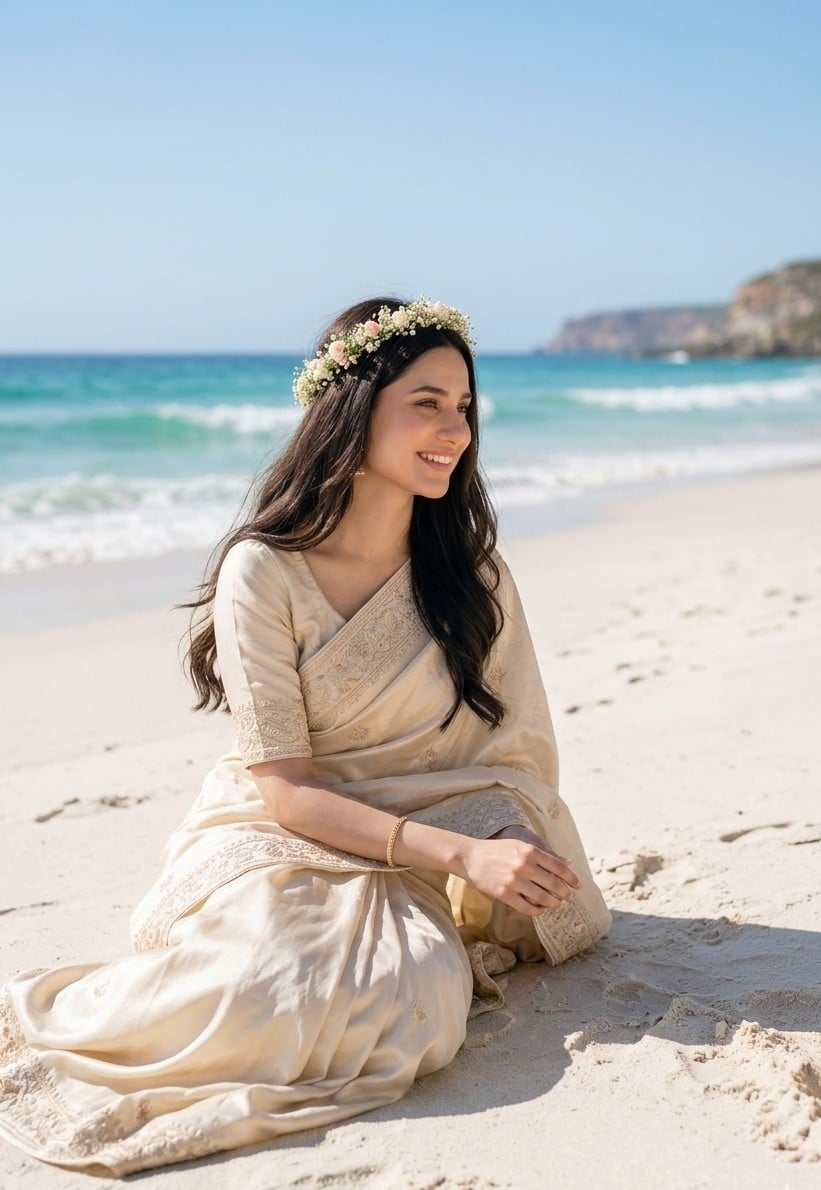
South Asian Bride on Beach
Make it yours
Romantic Seaside Bride With Seagulls works as-is. These are the safest ways to change it without losing the look.
Change one field
Copy a single group, rewrite it, and generate again so you can see what that field is doing.
Keep the frame, change the subject
Hold the composition and light of Romantic Seaside Bride With Seagulls, then swap wardrobe, props or the person for a new take.
| If the result… | Why | Fix |
|---|---|---|
| The result drifts from the preview | Too many fields changed at once. | Reuse Romantic Seaside Bride With Seagulls as-is first, then change one group — subject, light, or setting. |
| The model over-stylizes the scene | The prose prompt leaves finish and camera underspecified. | Add one camera or lighting sentence and stay on GPT Image 2. |
More GPT Image 2 templates
Other prompts made for GPT Image 2.

Six VTuber Japanese Logo Sheet

Realistic Portrait of Woman and Deer

The Vista Modular Condo Poster

AI Model Routing Comparison Infographic

2.5D Anime Art Board

Isometric Productivity Desk Scene

New York Double Exposure Poster

Four-Panel AI Landscape Comparison

Japanese Tatami Lifestyle Magazine Cover

NESCAFÉ Coffee Map Poster
More image prompts
Fresh picks from across the catalog.

Satirical AI Mascot Lounge Debate
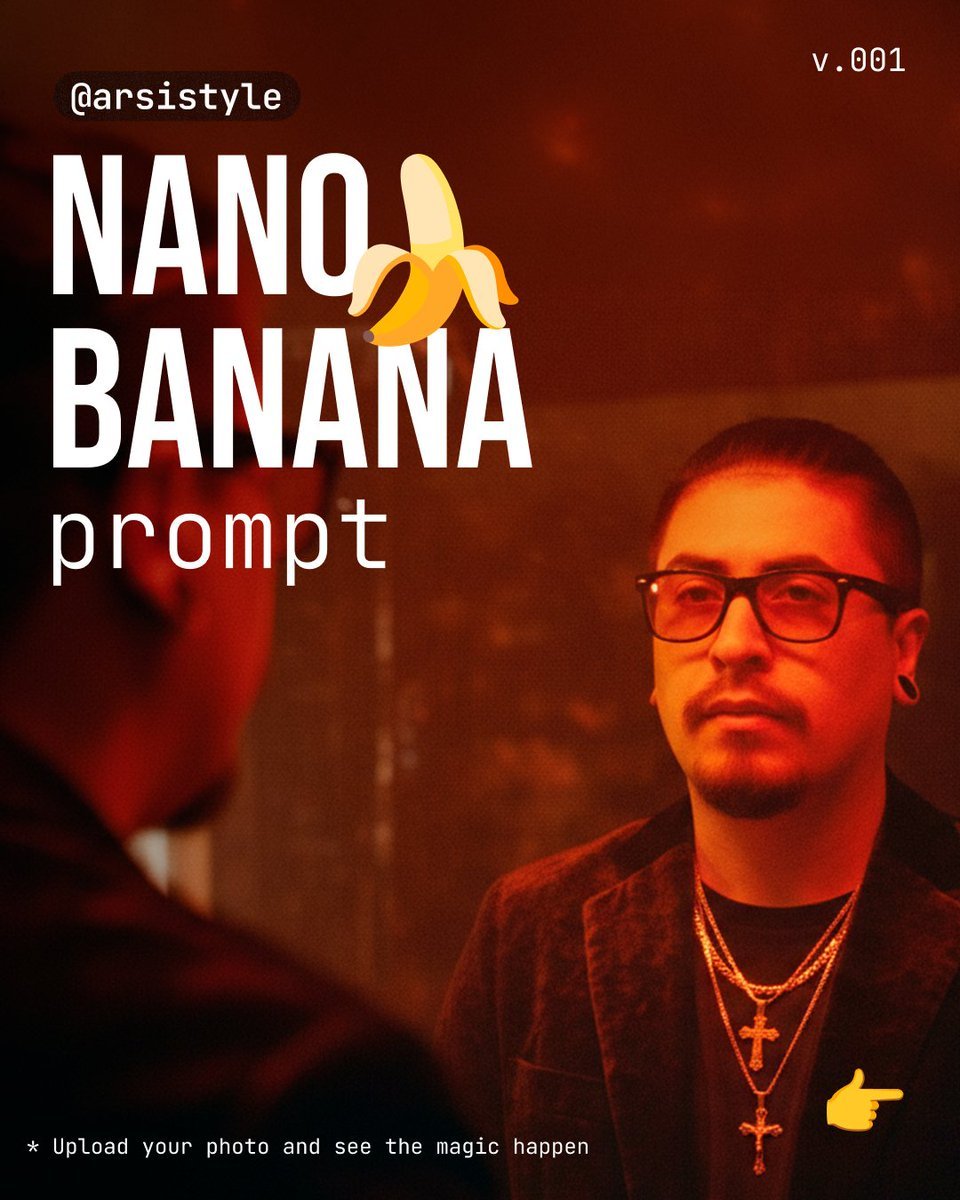
Cinematic Mirror Reflection Portrait Prompt
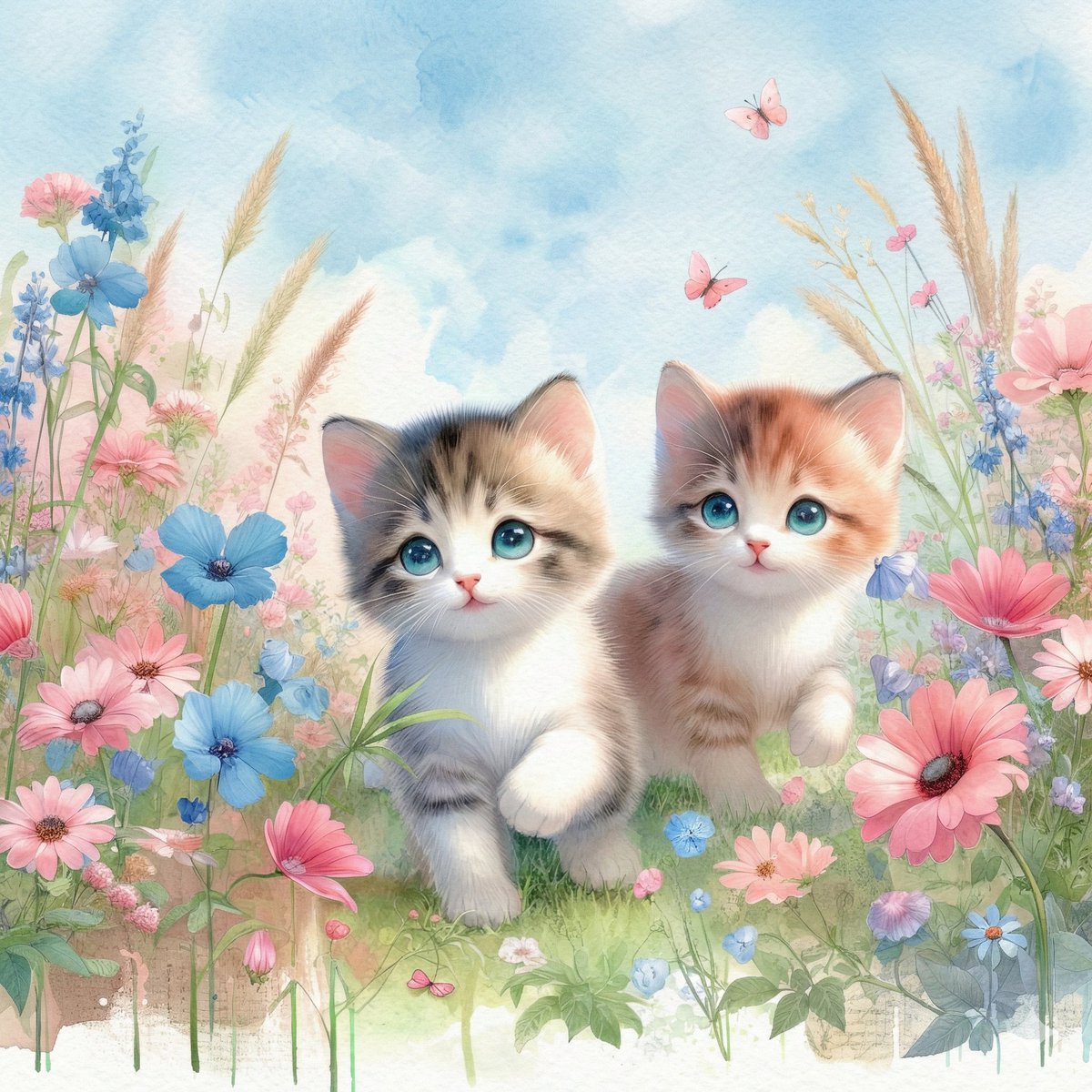
Watercolor Illustration of Kittens in a Garden
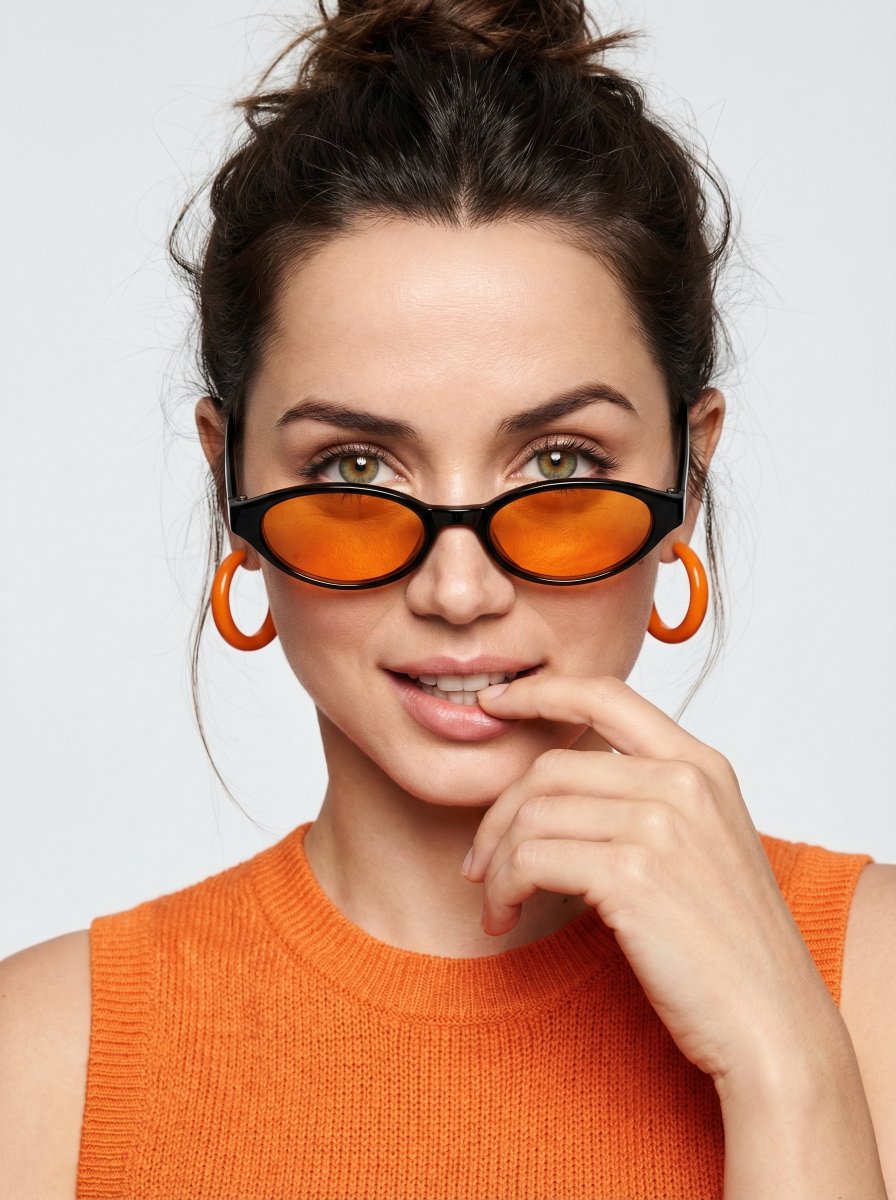
High-fashion editorial portrait with vivid orange accents
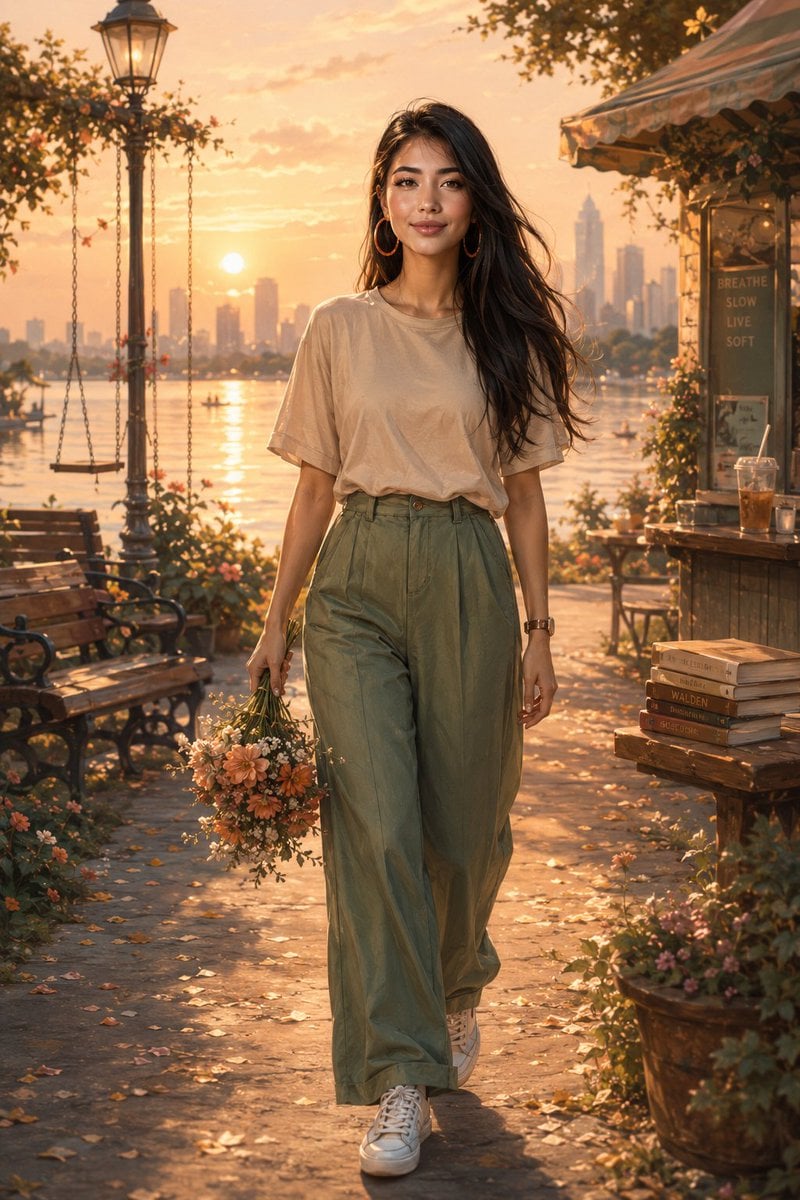
Golden Hour Lakeside Stroll
Hand Embroidery Thread Art Style Transfer Prompt
Moonlit Gothic Lolita Balcony
Yoga Mat Mirror Selfie Prompt (JSON)
Cyberpunk POV Motorcycle Ride at Hyper-Velocity
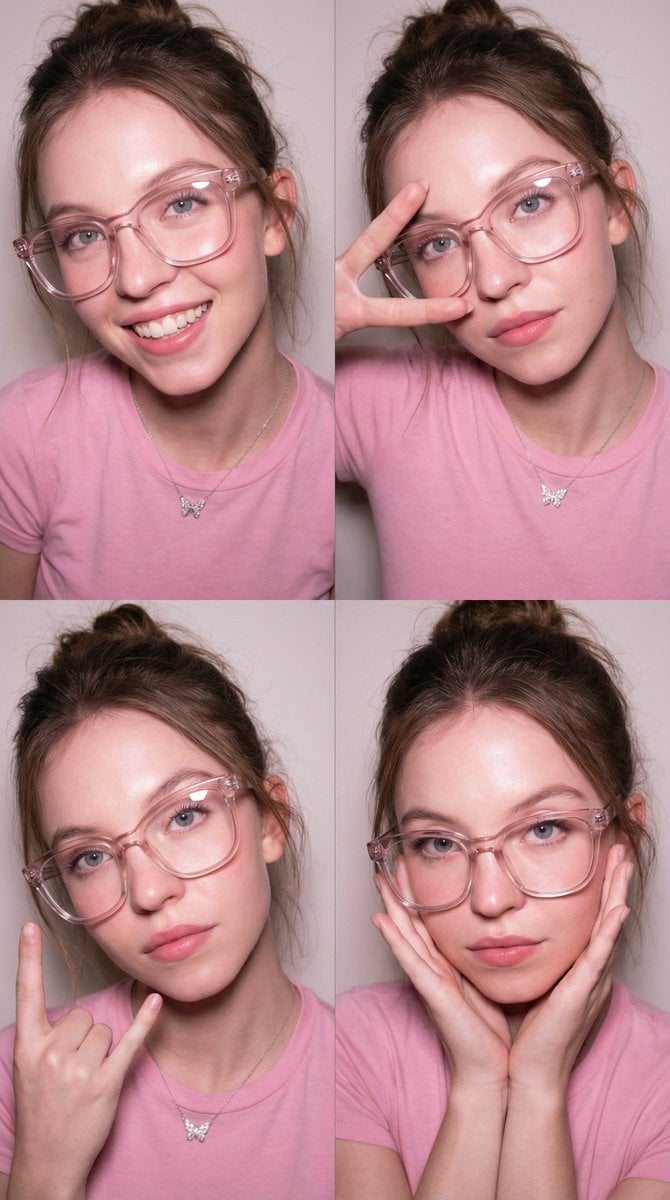
Panel Collage Portrait with Flash
Browse template categories
Romantic Seaside Bride With Seagulls questions
How do I use the Romantic Seaside Bride With Seagulls template?
Add your photo if the template asks for one, edit the prompt if you like — the template's model and format are already selected — and press Generate. Your version opens in PicX Studio.
Can I customize the Romantic Seaside Bride With Seagulls template?
Yes. You can change the subject, setting, lighting, mood, format, and available model controls before creating your image.
Is the Romantic Seaside Bride With Seagulls template free?
Opening and editing this template is free. Generating uses credits, shown on the Generate button when you are signed in.
Which AI model should I use?
Start with GPT Image 2, which is the model associated with this template. You can compare another compatible model for a different finish.
Looking for something else? Browse all templates.

Your photo, any look
Thousands of ready templates for every top image and video model, from one credit balance.