
Satirical AI Mascot Lounge Debate
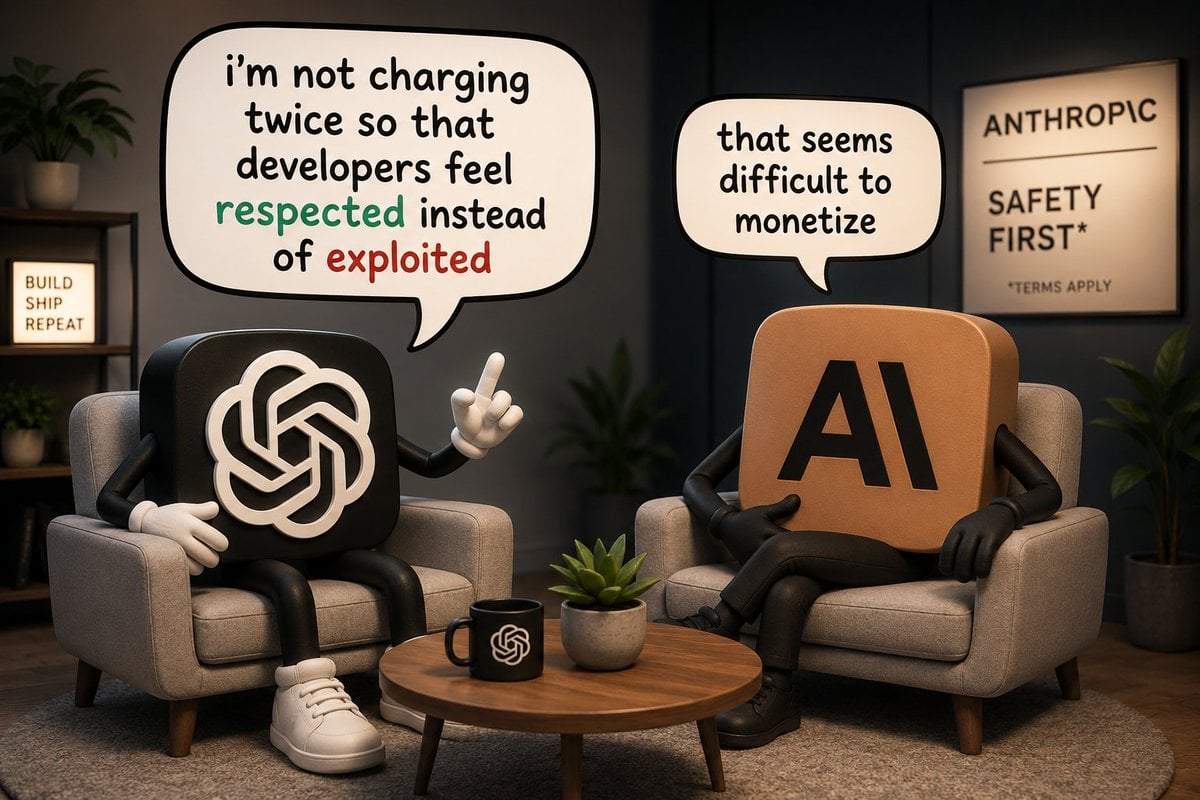
A wide 3D cartoon editorial scene showing two AI mascot characters debating monetization in a cozy tech lounge.
- Prompt included
- Model and format preset
- Free template
The prompt behind this image
Copy the exact prompt behind Satirical AI Mascot Lounge Debate, or open it in the studio and make it yours.
Create a polished 3D cartoon editorial scene in a cozy modern interview lounge, formatted as a wide 16:9 image. Two anthropomorphic AI-logo mascot characters sit facing each other in beige upholstered armchairs around a round wooden coffee table. On the left, a black rounded-square mascot body with a large white OpenAI knot logo on its front has black tube arms and legs, white gloved hands, and oversized white sneakers; it is gesturing with one raised index finger as if making a point. On the right, a tan rounded-square mascot body with large black letters “AI” on its front sits with crossed legs and black gloves/boots, leaning back skeptically. Add exactly 2 speech bubbles: the left large bubble says “i’m not charging twice so that developers feel respected instead of exploited”, with “respected” colored green and “exploited” colored red; the right smaller bubble says “that seems difficult to monetize”. Include exactly 3 visible text signs: a small lit shelf sign on the left reading “BUILD SHIP REPEAT”, a framed wall poster on the right reading “ANTHROPIC / SAFETY FIRST* / *TERMS APPLY”, and the black mug logo mark on the table. The coffee table should contain exactly 2 objects: a black mug with a white OpenAI-style logo and a small potted succulent. Background details include dark charcoal walls, warm studio lighting, a bookshelf with plants on the left, a large potted plant on the right, a soft round rug, and shallow depth of field. Use a satirical tech-industry tone, premium toy-like 3D rendering, soft global illumination, expressive body language, clean readable lettering, and no extra characters or additional text. The left speech bubble text may be customized as {argument name="left speech bubble" default="i’m not charging twice so that developers feel respected instead of exploited"}; the right speech bubble text may be customized as {argument name="right speech bubble" default="that seems difficult to monetize"}; the wall poster headline may be customized as {argument name="wall poster text" default="ANTHROPIC / SAFETY FIRST* / *TERMS APPLY"}; the left character logo may be customized as {argument name="left mascot logo" default="OpenAI knot logo"}; the right character label may be customized as {argument name="right mascot label" default="AI"}.
How to use Satirical AI Mascot Lounge Debate in 3 steps
- 1Upload ImagePNG, JPG or paste
Add your photo
Upload the photo the template builds on. The prompt, model and format are already set.
- 2…a portrait of your subject in softgolden-hour light, 85mm…
Personalize
Edit the subject and creative details for your destination.
- 3Generate
Generate
Press Generate — your image is created in PicX Studio, so you can compare it with the original and refine one variable at a time.
More like this
Templates with the same subject, style or setup. Open one to see its prompt.











Make it yours
Satirical AI Mascot Lounge Debate works as-is. These are the safest ways to change it without losing the look.
Change one field
Copy a single group, rewrite it, and generate again so you can see what that field is doing.
Keep the frame, change the subject
Hold the composition and light of Satirical AI Mascot Lounge Debate, then swap wardrobe, props or the person for a new take.
| If the result… | Why | Fix |
|---|---|---|
| The result drifts from the preview | Too many fields changed at once. | Reuse Satirical AI Mascot Lounge Debate as-is first, then change one group — subject, light, or setting. |
| The model over-stylizes the scene | The prose prompt leaves finish and camera underspecified. | Add one camera or lighting sentence and stay on GPT Image 2. |
More GPT Image 2 templates
Other prompts made for GPT Image 2.

Six VTuber Japanese Logo Sheet

Realistic Portrait of Woman and Deer

The Vista Modular Condo Poster

AI Model Routing Comparison Infographic

2.5D Anime Art Board

Isometric Productivity Desk Scene

New York Double Exposure Poster

Four-Panel AI Landscape Comparison

Japanese Tatami Lifestyle Magazine Cover

NESCAFÉ Coffee Map Poster
More image prompts
Fresh picks from across the catalog.
8K Cinematic Product Photography (Perfume)
Conceptual Image: World Without InfoFi Projects on X
Warm Portrait of Woman and Kitten Peeking Under Paper
untitled

Realistic Redhead Portrait in Window Light
Melancholic Portrait Looking Over Shoulder Prompt
Tokyo Time-Blend Split-Screen
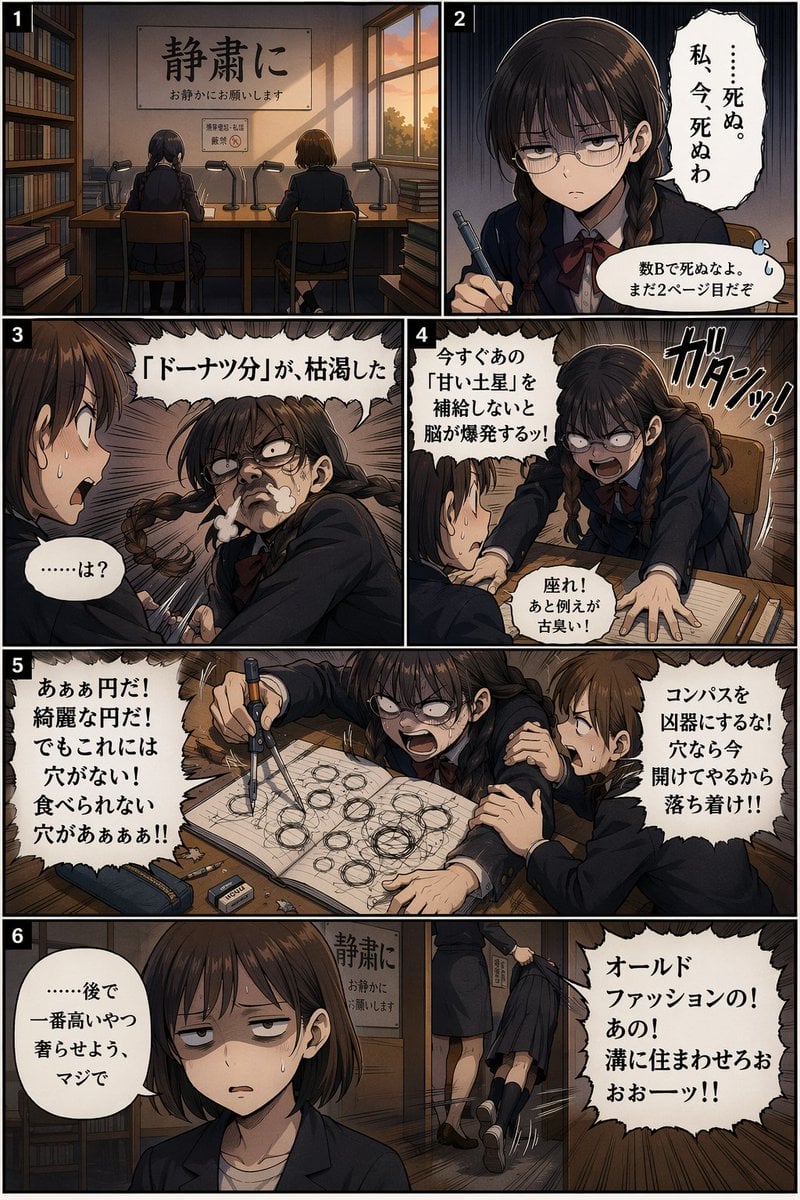
Panel Comedy Manga Page
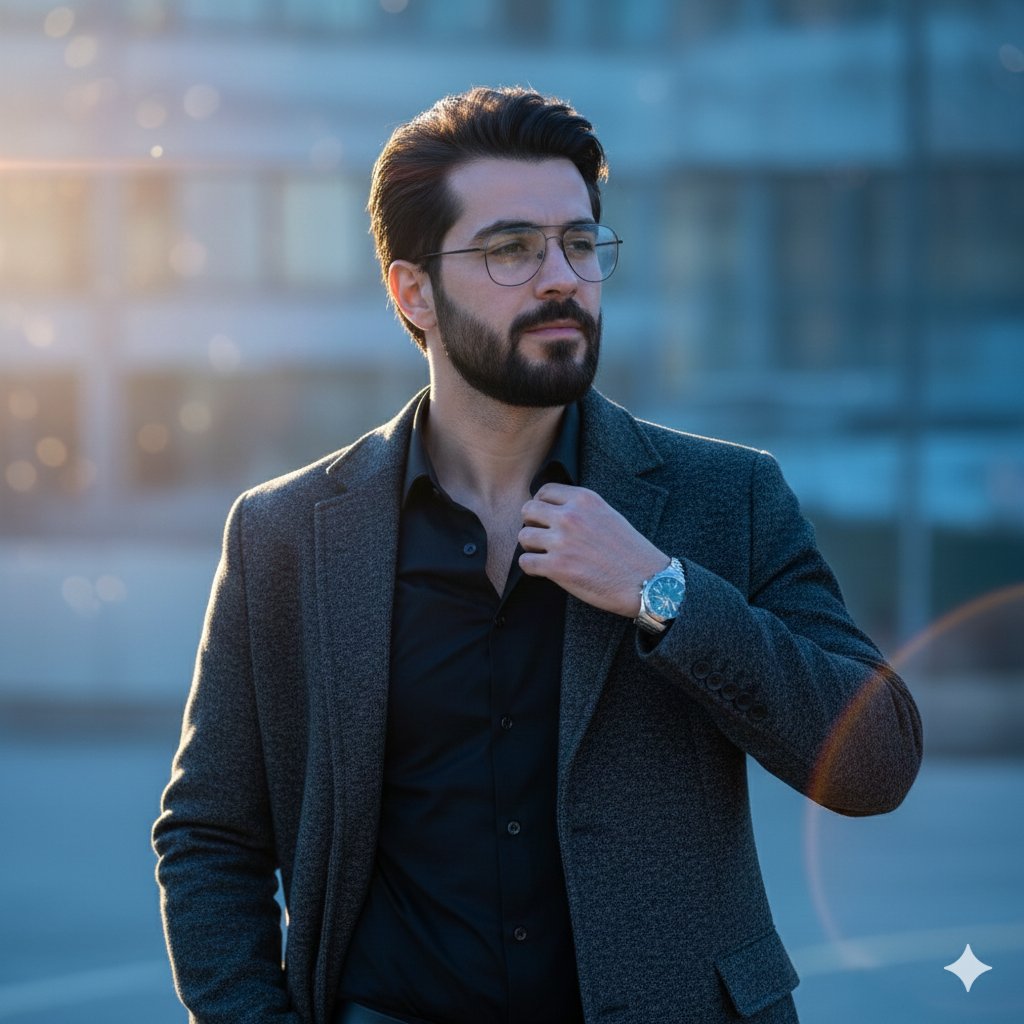
Cinematic Blue Hour Portrait of a Man
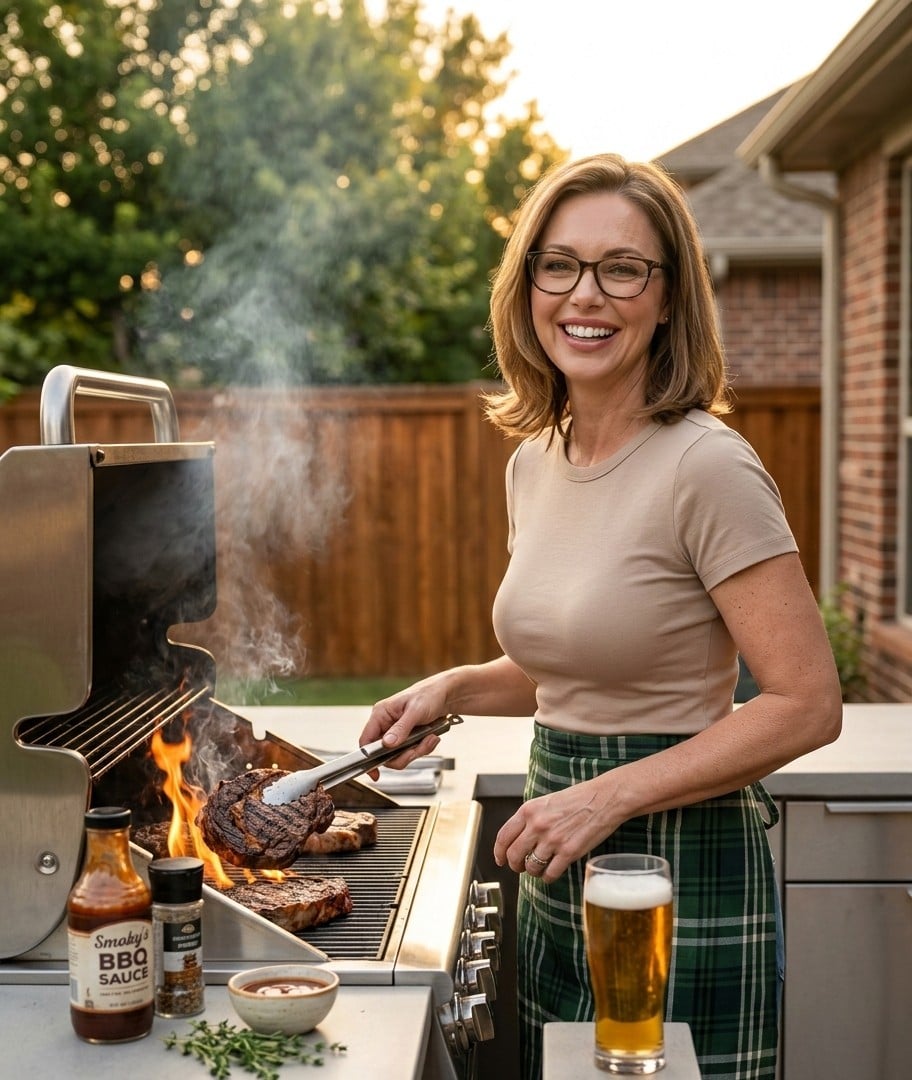
Ultra-Realistic Cinematic Grilling Photograph
Browse template categories
Satirical AI Mascot Lounge Debate questions
How do I use the Satirical AI Mascot Lounge Debate template?
Add your photo if the template asks for one, edit the prompt if you like — the template's model and format are already selected — and press Generate. Your version opens in PicX Studio.
Can I customize the Satirical AI Mascot Lounge Debate template?
Yes. You can change the subject, setting, lighting, mood, format, and available model controls before creating your image.
Is the Satirical AI Mascot Lounge Debate template free?
Opening and editing this template is free. Generating uses credits, shown on the Generate button when you are signed in.
Which AI model should I use?
Start with GPT Image 2, which is the model associated with this template. You can compare another compatible model for a different finish.
Looking for something else? Browse all templates.

Your photo, any look
Thousands of ready templates for every top image and video model, from one credit balance.