
Cheerful Anime Girl on Sunny Sidewalk
Generates a bright anime key-visual scene of a happy braided schoolgirl posing on a golden-hour sidewalk, useful for character art or social media illustrations.
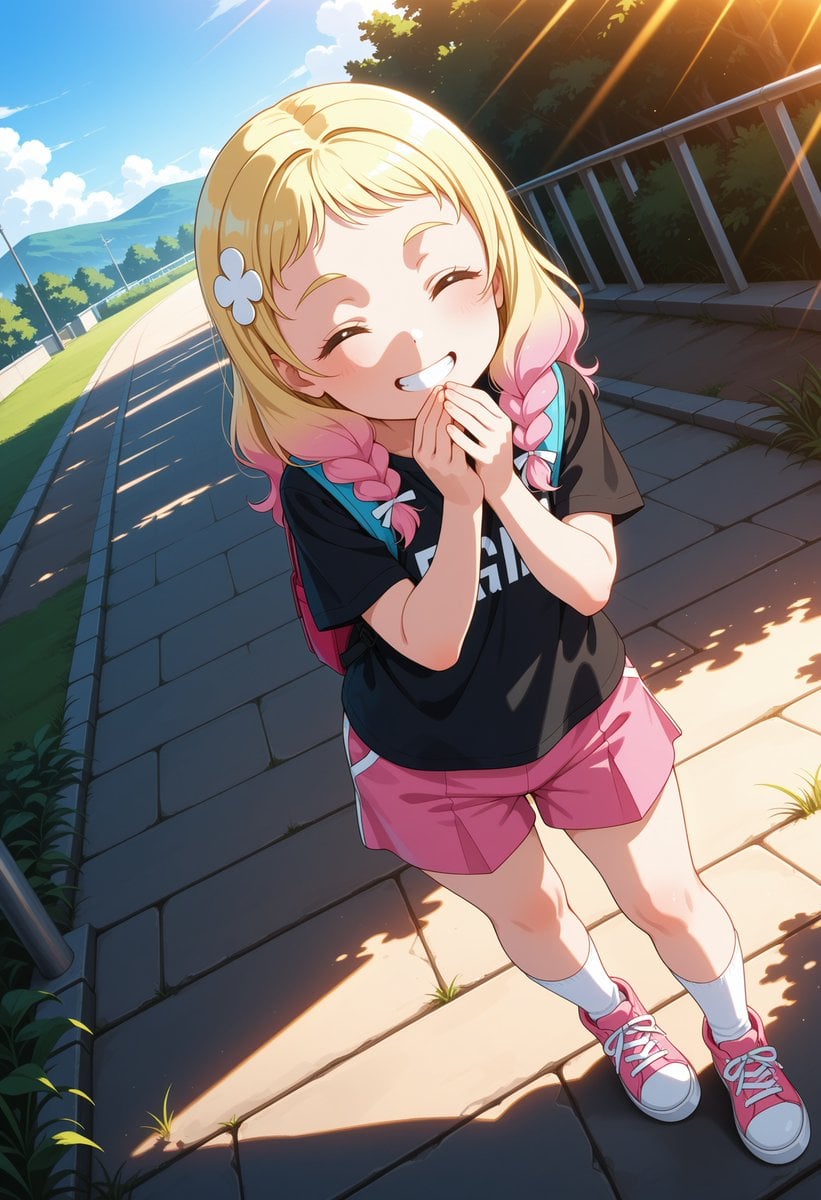
- Prompt included
- Model and format preset
- Free template
The prompt behind this image
Copy the exact prompt behind Cheerful Anime Girl on Sunny Sidewalk, or open it in the studio and make it yours.
Create a vibrant anime-style full-body illustration of {argument name="character name" default="a cheerful young schoolgirl"} standing on a sunlit paved sidewalk in a suburban park or roadside setting. She is viewed from a high, slightly wide-angle perspective with a playful lens-like distortion, looking up toward the camera with closed smiling eyes, rosy cheeks, and a huge delighted grin; her hands are clasped together near her mouth in an excited, bashful pose. She has {argument name="hair color and style" default="short blonde hair with soft bangs and twin side braids that fade into pink tips"}, with small pale blue bow ties at the braid ends and a white flower hair clip on the left side. Her outfit is casual and cute: a loose black T-shirt with partial bold white lettering, bright pink shorts, white crew socks, pink sneakers with white laces and toe caps, and a small pink backpack with teal straps visible behind her shoulders. The environment shows a stone-tile walkway curving into the distance, a road or path with guardrails on the left, a metal fence on the right, green trees and bushes, distant blue hills, and a bright blue sky with fluffy clouds. Use warm golden-hour sunlight streaming diagonally from the upper right, strong rim light, long shadows across the pavement, dappled leaf shadows, and cinematic orange sun rays. Style should be polished Japanese anime key visual, crisp clean linework, glossy cel shading, luminous highlights, saturated colors, expressive face, dynamic composition, highly detailed background, portrait orientation 2:3. Avoid text overlays, watermarks, extra characters, distorted hands, or cropped feet.
How to use Cheerful Anime Girl on Sunny Sidewalk in 3 steps
- 1Upload ImagePNG, JPG or paste
Add your photo
Upload the photo the template builds on. The prompt, model and format are already set.
- 2…a portrait of your subject in softgolden-hour light, 85mm…
Personalize
Edit the subject and creative details for your destination.
- 3Generate
Generate
Press Generate — your image is created in PicX Studio, so you can compare it with the original and refine one variable at a time.
More like this
Templates with the same subject, style or setup. Open one to see its prompt.
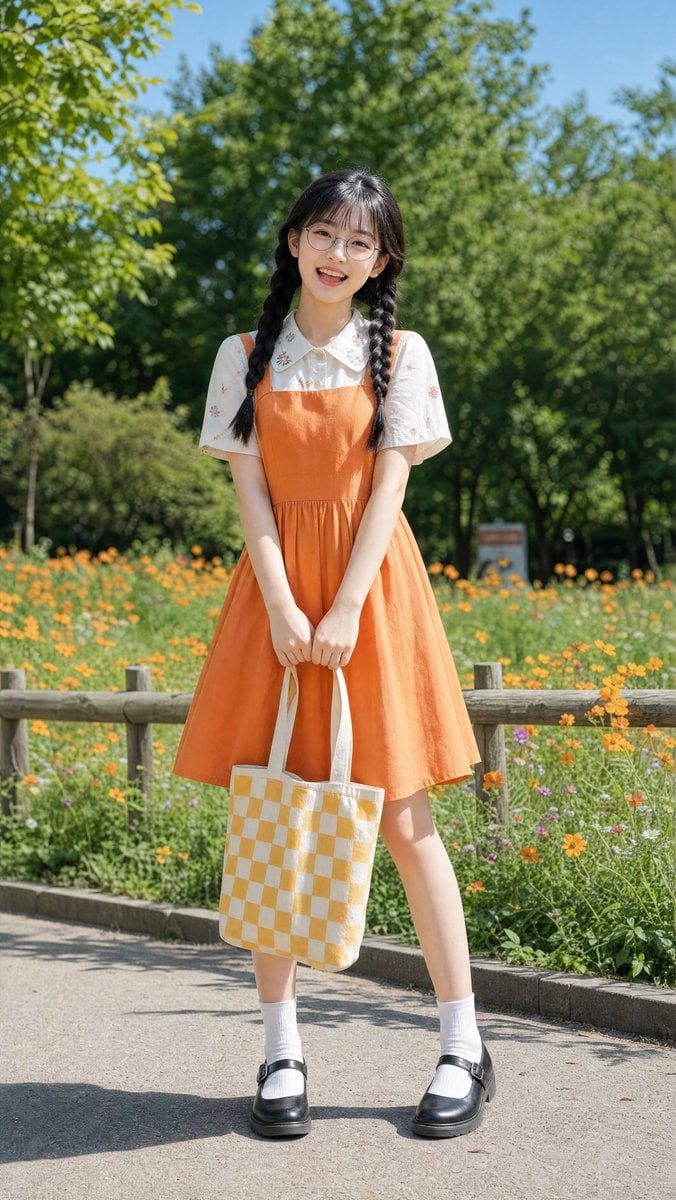








Make it yours
Cheerful Anime Girl on Sunny Sidewalk works as-is. These are the safest ways to change it without losing the look.
Change one field
Copy a single group, rewrite it, and generate again so you can see what that field is doing.
Keep the frame, change the subject
Hold the composition and light of Cheerful Anime Girl on Sunny Sidewalk, then swap wardrobe, props or the person for a new take.
| If the result… | Why | Fix |
|---|---|---|
| The result drifts from the preview | Too many fields changed at once. | Reuse Cheerful Anime Girl on Sunny Sidewalk as-is first, then change one group — subject, light, or setting. |
| The model over-stylizes the scene | The prose prompt leaves finish and camera underspecified. | Add one camera or lighting sentence and stay on GPT Image 2. |
More GPT Image 2 templates
Other prompts made for GPT Image 2.

Six VTuber Japanese Logo Sheet

Realistic Portrait of Woman and Deer

The Vista Modular Condo Poster

AI Model Routing Comparison Infographic

2.5D Anime Art Board

Isometric Productivity Desk Scene

New York Double Exposure Poster

Four-Panel AI Landscape Comparison

Japanese Tatami Lifestyle Magazine Cover

NESCAFÉ Coffee Map Poster
More image prompts
Fresh picks from across the catalog.

Romantic Candlelit Couple Dinner

4 Part Story of 3 Fluffy Creatures Build

Hyperrealistic Tattooed Elf Couple
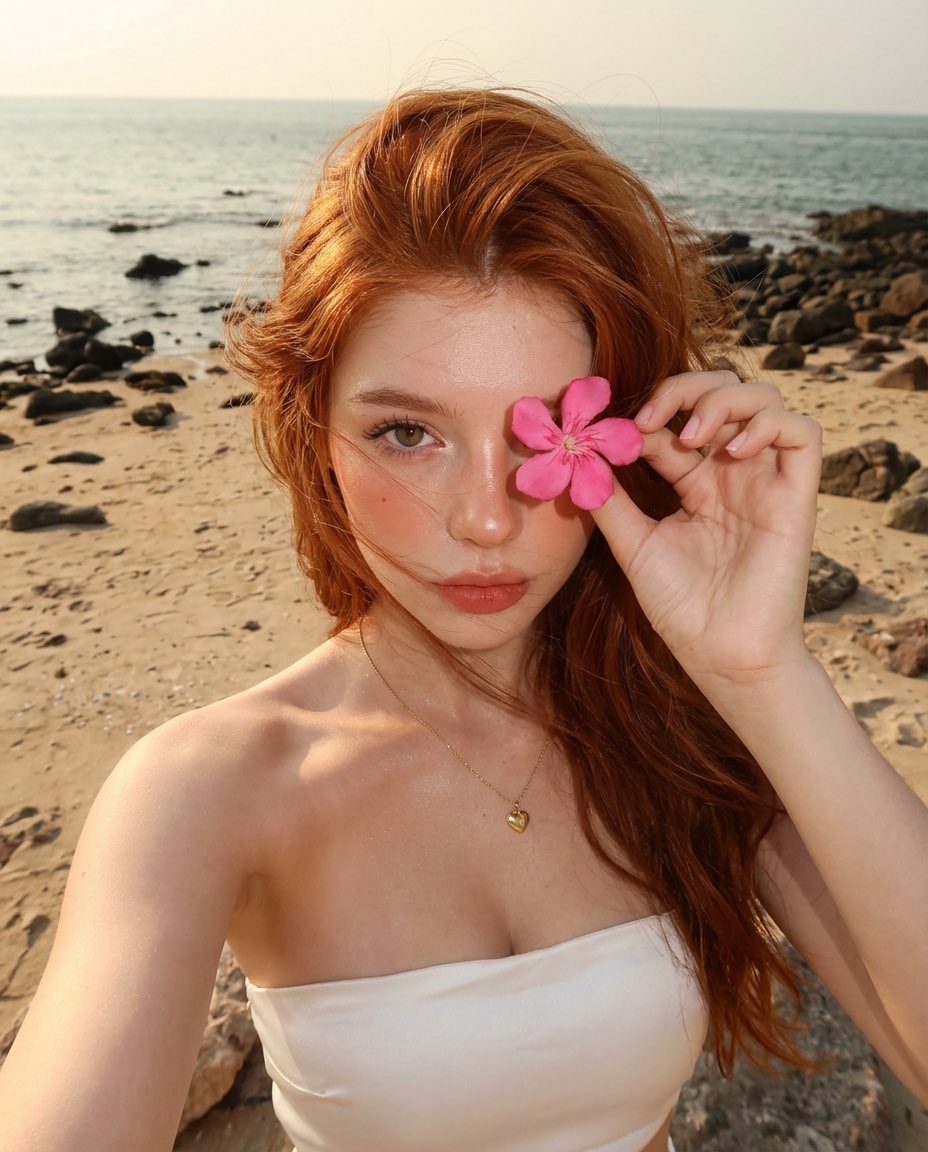
Golden Hour Beach Selfie with Pink Flower

Cyberpunk Nova Rebellion Poster
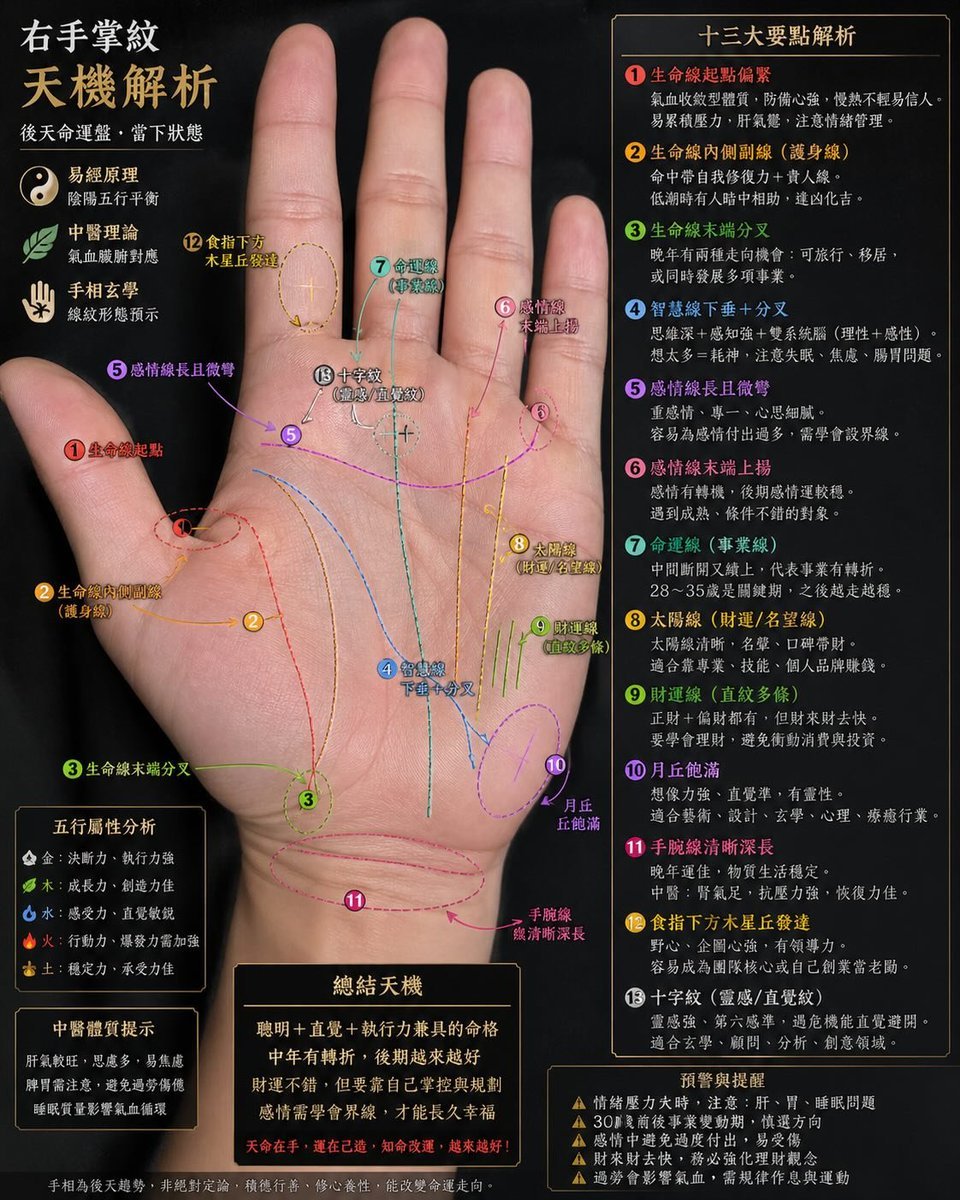
Palmistry Analysis Card Generator
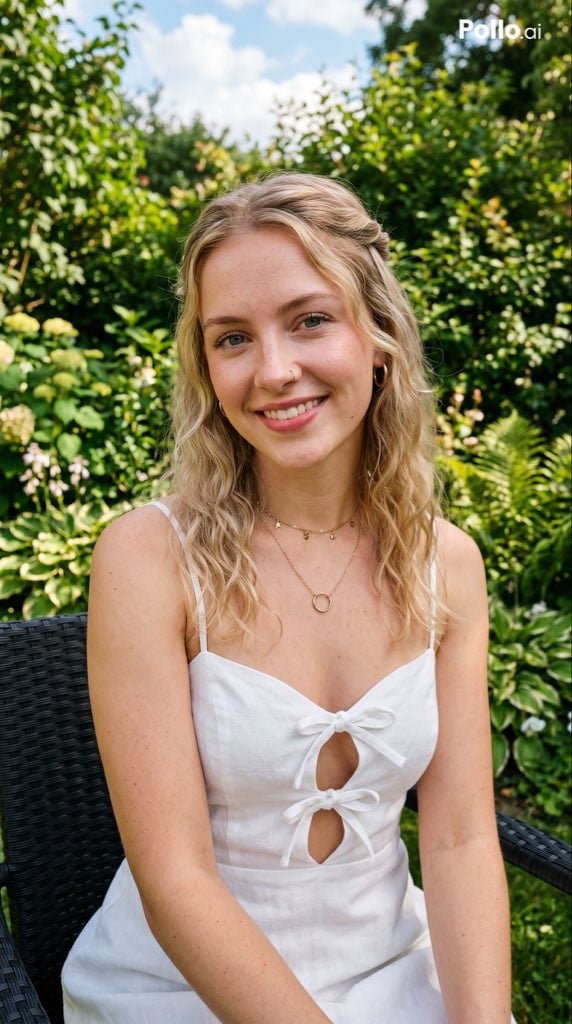
Garden Portrait With White Summer Dress

Minimal Coding Study Group Poster
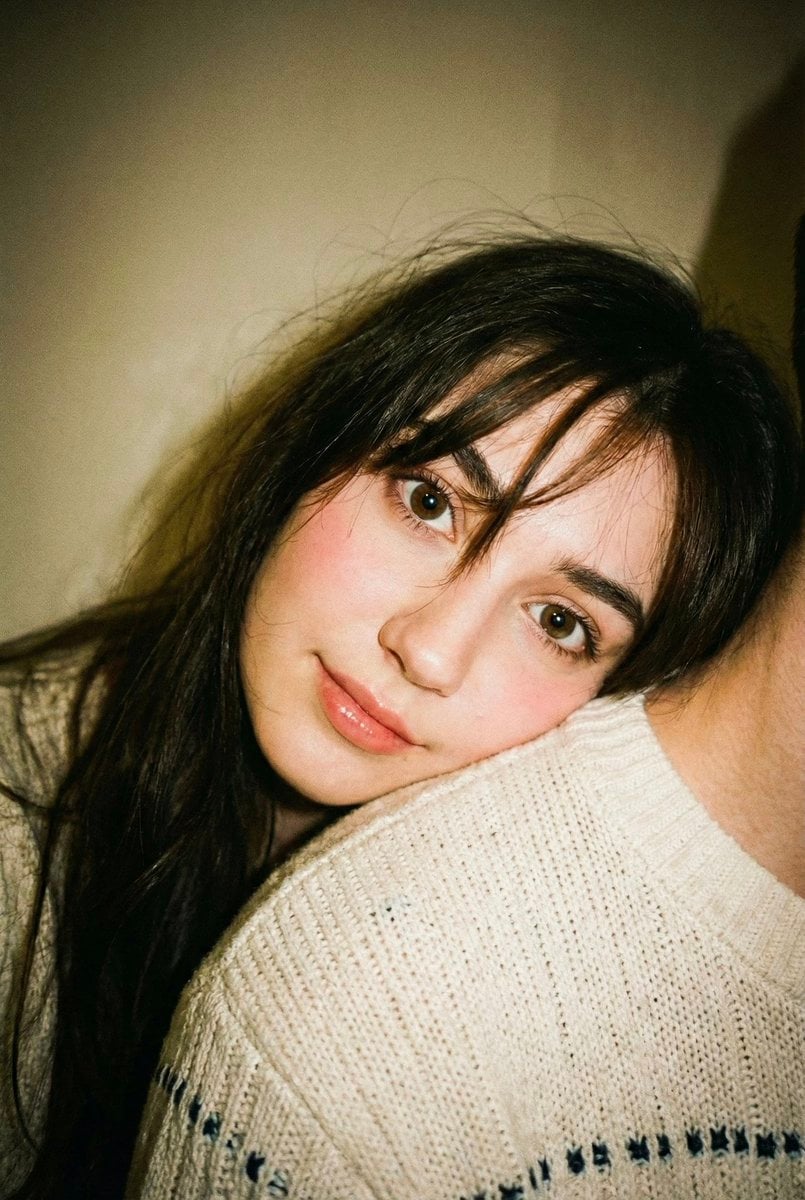
Disposable Camera Aesthetic Portrait with Intimate Pose

Intricate Monochrome Angel Line Art
Browse template categories
Cheerful Anime Girl on Sunny Sidewalk questions
How do I use the Cheerful Anime Girl on Sunny Sidewalk template?
Add your photo if the template asks for one, edit the prompt if you like — the template's model and format are already selected — and press Generate. Your version opens in PicX Studio.
Can I customize the Cheerful Anime Girl on Sunny Sidewalk template?
Yes. You can change the subject, setting, lighting, mood, format, and available model controls before creating your image.
Is the Cheerful Anime Girl on Sunny Sidewalk template free?
Opening and editing this template is free. Generating uses credits, shown on the Generate button when you are signed in.
Which AI model should I use?
Start with GPT Image 2, which is the model associated with this template. You can compare another compatible model for a different finish.
Looking for something else? Browse all templates.

Your photo, any look
Thousands of ready templates for every top image and video model, from one credit balance.