
Japanese Mecha Girl Figure Ad Poster
A polished product-poster prompt for generating a fictional anime mecha schoolgirl plastic model kit advertisement with a hero figure and five labeled detail panels.
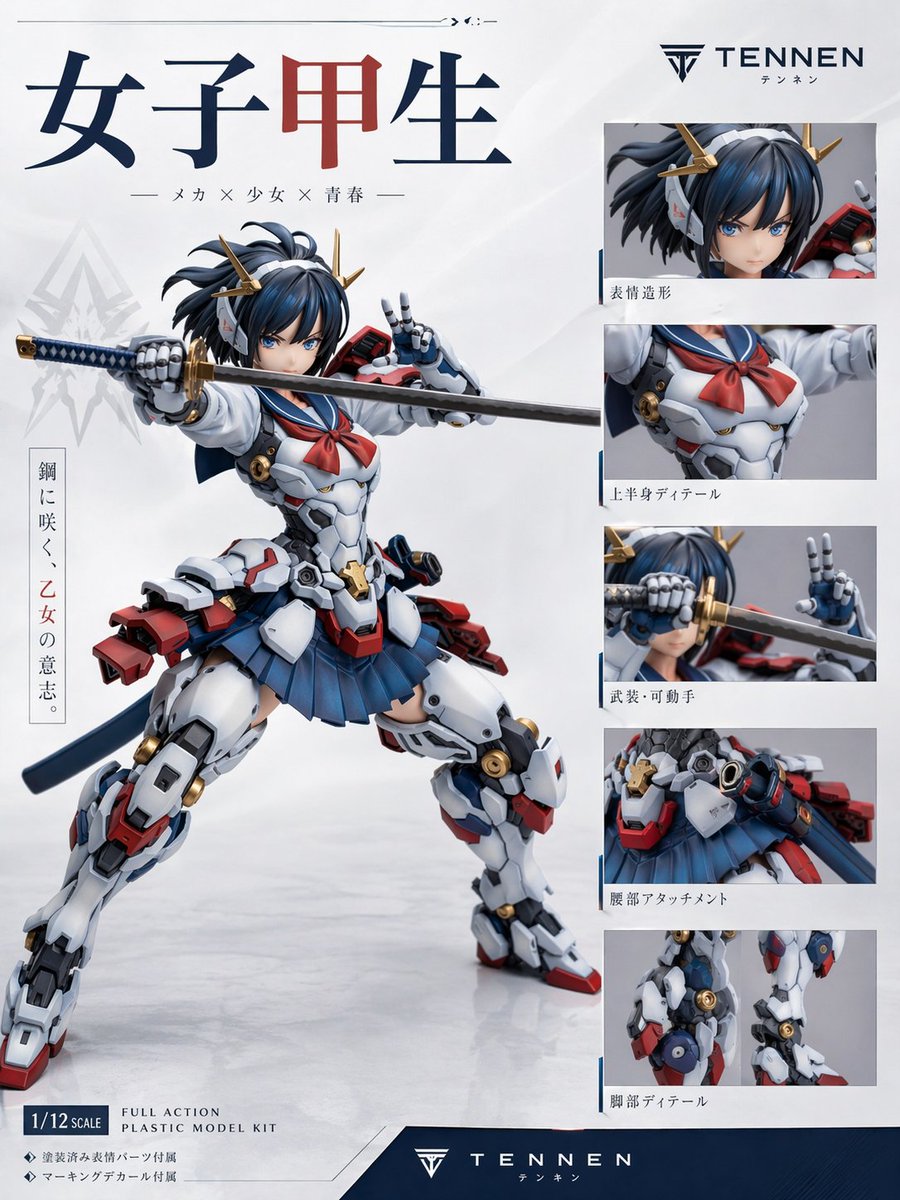
- Prompt included
- Model and format preset
- Free template
The prompt behind this image
Copy the exact prompt behind Japanese Mecha Girl Figure Ad Poster, or open it in the studio and make it yours.
Create a premium Japanese plastic model kit product-poster layout on a clean white studio background with subtle gray gradients and a glossy floor reflection. The main subject is a highly detailed anime mecha schoolgirl figure posed dynamically in the center-left, in a wide combat stance, holding a katana horizontally across the frame with one robotic hand gripping the hilt and the other making a peace sign near her face. The character has a blurred face area, short dark navy-blue hair in a tousled bob with small side strands, and gold horn-like mechanical hair ornaments. Her outfit is a fusion of a Japanese high school sailor uniform and hard-surface sci-fi armor: white armored torso with mechanical panel lines, a red sailor neckerchief, a pleated navy skirt, bulky white armored thighs and shins, red and blue accent parts, gold circular joint details, a dark blue waist ribbon or back cloth, and red mechanical backpack-like attachments at the hips and lower back. The katana has a dark blade and a blue-and-gold wrapped handle. Render the figure like a professionally photographed collectible model or action plastic kit, with sharp material definition, realistic molded plastic surfaces, slight satin sheen, and commercial product-shot lighting. Design the page as a figure advertisement/spec sheet with exactly 1 large hero image and 5 smaller detail panels stacked vertically on the right. The 5 right-side panels must show: 1) close-up of the head and hair ornaments, 2) upper-body torso detail with sailor scarf and chest armor, 3) weapon and articulated hand close-up with the sword near the face, 4) waist attachment and skirt/hip armor detail, 5) leg detail close-up showing joints and armor construction. Include thin blue divider accents around the right-side panel area. At the top left, place a large Japanese title in bold serif-like characters reading "女子甲生", with the middle character in dark red and the others in dark navy. Beneath it, add a smaller Japanese subtitle line: "— メカ × 少女 × 青春 —". On the upper right, place a sleek logo and brand name reading "{argument name="brand name" default="TENNEN"}" with small Japanese text beneath it. Add a vertical Japanese slogan block on the left side of the hero figure reading "鋼に咲く、乙女の意志。" with the middle phrase in red. Add Japanese captions beneath each of the 5 right-side detail panels: "表情造形", "上半身ディテール", "武装・可動手", "腰部アタッチメント", "脚部ディテール". In the lower left, include a boxed scale label reading "{argument name="scale label" default="1/12 SCALE"}" and nearby English product text reading "FULL ACTION PLASTIC MODEL KIT". Add two small bullet lines in Japanese beneath that: "◆ 塗装済み髪パーツ付属" and "◆ マーキングデカール付属". Across the bottom, add a dark navy footer band with the brand logo and "{argument name="footer brand" default="TENNEN"}" centered, plus small Japanese text below. Use a polished modern hobby-brand aesthetic, Japanese mecha-girl collectible packaging design, minimal white negative space, crisp typography, balanced editorial layout, and realistic studio-photo rendering of a non-existent original figure. Color palette: white, navy blue, dark blue, red, gray, black, and metallic gold. Aspect ratio 3:4.
How to use Japanese Mecha Girl Figure Ad Poster in 3 steps
- 1Upload ImagePNG, JPG or paste
Add your photo
Upload the photo the template builds on. The prompt, model and format are already set.
- 2…a portrait of your subject in softgolden-hour light, 85mm…
Personalize
Edit the subject and creative details for your destination.
- 3Generate
Generate
Press Generate — your image is created in PicX Studio, so you can compare it with the original and refine one variable at a time.
More like this
Templates with the same subject, style or setup. Open one to see its prompt.

Minecraft Japanese Research Lab Exploration

Japan Travel Brochure Poster

Teen Girl Alpine Lake Mountain View

Obscured Cyberpunk Girl Poster
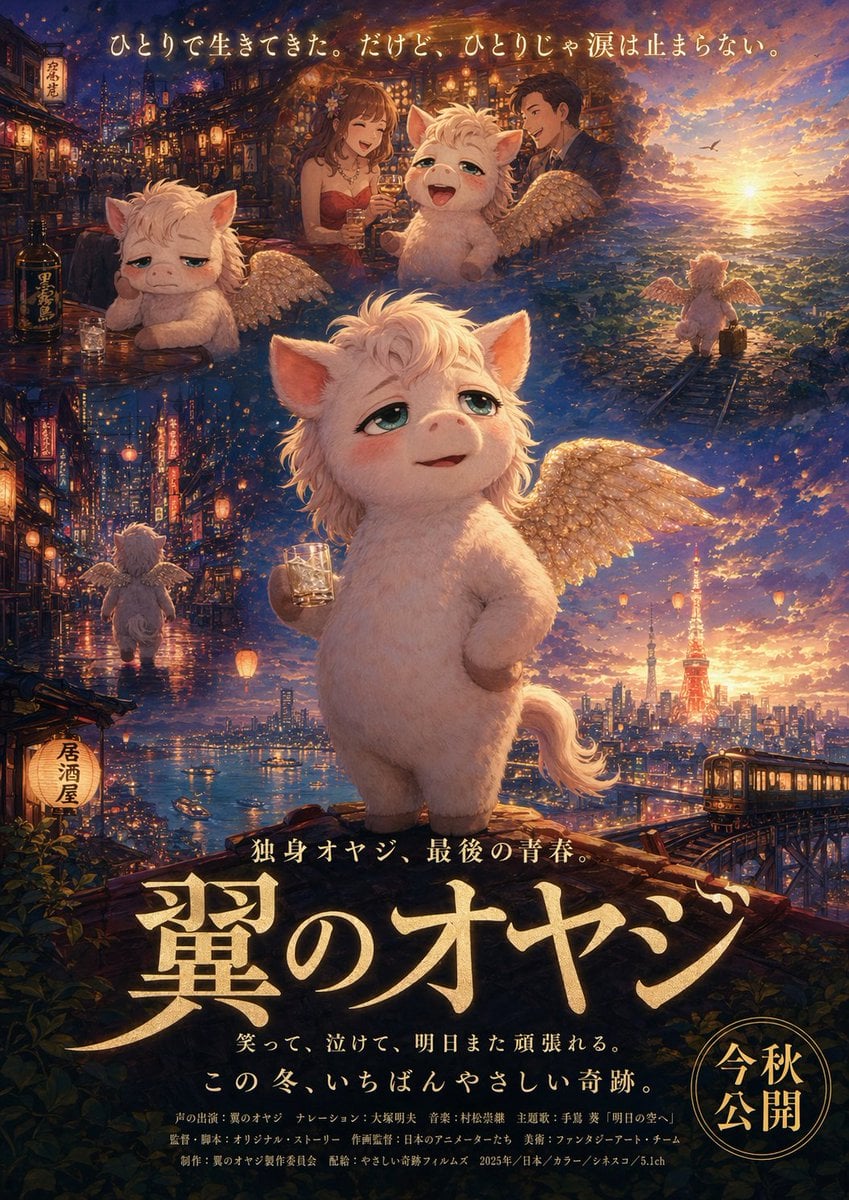
Japanese Fantasy Winged Pig Film Poster
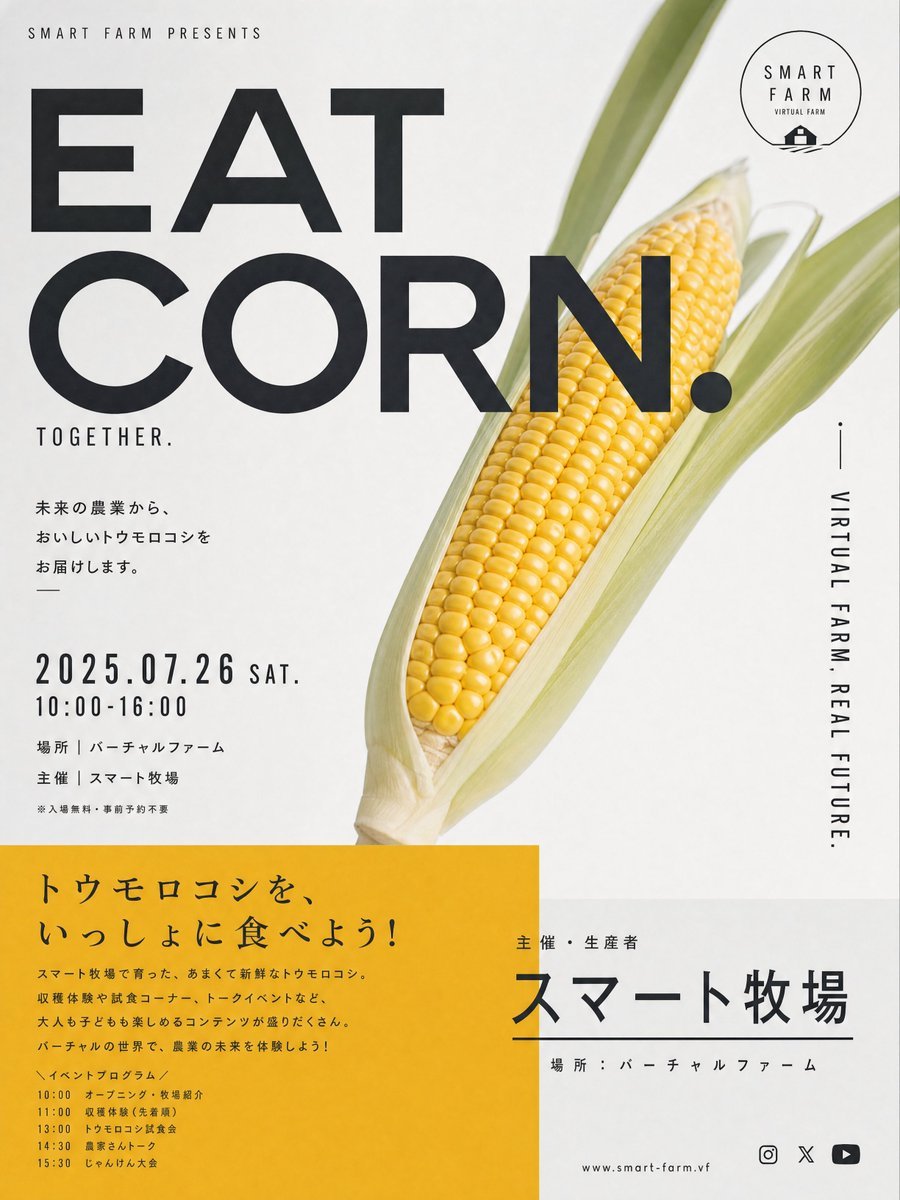
Stylish Japanese Corn Event Poster
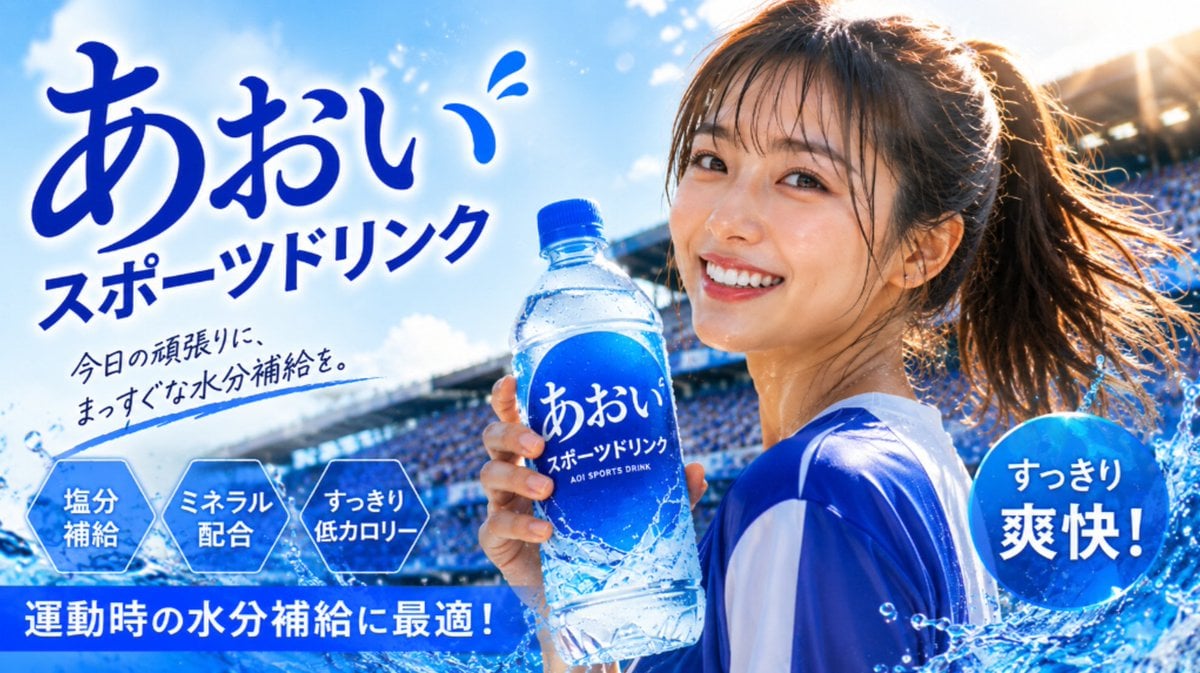
Japanese Sports Drink Ad Poster
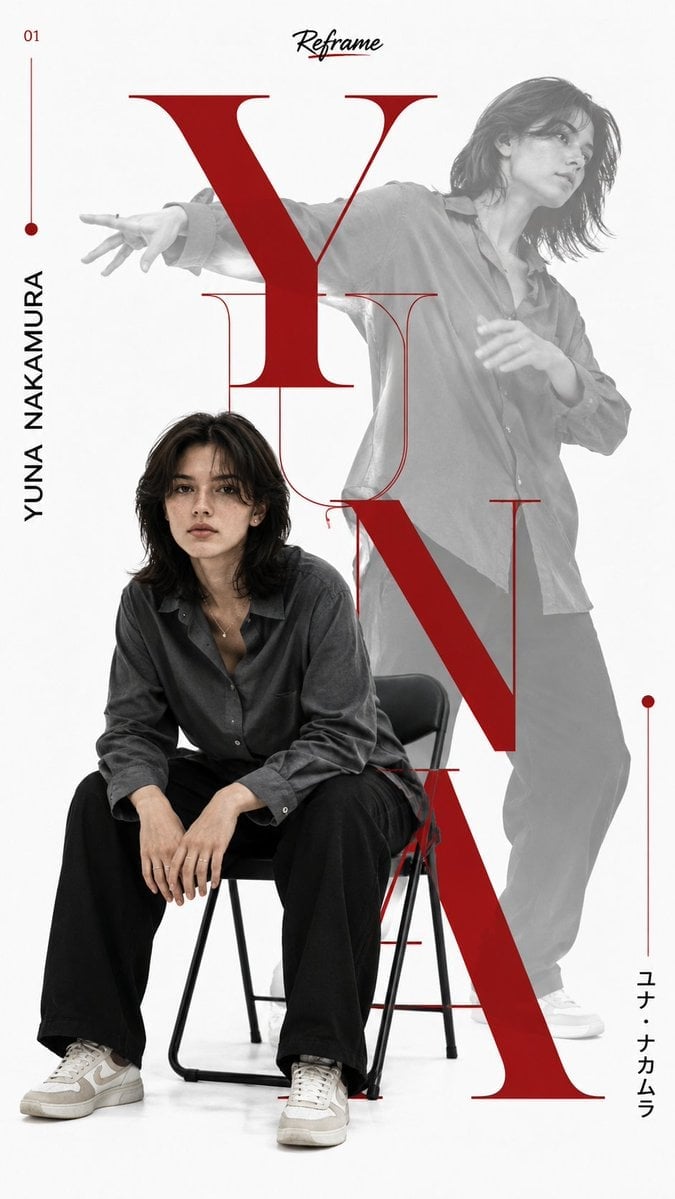
Japanese Minimalist Editorial Fashion Poster
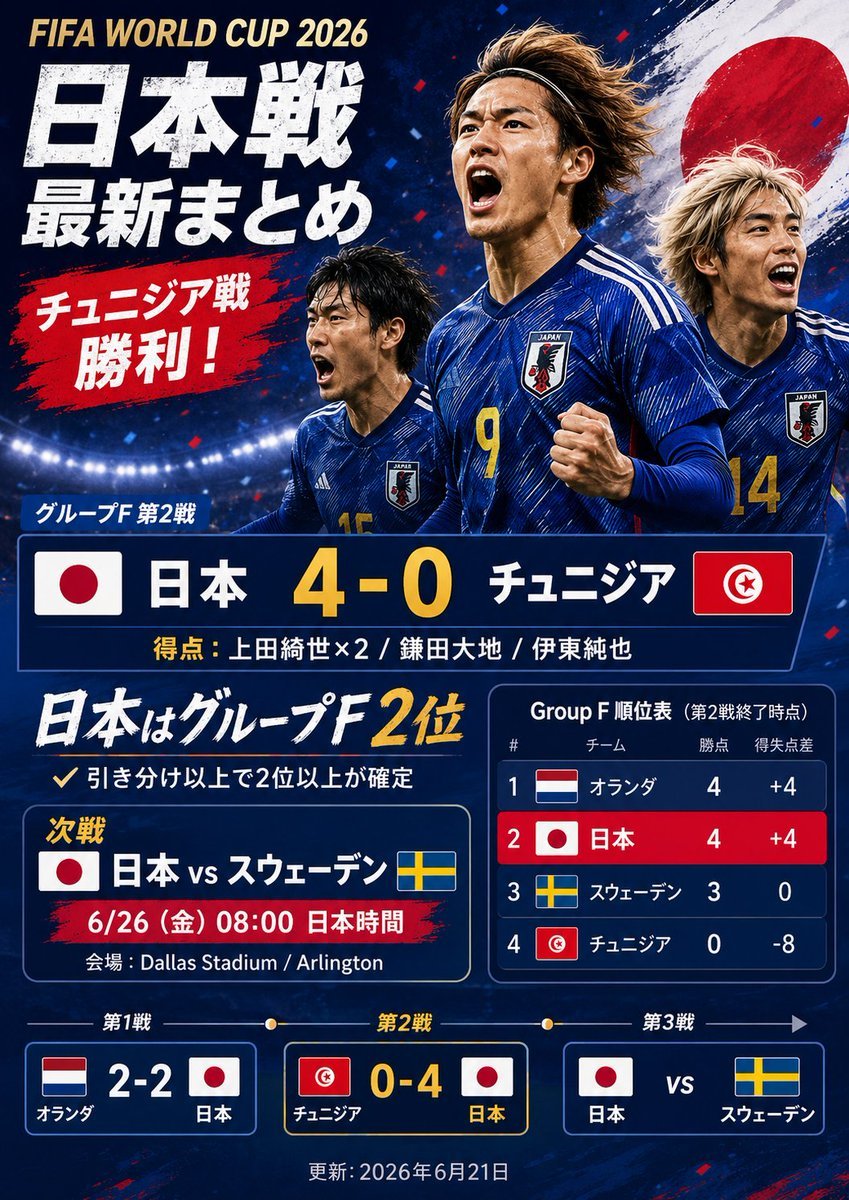
Japanese World Cup Match Summary Poster
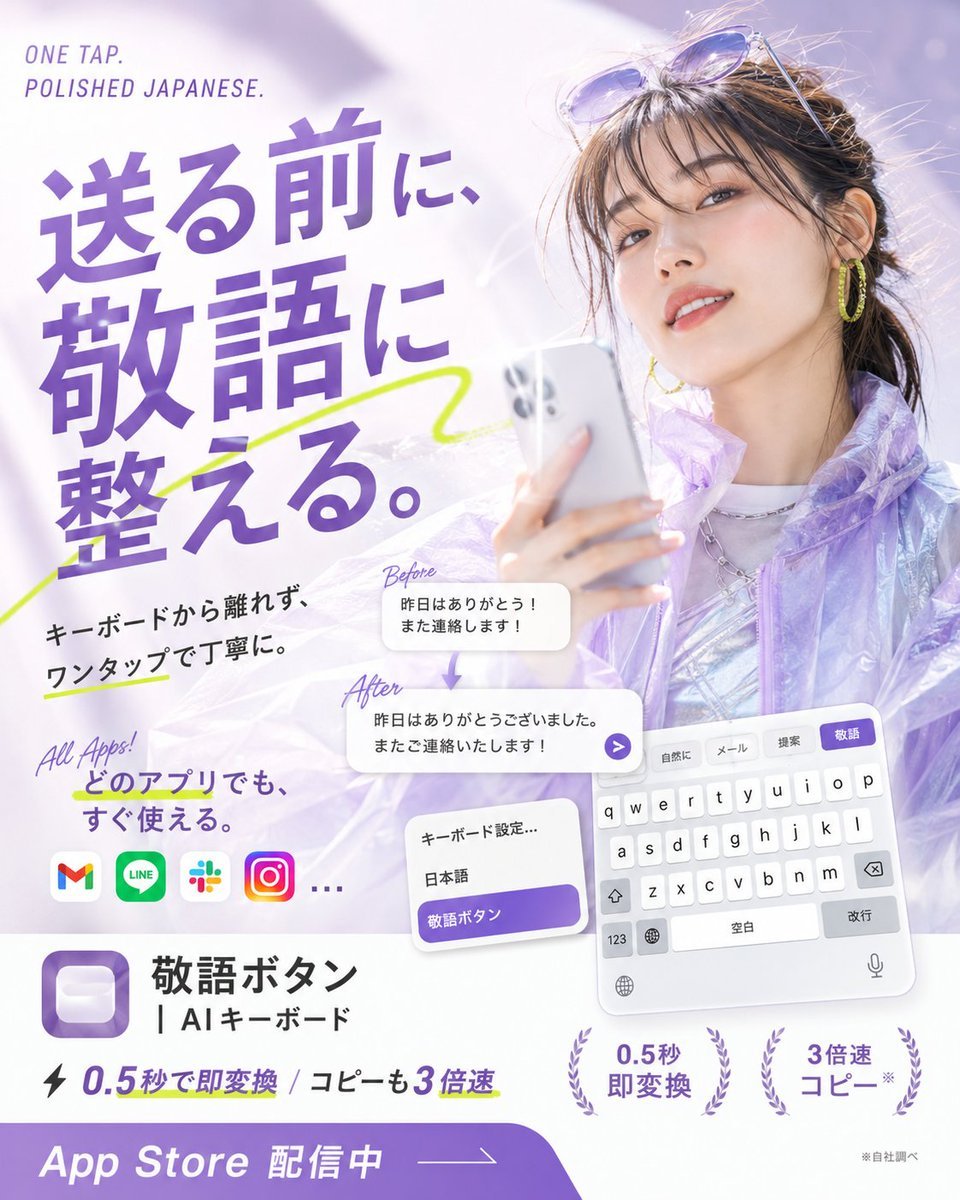
Japanese AI Keyboard App Poster
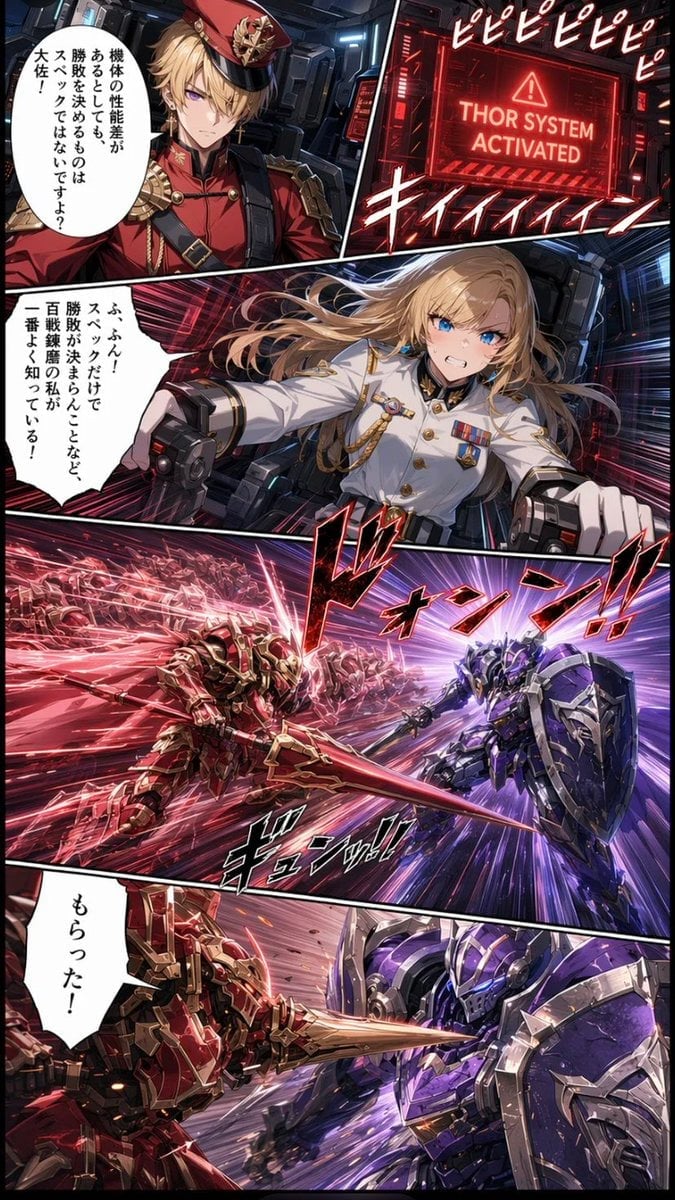
Japanese Webtoon Mecha Battle Page
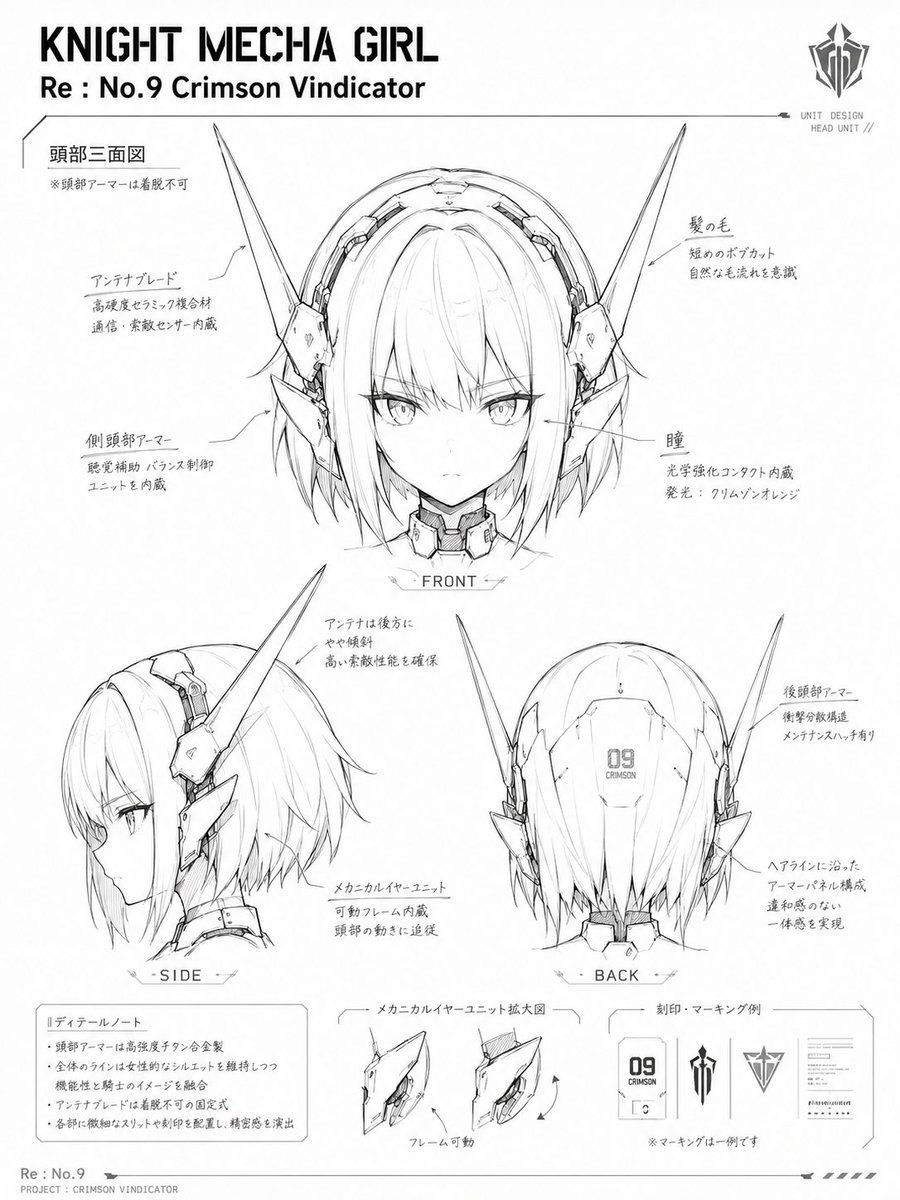
Knight Mecha Girl Model Kit Style
Make it yours
Japanese Mecha Girl Figure Ad Poster works as-is. These are the safest ways to change it without losing the look.
Change one field
Copy a single group, rewrite it, and generate again so you can see what that field is doing.
Keep the frame, change the subject
Hold the composition and light of Japanese Mecha Girl Figure Ad Poster, then swap wardrobe, props or the person for a new take.
| If the result… | Why | Fix |
|---|---|---|
| The result drifts from the preview | Too many fields changed at once. | Reuse Japanese Mecha Girl Figure Ad Poster as-is first, then change one group — subject, light, or setting. |
| The model over-stylizes the scene | The prose prompt leaves finish and camera underspecified. | Add one camera or lighting sentence and stay on GPT Image 2. |
More GPT Image 2 templates
Other prompts made for GPT Image 2.

Six VTuber Japanese Logo Sheet

Realistic Portrait of Woman and Deer

The Vista Modular Condo Poster

AI Model Routing Comparison Infographic

2.5D Anime Art Board

Isometric Productivity Desk Scene

New York Double Exposure Poster

Four-Panel AI Landscape Comparison

Japanese Tatami Lifestyle Magazine Cover

NESCAFÉ Coffee Map Poster
More image prompts
Fresh picks from across the catalog.

Dramatic Cinematic Portrait of a Rugged Young Man
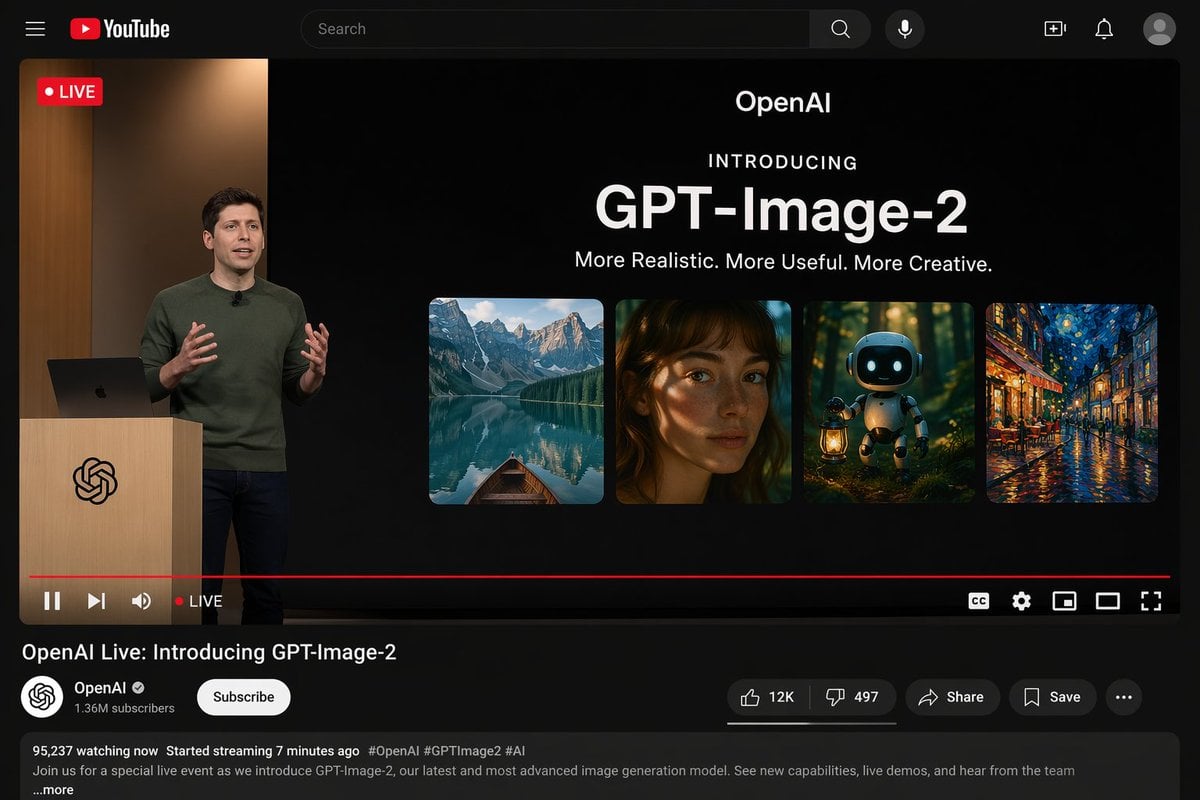
YouTube Live Stream Announcement Mockup
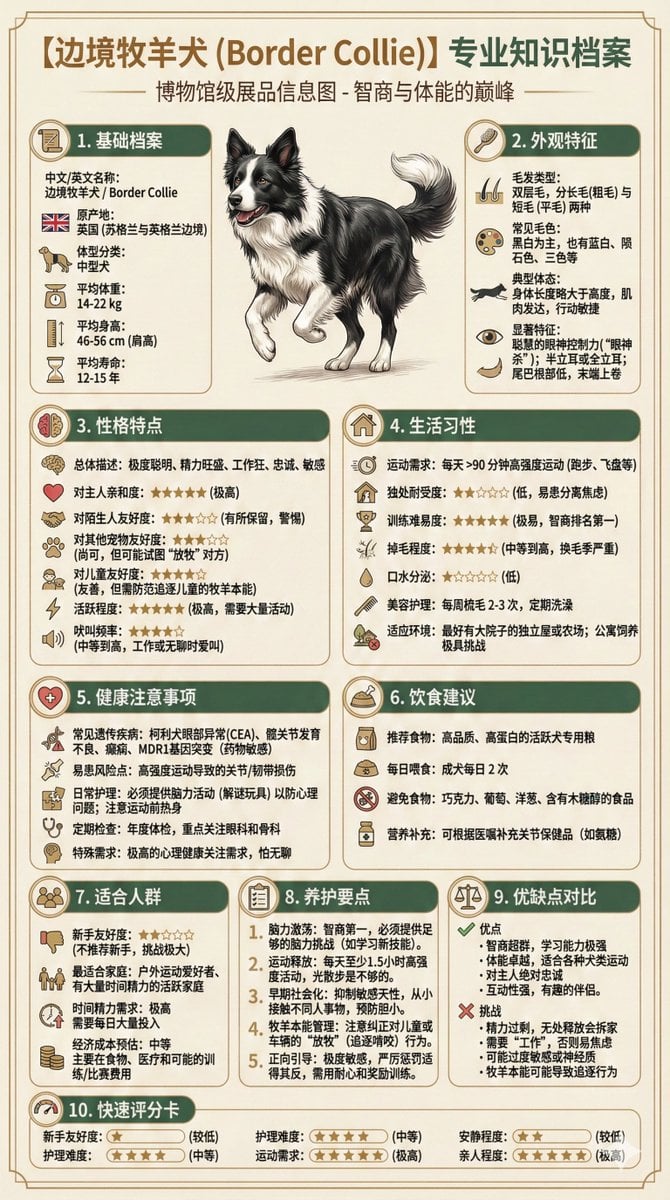
Universal Pet Feeding Guide Generator

Neon Split Lighting Studio Portraits (Male and Female)
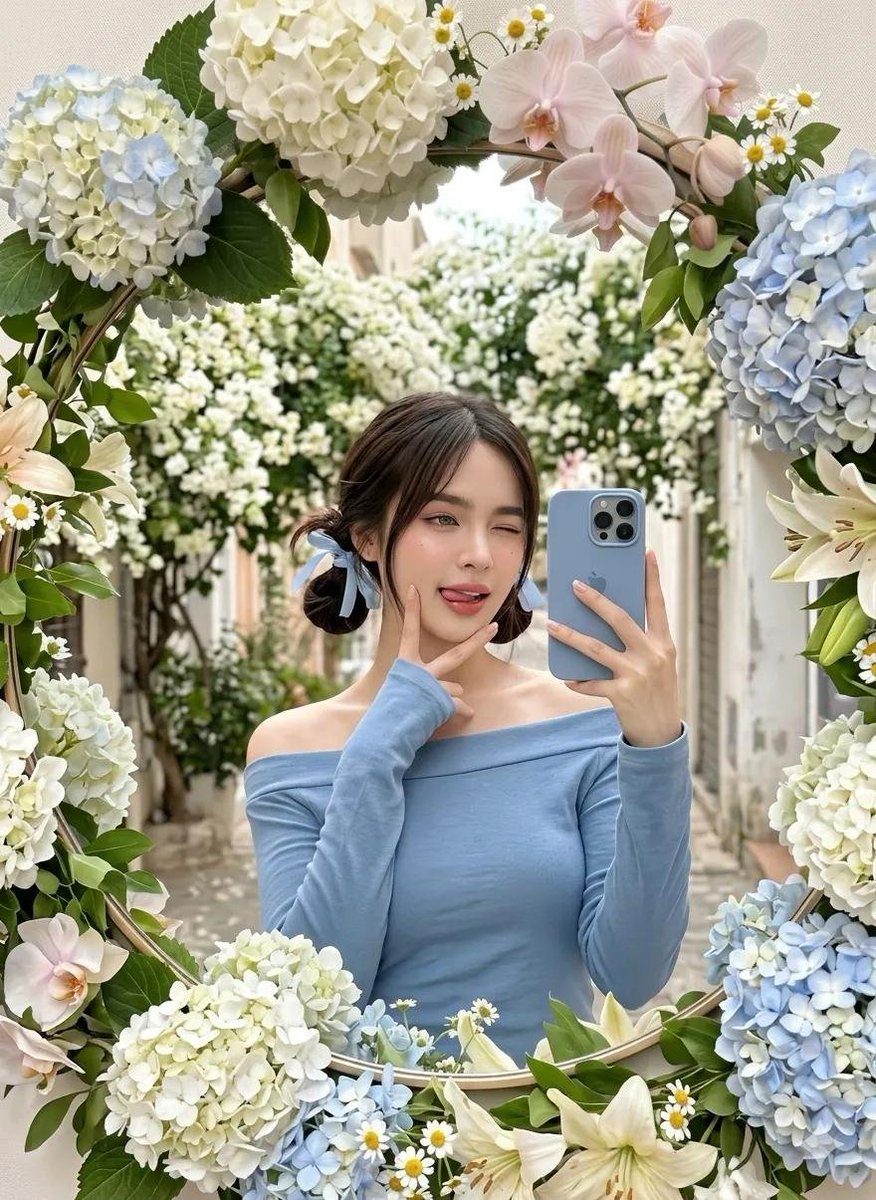
Floral Mirror Selfie

Hyper-Realistic Zootopia Cosplay Portrait with Identity Lock
Cheerful Anime Girl on Sunny Sidewalk
Mad Max Journal Scrapbook Style
Close-up of a Young Japanese Woman
Baroque Wedding Editorial with Direct Flash
Browse template categories
Japanese Mecha Girl Figure Ad Poster questions
How do I use the Japanese Mecha Girl Figure Ad Poster template?
Add your photo if the template asks for one, edit the prompt if you like — the template's model and format are already selected — and press Generate. Your version opens in PicX Studio.
Can I customize the Japanese Mecha Girl Figure Ad Poster template?
Yes. You can change the subject, setting, lighting, mood, format, and available model controls before creating your image.
Is the Japanese Mecha Girl Figure Ad Poster template free?
Opening and editing this template is free. Generating uses credits, shown on the Generate button when you are signed in.
Which AI model should I use?
Start with GPT Image 2, which is the model associated with this template. You can compare another compatible model for a different finish.
Looking for something else? Browse all templates.

Your photo, any look
Thousands of ready templates for every top image and video model, from one credit balance.