
Hande Erçel in Prayer for Shab-e-Barat
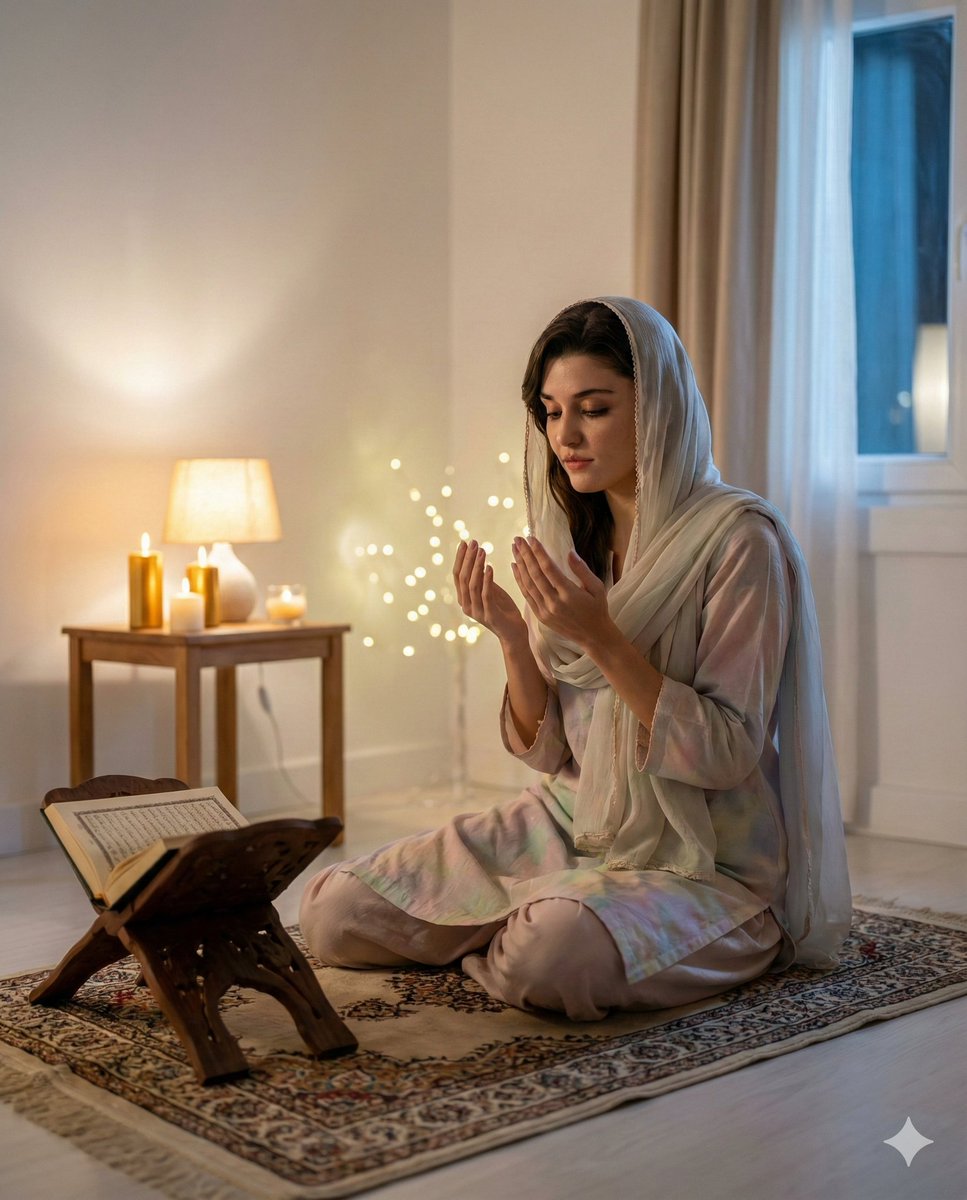
A detailed prompt for generating an ultra-realistic, cinematic editorial photograph of Hande Erçel sitting gracefully on a prayer mat during the sacred night of Shab-e-Barat.
- Prompt included
- Model and format preset
- Premium template
The prompt behind this image
Copy the exact prompt behind Hande Erçel in Prayer for Shab-e-Barat, or open it in the studio and make it yours.
Hande Erçel sitting gracefully on a traditional prayer mat (nimaz mat) during the sacred night of Shab-e-Barat, inside a softly lit room filled with a calm spiritual atmosphere. She is dressed in modest, elegant attire — a loose, full-sleeved {argument name="attire color" default="pastel"} outfit with a light dupatta gently covering her head, maintaining respectful Islamic modesty. Her posture is serene and focused, sitting in the tashahhud position after prayer, hands raised softly in dua. Her facial expression is peaceful, reflective, and emotionally connected, eyes slightly lowered in devotion. Warm candlelight and a small bedside lamp create a golden glow in the room. A Quran rests on a wooden rehal beside her. Subtle fairy lights in the background create a soft bokeh effect. The environment feels pure, quiet, and sacred. The prayer mat has intricate Islamic geometric patterns. The room décor is minimal and clean — white walls, a simple curtain moving slightly, suggesting a gentle night breeze. Moonlight filters in through the window, adding a cool blue contrast to the warm indoor lighting. Visual style: ultra-realistic, cinematic editorial photography, 85mm lens, shallow depth of field, soft focus background, sharp facial detail, natural skin texture, HDR lighting, studio-grade realism, spiritual mood, respectful tone. Camera angle: eye-level, slightly angled from the front, intimate and calm framing. Resolution: Ultra HD 8K Aspect ratio: 4:5 Lighting: warm candlelight + soft moonlight contrast Mood: spiritual, peaceful, sacred, reflective, modest, realistic
How to use Hande Erçel in Prayer for Shab-e-Barat in 3 steps
- 1
Open
The prompt is already in the box next to the preview, with the template's model and format selected.
- 2…a portrait of your subject in softgolden-hour light, 85mm…
Personalize
Edit the subject and creative details for your destination.
- 3Generate
Generate
Press Generate — your image is created in PicX Studio, so you can compare it with the original and refine one variable at a time.
More like this
Templates with the same subject, style or setup. Open one to see its prompt.
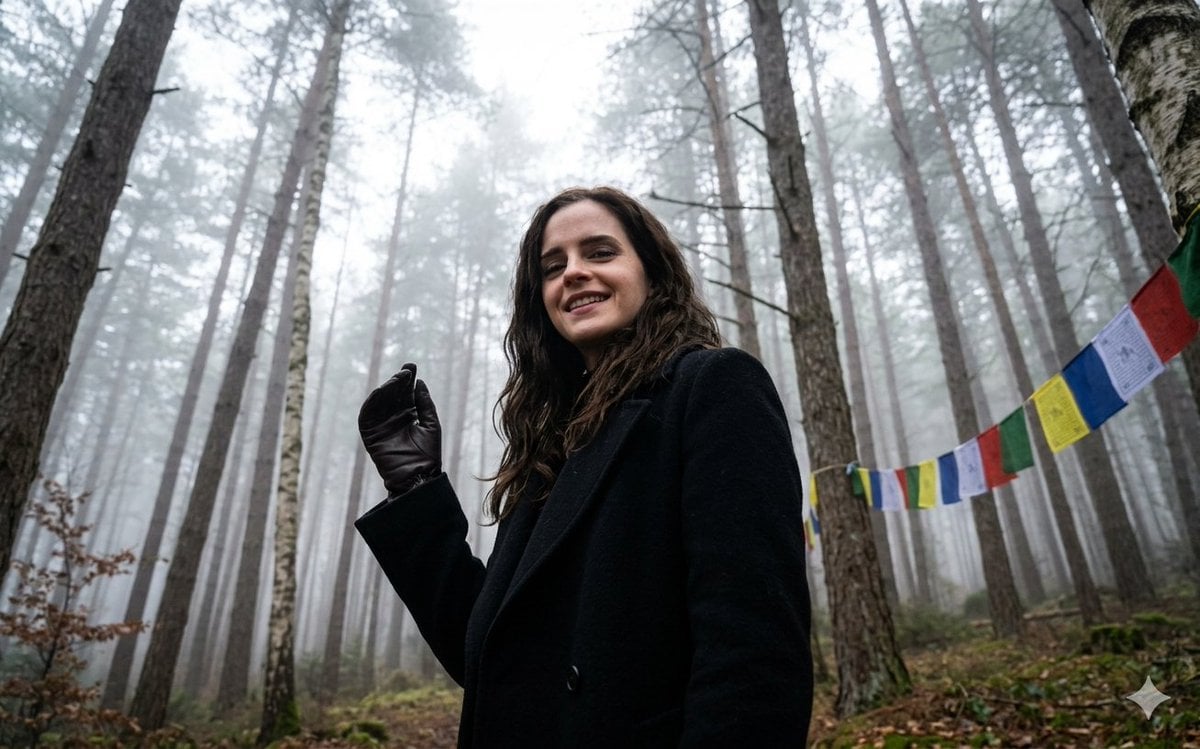
Misty Forest Tibetan Prayer Flags

Anime Stained Glass Prayer
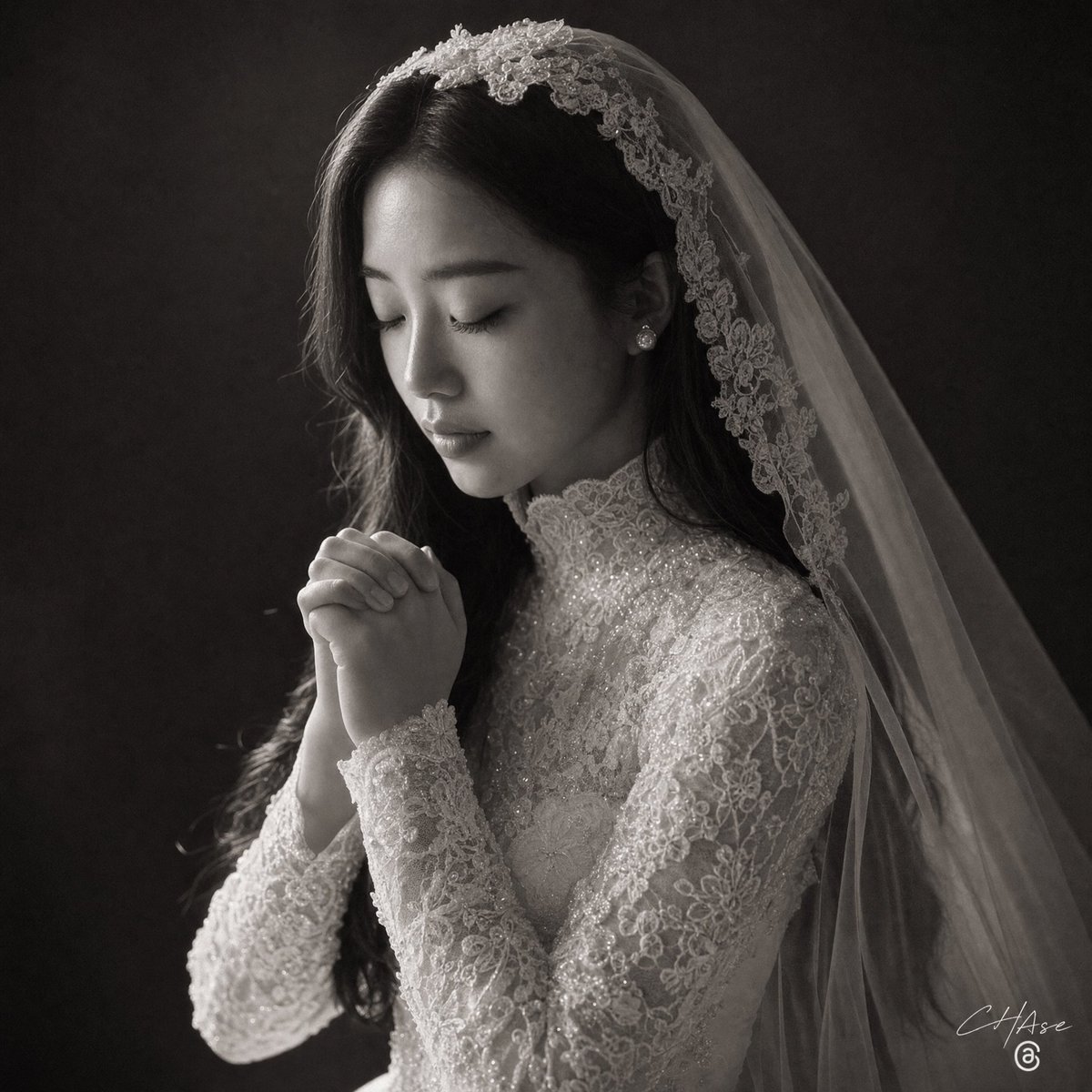
Monochrome Bridal Prayer Portrait
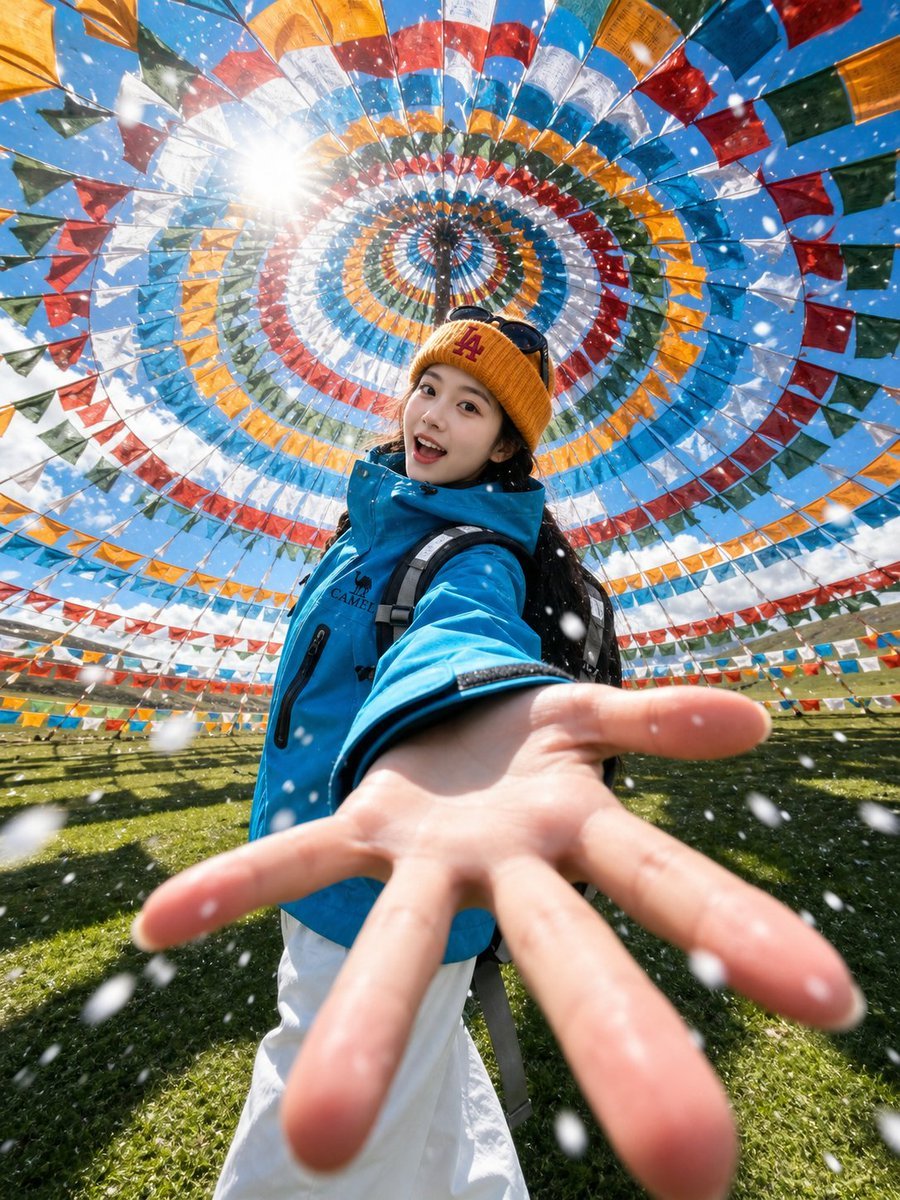
Tibetan Prayer Flag Highland Selfie
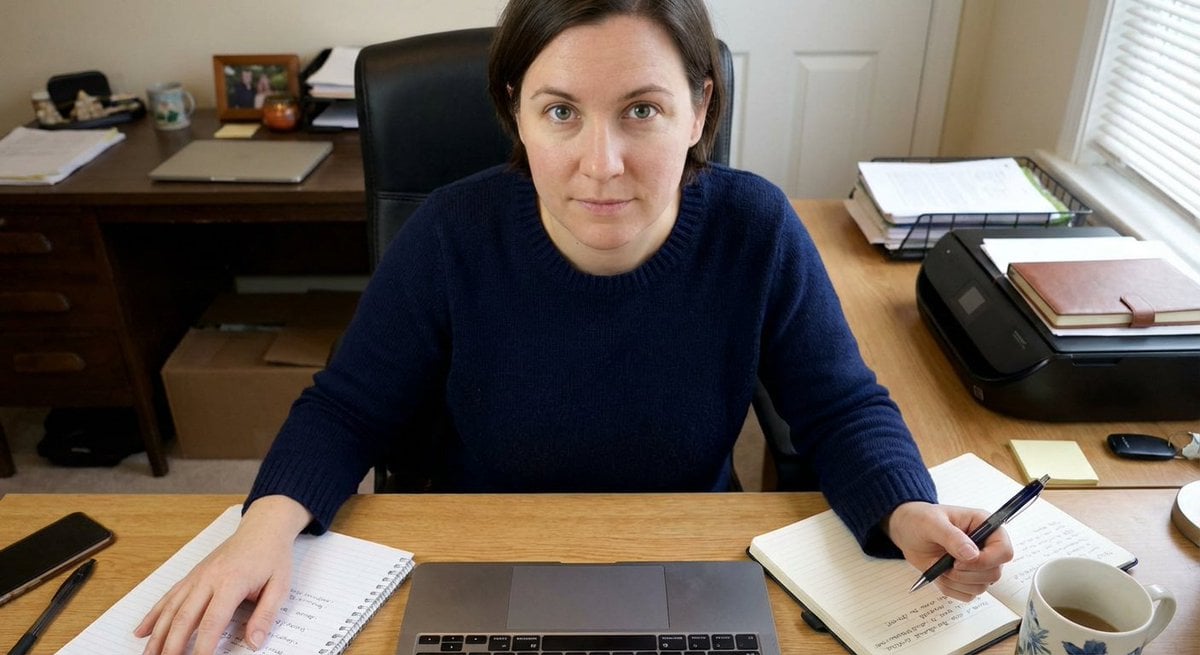
Forcing Left-Handed Writing
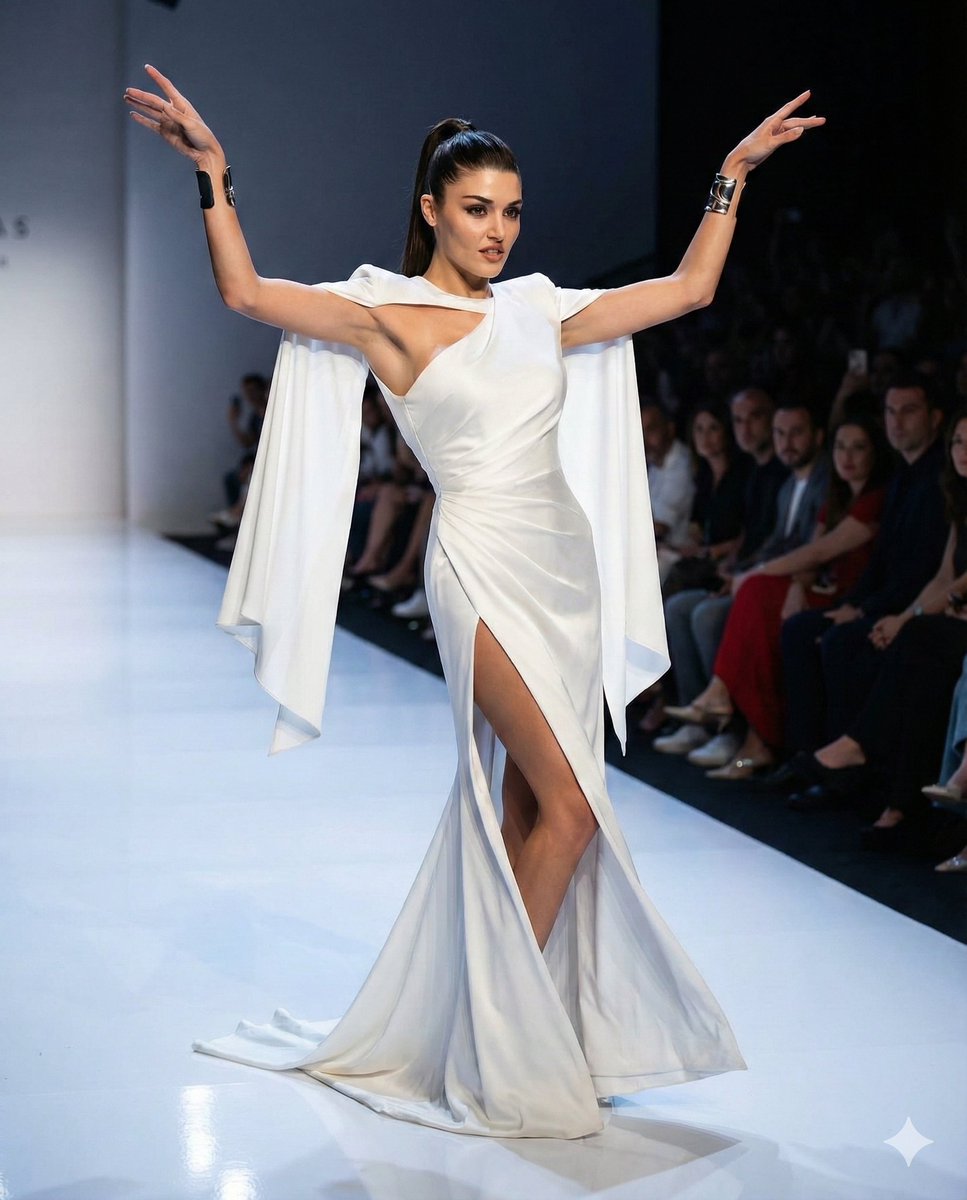
Couture Runway Fashion Editorial of Hande Ercel

Two Tickets, One Night

Realistic Portrait of Woman and Deer

2.5D Anime Art Board

Japanese Tatami Lifestyle Magazine Cover

NESCAFÉ Coffee Map Poster

Brutalist Cogito Chinese Typography Poster
Make it yours
Hande Erçel in Prayer for Shab-e-Barat works as-is. These are the safest ways to change it without losing the look.
Change one field
Copy a single group, rewrite it, and generate again so you can see what that field is doing.
Keep the frame, change the subject
Hold the composition and light of Hande Erçel in Prayer for Shab-e-Barat, then swap wardrobe, props or the person for a new take.
| If the result… | Why | Fix |
|---|---|---|
| The result drifts from the preview | Too many fields changed at once. | Reuse Hande Erçel in Prayer for Shab-e-Barat as-is first, then change one group — subject, light, or setting. |
| The model over-stylizes the scene | The prose prompt leaves finish and camera underspecified. | Add one camera or lighting sentence and stay on Nano Banana 2. |
More Nano Banana 2 templates
Other prompts made for Nano Banana 2.

Photorealistic Leaf Shaped Like a Dragon

K-Pop Idol Portrait Grid for Rapid Selection

Poetic Rain Forest Portrait During Golden Hour

Urban Street Portrait with Cartoon Inner Self Duo

Candid Nighttime Photo with Cat Prompt

High-Concept 3D Diorama Generation Prompt

Cinematic Futuristic Studio Portrait Template

Skincare Editorial Photography Collage Prompt

Hyper-Realistic Commercial Product Photography (Splash Effect)

Hyper-Realistic Nightclub Portrait Prompt
More image prompts
Fresh picks from across the catalog.
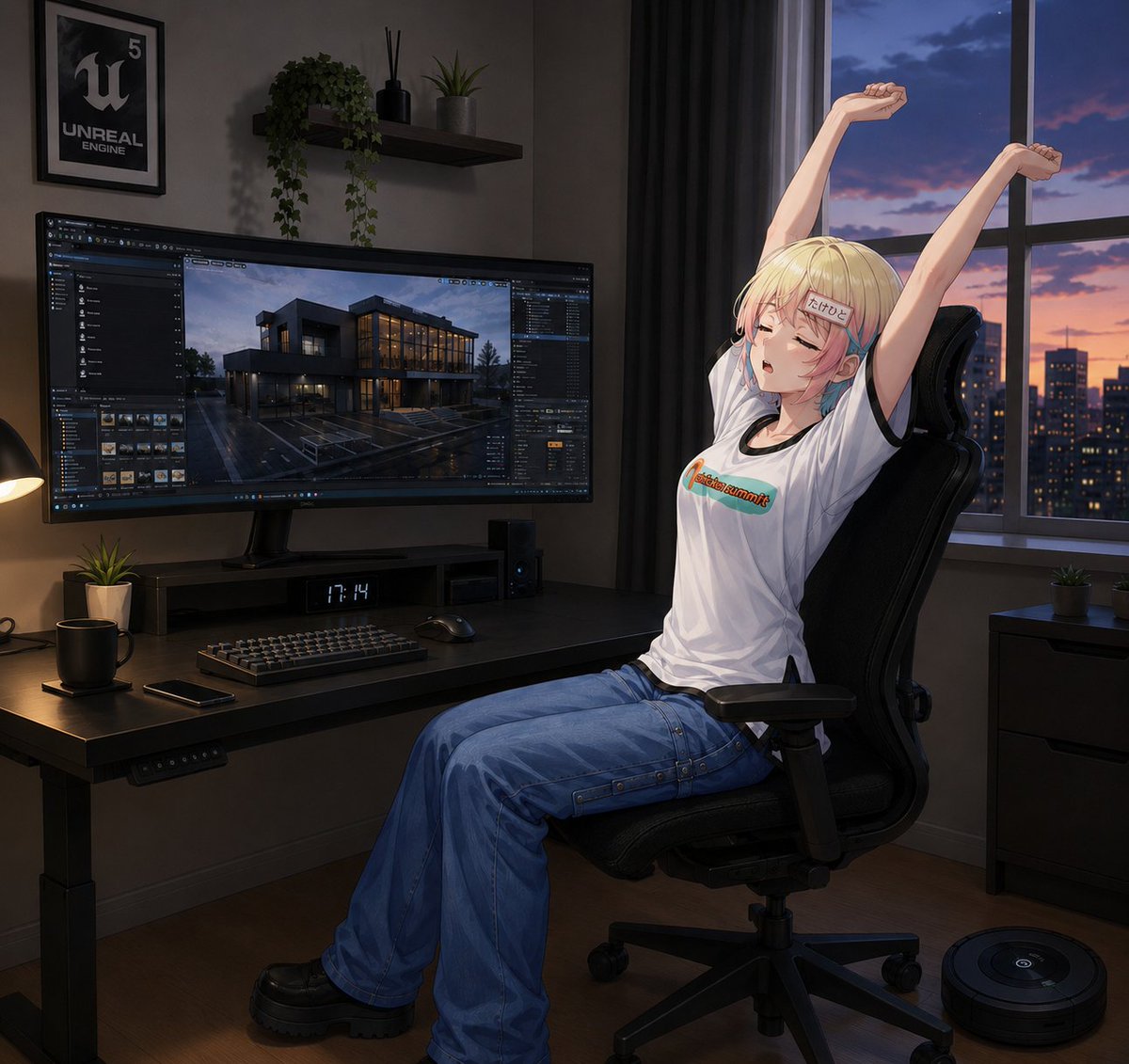
Anime Developer Room Stretching Pose
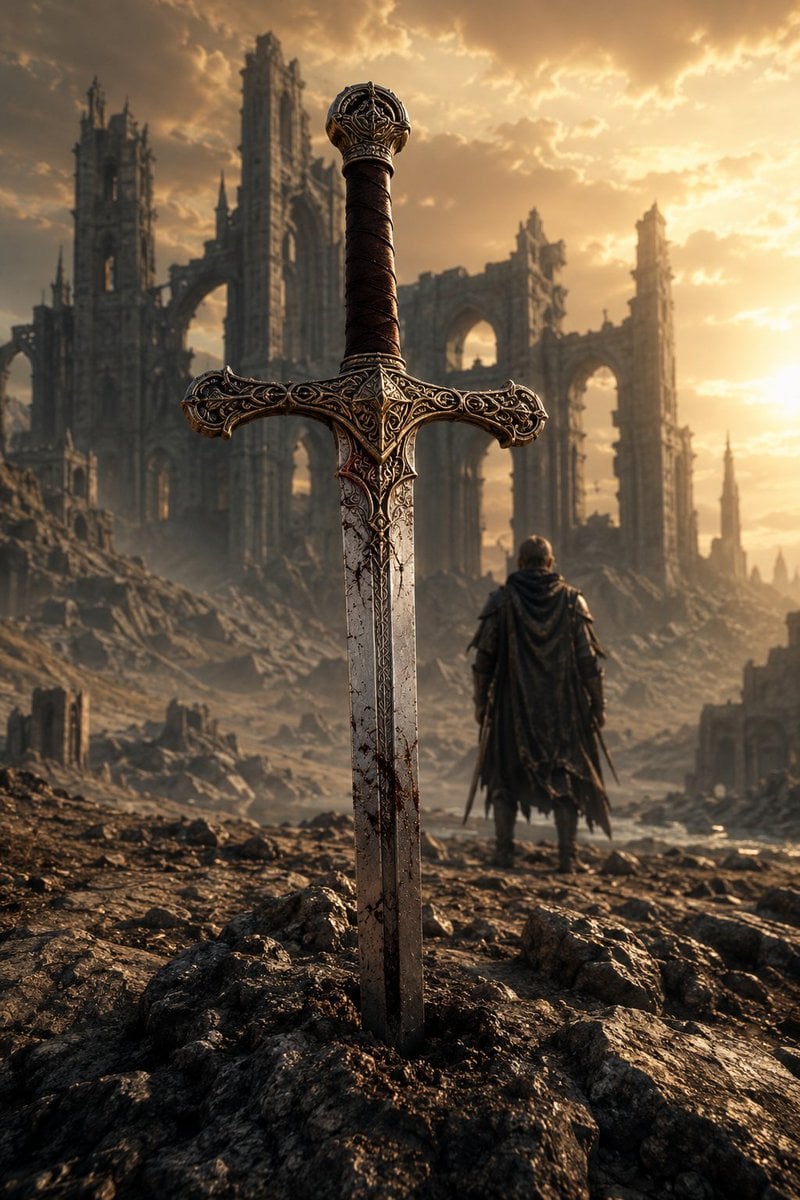
Medieval Fantasy Sword in Apocalyptic Landscape
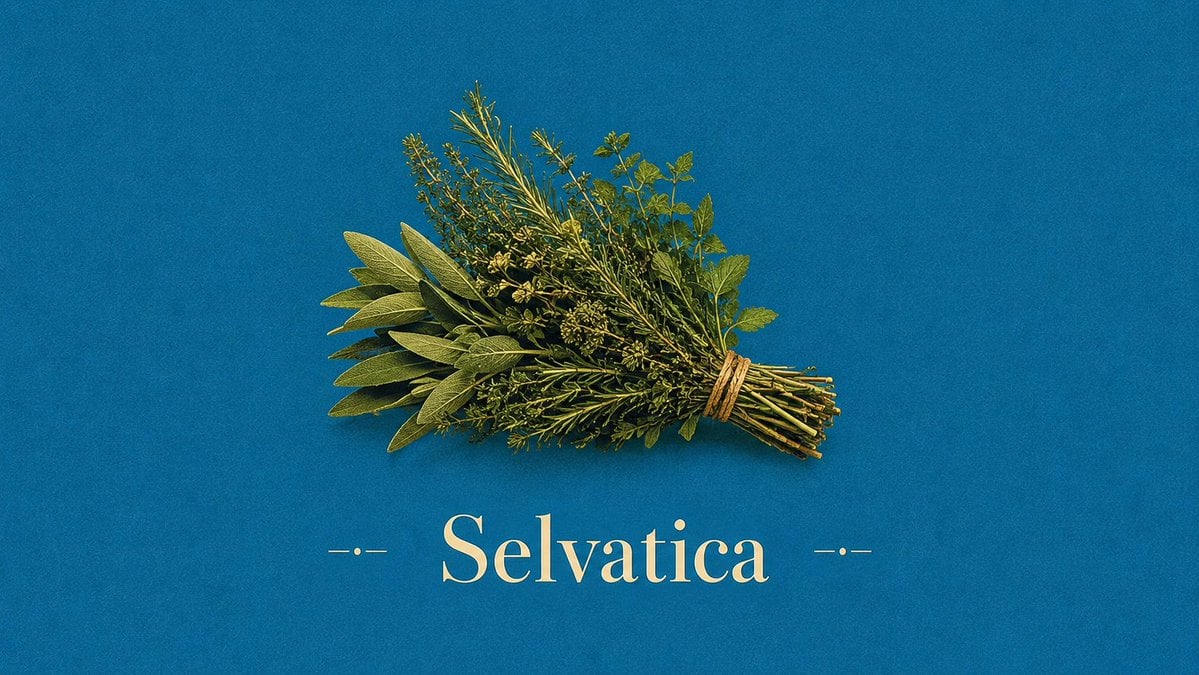
Vintage Mediterranean Herb Poster
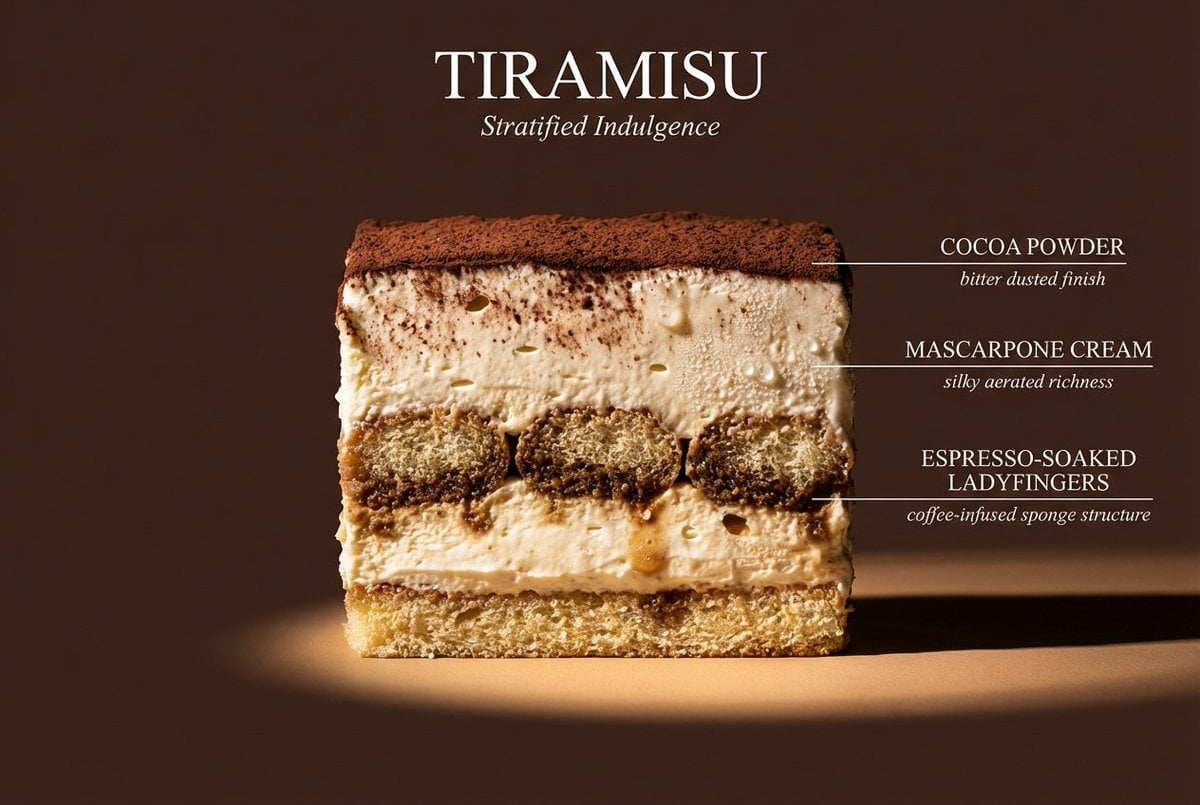
Cinematic cross-section food photography prompt
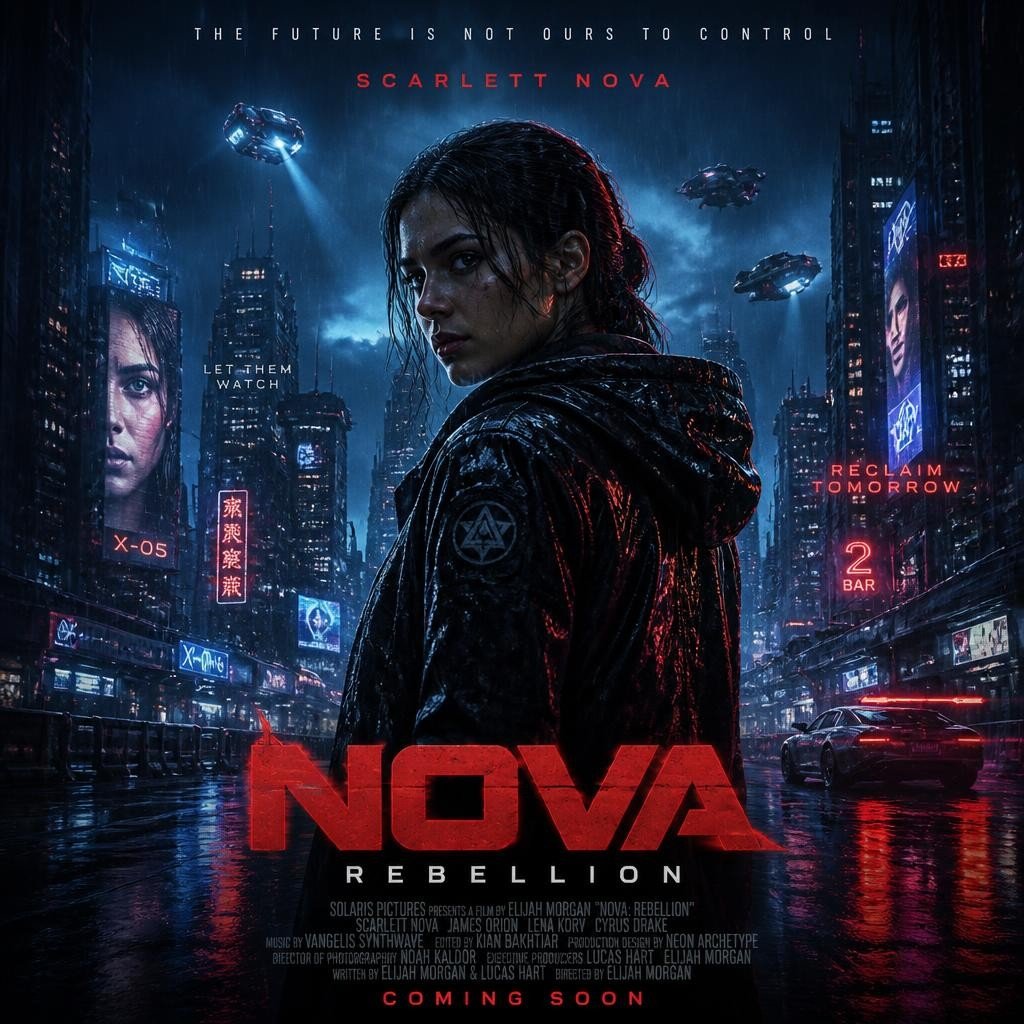
Cyberpunk Nova Rebellion Poster
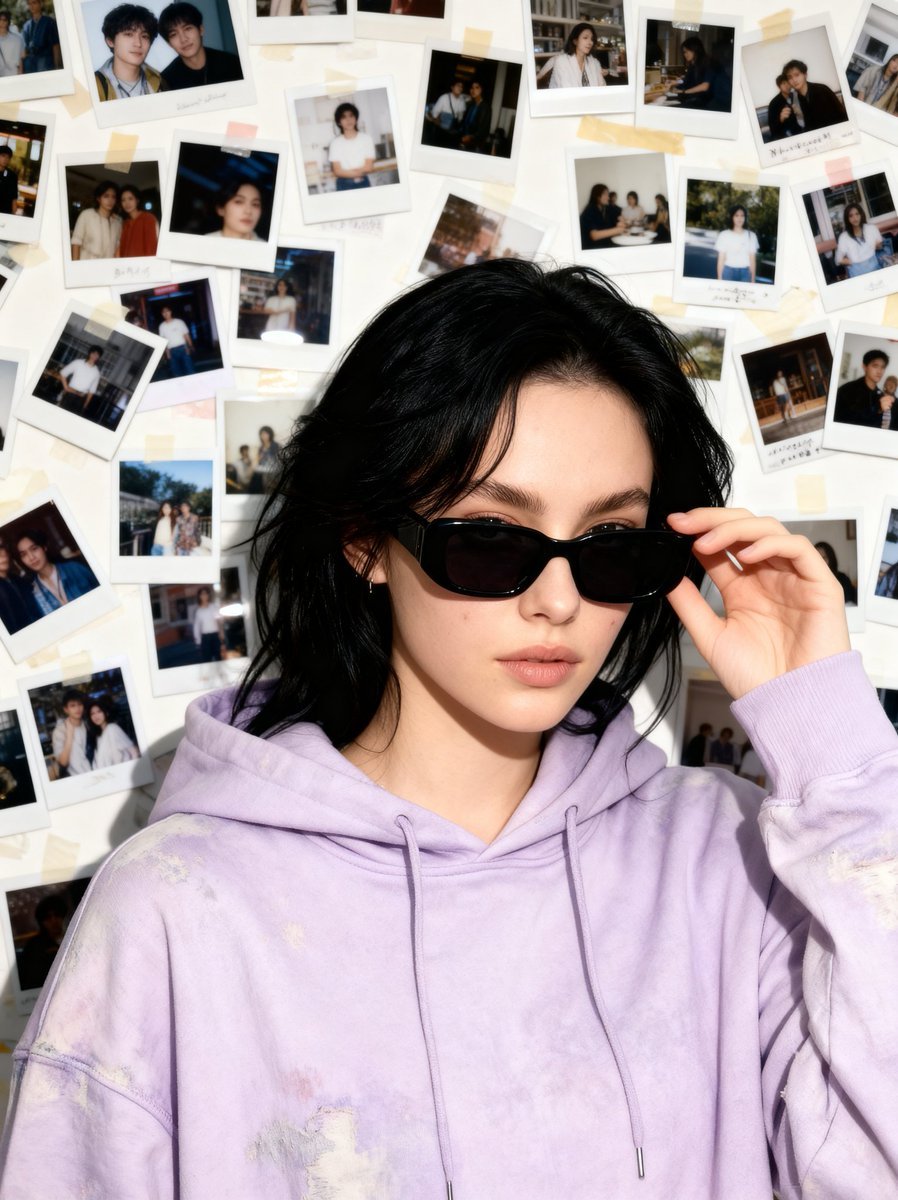
Nostalgic 90s Disposable Camera Snapshot
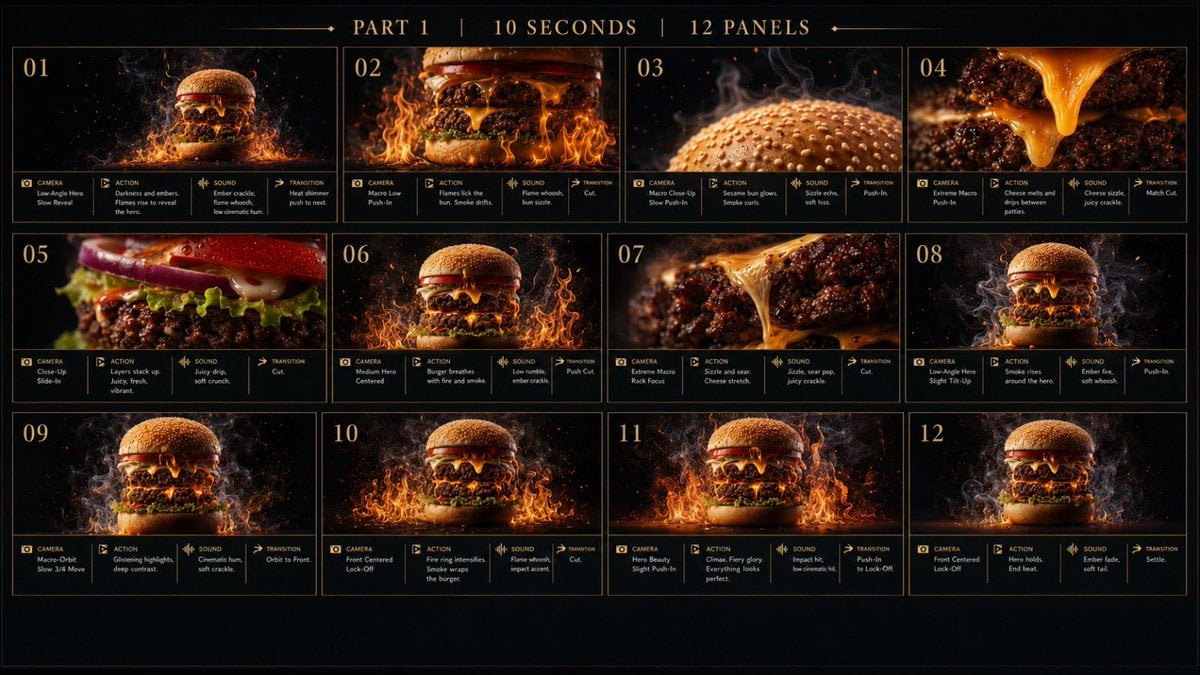
Flaming Burger Storyboard
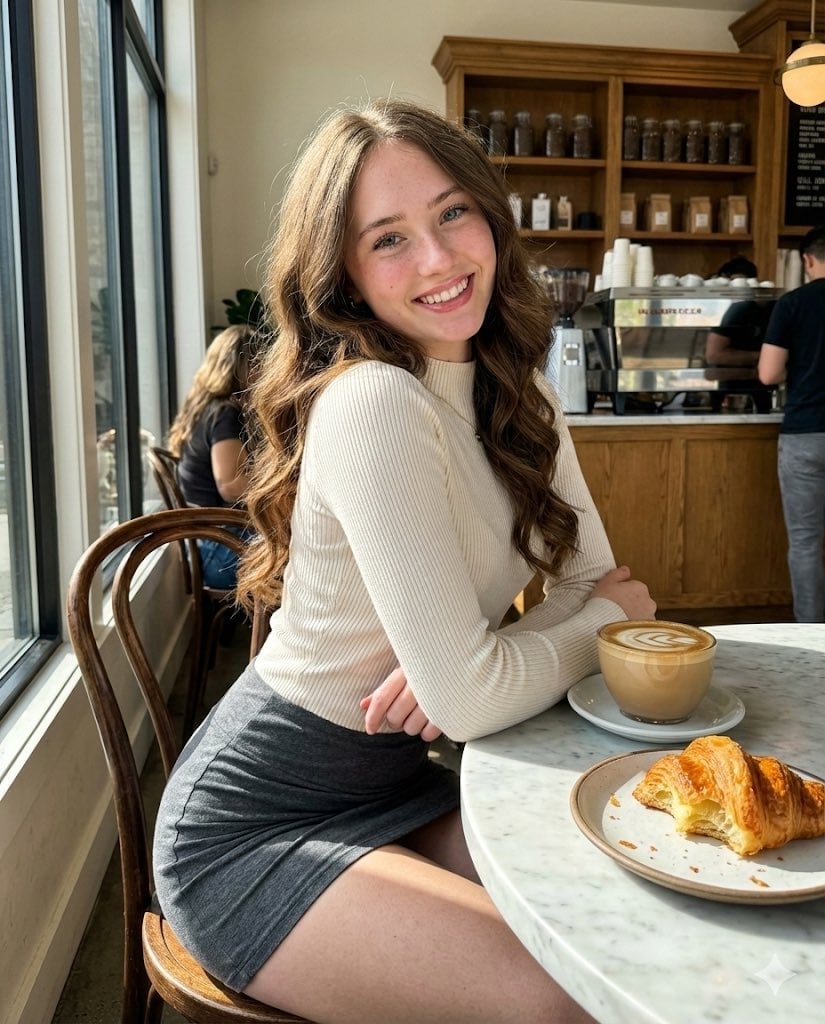
High-Fidelity Candid Café Portrait with Sharp Focus
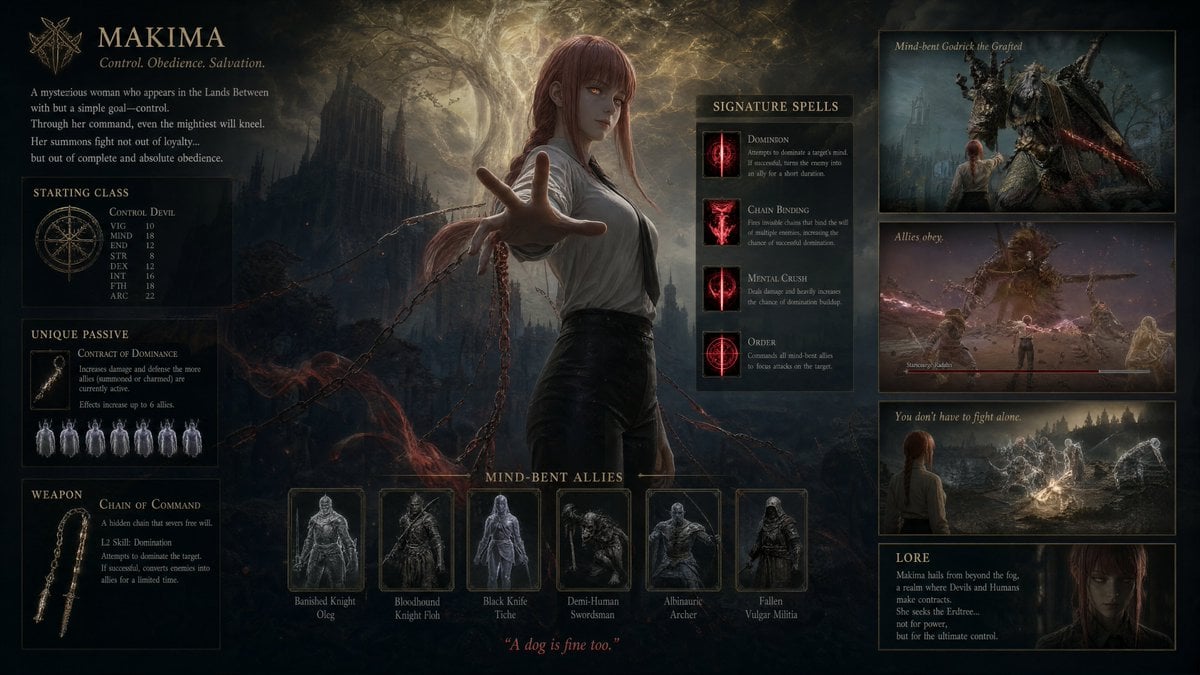
Dark Fantasy Makima Build Sheet
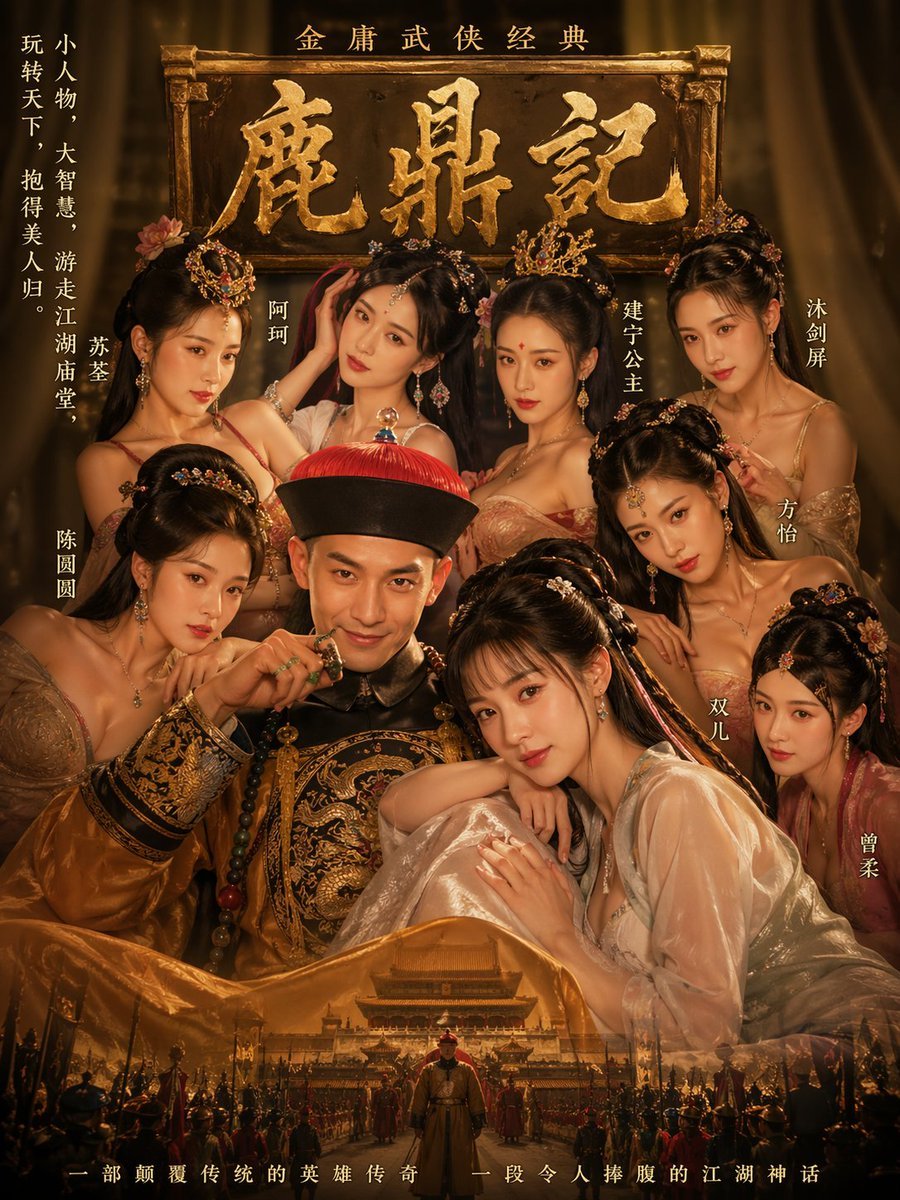
Golden Wuxia Palace Poster
Browse template categories
Hande Erçel in Prayer for Shab-e-Barat questions
How do I use the Hande Erçel in Prayer for Shab-e-Barat template?
Add your photo if the template asks for one, edit the prompt if you like — the template's model and format are already selected — and press Generate. Your version opens in PicX Studio.
Can I customize the Hande Erçel in Prayer for Shab-e-Barat template?
Yes. You can change the subject, setting, lighting, mood, format, and available model controls before creating your image.
Is the Hande Erçel in Prayer for Shab-e-Barat template free?
Opening and editing this template is free. Generating uses credits, shown on the Generate button when you are signed in.
Which AI model should I use?
Start with Nano Banana 2, which is the model associated with this template. You can compare another compatible model for a different finish.
Looking for something else? Browse all templates.

Your photo, any look
Thousands of ready templates for every top image and video model, from one credit balance.