
Golden Wuxia Palace Poster
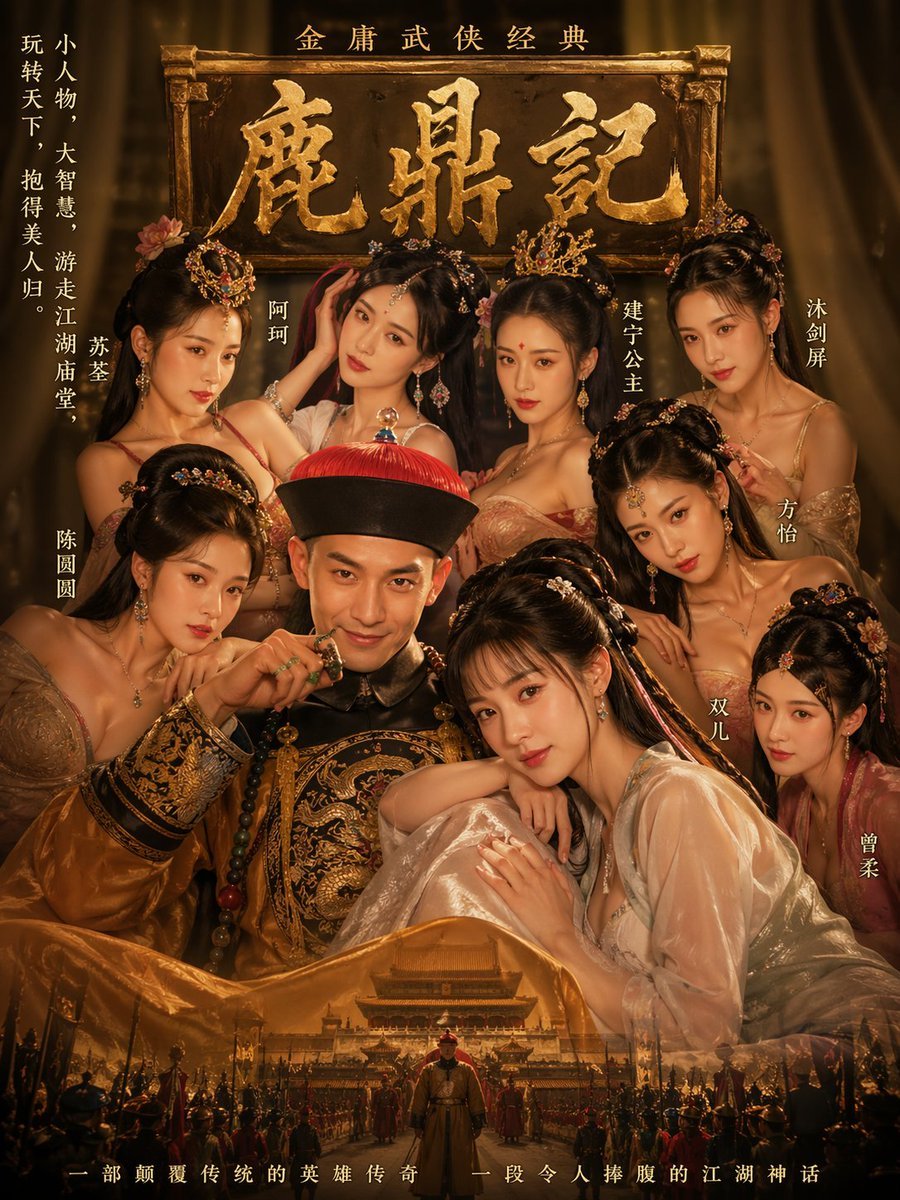
A lavish historical Chinese movie-poster prompt for generating an ensemble wuxia court drama image with one imperial man, eight women, ornate typography, and an epic palace backdrop.
- Prompt included
- Model and format preset
- Free template
The prompt behind this image
Copy the exact prompt behind Golden Wuxia Palace Poster, or open it in the studio and make it yours.
A dramatic vintage Chinese martial-arts movie poster in a luxurious dark-gold and amber palette, styled like a classic historical epic. Center the composition on a young imperial man seated in front, wearing an ornate black-and-gold dragon robe and a Qing dynasty red-tasseled official hat, posed with one hand near his mouth in a sly, playful, confident manner. Surround him with exactly 8 beautiful court women in layered silk hanfu and gauzy robes, arranged tightly around him in a glamorous harem-like group portrait, with 4 women in the upper row and 4 women in the lower row. Each woman has an elegant updo with elaborate gold hairpins, floral ornaments, dangling earrings, and soft warm makeup; their expressions are alluring, gentle, or curious. Render the women in champagne, blush, peach, rose, and pale jade fabrics with translucent sleeves, embroidered bodices, and richly textured jewelry. Behind the group, place a large aged wooden plaque with carved golden Chinese calligraphy reading “鹿鼎记”, with a smaller line above it reading “金庸武侠经典”. Add vertical cast-name text in Chinese placed beside different figures: on the far left “苏荃”, below left “陈圆圆”, upper middle-left “阿珂”, upper middle-right “建宁公主”, far right upper “沐剑屏”, right middle “方怡”, lower right-middle “双儿”, and far lower right “曾柔”. Also add a vertical poetic slogan along the upper left margin in Chinese: “小人物,大智慧,游走江湖庙堂,玩转天下,抱得美人归”. At the bottom, blend in a secondary cinematic scene: an ancient palace gate and courtyard with soldiers and banners forming a grand processional crowd, with one lone figure centered in the foreground walking toward the viewer. Finish with a narrow line of Chinese tagline text across the bottom edge: “一部颠覆传统的英雄传奇 一段令人捧腹的江湖神话”. The whole image should feel opulent, theatrical, romantic, and slightly mischievous, with smoky sepia shadows, glowing rim light, rich texture, symmetrical poster composition, and polished high-end period-drama key art.
How to use Golden Wuxia Palace Poster in 3 steps
- 1Upload ImagePNG, JPG or paste
Add your photo
Upload the photo the template builds on. The prompt, model and format are already set.
- 2…a portrait of your subject in softgolden-hour light, 85mm…
Personalize
Edit the subject and creative details for your destination.
- 3Generate
Generate
Press Generate — your image is created in PicX Studio, so you can compare it with the original and refine one variable at a time.
More like this
Templates with the same subject, style or setup. Open one to see its prompt.

Gpt2 Youtube Thumbnail Wuxia Movie Character Posters

Japan Travel Brochure Poster

Cartoon TV Show Poster Pack

Trendy Cafe Drink Promo Poster

Urban Fashion Editorial Collage Streetwear Poster

Premium Fashion Editorial Cover Layout System

Polo Ralph Lauren Luxury American Heritage Fashion Campaign

Monochrome Halftone Editorial Fashion Poster

Retro Mirror Luxury Fashion Campaign Poster

Luxury Fashion Campaign Typography Poster System

Premium Fashion Editorial Campaign Poster System

Ultra-Stylized High-Fashion Streetwear Poster
Make it yours
Golden Wuxia Palace Poster works as-is. These are the safest ways to change it without losing the look.
Change one field
Copy a single group, rewrite it, and generate again so you can see what that field is doing.
Keep the frame, change the subject
Hold the composition and light of Golden Wuxia Palace Poster, then swap wardrobe, props or the person for a new take.
| If the result… | Why | Fix |
|---|---|---|
| The result drifts from the preview | Too many fields changed at once. | Reuse Golden Wuxia Palace Poster as-is first, then change one group — subject, light, or setting. |
| The model over-stylizes the scene | The prose prompt leaves finish and camera underspecified. | Add one camera or lighting sentence and stay on GPT Image 2. |
More GPT Image 2 templates
Other prompts made for GPT Image 2.

Six VTuber Japanese Logo Sheet

Realistic Portrait of Woman and Deer

The Vista Modular Condo Poster

AI Model Routing Comparison Infographic

2.5D Anime Art Board

Isometric Productivity Desk Scene

New York Double Exposure Poster

Four-Panel AI Landscape Comparison

Japanese Tatami Lifestyle Magazine Cover

NESCAFÉ Coffee Map Poster
More image prompts
Fresh picks from across the catalog.

Chibi Friends on Sparkling Water
Cinematic Black and White Piano Scene
Stunning Photo Prompt for Gemini Nano Banana
Ghostly Ballerina in Abandoned Theater
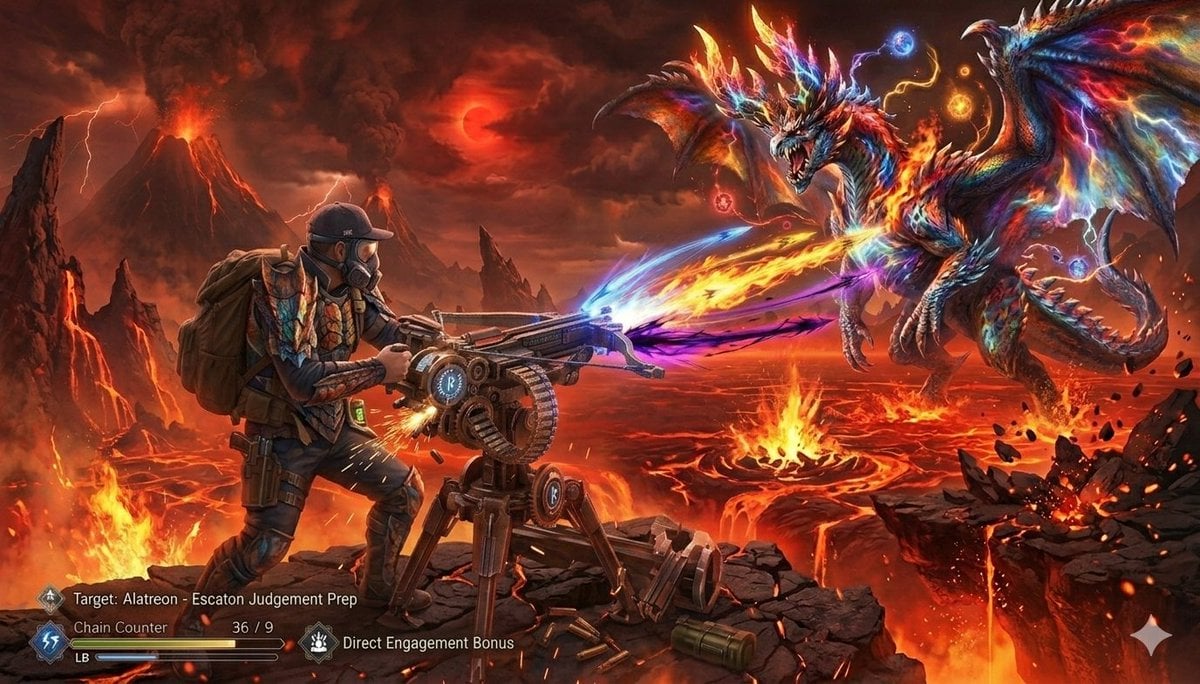
Monster Hunter Alatreon Battle Scene
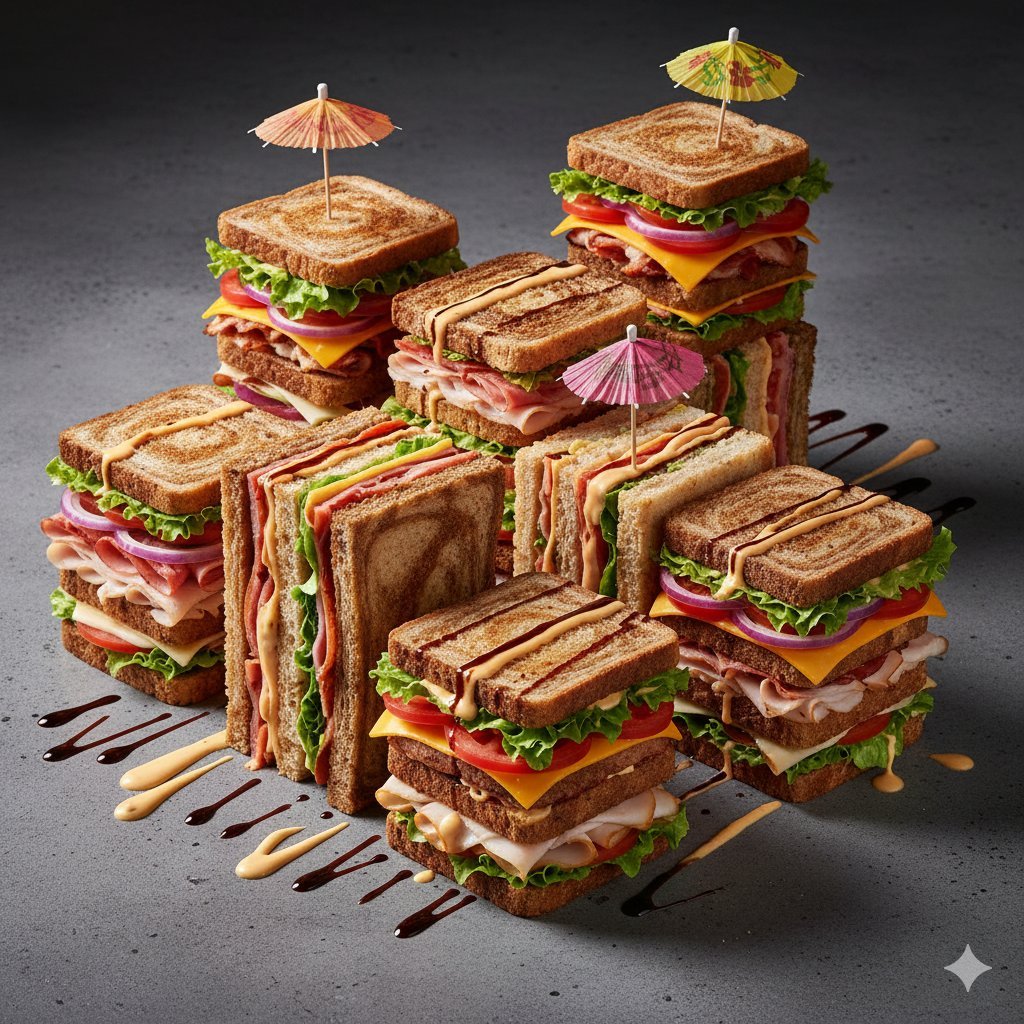
Modernist Fruit Architecture Macro Shot
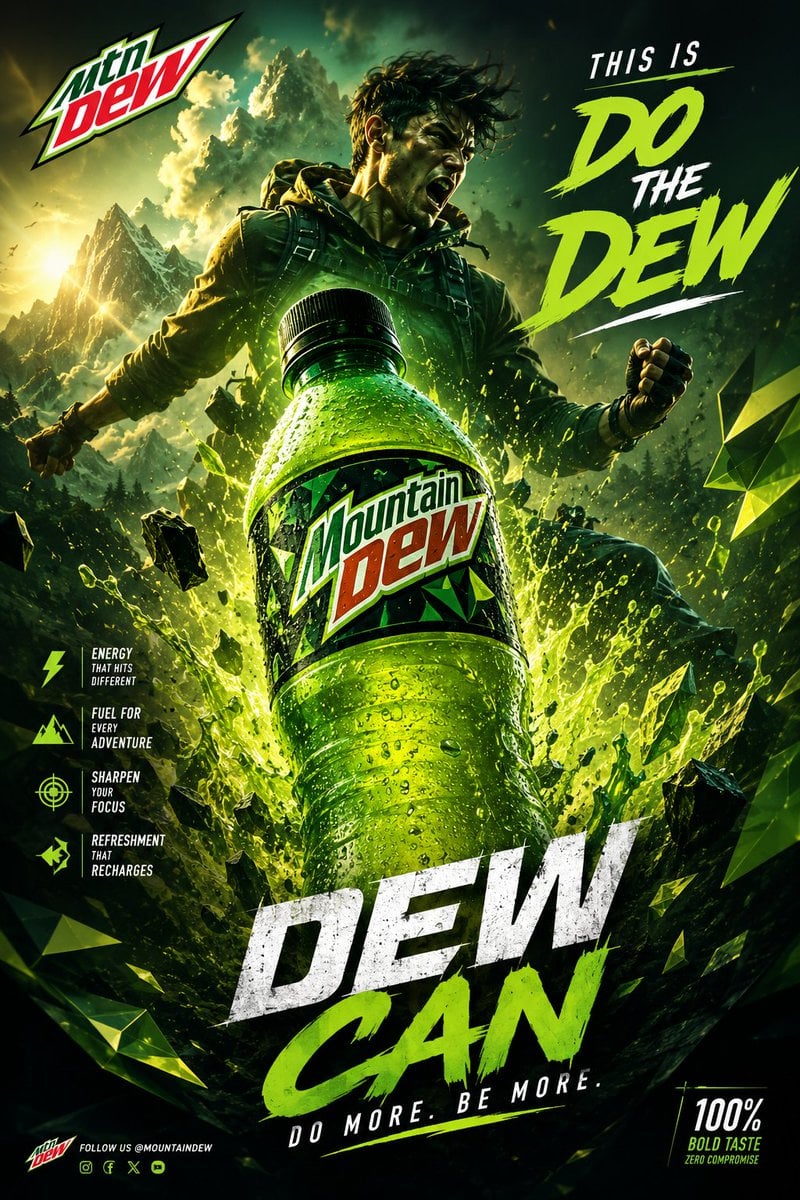
Luxury Drink Advertisement Poster
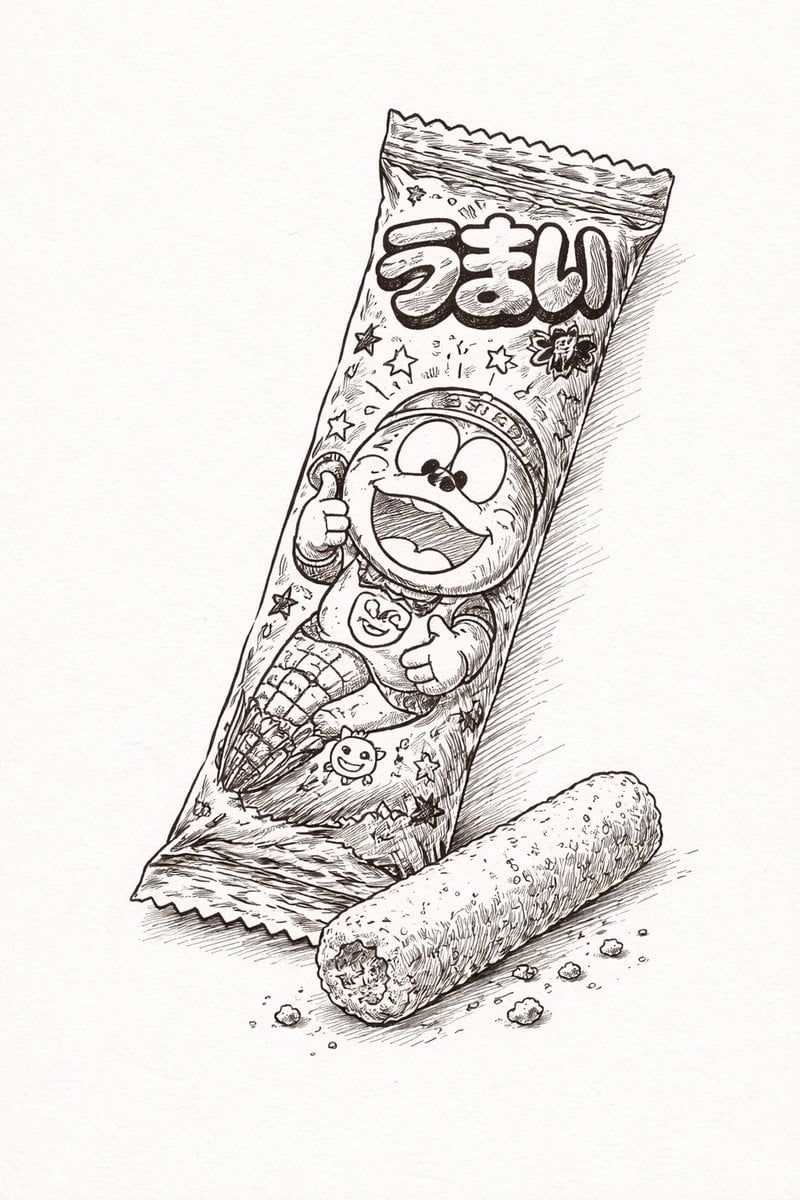
Ballpoint Pen Drawing of Umaibo Comparison
Dual Gym Mirror Selfie with Identity Lock Prompt
Cyberpunk Character Redesign
Browse template categories
Golden Wuxia Palace Poster questions
How do I use the Golden Wuxia Palace Poster template?
Add your photo if the template asks for one, edit the prompt if you like — the template's model and format are already selected — and press Generate. Your version opens in PicX Studio.
Can I customize the Golden Wuxia Palace Poster template?
Yes. You can change the subject, setting, lighting, mood, format, and available model controls before creating your image.
Is the Golden Wuxia Palace Poster template free?
Opening and editing this template is free. Generating uses credits, shown on the Generate button when you are signed in.
Which AI model should I use?
Start with GPT Image 2, which is the model associated with this template. You can compare another compatible model for a different finish.
Looking for something else? Browse all templates.

Your photo, any look
Thousands of ready templates for every top image and video model, from one credit balance.