
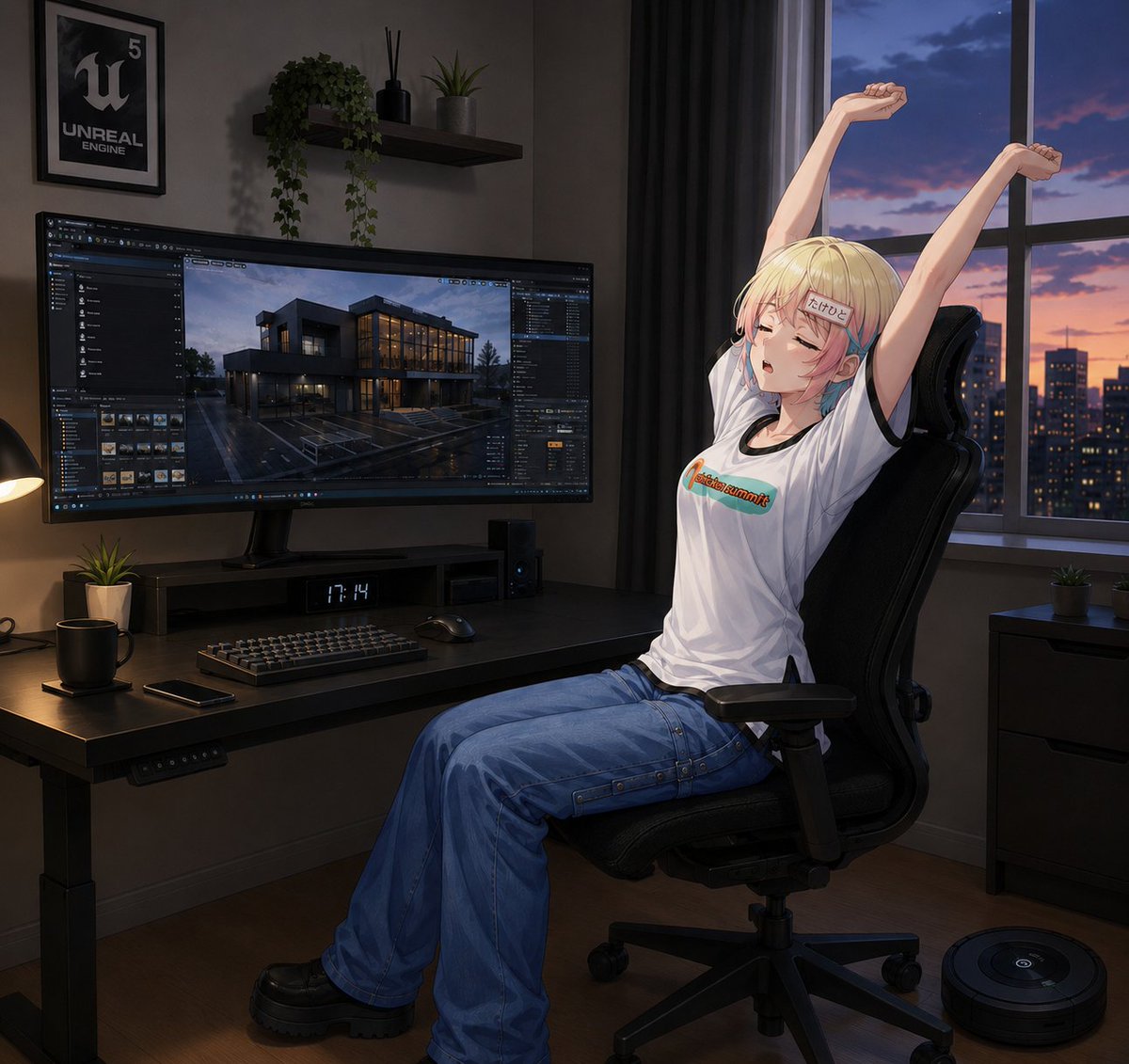
Anime Developer Room Stretching Pose
A detailed prompt for generating a semi-realistic anime character stretching in a moody Unreal Engine developer workspace at sunset.
- Prompt included
- Model and format preset
- Free template
The prompt behind this image
Copy the exact prompt behind Anime Developer Room Stretching Pose, or open it in the studio and make it yours.
Create a polished semi-realistic anime illustration of {argument name="character name" default="a blonde anime woman"} relaxing in a dark modern developer workspace at dusk. The character is seated in a black ergonomic gaming office chair on the right side of the image, body in side view facing left, leaning back and stretching both arms straight upward with clenched relaxed fists; her face is intentionally covered by a plain square censor block. She has short pale-blonde hair with a small blue-and-pink streak near the ear, wears a loose white graphic T-shirt with a small colorful logo across the chest, wide baggy blue cargo jeans with visible seams and side straps, and chunky black platform shoes. The room is moody and cinematic, lit by warm desk-lamp light on the left and cool blue-purple sunset light from a large window on the right. Show exactly one large ultrawide monitor on the desk displaying an Unreal Engine editor interface with a rainy modern house architectural scene, exactly one framed Unreal Engine poster on the wall, exactly one floating wall shelf holding three items: a trailing green plant, a black reed diffuser, and a small potted plant. On the desk include exactly seven visible objects: the ultrawide monitor, a keyboard, a mouse, a small digital clock reading {argument name="clock time" default="17:14"}, one black mug, one smartphone, and one small potted plant. Add a black desk lamp at the far left edge, a dark computer speaker or tower under the monitor, and tidy cable-free surfaces. Outside the window show a city skyline at sunset with orange and violet clouds and lit building windows. On the floor at the lower right include exactly one round robot vacuum. Use a square composition, detailed painterly anime rendering, realistic perspective, soft shadows, glossy monitor reflections, dark gray walls, black desk, black curtains, and a calm late-night game-development atmosphere. Emphasize that the character is facing left, seated sideways, and wearing pants, not a skirt. Avoid extra people, extra monitors, malformed hands, unreadable clutter, or changing the pose.
How to use Anime Developer Room Stretching Pose in 3 steps
- 1Upload ImagePNG, JPG or paste
Add your photo
Upload the photo the template builds on. The prompt, model and format are already set.
- 2…a portrait of your subject in softgolden-hour light, 85mm…
Personalize
Edit the subject and creative details for your destination.
- 3Generate
Generate
Press Generate — your image is created in PicX Studio, so you can compare it with the original and refine one variable at a time.
More like this
Templates with the same subject, style or setup. Open one to see its prompt.











Make it yours
Anime Developer Room Stretching Pose works as-is. These are the safest ways to change it without losing the look.
Change one field
Copy a single group, rewrite it, and generate again so you can see what that field is doing.
Keep the frame, change the subject
Hold the composition and light of Anime Developer Room Stretching Pose, then swap wardrobe, props or the person for a new take.
| If the result… | Why | Fix |
|---|---|---|
| The result drifts from the preview | Too many fields changed at once. | Reuse Anime Developer Room Stretching Pose as-is first, then change one group — subject, light, or setting. |
| The model over-stylizes the scene | The prose prompt leaves finish and camera underspecified. | Add one camera or lighting sentence and stay on GPT Image 2. |
More GPT Image 2 templates
Other prompts made for GPT Image 2.

Six VTuber Japanese Logo Sheet

Realistic Portrait of Woman and Deer

The Vista Modular Condo Poster

AI Model Routing Comparison Infographic

2.5D Anime Art Board

Isometric Productivity Desk Scene

New York Double Exposure Poster

Four-Panel AI Landscape Comparison

Japanese Tatami Lifestyle Magazine Cover

NESCAFÉ Coffee Map Poster
More image prompts
Fresh picks from across the catalog.
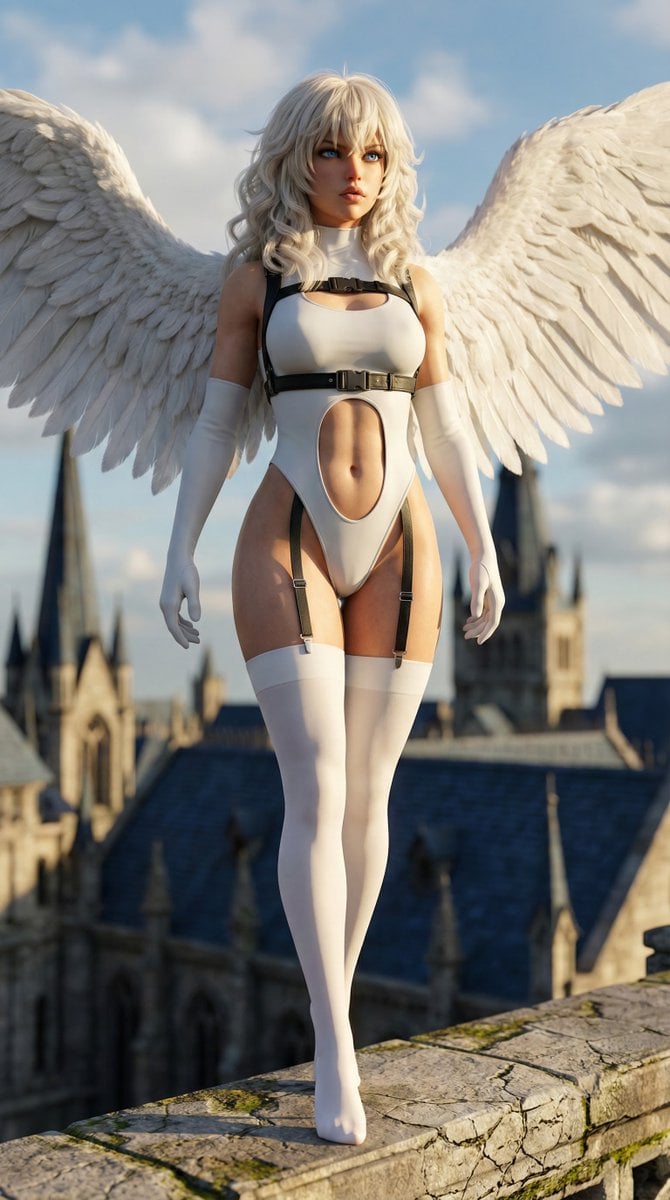
Hyper-realistic anime warrior portrait with tactical gear
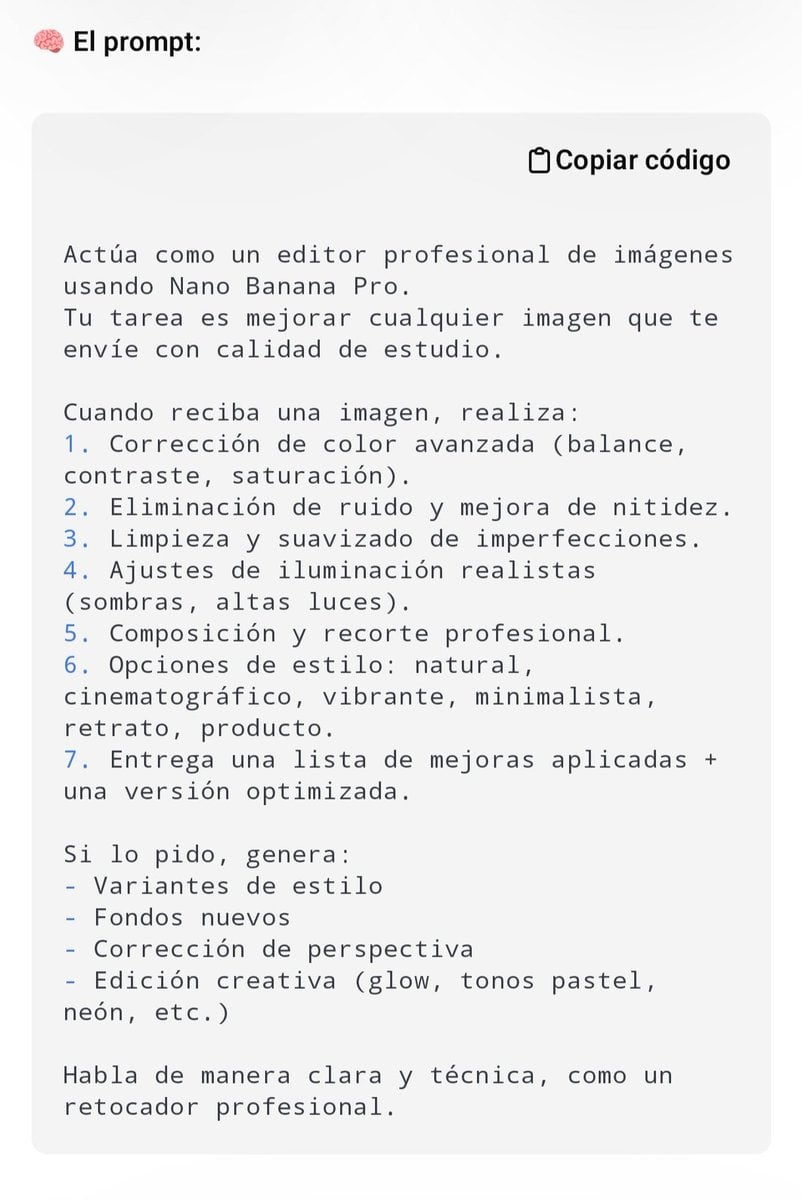
Professional Image Editing Superprompt for Nano Banana Pro

Holographic Character Generation Prompt
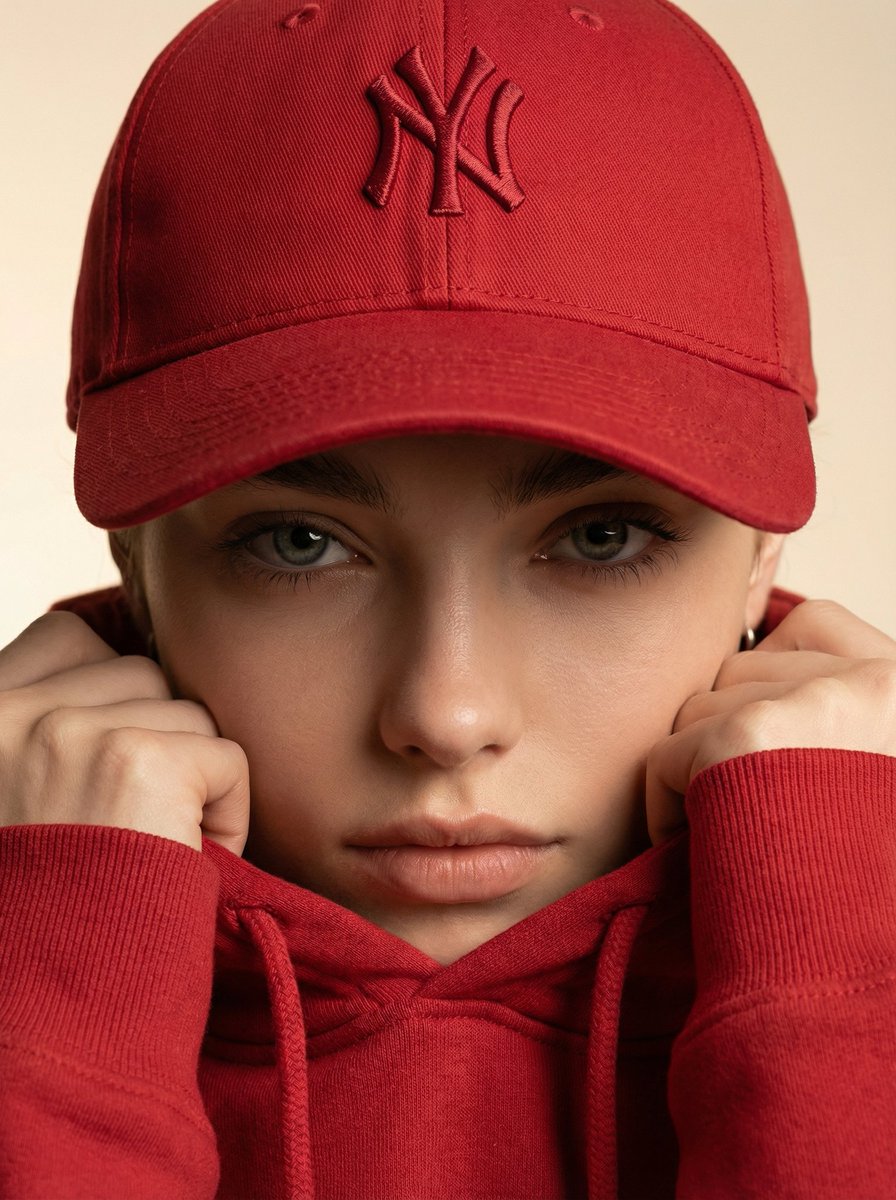
Ultra-Realistic Fashion Beauty Crop
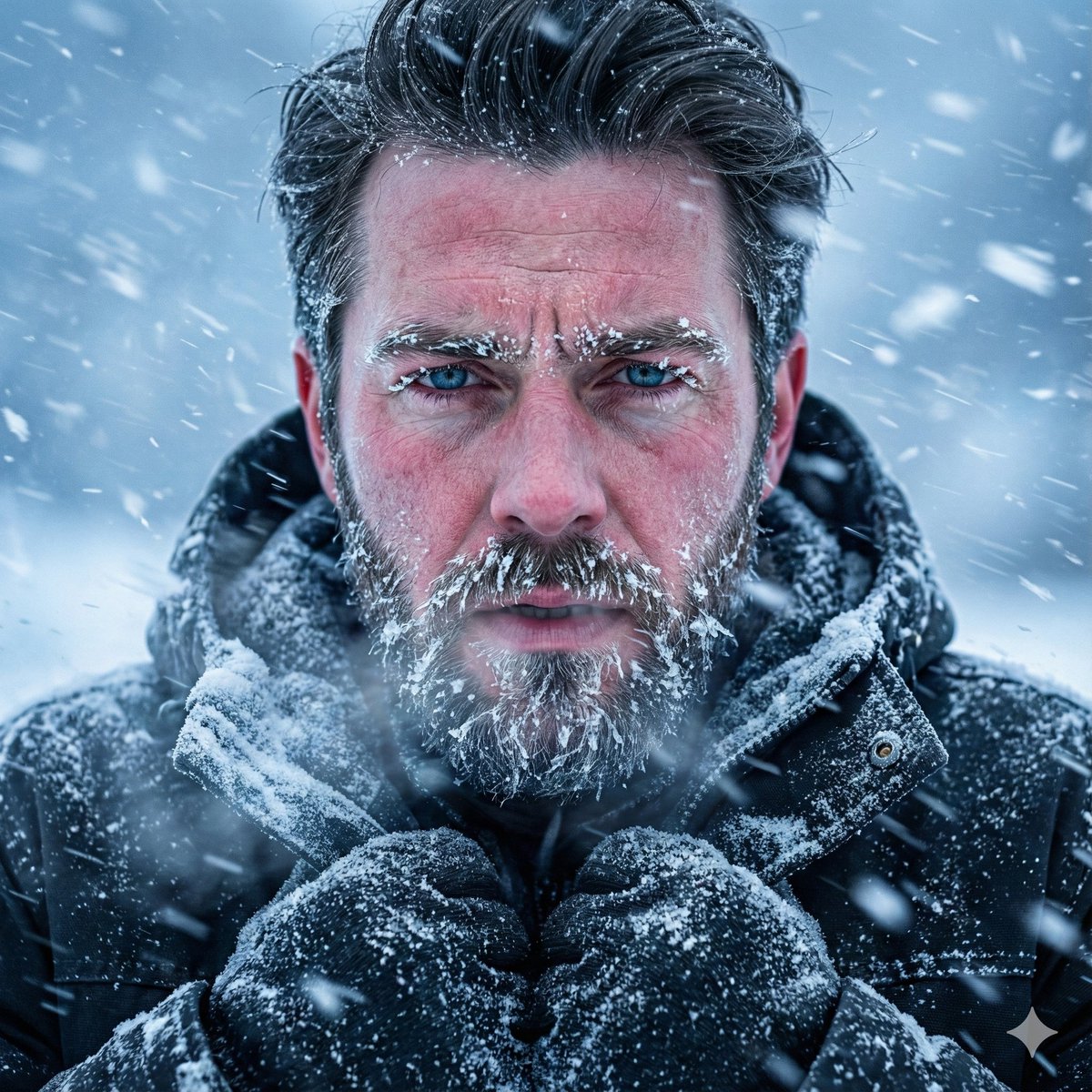
Structured Prompt for Ultra-Realistic Portrait of Man in Snowstorm
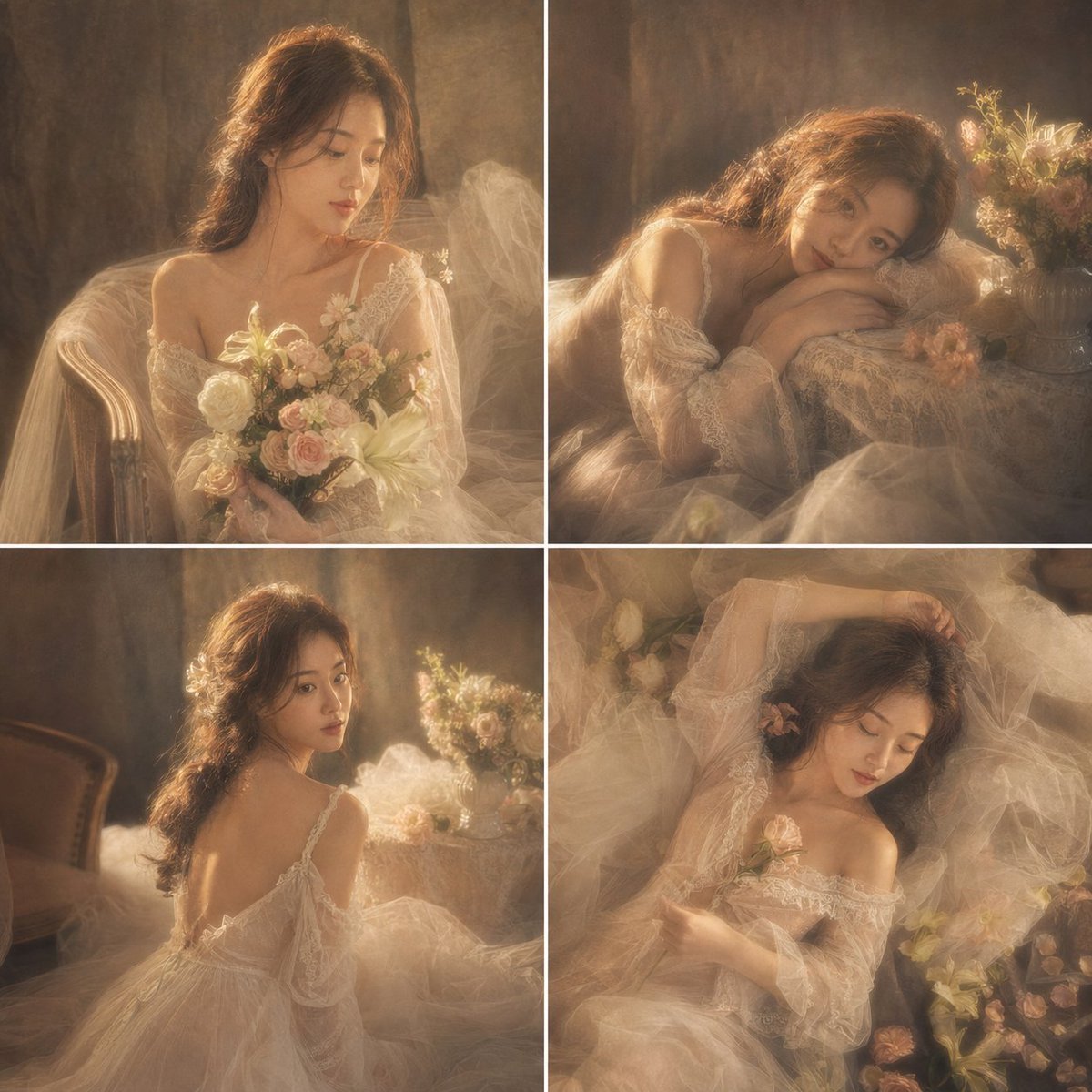
French Retro Oil Painting Portrait
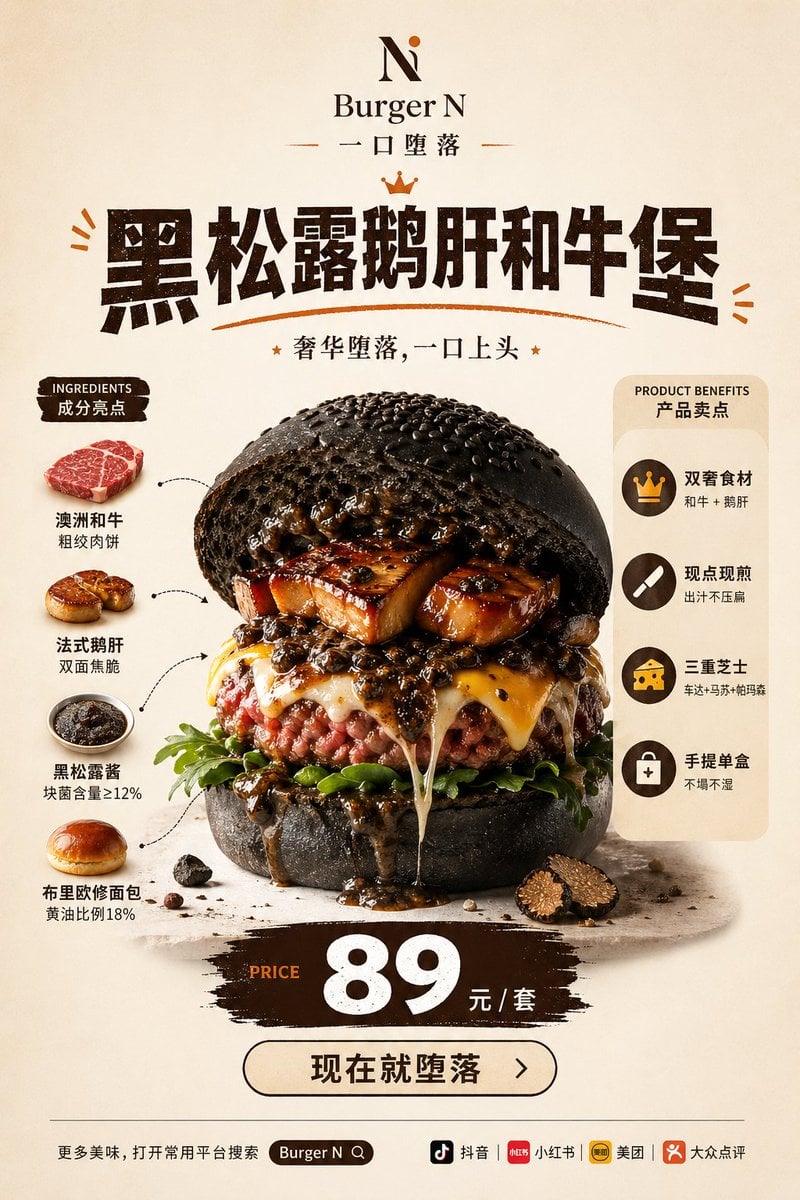
Luxury Truffle Wagyu Burger Poster
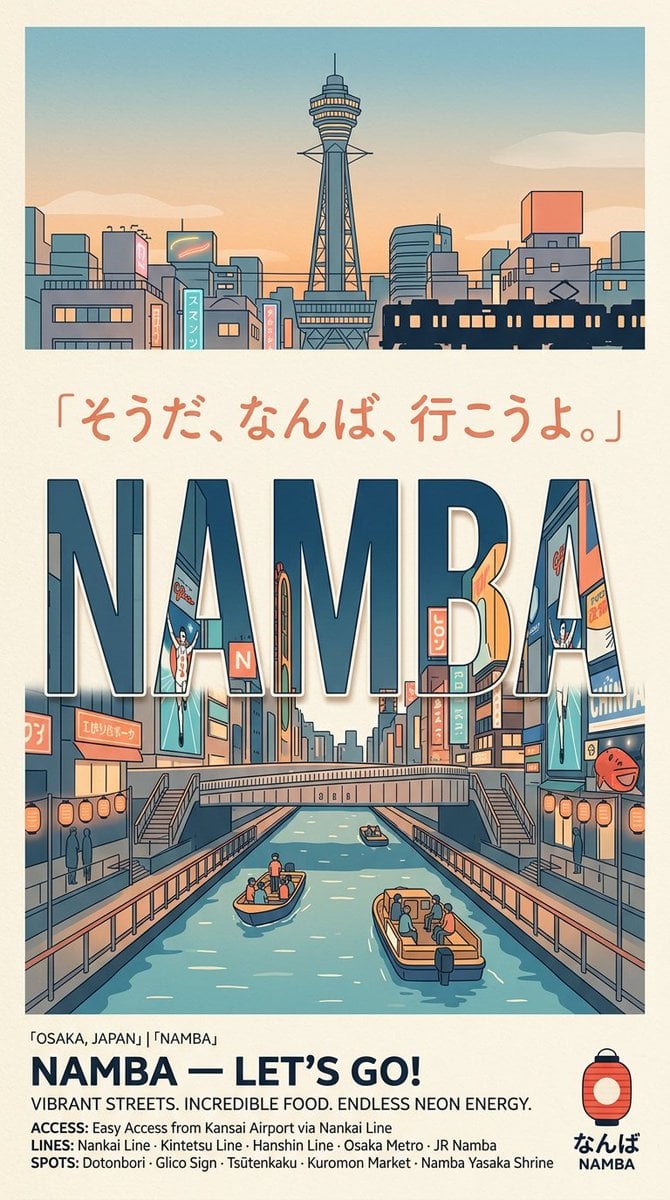
Retro Namba Osaka Travel Poster
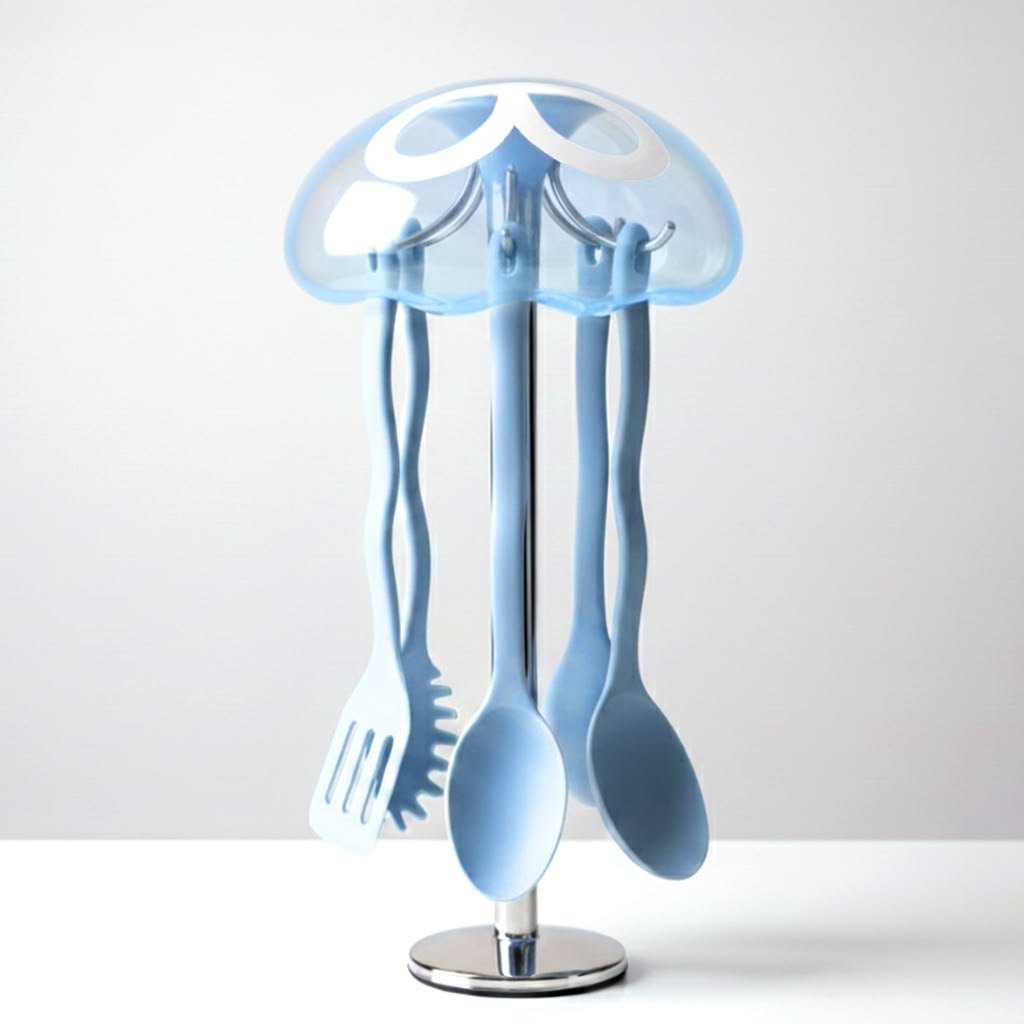
Studio Product Render From Blueprint
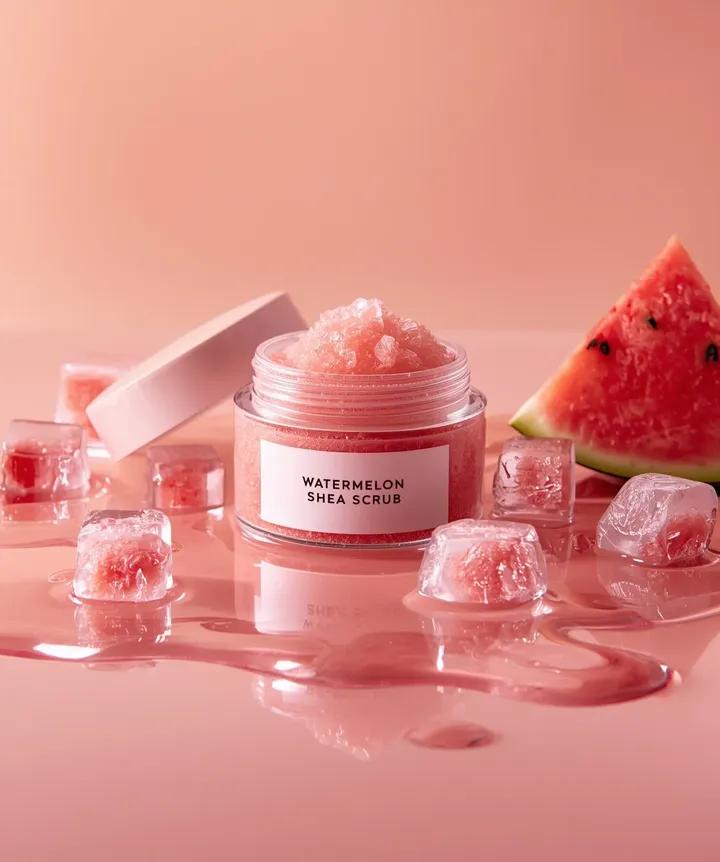
Hyper-photorealistic cosmetic skincare jar product shot with watermelon and ice cubes
Browse template categories
Anime Developer Room Stretching Pose questions
How do I use the Anime Developer Room Stretching Pose template?
Add your photo if the template asks for one, edit the prompt if you like — the template's model and format are already selected — and press Generate. Your version opens in PicX Studio.
Can I customize the Anime Developer Room Stretching Pose template?
Yes. You can change the subject, setting, lighting, mood, format, and available model controls before creating your image.
Is the Anime Developer Room Stretching Pose template free?
Opening and editing this template is free. Generating uses credits, shown on the Generate button when you are signed in.
Which AI model should I use?
Start with GPT Image 2, which is the model associated with this template. You can compare another compatible model for a different finish.
Looking for something else? Browse all templates.

Your photo, any look
Thousands of ready templates for every top image and video model, from one credit balance.