
Chinese Drama First Meeting Scene
A cinematic vertical period-drama scene of a noble male lead helping a ragged heroine in an ancient village, useful for recreating romantic Chinese drama thumbnails or concept art.
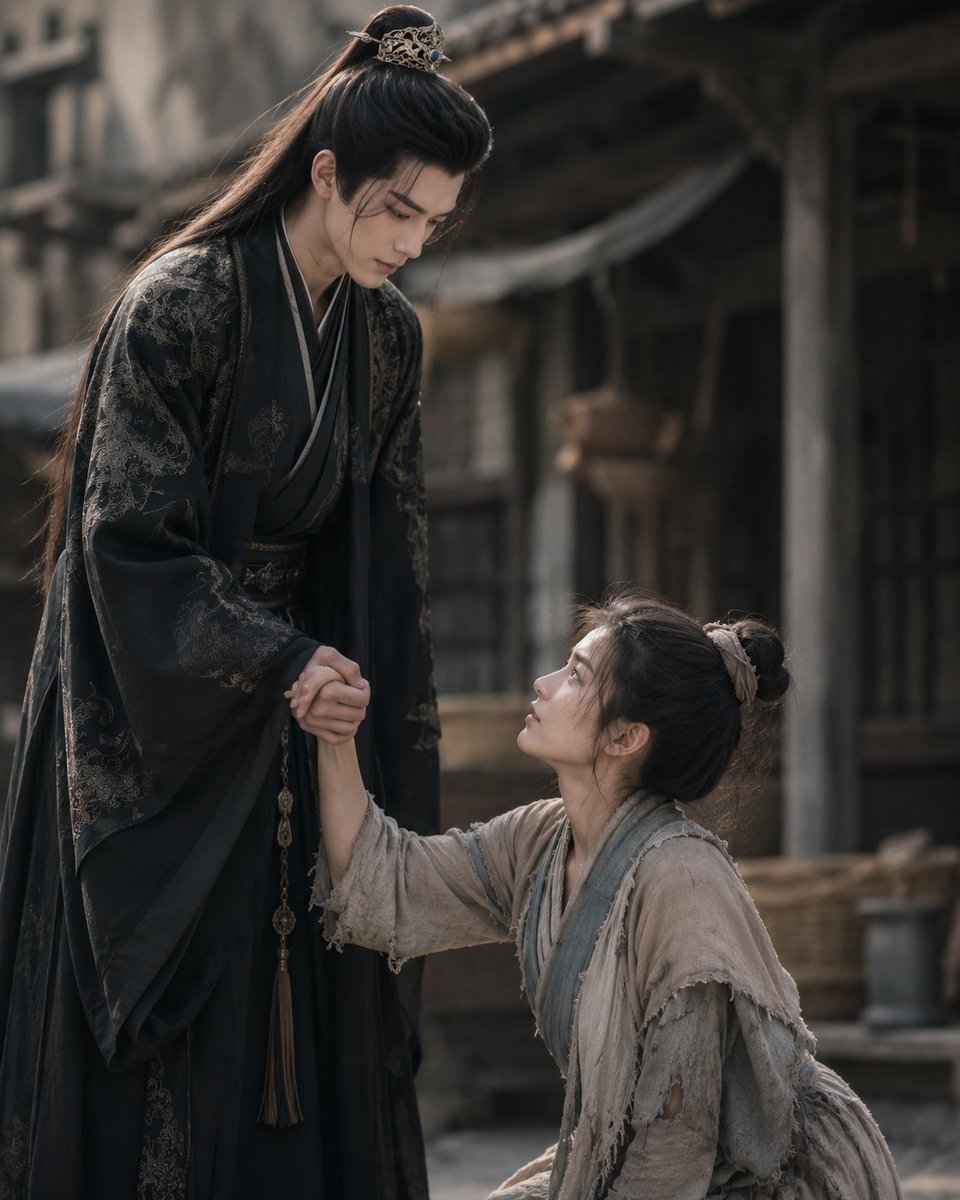
- Prompt included
- Model and format preset
- Free template
The prompt behind this image
Copy the exact prompt behind Chinese Drama First Meeting Scene, or open it in the studio and make it yours.
Create a cinematic still from a Chinese historical drama showing the first meeting between {argument name="male lead" default="a tall noble young man"} and {argument name="female lead" default="a poor young heroine"} in an old village street. The male lead stands on the left, tall and elegant, leaning down slightly while holding the heroine's hand to help her up; he wears a flowing black hanfu robe with subtle dark-gold embroidered patterns, layered collars, a belt with hanging tassel ornaments, and long black hair tied half-up with an ornate gold hair crown. The heroine kneels or sits lower on the right, looking up at him while reaching for his hand; she wears worn beige-gray rough cloth robes with frayed edges, layered blue-gray trim, patched sleeves, and messy black hair tied in a simple bun with a pale cloth ribbon. Include exactly two human figures, both with their faces obscured by soft rectangular brown blur blocks, while their body language remains emotional and dramatic. Set the scene in a weathered ancient Chinese town with wooden buildings, pillars, shadowed doorways, baskets, muted fabric awnings, and a dusty stone or dirt ground. Use {argument name="mood" default="melancholic romantic tension"}, shallow depth of field, natural soft daylight, muted earth tones, realistic costume texture, high-end period-drama cinematography, 4:5 vertical composition, the noble man occupying the left side and the heroine lower on the right, no text, no modern objects, no watermark.
How to use Chinese Drama First Meeting Scene in 3 steps
- 1Upload ImagePNG, JPG or paste
Add your photo
Upload the photo the template builds on. The prompt, model and format are already set.
- 2…a portrait of your subject in softgolden-hour light, 85mm…
Personalize
Edit the subject and creative details for your destination.
- 3Generate
Generate
Press Generate — your image is created in PicX Studio, so you can compare it with the original and refine one variable at a time.
More like this
Templates with the same subject, style or setup. Open one to see its prompt.
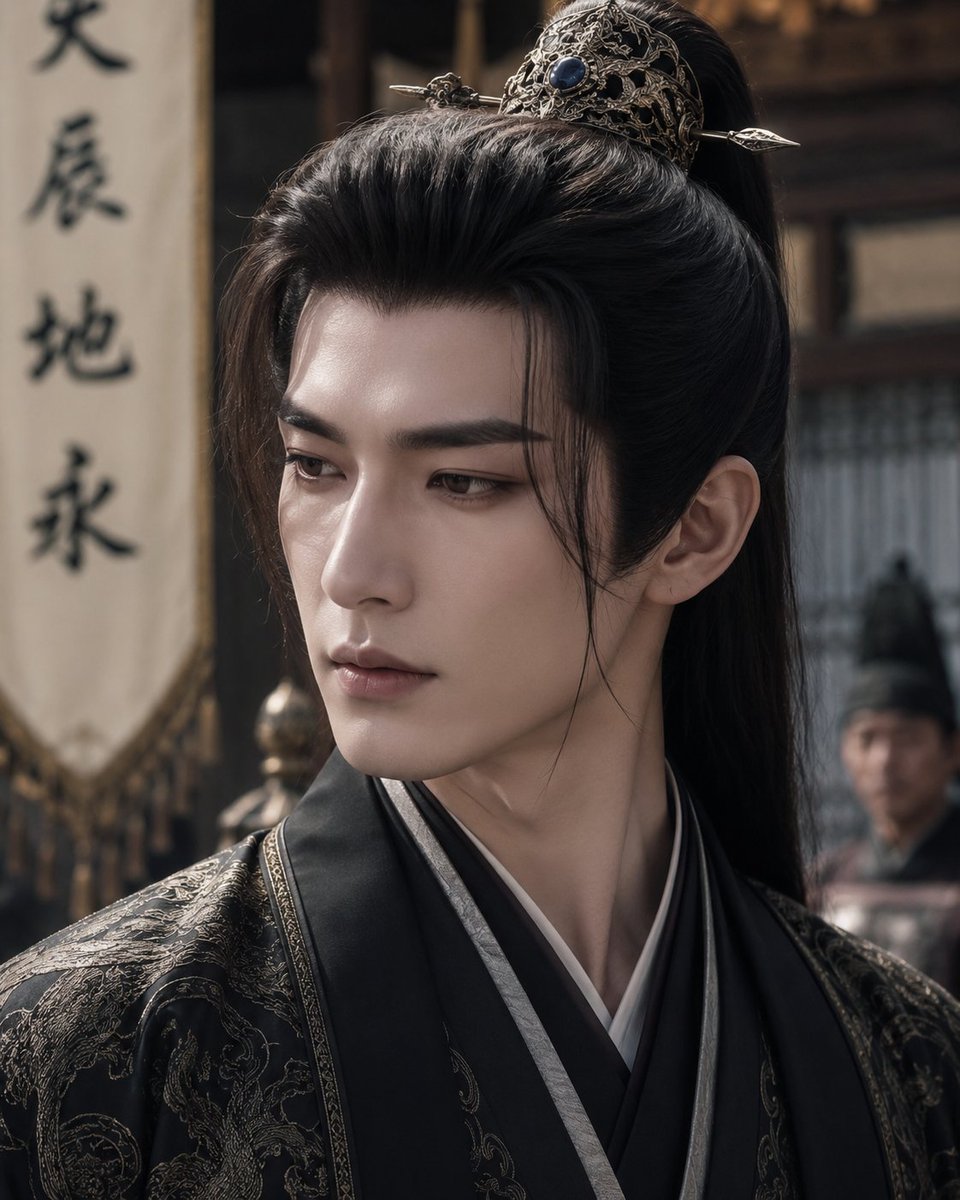
Censored Chinese Drama Male Lead
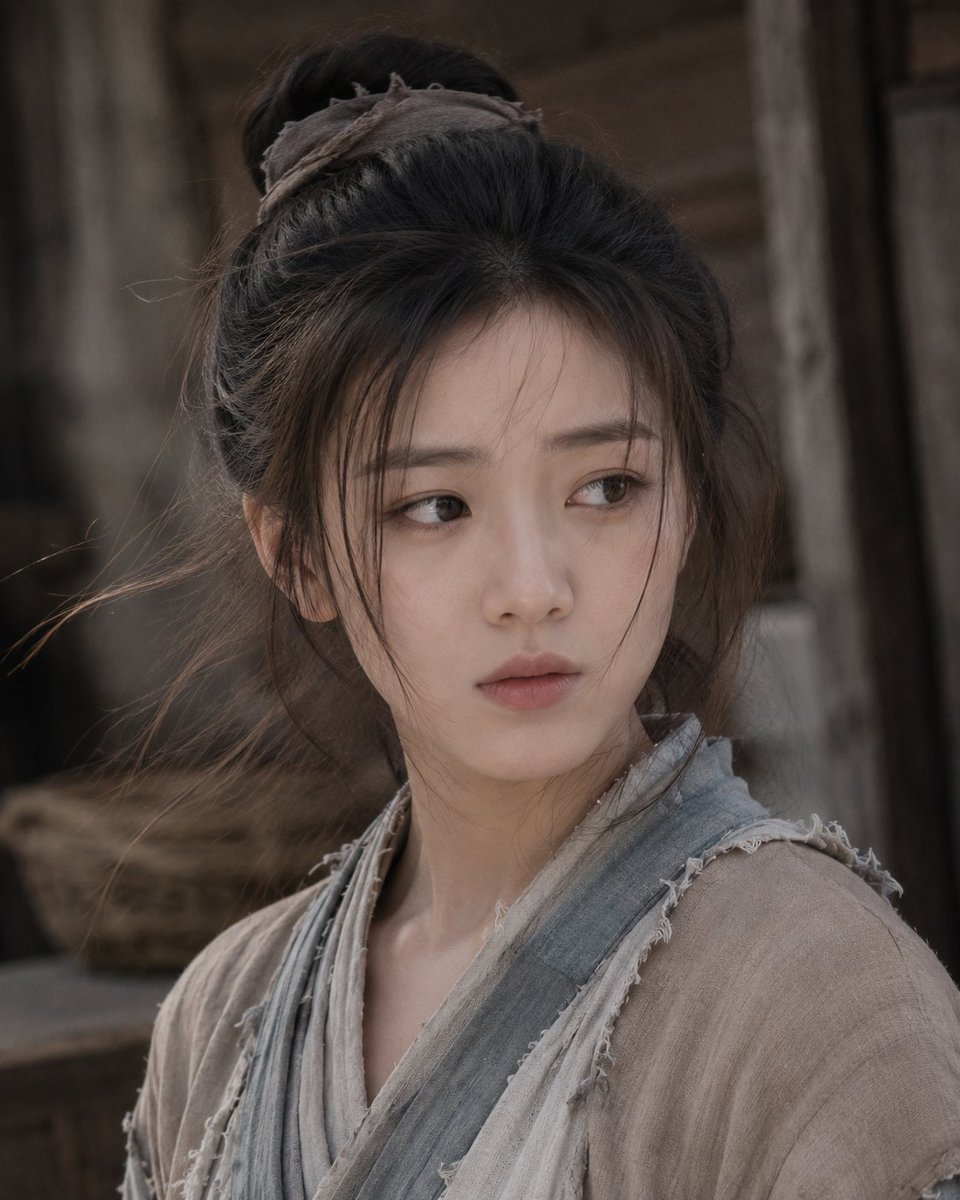
Chinese Drama Heroine
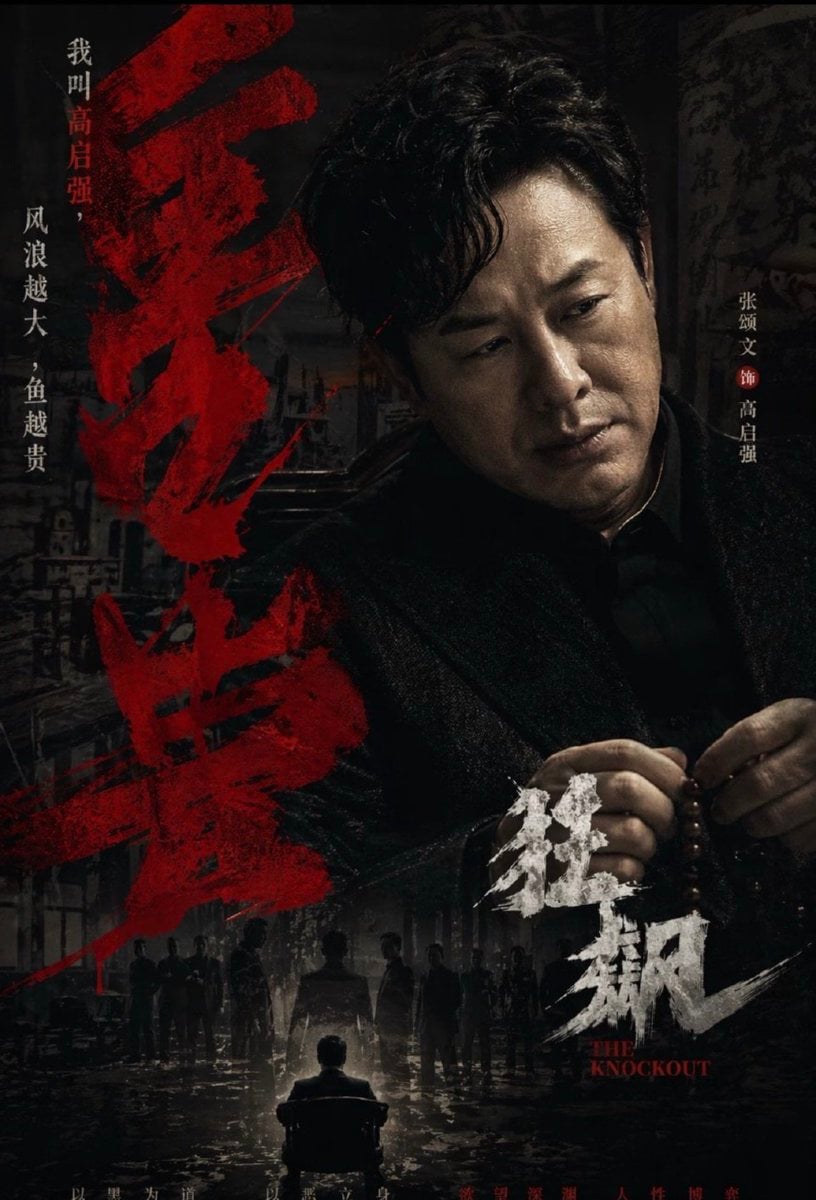
Dark Chinese Crime Drama Poster
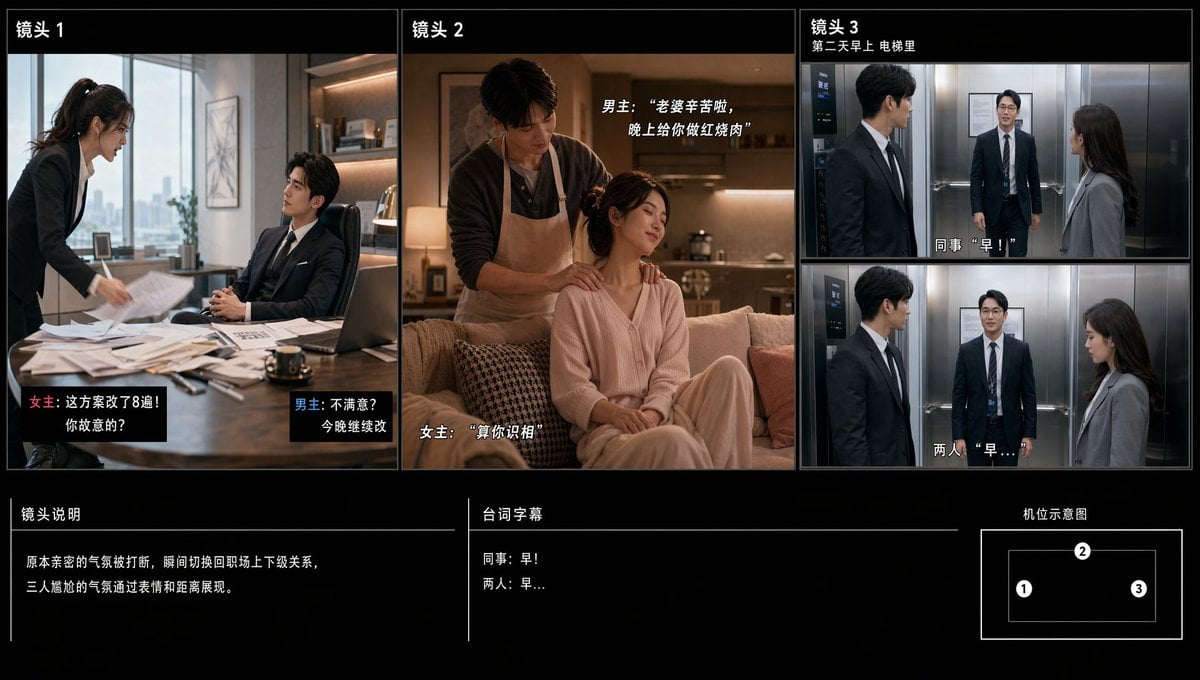
Chinese Drama Storyboard Sheet

敦煌纸雕飞天 — 3D Layered Paper Cutout

博物馆图鉴式汉服拆解图 — GPT-image-2
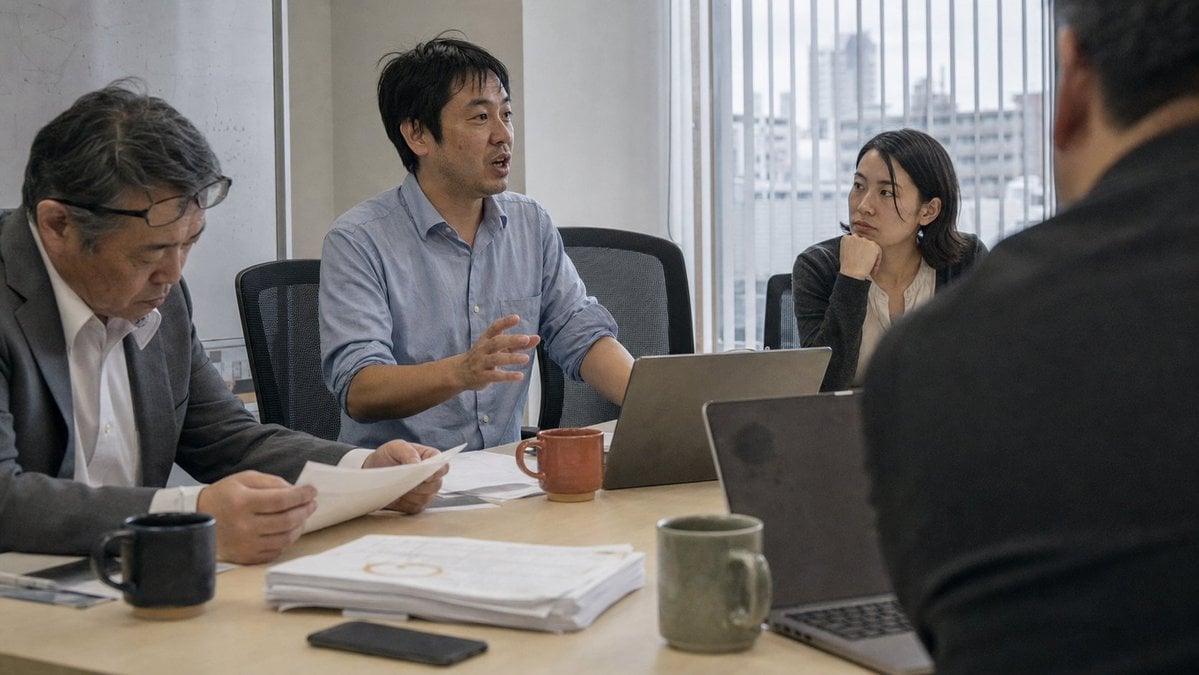
Realistic Japanese Office Meeting

Futuristic Boardroom Analytics Meeting
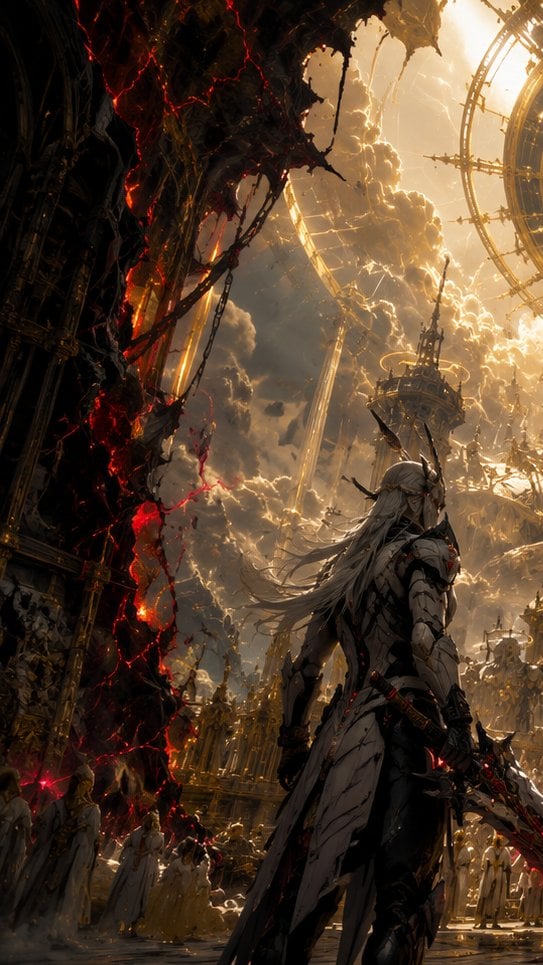
The First Gaze Narrative
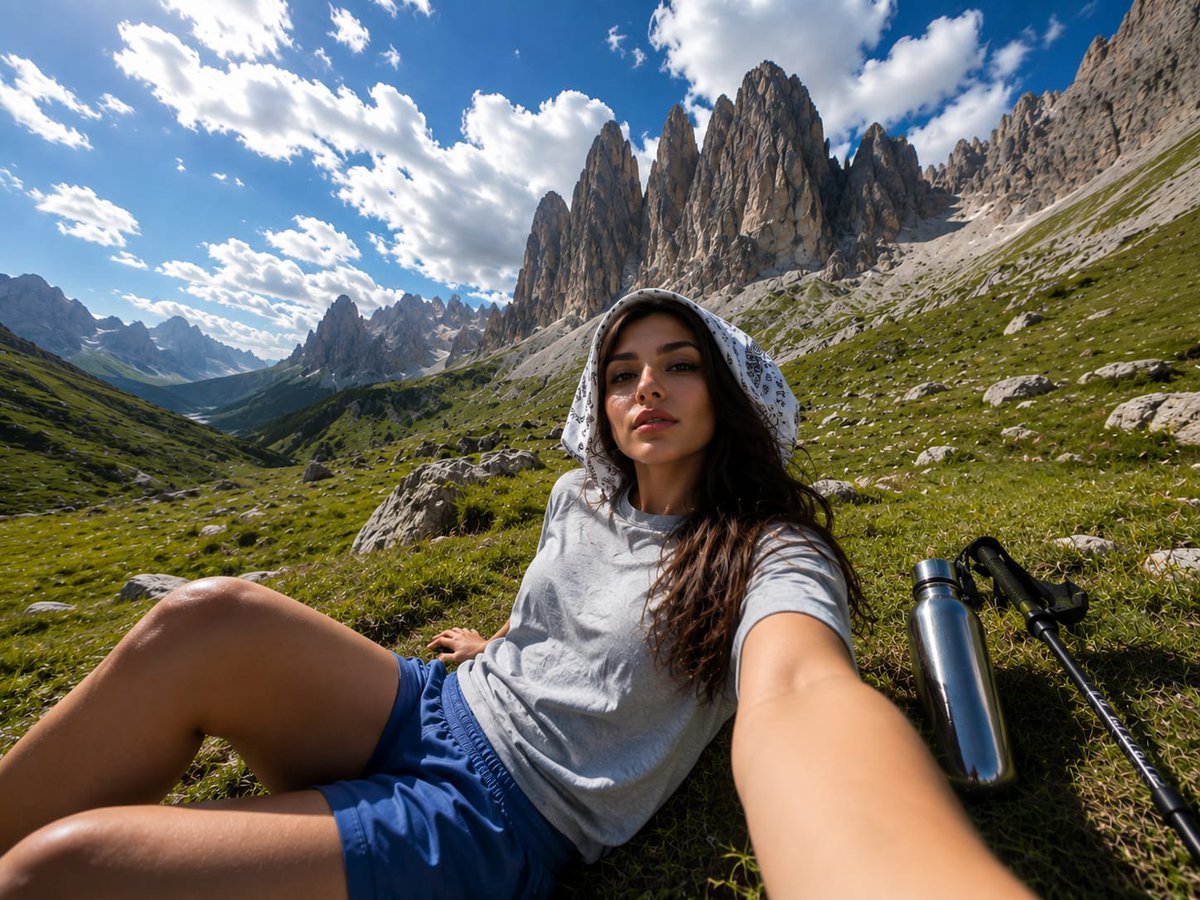
Alpine Valley First-Person POV Portrait
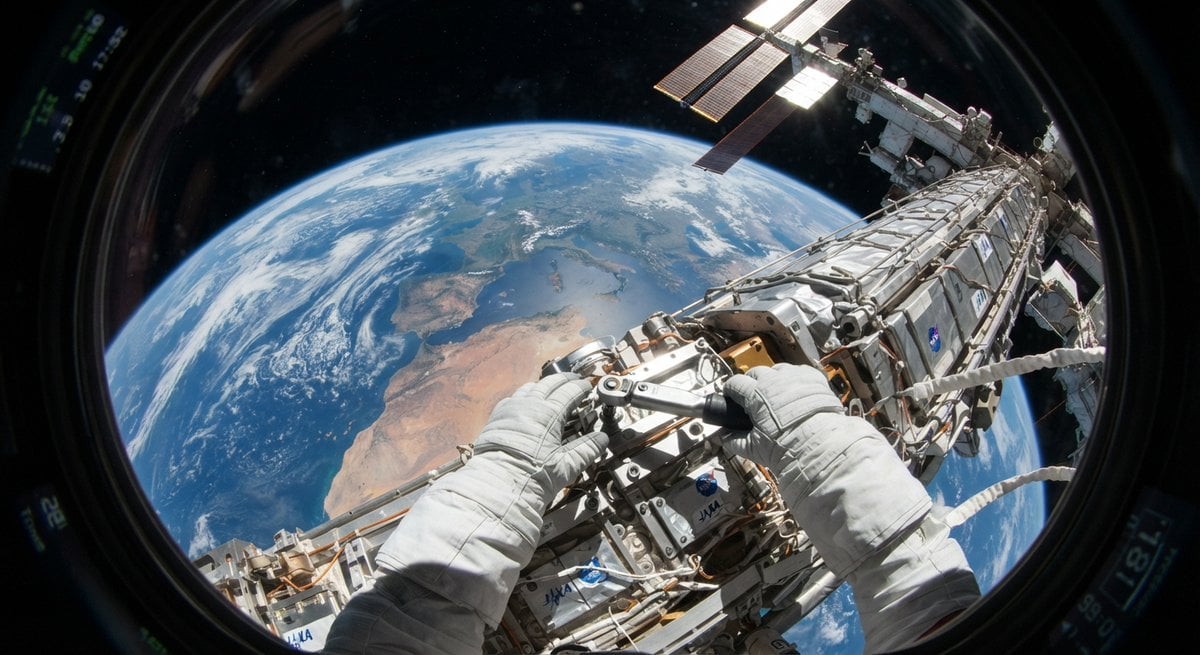
First Person POV Unusual Scenes
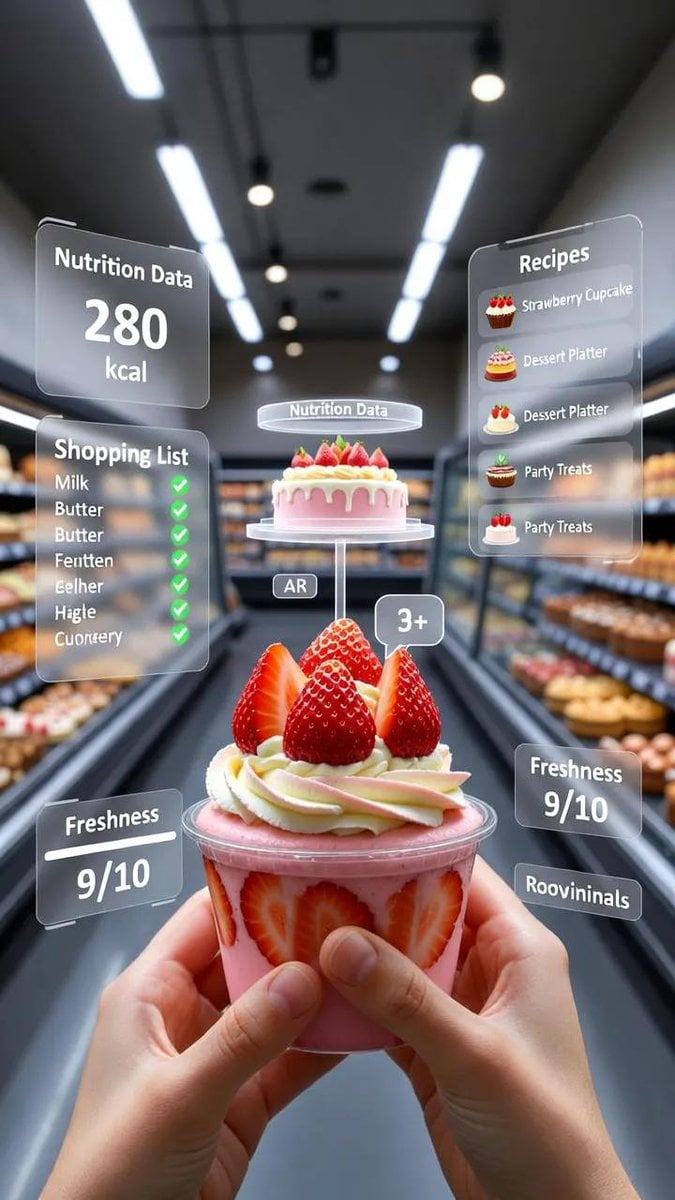
A first-person point-of-view POV shot inside a modern supermarket aisle
Make it yours
Chinese Drama First Meeting Scene works as-is. These are the safest ways to change it without losing the look.
Change one field
Copy a single group, rewrite it, and generate again so you can see what that field is doing.
Keep the frame, change the subject
Hold the composition and light of Chinese Drama First Meeting Scene, then swap wardrobe, props or the person for a new take.
| If the result… | Why | Fix |
|---|---|---|
| The result drifts from the preview | Too many fields changed at once. | Reuse Chinese Drama First Meeting Scene as-is first, then change one group — subject, light, or setting. |
| The model over-stylizes the scene | The prose prompt leaves finish and camera underspecified. | Add one camera or lighting sentence and stay on GPT Image 2. |
More GPT Image 2 templates
Other prompts made for GPT Image 2.

Six VTuber Japanese Logo Sheet

Realistic Portrait of Woman and Deer

The Vista Modular Condo Poster

AI Model Routing Comparison Infographic

2.5D Anime Art Board

Isometric Productivity Desk Scene

New York Double Exposure Poster

Four-Panel AI Landscape Comparison

Japanese Tatami Lifestyle Magazine Cover

NESCAFÉ Coffee Map Poster
More image prompts
Fresh picks from across the catalog.

Elegant Professional Portrait with Coffee and Roses Prompt
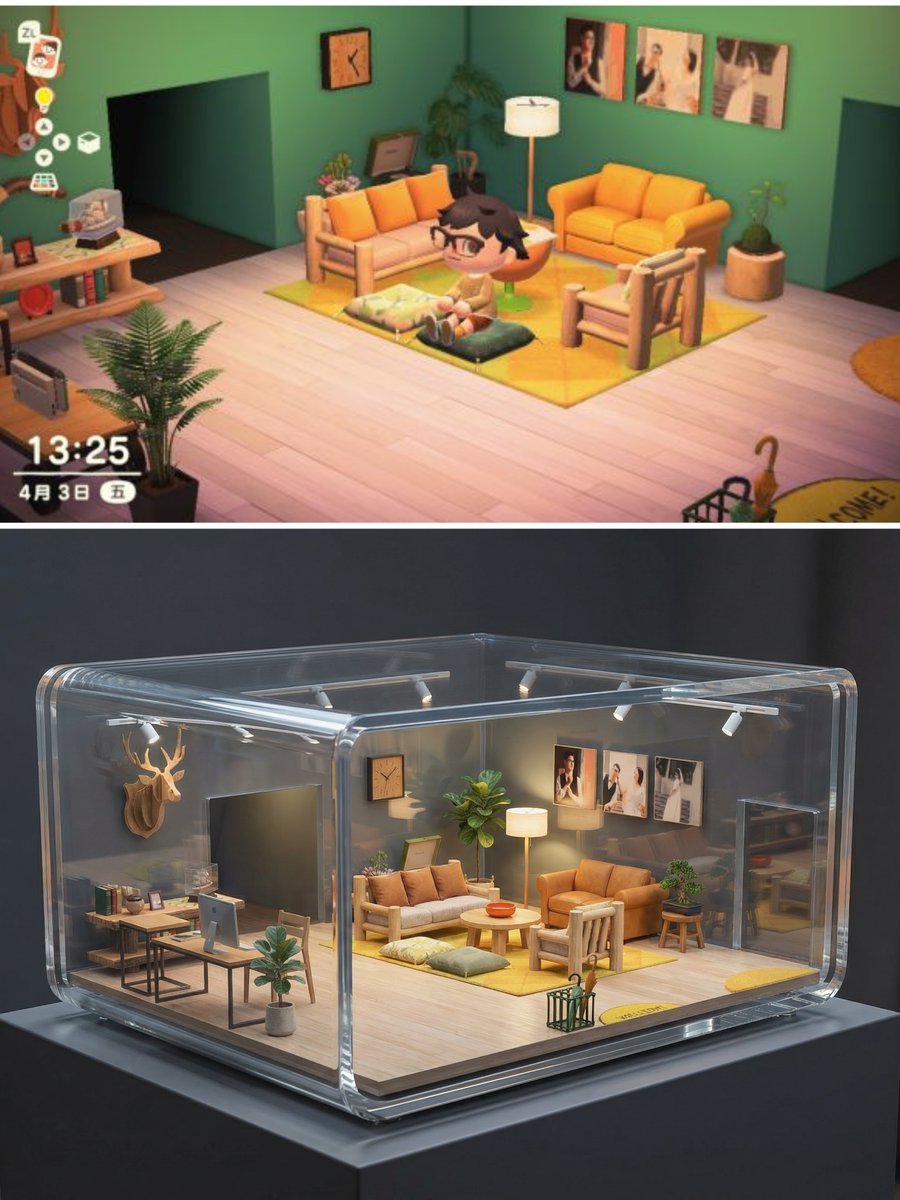
Realistic Interior to Transparent Miniature Diorama Prompt
Awkward Blurry Nightclub Rainbow Hair Shot
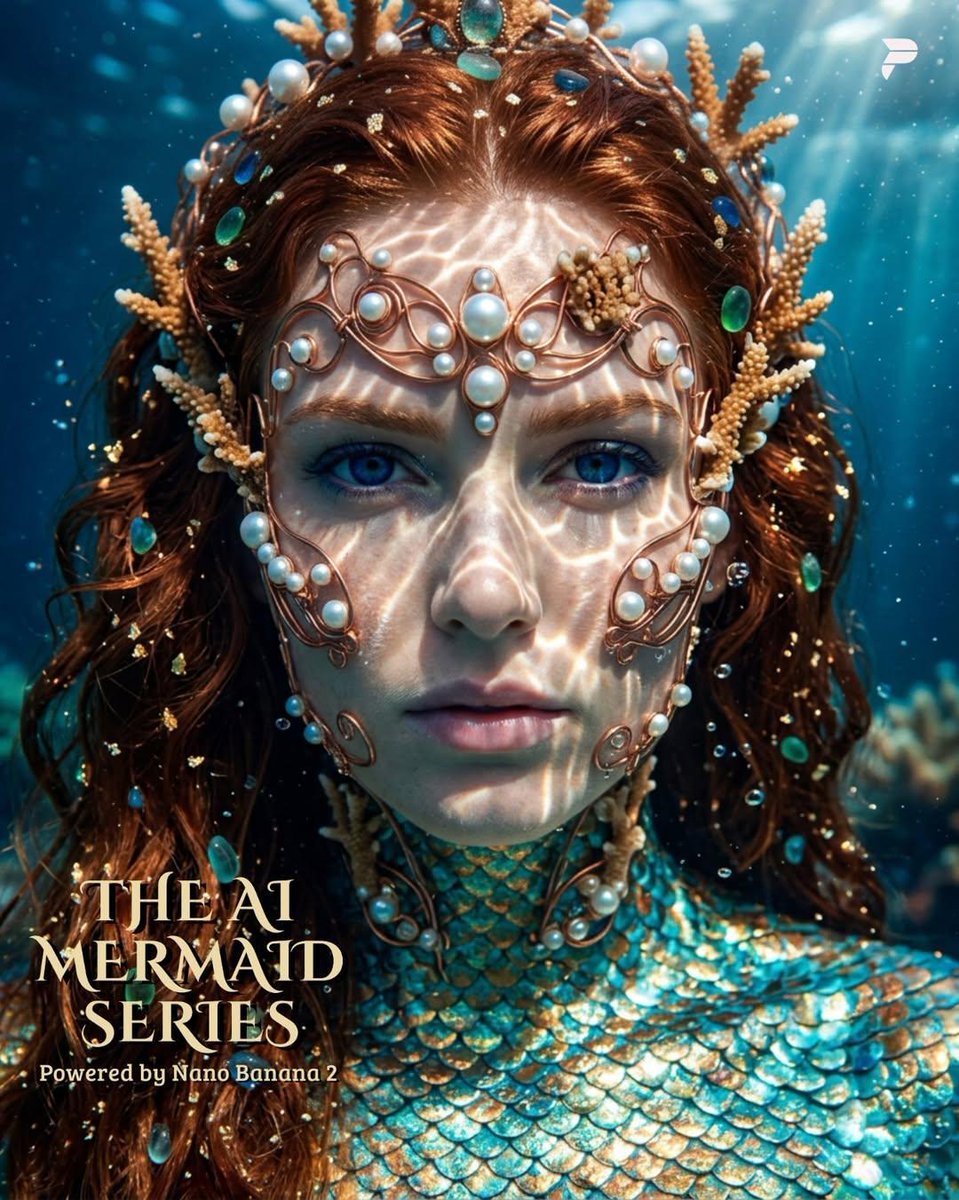
Hyper-Realistic Mermaid Sovereign Portrait
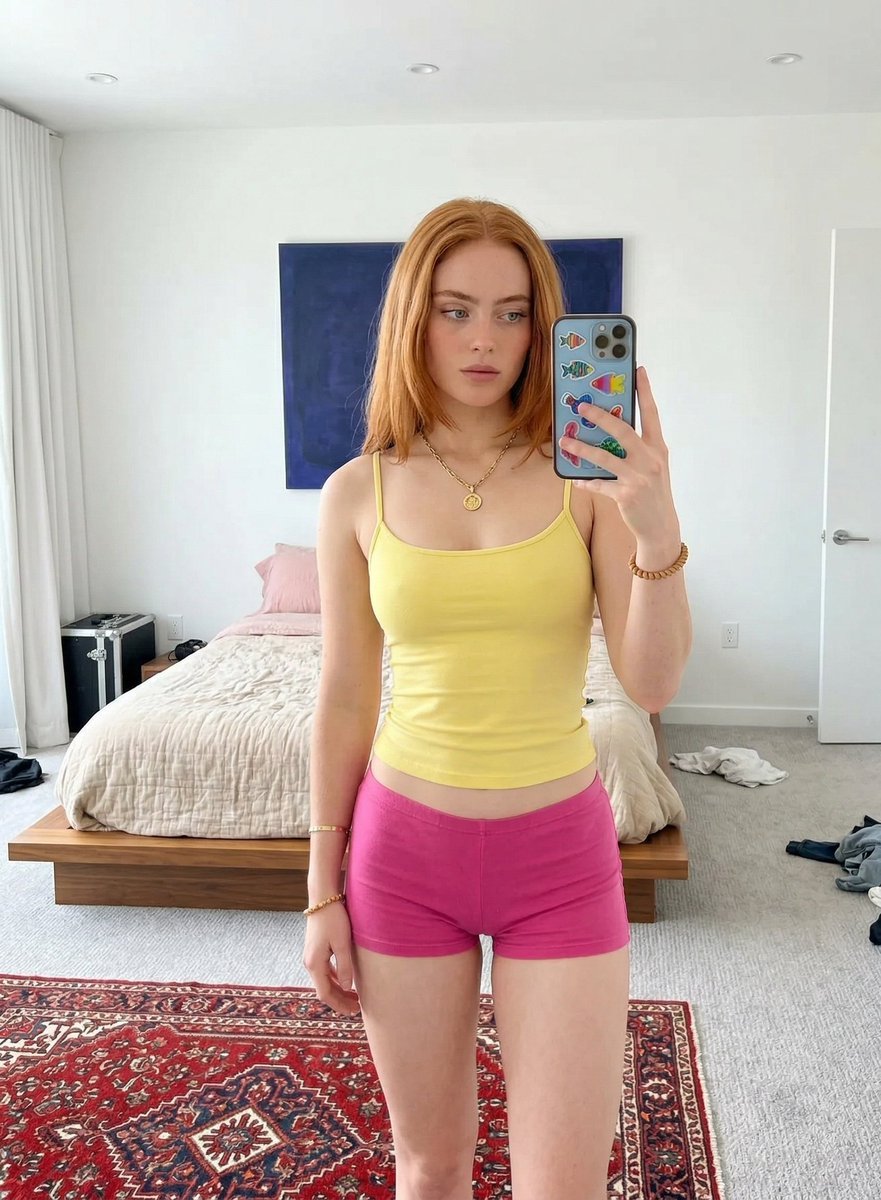
Mirror Selfie in Minimalist Bedroom with Vibrant Clothing
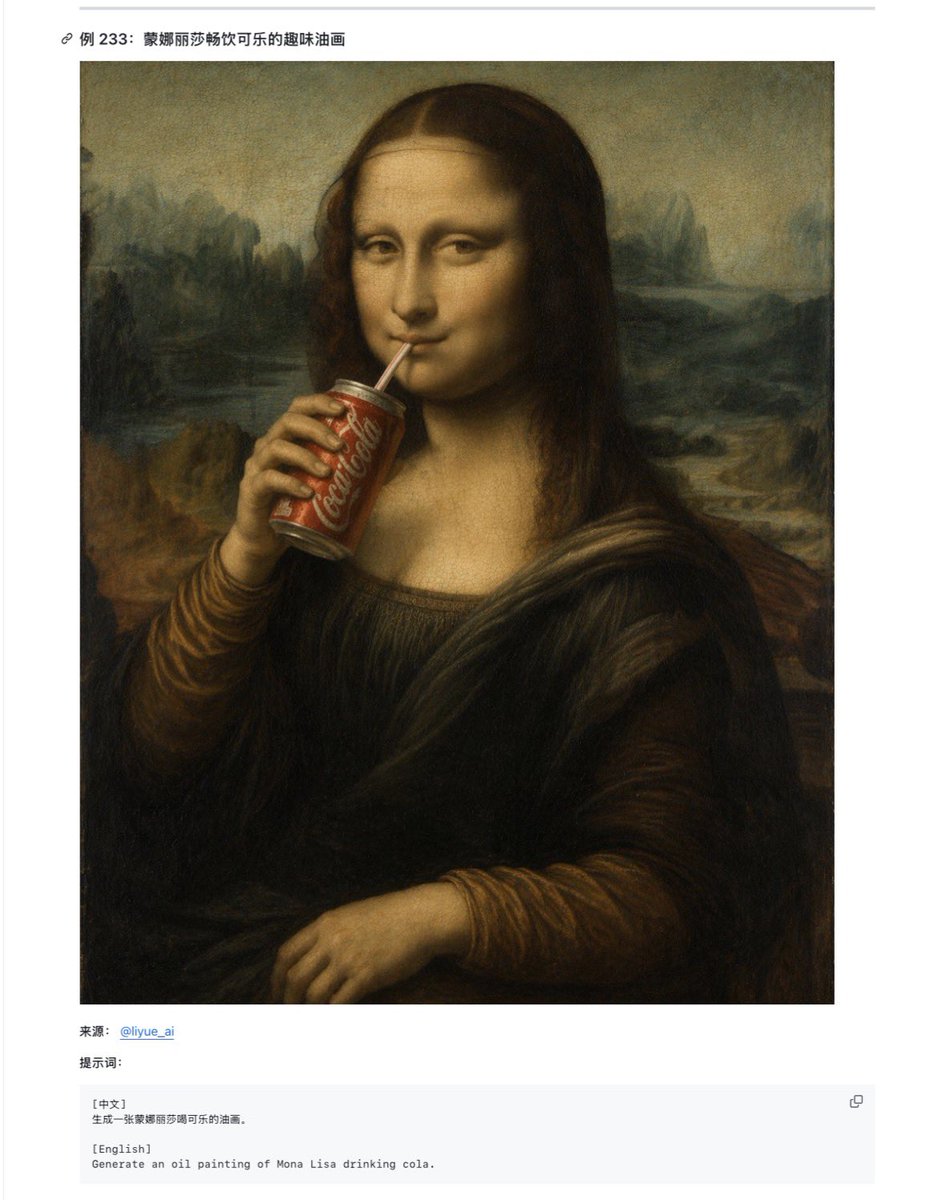
Mona Lisa Coca-Cola Web Example
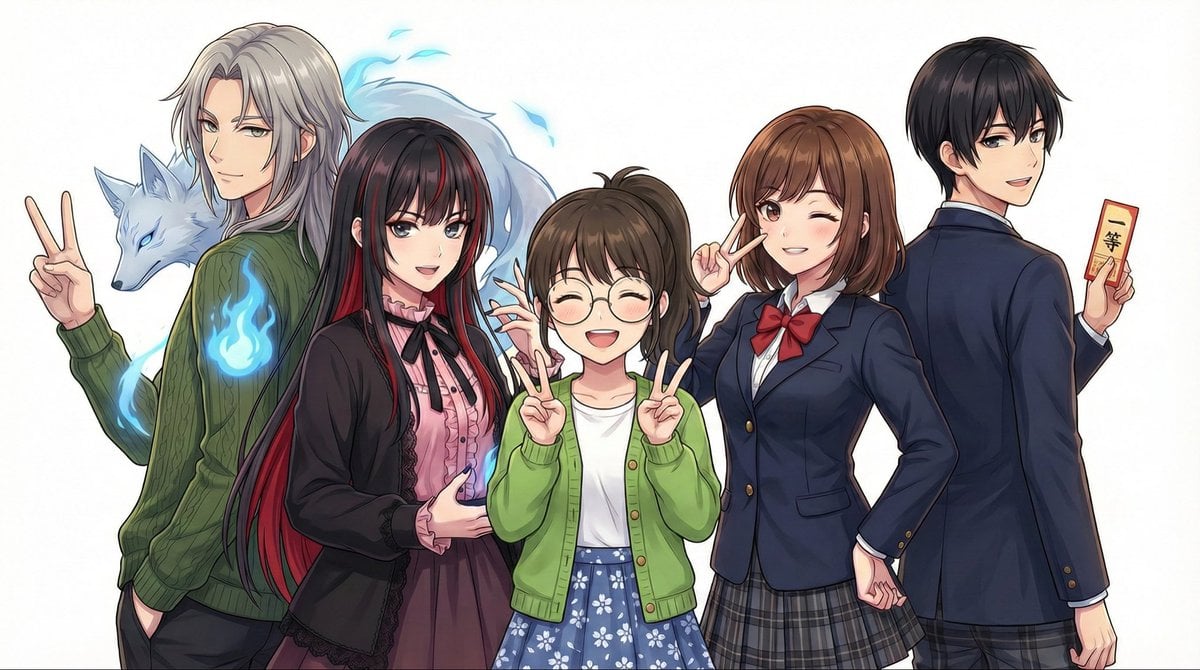
Complex Multi-Instruction Image Generation
Split Style Artistic Portrait
High-Fashion Editorial Portrait Prompt
untitled
Browse template categories
Chinese Drama First Meeting Scene questions
How do I use the Chinese Drama First Meeting Scene template?
Add your photo if the template asks for one, edit the prompt if you like — the template's model and format are already selected — and press Generate. Your version opens in PicX Studio.
Can I customize the Chinese Drama First Meeting Scene template?
Yes. You can change the subject, setting, lighting, mood, format, and available model controls before creating your image.
Is the Chinese Drama First Meeting Scene template free?
Opening and editing this template is free. Generating uses credits, shown on the Generate button when you are signed in.
Which AI model should I use?
Start with GPT Image 2, which is the model associated with this template. You can compare another compatible model for a different finish.
Looking for something else? Browse all templates.

Your photo, any look
Thousands of ready templates for every top image and video model, from one credit balance.