
Premium Loot App Screenshot Upgrade
Transforms a simple Loot app screenshot into a polished promotional phone mockup with realistic plants and improved visual depth.
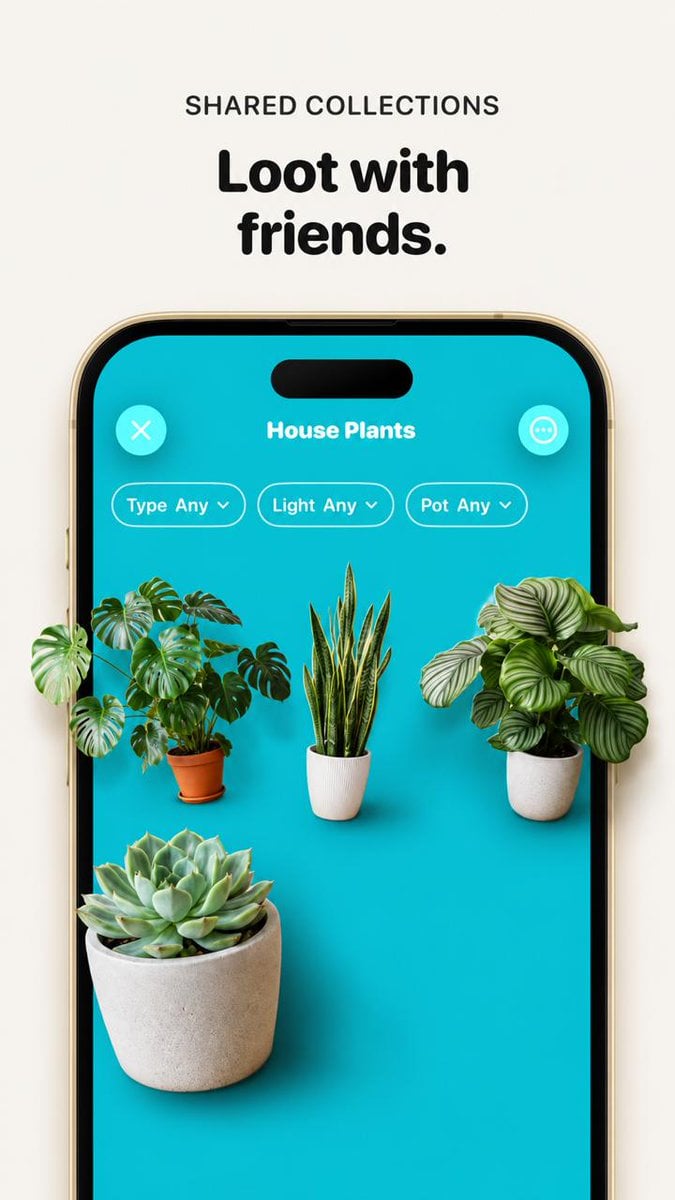
- Prompt included
- Model and format preset
- Free template
The prompt behind this image
Copy the exact prompt behind Premium Loot App Screenshot Upgrade, or open it in the studio and make it yours.
Using the provided reference image, improve the app promo screenshot into a polished, high-end product mockup while preserving the same overall layout, text, phone frame, turquoise app screen, and plant-collection UI. Enlarge and sharpen the phone crop so it fills more of the vertical canvas, keep the headline above it reading {argument name="headline text" default="Loot with friends."} with the small label {argument name="section label" default="SHARED COLLECTIONS"}. Replace the tiny flat plant thumbnails with realistic, larger, photoreal 3D/product-render plants that appear to sit inside the phone screen with soft shadows and depth. Use exactly 4 plants: a monstera in a terracotta pot on the left, a snake plant in a white ribbed pot in the center, a round-leaf striped calathea/peperomia-style plant in a white pot on the right, and a large echeveria succulent in a concrete pot in the lower-left foreground. Keep the UI title {argument name="collection title" default="House Plants"}, the close button, menu button, and exactly 3 pill filters labeled “Type Any”, “Light Any”, and “Pot Any”. Make the overall image cleaner, brighter, more premium, with crisp typography, realistic shadows, and a beige/off-white background; avoid adding extra UI elements, extra plants, watermarks, or unrelated text.
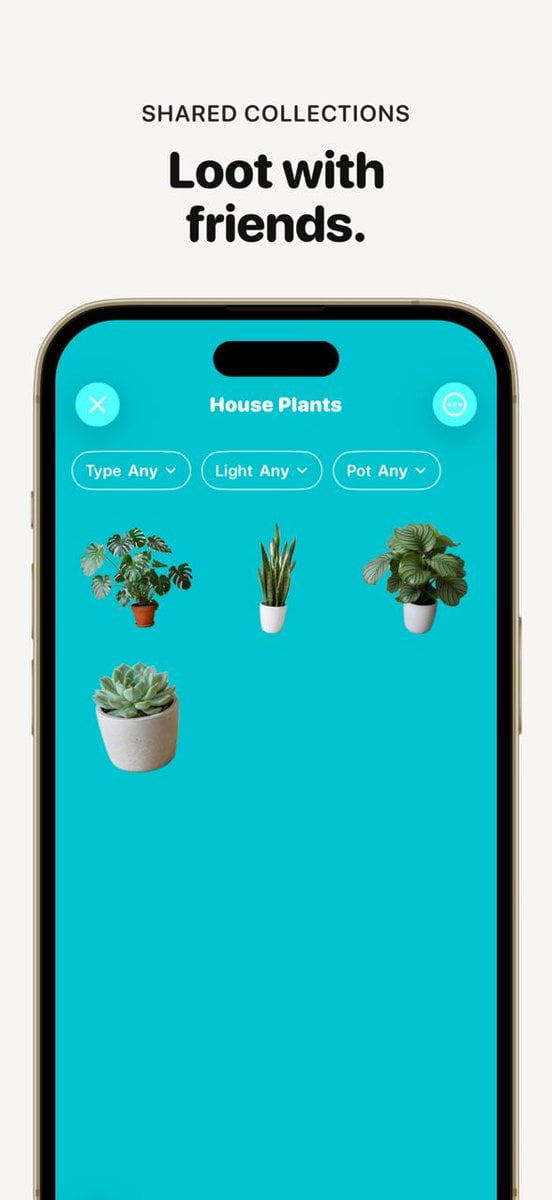
Reference images included
Premium Loot App Screenshot Upgrade needs input media to work. They load alongside the prompt when you open it in the studio.
How to use Premium Loot App Screenshot Upgrade in 3 steps
- 1Upload ImagePNG, JPG or paste
Add your photo
Upload the photo the template builds on. The prompt, model and format are already set.
- 2…a portrait of your subject in softgolden-hour light, 85mm…
Personalize
Edit the subject and creative details for your destination.
- 3Generate
Generate
Press Generate — your image is created in PicX Studio, so you can compare it with the original and refine one variable at a time.
More like this
Templates with the same subject, style or setup. Open one to see its prompt.

Minecraft Next-Gen Voxel World Screenshot
ChatGPT App Screenshot With Cute 4-Panel Comic
ChatGPT App Cat Story Screenshot
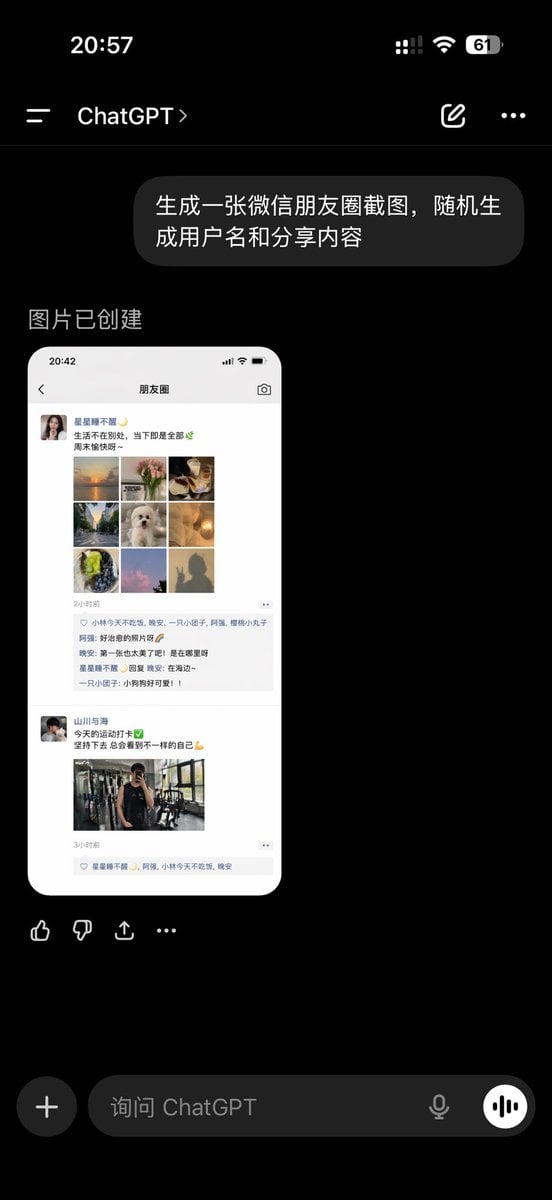
ChatGPT App Showing WeChat Moments Screenshot
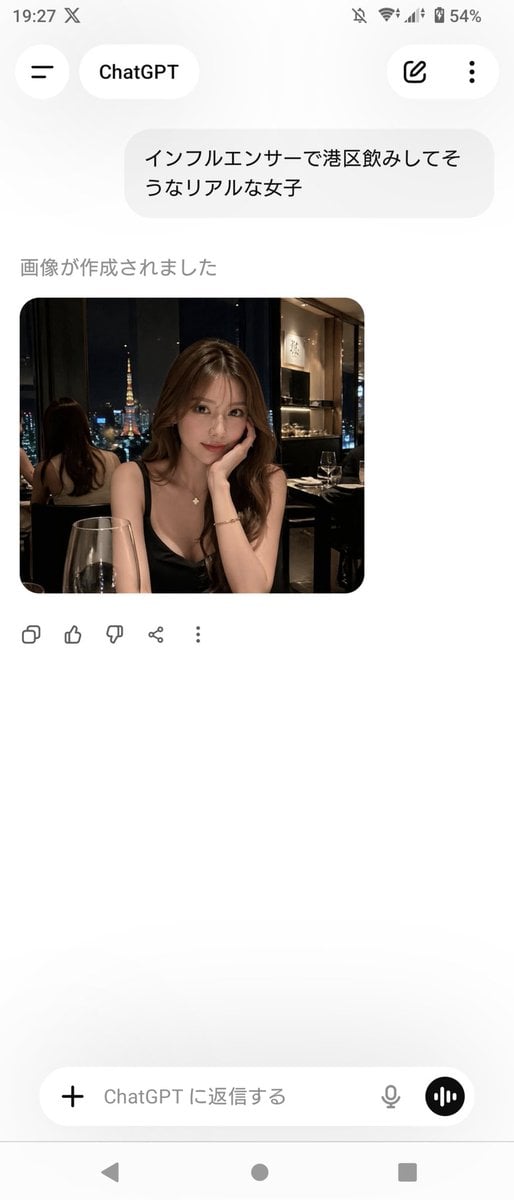
ChatGPT App Screenshot With Generated Portrait
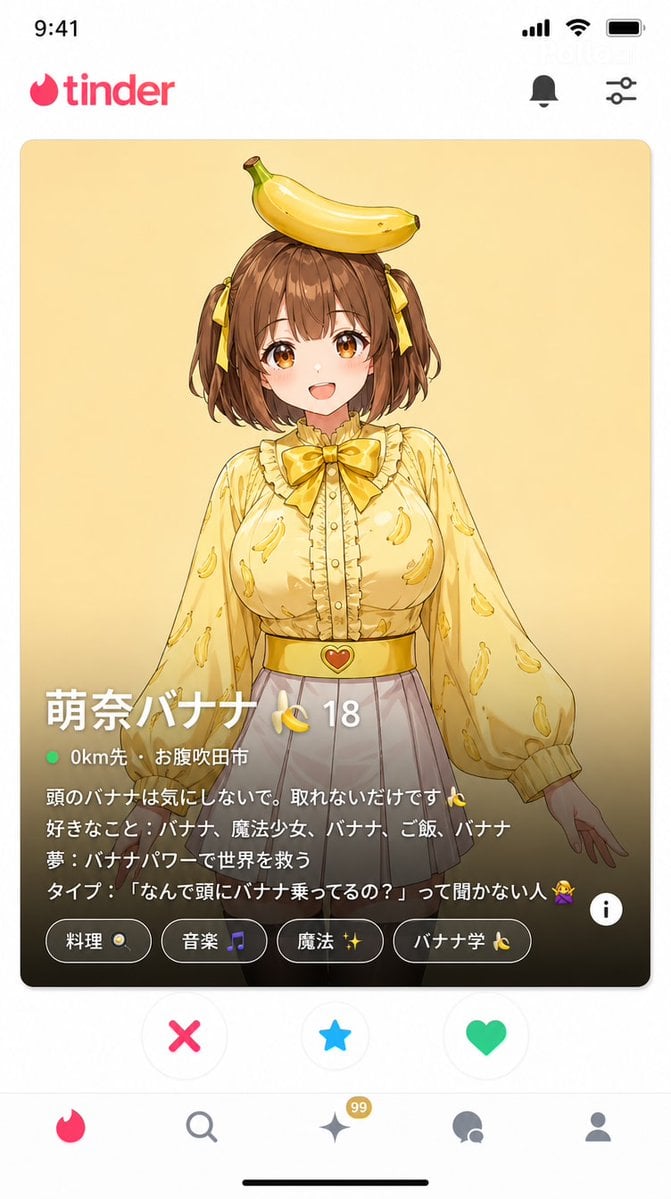
Dating App Screenshot Recreation
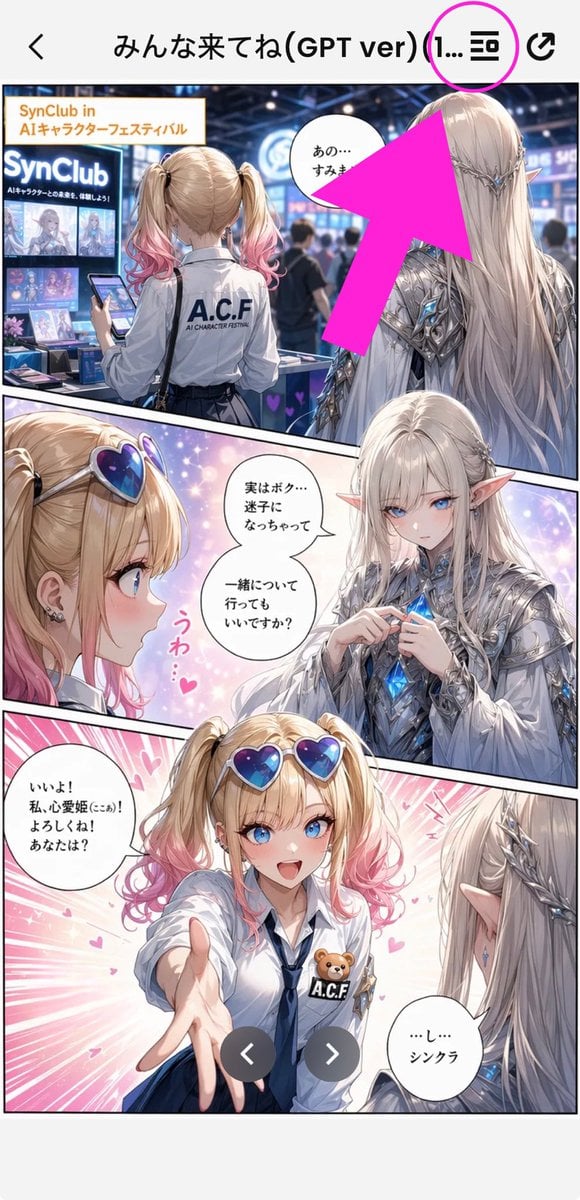
Annotated Manga App Screenshot
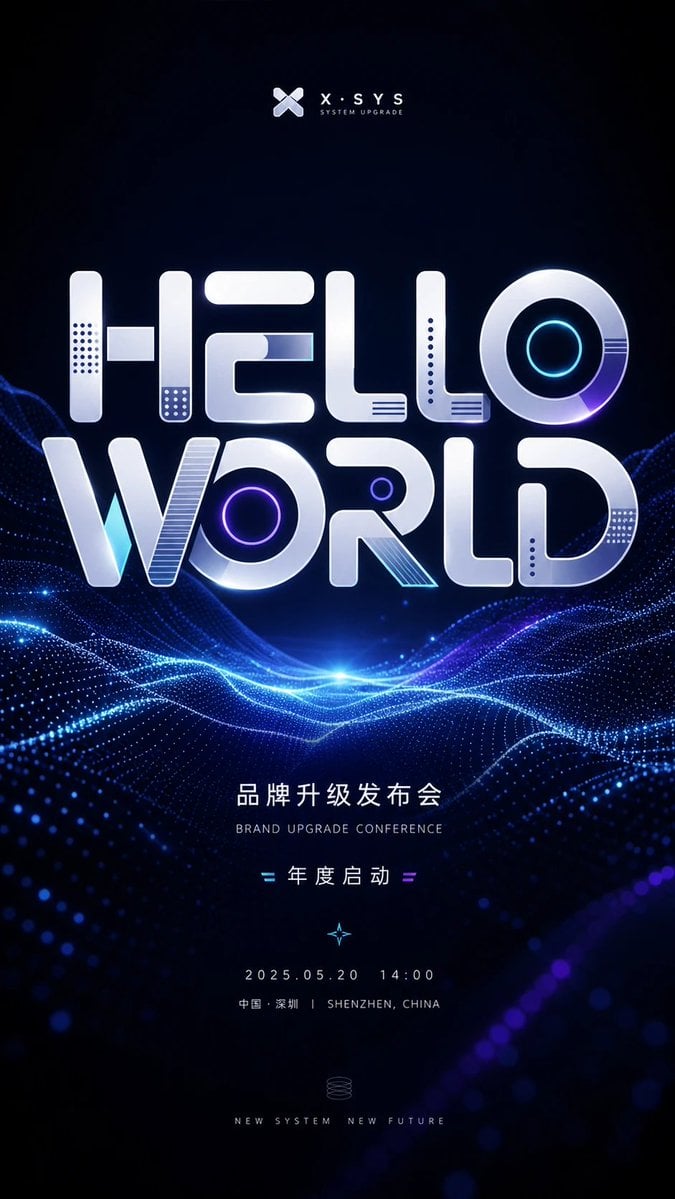
Futuristic Brand Upgrade Conference Poster
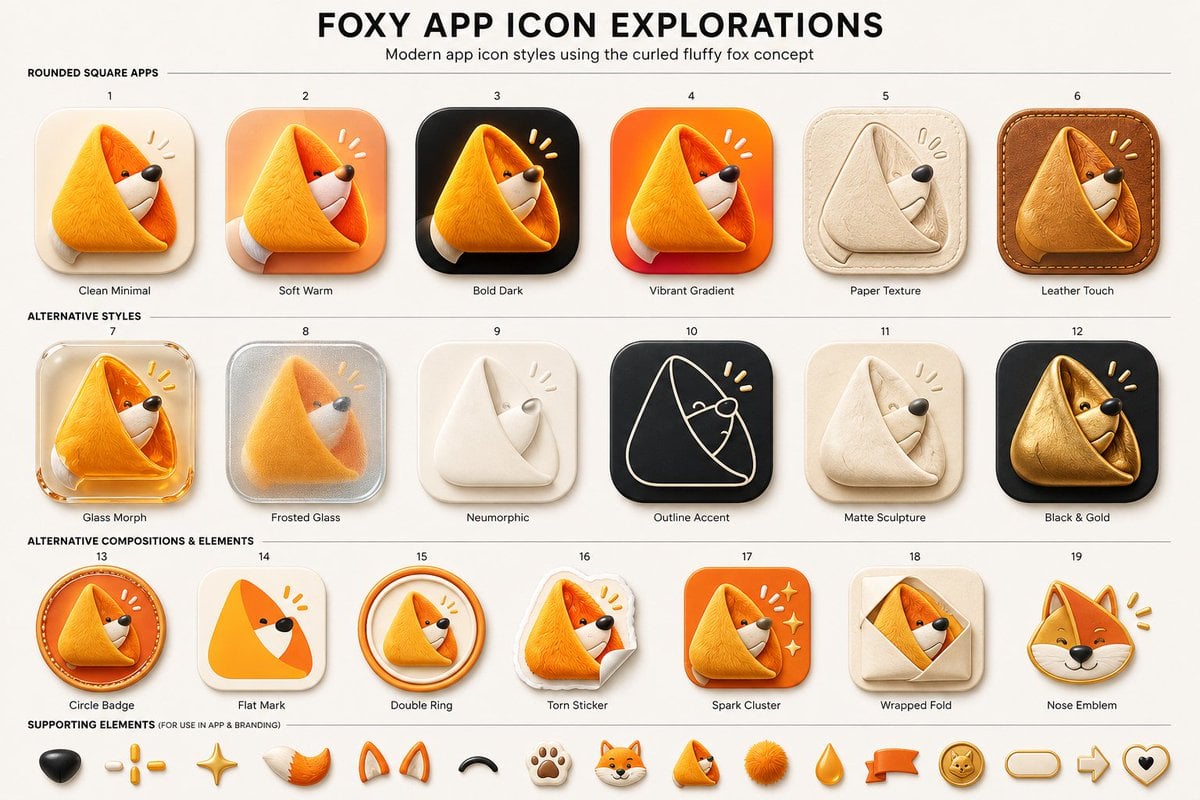
Foxy App Icon Exploration Board

Subway Good Vibes App Card Portrait

Lumen iOS Wellness App Mockup
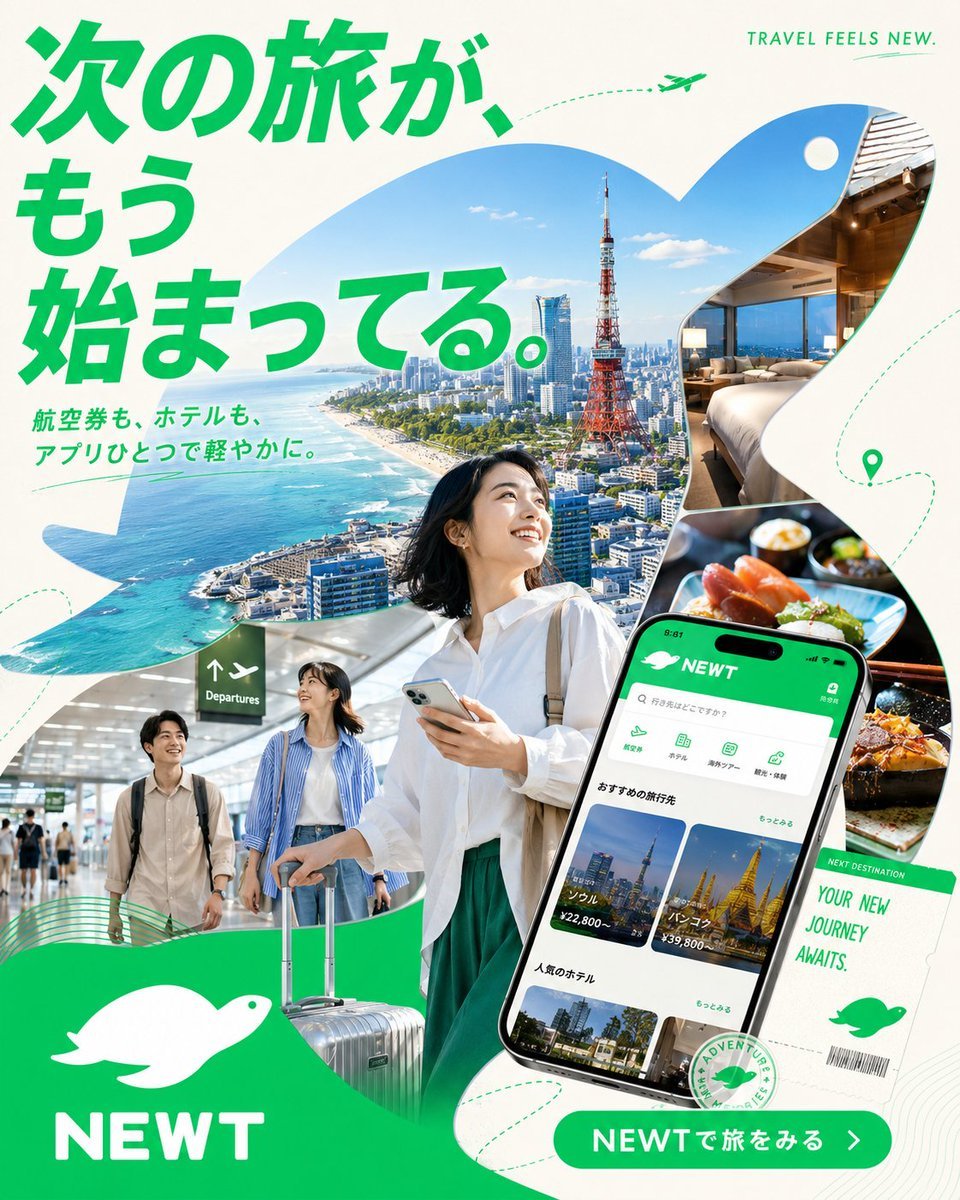
Japanese NEWT Travel App Poster
Make it yours
Premium Loot App Screenshot Upgrade works as-is. These are the safest ways to change it without losing the look.
Change one field
Copy a single group, rewrite it, and generate again so you can see what that field is doing.
Keep the frame, change the subject
Hold the composition and light of Premium Loot App Screenshot Upgrade, then swap wardrobe, props or the person for a new take.
| If the result… | Why | Fix |
|---|---|---|
| The result drifts from the preview | Too many fields changed at once. | Reuse Premium Loot App Screenshot Upgrade as-is first, then change one group — subject, light, or setting. |
| The model over-stylizes the scene | The prose prompt leaves finish and camera underspecified. | Add one camera or lighting sentence and stay on GPT Image 2. |
More GPT Image 2 templates
Other prompts made for GPT Image 2.

Six VTuber Japanese Logo Sheet

Realistic Portrait of Woman and Deer

The Vista Modular Condo Poster

AI Model Routing Comparison Infographic

2.5D Anime Art Board

Isometric Productivity Desk Scene

New York Double Exposure Poster

Four-Panel AI Landscape Comparison

Japanese Tatami Lifestyle Magazine Cover

NESCAFÉ Coffee Map Poster
More image prompts
Fresh picks from across the catalog.
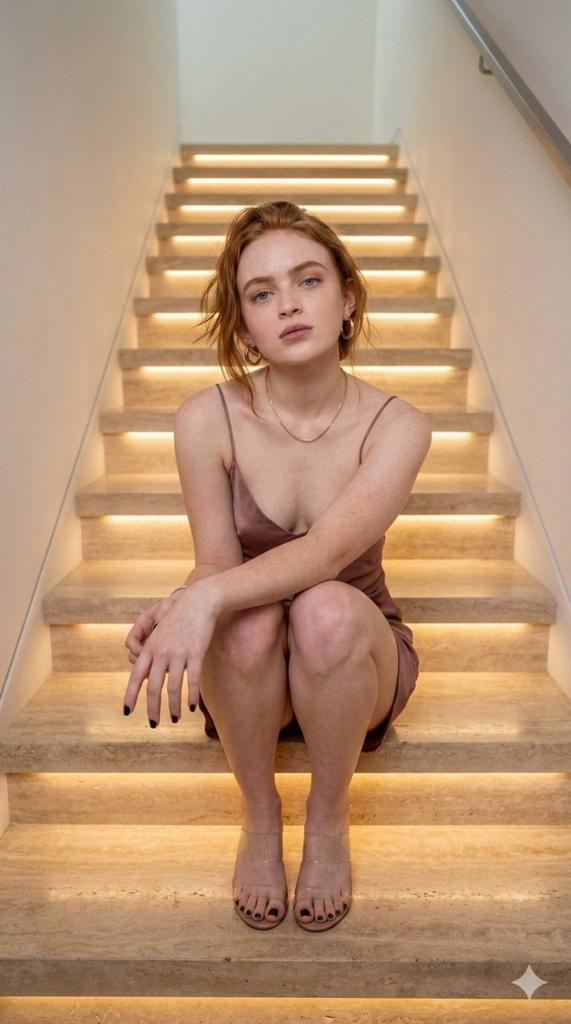
Cinematic Portrait of a Woman on Illuminated Stairs
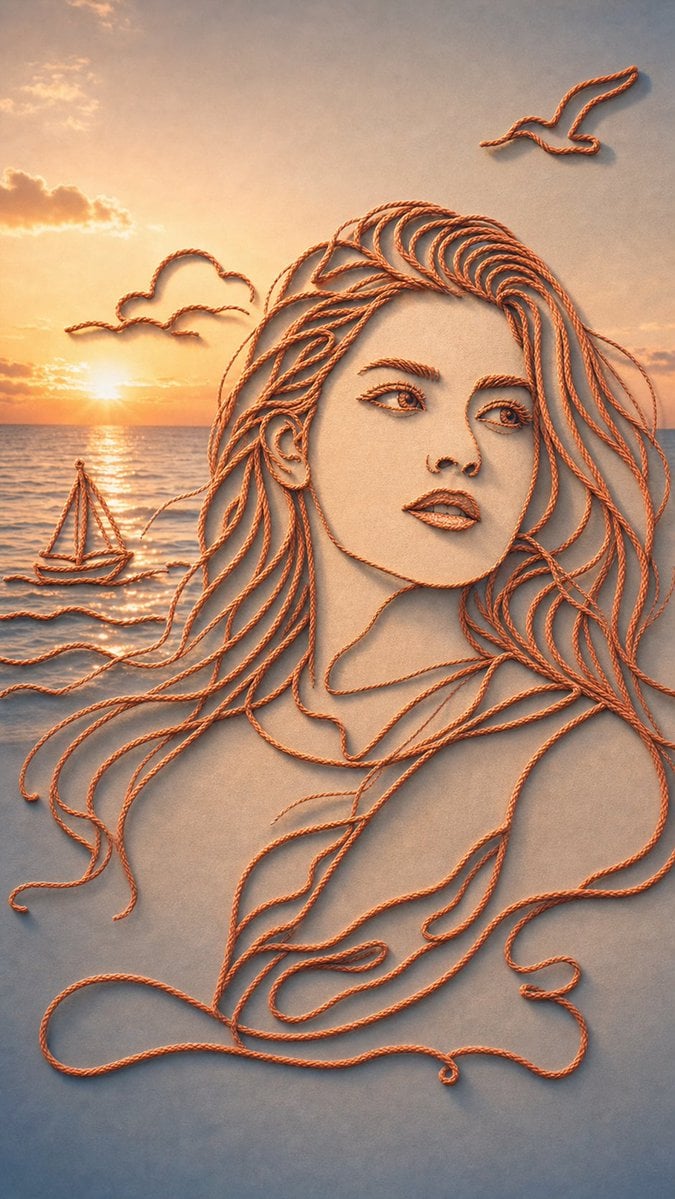
Minimalist Rope Line Art Portrait
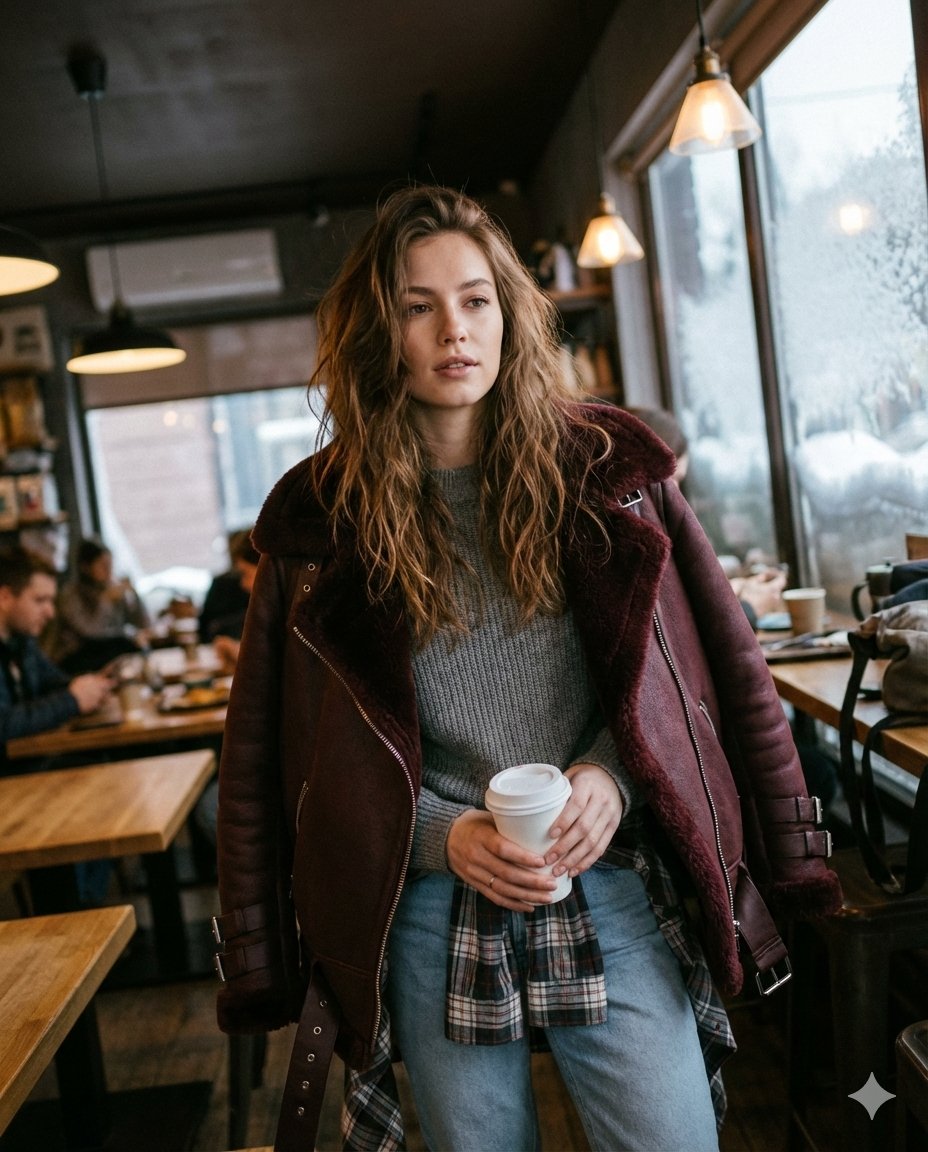
Candid Medium Shot of Woman in Cafe
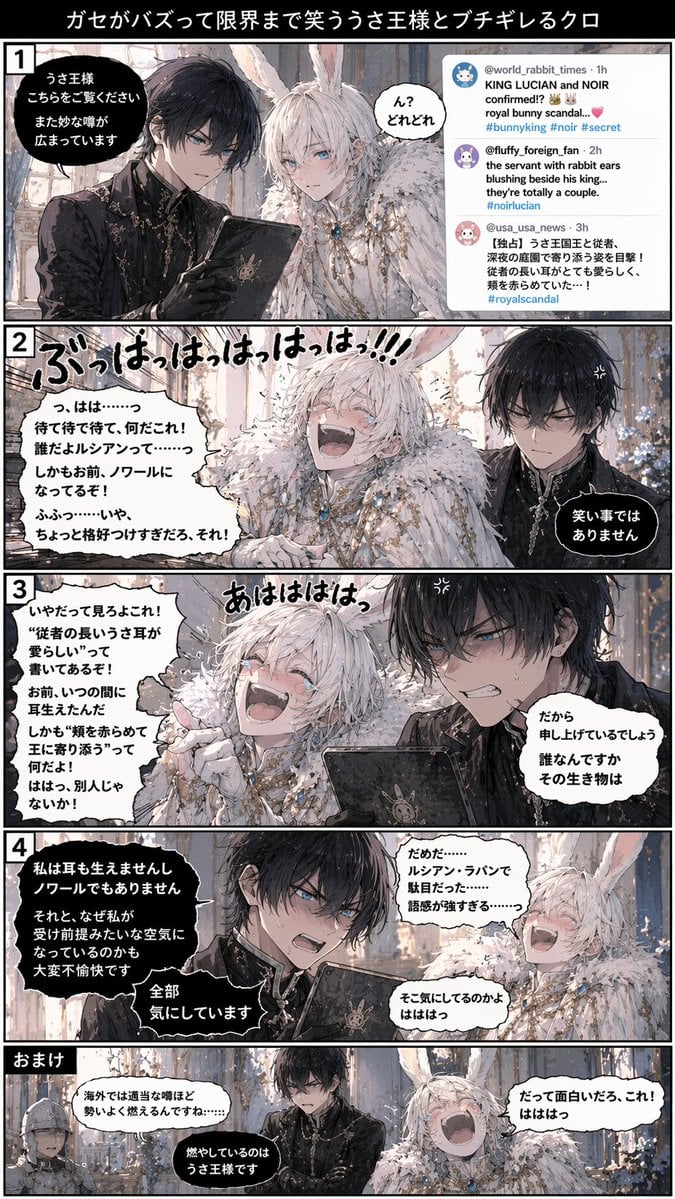
Vertical 5-Panel Anime Comic Strip
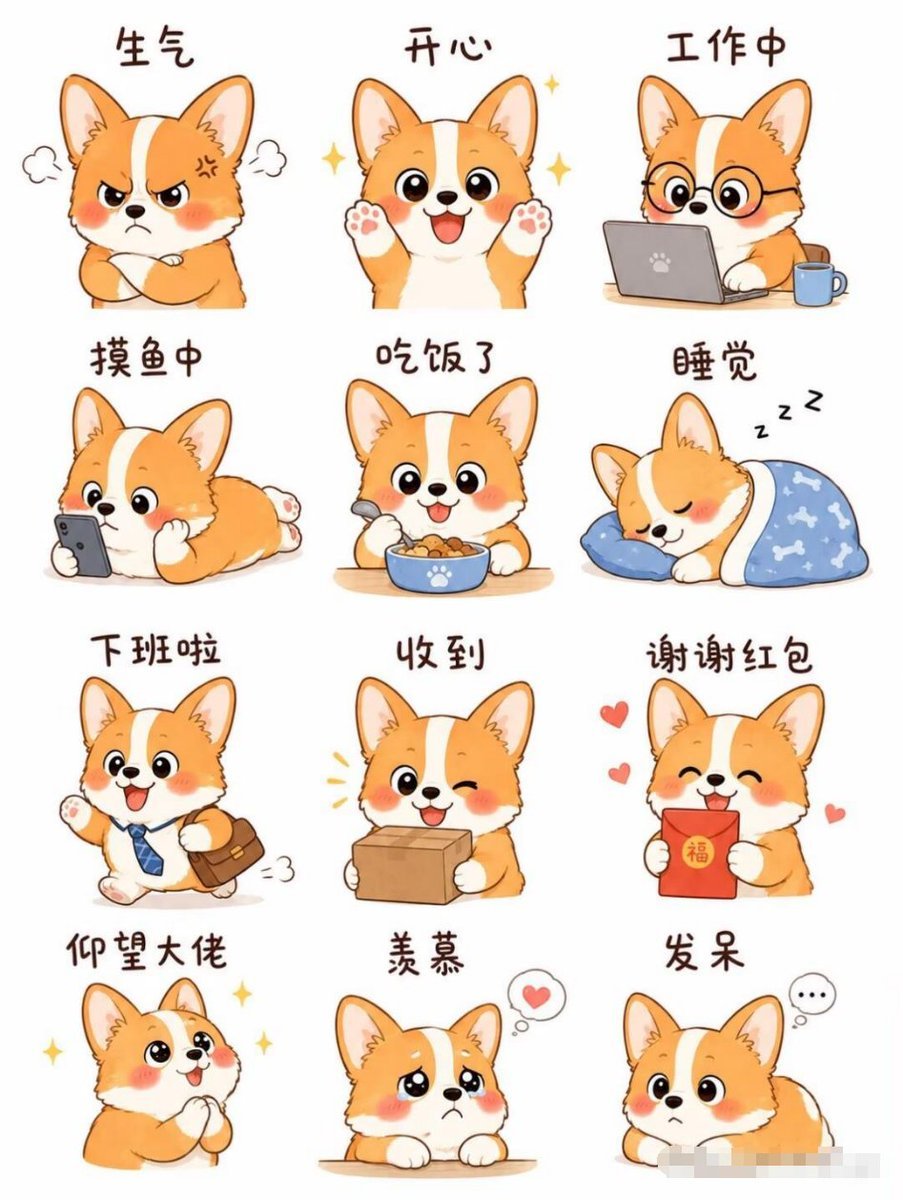
Cartoon Animal Sticker Set
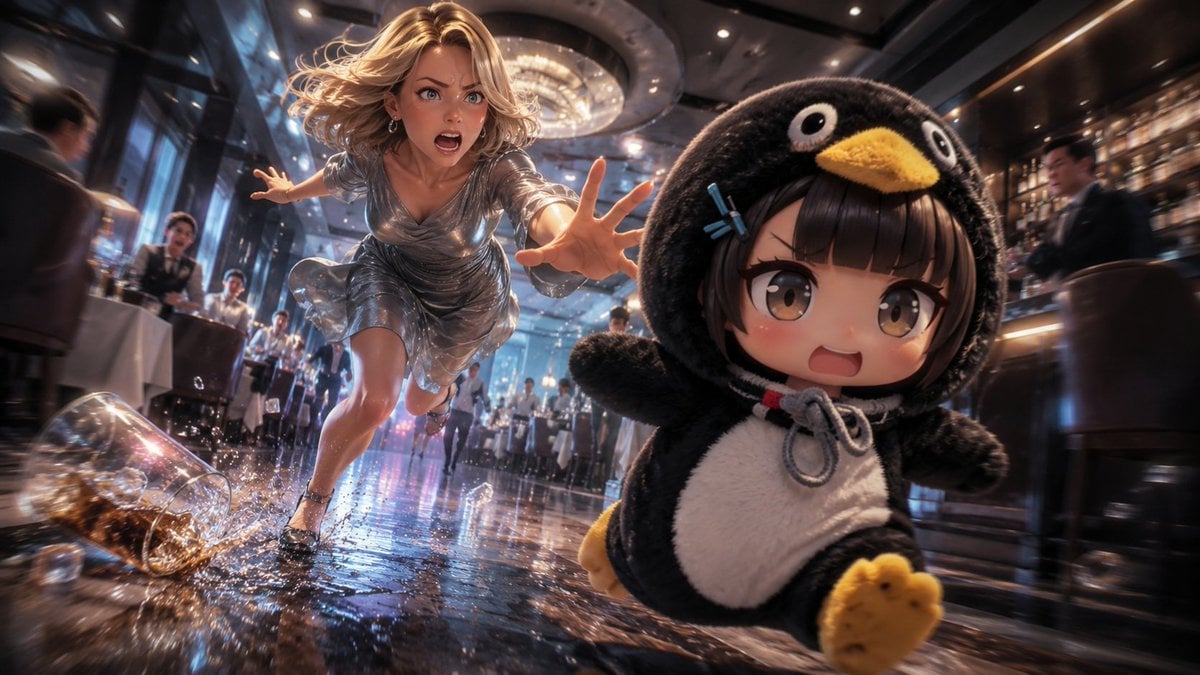
Anime Light Novel Restaurant Chase
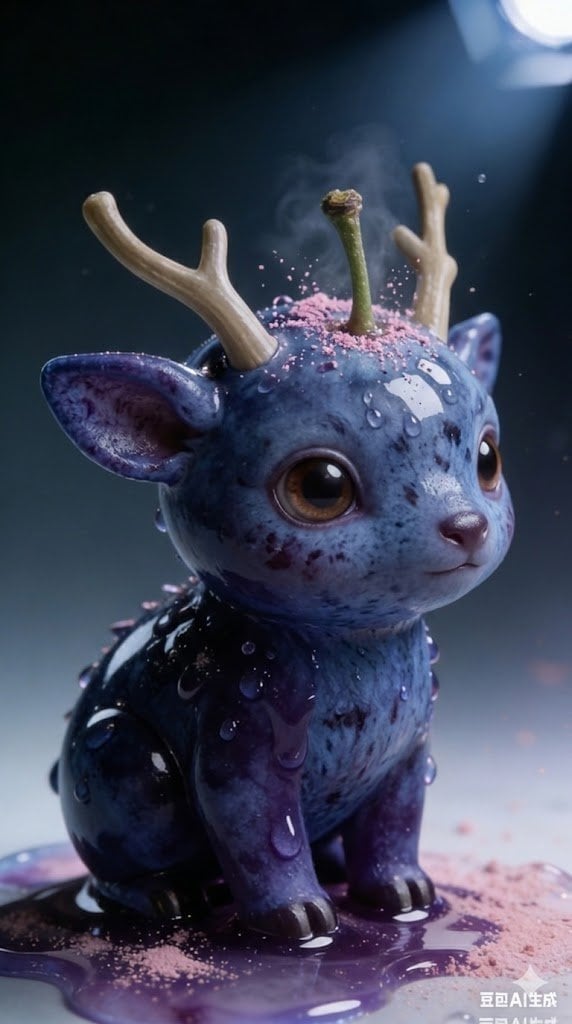
Kawaii Blueberry Fawn Forest Spirit Macro Photo
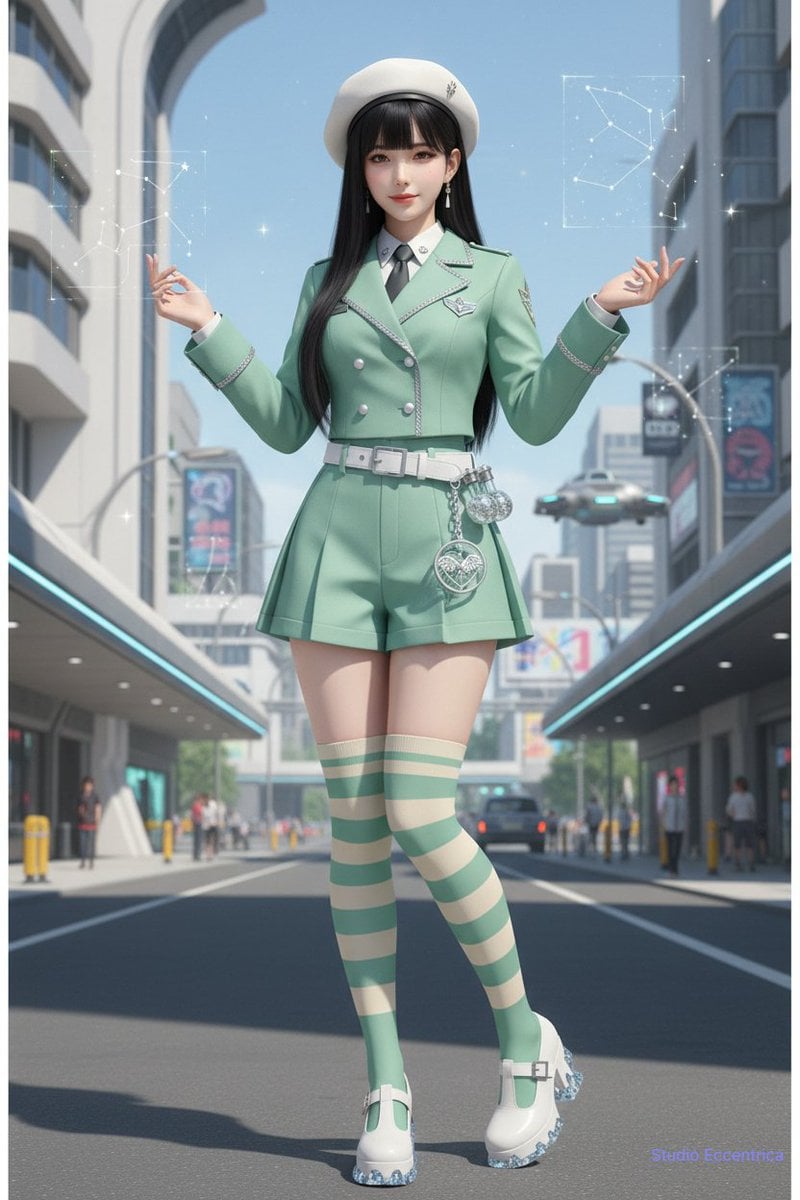
Nano Banana Character Sheet and Fashion Prompts
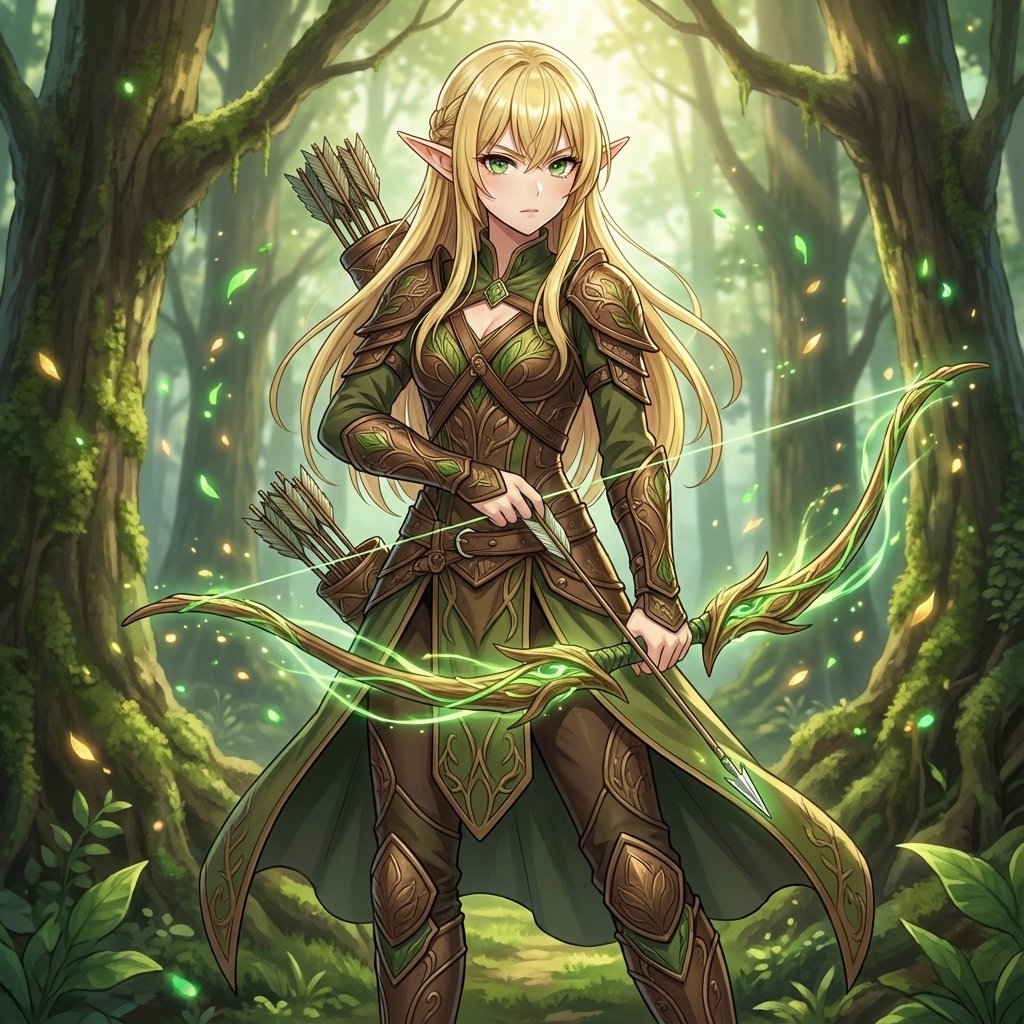
Elven Archer Transformation Prompt
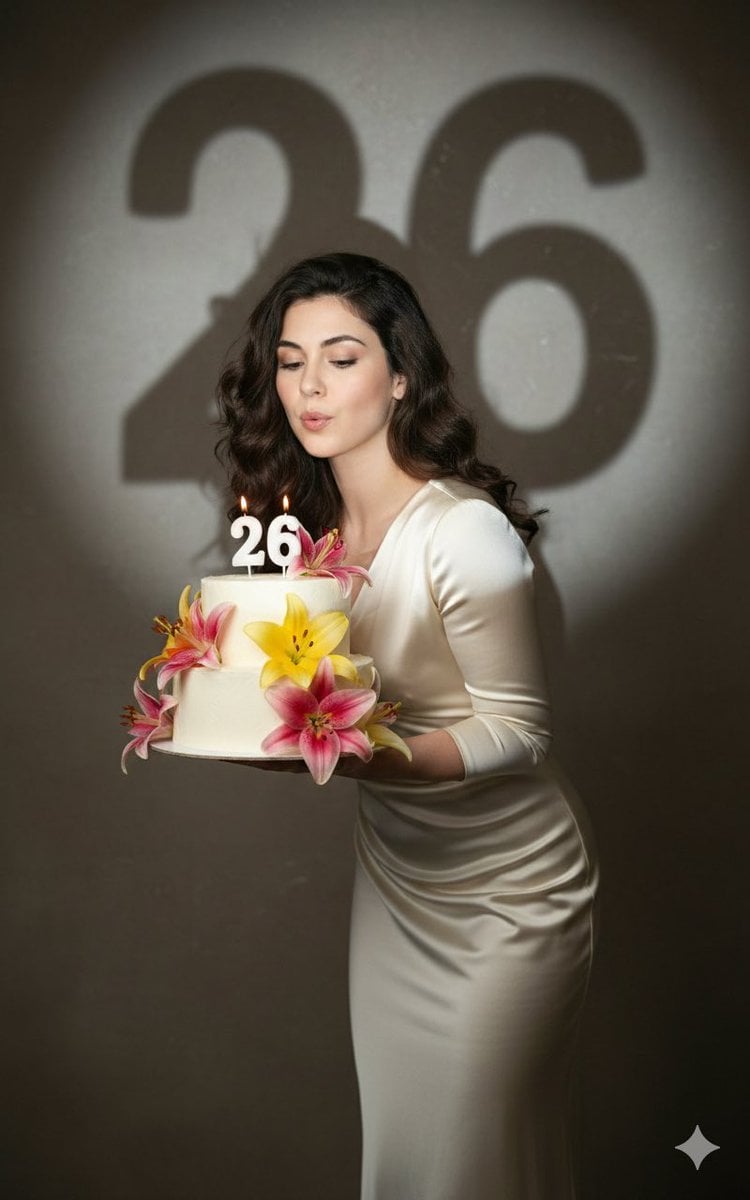
Cinematic Birthday Portrait Template
Browse template categories
Premium Loot App Screenshot Upgrade questions
How do I use the Premium Loot App Screenshot Upgrade template?
Add your photo if the template asks for one, edit the prompt if you like — the template's model and format are already selected — and press Generate. Your version opens in PicX Studio.
Can I customize the Premium Loot App Screenshot Upgrade template?
Yes. You can change the subject, setting, lighting, mood, format, and available model controls before creating your image.
Is the Premium Loot App Screenshot Upgrade template free?
Opening and editing this template is free. Generating uses credits, shown on the Generate button when you are signed in.
Which AI model should I use?
Start with GPT Image 2, which is the model associated with this template. You can compare another compatible model for a different finish.
Looking for something else? Browse all templates.

Your photo, any look
Thousands of ready templates for every top image and video model, from one credit balance.