
Sea Breeze Harbor Portrait
A detailed prompt for generating a full-body cinematic portrait of a woman walking along a harbor breakwater in a sea breeze, featuring realistic textures and lighting.
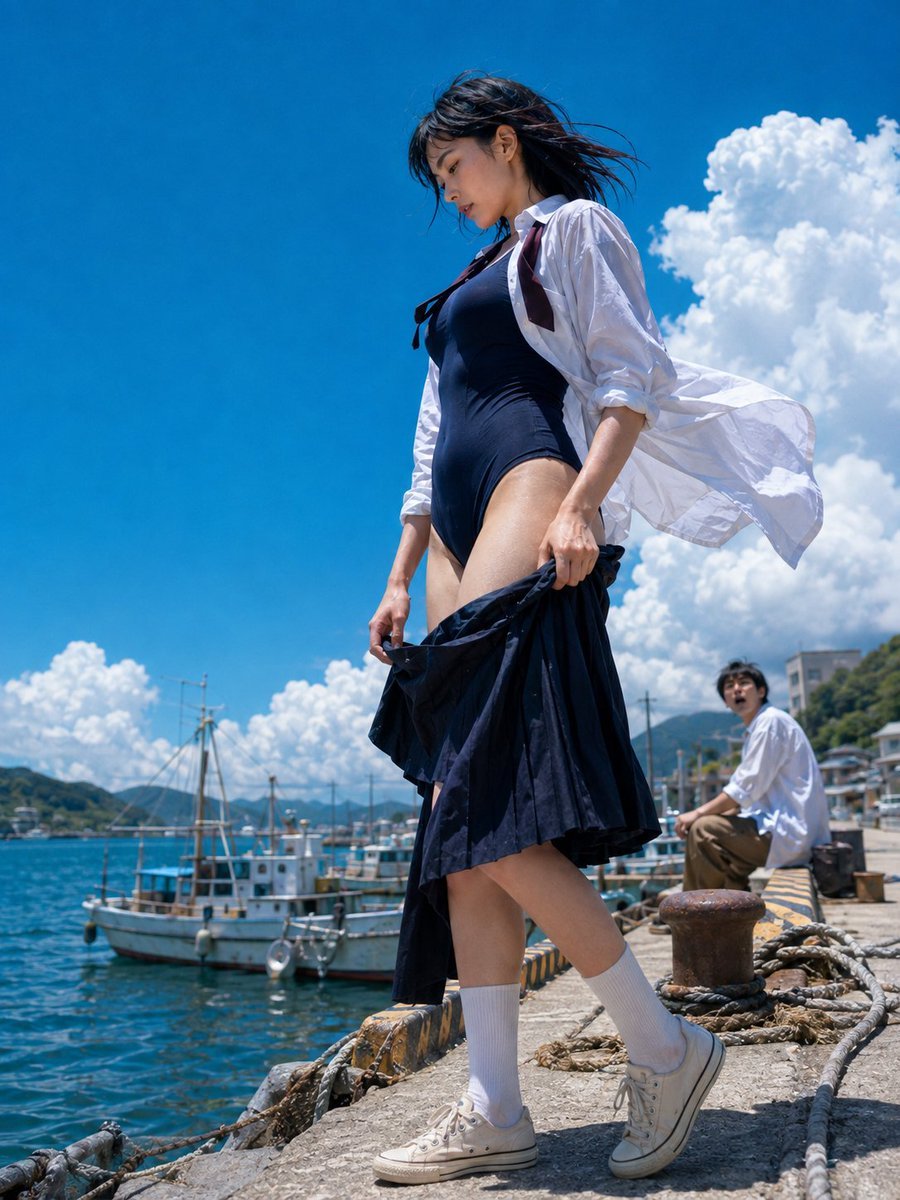
- Prompt included
- Model and format preset
- Free template
The prompt behind this image
Copy the exact prompt behind Sea Breeze Harbor Portrait, or open it in the studio and make it yours.
主題: {argument name="テーマ" default="潮風の港歩き"} 主体: 快晴の漁港で、画面中央の女性が{argument name="動作" default="防波堤を歩く全身写真"}。{argument name="服装" default="紺の水着に白シャツ"}を羽織り、脱ぎかけの紺のプリーツスカートを両手で腿の位置に持つ。画面右奥に座る男性一人、左下の海に漁船がある。 人物・表情: 女性は顔を画面左下へ向け、伏せた視線と少し開いた唇の落ち着いた横顔。柔らかな卵形の輪郭、細い目元、まっすぐな鼻筋、自然なコーラルの唇。黒髪は短めのボブで、前髪と毛先が強い海風を受けて画面右へ流れる。奥の男性は小さく、口を開けて女性を見上げる。 服装・ポーズ: 紺のハイレグ型ワンピース水着に、袖を肘までまくった白いボタンダウンシャツを前開きで重ね、襟元にはほどけた濃色リボン。白いリブソックスと生成りのローカットスニーカー。両手で濡れた紺のプリーツスカートを腿の前に下げ、人物自身の左脚を前へ踏み出す。白シャツの裾は画面右へ大きくなびく。 背景・光: 画面左の鮮やかな青い海と係留された小型漁船、右前景のロープ、錆びた係船柱、黄黒の岸壁、遠い背景の緑の山と港町。大きな白い積乱雲が右半分に立つ。上方の太陽から硬い直射光が当たり、濃く短い影と水面の反射を作る。 構図・カメラ: 3:4の縦長、地面近くから見上げる仰角視点で頭から靴まで画面内に収める全身ポートレート。女性は画面中央を大きく占め、前進する靴が右下、頭部が上三分の一。女性にピントを置き、広角感で脚を長く見せ、船と男性は奥に小さく置きながら深い被写界深度で背景も明瞭に残す。 質感・スタイル: 高精細なフォトリアル実写写真。濡れた布と肌、白シャツの皺、海水、錆、太陽光の硬質な質感を鮮やかな青と白で描く。 ネガティブ: 水着と下げたスカートの一体化;背景男性の省略
How to use Sea Breeze Harbor Portrait in 3 steps
- 1
Open
The prompt is already in the box next to the preview, with the template's model and format selected.
- 2…a portrait of your subject in softgolden-hour light, 85mm…
Personalize
Edit the subject and creative details for your destination.
- 3Generate
Generate
Press Generate — your image is created in PicX Studio, so you can compare it with the original and refine one variable at a time.
More like this
Templates with the same subject, style or setup. Open one to see its prompt.

Found Photograph: Us, 1970

80s Couple Studio Portrait

80s Bollywood Star

80s Golden Hour Cinema

Me in 1985

1985 Studio Portrait

Hyper-Realistic Minecraft POV Portrait

Rooftop Fisheye — Cat-Ear Balaclava at Golden Hour
Drone Shot Sea Rail Portrait

Rainy Café Window Moody Portrait

Starlit Whale Fantasy Seaside Portrait
Underwater Fantasy Portrait in Okinawa Sea
Make it yours
Sea Breeze Harbor Portrait works as-is. These are the safest ways to change it without losing the look.
Change one field
Copy a single group, rewrite it, and generate again so you can see what that field is doing.
Keep the frame, change the subject
Hold the composition and light of Sea Breeze Harbor Portrait, then swap wardrobe, props or the person for a new take.
| If the result… | Why | Fix |
|---|---|---|
| The result drifts from the preview | Too many fields changed at once. | Reuse Sea Breeze Harbor Portrait as-is first, then change one group — subject, light, or setting. |
| The model over-stylizes the scene | The prose prompt leaves finish and camera underspecified. | Add one camera or lighting sentence and stay on GPT Image 2. |
More GPT Image 2 templates
Other prompts made for GPT Image 2.

Six VTuber Japanese Logo Sheet

Realistic Portrait of Woman and Deer

The Vista Modular Condo Poster

AI Model Routing Comparison Infographic

2.5D Anime Art Board

Isometric Productivity Desk Scene

New York Double Exposure Poster

Four-Panel AI Landscape Comparison

Japanese Tatami Lifestyle Magazine Cover

NESCAFÉ Coffee Map Poster
More image prompts
Fresh picks from across the catalog.
Ultra-Realistic Speed Skating Portrait Prompt
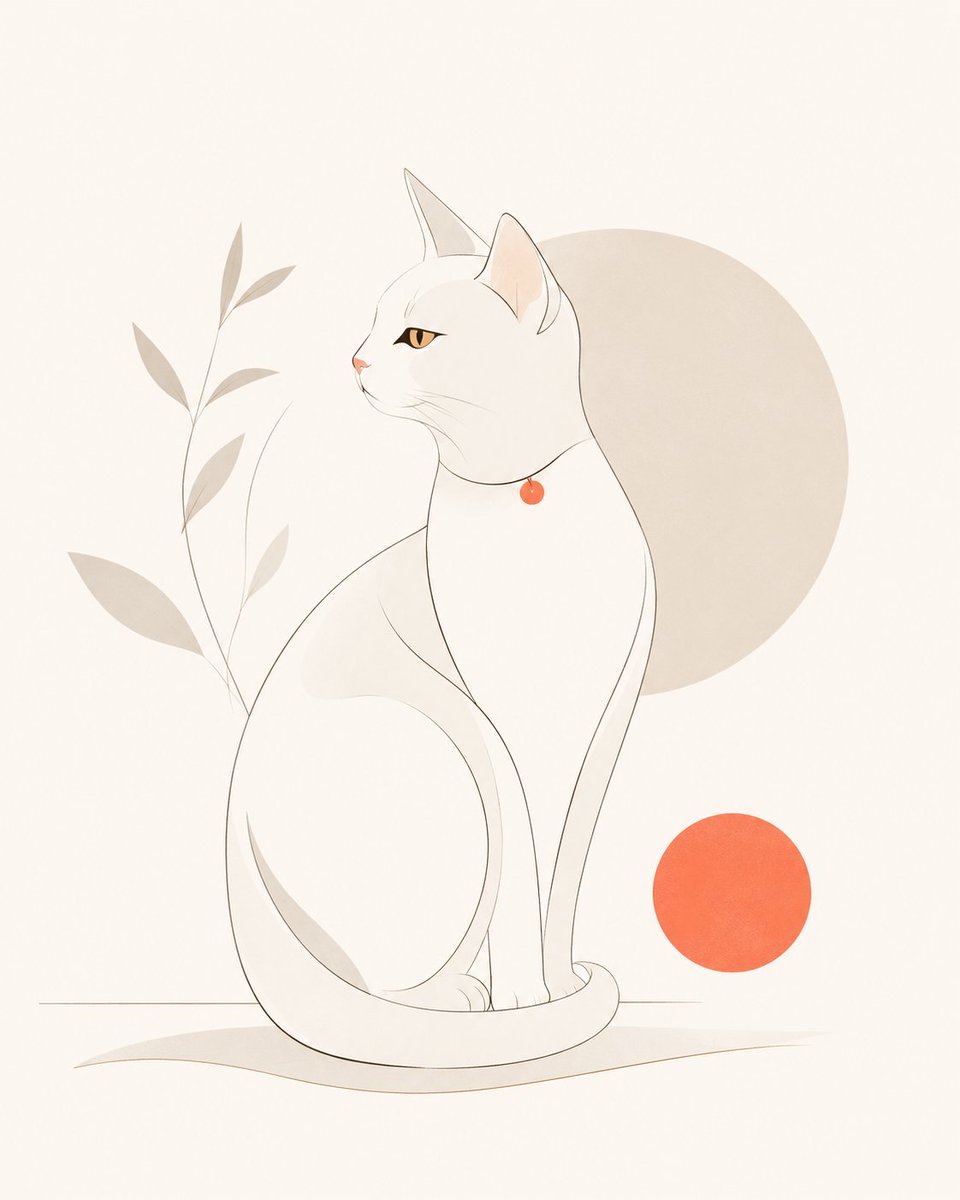
Minimalist Modern Magazine Illustration Style
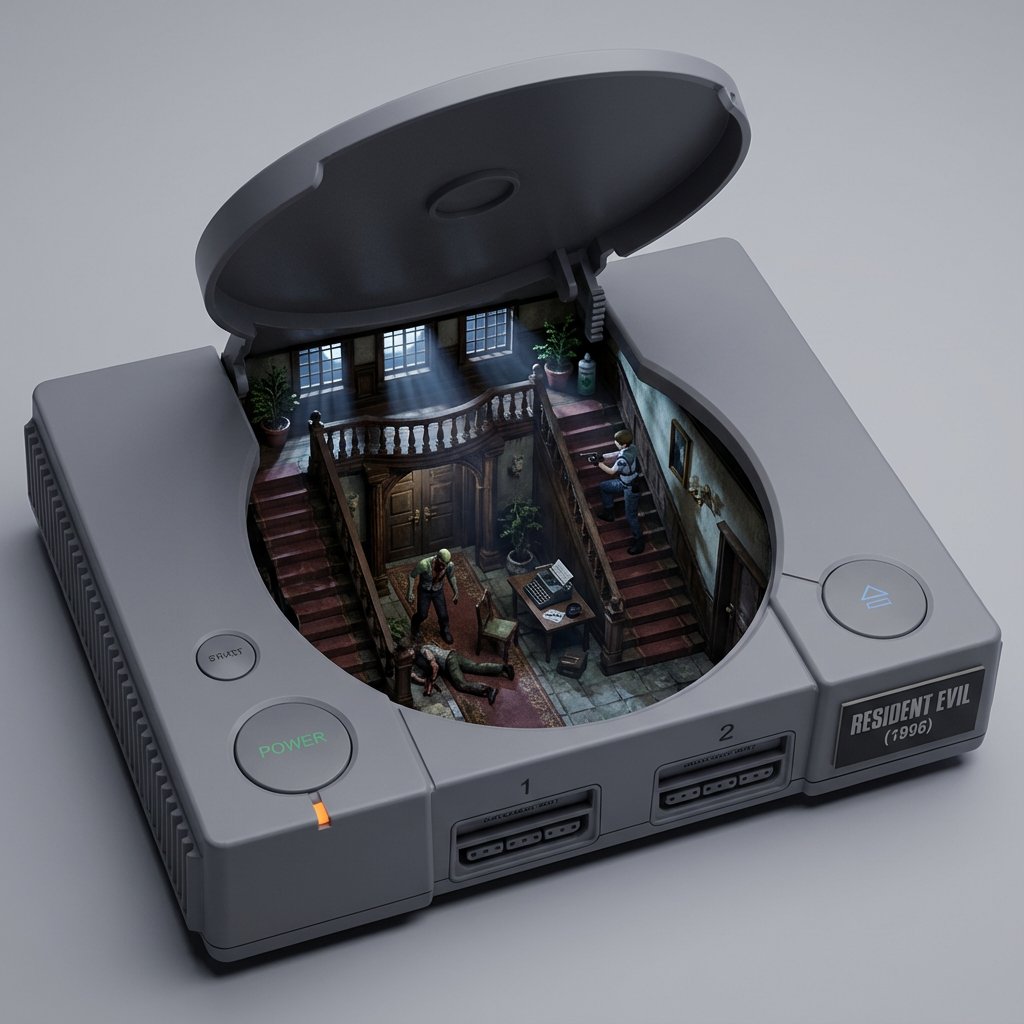
Game/Book Diorama Concept Generator
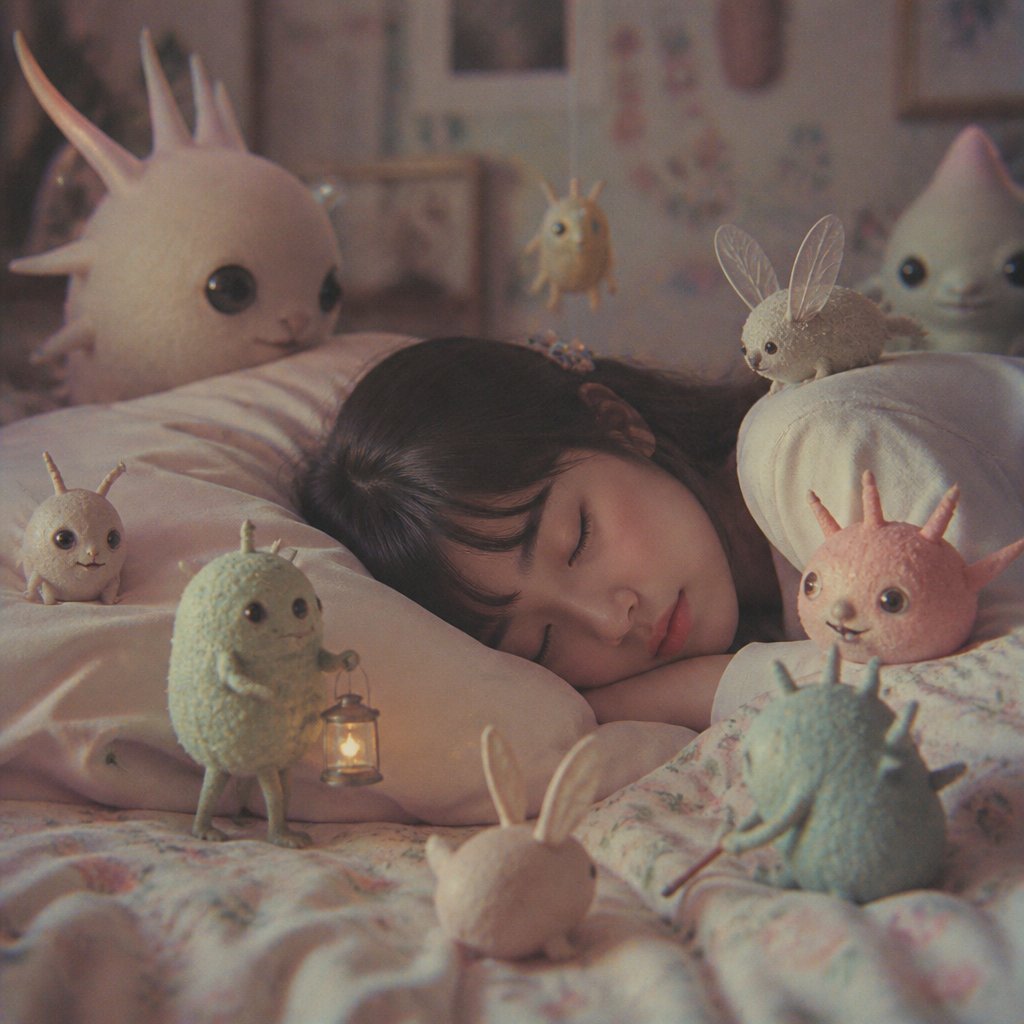
Sleeping Child with Dream Creatures
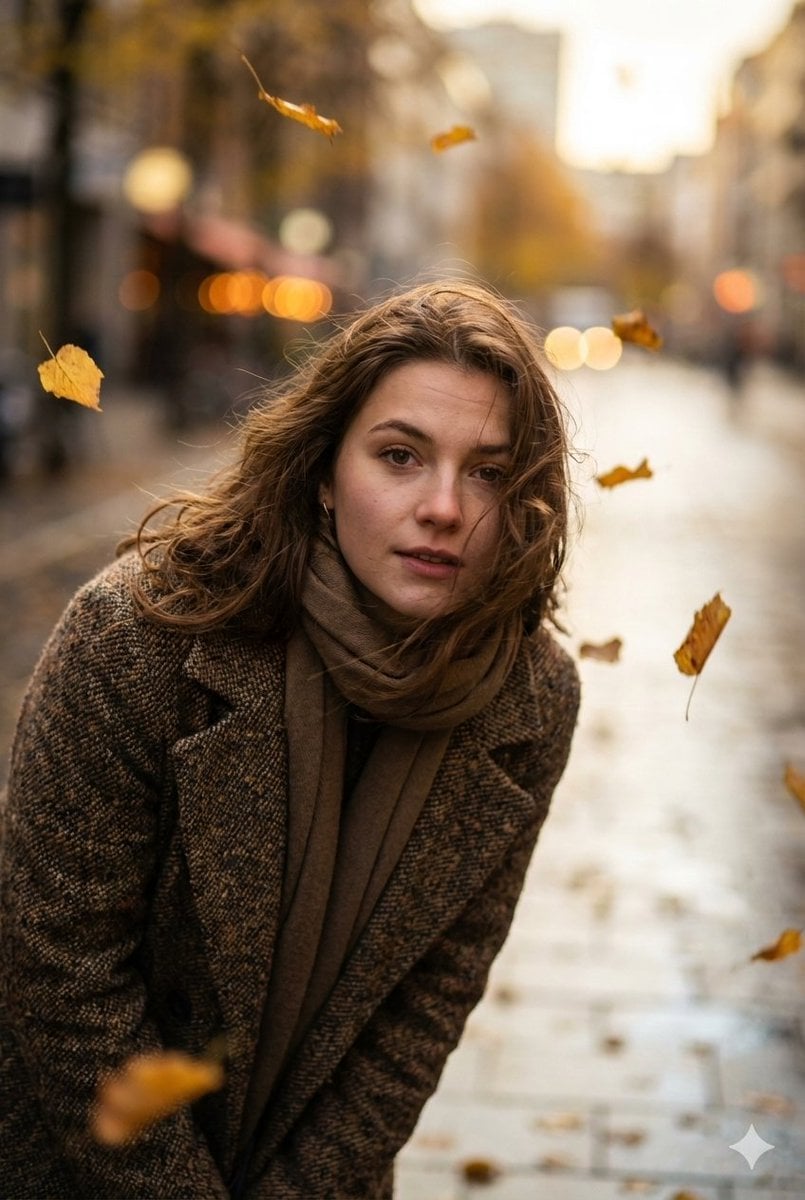
Cinematic Low-Angle Street Portrait Prompt
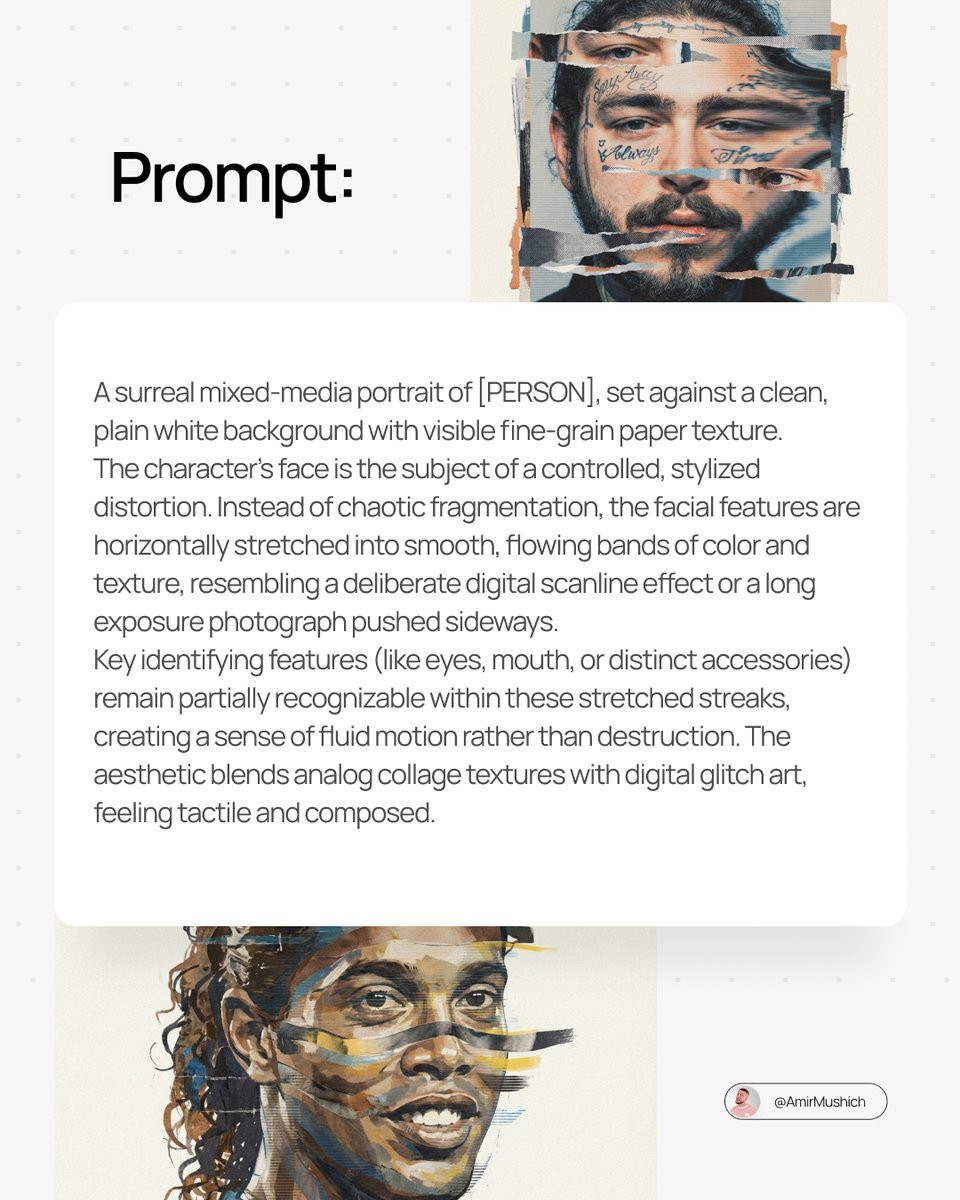
Surreal Mixed-Media Glitch Portrait Prompt
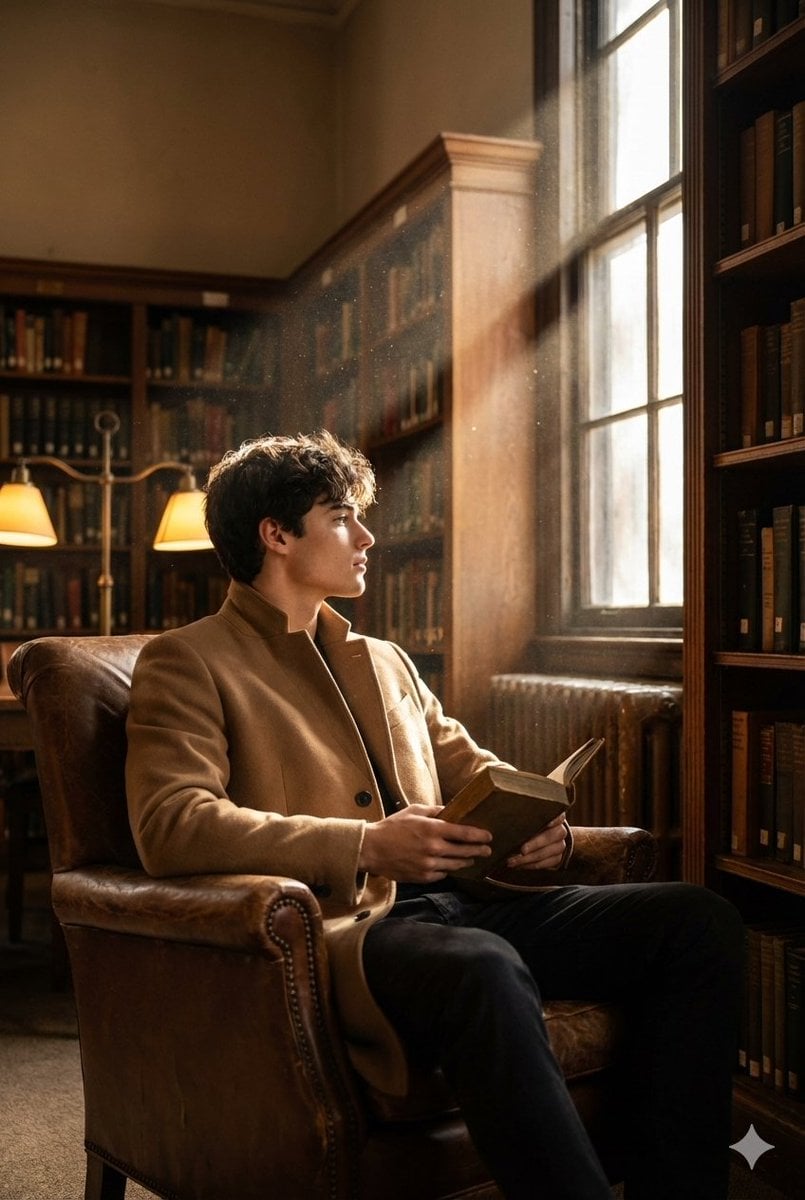
Cinematic Fashion Shot of a Man in a Library
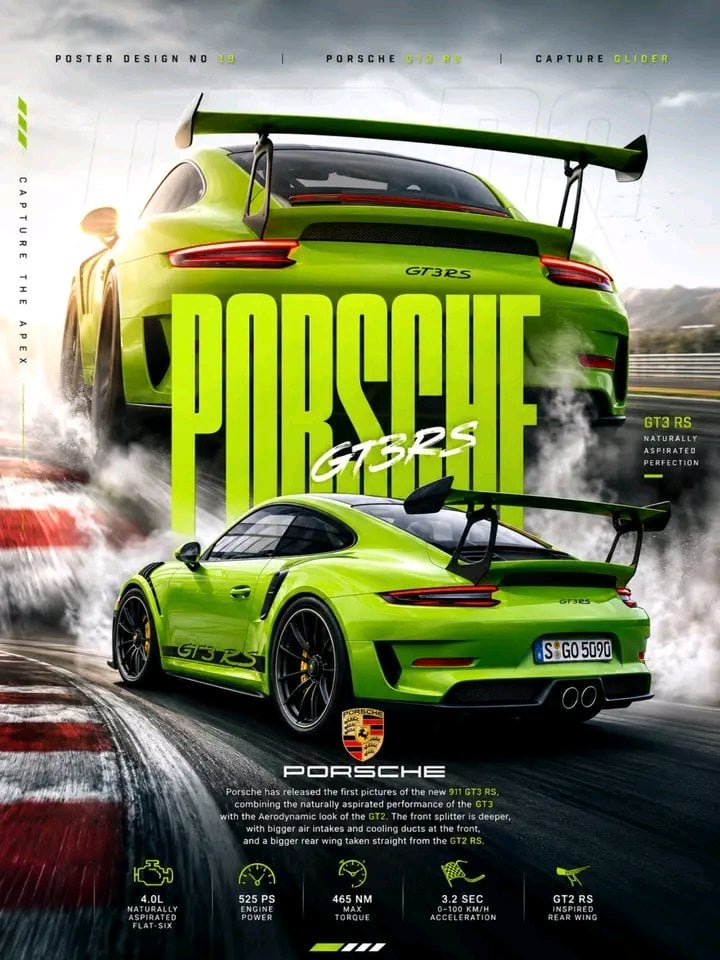
Porsche 911 GT3 RS Motorsport Poster
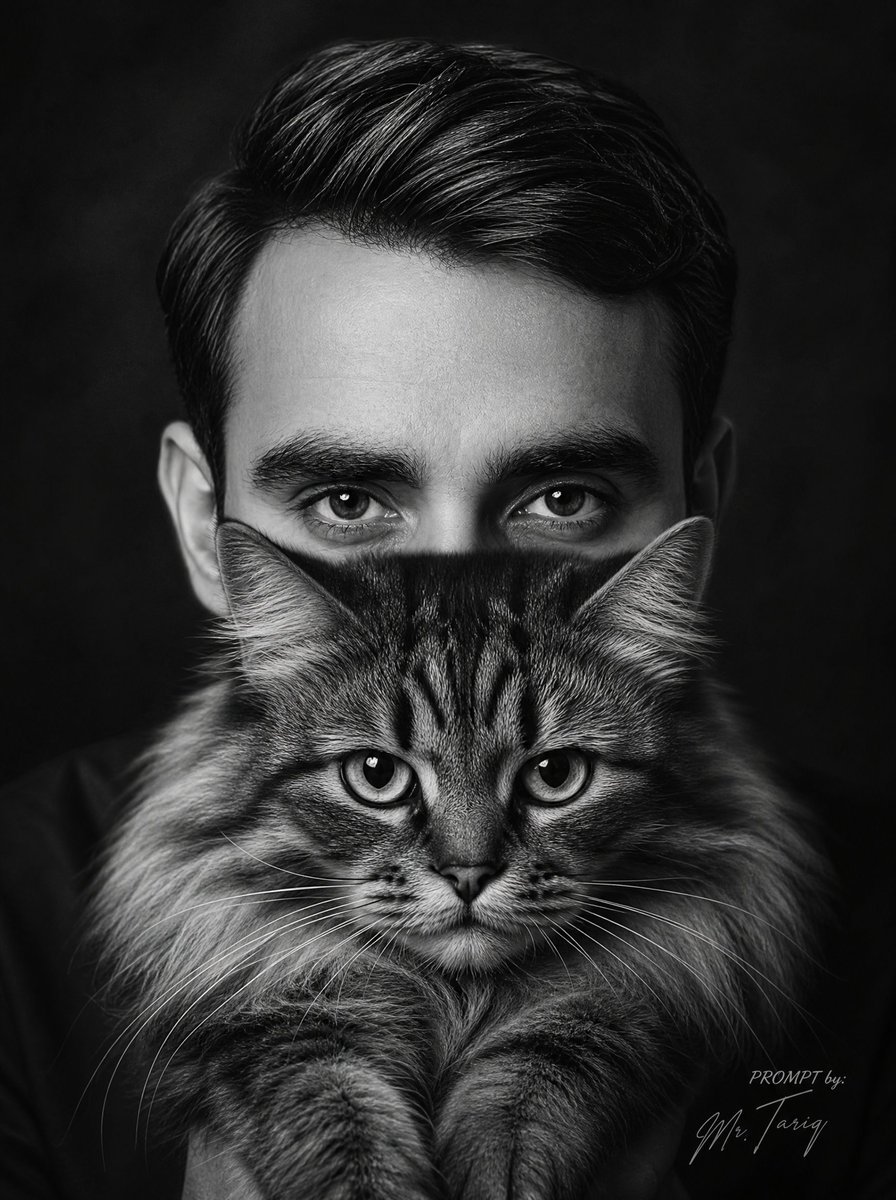
Monochrome Man Holding Cat Portrait
Retro Pop Travel Family Poster
Browse template categories
Sea Breeze Harbor Portrait questions
How do I use the Sea Breeze Harbor Portrait template?
Add your photo if the template asks for one, edit the prompt if you like — the template's model and format are already selected — and press Generate. Your version opens in PicX Studio.
Can I customize the Sea Breeze Harbor Portrait template?
Yes. You can change the subject, setting, lighting, mood, format, and available model controls before creating your image.
Is the Sea Breeze Harbor Portrait template free?
Opening and editing this template is free. Generating uses credits, shown on the Generate button when you are signed in.
Which AI model should I use?
Start with GPT Image 2, which is the model associated with this template. You can compare another compatible model for a different finish.
Looking for something else? Browse all templates.

Your photo, any look
Thousands of ready templates for every top image and video model, from one credit balance.