
Starlit Whale Fantasy Seaside Portrait
A detailed fantasy portrait prompt featuring a subject by the sea under a twilight sky, accompanied by a celestial whale constellation made of stars.

- Prompt included
- Model and format preset
- Free template
The prompt behind this image
Copy the exact prompt behind Starlit Whale Fantasy Seaside Portrait, or open it in the studio and make it yours.
Use the uploaded portrait as the only reference for the person’s facial identity and hairstyle. Preserve the same face shape, facial features, skin tone, eyes, nose, lips, and hairstyle accurately. Do not copy the original clothes, pose, background, or lighting from the uploaded portrait. Create a dreamy vertical fantasy portrait at the {argument name="setting" default="seaside"} during {argument name="time of day" default="blue-hour twilight"}. A {argument name="subject" default="young woman"} sits sideways on dark coastal rocks beside the ocean, looking softly back toward the camera with a calm, mysterious expression. She has very long flowing dark hair cascading over the rocks and into the shallow water. She wears an elegant glowing translucent white-gold gown made of soft tulle and sheer fabric. The dress spreads widely across the rocks and water like a luminous veil, filled with tiny golden starlight particles, soft magical sparkles, and gentle glowing dust. The fabric should look delicate, airy, semi-transparent, and cinematic. In the night sky above the ocean, create a huge whale-shaped constellation made of thousands of glowing stars and light particles, floating gracefully over the sea. The whale should feel magical, ethereal, and majestic, with soft blue-white and golden light. The ocean reflects the glowing dress and the star whale, with realistic waves, dark rocks, and a peaceful horizon. Style: ultra-realistic fantasy photography, cinematic lighting, soft blue twilight atmosphere, dreamy ocean background, magical realism, high-end visual poster look, delicate skin texture, natural face, realistic anatomy, elegant composition, 9:16 vertical, high detail, soft glow, shallow depth of field, no watermark, no text, no logo. Negative Prompt: watermark, logo, text, AI generated label, signature, low quality, blurry, overexposed face, plastic skin, fake face, distorted face, wrong identity, different hairstyle, deformed hands, extra fingers, extra limbs, bad anatomy, duplicate person, messy hair, harsh shadows, unnatural pose, cheap fantasy look, cartoon style, anime style, CGI look, over-saturated colors, broken dress, messy fabric, distorted whale, unrealistic ocean, noise, artifacts
How to use Starlit Whale Fantasy Seaside Portrait in 3 steps
- 1Upload ImagePNG, JPG or paste
Add your photo
Upload the photo the template builds on. The prompt, model and format are already set.
- 2…a portrait of your subject in softgolden-hour light, 85mm…
Personalize
Edit the subject and creative details for your destination.
- 3Generate
Generate
Press Generate — your image is created in PicX Studio, so you can compare it with the original and refine one variable at a time.
More like this
Templates with the same subject, style or setup. Open one to see its prompt.

Found Photograph: Us, 1970

80s Couple Studio Portrait

80s Bollywood Star

80s Golden Hour Cinema

Me in 1985

1985 Studio Portrait
Night Starlit Camping Portrait

Hyper-Realistic Minecraft POV Portrait
Underwater Whale Shark Aquarium Portrait

Rooftop Fisheye — Cat-Ear Balaclava at Golden Hour

Rainy Café Window Moody Portrait
Lavender Fantasy Mage Portrait
Make it yours
Starlit Whale Fantasy Seaside Portrait works as-is. These are the safest ways to change it without losing the look.
Change one field
Copy a single group, rewrite it, and generate again so you can see what that field is doing.
Keep the frame, change the subject
Hold the composition and light of Starlit Whale Fantasy Seaside Portrait, then swap wardrobe, props or the person for a new take.
| If the result… | Why | Fix |
|---|---|---|
| The result drifts from the preview | Too many fields changed at once. | Reuse Starlit Whale Fantasy Seaside Portrait as-is first, then change one group — subject, light, or setting. |
| The model over-stylizes the scene | The prose prompt leaves finish and camera underspecified. | Add one camera or lighting sentence and stay on GPT Image 2. |
More GPT Image 2 templates
Other prompts made for GPT Image 2.

Six VTuber Japanese Logo Sheet

Realistic Portrait of Woman and Deer

The Vista Modular Condo Poster

AI Model Routing Comparison Infographic

2.5D Anime Art Board

Isometric Productivity Desk Scene

New York Double Exposure Poster

Four-Panel AI Landscape Comparison

Japanese Tatami Lifestyle Magazine Cover

NESCAFÉ Coffee Map Poster
More image prompts
Fresh picks from across the catalog.
Elegant Indian Lehenga Fashion Photography Prompt
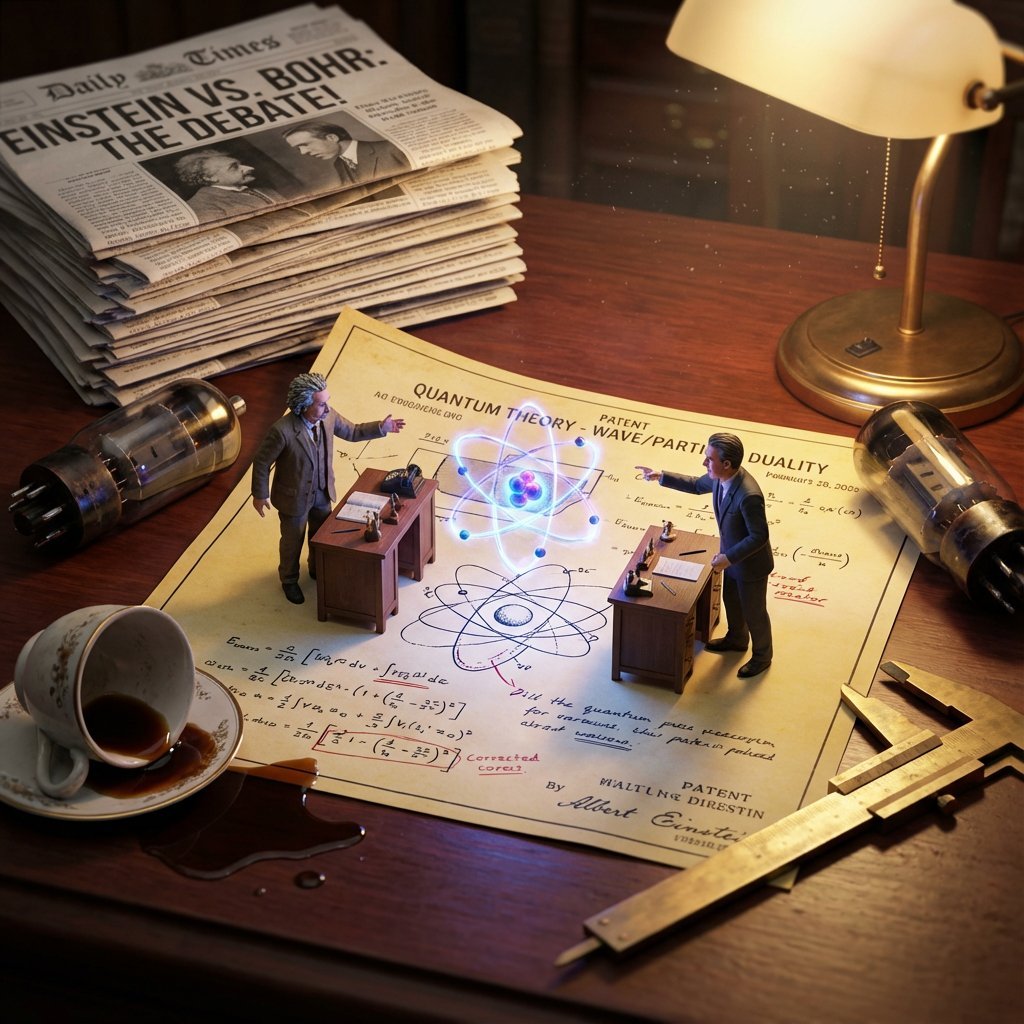
Historical Scientist Rivalry Macro Diorama Prompt
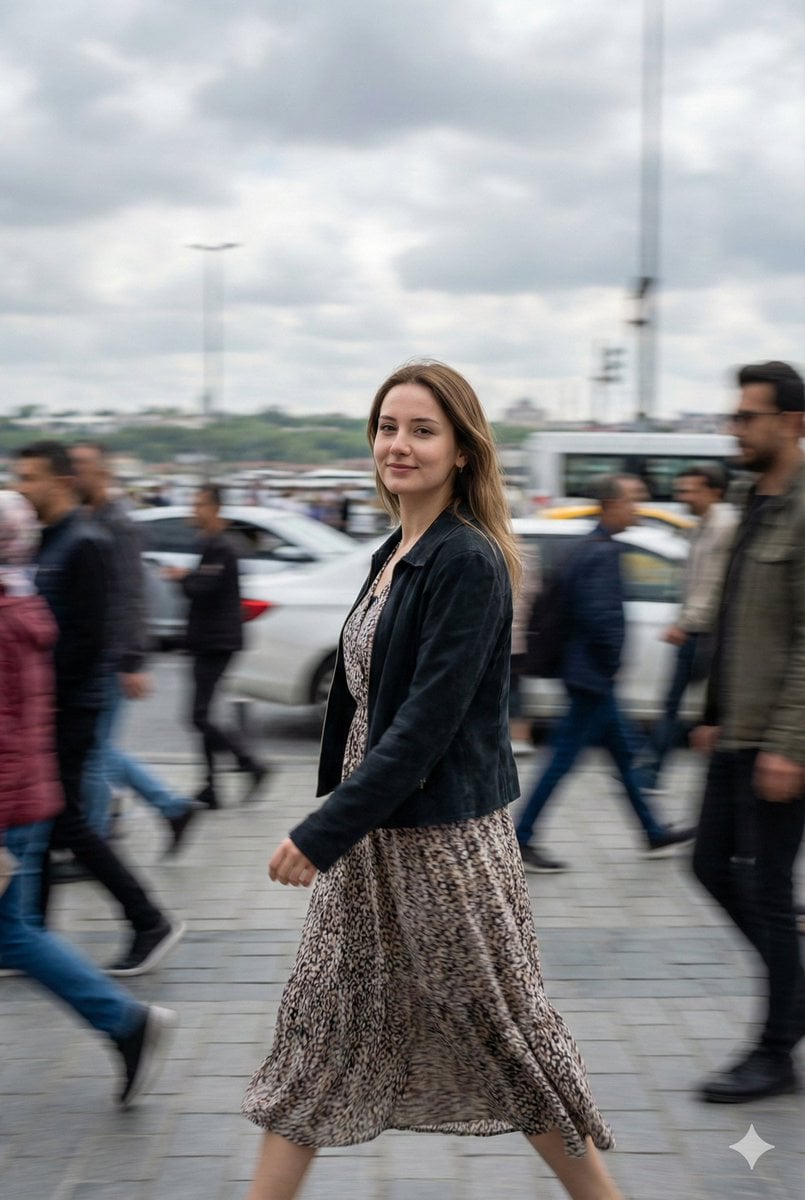
Cinematic Motion Blur Street Portrait Prompt
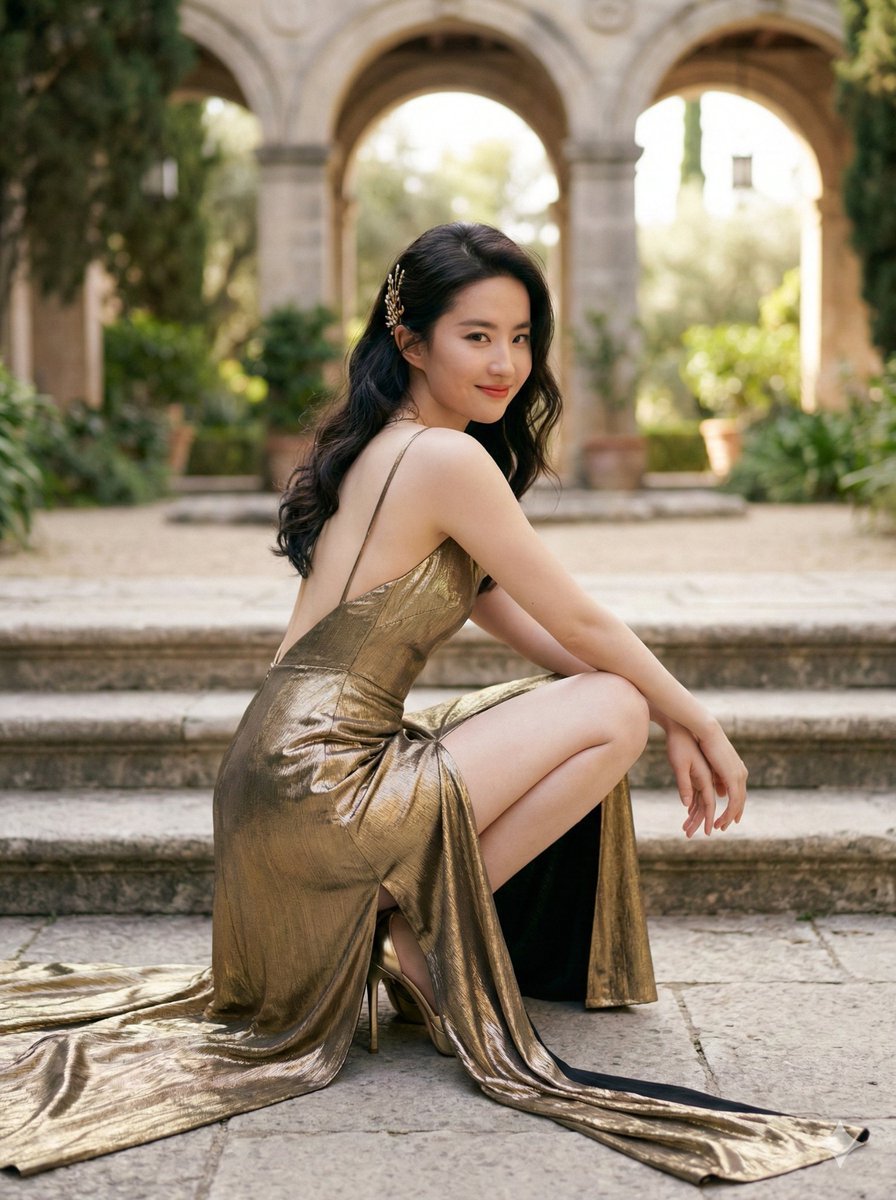
Elegant Outdoor Portrait in Gold Evening Gown
![[ Just upload your portrait to generate it ] Prom](https://cdn.picxstudio.com/cdn-cgi/image/format=auto,quality=85,fit=scale-down,onerror=redirect,width=3840,metadata=none/templates/media/image/783884dc42e5c41aafc56600151d0ddc.jpg)
[ Just upload your portrait to generate it ] Prom
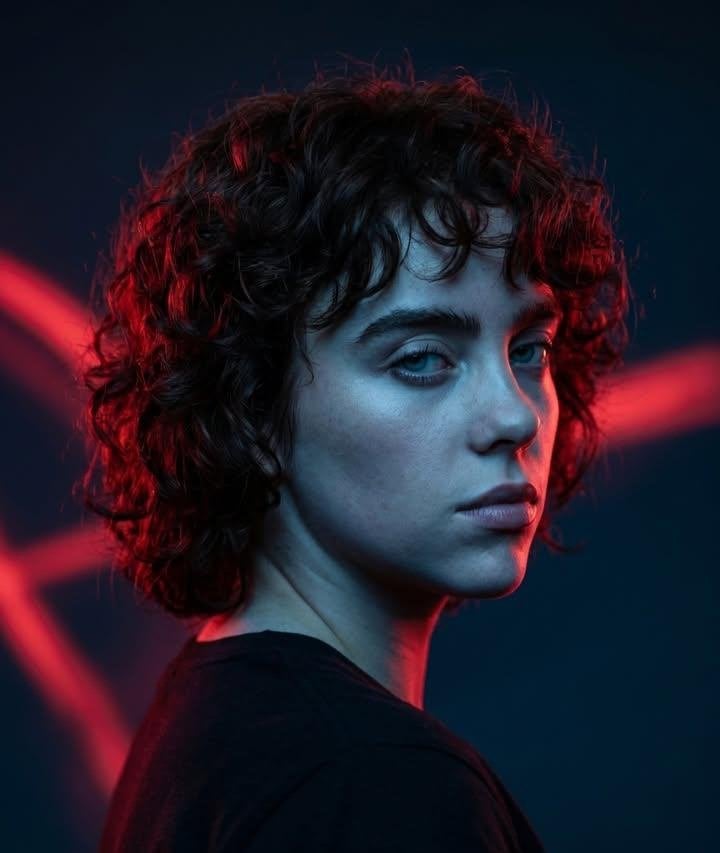
Red Rim Lighting Cinematic Portrait
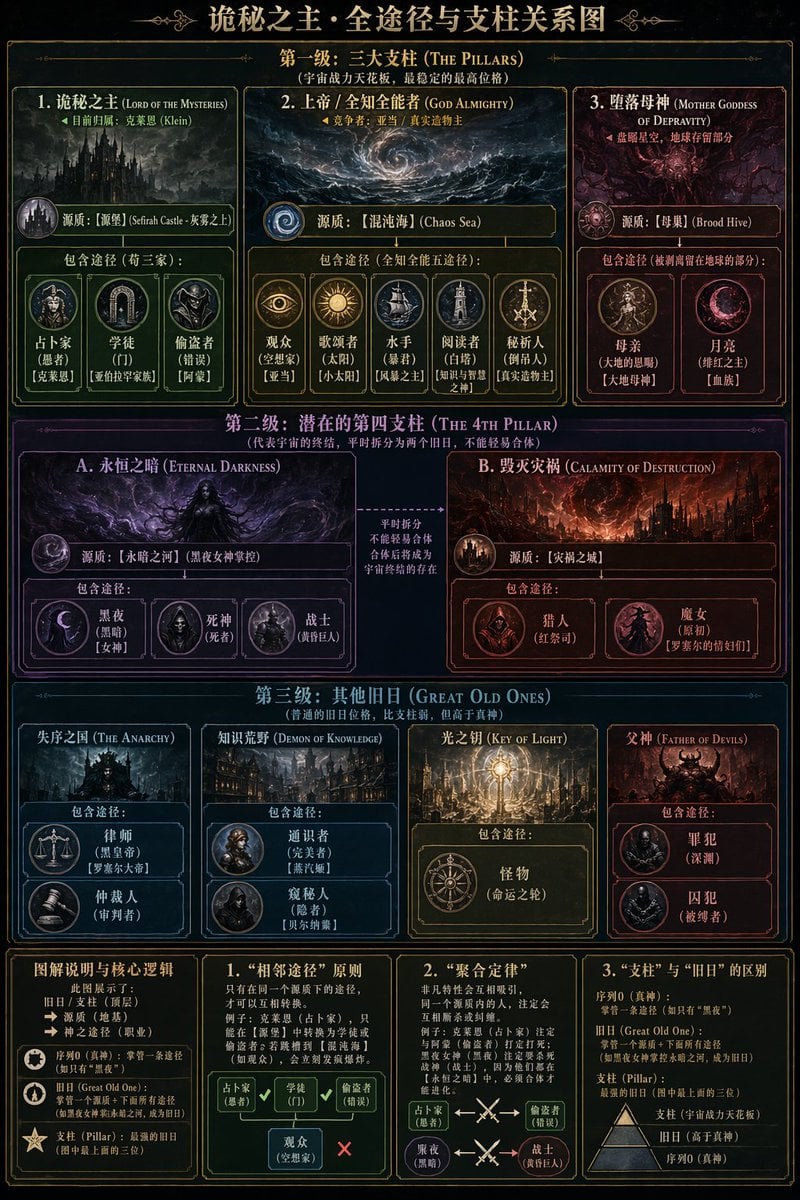
Dark Fantasy Lore Infographic Chart
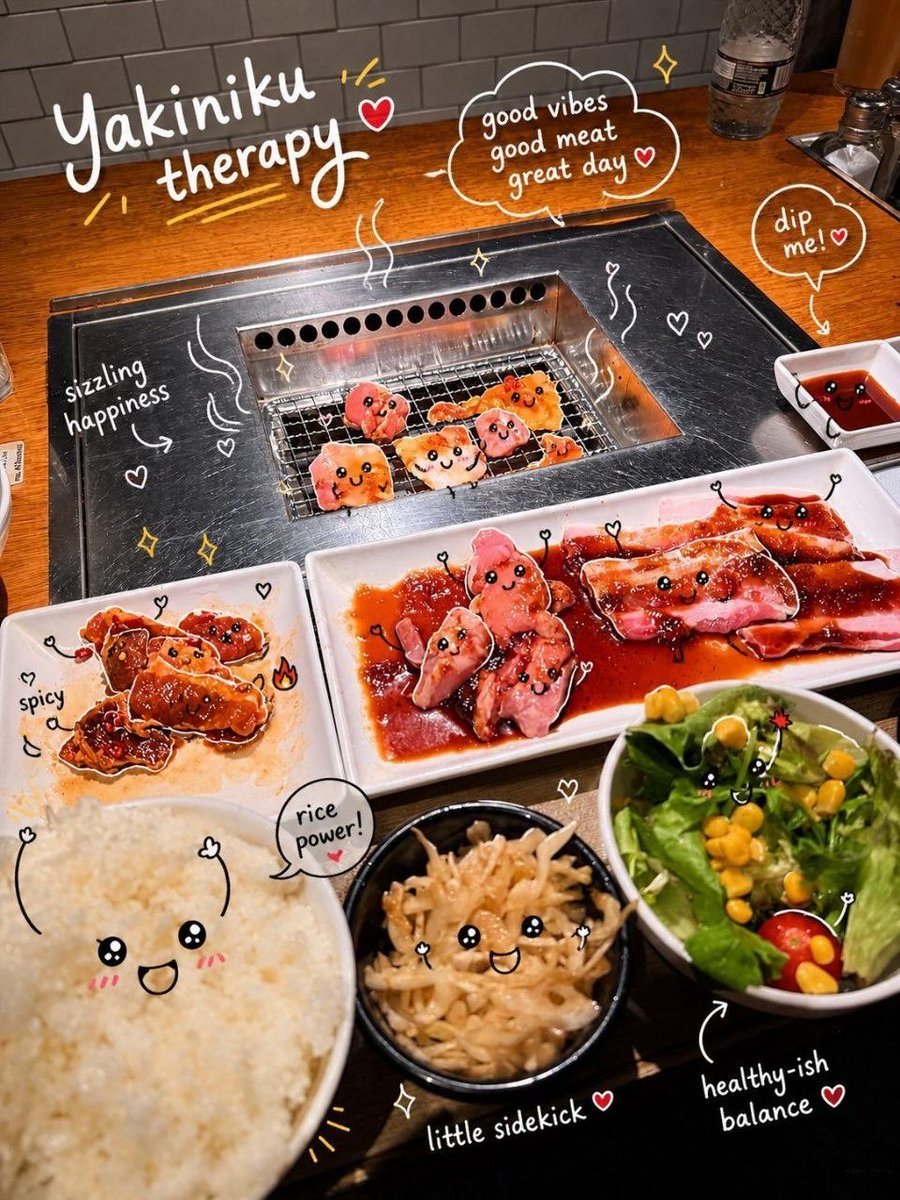
Interactive Photo Doodles
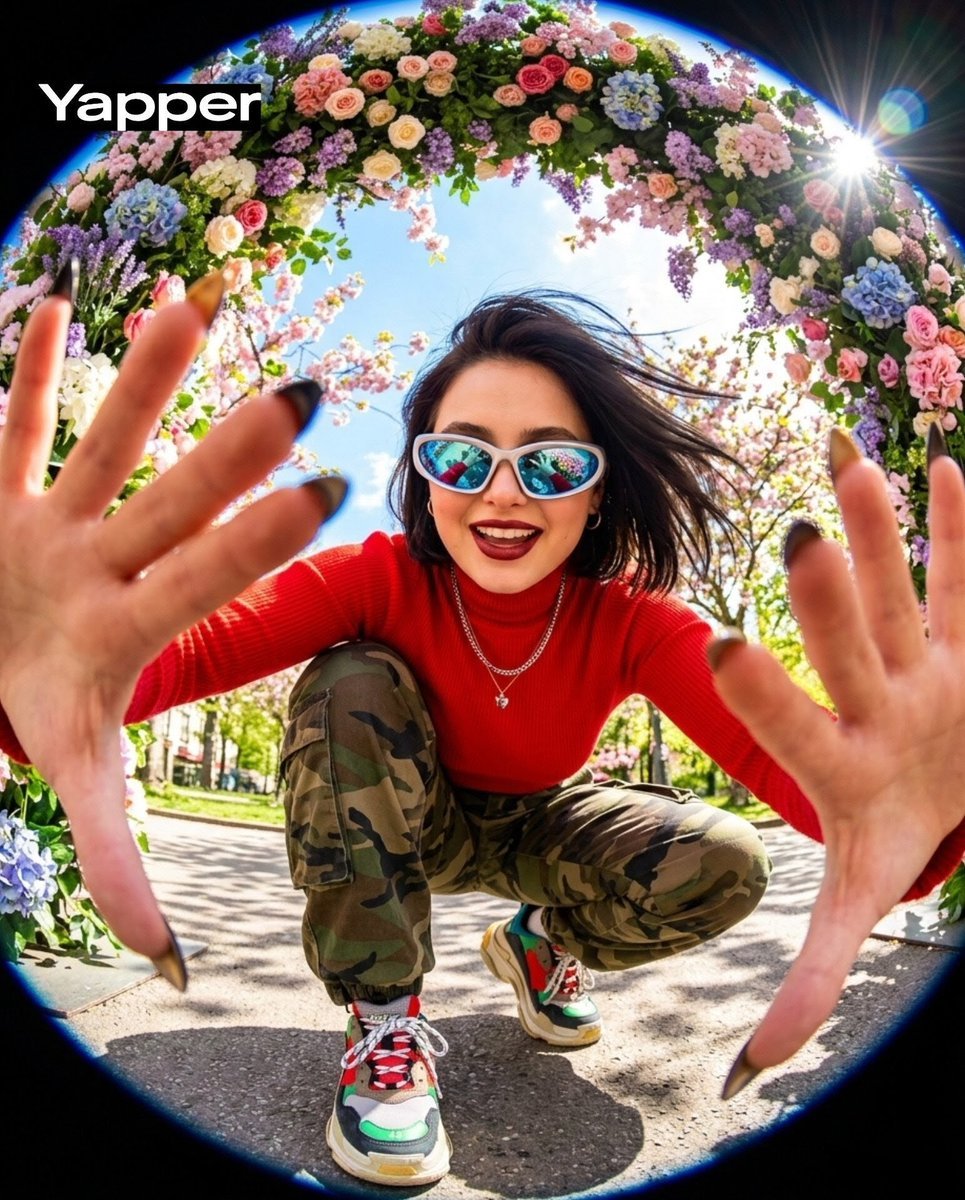
Funky style selfie portrait with fisheye distortion
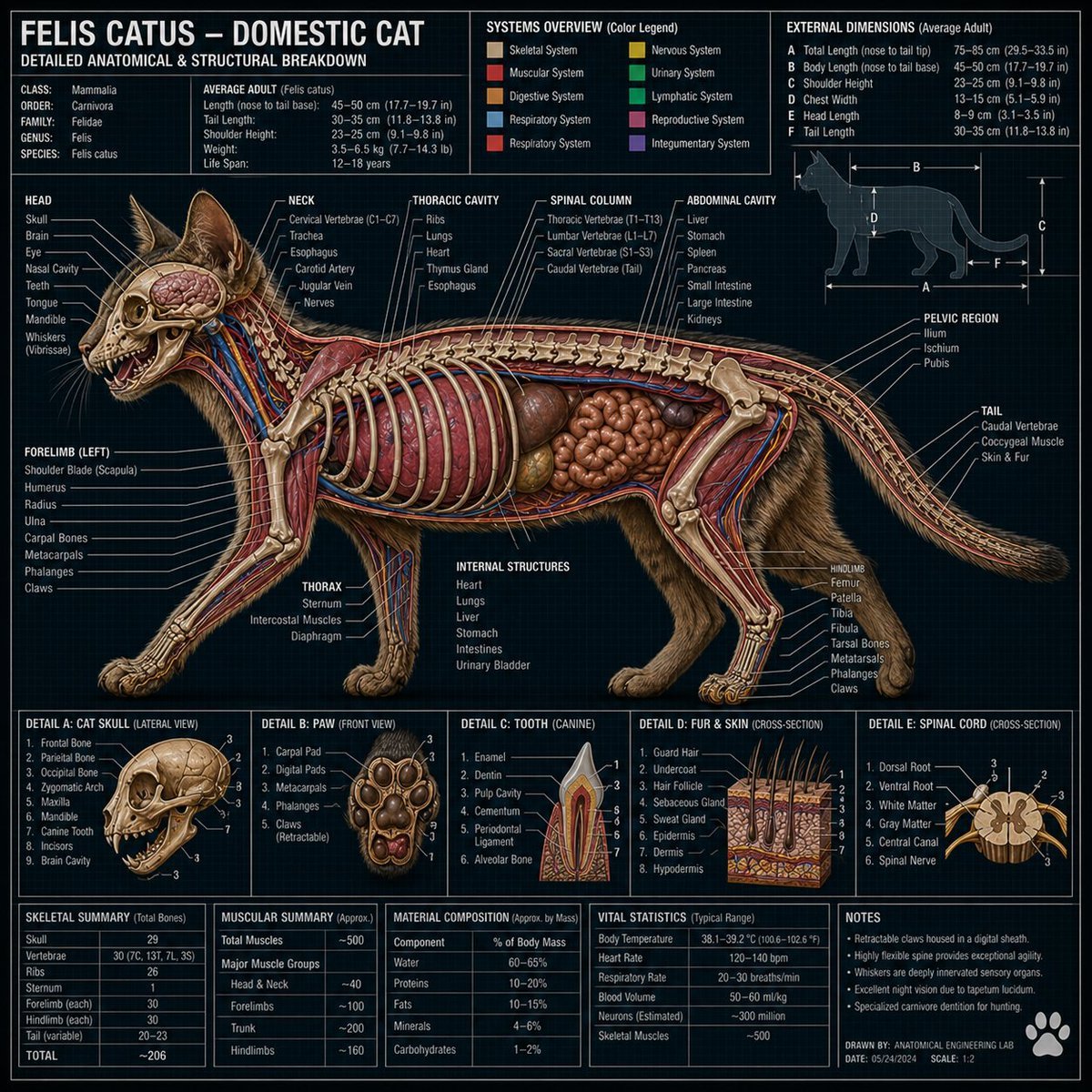
Technical Cross-Section Diagram
Browse template categories
Starlit Whale Fantasy Seaside Portrait questions
How do I use the Starlit Whale Fantasy Seaside Portrait template?
Add your photo if the template asks for one, edit the prompt if you like — the template's model and format are already selected — and press Generate. Your version opens in PicX Studio.
Can I customize the Starlit Whale Fantasy Seaside Portrait template?
Yes. You can change the subject, setting, lighting, mood, format, and available model controls before creating your image.
Is the Starlit Whale Fantasy Seaside Portrait template free?
Opening and editing this template is free. Generating uses credits, shown on the Generate button when you are signed in.
Which AI model should I use?
Start with GPT Image 2, which is the model associated with this template. You can compare another compatible model for a different finish.
Looking for something else? Browse all templates.

Your photo, any look
Thousands of ready templates for every top image and video model, from one credit balance.