
Dark Fantasy Lore Infographic Chart
A highly detailed, multi-tiered infographic chart used to map out complex lore hierarchies, pathways, and relationships in a dark fantasy setting.
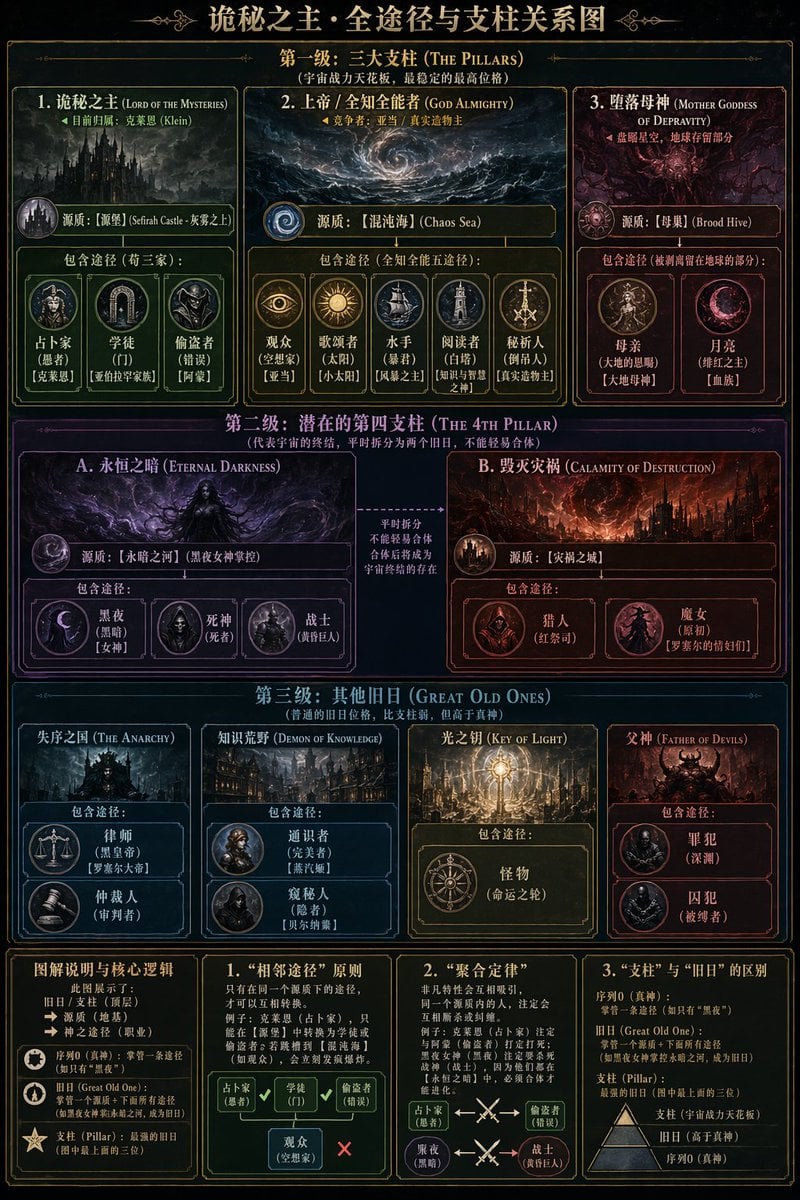
- Prompt included
- Model and format preset
- Free template
The prompt behind this image
Copy the exact prompt behind Dark Fantasy Lore Infographic Chart, or open it in the studio and make it yours.
- Type
- complex dark fantasy infographic chart
- Style
- {argument name="theme style" default="dark fantasy, gothic, arcane, gold borders on black background"}
- Header
- {argument name="main title" default="诡秘之主·全途径与支柱关系图"}
- Layout › Sections › 0 › Title
- {argument name="tier 1 title" default="第一级:三大支柱 (THE PILLARS)"}
- Layout › Sections › 0 › Position
- top
- Layout › Sections › 0 › Count
- 3
- Layout › Sections › 0 › Labels
- 1. 诡秘之主 (LORD OF THE MYSTERIES), 2. 上帝 / 全知全能者 (GOD ALMIGHTY), 3. 堕落母神 (MOTHER GODDESS OF DEPRAVITY)
- Layout › Sections › 0 › Details
- Each box contains a main entity illustration, a 'Sefirah' label, and a 'Pathways' section with circular icons. Box 1 has 3 icons, Box 2 has 5 icons, Box 3 has 2 icons.
- Layout › Sections › 1 › Title
- {argument name="tier 2 title" default="第二级:潜在的第四支柱 (THE 4TH PILLAR)"}
- Layout › Sections › 1 › Position
- upper-middle
- Layout › Sections › 1 › Count
- 2
- Layout › Sections › 1 › Labels
- A. 永恒之暗 (ETERNAL DARKNESS), B. 毁灭灾祸 (CALAMITY OF DESTRUCTION)
- Layout › Sections › 1 › Details
- Two large boxes connected by a central text block with arrows. Box A has 3 pathway icons. Box B has 2 pathway icons.
- Layout › Sections › 2 › Title
- {argument name="tier 3 title" default="第三级:其他旧日 (GREAT OLD ONES)"}
- Layout › Sections › 2 › Position
- lower-middle
- Layout › Sections › 2 › Count
- 4
- Layout › Sections › 2 › Labels
- 失序之国 (THE ANARCHY), 知识荒野 (DEMON OF KNOWLEDGE), 光之钥 (KEY OF LIGHT), 父神 (FATHER OF DEVILS)
- Layout › Sections › 2 › Details
- Four vertical boxes. Box 1 has 2 icons, Box 2 has 2 icons, Box 3 has 1 icon, Box 4 has 2 icons.
- Layout › Sections › 3 › Title
- Legend and Logic
- Layout › Sections › 3 › Position
- bottom
- Layout › Sections › 3 › Count
- 4
- Layout › Sections › 3 › Labels
- 图解说明与核心逻辑, 1. “相邻途径”原则, 2. “聚合定律”, 3. “支柱”与“旧日”的区别
- Layout › Sections › 3 › Details
- Four informational panels containing text, bullet points, and small diagrammatic arrows explaining the chart's rules and hierarchies.
Raw JSON
{
  "type": "complex dark fantasy infographic chart",
  "style": "{argument name=\"theme style\" default=\"dark fantasy, gothic, arcane, gold borders on black background\"}",
  "header": "{argument name=\"main title\" default=\"诡秘之主·全途径与支柱关系图\"}",
  "layout": {
    "sections": [
      {
        "title": "{argument name=\"tier 1 title\" default=\"第一级:三大支柱 (THE PILLARS)\"}",
        "position": "top",
        "count": 3,
        "labels": ["1. 诡秘之主 (LORD OF THE MYSTERIES)", "2. 上帝 / 全知全能者 (GOD ALMIGHTY)", "3. 堕落母神 (MOTHER GODDESS OF DEPRAVITY)"],
        "details": "Each box contains a main entity illustration, a 'Sefirah' label, and a 'Pathways' section with circular icons. Box 1 has 3 icons, Box 2 has 5 icons, Box 3 has 2 icons."
      },
      {
        "title": "{argument name=\"tier 2 title\" default=\"第二级:潜在的第四支柱 (THE 4TH PILLAR)\"}",
        "position": "upper-middle",
        "count": 2,
        "labels": ["A. 永恒之暗 (ETERNAL DARKNESS)", "B. 毁灭灾祸 (CALAMITY OF DESTRUCTION)"],
        "details": "Two large boxes connected by a central text block with arrows. Box A has 3 pathway icons. Box B has 2 pathway icons."
      },
      {
        "title": "{argument name=\"tier 3 title\" default=\"第三级:其他旧日 (GREAT OLD ONES)\"}",
        "position": "lower-middle",
        "count": 4,
        "labels": ["失序之国 (THE ANARCHY)", "知识荒野 (DEMON OF KNOWLEDGE)", "光之钥 (KEY OF LIGHT)", "父神 (FATHER OF DEVILS)"],
        "details": "Four vertical boxes. Box 1 has 2 icons, Box 2 has 2 icons, Box 3 has 1 icon, Box 4 has 2 icons."
      },
      {
        "title": "Legend and Logic",
        "position": "bottom",
        "count": 4,
        "labels": ["图解说明与核心逻辑", "1. “相邻途径”原则", "2. “聚合定律”", "3. “支柱”与“旧日”的区别"],
        "details": "Four informational panels containing text, bullet points, and small diagrammatic arrows explaining the chart's rules and hierarchies."
      }
    ]
  }
}How to use Dark Fantasy Lore Infographic Chart in 3 steps
- 1Upload ImagePNG, JPG or paste
Add your photo
Upload the photo the template builds on. The prompt, model and format are already set.
- 2…a portrait of your subject in softgolden-hour light, 85mm…
Personalize
Edit the subject and creative details for your destination.
- 3Generate
Generate
Press Generate — your image is created in PicX Studio, so you can compare it with the original and refine one variable at a time.
More like this
Templates with the same subject, style or setup. Open one to see its prompt.
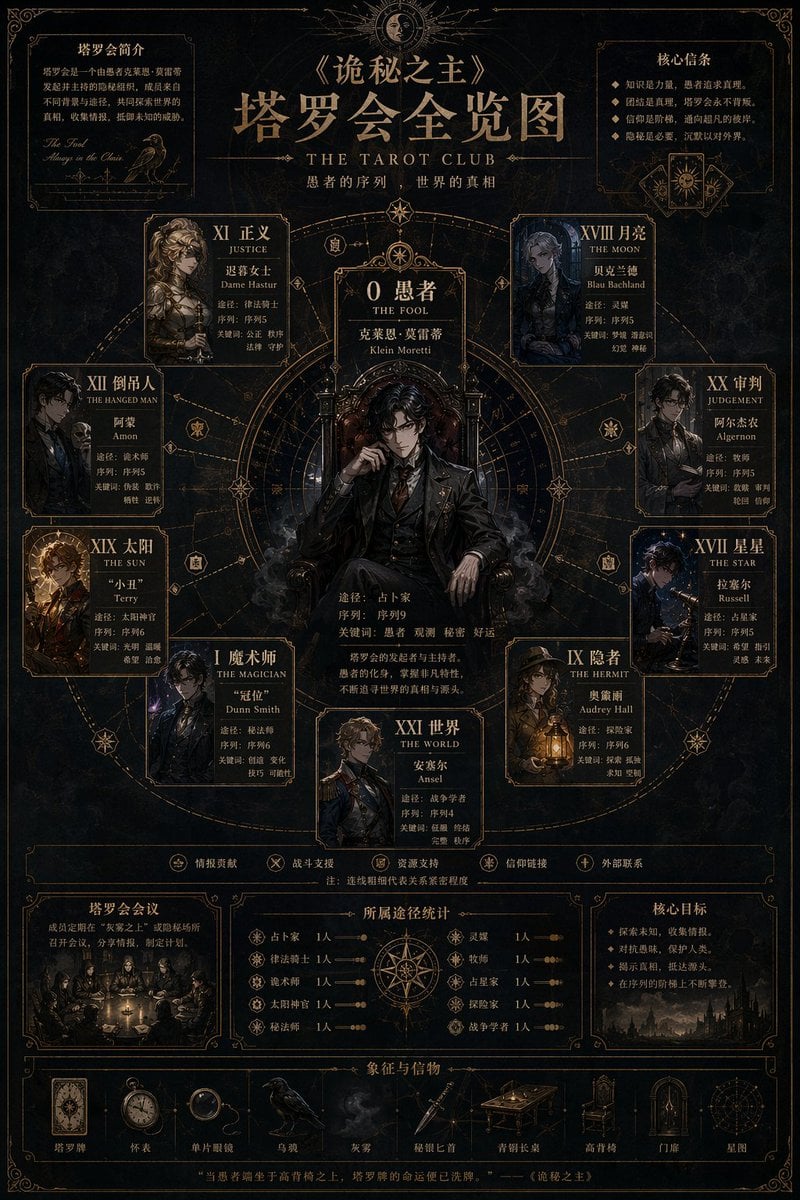
Dark Fantasy Tarot Club Lore Infographic

Japan Travel Brochure Poster

Dark Fantasy Sorceress Storyboard

Dark Fantasy Smoke Monster Transformation

Anime Fantasy Celestial Movie Poster
Anime Fantasy Celestial Movie Poster

Selective Color Monochrome Football Poster

Minecraft Fantasy Kingdom Voxel Landscape

Isometric Process Educational Diorama

Unfinished Sketch Comes Alive Portrait

Open Travel Journal Overhead Still Life

Tiny Woman Miniature Fantasy Macro Scene
Make it yours
Dark Fantasy Lore Infographic Chart works as-is. These are the safest ways to change it without losing the look.
Change one field
Copy a single group, rewrite it, and generate again so you can see what that field is doing.
Keep the frame, change the subject
Hold the composition and light of Dark Fantasy Lore Infographic Chart, then swap wardrobe, props or the person for a new take.
| If the result… | Why | Fix |
|---|---|---|
| The result drifts from the preview | Too many fields changed at once. | Reuse Dark Fantasy Lore Infographic Chart as-is first, then change one group — subject, light, or setting. |
| GPT Image 2 ignores part of the JSON | Some models flatten or skip nested keys. | Keep the same values and paste them as a short paragraph instead. |
More GPT Image 2 templates
Other prompts made for GPT Image 2.

Six VTuber Japanese Logo Sheet

Realistic Portrait of Woman and Deer

The Vista Modular Condo Poster

AI Model Routing Comparison Infographic

2.5D Anime Art Board

Isometric Productivity Desk Scene

New York Double Exposure Poster

Four-Panel AI Landscape Comparison

Japanese Tatami Lifestyle Magazine Cover

NESCAFÉ Coffee Map Poster
More image prompts
Fresh picks from across the catalog.
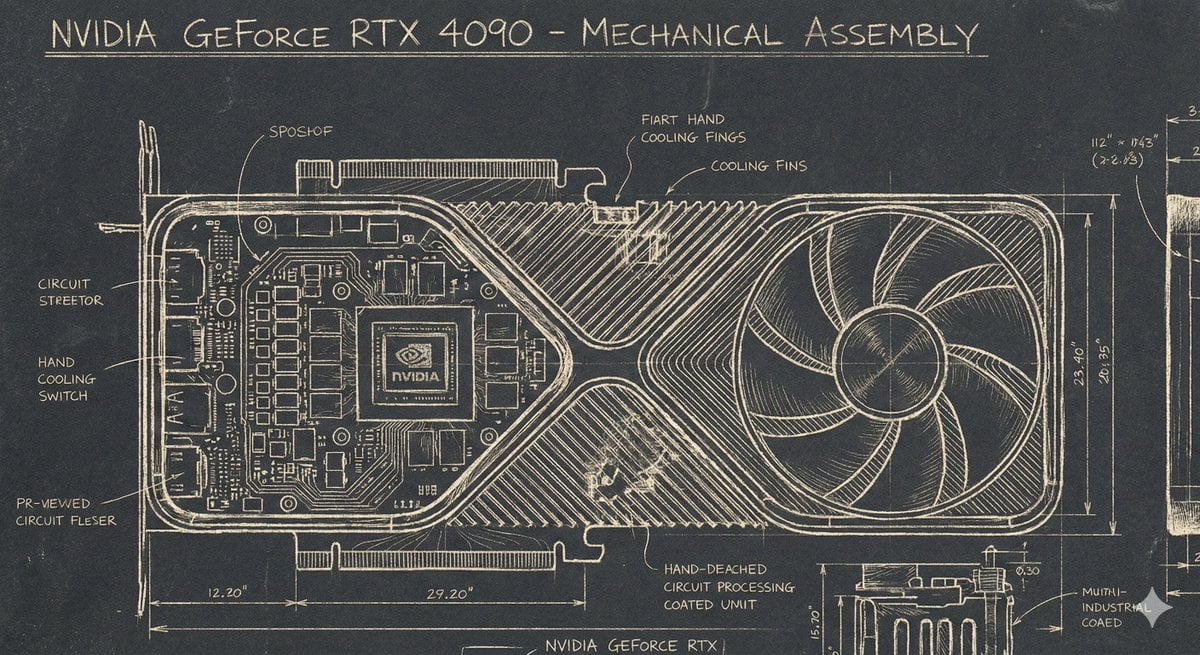
Sgraffito Mechanical Blueprint of NVIDIA 4090 GPU

Gym Mirror Selfie with Exaggerated Proportions
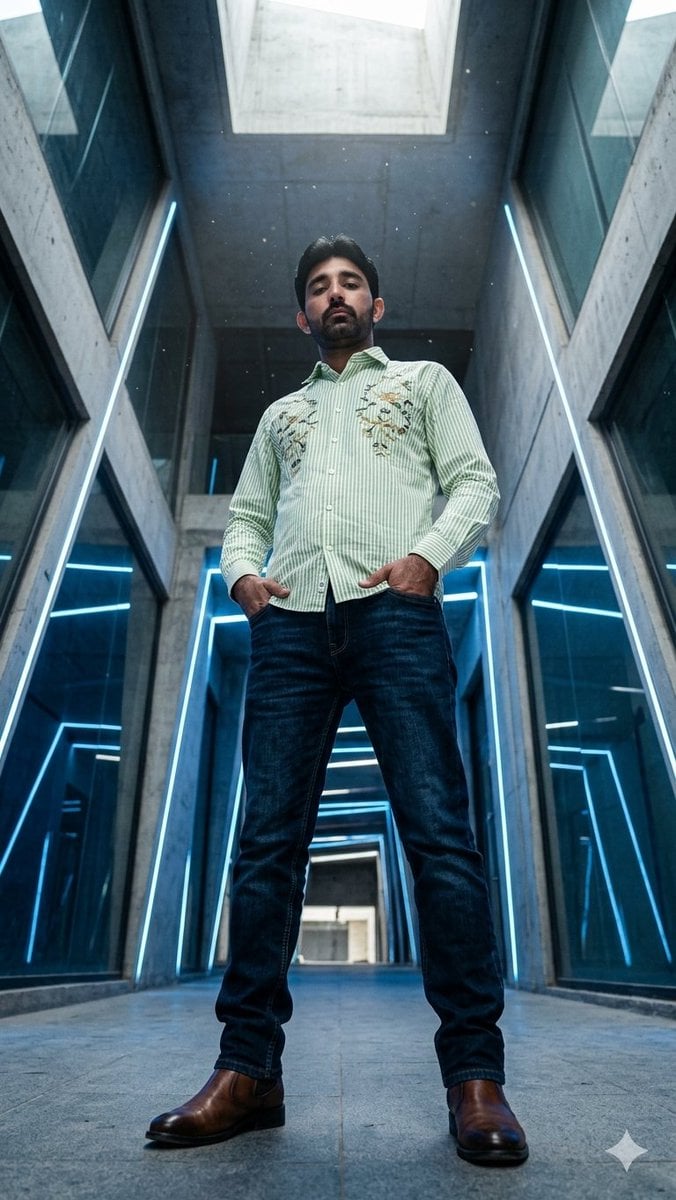
Low-Angle Futuristic Fashion Editorial
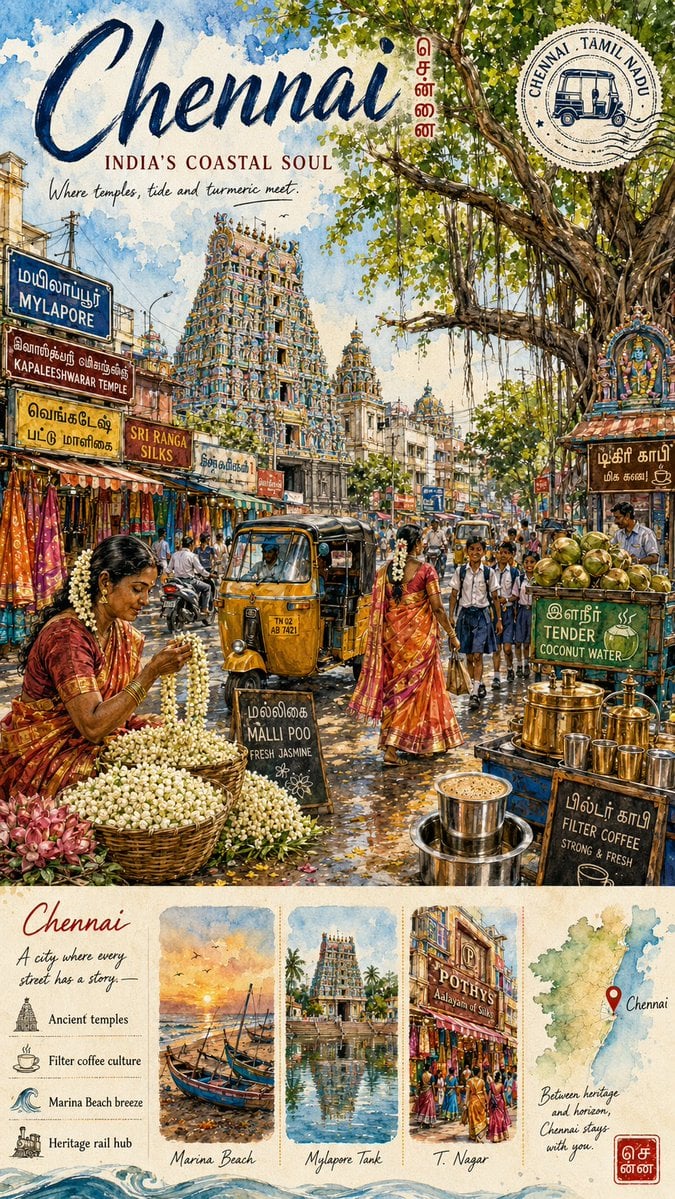
Chennai Watercolor Travel Poster
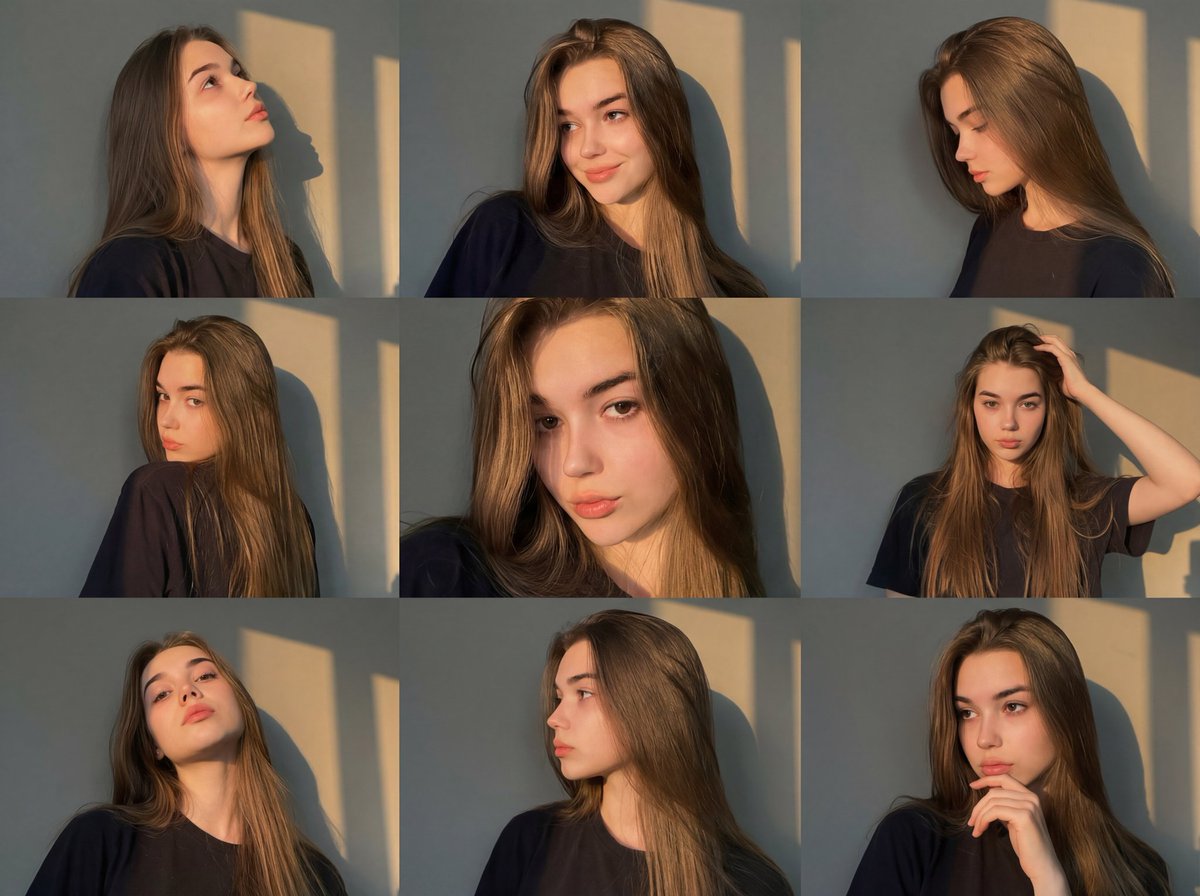
Golden Hour Portrait Collage JSON Prompt

Coca-Cola Zipper Worlds Ad

Mediterranean Travel Editorial Photograph Prompt for Nano Banana 2
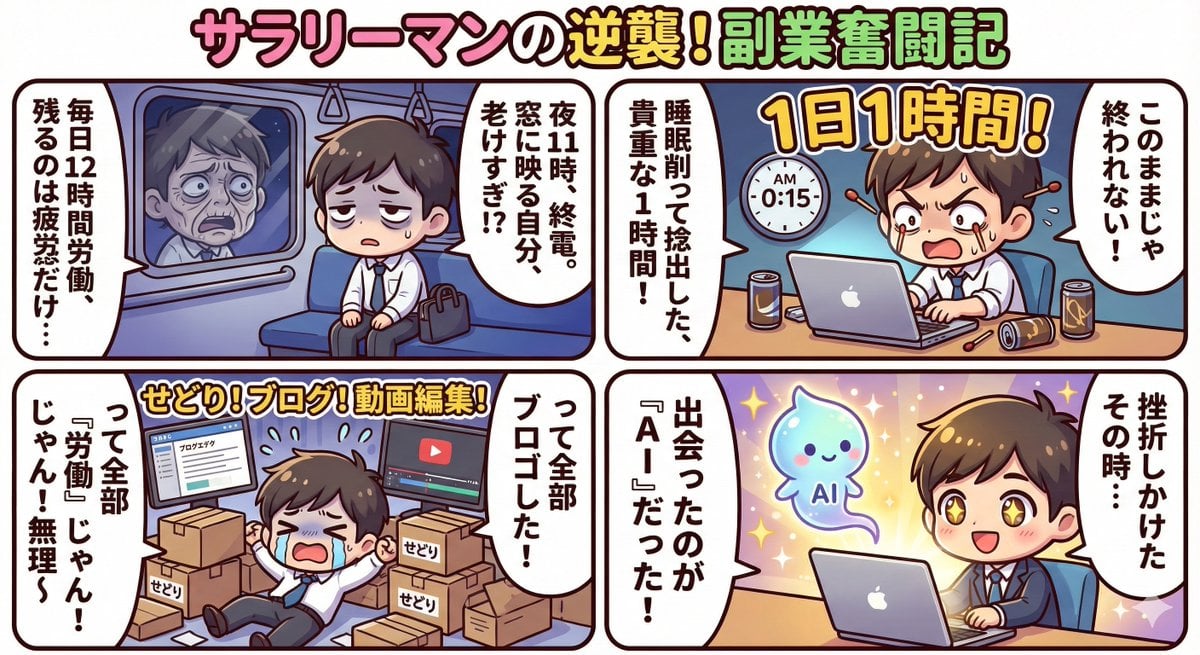
Gemini 3 Story Creation and Nano Banana Pro Manga Generation

Disney-Pixar Style 3D Portrait of Man in Neon Sweater (Full)

Cinematic Portrait of a Young Man By Gem
Browse template categories
Dark Fantasy Lore Infographic Chart questions
How do I use the Dark Fantasy Lore Infographic Chart template?
Add your photo if the template asks for one, edit the prompt if you like — the template's model and format are already selected — and press Generate. Your version opens in PicX Studio.
Can I customize the Dark Fantasy Lore Infographic Chart template?
Yes. You can change the subject, setting, lighting, mood, format, and available model controls before creating your image.
Is the Dark Fantasy Lore Infographic Chart template free?
Opening and editing this template is free. Generating uses credits, shown on the Generate button when you are signed in.
Which AI model should I use?
Start with GPT Image 2, which is the model associated with this template. You can compare another compatible model for a different finish.
Looking for something else? Browse all templates.

Your photo, any look
Thousands of ready templates for every top image and video model, from one credit balance.