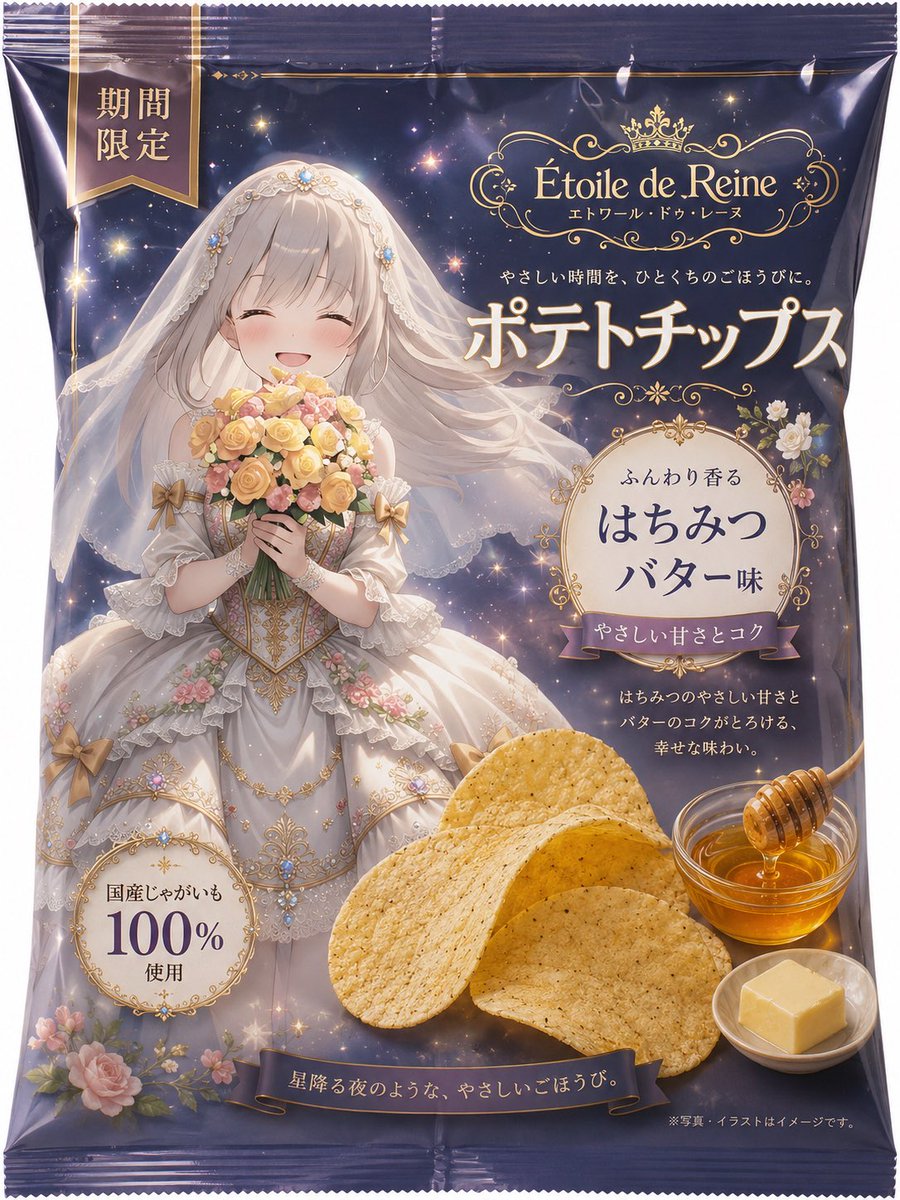
How do I use the Anime Character Potato Chip Packaging template?
Choose the primary action to open PicX Studio with the available template settings. Review the model and format, personalize the creative direction, and generate when ready.
A comprehensive prompt for generating a realistic product photo of a metallic potato chip bag featuring a hand-drawn manga style character based on a reference
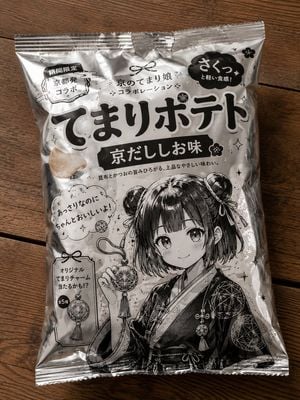
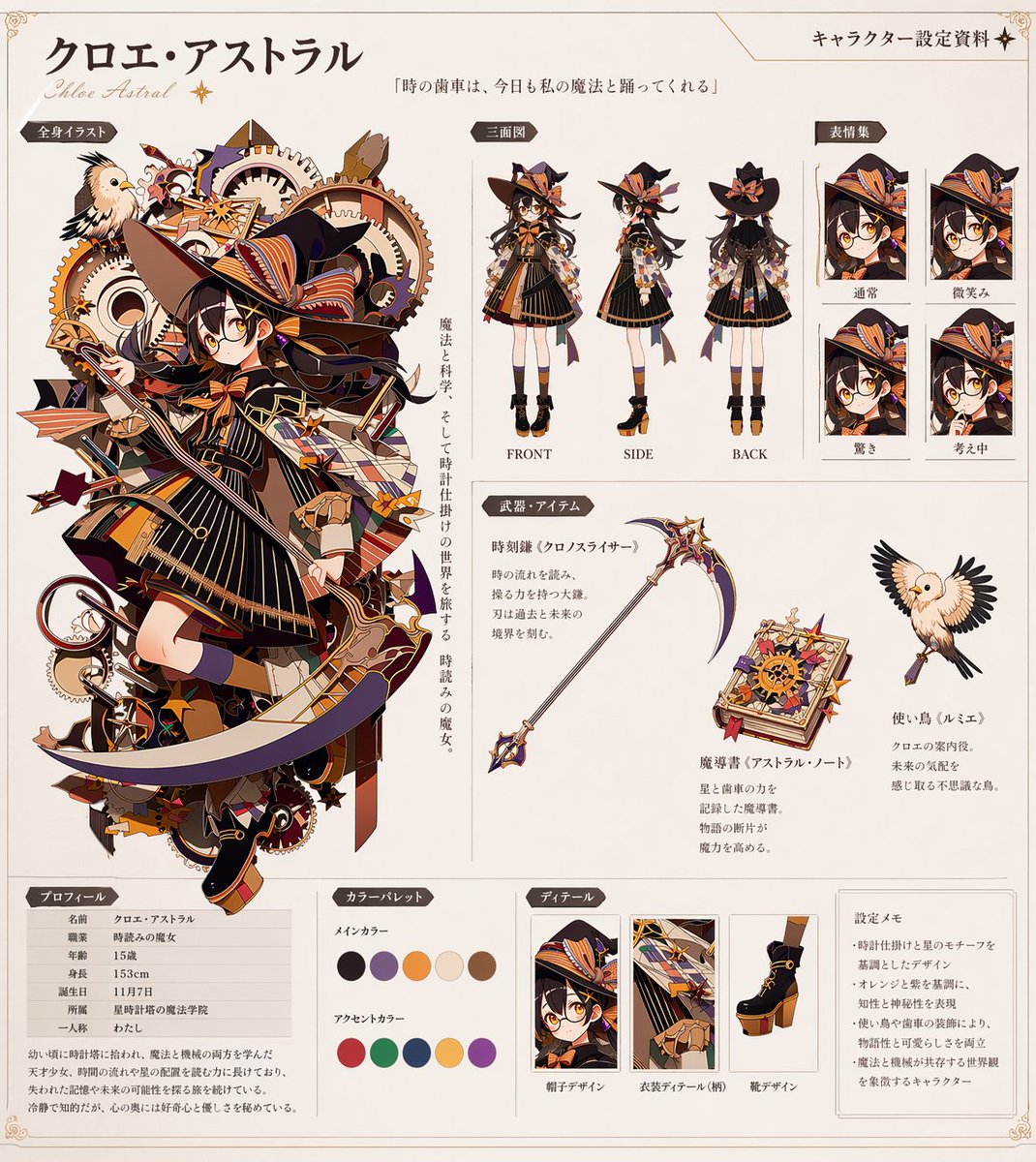
入力画像を{argument name="キャラクター" default="キャラクター"}参照として使用する。 縦3:4。実写風の木目テーブルの上に、架空ブランドの銀色ポテトチップス袋が置かれている写真風画像を作成する。 入力画像のキャラクターを、銀色のポテトチップス袋に直接描かれたような白黒の手描き漫画風イラストに変換する。イラストは袋の下半分の余白を大きく使って描く。顔、髪型、衣装、特徴的な装飾、相棒キャラがいる場合はその存在感を保つ。 ポテトチップスは必ず架空ブランドにする。実在企業名、実在ロゴ、実在商品のデザインは使わない。 ポテトチップスの製品名は、入力画像のキャラクターのモチーフ・雰囲気・種族・衣装・相棒要素を参考にして決定する。製品名は短く、覚えやすく、実際にコンビニで見かけそうな自然な名前にする。できるだけ「{argument name="製品名" default="○○ポテト"}」「○○チップス」「○○あげ」などの短い商品名にする。 ポテトチップスの味名も、入力画像のキャラクターの印象に合わせて自然に決定する。{argument name="味名" default="和風、塩系、のり系、黒胡椒系、だし系、甘辛系"}など、日本のスナック菓子として違和感のない味名にする。 袋の上半分は商品パッケージデザインを主体にし、大きな商品名、味名、キャッチコピー、黒白の太い文字、手描きの吹き出し、星や小さな落書き風装飾で構成する。袋の下半分はキャラクターの白黒手描きイラストを主体にする。 袋は日本のスナック菓子風。メタリックな銀色フィルム、しわ、反射、印刷されたような黒白の太い文字、架空の味名、限定コラボ風の遊び心ある装飾を入れる。 背景と袋は実写風。袋に描かれたキャラクターだけは、ラフなペン画・漫画線画・手描きスケッチ風にする。 雰囲気は、限定コラボ商品のようにかわいく、遊び心があり、写真として自然に見えるもの。画像を作成する
Choose the primary action to open PicX Studio with the available template settings. Review the model and format, personalize the creative direction, and generate when ready.
Yes. You can change the subject, setting, lighting, mood, format, and available model controls before creating your image.
This template is free to open and customize. Generation usage is shown in PicX Studio before you create.
Start with GPT Image 2, which is the model associated with this template. You can compare another compatible model for a different finish.
Follow a topic to a crawlable collection of related PicX Studio templates.