
Hyper-Realistic Exploded Food Infographic Prompt
A complex JSON prompt for generating hyper-realistic food illustrations with editorial infographic overlays.
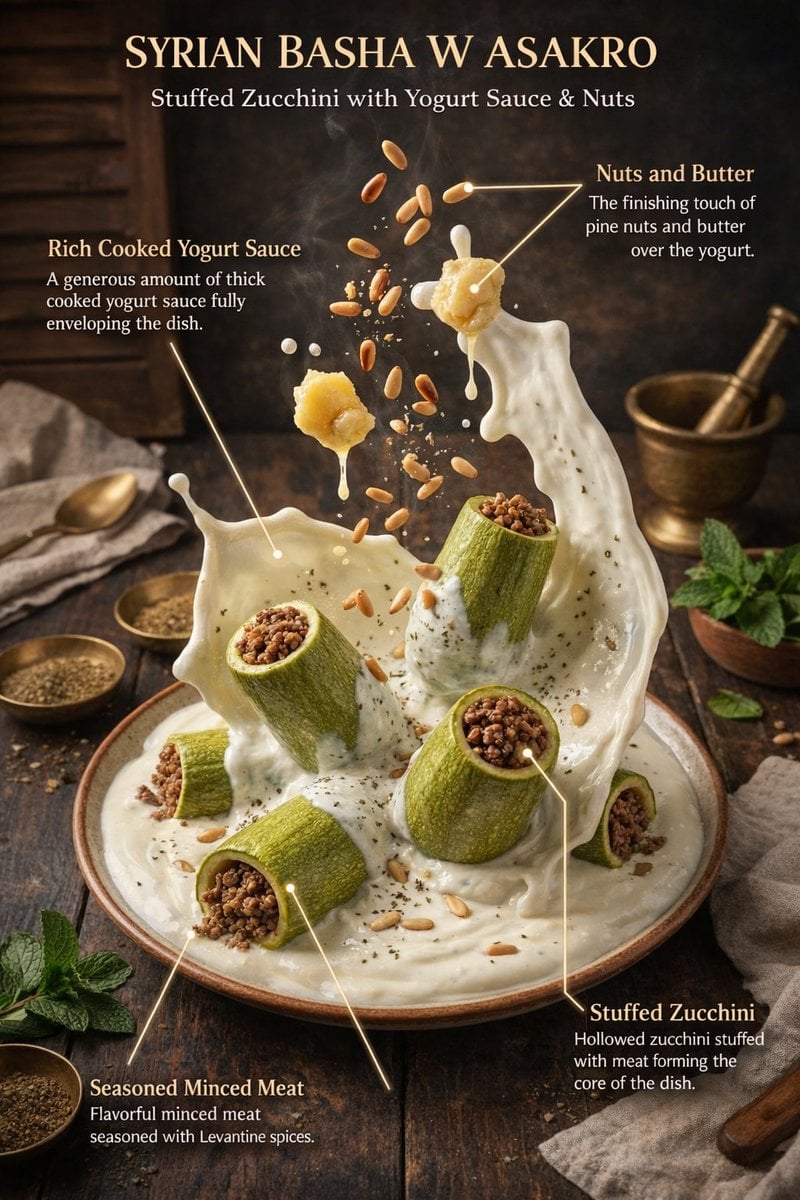
- Prompt included
- Model and format preset
- Premium template
The prompt behind this image
Copy the exact prompt behind Hyper-Realistic Exploded Food Infographic Prompt, or open it in the studio and make it yours.
{ "global_settings": { "resolution": "8K ultra high definition", "aspect_ratio": "3:4", "camera_style": "studio food photography with cinematic lighting", "depth_of_field": "shallow depth of field, sharp subject, soft background", "lighting": "soft directional key light, subtle rim light, controlled highlights", "style": "hyper-realistic food illustration with editorial infographic overlays", "composition_rules": [ "no zoom", "no crop", "center-weighted vertical composition", "floating elements frozen in motion" ], "text_design": { "ingredient_name_color": "metallic gold", "ingredient_description_color": "pure white", "font_style": "elegant serif for titles, clean sans-serif for descriptions", "indicator_lines": "long, thin, smooth golden lines with rounded corners" } }, "module_1_image_1_style": { "scene_description": "A vertical stack of assorted cake slices floating above a white ceramic plate against a soft pink gradient background.", "background": { "color": "{argument name="background color" default="soft pastel pink"}", "texture": "smooth gradient", "lighting": "even, studio-lit, no harsh shadows" }, "main_subjects": [ "multiple layered sponge cake slices", "white whipped cream layers", "raspberry cream layer", "chocolate cream topping" ], "visible_ingredients": [ "vanilla sponge cake", "whipped cream", "raspberries", "blueberries", "strawberries", "macarons (vanilla and chocolate)", "chocolate bar pieces", "mint leaves", "small nut fragments" ], "motion_elements": [ "floating fruits", "floating macarons", "crumbs suspended in air" ], "text_labels": [ "Vanilla Cake – soft, fluffy sponge cake layered with white cream filling", "Macaron – creamy filling between almond meringue shells", "Raspberries – juicy, fresh raspberries", "Chocolate Bar – chunks of smooth milk chocolate", "Raspberry Cream – soft sponge cake layered with creamy, fruity raspberry cream" ] }, "module_2_image_2_style": { "scene_description": "Rolled Syrian dessert presented vertically with syrup pouring from above, placed in a warm, rustic kitchen environment.", "background": { "environment": "traditional kitchen", "elements": [ "warm lantern light", "wooden surfaces", "brass and copper utensils" ], "lighting": "warm ambient lighting with soft highlights" }, "main_subjects": [ "rolled white dessert dough", "cream filling spilling out", "golden syrup stream" ], "visible_ingredients": [ "white cheese dough", "cream filling", "pistachios", "sugar syrup" ], "motion_elements": [ "syrup dripping vertically", "pistachio cr" ] } }
How to use Hyper-Realistic Exploded Food Infographic Prompt in 3 steps
- 1
Open
The prompt is already in the box next to the preview, with the template's model and format selected.
- 2…a portrait of your subject in softgolden-hour light, 85mm…
Personalize
Edit the subject and creative details for your destination.
- 3Generate
Generate
Press Generate — your image is created in PicX Studio, so you can compare it with the original and refine one variable at a time.
More like this
Templates with the same subject, style or setup. Open one to see its prompt.
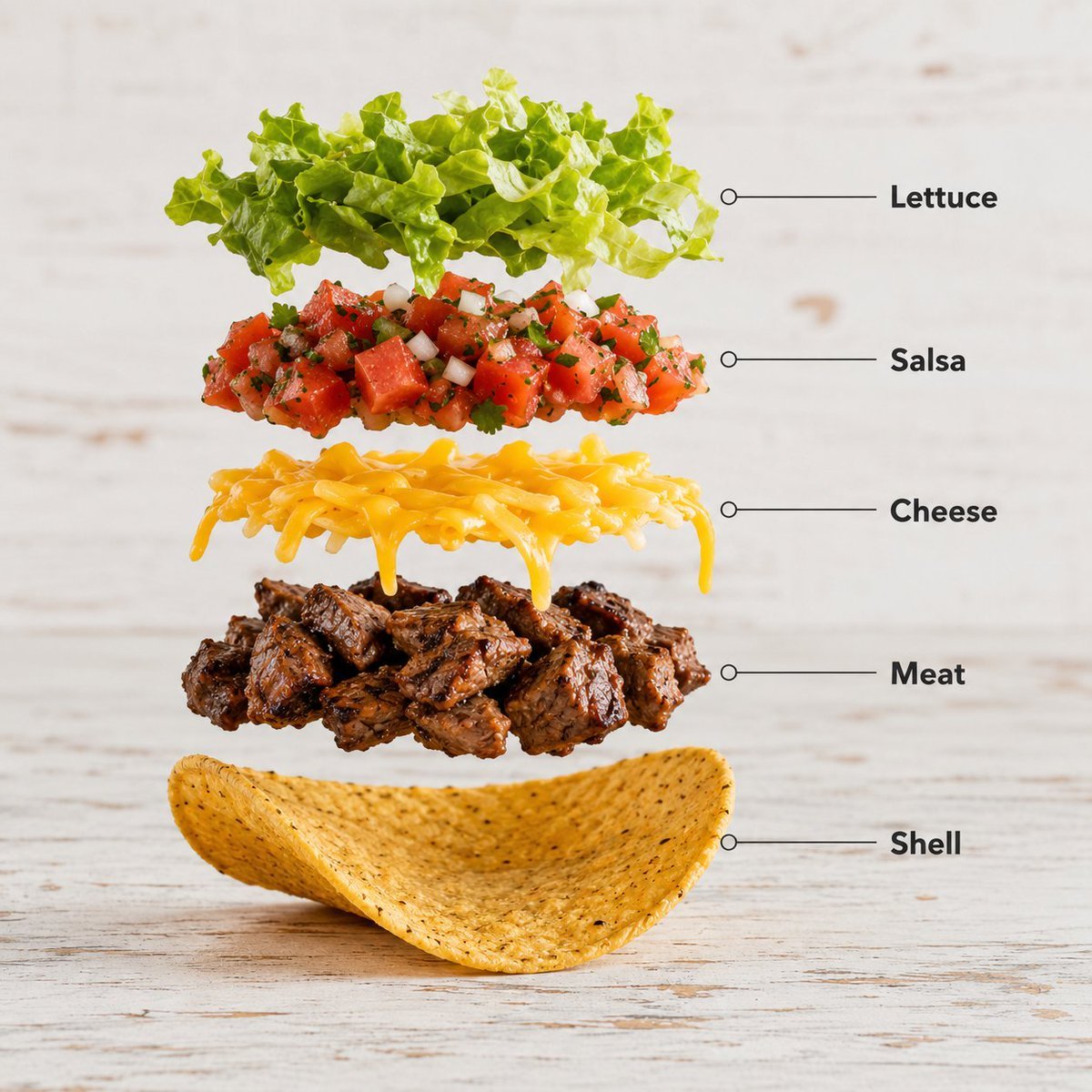
Exploded Food Infographic Composition

Japan Travel Brochure Poster

Cozy Food Flat Lay Doodle Labels

Isometric Process Educational Diorama

Isometric Vehicle Teardown Infographic Template
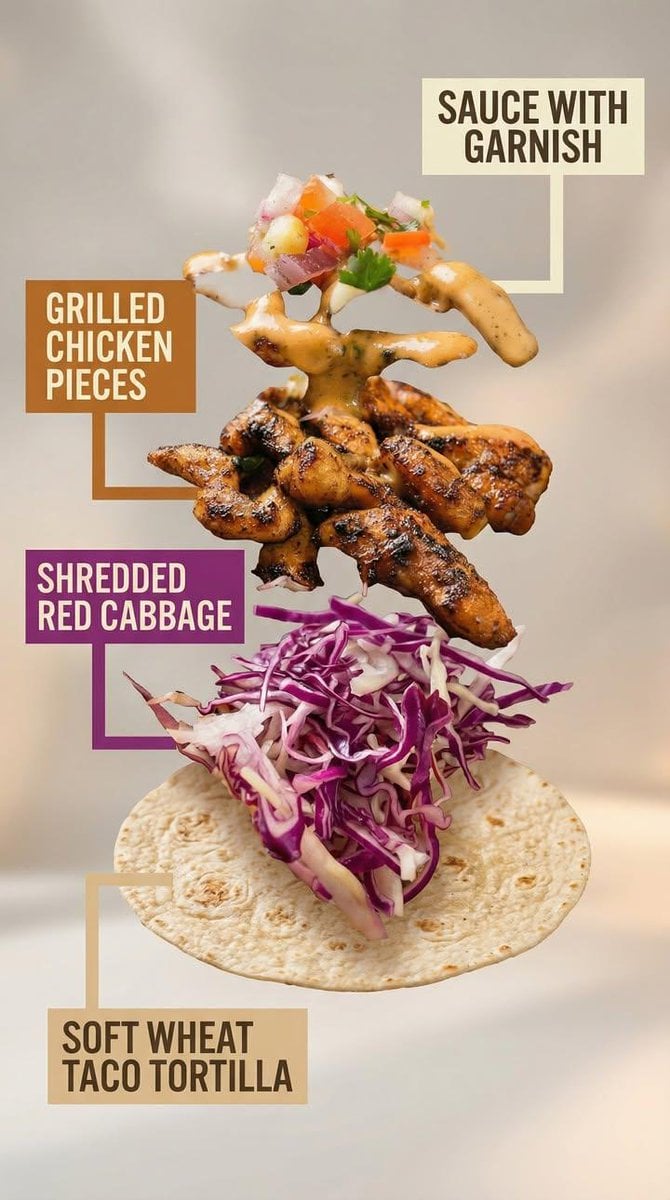
Exploded View Taco Visualization and Commercial Food Photography Prompt

Gpt2 E Commerce Main Image Earbuds E Commerce Infographic

Gpt2 Infographic Edu Visual Alishan One Day Travel Poster

Gpt2 Infographic Edu Visual Ethnographic Plate for Tibetan Ceremonial Hat

Gpt2 Infographic Edu Visual Earth Signs Zodiac Character Poster

Gpt2 Infographic Edu Visual Water Signs Zodiac Character Poster

Gpt2 Infographic Edu Visual Ink Wash Tribute Poster for Chen Uen
Make it yours
Hyper-Realistic Exploded Food Infographic Prompt works as-is. These are the safest ways to change it without losing the look.
Change one field
Copy a single group, rewrite it, and generate again so you can see what that field is doing.
Keep the frame, change the subject
Hold the composition and light of Hyper-Realistic Exploded Food Infographic Prompt, then swap wardrobe, props or the person for a new take.
| If the result… | Why | Fix |
|---|---|---|
| The result drifts from the preview | Too many fields changed at once. | Reuse Hyper-Realistic Exploded Food Infographic Prompt as-is first, then change one group — subject, light, or setting. |
| The model over-stylizes the scene | The prose prompt leaves finish and camera underspecified. | Add one camera or lighting sentence and stay on Nano Banana 2. |
More Nano Banana 2 templates
Other prompts made for Nano Banana 2.

Photorealistic Leaf Shaped Like a Dragon

K-Pop Idol Portrait Grid for Rapid Selection

Poetic Rain Forest Portrait During Golden Hour

Urban Street Portrait with Cartoon Inner Self Duo

Candid Nighttime Photo with Cat Prompt

High-Concept 3D Diorama Generation Prompt

Cinematic Futuristic Studio Portrait Template

Skincare Editorial Photography Collage Prompt

Hyper-Realistic Commercial Product Photography (Splash Effect)

Hyper-Realistic Nightclub Portrait Prompt
More image prompts
Fresh picks from across the catalog.

Sheep Good-Luck Charm Poster
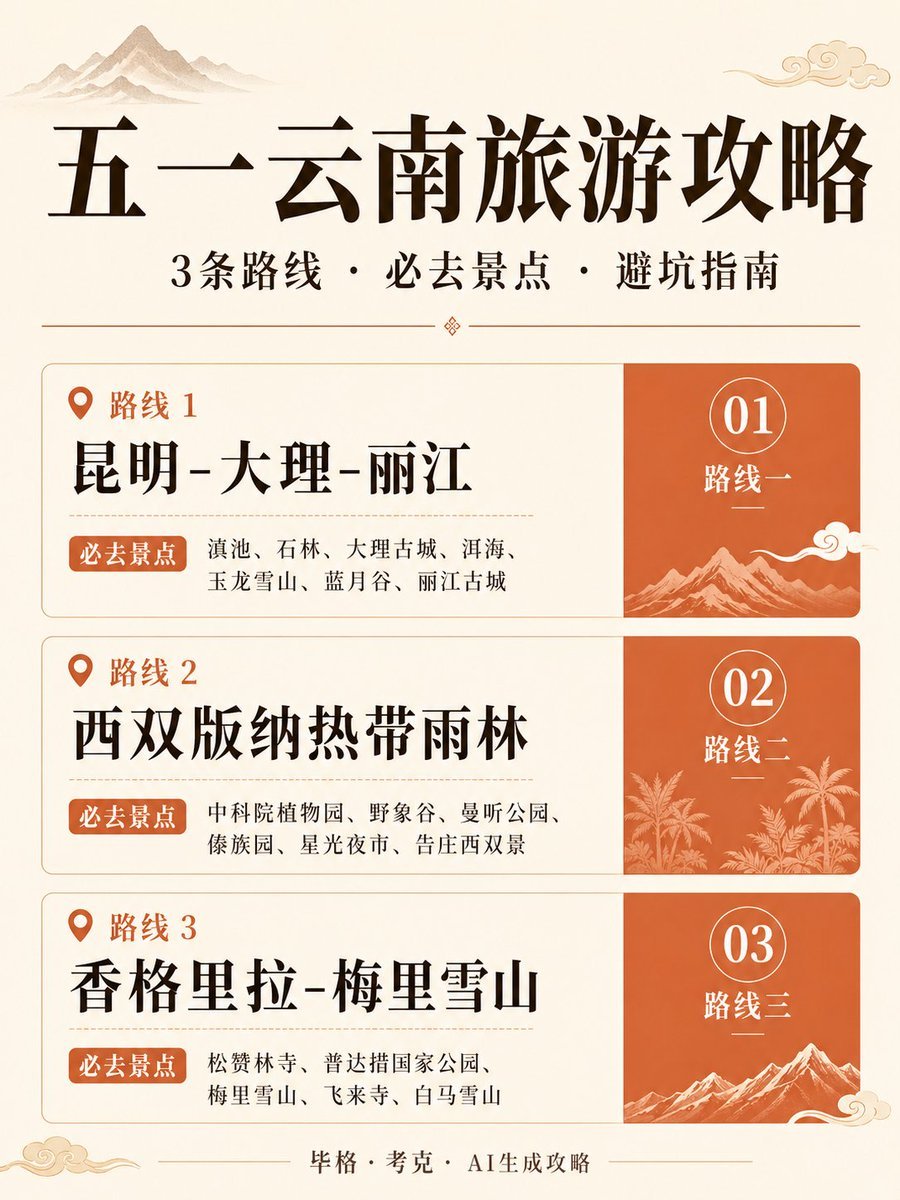
Chinese Yunnan Travel Guide Poster
Layered Papercraft Image Transformation
Modern Brands in 19th Century Prompt
Convert Image to School Yearbook Portrait

Photorealistic Fashion Portrait on Car Hood at Seaside

Cinematic Mafia Boss Portrait Prompt

Loch Ness Monster Visual Description and Generation
Minimalist Line Art Travel Poster
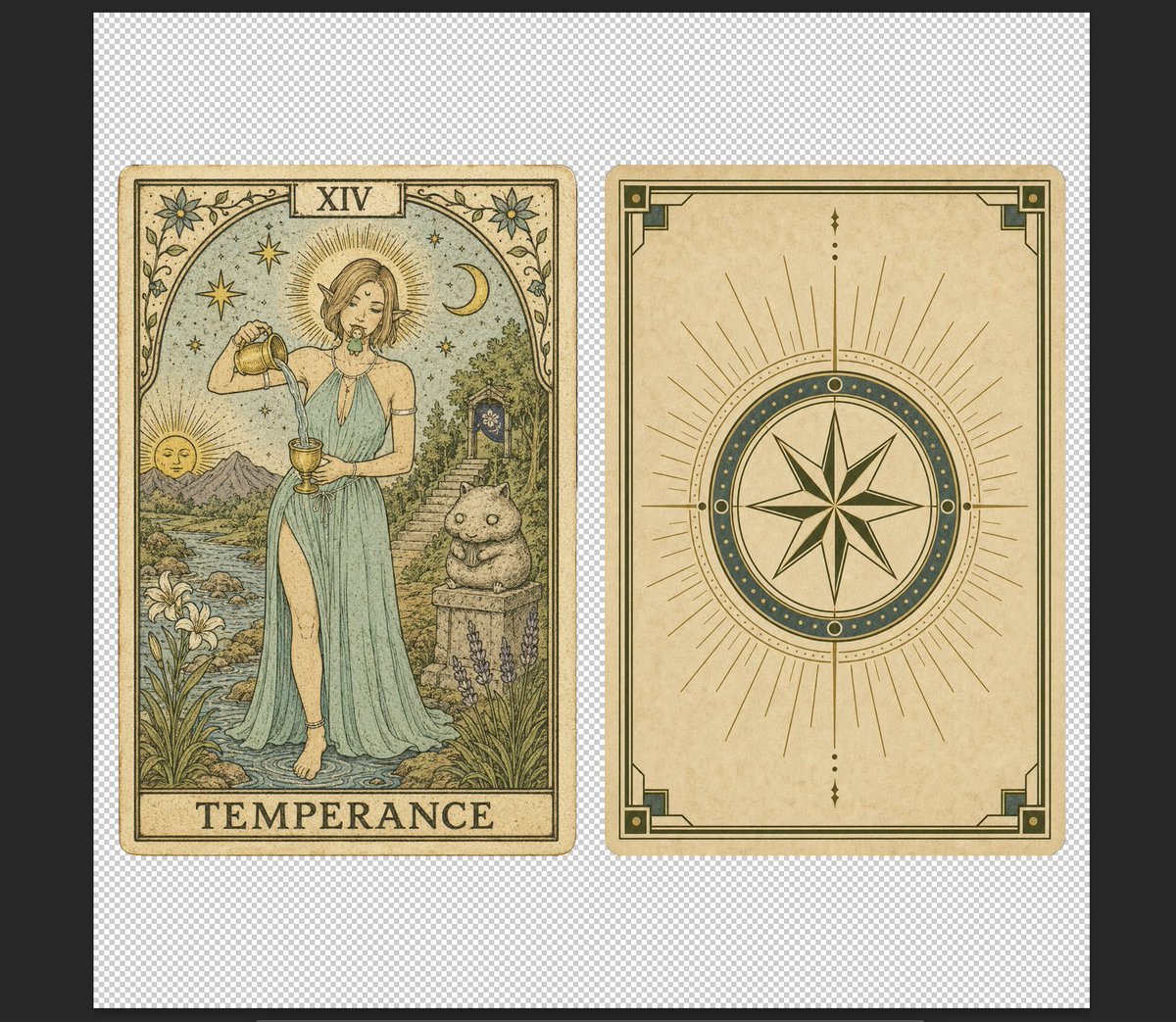
Vintage Temperance Tarot Card Pair
Browse template categories
Hyper-Realistic Exploded Food Infographic Prompt questions
How do I use the Hyper-Realistic Exploded Food Infographic Prompt template?
Add your photo if the template asks for one, edit the prompt if you like — the template's model and format are already selected — and press Generate. Your version opens in PicX Studio.
Can I customize the Hyper-Realistic Exploded Food Infographic Prompt template?
Yes. You can change the subject, setting, lighting, mood, format, and available model controls before creating your image.
Is the Hyper-Realistic Exploded Food Infographic Prompt template free?
Opening and editing this template is free. Generating uses credits, shown on the Generate button when you are signed in.
Which AI model should I use?
Start with Nano Banana 2, which is the model associated with this template. You can compare another compatible model for a different finish.
Looking for something else? Browse all templates.

Your photo, any look
Thousands of ready templates for every top image and video model, from one credit balance.