
Cozy Anime Morning Livestream
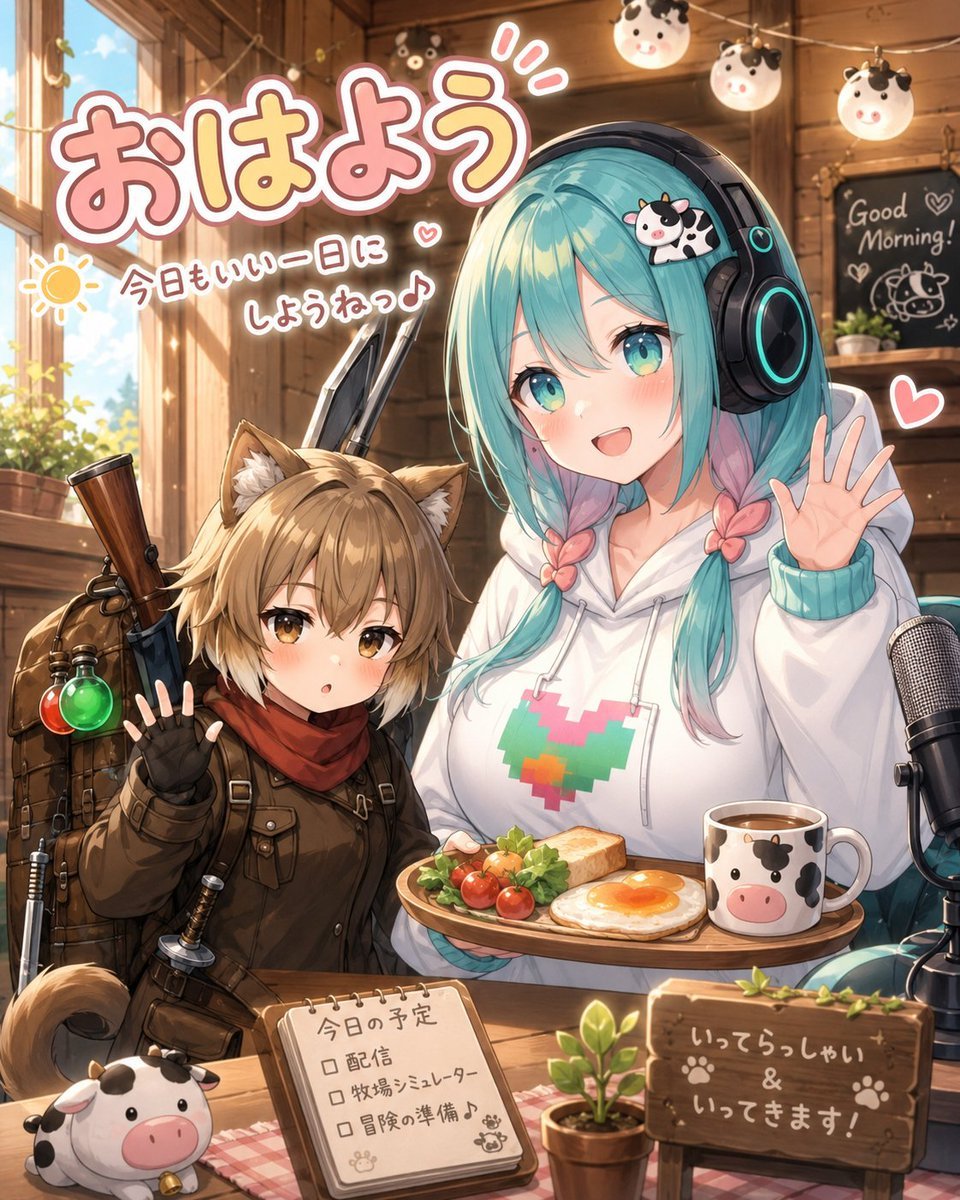
Generates a cheerful VTuber-style morning greeting illustration with two anime characters, cow motifs, Japanese text, and a cozy cabin breakfast livestream setting.
- Prompt included
- Model and format preset
- Premium template
The prompt behind this image
Copy the exact prompt behind Cozy Anime Morning Livestream, or open it in the studio and make it yours.
Create a warm, detailed anime-style morning livestream illustration inside a cozy wooden cabin cafe. The scene features exactly 2 main characters seated at a wooden table: on the left, a small cat-eared adventurer girl with short light-brown hair, amber eyes, fluffy ears and tail, wearing a dark brown explorer outfit, red scarf, fingerless gloves, backpack straps, and a rifle or long adventuring gear strapped behind her; she raises one hand in a shy greeting. On the right, a taller streamer girl with long twin-braided {argument name="hair color" default="turquoise hair with pink tips"}, oversized black headphones with cyan glowing rings, a white hoodie with a pixel heart design in teal, pink, orange, and green, and a tiny cow hair clip; her face is deliberately covered by a plain square censor block in a muted gray-beige color, while she waves with one hand. Place exactly 7 visible cow-themed items: 1 cow hair clip on the streamer’s head, 3 round hanging cow lanterns near the ceiling, 1 cow-face mug on the breakfast tray, 1 cow plush at the front-left corner of the table, and 1 cow doodle on the rear chalkboard. Add a breakfast tray in front of the streamer with exactly 4 food items: toast, a sunny-side-up egg, cherry tomatoes, and leafy greens. Add a large microphone on the right edge of the table for livestreaming, a small potted plant near the center front, and a wooden sign on the front-right reading 「いってらっしゃい & いってきます!」 with paw prints. Add a small spiral notebook on the table labeled 「今日の予定」 with exactly 3 checkbox lines: 「配信」, 「牧場シミュレーター」, and 「冒険の準備♪」. In the upper-left, add large bubbly Japanese headline text 「{argument name="headline text" default="おはよう"}」 in pink with a thick white outline and soft shadow. Beneath it, add smaller handwritten text 「{argument name="morning message" default="今日もいい一日にしようねっ♪"}」 next to a simple yellow sun doodle and small hearts. In the background, include a sunlit window with greenery outside, warm wooden beams, string lights, and a chalkboard on the back wall with English text “Good Morning!” plus hearts and a cow drawing. Use golden morning sunlight, soft rim lighting, cute VTuber fan-art energy, high detail, clean linework, glossy anime rendering, pastel pink accents, cozy rustic textures, and a cheerful welcoming mood. Keep the composition vertical, close-up, crowded but readable, with no extra characters and no additional text beyond the specified signs and labels.
How to use Cozy Anime Morning Livestream in 3 steps
- 1Upload ImagePNG, JPG or paste
Add your photo
Upload the photo the template builds on. The prompt, model and format are already set.
- 2…a portrait of your subject in softgolden-hour light, 85mm…
Personalize
Edit the subject and creative details for your destination.
- 3Generate
Generate
Press Generate — your image is created in PicX Studio, so you can compare it with the original and refine one variable at a time.
More like this
Templates with the same subject, style or setup. Open one to see its prompt.

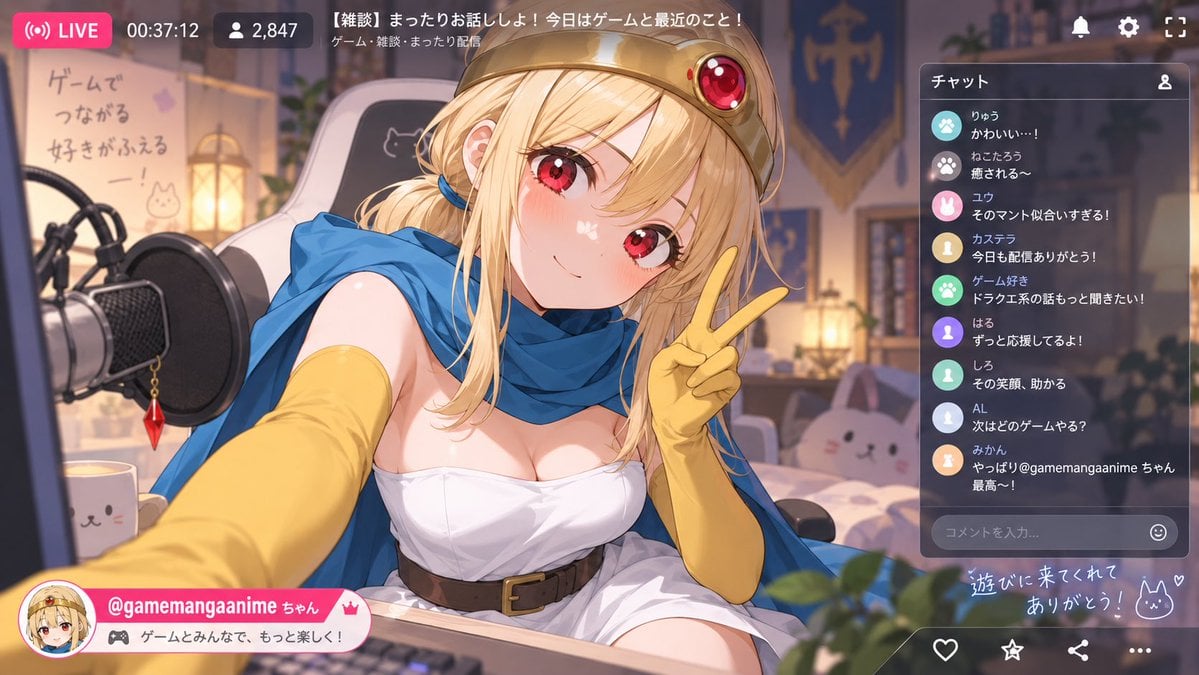
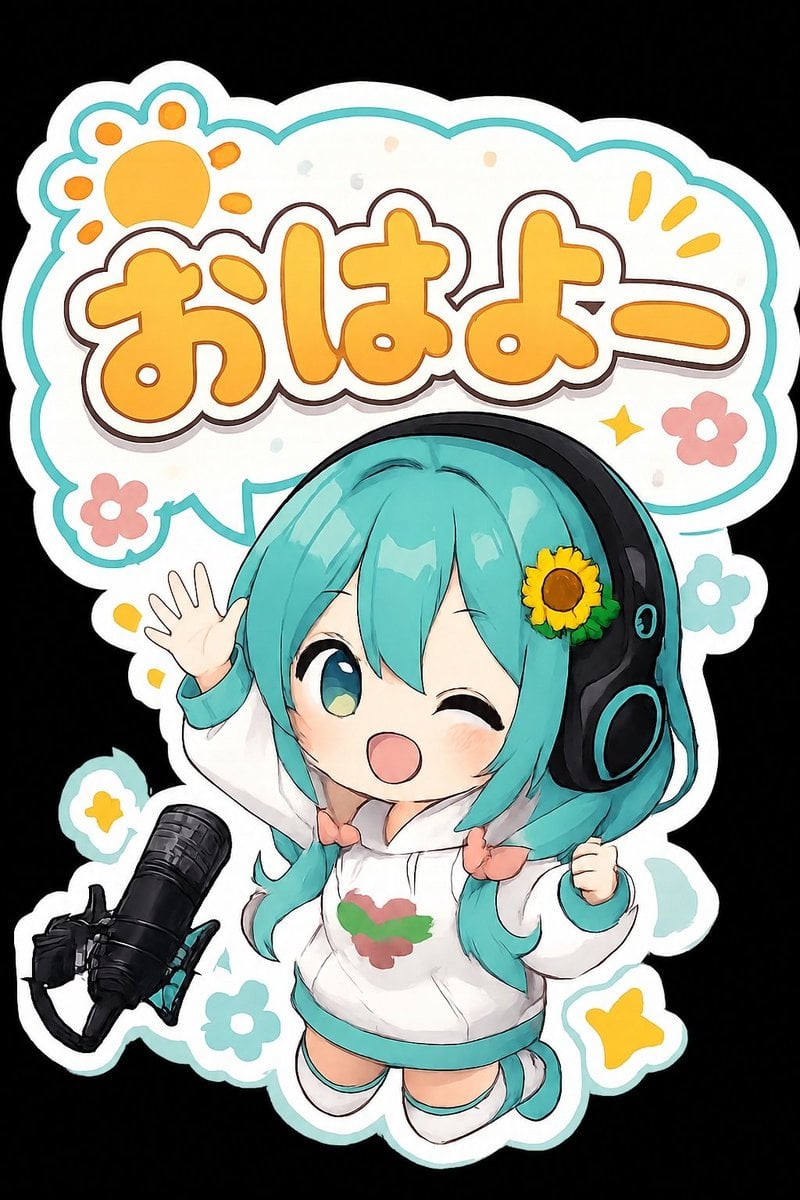









Make it yours
Cozy Anime Morning Livestream works as-is. These are the safest ways to change it without losing the look.
Change one field
Copy a single group, rewrite it, and generate again so you can see what that field is doing.
Keep the frame, change the subject
Hold the composition and light of Cozy Anime Morning Livestream, then swap wardrobe, props or the person for a new take.
| If the result… | Why | Fix |
|---|---|---|
| The result drifts from the preview | Too many fields changed at once. | Reuse Cozy Anime Morning Livestream as-is first, then change one group — subject, light, or setting. |
| The model over-stylizes the scene | The prose prompt leaves finish and camera underspecified. | Add one camera or lighting sentence and stay on GPT Image 2. |
More GPT Image 2 templates
Other prompts made for GPT Image 2.

Six VTuber Japanese Logo Sheet

Realistic Portrait of Woman and Deer

The Vista Modular Condo Poster

AI Model Routing Comparison Infographic

2.5D Anime Art Board

Isometric Productivity Desk Scene

New York Double Exposure Poster

Four-Panel AI Landscape Comparison

Japanese Tatami Lifestyle Magazine Cover

NESCAFÉ Coffee Map Poster
More image prompts
Fresh picks from across the catalog.
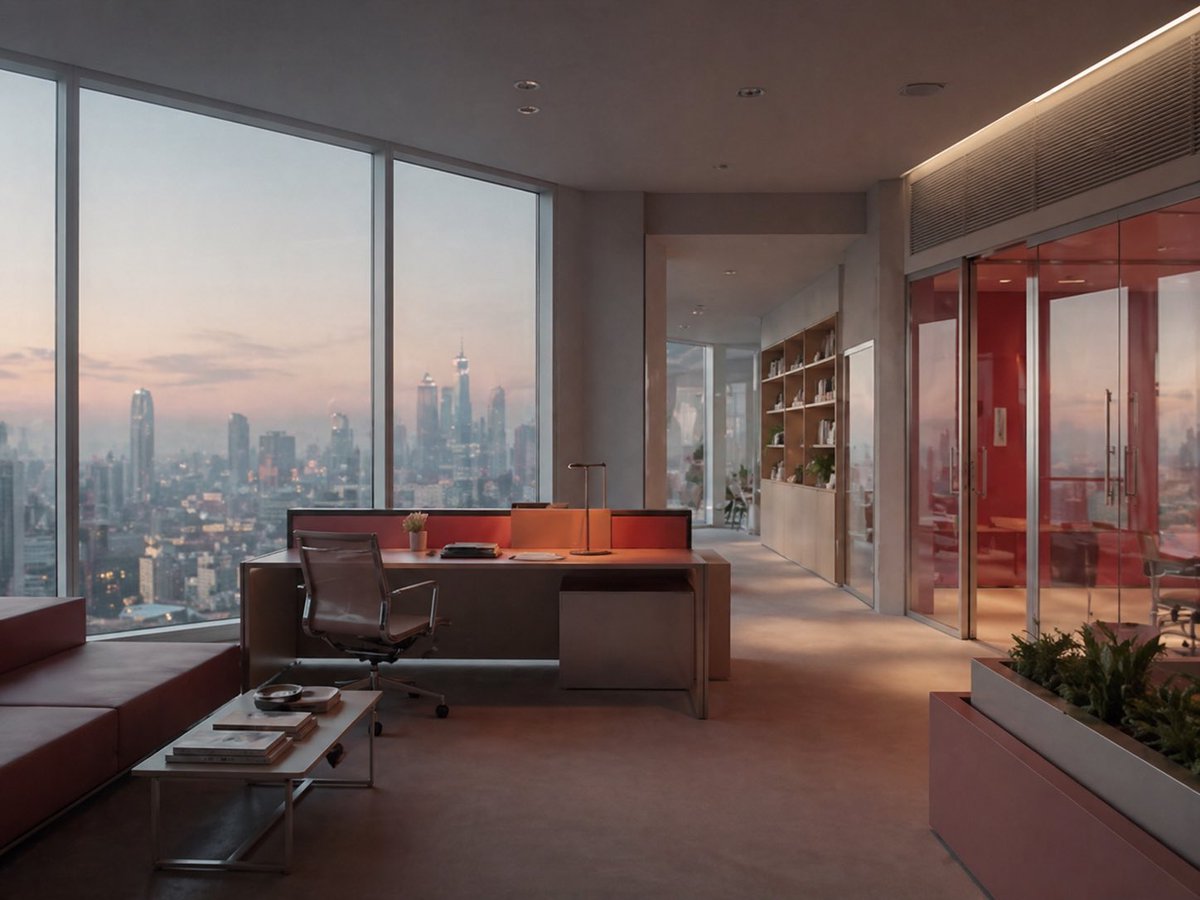
Luxury Office at Dusk Skyline View
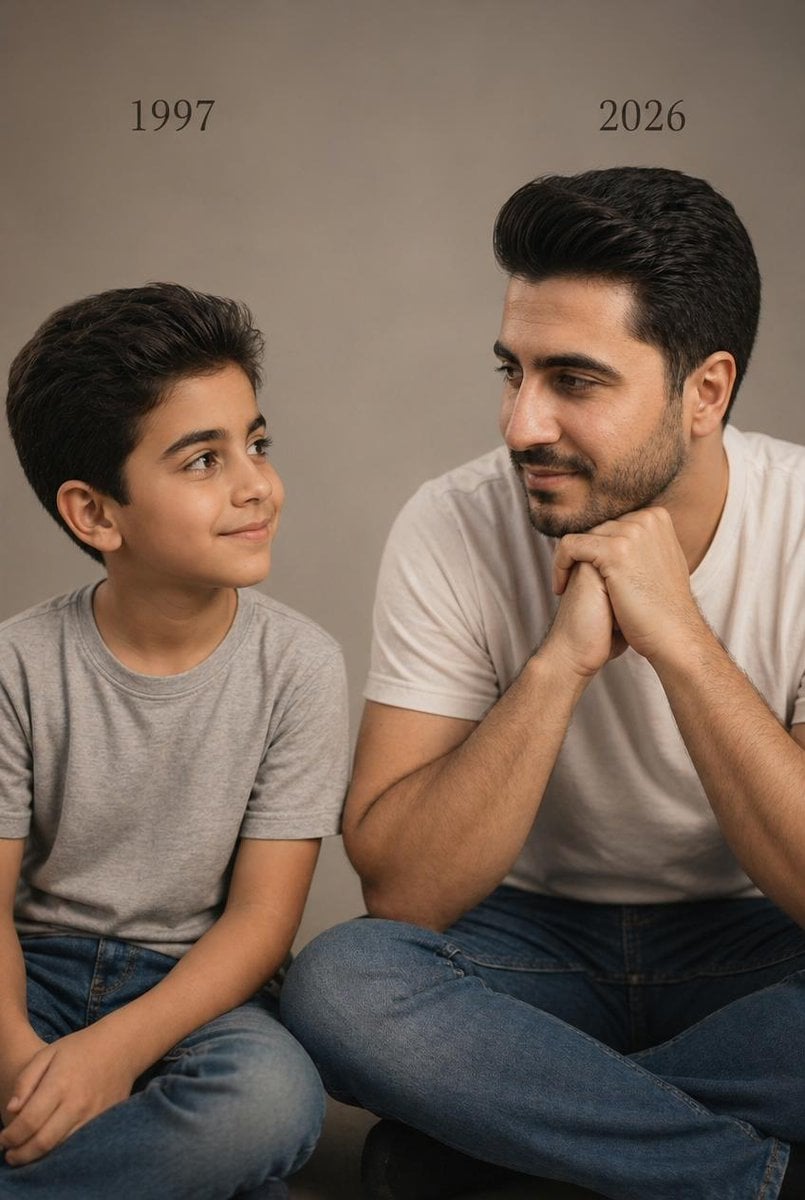
Two Ages Studio Portrait

08 Rodeo Drive Luxury Exit — California Series
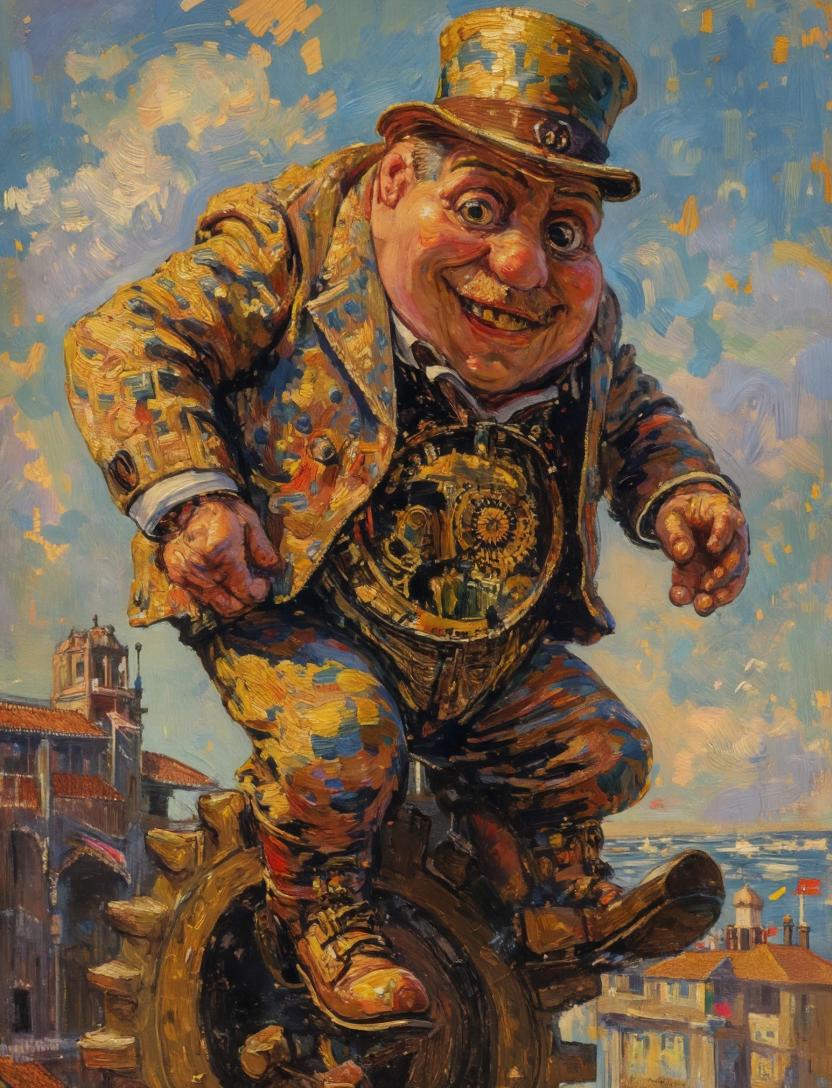
Surreal Clockwork Gentleman on a Gear
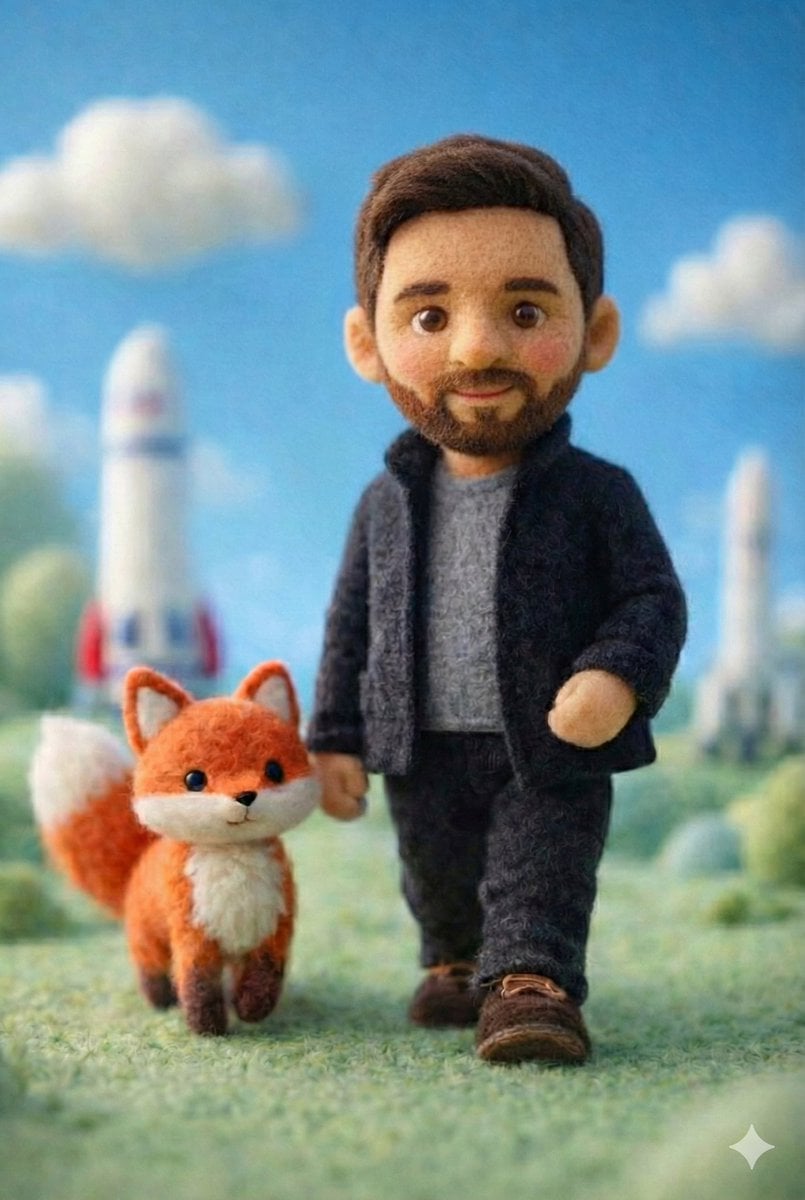
Handcrafted Felt Miniature Scene with Tech Character
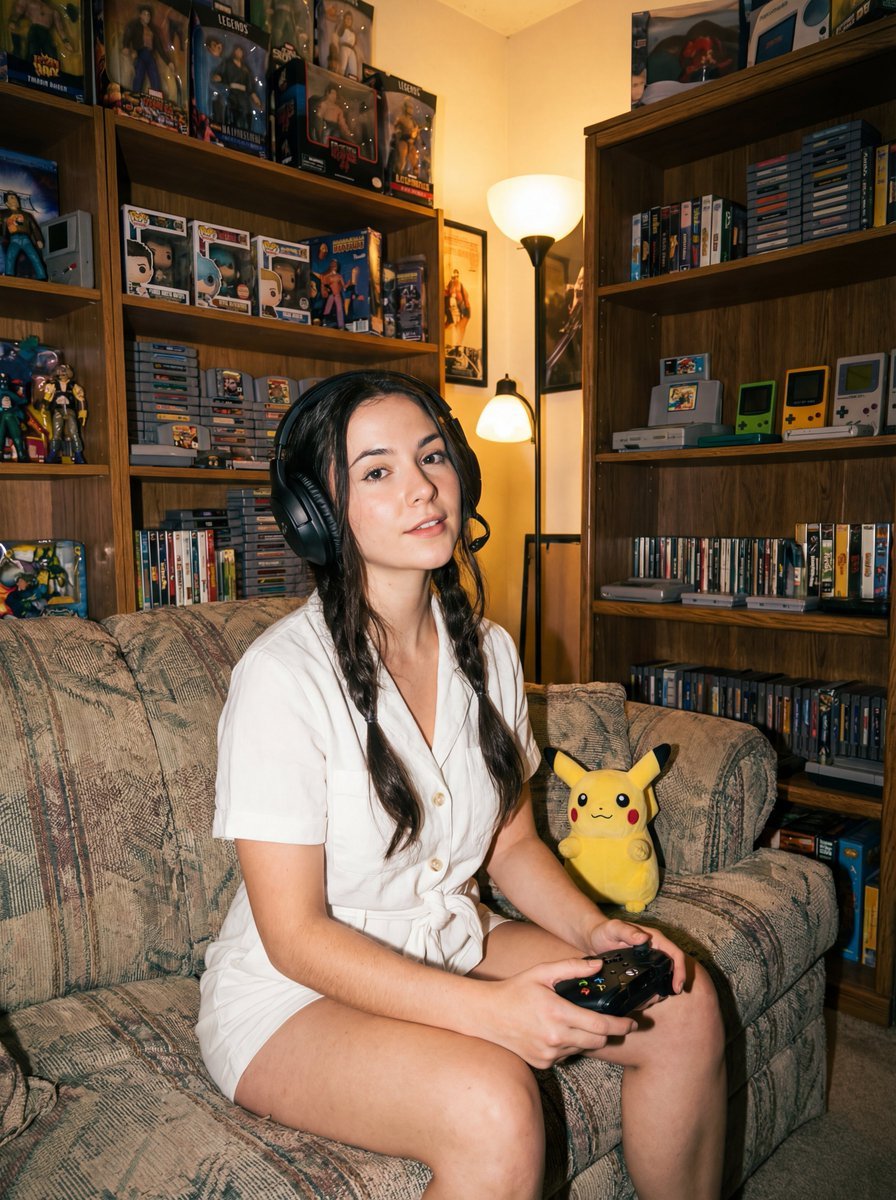
Direct flash gamer girl Nano Banana Pro JSON tag prompt
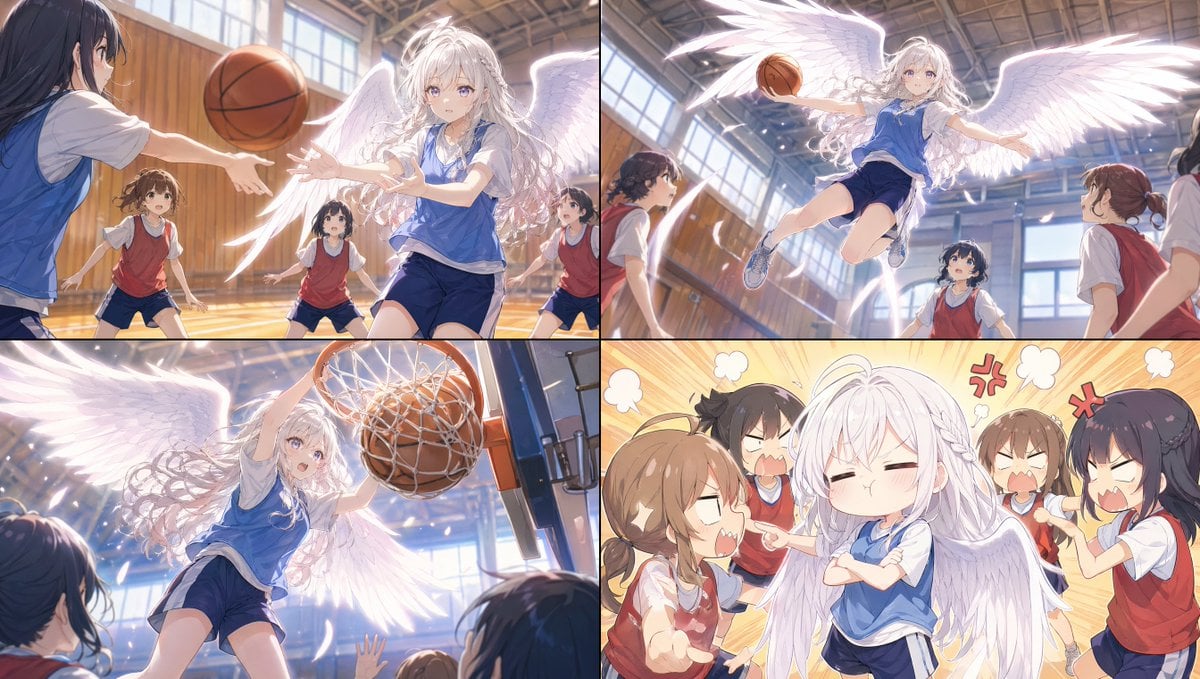
Angel Girl Basketball Storyboard

Frozen Valley of Fallen Titans Concept Art
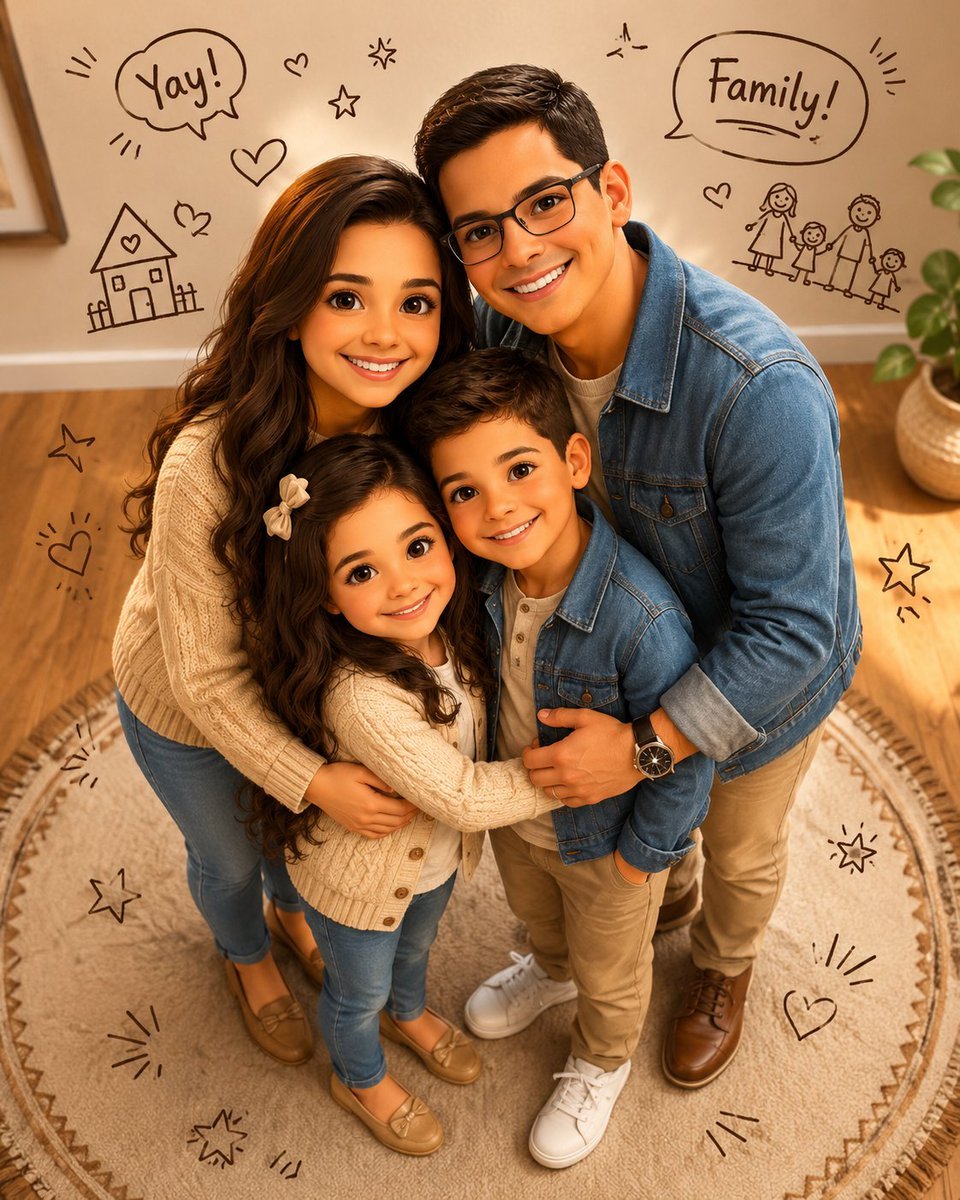
Stylized 3D Animated Family Portrait
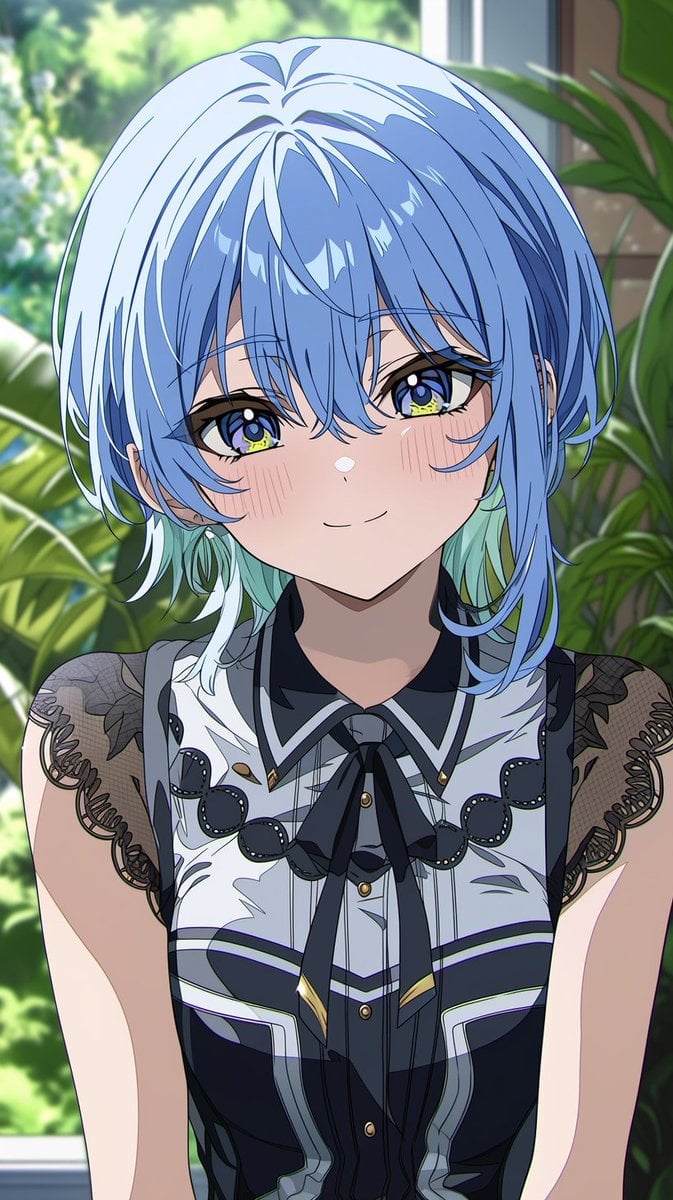
Anime Portrait From Photo Reference
Browse template categories
Cozy Anime Morning Livestream questions
How do I use the Cozy Anime Morning Livestream template?
Add your photo if the template asks for one, edit the prompt if you like — the template's model and format are already selected — and press Generate. Your version opens in PicX Studio.
Can I customize the Cozy Anime Morning Livestream template?
Yes. You can change the subject, setting, lighting, mood, format, and available model controls before creating your image.
Is the Cozy Anime Morning Livestream template free?
Opening and editing this template is free. Generating uses credits, shown on the Generate button when you are signed in.
Which AI model should I use?
Start with GPT Image 2, which is the model associated with this template. You can compare another compatible model for a different finish.
Looking for something else? Browse all templates.

Your photo, any look
Thousands of ready templates for every top image and video model, from one credit balance.