
Stylized 3D Animated Family Portrait
Transforms a family photo into a polished, high-end 3D animation style portrait with expressive features and cozy minimal background.
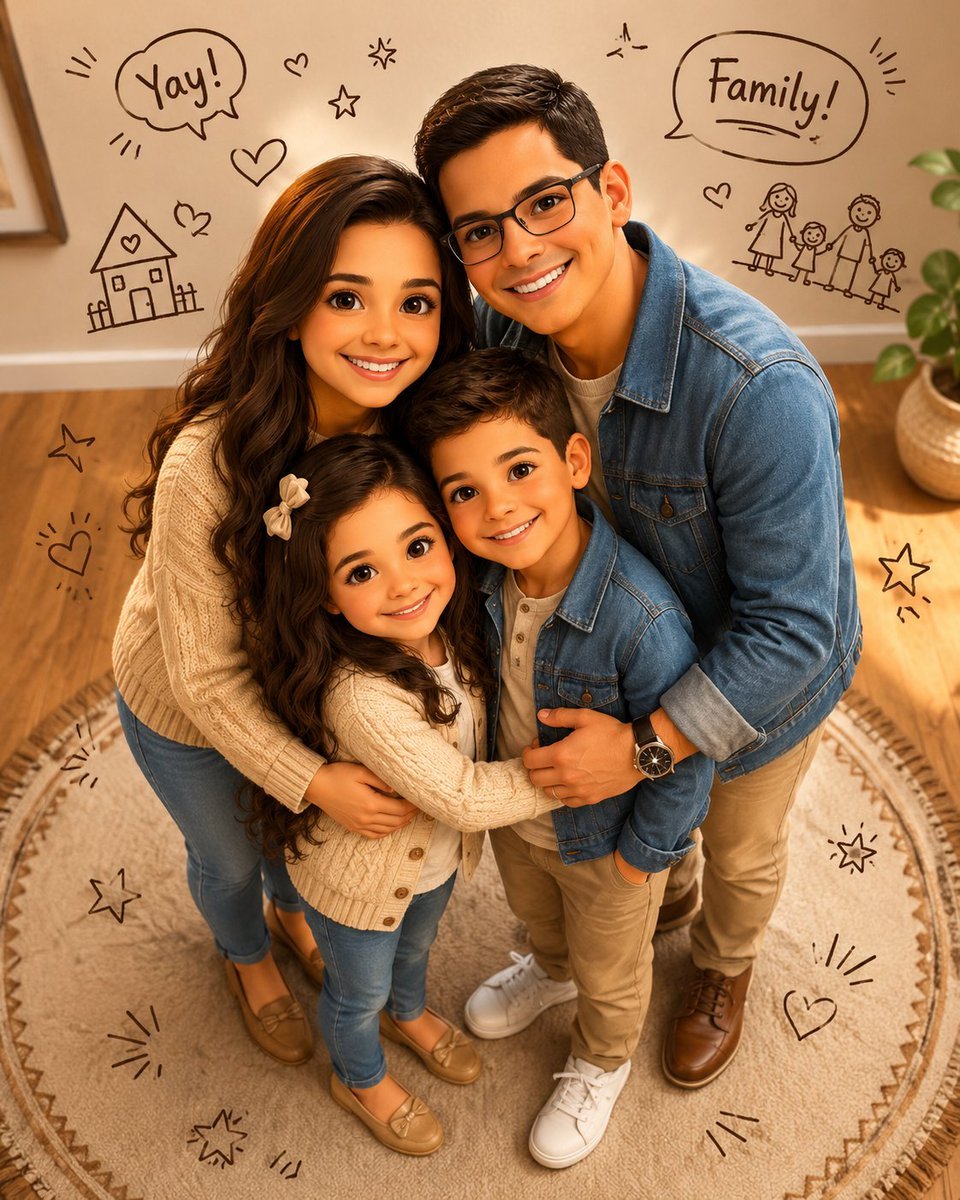
- Prompt included
- Model and format preset
- Free template
The prompt behind this image
Copy the exact prompt behind Stylized 3D Animated Family Portrait, or open it in the studio and make it yours.
Create a vertical 4:5 {argument name="animation style" default="premium stylized 3D animated"} family portrait using the uploaded photo as reference. Keep every family member clearly recognizable through facial features, hairstyle, glasses, age, expressions, and overall vibe while transforming them into a polished cute high-end 3D animation style. Use soft cinematic shading, detailed hair strands, realistic fabric textures, and warm natural skin tones. Avoid plastic, toy-like, or cheap CGI looks. Use a strict elevated high-angle camera view from above, tilted downward toward the family. Faces and upper bodies should appear slightly larger while the full bodies taper naturally toward the feet. Keep everyone head-to-toe and large in the frame with minimal empty space. Arrange the family in a tight affectionate cluster with joyful candid energy. Children should stand toward the center/front while adults stand around or slightly behind them with natural gestures like arms around shoulders or waists. Everyone should smile warmly and look directly at the camera. Use adorable premium animated proportions with expressive eyes, softly rounded faces, fuller hair, and lively emotions while keeping the style elegant and refined. Refine outfits into coordinated {argument name="clothing" default="modern family-casual fashion such as knit sweaters, cardigans, denim jackets"}, striped tops, fitted trousers, loafers, and clean sneakers. Background: {argument name="background" default="cozy minimal indoor room"} with warm beige walls, light wooden flooring, cream rug with brown geometric borders, and a softly blurred potted plant. Add playful hand-drawn doodles around the family using dark brown line art with hearts, stars, spark marks, tiny family sketches, and handwritten speech bubbles like “Yay!” and “Family!”. Use rich warm colors, soft indoor lighting, gentle facial highlights, subtle shadows, and a polished cinematic finish. The final image should feel cozy, joyful, expressive, and premium while preserving the family’s recognizable identity and arrangement.
How to use Stylized 3D Animated Family Portrait in 3 steps
- 1Upload ImagePNG, JPG or paste
Add your photo
Upload the photo the template builds on. The prompt, model and format are already set.
- 2…a portrait of your subject in softgolden-hour light, 85mm…
Personalize
Edit the subject and creative details for your destination.
- 3Generate
Generate
Press Generate — your image is created in PicX Studio, so you can compare it with the original and refine one variable at a time.
More like this
Templates with the same subject, style or setup. Open one to see its prompt.

Stylized 3d Clay Character Transformatio

Found Photograph: Us, 1970

80s Couple Studio Portrait

80s Bollywood Star

80s Golden Hour Cinema

Me in 1985

1985 Studio Portrait

Hyper-Realistic Minecraft POV Portrait
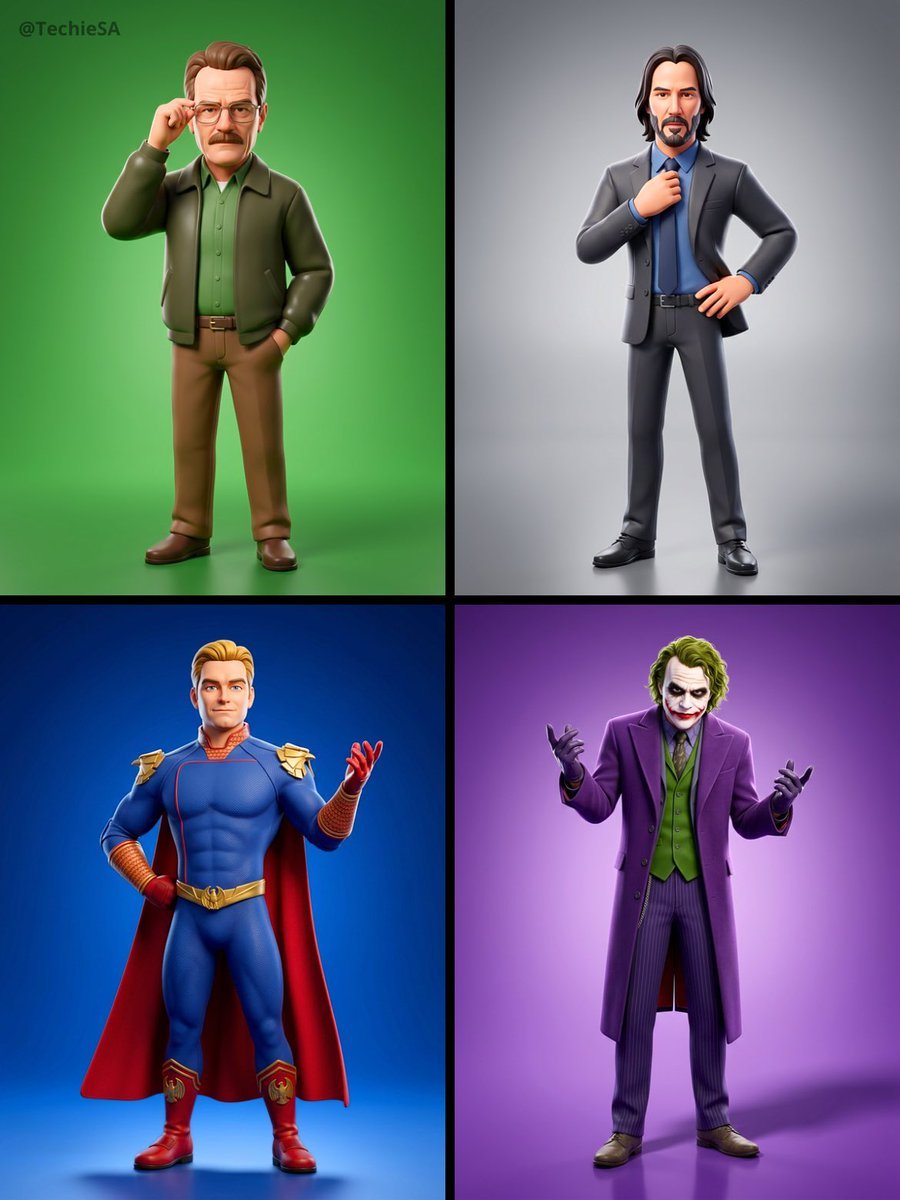
Referenced person into a premium stylized 3D animated character, full

Rooftop Fisheye — Cat-Ear Balaclava at Golden Hour

Rainy Café Window Moody Portrait
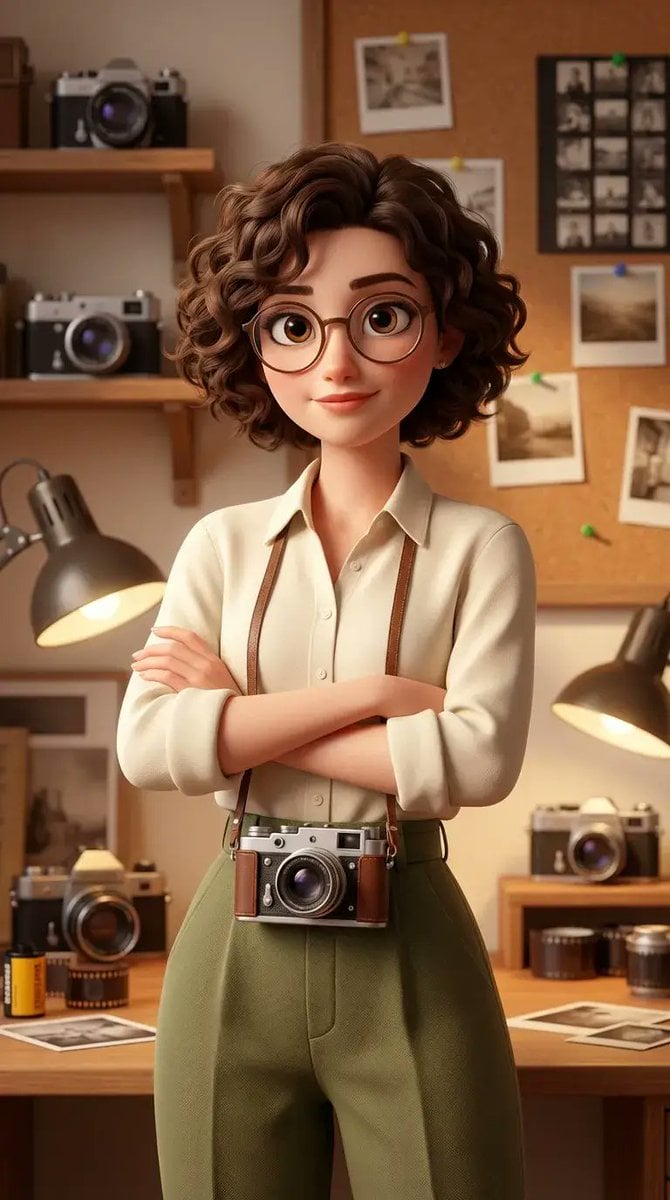
Stylized 3D Animated Female Photographer Character (Pixar Style)
Make it yours
Stylized 3D Animated Family Portrait works as-is. These are the safest ways to change it without losing the look.
Change one field
Copy a single group, rewrite it, and generate again so you can see what that field is doing.
Keep the frame, change the subject
Hold the composition and light of Stylized 3D Animated Family Portrait, then swap wardrobe, props or the person for a new take.
| If the result… | Why | Fix |
|---|---|---|
| The result drifts from the preview | Too many fields changed at once. | Reuse Stylized 3D Animated Family Portrait as-is first, then change one group — subject, light, or setting. |
| The model over-stylizes the scene | The prose prompt leaves finish and camera underspecified. | Add one camera or lighting sentence and stay on GPT Image 2. |
More GPT Image 2 templates
Other prompts made for GPT Image 2.

Six VTuber Japanese Logo Sheet

Realistic Portrait of Woman and Deer

The Vista Modular Condo Poster

AI Model Routing Comparison Infographic

2.5D Anime Art Board

Isometric Productivity Desk Scene

New York Double Exposure Poster

Four-Panel AI Landscape Comparison

Japanese Tatami Lifestyle Magazine Cover

NESCAFÉ Coffee Map Poster
More image prompts
Fresh picks from across the catalog.

Anime Green Onion Harvest Heroine
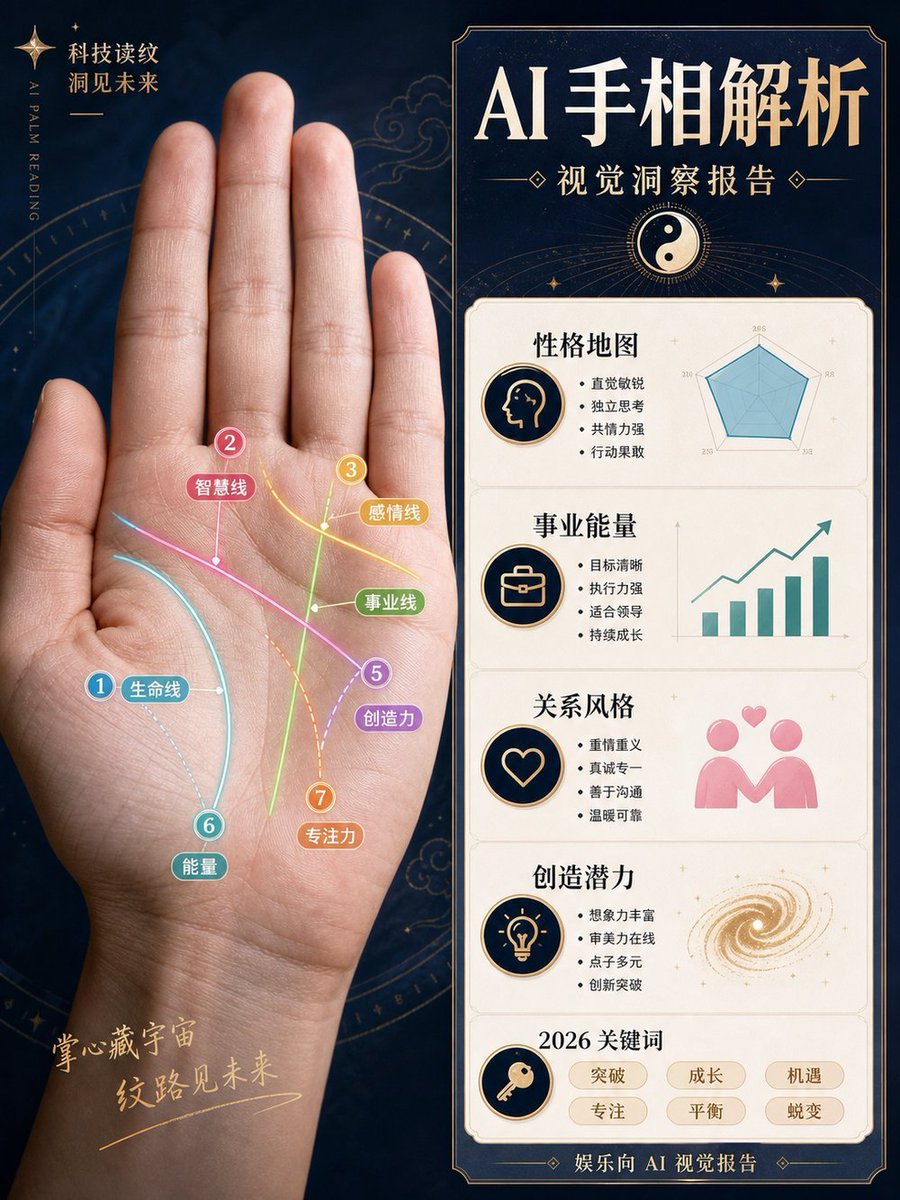
AI Palm Reading Report Poster
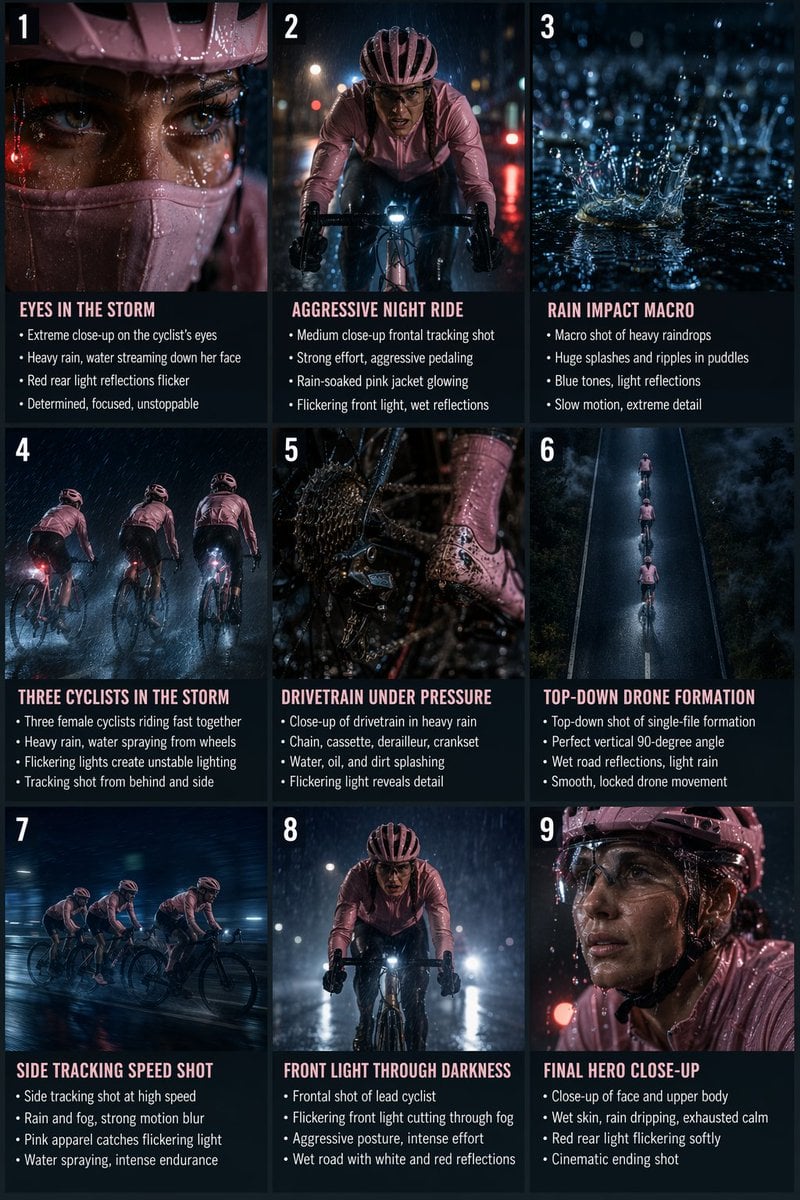
Night Rain Storyboard Infographic
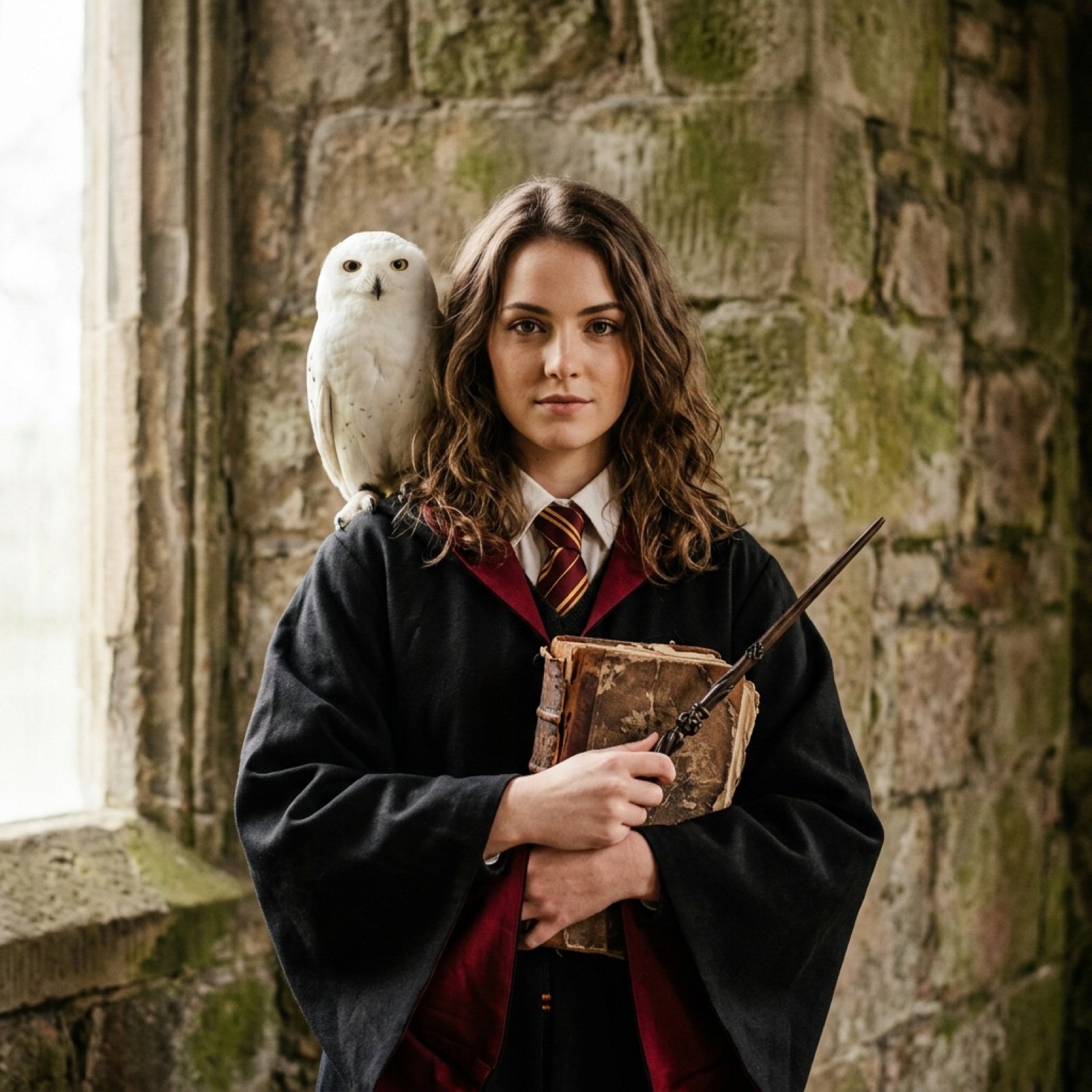
Hogwarts-Style Photoshoot Portrait with Magic Wand and Owl
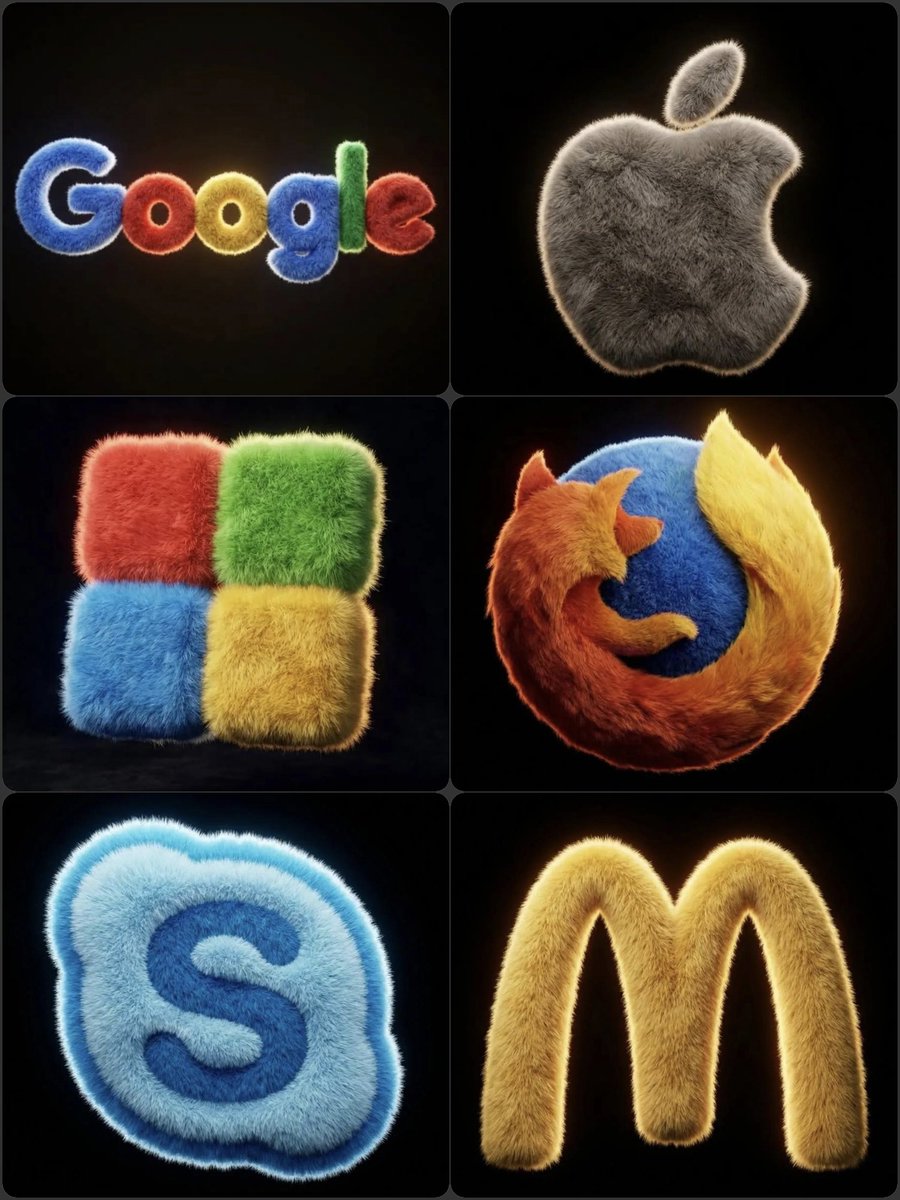
Hyper-realistic 3D fluffy logo transformation

Gpt2 Social Media Post 4 Panel Japanese Digital Ad Banner Grid
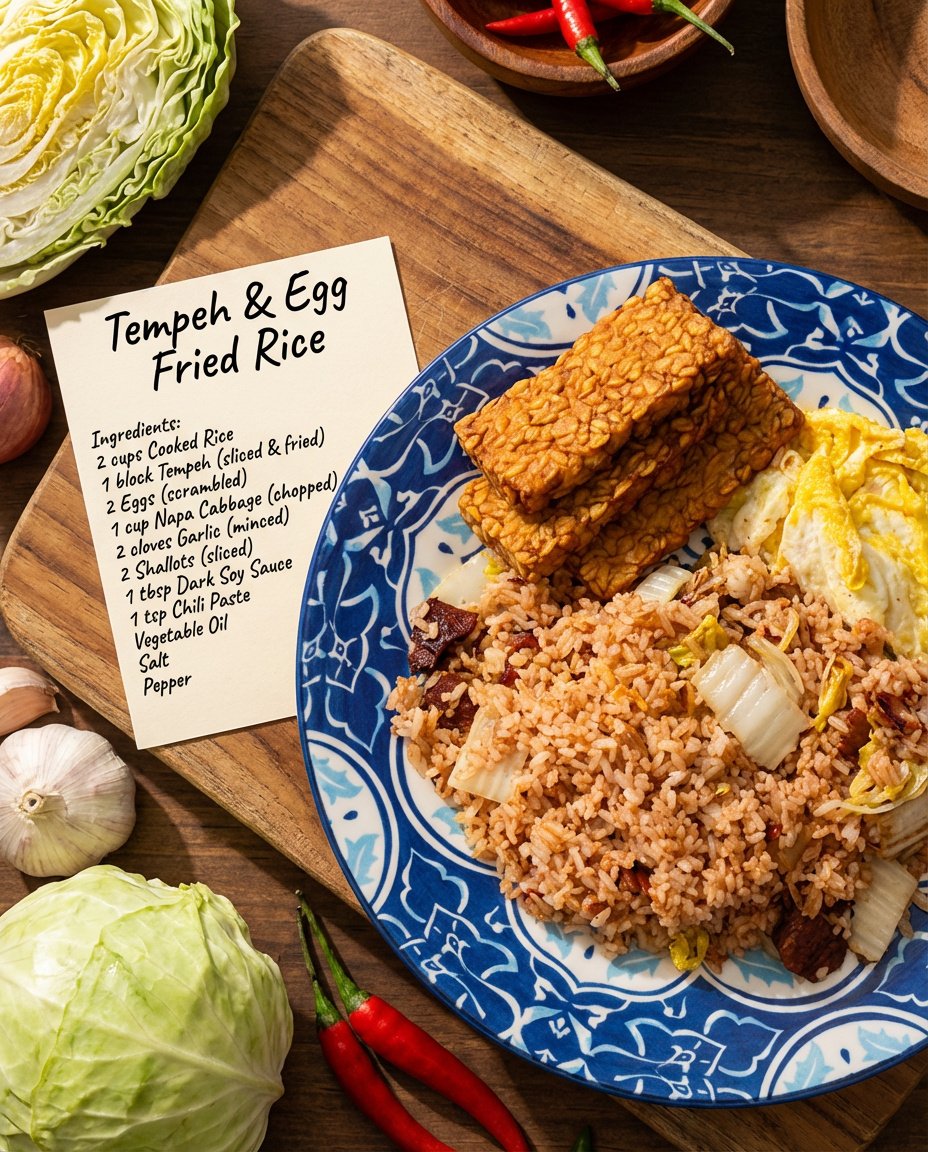
Recipe breakdown and food photoshoot
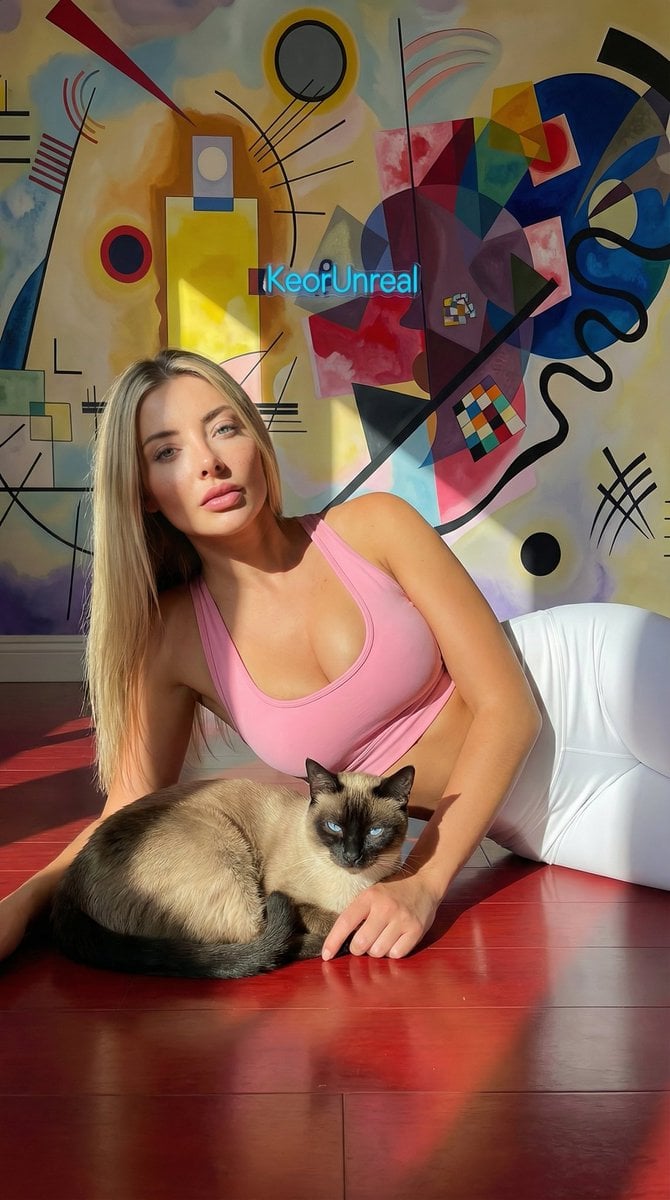
Photorealistic Portrait with Kandinsky Wall and Cat Prompt
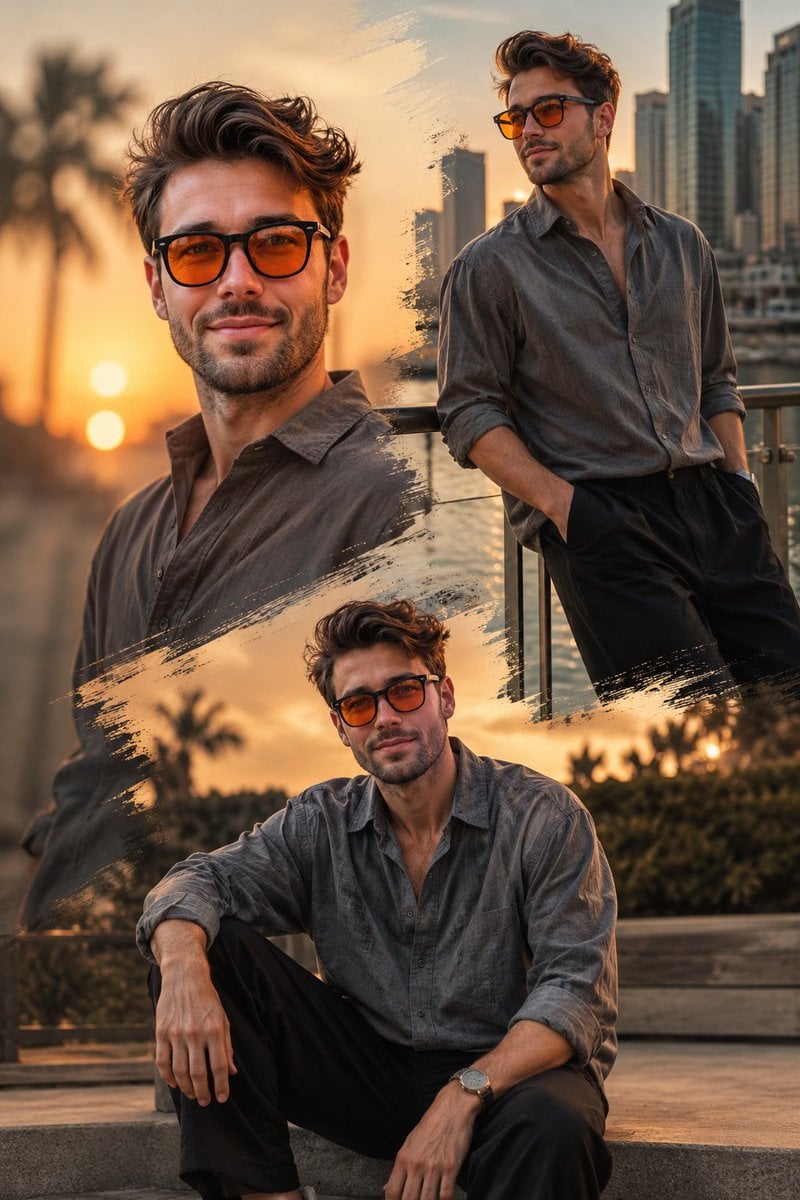
Golden Hour Fashion Collage
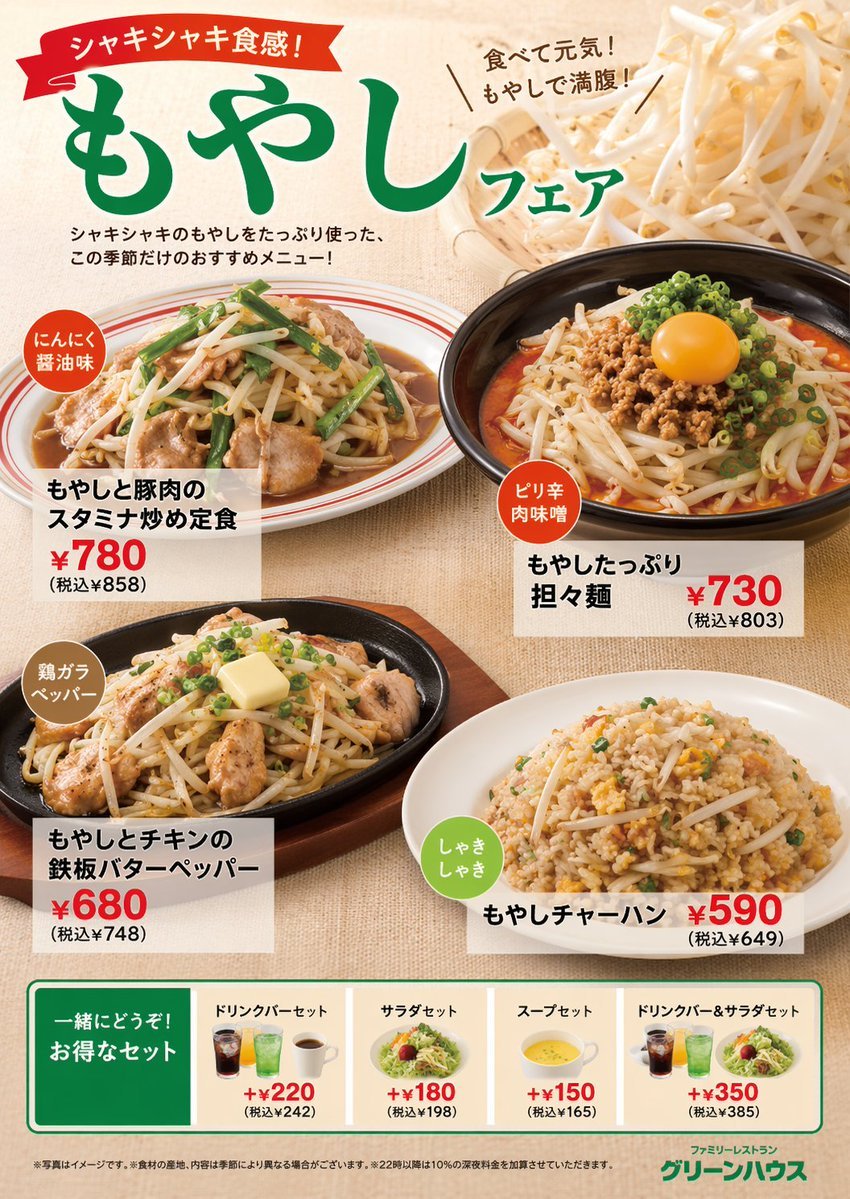
Japanese Restaurant Promotional Menu Poster
Browse template categories
Stylized 3D Animated Family Portrait questions
How do I use the Stylized 3D Animated Family Portrait template?
Add your photo if the template asks for one, edit the prompt if you like — the template's model and format are already selected — and press Generate. Your version opens in PicX Studio.
Can I customize the Stylized 3D Animated Family Portrait template?
Yes. You can change the subject, setting, lighting, mood, format, and available model controls before creating your image.
Is the Stylized 3D Animated Family Portrait template free?
Opening and editing this template is free. Generating uses credits, shown on the Generate button when you are signed in.
Which AI model should I use?
Start with GPT Image 2, which is the model associated with this template. You can compare another compatible model for a different finish.
Looking for something else? Browse all templates.

Your photo, any look
Thousands of ready templates for every top image and video model, from one credit balance.