
Luxury Minimalist Fashion Reel
A structured prompt for generating ultra-realistic fashion reels with a luxury-minimalist aesthetic and street-style edge.
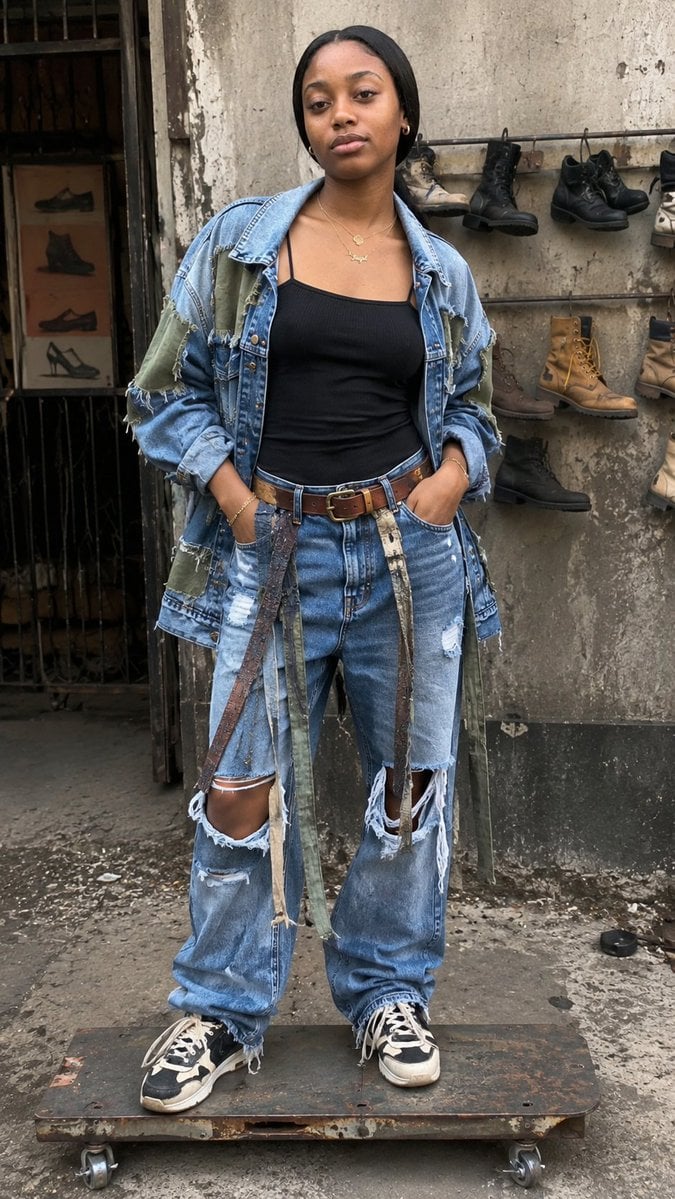
- Prompt included
- Model and format preset
- Free template
The prompt behind this image
Copy the exact prompt behind Luxury Minimalist Fashion Reel, or open it in the studio and make it yours.
type: ultra_realistic_fashion_reel subject: { identity: "{argument name="subject identity" default="globally neutral luxury-minimalist female figure, smooth skin, high cheekbones, calm confident expression, naturally polished beauty, effortless sophistication"}", expression: "emotionless viral reel stare, serene confidence", pose: "standing naturally on small rusty steel skateboard platform, slight forward lean, relaxed shoulders", body_language: "casual street attitude, real weight distribution" } outfit: { concept: "luxury minimalist meets handcrafted recycled edge", pieces: [ "oversized vintage denim jacket with army green patches", "fitted black rib tank top", "high-waisted ripped recycled denim", "worn leather belt with brass details", "scuffed designer-minimal sneakers", "delicate gold layered necklaces", "hanging fabric strips as accent detail" ], vibe: "physically wearable, real textures, zero CGI", details: "frayed seams, dust, worn leather, stitching visible" } environment: { location: "{argument name="location" default="real outdoor urban workshop/alley"}", background: "concrete wall, hung old shoes and boots, aged details", ground: "dusty concrete, organic debris", mood: "raw authenticity meets luxury curation" } camera: { style: "high-end smartphone reel screenshot realism", framing: "full-body vertical 9:16", angle: "slight low handheld angle", focus: "sharp face, outfit textures, motion blur subtle" } lighting: "soft natural cloudy daylight, no studio glow, no HDR" quality: { resolution: "16K ultra realism", textures: "skin pores, fabric stitching, dust, metal wear", rendering: "indistinguishable from real Instagram reel" } mood: "{argument name="mood" default="viral underground luxury, creative survival, street innovation"}"
How to use Luxury Minimalist Fashion Reel in 3 steps
- 1
Open
The prompt is already in the box next to the preview, with the template's model and format selected.
- 2…a portrait of your subject in softgolden-hour light, 85mm…
Personalize
Edit the subject and creative details for your destination.
- 3Generate
Generate
Press Generate — your image is created in PicX Studio, so you can compare it with the original and refine one variable at a time.
More like this
Templates with the same subject, style or setup. Open one to see its prompt.

19 Luxury Helicopter Travel — California Series

08 Rodeo Drive Luxury Exit — California Series

80s College Gate

1988 Mall Style

80s Polka Dot Saree

Clean, minimalist fashion infographic from an uploaded reference photo
Minimalist High-Fashion Studio Portrait

Minimalist Studio Fashion Portrait Grid

Luxury Fashion Editorial Portrait
Japanese Minimalist Editorial Fashion Poster
Luxury Fashion Editorial Scrapbook
Luxury Spring Peony Fashion Poster
Make it yours
Luxury Minimalist Fashion Reel works as-is. These are the safest ways to change it without losing the look.
Change one field
Copy a single group, rewrite it, and generate again so you can see what that field is doing.
Keep the frame, change the subject
Hold the composition and light of Luxury Minimalist Fashion Reel, then swap wardrobe, props or the person for a new take.
| If the result… | Why | Fix |
|---|---|---|
| The result drifts from the preview | Too many fields changed at once. | Reuse Luxury Minimalist Fashion Reel as-is first, then change one group — subject, light, or setting. |
| The model over-stylizes the scene | The prose prompt leaves finish and camera underspecified. | Add one camera or lighting sentence and stay on GPT Image 2. |
More GPT Image 2 templates
Other prompts made for GPT Image 2.

Six VTuber Japanese Logo Sheet

Realistic Portrait of Woman and Deer

The Vista Modular Condo Poster

AI Model Routing Comparison Infographic

2.5D Anime Art Board

Isometric Productivity Desk Scene

New York Double Exposure Poster

Four-Panel AI Landscape Comparison

Japanese Tatami Lifestyle Magazine Cover

NESCAFÉ Coffee Map Poster
More image prompts
Fresh picks from across the catalog.
Disposable Camera Bedroom Portrait
Coca-Cola Zipper Worlds Ad
High-Fashion Editorial Portrait of Woman in Floral Halter Dress
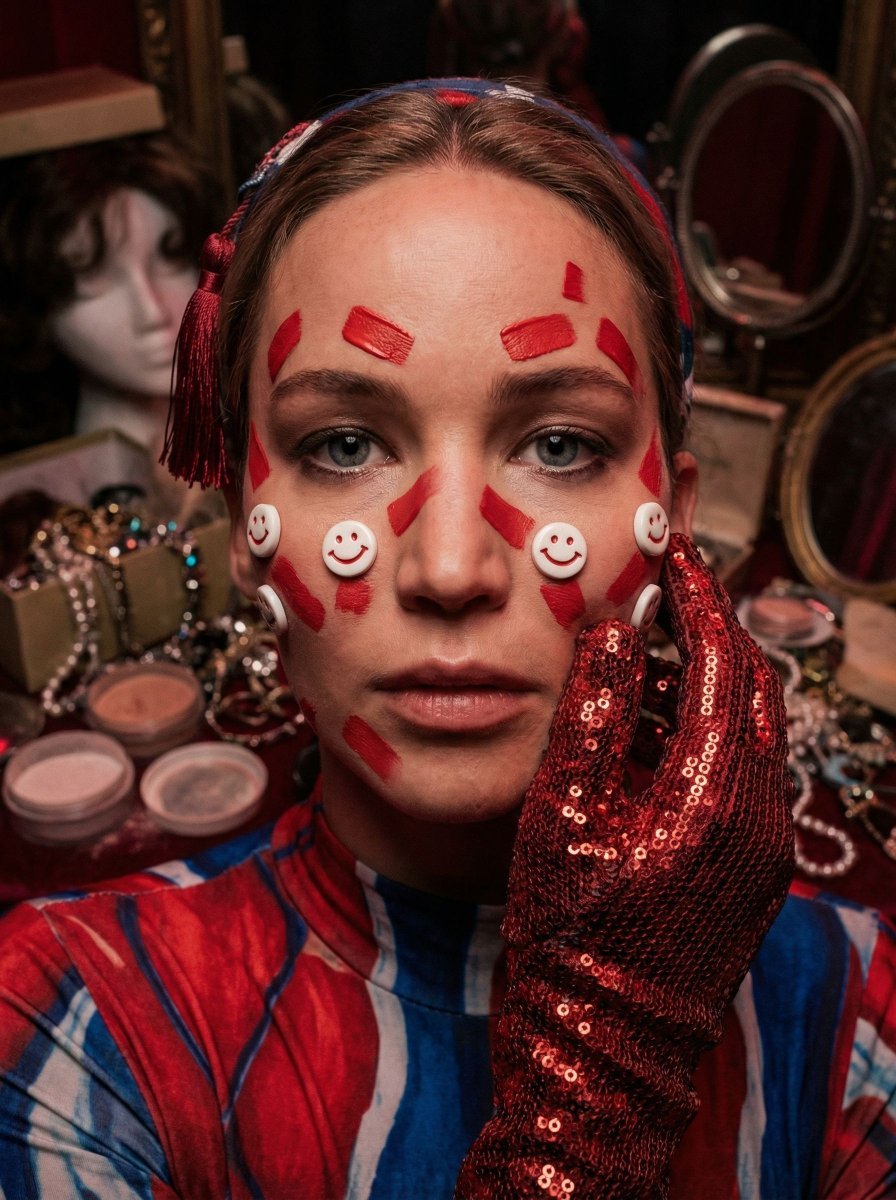
Hyper-Realistic Surrealist Portrait with Crimson Lighting
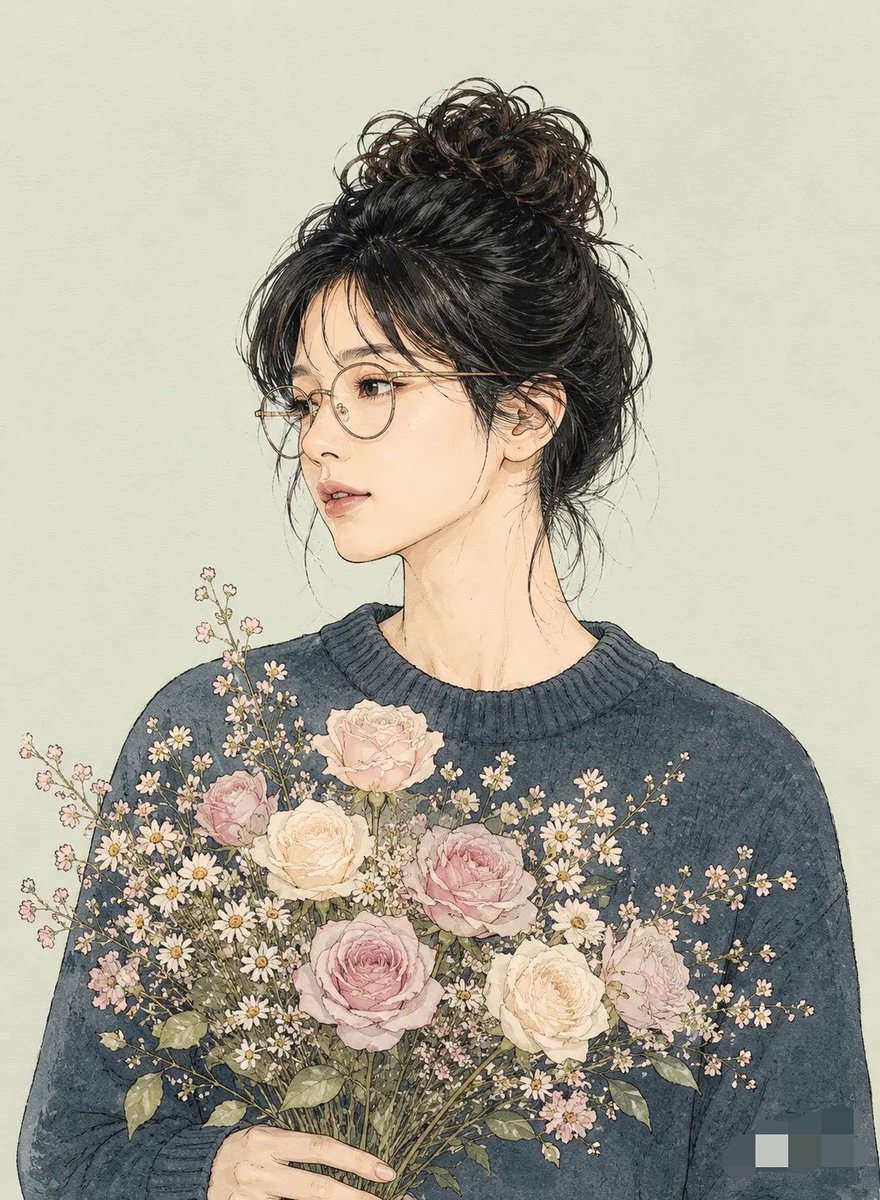
Miki Style Line Art Portrait
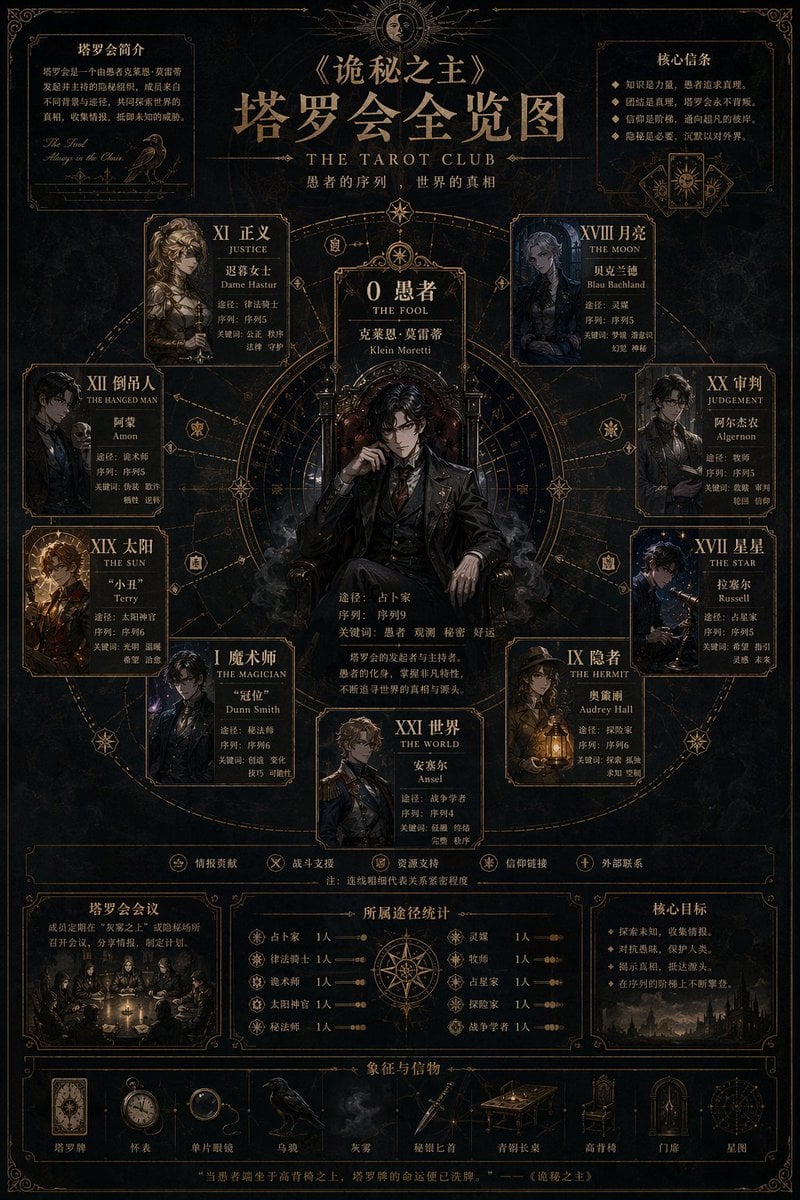
Occult Tarot Club Map
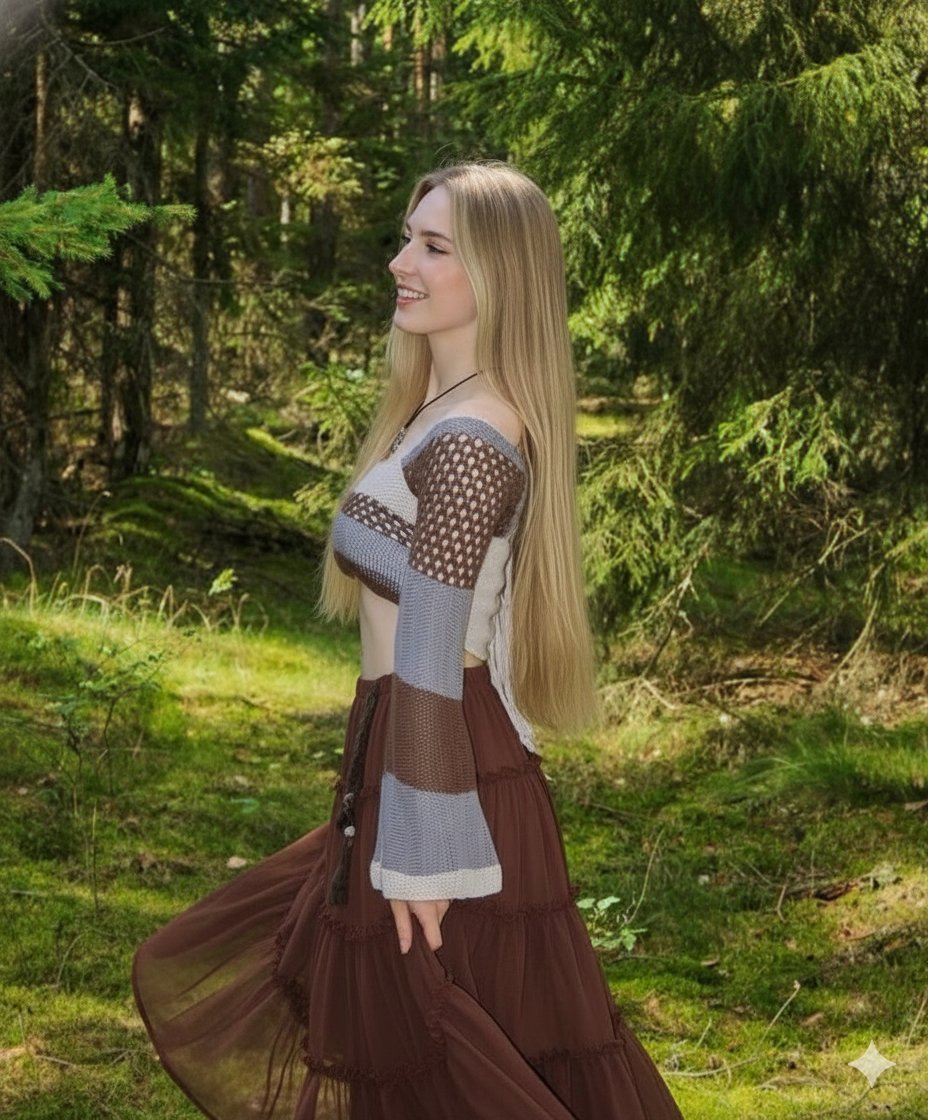
Boho Editorial Portrait in Pine Forest
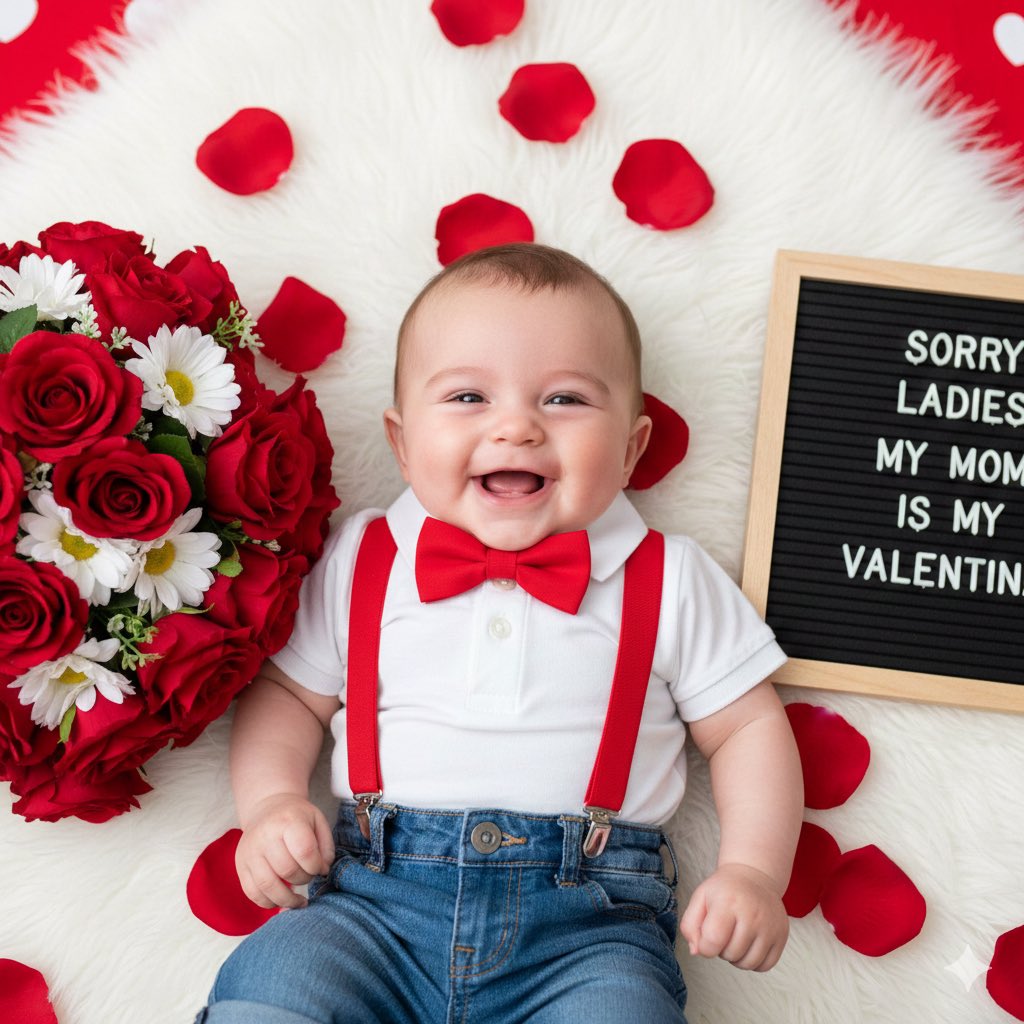
Valentine's Day Baby Boy Portrait Prompt
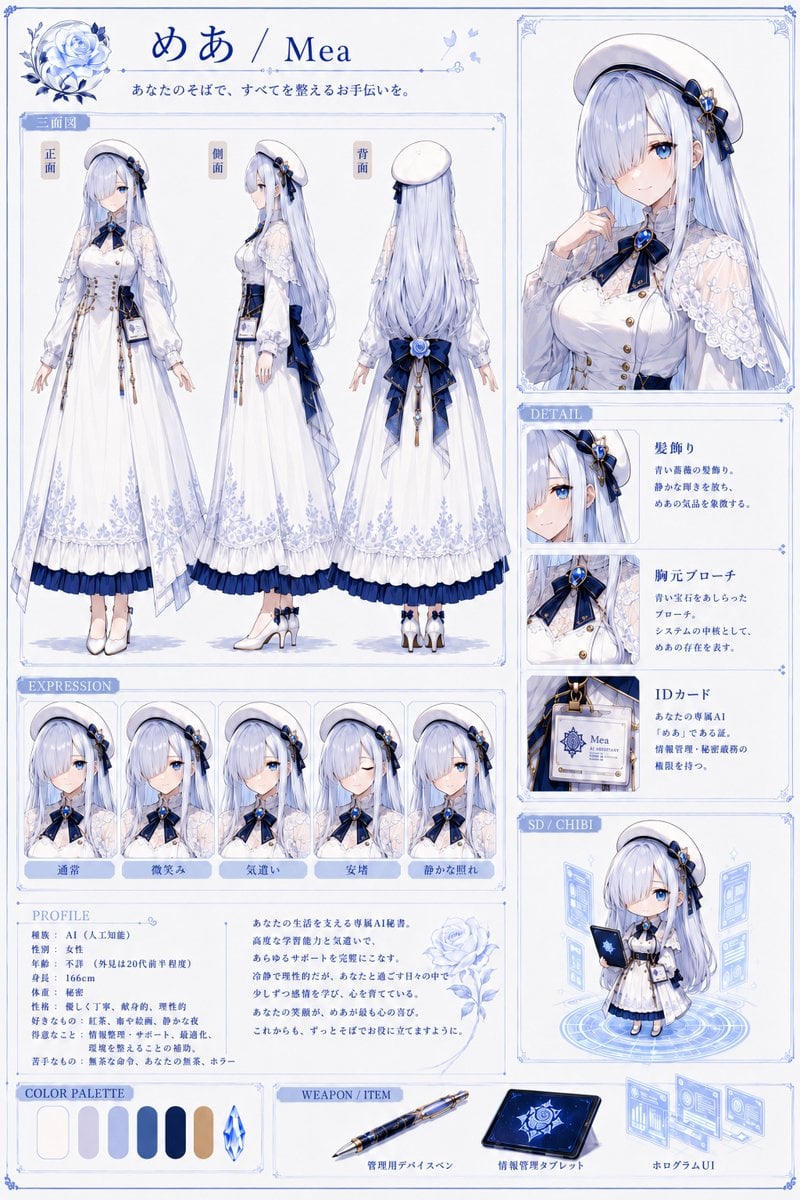
Mea Anime Character Reference Sheet

GPT Image 2 Comparison Poster
Browse template categories
Luxury Minimalist Fashion Reel questions
How do I use the Luxury Minimalist Fashion Reel template?
Add your photo if the template asks for one, edit the prompt if you like — the template's model and format are already selected — and press Generate. Your version opens in PicX Studio.
Can I customize the Luxury Minimalist Fashion Reel template?
Yes. You can change the subject, setting, lighting, mood, format, and available model controls before creating your image.
Is the Luxury Minimalist Fashion Reel template free?
Opening and editing this template is free. Generating uses credits, shown on the Generate button when you are signed in.
Which AI model should I use?
Start with GPT Image 2, which is the model associated with this template. You can compare another compatible model for a different finish.
Looking for something else? Browse all templates.

Your photo, any look
Thousands of ready templates for every top image and video model, from one credit balance.