
Realistic Teacher in Math Classroom
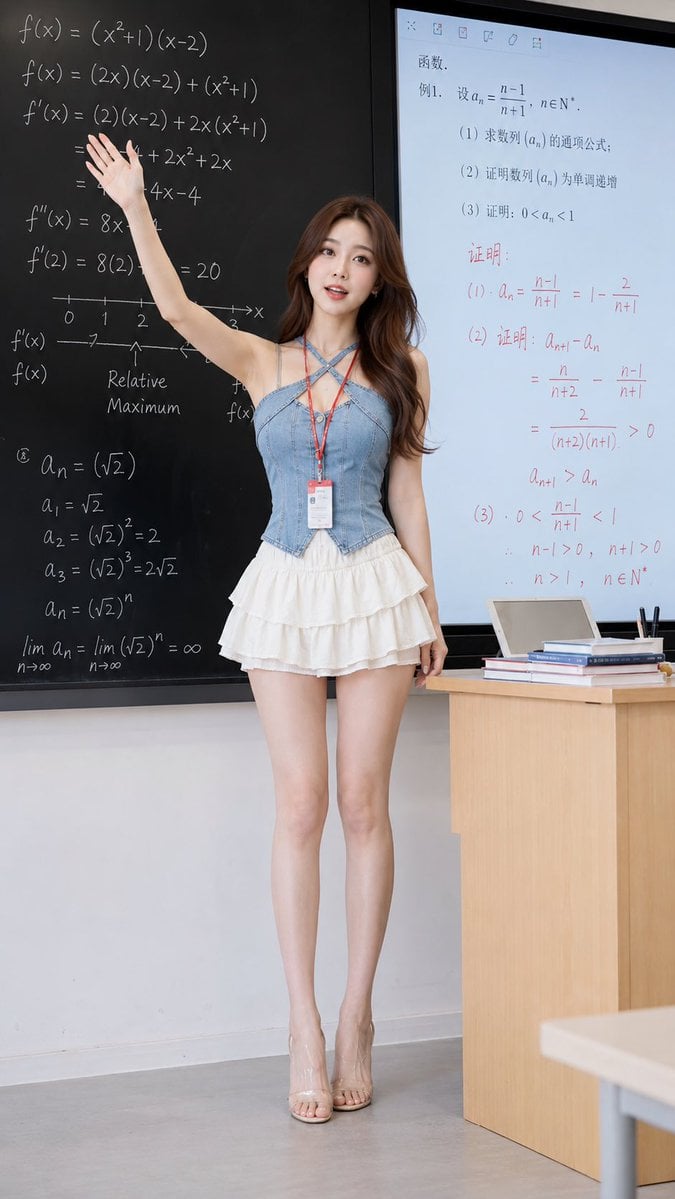
A comprehensive prompt for a high-definition realistic portrait of a young teacher in a modern classroom, specifying outfit details and a chalkboard background filled with mathematical formulas.
- Prompt included
- Model and format preset
- Free template
The prompt behind this image
Copy the exact prompt behind Realistic Teacher in Math Classroom, or open it in the studio and make it yours.
将画面调整为竖版9:16比例,保留参考图中同款浅蓝牛仔交叉吊带马甲、米白色层叠短裙的服装款式、颜色、面料纹理、缝线与层次细节,不改变服装核心设计。画面为真实自然高清柔和摄影质感,一位{argument name="年龄" default="25岁"}左右、身高约{argument name="身高" default="160cm"}、冷白皮、棕色长卷发的年轻女性,身穿同款服饰,脚上穿透明凉拖高跟鞋,移除手上的物品和所有包包,脖子挂红色工作牌,正在抬手讲解,神态自然,眼神看向台下前方,人物完整突出且不被遮挡。背景为清新时髦的课堂教学场景,左侧是写满数学公式、函数、导数运算步骤的黑色黑板,右侧是电子白板,显示数学题目、函数与数字列,部分内容用红色笔迹标注。右侧角落有浅木色讲台桌,桌上堆放书籍、笔记本、平板电脑,旁侧放黑色笔具。整体色调以教室浅白、黑板深黑为主,柔和室内光,画面带轻微涂鸦合影氛围但保持人物真实自然,服装为视觉中心,让人产生购买欲望,无AI感
How to use Realistic Teacher in Math Classroom in 3 steps
- 1Upload ImagePNG, JPG or paste
Add your photo
Upload the photo the template builds on. The prompt, model and format are already set.
- 2…a portrait of your subject in softgolden-hour light, 85mm…
Personalize
Edit the subject and creative details for your destination.
- 3Generate
Generate
Press Generate — your image is created in PicX Studio, so you can compare it with the original and refine one variable at a time.
More like this
Templates with the same subject, style or setup. Open one to see its prompt.
Math Teacher Grading Papers in Classroom
Censored Shiba Inu Math Teacher
Blonde Teacher Classroom Scene

Teacher Appreciation Mid-Autumn Poster
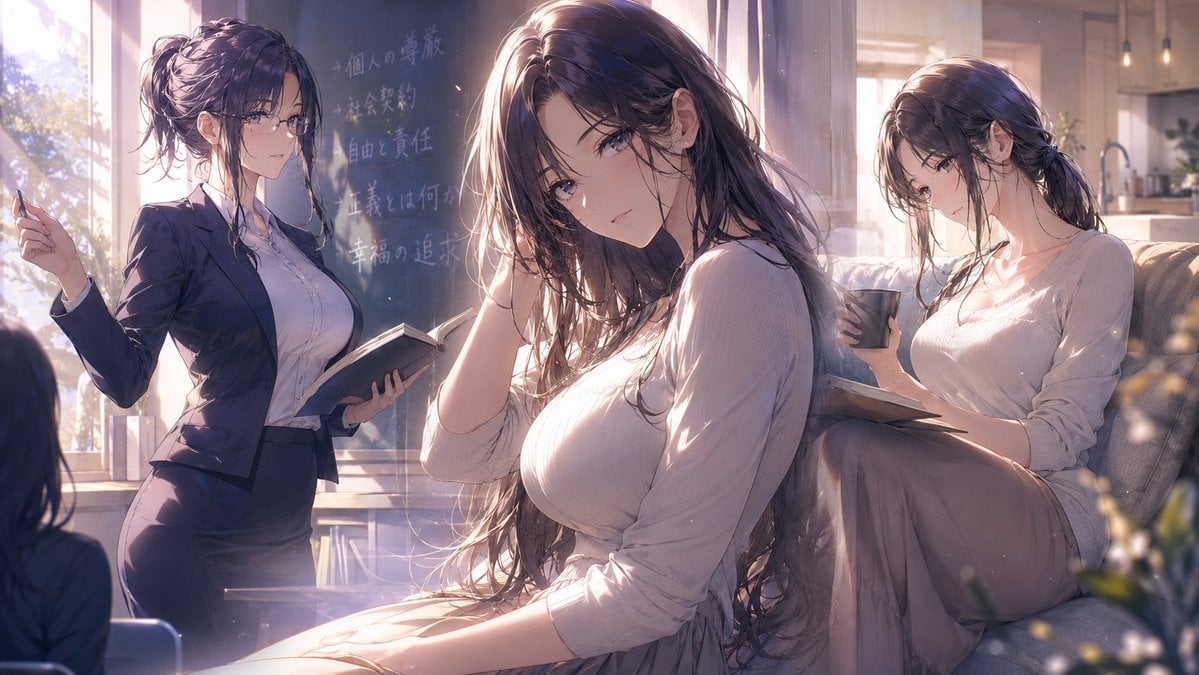
Three-Scene Anime Teacher Portrait
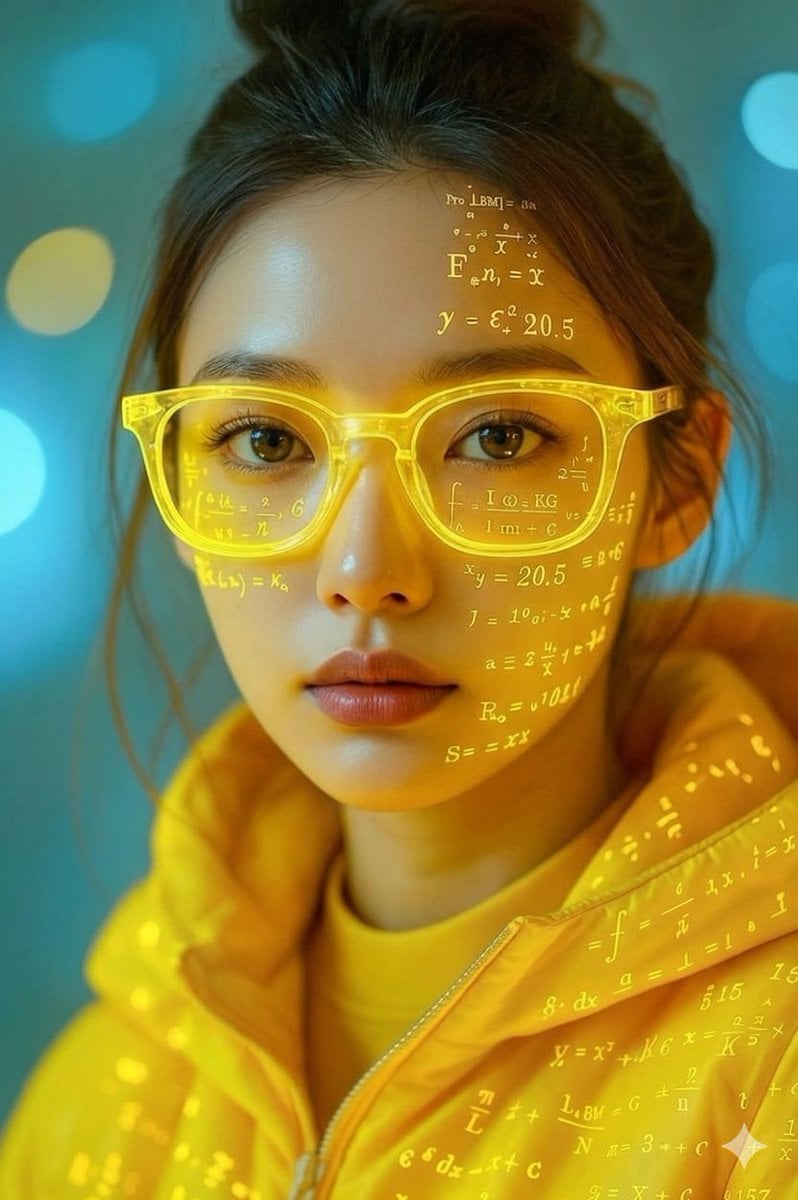
Math Projection Portrait in Neon Yellow
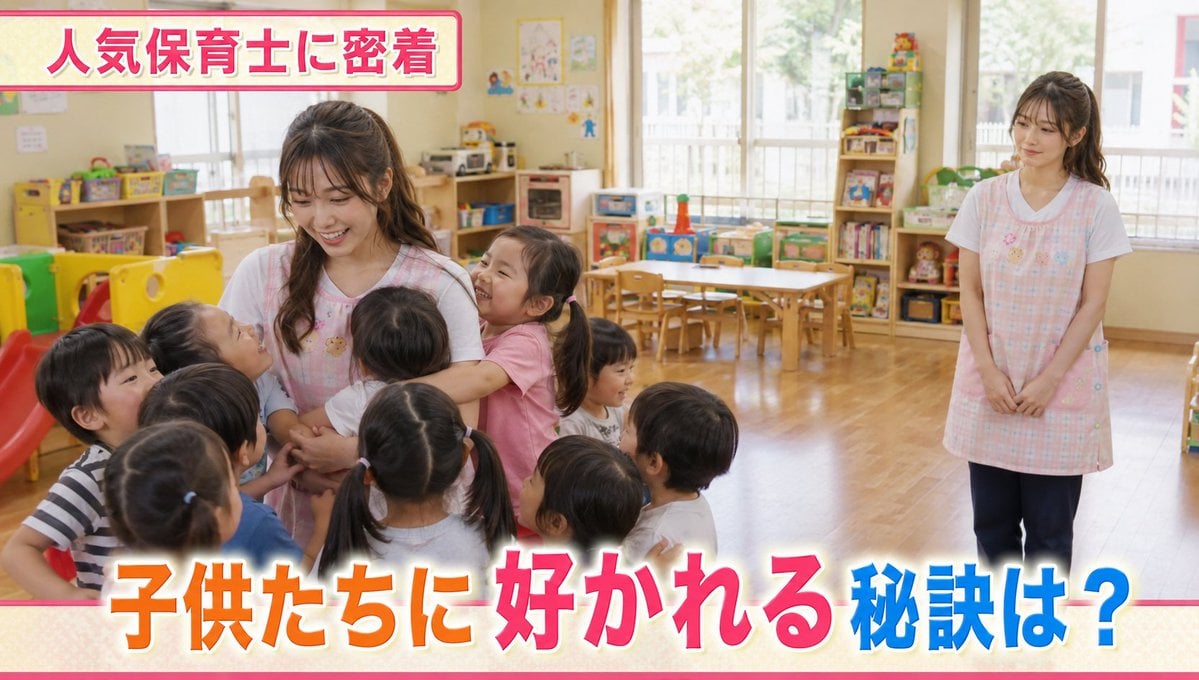
Contrast in Popularity Twin Teachers
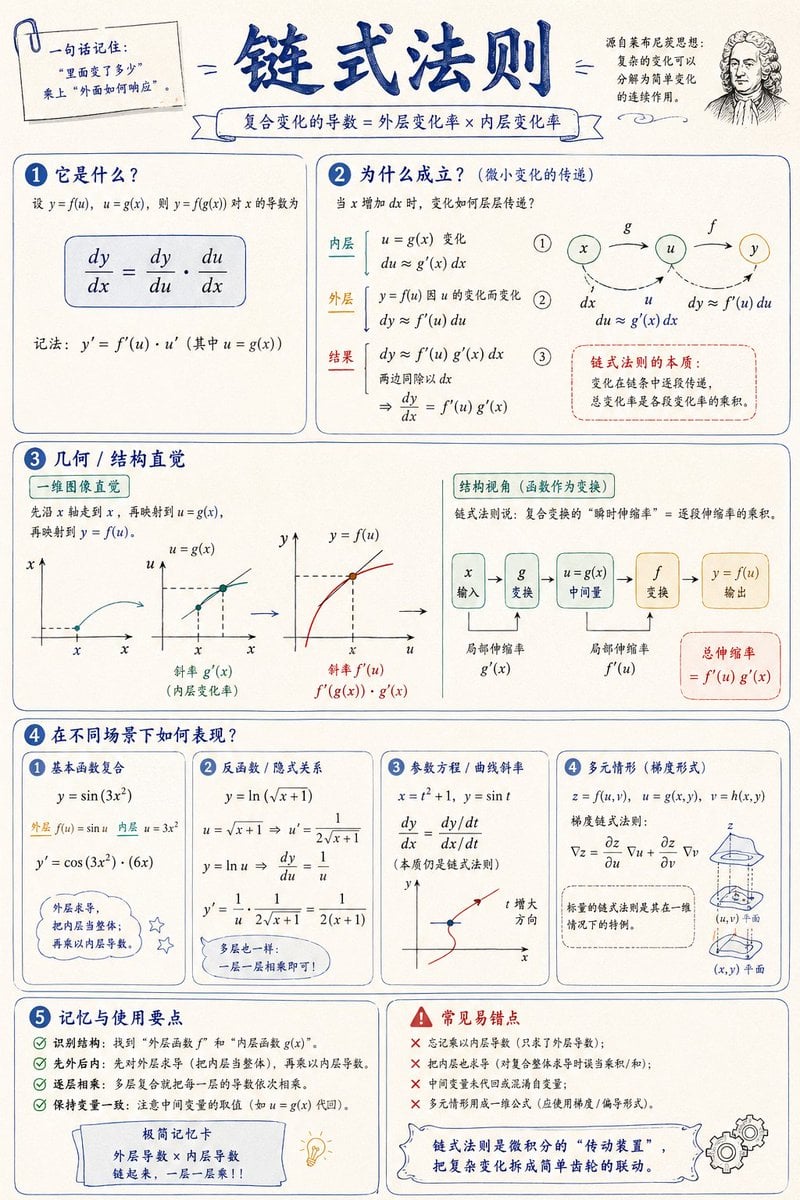
Mathematical Visualization Infographic Prompt
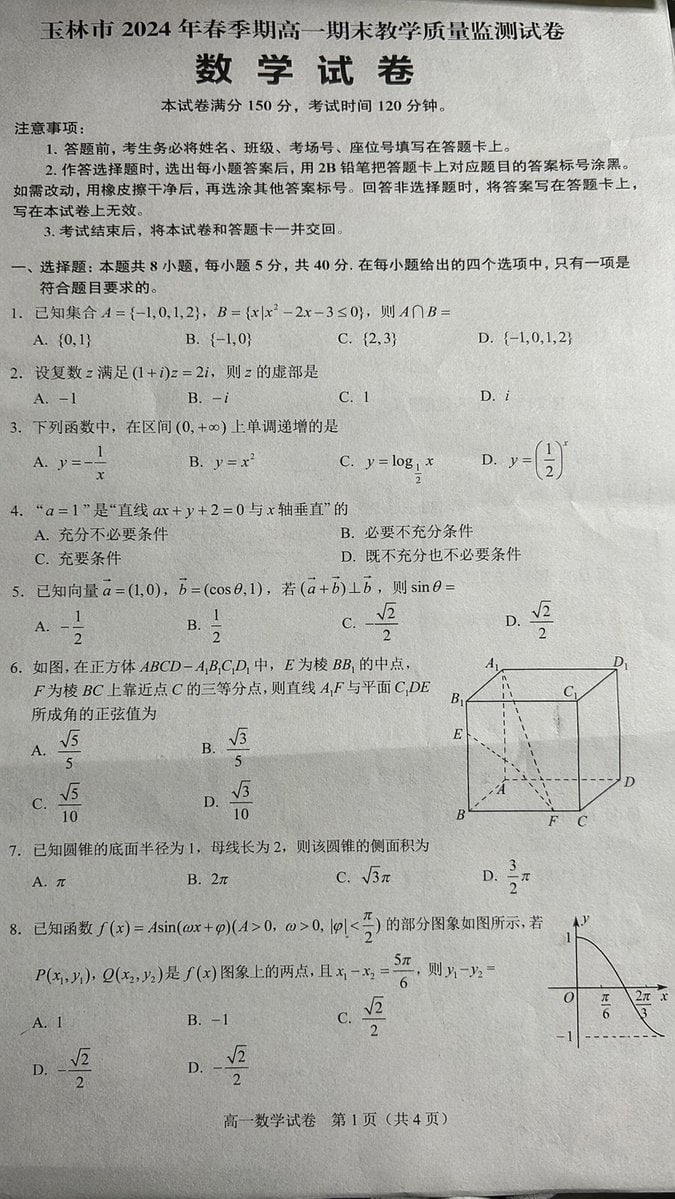
Photorealistic Chinese Math Exam Paper
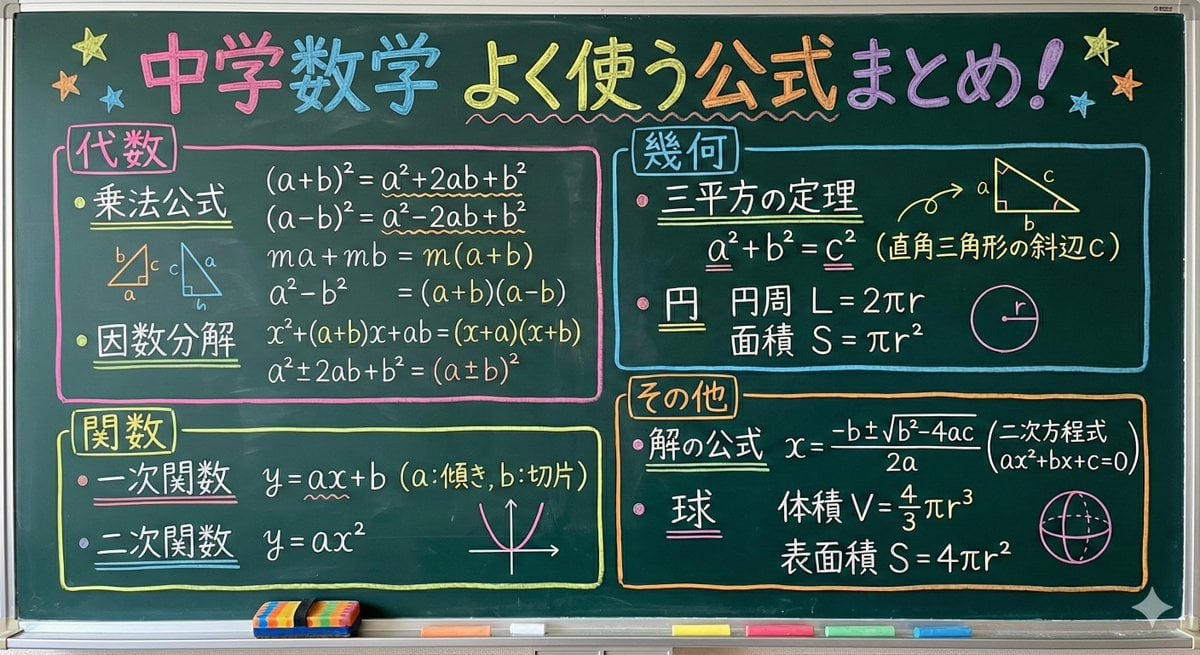
Educational Prompt for High School Math Formulas on a Chalkboard
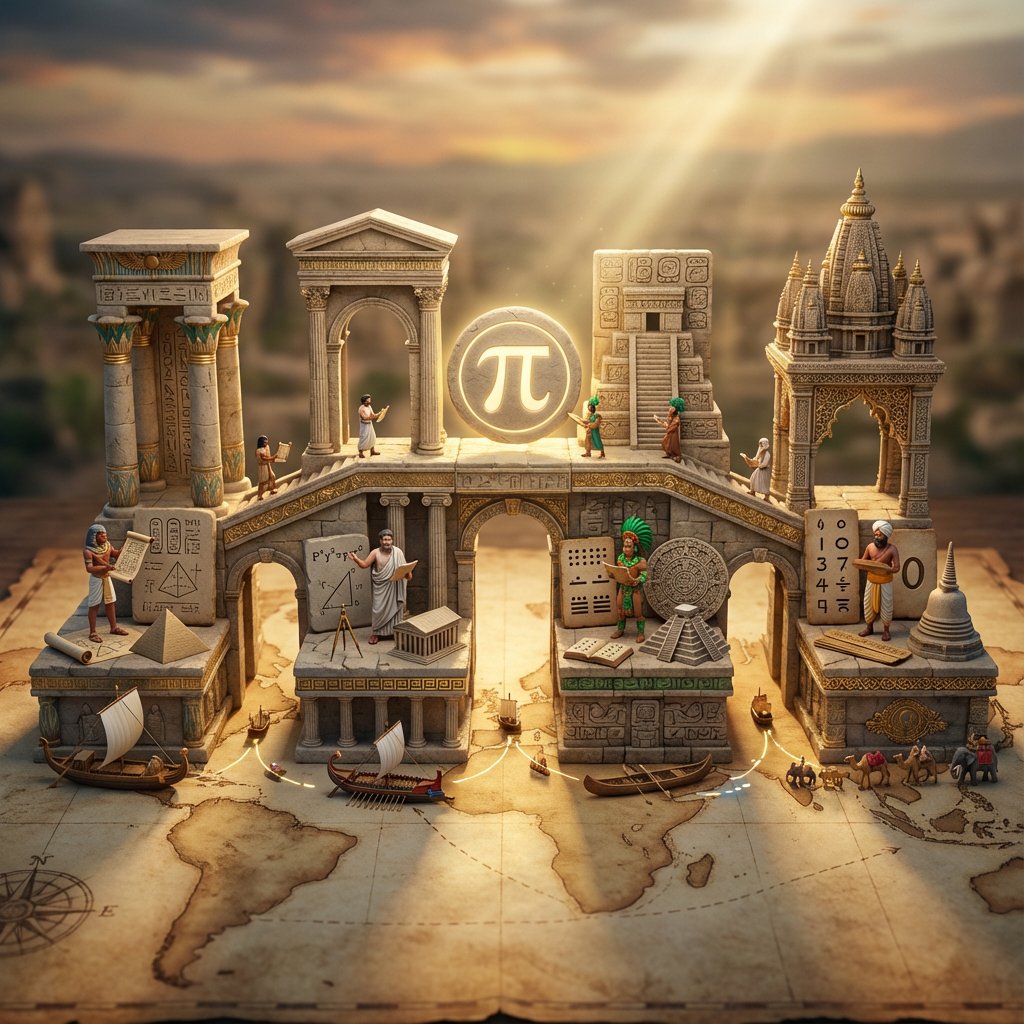
Miniature Bridge of Ancient Mathematical Knowledge
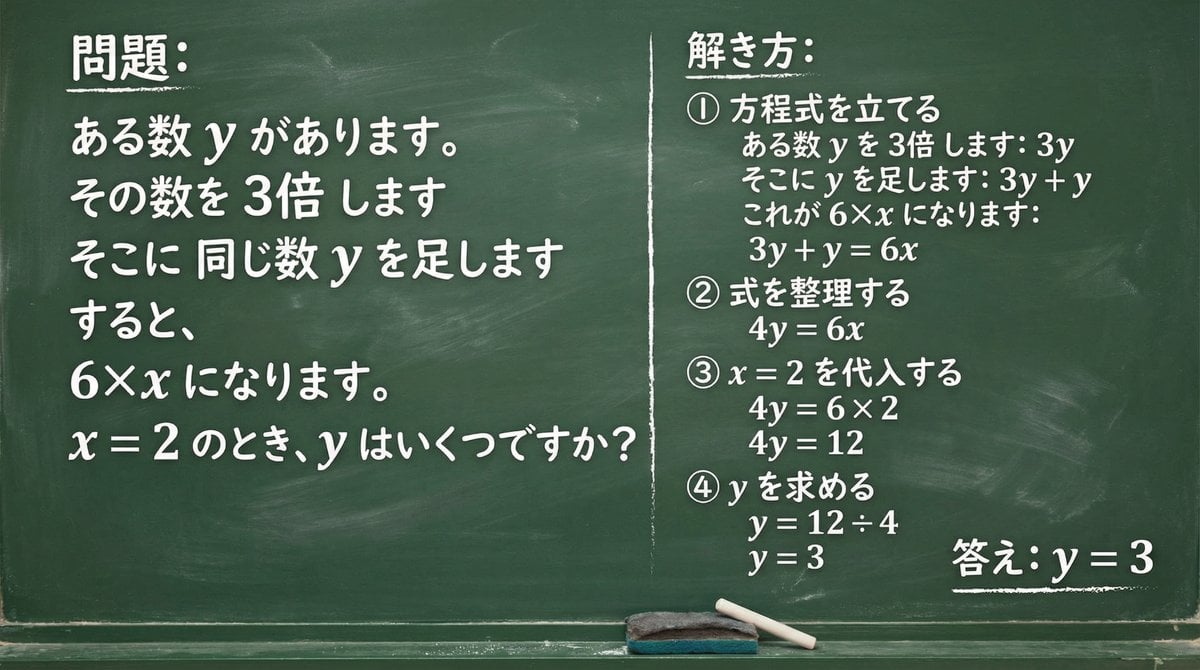
Chalkboard Math Problem Image Generation
Make it yours
Realistic Teacher in Math Classroom works as-is. These are the safest ways to change it without losing the look.
Change one field
Copy a single group, rewrite it, and generate again so you can see what that field is doing.
Keep the frame, change the subject
Hold the composition and light of Realistic Teacher in Math Classroom, then swap wardrobe, props or the person for a new take.
| If the result… | Why | Fix |
|---|---|---|
| The result drifts from the preview | Too many fields changed at once. | Reuse Realistic Teacher in Math Classroom as-is first, then change one group — subject, light, or setting. |
| The model over-stylizes the scene | The prose prompt leaves finish and camera underspecified. | Add one camera or lighting sentence and stay on GPT Image 2. |
More GPT Image 2 templates
Other prompts made for GPT Image 2.

Six VTuber Japanese Logo Sheet

Realistic Portrait of Woman and Deer

The Vista Modular Condo Poster

AI Model Routing Comparison Infographic

2.5D Anime Art Board

Isometric Productivity Desk Scene

New York Double Exposure Poster

Four-Panel AI Landscape Comparison

Japanese Tatami Lifestyle Magazine Cover

NESCAFÉ Coffee Map Poster
More image prompts
Fresh picks from across the catalog.
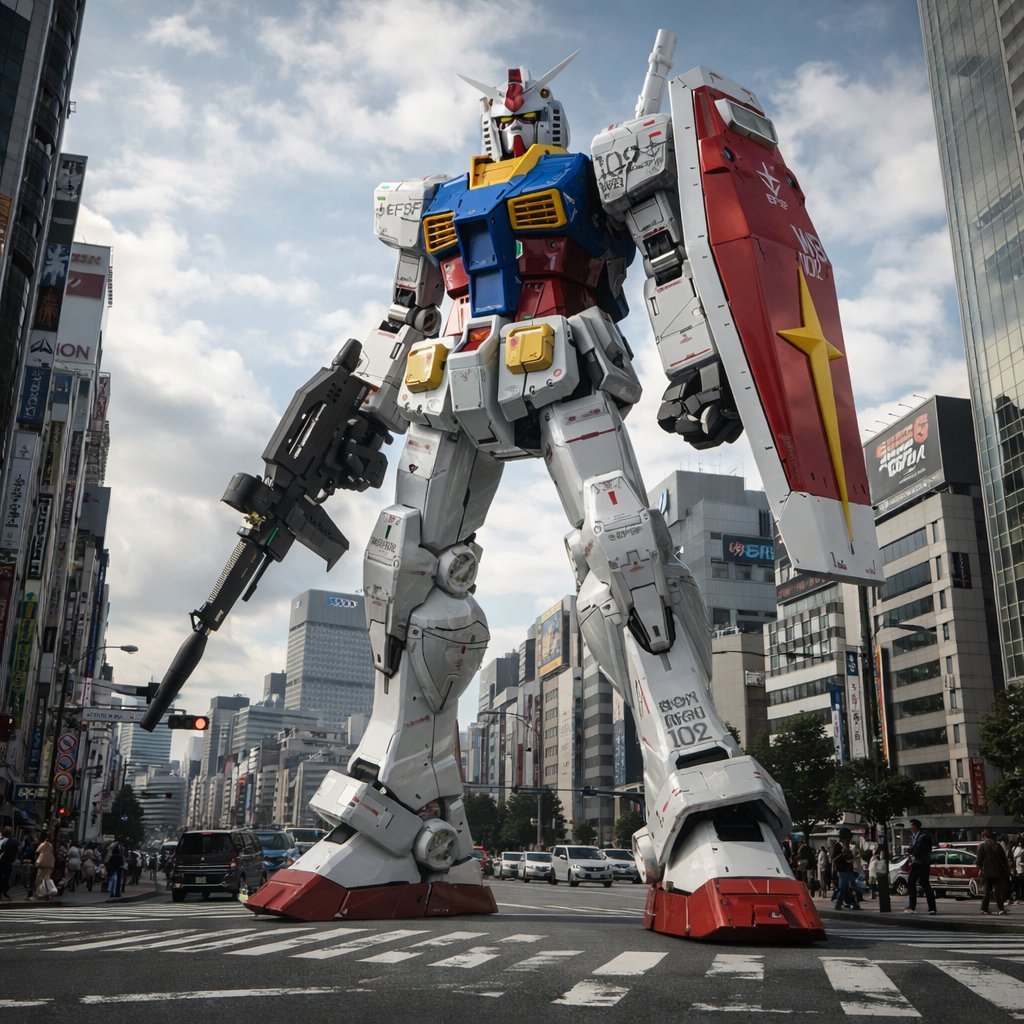
Gundam Model Detail Enhancement and Background Addition
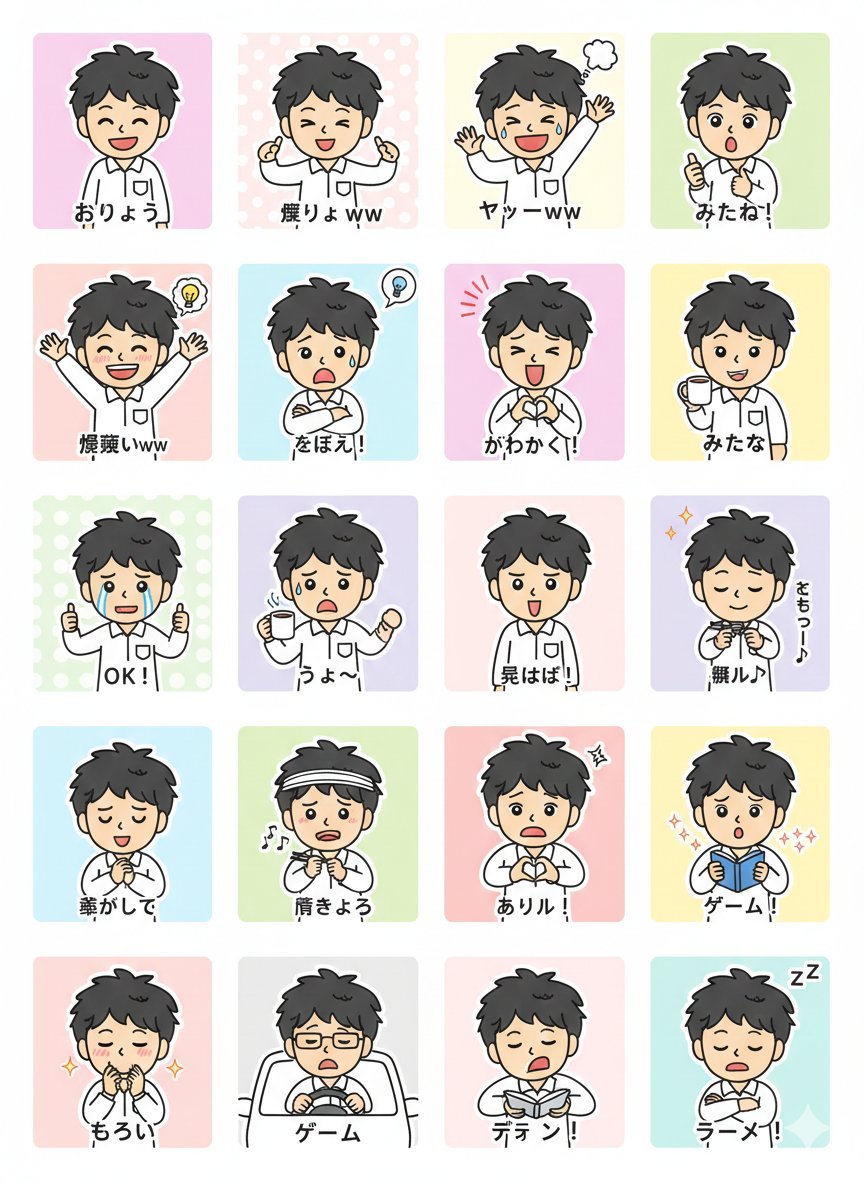
LINE Sticker Generation Prompt

Commercial Product Photography: Soda Splash Series

90s-style film portrait from a reference photo

DomoAI Image Generation Prompt Comparison
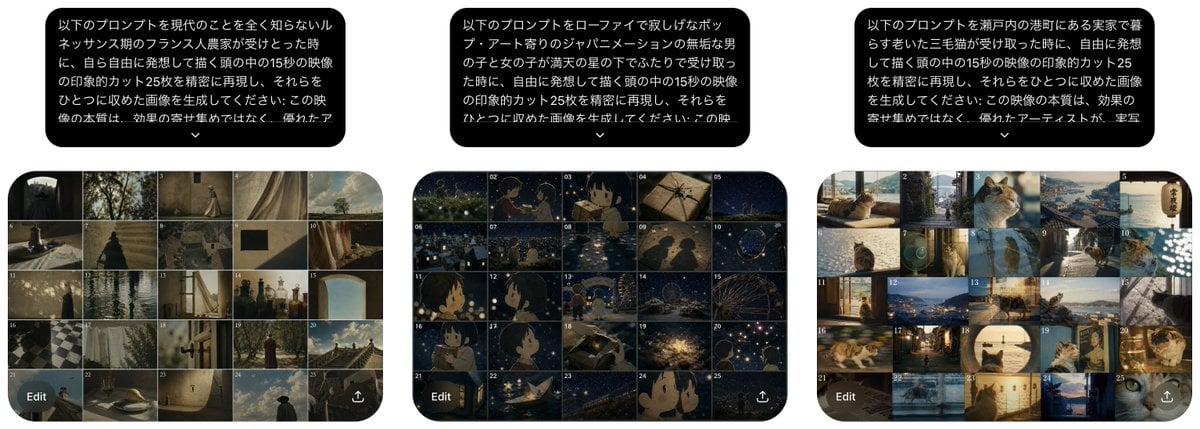
Three Prompt Interpretation Storyboard Grids

Change an existing image to a Santa theme

Portrait photo prompt for a man with dramatic side-lighting and specific clothing details

Cinematic Portrait of Ancient Turkic Woman and Horse in Snow

Editorial Fashion Portrait Prompt
Browse template categories
Realistic Teacher in Math Classroom questions
How do I use the Realistic Teacher in Math Classroom template?
Add your photo if the template asks for one, edit the prompt if you like — the template's model and format are already selected — and press Generate. Your version opens in PicX Studio.
Can I customize the Realistic Teacher in Math Classroom template?
Yes. You can change the subject, setting, lighting, mood, format, and available model controls before creating your image.
Is the Realistic Teacher in Math Classroom template free?
Opening and editing this template is free. Generating uses credits, shown on the Generate button when you are signed in.
Which AI model should I use?
Start with GPT Image 2, which is the model associated with this template. You can compare another compatible model for a different finish.
Looking for something else? Browse all templates.

Your photo, any look
Thousands of ready templates for every top image and video model, from one credit balance.