
Three-Scene Anime Teacher Portrait
Generates a cinematic anime character-setting illustration showing one mature teacher character in three coordinated poses within a warm classroom-study interior.
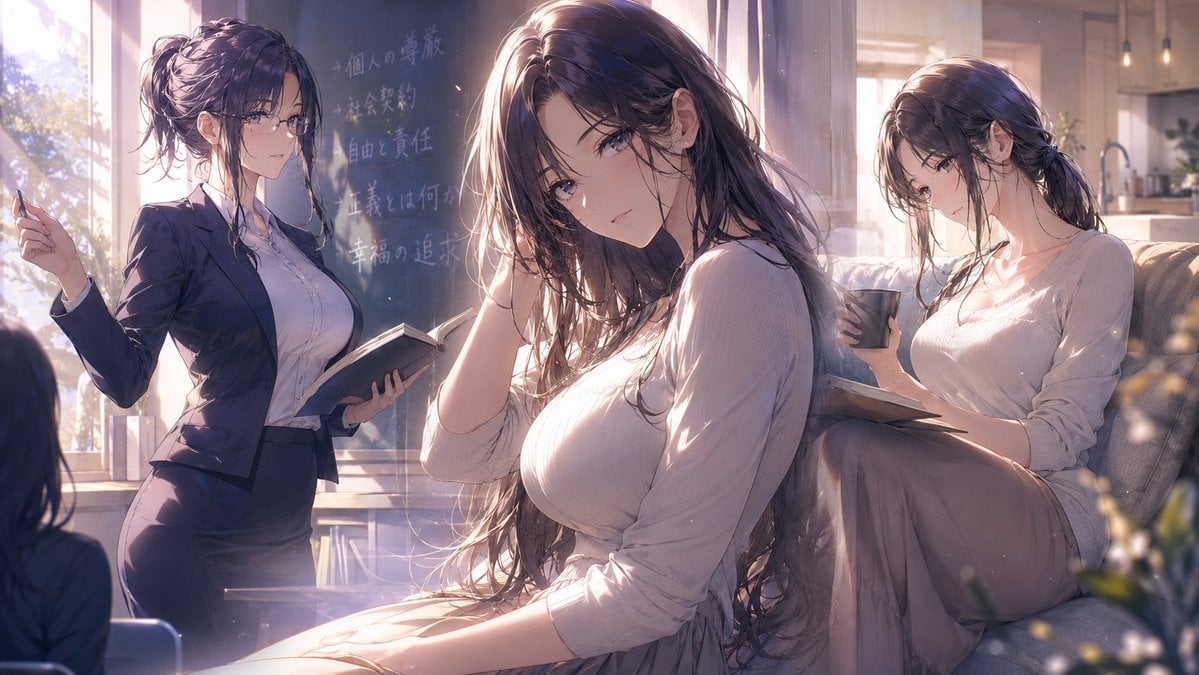
- Prompt included
- Model and format preset
- Premium template
The prompt behind this image
Copy the exact prompt behind Three-Scene Anime Teacher Portrait, or open it in the studio and make it yours.
Create a cinematic anime illustration in a wide 16:9 canvas showing three versions of the same elegant adult woman in one warm, sunlit interior scene. The character is {argument name="character name" default="an unnamed mature female teacher"}, with {argument name="hair color" default="long dark brown hair with soft violet highlights"}, delicate facial features, large calm eyes, a gentle melancholic expression, and a graceful, intelligent presence. Place the largest version in the center foreground, seated close to the viewer in a pale ribbed knit top and soft beige skirt, long loose hair falling over her shoulders, one hand touching her hair, looking directly at the viewer with a quiet, intimate expression. On the left, show the same woman as a teacher standing near a chalkboard, wearing thin glasses, a fitted navy suit jacket and pencil skirt over a white blouse, holding an open book in one hand and a piece of chalk or pen in the other. On the right, show the same woman seated on a sofa by a bright window, hair tied loosely back, wearing a pale long-sleeved knit top and beige skirt, holding a dark mug while reading an open book on her lap. Include exactly three visible character instances: central seated portrait, left teacher at chalkboard, and right relaxed reader on sofa. The room should blend a classroom and cozy study: large bright windows, chalkboard with faint handwritten Japanese-style notes, bookshelves or books near the lower background, a soft sofa, hints of a kitchen or warm domestic interior on the far right, and blurred flowers in the lower-right foreground. Use {argument name="lighting mood" default="golden afternoon backlight with soft haze and floating dust motes"}, luminous rim light on hair and shoulders, shallow depth of field, painterly high-detail anime rendering, refined linework, realistic fabric folds, elegant proportions, subtle blush, glossy eyes, and a romantic slice-of-life atmosphere. Color palette should be warm cream, mauve, lavender shadow, soft brown, and muted navy. Avoid text overlays, logos, watermarks, extra characters, distorted hands, or changing the character identity between the three poses.
How to use Three-Scene Anime Teacher Portrait in 3 steps
- 1Upload ImagePNG, JPG or paste
Add your photo
Upload the photo the template builds on. The prompt, model and format are already set.
- 2…a portrait of your subject in softgolden-hour light, 85mm…
Personalize
Edit the subject and creative details for your destination.
- 3Generate
Generate
Press Generate — your image is created in PicX Studio, so you can compare it with the original and refine one variable at a time.
More like this
Templates with the same subject, style or setup. Open one to see its prompt.

Found Photograph: Us, 1970

80s Couple Studio Portrait

80s Bollywood Star

80s Golden Hour Cinema

Me in 1985

1985 Studio Portrait

Hyper-Realistic Minecraft POV Portrait

Rooftop Fisheye — Cat-Ear Balaclava at Golden Hour

Cel 2D Underwater Reef

Anime Monorail Sunset

Rainy Café Window Moody Portrait
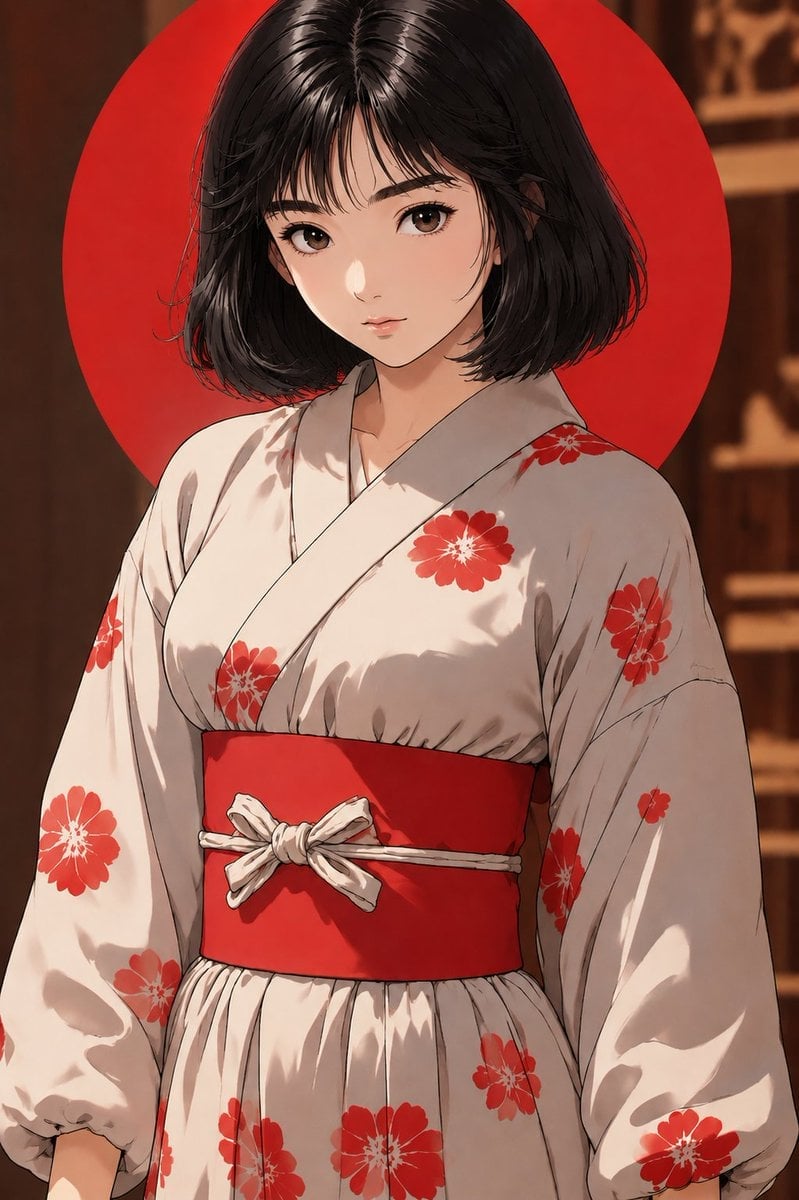
Anime Yukata Portrait with Red Sun Disk
Make it yours
Three-Scene Anime Teacher Portrait works as-is. These are the safest ways to change it without losing the look.
Change one field
Copy a single group, rewrite it, and generate again so you can see what that field is doing.
Keep the frame, change the subject
Hold the composition and light of Three-Scene Anime Teacher Portrait, then swap wardrobe, props or the person for a new take.
| If the result… | Why | Fix |
|---|---|---|
| The result drifts from the preview | Too many fields changed at once. | Reuse Three-Scene Anime Teacher Portrait as-is first, then change one group — subject, light, or setting. |
| The model over-stylizes the scene | The prose prompt leaves finish and camera underspecified. | Add one camera or lighting sentence and stay on GPT Image 2. |
More GPT Image 2 templates
Other prompts made for GPT Image 2.

Six VTuber Japanese Logo Sheet

Realistic Portrait of Woman and Deer

The Vista Modular Condo Poster

AI Model Routing Comparison Infographic

2.5D Anime Art Board

Isometric Productivity Desk Scene

New York Double Exposure Poster

Four-Panel AI Landscape Comparison

Japanese Tatami Lifestyle Magazine Cover

NESCAFÉ Coffee Map Poster
More image prompts
Fresh picks from across the catalog.
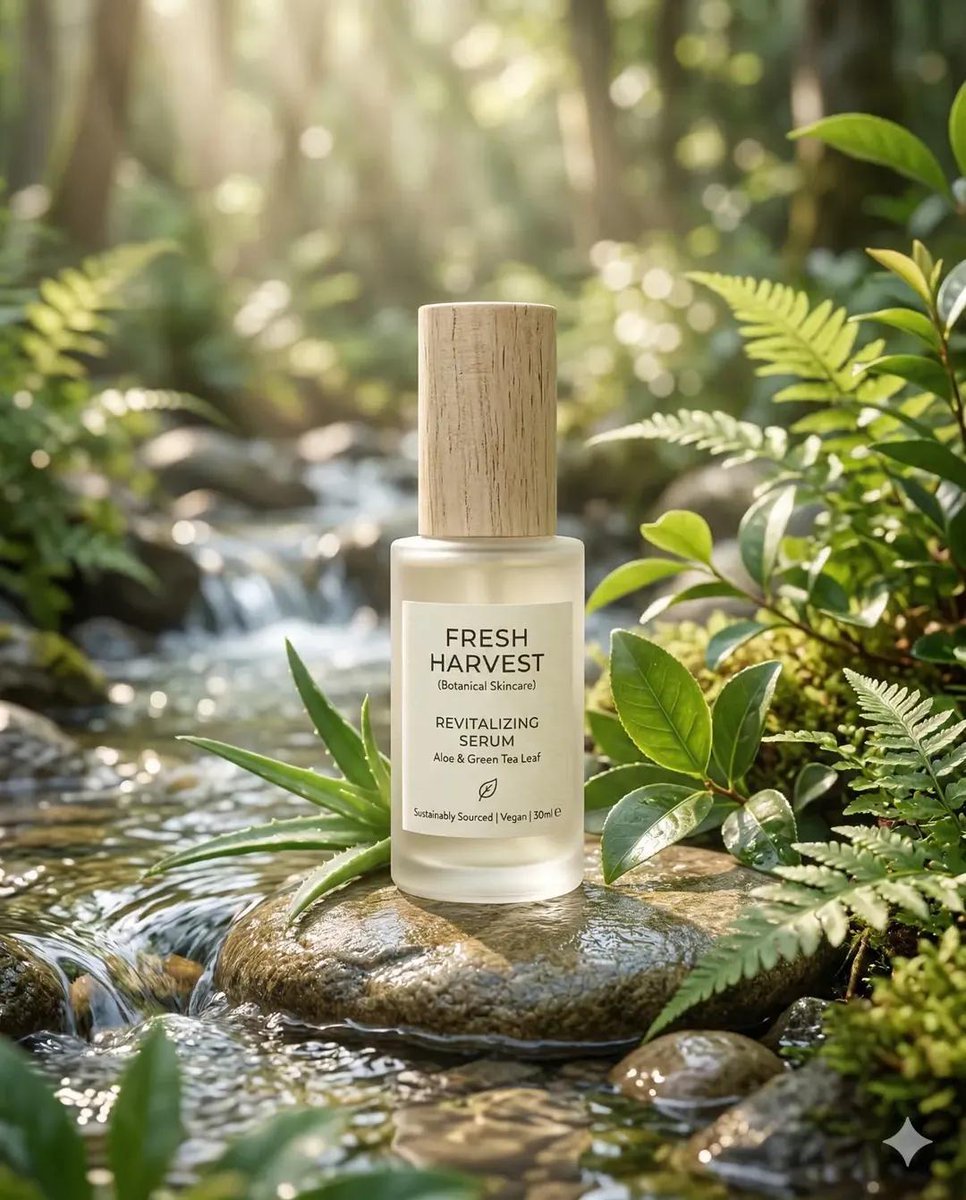
Eco-Friendly Skincare Product Photography
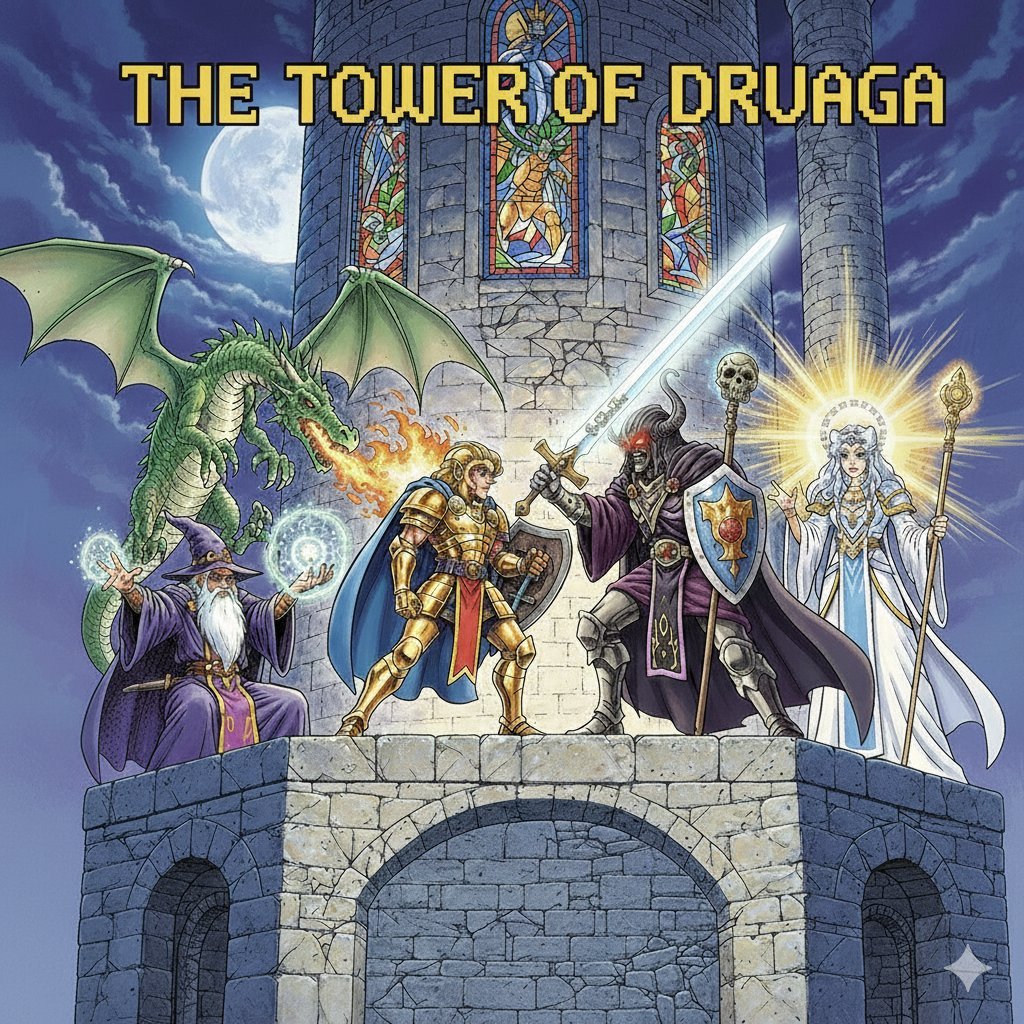
Tower of Druaga Gilgamesh vs. Druaga Prompt
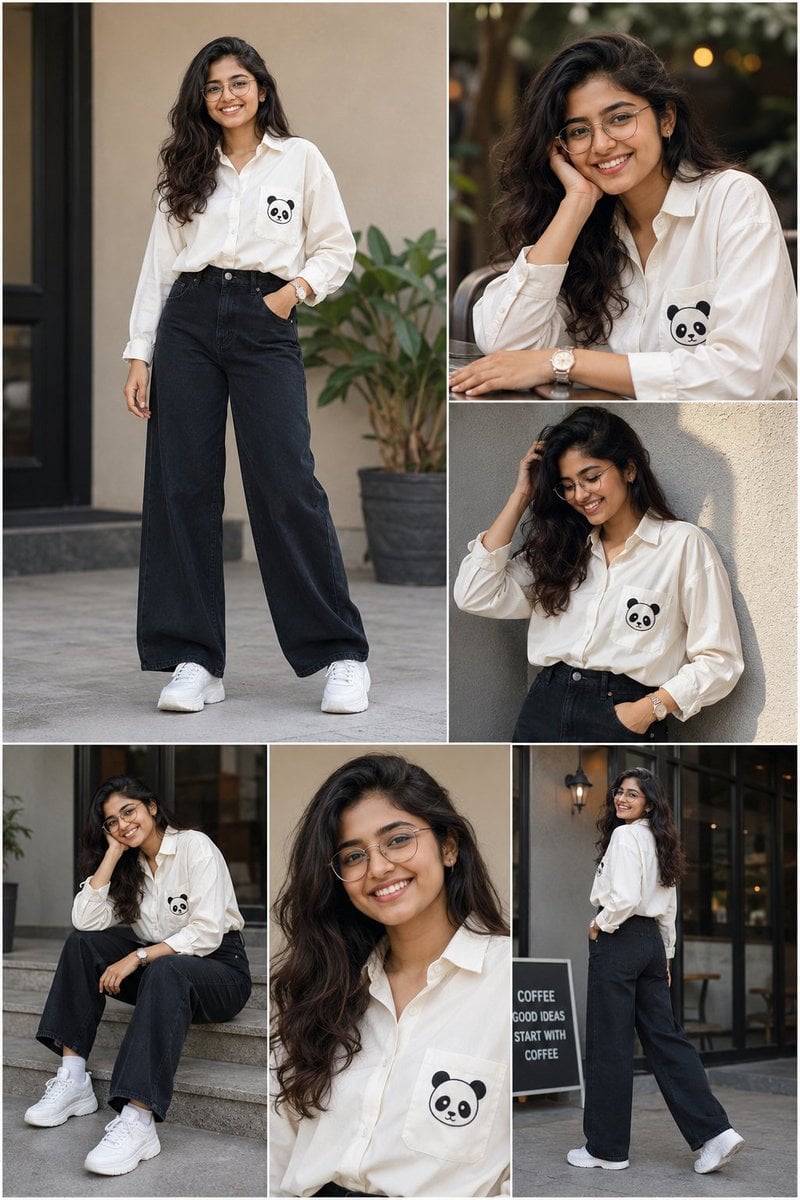
Fashion Portrait Collage
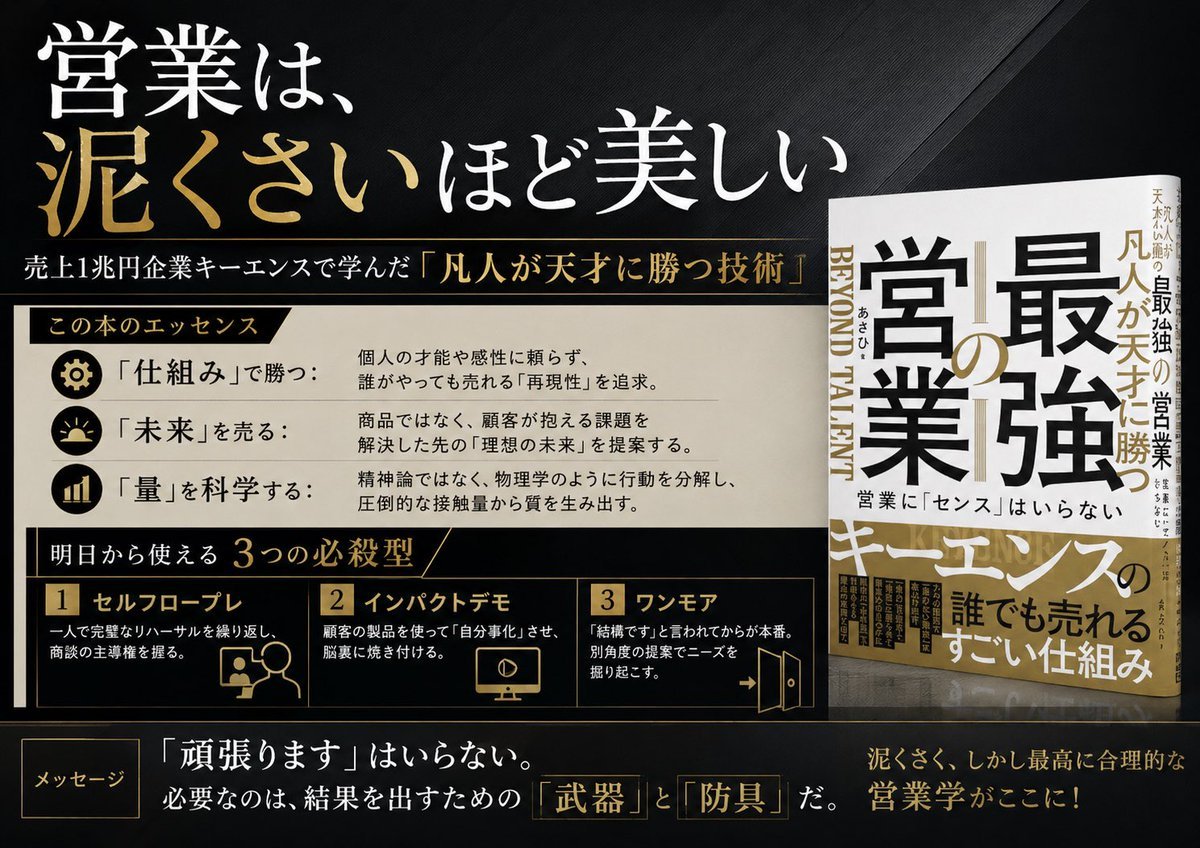
Japanese Sales Book Infographic Ad
Seedance - Smooth Vlog
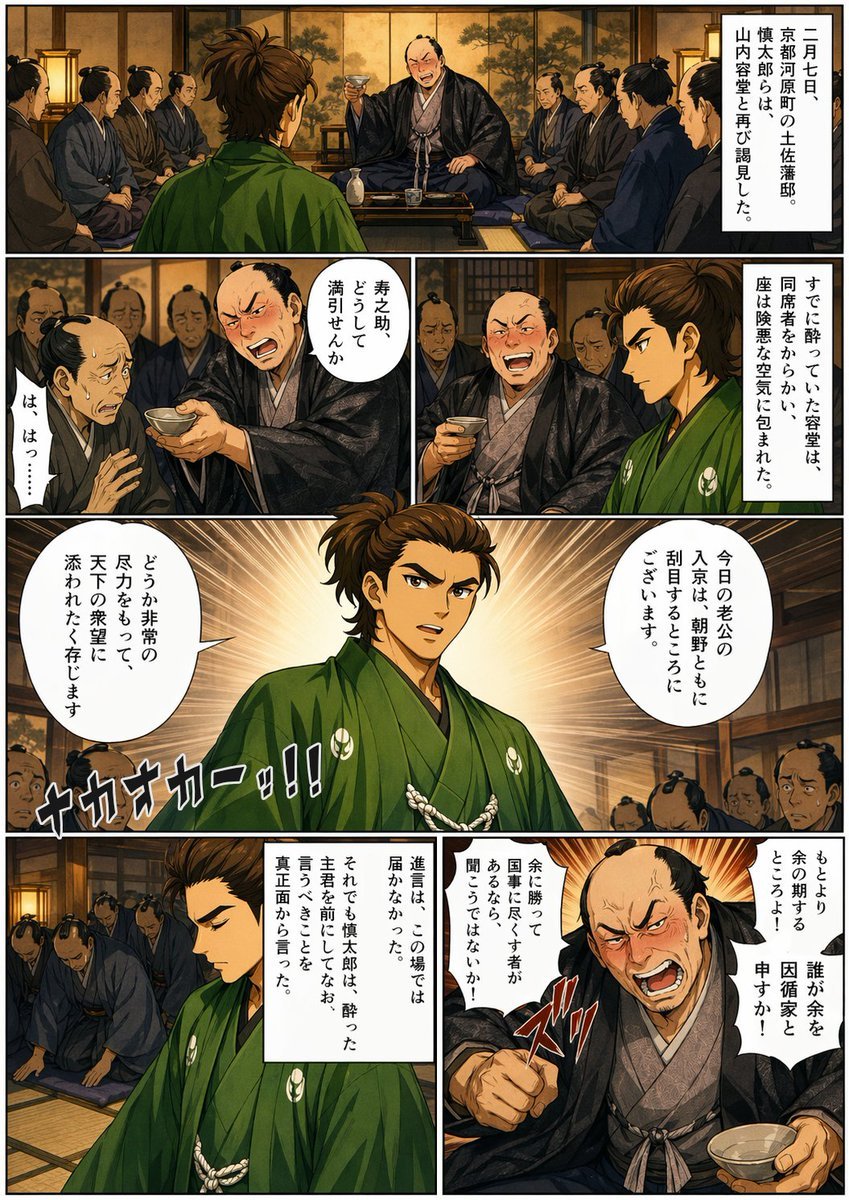
Bakumatsu Confrontation Manga Page
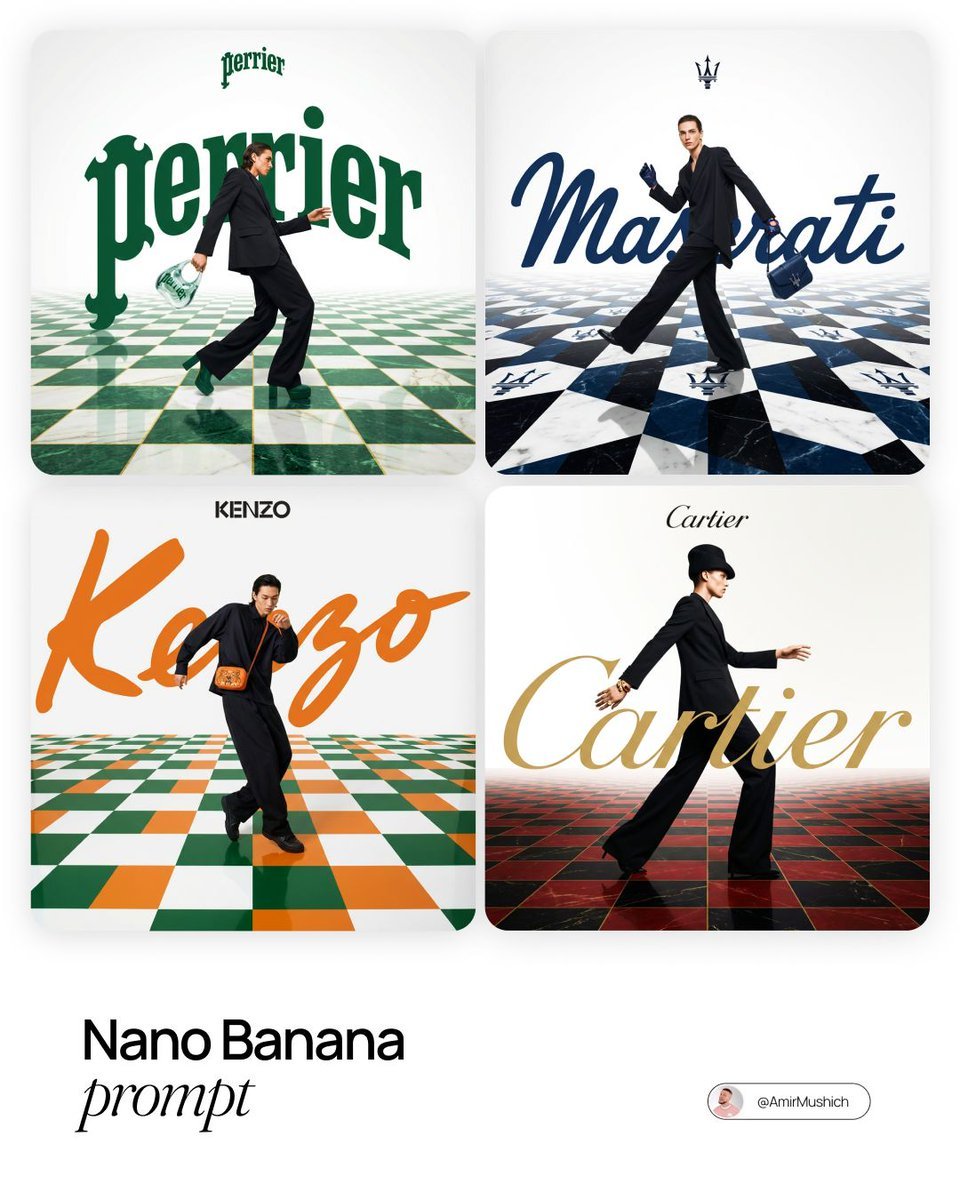
Editorial Fashion Campaign Prompt
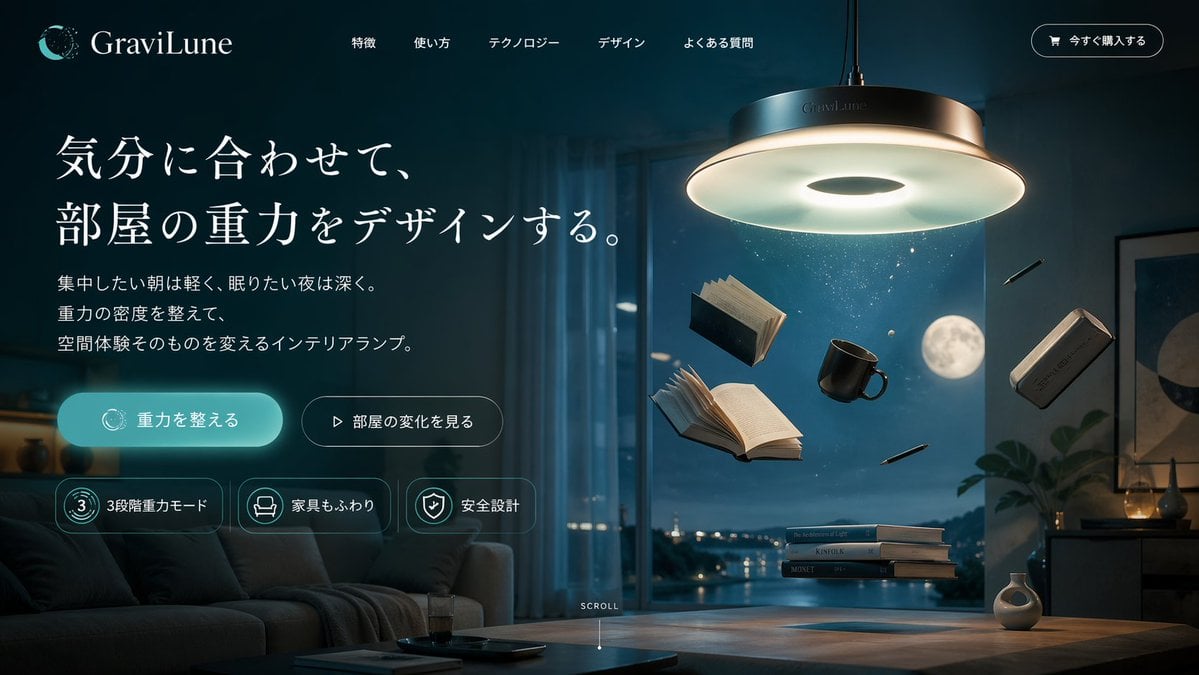
Anti-Gravity Lamp Landing Page Mockup
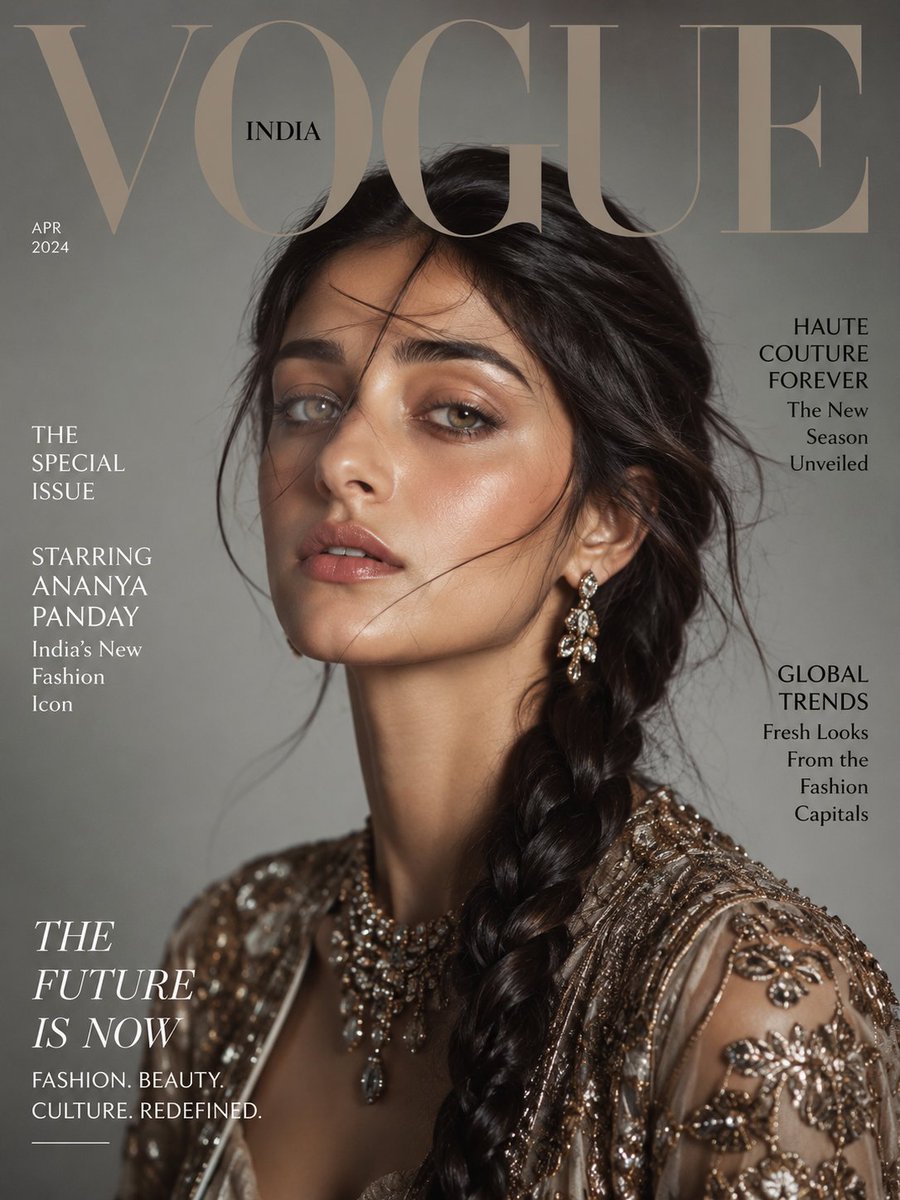
Vogue Magazine Cover Portrait
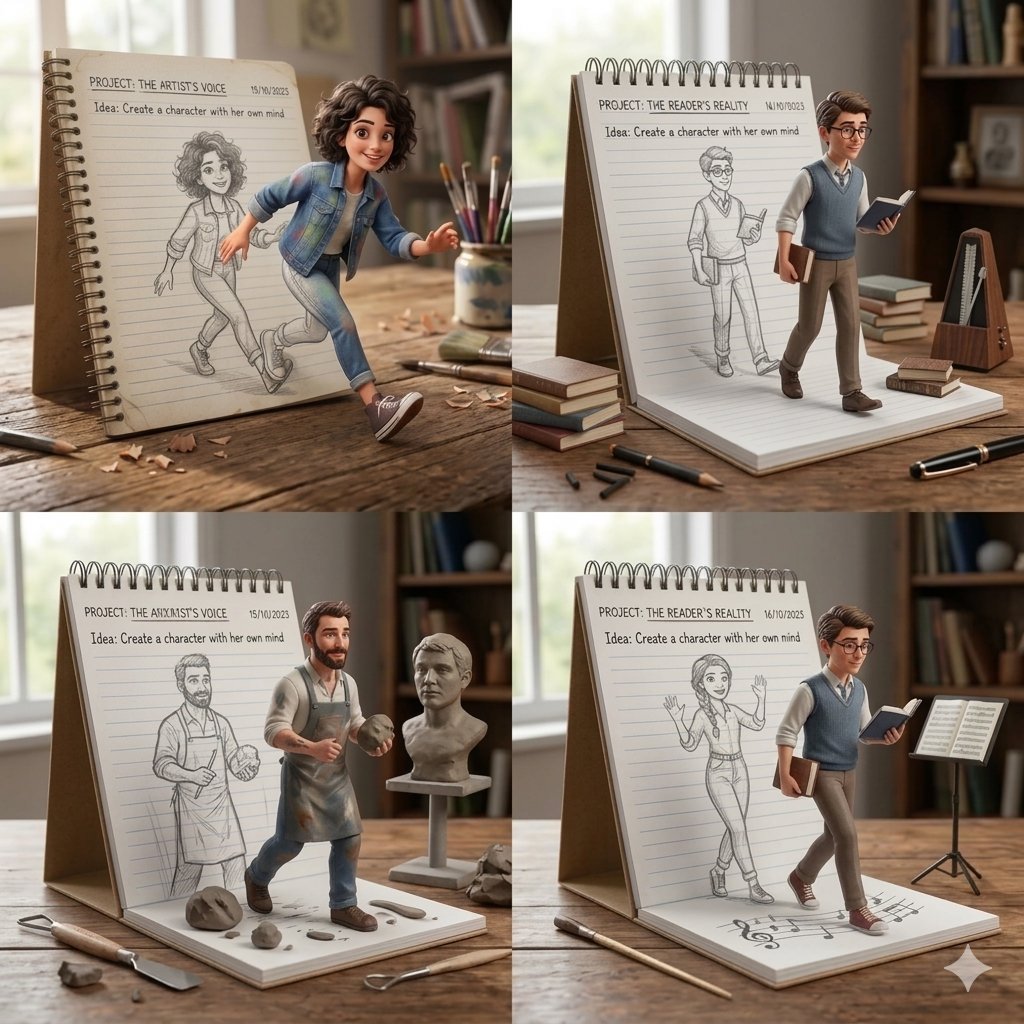
Creative Concept of Hand-Drawn Characters Coming to Life
Browse template categories
Three-Scene Anime Teacher Portrait questions
How do I use the Three-Scene Anime Teacher Portrait template?
Add your photo if the template asks for one, edit the prompt if you like — the template's model and format are already selected — and press Generate. Your version opens in PicX Studio.
Can I customize the Three-Scene Anime Teacher Portrait template?
Yes. You can change the subject, setting, lighting, mood, format, and available model controls before creating your image.
Is the Three-Scene Anime Teacher Portrait template free?
Opening and editing this template is free. Generating uses credits, shown on the Generate button when you are signed in.
Which AI model should I use?
Start with GPT Image 2, which is the model associated with this template. You can compare another compatible model for a different finish.
Looking for something else? Browse all templates.

Your photo, any look
Thousands of ready templates for every top image and video model, from one credit balance.