
3D Clay Style Year-End Summary Poster Generator
A highly detailed, structured prompt for generating a visually impactful 3D year-end summary poster (like a ChatGPT summary) based on an uploaded screenshot of user data.

- Prompt included
- Model and format preset
- Free template
The prompt behind this image
Copy the exact prompt behind 3D Clay Style Year-End Summary Poster Generator, or open it in the studio and make it yours.
Task objective: Based on the data and information in the year-end summary screenshot the user uploaded, design a visually striking, distinctively styled 3D year-end summary poster, with the username {argument name="username" default="[guizang]"} Overall style and mood (fixed style): Core style: A fusion of 3D trends, gamified elements, and highly saturated colors. Material feel: The main visual is rendered in a refined clay (Claymation) or soft-plastic material, with rounded edges and soft lighting, giving a friendly "blind-box toy" feel. Layout feel: The overall layout should feel like a refined, high-end magazine — well-balanced density, clear information architecture. Keep the text layout clean and simple, without adding any card, capsule, or base-frame style decorative backgrounds. Main visual (core visual): The visual center is a huge, tightly packed cluster of chibi 3D clay spheres. The elements making up the sphere should be dynamically generated based on the specific content in the user's uploaded screenshot: Data bubbles: Turn the key numbers extracted from the screenshot and their corresponding labels (e.g., total messages, chat count, number of generated images, activity ranking, etc.) into rounded clay data bubbles embedded in the sphere. Theme icons: Based on the user interests reflected in the screenshot, add corresponding generic clay icons (e.g., a game controller, a brain, a chart, a speech bubble, etc.). Category buildings (core requirement): Analyze the content emphasis in the screenshot, and incorporate into the sphere several exquisite miniature clay buildings representing different chat categories. For example: If it includes AI/tech content, add a futuristic-looking data-center building. If it includes gaming content, add a pixel-style game castle. If it includes creative/art content, add a tiny art studio. Combination method: All these elements (bubbles, icons, buildings) must be packed together very tightly and harmoniously, seamlessly forming a perfect sphere, without exposing the internal structure. Background design (fixed framework): Base color: Use a highly saturated gradient background from warm orange to soft purple (referencing the previous style). Background text: Behind the planet, place six giant Chinese characters with a splatter texture and reverse-etched effect, on the theme of "Adventure Innovation Exploration" (top row) and "Creation Hardcore Impact" (bottom row), partially obscured by the sphere, adding a street hardcore feel. Information architecture and layout (content extracted from the screenshot): Header: Place a white ChatGPT logo, and generate a title based on the screenshot information, in the format: "[{argument name="username" default="username extracted from the screenshot"}]'s [Year] Year-End Summary". Bottom data area (Data Grid): Below the sphere, create a minimalist 2x2 pure-text data grid. Select the 4 most essential data points from the screenshot, display the large numbers in an ultra-bold sans-serif font, paired with corresponding text labels and fun social-trait phrases (e.g., "social butterfly," "chatterbox," "jack of all trades," etc., generated based on the data characteristics). Footer summary (Footer): At the very bottom, in small type, lay out two passages of text taken directly from the summary paragraphs in the user's screenshot (such as "Your chat style" and "Highlights of the year").
How to use 3D Clay Style Year-End Summary Poster Generator in 3 steps
- 1Upload ImagePNG, JPG or paste
Add your photo
Upload the photo the template builds on. The prompt, model and format are already set.
- 2…a portrait of your subject in softgolden-hour light, 85mm…
Personalize
Edit the subject and creative details for your destination.
- 3Generate
Generate
Press Generate — your image is created in PicX Studio, so you can compare it with the original and refine one variable at a time.
More like this
Templates with the same subject, style or setup. Open one to see its prompt.

Trendy Cafe Drink Promo Poster

Clay Miniature Landmark Travel Diorama

Legendary Player Fragmented Editorial Poster

Legendary Icons Mixed Style Poster Pack

Japan Travel Brochure Poster
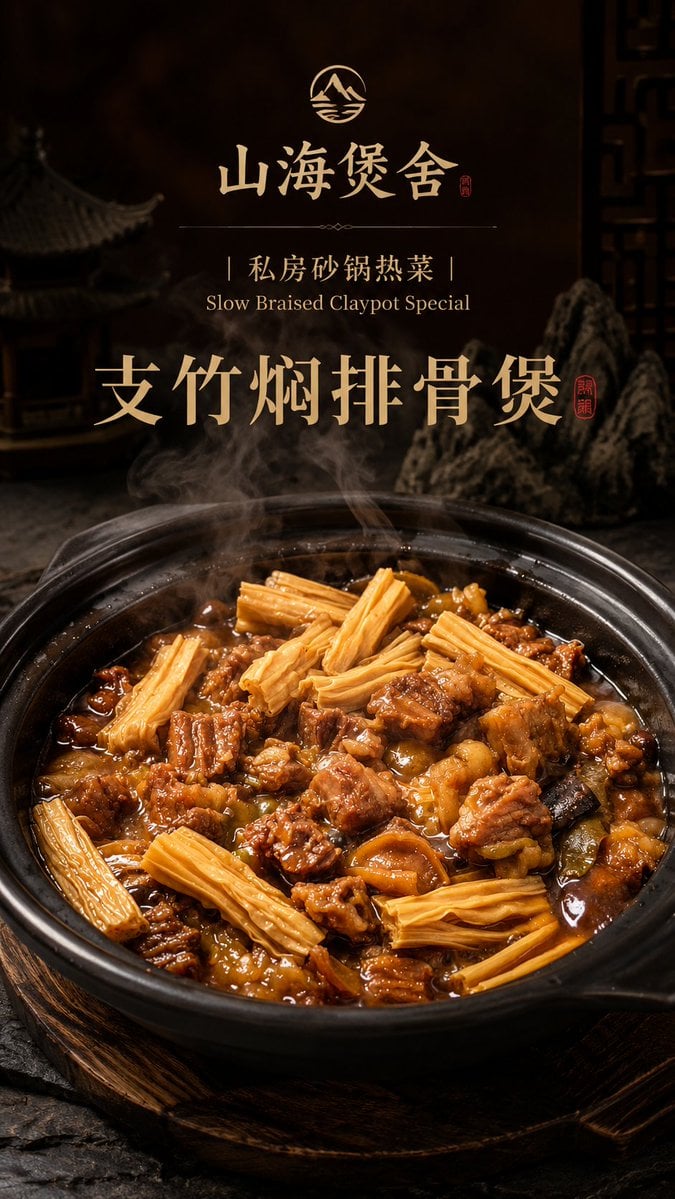
Luxury Chinese Claypot Food Poster
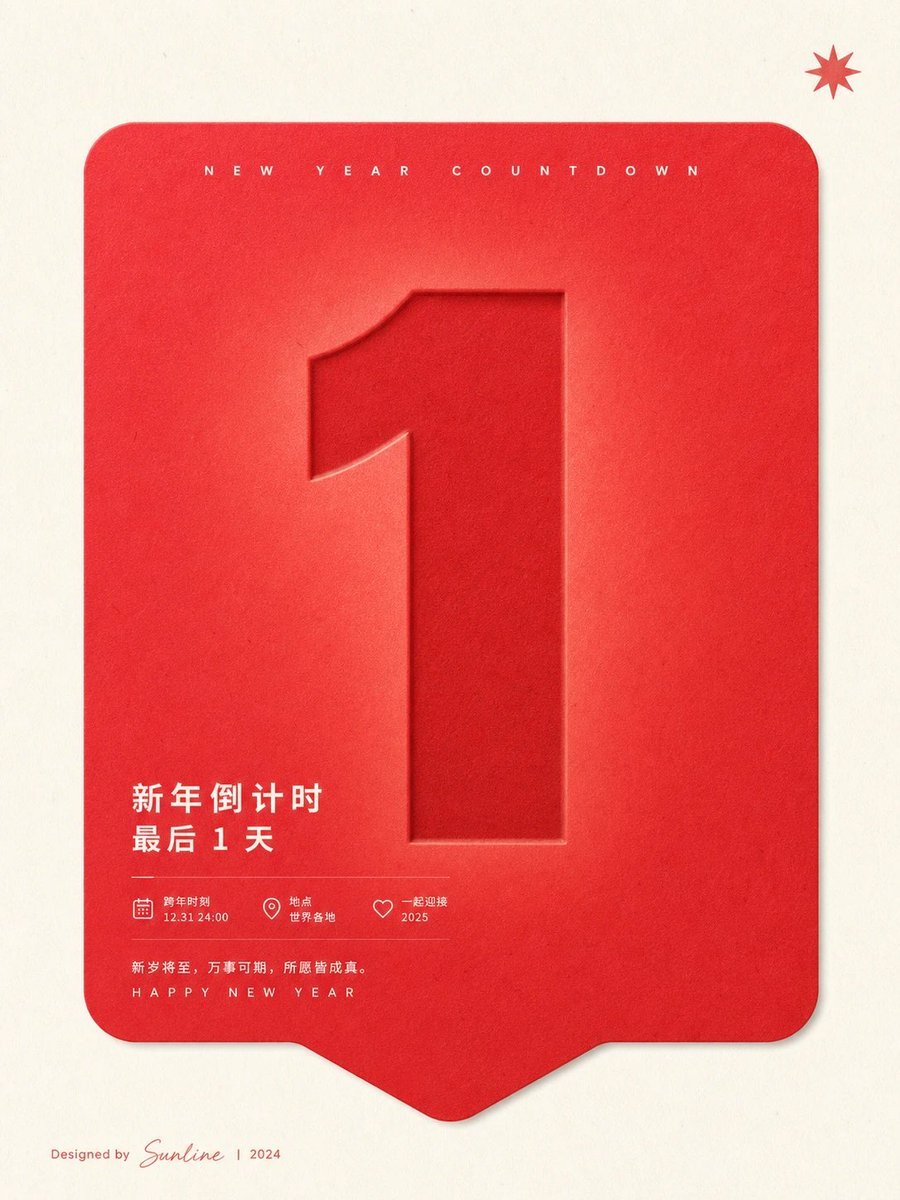
Red New Year Countdown Poster
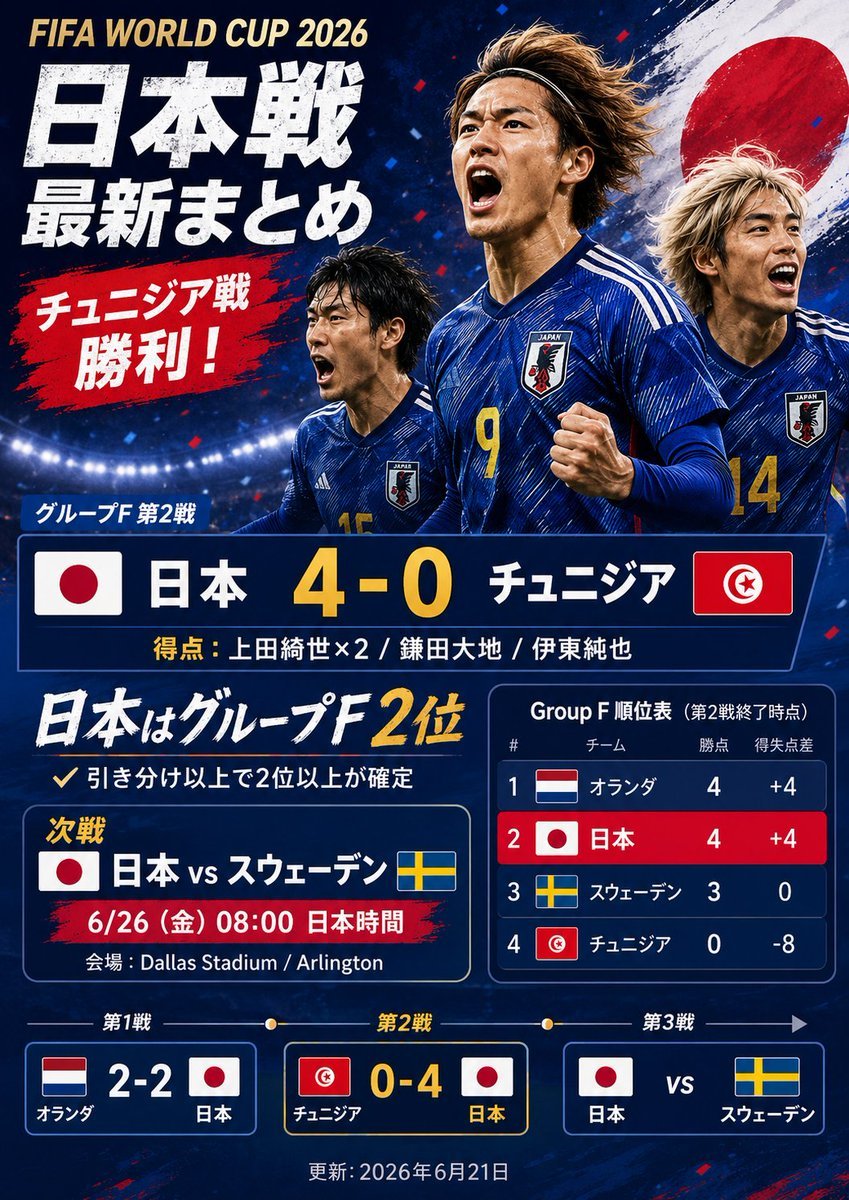
Japanese World Cup Match Summary Poster

Cartoon TV Show Poster Pack

Urban Fashion Editorial Collage Streetwear Poster

Premium Fashion Editorial Cover Layout System

Polo Ralph Lauren Luxury American Heritage Fashion Campaign
Make it yours
3D Clay Style Year-End Summary Poster Generator works as-is. These are the safest ways to change it without losing the look.
Change one field
Copy a single group, rewrite it, and generate again so you can see what that field is doing.
Keep the frame, change the subject
Hold the composition and light of 3D Clay Style Year-End Summary Poster Generator, then swap wardrobe, props or the person for a new take.
| If the result… | Why | Fix |
|---|---|---|
| The result drifts from the preview | Too many fields changed at once. | Reuse 3D Clay Style Year-End Summary Poster Generator as-is first, then change one group — subject, light, or setting. |
| The model over-stylizes the scene | The prose prompt leaves finish and camera underspecified. | Add one camera or lighting sentence and stay on Nano Banana 2. |
More Nano Banana 2 templates
Other prompts made for Nano Banana 2.

Photorealistic Leaf Shaped Like a Dragon

K-Pop Idol Portrait Grid for Rapid Selection

Poetic Rain Forest Portrait During Golden Hour

Urban Street Portrait with Cartoon Inner Self Duo

Candid Nighttime Photo with Cat Prompt

High-Concept 3D Diorama Generation Prompt

Cinematic Futuristic Studio Portrait Template

Skincare Editorial Photography Collage Prompt

Hyper-Realistic Commercial Product Photography (Splash Effect)

Hyper-Realistic Nightclub Portrait Prompt
More image prompts
Fresh picks from across the catalog.
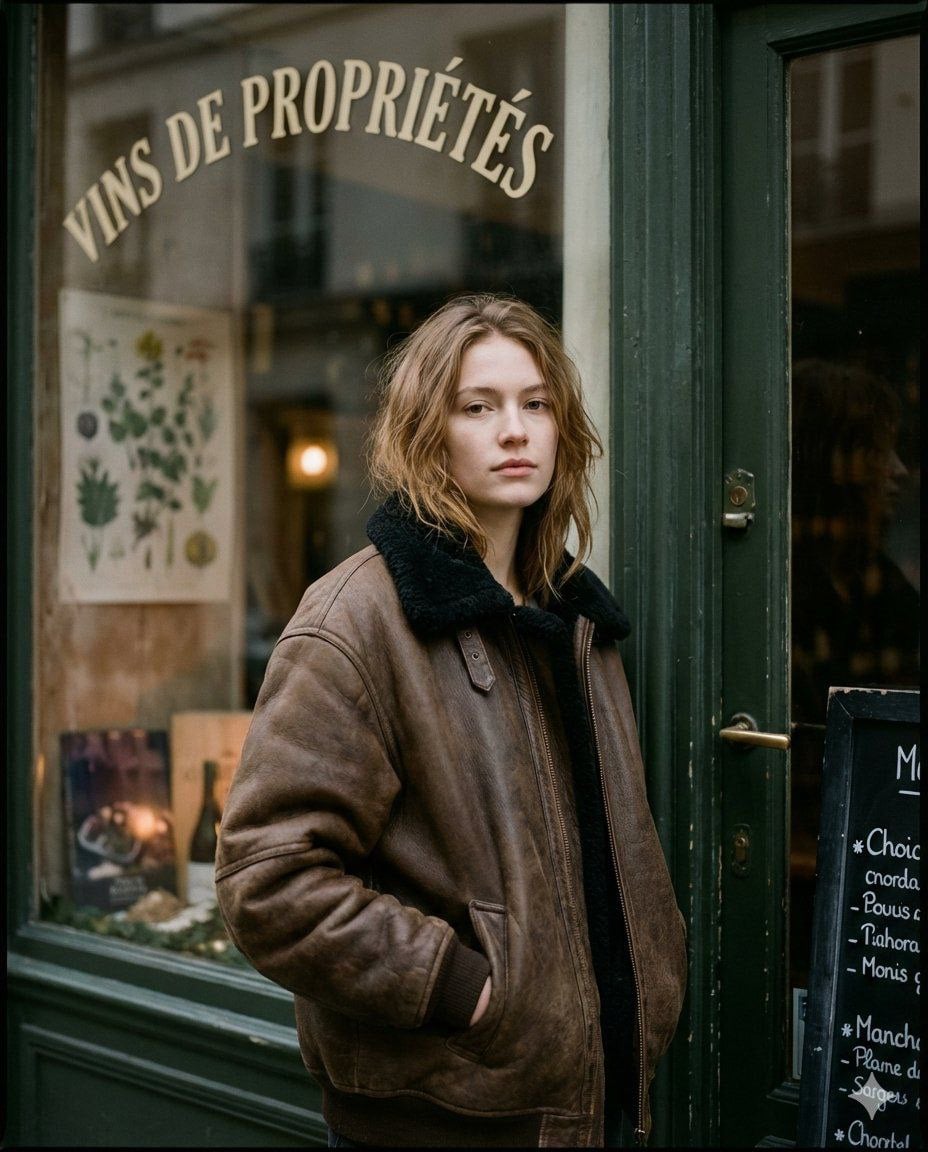
Moody Paris Street Editorial Portrait
Realistic Size Range Fashion Lineup
Poetic Cinematic Portrait with Pink Blossoms Prompt
Cinematic Morning Interior Scene
Editorial Street Fashion Portrait with Patchwork Knitwear
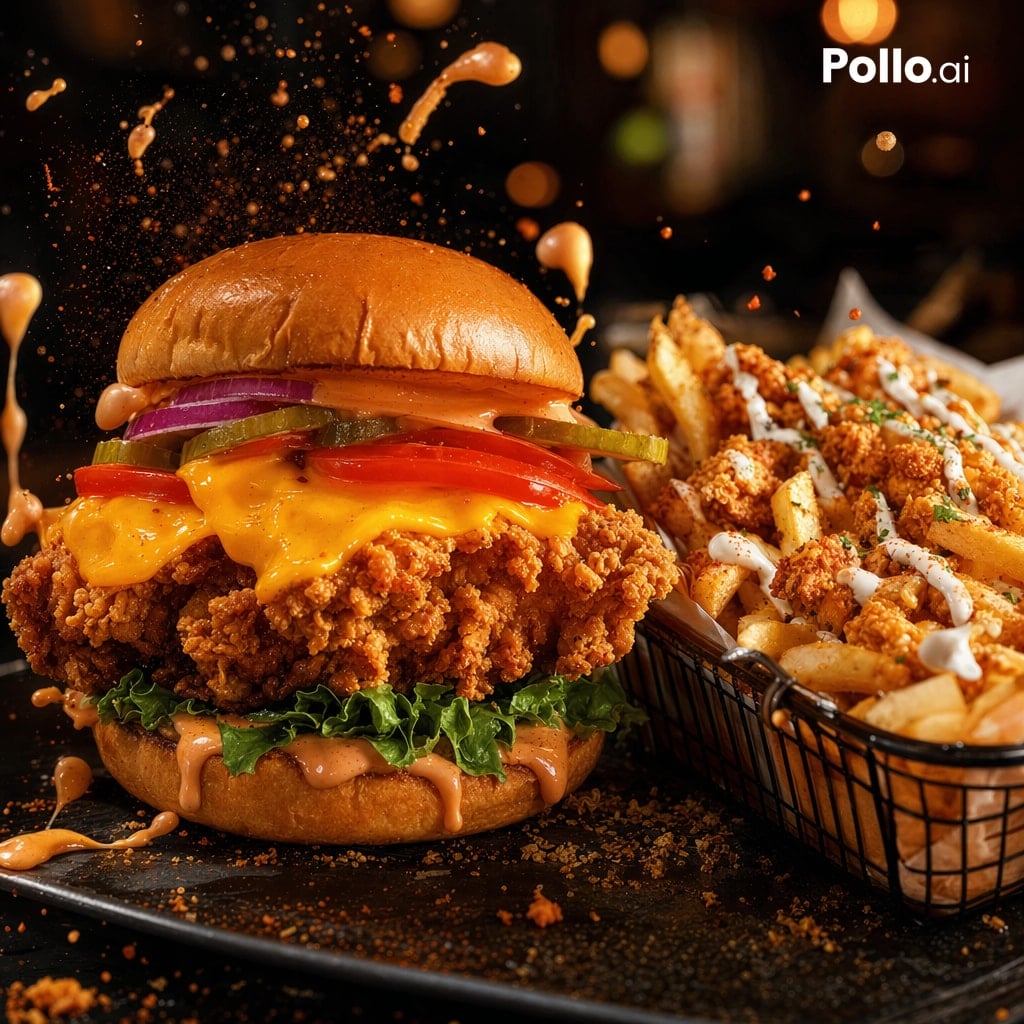
Cinematic Fried Chicken Burger Ad
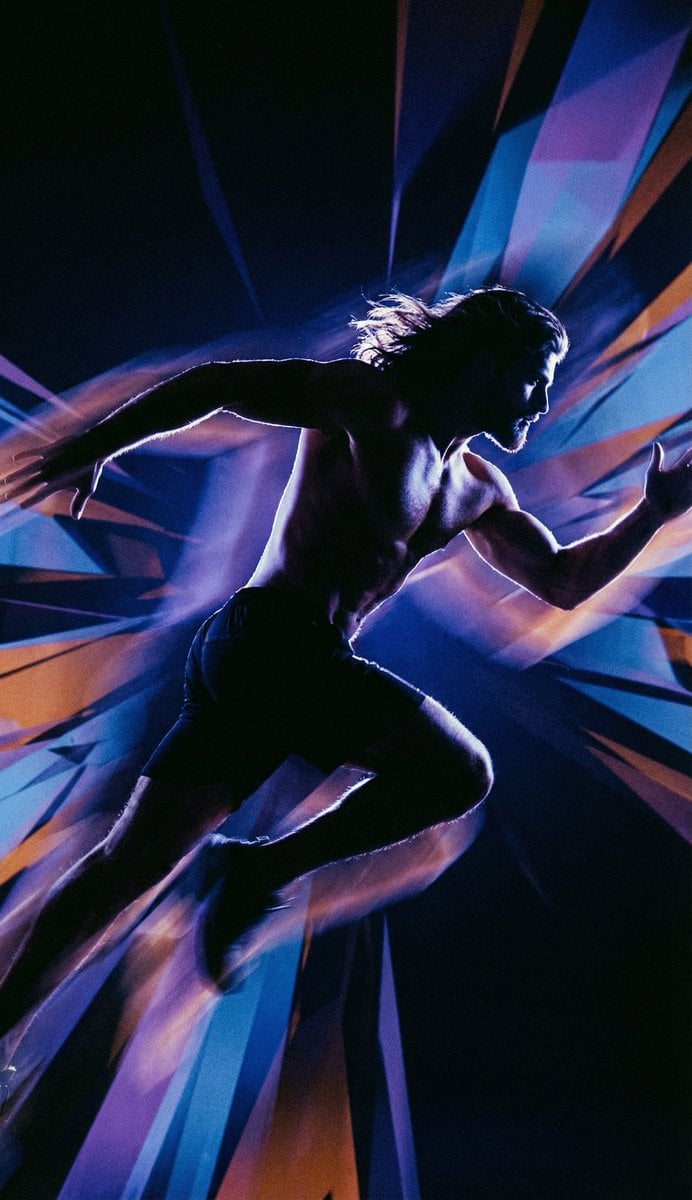
Inspired Prompt from LudovicCreator
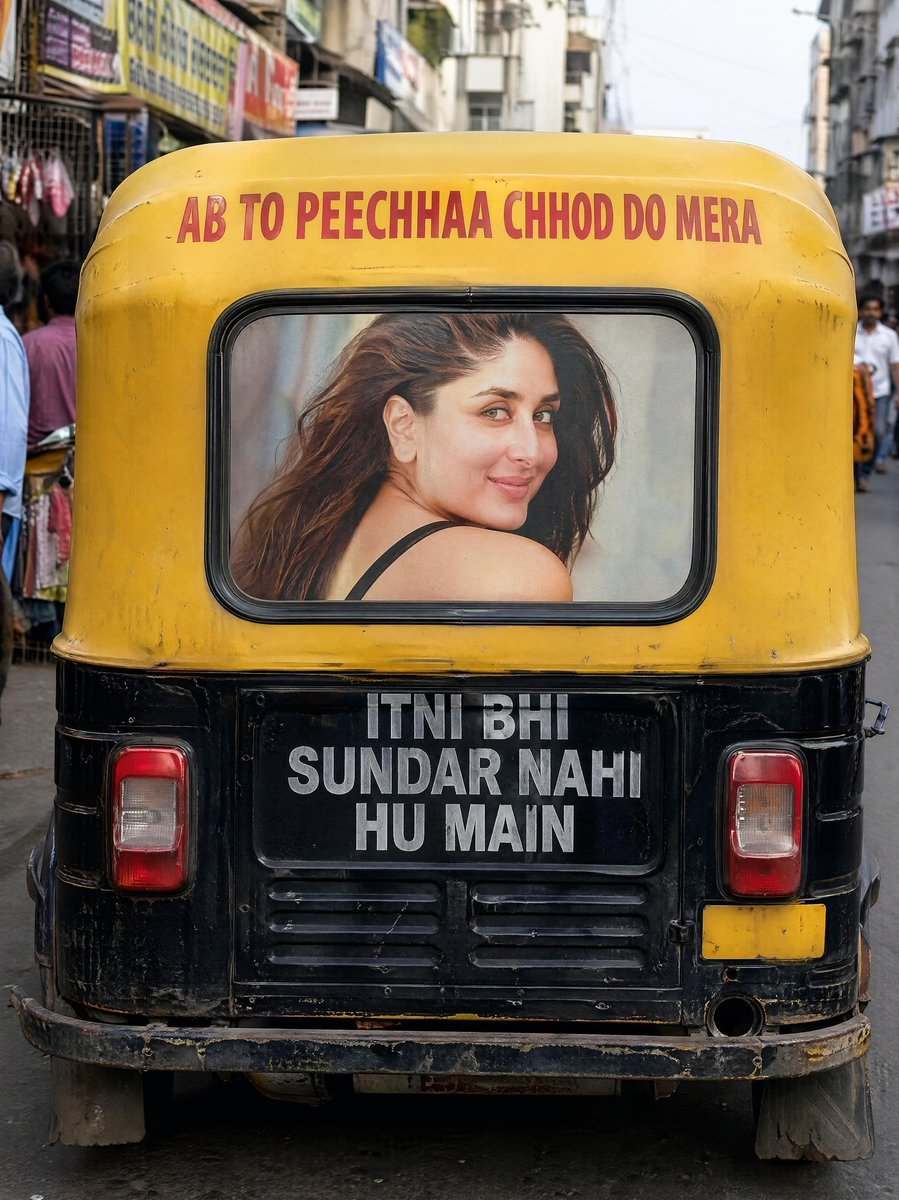
Indian Auto Rickshaw Street Photo

Cozy Nostalgic Couple Portrait by Fireplace
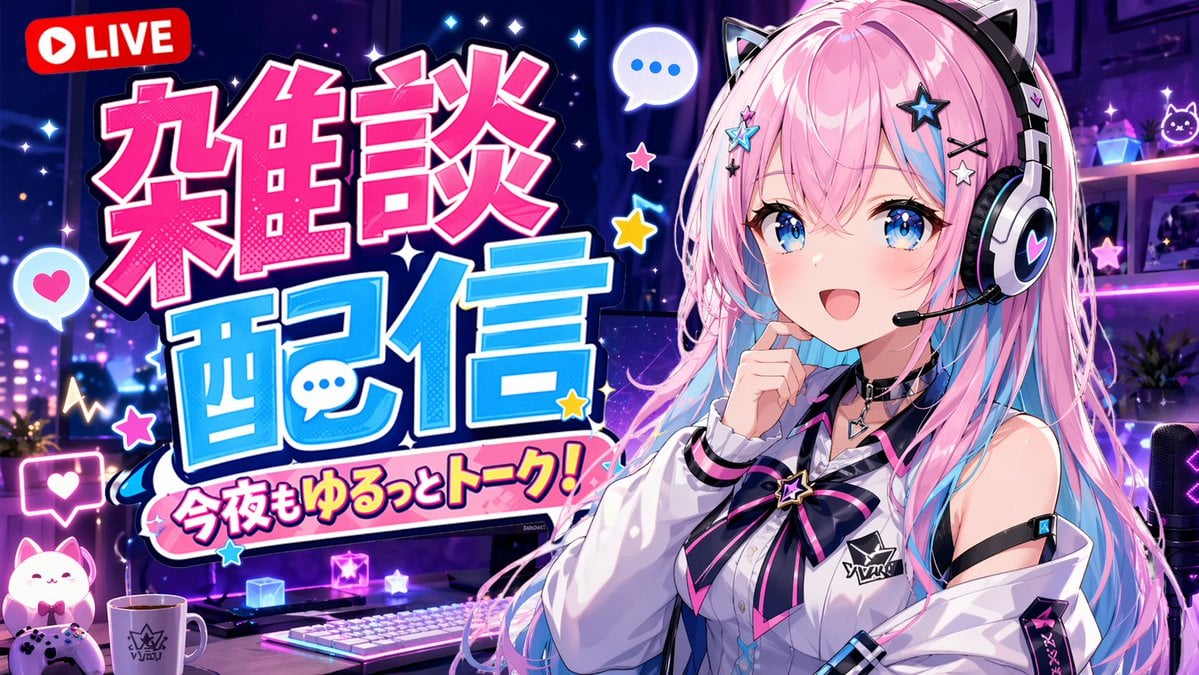
VTuber Chat Stream Thumbnail
Browse template categories
3D Clay Style Year-End Summary Poster Generator questions
How do I use the 3D Clay Style Year-End Summary Poster Generator template?
Add your photo if the template asks for one, edit the prompt if you like — the template's model and format are already selected — and press Generate. Your version opens in PicX Studio.
Can I customize the 3D Clay Style Year-End Summary Poster Generator template?
Yes. You can change the subject, setting, lighting, mood, format, and available model controls before creating your image.
Is the 3D Clay Style Year-End Summary Poster Generator template free?
Opening and editing this template is free. Generating uses credits, shown on the Generate button when you are signed in.
Which AI model should I use?
Start with Nano Banana 2, which is the model associated with this template. You can compare another compatible model for a different finish.
Looking for something else? Browse all templates.

Your photo, any look
Thousands of ready templates for every top image and video model, from one credit balance.