
Antique Camera Forgotten Memories Cinematic Scene
A cinematic narrative prompt for creating a premium movie poster style scene about a vintage camera that captures forgotten memories.
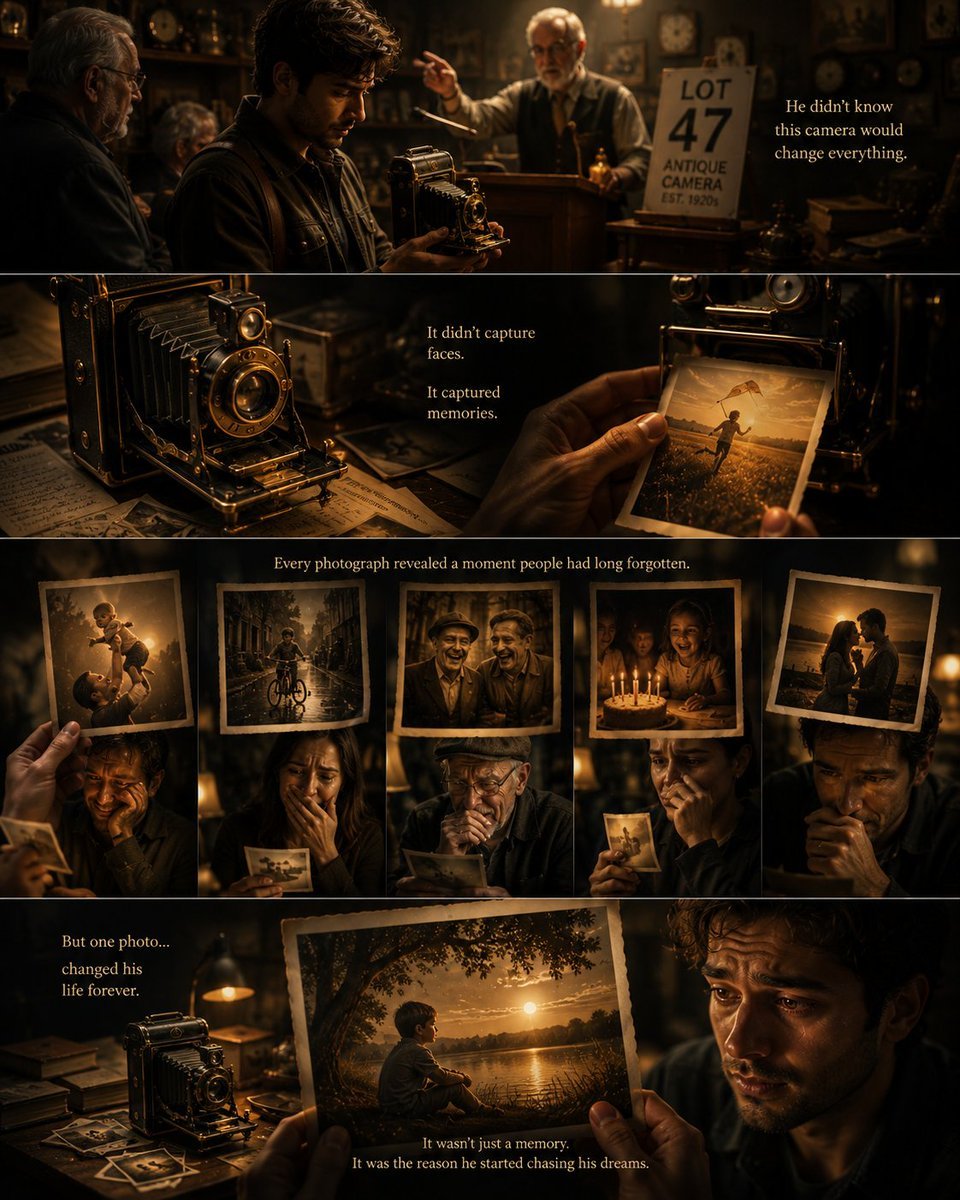
- Prompt included
- Model and format preset
- Free template
The prompt behind this image
Copy the exact prompt behind Antique Camera Forgotten Memories Cinematic Scene, or open it in the studio and make it yours.
Create a breathtaking vertical 4:5 cinematic scene that tells the story of a {argument name="camera type" default="mysterious antique camera"} capable of photographing {argument name="memory type" default="forgotten memories"} instead of people’s faces. The composition should feel like a premium movie poster rather than a collage, using one continuous cinematic scene with multiple layers of storytelling. At the center stands an {argument name="photographer description" default="elegant photographer"} inside a dimly lit antique camera shop after discovering a magnificent vintage brass and leather bellows camera purchased from a forgotten auction. The photographer is holding the camera with quiet curiosity while a newly developed photograph slowly emerges from the front. Instead of showing the person’s face, the photograph reveals an emotionally powerful forgotten childhood memory. As additional photographs float gently through the air around the camera, each reveals a different forgotten moment. A father lifting his daughter into the air. Two childhood friends riding bicycles through golden evening light. An elderly couple dancing in a quiet living room. A grandmother baking with her grandchildren. A first love waiting at an old railway station. A young child watching fireworks for the first time. Each photograph glows softly with warm golden light, becoming tiny windows into forgotten lives. People nearby react naturally as they recognize memories they thought had disappeared forever. Some smile quietly. Some wipe away tears. Some stand frozen in disbelief. In the foreground, the photographer slowly discovers one final photograph. It reveals a forgotten moment from his own childhood beneath a giant oak tree beside a peaceful lake during sunset. His emotional expression changes from curiosity to quiet realization as he finally remembers the happiest day of his life. The antique camera should become one of the strongest visual elements. Make it exceptionally detailed with polished brass fittings, aged leather bellows, engraved metalwork, warm reflections, realistic mechanical parts, and timeless craftsmanship. Fill the antique shop with beautiful storytelling details including vintage cameras, dusty wooden shelves, old clocks, glass display cases, faded photographs, handwritten journals, antique maps, and floating dust illuminated by warm golden light. Use cinematic lighting with soft amber practical lights inside the shop combined with gentle rays of evening sunlight entering through old windows. Create a rich cinematic color palette of antique gold, warm amber, deep walnut brown, soft cream, vintage brass, charcoal shadows, and subtle teal accents. Use shallow depth of field, realistic reflections, floating dust particles, beautiful bokeh, volumetric
How to use Antique Camera Forgotten Memories Cinematic Scene in 3 steps
- 1
Open
The prompt is already in the box next to the preview, with the template's model and format selected.
- 2…a portrait of your subject in softgolden-hour light, 85mm…
Personalize
Edit the subject and creative details for your destination.
- 3Generate
Generate
Press Generate — your image is created in PicX Studio, so you can compare it with the original and refine one variable at a time.
More like this
Templates with the same subject, style or setup. Open one to see its prompt.

Cinematic Street Fashion Photographer Portrait
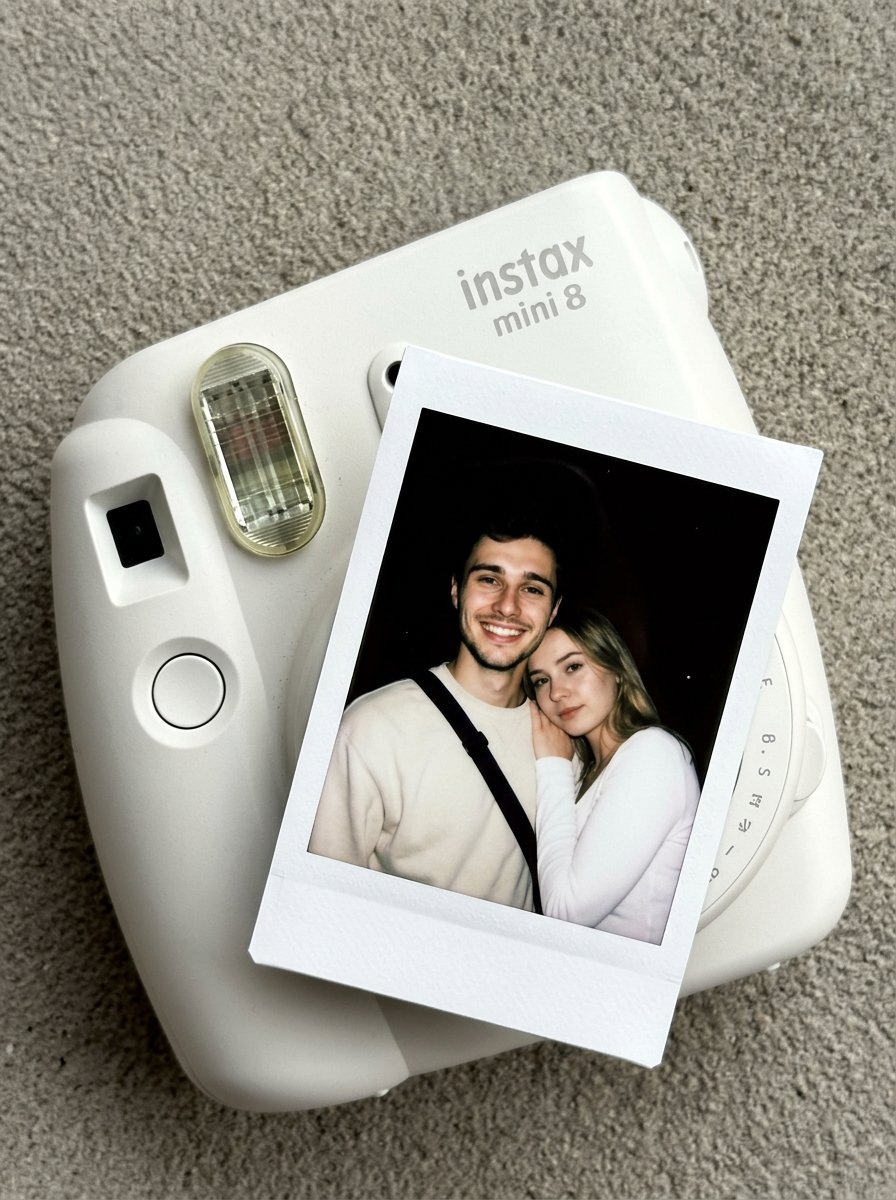
Nano Banana Pro Instax Mini 8
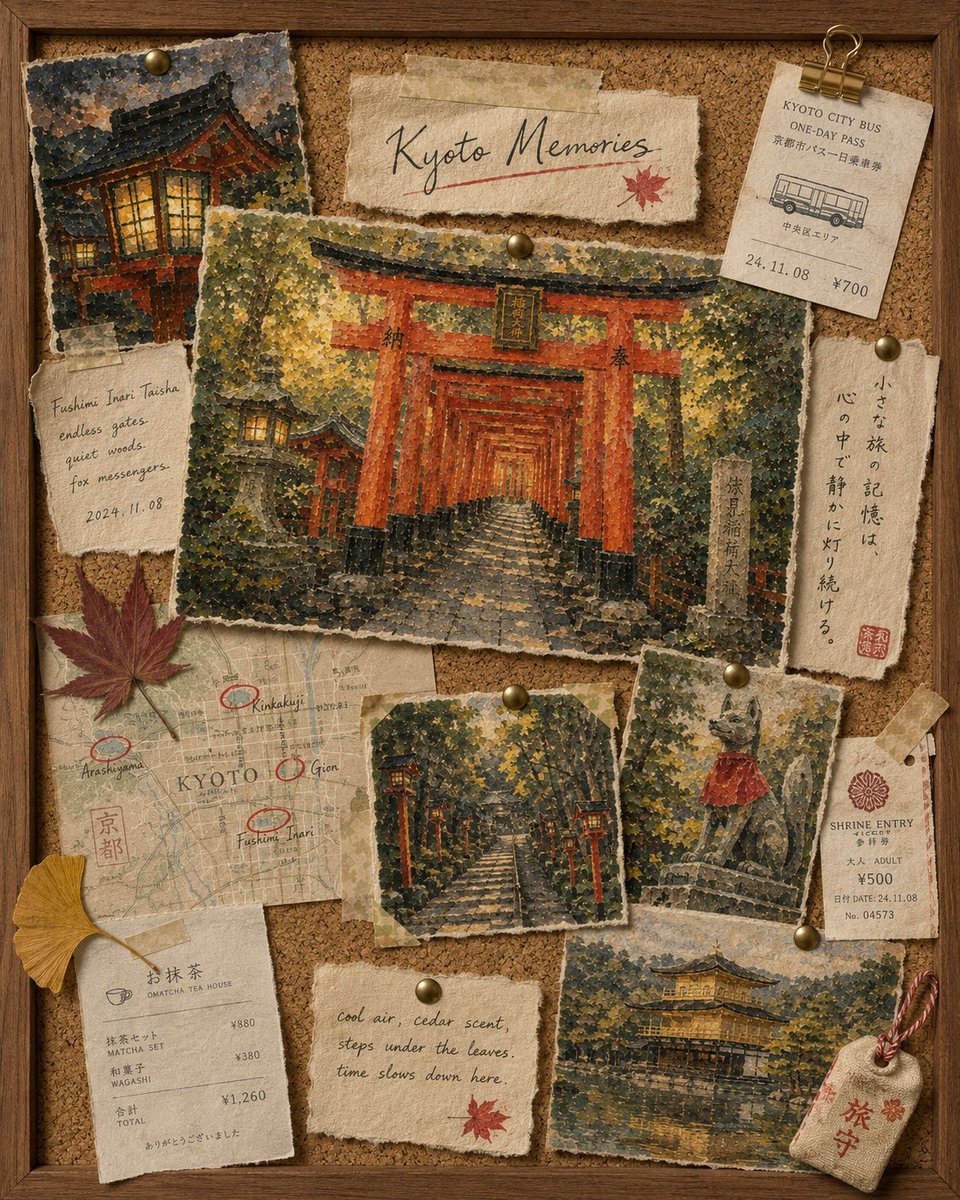
Kyoto Memories Corkboard Collage
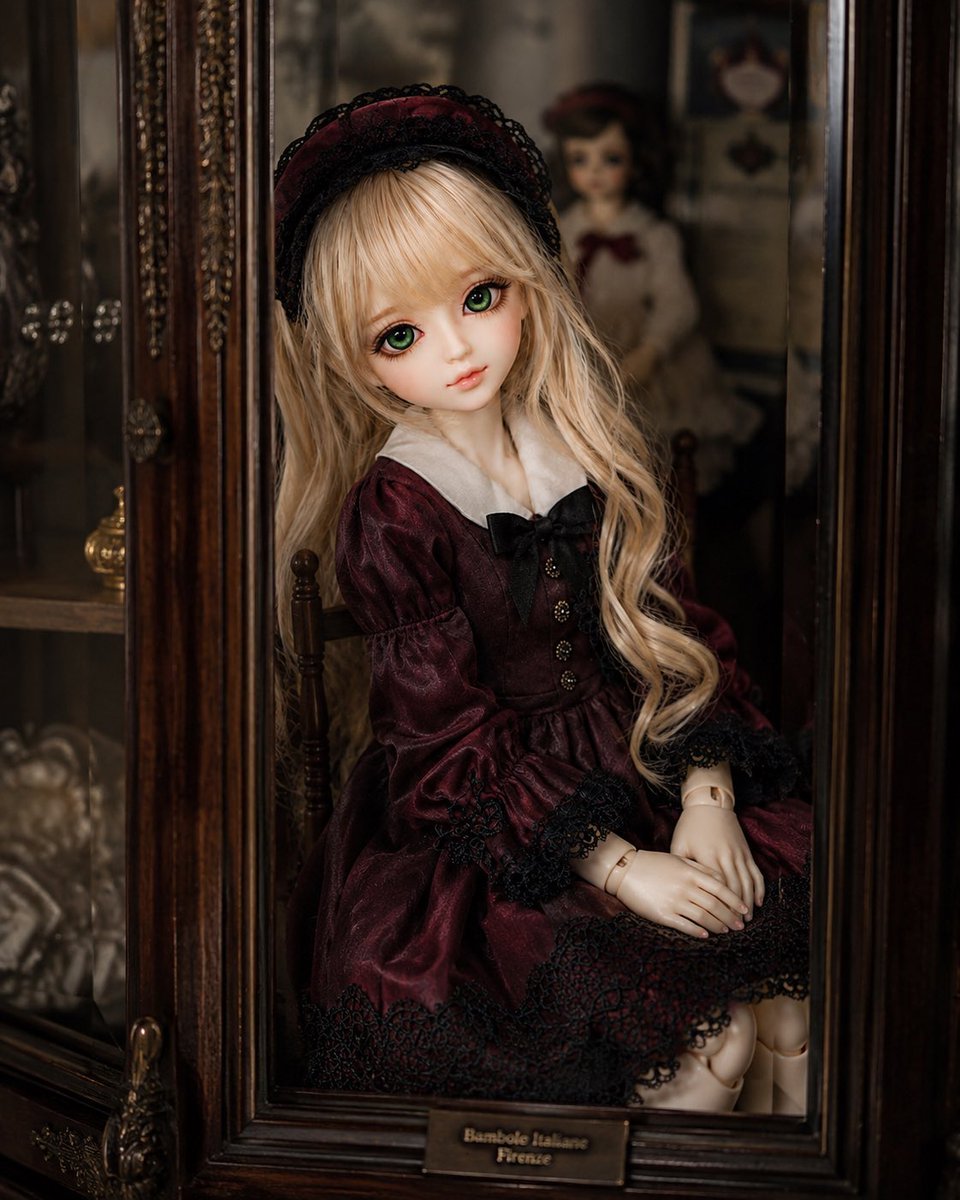
Antique Cabinet Ball-Jointed Doll

Dianchi Memories Vintage Travel Poster
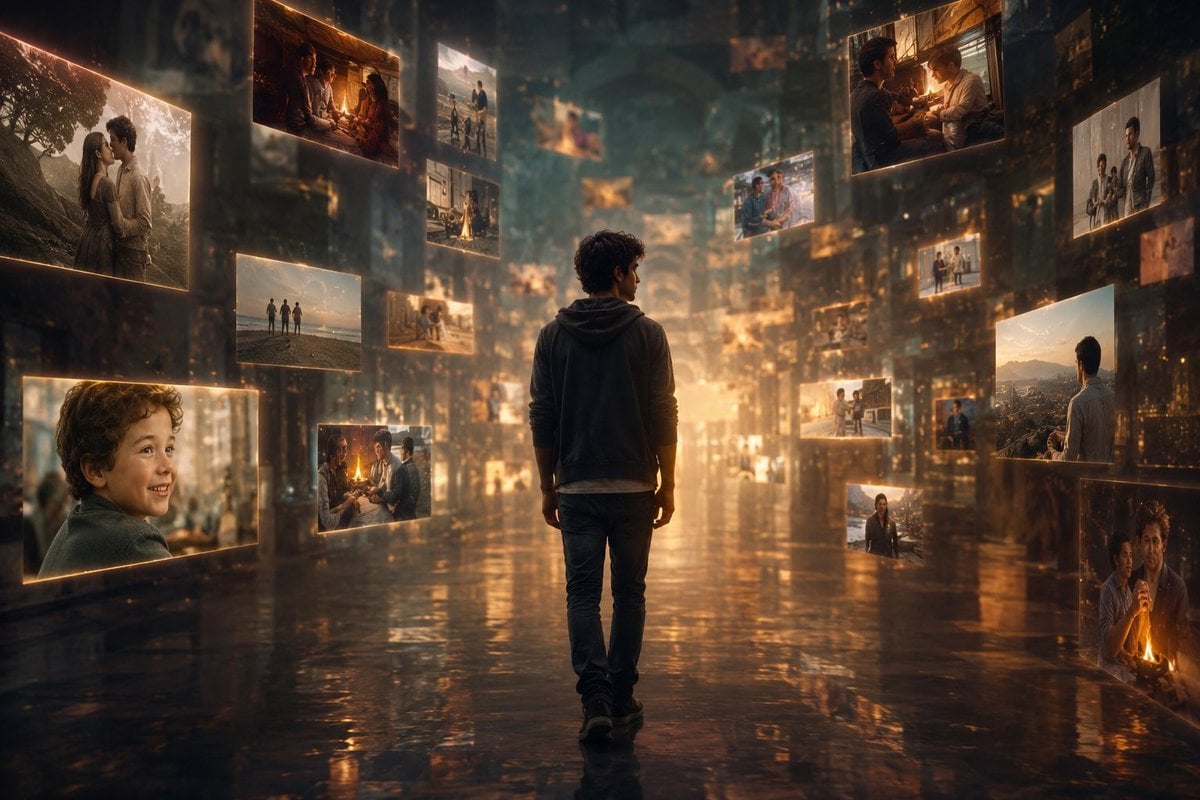
Corridor of Floating Memories
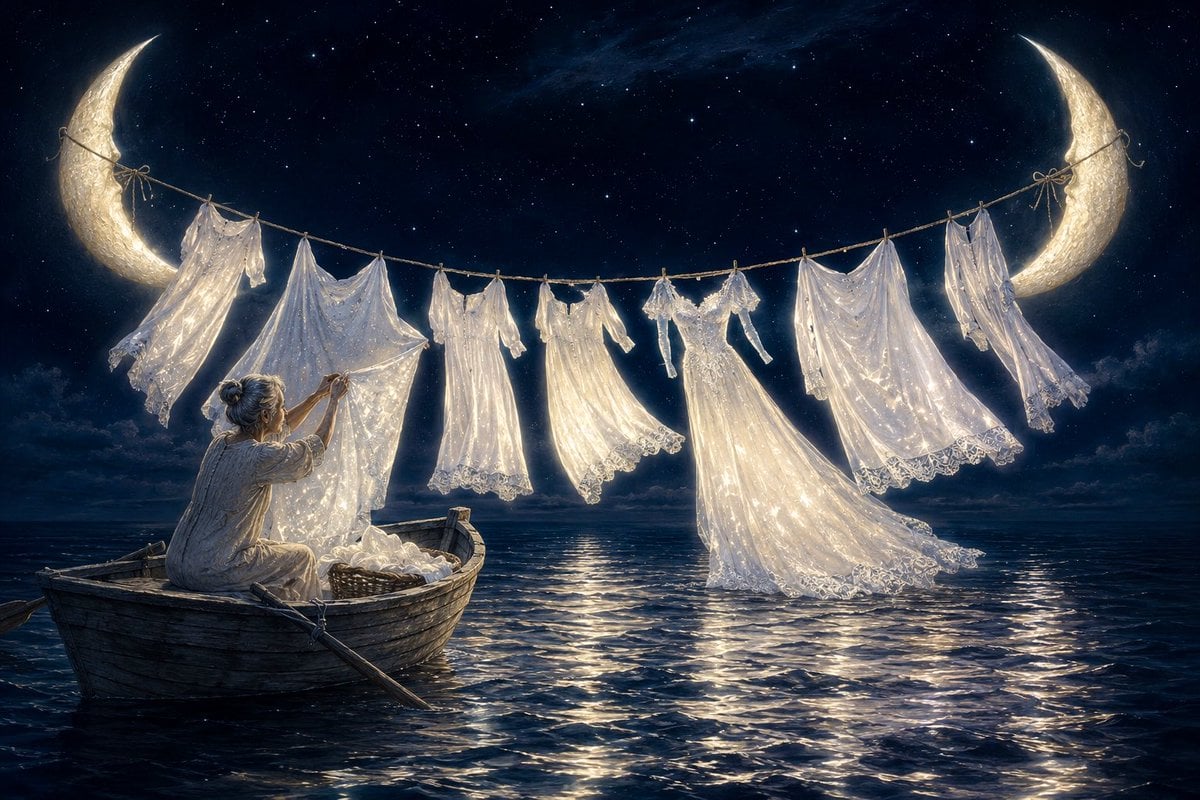
Washerwoman of Forgotten Stars

Plush Cat Maid Doll in Antique Library

Antique Chinese Poetry Motto Poster
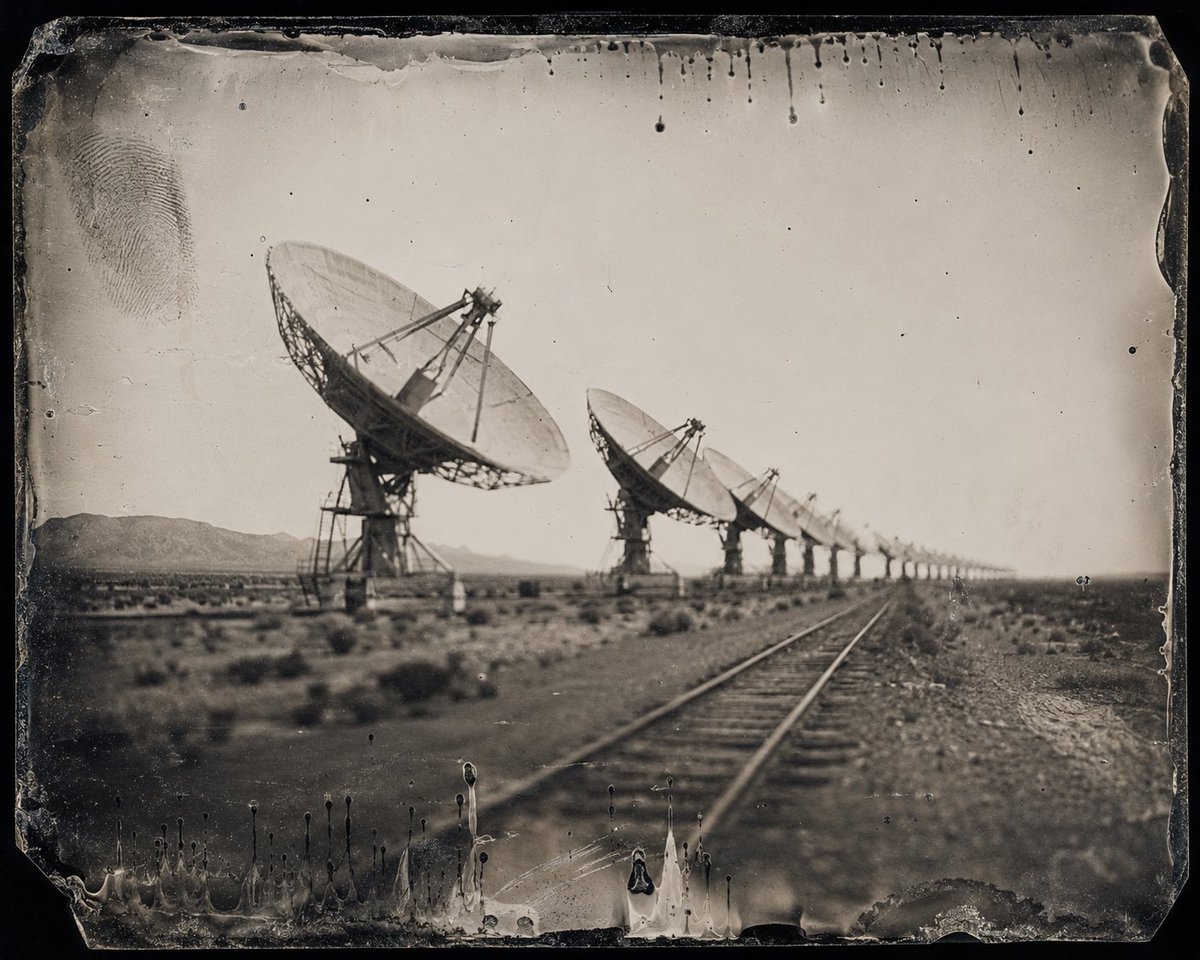
Antique Desert Radio Telescope Array

Pink Magical Girl in Antique Magic Shop
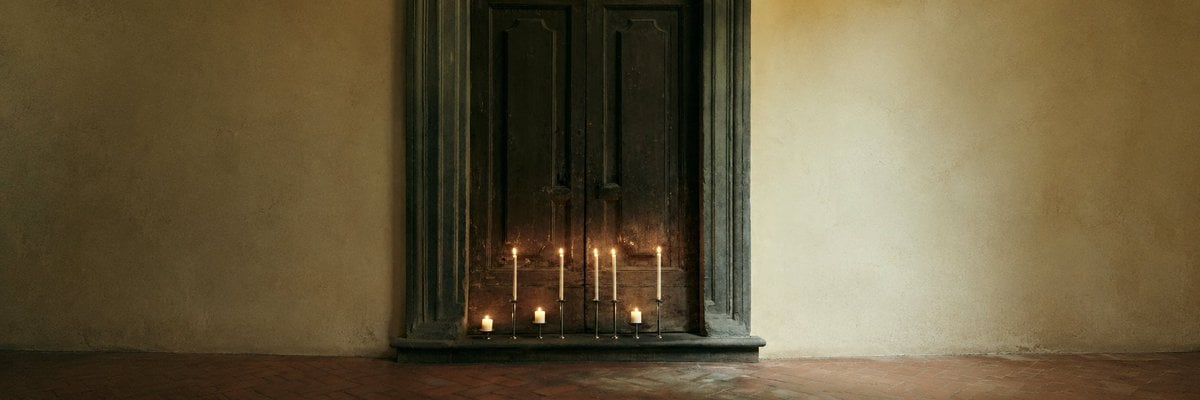
Candlelit Antique Door Interior
Make it yours
Antique Camera Forgotten Memories Cinematic Scene works as-is. These are the safest ways to change it without losing the look.
Change one field
Copy a single group, rewrite it, and generate again so you can see what that field is doing.
Keep the frame, change the subject
Hold the composition and light of Antique Camera Forgotten Memories Cinematic Scene, then swap wardrobe, props or the person for a new take.
| If the result… | Why | Fix |
|---|---|---|
| The result drifts from the preview | Too many fields changed at once. | Reuse Antique Camera Forgotten Memories Cinematic Scene as-is first, then change one group — subject, light, or setting. |
| The model over-stylizes the scene | The prose prompt leaves finish and camera underspecified. | Add one camera or lighting sentence and stay on GPT Image 2. |
More GPT Image 2 templates
Other prompts made for GPT Image 2.

Six VTuber Japanese Logo Sheet

Realistic Portrait of Woman and Deer

The Vista Modular Condo Poster

AI Model Routing Comparison Infographic

2.5D Anime Art Board

Isometric Productivity Desk Scene

New York Double Exposure Poster

Four-Panel AI Landscape Comparison

Japanese Tatami Lifestyle Magazine Cover

NESCAFÉ Coffee Map Poster
More image prompts
Fresh picks from across the catalog.
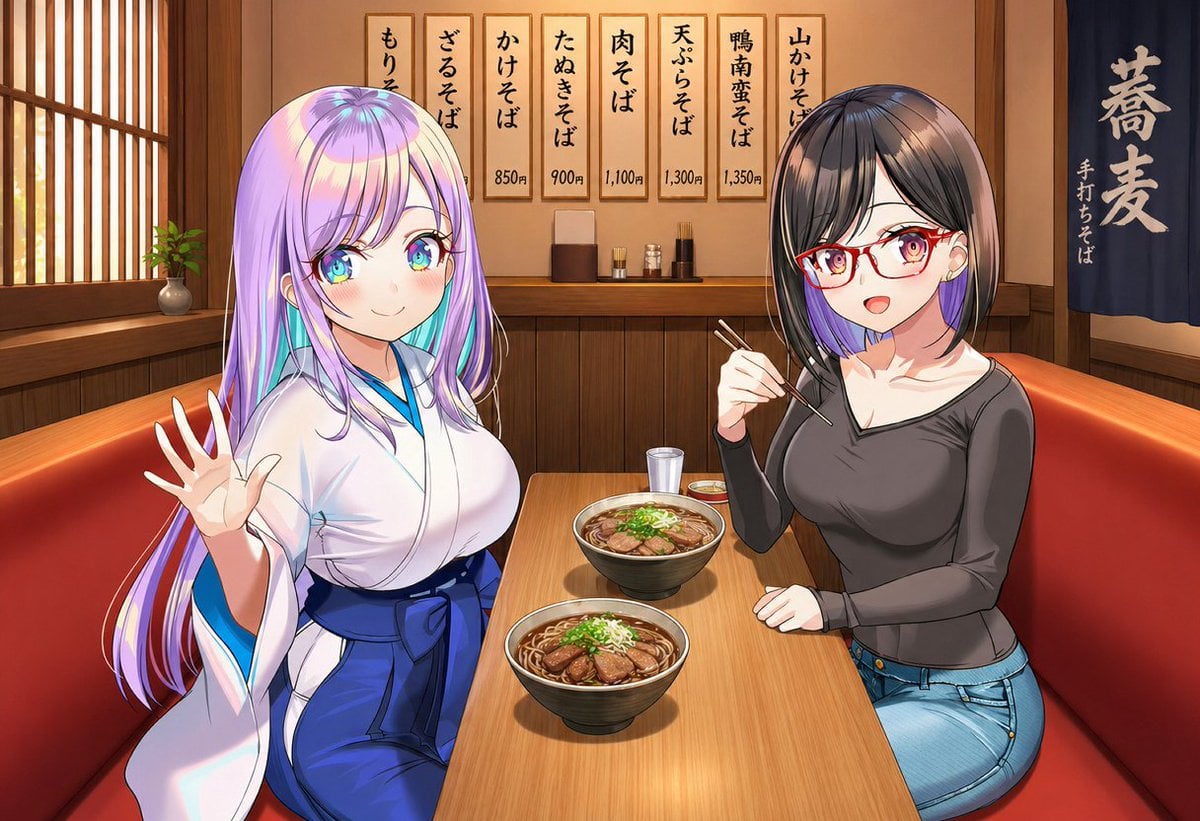
Gpt2 Social Media Post Anime Friends Eating Soba

Shocked Expression Candid Photo Prompt
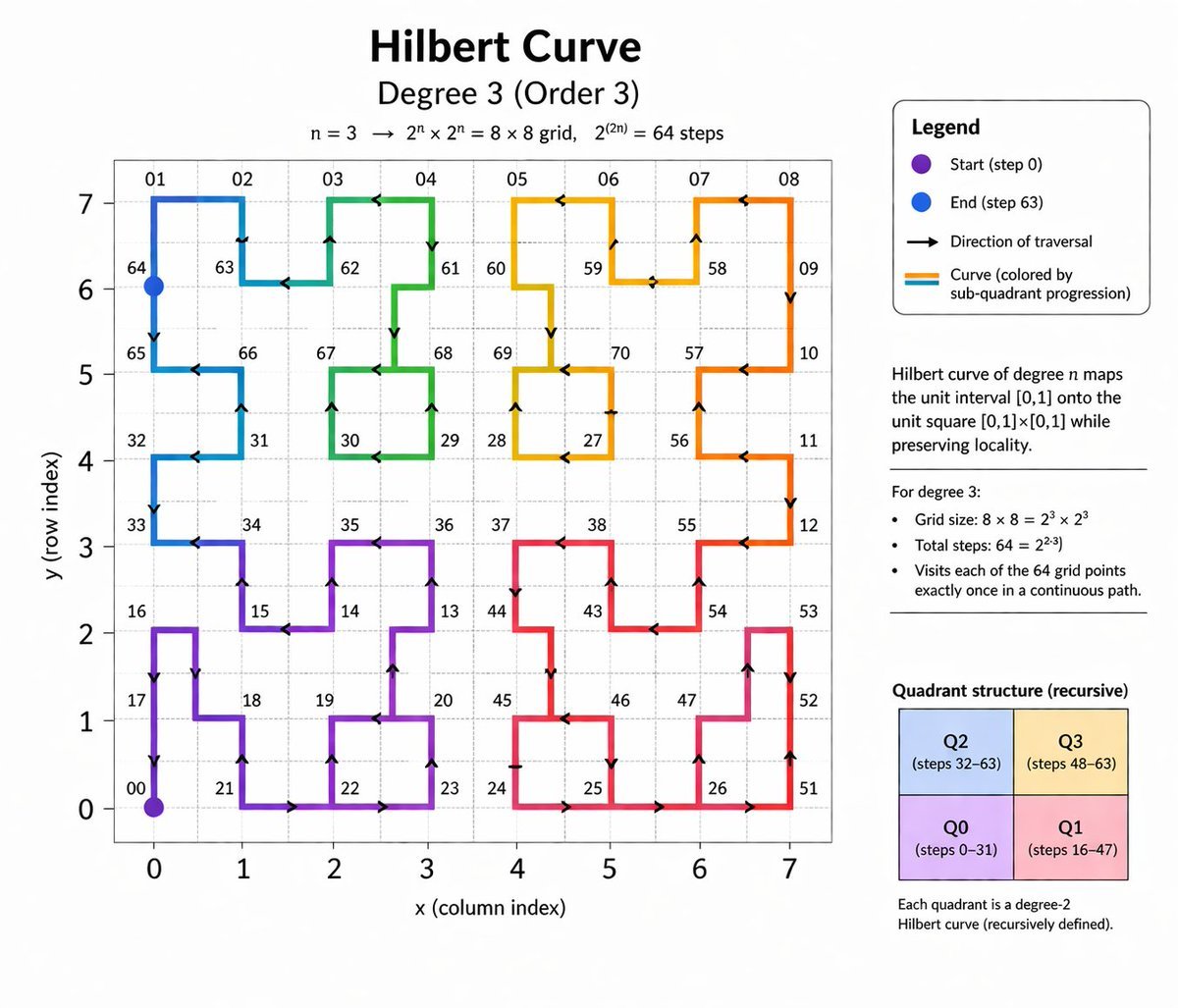
Hilbert Curve Infographic
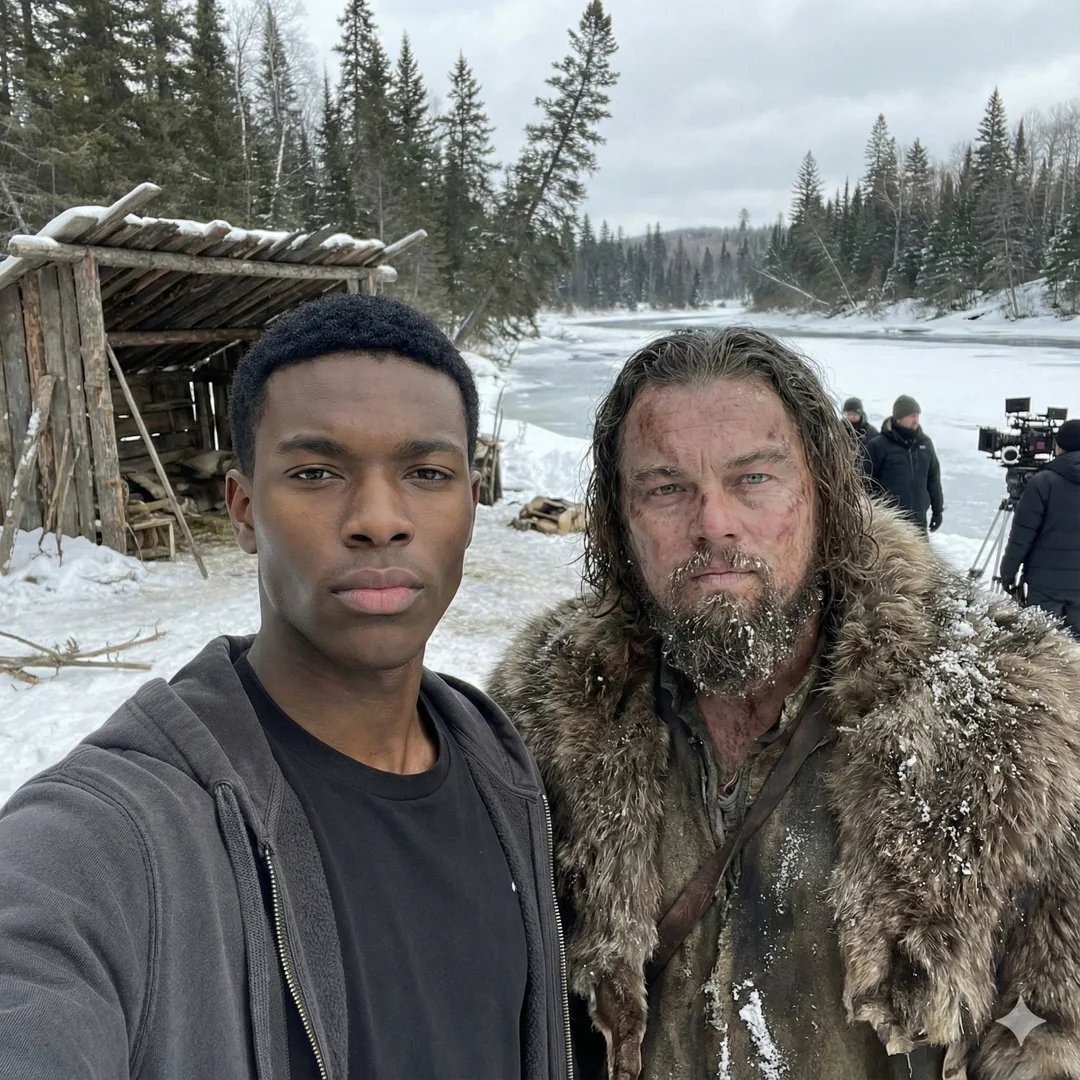
Selfie with movie character using reference face in Nano Banana Pro
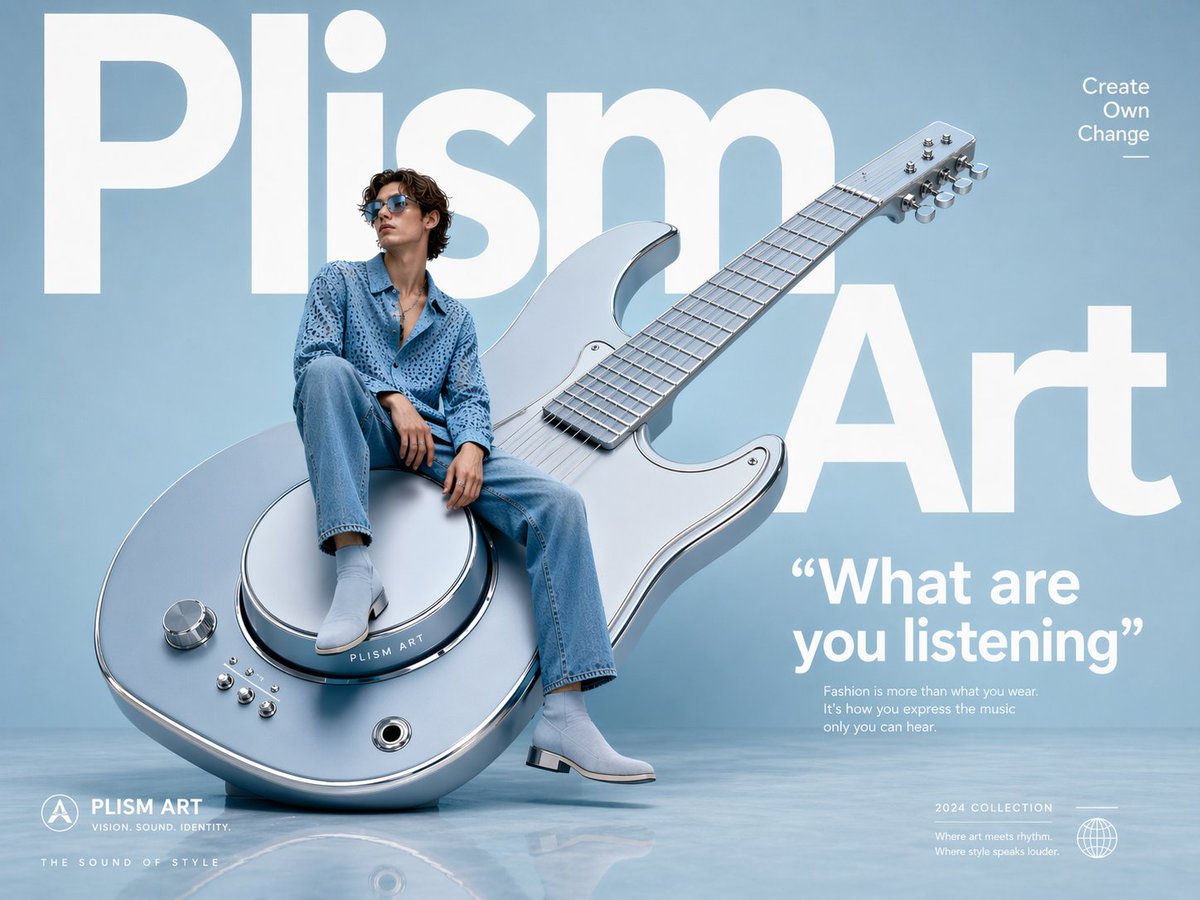
Avant-Garde Fashion Eyewear Ad
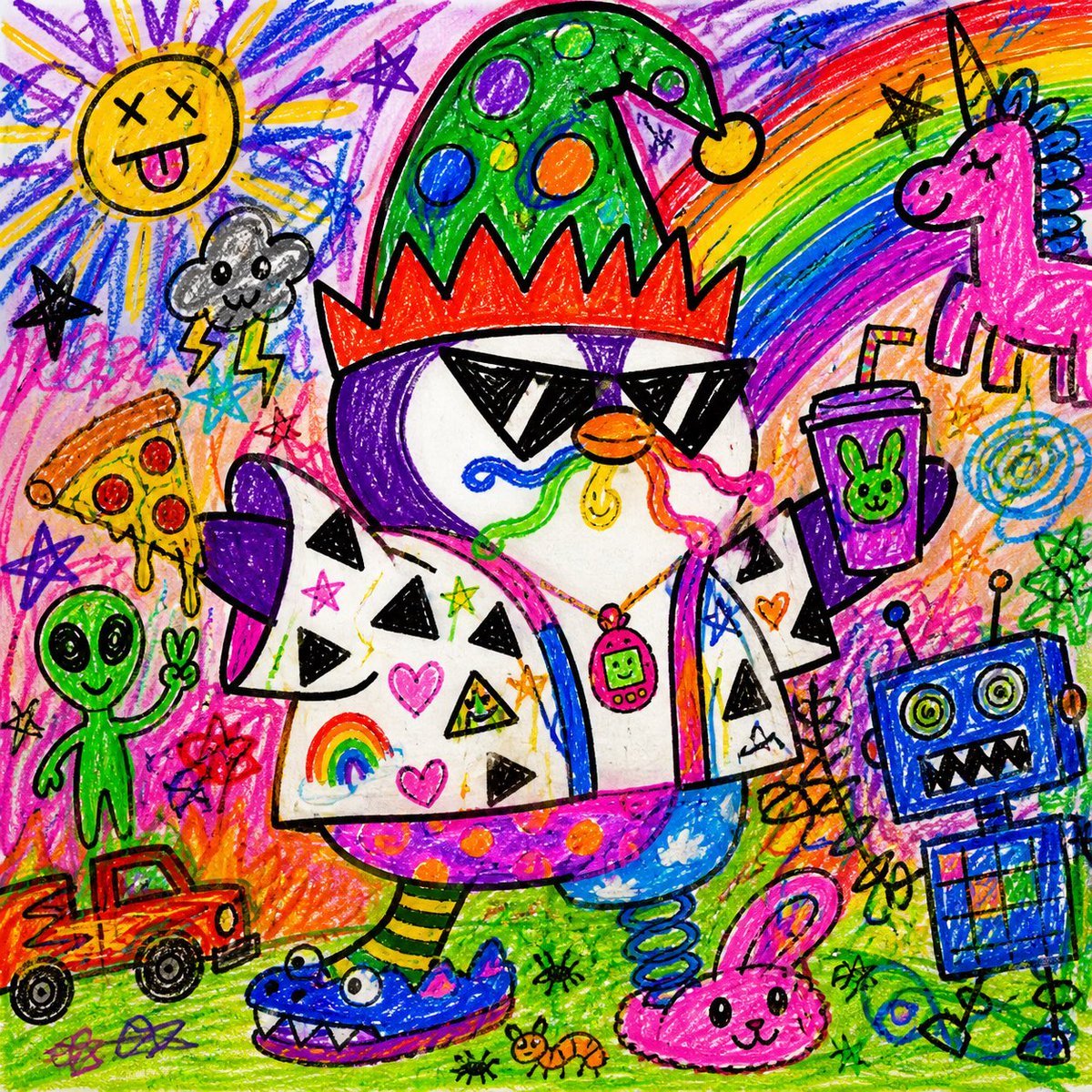
Chaotic Child Style Drawing
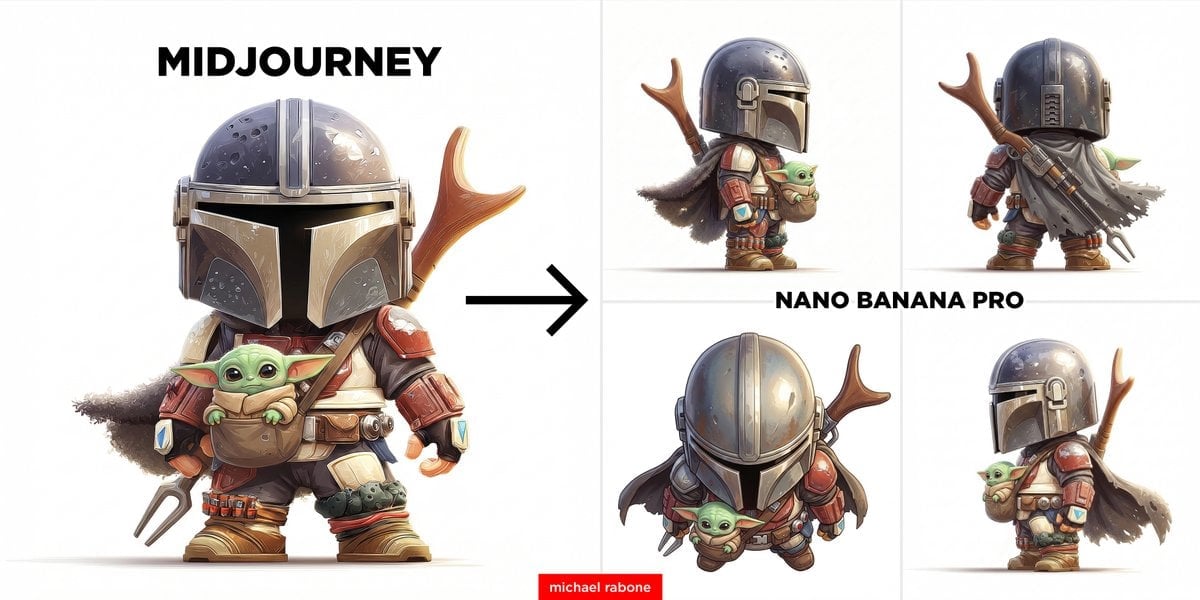
Image-to-Image View Generation Prompt
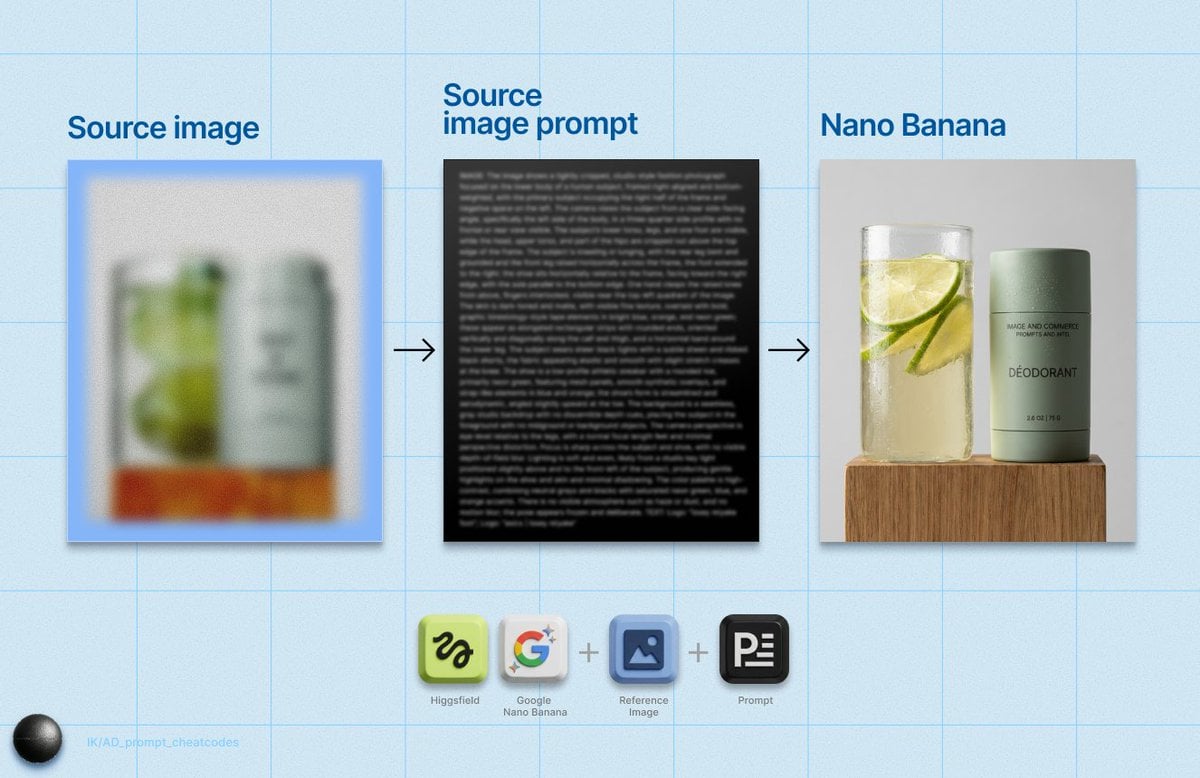
Detailed Product Still Life Photography Prompt
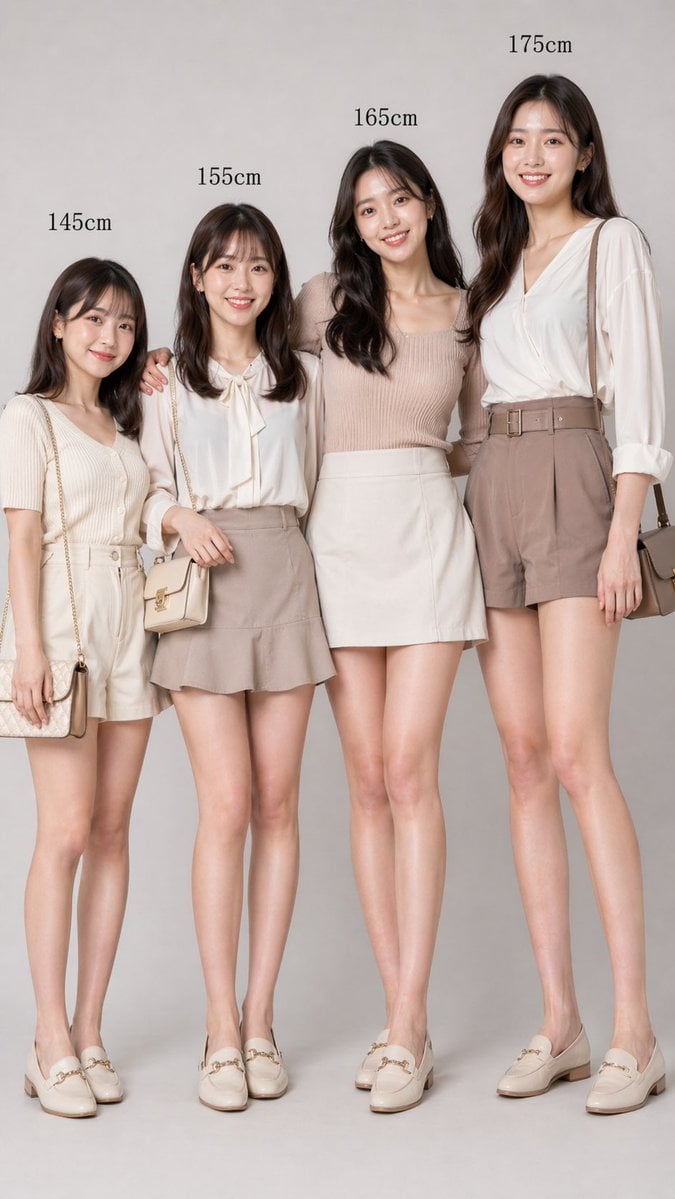
Fashion Height Comparison of Four Women

Packaging mockup with tiny text test prompt
Browse template categories
Antique Camera Forgotten Memories Cinematic Scene questions
How do I use the Antique Camera Forgotten Memories Cinematic Scene template?
Add your photo if the template asks for one, edit the prompt if you like — the template's model and format are already selected — and press Generate. Your version opens in PicX Studio.
Can I customize the Antique Camera Forgotten Memories Cinematic Scene template?
Yes. You can change the subject, setting, lighting, mood, format, and available model controls before creating your image.
Is the Antique Camera Forgotten Memories Cinematic Scene template free?
Opening and editing this template is free. Generating uses credits, shown on the Generate button when you are signed in.
Which AI model should I use?
Start with GPT Image 2, which is the model associated with this template. You can compare another compatible model for a different finish.
Looking for something else? Browse all templates.

Your photo, any look
Thousands of ready templates for every top image and video model, from one credit balance.