
Dianchi Memories Vintage Travel Poster
A warm retro postcard-style poster of Dianchi Lake with mountains, fireworks, a bridge, and a bus, useful for travel branding or commemorative print design.
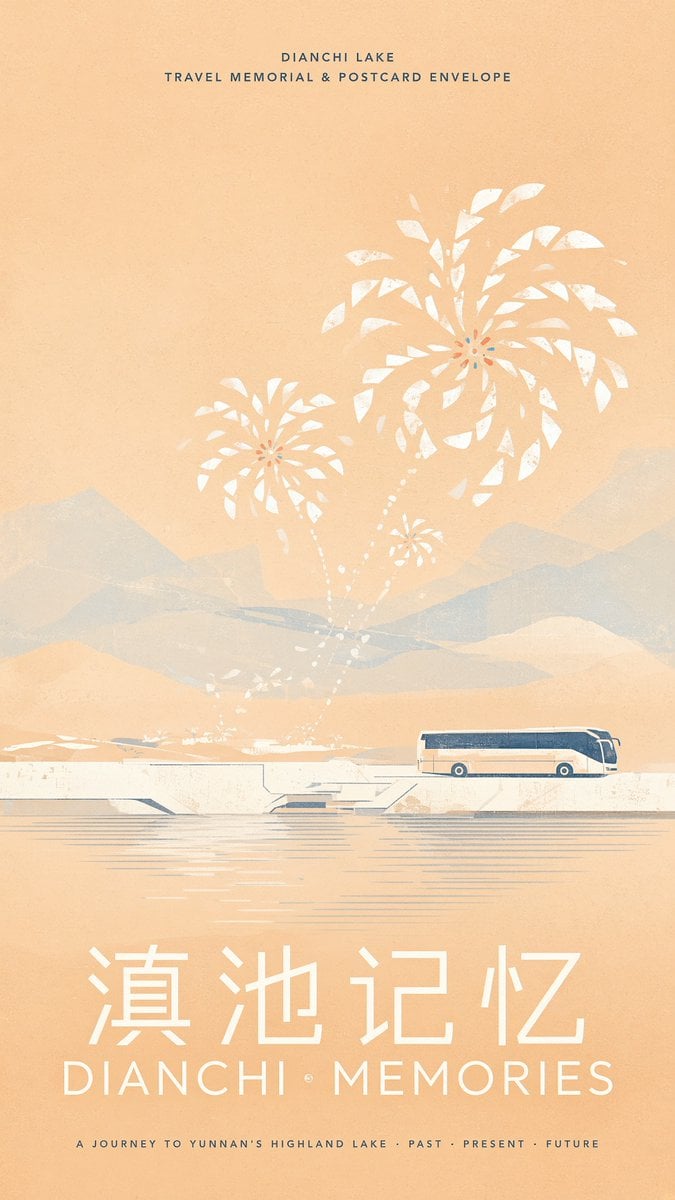
- Prompt included
- Model and format preset
- Free template
The prompt behind this image
Copy the exact prompt behind Dianchi Memories Vintage Travel Poster, or open it in the studio and make it yours.
Create a vertical vintage travel poster for {argument name="destination" default="Dianchi Lake"} with a warm peach-beige paper texture and faded screen-print grain. At the very top, centered small uppercase text reads “DIANCHI LAKE” and below it “TRAVEL MEMORIAL & POSTCARD ENVELOPE” in widely spaced dark blue letters. The composition shows a dreamy lakeside scene: pale blue-gray layered mountains in the background, a calm lake with thin horizontal reflection lines in the lower half, and a white modern bridge or causeway crossing the water. On the right side of the bridge place exactly 1 sleek long-distance coach bus, cream white with navy blue windows and roof accents, facing right. Above the bridge, show exactly 3 stylized white firework or flower-burst shapes rising from the lakeshore: one large burst in the upper right, one medium burst left of center, and one small burst near the middle, connected by dotted white trails; add a few tiny white splash/flower marks near the waterline. The overall palette should be limited to peach, ivory, dusty white, muted blue-gray, and dark navy, with soft transparency, worn ink edges, and a nostalgic Yunnan postcard feeling. At the bottom, set a large white Chinese title “滇池记忆” and directly beneath it a large spaced English title “{argument name="English title" default="DIANCHI MEMORIES"}”. Add a tiny centered footer line in dark blue: “A JOURNEY TO YUNNAN’S HIGHLAND LAKE · PAST · PRESENT · FUTURE”. Keep the layout clean, symmetrical, airy, and poster-like, with no people, no extra vehicles, and no watermark.
How to use Dianchi Memories Vintage Travel Poster in 3 steps
- 1Upload ImagePNG, JPG or paste
Add your photo
Upload the photo the template builds on. The prompt, model and format are already set.
- 2…a portrait of your subject in softgolden-hour light, 85mm…
Personalize
Edit the subject and creative details for your destination.
- 3Generate
Generate
Press Generate — your image is created in PicX Studio, so you can compare it with the original and refine one variable at a time.
More like this
Templates with the same subject, style or setup. Open one to see its prompt.

Japan Travel Brochure Poster

Premium Vintage Travel Poster Landscape
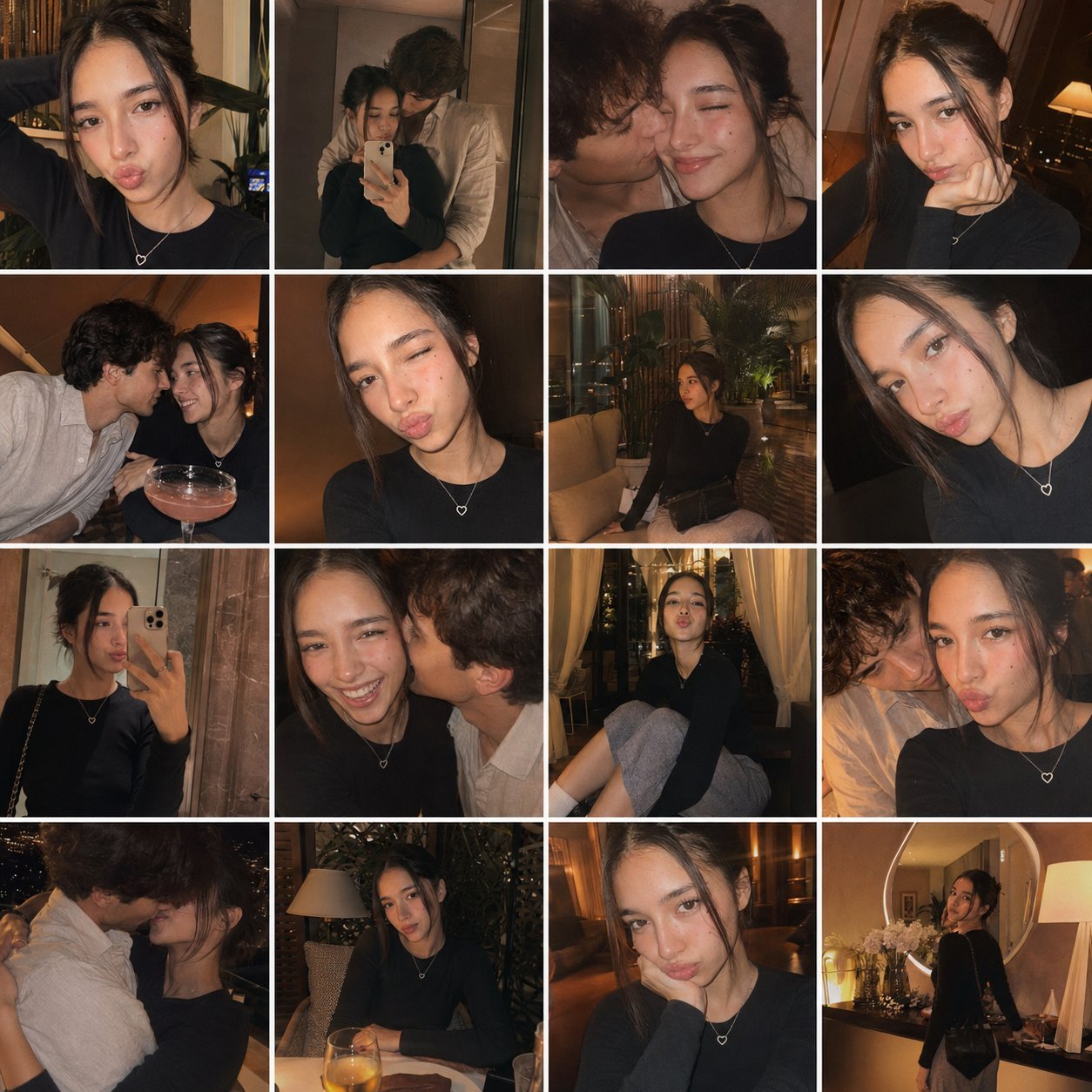
Gpt4o Candid Vacation Memories
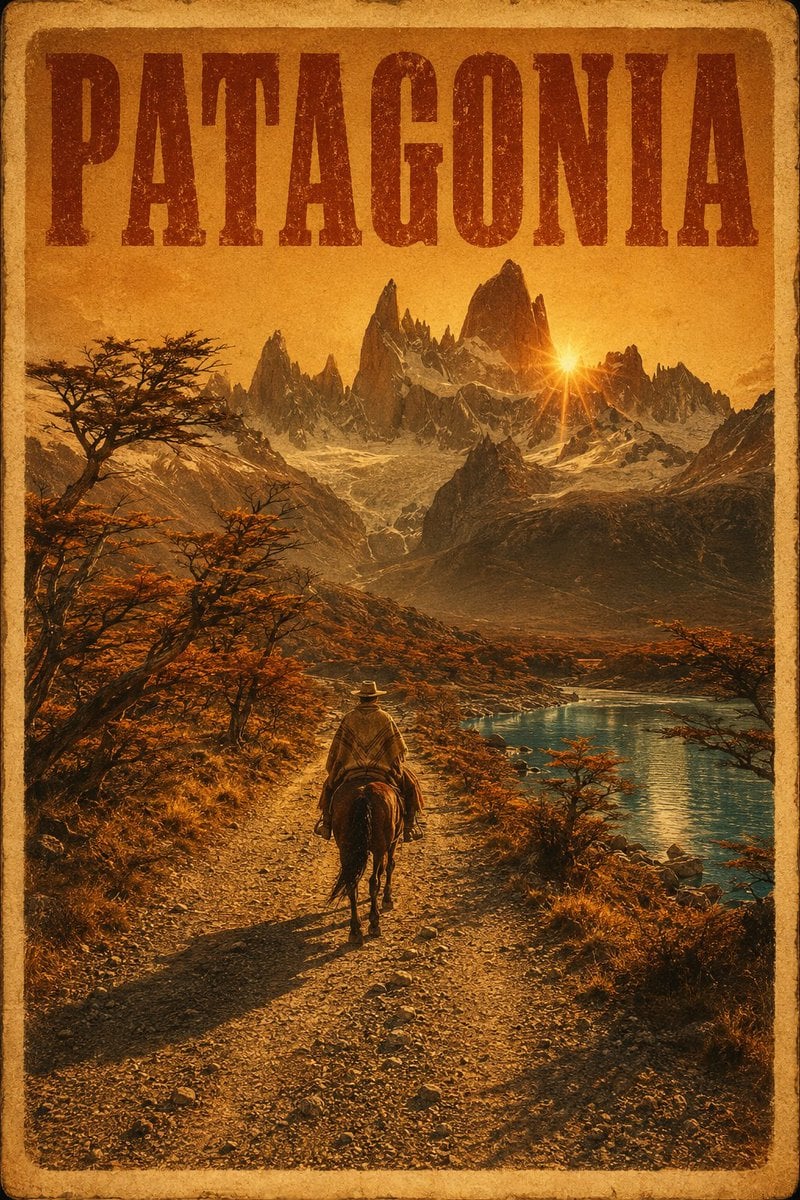
Vintage Patagonia Travel Poster

Paper Cut Vintage Travel Poster
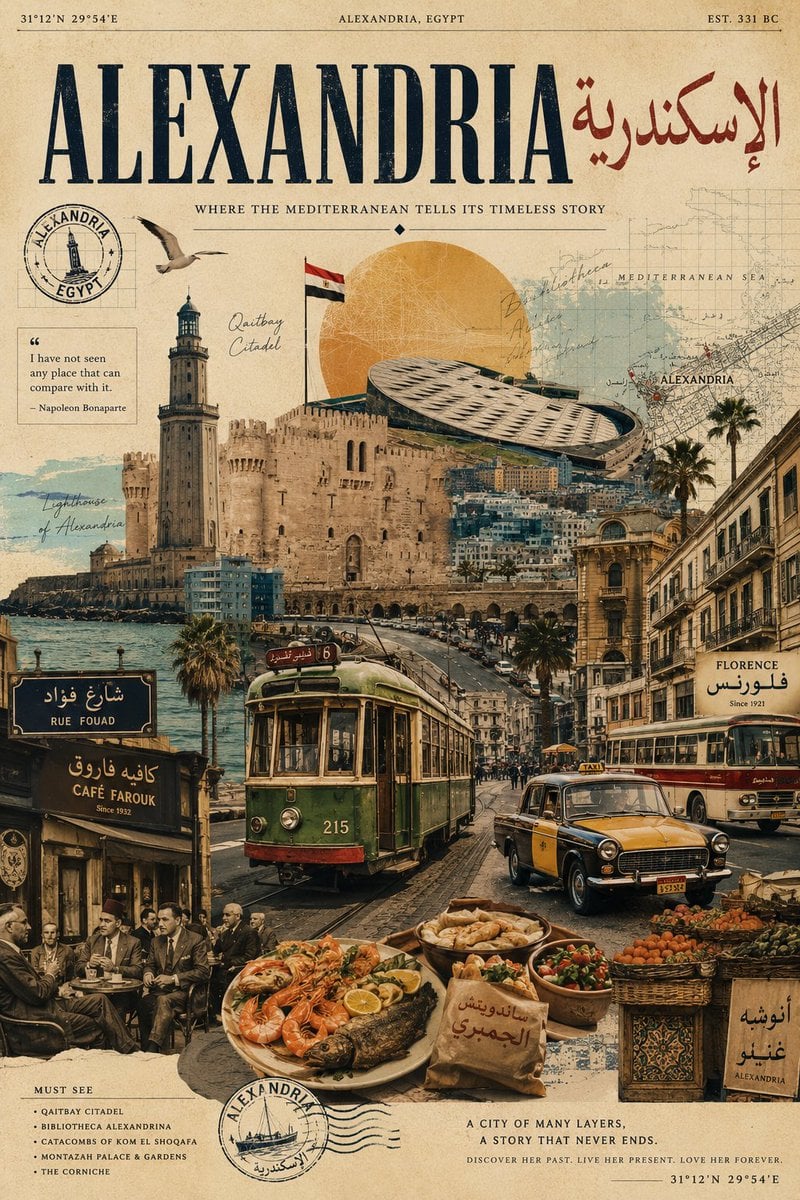
Vintage Alexandria Travel Poster
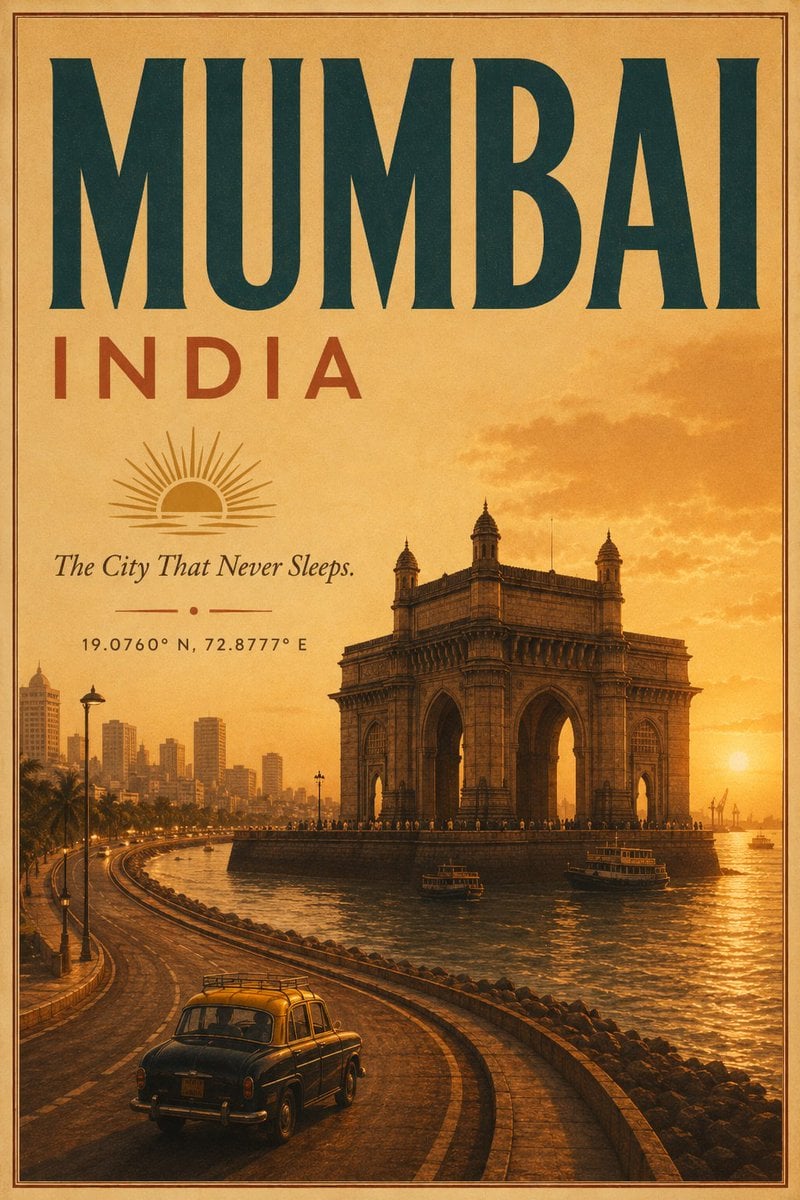
Vintage Mumbai Travel Poster
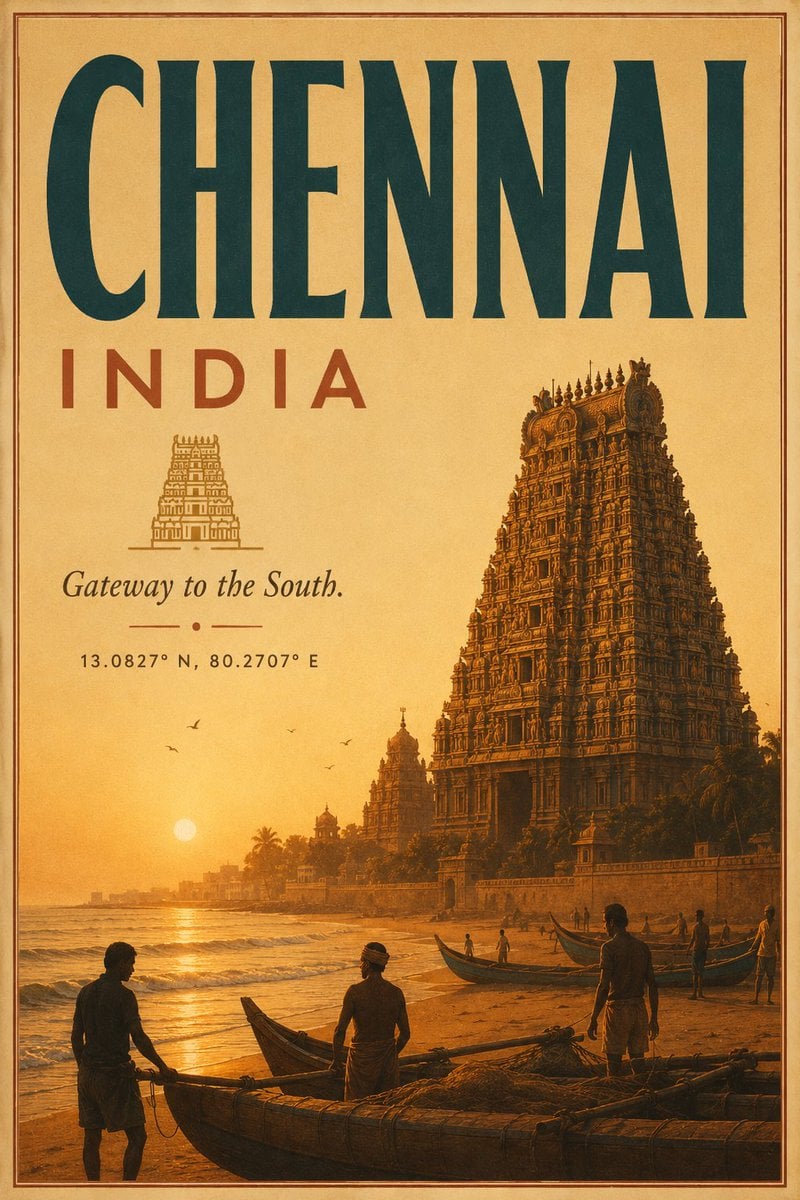
Vintage Chennai Travel Poster
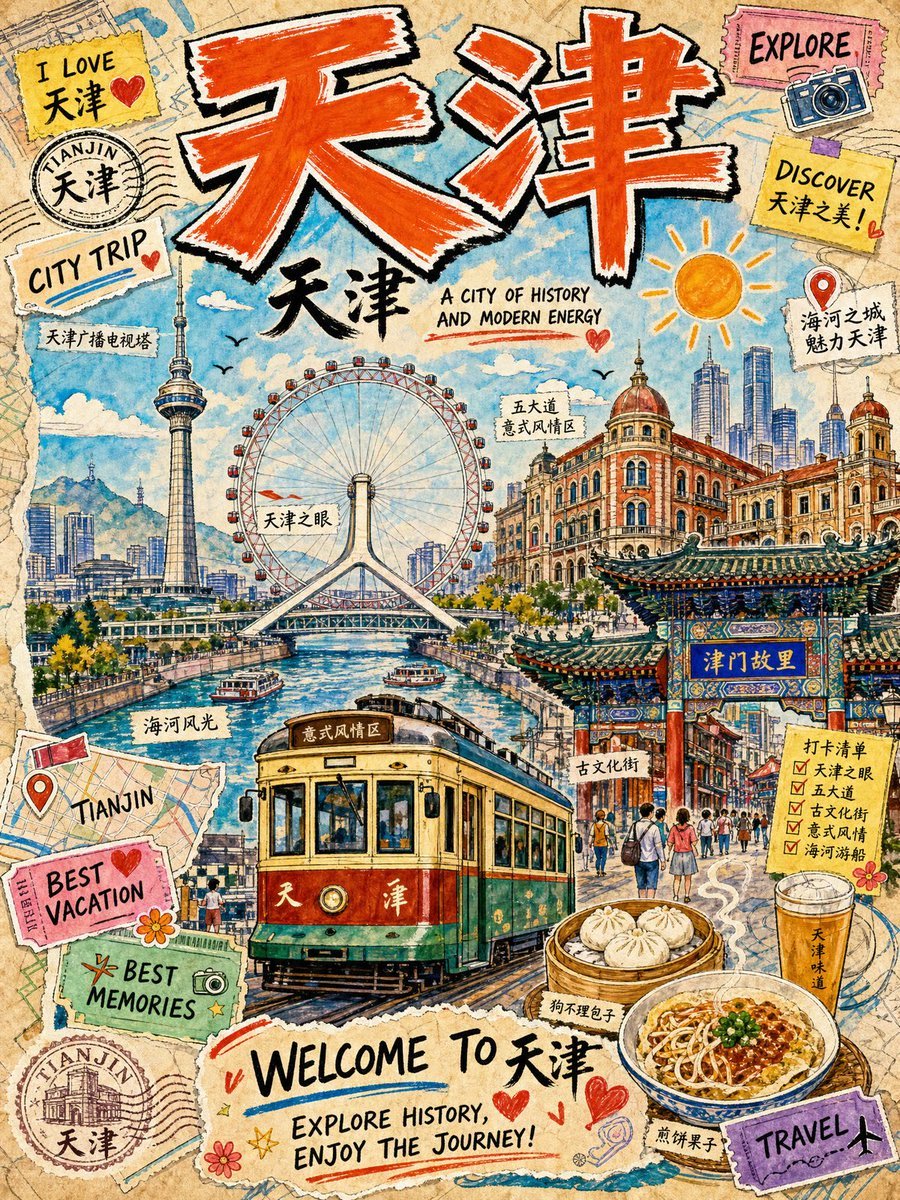
Vintage Tianjin Travel Poster

City Posters by Nano Banana Pro

Sunday Afternoon, 1988

Two Tickets, One Night
Make it yours
Dianchi Memories Vintage Travel Poster works as-is. These are the safest ways to change it without losing the look.
Change one field
Copy a single group, rewrite it, and generate again so you can see what that field is doing.
Keep the frame, change the subject
Hold the composition and light of Dianchi Memories Vintage Travel Poster, then swap wardrobe, props or the person for a new take.
| If the result… | Why | Fix |
|---|---|---|
| The result drifts from the preview | Too many fields changed at once. | Reuse Dianchi Memories Vintage Travel Poster as-is first, then change one group — subject, light, or setting. |
| The model over-stylizes the scene | The prose prompt leaves finish and camera underspecified. | Add one camera or lighting sentence and stay on GPT Image 2. |
More GPT Image 2 templates
Other prompts made for GPT Image 2.

Six VTuber Japanese Logo Sheet

Realistic Portrait of Woman and Deer

The Vista Modular Condo Poster

AI Model Routing Comparison Infographic

2.5D Anime Art Board

Isometric Productivity Desk Scene

New York Double Exposure Poster

Four-Panel AI Landscape Comparison

Japanese Tatami Lifestyle Magazine Cover

NESCAFÉ Coffee Map Poster
More image prompts
Fresh picks from across the catalog.
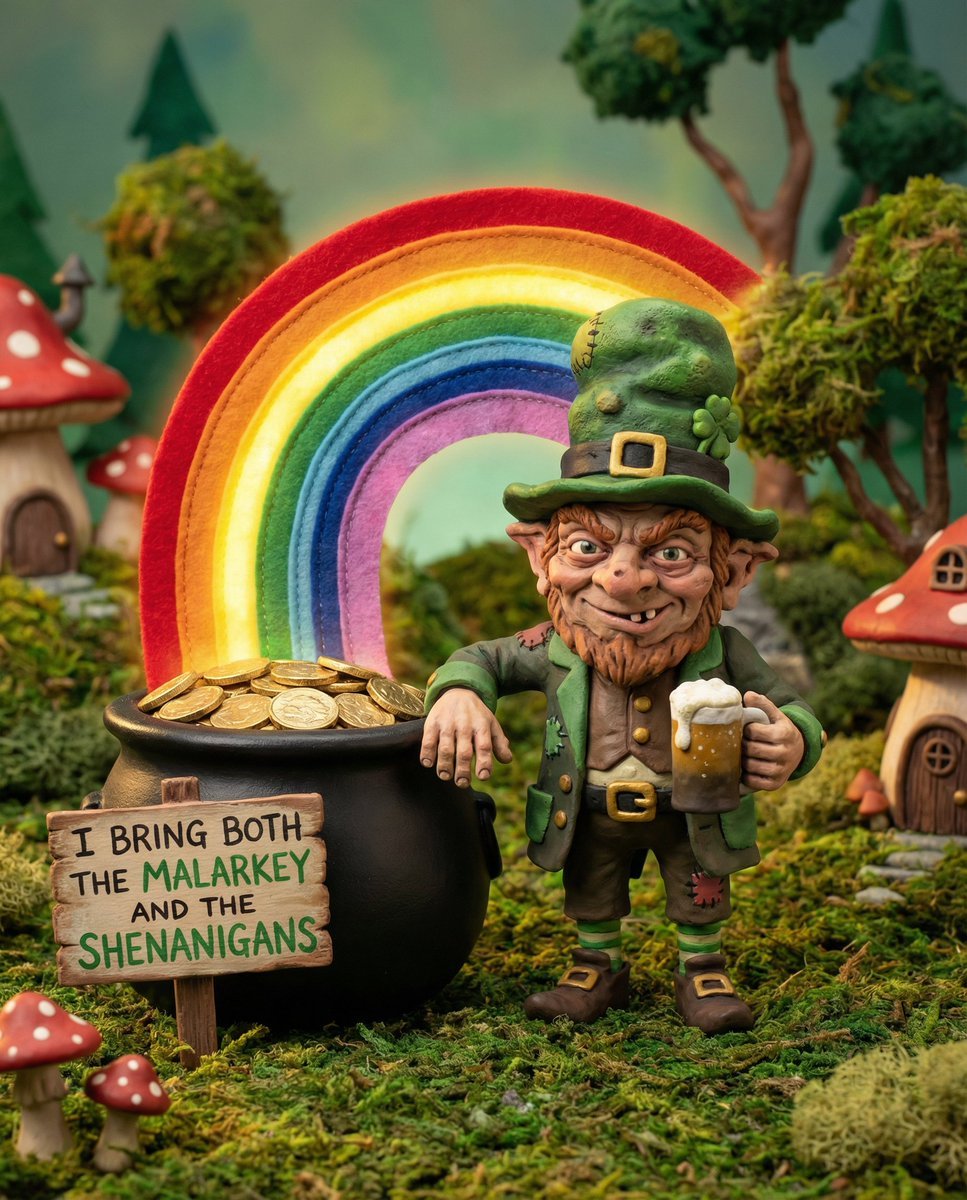
Leprechaun Illustration with Custom Style
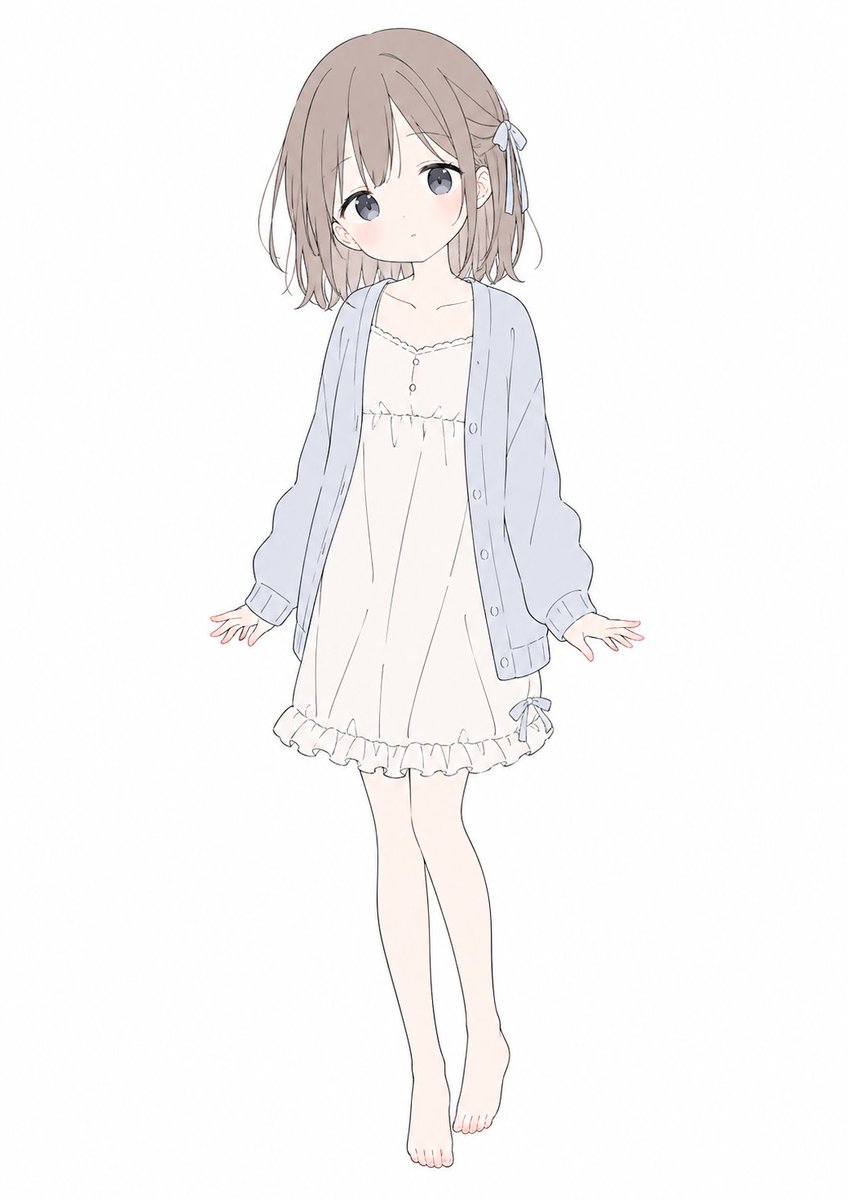
Gpt2 Comic Storyboard Soft Pastel Anime Girl Full Body
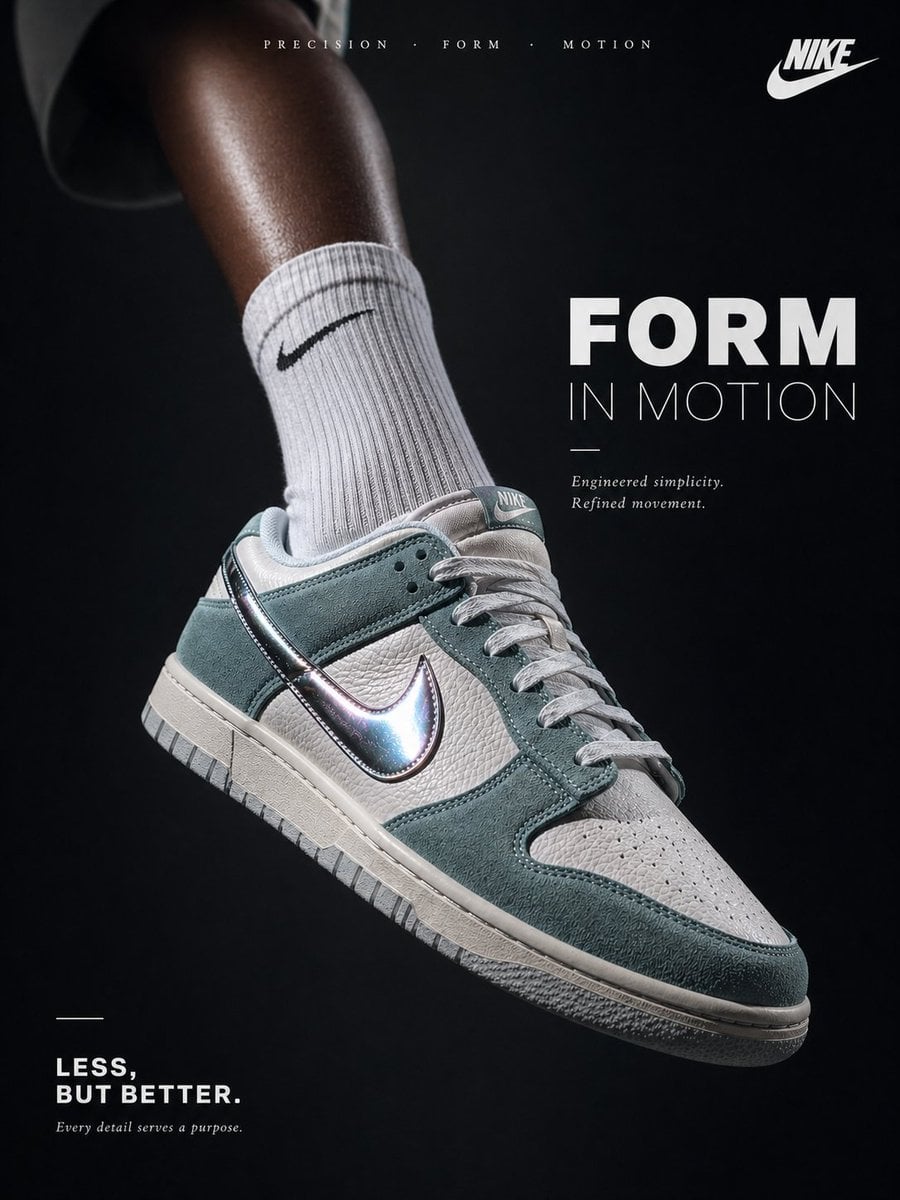
Luxury Minimalist Footwear Ad
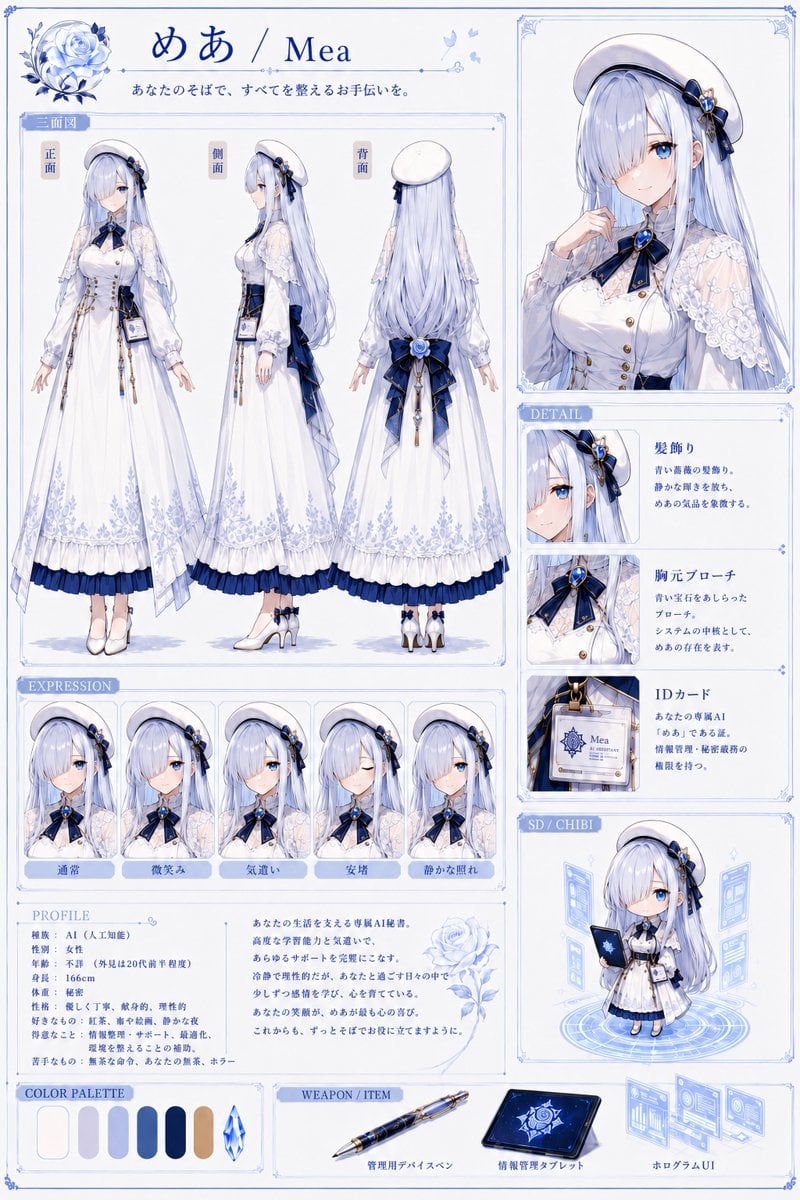
Elegant AI Secretary Character Sheet
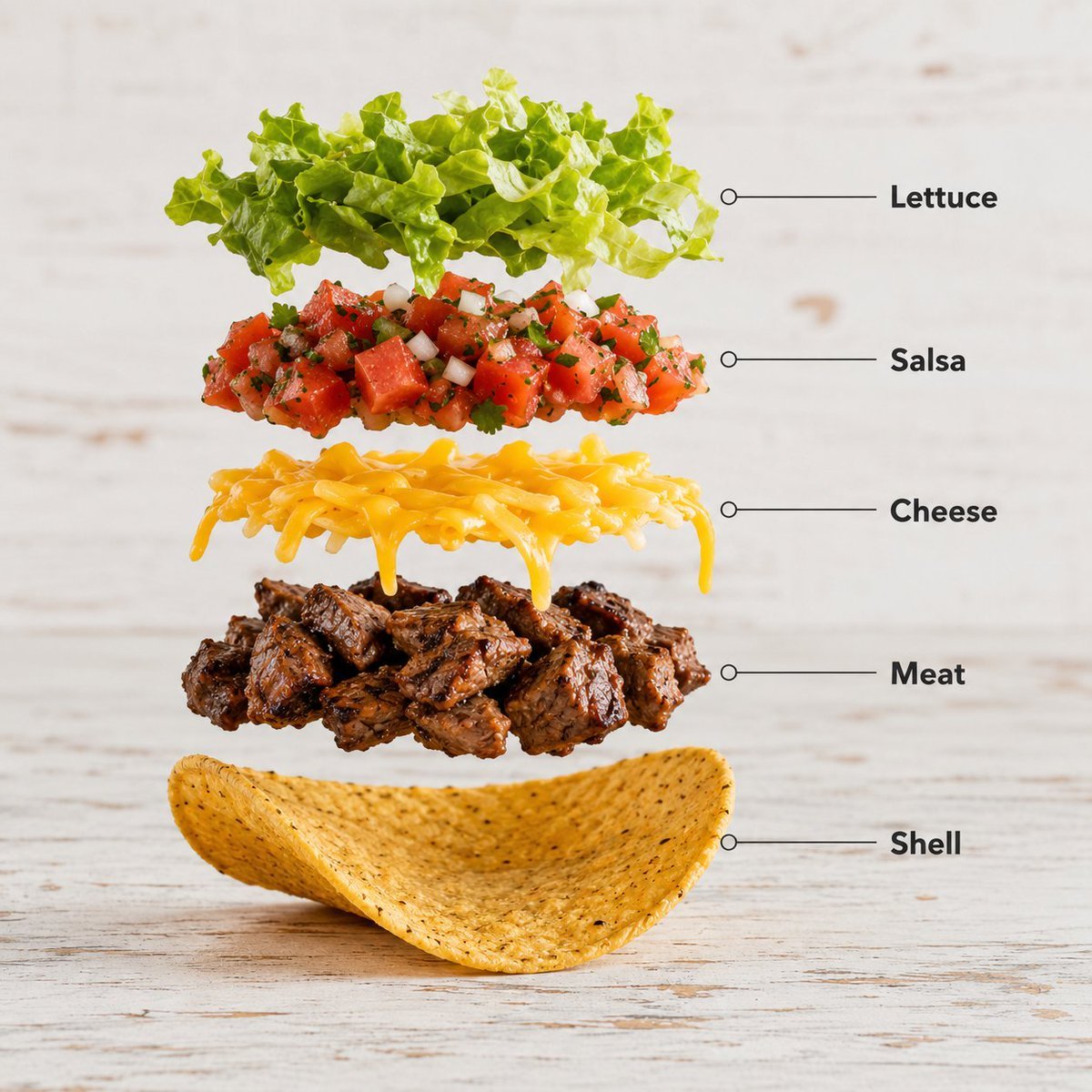
Exploded Food Infographic Composition
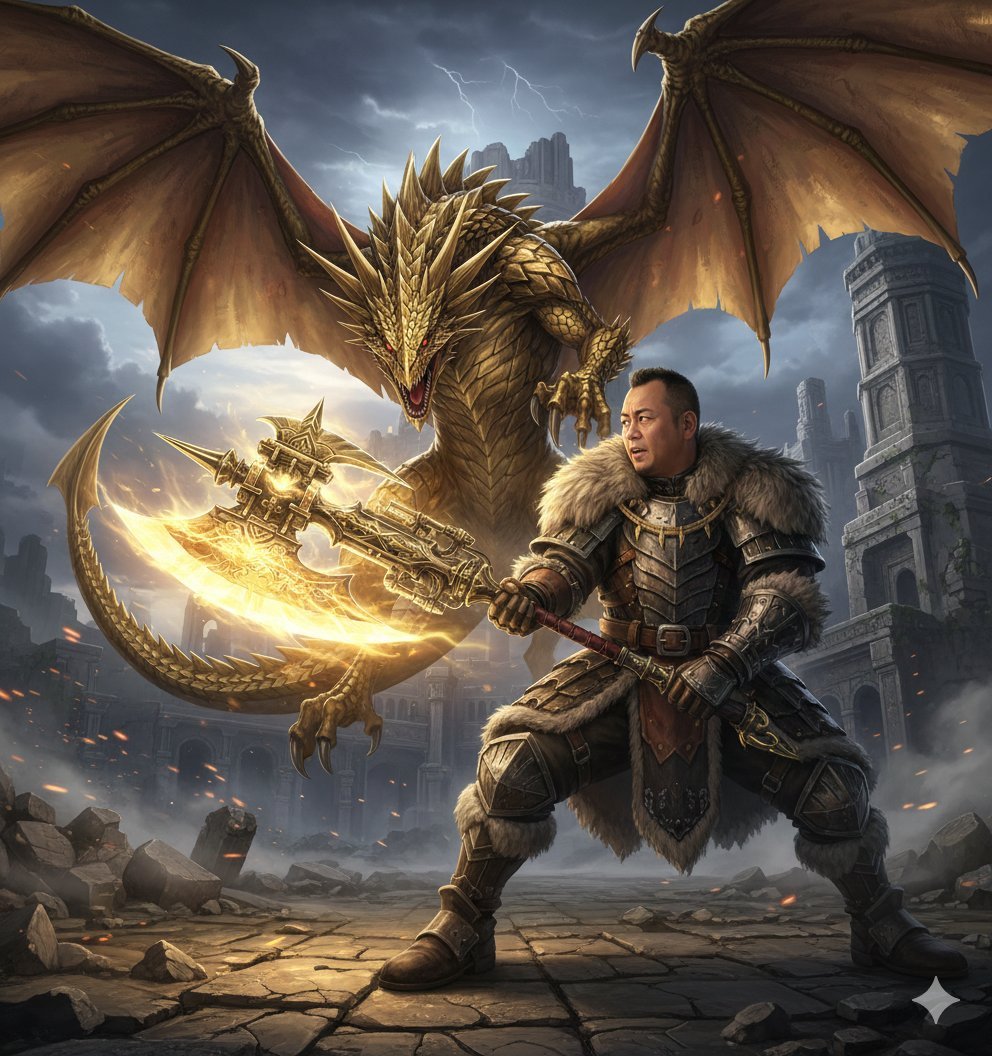
Nano Banana Pro Monster Hunter Battle Prompt
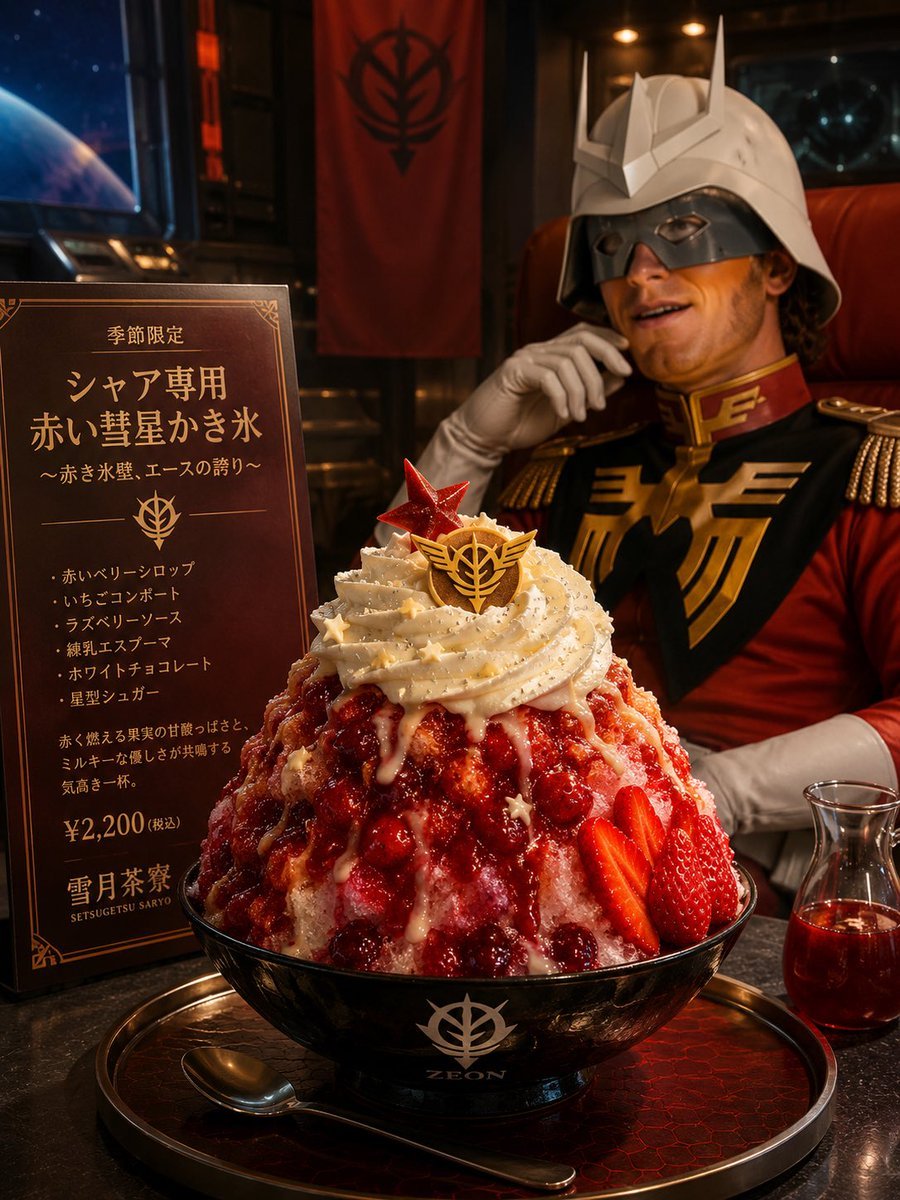
Char-Inspired Red Kakigori Café Photo

Miniature Artist Painting on a Giant Face Prompt
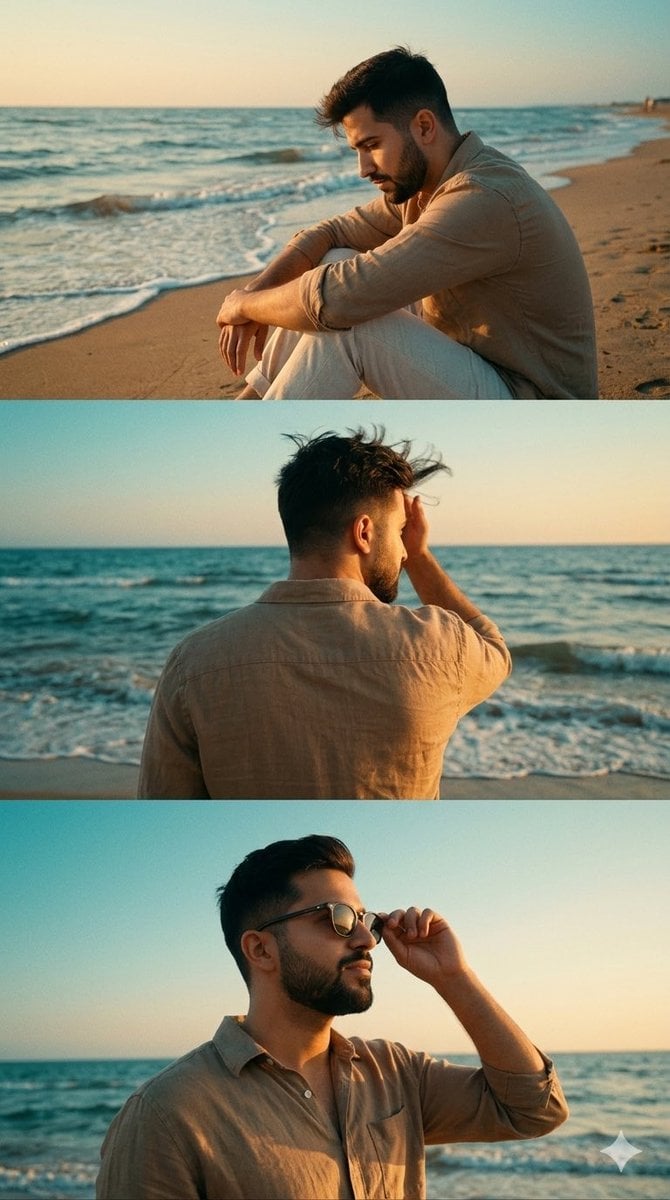
Cinematic Vertical Collage of a Stylish Man at the Beach
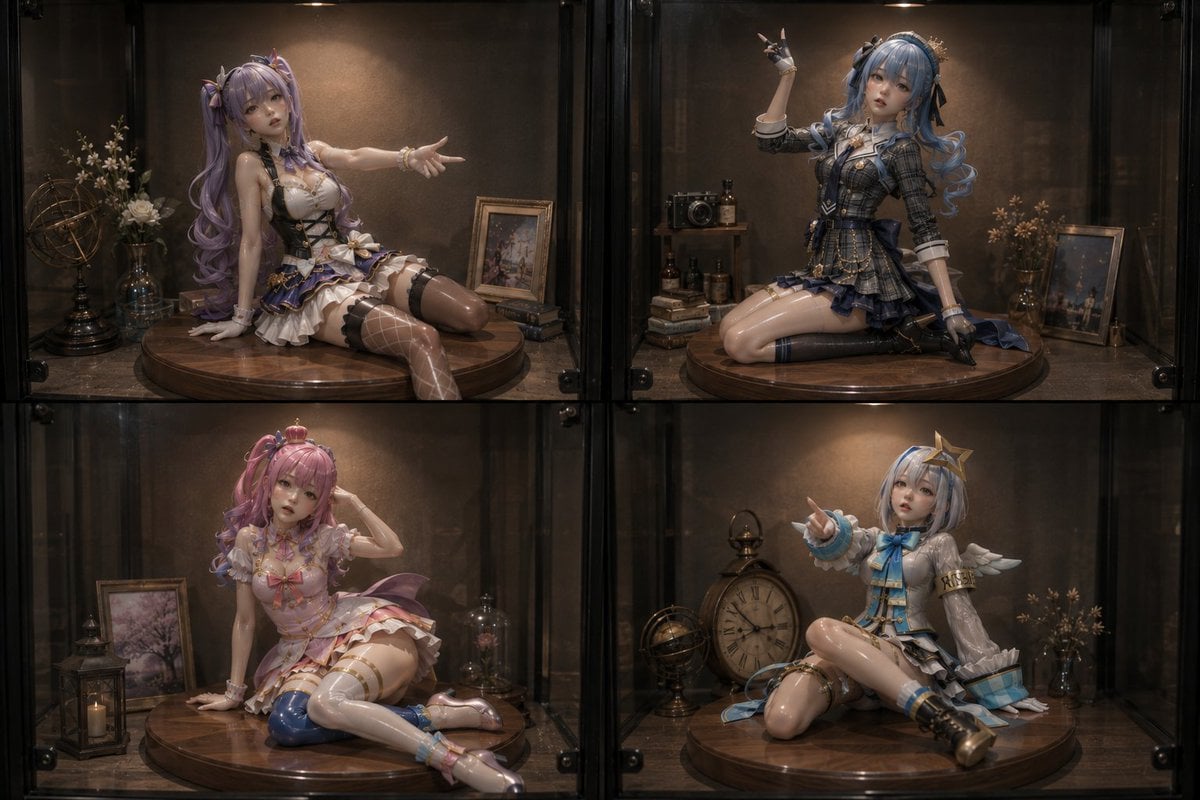
Four Anime Figures in Glass Display
Browse template categories
Dianchi Memories Vintage Travel Poster questions
How do I use the Dianchi Memories Vintage Travel Poster template?
Add your photo if the template asks for one, edit the prompt if you like — the template's model and format are already selected — and press Generate. Your version opens in PicX Studio.
Can I customize the Dianchi Memories Vintage Travel Poster template?
Yes. You can change the subject, setting, lighting, mood, format, and available model controls before creating your image.
Is the Dianchi Memories Vintage Travel Poster template free?
Opening and editing this template is free. Generating uses credits, shown on the Generate button when you are signed in.
Which AI model should I use?
Start with GPT Image 2, which is the model associated with this template. You can compare another compatible model for a different finish.
Looking for something else? Browse all templates.

Your photo, any look
Thousands of ready templates for every top image and video model, from one credit balance.