
Gpt2 Comic Storyboard Soft Pastel Anime Girl Full Body
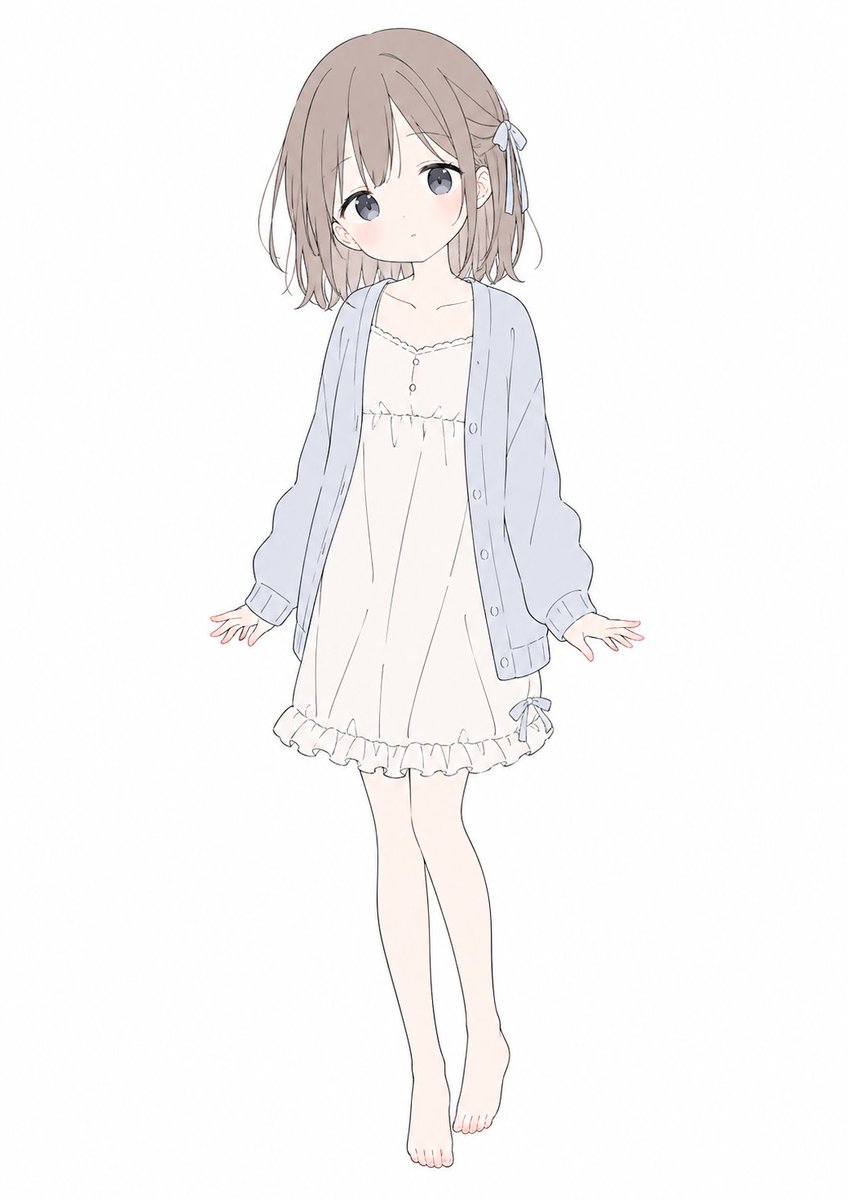
This generates a clean full-body anime character illustration in a minimalist pastel style, useful for testing character proportions, clothing design, and facial silhouette.
- Prompt included
- Model and format preset
- Free template
The prompt behind this image
Copy the exact prompt behind Gpt2 Comic Storyboard Soft Pastel Anime Girl Full Body, or open it in the studio and make it yours.
A full-body anime girl character design on a plain white background, centered and floating slightly, drawn in a soft minimalist pastel style with very thin gray linework and delicate flat colors. She has a petite youthful build and a cute, gentle silhouette, with special emphasis on a soft rounded face shape, smooth cheeks, and a softened jawline and chin. Her face is completely obscured by a blank skin-colored rectangular block with no facial features visible. She has short bob hair in {argument name="hair color" default="light ash brown"}, slightly tousled with wispy ends, long bangs covering part of the forehead, and a small ribbon hair tie on the right side in pale blue-gray. She wears 3 visible clothing pieces: an oversized pale blue cardigan with loose sleeves and front buttons, a cream-white slip dress with a scalloped neckline and a tiny button detail at the chest, and a frilled hem with a small ribbon near the right thigh. She is barefoot with slim pale legs, posed front-facing with both arms relaxed slightly outward, open hands, one leg straight and the other gently bent inward for a shy, weightless look. The illustration should feel airy, cute, understated, and clean, like a simple Japanese anime fashion sketch, with lots of negative space and no props, no shadows, and no background elements.
How to use Gpt2 Comic Storyboard Soft Pastel Anime Girl Full Body in 3 steps
- 1
Open
The prompt is already in the box next to the preview, with the template's model and format selected.
- 2…a portrait of your subject in softgolden-hour light, 85mm…
Personalize
Edit the subject and creative details for your destination.
- 3Generate
Generate
Press Generate — your image is created in PicX Studio, so you can compare it with the original and refine one variable at a time.
More like this
Templates with the same subject, style or setup. Open one to see its prompt.
Soft Pastel Anime Girl Full Body

Gpt2 E Commerce Main Image 9 Panel Product Tvc Storyboard
Gpt2 Profile Avatar Pastel Ai Assistant Anime Portrait
Anime Schoolgirl Late Morning Comic

Teen Girl Alpine Lake Mountain View

Watercolor Anim Finale Fireworks

Watercolor Anim Garden Maze

Watercolor Anim Rooftop Concert

Watercolor Anim Bicycle Coast

Watercolor Anim Castle Gate

Watercolor Anim Kitchen Chaos

Watercolor Anim Carnival Ride
Make it yours
Gpt2 Comic Storyboard Soft Pastel Anime Girl Full Body works as-is. These are the safest ways to change it without losing the look.
Change one field
Copy a single group, rewrite it, and generate again so you can see what that field is doing.
Keep the frame, change the subject
Hold the composition and light of gpt2-comic-storyboard-soft-pastel-anime-girl-full-body, then swap wardrobe, props or the person for a new take.
| If the result… | Why | Fix |
|---|---|---|
| The result drifts from the preview | Too many fields changed at once. | Reuse gpt2-comic-storyboard-soft-pastel-anime-girl-full-body as-is first, then change one group — subject, light, or setting. |
| The model over-stylizes the scene | The prose prompt leaves finish and camera underspecified. | Add one camera or lighting sentence and stay on GPT Image 2. |
More GPT Image 2 templates
Other prompts made for GPT Image 2.

Six VTuber Japanese Logo Sheet

Realistic Portrait of Woman and Deer

The Vista Modular Condo Poster

AI Model Routing Comparison Infographic

2.5D Anime Art Board

Isometric Productivity Desk Scene

New York Double Exposure Poster

Four-Panel AI Landscape Comparison

Japanese Tatami Lifestyle Magazine Cover

NESCAFÉ Coffee Map Poster
More image prompts
Fresh picks from across the catalog.
Cinematic Short Film Prompt for Art Creation

Character Generation from Google Slides Shapes
Rural Highway Drive Illustration
Cinematic Short Film Prompt: Woman Immersed in Art
Anthro Idol Group Concert Poster
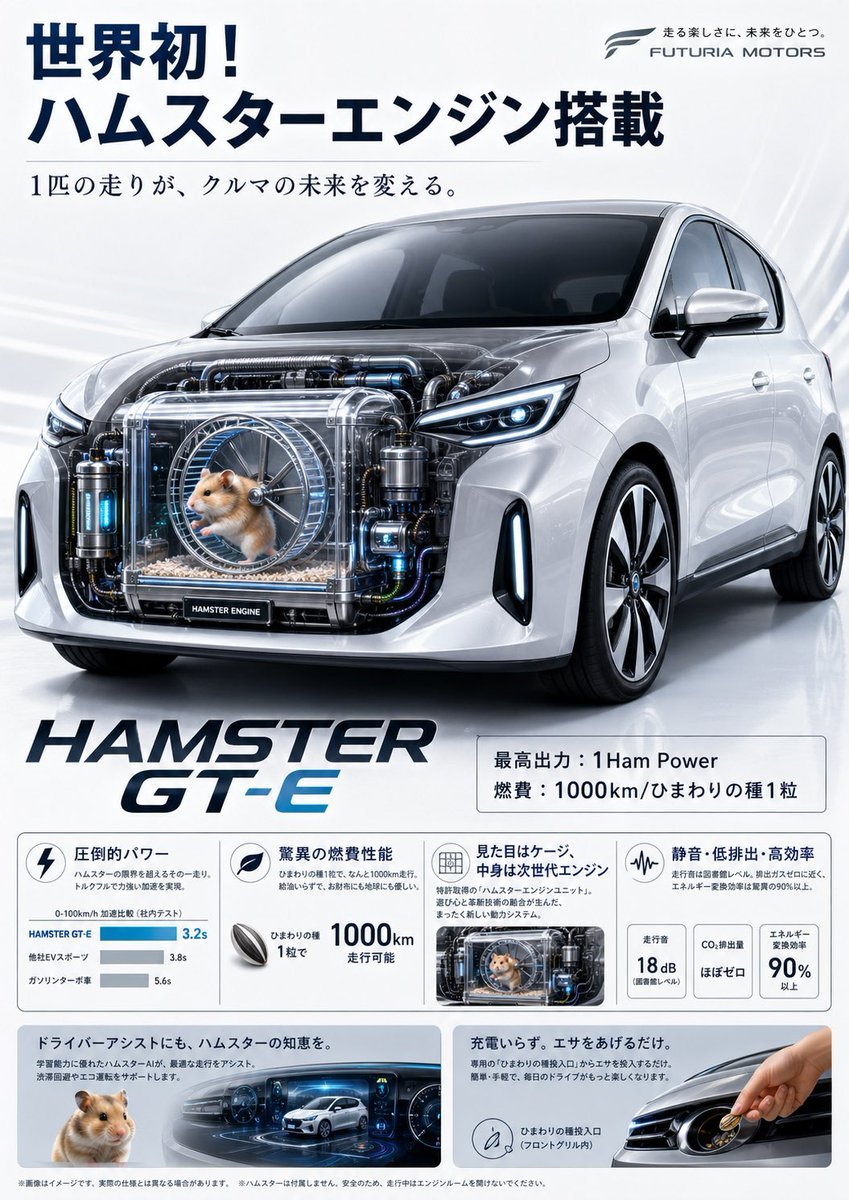
Fictional Hamster Engine Car Catalog
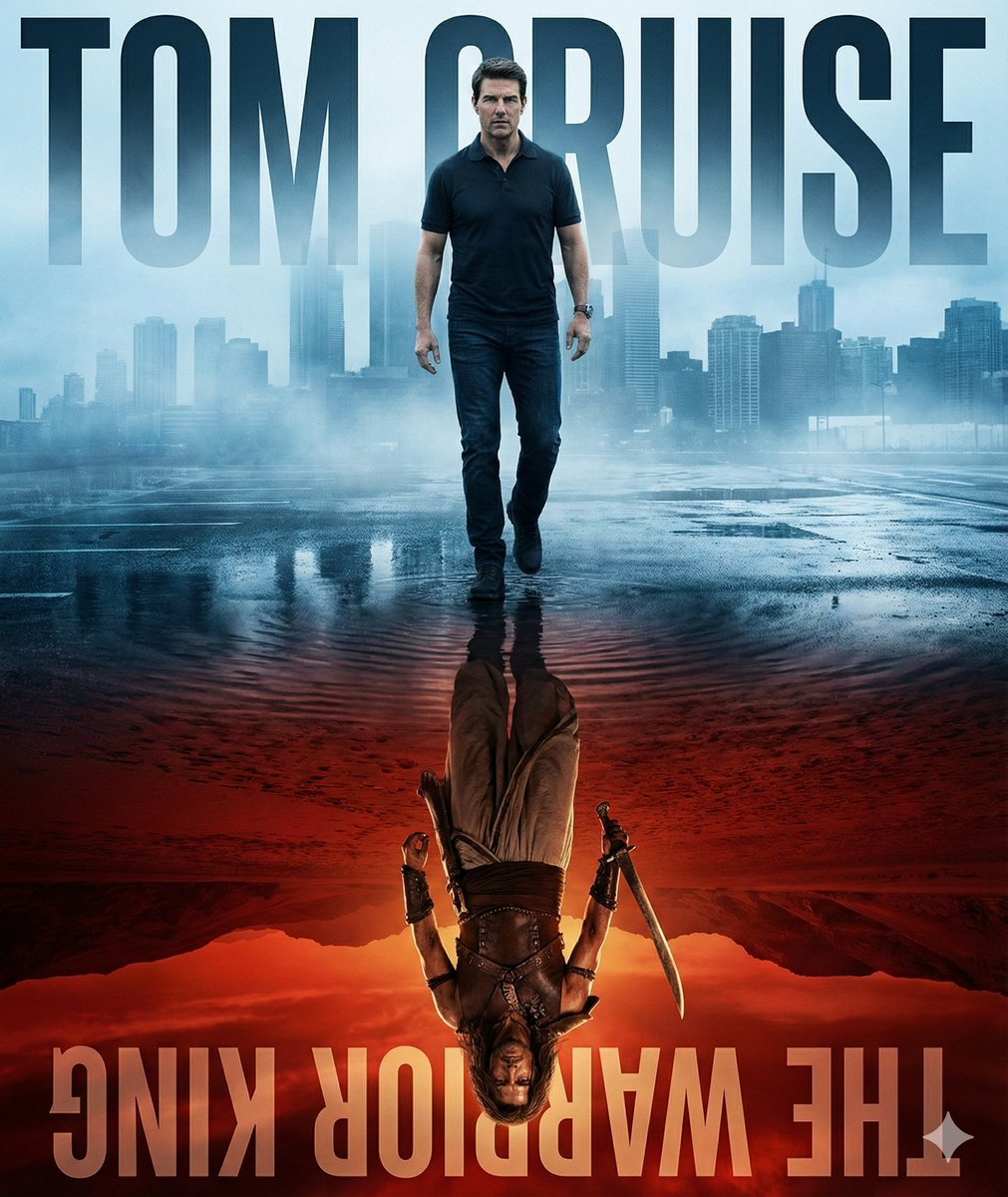
Person and Historical Character in Water Reflection Prompt
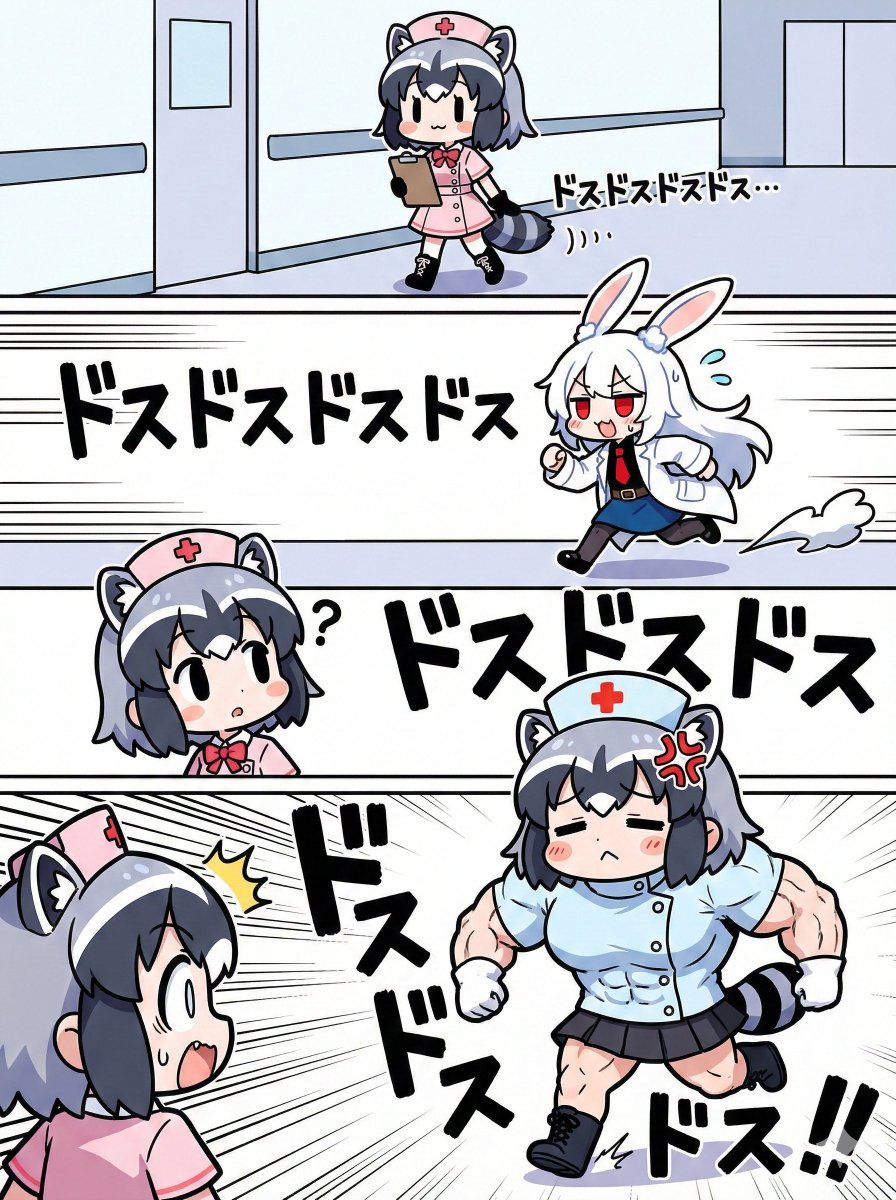
Nano Banana Pro Image Generation Prompt for Sunecat
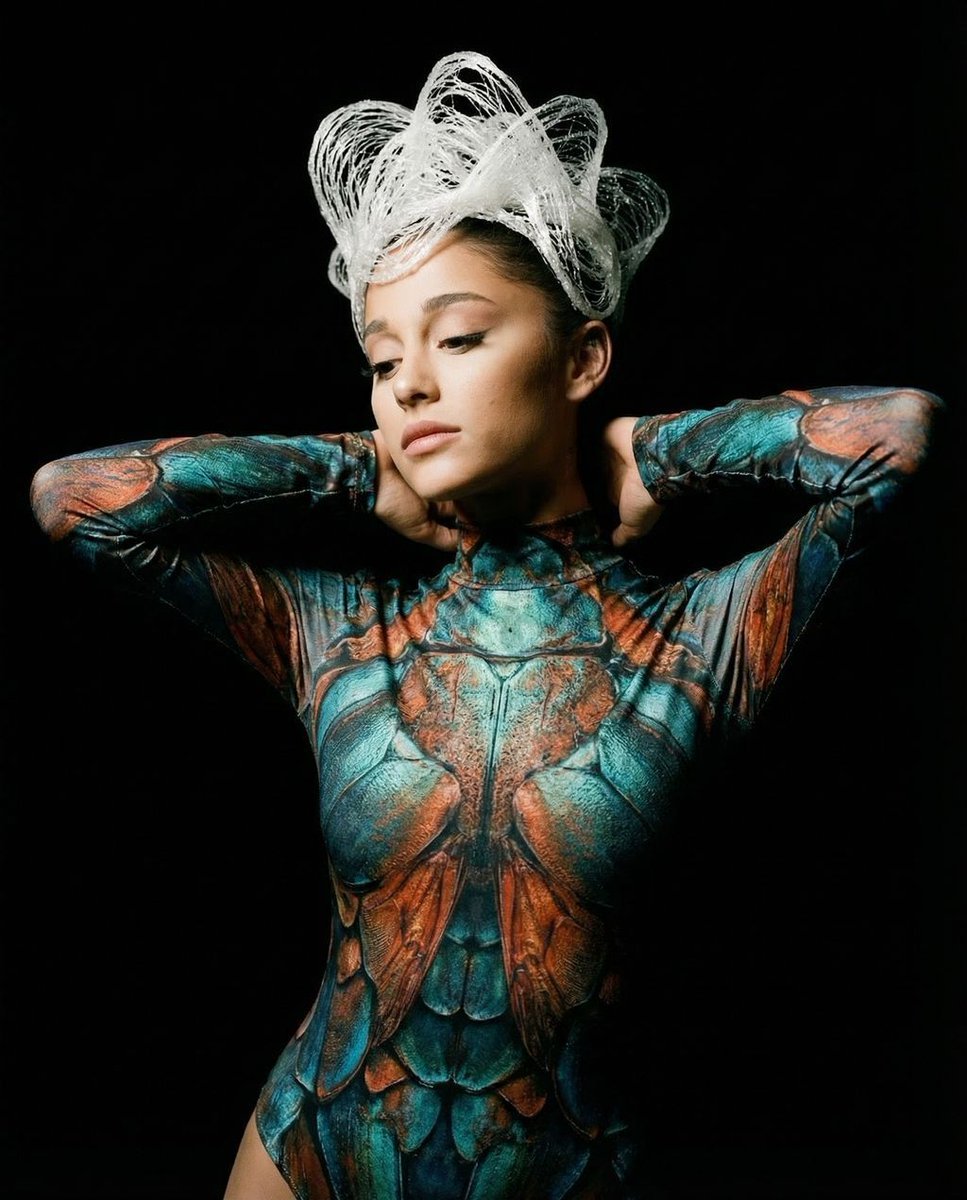
Hyper-Realistic Avant-Garde Fashion Portrait: Cellular Elegance
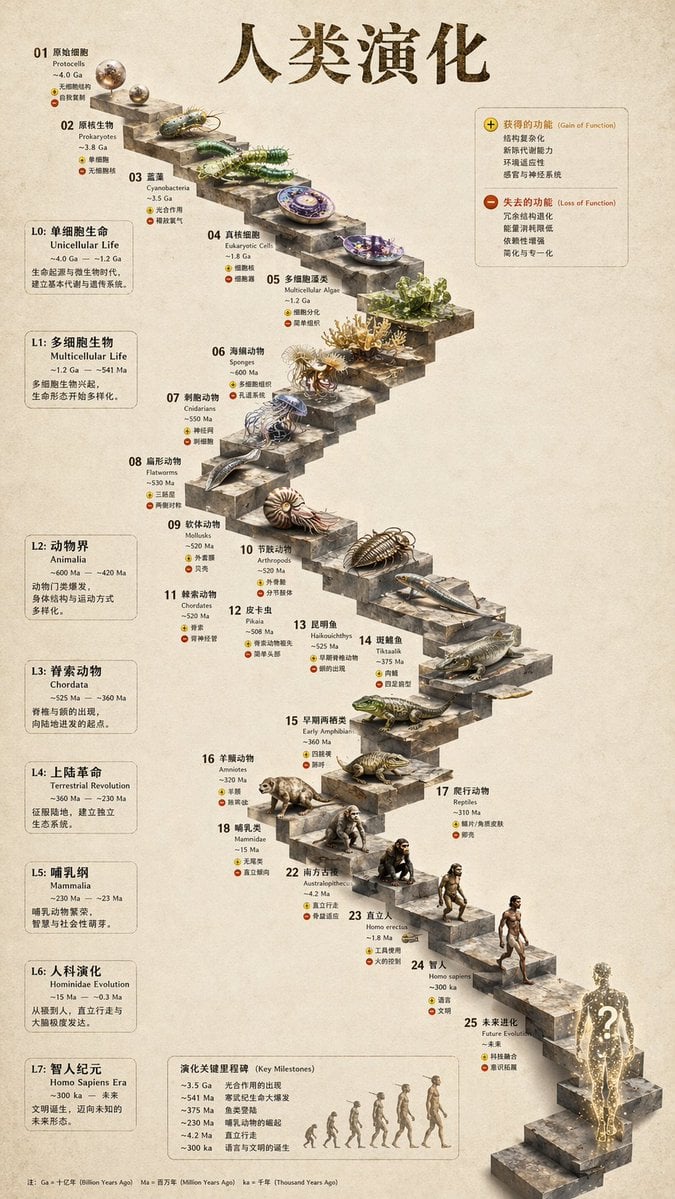
3D Stone Staircase Evolution Infographic
Featured in prompt roundups
Hand-picked collections that include this template.
Browse template categories
Gpt2 Comic Storyboard Soft Pastel Anime Girl Full Body questions
How do I use the gpt2-comic-storyboard-soft-pastel-anime-girl-full-body template?
Add your photo if the template asks for one, edit the prompt if you like — the template's model and format are already selected — and press Generate. Your version opens in PicX Studio.
Can I customize the gpt2-comic-storyboard-soft-pastel-anime-girl-full-body template?
Yes. You can change the subject, setting, lighting, mood, format, and available model controls before creating your image.
Is the gpt2-comic-storyboard-soft-pastel-anime-girl-full-body template free?
Opening and editing this template is free. Generating uses credits, shown on the Generate button when you are signed in.
Which AI model should I use?
Start with GPT Image 2, which is the model associated with this template. You can compare another compatible model for a different finish.
Looking for something else? Browse all templates.

Your photo, any look
Thousands of ready templates for every top image and video model, from one credit balance.